絵師
>
hits=16,283
$

NovelAI 絵師タグ一覧 — V4.5

artist --count 16,283
[12/272]
metal owl (aden12)
ARTIST0x0294
0
posts=229·▲708
eudetenis
ARTIST0x0295
0
posts=654·▲707
pinta (ayashii bochi)
ARTIST0x0296
0
posts=424·▲706
toshizou (0714)
ARTIST0x0297
0
posts=313·▲706
kanzarin
ARTIST0x0298
6
posts=468·▲704
enma (enmanuelart)
ARTIST0x0299
0
posts=316·▲704
tsuaii
ARTIST0x029A
0
posts=275·▲704
naha78
ARTIST0x029B
0
posts=223·▲703
fantongjun
ARTIST0x029C
0
posts=348·▲702
anima (togashi)
ARTIST0x029D
0
posts=185·▲702
nuda
ARTIST0x029E
0
posts=181·▲702
tatsuya (trypaint)
ARTIST0x029F
0
posts=140·▲702
kawa683
ARTIST0x02A0
0
posts=109·▲702
wakura (gcdan)
ARTIST0x02A1
0
posts=660·▲701
unstableboiler
ARTIST0x02A2
0
posts=124·▲701
incase
ARTIST0x02A3
0
posts=374·▲700
thirty 8ght
ARTIST0x02A4
1
posts=271·▲700
meolucky147
ARTIST0x02A5
0
posts=116·▲699
mikazuchi zeus
ARTIST0x02A6
0
posts=558·▲697
ame (uten cancel)
ARTIST0x02A7
0
posts=317·▲697
damobelmont
ARTIST0x02A8
0
posts=162·▲697
renetan
ARTIST0x02A9
0
posts=335·▲696
nannung
ARTIST0x02AA
0
posts=278·▲696
kani fish
ARTIST0x02AB
1
posts=216·▲696
naxius noxy
ARTIST0x02AC
0
posts=108·▲696
zynxy
ARTIST0x02AD
0
posts=165·▲695
h.an (516635864)
ARTIST0x02AE
0
posts=134·▲695
yaneko uta
ARTIST0x02AF
0
posts=814·▲694
puge
ARTIST0x02B0
0
posts=304·▲694
myung yi
ARTIST0x02B1
1
posts=138·▲694
minted
ARTIST0x02B2
0
posts=108·▲694
gaou (umaiyo puyoman)
ARTIST0x02B3
4
posts=886·▲693
funii
ARTIST0x02B4
1
posts=141·▲693
tilt-shift (azalanz)
ARTIST0x02B5
0
posts=457·▲692
easonx
ARTIST0x02B6
0
posts=429·▲692
zhen lu
ARTIST0x02B7
0
posts=194·▲692
roncostar
ARTIST0x02B8
0
posts=167·▲692
kannko bokujou
ARTIST0x02B9
1
posts=604·▲691
loodncrood
ARTIST0x02BA
0
posts=330·▲691
animanghayo
ARTIST0x02BB
0
posts=158·▲690
xipa
ARTIST0x02BC
2
posts=89·▲690
andou shuki
ARTIST0x02BD
0
posts=527·▲689
poper (arin sel)
ARTIST0x02BE
0
posts=189·▲689
babu
ARTIST0x02BF
0
posts=164·▲689
carlo montie
ARTIST0x02C0
0
posts=359·▲688
zd (pixiv6210083)
ARTIST0x02C1
0
posts=359·▲688
rat huang
ARTIST0x02C2
0
posts=346·▲688
akaoni (zumt3548)
ARTIST0x02C3
0
posts=337·▲688
sayika
ARTIST0x02C4
1
posts=251·▲688
kurono mitsuki
ARTIST0x02C5
5
posts=226·▲688
happoubi jin
ARTIST0x02C6
3
posts=1,313·▲687
royboy
ARTIST0x02C7
0
posts=216·▲687
kazuma (kazumav)
ARTIST0x02C8
0
posts=557·▲686
masaki (ekakiningen)
ARTIST0x02C9
0
posts=267·▲686
yohane
ARTIST0x02CA
0
posts=2,589·▲685
ichimi
ARTIST0x02CB
0
posts=2,267·▲685
shirosato
ARTIST0x02CC
0
posts=1,552·▲685
meito (maze)
ARTIST0x02CD
0
posts=1,364·▲685
satou kibi
ARTIST0x02CE
1
posts=1,339·▲685
ogami kazuki
ARTIST0x02CF
0
posts=1,321·▲685

このカテゴリのタグが変えるもの

絵師タグ(アーティストタグ)は、NovelAI Diffusionに特定の絵師の画風を指示するタグです。線の太さ、塗りの質感、顔の造形、色の選び方といった絵柄の要素がまとめて変わります。キャラや服のタグが「何を描くか」を決めるのに対し、絵師タグは「どう描くか」を決めます。 現在16,283件のタグをV4.5で収録しています。

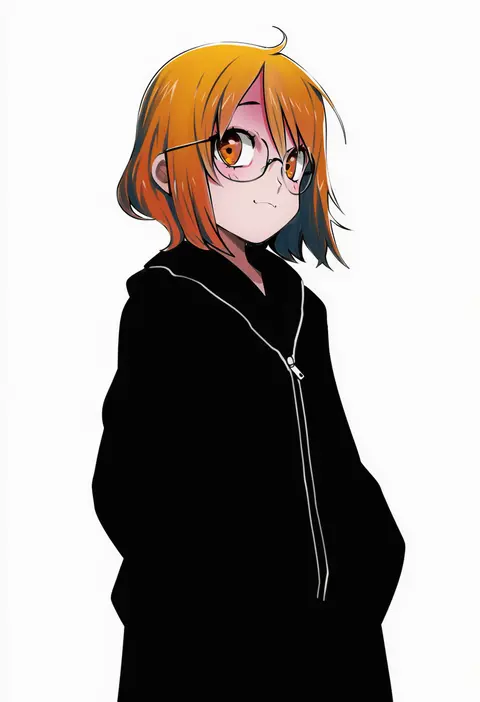
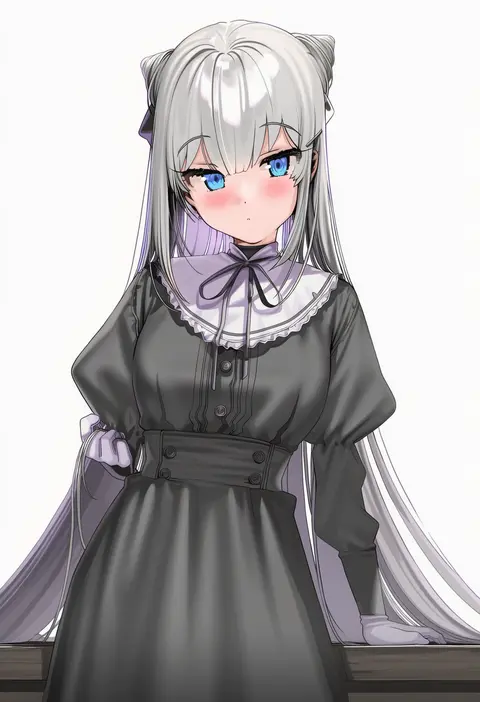
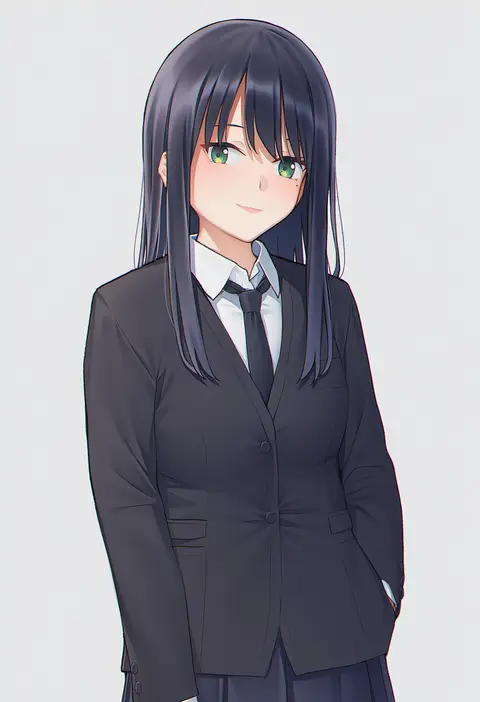
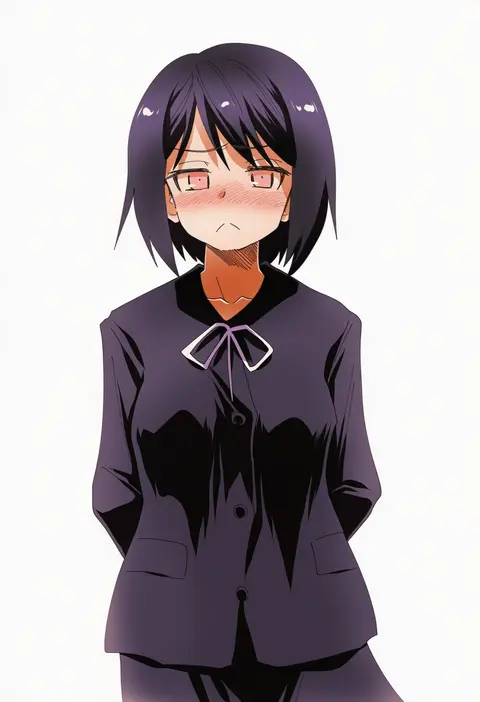
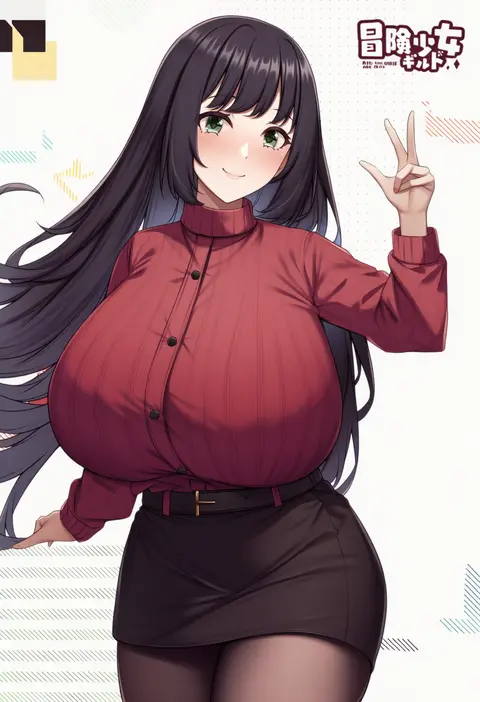
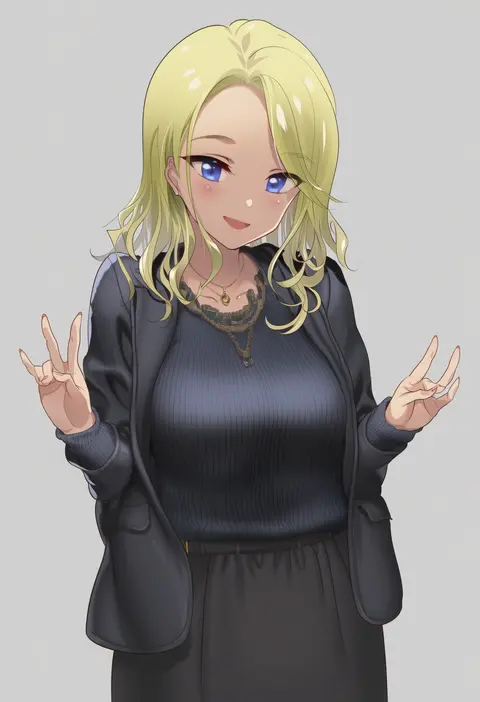
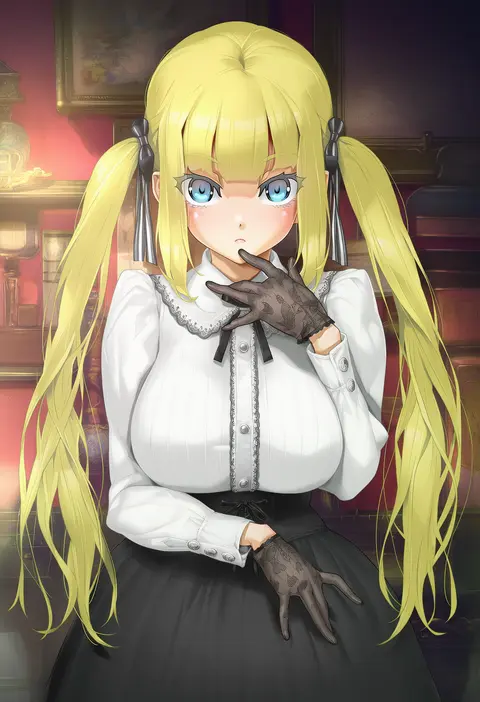
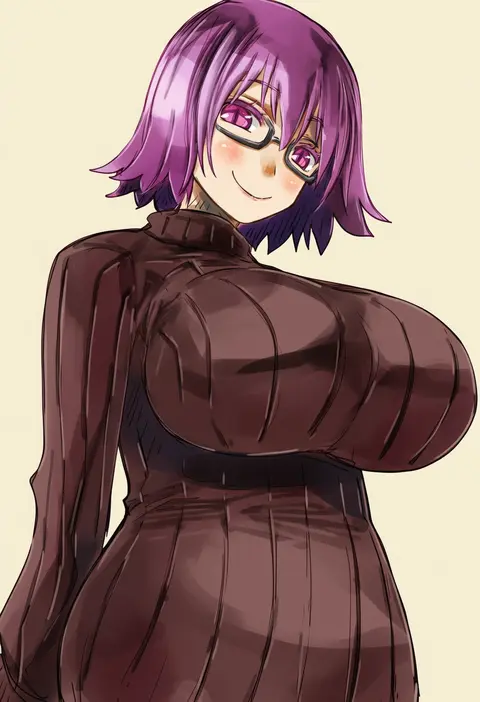
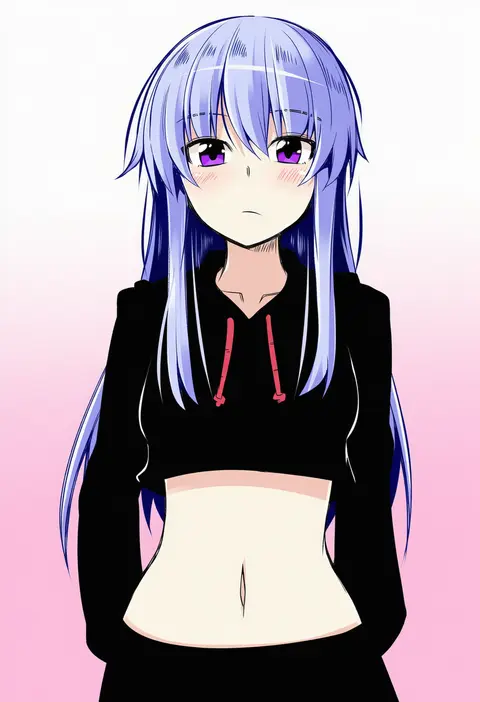
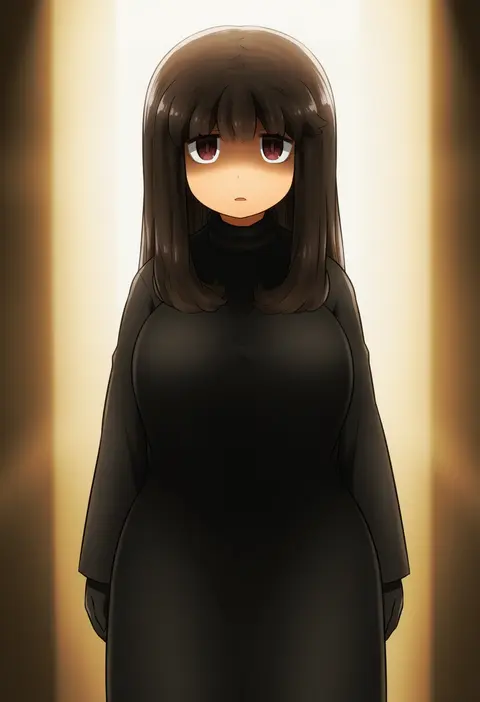
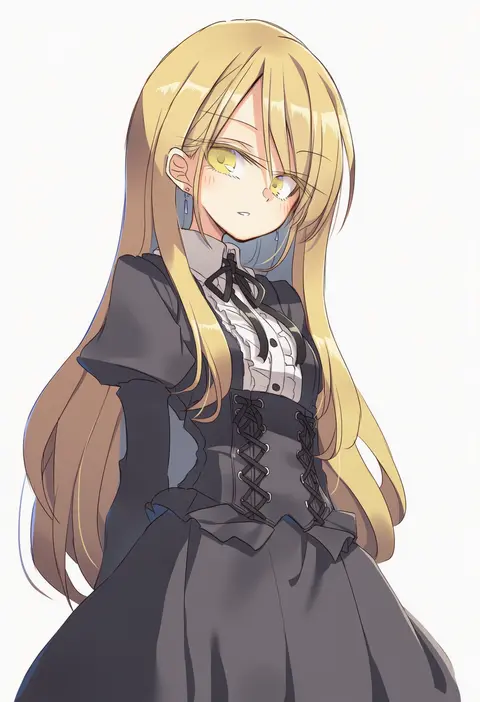
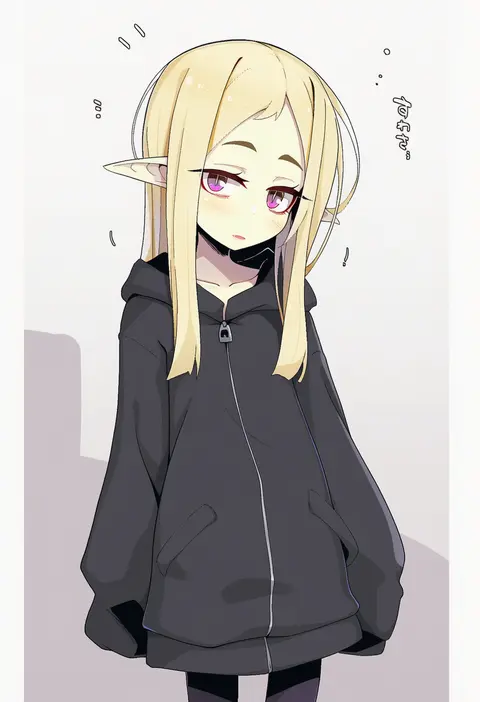
この一覧には、NovelAIで反応することを確認できた絵師タグだけを載せています。すべて同じプロンプト、同じseed、同じ生成条件で絵師タグ1語だけを差し替えて生成しているので、2枚の違いはそのタグが持ち込んだ画風の差だけです。並べて見るだけで、どの絵師タグが自分の狙いに近いかを判断できます。

使い方と書く位置

絵師タグはプロンプトの先頭近くに置くと効き方が強くなります。たとえば「<絵師タグ>, 1girl, solo, best quality, masterpiece, cowboy shot」の形です。2〜3人の絵師タグを並べると画風が混ざり、1人では出せない中間の絵柄になります。効きが強すぎるときは「0.8::<絵師タグ>::」のように強度を下げると、キャラの再現を保ったまま画風だけを薄く乗せられます。

並び順はSCOREがDanbooruの代表スコア順、POSTSが作品数順、FAVSが当サイトでの♥数順です。評価の定まった絵師から探すならSCORE、学習データの多い絵師を試すならPOSTSが向いています。気になるカードを開くと、V5とV4.5の生成結果を同じseedで並べて確認できます。

V5とV4.5の違い

同じ絵師タグでも、V5のほうがその絵師の画風に近づく傾向があります。V4.5で反応しなかったタグがV5では反応する例も多くあります。一方でV4.5は古い学習データを広く含むため、以前の絵師や同人系の絵師ではV4.5のほうが合う場面が残っています。まずV5で試し、合わなければV4.5に戻すのが扱いやすい順序です。

よくある質問

絵師タグはどこに書けばよいですか?
プロンプトの先頭近くです。後ろに置くほど影響が弱くなります。強さを調整したいときは「0.8::タグ::」の形で強度を指定します。

絵師タグを複数入れるとどうなりますか?
画風が混ざります。2〜3人までなら安定しますが、増やすほど特徴が薄まり、どの絵師でもない絵柄になります。

この一覧に載っていない絵師タグは使えませんか?
NovelAIで反応を確認できたタグだけを載せています。載っていないタグは反応が弱いか、未検証です。確認でき次第追加します。

画像は絵師本人の作品ですか?
いいえ。すべてNovelAI Diffusionが絵師タグから生成したサンプルで、本人の作品は含みません。