絵師
>
hits=16,283
$

NovelAI 絵師タグ一覧 — V4.5

artist --count 16,283
[19/272]
kuria (clear trip second)
ARTIST0x0438
0
posts=306·▲620
noill
ARTIST0x0439
0
posts=157·▲620
ayagi daifuku
ARTIST0x043A
1
posts=580·▲619
ricochet-gou
ARTIST0x043B
0
posts=333·▲619
ooyun
ARTIST0x043C
0
posts=328·▲619
paintrfiend
ARTIST0x043D
0
posts=269·▲619
michiking
ARTIST0x043E
1
posts=228·▲619
togo (korlsj1235)
ARTIST0x043F
0
posts=145·▲619
rebutsu
ARTIST0x0440
0
posts=137·▲619
yizhirenben
ARTIST0x0441
0
posts=137·▲619
andro juniarto
ARTIST0x0442
0
posts=113·▲619
murabito c
ARTIST0x0443
0
posts=461·▲618
7gao
ARTIST0x0444
1
posts=249·▲618
vibrantrida
ARTIST0x0445
0
posts=114·▲618
gojarun
ARTIST0x0446
0
posts=362·▲617
maku ro
ARTIST0x0447
0
posts=274·▲617
hiruno
ARTIST0x0448
0
posts=237·▲617
sane-person
ARTIST0x0449
0
posts=189·▲617
kouya toufu
ARTIST0x044A
0
posts=157·▲617
dirty ero
ARTIST0x044B
0
posts=123·▲617
haowei wu
ARTIST0x044C
1
posts=99·▲616
bosshi
ARTIST0x044D
1
posts=1,015·▲615
tokiwa midori (kyokutou funamushi)
ARTIST0x044E
1
posts=367·▲615
rome romedo
ARTIST0x044F
0
posts=173·▲615
fungi542
ARTIST0x0450
0
posts=257·▲614
luminous
ARTIST0x0451
0
posts=184·▲614
iceringer
ARTIST0x0452
0
posts=104·▲614
kion-kun
ARTIST0x0453
0
posts=395·▲613
chipa (arutana)
ARTIST0x0454
0
posts=569·▲612
modare
ARTIST0x0455
0
posts=832·▲611
tengu (tetuo kun)
ARTIST0x0456
0
posts=365·▲611
blade (galaxist)
ARTIST0x0457
6
posts=3,062·▲610
tinnies
ARTIST0x0458
0
posts=362·▲610
kaptivate
ARTIST0x0459
1
posts=332·▲610
zeon (zzeeonn)
ARTIST0x045A
0
posts=126·▲610
fluffyebi01
ARTIST0x045B
0
posts=113·▲610
blue borscht
ARTIST0x045C
0
posts=489·▲609
bae.c
ARTIST0x045D
0
posts=444·▲609
k0ng
ARTIST0x045E
0
posts=383·▲609
akino komichi
ARTIST0x045F
0
posts=356·▲609
ataruman
ARTIST0x0460
0
posts=309·▲609
kamukamu (ars)
ARTIST0x0461
0
posts=622·▲608
kabu usagi
ARTIST0x0462
0
posts=190·▲608
banana oekaki
ARTIST0x0463
0
posts=124·▲608
ohta yuichi
ARTIST0x0464
1
posts=643·▲607
torimaru
ARTIST0x0465
0
posts=536·▲607
chintora0201
ARTIST0x0466
0
posts=264·▲607
vayneeeee
ARTIST0x0467
1
posts=218·▲607
sollyz
ARTIST0x0468
0
posts=309·▲606
aoi riko
ARTIST0x0469
0
posts=299·▲606
sirachi
ARTIST0x046A
0
posts=247·▲606
kitou sakeru
ARTIST0x046B
0
posts=145·▲606
azasuke
ARTIST0x046C
0
posts=945·▲605
kuavera
ARTIST0x046D
0
posts=1,295·▲604
endou hiroto
ARTIST0x046E
0
posts=417·▲604
scathegrapes
ARTIST0x046F
0
posts=154·▲604
zhiyou ruozhe
ARTIST0x0470
0
posts=115·▲604
smlltb
ARTIST0x0471
0
posts=113·▲604
hanpenmaru
ARTIST0x0472
0
posts=542·▲603
ev (dai00888)
ARTIST0x0473
1
posts=188·▲603

このカテゴリのタグが変えるもの

絵師タグ(アーティストタグ)は、NovelAI Diffusionに特定の絵師の画風を指示するタグです。線の太さ、塗りの質感、顔の造形、色の選び方といった絵柄の要素がまとめて変わります。キャラや服のタグが「何を描くか」を決めるのに対し、絵師タグは「どう描くか」を決めます。 現在16,283件のタグをV4.5で収録しています。

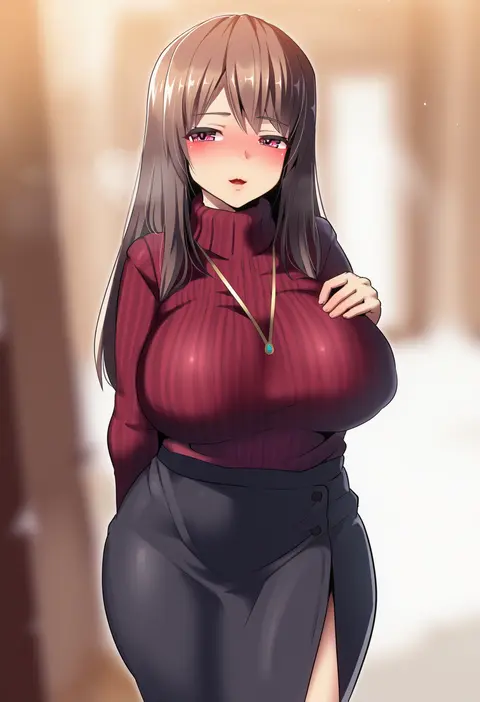
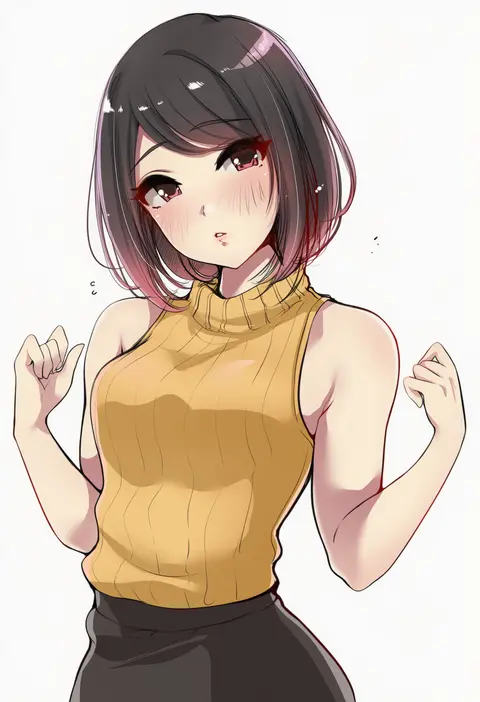
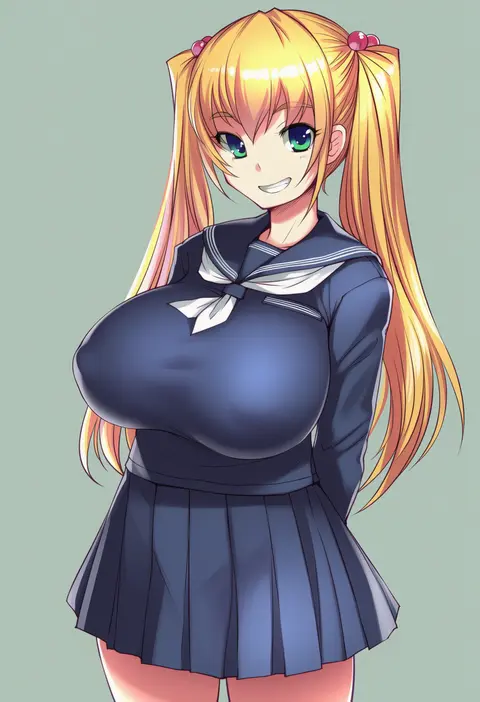
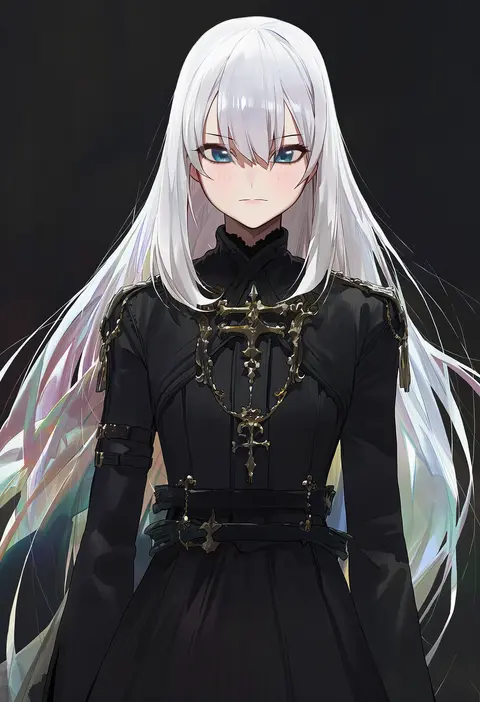
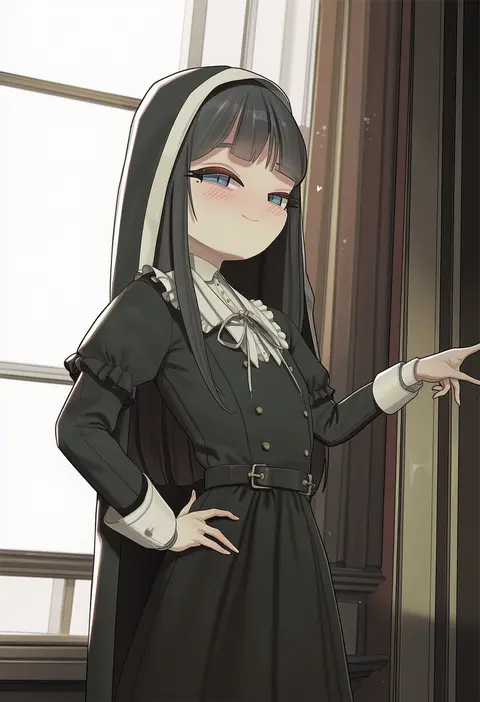
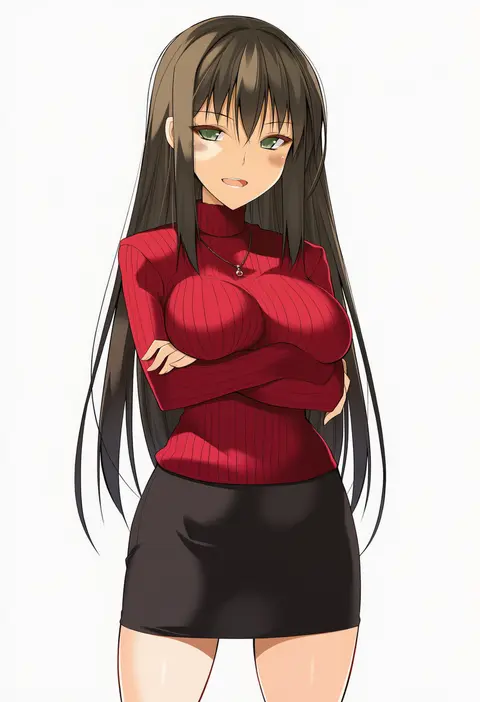
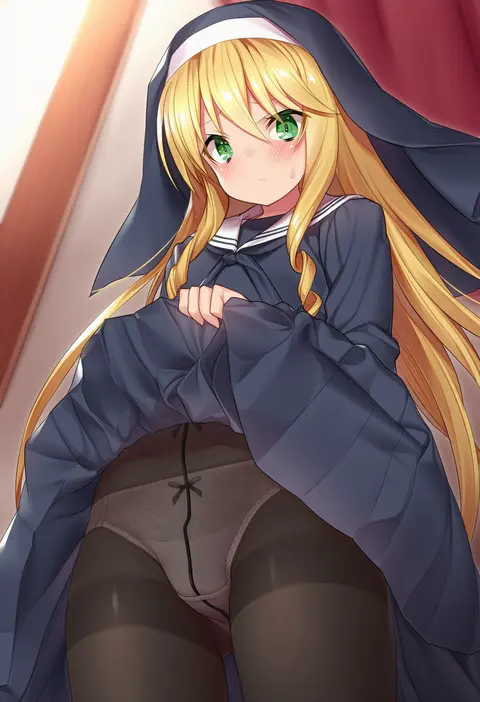
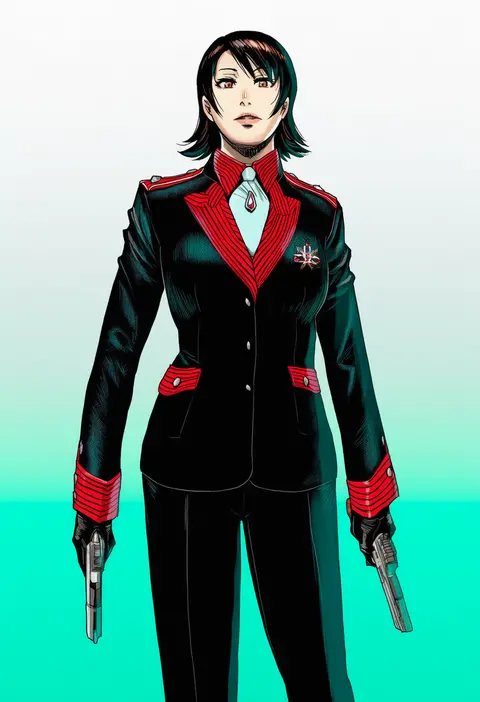
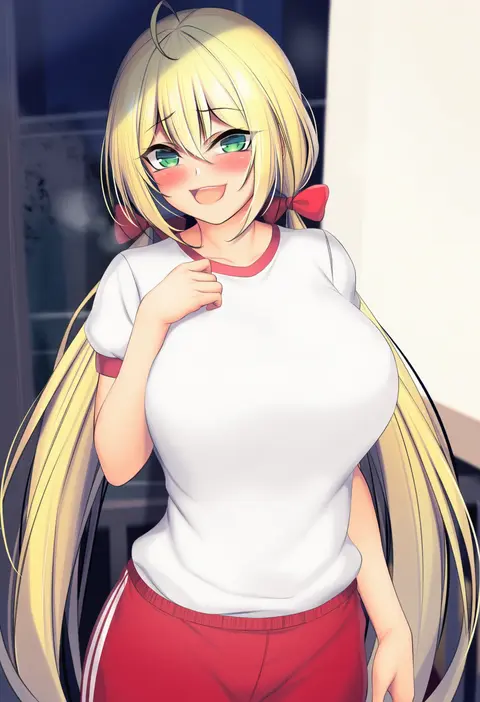
この一覧には、NovelAIで反応することを確認できた絵師タグだけを載せています。すべて同じプロンプト、同じseed、同じ生成条件で絵師タグ1語だけを差し替えて生成しているので、2枚の違いはそのタグが持ち込んだ画風の差だけです。並べて見るだけで、どの絵師タグが自分の狙いに近いかを判断できます。

使い方と書く位置

絵師タグはプロンプトの先頭近くに置くと効き方が強くなります。たとえば「<絵師タグ>, 1girl, solo, best quality, masterpiece, cowboy shot」の形です。2〜3人の絵師タグを並べると画風が混ざり、1人では出せない中間の絵柄になります。効きが強すぎるときは「0.8::<絵師タグ>::」のように強度を下げると、キャラの再現を保ったまま画風だけを薄く乗せられます。

並び順はSCOREがDanbooruの代表スコア順、POSTSが作品数順、FAVSが当サイトでの♥数順です。評価の定まった絵師から探すならSCORE、学習データの多い絵師を試すならPOSTSが向いています。気になるカードを開くと、V5とV4.5の生成結果を同じseedで並べて確認できます。

V5とV4.5の違い

同じ絵師タグでも、V5のほうがその絵師の画風に近づく傾向があります。V4.5で反応しなかったタグがV5では反応する例も多くあります。一方でV4.5は古い学習データを広く含むため、以前の絵師や同人系の絵師ではV4.5のほうが合う場面が残っています。まずV5で試し、合わなければV4.5に戻すのが扱いやすい順序です。

よくある質問

絵師タグはどこに書けばよいですか?
プロンプトの先頭近くです。後ろに置くほど影響が弱くなります。強さを調整したいときは「0.8::タグ::」の形で強度を指定します。

絵師タグを複数入れるとどうなりますか?
画風が混ざります。2〜3人までなら安定しますが、増やすほど特徴が薄まり、どの絵師でもない絵柄になります。

この一覧に載っていない絵師タグは使えませんか?
NovelAIで反応を確認できたタグだけを載せています。載っていないタグは反応が弱いか、未検証です。確認でき次第追加します。

画像は絵師本人の作品ですか?
いいえ。すべてNovelAI Diffusionが絵師タグから生成したサンプルで、本人の作品は含みません。