










About tags.gallery
What is collected
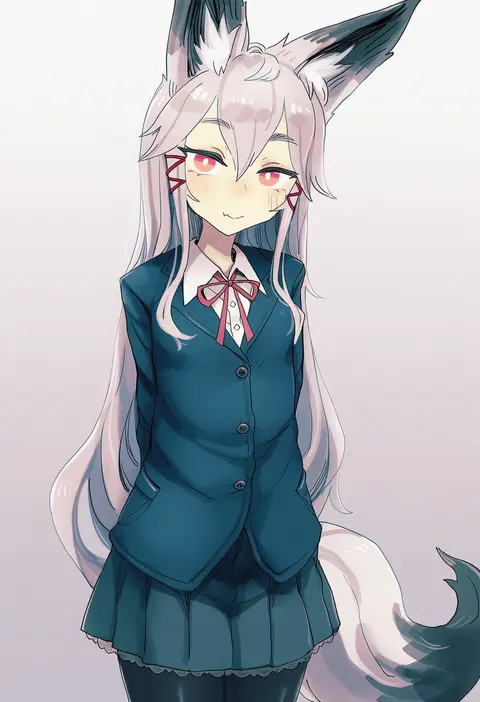
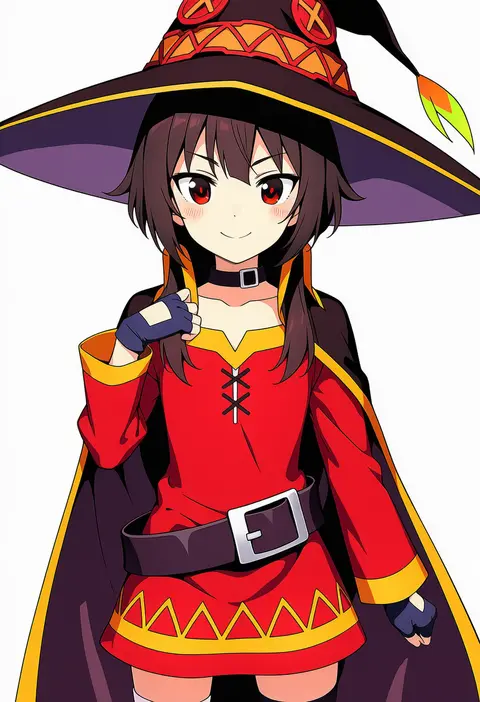
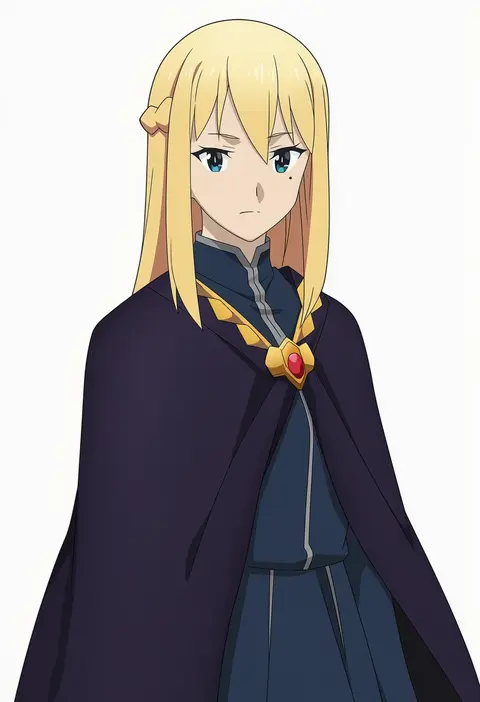
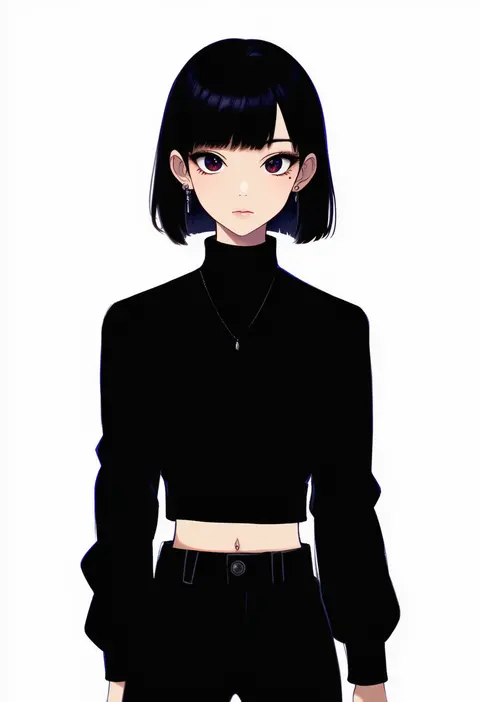
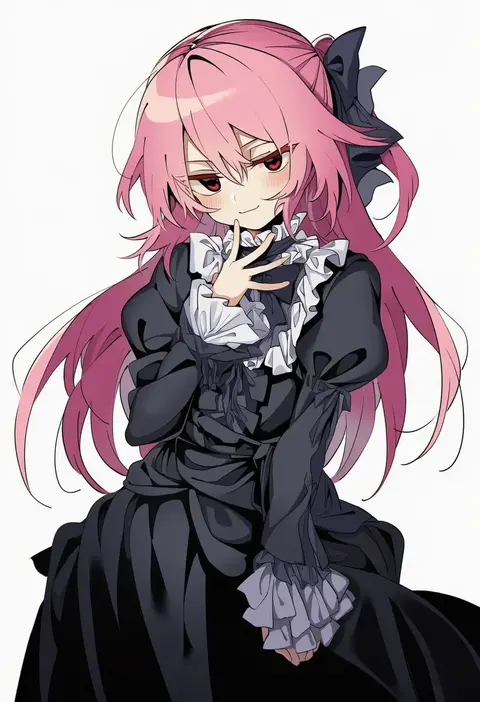
Every tag that actually reacts in NovelAI Diffusion, grouped into nine categories, one page per tag. Each page holds renders under identical settings, the V5 / V4.5 diff, and reference-source descriptions with aliases. A catalog of what a single tag actually does.
Why the seed is locked
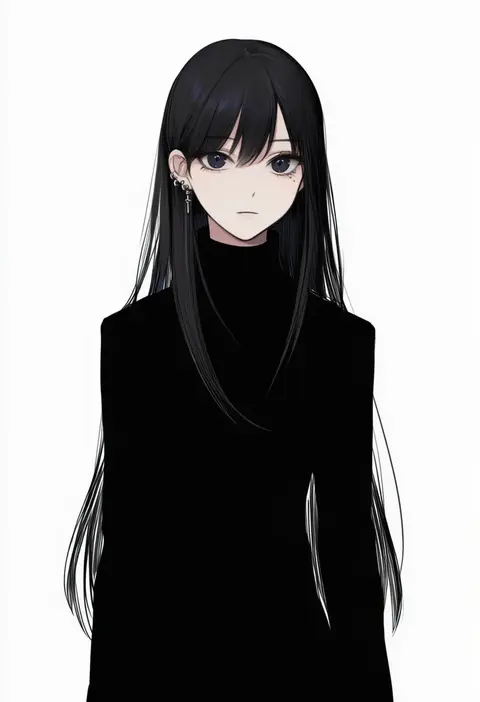
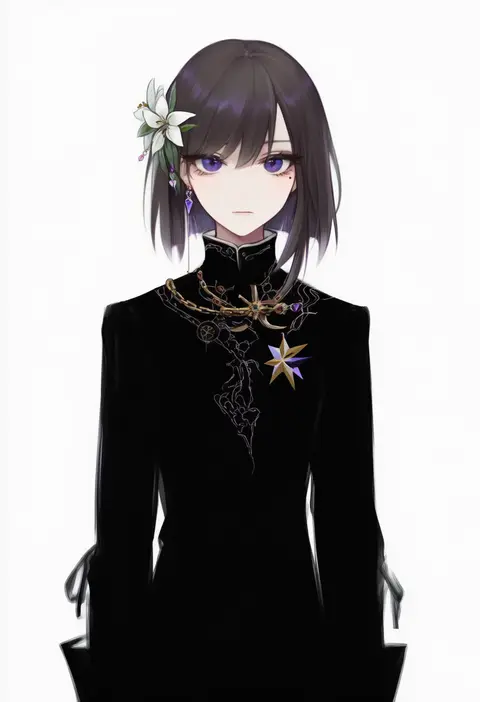
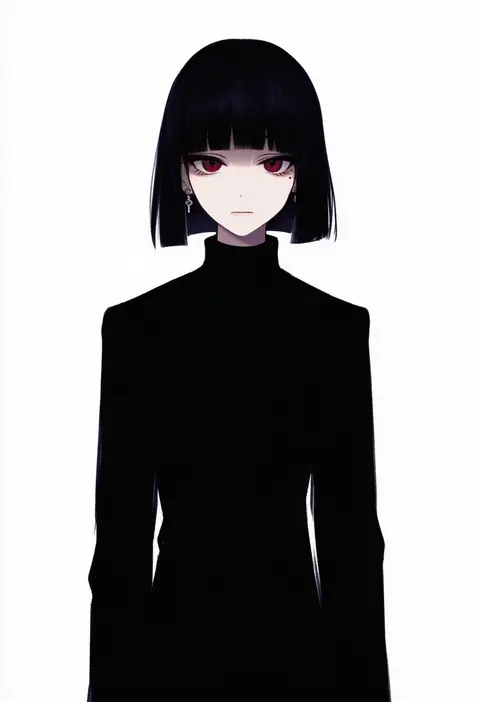
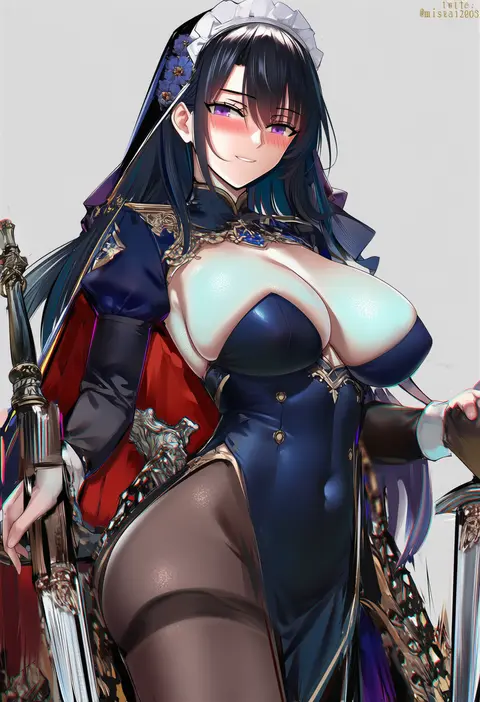
Move any generation setting and you can no longer tell whether the change came from the tag or from noise. prompt / seed / sampler / steps / CFG / resolution are all pinned; only the tag under test is swapped. Any difference between two renders is only what that tag contributed.
Reading model differences
The same tag lands differently per model. Detail pages place V5 and V4.5 side-by-side on the same seed. Neither is the default — /v5 and /v4-5 are peers and tag detail lives at a single prefix-less canonical URL. New models can be added or dropped without breaking any link.
Sources
Only tags verified to react in NovelAI are ingested, cross-referenced with reference-source post_count and representative score and pulled top-down. Names, translations and aliases sync from the reference source on a regular cadence. Comparison renders are regenerated per category when a new model ships. Exact sources are listed on the terms page.
V5 vs V4.5
| AXIS | V5 · nai-diffusion-5-full | V4.5 · nai-diffusion-4-5-full |
|---|---|---|
| RELEASE | 2026 · first new gen in 15 months | Spring 2025 · previous gen |
| MODEL SIZE | ~2× the size of V4.5 | baseline |
| VAE | in-house 32-channel custom | 16-channel |
| DETAIL | eyes, jewelry, text, fine lines | softer, prone to smear |
| PROMPTING | natural language + official JP | tag-first · English recommended |
| CHARACTERS | up to 22 · free positioning | starts breaking past 3–4 |
| MANGA | multi-panel via NL layout hints | not supported |
| ENHANCE | adds Max✨ · higher res & sharper | Standard / High only |
| PRICING | free on Opus up to Normal size · weekly usage cap | free on Opus tier |
Read the details
The ceiling for detail is higher
V5 is roughly twice the parameter size of V4.5 and ships with a 32-channel custom VAE trained on NovelAI's own dataset (V4.5 used a 16-channel VAE). Things that used to smudge — eye highlights, jewelry, embroidery, small text — stay legible in V5. That is why the same tag tends to produce a denser image on V5.
From tag soup toward natural language
V5 pushes natural-language prompting one step further than V4.5 and adds official Japanese support. That said, this site sticks to a single-tag swap for its comparisons, so all catalog entries are the canonical English tag. V4.5 remains a tag-first model in practice.
Multi-character scenes hold together
V4.5 tends to break down past three or four characters — faces merge, gazes miss. V5 handles up to 22 characters in NovelAI's own tests, with more reliable free positioning and character-to-character interaction (eye contact, touch, distance).
Multi-panel comics in one render
V5 can generate a full multi-panel manga page from a natural-language layout instruction (two vertical panels, a four-panel strip, uneven splits, etc.). V4.5 has no equivalent. This is the feature that makes V5 attractive for short social-media comics.
New Max✨ tier
The existing Enhance path (regenerate an image at higher resolution and sharpness) gained a Max✨ setting on V5 — higher resolution and sharper output at the cost of extra time and Anlas. V4.5 tops out at Standard / High.
V4.5 is free on Opus · V5 has a weekly cap
V4.5 (nai-diffusion-4-5-full) costs no Anlas on Opus at up to 832×1216 / 28 steps. V5 is free under the same limits too, but V5 alone has a usage cap that refills over a week; anything past the cap is billed from your Anlas. That is the usual reason to use V4.5 for bulk work and V5 for the final render.
Tag response is more literal on V5
For the same artist tag, V5 usually pulls the output closer to that artist's actual style, and tags that failed to react on V4.5 often light up on V5. V4.5 still wins in some pockets — older characters and doujin-heavy tags — because its training set covers more of that vintage material. A reasonable default: try V5 first, fall back to V4.5 when V5 misfires.
How this site uses the split
Every detail page shows V5 and V4.5 side by side on the same seed. Instead of guessing, you compare the two actual renders and pick. /v5 and /v4-5 are peer entry points — neither is a default. The catalog is a reference for choosing the right model per shot in your own workflow.
// SRC: NovelAI official release (2026) · NovelAI Docs · NovelAI Journal · observed behavior in our own renders. NovelAI may change specs without notice.
FAQ
How do I write an artist tag?
Use the Danbooru tag name as is; underscores can become spaces. Every page has a COPY button that copies the tag ready to paste.
Should I use V5 or V4.5?
Try V5 first and fall back to V4.5 when the result misses. V4.5 sometimes fits older characters and doujin tags better. Each page shows both on the same seed.
Do the same tags work in Stable Diffusion?
Illustrious-family models are trained on Danbooru tags, so the same wording works. The ILLUST images are made with WAI illustrious v17.
How are the images made?
832×1216, 23 steps, k_euler_ancestral, seed 1234 and one shared prompt. Only the tag under test changes.