V4.5Artists
sort: FAVS▾
▾
>
$

NovelAI Artist Tags List — V4.5

artist --count 16,352[1/273]
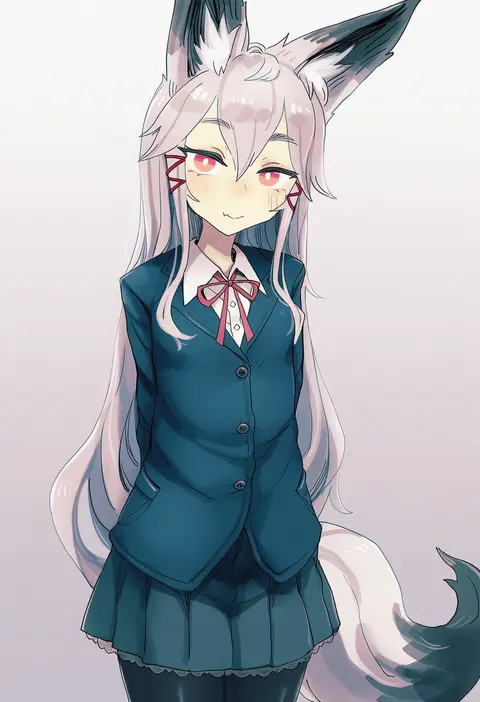
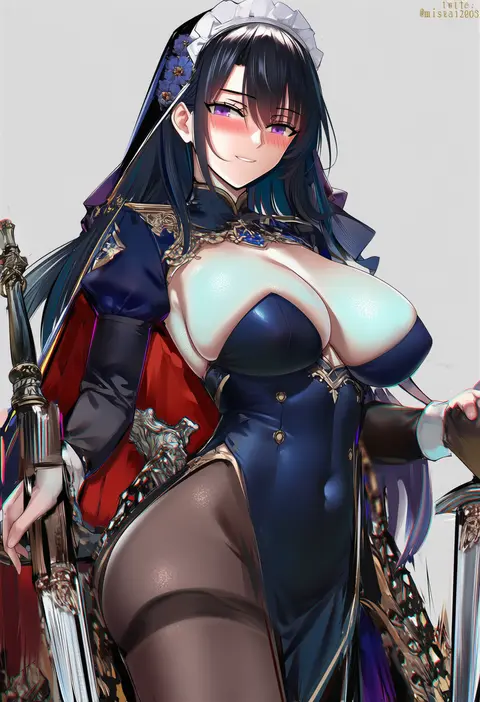
bee (deadflow)
ARTIST0x0000
163
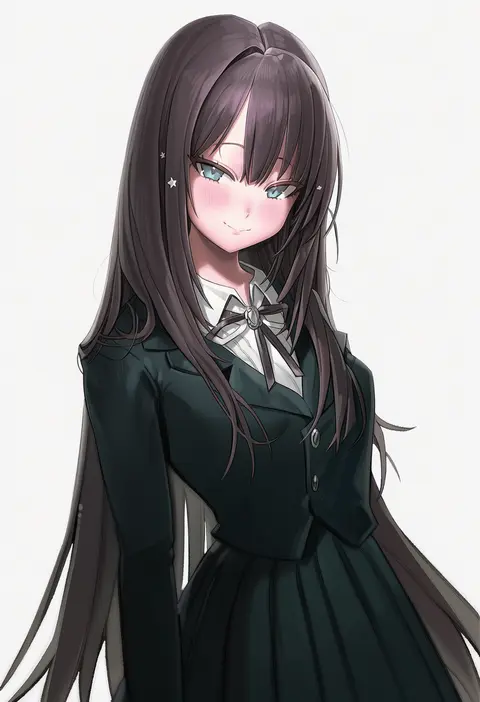
misaka 12003-gou
ARTIST0x0001
49
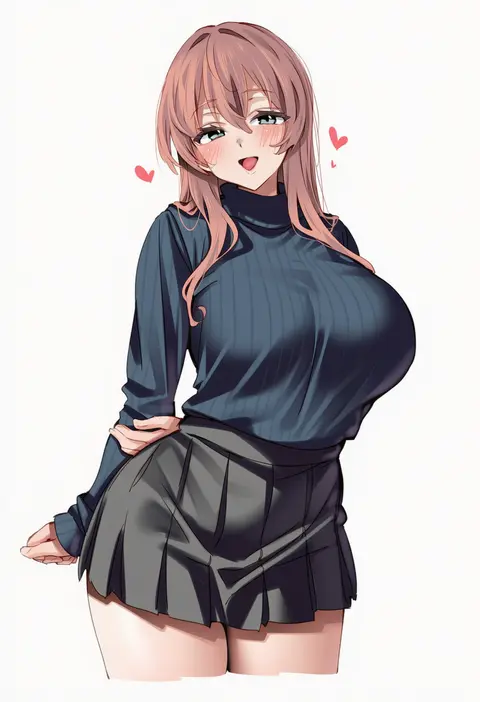
freng
ARTIST0x0002
42
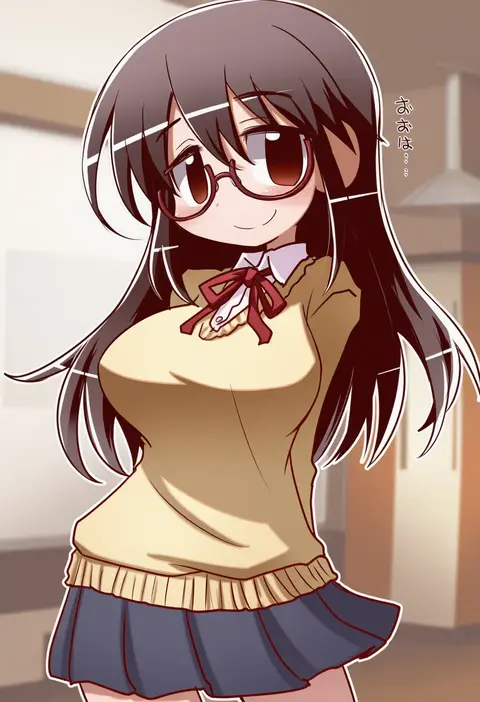
ebifurya
ARTIST0x0003
42
ikkyuu
ARTIST0x0004
40
yd (orange maru)
ARTIST0x0005
28
alp
ARTIST0x0006
28
manarou
ARTIST0x0007
28
asanagi
ARTIST0x0008
27
squeezable (squeezabledraws)
ARTIST0x0009
25
sincos
ARTIST0x000A
22
momoko (momopoco)
ARTIST0x000B
22
minaba hideo
ARTIST0x000C
22
ebora
ARTIST0x000D
21
rouka (akatyann)
ARTIST0x000E
21
greatmosu
ARTIST0x000F
20
iwao178
ARTIST0x0010
19
mx2j
ARTIST0x0011
19
fkey
ARTIST0x0012
19
sato art
ARTIST0x0013
19
machi (machi0910)
ARTIST0x0014
18
shinjiro
ARTIST0x0015
18
sooon
ARTIST0x0016
18
ixy
ARTIST0x0017
18
marushin (denwa0214)
ARTIST0x0018
17
sky-freedom
ARTIST0x0019
17
sos adult
ARTIST0x001A
17
matanonki
ARTIST0x001B
17
oekakizuki
ARTIST0x001C
16
meion
ARTIST0x001D
16
fajyobore
ARTIST0x001E
16
ohisashiburi
ARTIST0x001F
15
b-ginga
ARTIST0x0020
15
takeda hiromitsu
ARTIST0x0021
15
onono imoko
ARTIST0x0022
15
yomu (sgt epper)
ARTIST0x0023
15
liang xing
ARTIST0x0024
15
enkyo yuuichirou
ARTIST0x0025
15
sanuki (kyoudashya)
ARTIST0x0026
14
ie (raarami)
ARTIST0x0027
14
yuyu (yuyuworks)
ARTIST0x0028
14
suzuki toto
ARTIST0x0029
14
kyogoku shin
ARTIST0x002A
13
haku89
ARTIST0x002B
13
blue gk
ARTIST0x002C
13
wagashi (dagashiya)
ARTIST0x002D
13
blade (galaxist)
ARTIST0x002E
13
dalc rose
ARTIST0x002F
13
pottsness
ARTIST0x0030
12
teddypocky
ARTIST0x0031
12
kantoku
ARTIST0x0032
12
atahuta
ARTIST0x0033
12
satou kuuki
ARTIST0x0034
12
kanikama
ARTIST0x0035
12
fukahire (ruinon)
ARTIST0x0036
12
mika pikazo
ARTIST0x0037
12
club3
ARTIST0x0038
11
qiandaiyiyu
ARTIST0x0039
11
egami
ARTIST0x003A
11
xiujia yihuizi
ARTIST0x003B
11

What these tags change

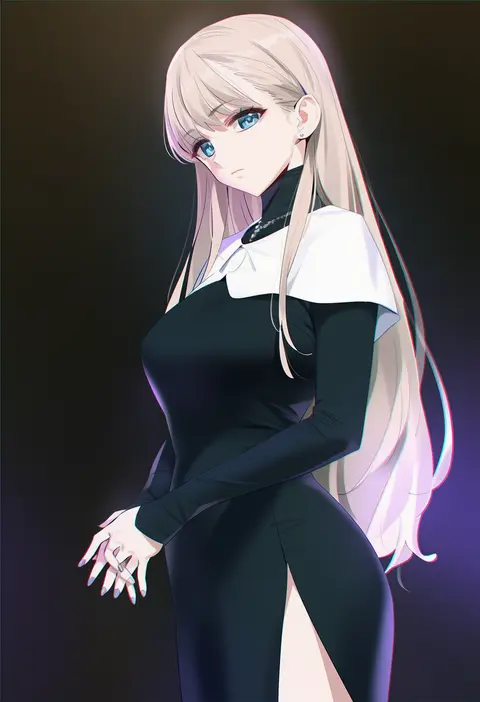
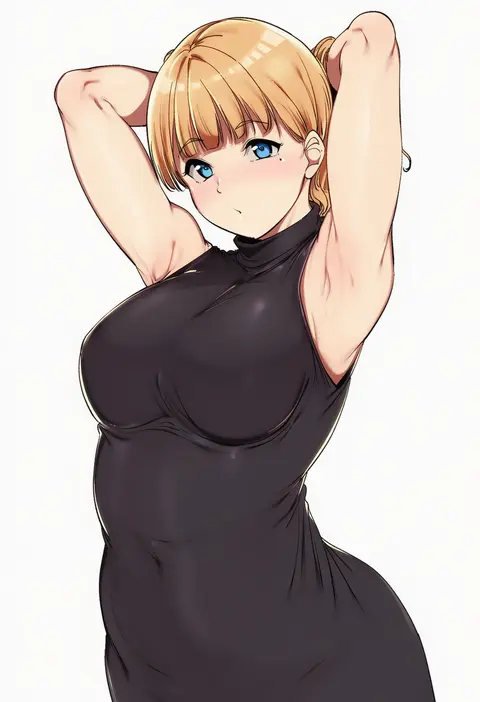
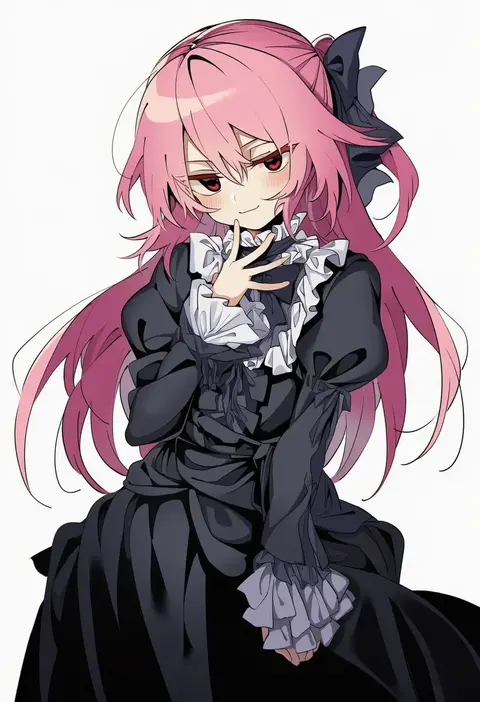
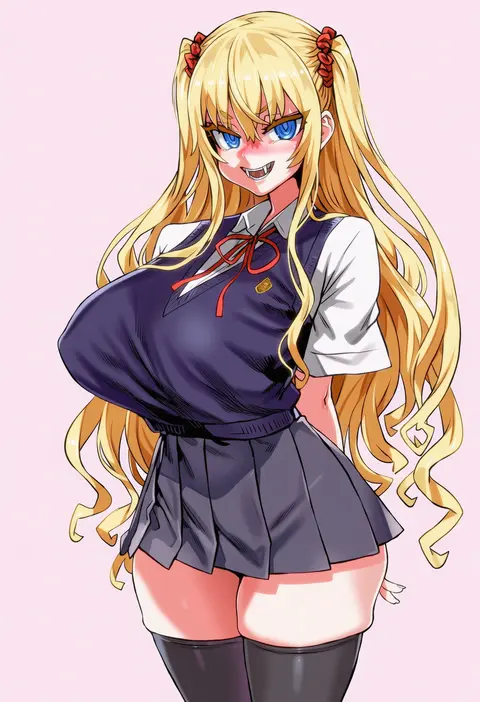
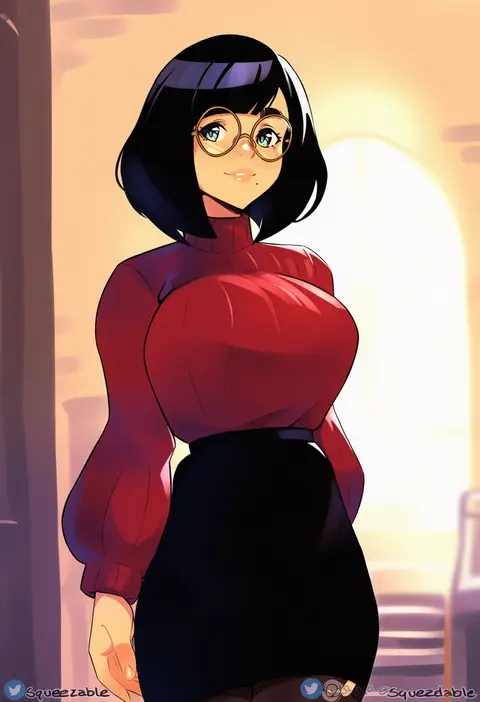
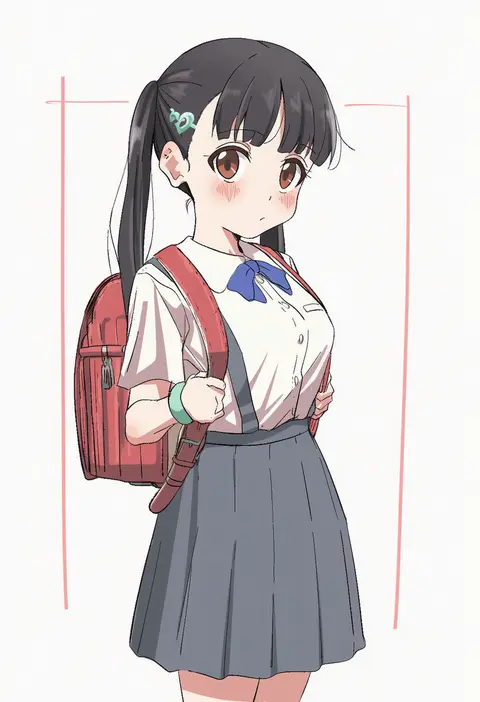
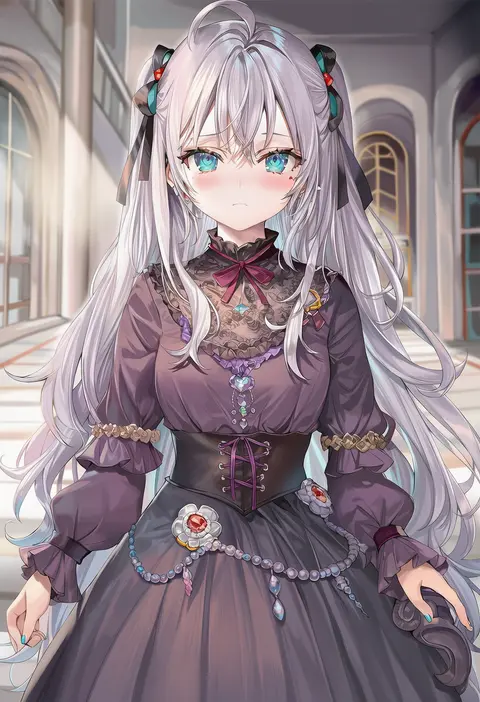
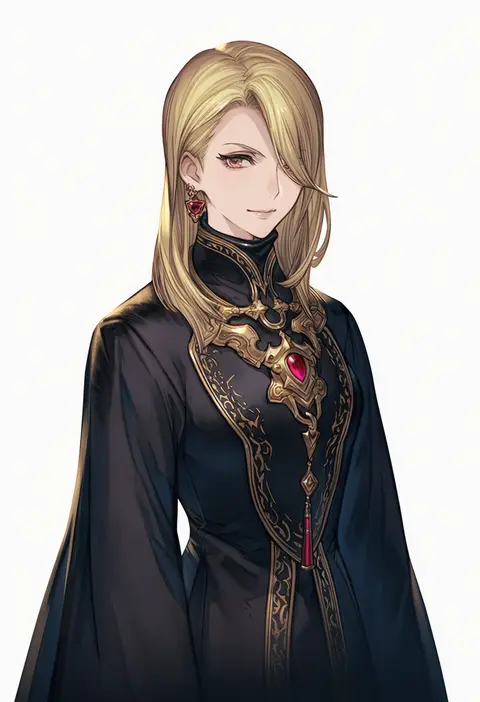
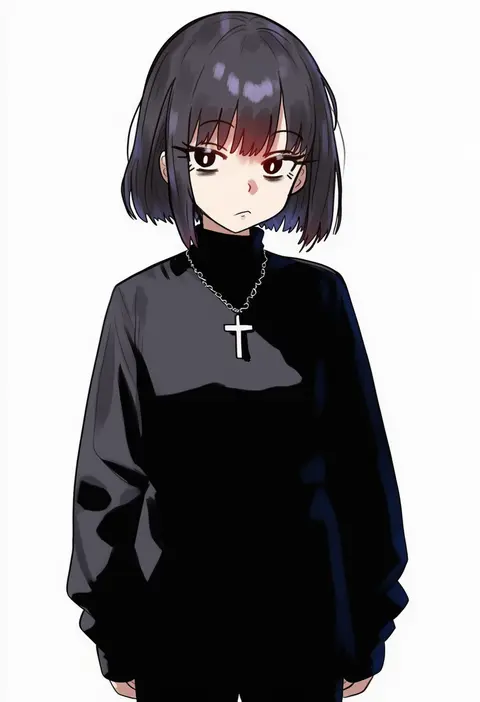
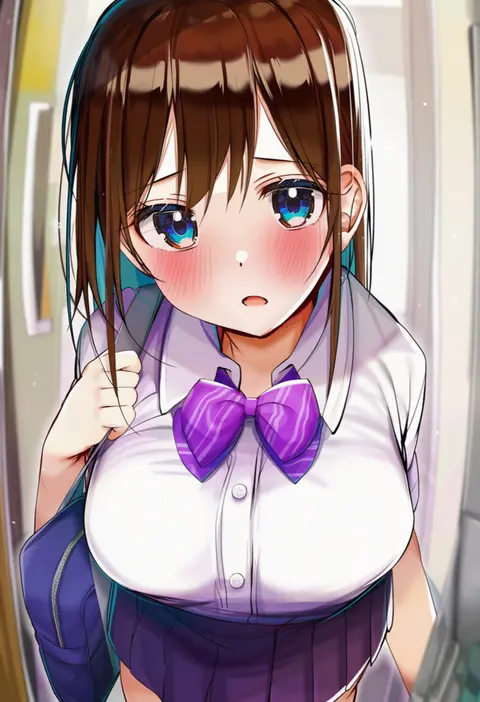
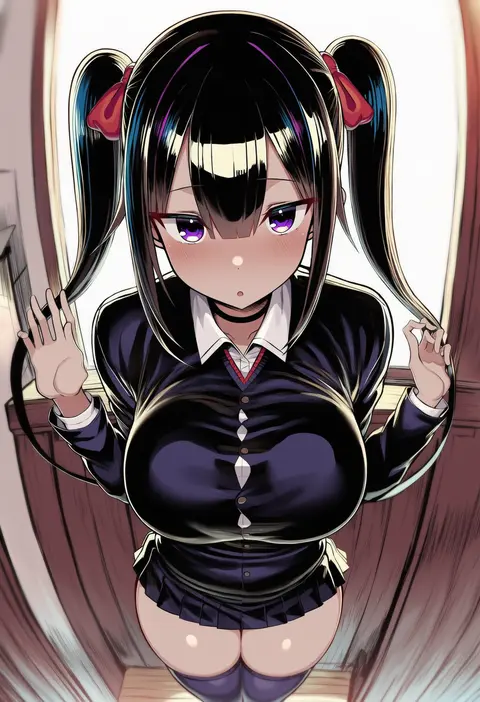
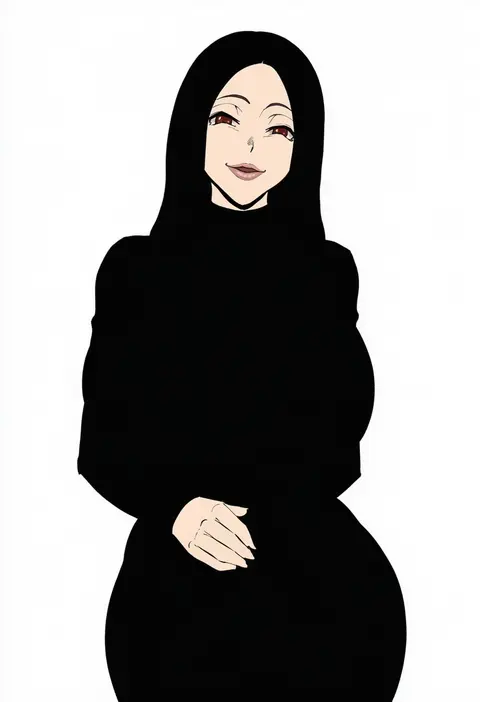
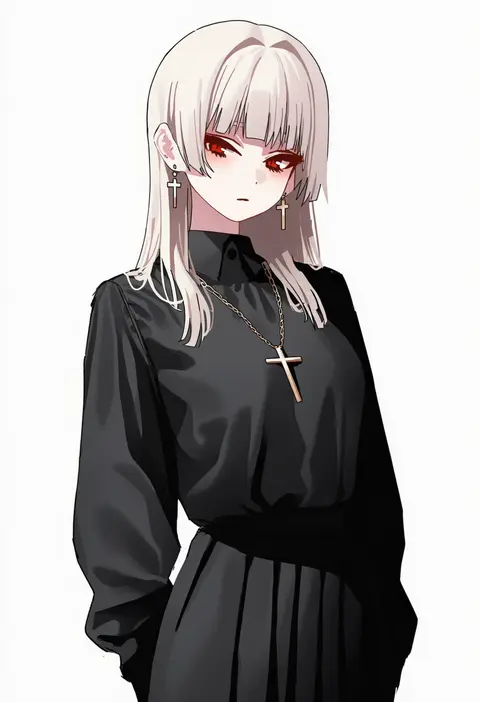
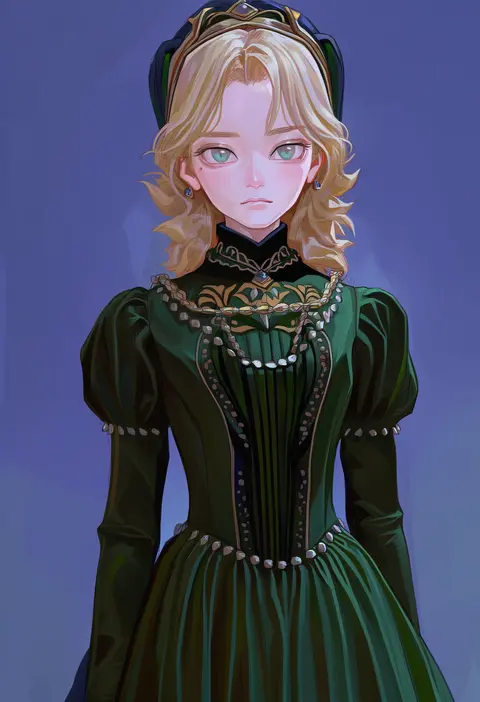
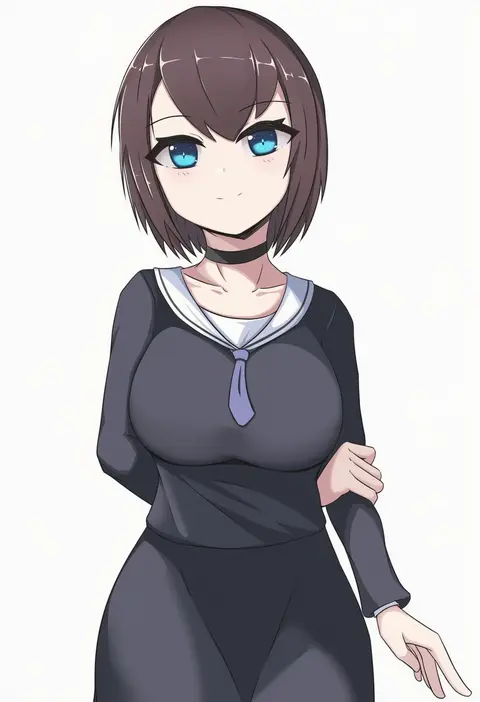
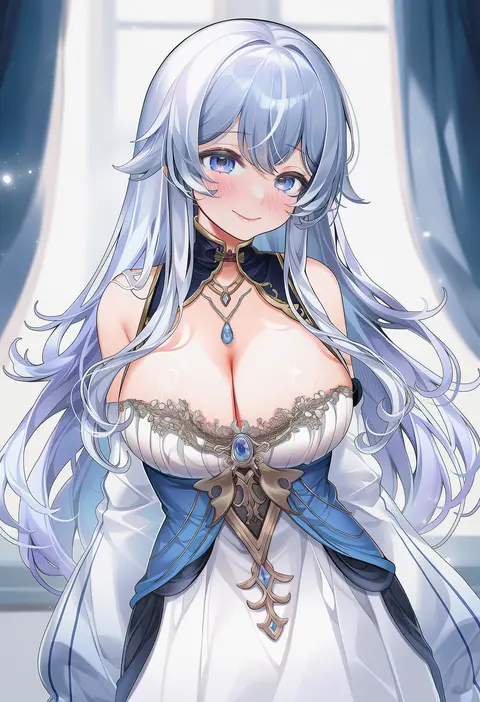
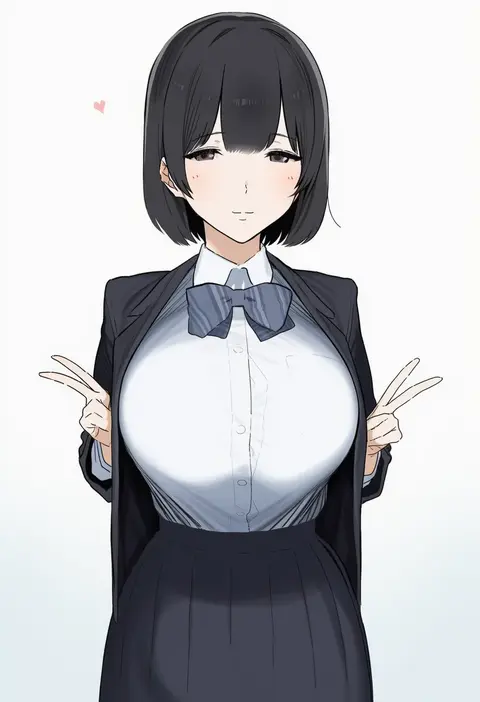
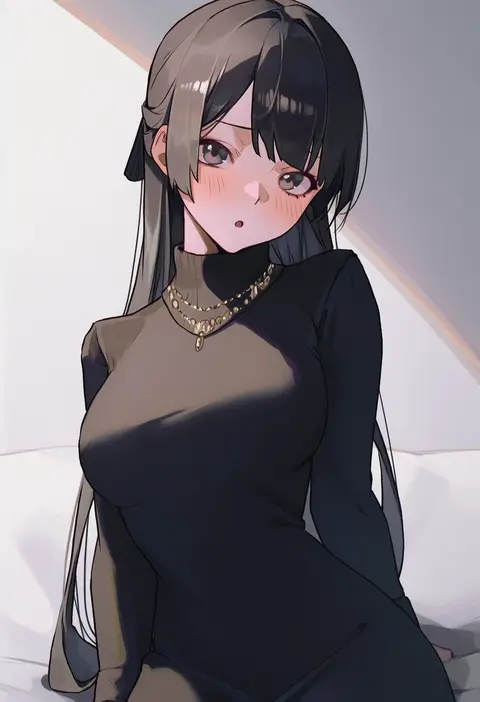
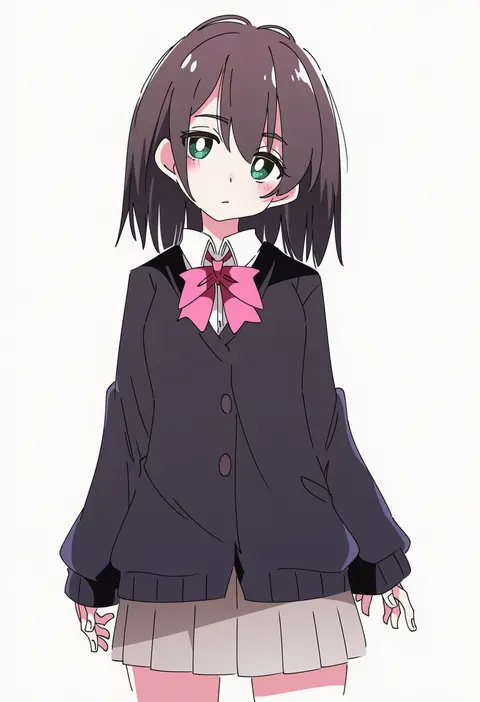
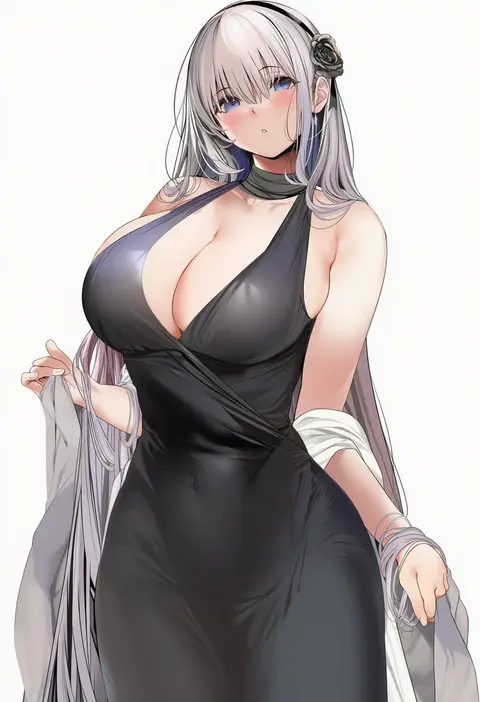
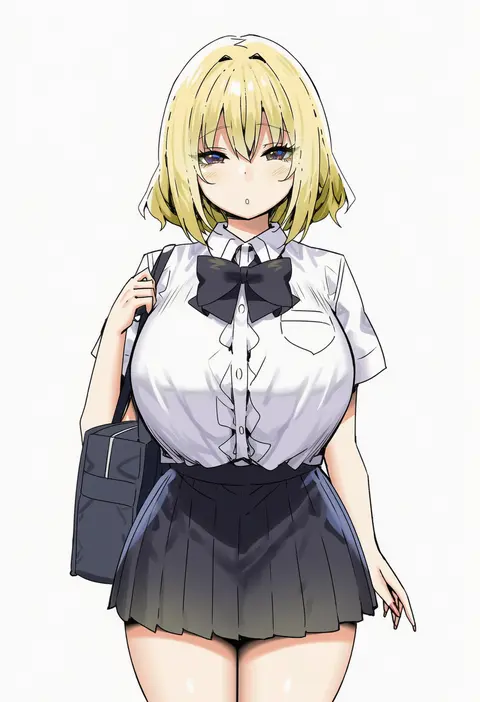
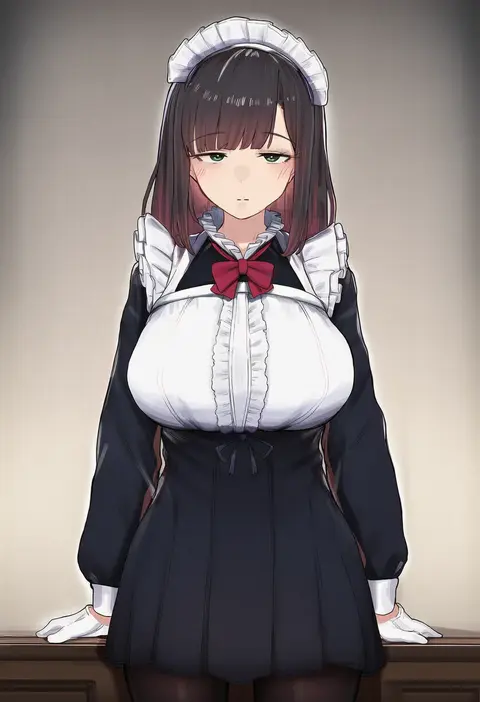
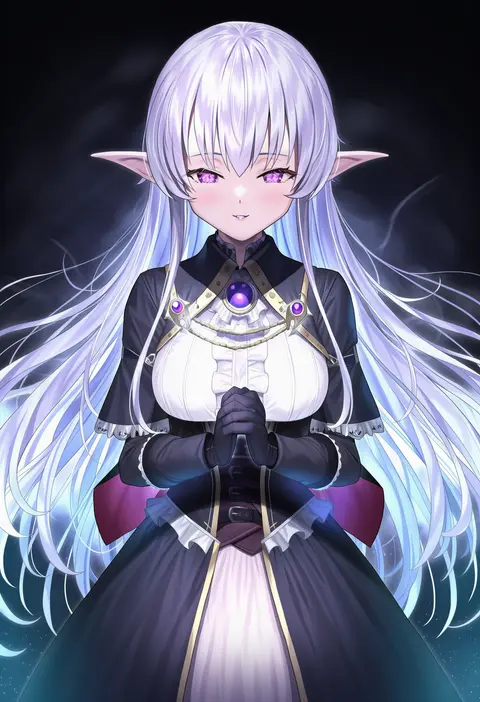
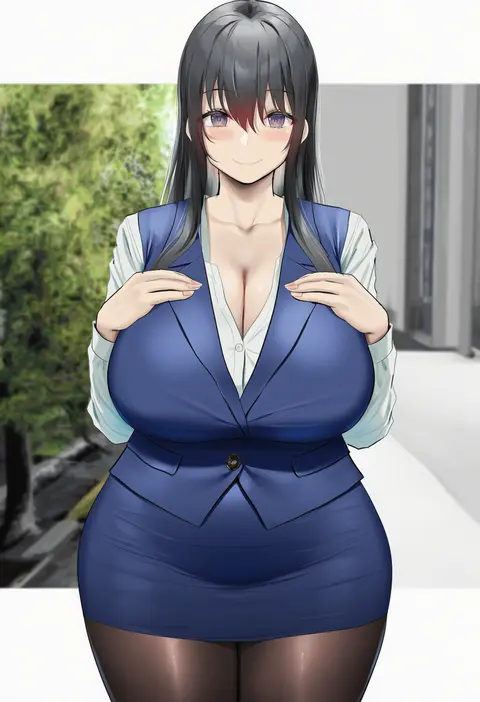
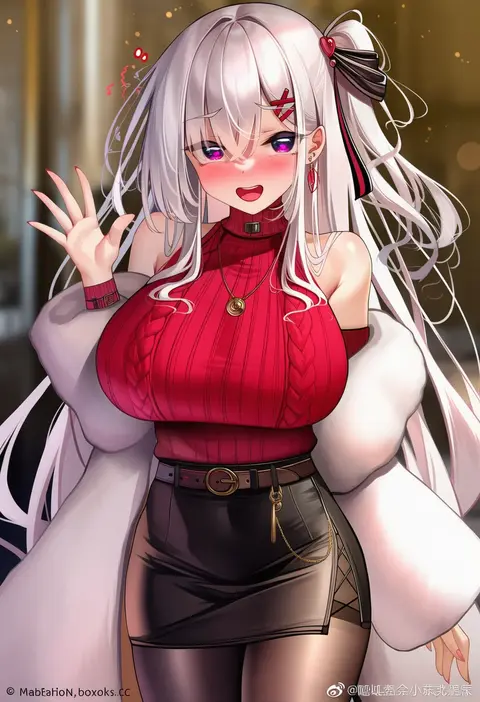
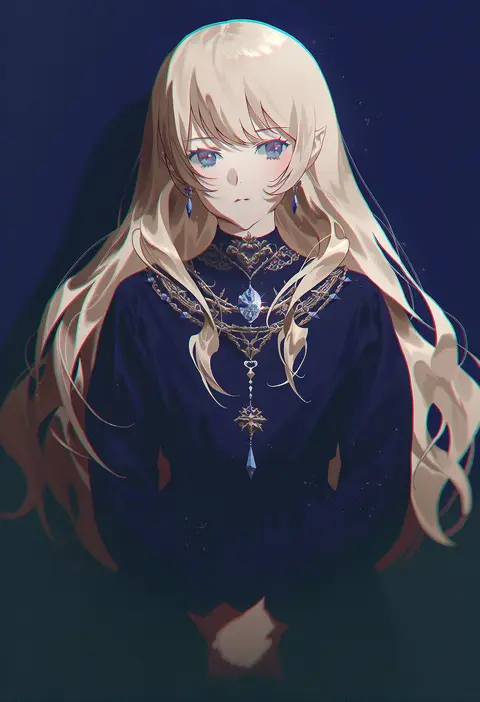
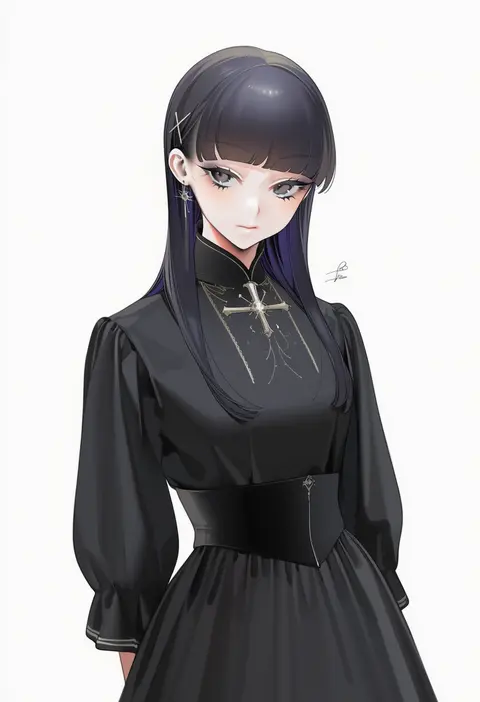
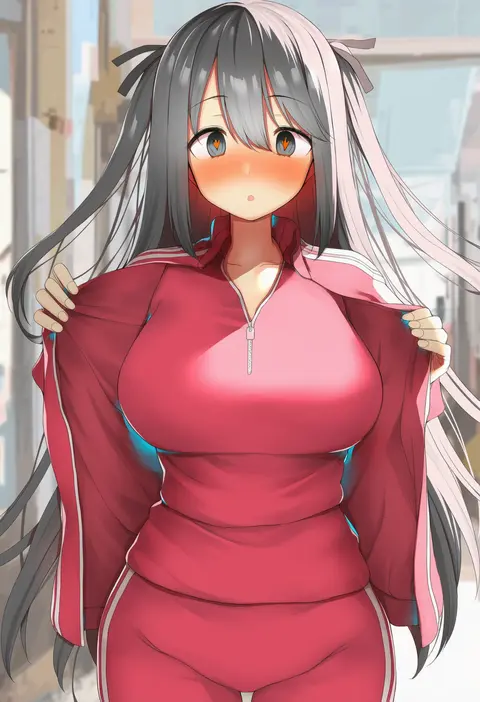
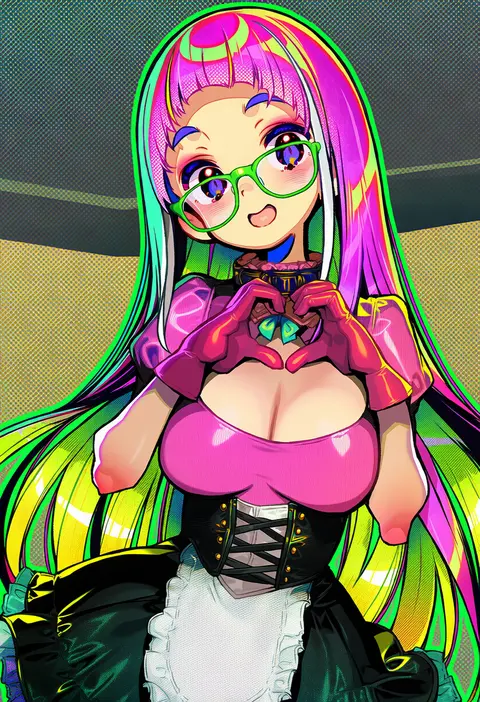
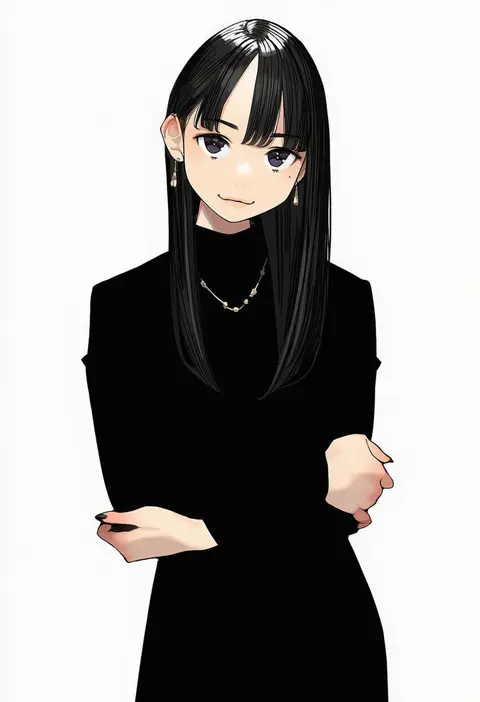
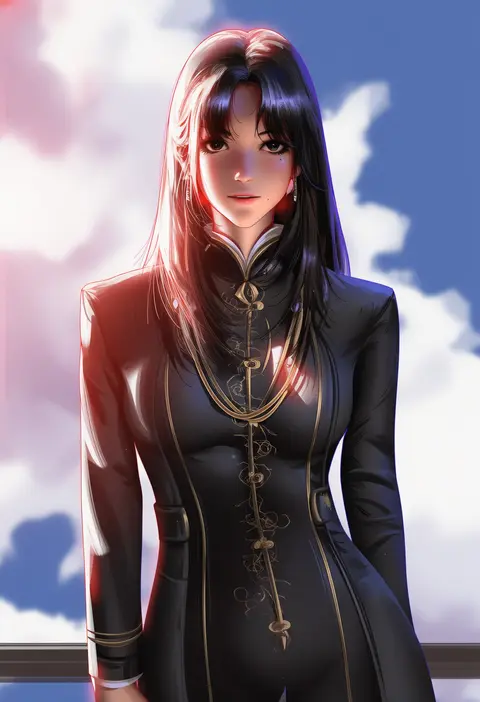
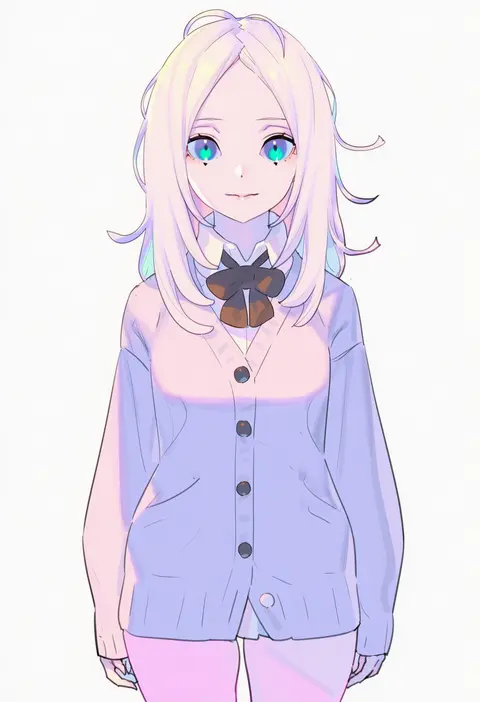
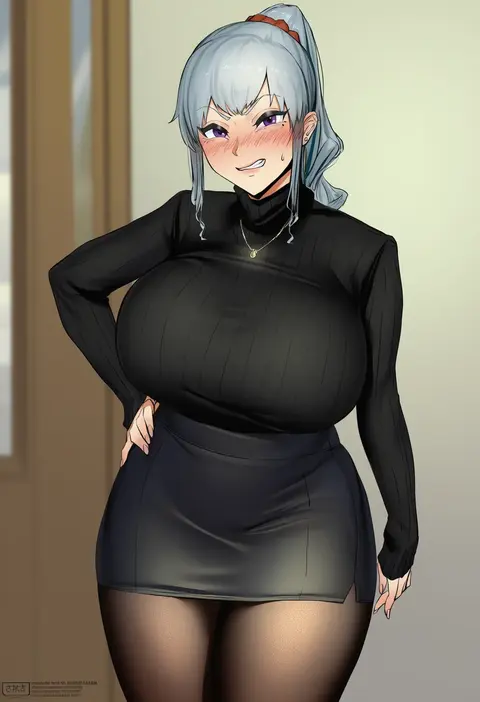
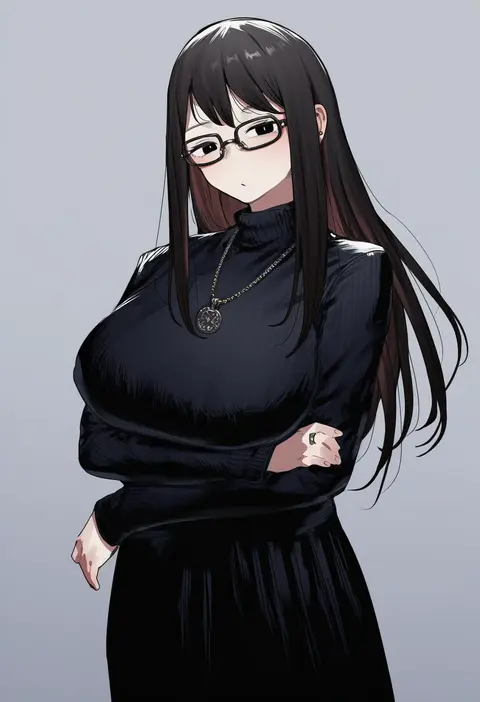
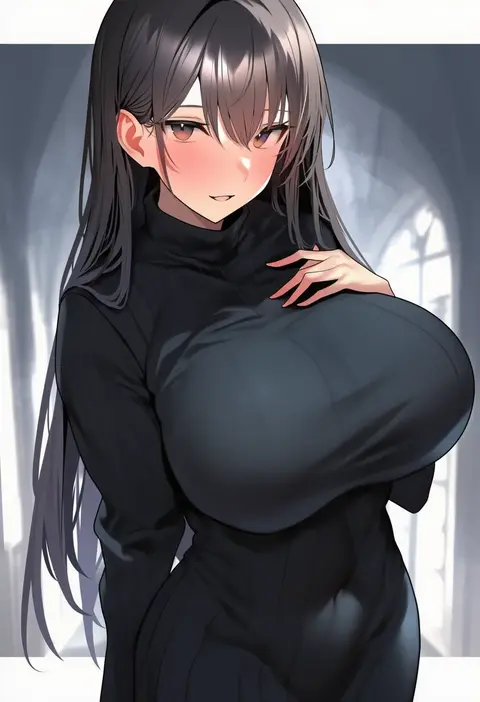
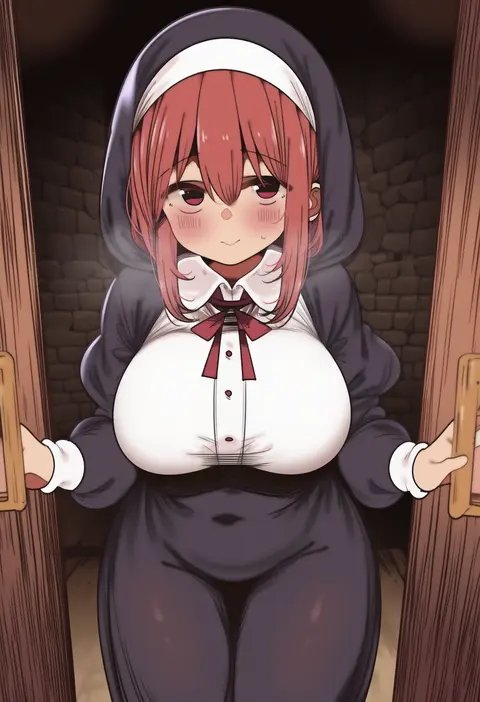
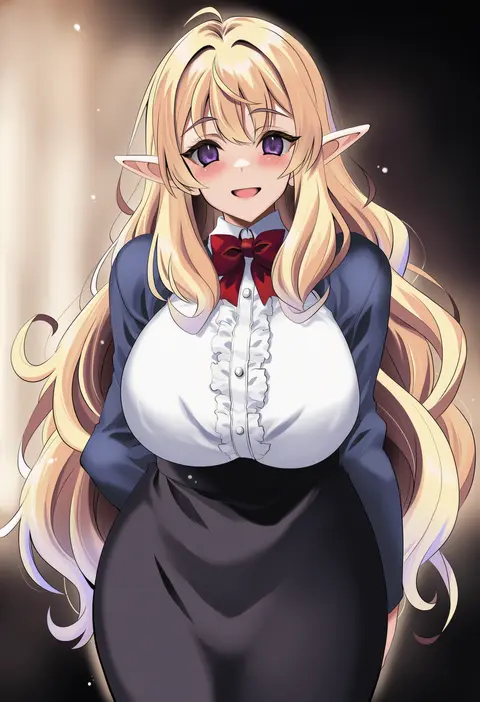
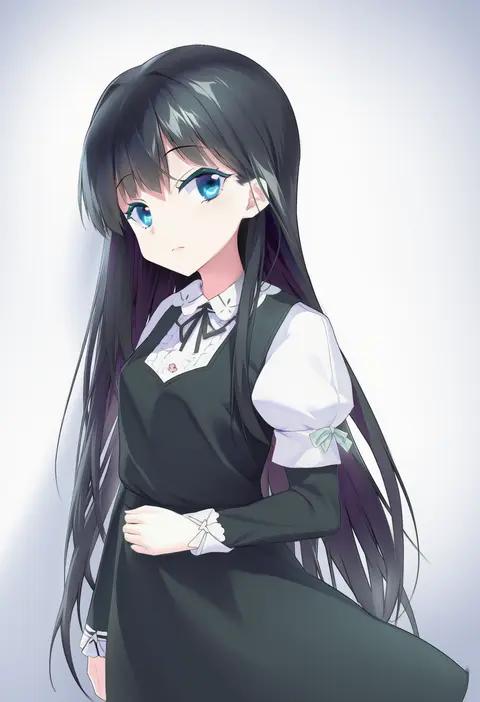
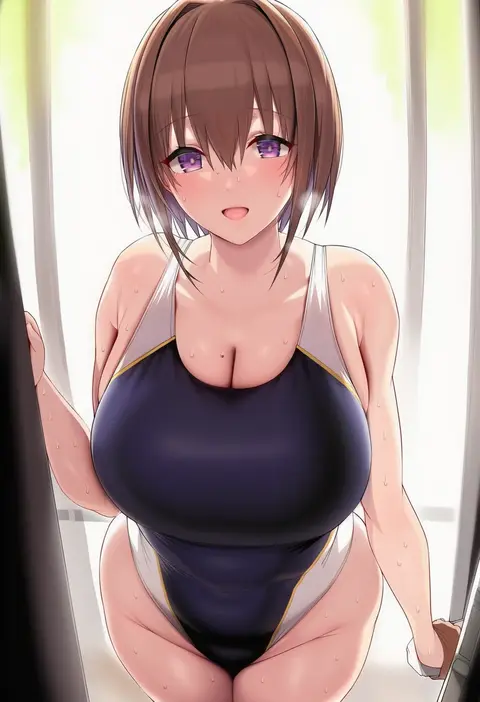
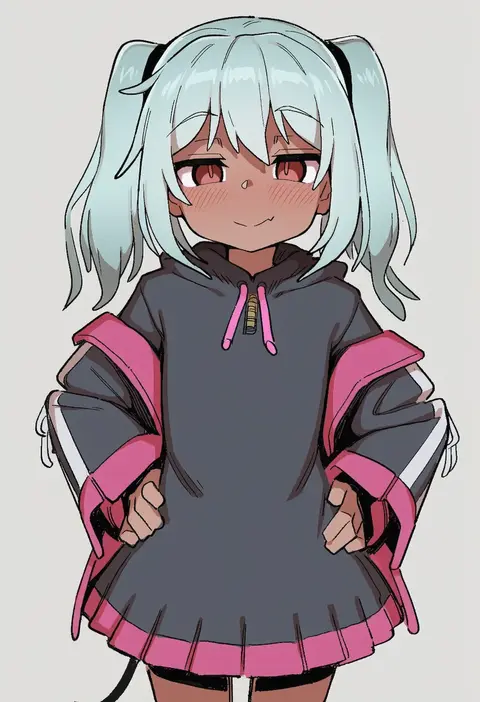
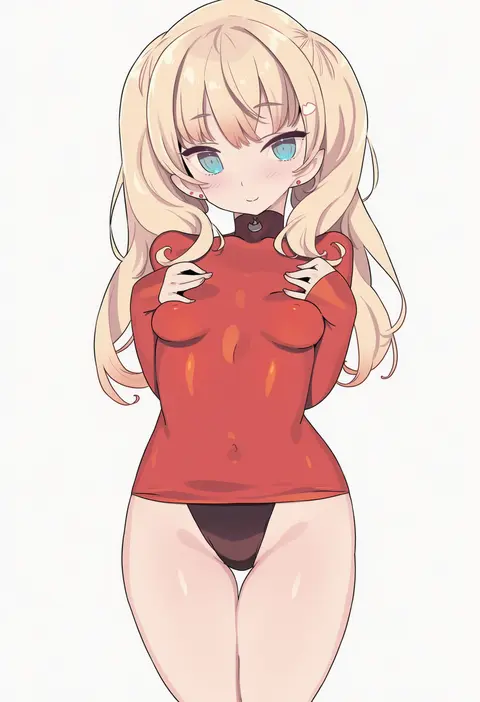
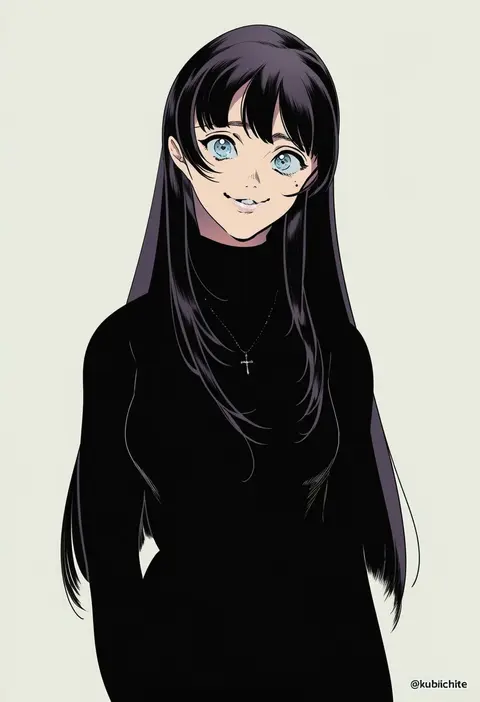
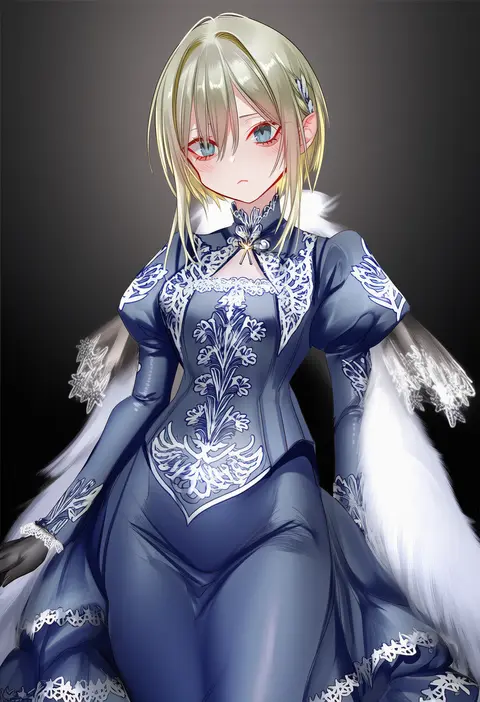
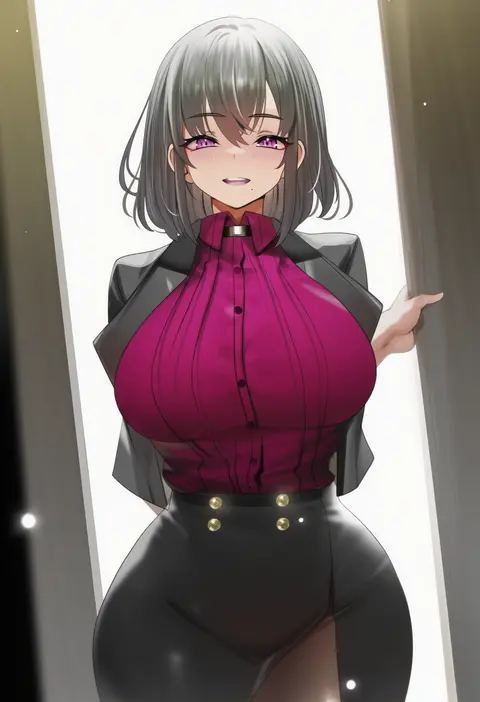
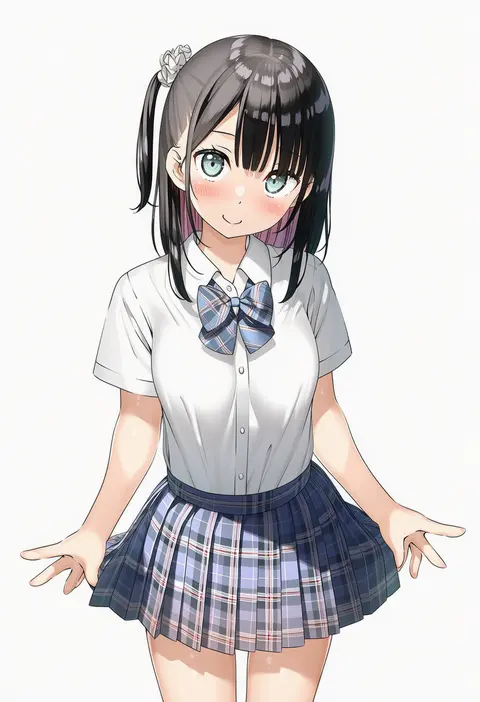
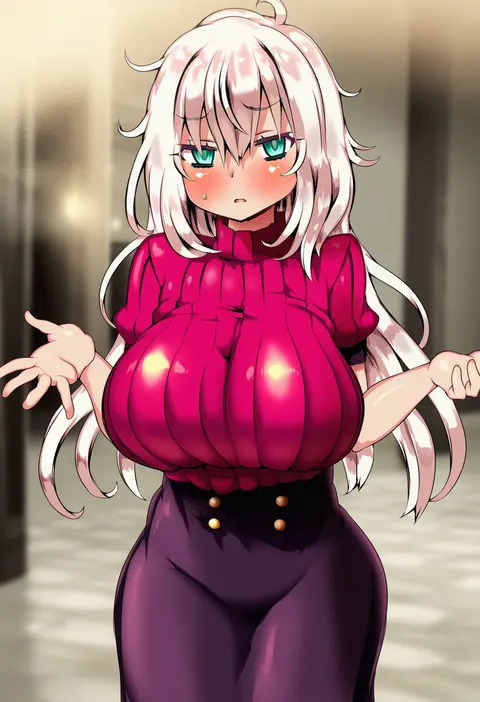
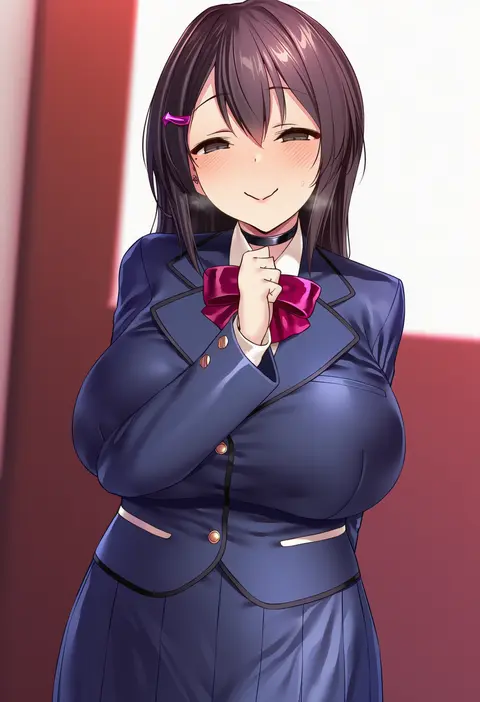
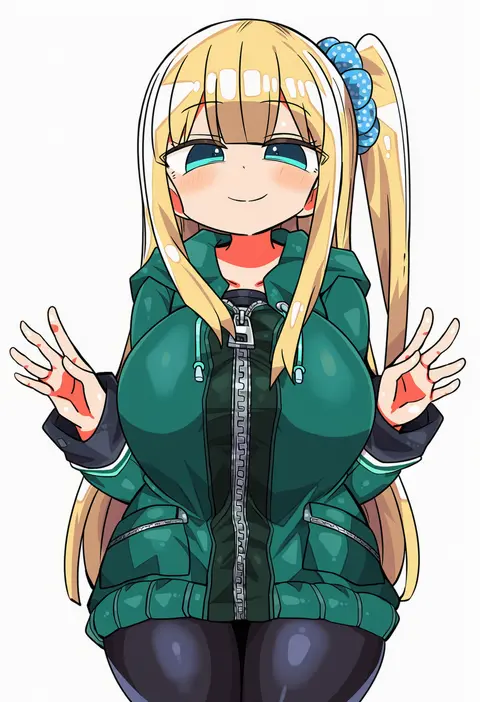
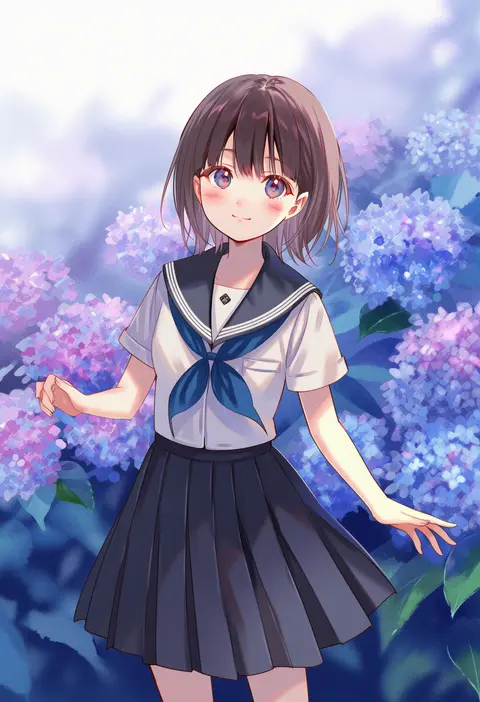
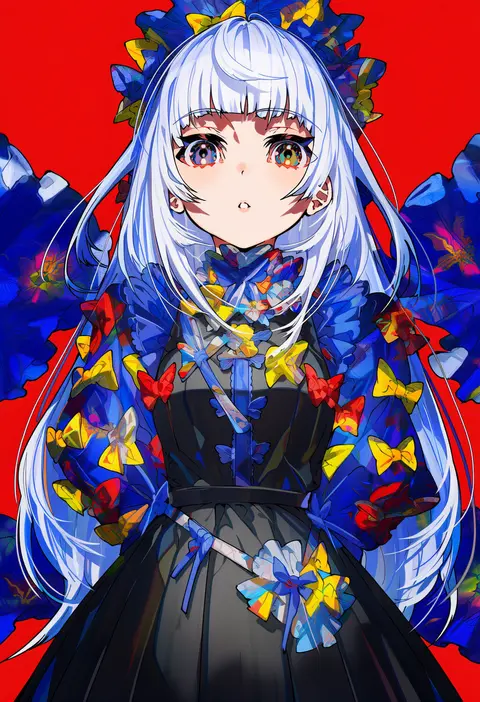
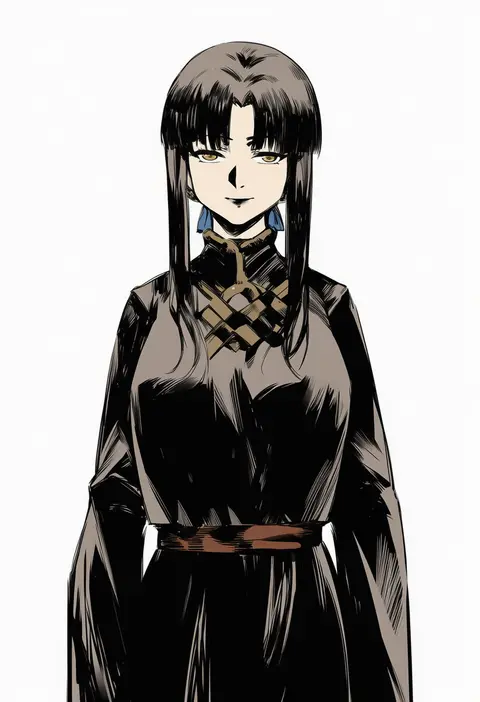
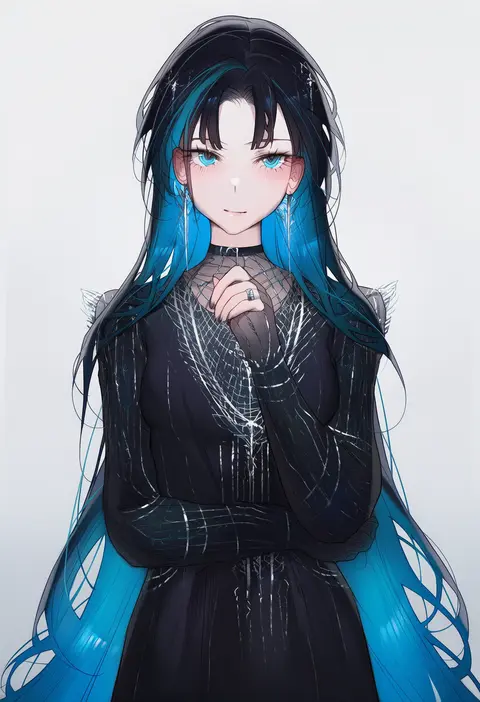
Artist tags tell NovelAI Diffusion to draw in a specific artist's style: line weight, paint texture, face shapes and palette all shift at once. Character and outfit tags decide what is drawn; artist tags decide how. 16,352 tags are listed for V4.5.
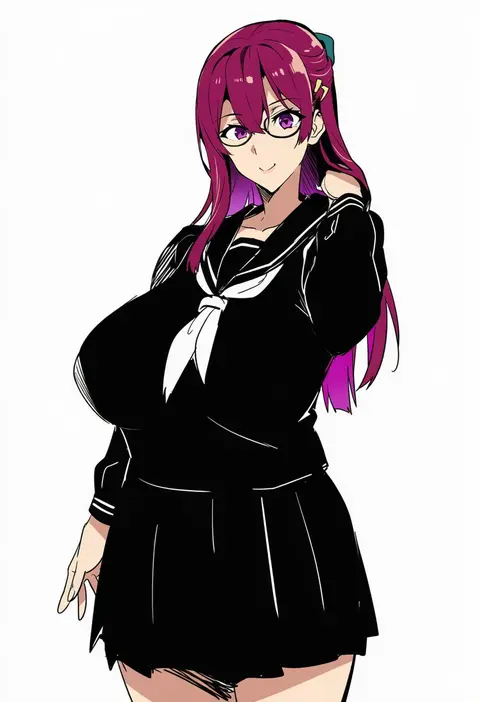
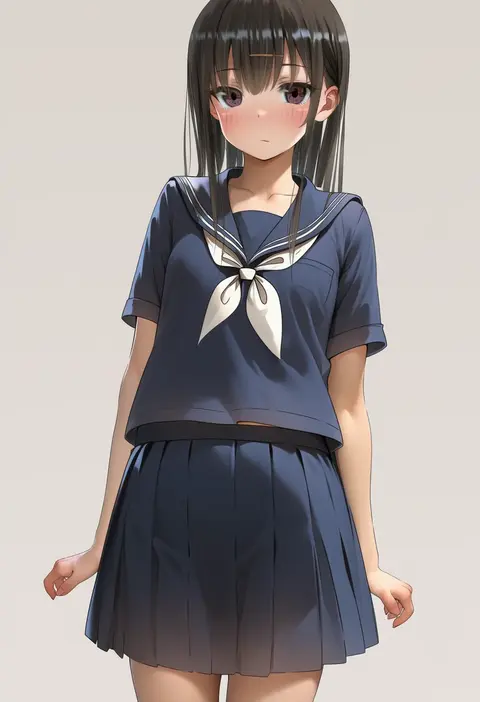
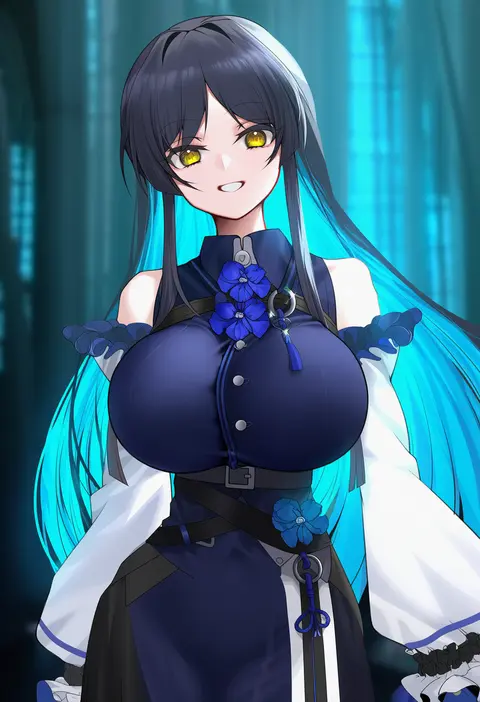
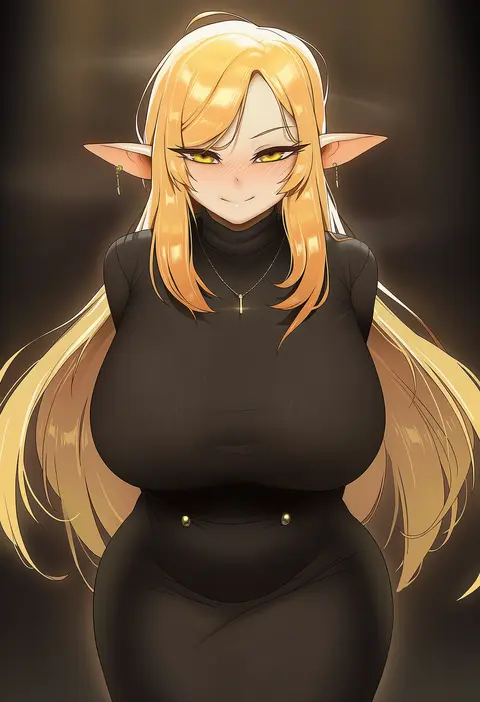
Every tag listed here is verified to react in NovelAI. All images use the same prompt, seed and settings with only the artist tag swapped, so the difference between two images is the style that tag brings in.

How to use them

Put the artist tag near the front of the prompt, e.g. "<artist>, 1girl, solo, best quality, masterpiece, cowboy shot". Two or three artist tags blend styles; lower the weight with "0.8::<artist>::" when the style overpowers the character.

SCORE sorts by Danbooru's top score, POSTS by post count, FAVS by hearts on this site. Open a card to see V5 and V4.5 side by side on the same seed.

Featured tags

Top-scoring artist tags. Open a card for the V5 / V4.5 comparison.
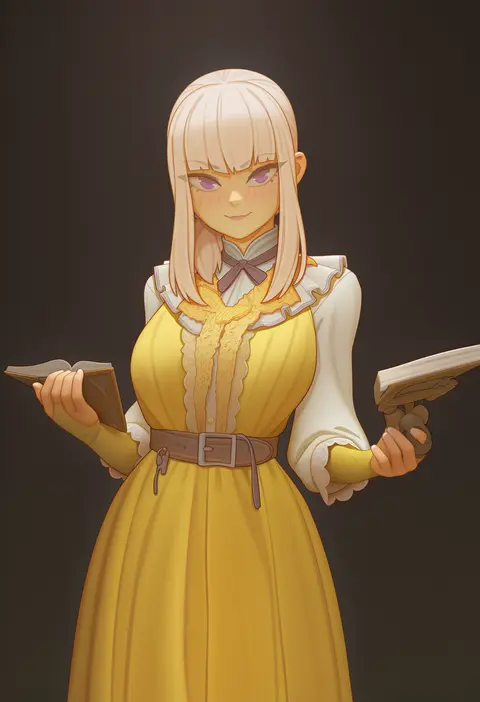
V5 vs V4.5

V5 usually lands closer to the artist's real style, and tags that did nothing on V4.5 often react on V5. V4.5 still fits older and doujin-heavy artists better. Try V5 first, fall back to V4.5.

FAQ

Where does the artist tag go?
Near the front of the prompt. Use "0.8::tag::" to adjust its weight.

Can I stack artist tags?
Yes, styles blend. Past two or three the result stops looking like anyone.

Are these the artists' own works?
No. Every image is a NovelAI sample generated from the tag.