V4.5Artists
sort: FAVS▾
▾
>
$

NovelAI Artist Tags List — V4.5

artist --count 16,352[3/273]
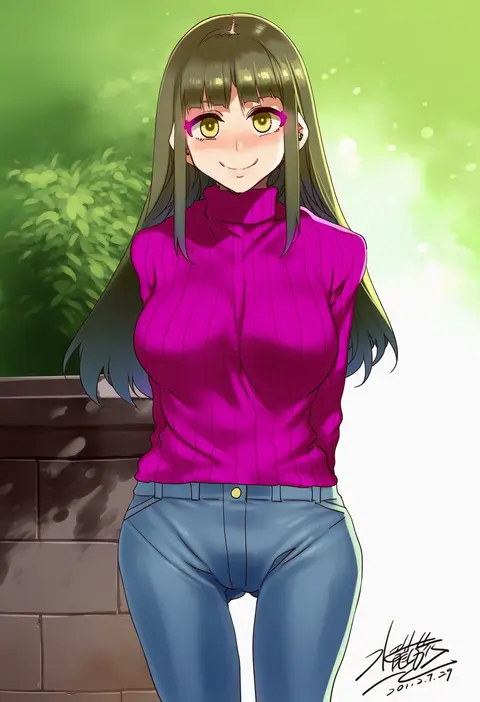
wada arco
ARTIST0x0078
9
zankuro
ARTIST0x0079
9
mamuru
ARTIST0x007A
9
rei (sanbonzakura)
ARTIST0x007B
9
poprication
ARTIST0x007C
9
ameyama denshin
ARTIST0x007D
9
hews
ARTIST0x007E
8
mochirong
ARTIST0x007F
8
da mao banlangen
ARTIST0x0080
8
sy4
ARTIST0x0081
8
nia (nia4294)
ARTIST0x0082
8
dishwasher1910
ARTIST0x0083
8
ramanda
ARTIST0x0084
8
niliu chahui
ARTIST0x0085
8
hella p
ARTIST0x0086
8
kinoshita kou
ARTIST0x0087
8
deyui
ARTIST0x0088
8
shirabi
ARTIST0x0089
8
kaetzchen
ARTIST0x008A
8
fumihiko (fu mihi ko)
ARTIST0x008B
8
k pring
ARTIST0x008C
8
jjune
ARTIST0x008D
8
foolish potato
ARTIST0x008E
8
shuri (84k)
ARTIST0x008F
8
rin yuu
ARTIST0x0090
8
joy ride
ARTIST0x0091
8
mushi024
ARTIST0x0092
8
imamura ryou
ARTIST0x0093
8
jun (navigavi)
ARTIST0x0094
8
houtengeki
ARTIST0x0095
8
toraishi 666
ARTIST0x0096
8
piromizu
ARTIST0x0097
8
harada takehito
ARTIST0x0098
8
bkub
ARTIST0x0099
8
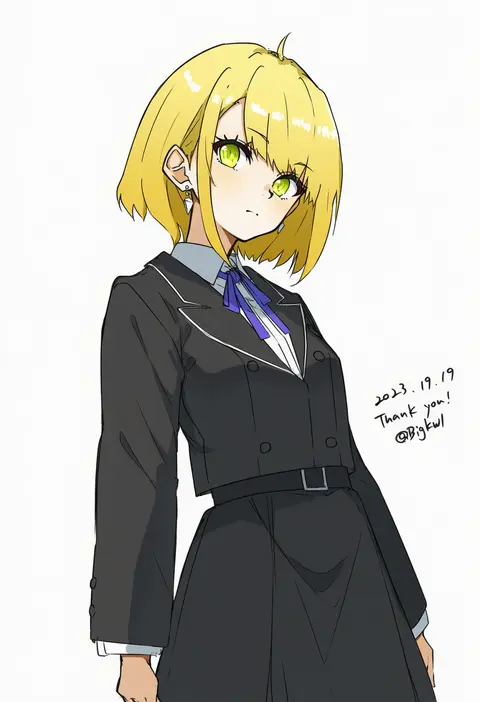
bigkwl
ARTIST0x009A
8
kamiyoshi rika
ARTIST0x009B
8
akiakane
ARTIST0x009C
8
lowro (en)
ARTIST0x009D
8
appleq
ARTIST0x009E
8
amano don
ARTIST0x009F
7
krekkov
ARTIST0x00A0
7
m-da s-tarou
ARTIST0x00A1
7
norigure18
ARTIST0x00A2
7
haoni
ARTIST0x00A3
7
kyokucho
ARTIST0x00A4
7
mimoza (96mimo414)
ARTIST0x00A5
7
batta 16-sei
ARTIST0x00A6
7
takaharu
ARTIST0x00A7
7
mikozin
ARTIST0x00A8
7
torisan
ARTIST0x00A9
7
modare
ARTIST0x00AA
7
lillly
ARTIST0x00AB
7
hotate-chan
ARTIST0x00AC
7
hero neisan
ARTIST0x00AD
7
timbougami
ARTIST0x00AE
7
flanvia
ARTIST0x00AF
7
oosawara sadao
ARTIST0x00B0
7
mil (xration)
ARTIST0x00B1
7
torino aqua
ARTIST0x00B2
7
mizuryu kei
ARTIST0x00B3
7

What these tags change

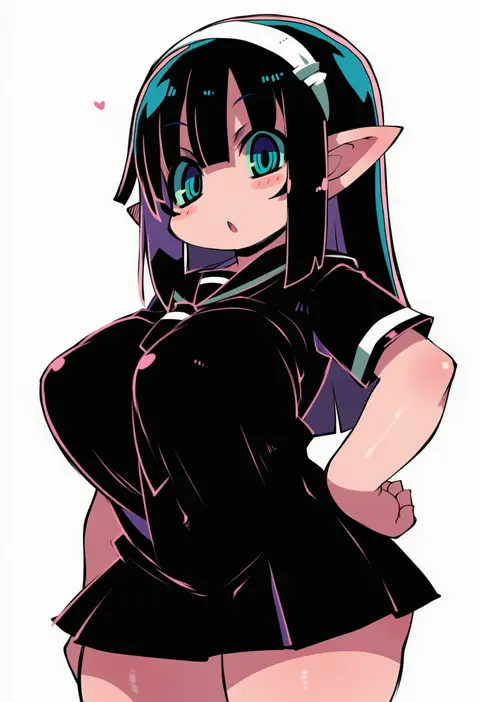
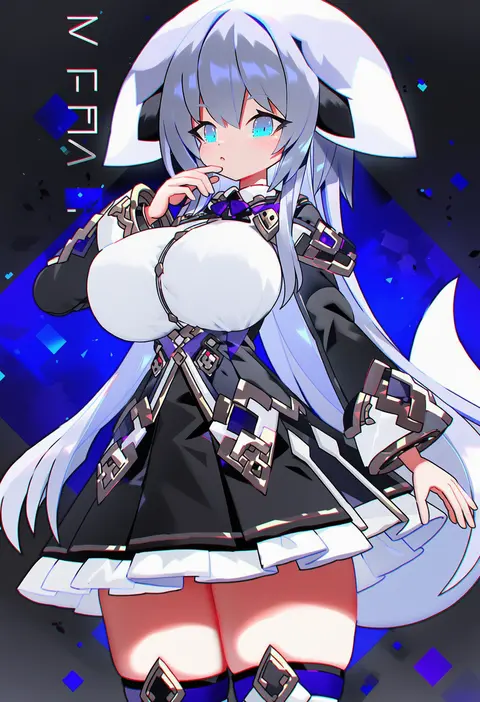
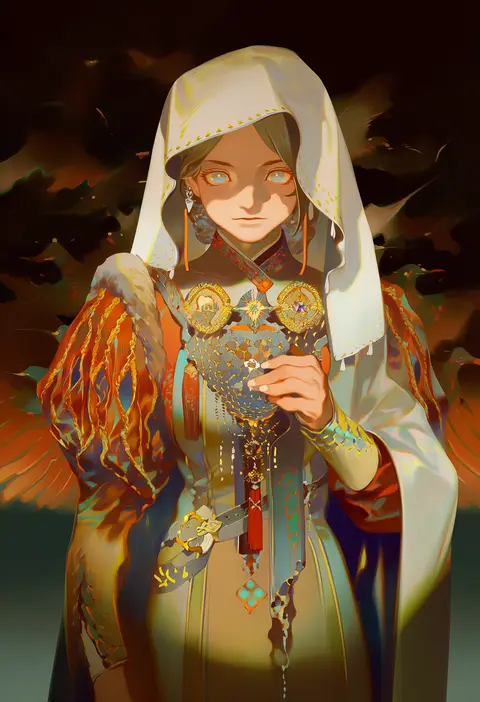
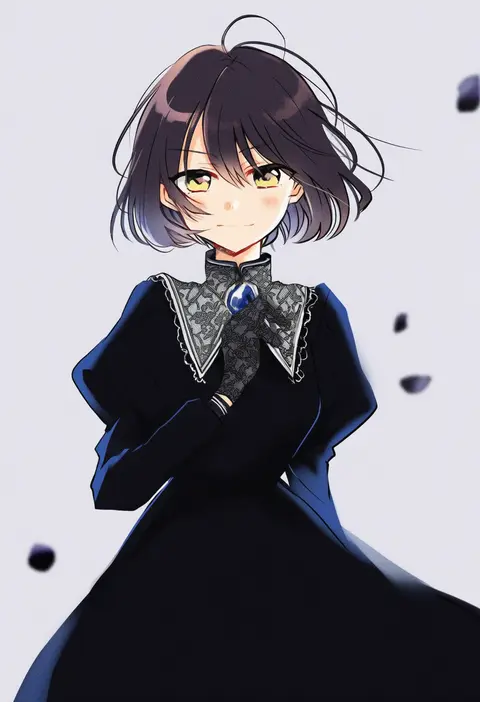
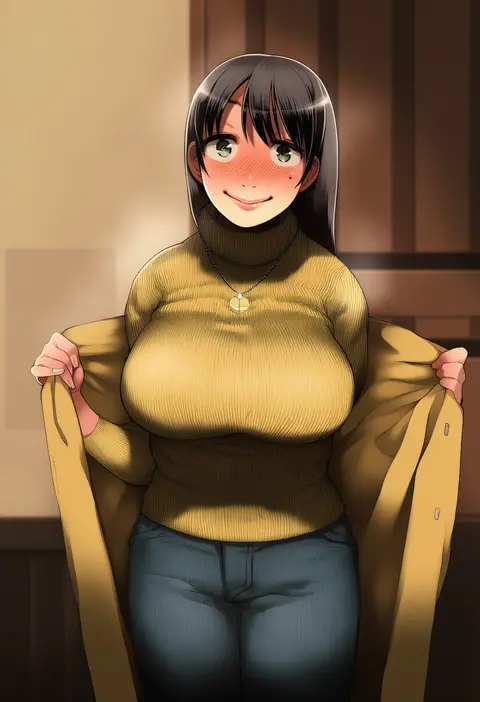
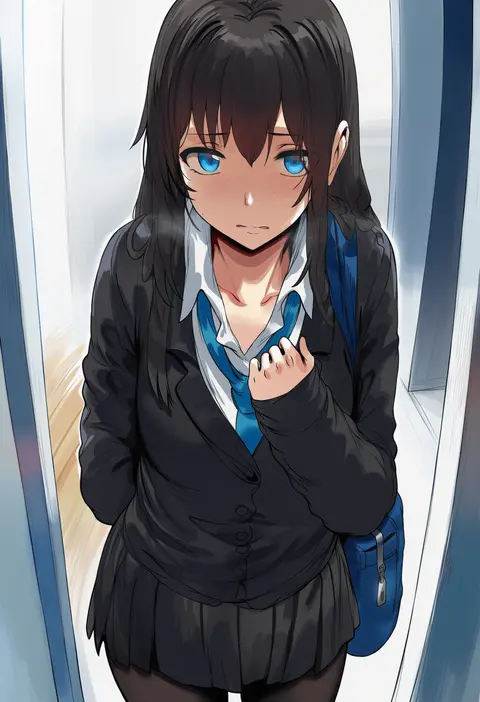
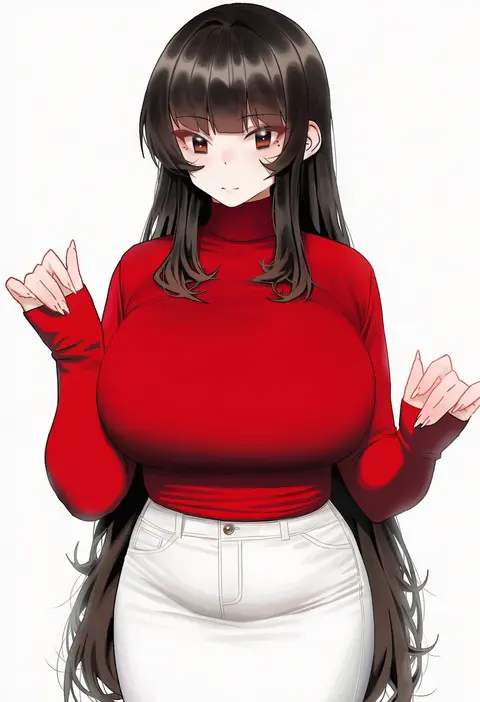
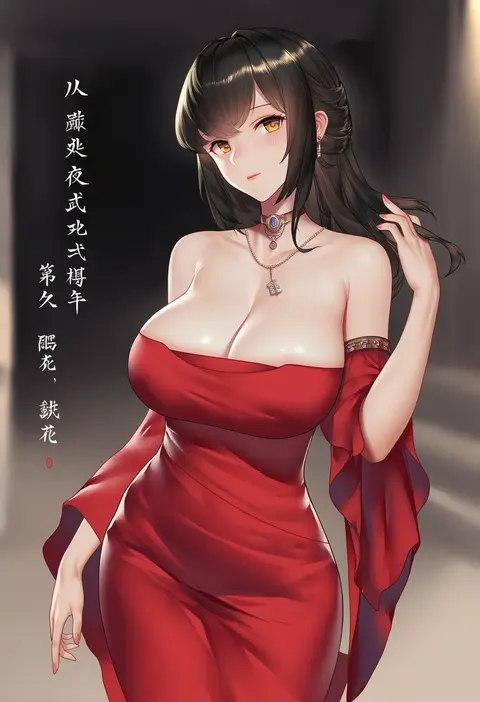
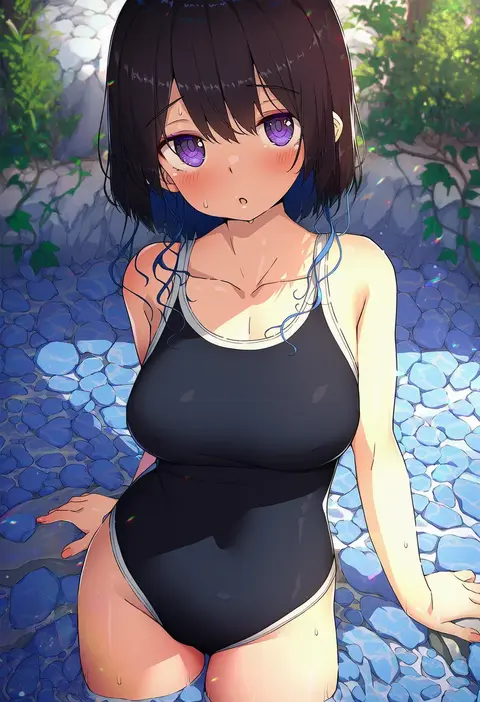
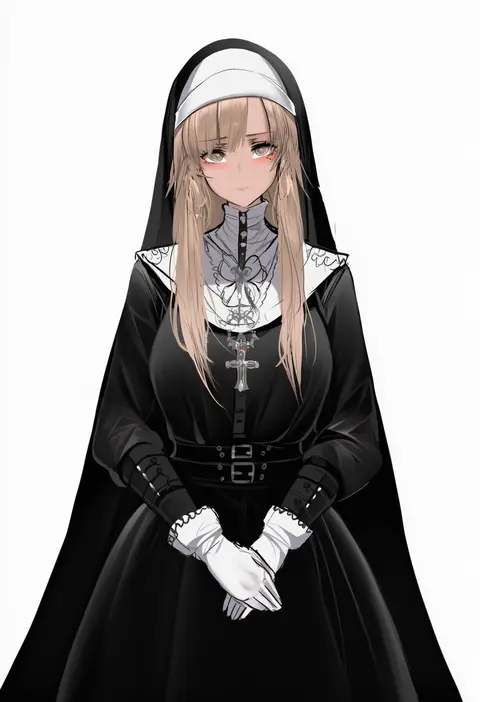
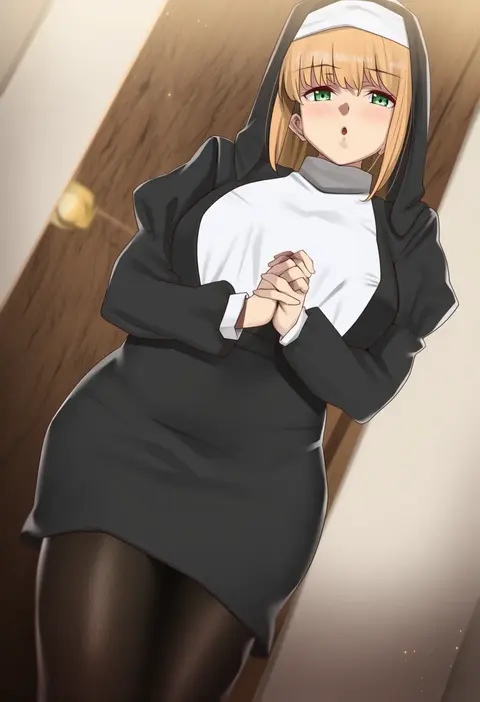
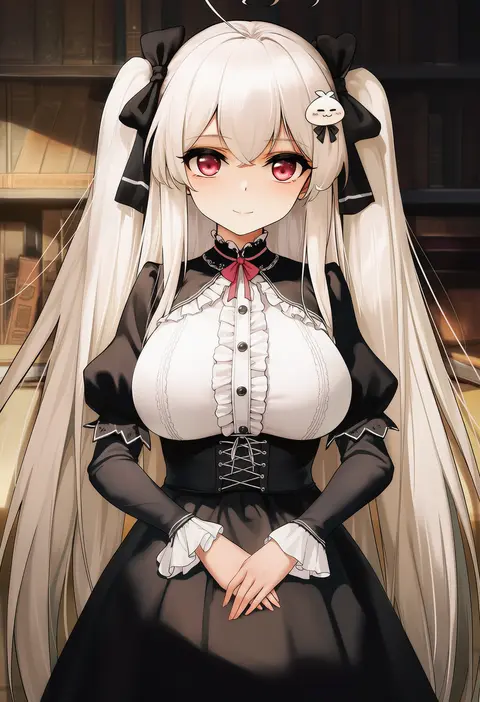
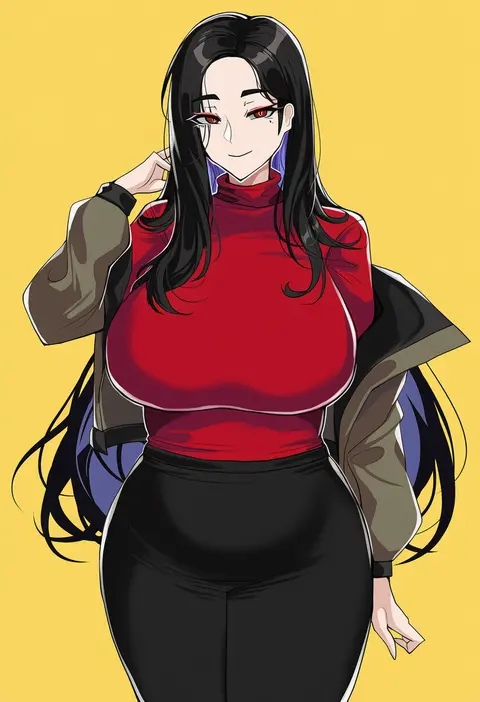
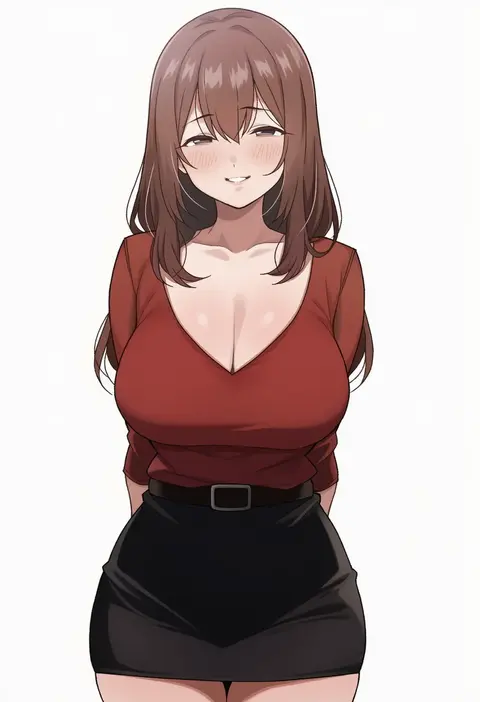
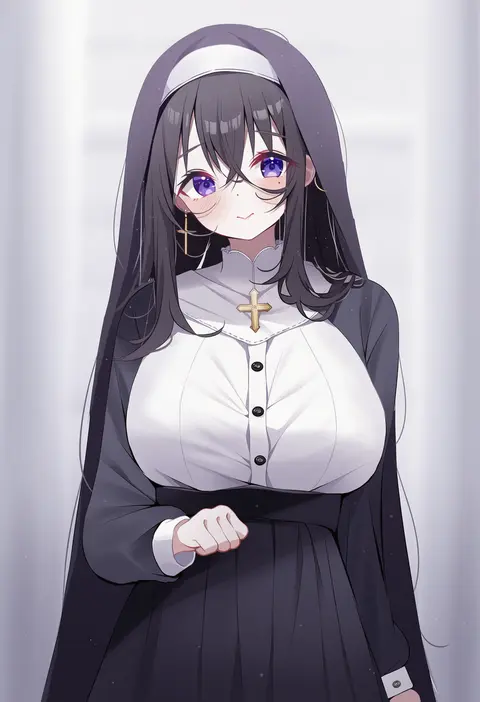
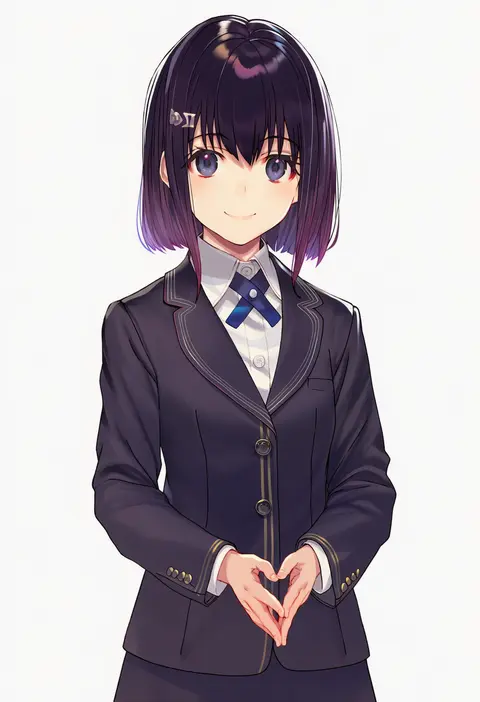
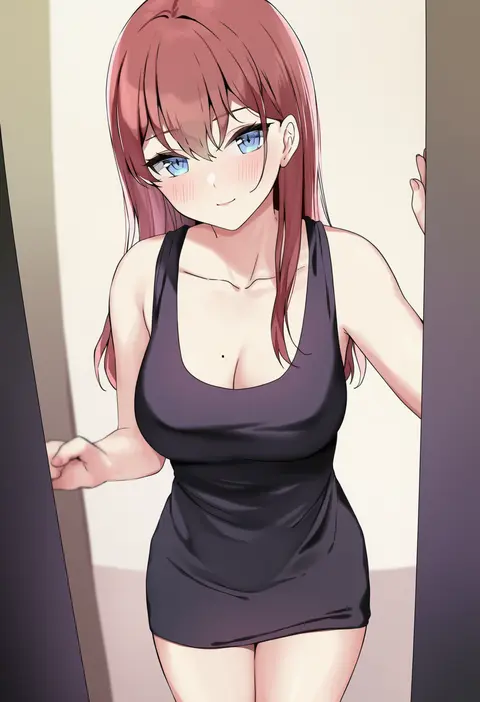
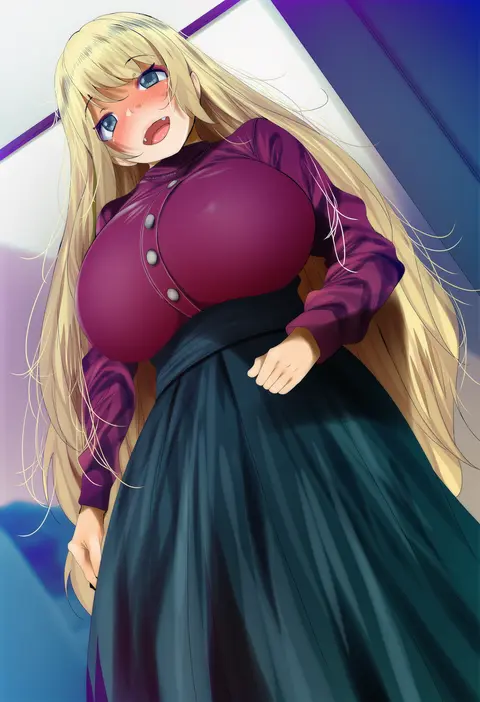
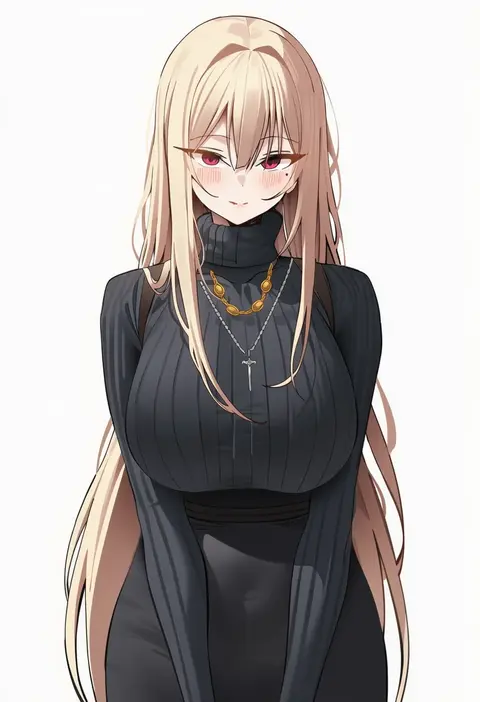
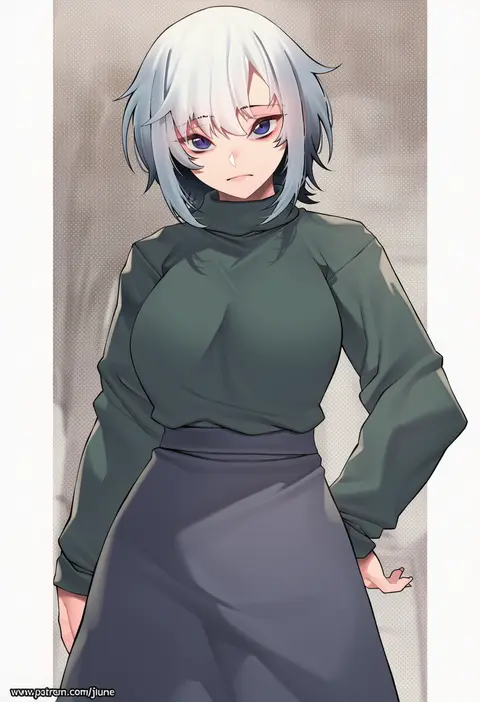
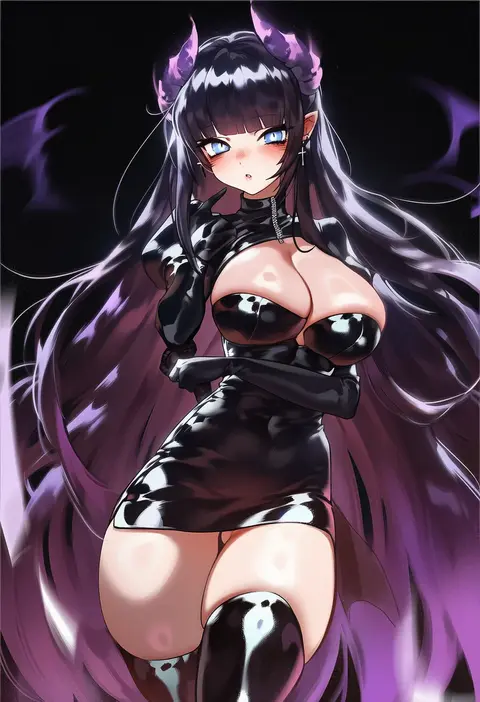
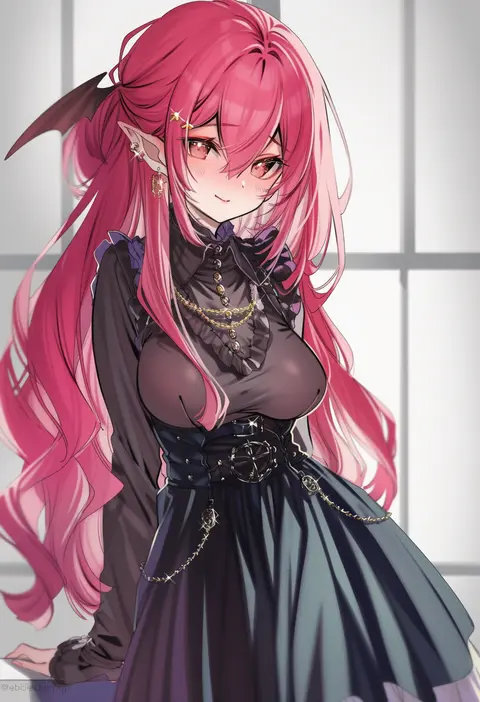
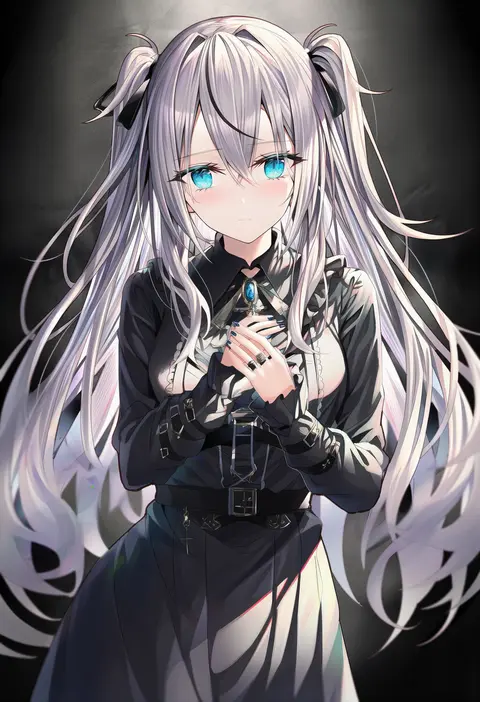
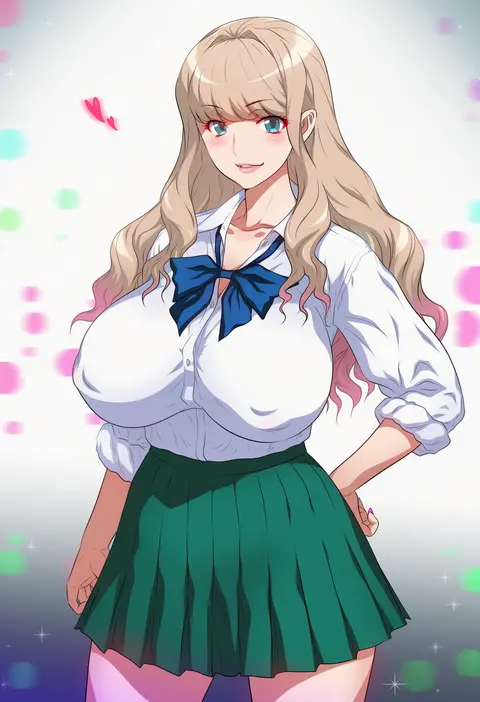
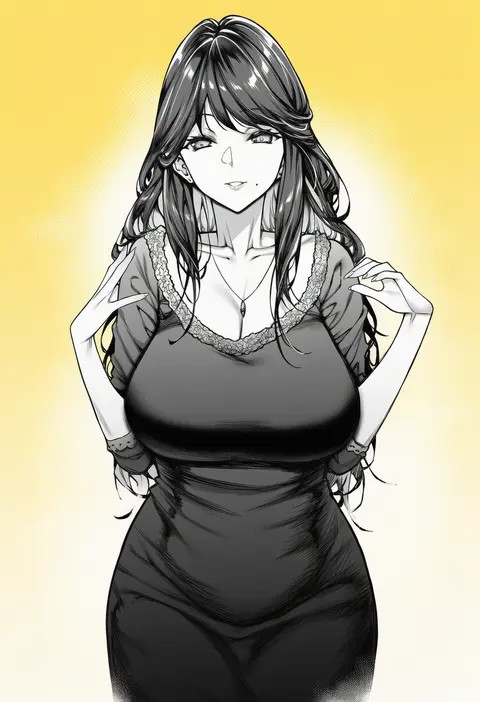
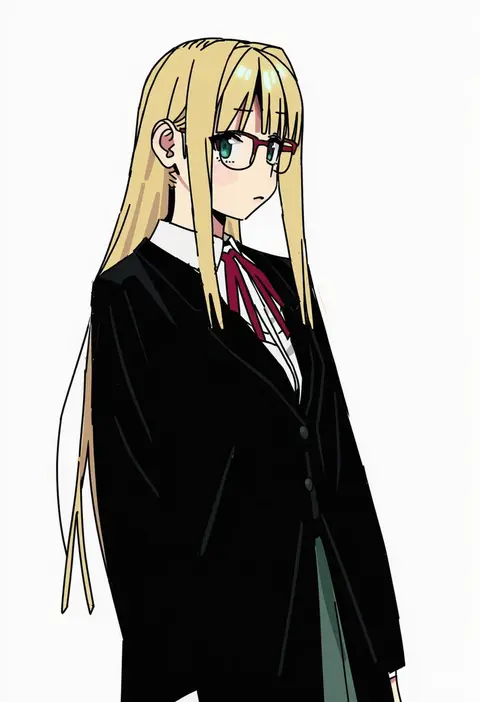
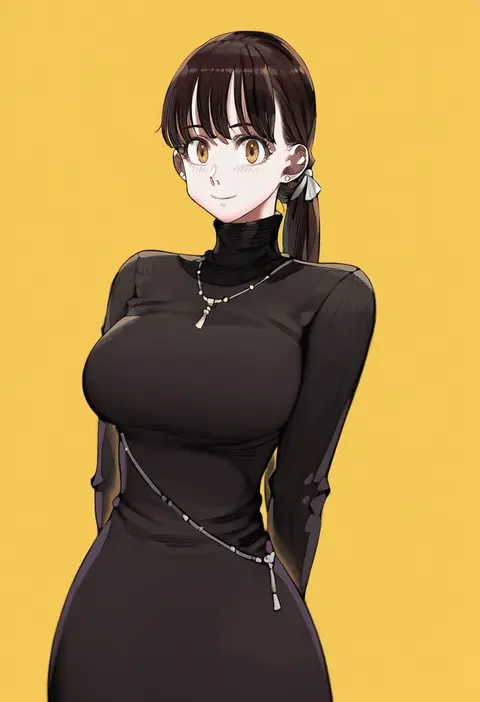
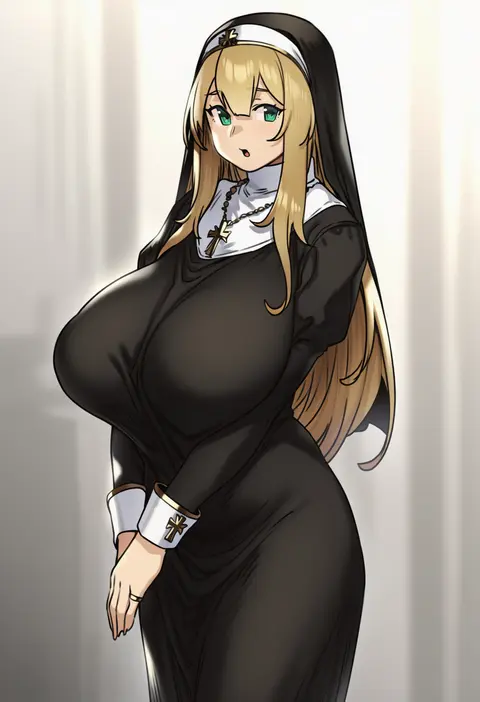
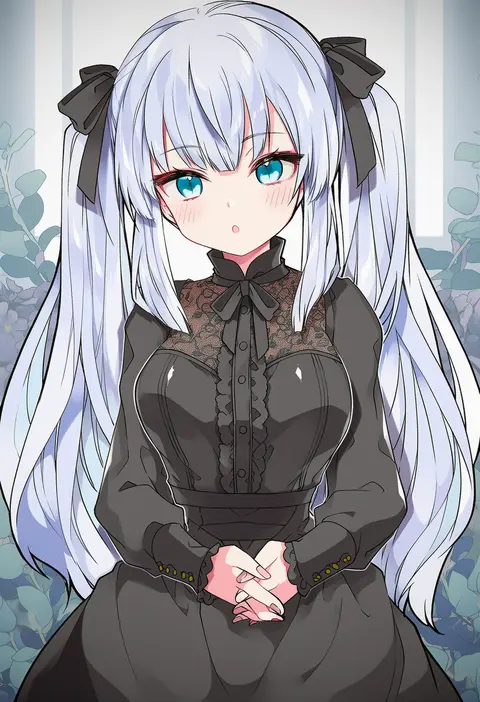
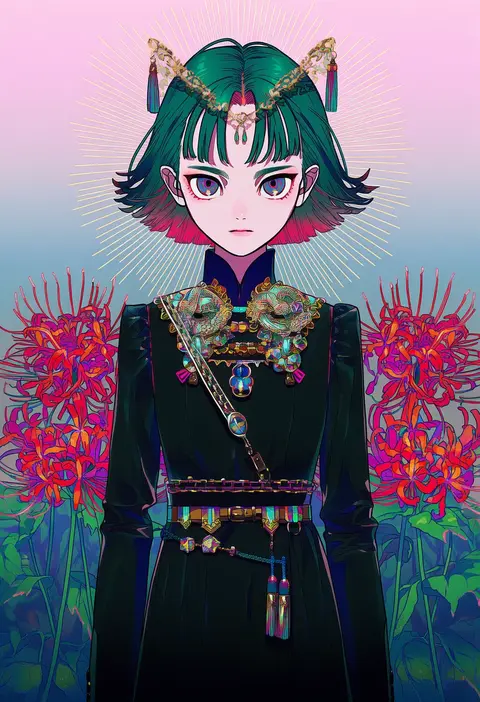
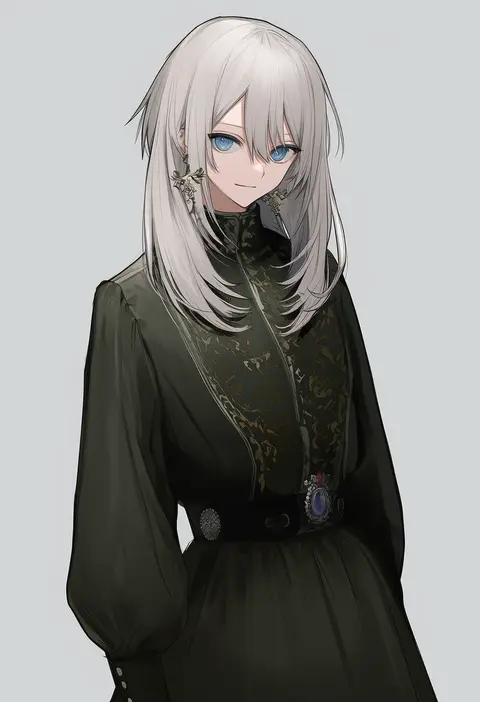
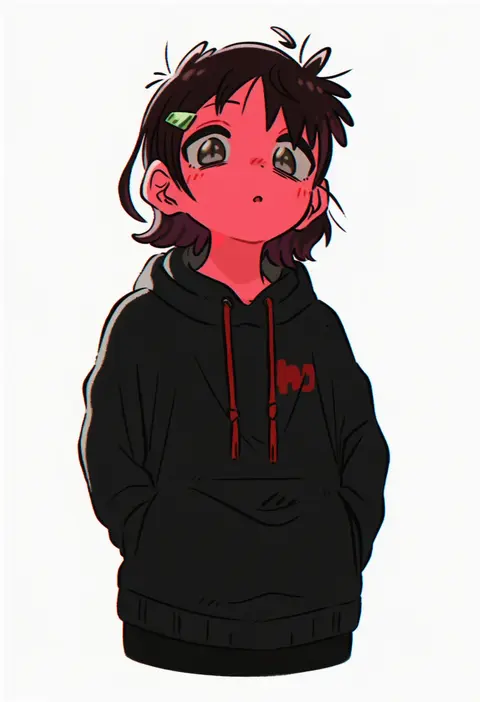
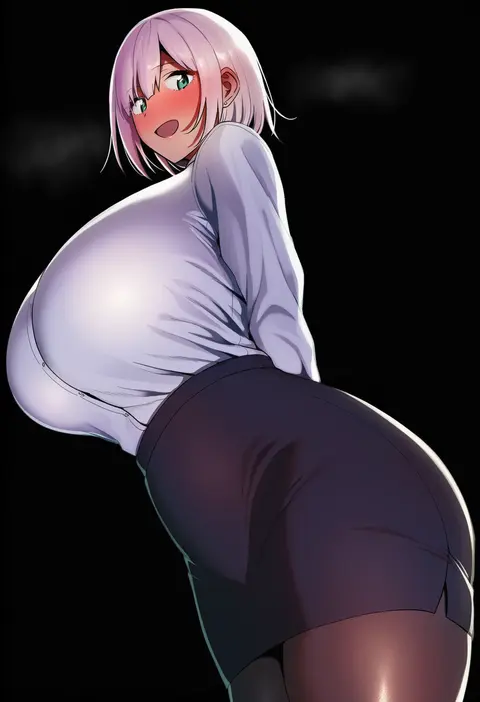
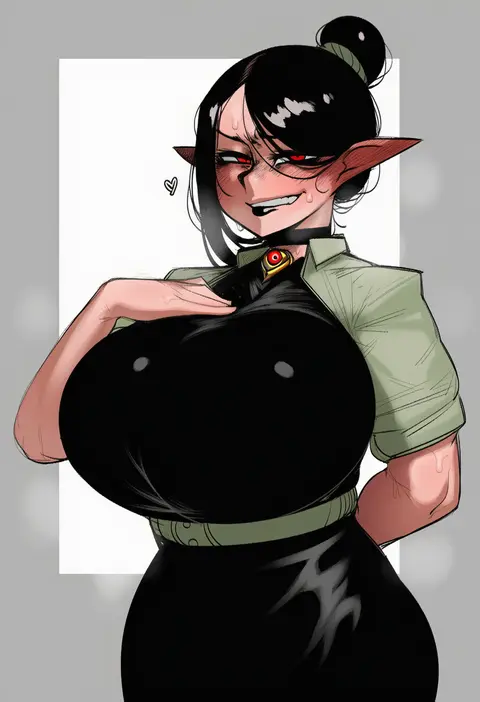
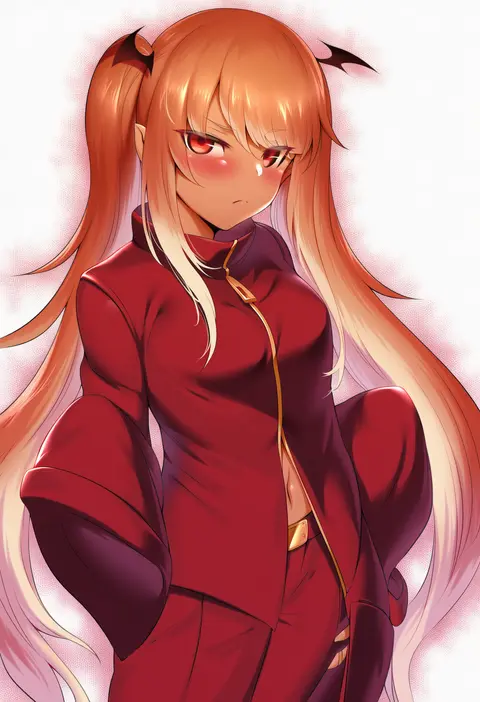
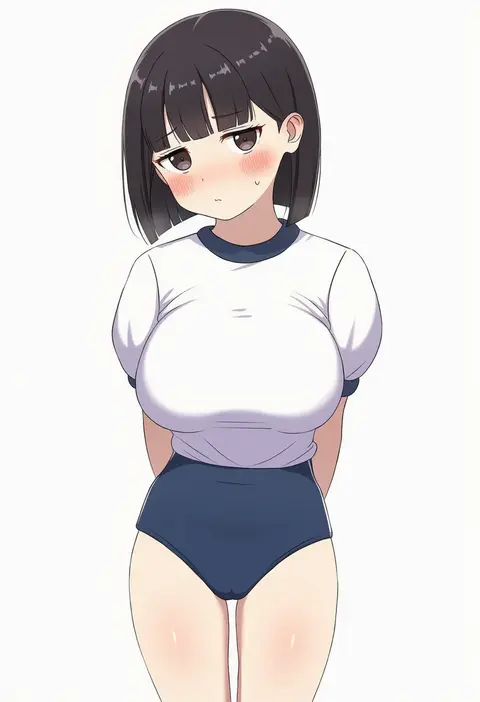
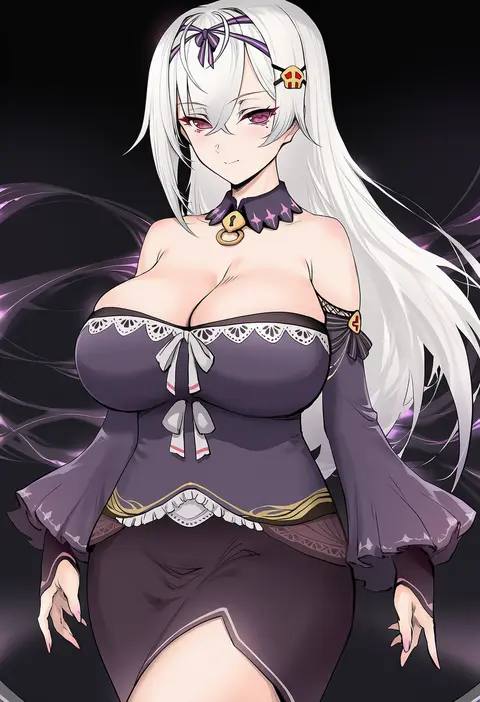
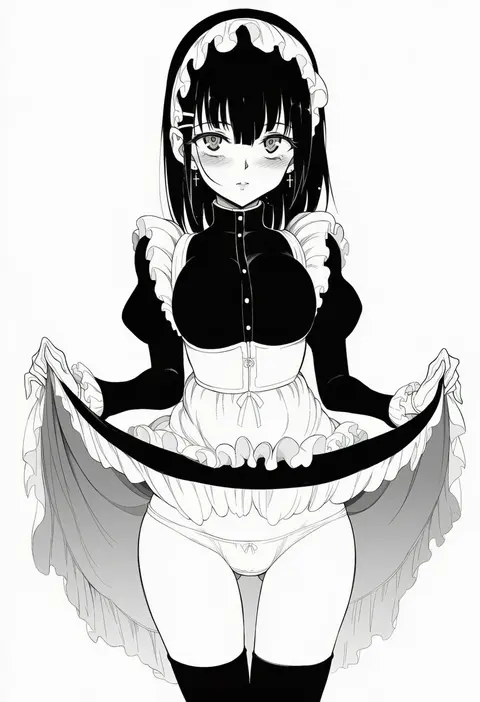
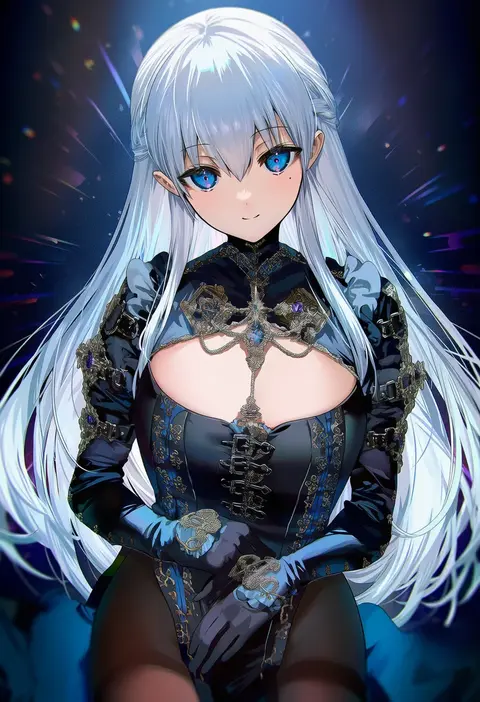
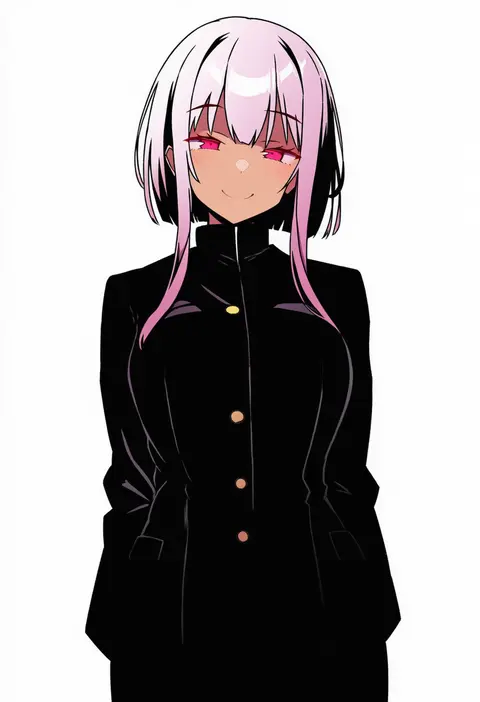
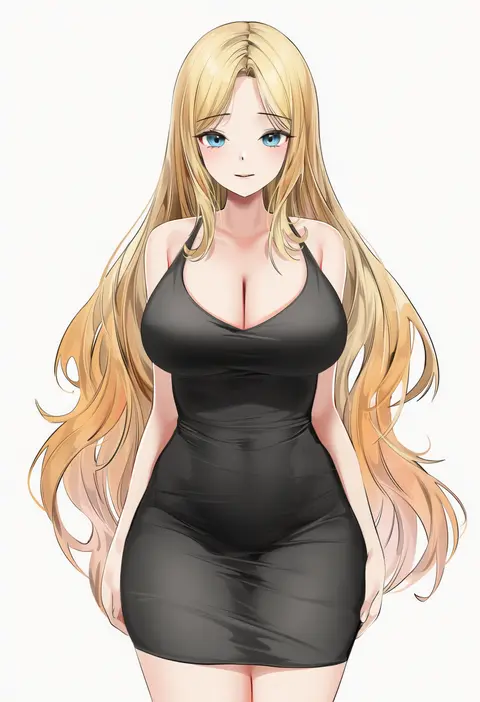
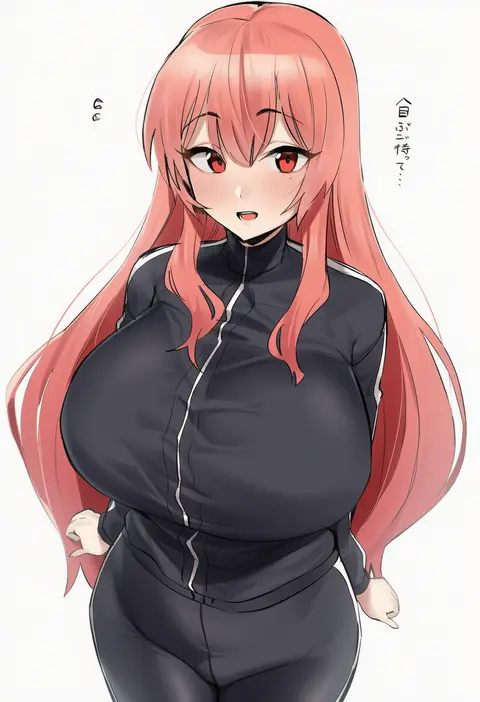
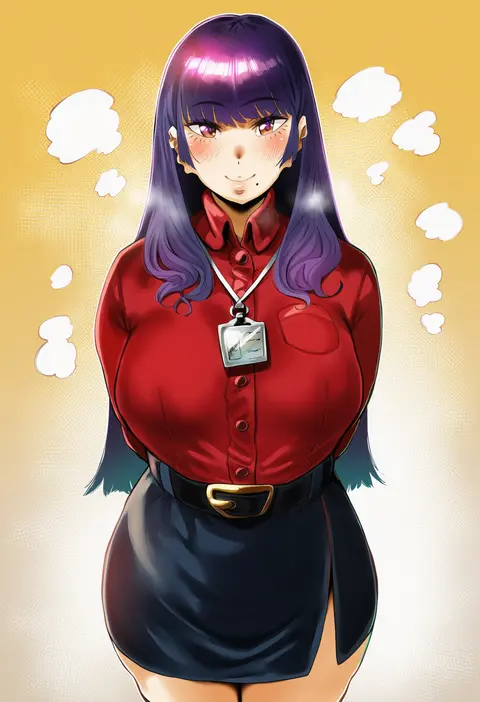
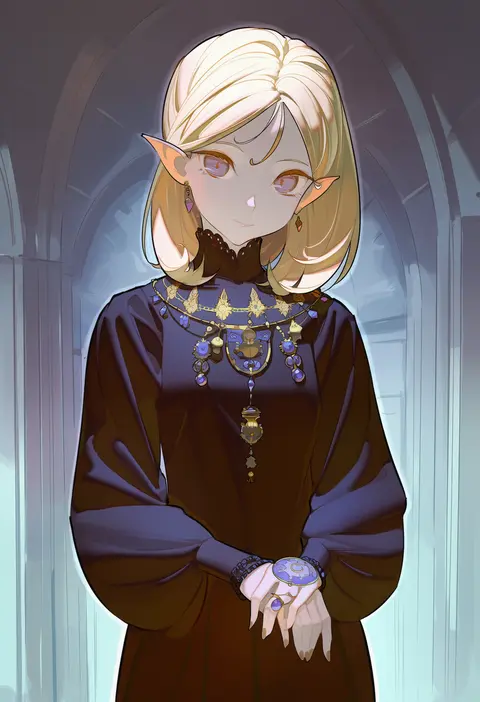
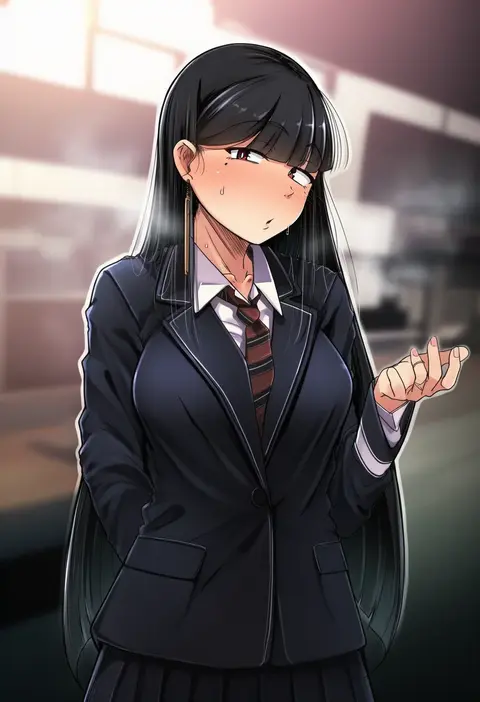
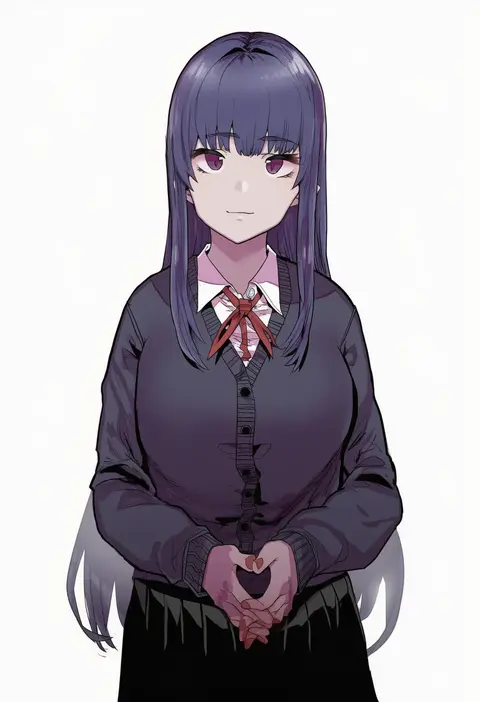
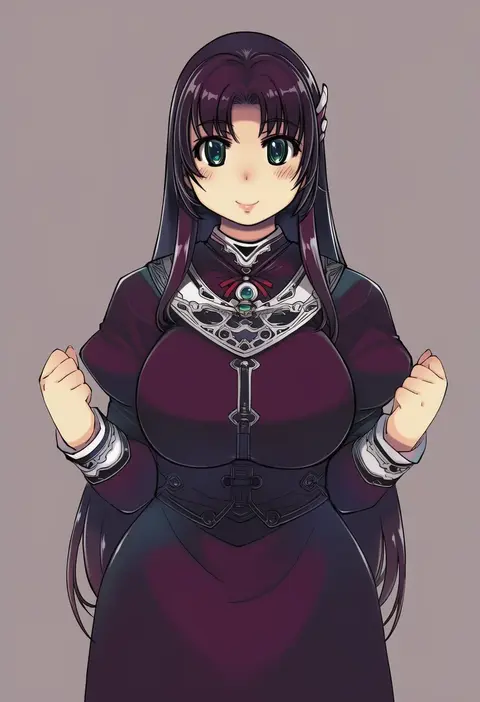
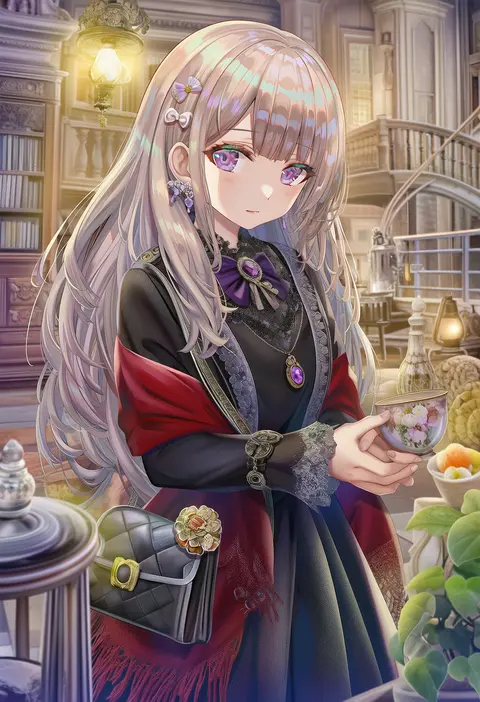
Artist tags tell NovelAI Diffusion to draw in a specific artist's style: line weight, paint texture, face shapes and palette all shift at once. Character and outfit tags decide what is drawn; artist tags decide how. 16,352 tags are listed for V4.5.
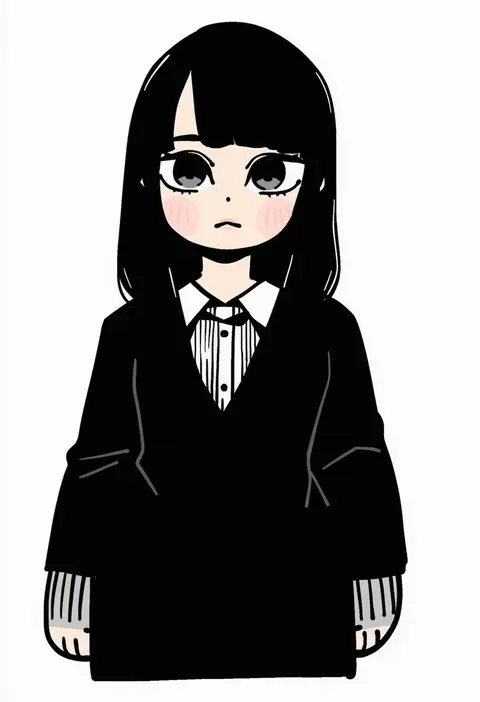
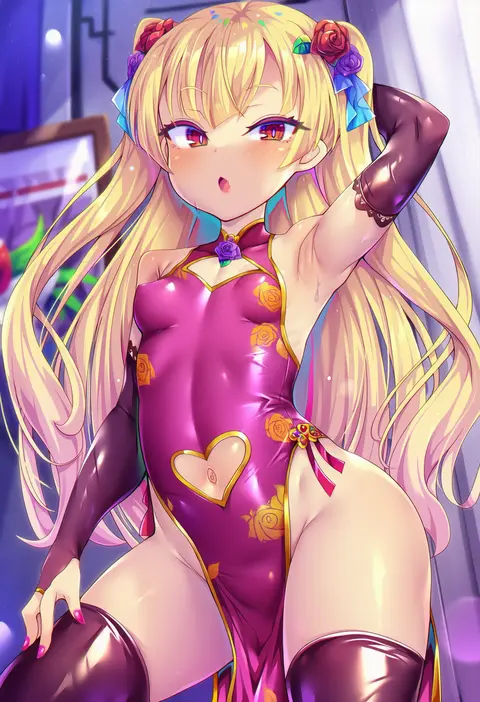
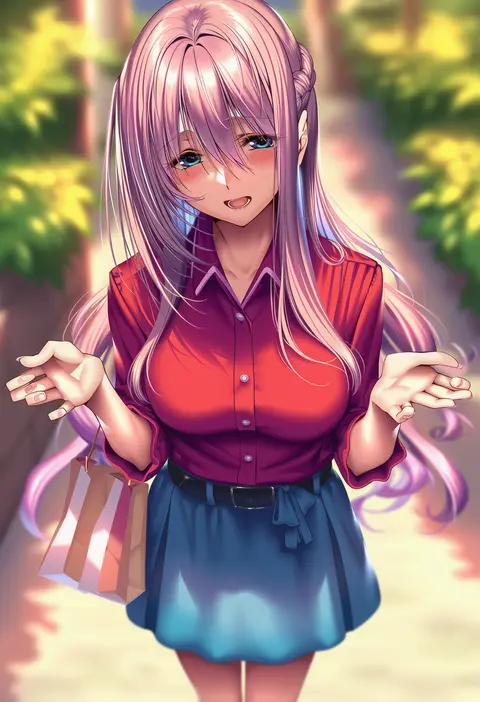
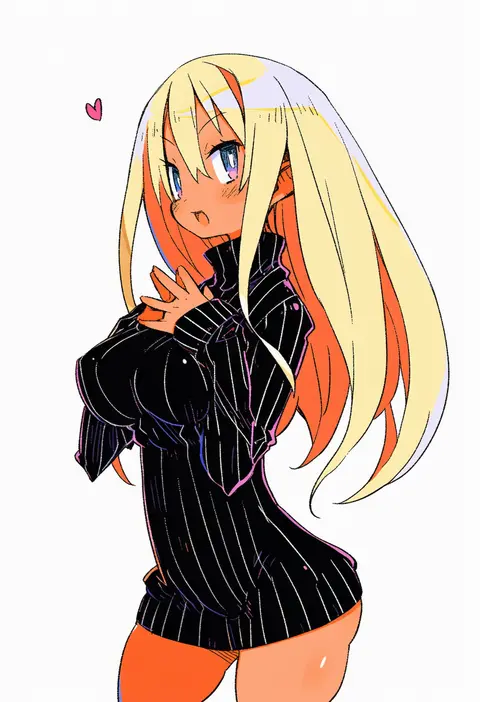
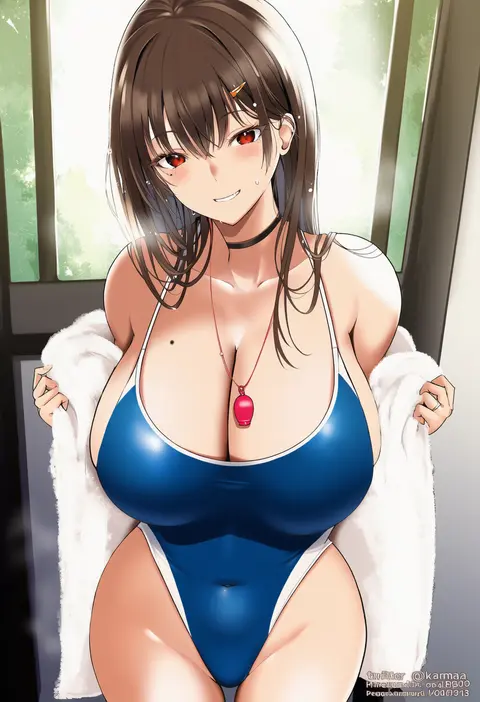
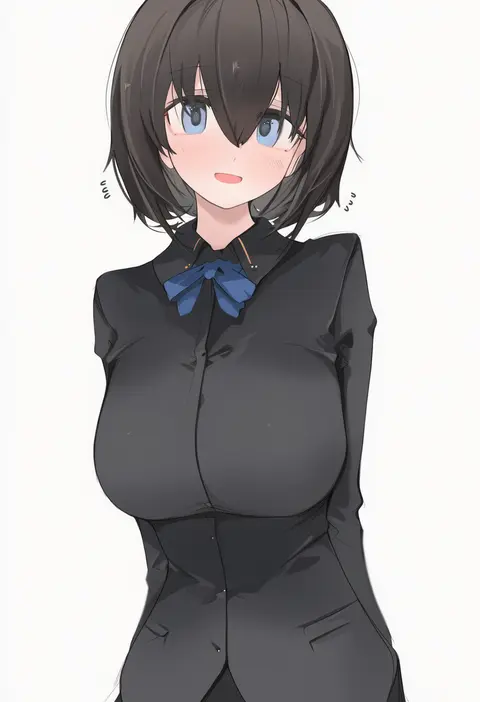
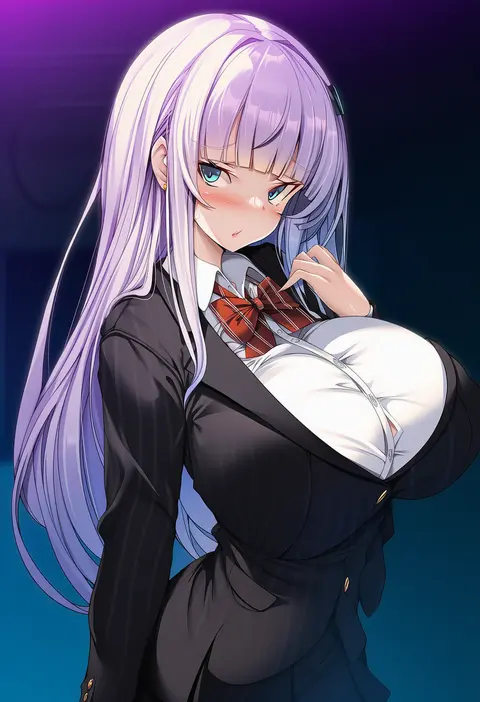
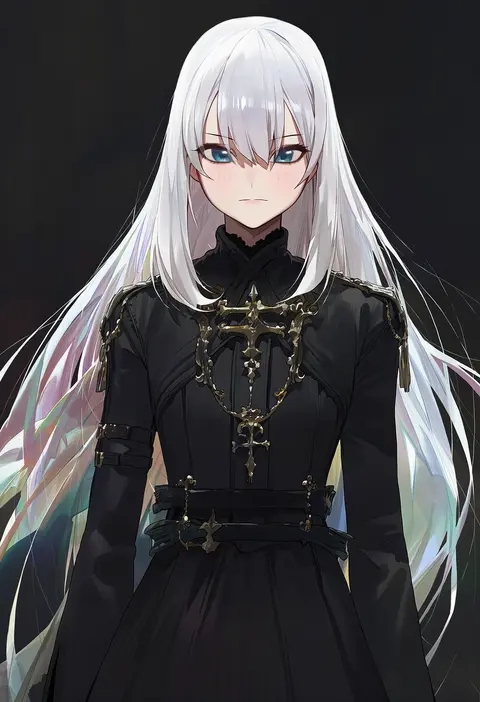
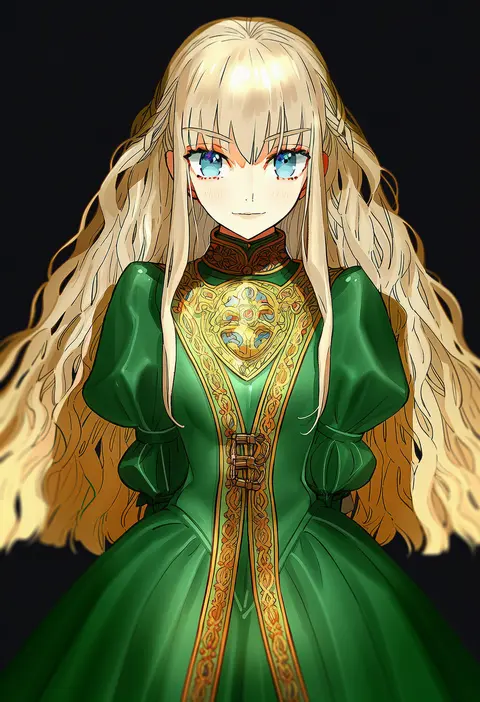
Every tag listed here is verified to react in NovelAI. All images use the same prompt, seed and settings with only the artist tag swapped, so the difference between two images is the style that tag brings in.

How to use them

Put the artist tag near the front of the prompt, e.g. "<artist>, 1girl, solo, best quality, masterpiece, cowboy shot". Two or three artist tags blend styles; lower the weight with "0.8::<artist>::" when the style overpowers the character.

SCORE sorts by Danbooru's top score, POSTS by post count, FAVS by hearts on this site. Open a card to see V5 and V4.5 side by side on the same seed.

V5 vs V4.5

V5 usually lands closer to the artist's real style, and tags that did nothing on V4.5 often react on V5. V4.5 still fits older and doujin-heavy artists better. Try V5 first, fall back to V4.5.

FAQ

Where does the artist tag go?
Near the front of the prompt. Use "0.8::tag::" to adjust its weight.

Can I stack artist tags?
Yes, styles blend. Past two or three the result stops looking like anyone.

Are these the artists' own works?
No. Every image is a NovelAI sample generated from the tag.