Stable Diffusion Artist Tags List — Illustrious / WAI illustrious v17
artist --count 16,295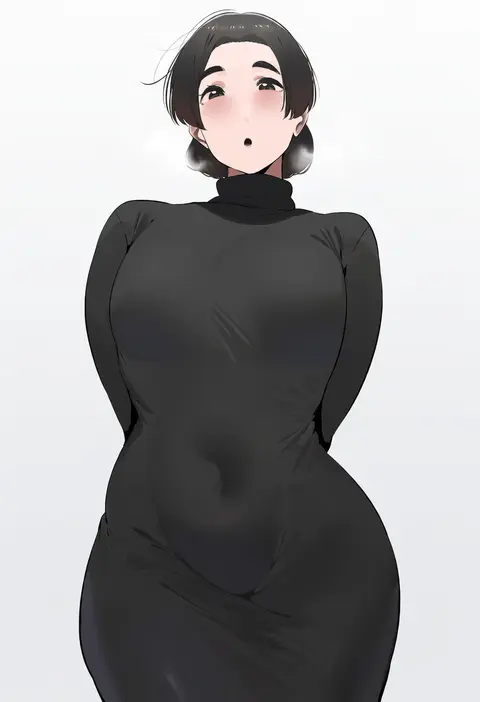
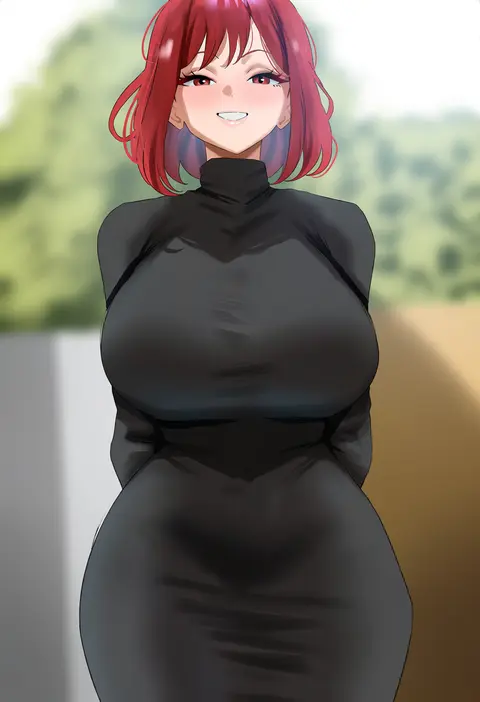
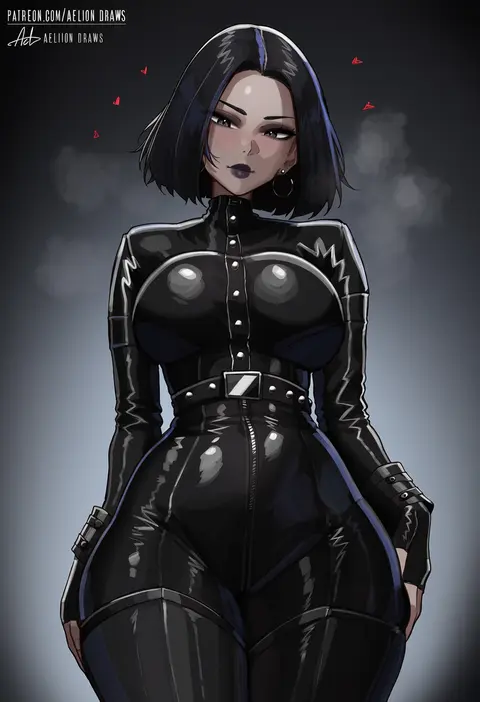
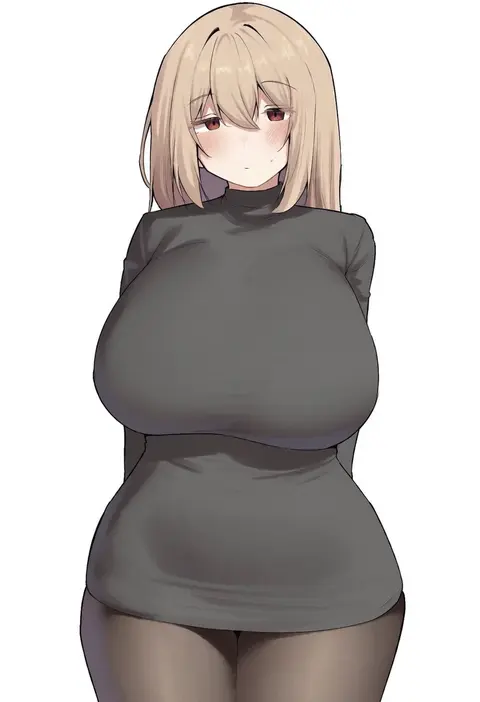
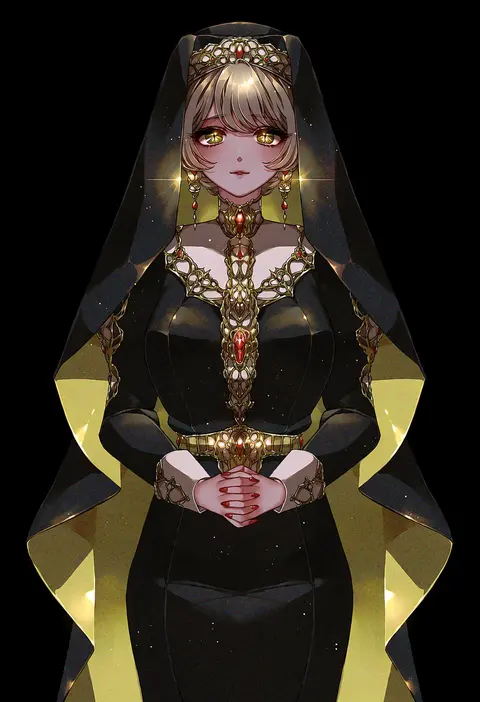
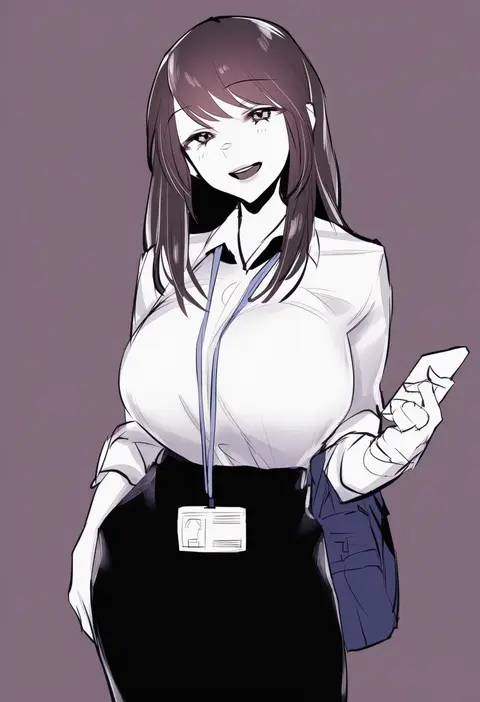
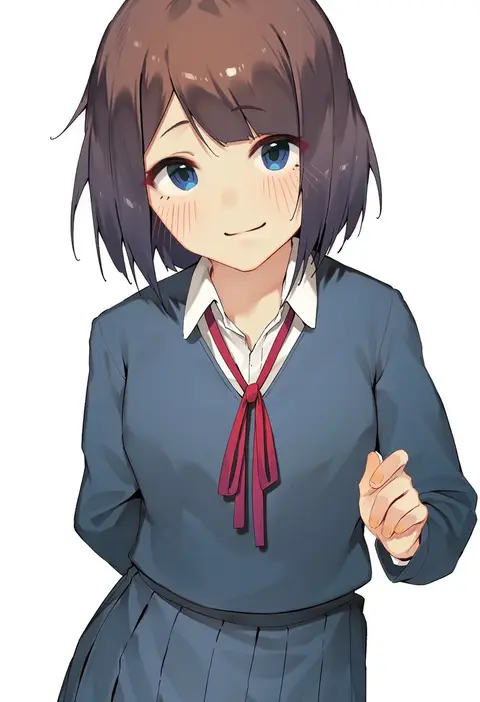
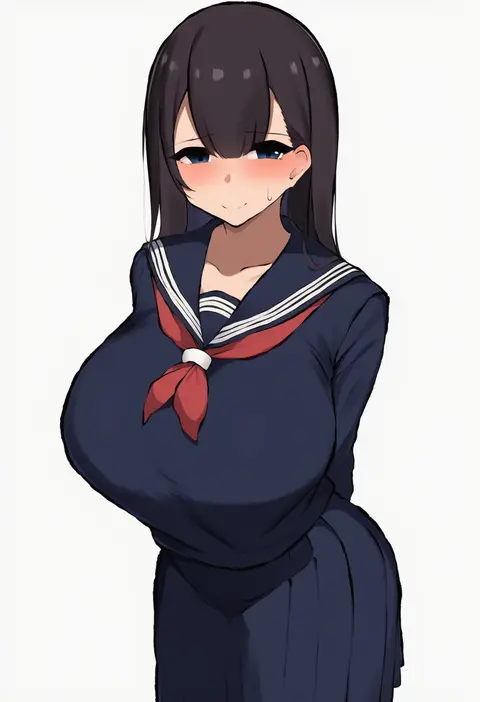
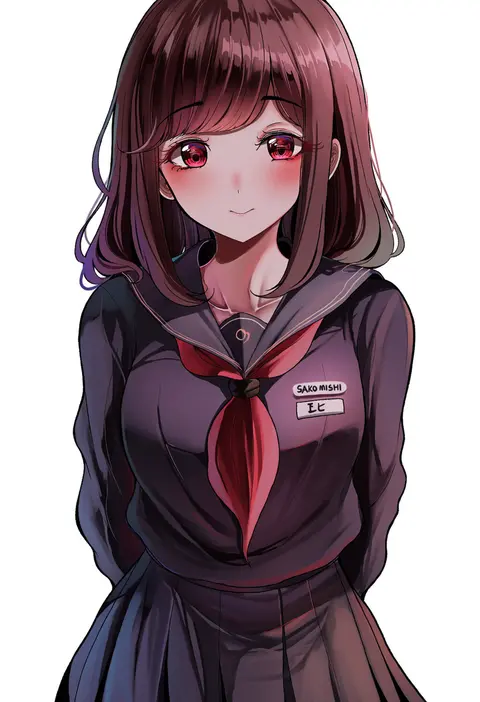
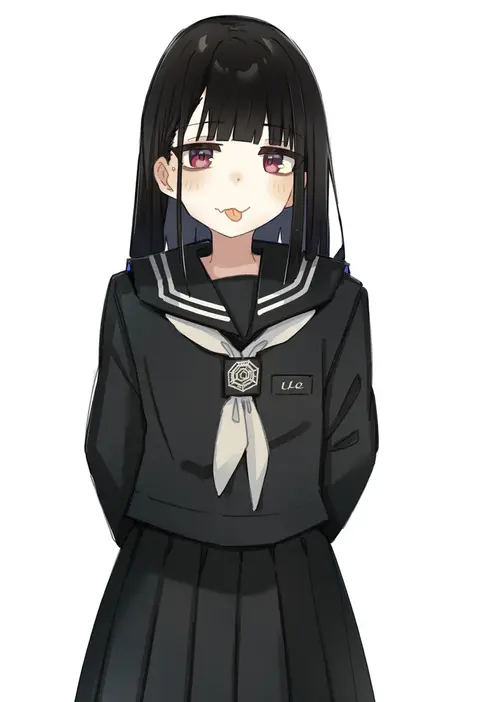
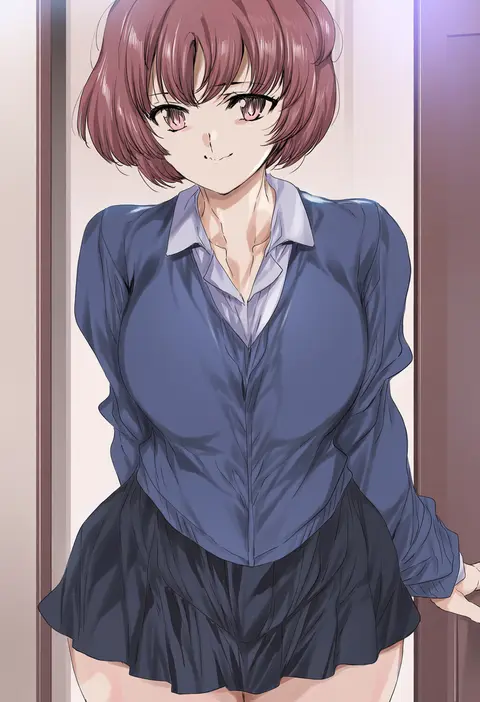
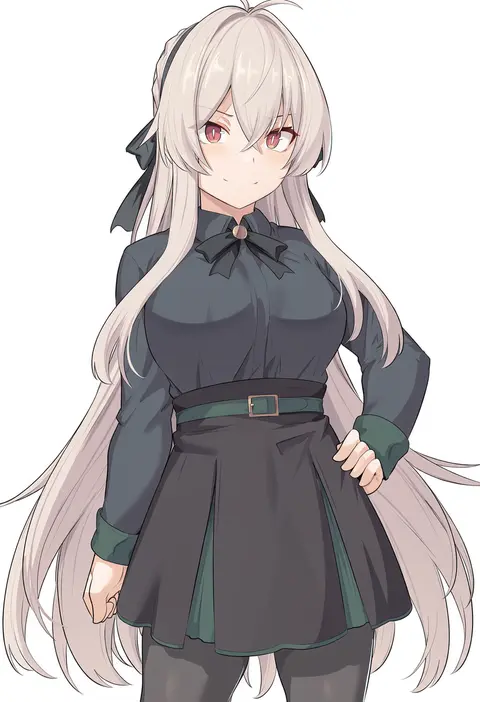
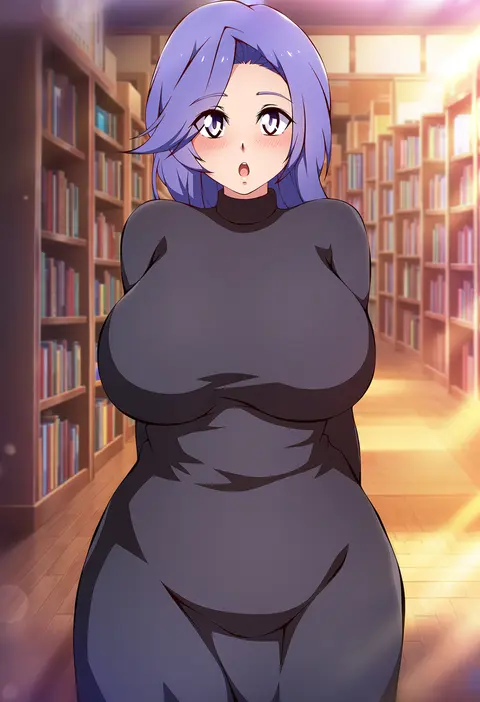
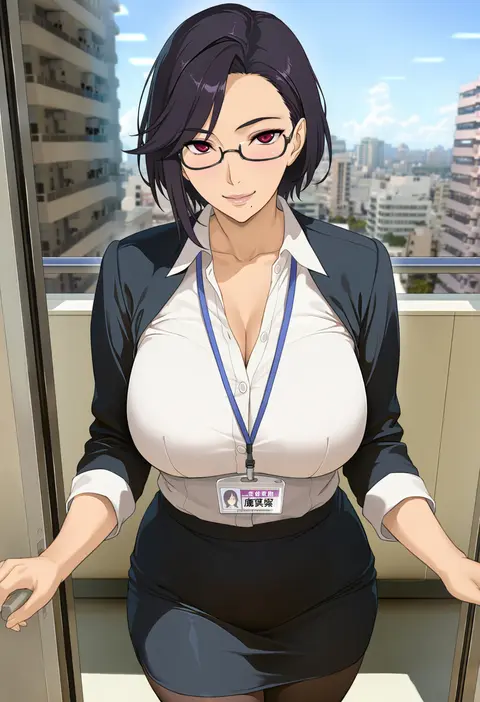
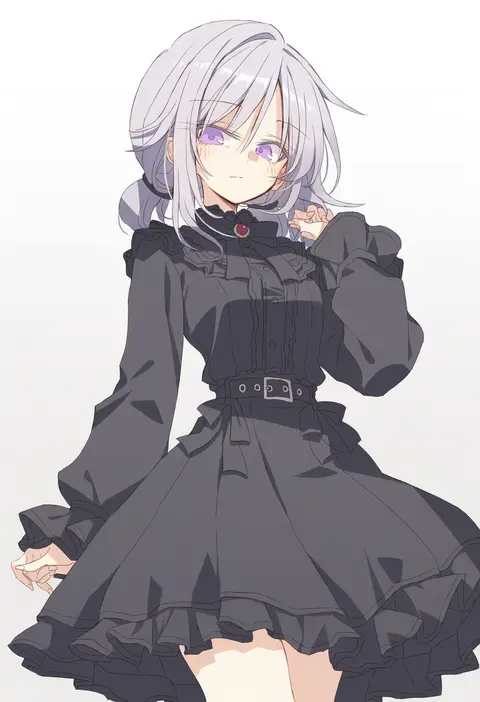
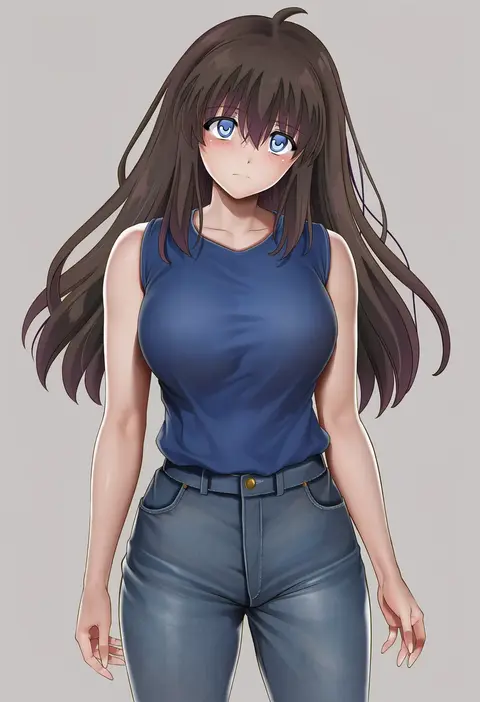
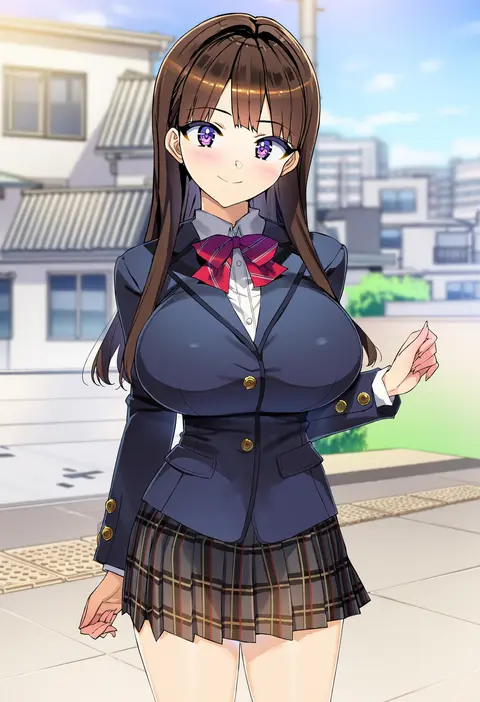
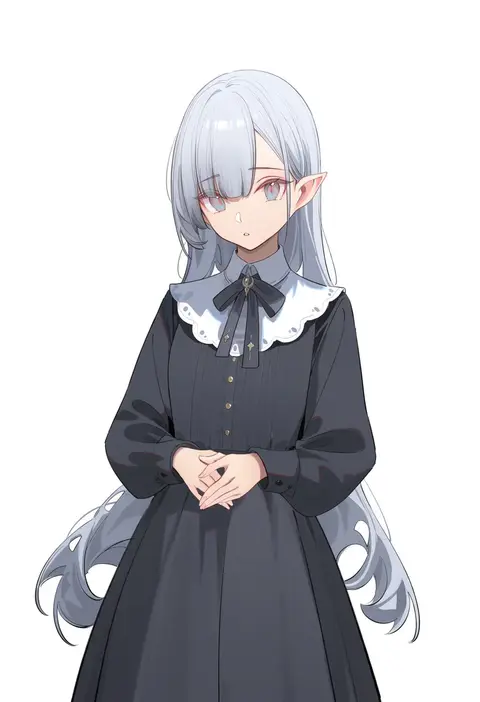
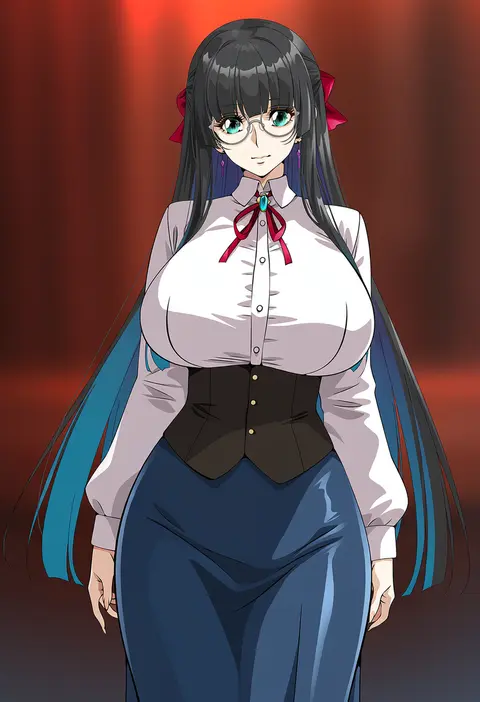
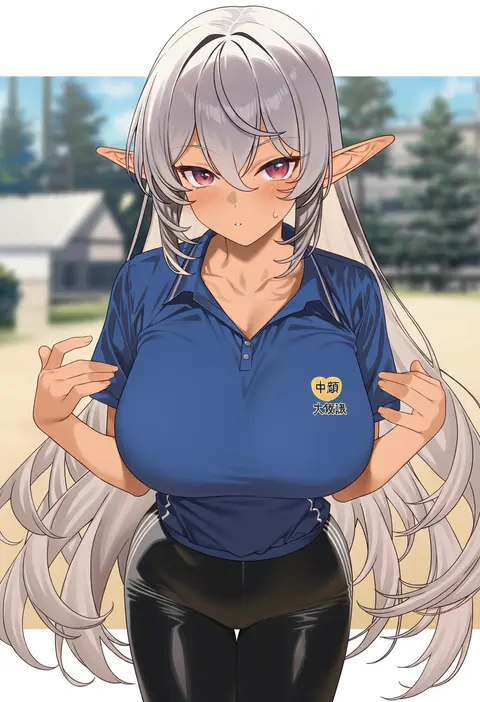
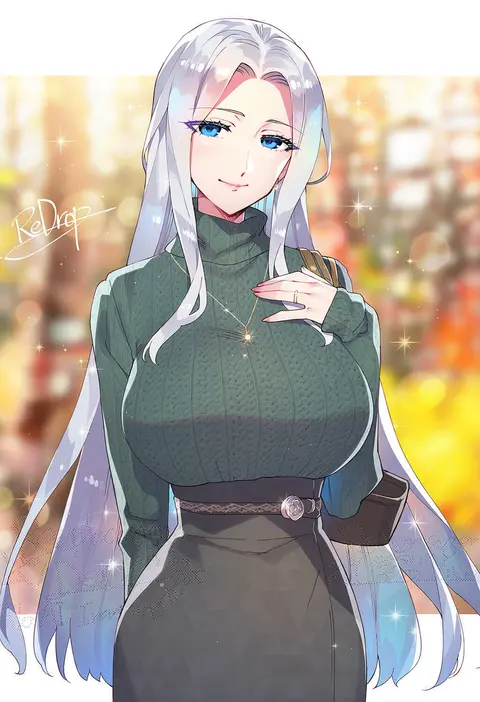
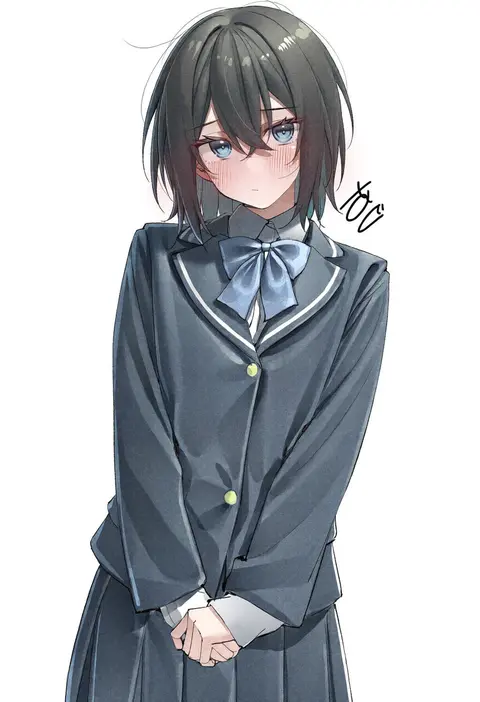
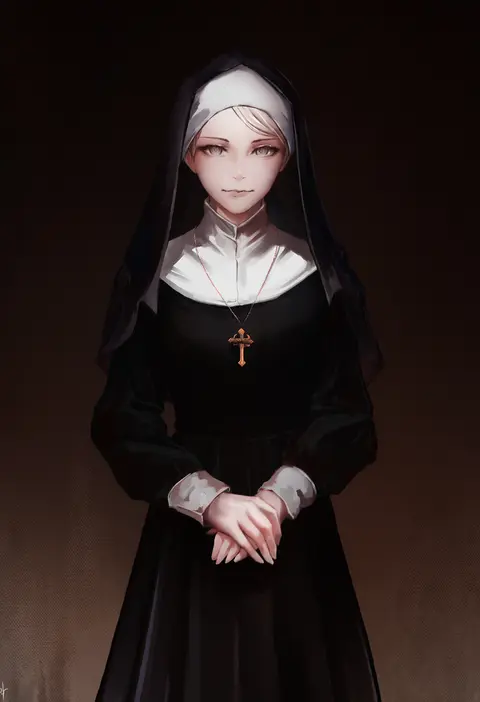
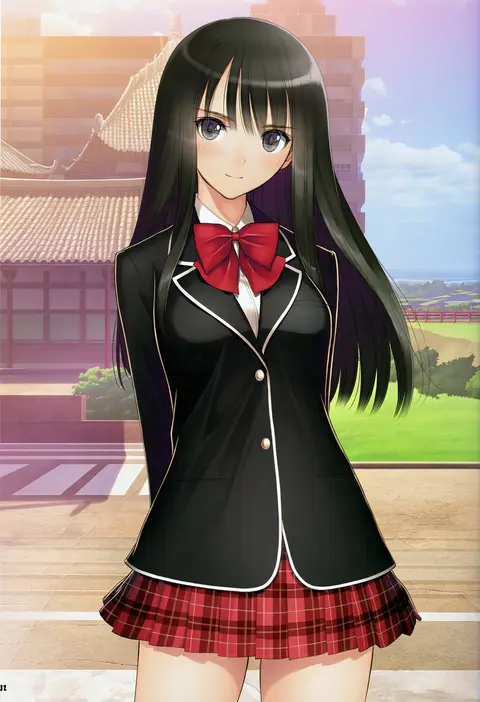
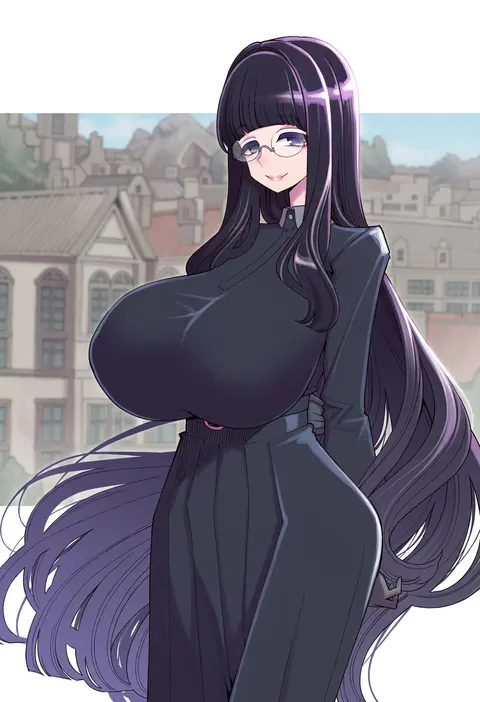
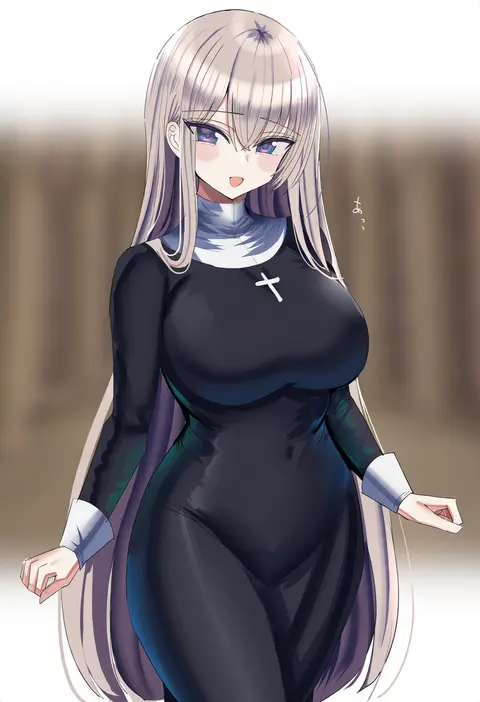
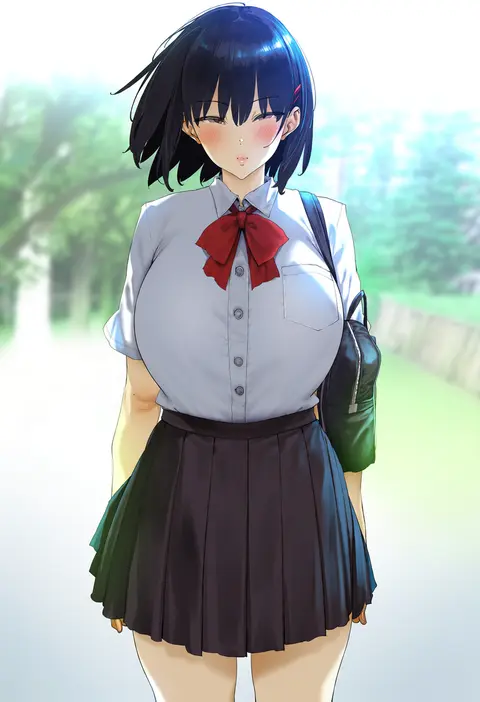
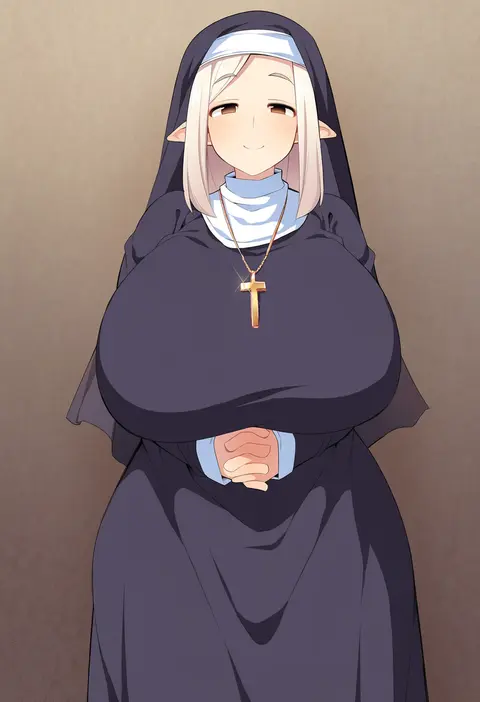
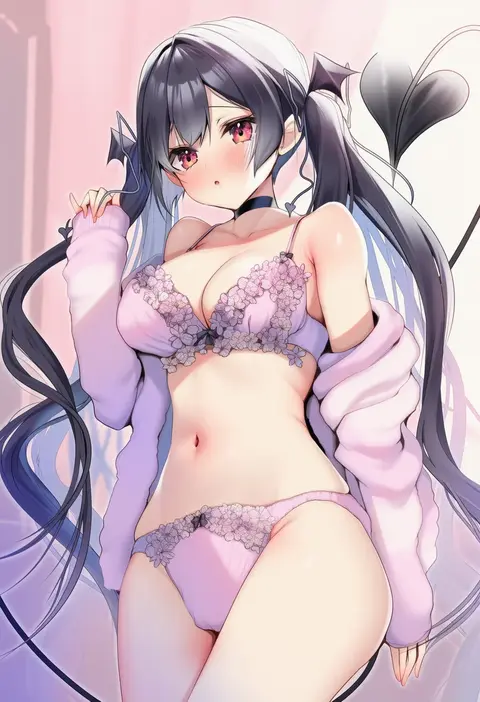
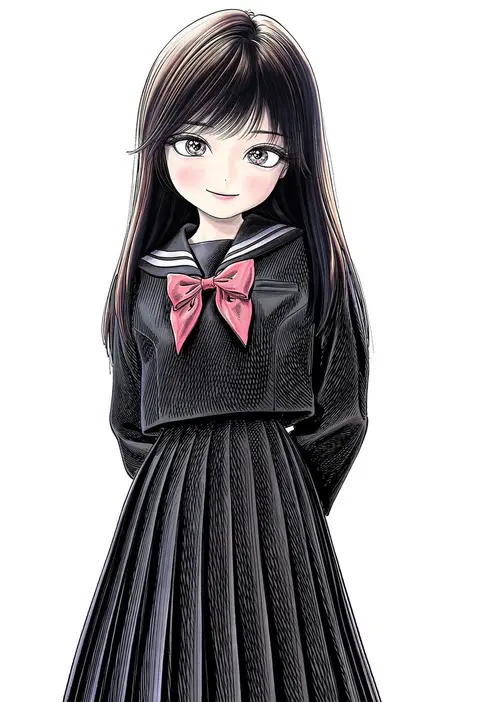
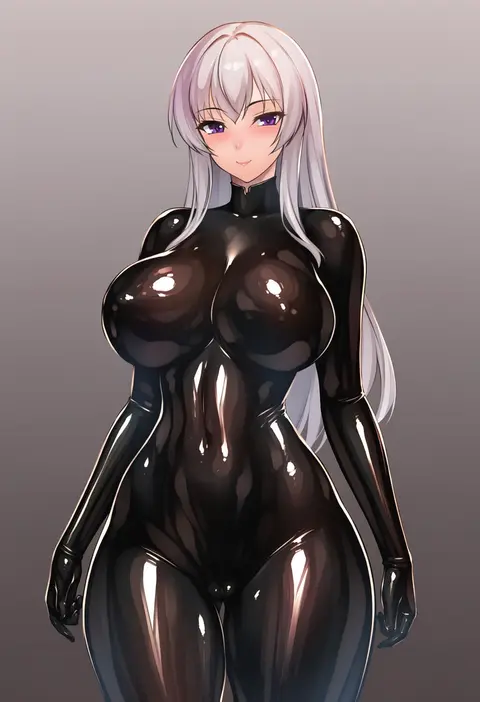
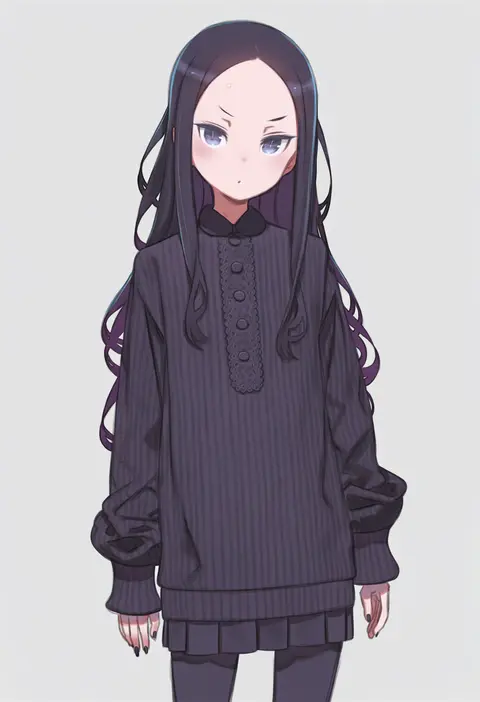
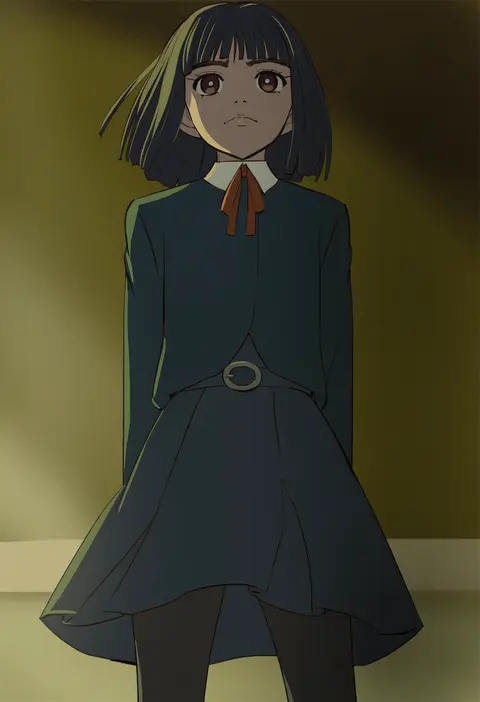
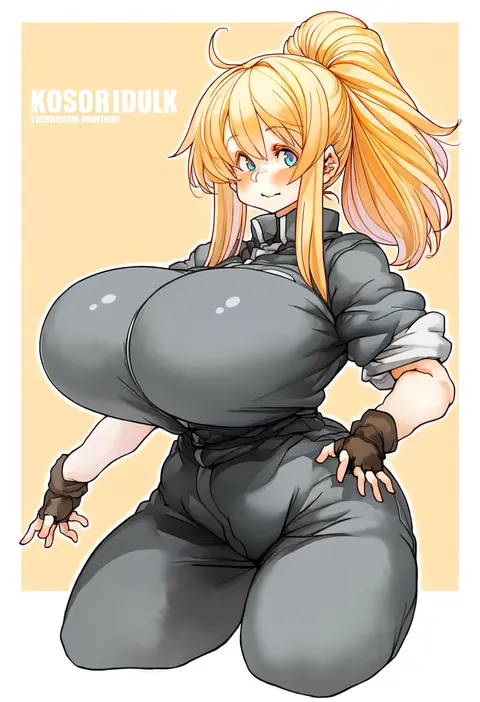
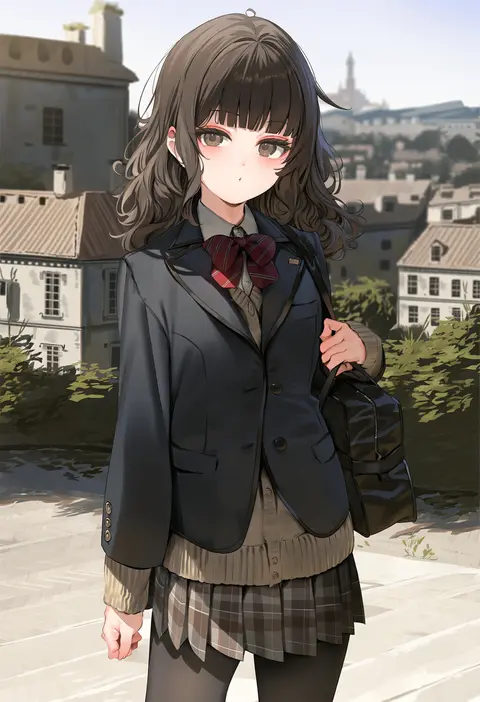
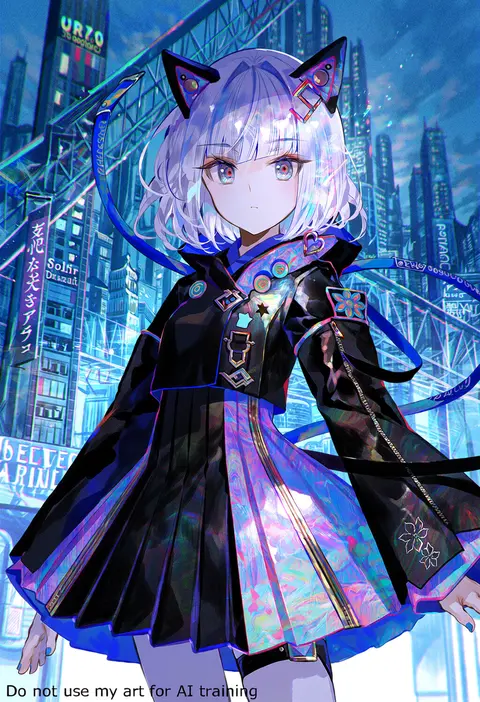
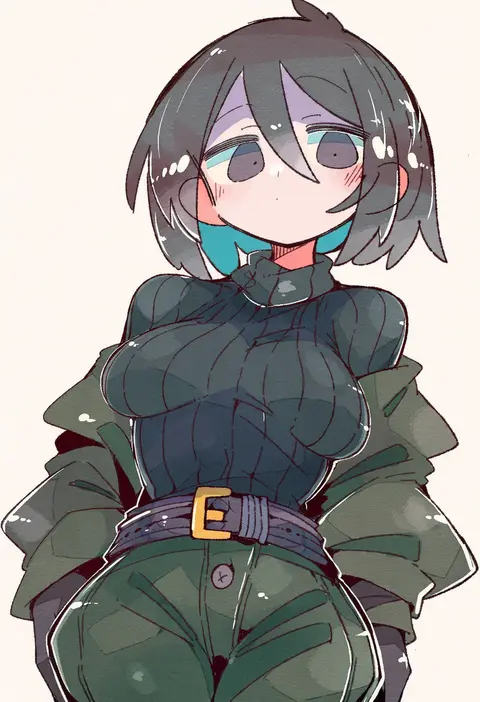
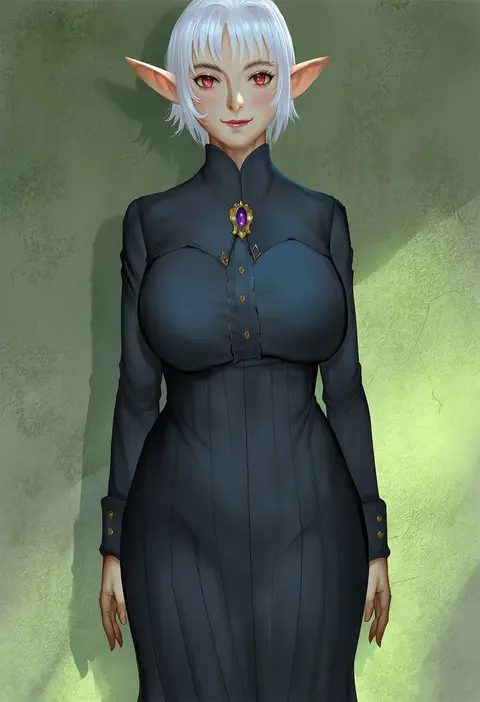
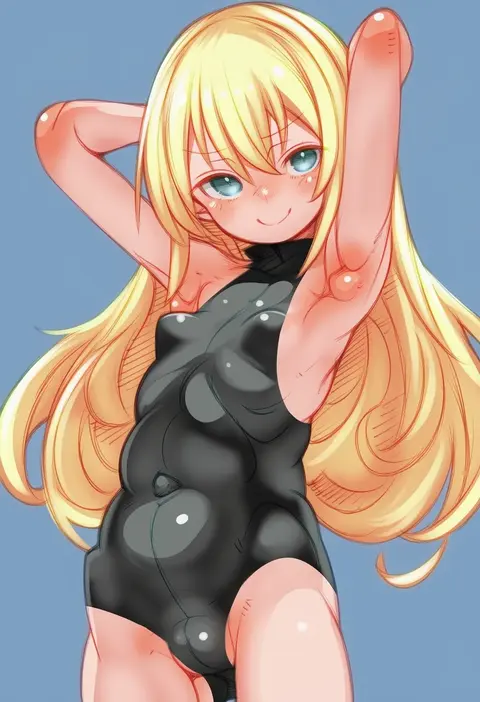
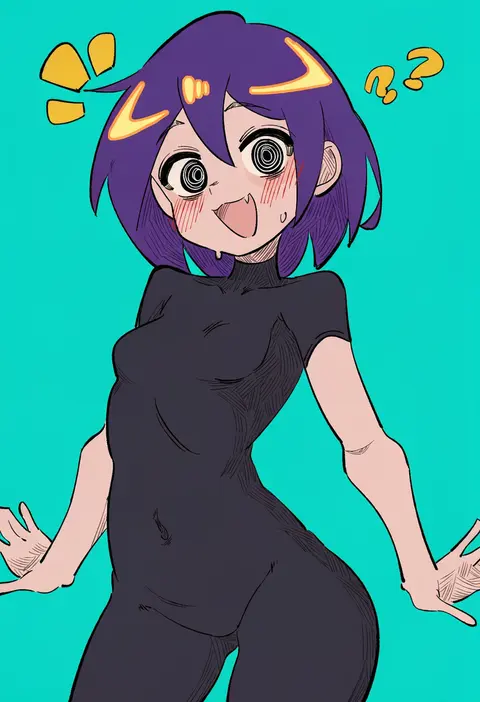
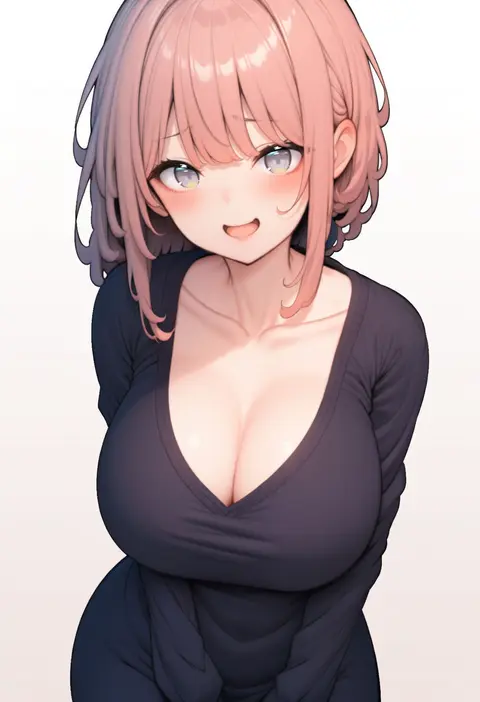
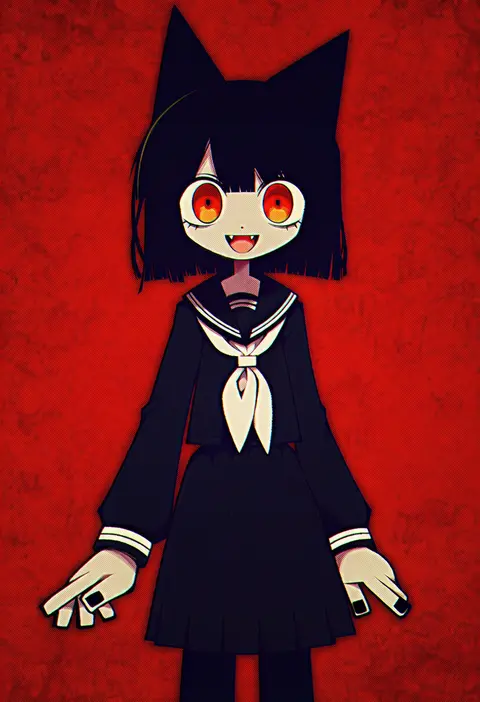
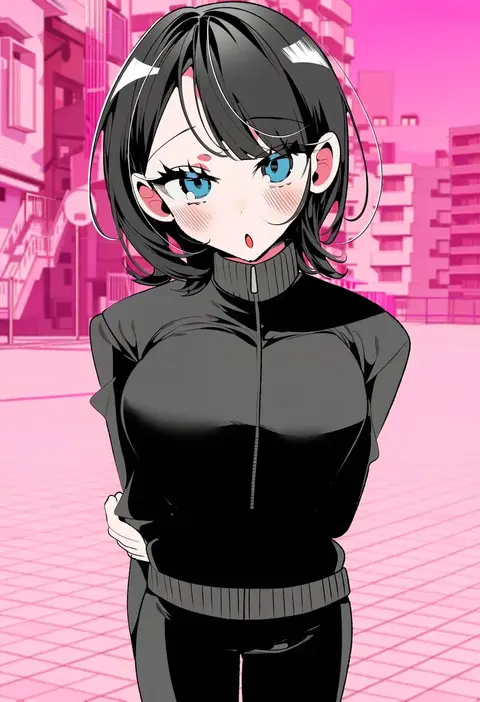
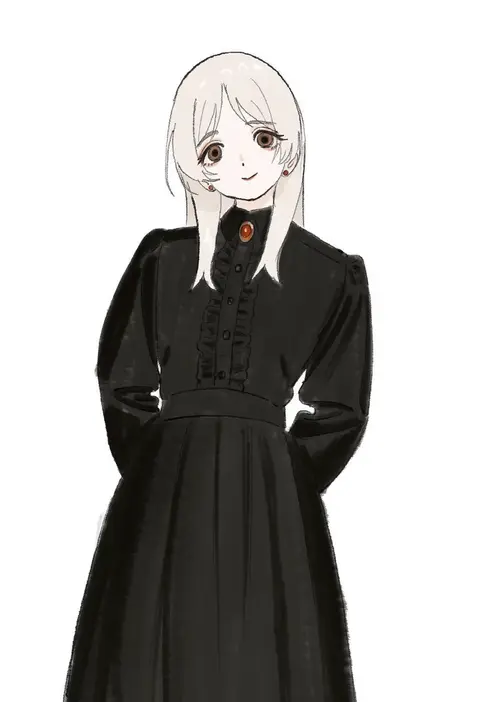
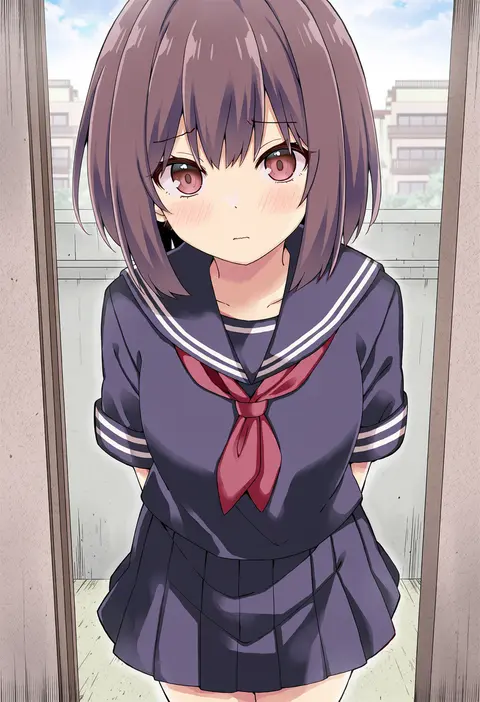
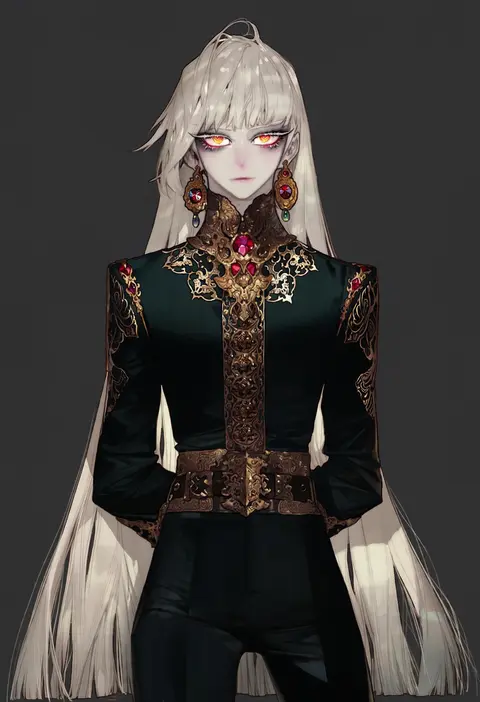
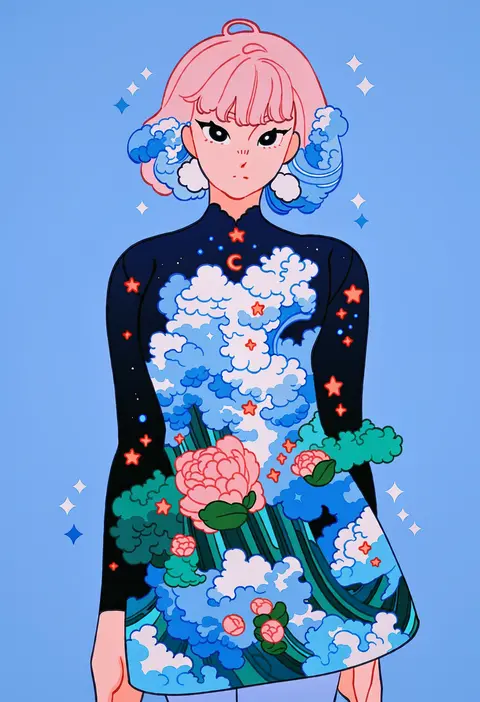
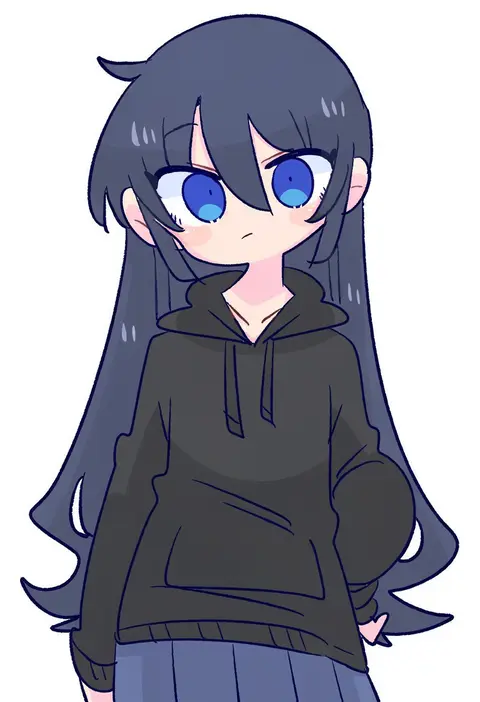
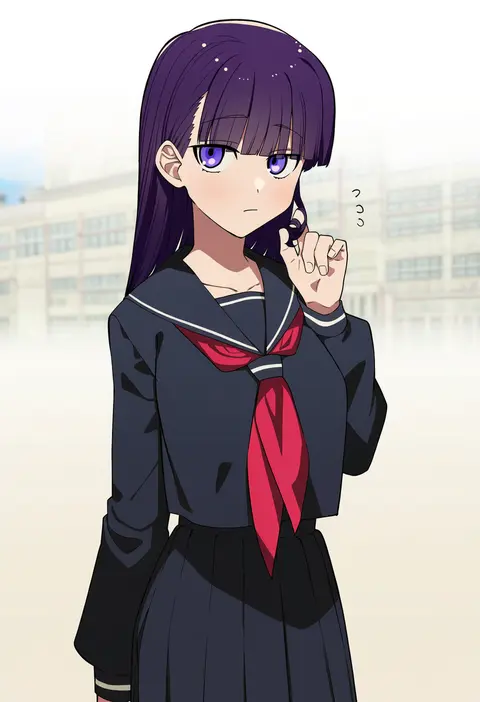
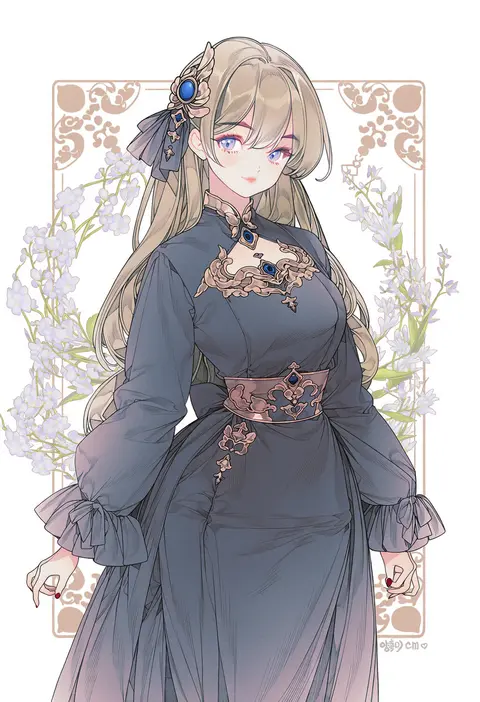
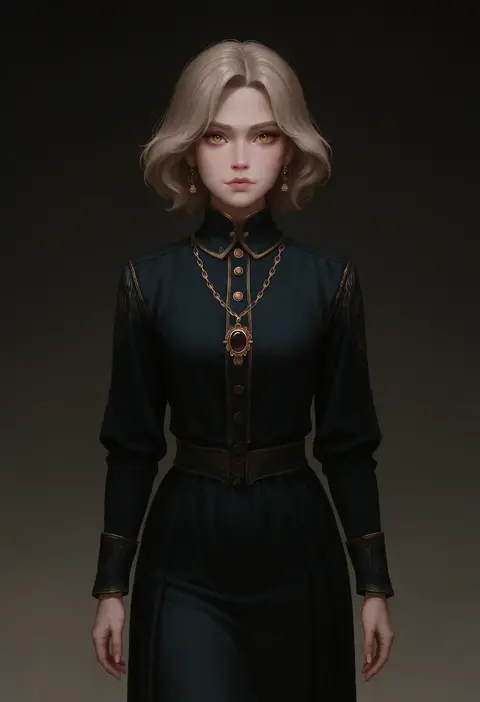
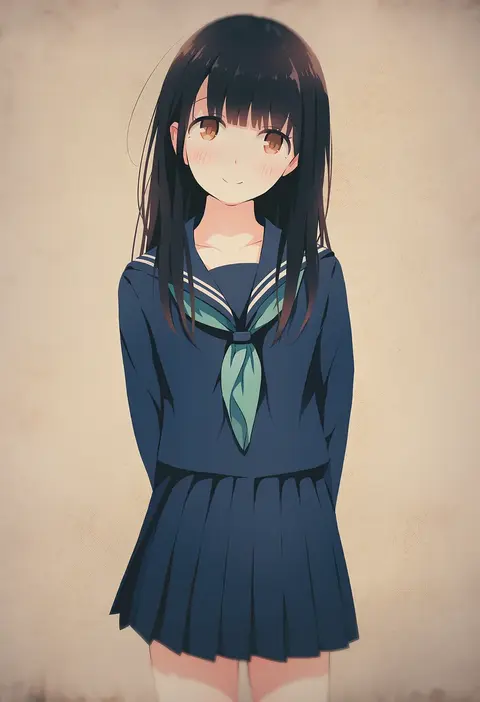
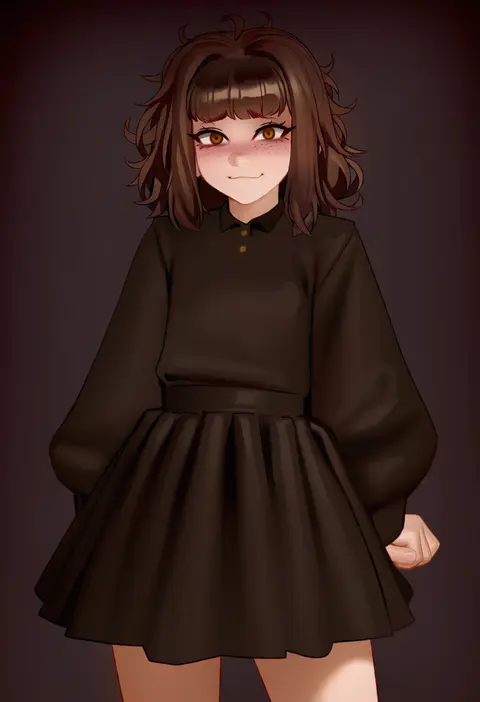
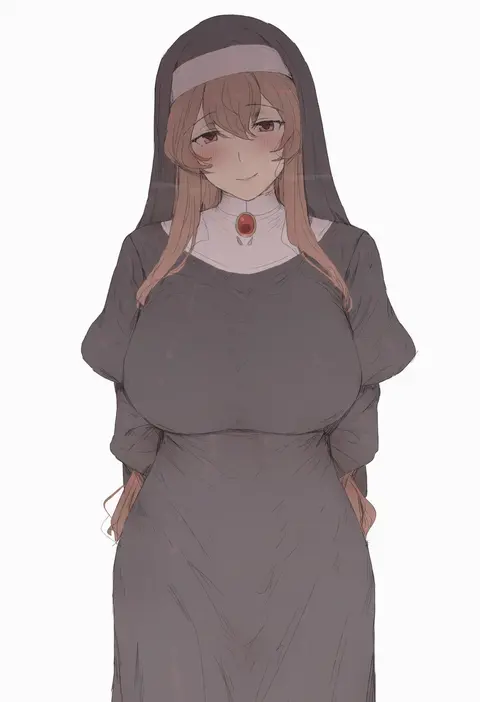
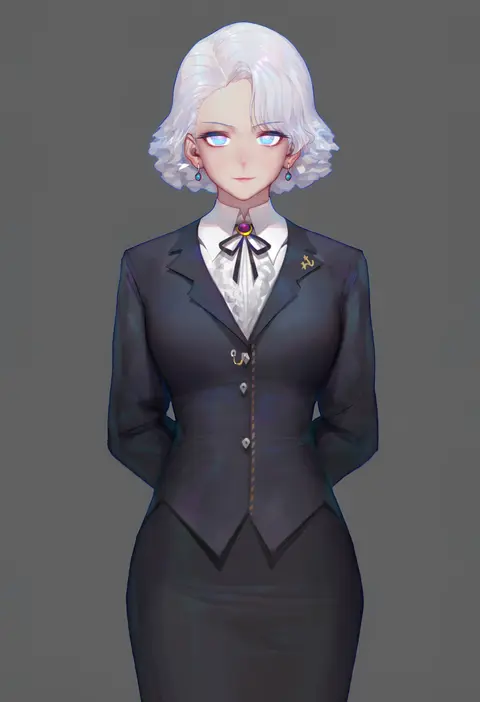
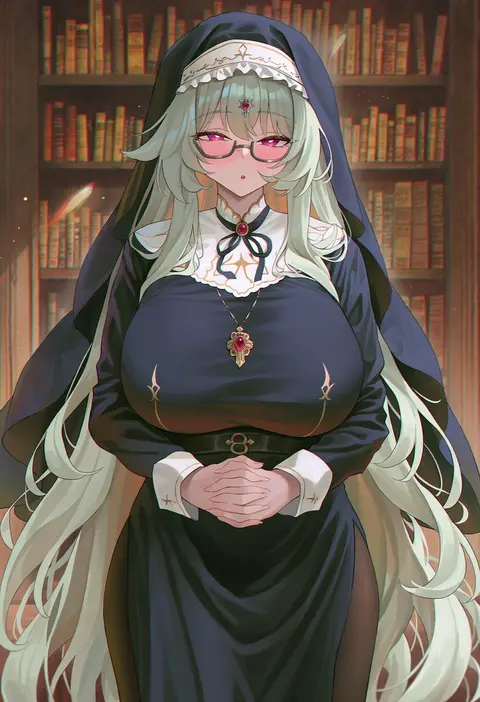
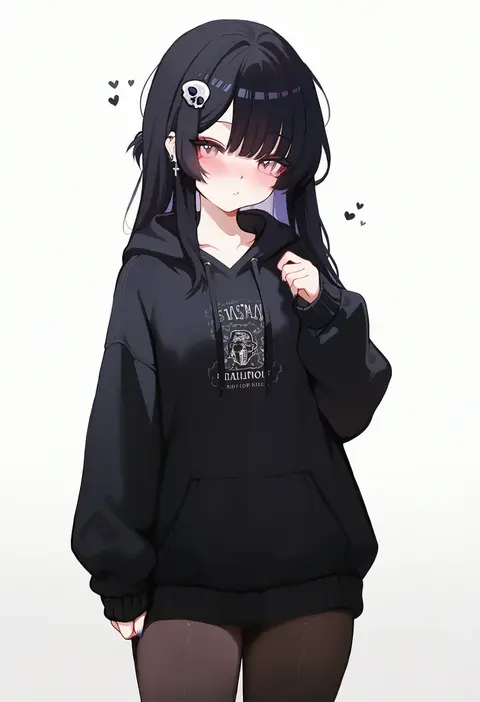
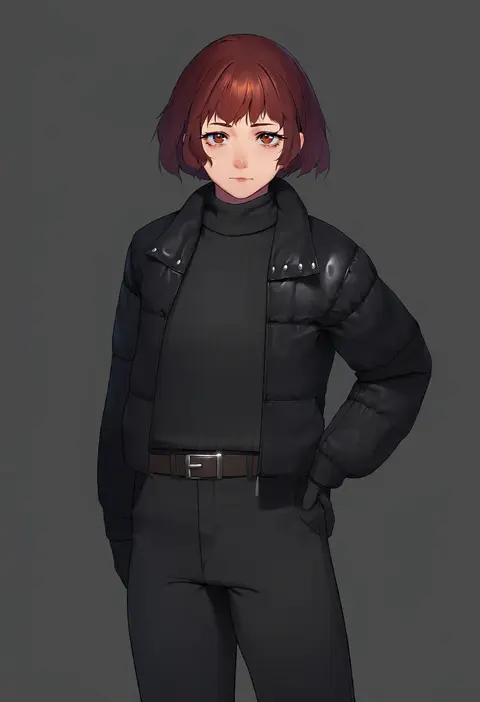
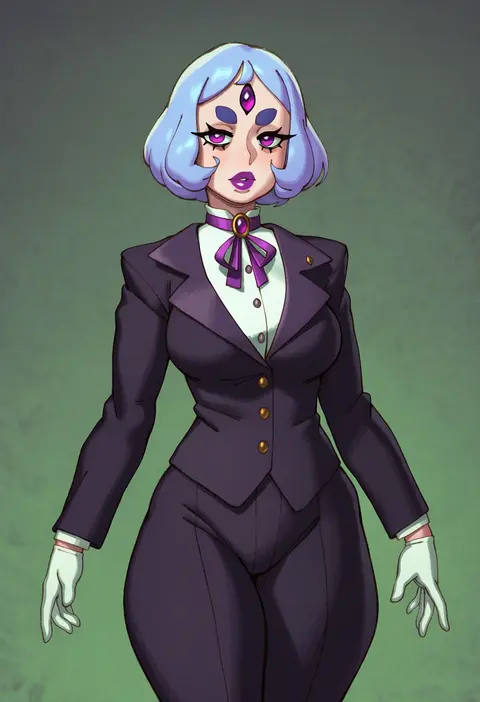
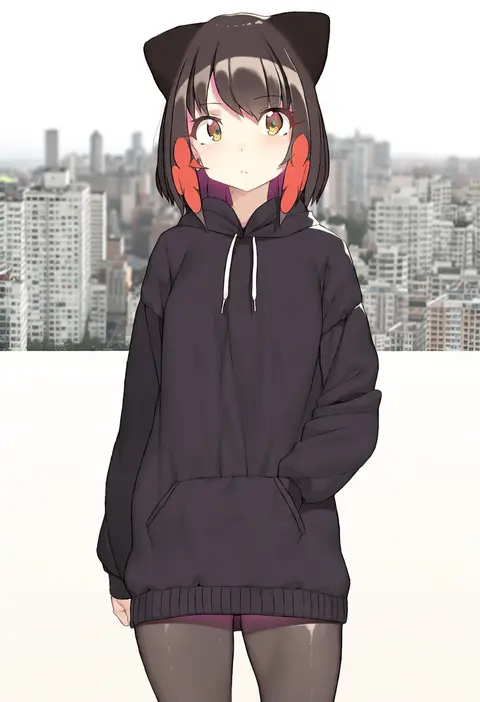
What these tags change
These samples come from a Stable Diffusion model: WAI illustrious v17, built on Illustrious XL, rendering the same Danbooru tags as NovelAI on the same seed and prompt. Use this list to check how a tag behaves on Illustrious-family models (Illustrious, NoobAI, WAI) in a local Stable Diffusion WebUI or ComfyUI; each tag's detail page lines it up against NovelAI V5 and V4.5.
Artist tags tell NovelAI Diffusion to draw in a specific artist's style: line weight, paint texture, face shapes and palette all shift at once. Character and outfit tags decide what is drawn; artist tags decide how. 16,295 tags are listed for ILLUST.
Every tag listed here is verified to react in NovelAI. All images use the same prompt, seed and settings with only the artist tag swapped, so the difference between two images is the style that tag brings in.
How to use them
Put the artist tag near the front of the prompt, e.g. "<artist>, 1girl, solo, best quality, masterpiece, cowboy shot". Two or three artist tags blend styles; lower the weight with "0.8::<artist>::" when the style overpowers the character.
SCORE sorts by Danbooru's top score, POSTS by post count, FAVS by hearts on this site. Open a card to see V5 and V4.5 side by side on the same seed.
V5 vs V4.5
V5 usually lands closer to the artist's real style, and tags that did nothing on V4.5 often react on V5. V4.5 still fits older and doujin-heavy artists better. Try V5 first, fall back to V4.5.
FAQ
Where does the artist tag go?
Near the front of the prompt. Use "0.8::tag::" to adjust its weight.
Can I stack artist tags?
Yes, styles blend. Past two or three the result stops looking like anyone.
Are these the artists' own works?
No. Every image is a NovelAI sample generated from the tag.