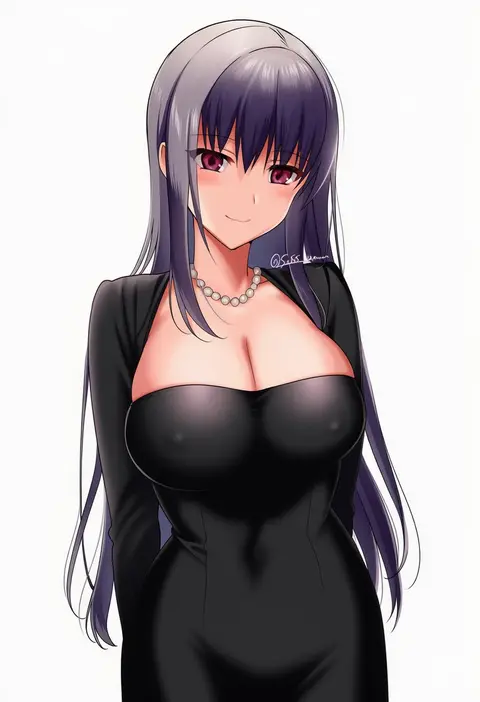
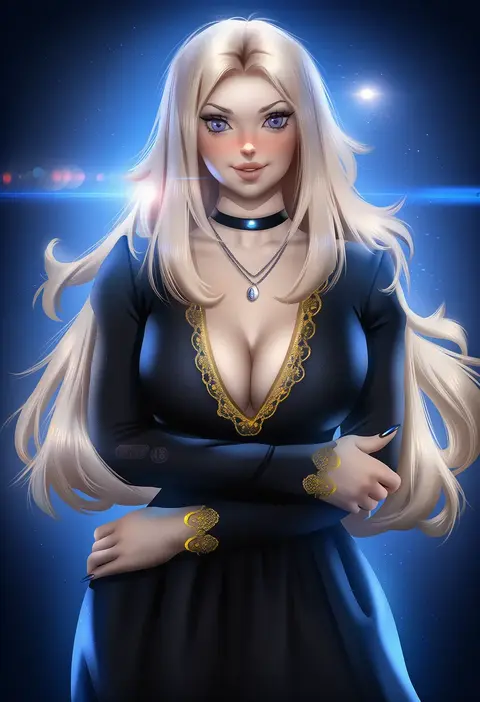
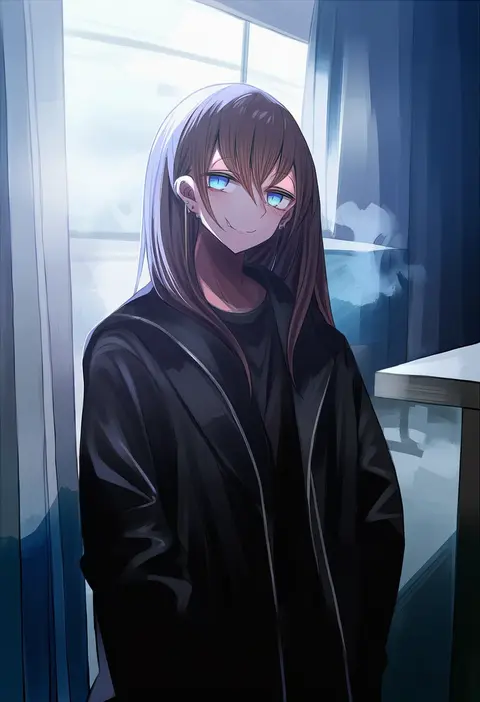
V4.5Artists
sort: FAVS▾
▾
>
$

Popular NovelAI artist tags — V4.5

artist --count 16,352[103/273]
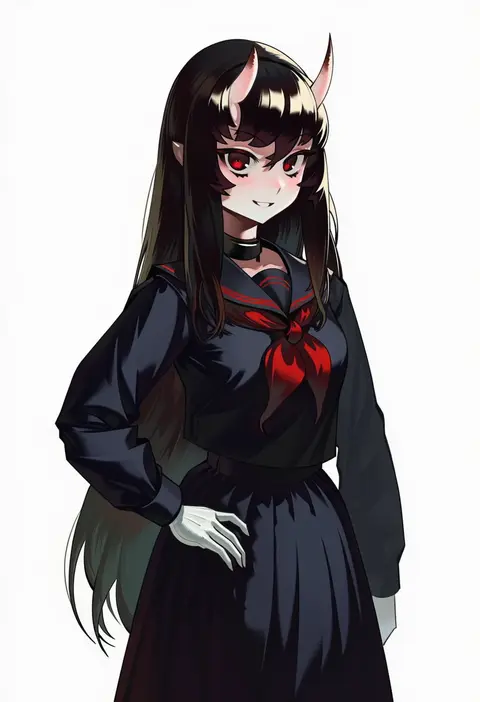
gemi ningen
ARTIST0x17E8
0
loped
ARTIST0x17E9
0
bilibilida
ARTIST0x17EA
0
kazakura
ARTIST0x17EB
0
locon
ARTIST0x17EC
0
bureoeve
ARTIST0x17ED
0
chado
ARTIST0x17EE
0
makoto daikichi
ARTIST0x17EF
0
nidy
ARTIST0x17F0
0
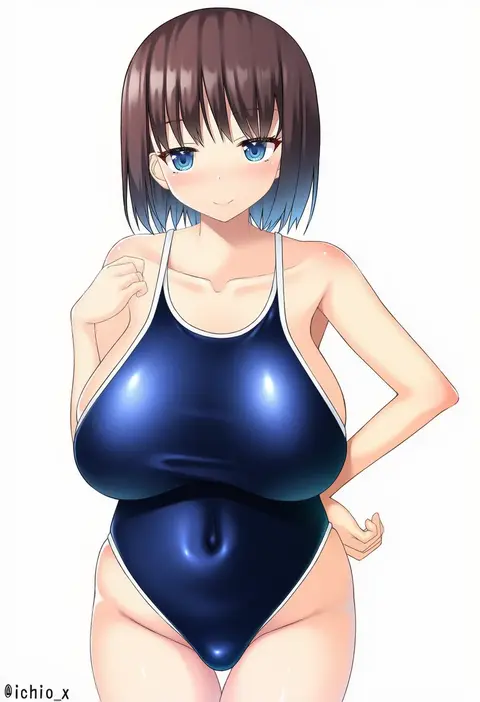
ichio
ARTIST0x17F1
0
hekomii
ARTIST0x17F2
0
len (hand linke)
ARTIST0x17F3
0
bakuya
ARTIST0x17F4
0
noise (tsuzuki)
ARTIST0x17F5
0
jima
ARTIST0x17F6
0
sasanoneko
ARTIST0x17F7
0
huyusilver
ARTIST0x17F8
0
nekomu
ARTIST0x17F9
0
ibaraki shun
ARTIST0x17FA
0
shibuki kamone
ARTIST0x17FB
0
maxwelzy
ARTIST0x17FC
0
shirubaa
ARTIST0x17FD
0
ryuu tou
ARTIST0x17FE
0
nomio
ARTIST0x17FF
0
pokkora
ARTIST0x1800
0
whistlerx
ARTIST0x1801
0
ritsuki
ARTIST0x1802
0
utani (punishment)
ARTIST0x1803
0
guin guin
ARTIST0x1804
0
kasuga (kasuga39)
ARTIST0x1805
0
shoumaru (gadget box)
ARTIST0x1806
0
kowai (iamkowai)
ARTIST0x1807
0
chariko
ARTIST0x1808
0
chiyomaru (yumichiyo0606)
ARTIST0x1809
0
mebunryo (mebunryo2)
ARTIST0x180A
0
tomosuke
ARTIST0x180B
0
sasoura
ARTIST0x180C
0
kyundoo
ARTIST0x180D
0
ichika (ichika manga)
ARTIST0x180E
0
ontaros
ARTIST0x180F
0
tawapo
ARTIST0x1810
0
5tb
ARTIST0x1811
0
awayuki ramika
ARTIST0x1812
0
binware
ARTIST0x1813
0
orange bullet
ARTIST0x1814
0
hibi tsuna
ARTIST0x1815
0
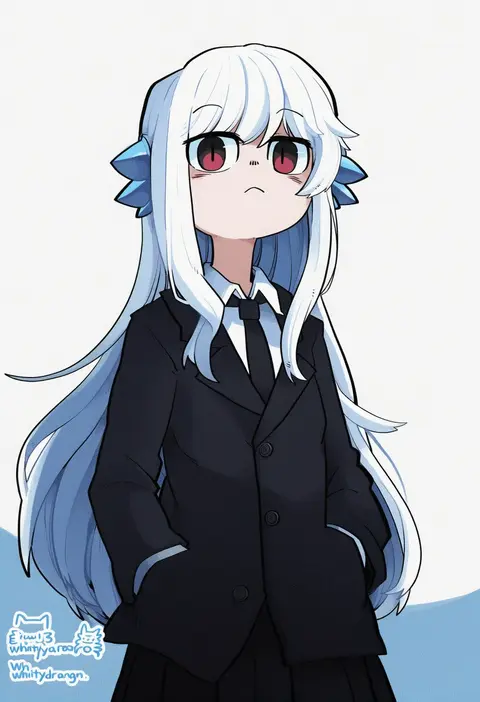
whitydragon
ARTIST0x1816
0
keki chogyegi
ARTIST0x1817
0
higashiyama shou
ARTIST0x1818
0
eneru (enepuni)
ARTIST0x1819
0
yosaku vs hina
ARTIST0x181A
0
dr rex
ARTIST0x181B
0
kiri futoshi
ARTIST0x181C
0
nakajima yuka
ARTIST0x181D
0
po-ju
ARTIST0x181E
0
haganef
ARTIST0x181F
0
shizuma yoshinori
ARTIST0x1820
0
saikawa yusa
ARTIST0x1821
0
ayya sap
ARTIST0x1822
0
miyabino (miyabi1616)
ARTIST0x1823
0

What these tags change

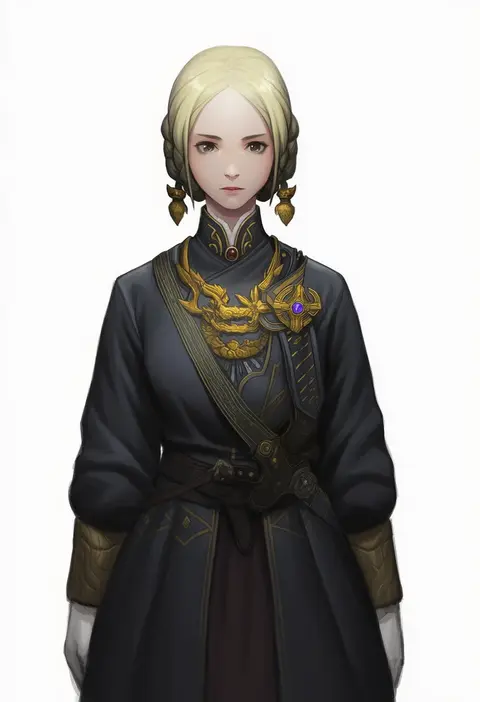
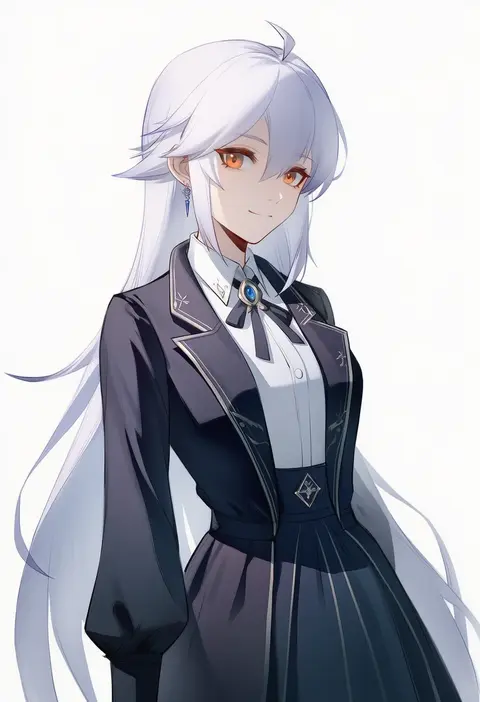
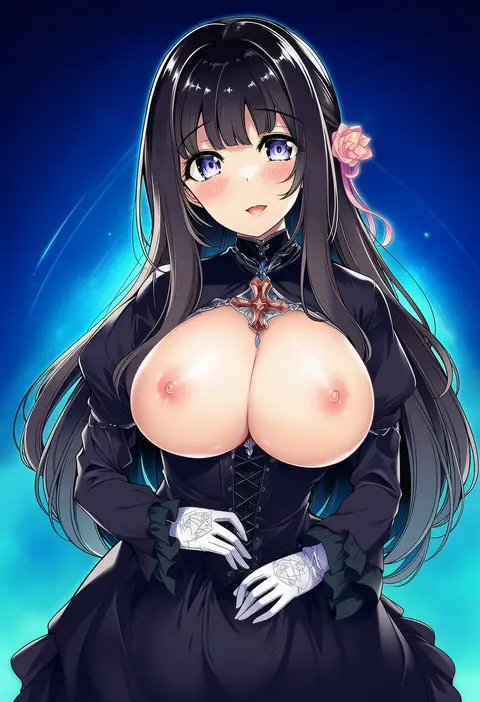
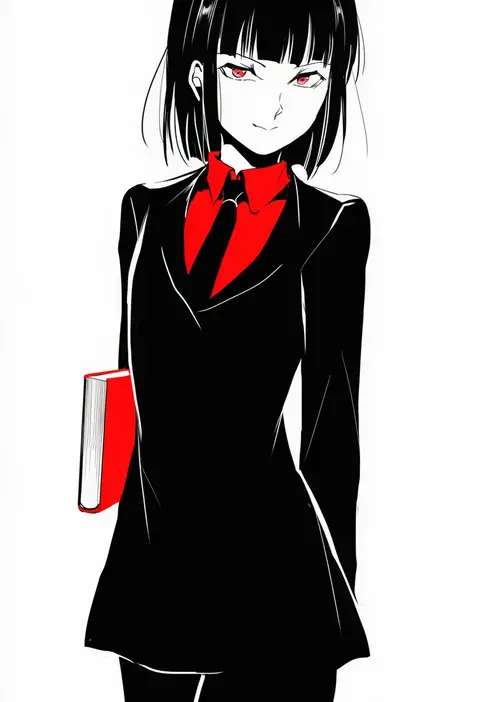
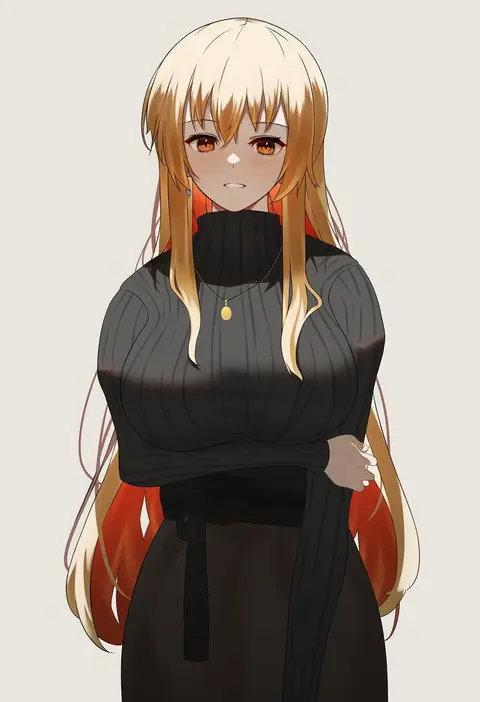
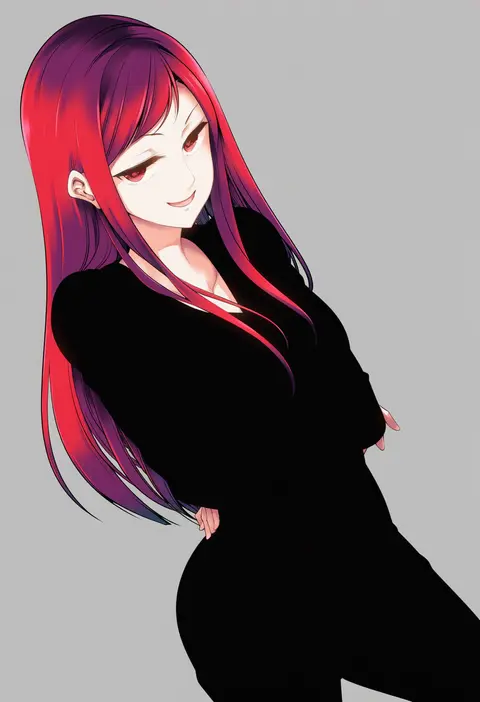
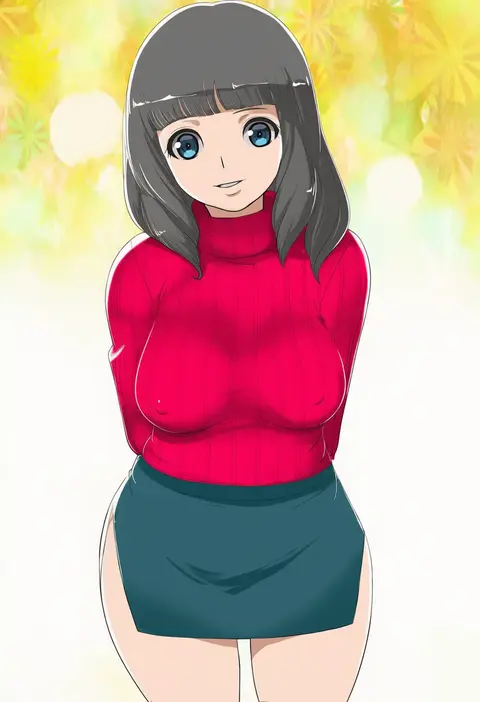
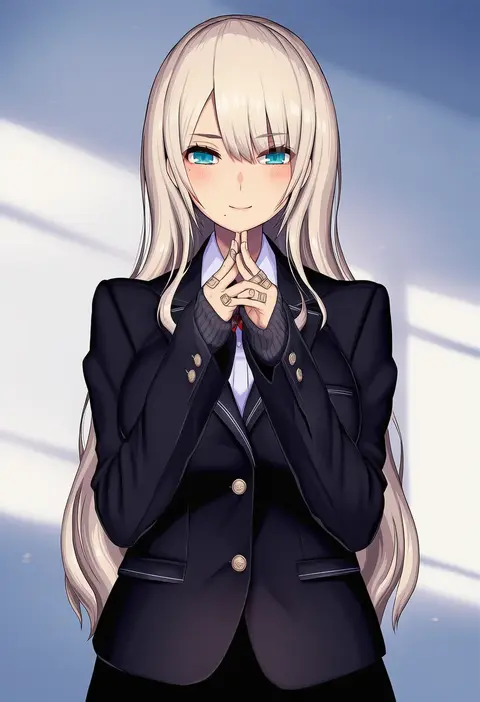
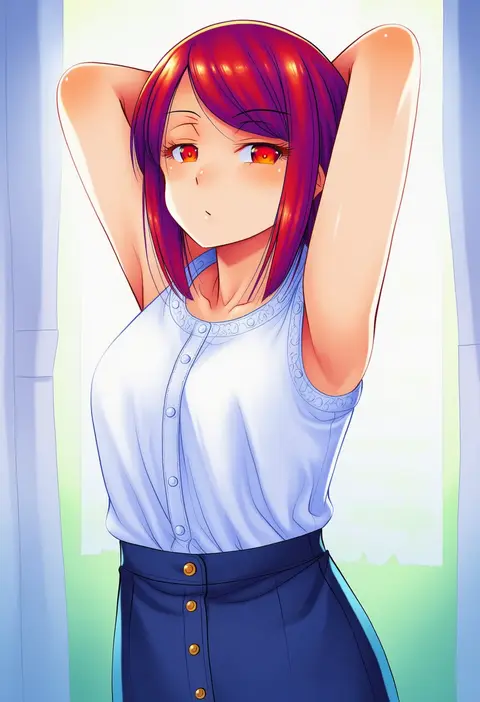
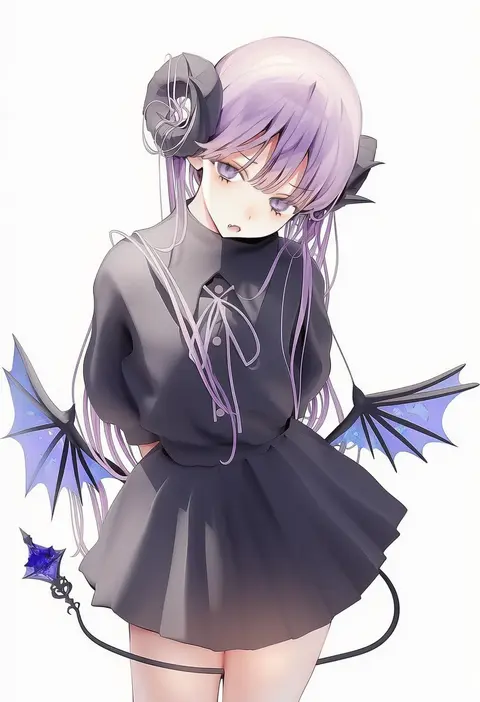
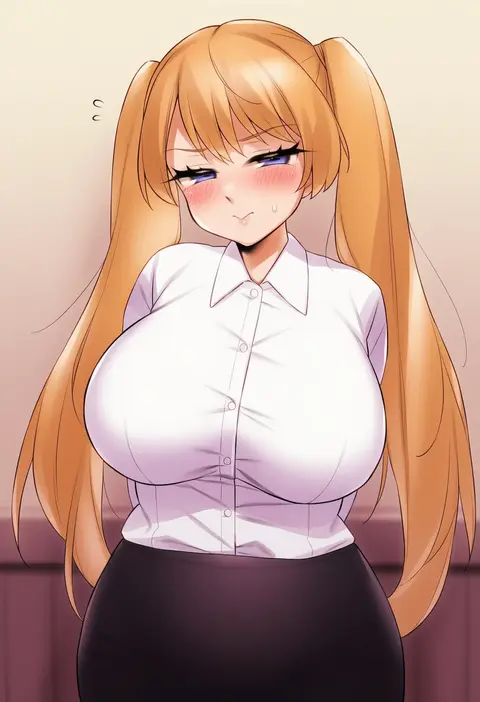
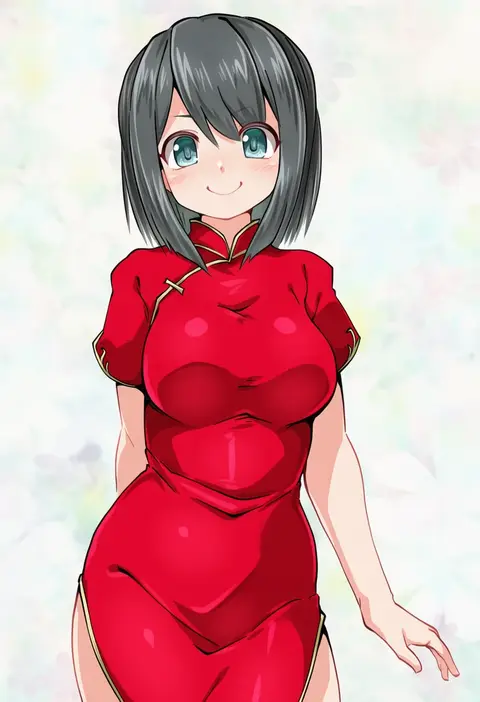
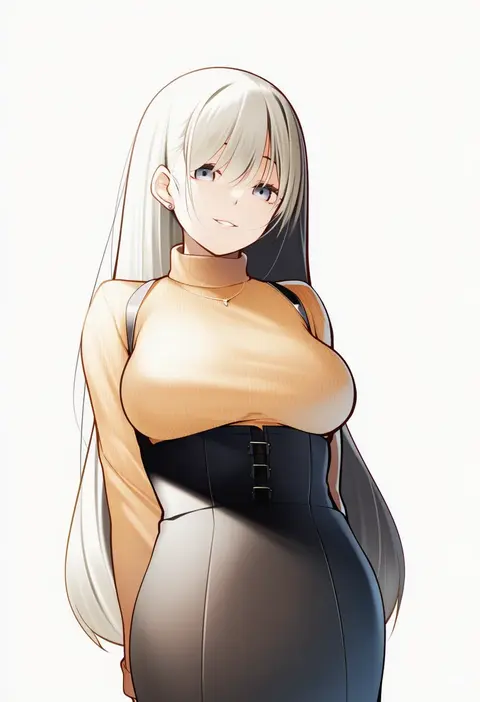
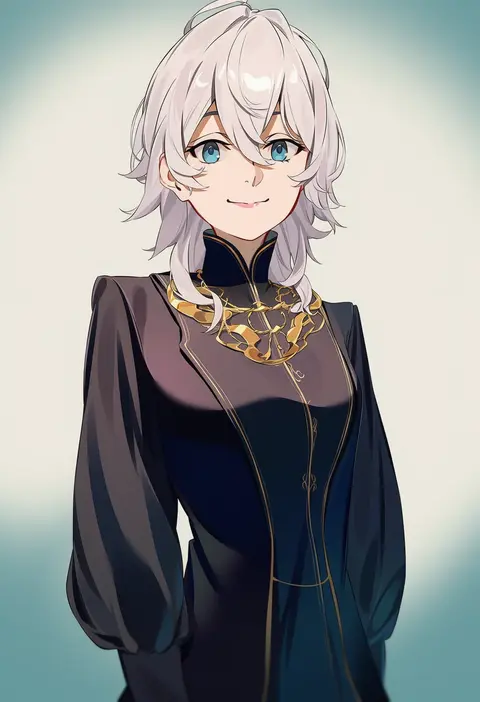
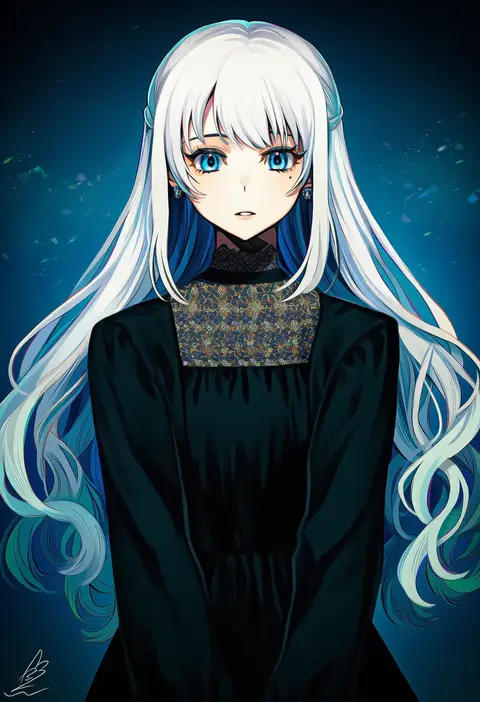
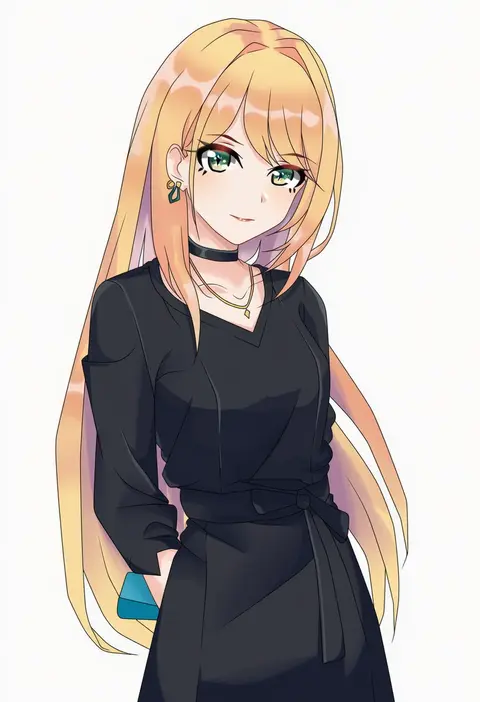
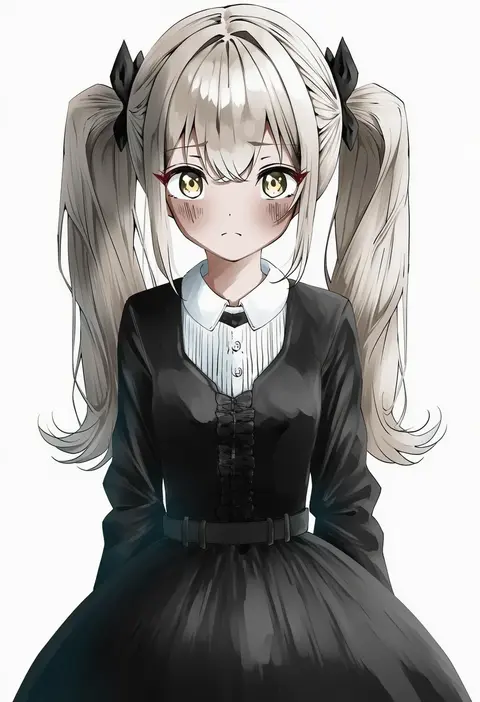
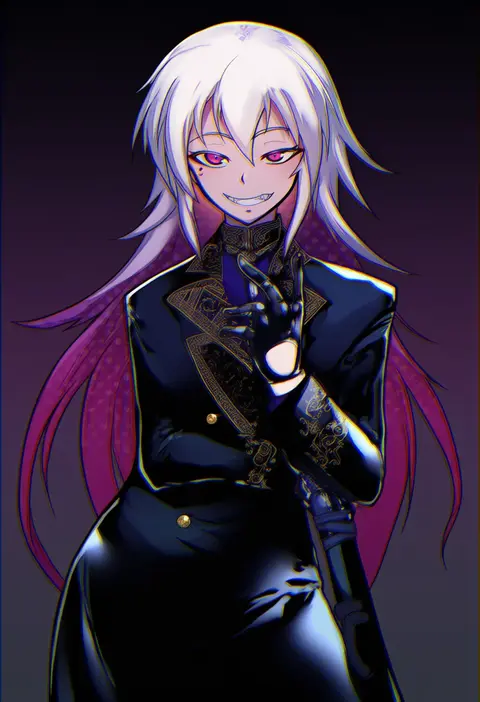
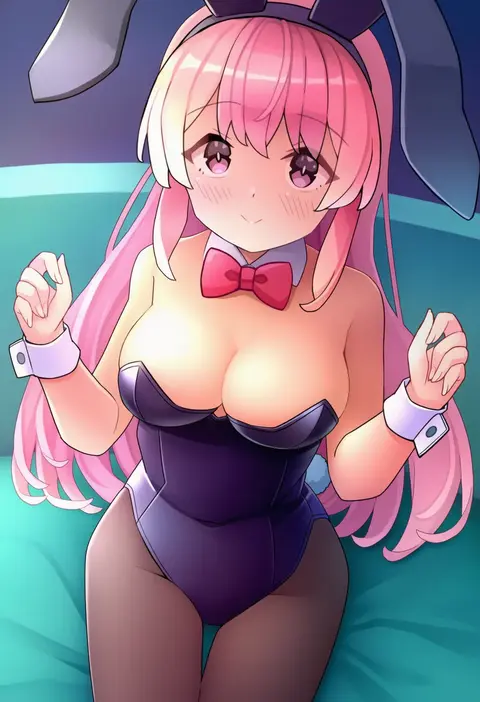
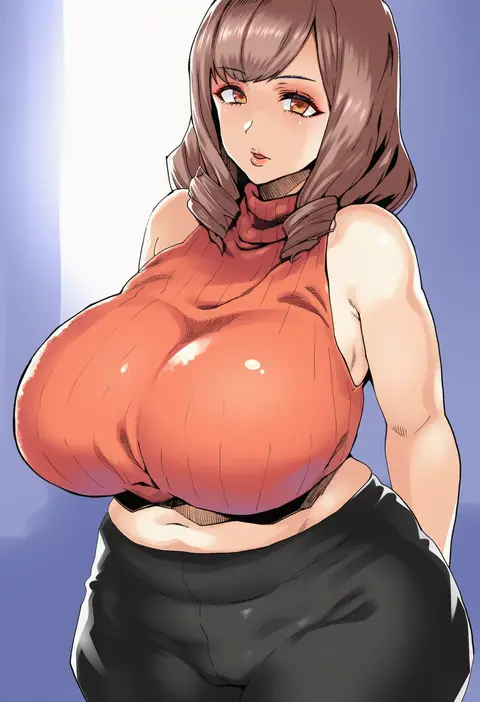
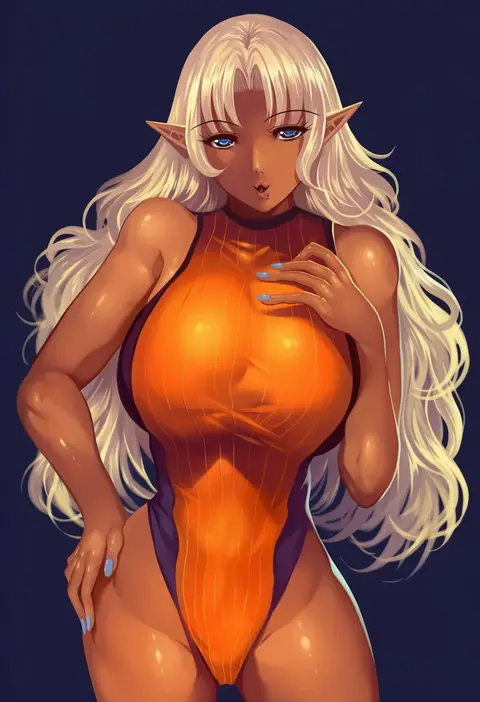
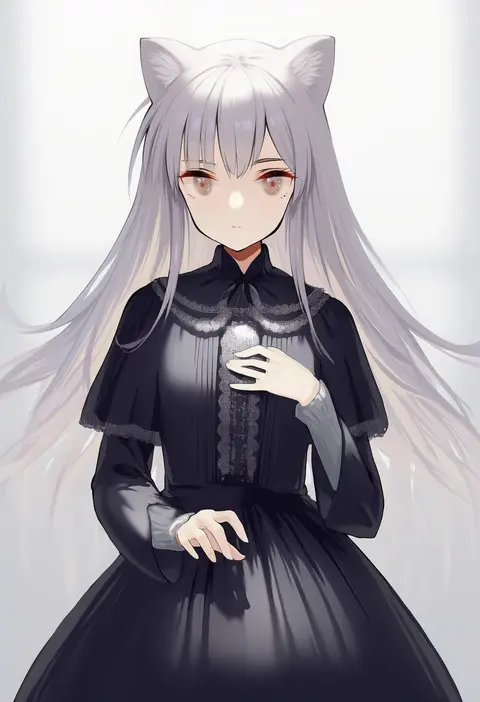
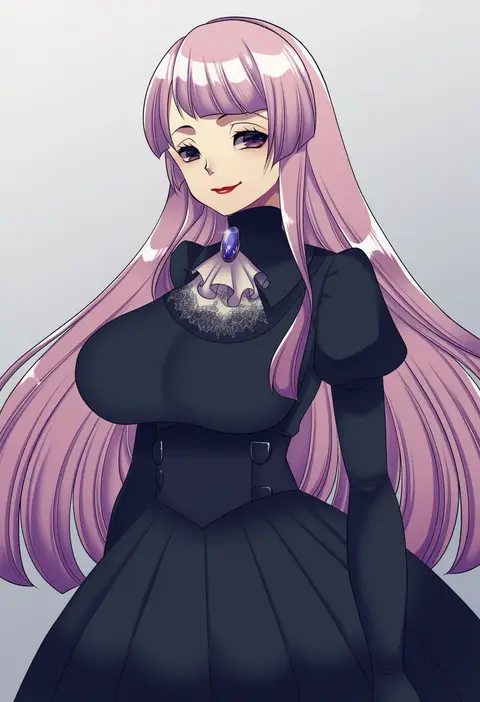
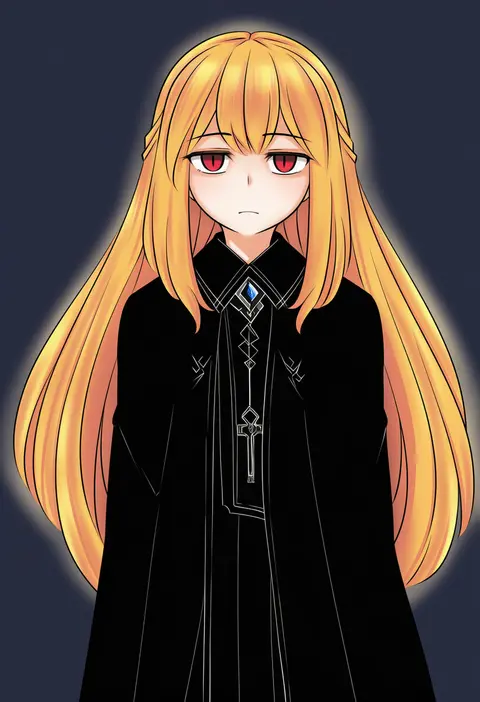
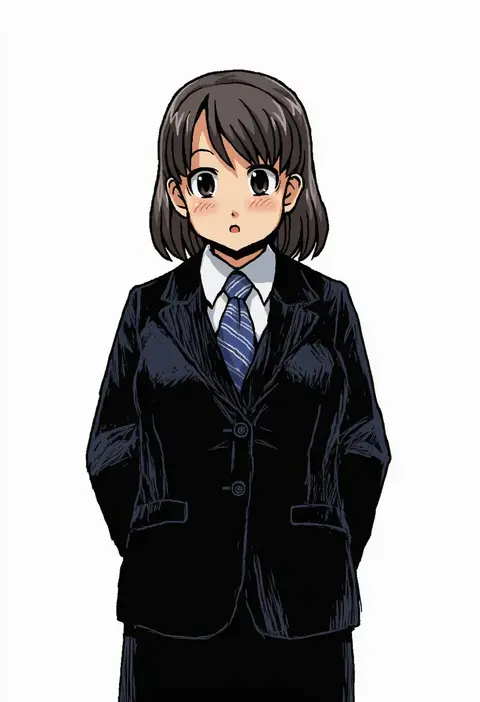
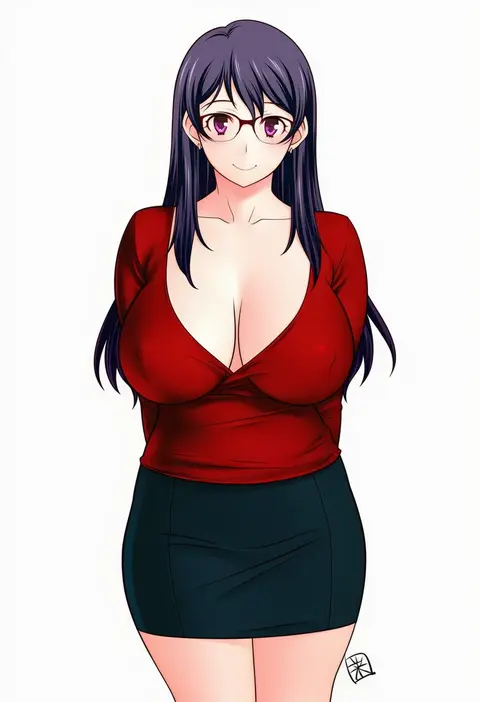
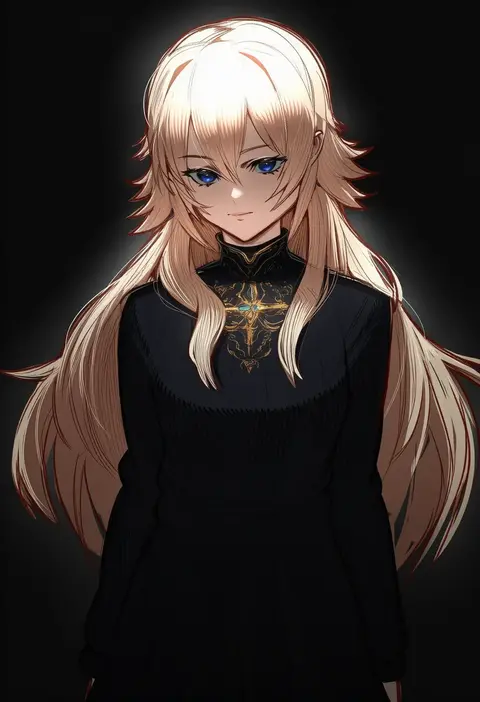
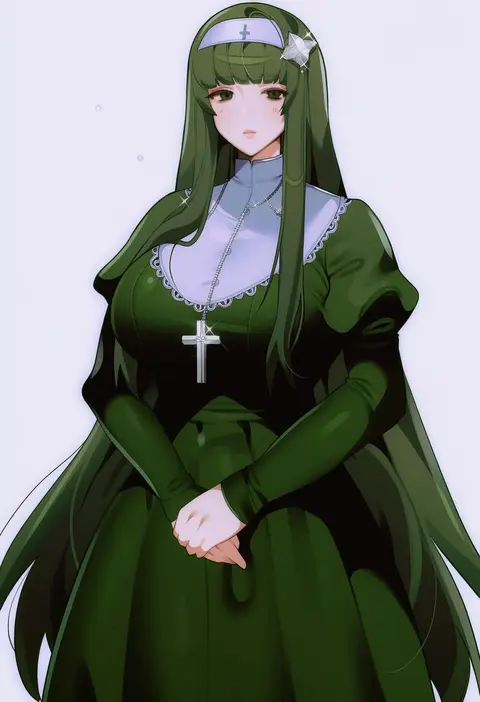
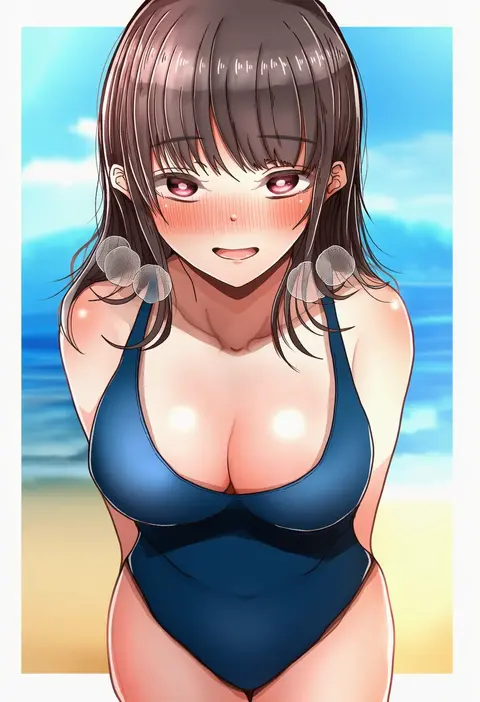
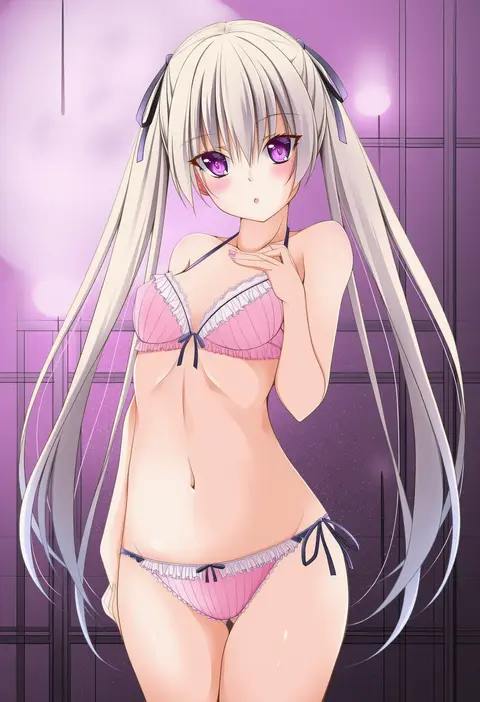
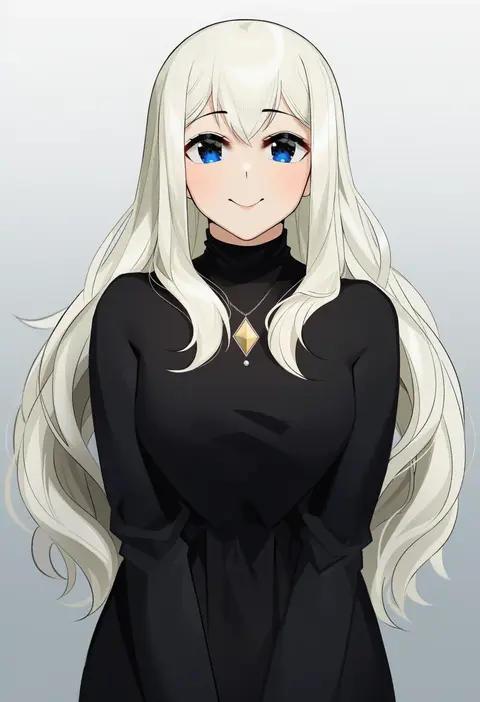
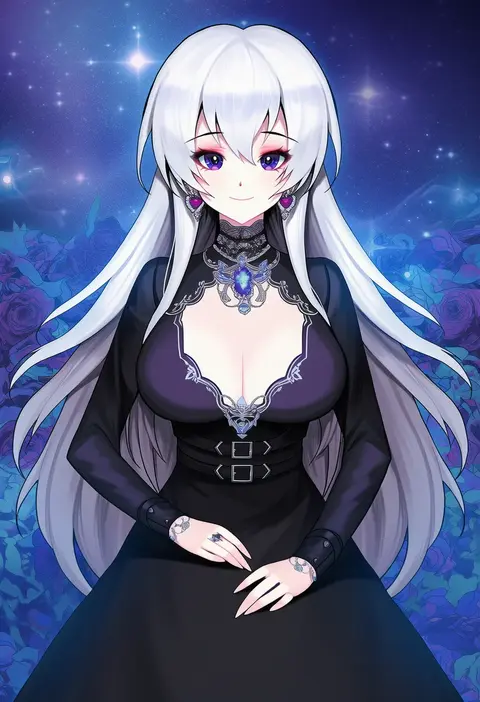
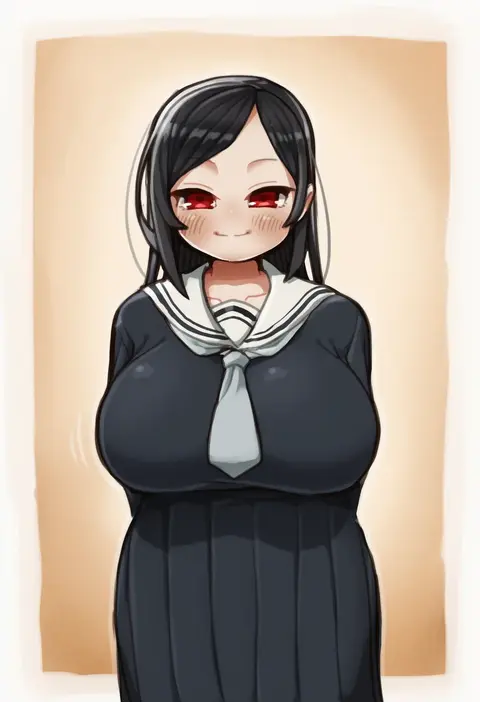
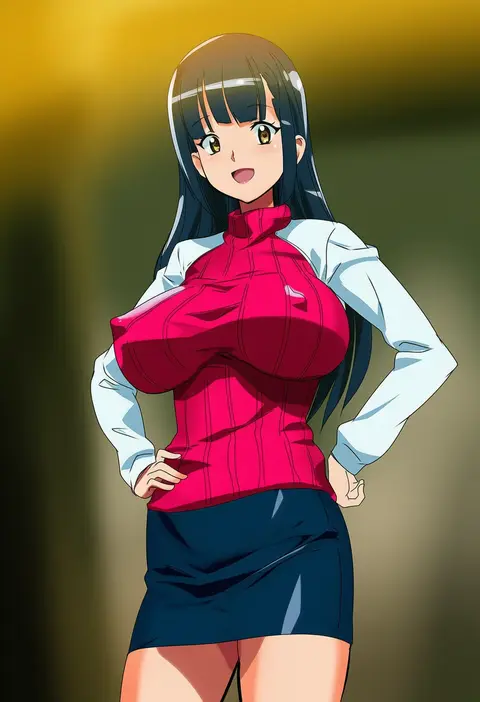
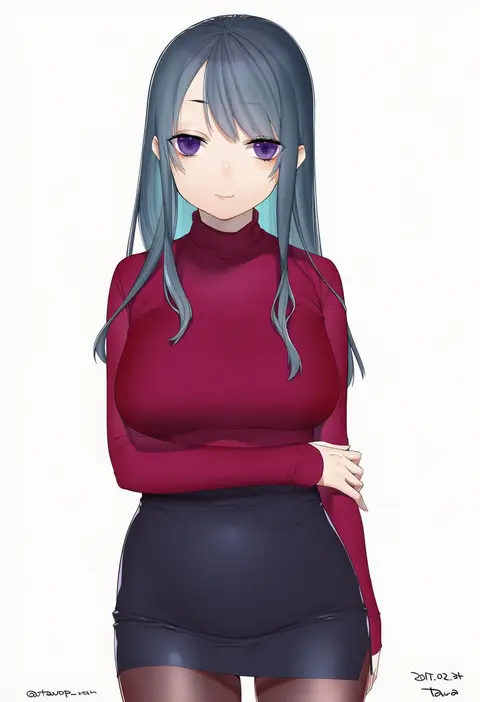
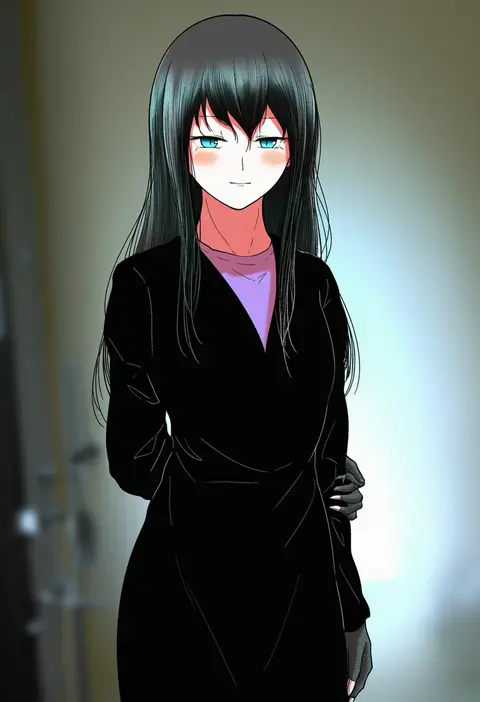
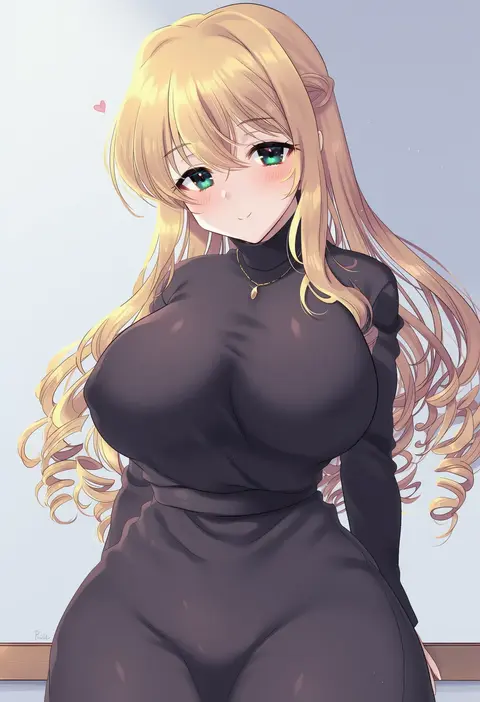
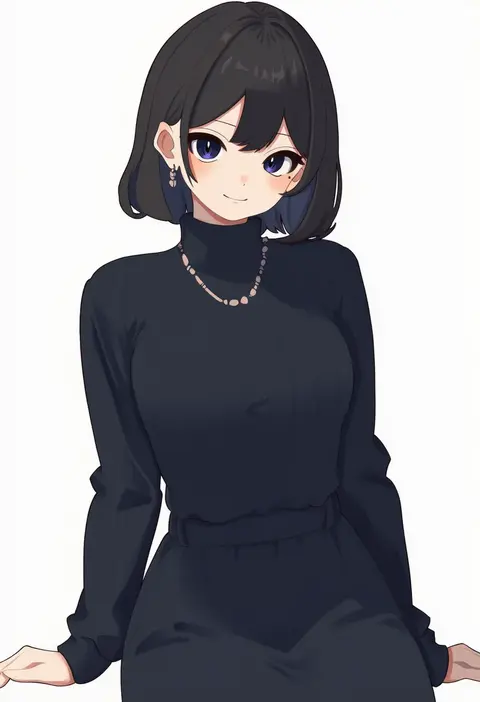
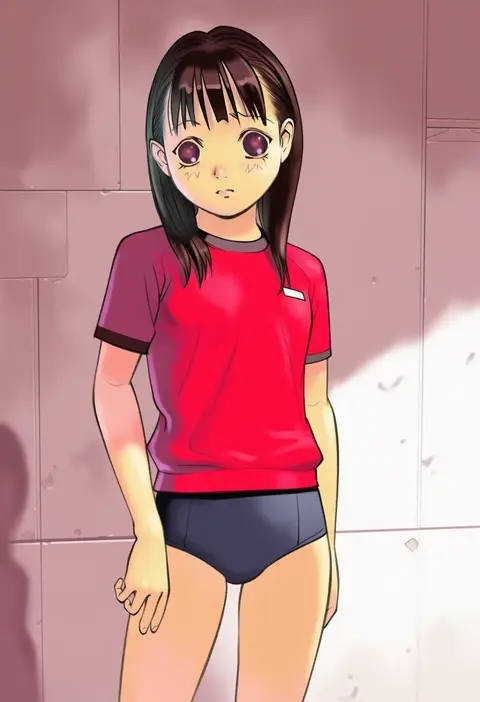
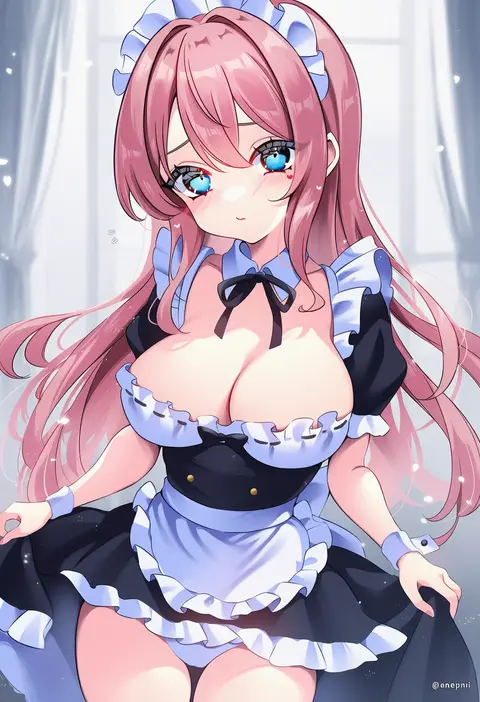
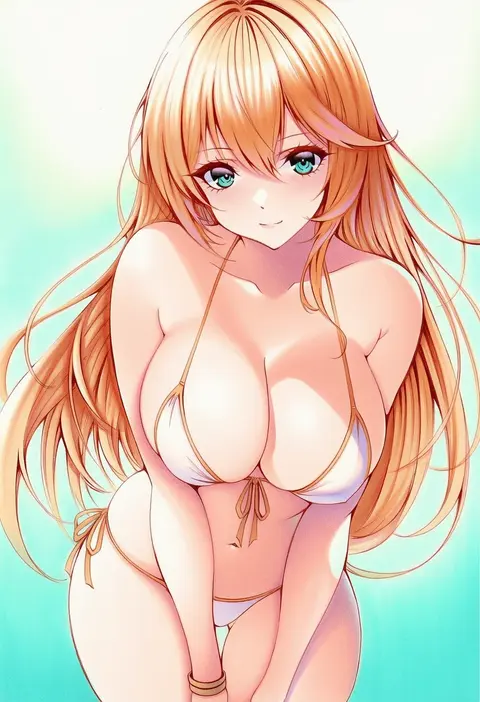
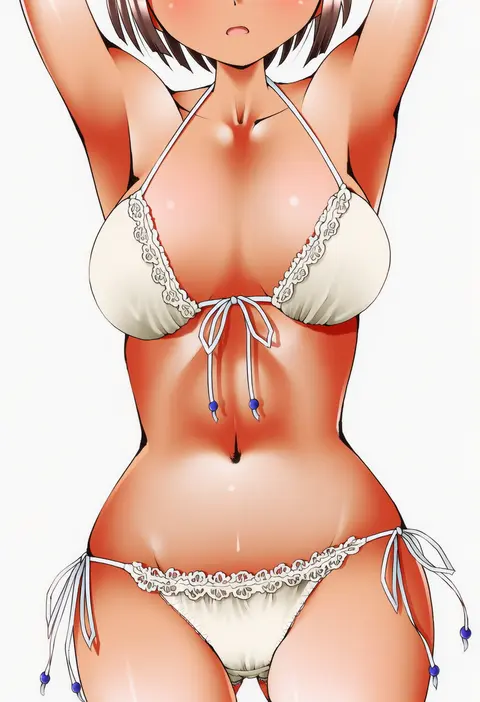
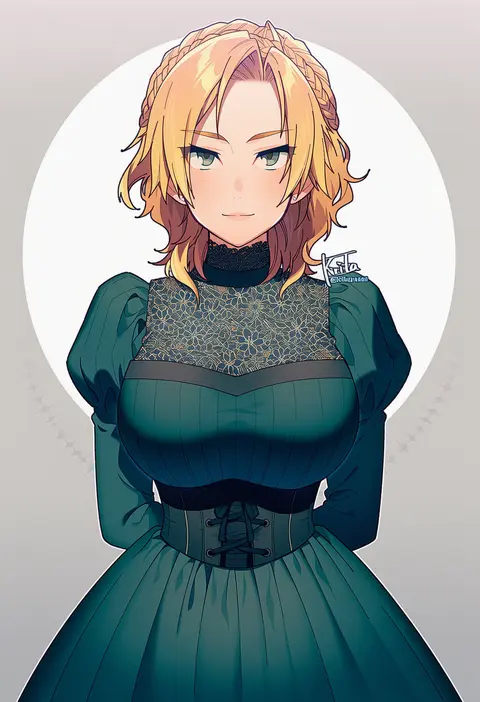
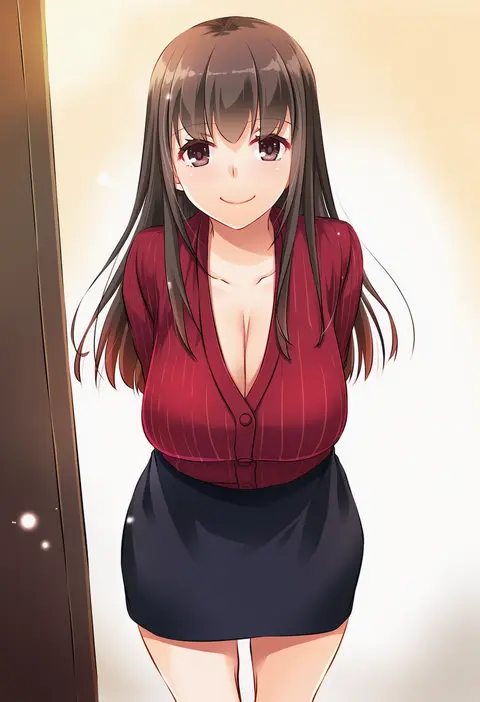
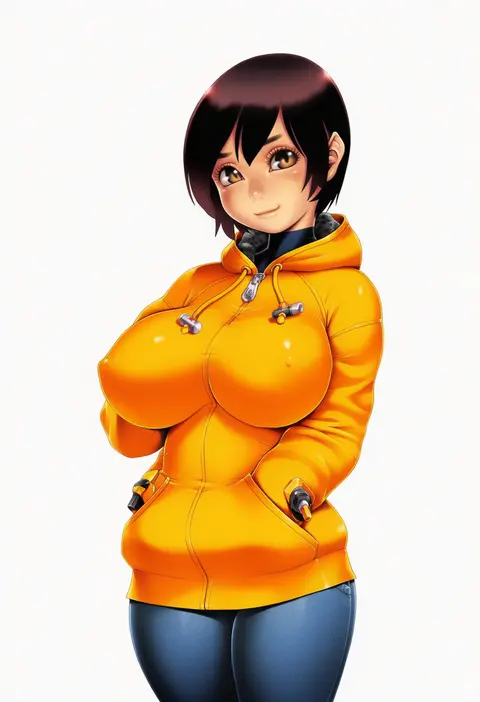
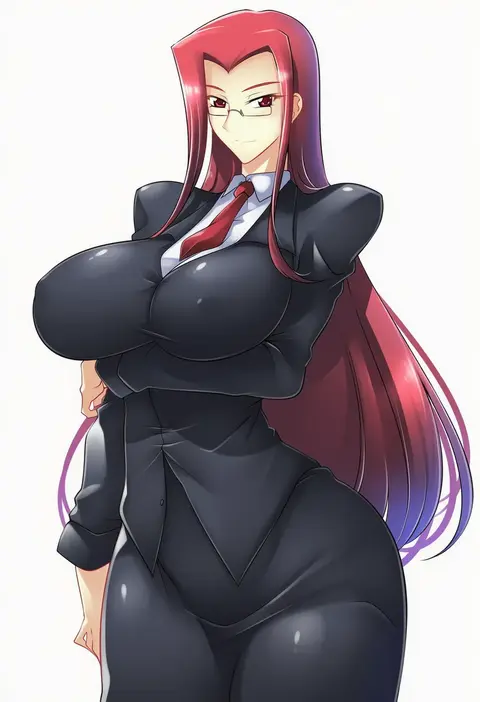
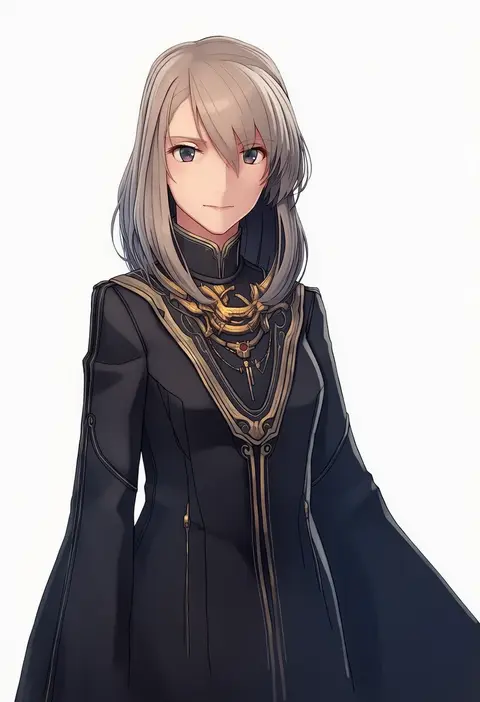
Artist tags tell NovelAI Diffusion to draw in a specific artist's style: line weight, paint texture, face shapes and palette all shift at once. Character and outfit tags decide what is drawn; artist tags decide how. 16,352 tags are listed for V4.5.
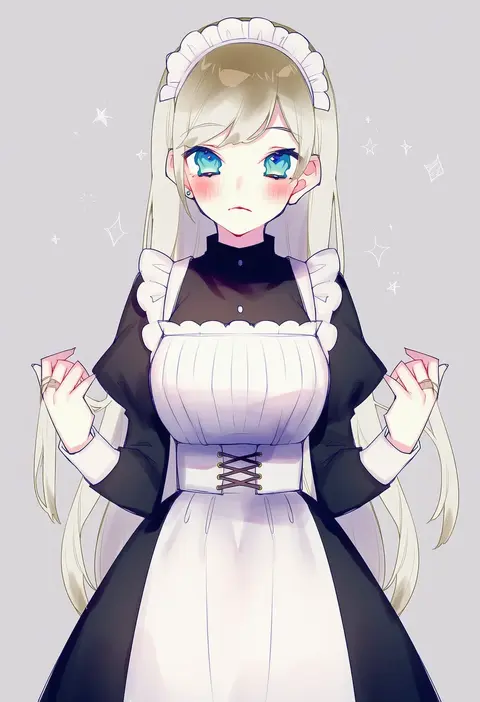
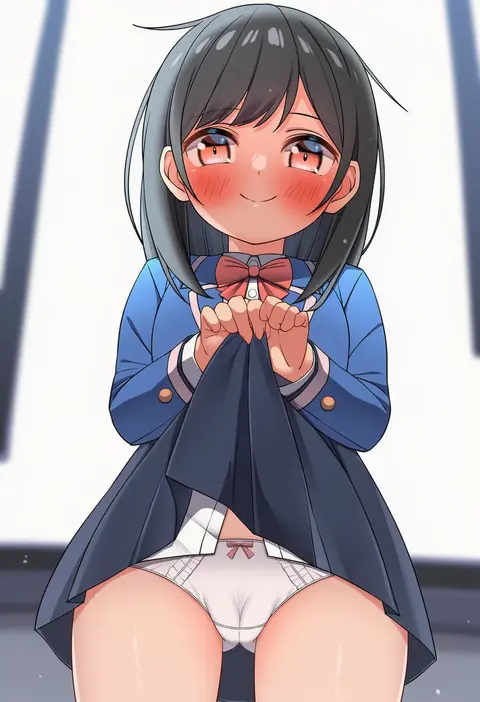
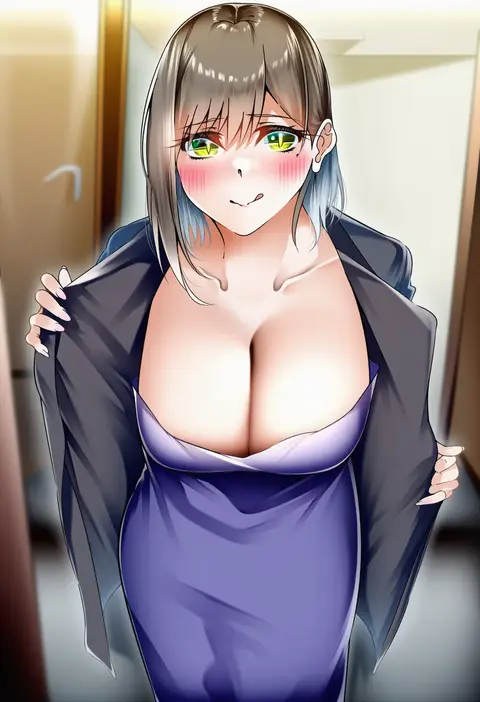
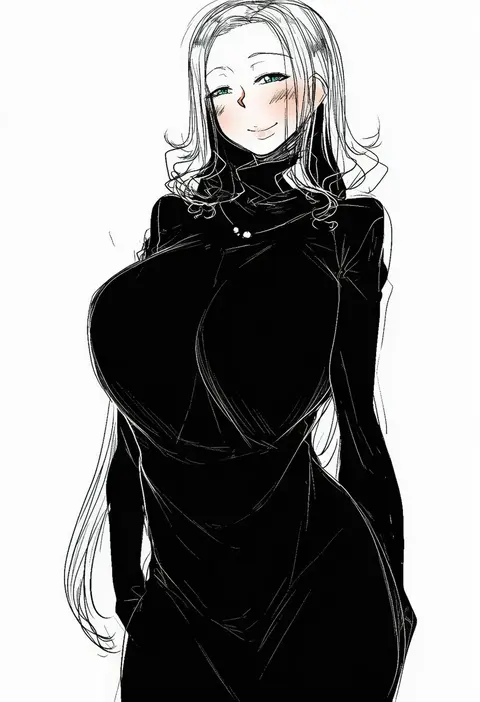
Every tag listed here is verified to react in NovelAI. All images use the same prompt, seed and settings with only the artist tag swapped, so the difference between two images is the style that tag brings in.

How to use them

Put the artist tag near the front of the prompt, e.g. "<artist>, 1girl, solo, best quality, masterpiece, cowboy shot". Two or three artist tags blend styles; lower the weight with "0.8::<artist>::" when the style overpowers the character.

SCORE sorts by Danbooru's top score, POSTS by post count, FAVS by hearts on this site. Open a card to see V5 and V4.5 side by side on the same seed.

V5 vs V4.5

V5 usually lands closer to the artist's real style, and tags that did nothing on V4.5 often react on V5. V4.5 still fits older and doujin-heavy artists better. Try V5 first, fall back to V4.5.

FAQ

Where does the artist tag go?
Near the front of the prompt. Use "0.8::tag::" to adjust its weight.

Can I stack artist tags?
Yes, styles blend. Past two or three the result stops looking like anyone.

Are these the artists' own works?
No. Every image is a NovelAI sample generated from the tag.