V4.5Artists
sort: FAVS▾
▾
>
$

Popular NovelAI artist tags — V4.5

artist --count 16,352[109/273]
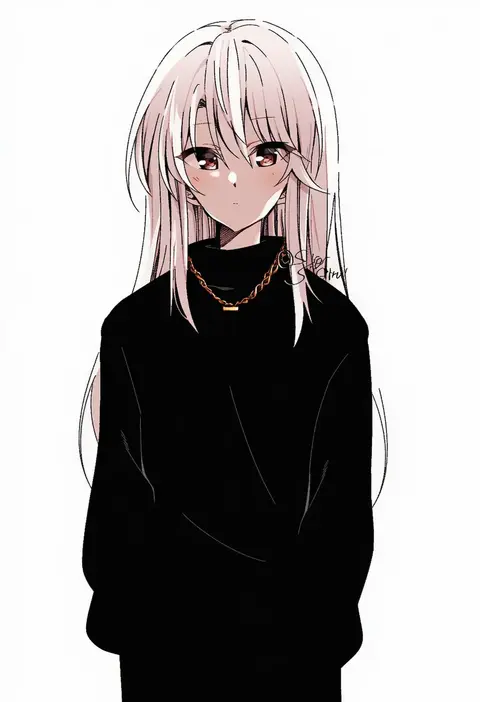
shigure (sigre)
ARTIST0x1950
0
mubo
ARTIST0x1951
0
ramb chop
ARTIST0x1952
0
messikid
ARTIST0x1953
0
mine thrower (ore no bakudan)
ARTIST0x1954
0
miyamae (miyazen9311)
ARTIST0x1955
0
mrnn
ARTIST0x1956
0
kayuu (hikentai0112)
ARTIST0x1957
0
cream bread
ARTIST0x1958
0
shiosato jun
ARTIST0x1959
0
rinotuna
ARTIST0x195A
0
ina (gokihoihoi)
ARTIST0x195B
0
ranma (kamenrideroz)
ARTIST0x195C
0
rum raisin (chihiromakita19)
ARTIST0x195D
0
hino minato (spec.c)
ARTIST0x195E
0
pandain
ARTIST0x195F
0
hirota fruit
ARTIST0x1960
0
kimidake
ARTIST0x1961
0
arimon (dfrgty12)
ARTIST0x1962
0
hassen (8cm)
ARTIST0x1963
0
kogaku kazuya
ARTIST0x1964
0
ehart
ARTIST0x1965
0
motsutoko
ARTIST0x1966
0
kiriyama
ARTIST0x1967
0
aoma (xuanzexuexi)
ARTIST0x1968
0
yoriyuki chiyo
ARTIST0x1969
0
calpara
ARTIST0x196A
0
mari0ball
ARTIST0x196B
0
onao
ARTIST0x196C
0
ice s s z
ARTIST0x196D
0
tamukoro
ARTIST0x196E
0
1nilla'
ARTIST0x196F
0
balut (7676i)
ARTIST0x1970
0
noumiso
ARTIST0x1971
0
y.ssanoha
ARTIST0x1972
0
porforever
ARTIST0x1973
0
dars (recolors)
ARTIST0x1974
0
muryotaro
ARTIST0x1975
0
amedamacon
ARTIST0x1976
0
shirasu uni
ARTIST0x1977
0
fuumi (radial engine)
ARTIST0x1978
0
suwa yasai
ARTIST0x1979
0
kanzaki kureha
ARTIST0x197A
0
shinzui (fantasysky7)
ARTIST0x197B
0
ciloranko
ARTIST0x197C
0
sawara65
ARTIST0x197D
0
pilokey
ARTIST0x197E
0
houden eizou
ARTIST0x197F
0
youhei 64d
ARTIST0x1980
0
yam (yamap mako)
ARTIST0x1981
0
hop3
ARTIST0x1982
0
qinshi-ji
ARTIST0x1983
0
zatsu
ARTIST0x1984
0
leon0705
ARTIST0x1985
0
hako momiji
ARTIST0x1986
0
kabi (zcwd8845)
ARTIST0x1987
0
genniax
ARTIST0x1988
0
gazing eye
ARTIST0x1989
0
pairan
ARTIST0x198A
0
yoshida hideyuki
ARTIST0x198B
0

What these tags change

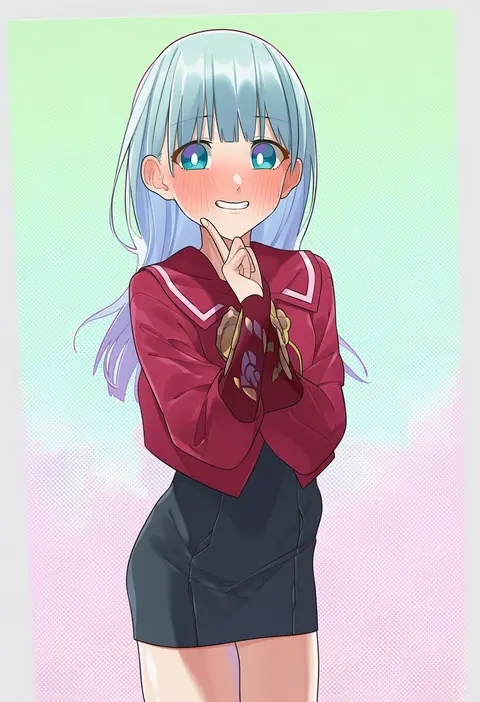
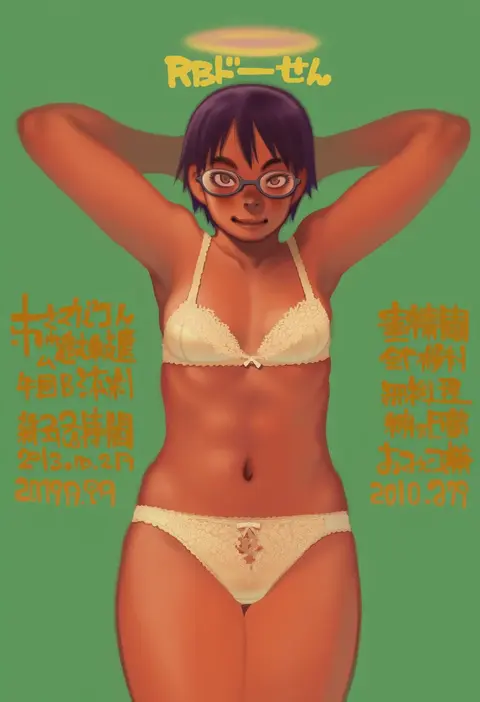
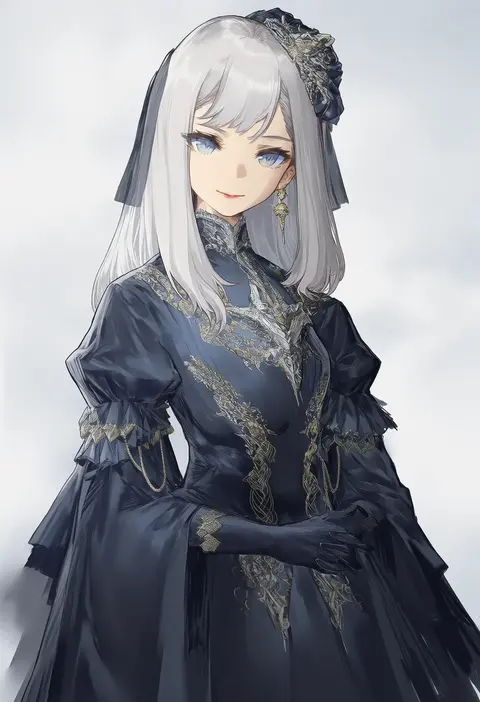
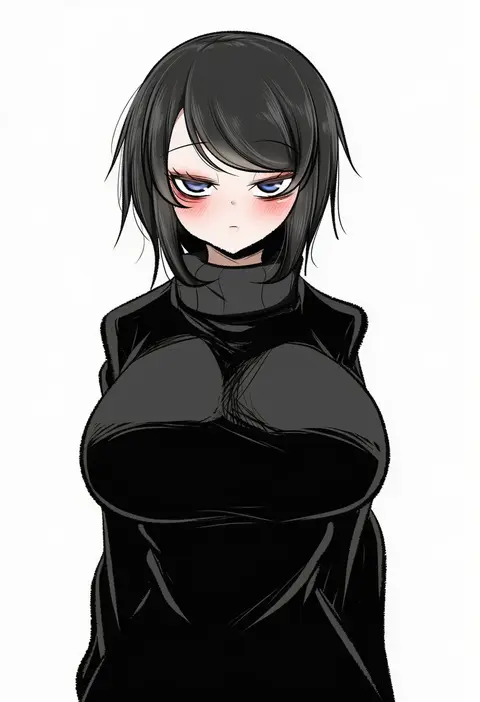
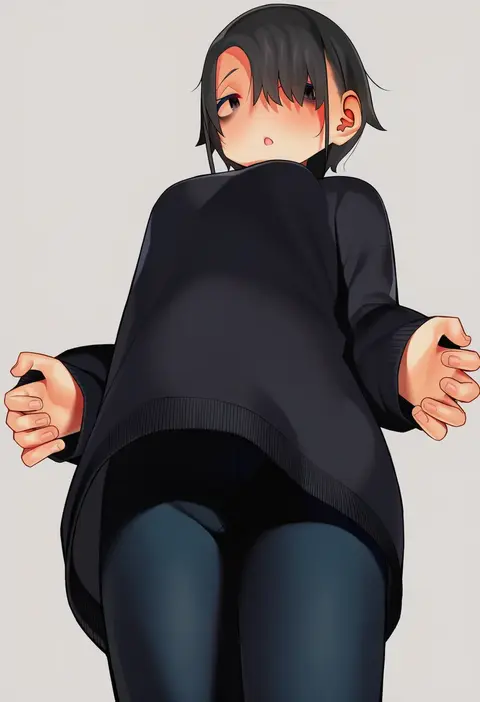
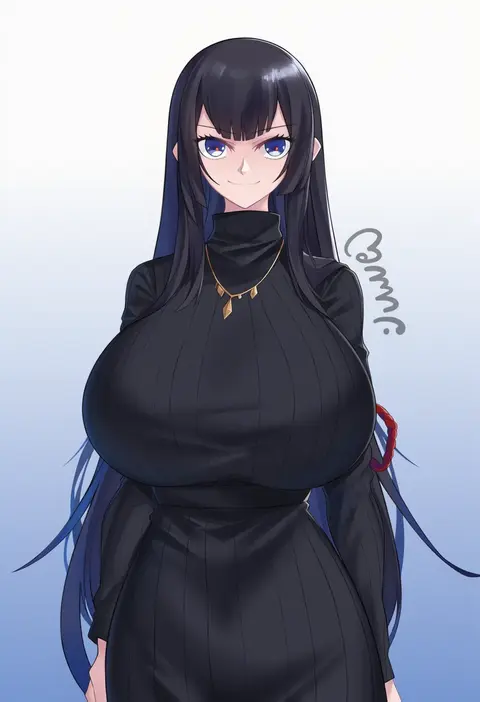
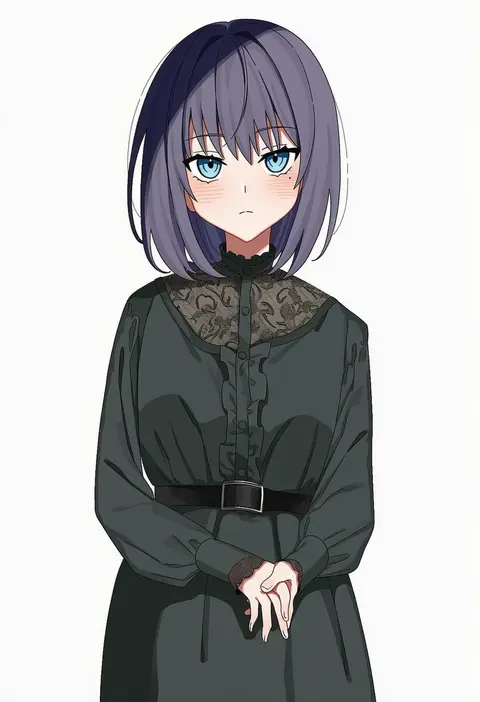
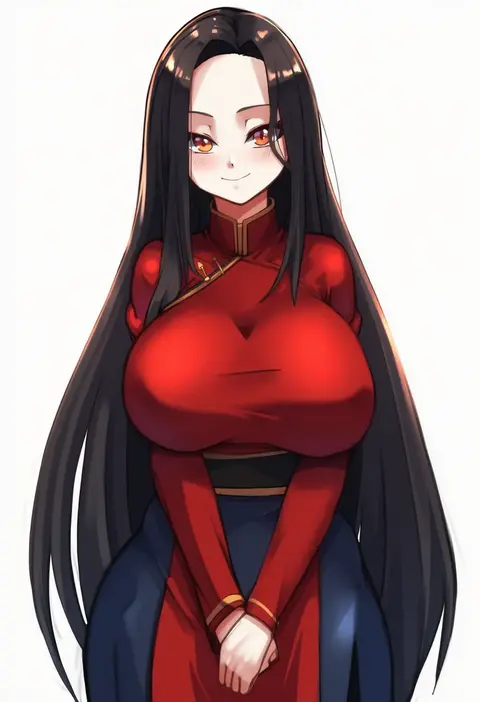
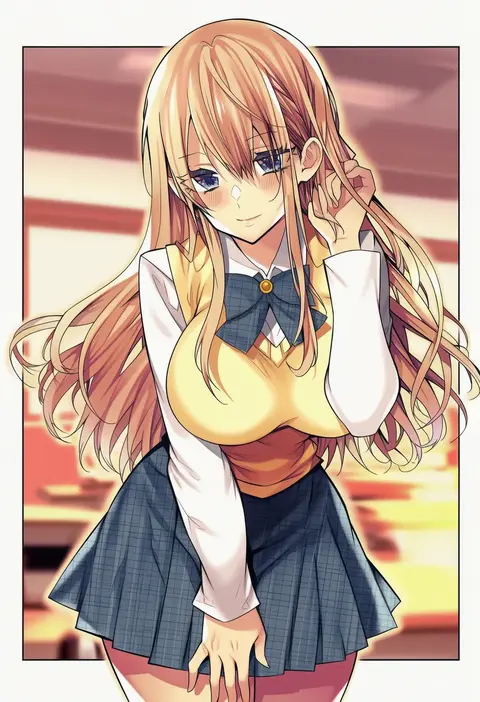
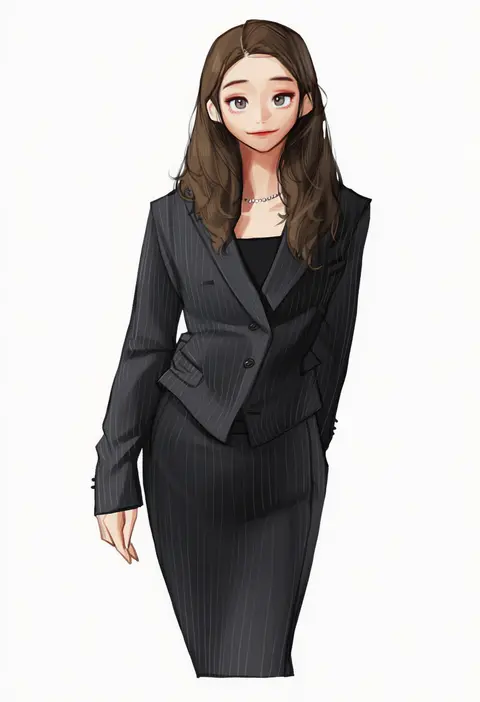
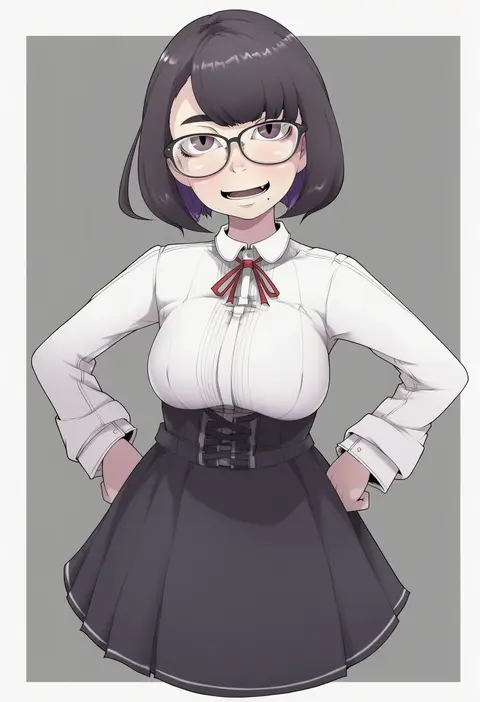
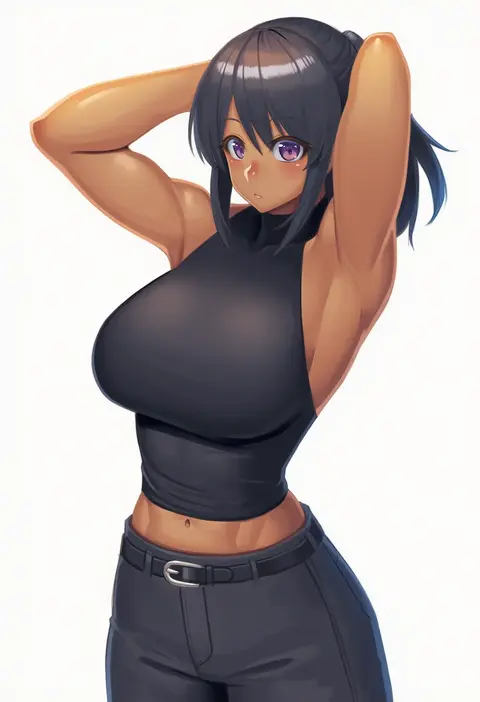
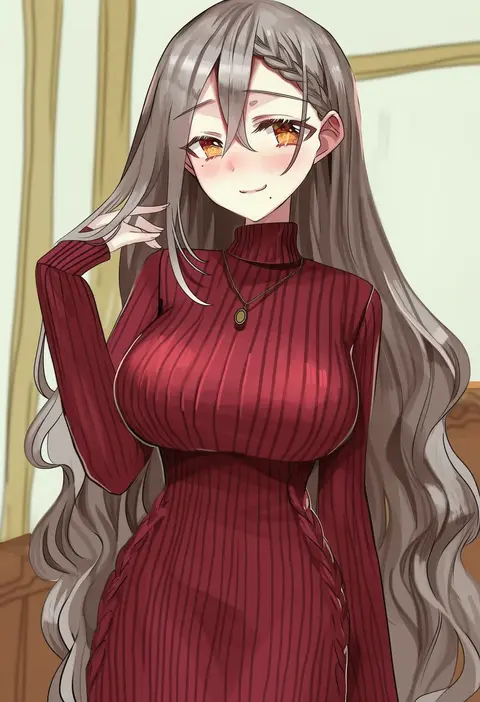
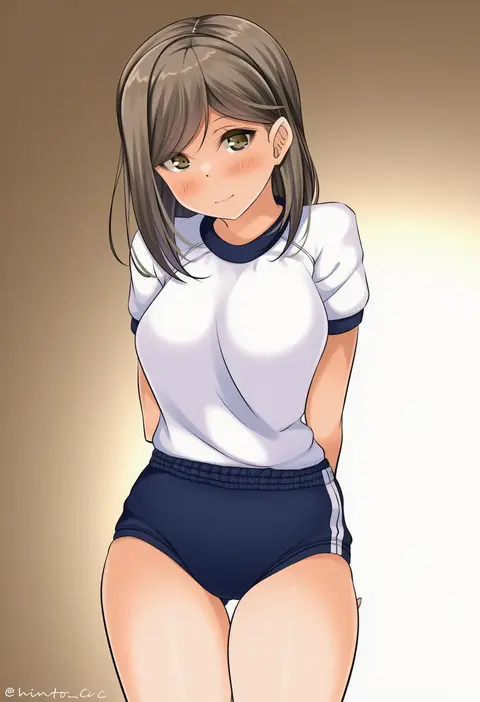
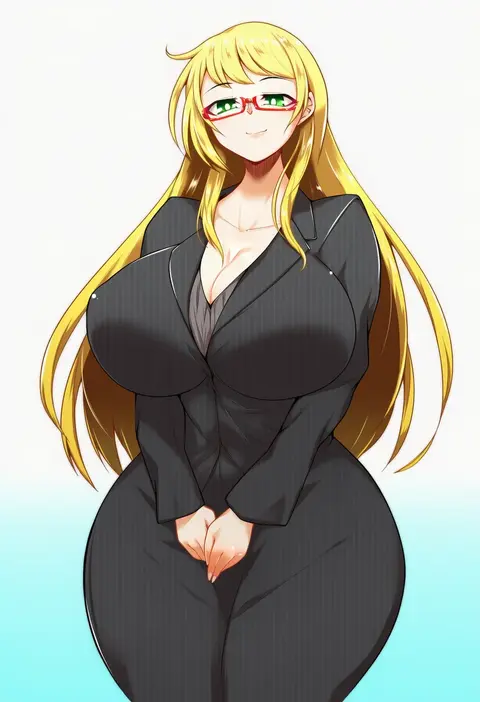
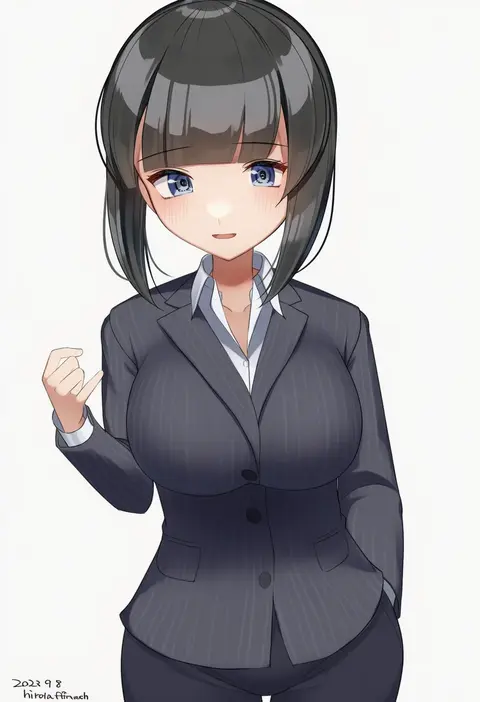
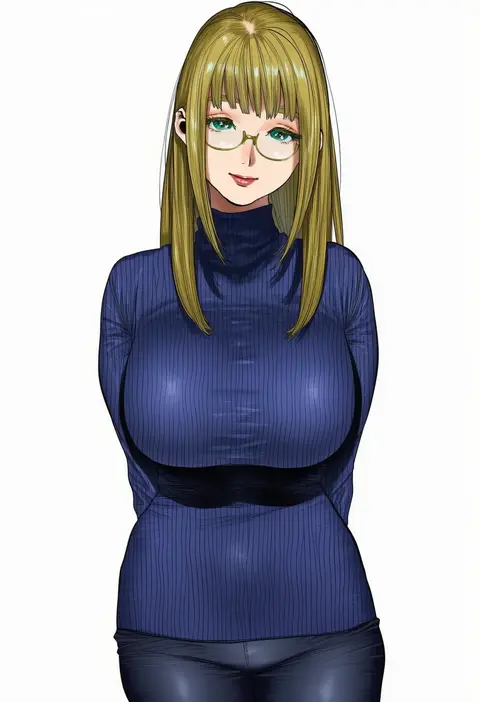
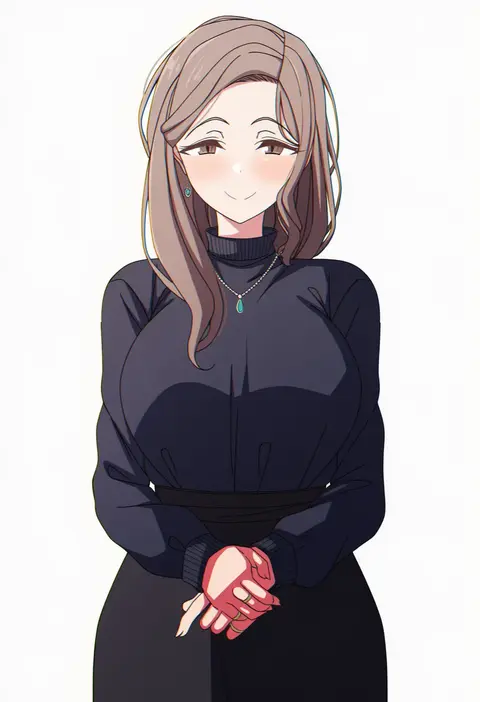
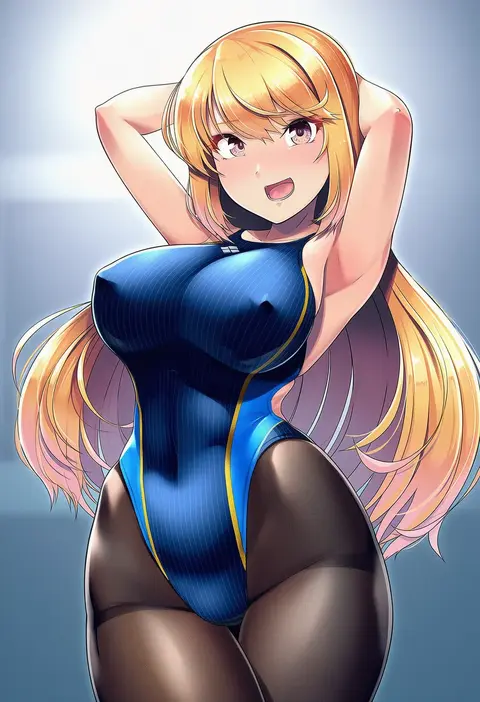
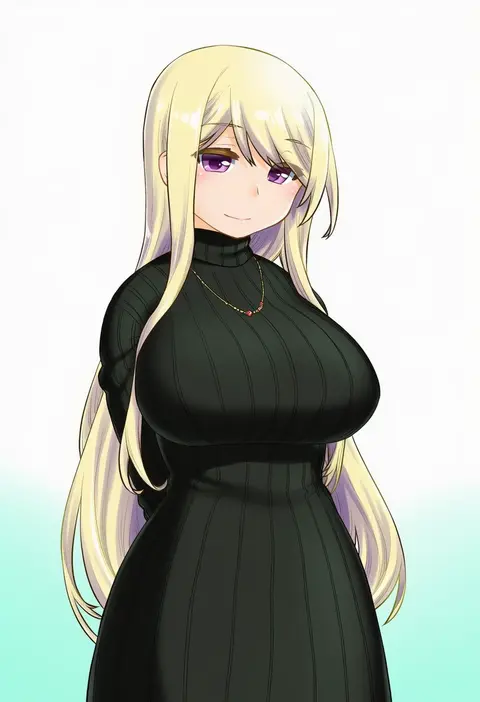
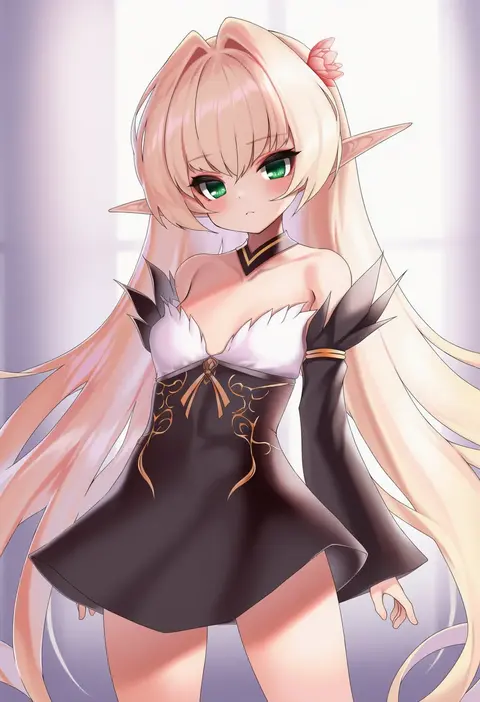
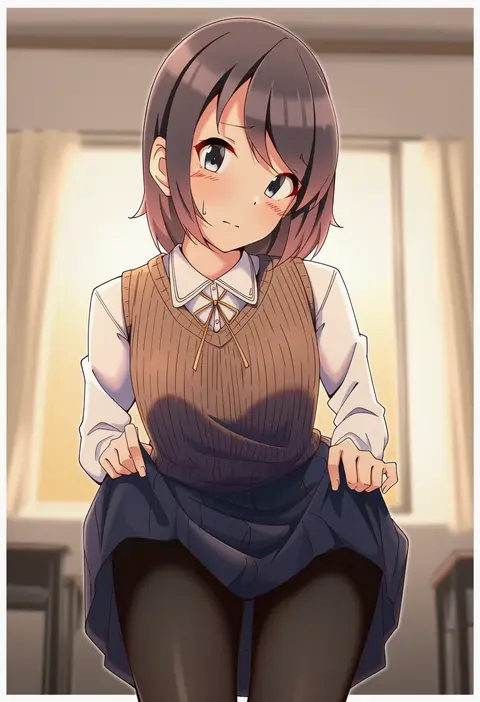
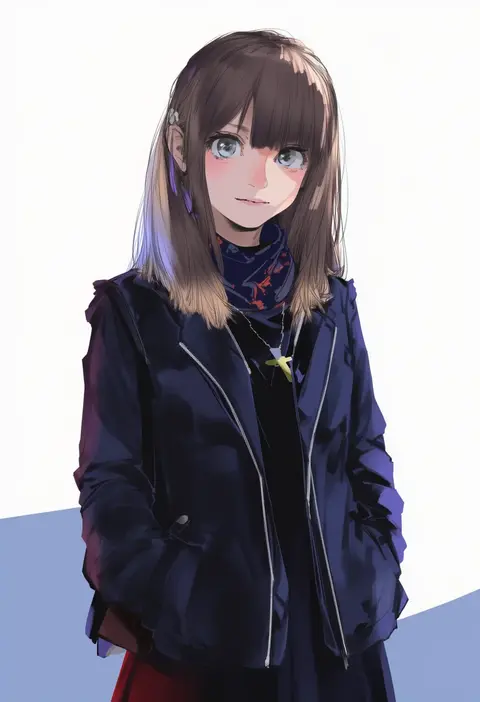
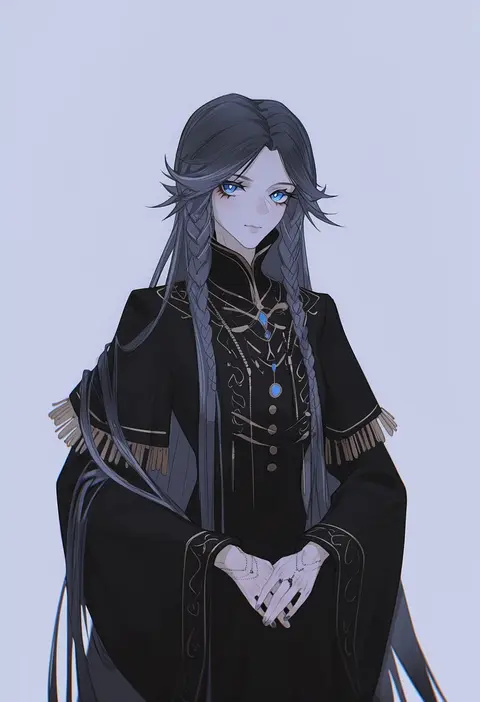
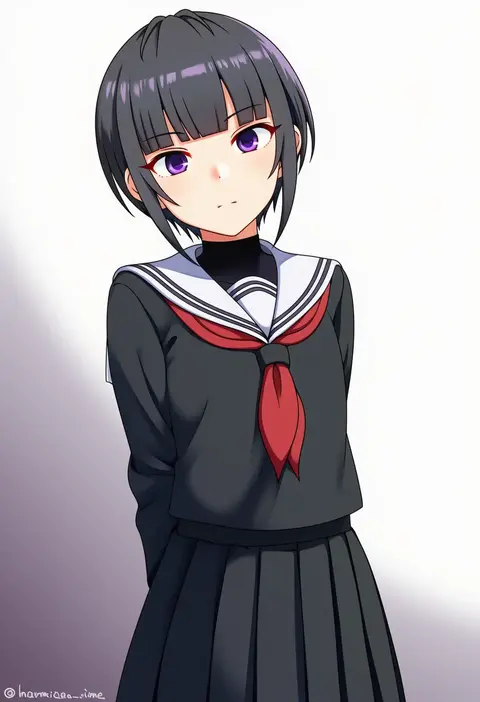
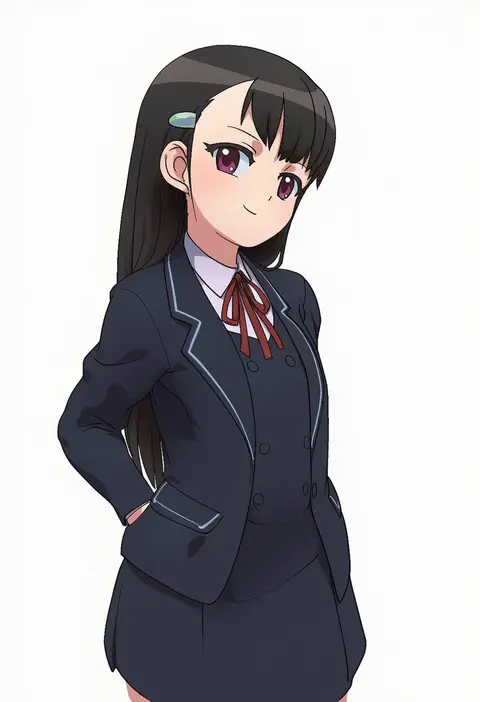
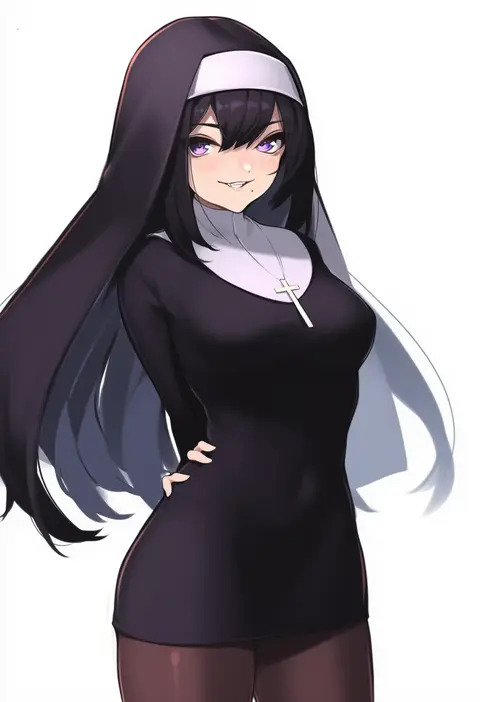
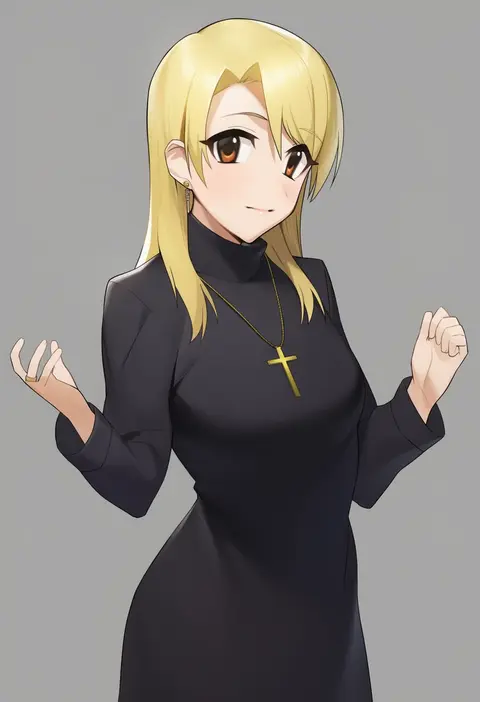
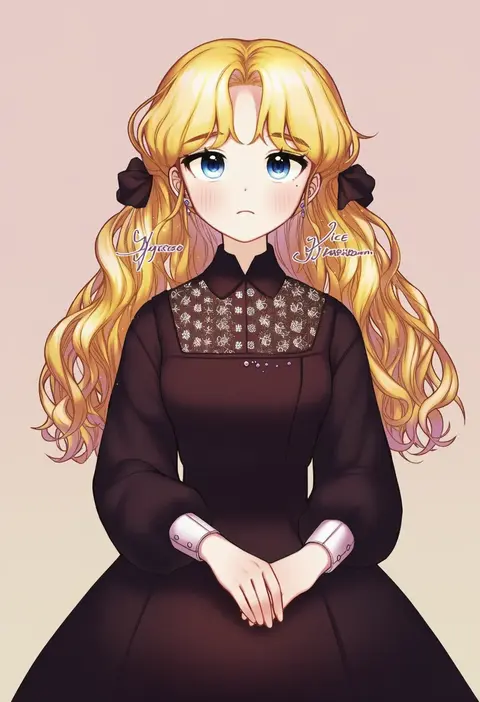
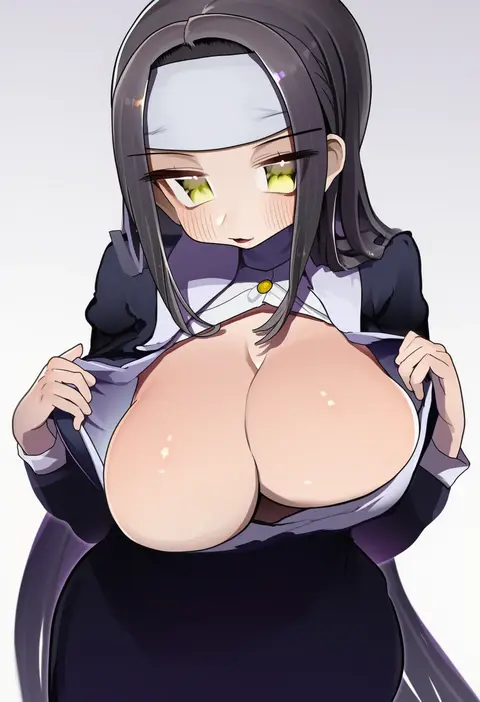
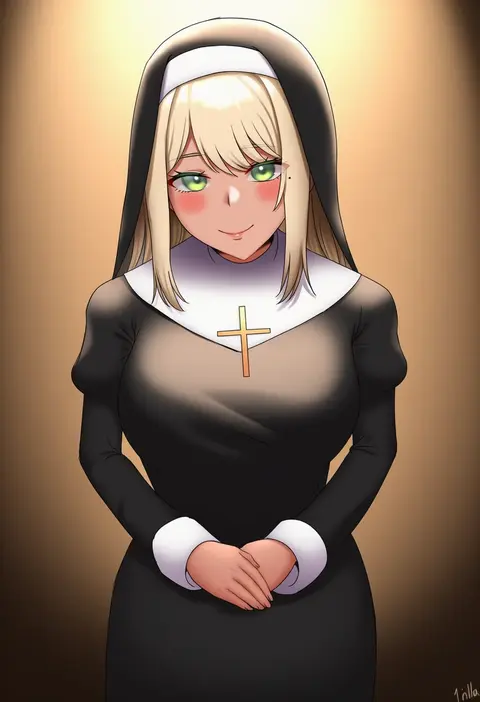
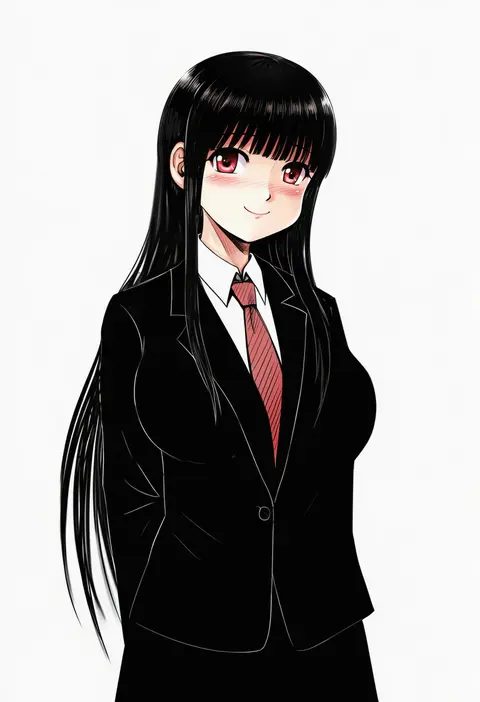
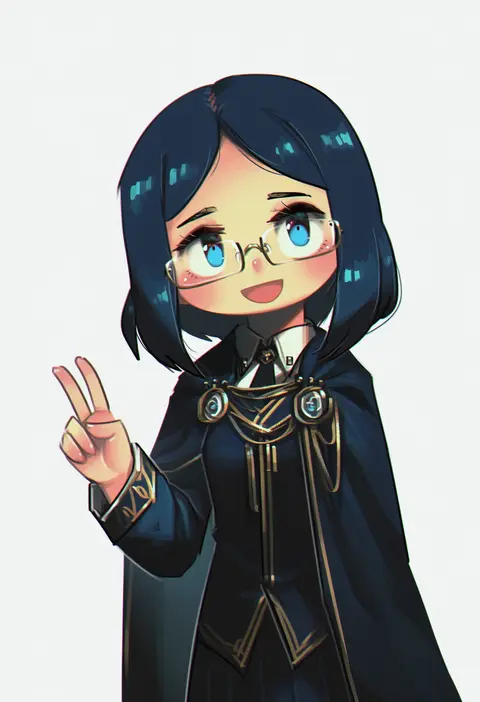
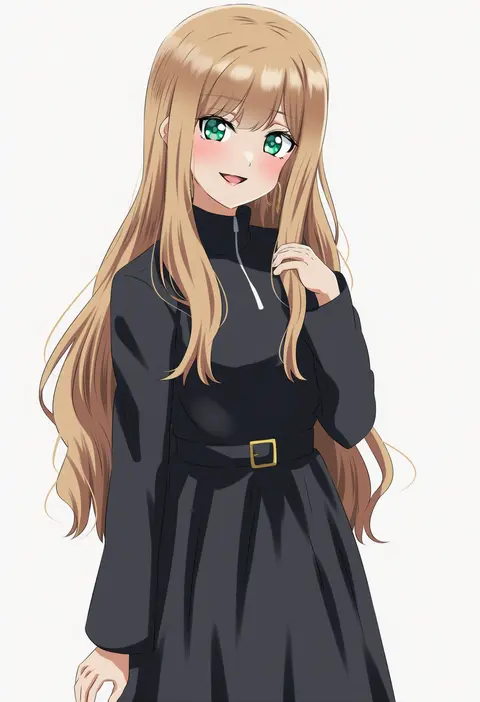
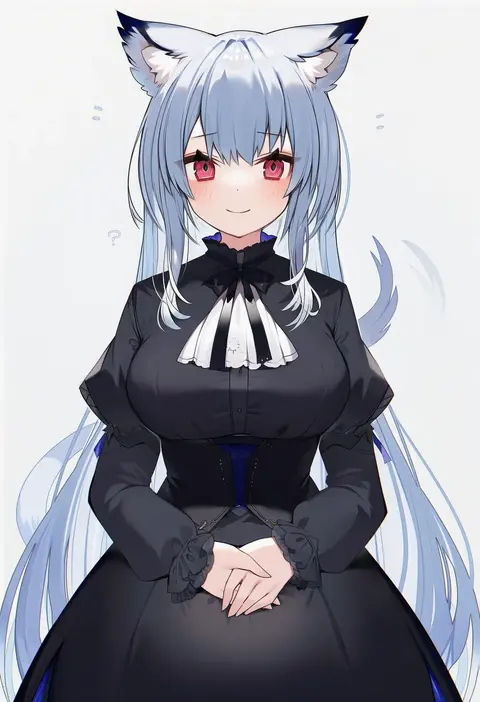
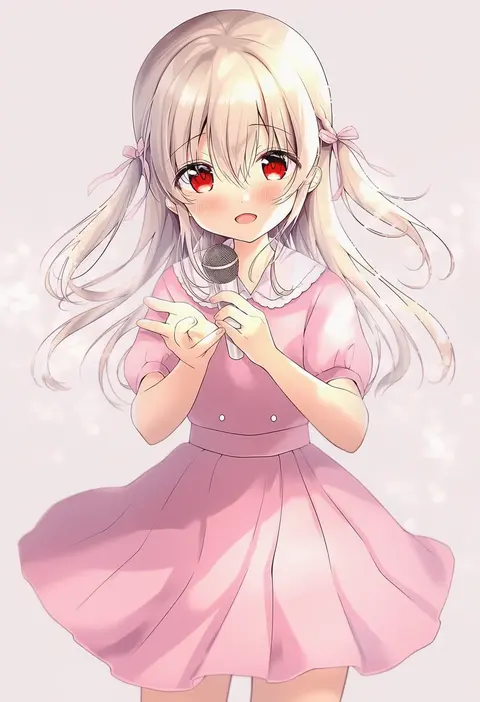
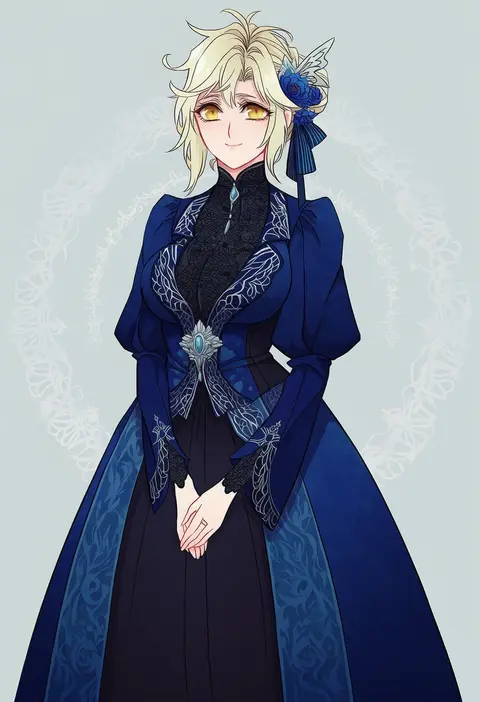
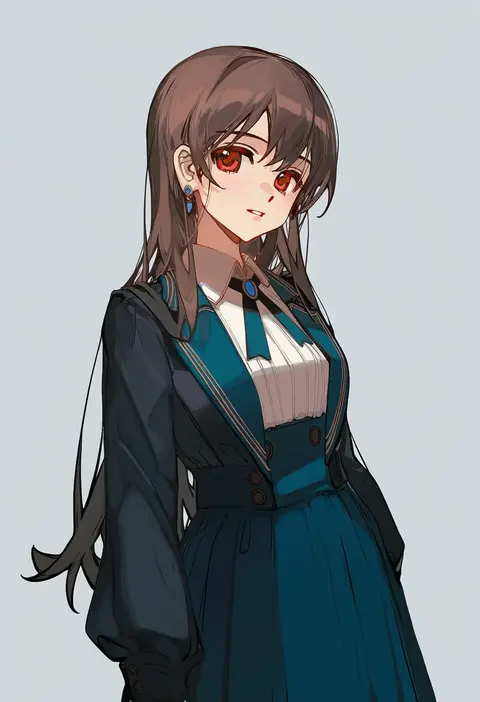
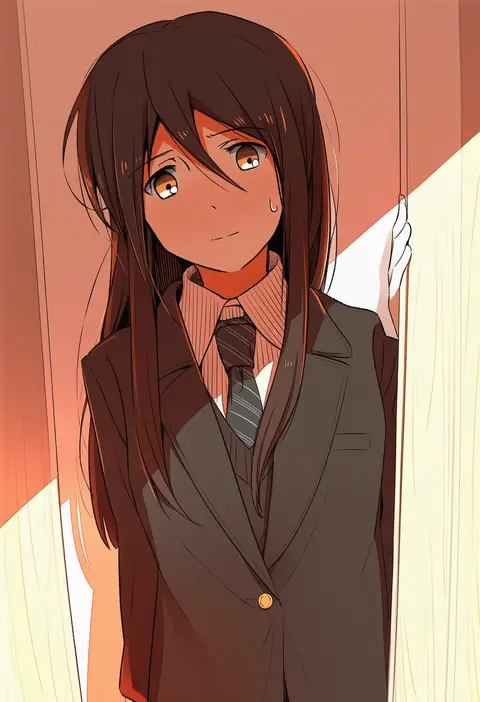
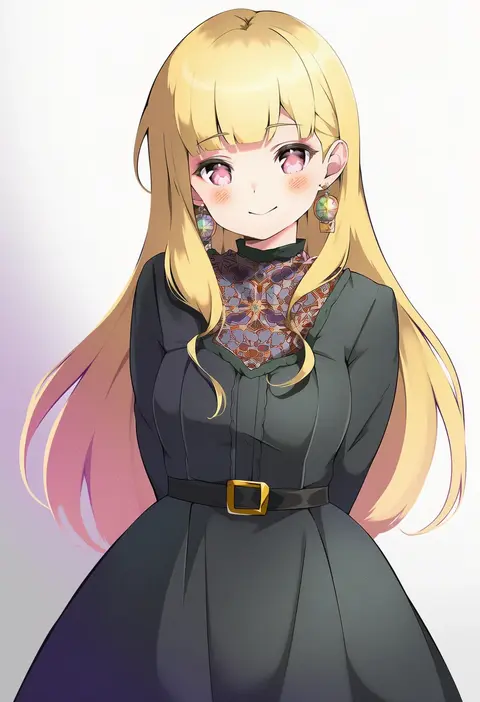
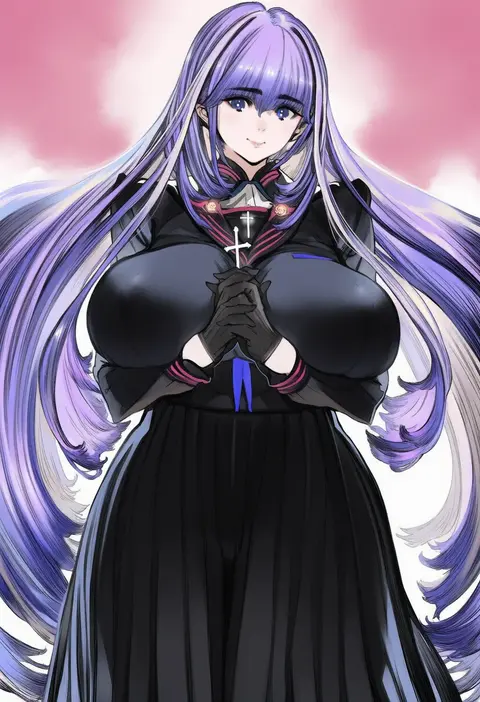
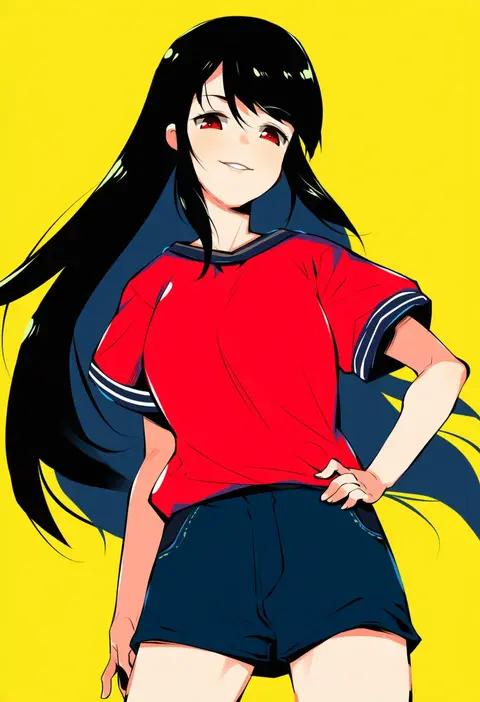
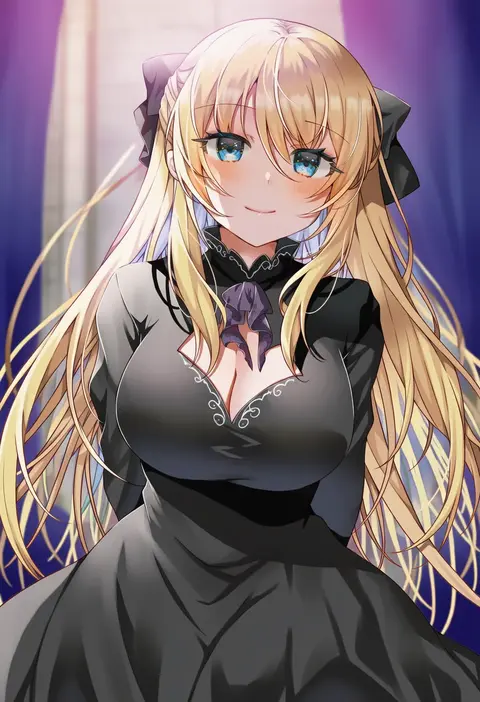
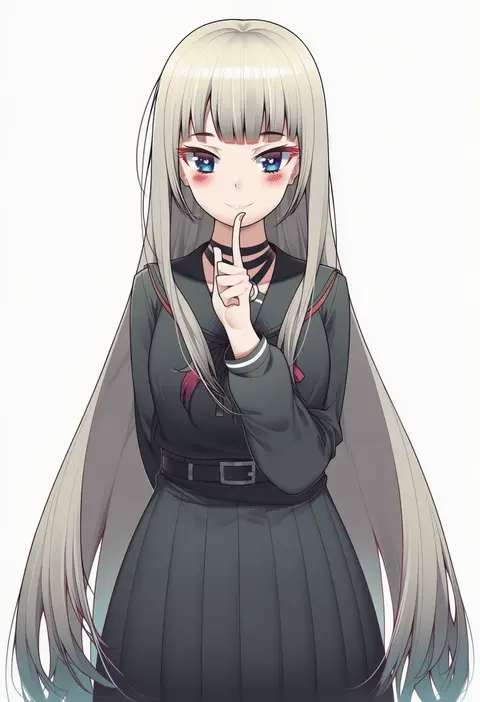
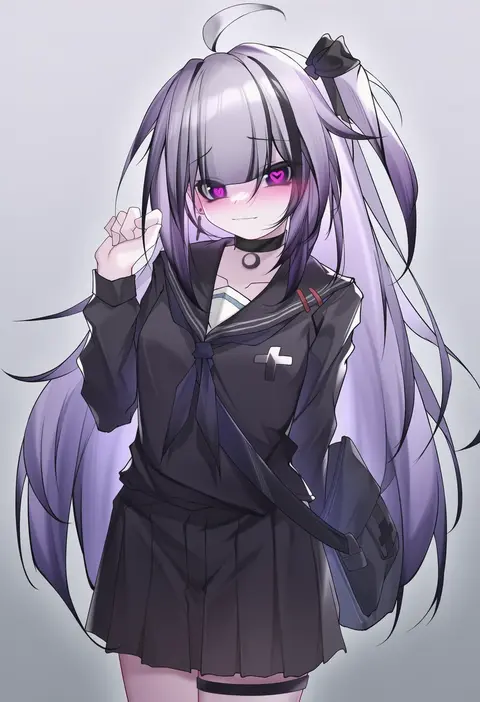
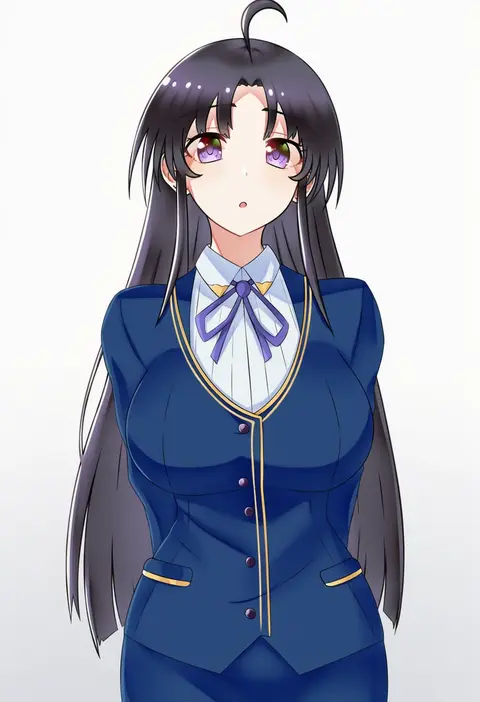
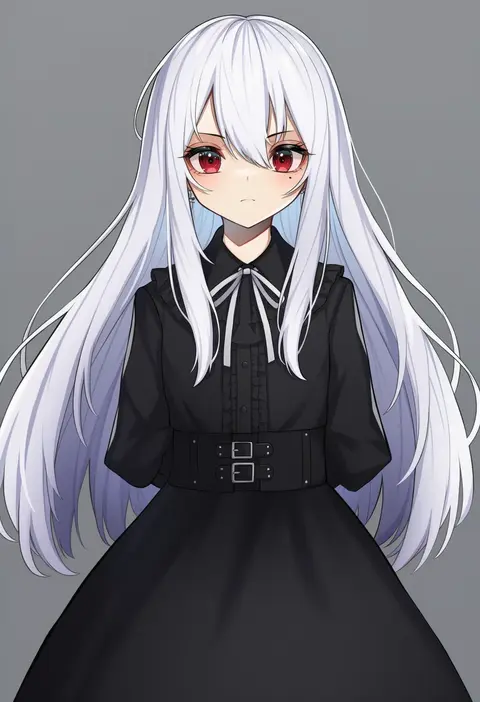
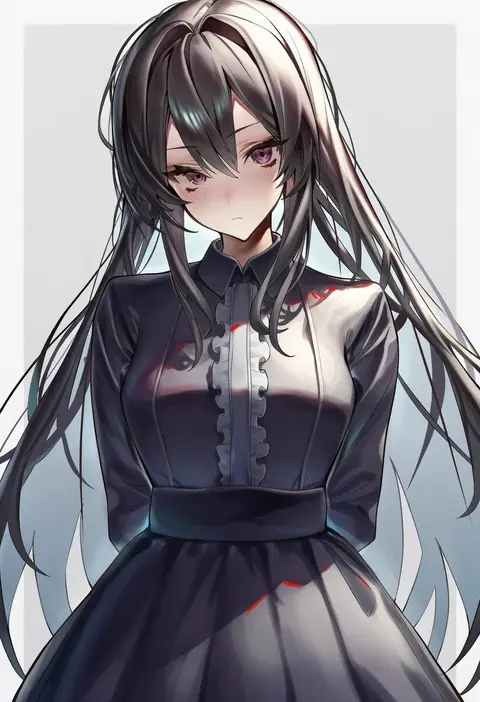
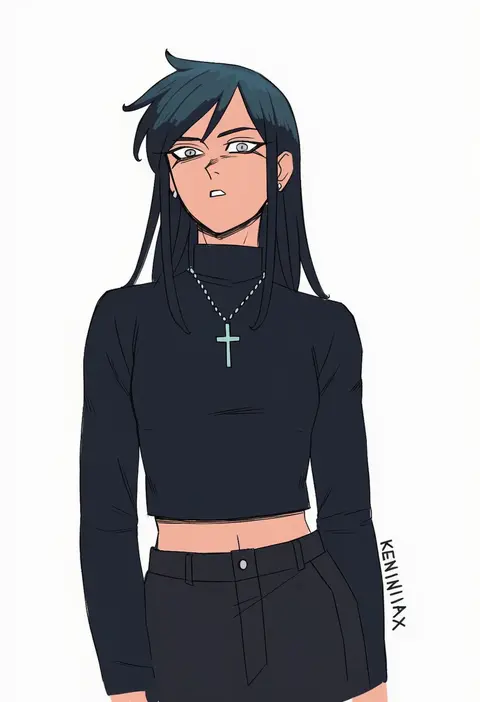
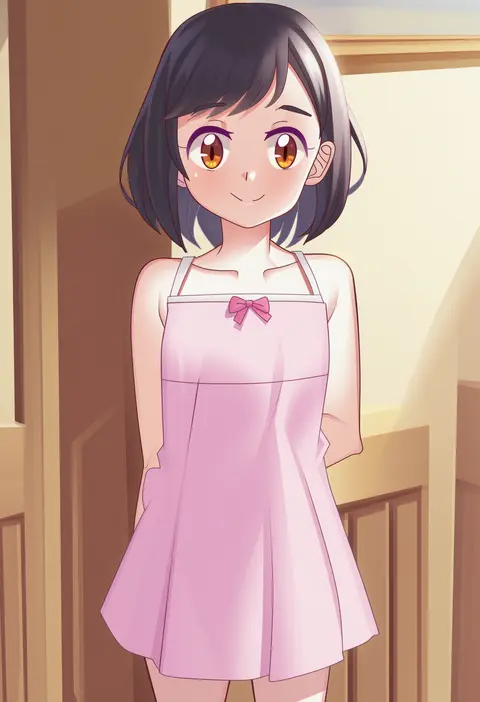
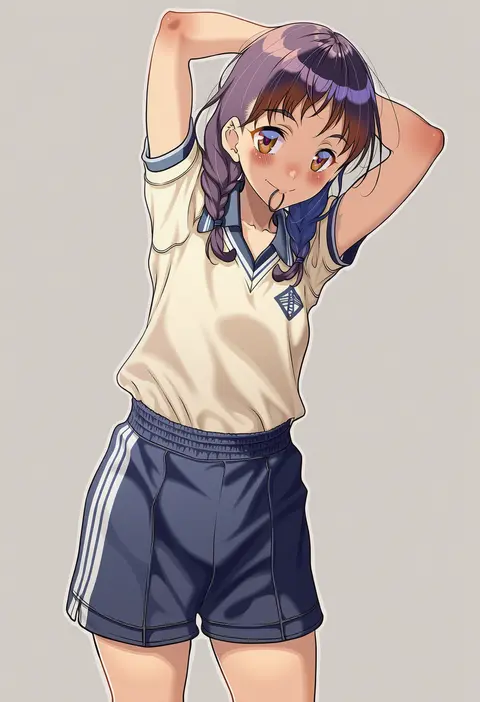
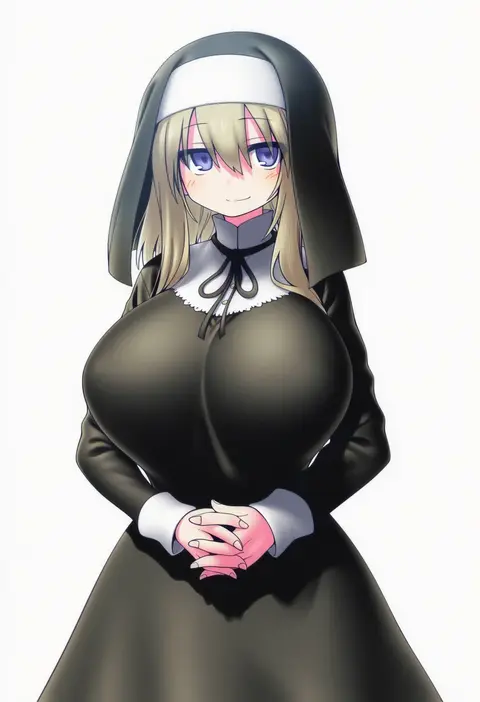
Artist tags tell NovelAI Diffusion to draw in a specific artist's style: line weight, paint texture, face shapes and palette all shift at once. Character and outfit tags decide what is drawn; artist tags decide how. 16,352 tags are listed for V4.5.
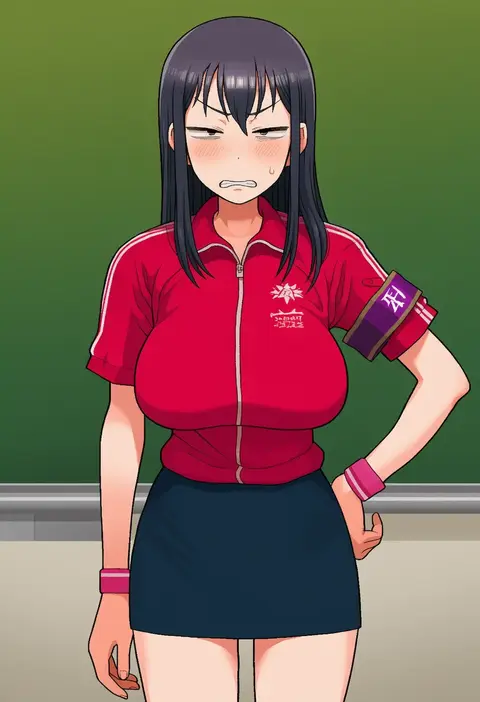
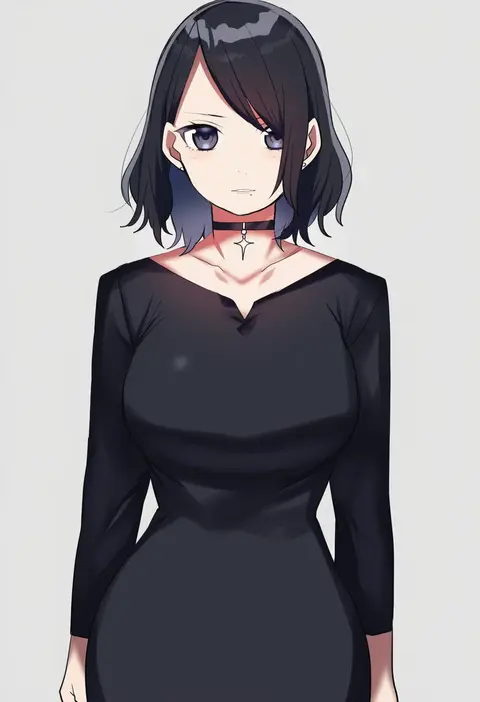
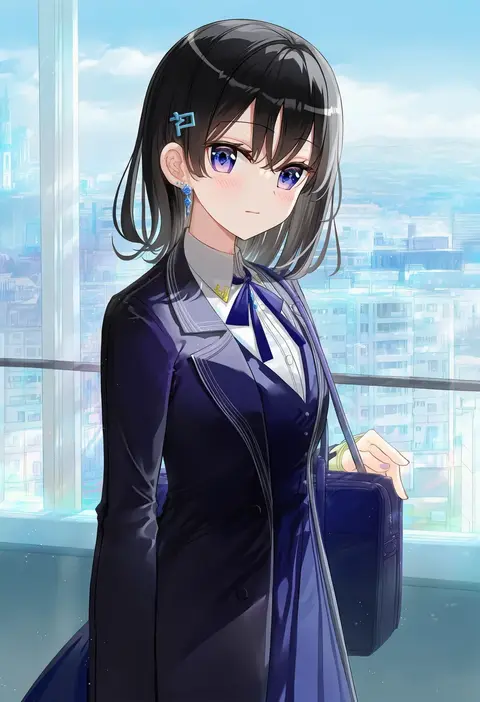
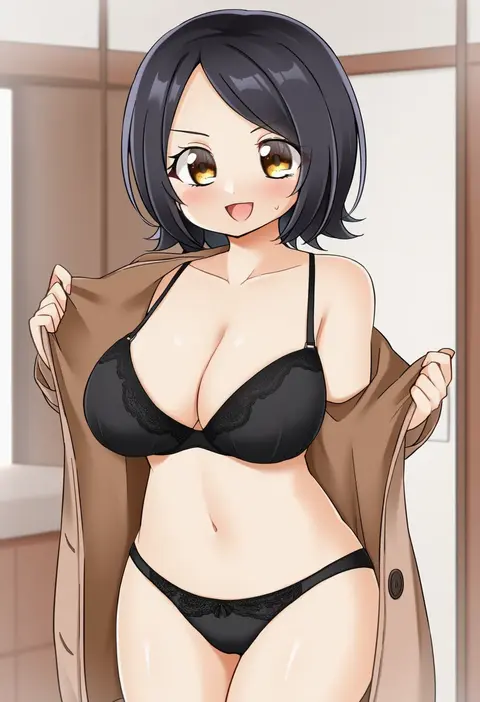
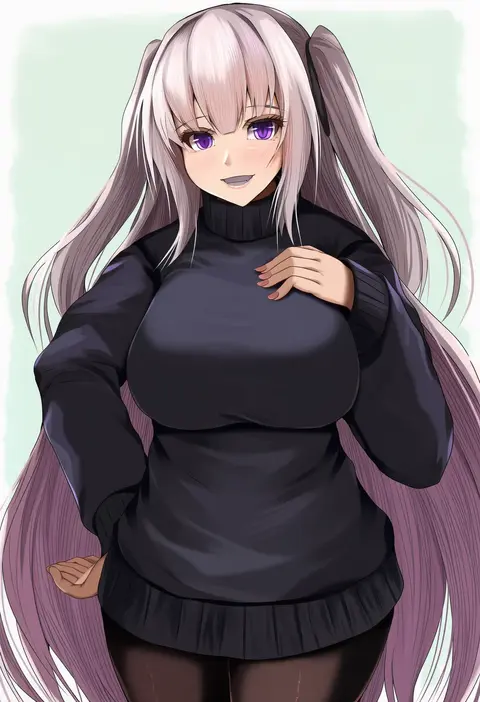
Every tag listed here is verified to react in NovelAI. All images use the same prompt, seed and settings with only the artist tag swapped, so the difference between two images is the style that tag brings in.

How to use them

Put the artist tag near the front of the prompt, e.g. "<artist>, 1girl, solo, best quality, masterpiece, cowboy shot". Two or three artist tags blend styles; lower the weight with "0.8::<artist>::" when the style overpowers the character.

SCORE sorts by Danbooru's top score, POSTS by post count, FAVS by hearts on this site. Open a card to see V5 and V4.5 side by side on the same seed.

V5 vs V4.5

V5 usually lands closer to the artist's real style, and tags that did nothing on V4.5 often react on V5. V4.5 still fits older and doujin-heavy artists better. Try V5 first, fall back to V4.5.

FAQ

Where does the artist tag go?
Near the front of the prompt. Use "0.8::tag::" to adjust its weight.

Can I stack artist tags?
Yes, styles blend. Past two or three the result stops looking like anyone.

Are these the artists' own works?
No. Every image is a NovelAI sample generated from the tag.