V4.5Artists
sort: FAVS▾
▾
>
$

Popular NovelAI artist tags — V4.5

artist --count 16,352[138/273]
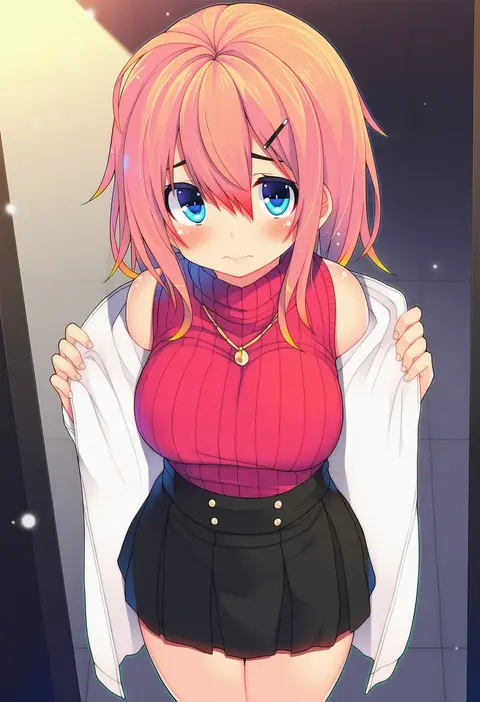
chiri (atlanta)
ARTIST0x201C
0
gomzi
ARTIST0x201D
0
chikuwa savy
ARTIST0x201E
0
hou (ppo)
ARTIST0x201F
0
yuugo (atmosphere)
ARTIST0x2020
0
tomamatto
ARTIST0x2021
0
johnny (from scratch)
ARTIST0x2022
0
shigemiya kyouhei
ARTIST0x2023
0
mebaru
ARTIST0x2024
0
shirinda fureiru
ARTIST0x2025
0
sape (saperon black)
ARTIST0x2026
0
momiji oroshi
ARTIST0x2027
0
bengus
ARTIST0x2028
0
shangurira
ARTIST0x2029
0
gerusyu
ARTIST0x202A
0
homing (areya)
ARTIST0x202B
0
note nii
ARTIST0x202C
0
kawaraya a-ta
ARTIST0x202D
0
shichouson
ARTIST0x202E
0
yoshiki360
ARTIST0x202F
0
muninshiki
ARTIST0x2030
0
hanasaki mahiru
ARTIST0x2031
0
ninnin (shishitou)
ARTIST0x2032
0
step arts
ARTIST0x2033
0
ginopi
ARTIST0x2034
0
yk (pixiv43531291)
ARTIST0x2035
0
pan korokorosuke
ARTIST0x2036
0
mitsugi
ARTIST0x2037
0
ueda metawo
ARTIST0x2038
0
mobu 45
ARTIST0x2039
0
risshu
ARTIST0x203A
0
fasnakegod
ARTIST0x203B
0
maemi (maemi12)
ARTIST0x203C
0
caryo
ARTIST0x203D
0
otoi rekomaru
ARTIST0x203E
0
oosaka kanagawa
ARTIST0x203F
0
midori foo
ARTIST0x2040
0
kyousaru
ARTIST0x2041
0
hao (patinnko)
ARTIST0x2042
0
katwo
ARTIST0x2043
0
shisoneri
ARTIST0x2044
0
kagawa yuusaku
ARTIST0x2045
0
iruma kamiri
ARTIST0x2046
0
rokkotsu
ARTIST0x2047
0
jl tan
ARTIST0x2048
0
akikaze tsumuji
ARTIST0x2049
0
nanamomo rio
ARTIST0x204A
0
sora (efr)
ARTIST0x204B
0
usugiri bacon
ARTIST0x204C
0
aogiri penta
ARTIST0x204D
0
maydrawfag
ARTIST0x204E
0
banba (jakqbigone)
ARTIST0x204F
0
kobi (piliheros2000)
ARTIST0x2050
0
kanora
ARTIST0x2051
0
poncocchan
ARTIST0x2052
0
moupii (hitsuji no ki)
ARTIST0x2053
0
keiran (ryo170)
ARTIST0x2054
0
konmori (kinbou sokai)
ARTIST0x2055
0
tonotyama
ARTIST0x2056
0
masaharu
ARTIST0x2057
0

What these tags change

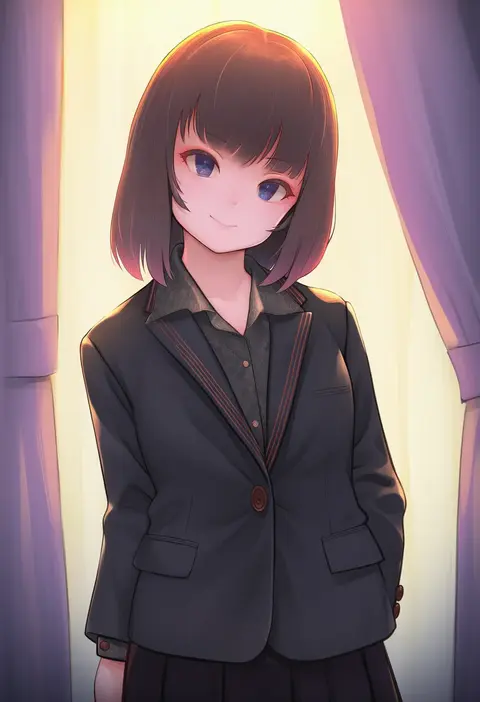
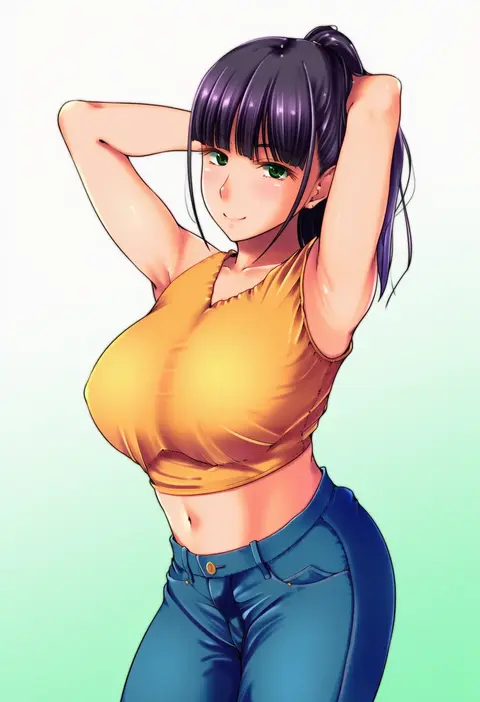
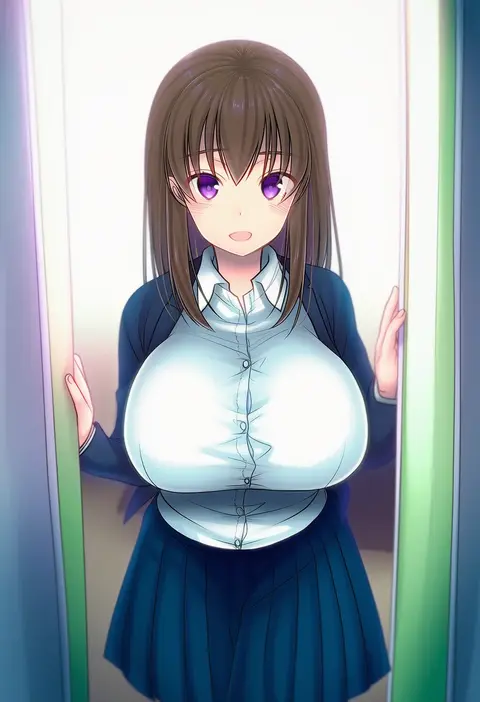
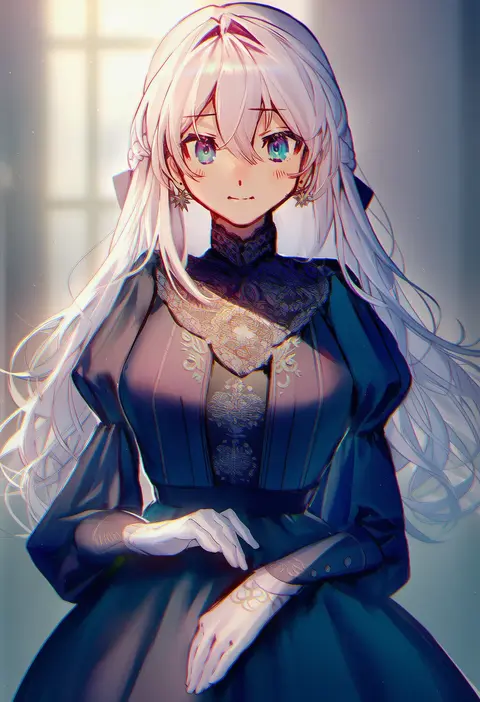
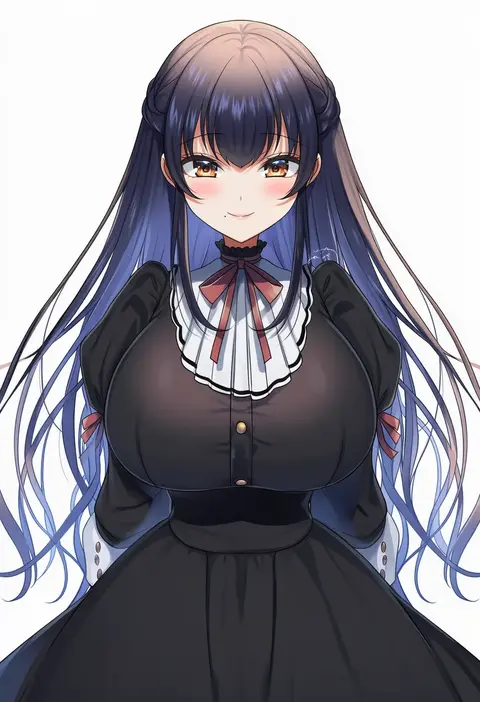
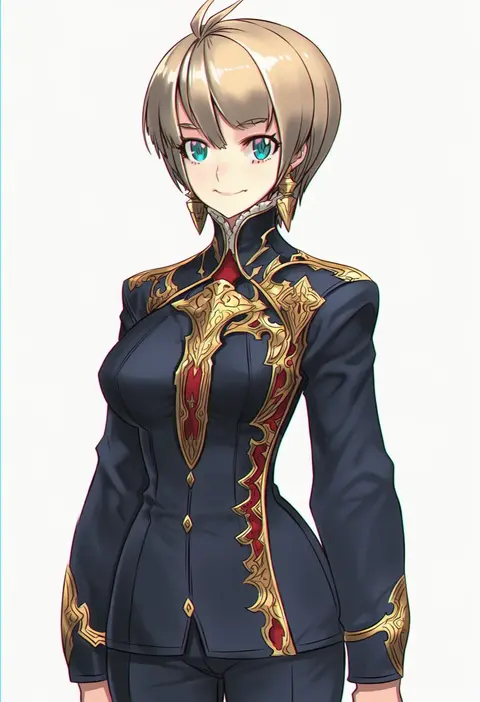
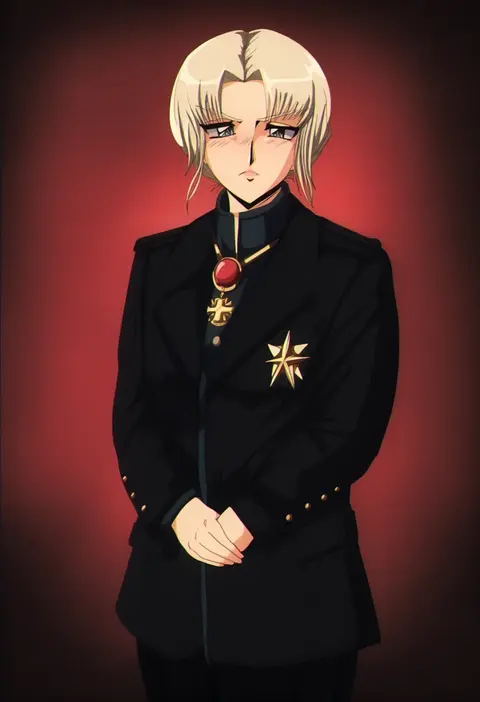
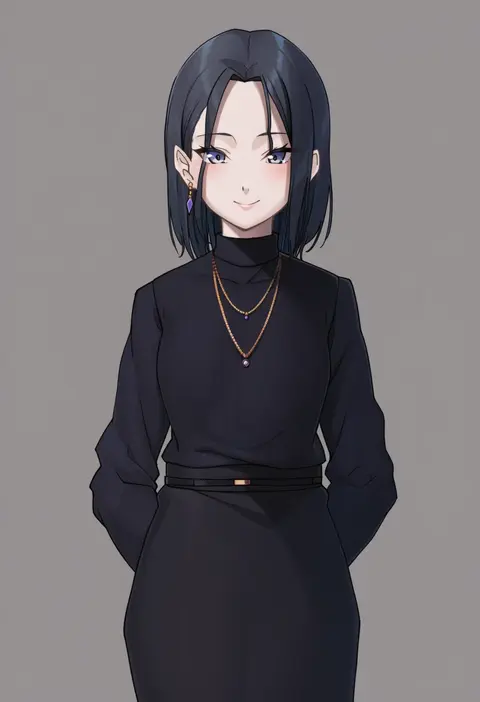
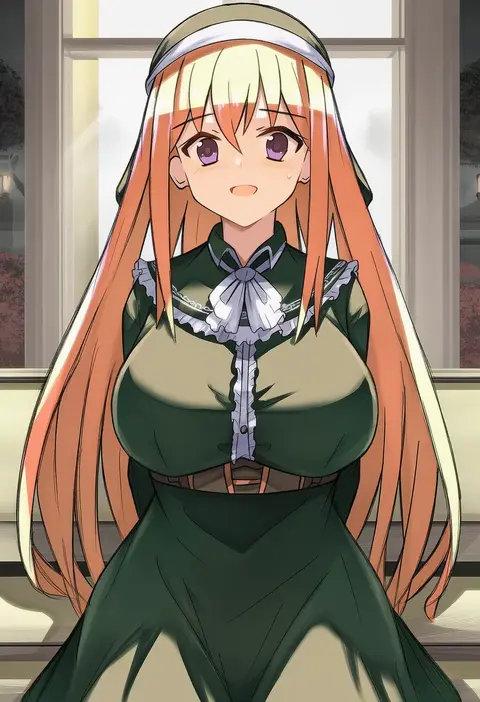
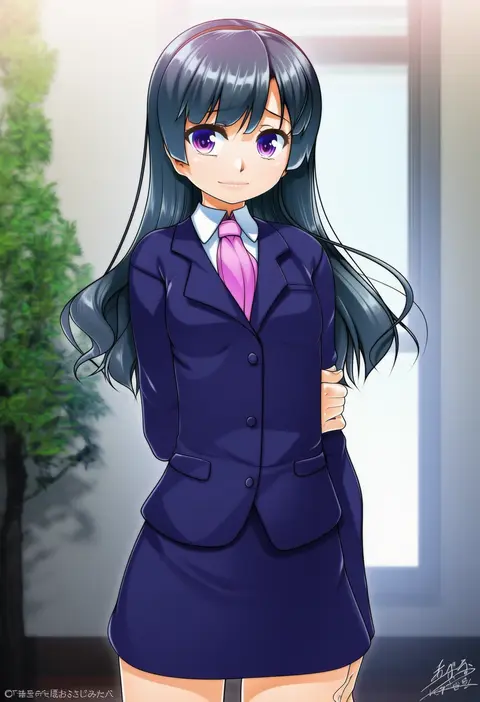
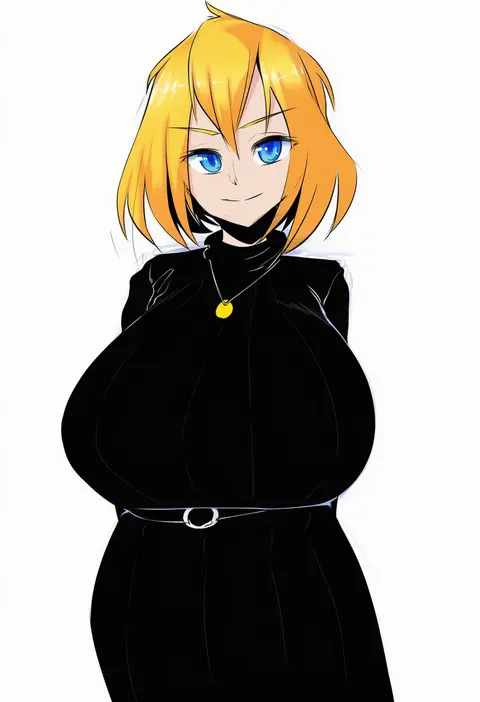
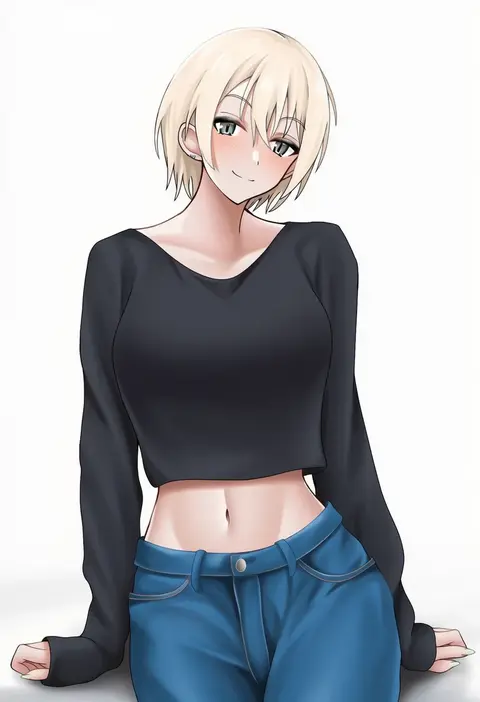
Artist tags tell NovelAI Diffusion to draw in a specific artist's style: line weight, paint texture, face shapes and palette all shift at once. Character and outfit tags decide what is drawn; artist tags decide how. 16,352 tags are listed for V4.5.
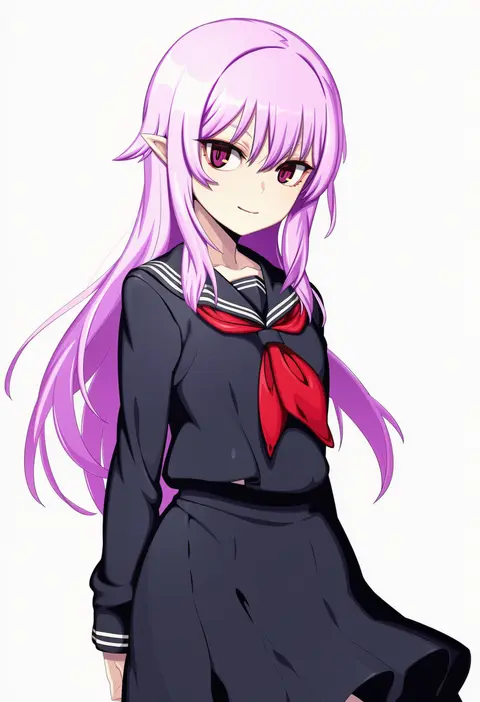
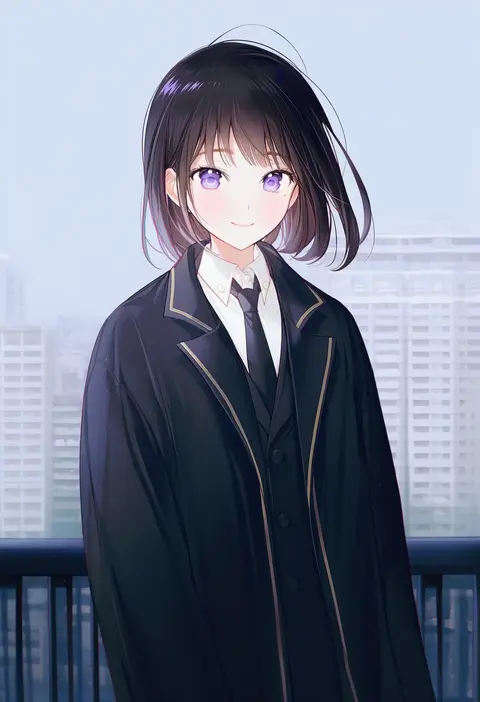
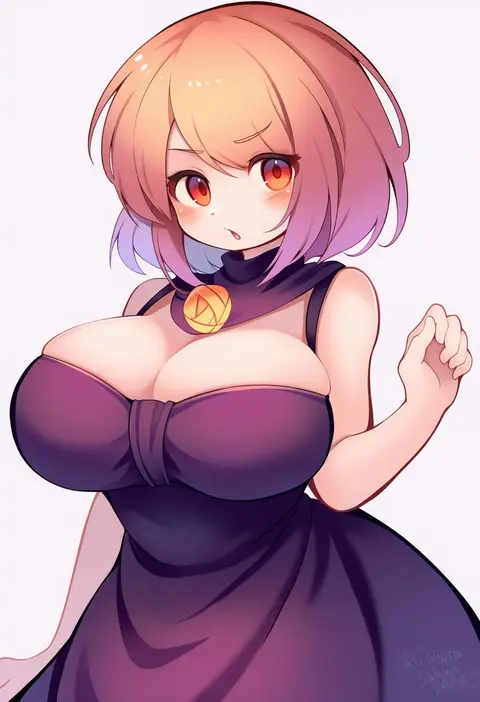
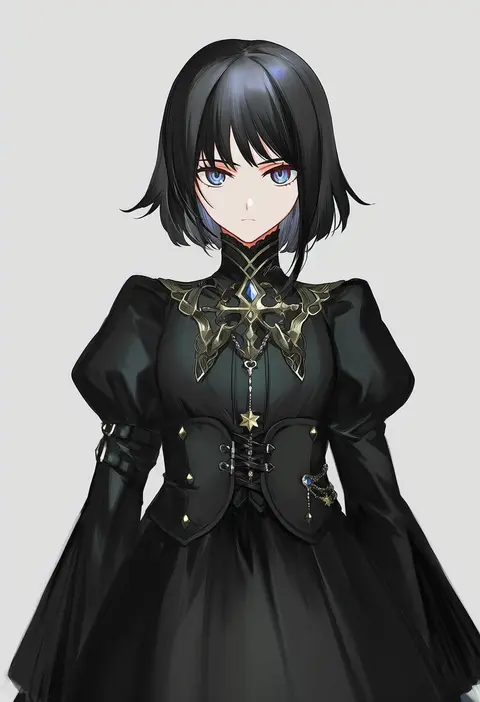
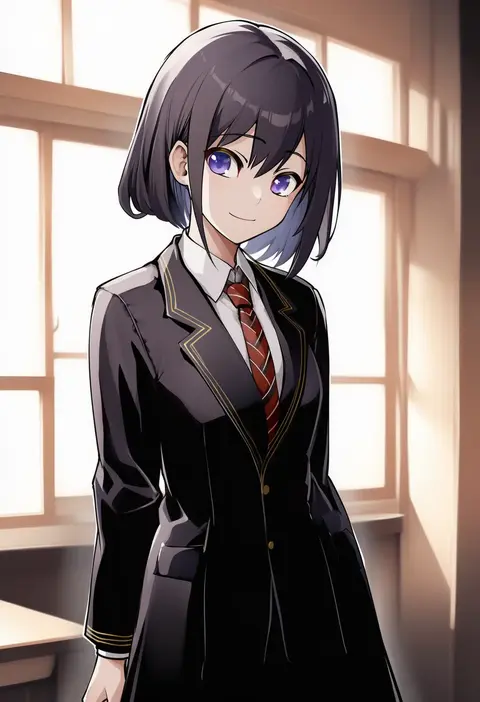
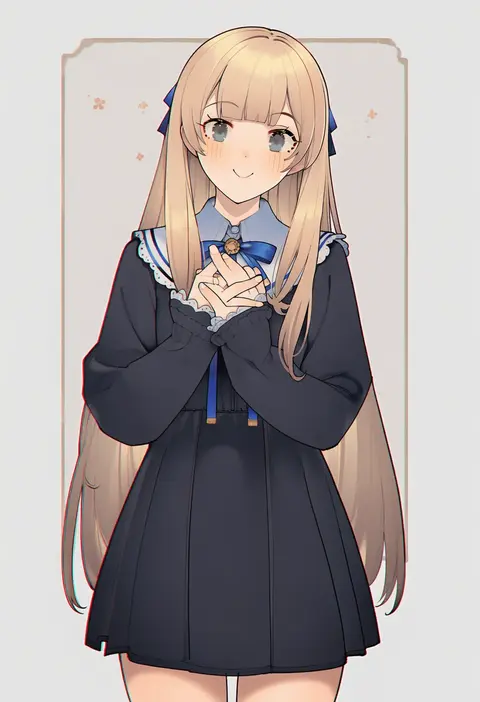
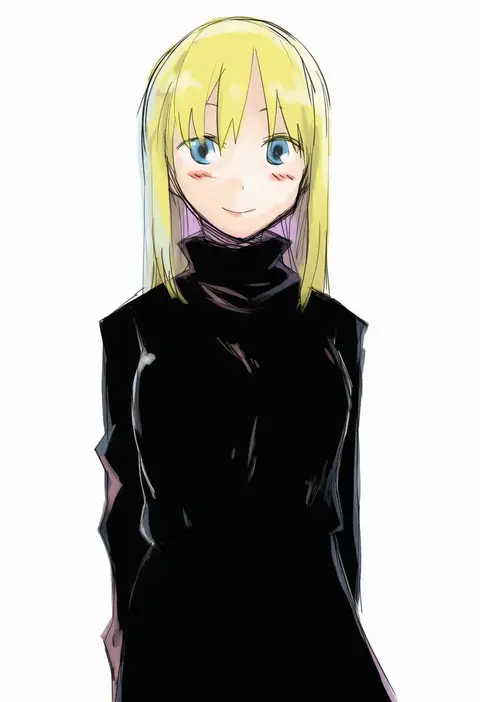
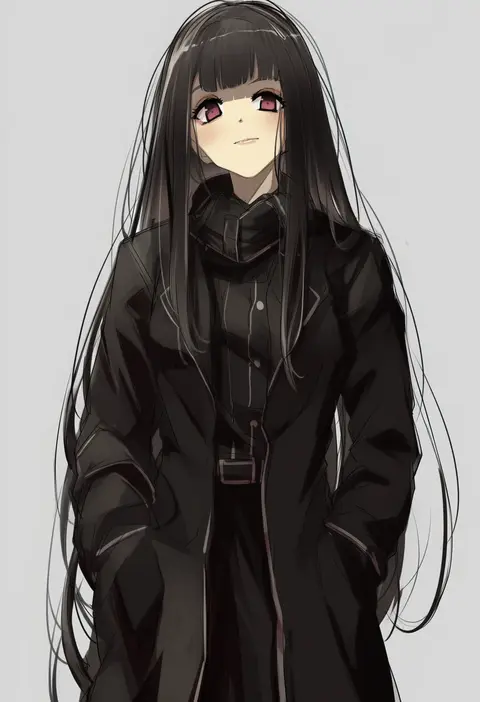
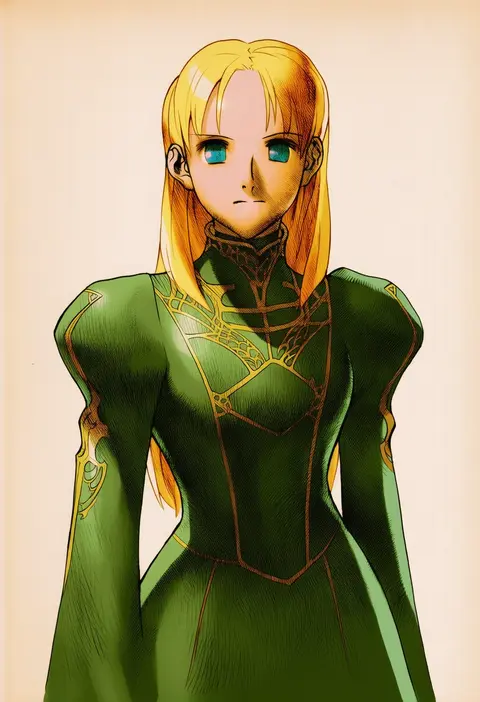
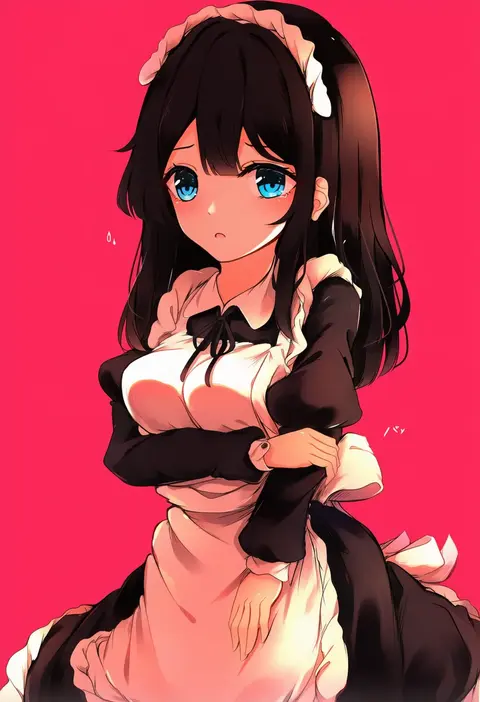
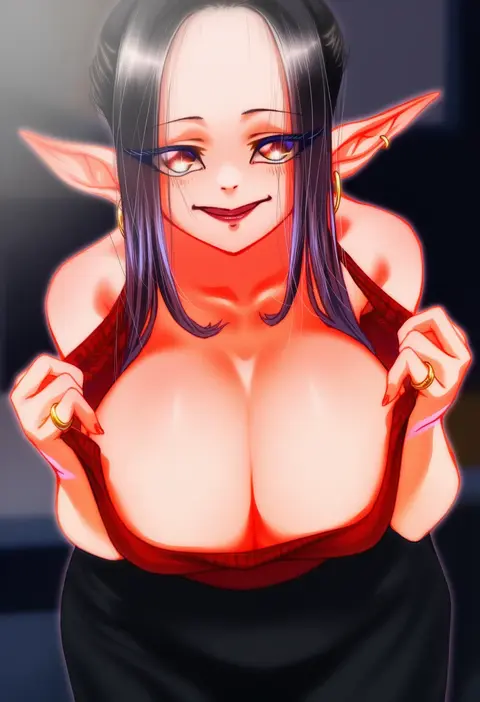
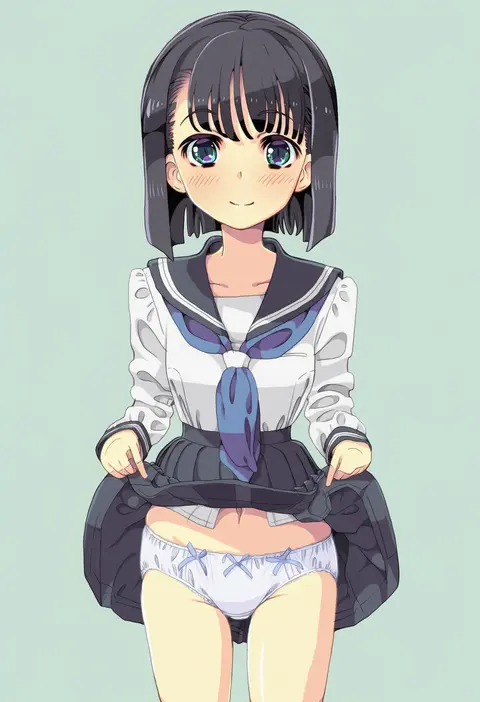
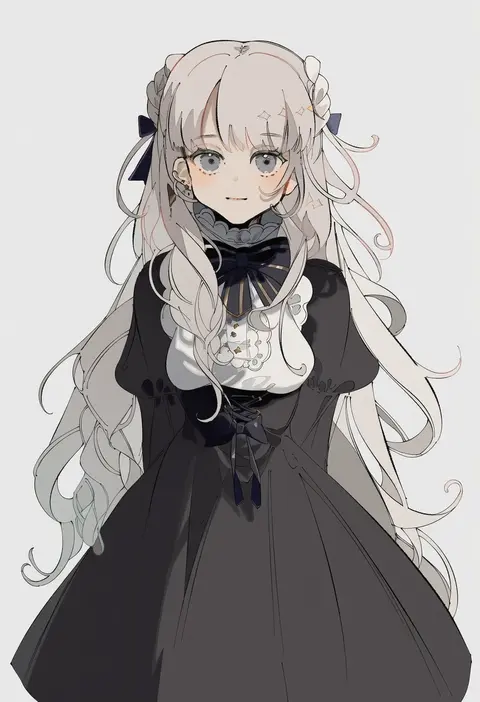
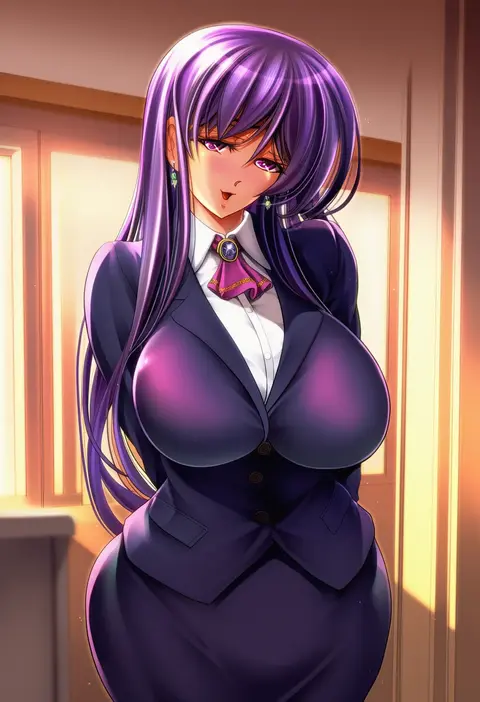
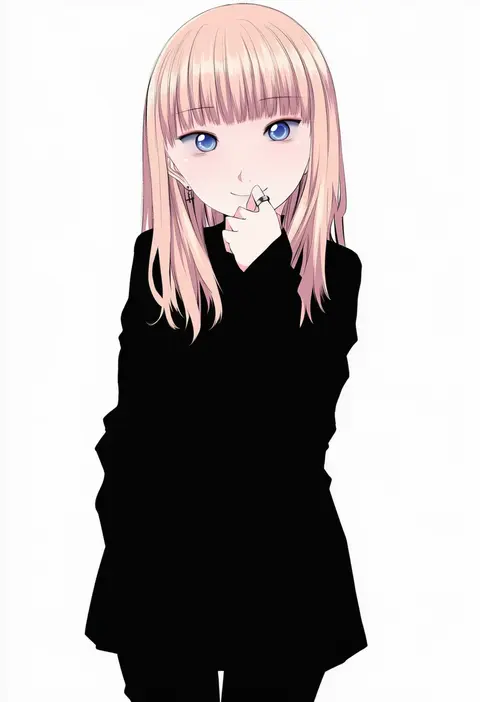
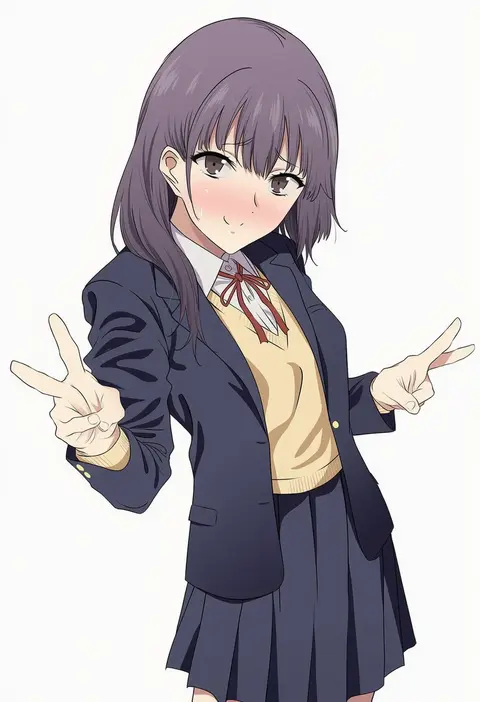
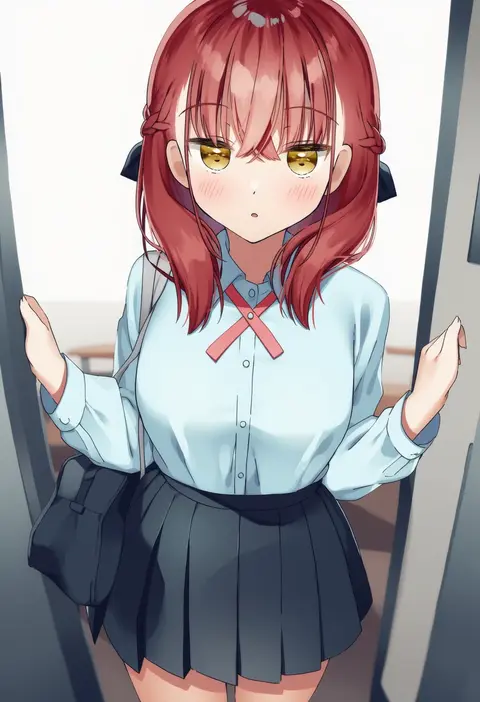
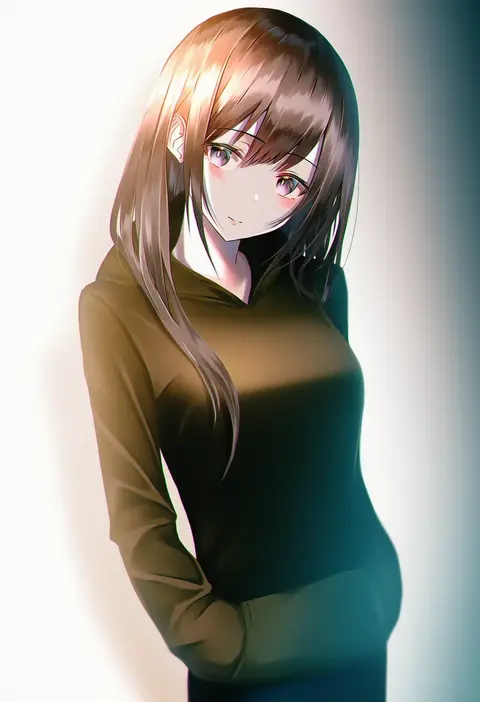
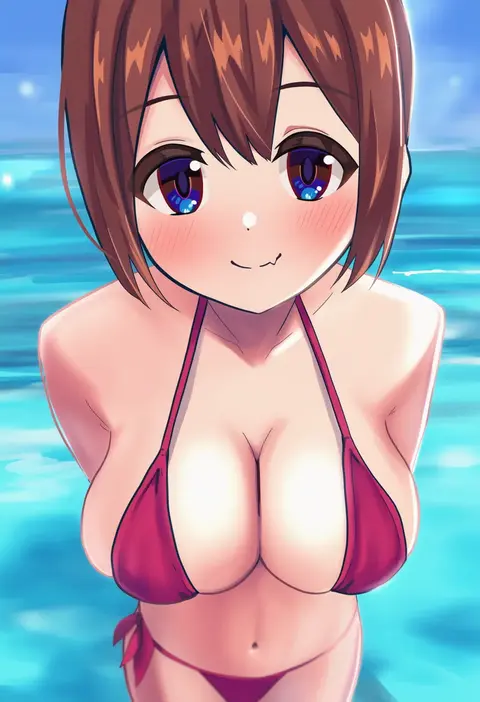
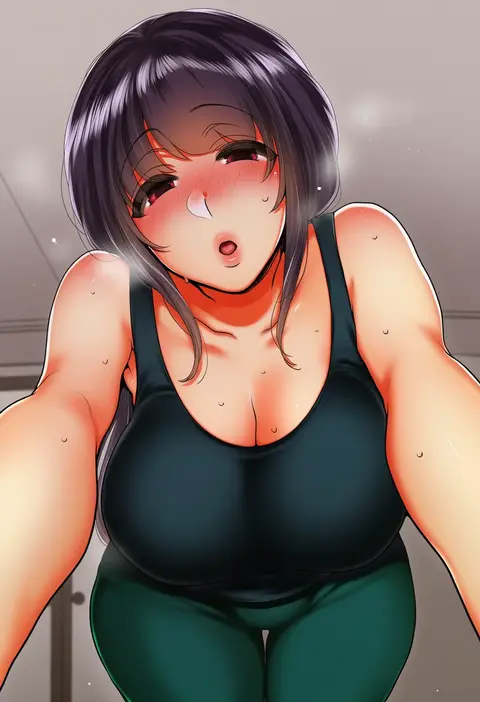
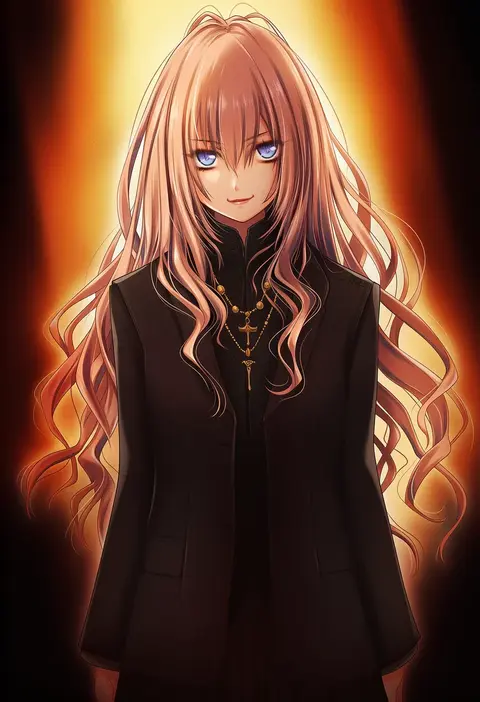
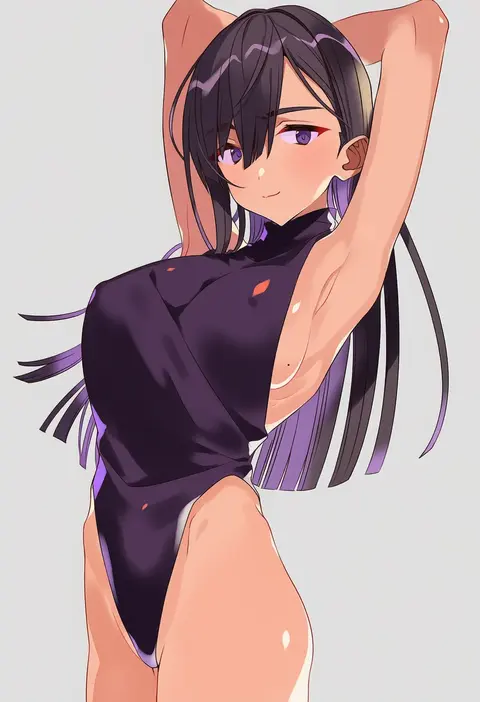
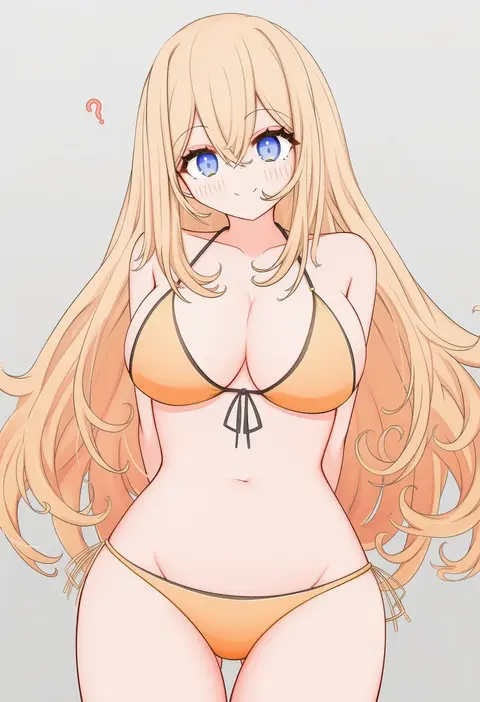
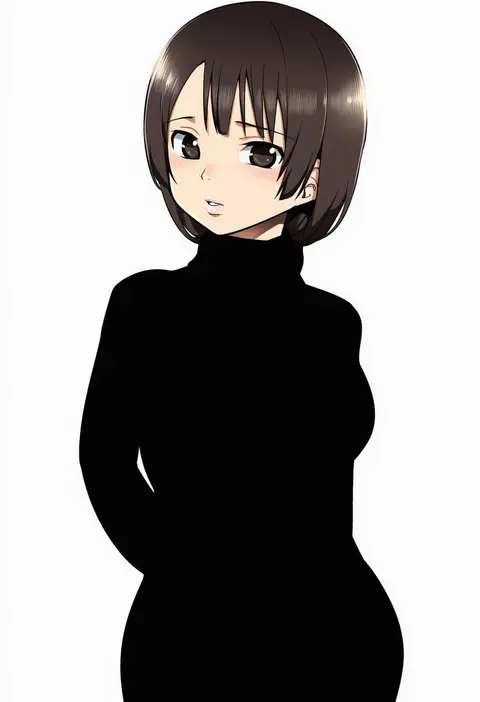
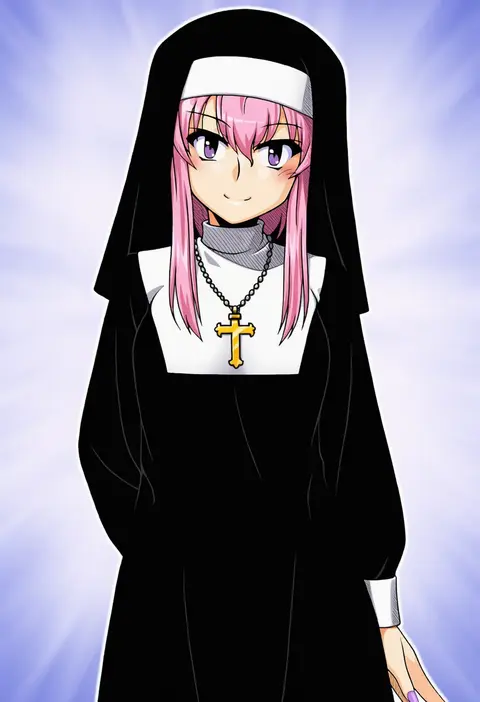
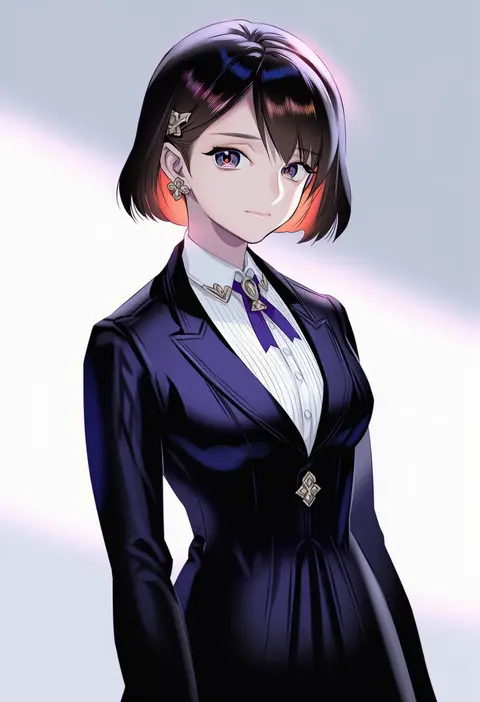
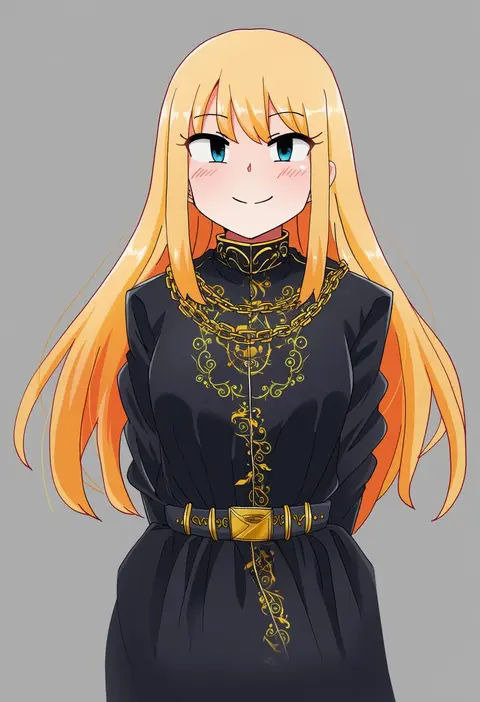
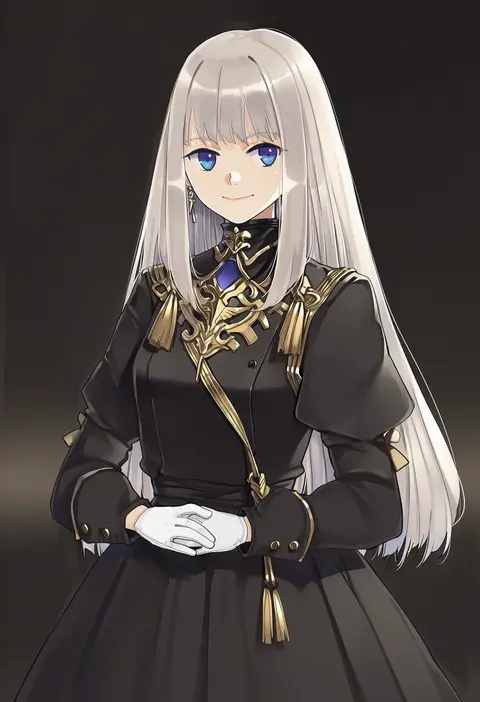
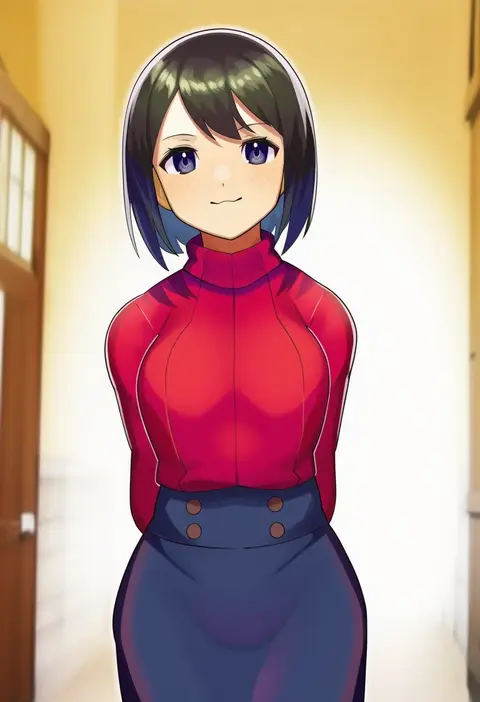
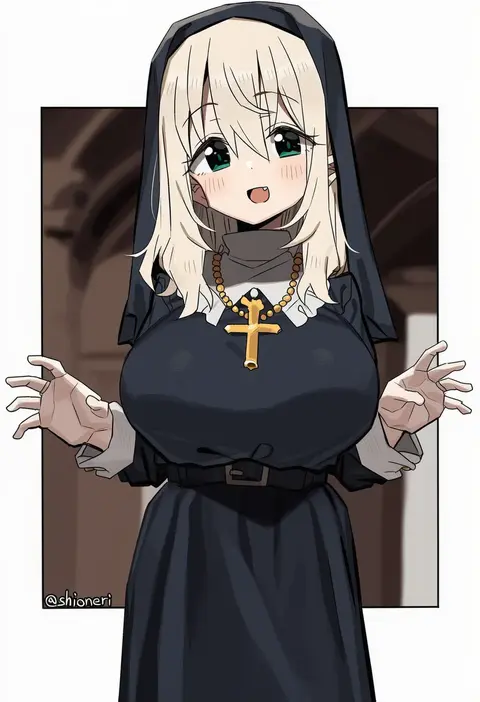
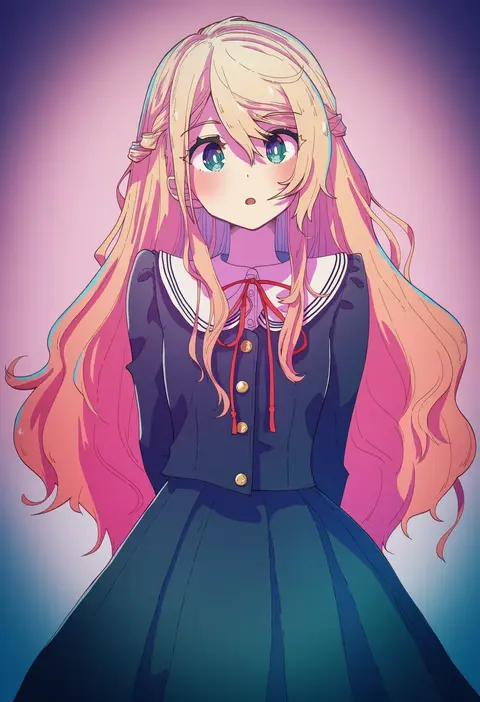
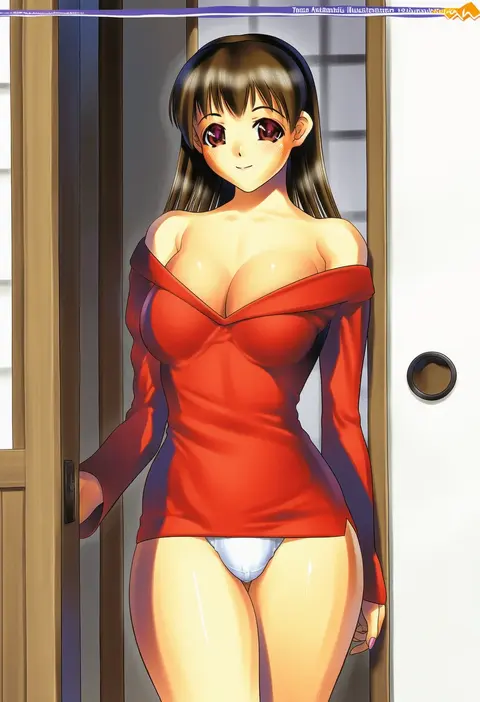
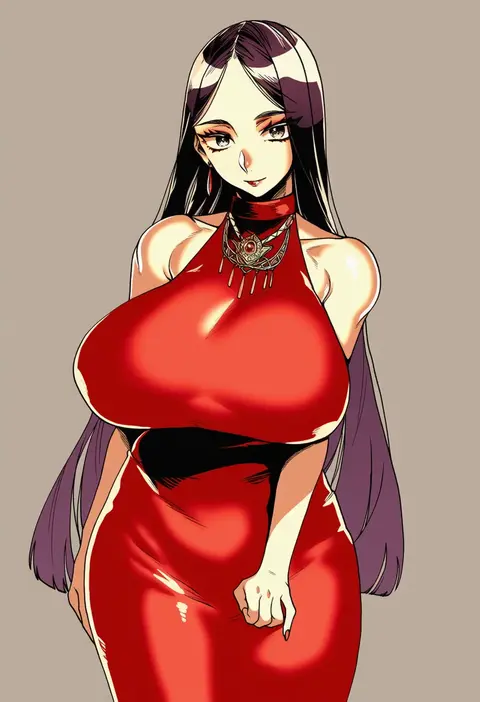
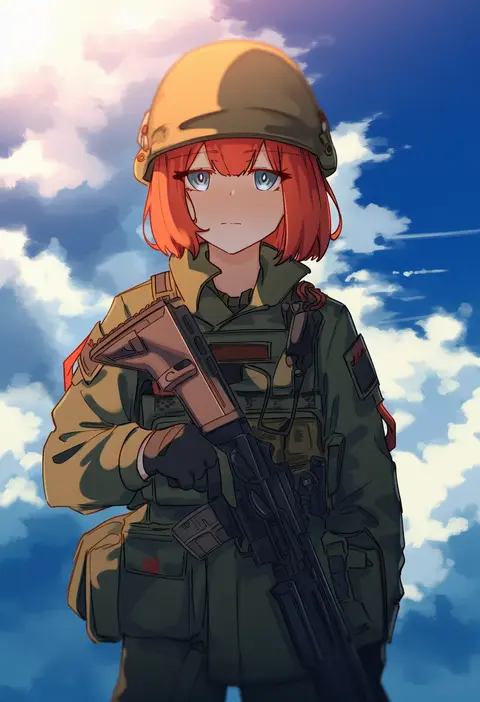
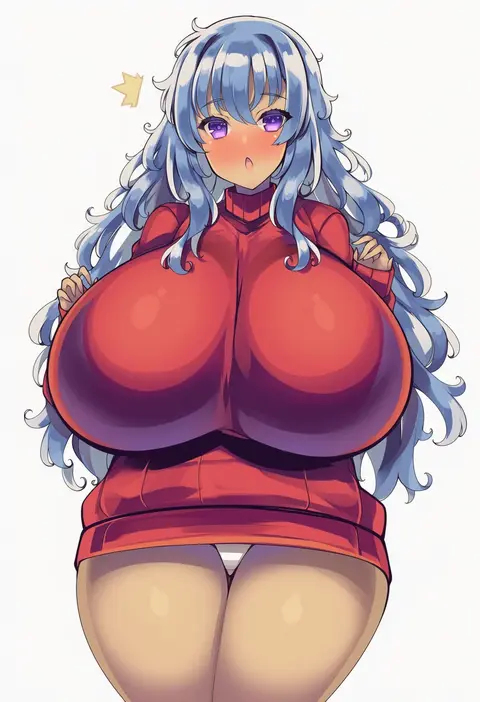
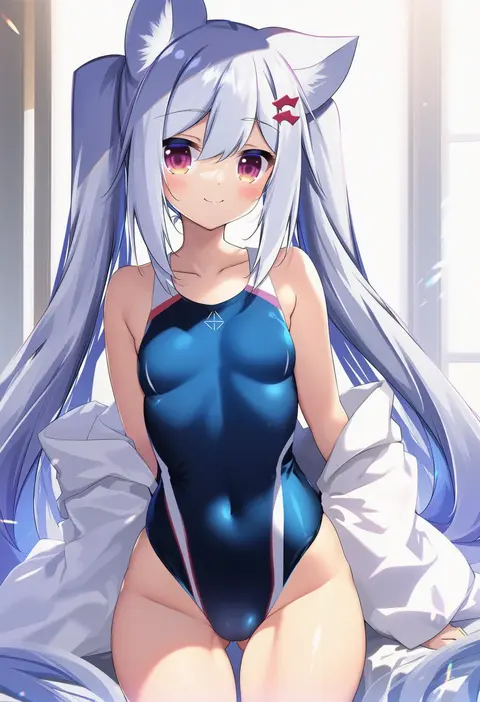
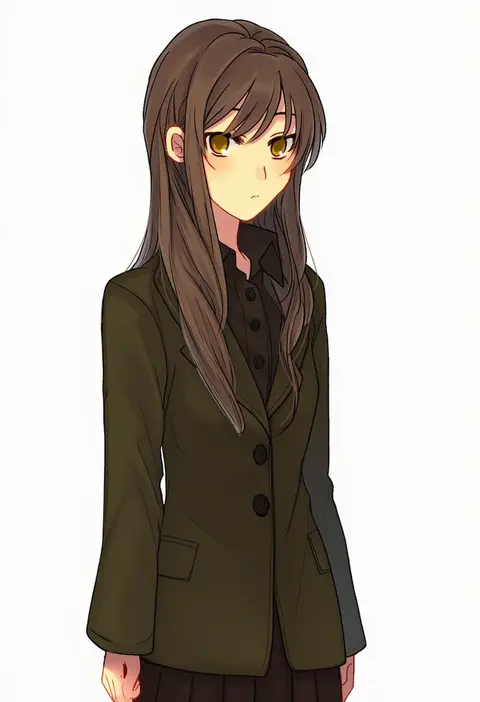
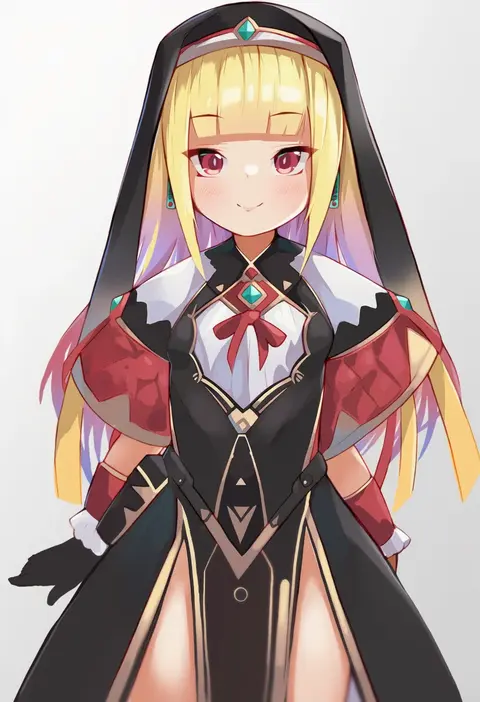
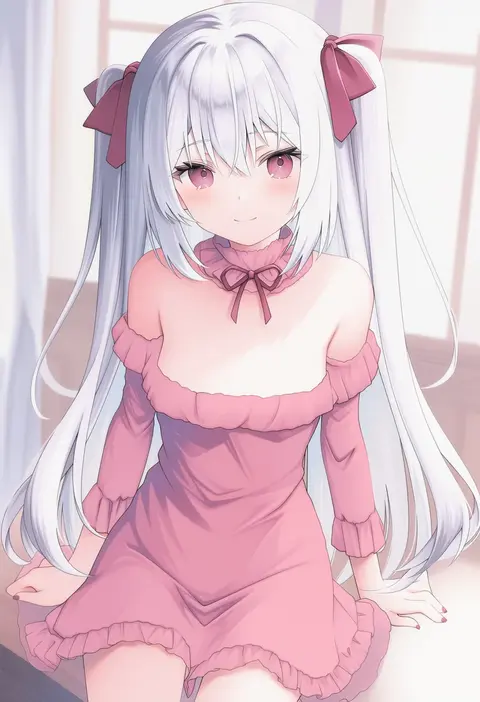
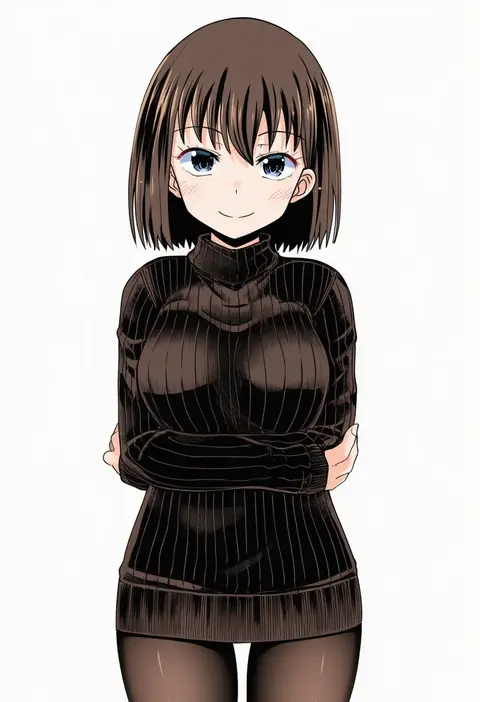
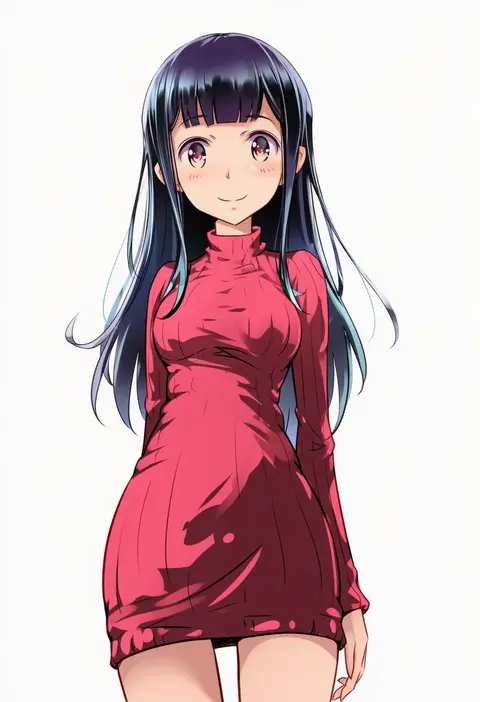
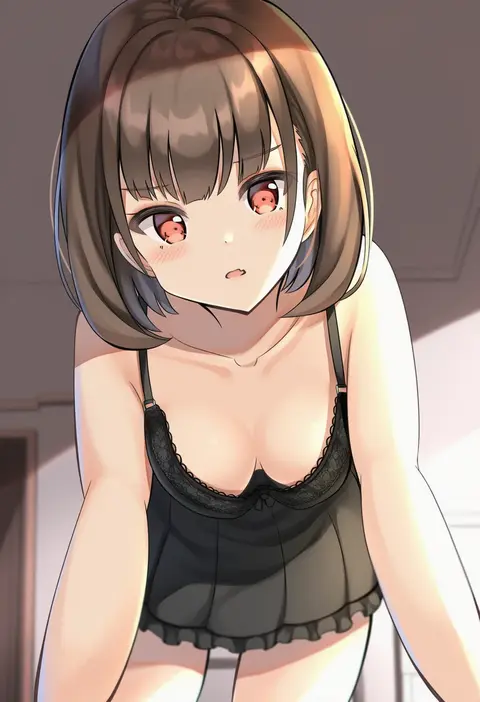
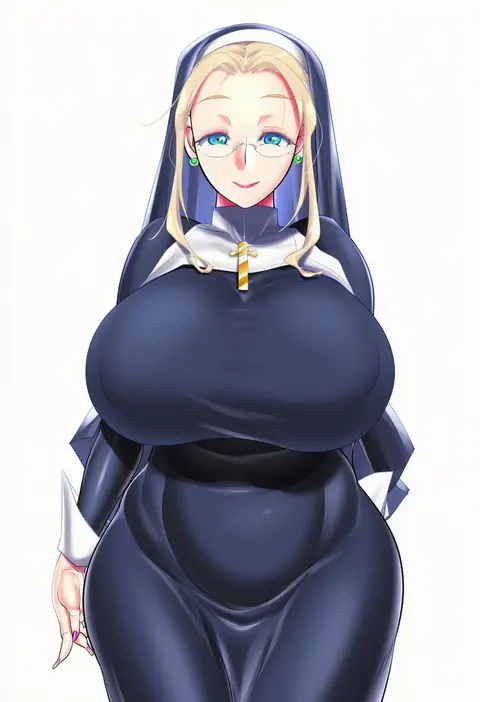
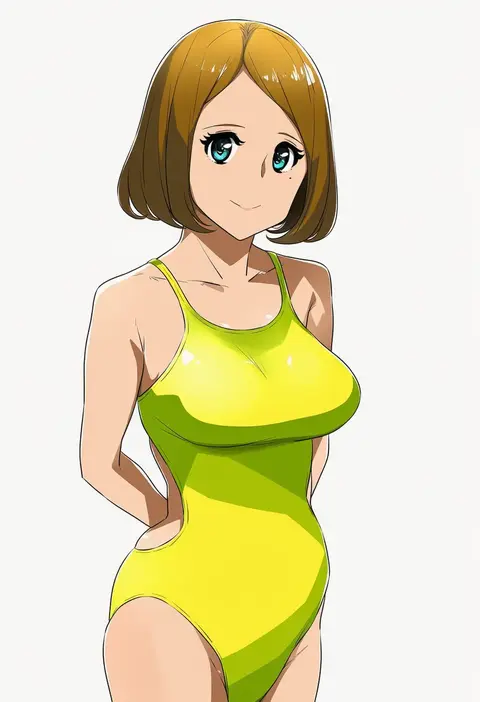
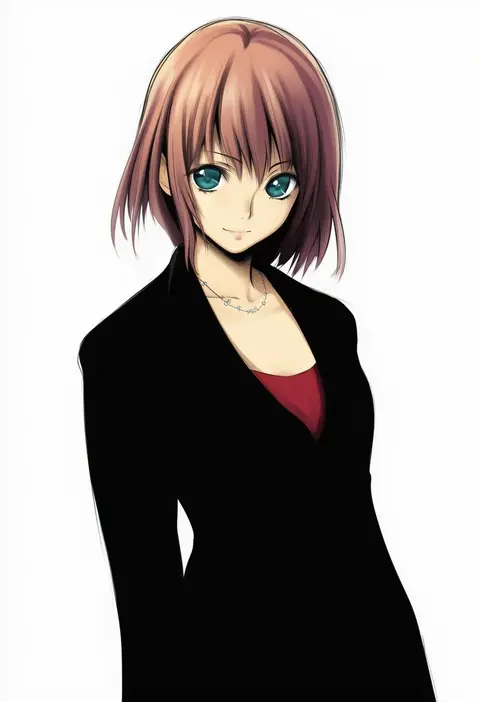
Every tag listed here is verified to react in NovelAI. All images use the same prompt, seed and settings with only the artist tag swapped, so the difference between two images is the style that tag brings in.

How to use them

Put the artist tag near the front of the prompt, e.g. "<artist>, 1girl, solo, best quality, masterpiece, cowboy shot". Two or three artist tags blend styles; lower the weight with "0.8::<artist>::" when the style overpowers the character.

SCORE sorts by Danbooru's top score, POSTS by post count, FAVS by hearts on this site. Open a card to see V5 and V4.5 side by side on the same seed.

V5 vs V4.5

V5 usually lands closer to the artist's real style, and tags that did nothing on V4.5 often react on V5. V4.5 still fits older and doujin-heavy artists better. Try V5 first, fall back to V4.5.

FAQ

Where does the artist tag go?
Near the front of the prompt. Use "0.8::tag::" to adjust its weight.

Can I stack artist tags?
Yes, styles blend. Past two or three the result stops looking like anyone.

Are these the artists' own works?
No. Every image is a NovelAI sample generated from the tag.