V4.5Artists
sort: FAVS▾
▾
>
$

Popular NovelAI artist tags — V4.5

artist --count 16,352[143/273]
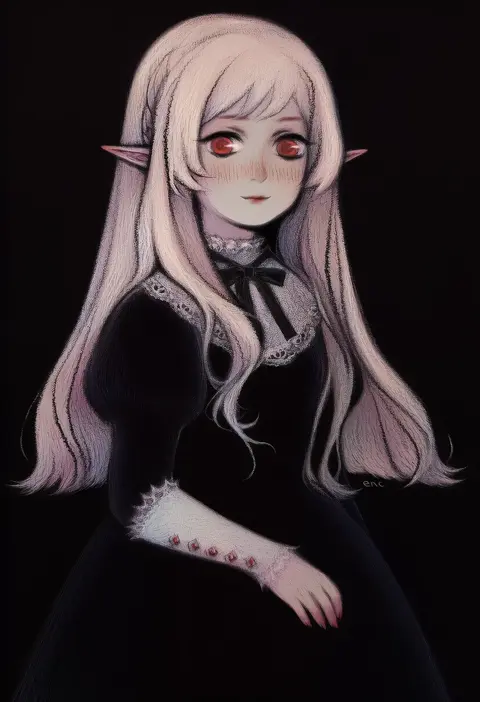
svveetberry
ARTIST0x2148
0
sakura no yoru
ARTIST0x2149
0
danshaku
ARTIST0x214A
0
sebunsu
ARTIST0x214B
0
akatsuki ikki
ARTIST0x214C
0
murasame shia
ARTIST0x214D
0
ayakase hotaru
ARTIST0x214E
0
arnest
ARTIST0x214F
0
kamisimo 90
ARTIST0x2150
0
niina ryou
ARTIST0x2151
0
kakizaki (chou neji)
ARTIST0x2152
0
pupps
ARTIST0x2153
0
shishi juuroku
ARTIST0x2154
0
hyanna-natsu
ARTIST0x2155
0
qixia
ARTIST0x2156
0
amami amayu
ARTIST0x2157
0
goumonsha
ARTIST0x2158
0
ar (lover boy)
ARTIST0x2159
0
yukichi (sukiyaki39)
ARTIST0x215A
0
sin-go
ARTIST0x215B
0
xilmo
ARTIST0x215C
0
sumaki shungo
ARTIST0x215D
0
yamada masaki
ARTIST0x215E
0
dano
ARTIST0x215F
0
garoudo (kadouhan'i)
ARTIST0x2160
0
any (trueblue)
ARTIST0x2161
0
hmdark-9
ARTIST0x2162
0
miru (mill 36)
ARTIST0x2163
0
sue (bg-bros)
ARTIST0x2164
0
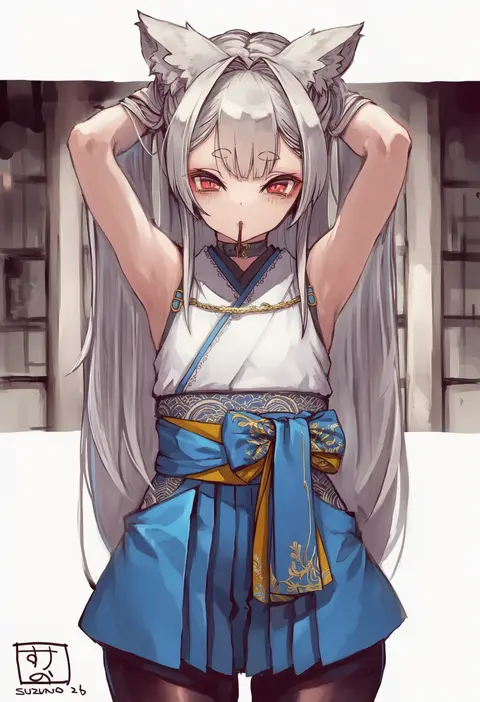
suzuno (bookshelf)
ARTIST0x2165
0
byuub
ARTIST0x2166
0
zinfyu
ARTIST0x2167
0
hijouguti
ARTIST0x2168
0
fujiwara warawara
ARTIST0x2169
0
planeptune
ARTIST0x216A
0
shinjitsu (true ride)
ARTIST0x216B
0
tsuchifumazu
ARTIST0x216C
0
nemu (nora)
ARTIST0x216D
0
yuki haru
ARTIST0x216E
0
hachiroku (hatirokusann86)
ARTIST0x216F
0
kim kwang hyun
ARTIST0x2170
0
bonkiru
ARTIST0x2171
0
yucblossom
ARTIST0x2172
0
moriya naoki
ARTIST0x2173
0
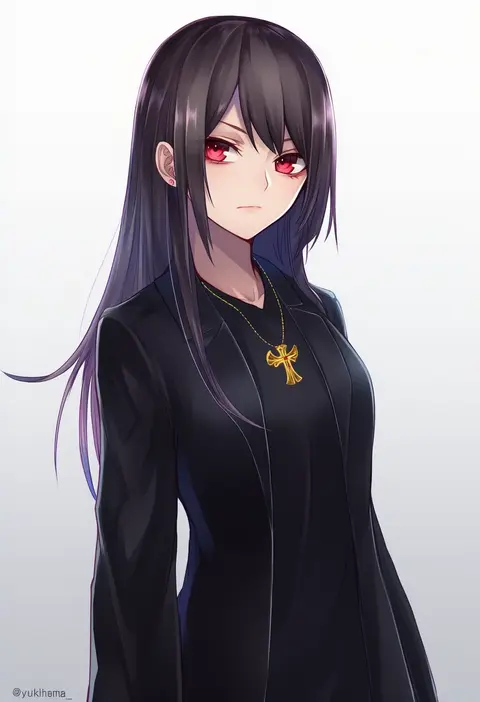
yukihama
ARTIST0x2174
0
kenpi (hs-totyu)
ARTIST0x2175
0
evening rabbit
ARTIST0x2176
0
apple ringo
ARTIST0x2177
0
gunsou1350
ARTIST0x2178
0
otosume ruiko
ARTIST0x2179
0
kanase (mcbrwn18)
ARTIST0x217A
0
zashiki usagi
ARTIST0x217B
0
muuran
ARTIST0x217C
0
mae (maesanpicture)
ARTIST0x217D
0
sazanami mio
ARTIST0x217E
0
nonono mino
ARTIST0x217F
0
ree (re-19)
ARTIST0x2180
0
nav (itsnav)
ARTIST0x2181
0
kinoshita ichi
ARTIST0x2182
0
dandara (karakure)
ARTIST0x2183
0

What these tags change

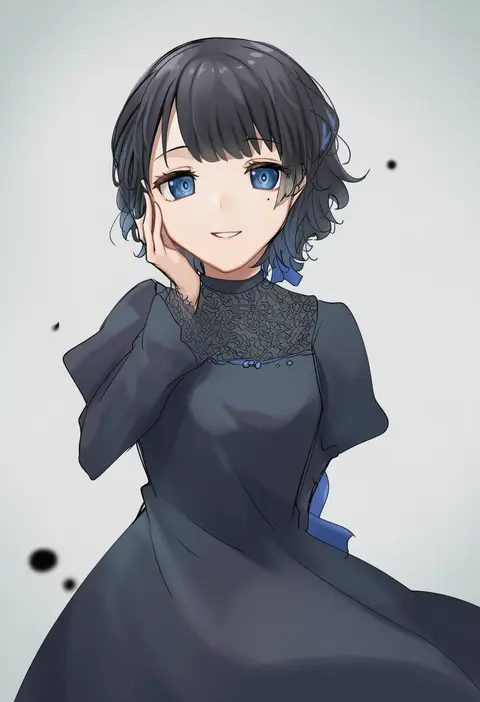
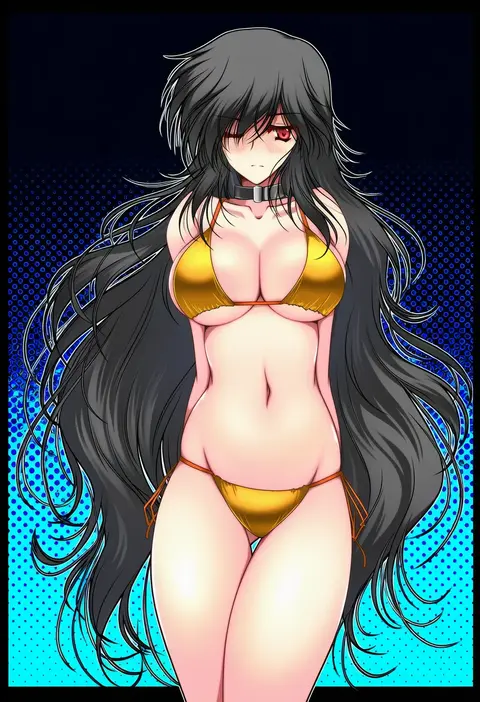
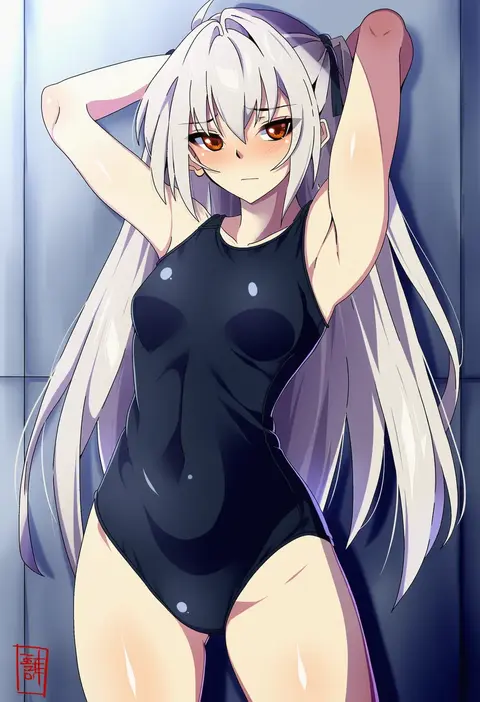
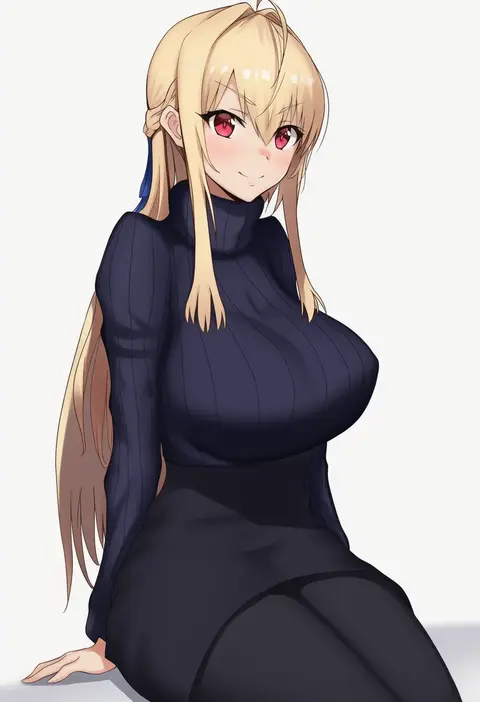
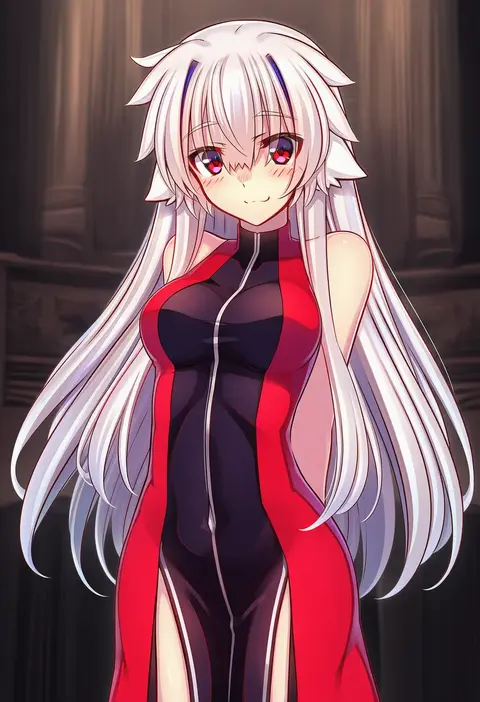
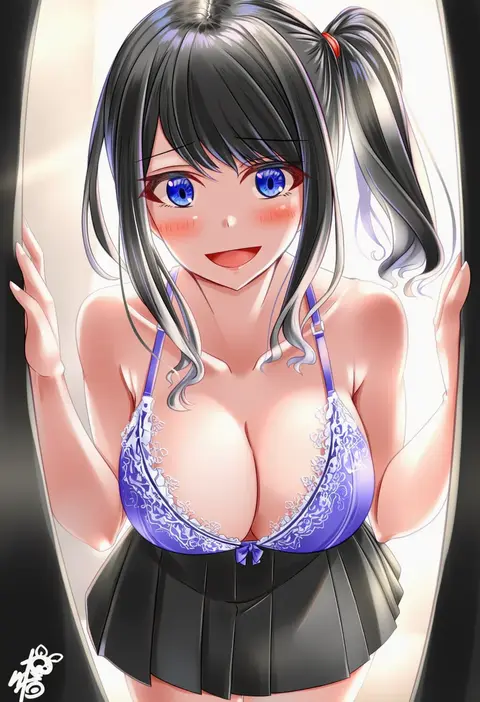
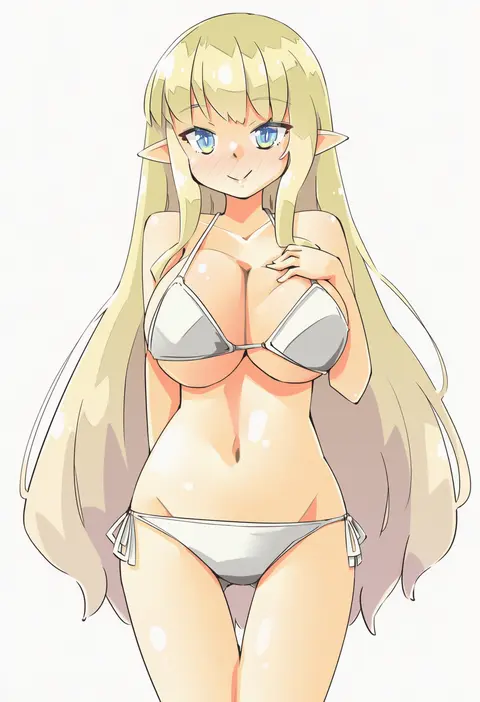
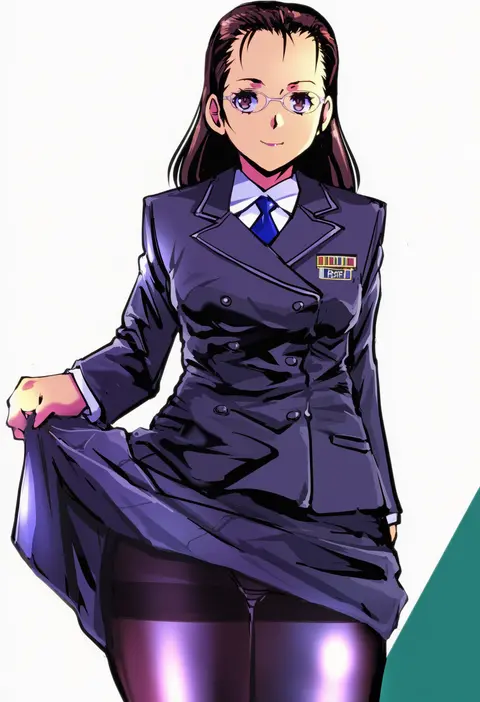
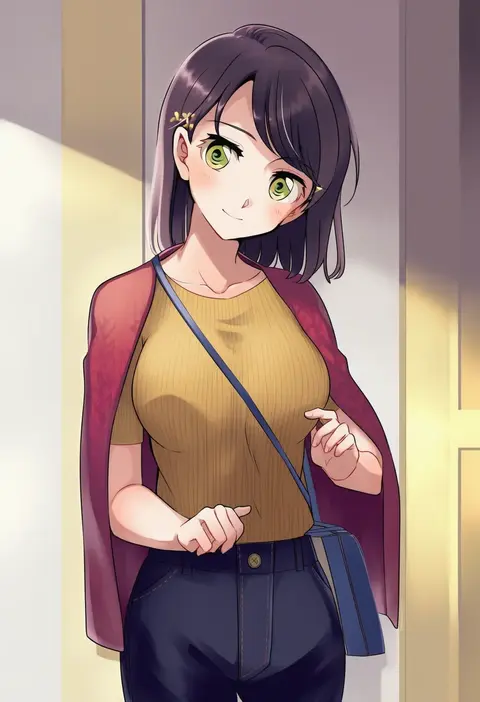
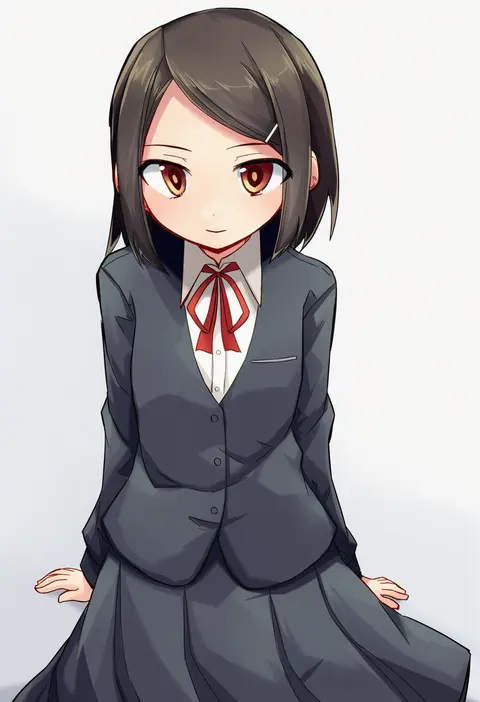
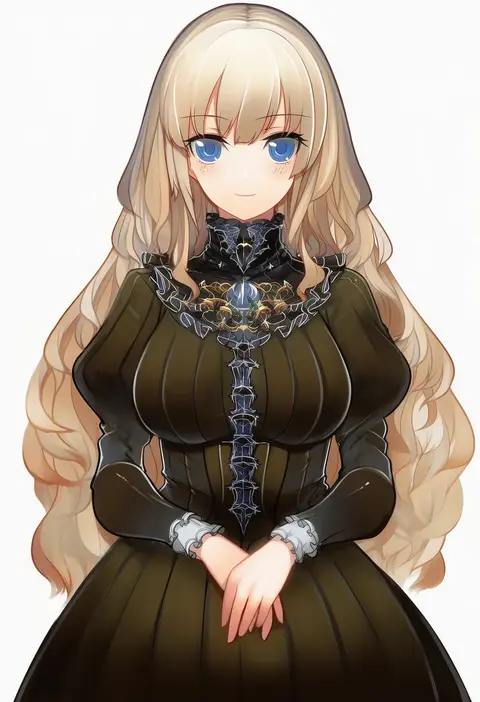
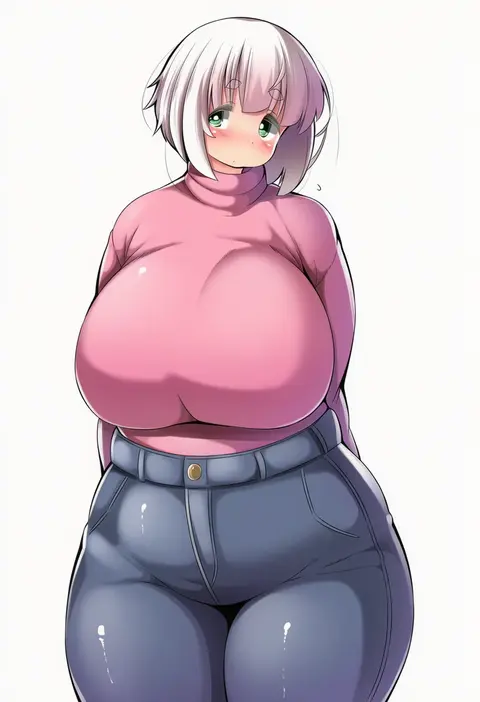
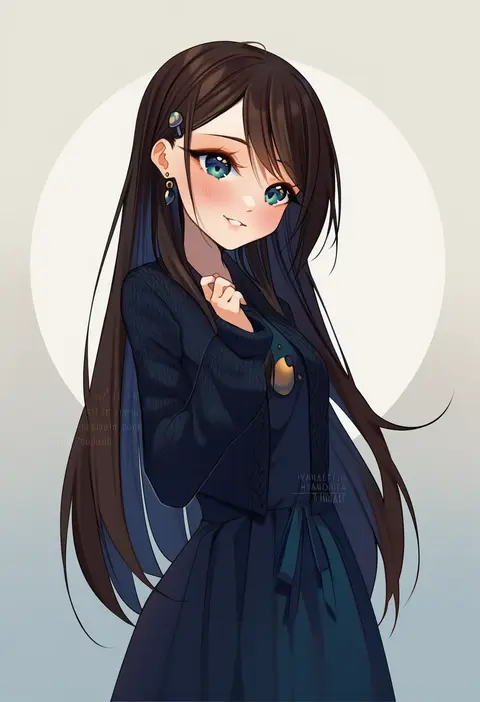
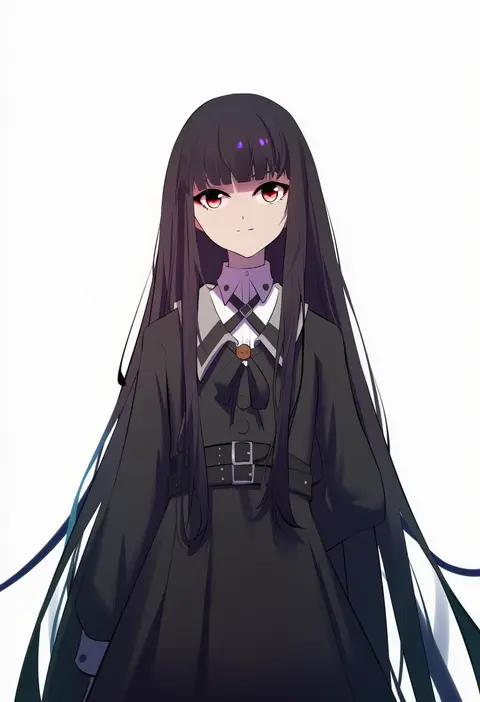
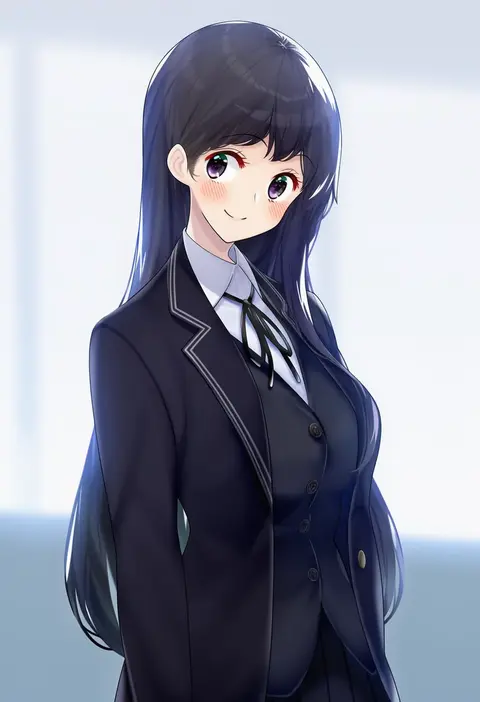
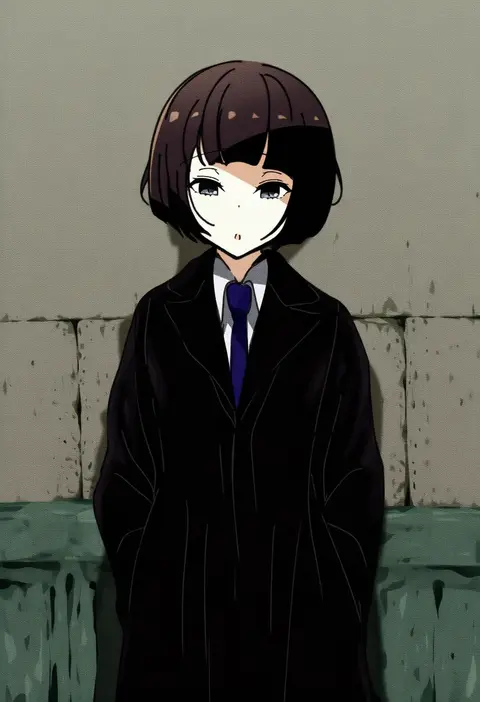
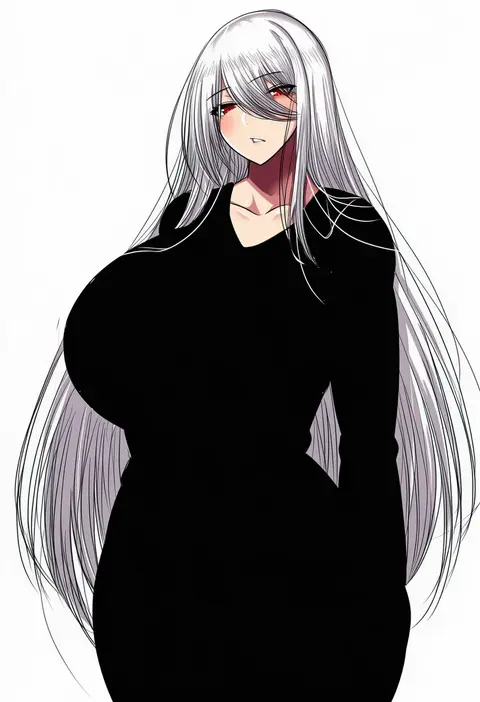
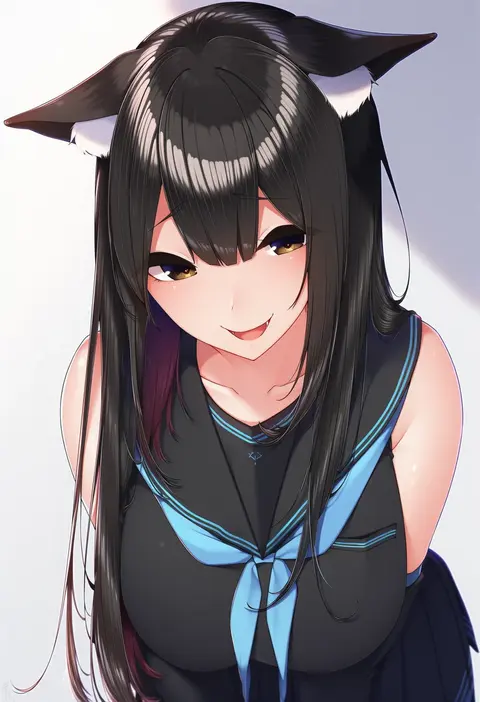
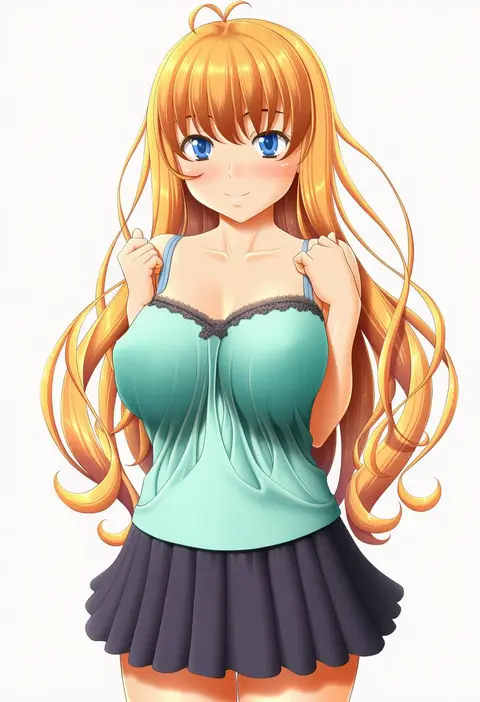
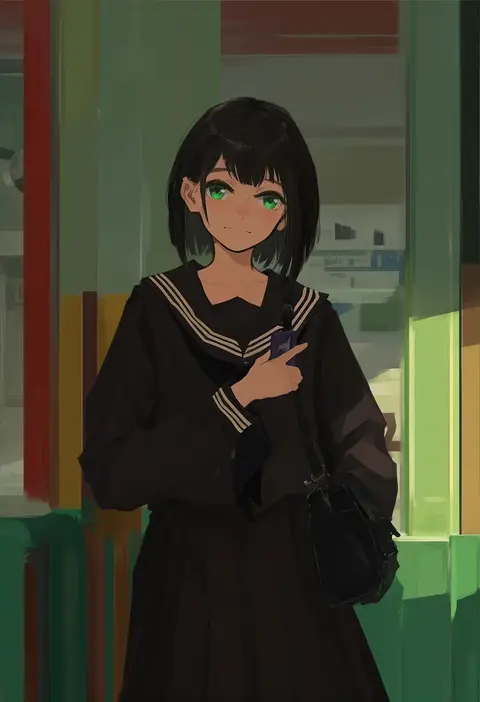
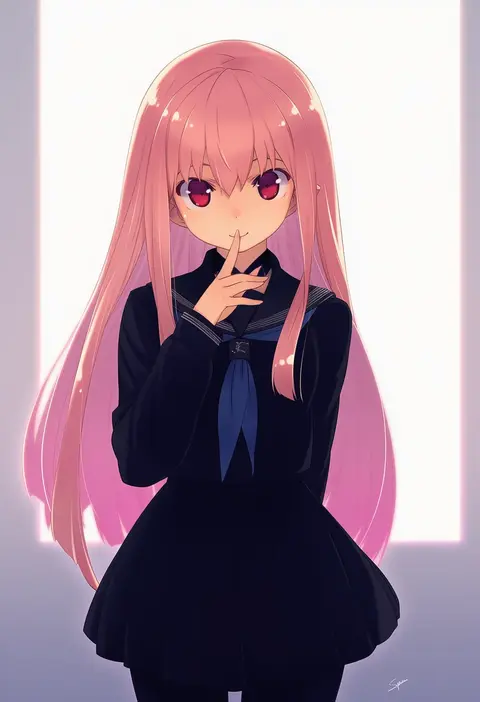
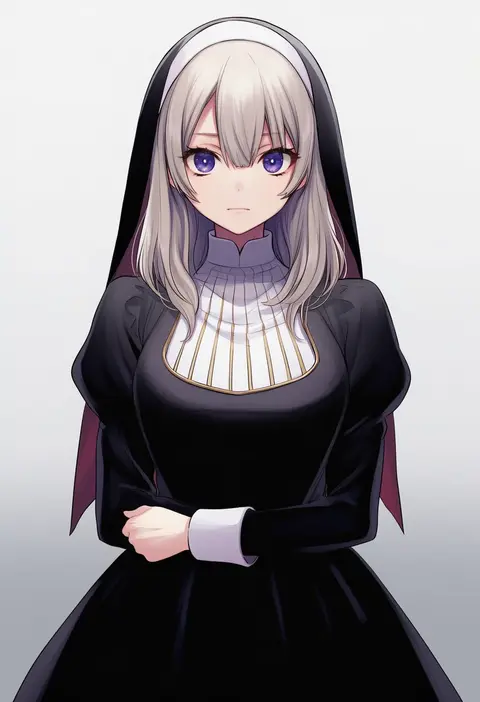
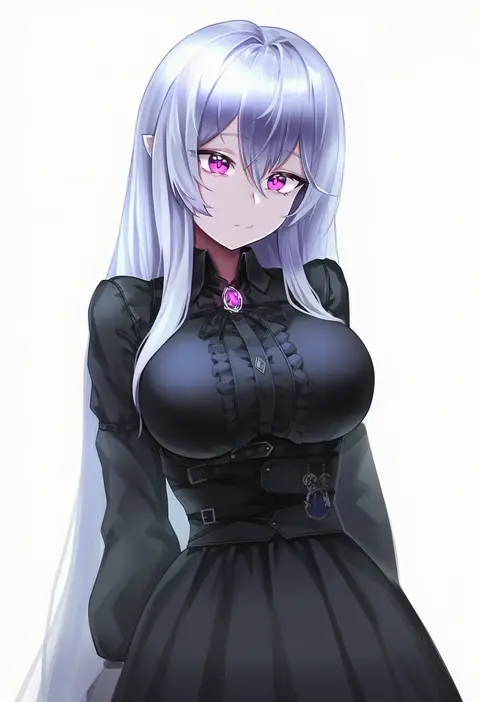
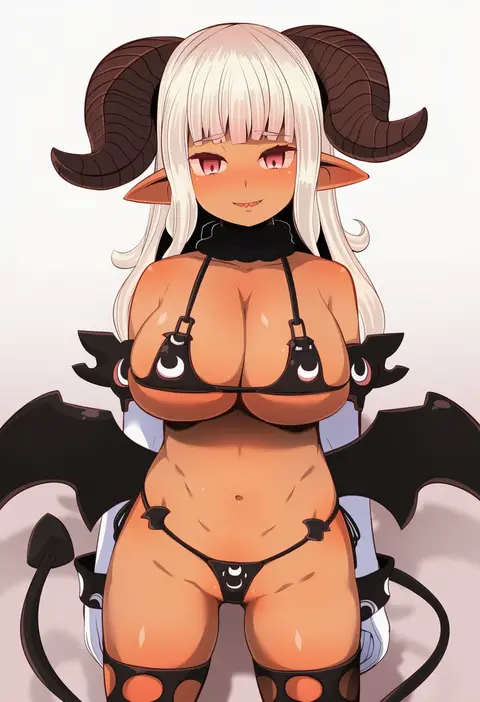
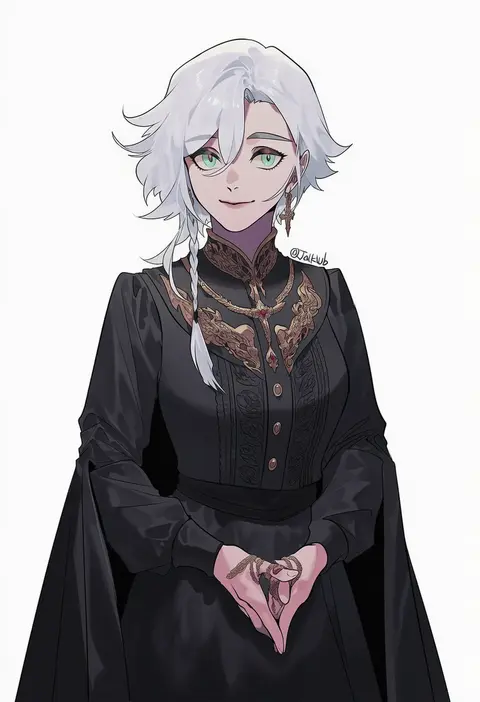
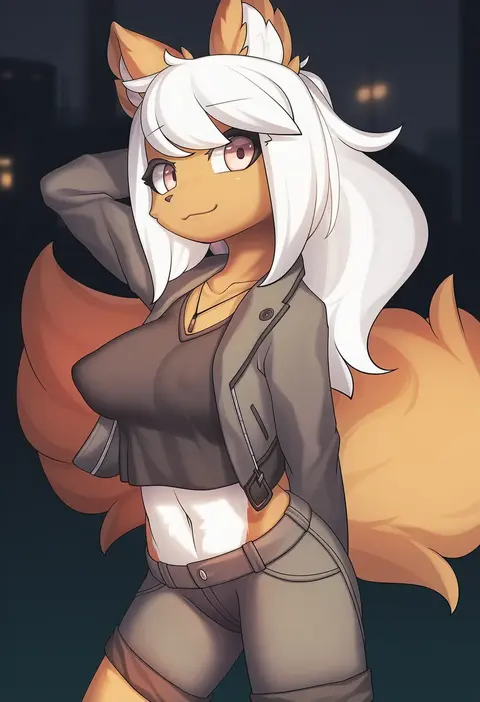
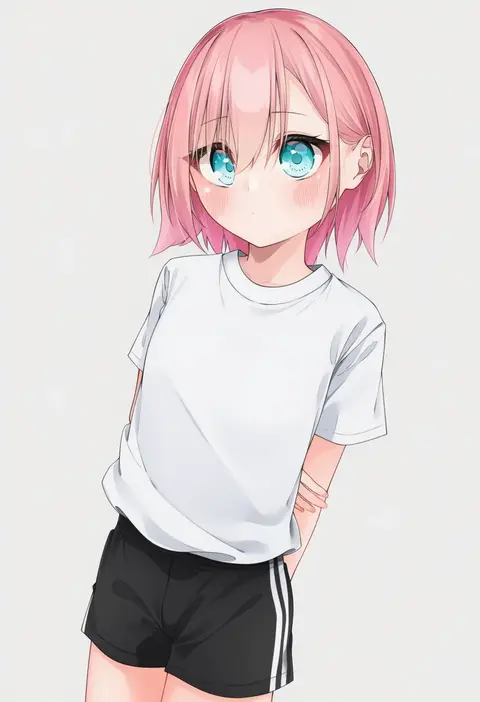
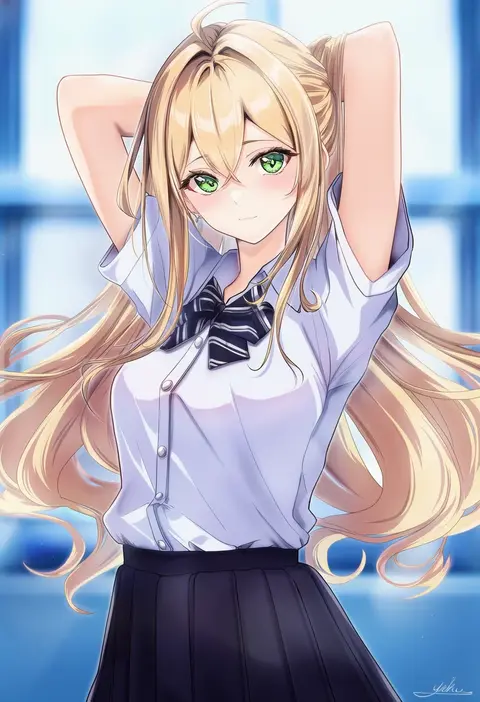
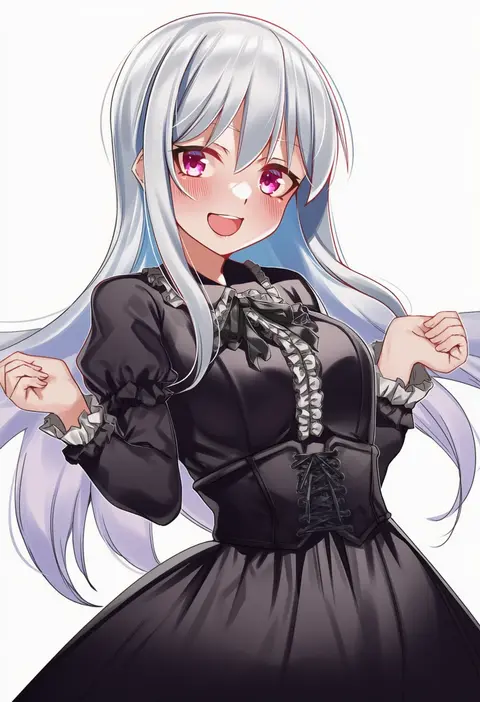
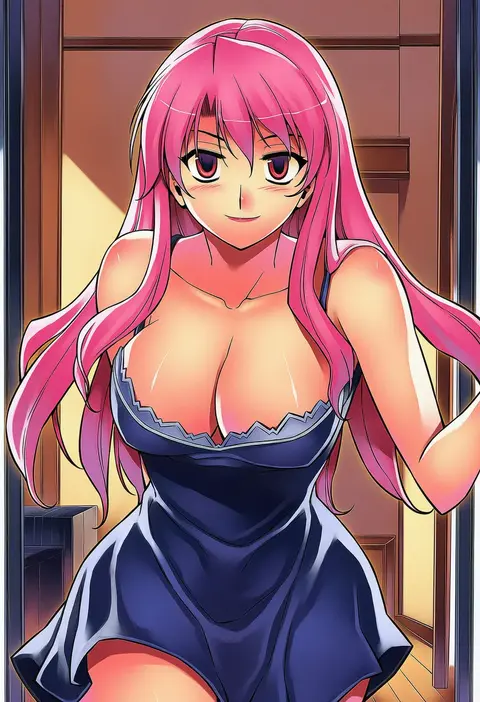
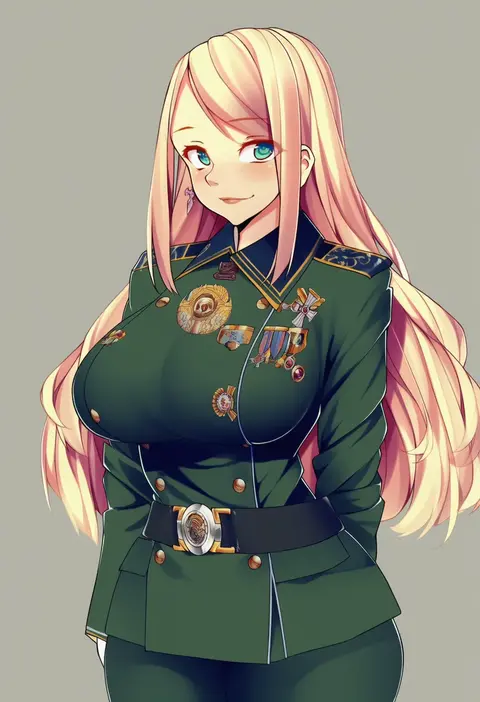
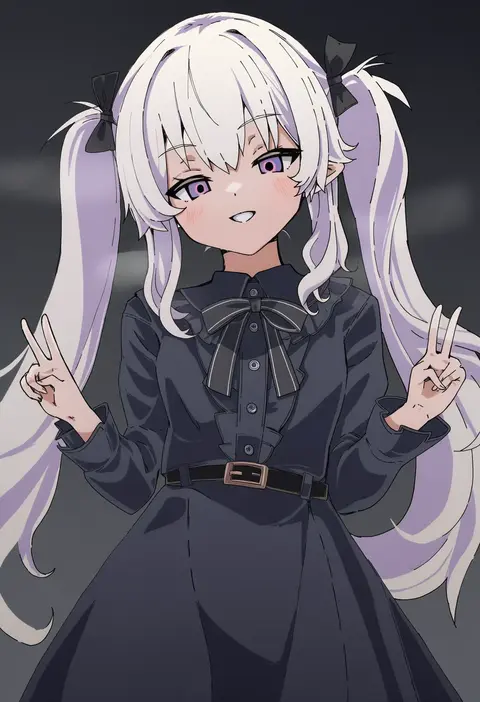
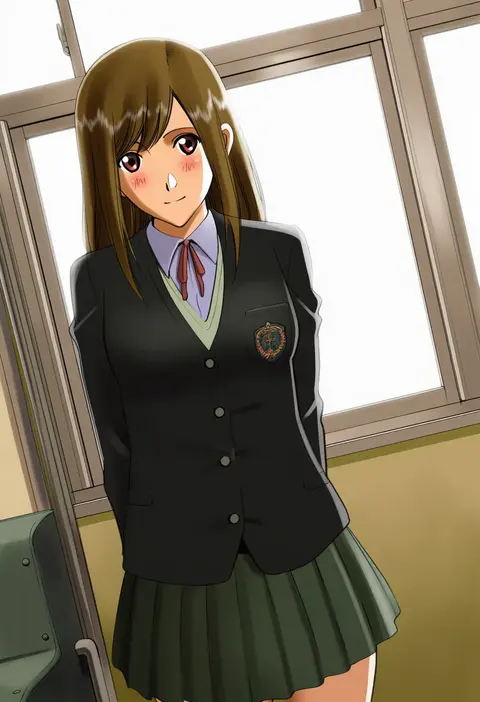
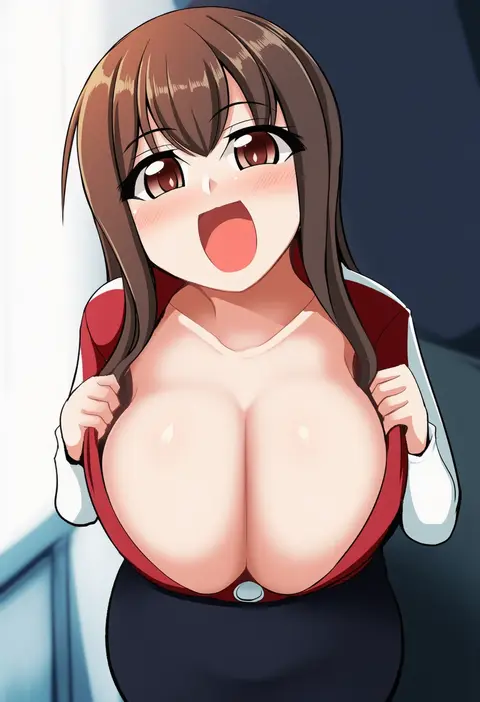
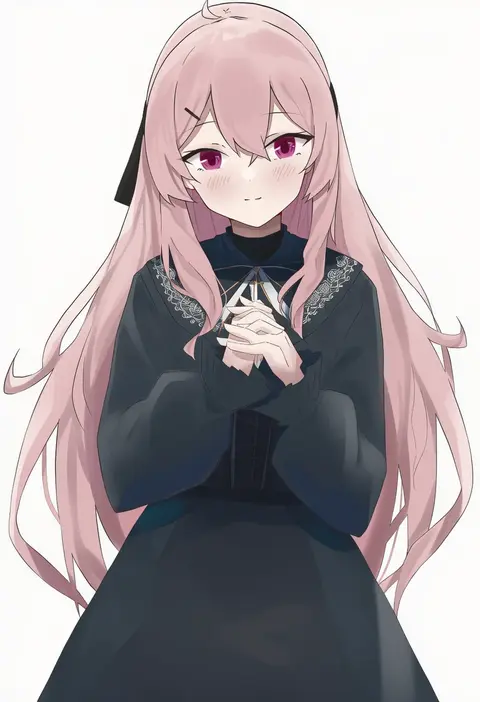
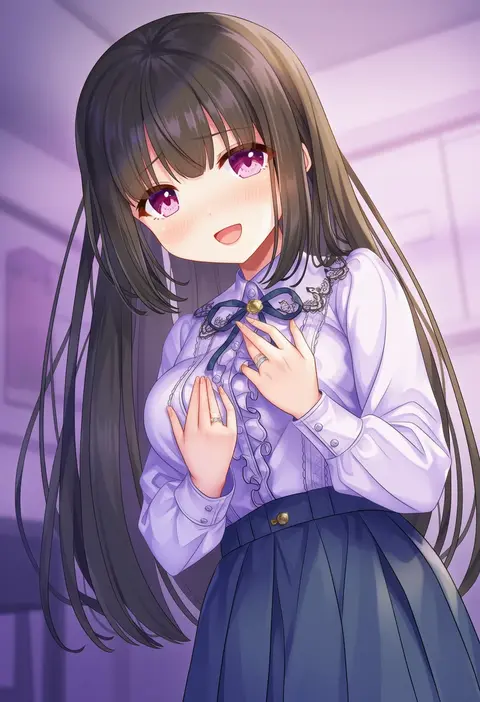
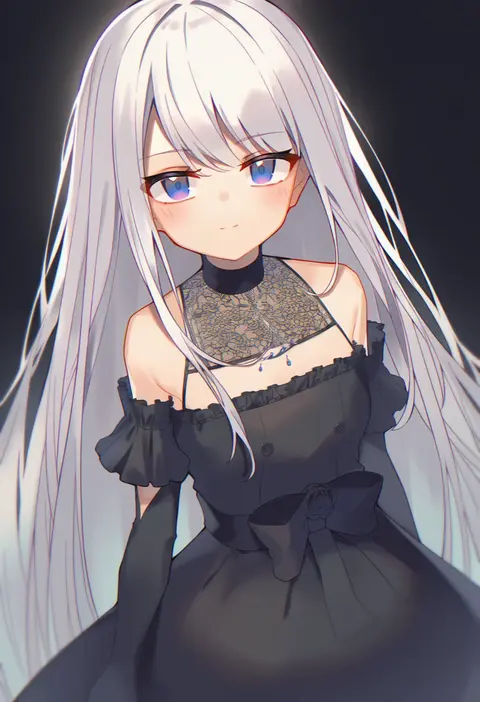
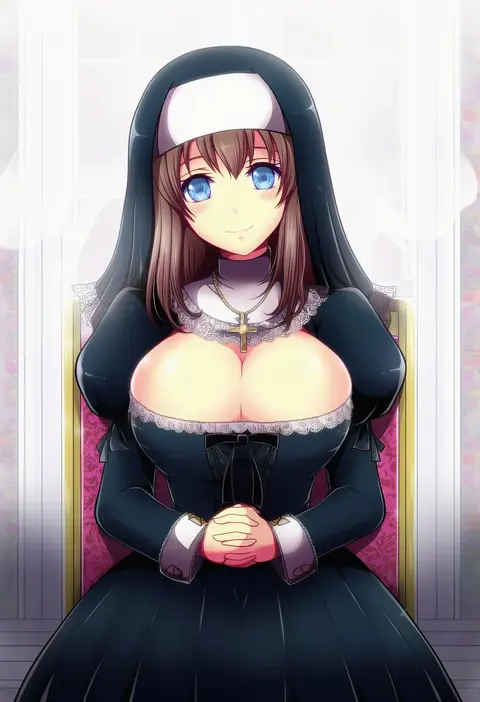
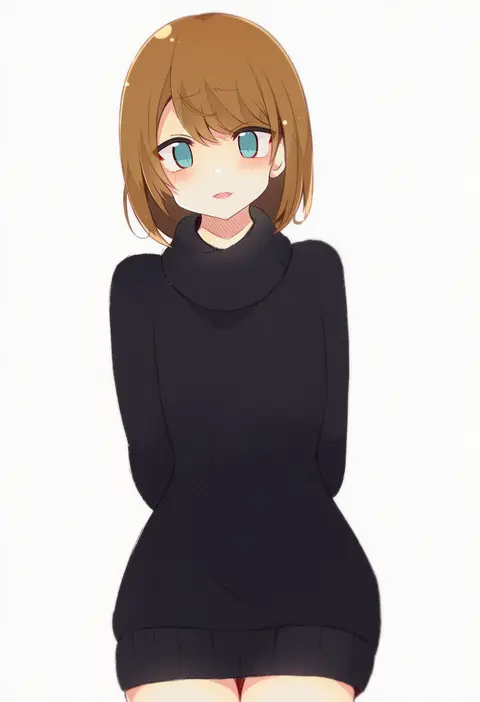
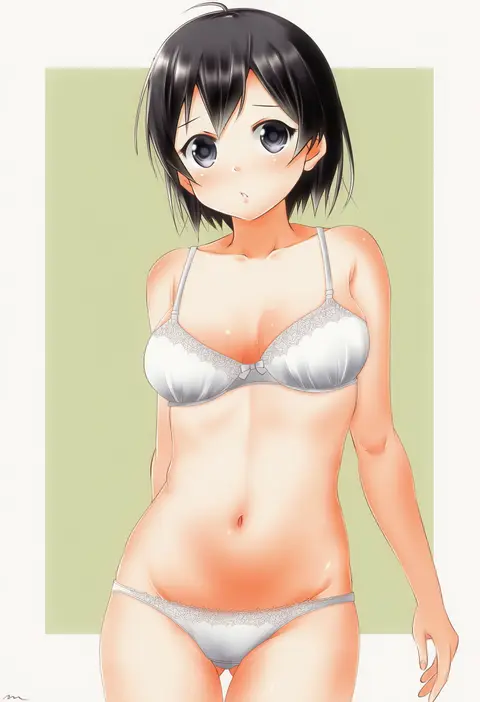
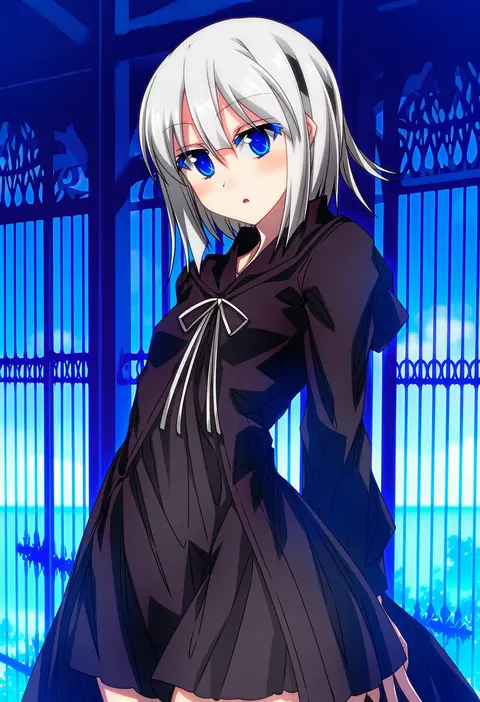
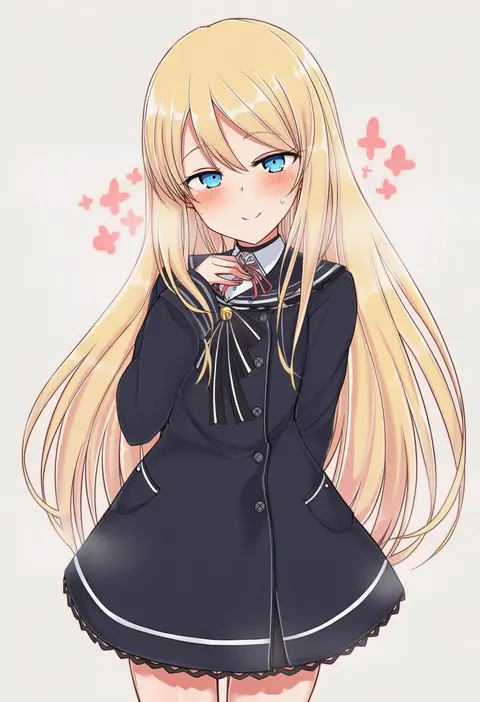
Artist tags tell NovelAI Diffusion to draw in a specific artist's style: line weight, paint texture, face shapes and palette all shift at once. Character and outfit tags decide what is drawn; artist tags decide how. 16,352 tags are listed for V4.5.
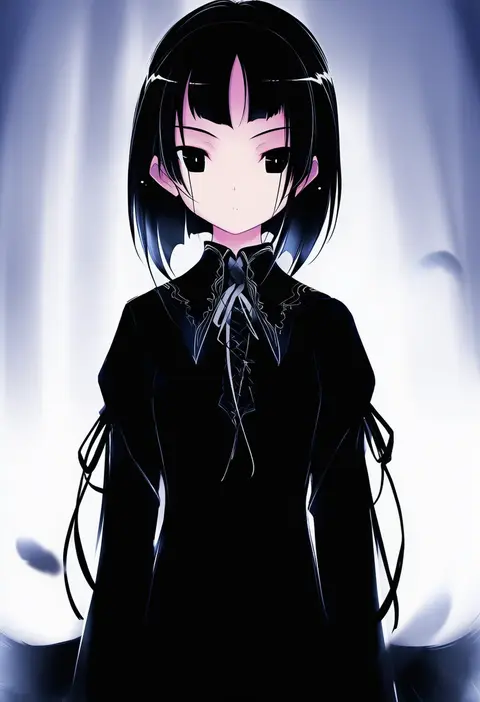
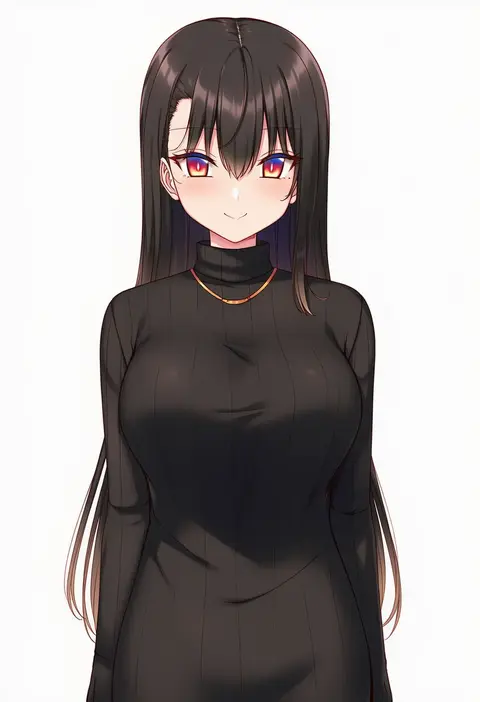
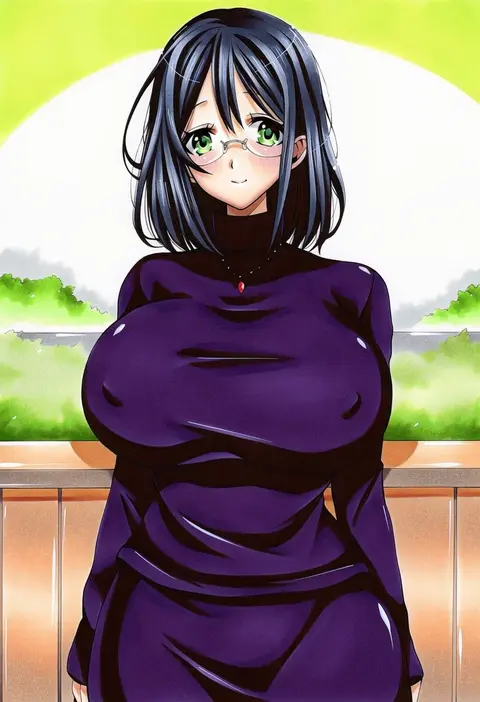
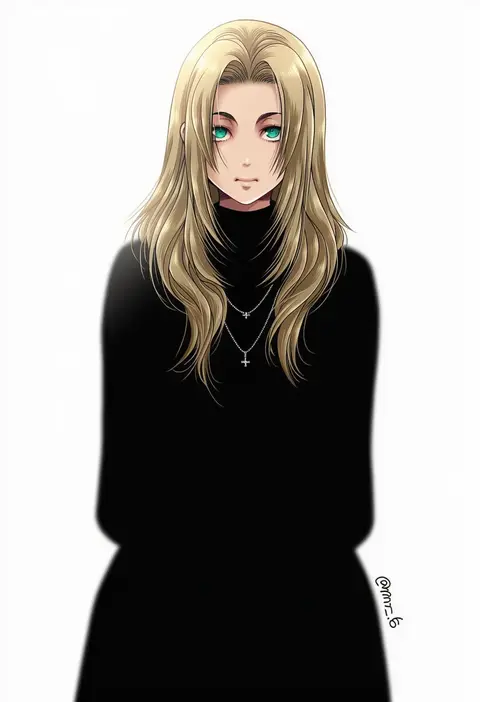
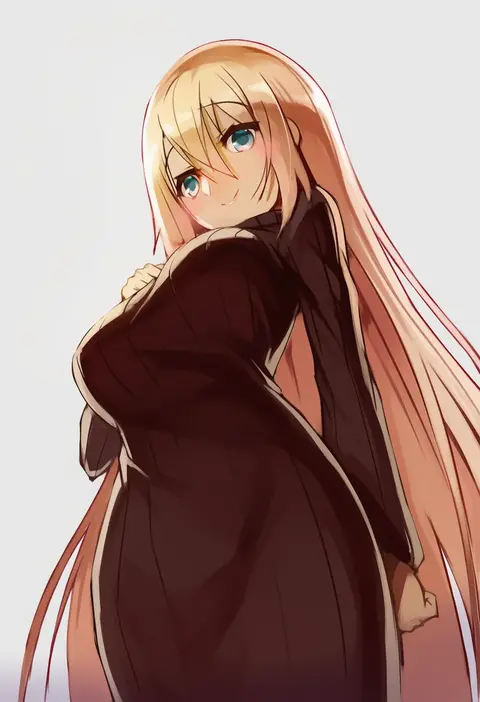
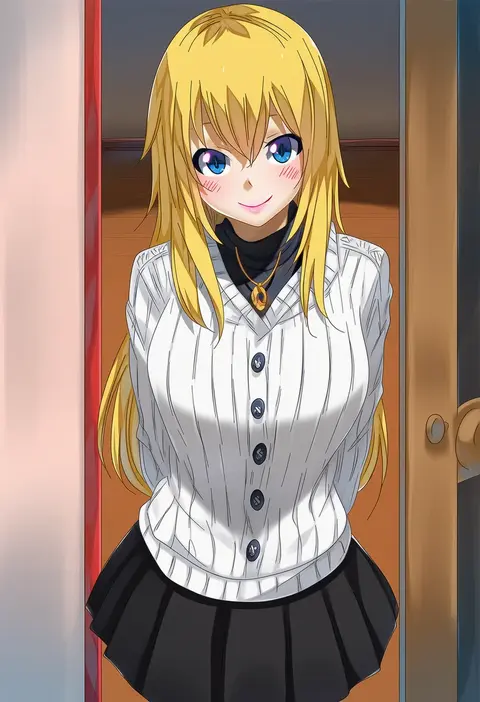
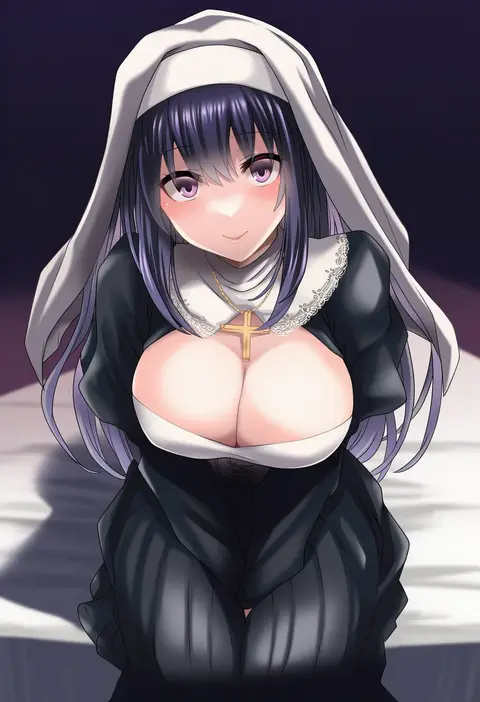
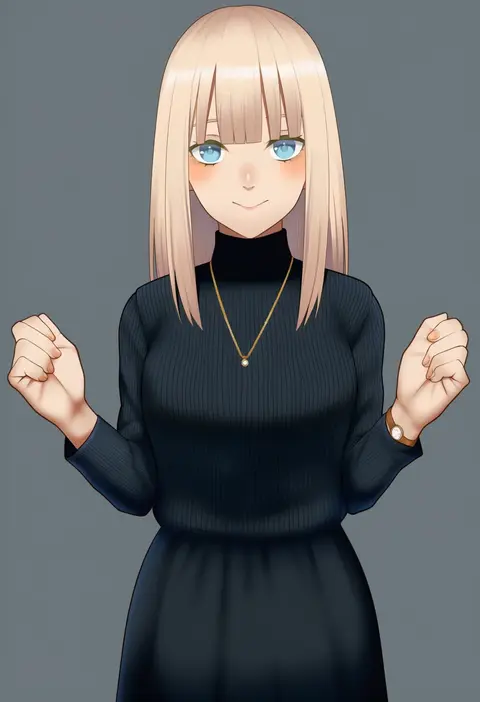
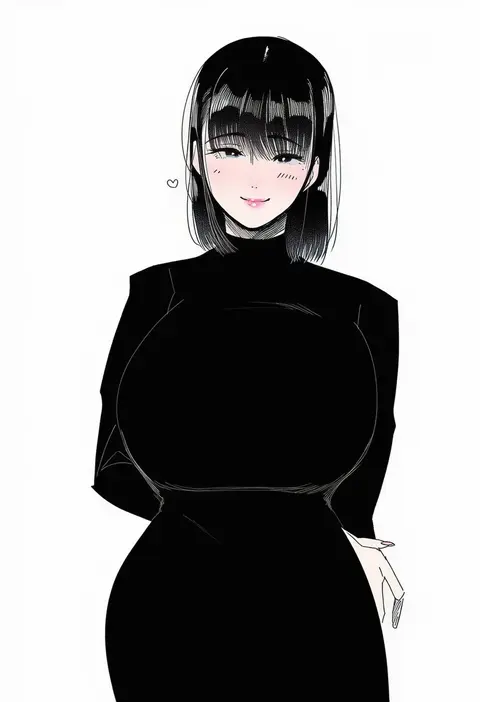
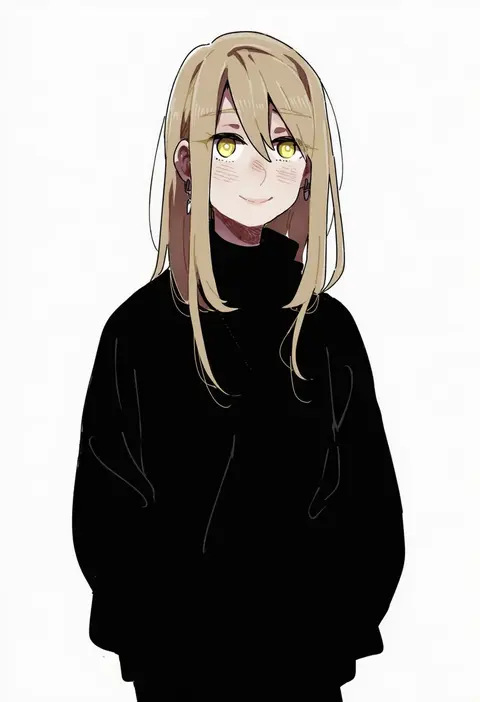
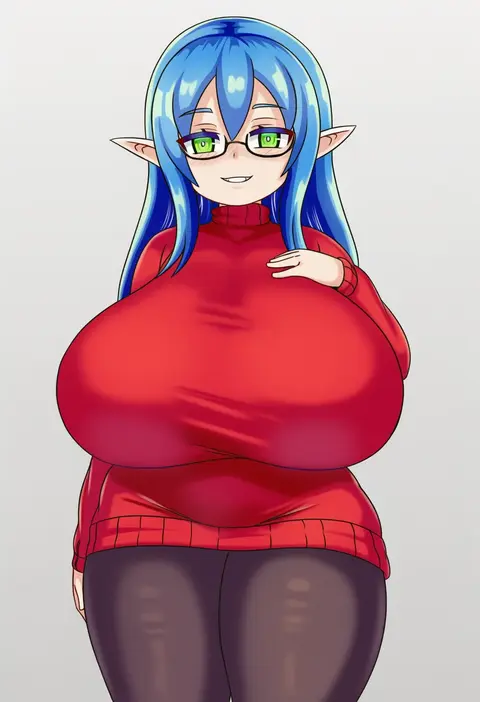
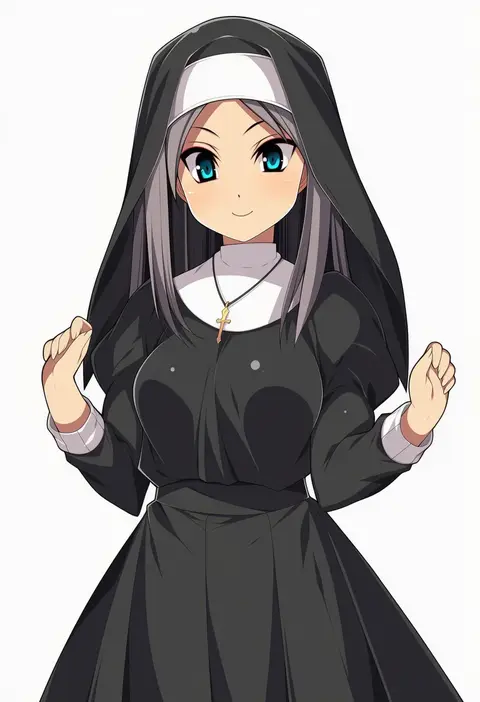
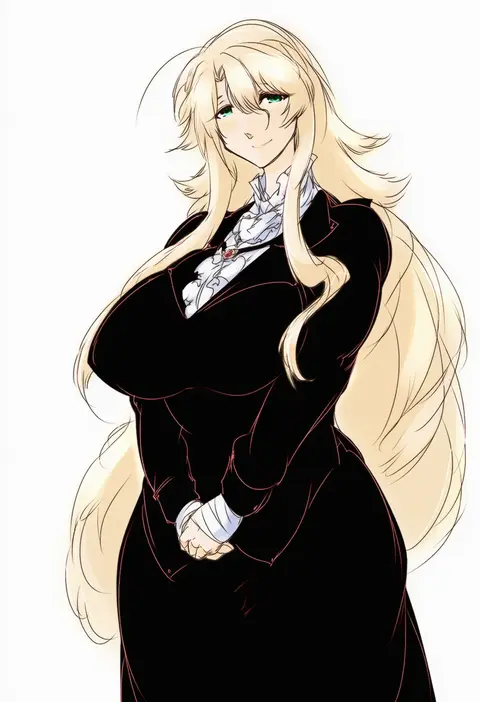
Every tag listed here is verified to react in NovelAI. All images use the same prompt, seed and settings with only the artist tag swapped, so the difference between two images is the style that tag brings in.

How to use them

Put the artist tag near the front of the prompt, e.g. "<artist>, 1girl, solo, best quality, masterpiece, cowboy shot". Two or three artist tags blend styles; lower the weight with "0.8::<artist>::" when the style overpowers the character.

SCORE sorts by Danbooru's top score, POSTS by post count, FAVS by hearts on this site. Open a card to see V5 and V4.5 side by side on the same seed.

V5 vs V4.5

V5 usually lands closer to the artist's real style, and tags that did nothing on V4.5 often react on V5. V4.5 still fits older and doujin-heavy artists better. Try V5 first, fall back to V4.5.

FAQ

Where does the artist tag go?
Near the front of the prompt. Use "0.8::tag::" to adjust its weight.

Can I stack artist tags?
Yes, styles blend. Past two or three the result stops looking like anyone.

Are these the artists' own works?
No. Every image is a NovelAI sample generated from the tag.