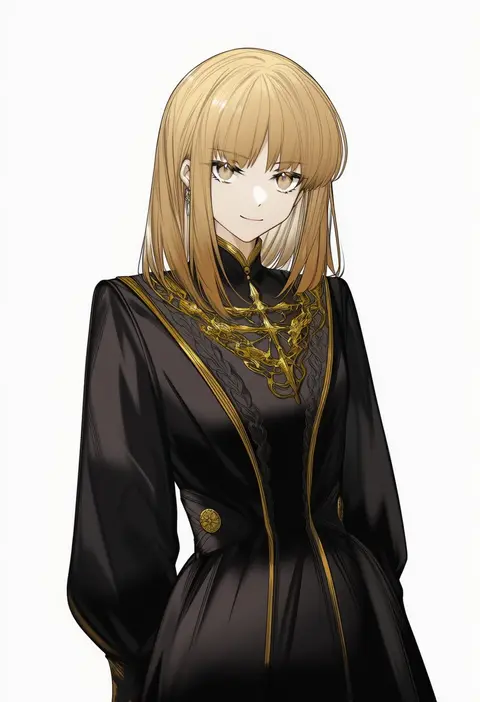
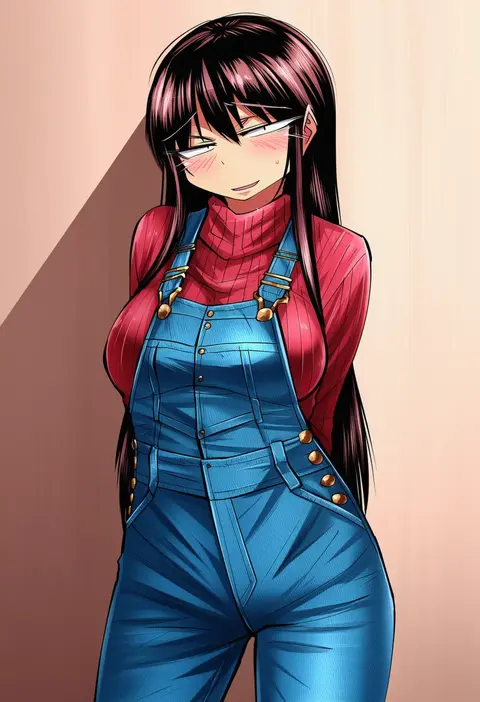
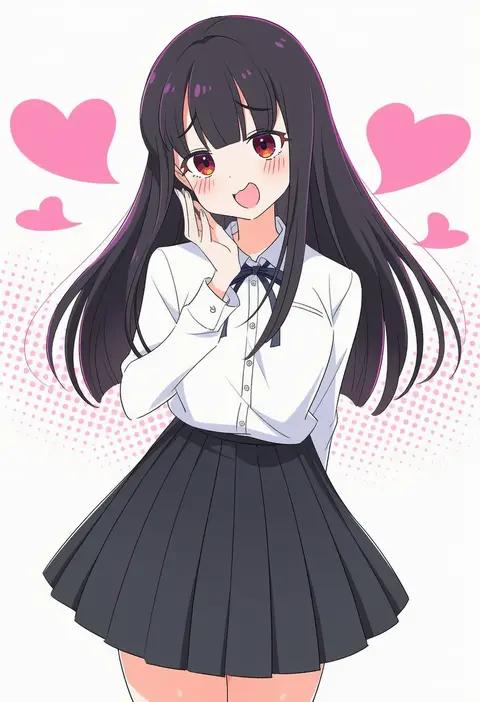
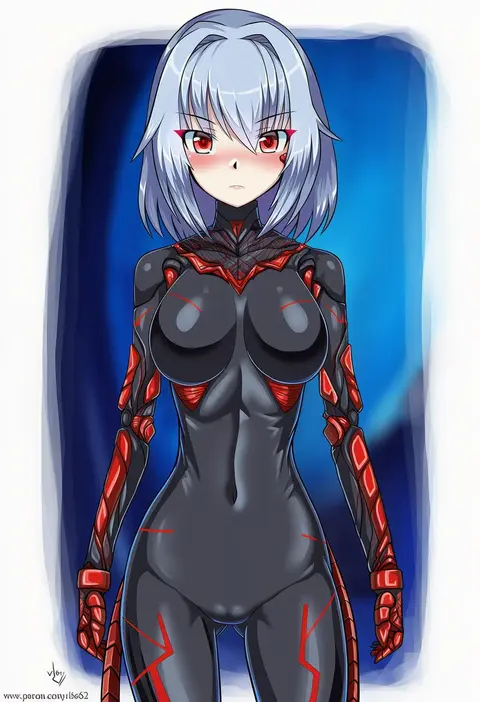
V4.5Artists
sort: FAVS▾
▾
>
$

Popular NovelAI artist tags — V4.5

artist --count 16,352[148/273]
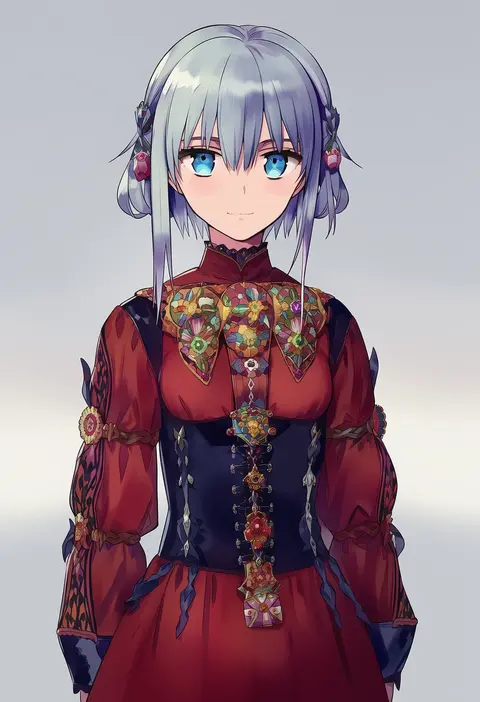
ninomotonino
ARTIST0x2274
0
arlizi
ARTIST0x2275
0
shimizu pem
ARTIST0x2276
0
kamuraaa 615
ARTIST0x2277
0
cyber (cyber knight)
ARTIST0x2278
0
zasshu nigou
ARTIST0x2279
0
wenny02
ARTIST0x227A
0
miya nns35
ARTIST0x227B
0
chankuro
ARTIST0x227C
0
watarabe keiichi
ARTIST0x227D
0
jinroku
ARTIST0x227E
0
hcnone
ARTIST0x227F
0
kai (link2262)
ARTIST0x2280
0
shirosu
ARTIST0x2281
0
windart
ARTIST0x2282
0
oniku (oishii oniku)
ARTIST0x2283
0
tenseiani
ARTIST0x2284
0
wenquangua
ARTIST0x2285
0
takoongyi
ARTIST0x2286
0
kuronoiparoma
ARTIST0x2287
0
kasasasagi
ARTIST0x2288
0
miya kazutomo
ARTIST0x2289
0
tanyatonya
ARTIST0x228A
0
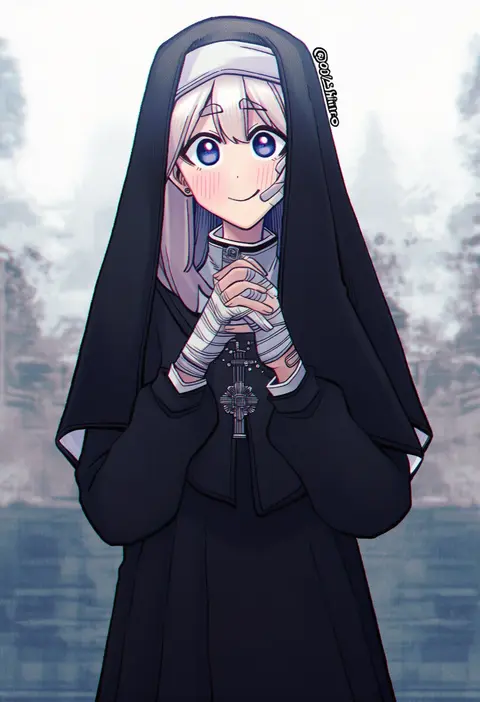
021 shiro
ARTIST0x228B
0
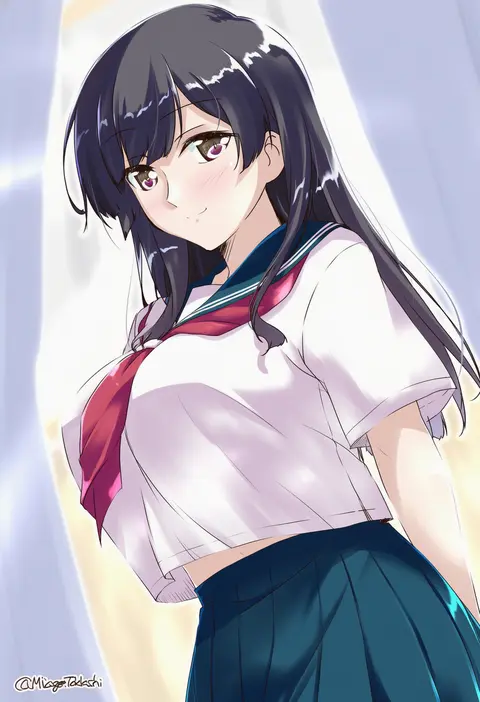
mikage takashi
ARTIST0x228C
0
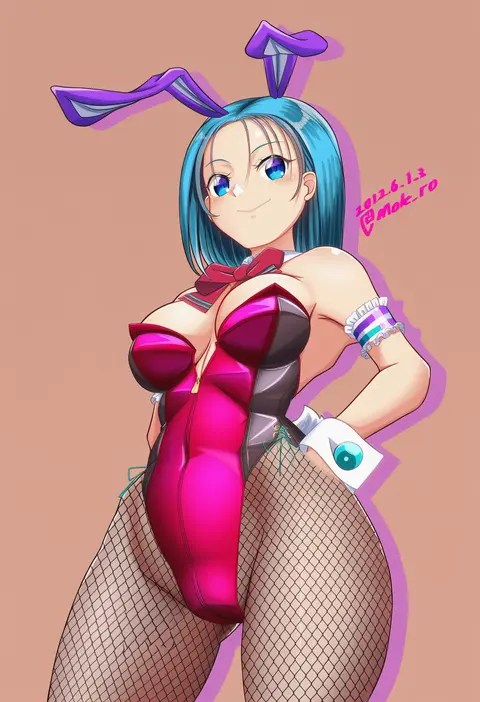
moke ro
ARTIST0x228D
0
lansane
ARTIST0x228E
0
shiina excel
ARTIST0x228F
0
bigdead
ARTIST0x2290
0
tsukikage oyama
ARTIST0x2291
0
kane-neko
ARTIST0x2292
0
kaede (mmkeyy)
ARTIST0x2293
0
mazume
ARTIST0x2294
0
bowalia
ARTIST0x2295
0
yuyaiyaui
ARTIST0x2296
0
creek (moon-sky)
ARTIST0x2297
0
stupa13a
ARTIST0x2298
0
chiroru (cheese-roll)
ARTIST0x2299
0
ishida seito
ARTIST0x229A
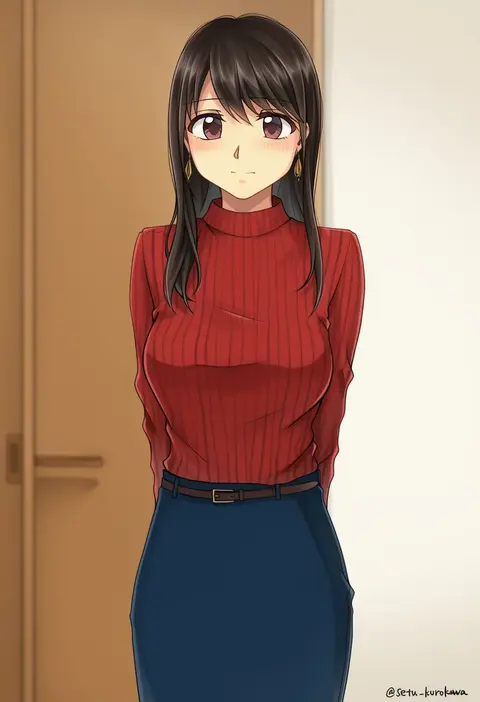
0
setu kurokawa
ARTIST0x229B
0
hjz (artemi)
ARTIST0x229C
0
oekakiism
ARTIST0x229D
0
kanemaki thomas
ARTIST0x229E
0
shijima (sjmr02)
ARTIST0x229F
0
fuka (kantoku)
ARTIST0x22A0
0
mokoiscat
ARTIST0x22A1
0
ankea (a-ramo-do)
ARTIST0x22A2
0
ggubii0225
ARTIST0x22A3
0
unxi
ARTIST0x22A4
0
sougetsu izuki
ARTIST0x22A5
0
voodoothur
ARTIST0x22A6
0
onigunsou
ARTIST0x22A7
0
dokudoku913
ARTIST0x22A8
0
kouzuki tsubasa (musou kaidou)
ARTIST0x22A9
0
b.c.n.y.
ARTIST0x22AA
0
sonikey0 0
ARTIST0x22AB
0
harukawa moe
ARTIST0x22AC
0
yayoichi (yoruyoru108)
ARTIST0x22AD
0
itsuki kuro
ARTIST0x22AE
0
yukinoshiro
ARTIST0x22AF
0

What these tags change

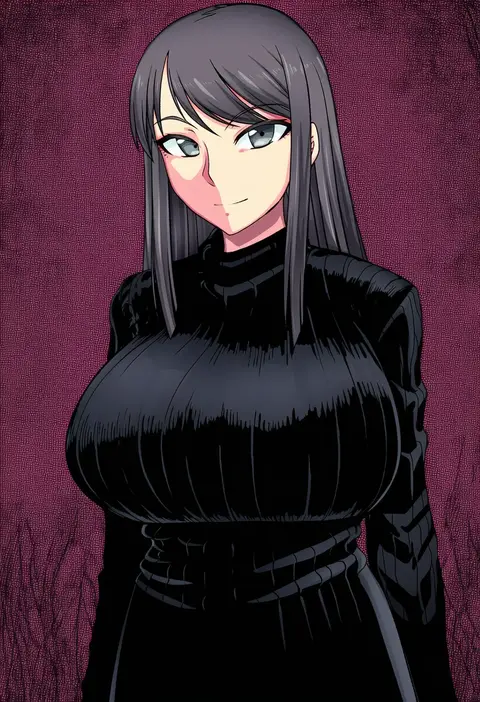
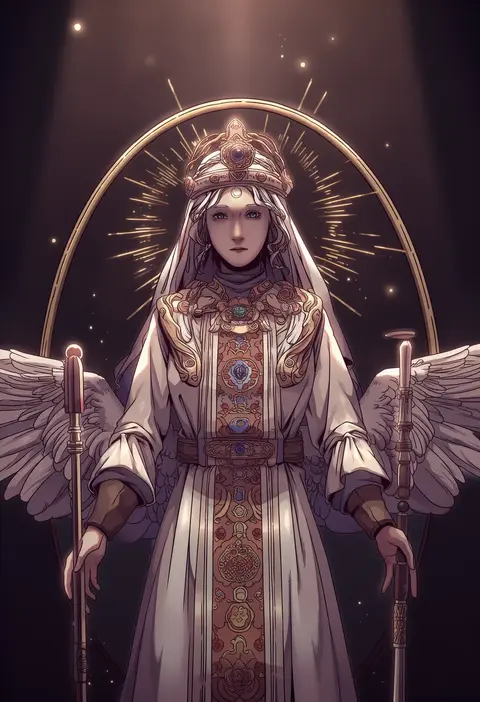
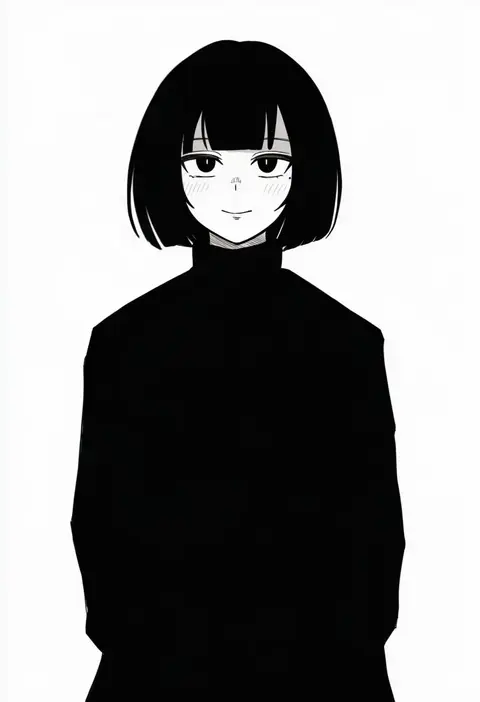
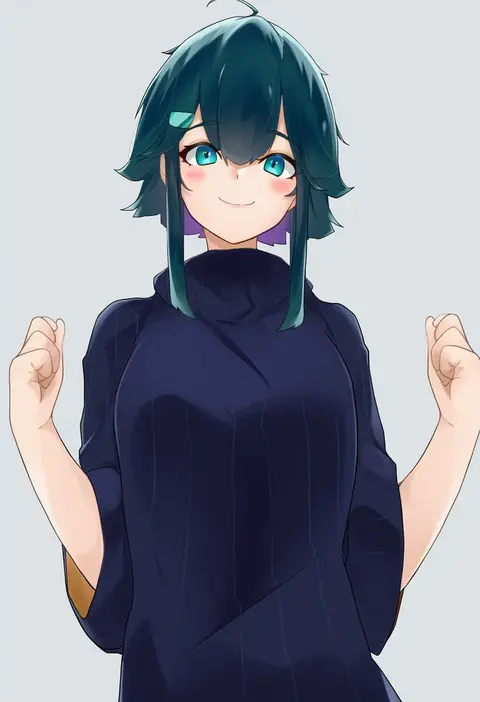
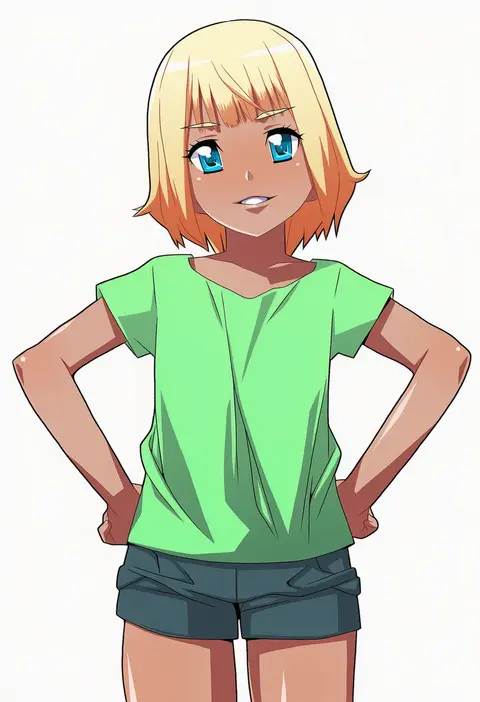
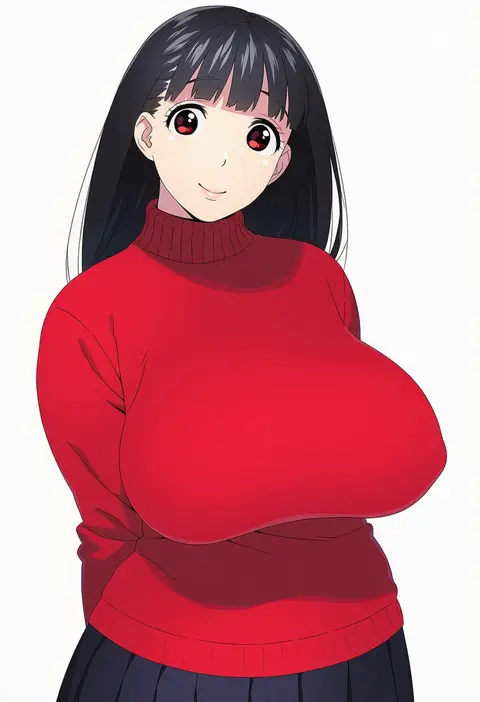
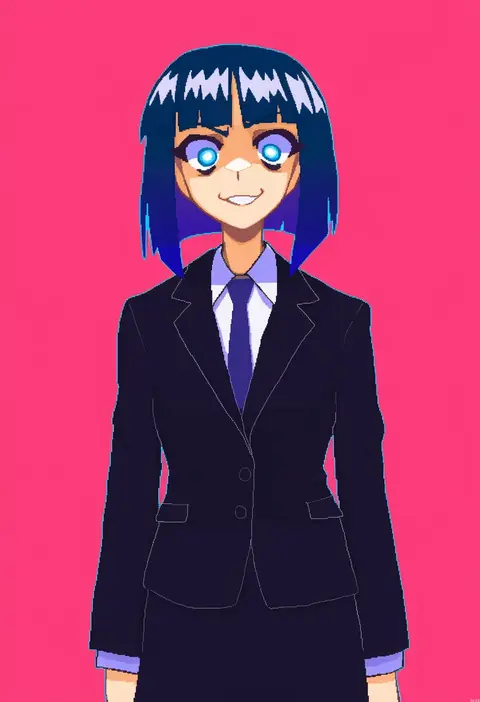
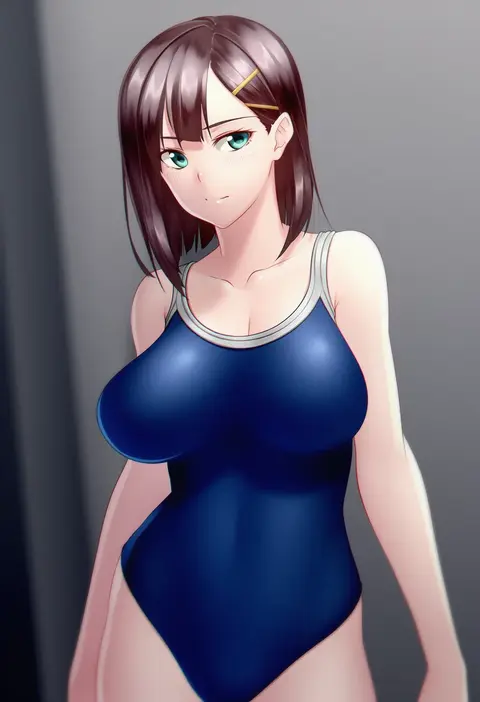
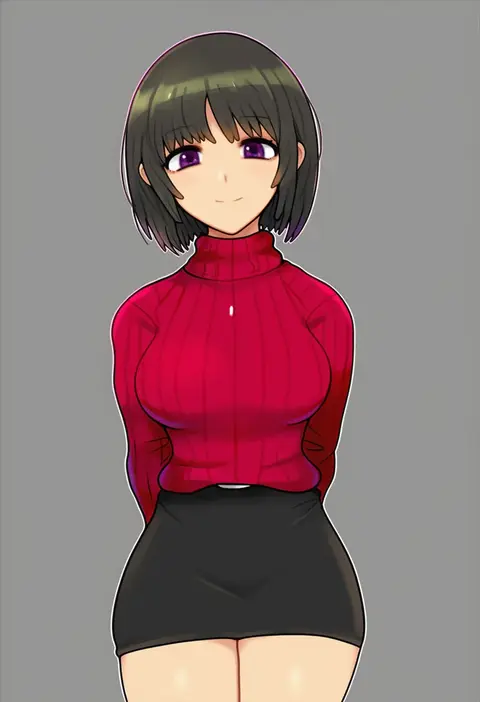
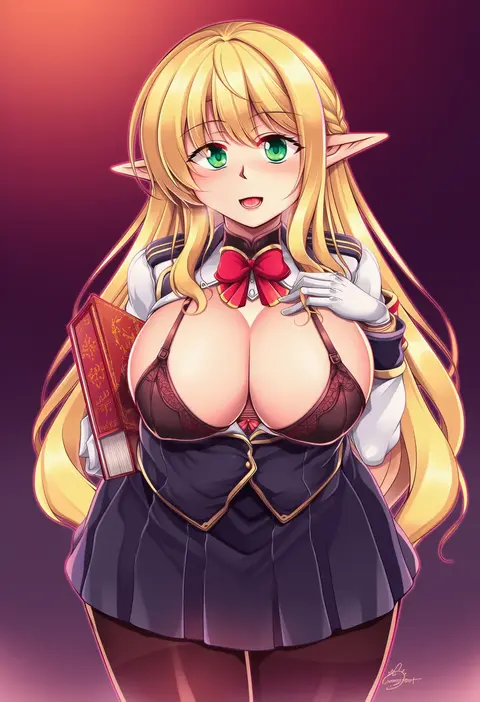
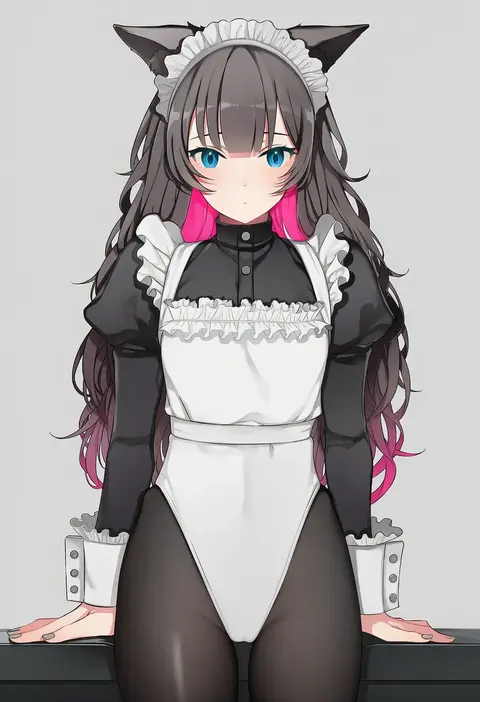
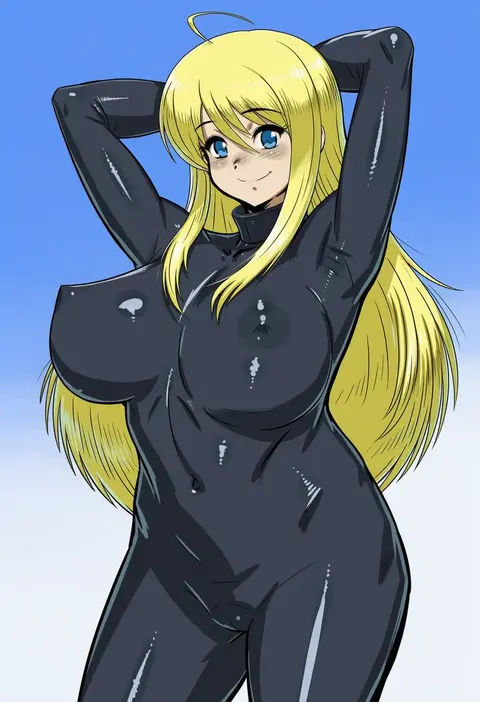
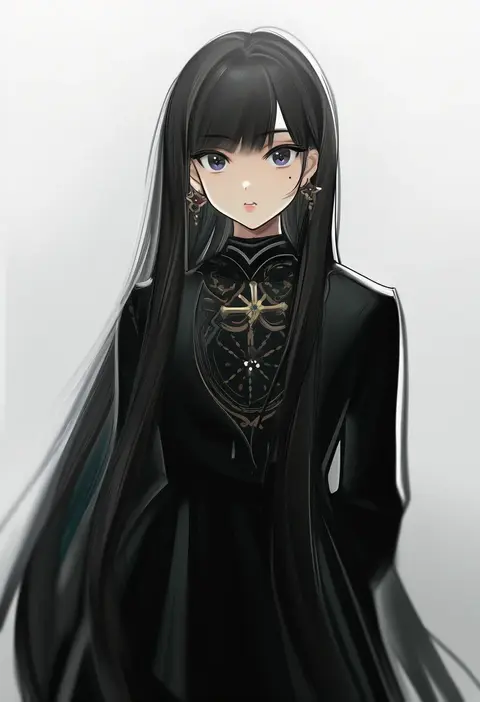
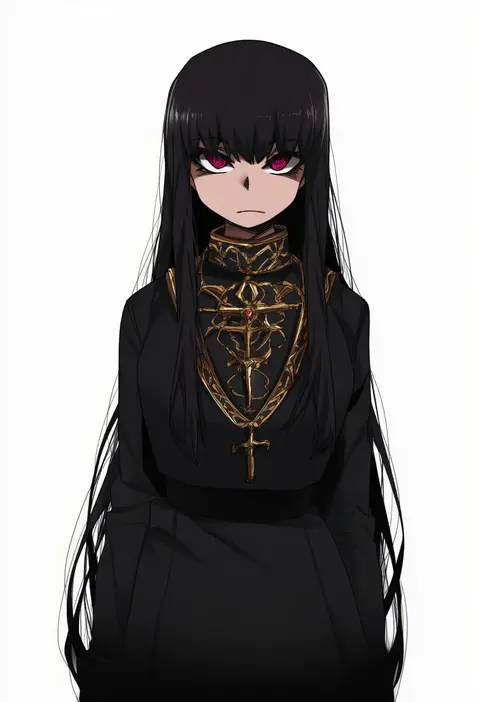
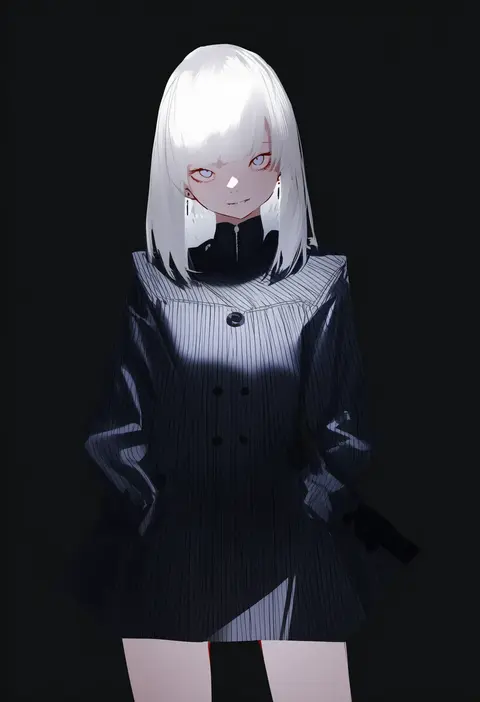
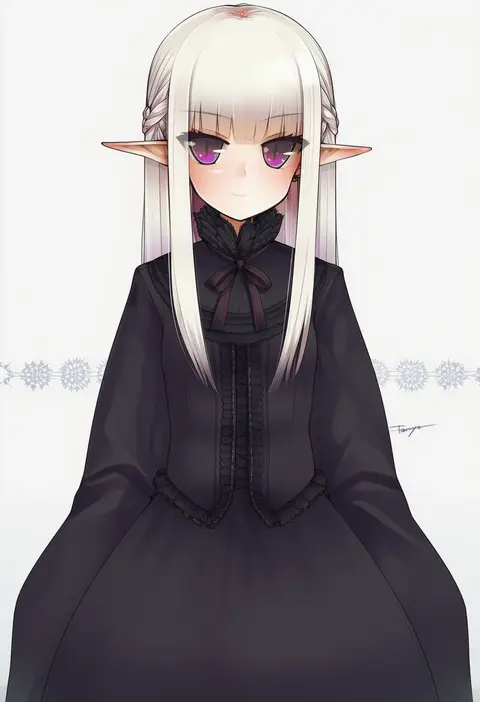
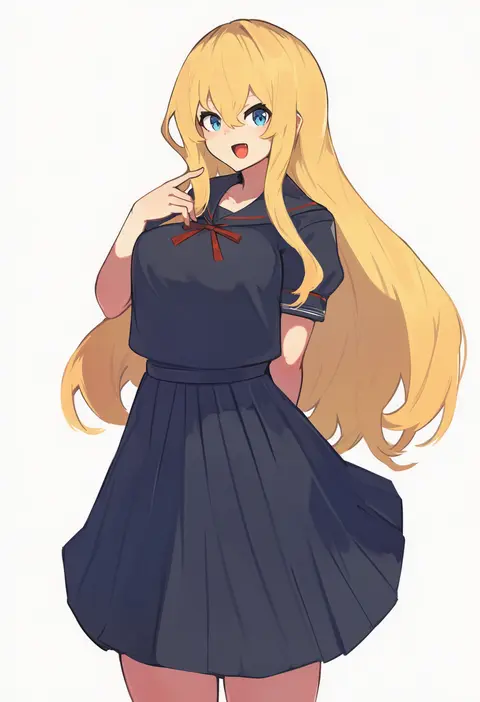
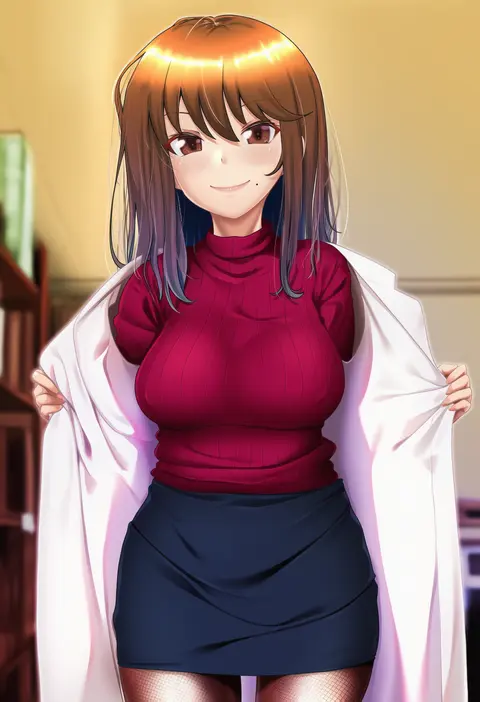
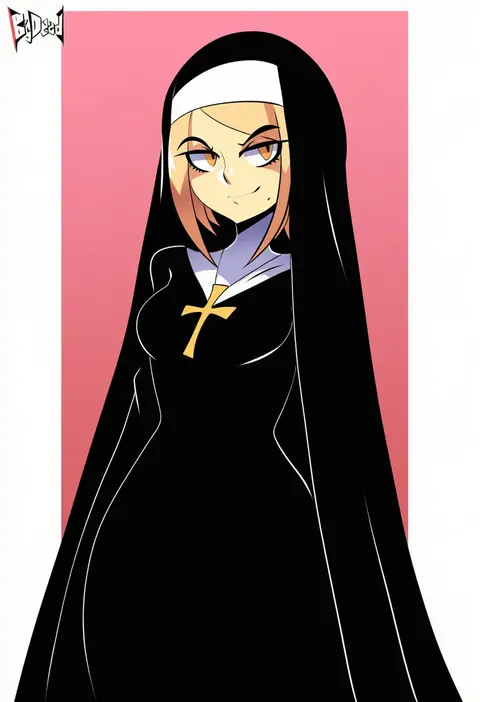
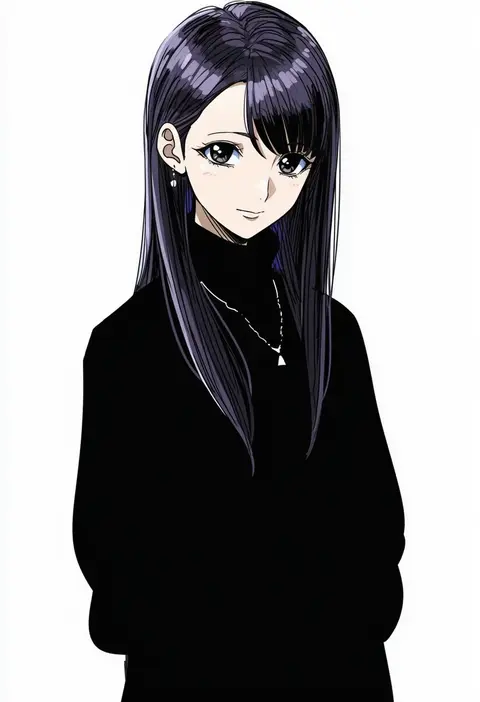
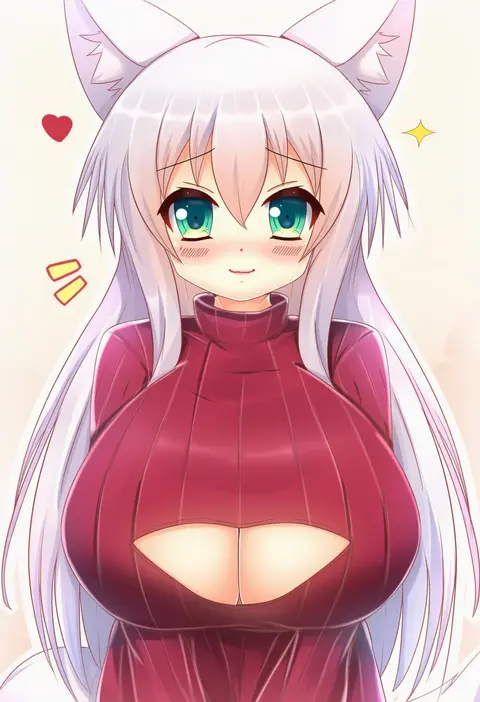
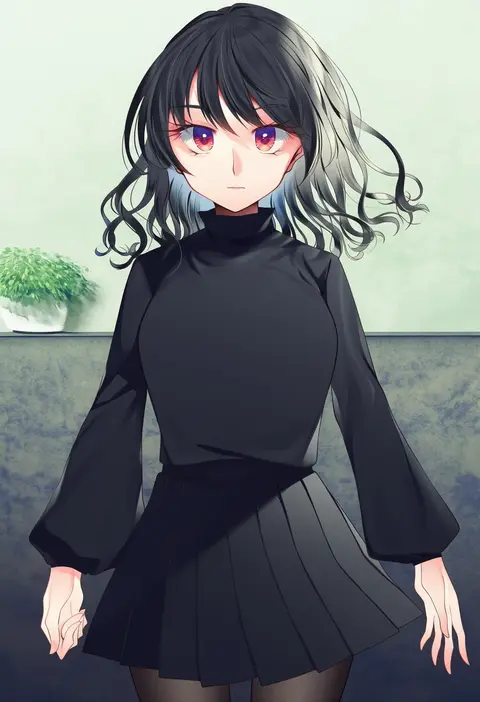
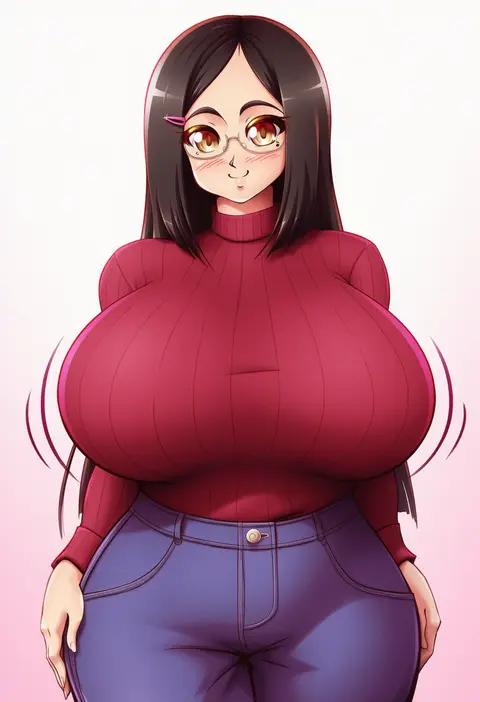
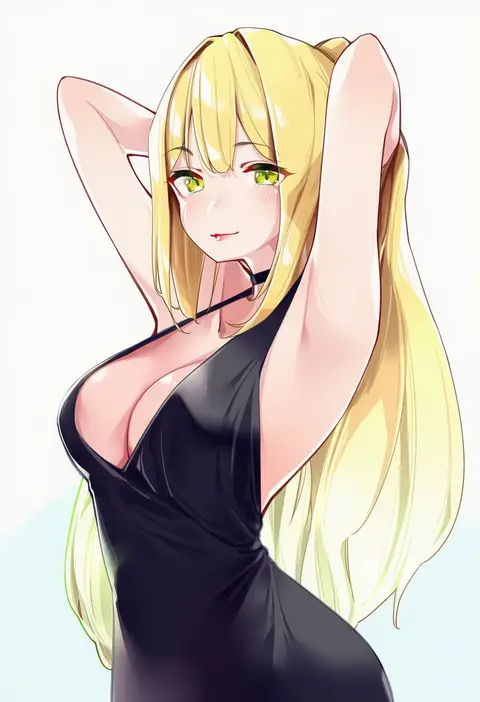
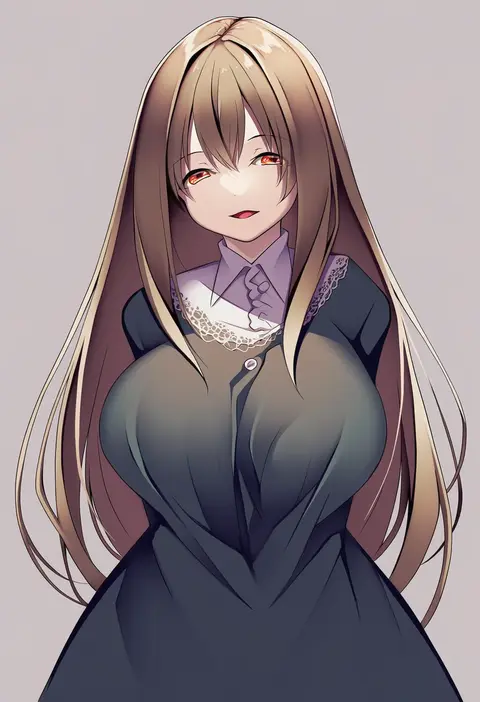
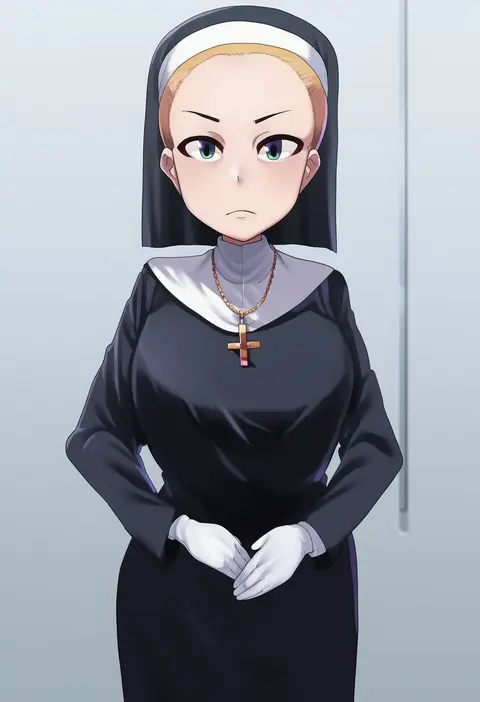
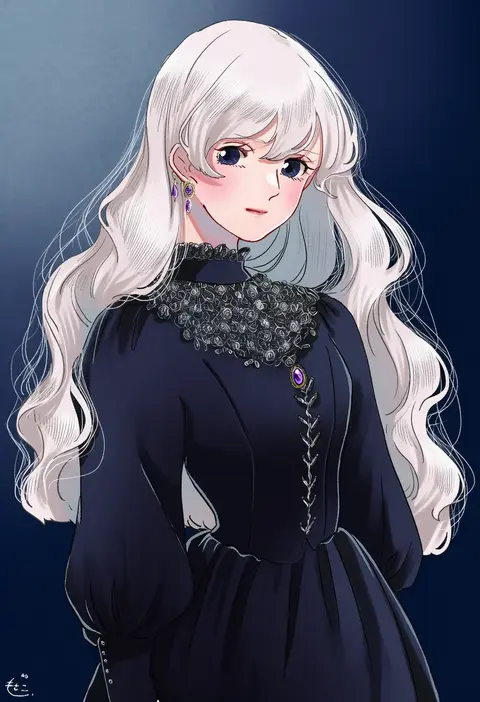
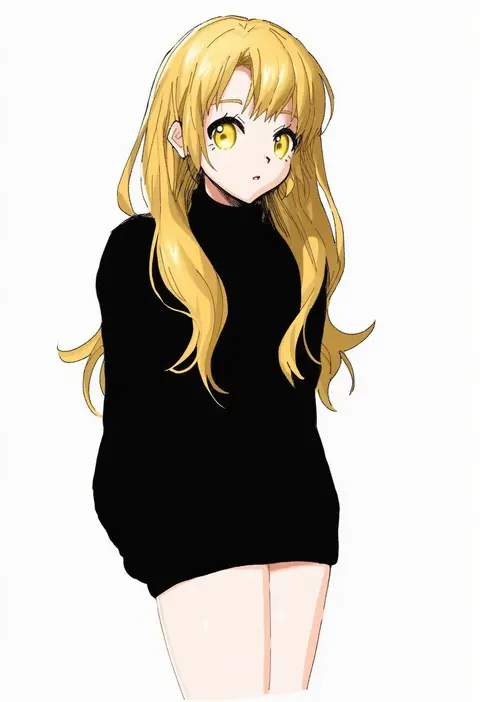
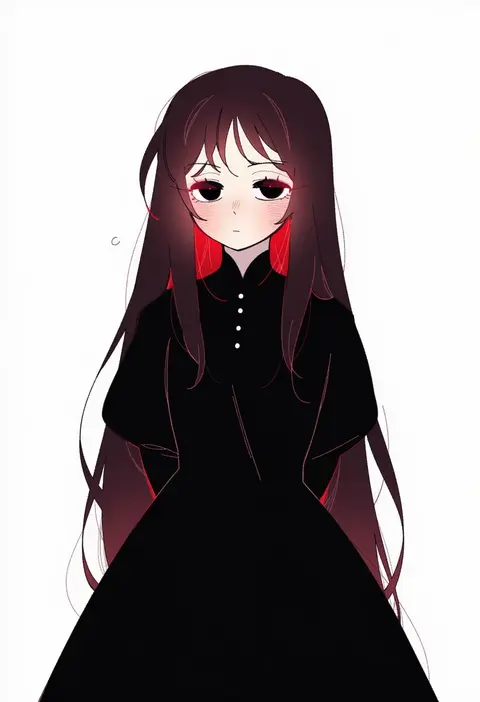
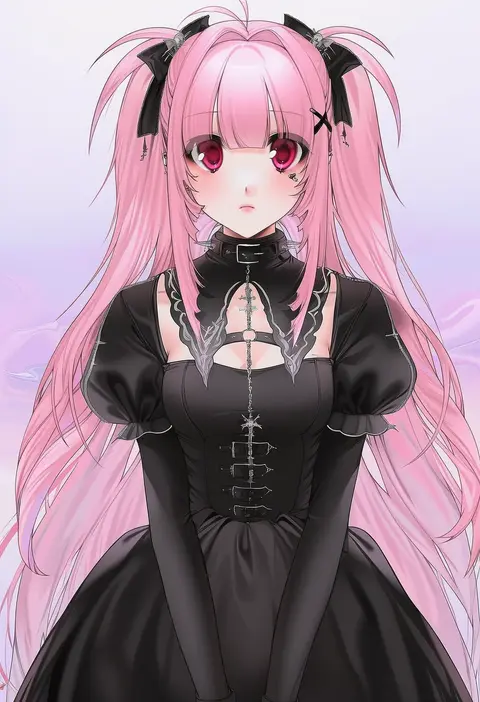
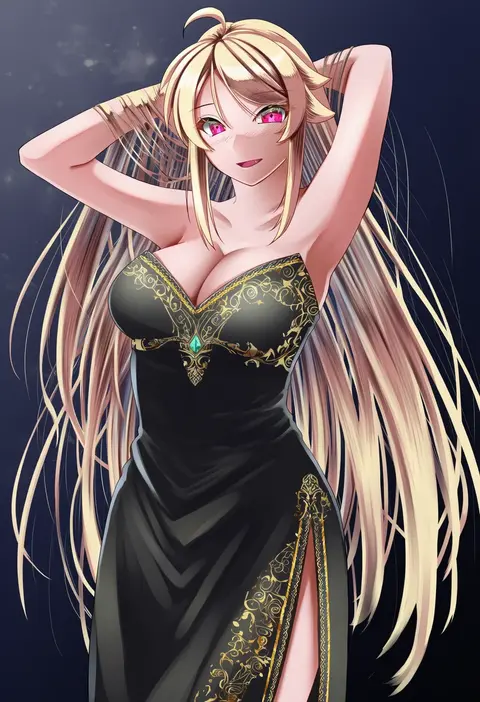
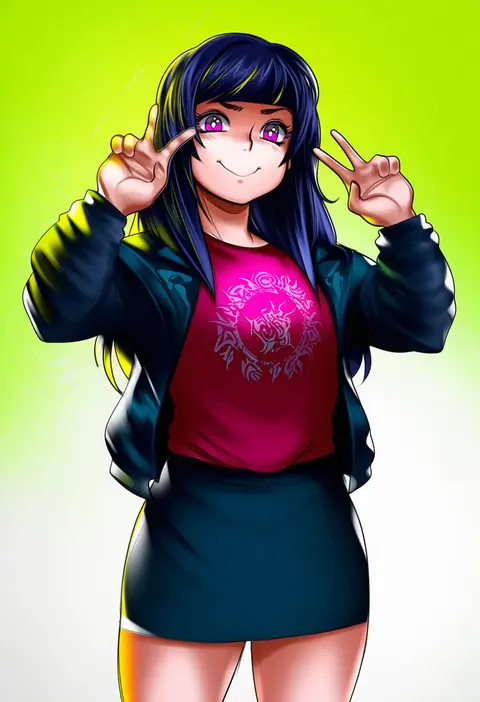
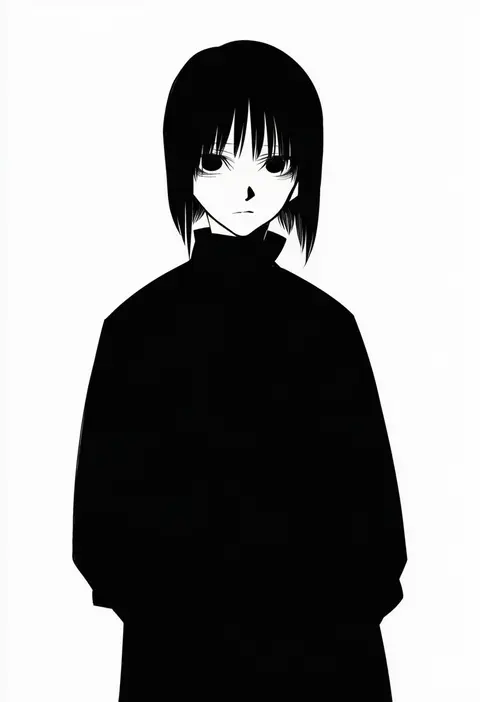
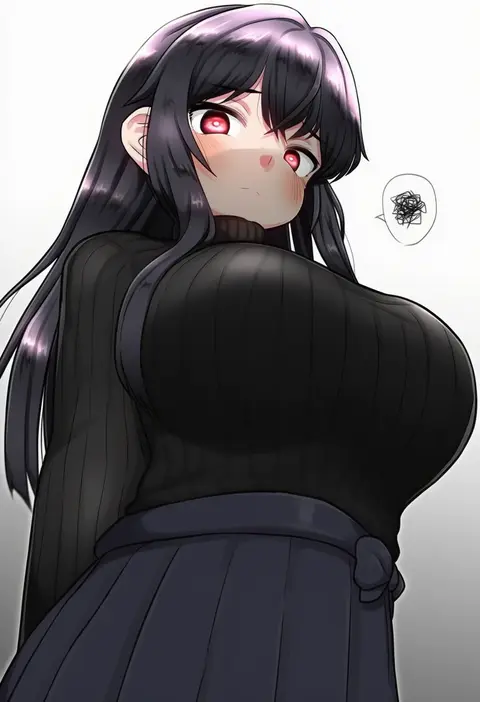
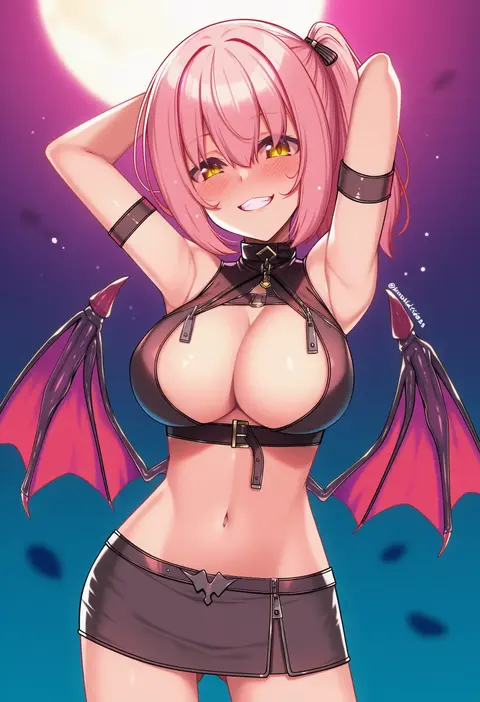
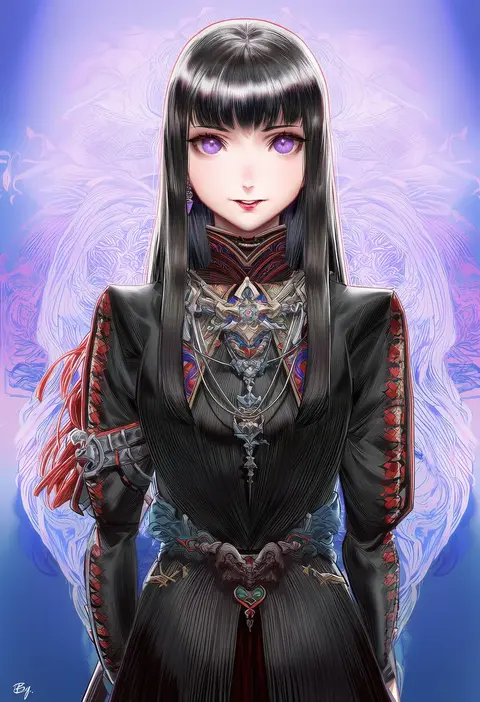
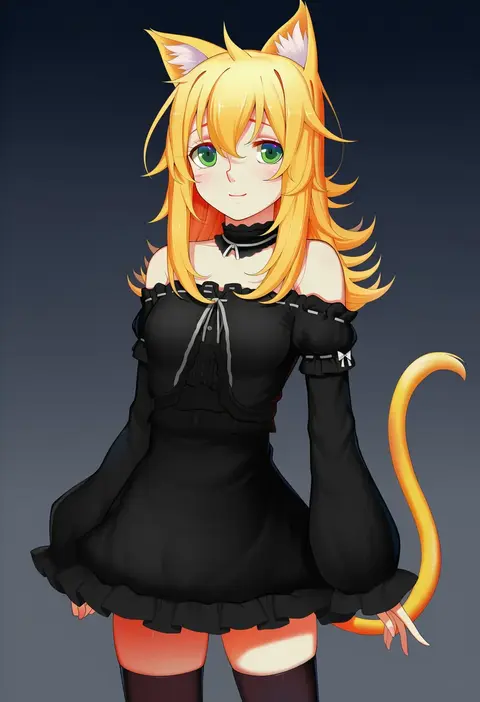
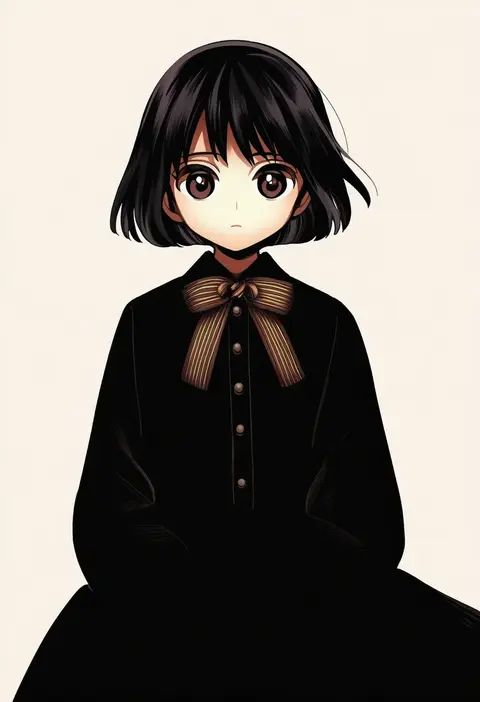
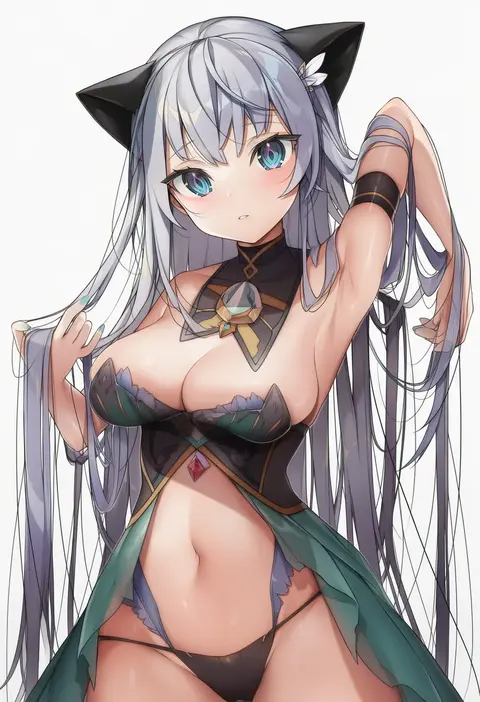
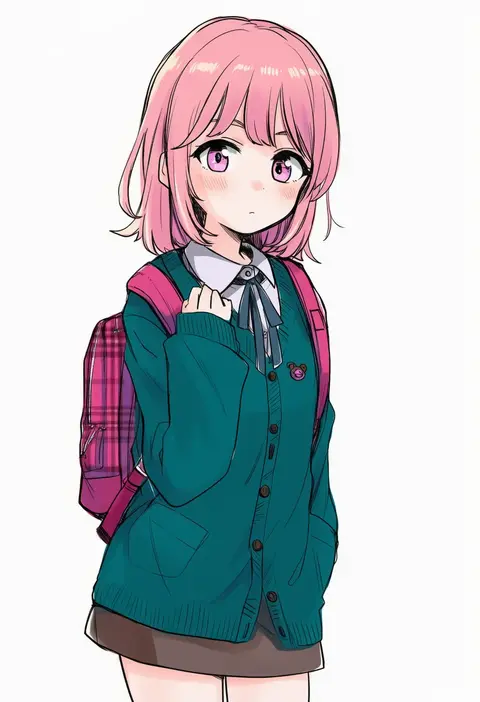
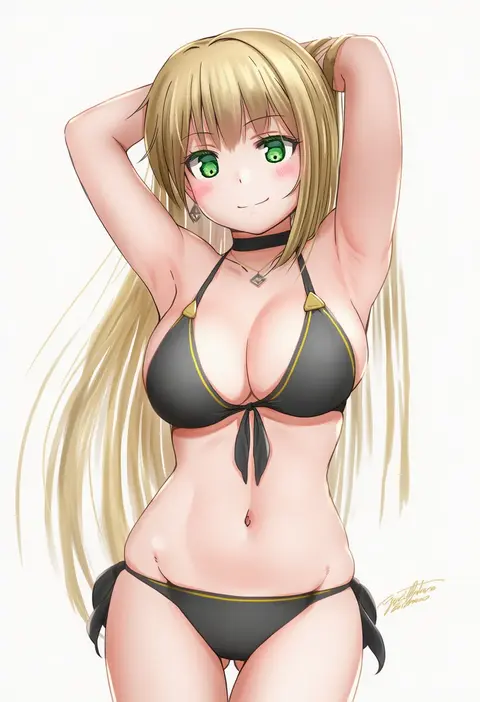
Artist tags tell NovelAI Diffusion to draw in a specific artist's style: line weight, paint texture, face shapes and palette all shift at once. Character and outfit tags decide what is drawn; artist tags decide how. 16,352 tags are listed for V4.5.
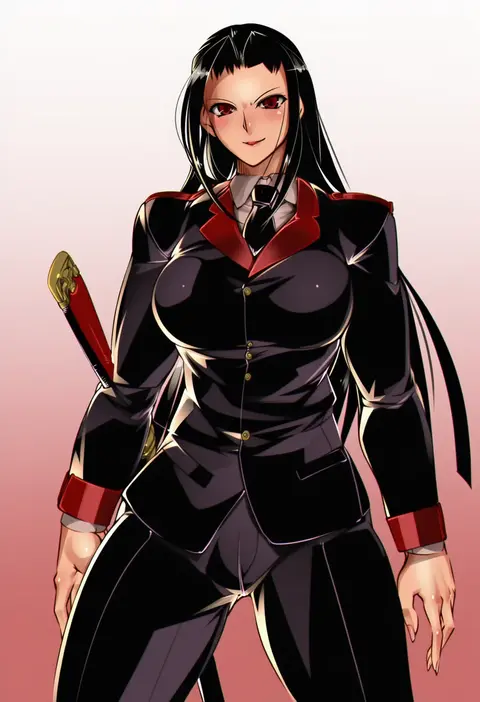
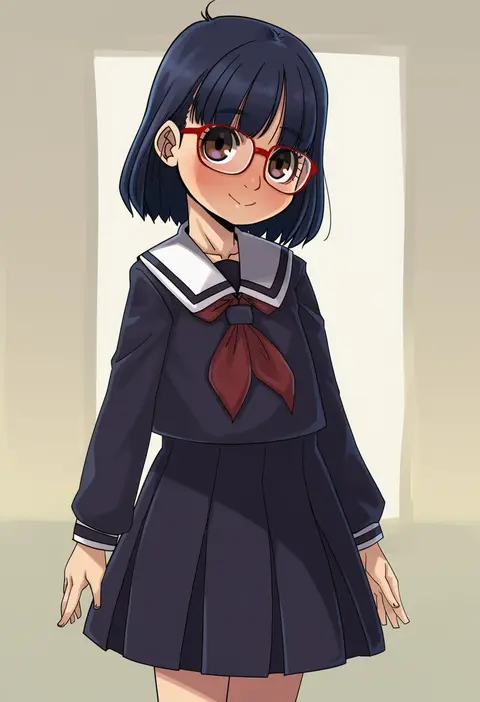
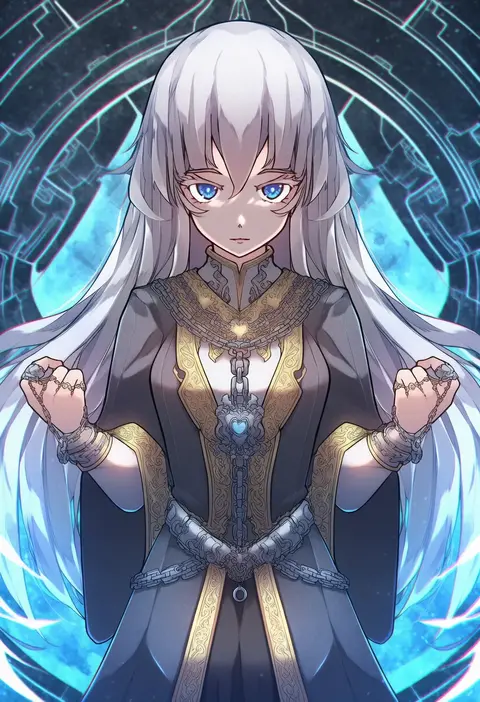
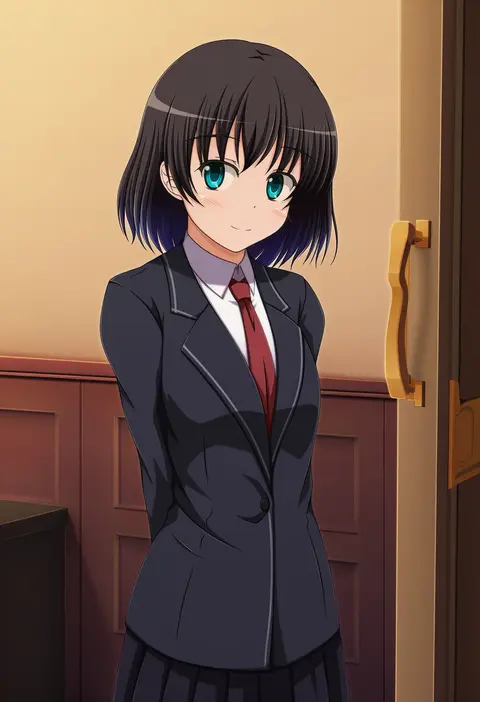
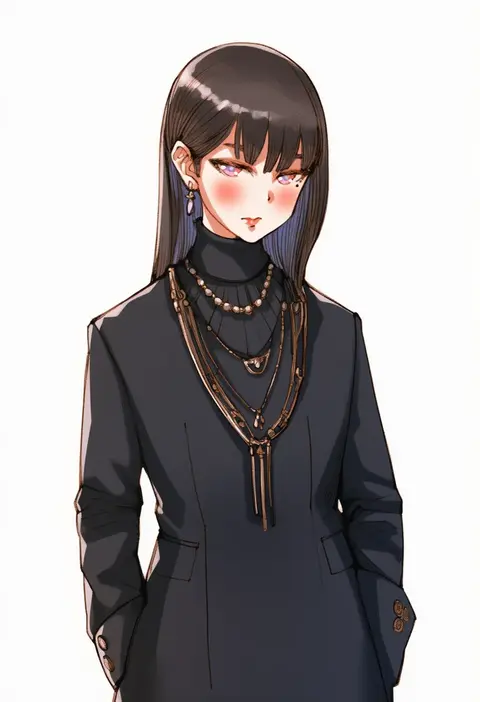
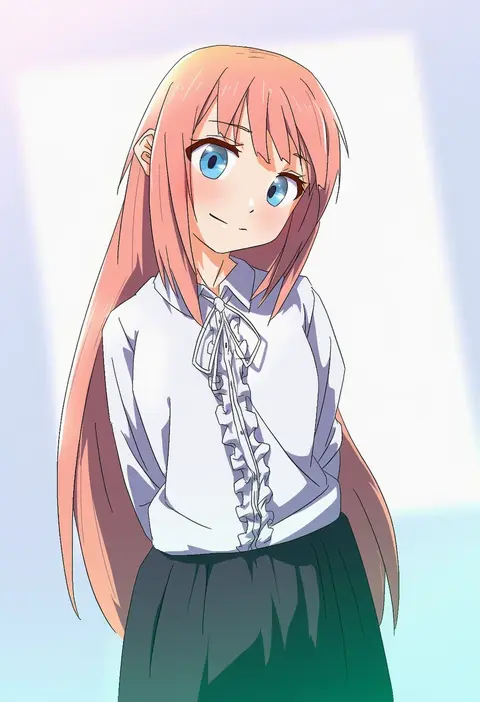
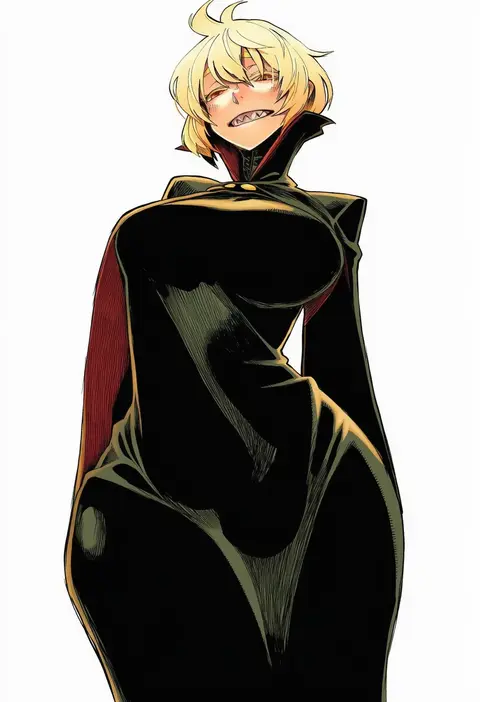
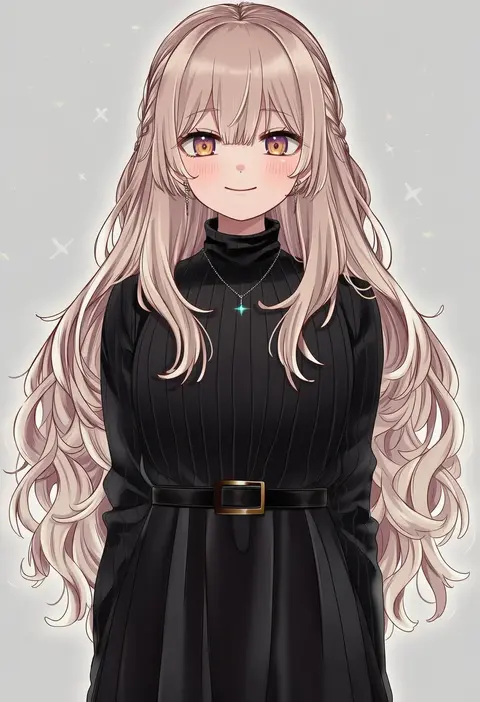
Every tag listed here is verified to react in NovelAI. All images use the same prompt, seed and settings with only the artist tag swapped, so the difference between two images is the style that tag brings in.

How to use them

Put the artist tag near the front of the prompt, e.g. "<artist>, 1girl, solo, best quality, masterpiece, cowboy shot". Two or three artist tags blend styles; lower the weight with "0.8::<artist>::" when the style overpowers the character.

SCORE sorts by Danbooru's top score, POSTS by post count, FAVS by hearts on this site. Open a card to see V5 and V4.5 side by side on the same seed.

V5 vs V4.5

V5 usually lands closer to the artist's real style, and tags that did nothing on V4.5 often react on V5. V4.5 still fits older and doujin-heavy artists better. Try V5 first, fall back to V4.5.

FAQ

Where does the artist tag go?
Near the front of the prompt. Use "0.8::tag::" to adjust its weight.

Can I stack artist tags?
Yes, styles blend. Past two or three the result stops looking like anyone.

Are these the artists' own works?
No. Every image is a NovelAI sample generated from the tag.