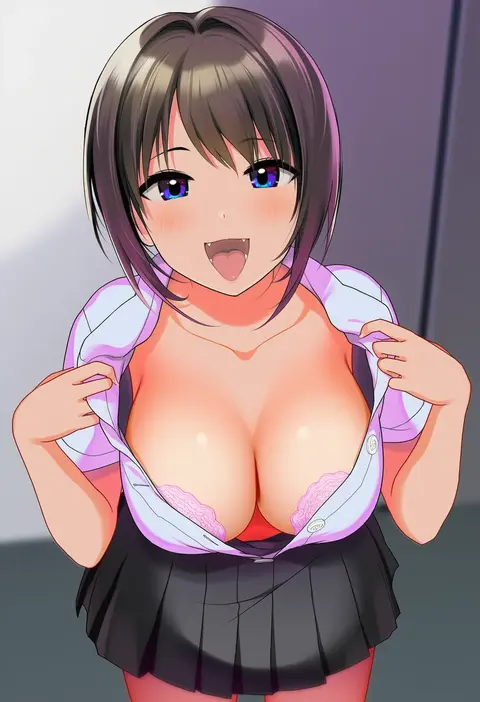
V4.5Artists
sort: FAVS▾
▾
>
$

Popular NovelAI artist tags — V4.5

artist --count 16,352[157/273]
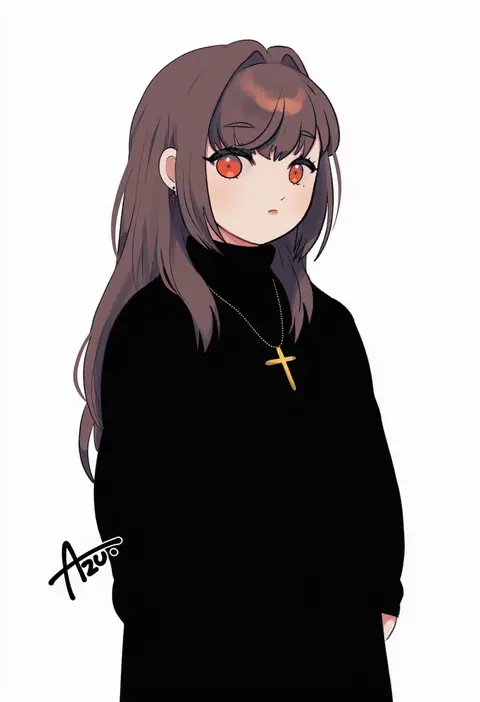
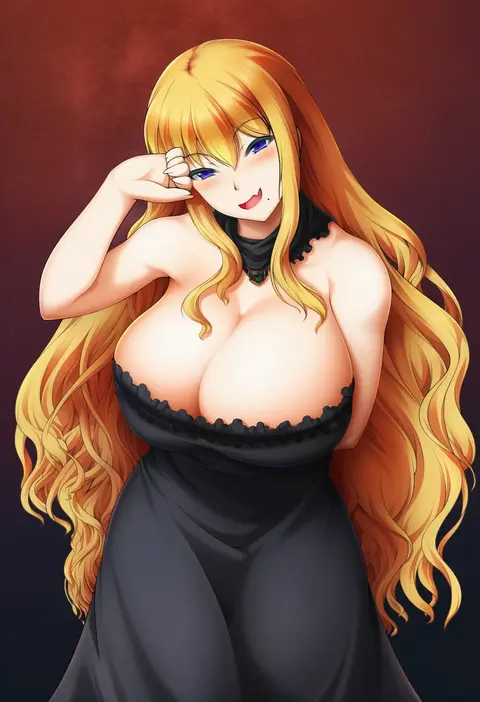
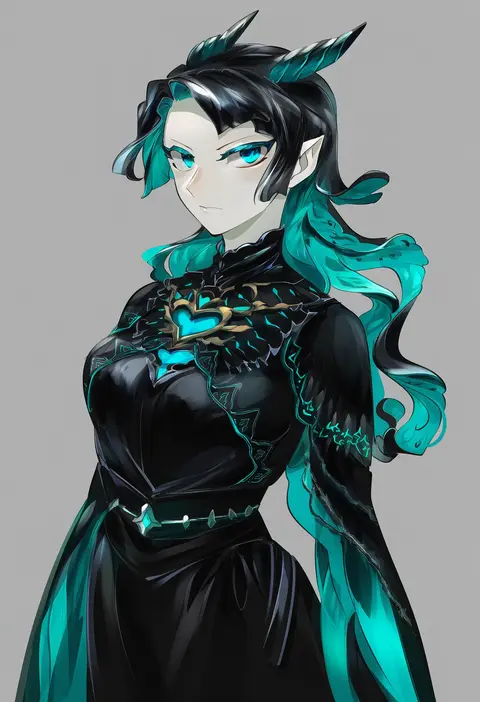
azu (kirara310)
ARTIST0x2490
0
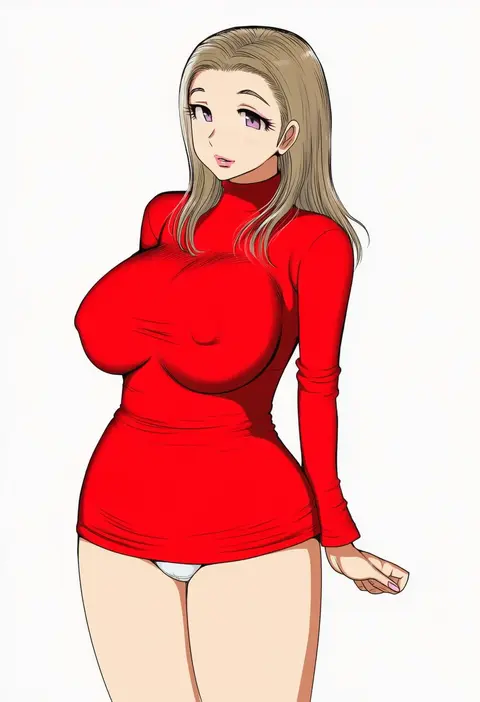
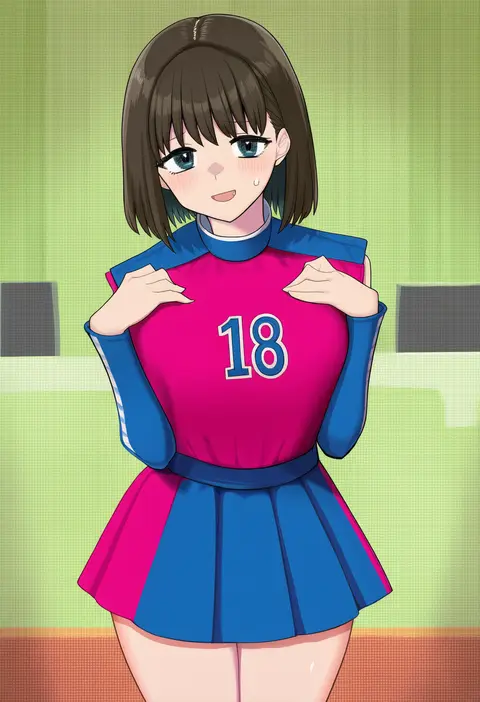
bol (liliymimi)
ARTIST0x2491
0
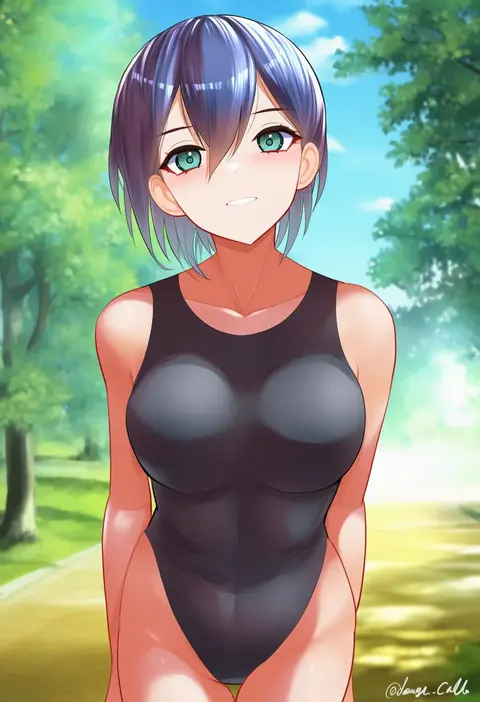
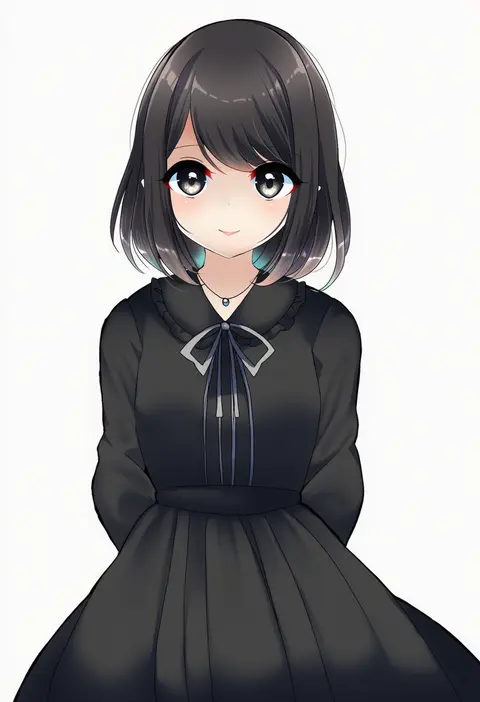
kamitsuki manmaru
ARTIST0x2492
0
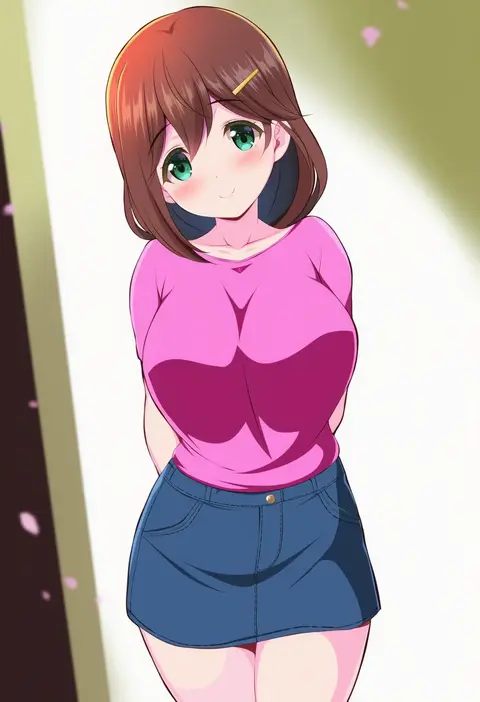
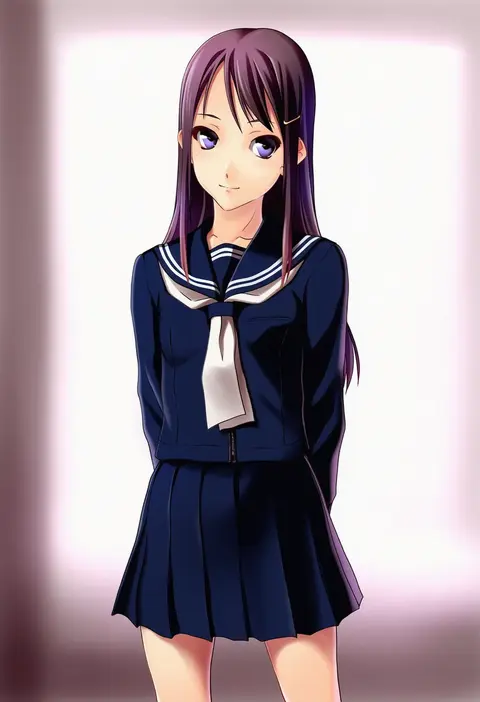
dangan kurabu
ARTIST0x2493
0
chisato (missing park)
ARTIST0x2494
0
enj!
ARTIST0x2495
0
inai uchi
ARTIST0x2496
0
ivan wang
ARTIST0x2497
0
yuli (yulipo)
ARTIST0x2498
0
zeru (wisel army)
ARTIST0x2499
0
matsunaga garana
ARTIST0x249A
0
yokota takumi
ARTIST0x249B
0
hataya
ARTIST0x249C
0
arikalovesyou2
ARTIST0x249D
0
chamaruk
ARTIST0x249E
0
chameleon (ryokucha combo)
ARTIST0x249F
0
ougi hina
ARTIST0x24A0
0
norizou type-r
ARTIST0x24A1
0
kuronuko neero
ARTIST0x24A2
0
junkpuyo
ARTIST0x24A3
0
sakai kyuuta
ARTIST0x24A4
0
deel (rkeg)
ARTIST0x24A5
0
akaga hirotaka
ARTIST0x24A6
0
kagemusha
ARTIST0x24A7
0
shake-o
ARTIST0x24A8
0
kamiyama aya
ARTIST0x24A9
0
isuka
ARTIST0x24AA
0
souta (karasu no ouchi)
ARTIST0x24AB
0
katou haruaki
ARTIST0x24AC
0
shibainu niki
ARTIST0x24AD
0
masaki (msk064)
ARTIST0x24AE
0
yonaga (masa07240)
ARTIST0x24AF
0
yurikawa
ARTIST0x24B0
0
atsutoku
ARTIST0x24B1
0
nakajou
ARTIST0x24B2
0
eencya
ARTIST0x24B3
0
macaroni hourensou
ARTIST0x24B4
0
noe noel
ARTIST0x24B5
0
ookamiuo
ARTIST0x24B6
0
seri (yuukasakura)
ARTIST0x24B7
0
shiburingaru
ARTIST0x24B8
0
yu ni t
ARTIST0x24B9
0
toujou (toujou ramen)
ARTIST0x24BA
0
error1980
ARTIST0x24BB
0
kikai (akita morgue)
ARTIST0x24BC
0
cwind
ARTIST0x24BD
0
mosui (kori can)
ARTIST0x24BE
0
uu-tan (hushigi10)
ARTIST0x24BF
0
houji tea latte
ARTIST0x24C0
0
enajii
ARTIST0x24C1
0
yoruhoshi owl
ARTIST0x24C2
0
bloom into me15
ARTIST0x24C3
0
totaku (musha prune)
ARTIST0x24C4
0
fujie-yz
ARTIST0x24C5
0
daigada
ARTIST0x24C6
0
fujisaka kimihiko
ARTIST0x24C7
0
yuuya (blue scarab)
ARTIST0x24C8
0
uchiuchi keyaki
ARTIST0x24C9
0
minase shuu
ARTIST0x24CA
0
natsuya (natuya777)
ARTIST0x24CB
0

What these tags change

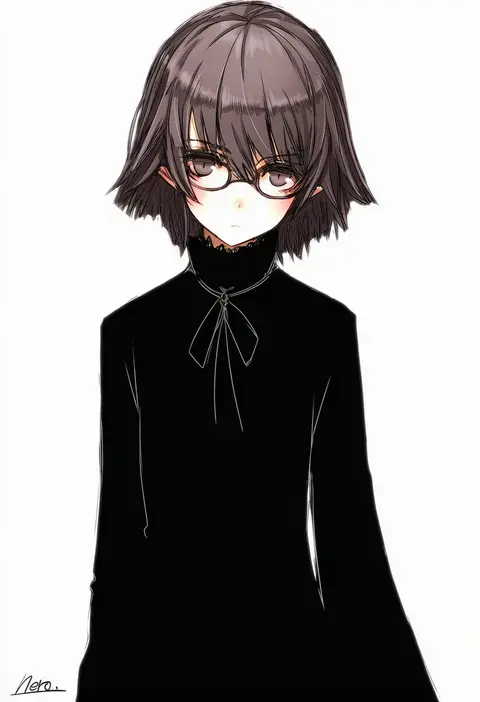
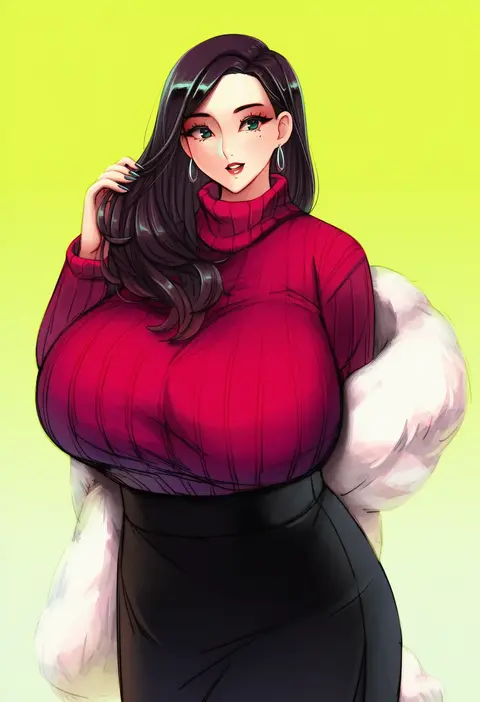
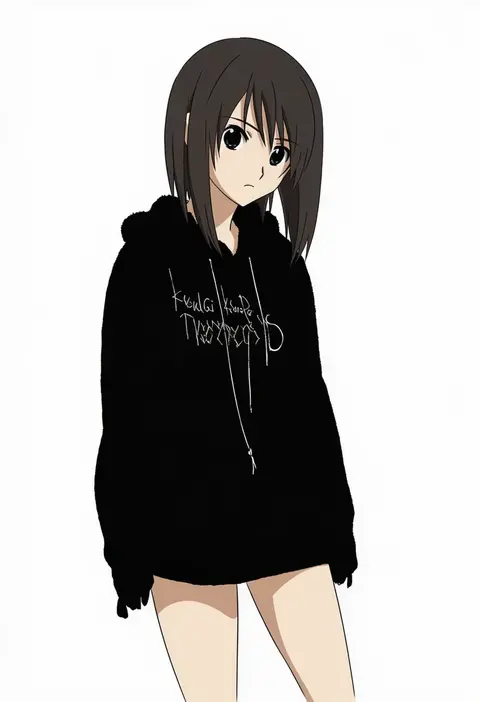
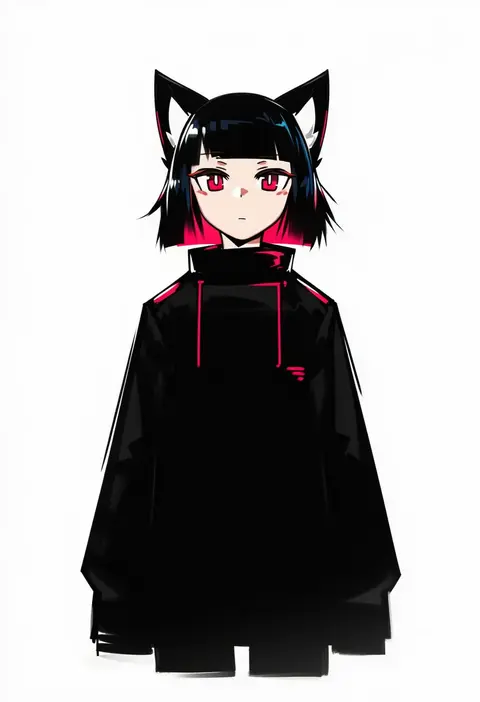
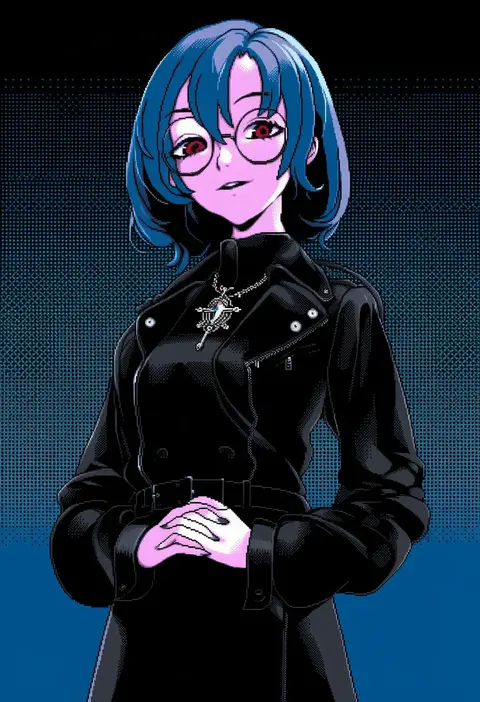
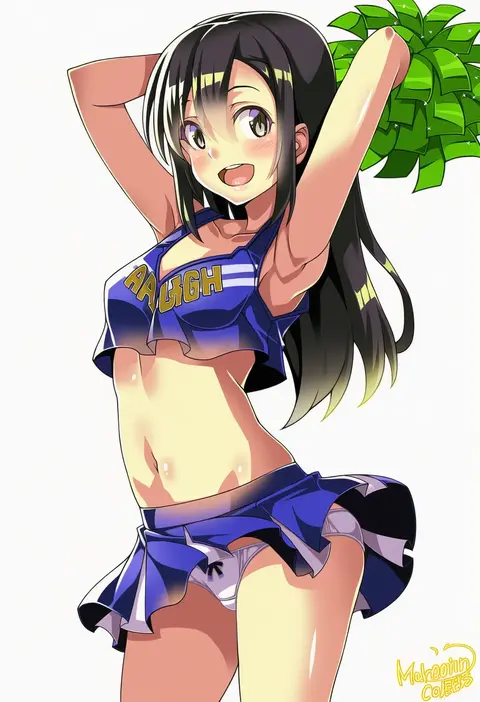
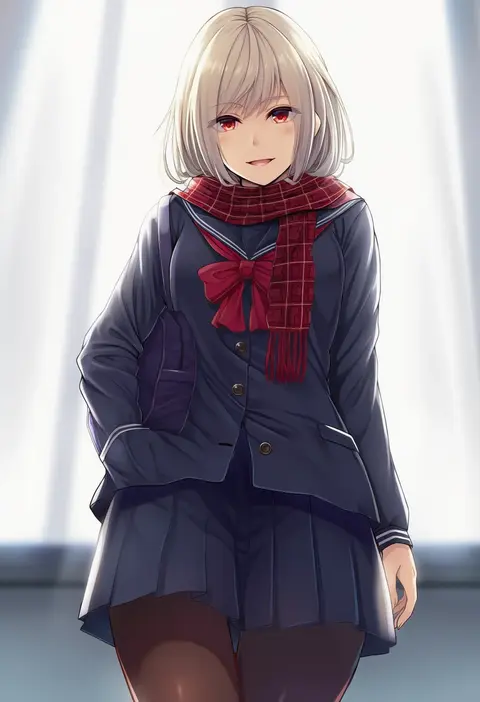
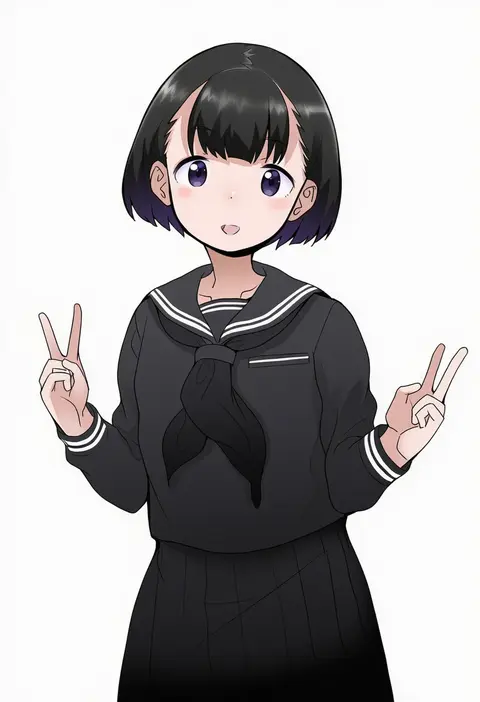
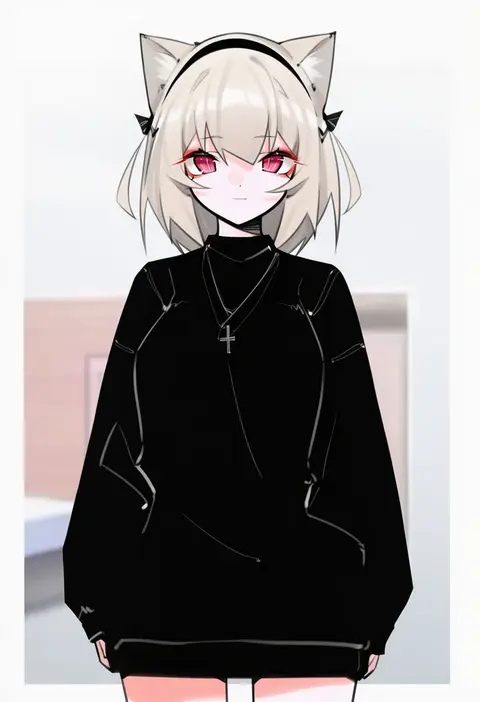
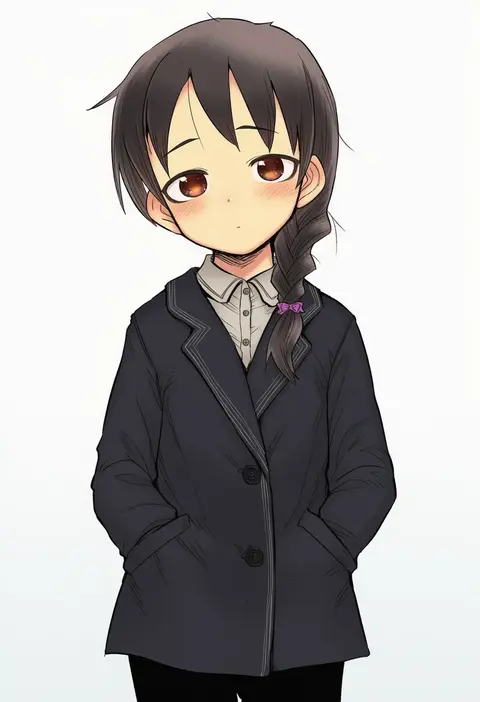
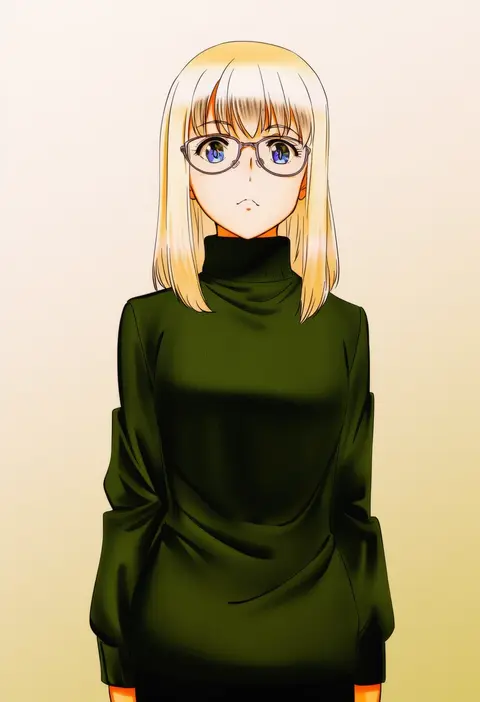
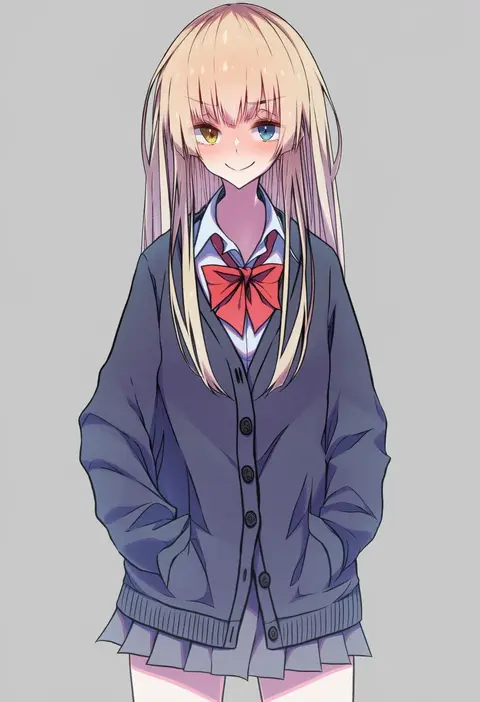
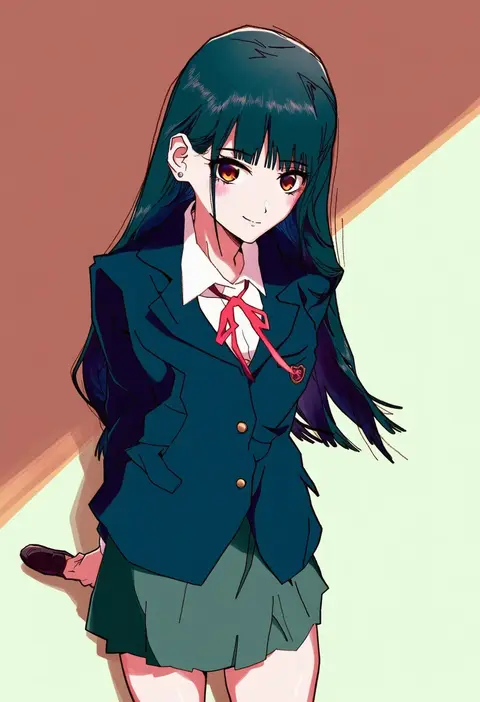
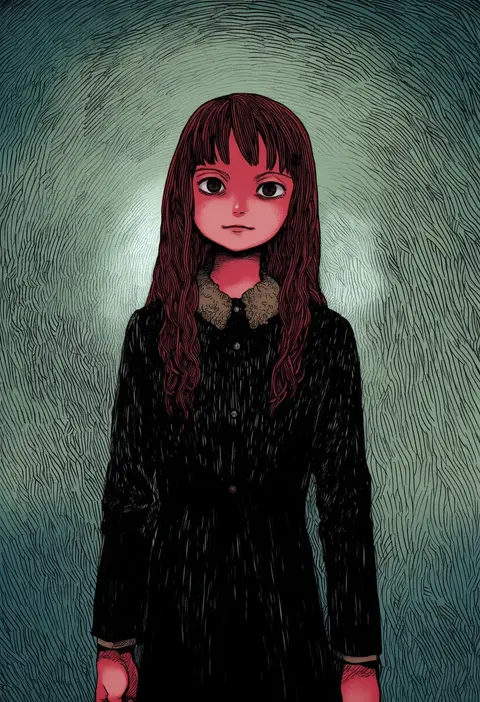
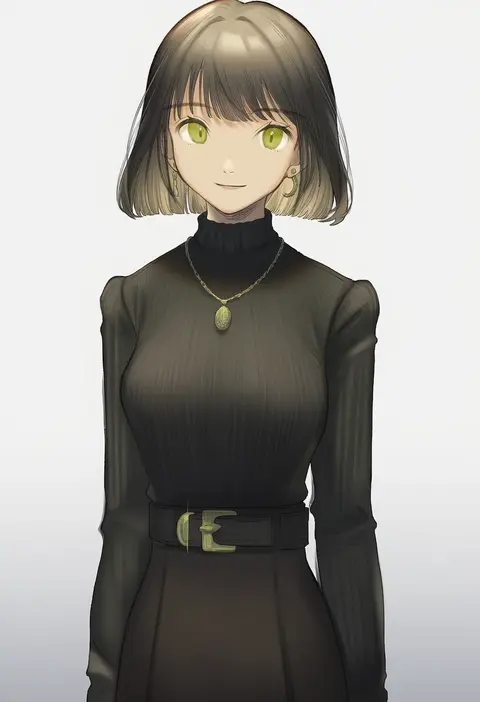
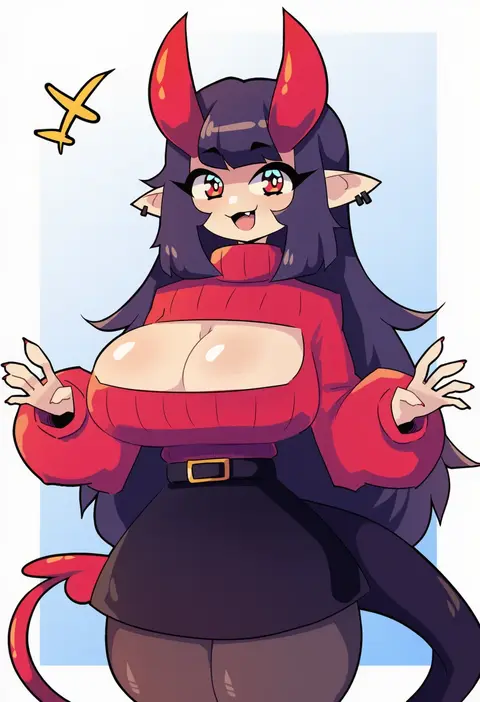
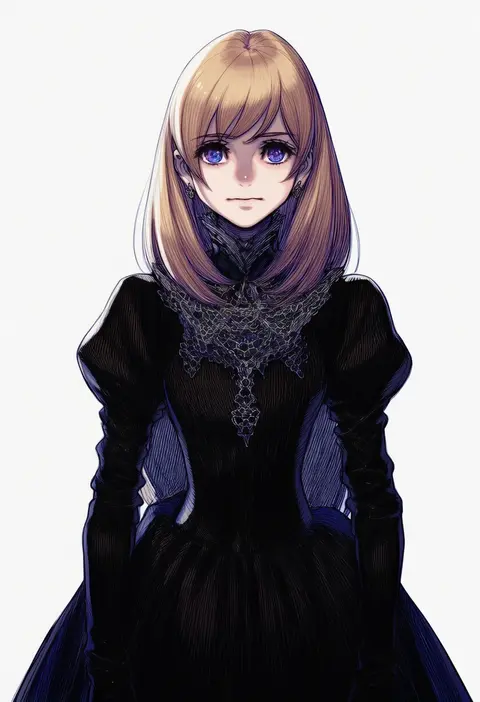
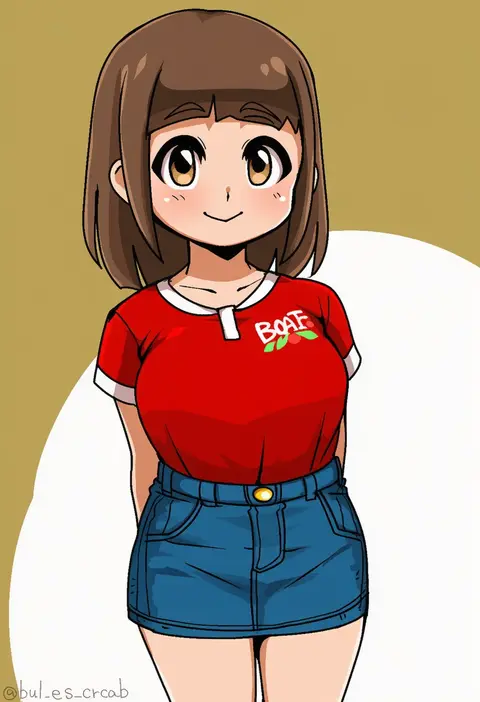
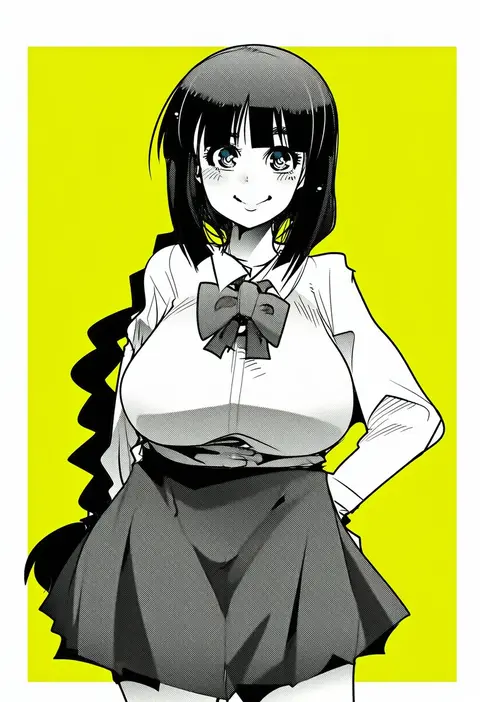
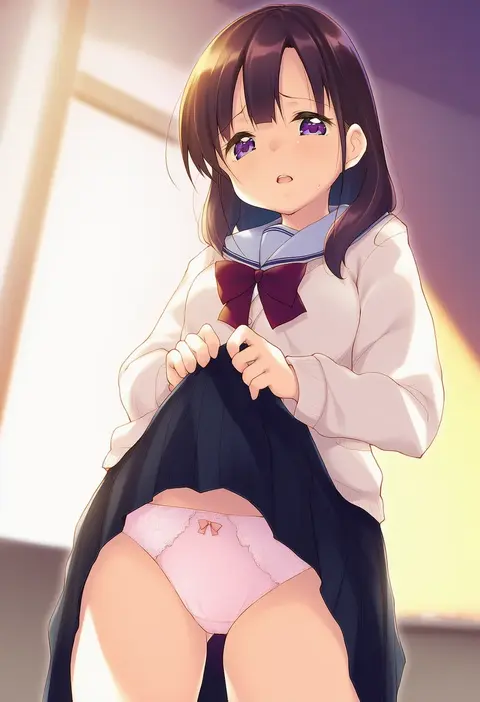
Artist tags tell NovelAI Diffusion to draw in a specific artist's style: line weight, paint texture, face shapes and palette all shift at once. Character and outfit tags decide what is drawn; artist tags decide how. 16,352 tags are listed for V4.5.
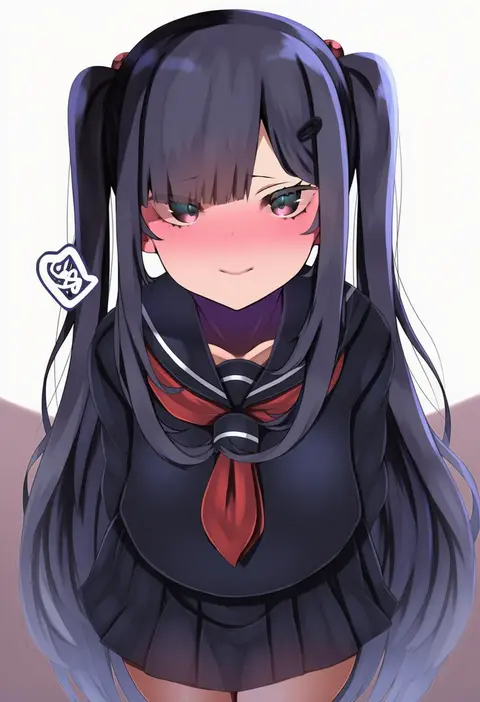
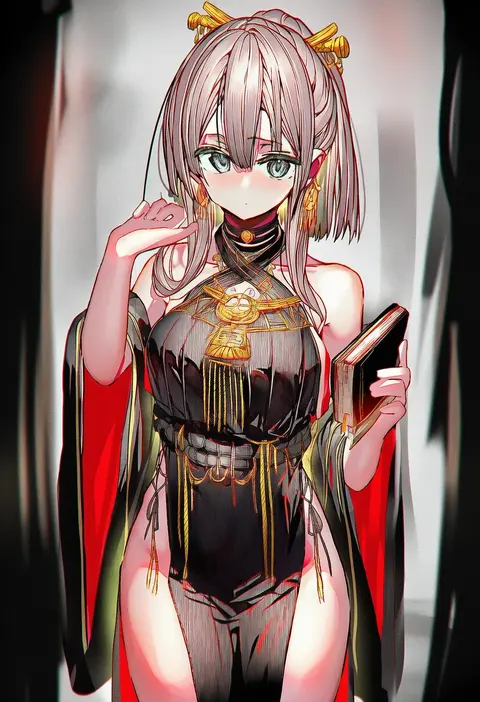
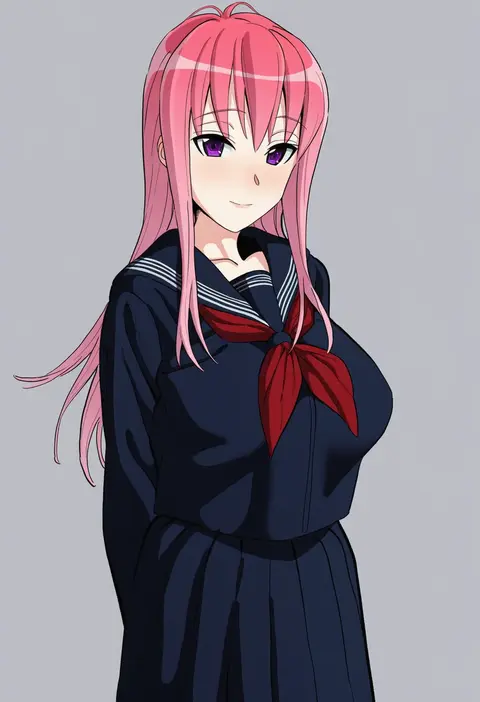
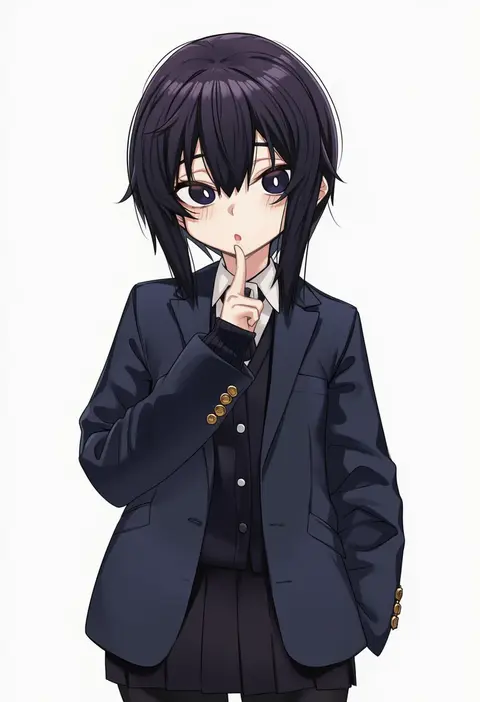
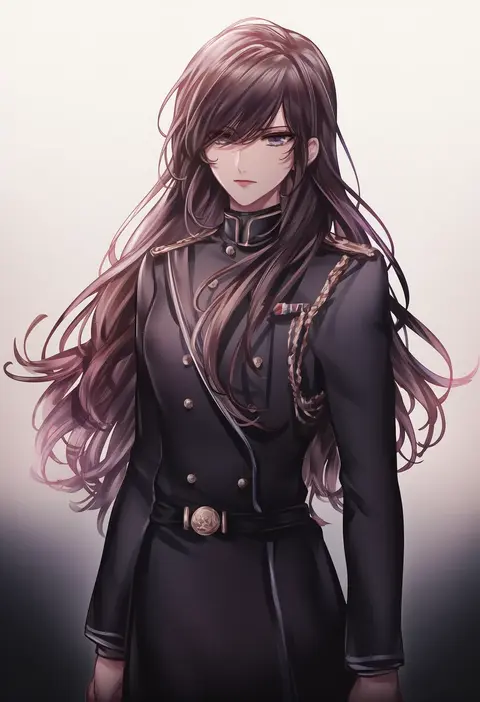
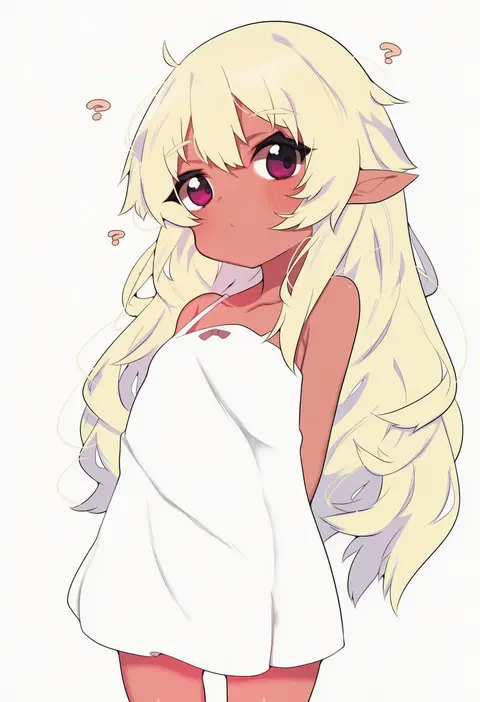
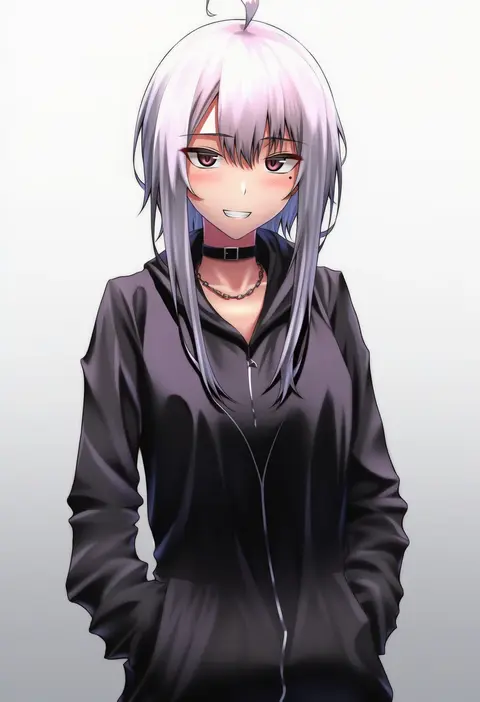
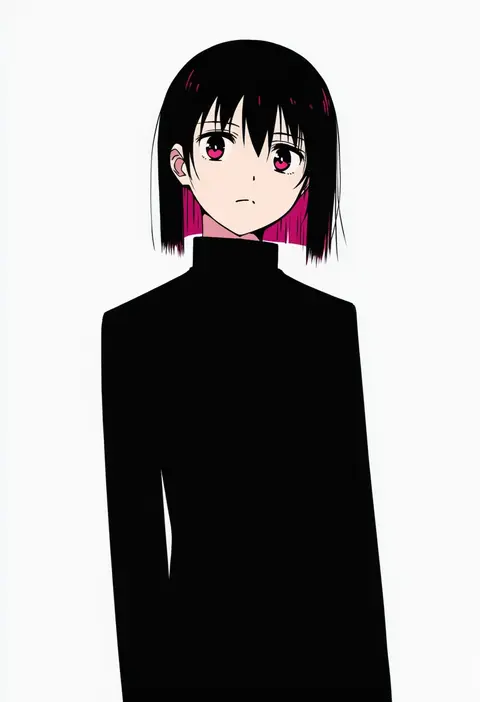
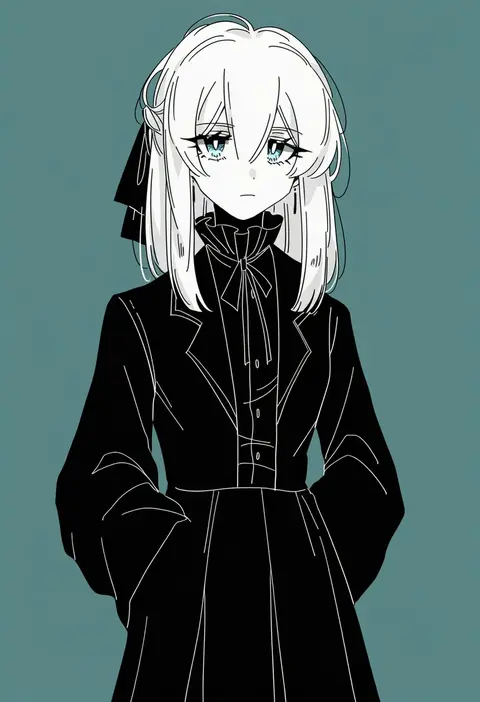
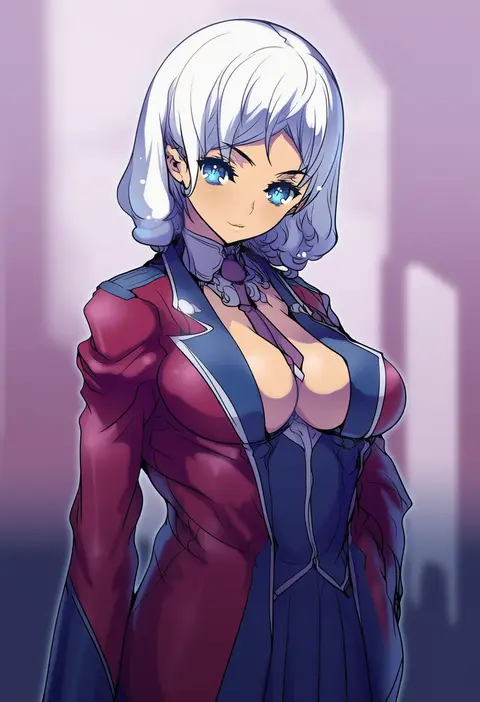
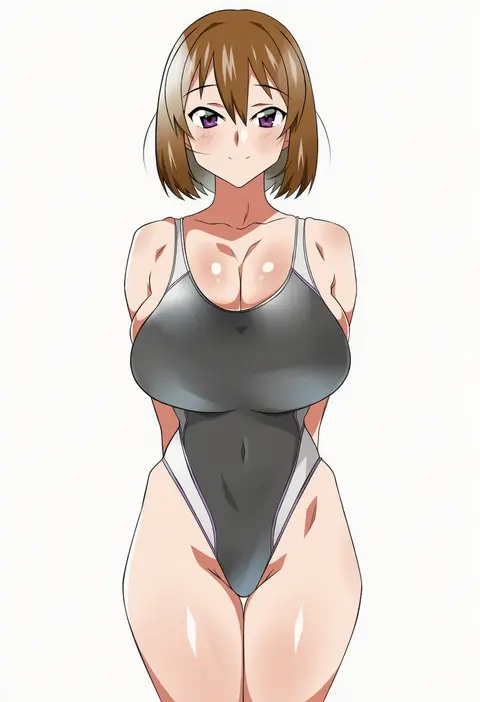
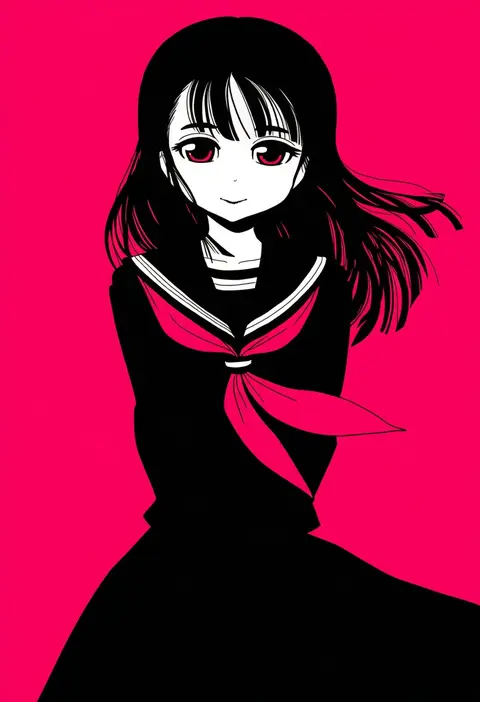
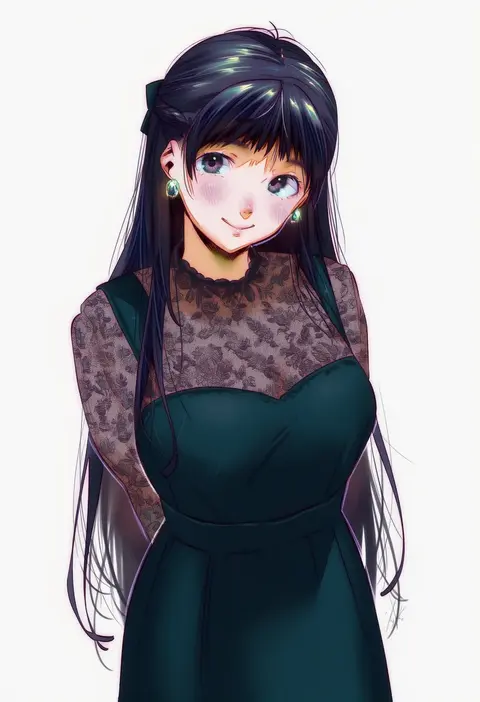
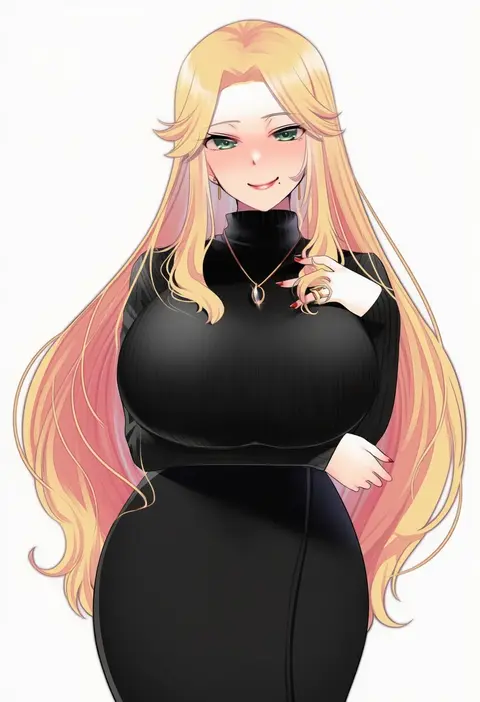
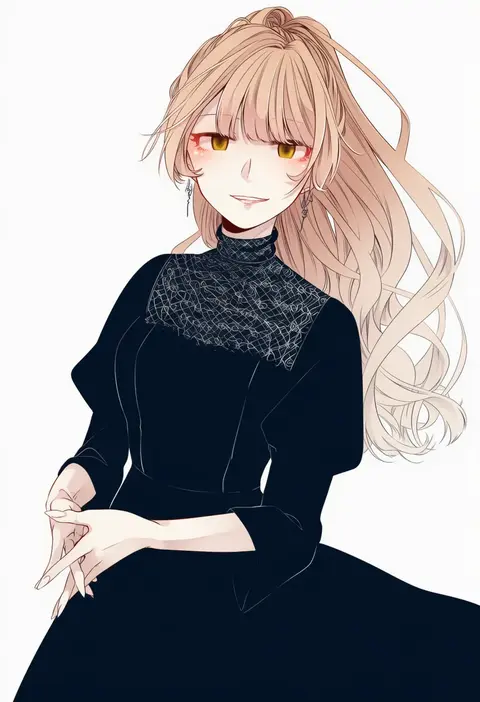
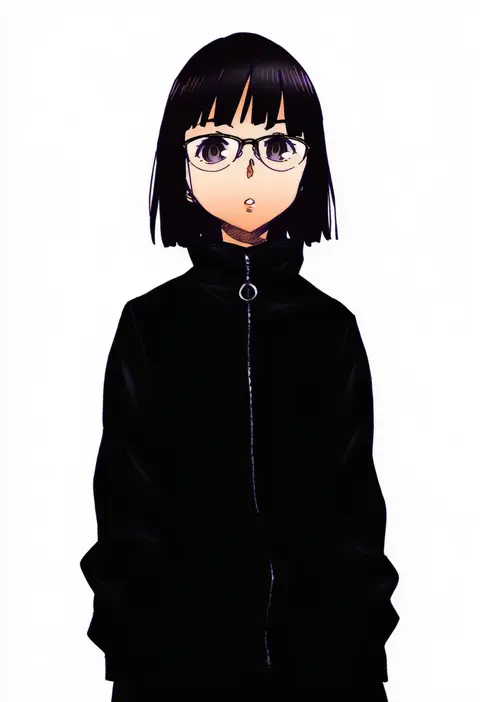
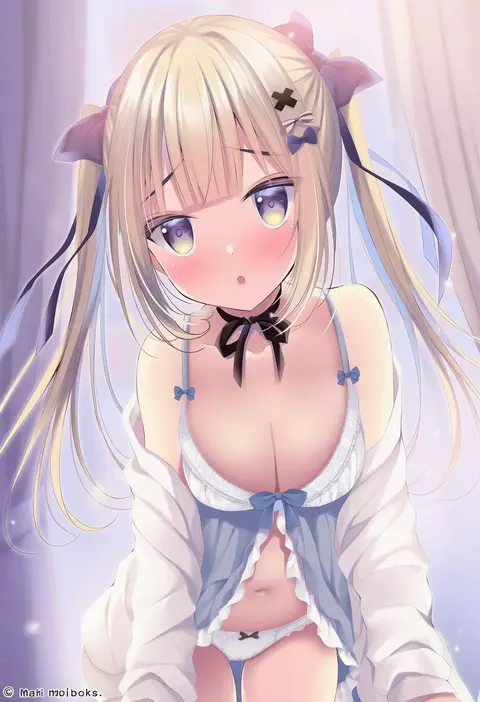
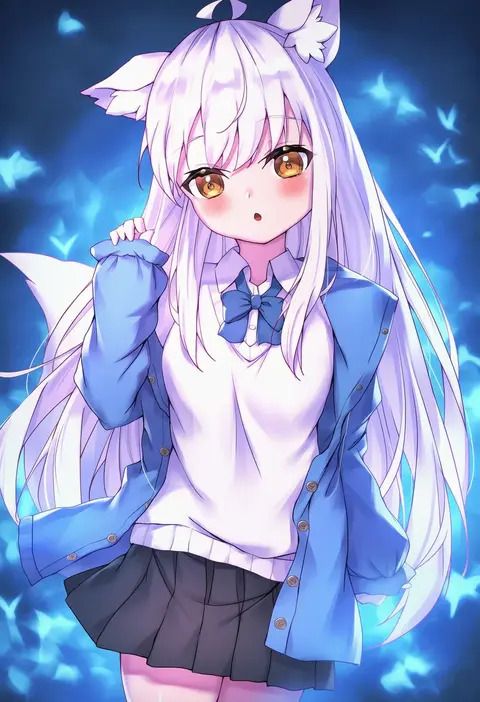
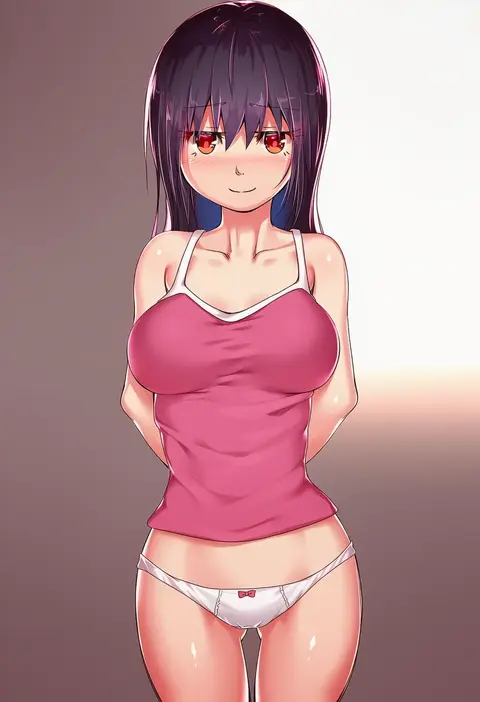
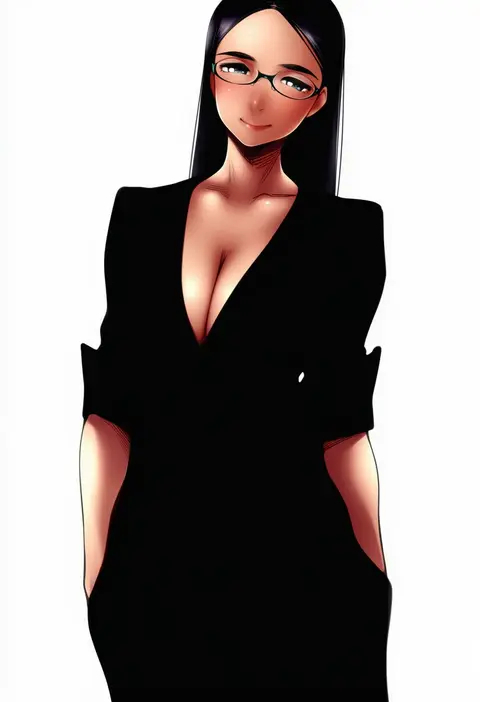
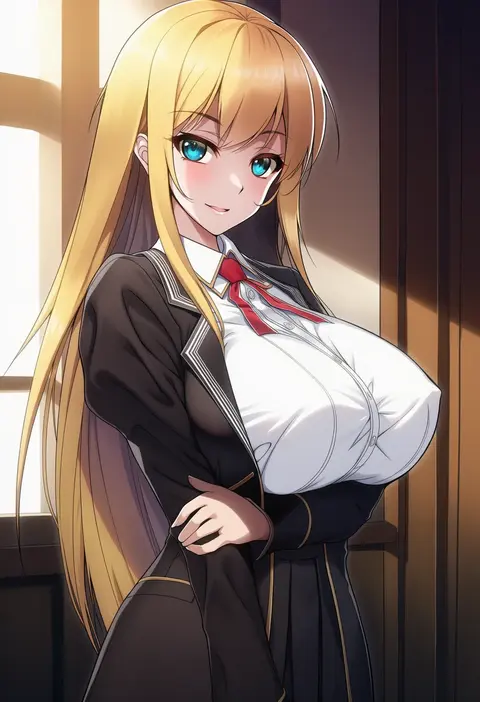
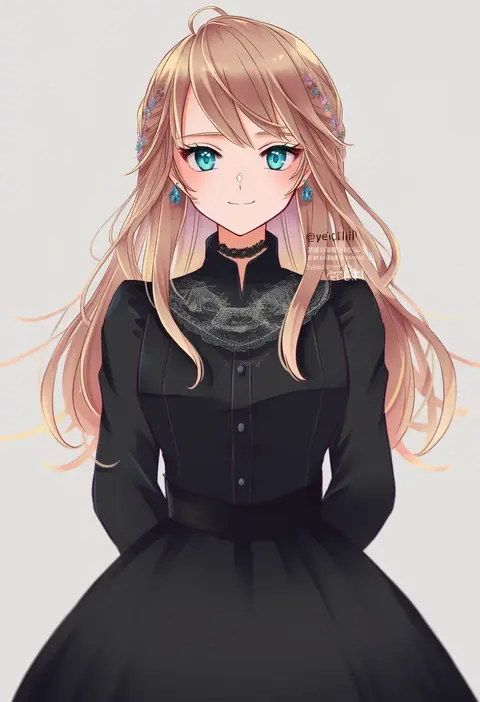
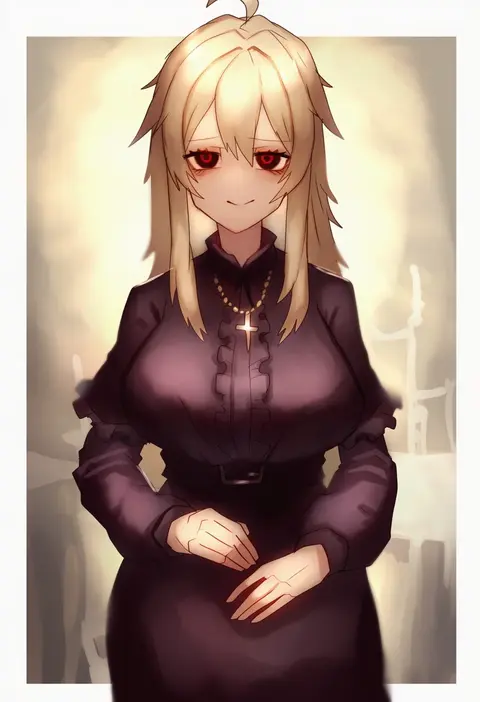
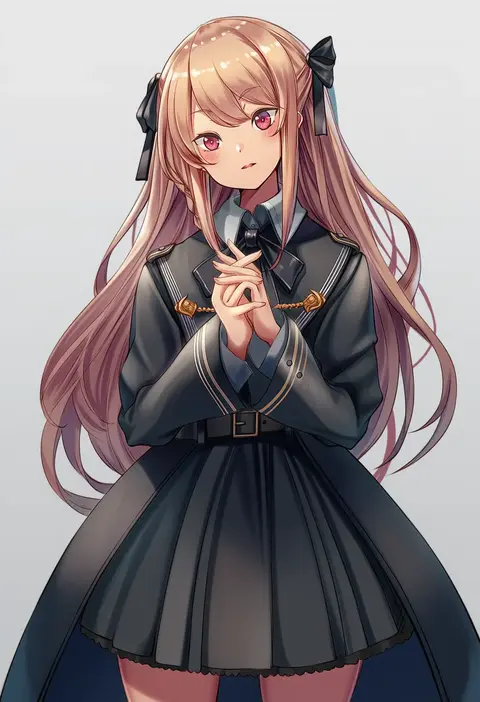
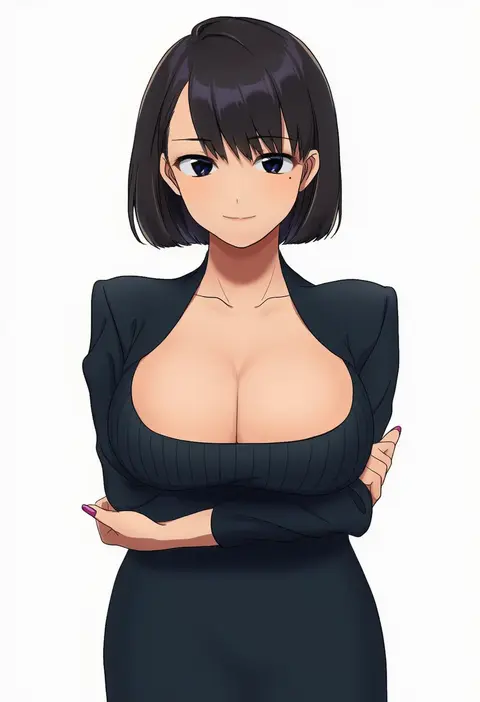
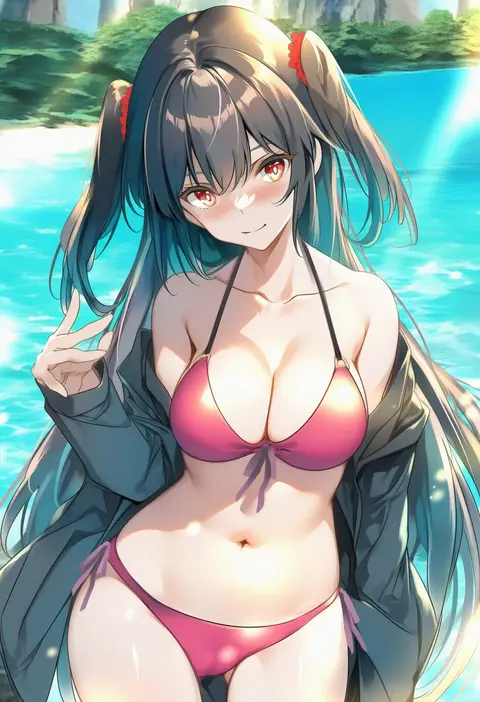
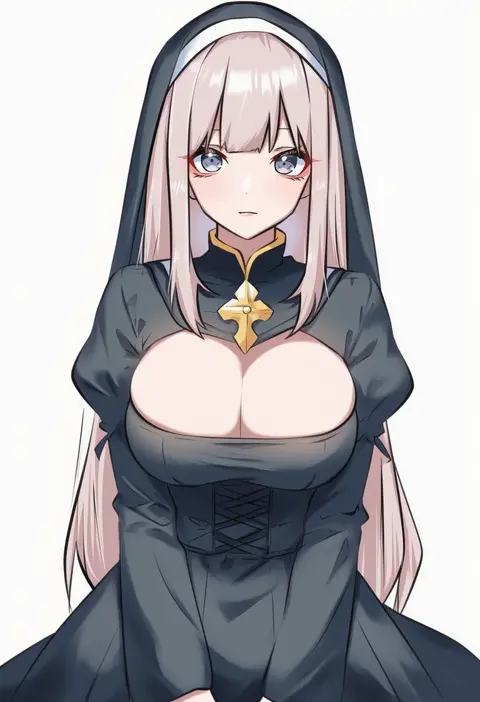
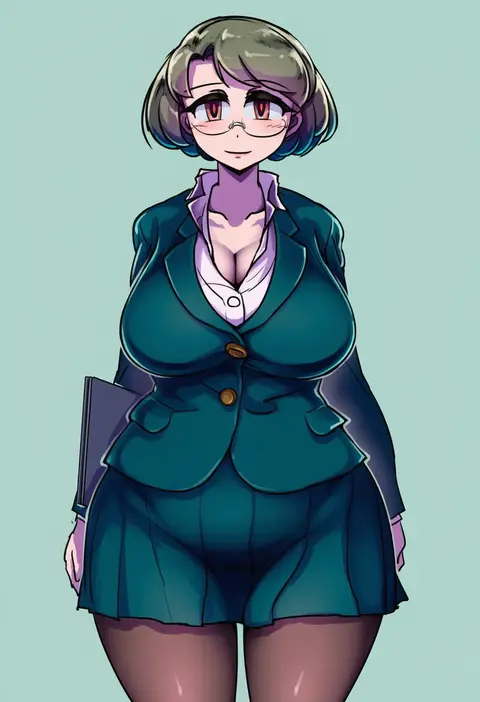
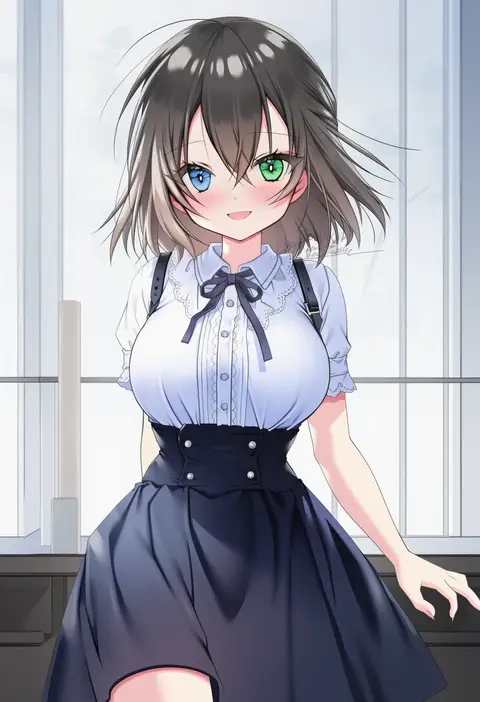
Every tag listed here is verified to react in NovelAI. All images use the same prompt, seed and settings with only the artist tag swapped, so the difference between two images is the style that tag brings in.

How to use them

Put the artist tag near the front of the prompt, e.g. "<artist>, 1girl, solo, best quality, masterpiece, cowboy shot". Two or three artist tags blend styles; lower the weight with "0.8::<artist>::" when the style overpowers the character.

SCORE sorts by Danbooru's top score, POSTS by post count, FAVS by hearts on this site. Open a card to see V5 and V4.5 side by side on the same seed.

V5 vs V4.5

V5 usually lands closer to the artist's real style, and tags that did nothing on V4.5 often react on V5. V4.5 still fits older and doujin-heavy artists better. Try V5 first, fall back to V4.5.

FAQ

Where does the artist tag go?
Near the front of the prompt. Use "0.8::tag::" to adjust its weight.

Can I stack artist tags?
Yes, styles blend. Past two or three the result stops looking like anyone.

Are these the artists' own works?
No. Every image is a NovelAI sample generated from the tag.