V4.5Artists
sort: FAVS▾
▾
>
$

Popular NovelAI artist tags — V4.5

artist --count 16,352[179/273]
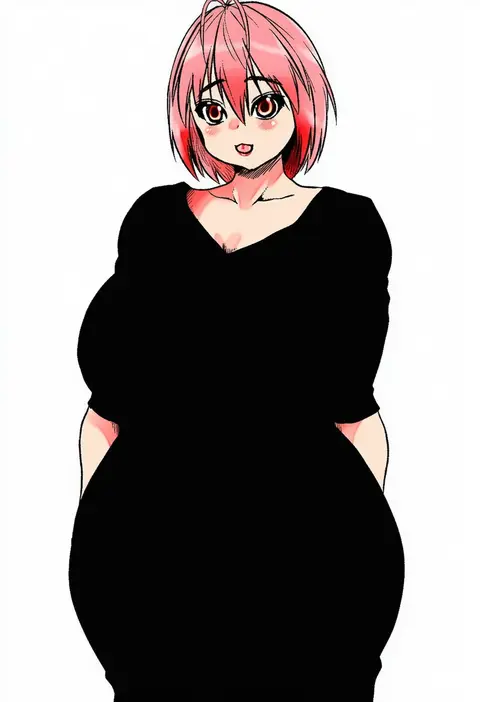
isna (footprintsofisna)
ARTIST0x29B8
0
skade
ARTIST0x29B9
0
yu-ves
ARTIST0x29BA
0
hetareeji
ARTIST0x29BB
0
kuwada yuuki
ARTIST0x29BC
0
matayoshi
ARTIST0x29BD
0
komimiyako
ARTIST0x29BE
0
genya (genya67)
ARTIST0x29BF
0
rexlent
ARTIST0x29C0
0
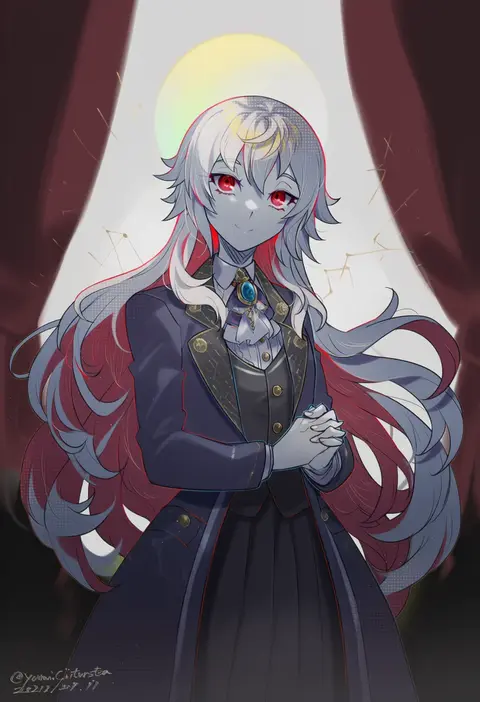
youmicitrustea
ARTIST0x29C1
0
siw0n
ARTIST0x29C2
0
hamico
ARTIST0x29C3
0
kuraki
ARTIST0x29C4
0
natsuki (natukituki)
ARTIST0x29C5
0
yamanakaume
ARTIST0x29C6
0
brandkojo
ARTIST0x29C7
0
kureta (nikogori)
ARTIST0x29C8
0
mikan-uji
ARTIST0x29C9
0
yukke
ARTIST0x29CA
0
nuudoru
ARTIST0x29CB
0
ocha (ochappie)
ARTIST0x29CC
0
shiromaru (maniado)
ARTIST0x29CD
0
suzu (tg 390)
ARTIST0x29CE
0
shinomiya shino (sinosino141)
ARTIST0x29CF
0
toyota saori
ARTIST0x29D0
0
fragir
ARTIST0x29D1
0
kana (user rkuc4823)
ARTIST0x29D2
0
absolum art
ARTIST0x29D3
0
chuzenji
ARTIST0x29D4
0
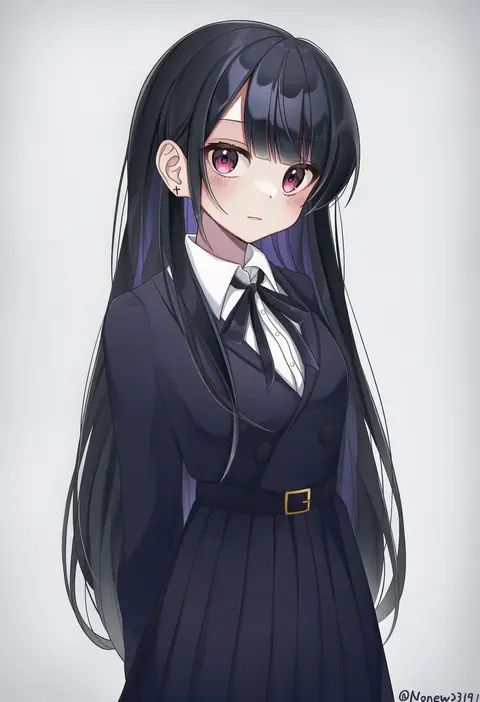
noneon319
ARTIST0x29D5
0
tomomimi shimon
ARTIST0x29D6
0
sugamo
ARTIST0x29D7
0
imaishi hiroyuki
ARTIST0x29D8
0
kobutanori
ARTIST0x29D9
0
yamato damashi
ARTIST0x29DA
0
piaki
ARTIST0x29DB
0
matsuno canel
ARTIST0x29DC
0
yuuma (u-ma)
ARTIST0x29DD
0
meowwniz
ARTIST0x29DE
0
ashino
ARTIST0x29DF
0
iku2727
ARTIST0x29E0
0
mushoku loli
ARTIST0x29E1
0
shiratama (siratama ll)
ARTIST0x29E2
0
hachita (odangoya)
ARTIST0x29E3
0
ria (rilpoppo)
ARTIST0x29E4
0
kouno hikaru
ARTIST0x29E5
0
aikawa ryou
ARTIST0x29E6
0
peroponesosu.
ARTIST0x29E7
0
yuizaki kazuya
ARTIST0x29E8
0
chata maru (irori sabou)
ARTIST0x29E9
0
nakayama miyuki
ARTIST0x29EA
0
hiyori (rindou66)
ARTIST0x29EB
0
harukaze unipo
ARTIST0x29EC
0
akakage red
ARTIST0x29ED
0
hinami047
ARTIST0x29EE
0
abe yoshitoshi
ARTIST0x29EF
0
toriyama akira
ARTIST0x29F0
0
maki (natoriumu)
ARTIST0x29F1
0
sui. (ayase)
ARTIST0x29F2
0
benio (dontsugel)
ARTIST0x29F3
0

What these tags change

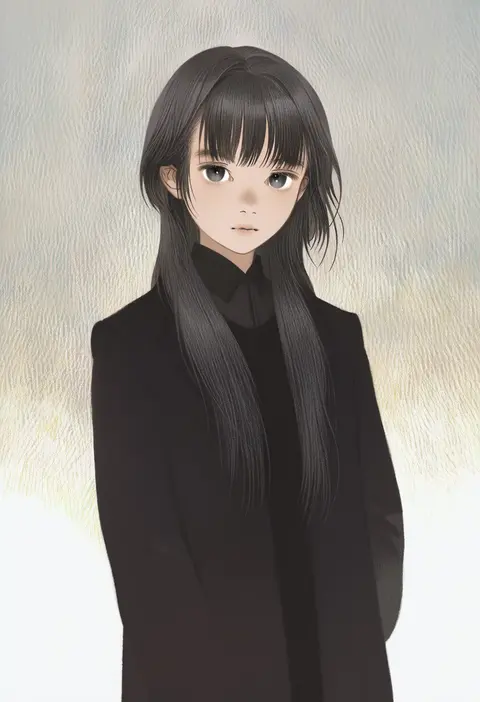
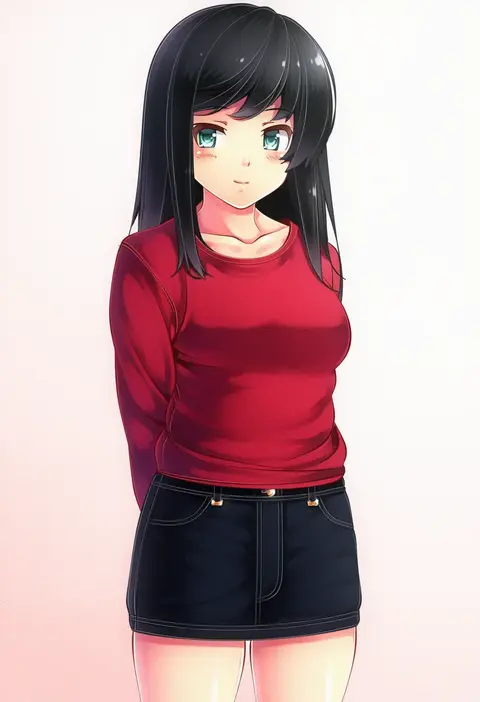
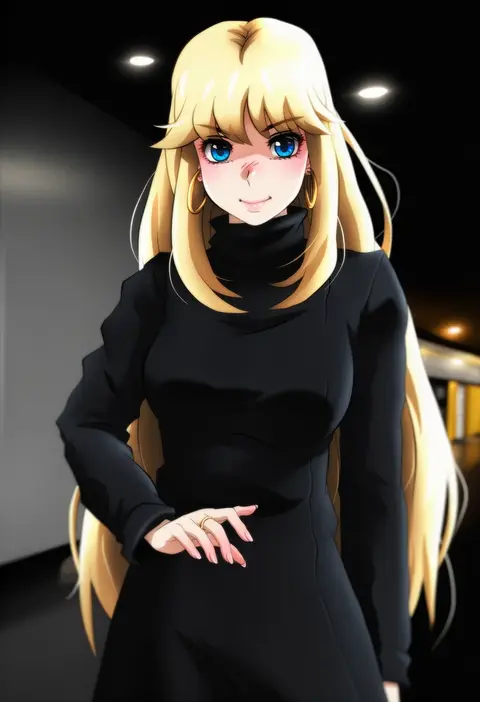
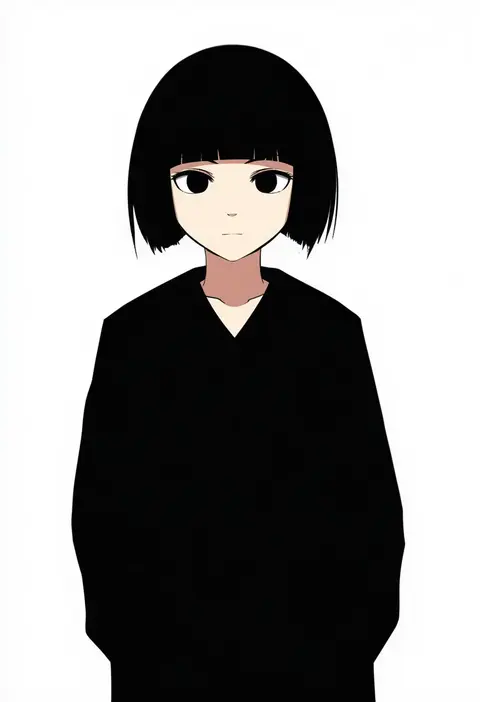
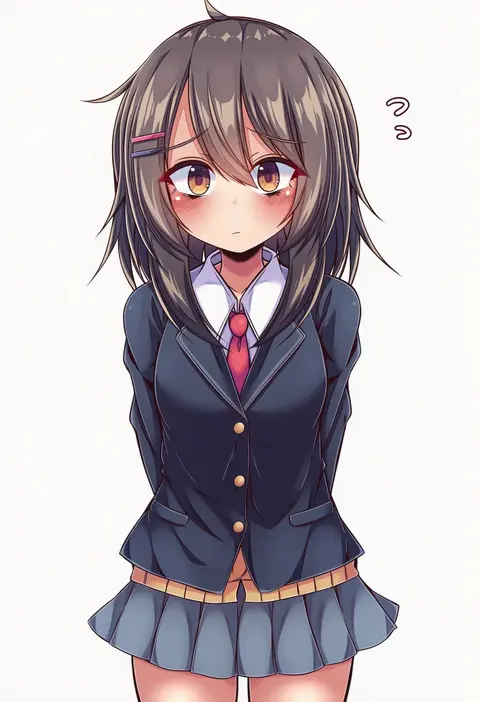
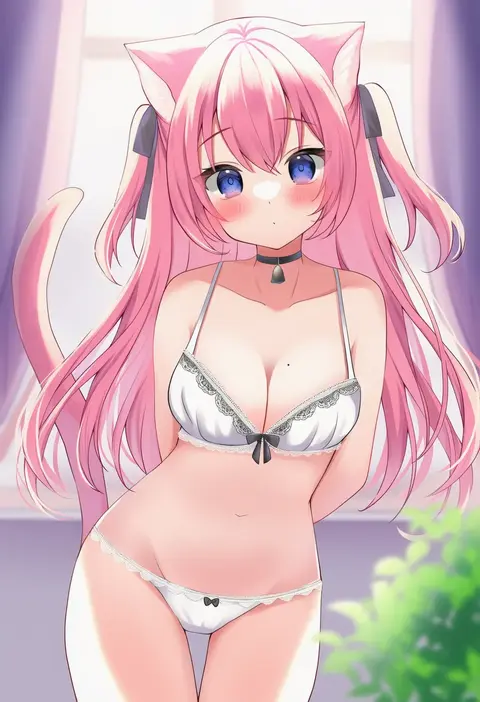
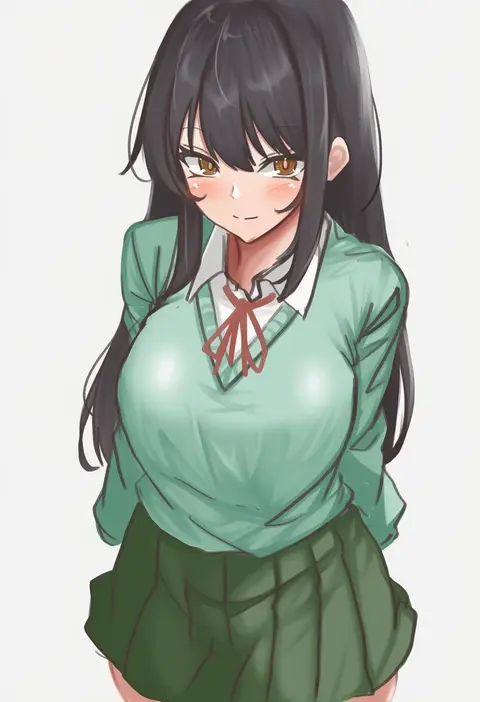
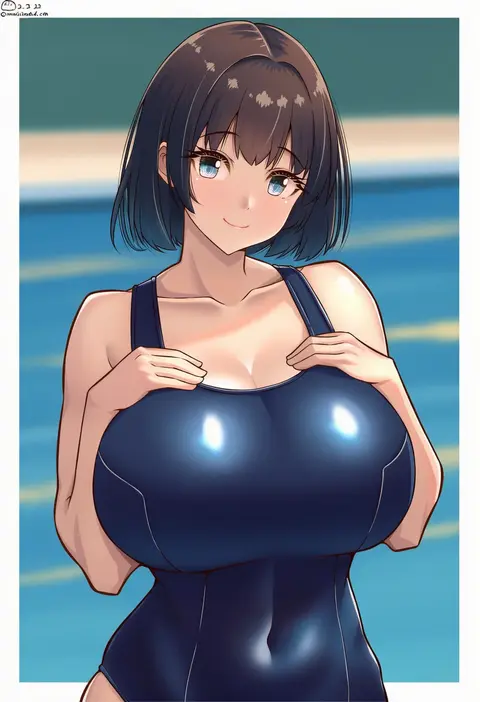
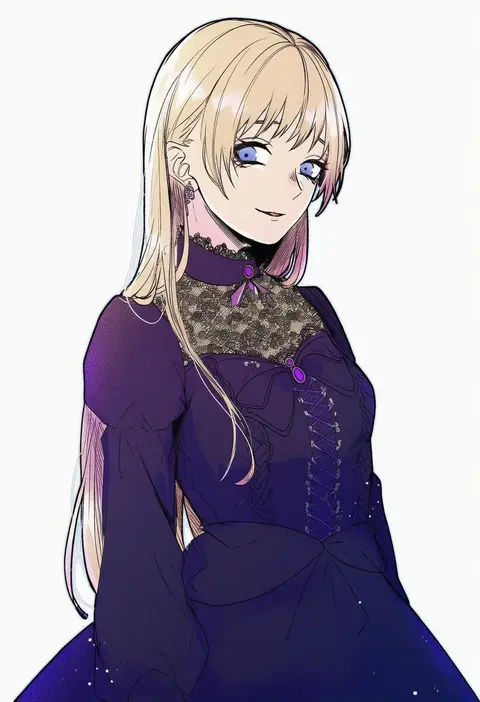
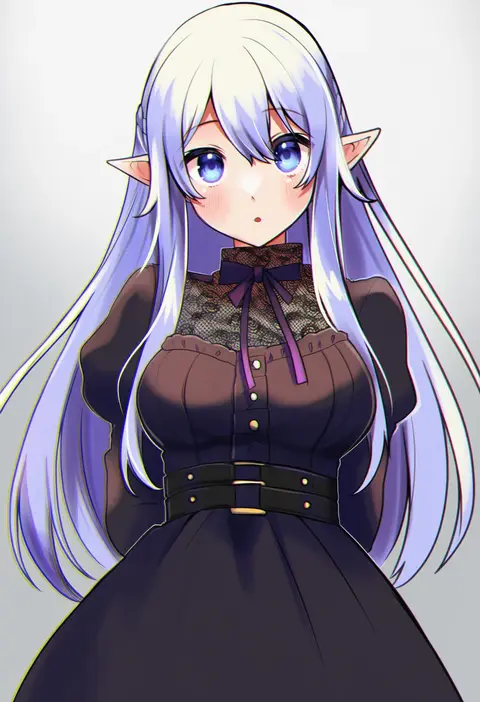
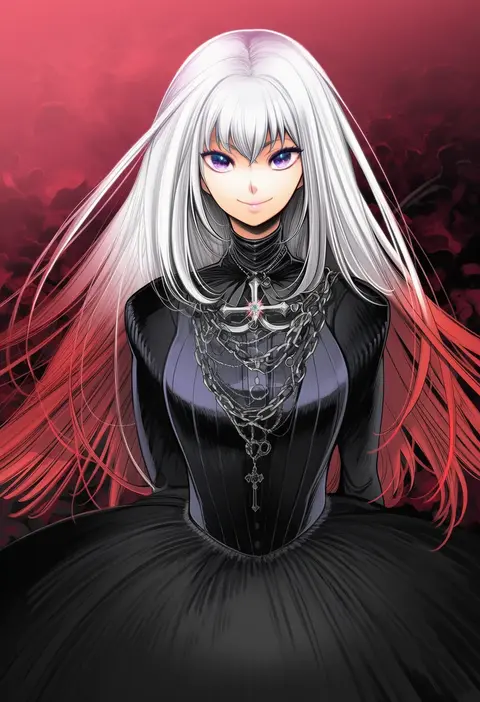
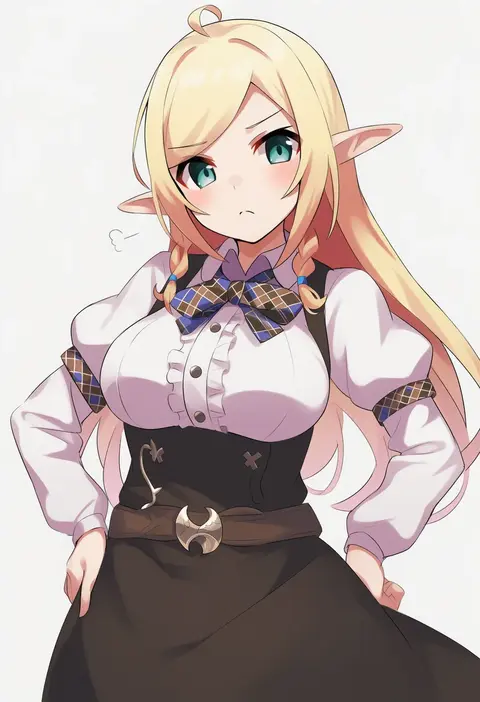
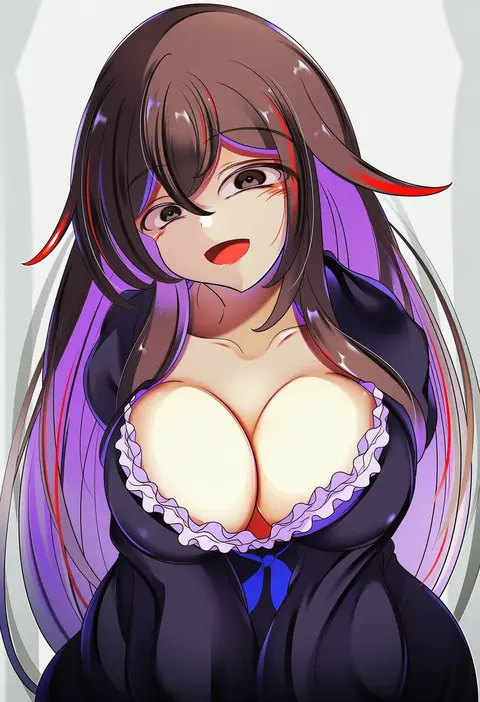
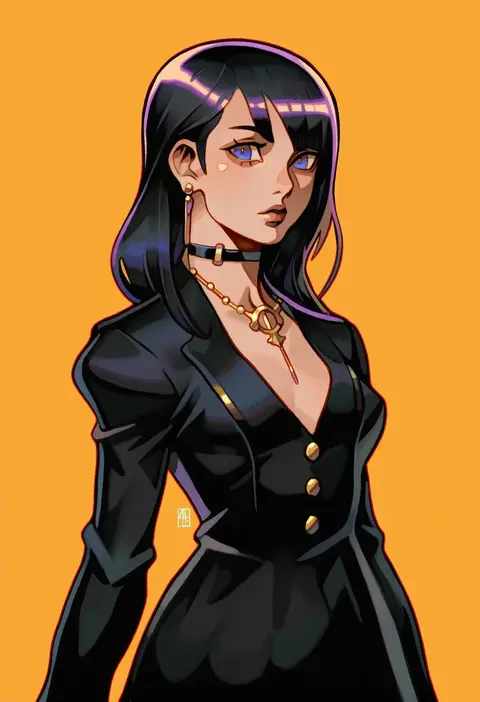
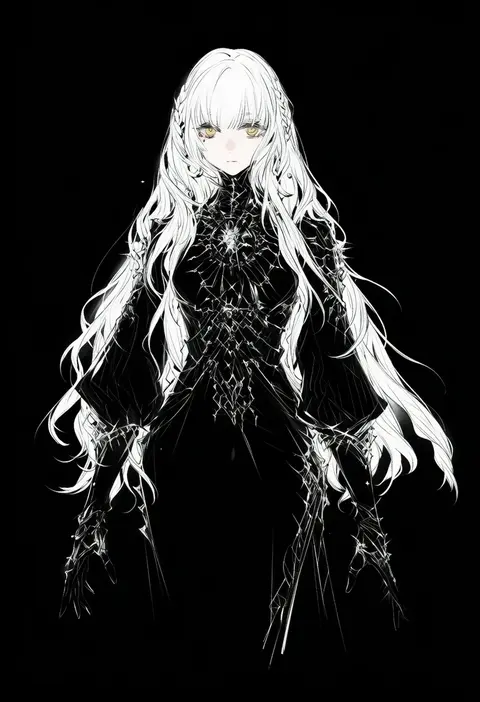
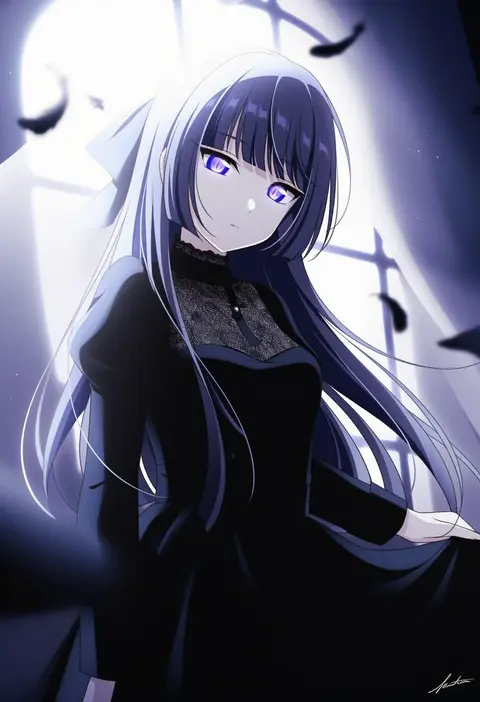
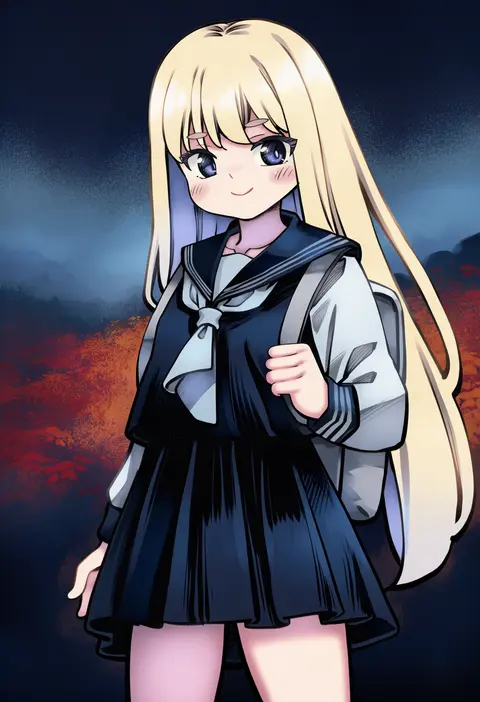
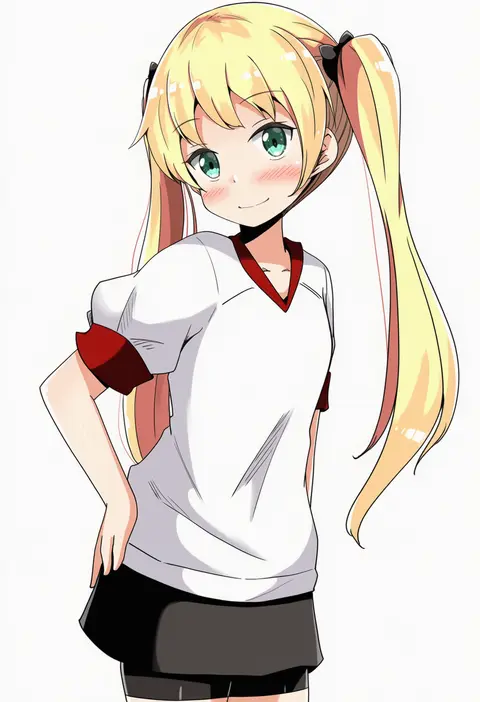
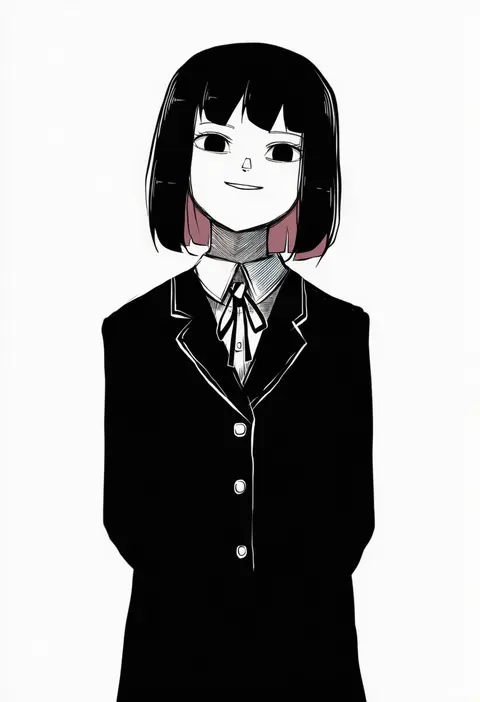
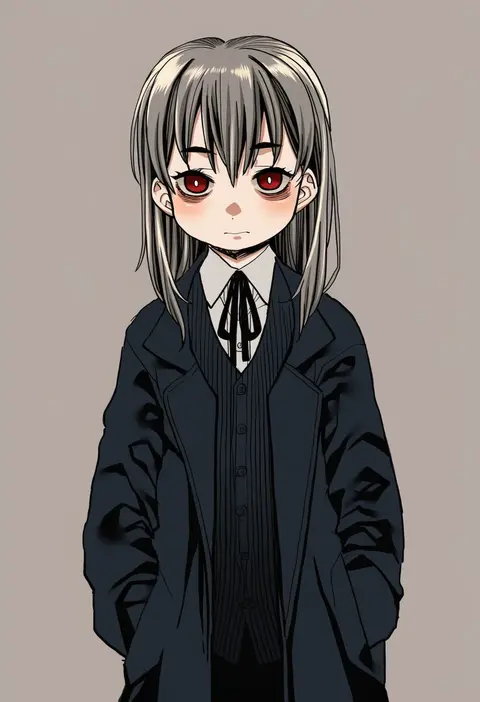
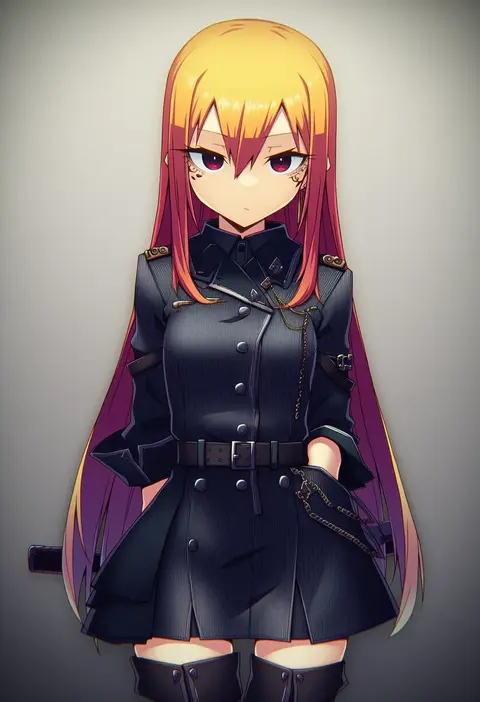
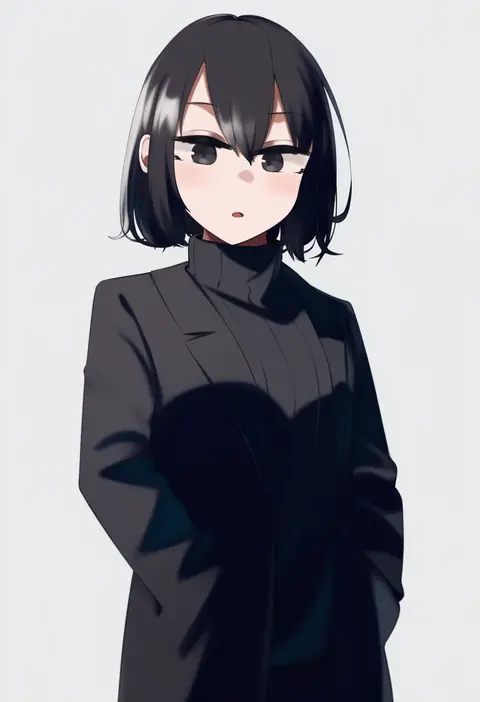
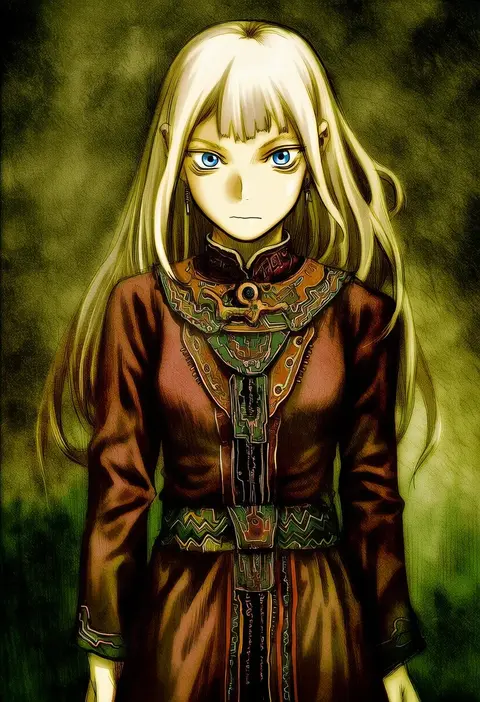
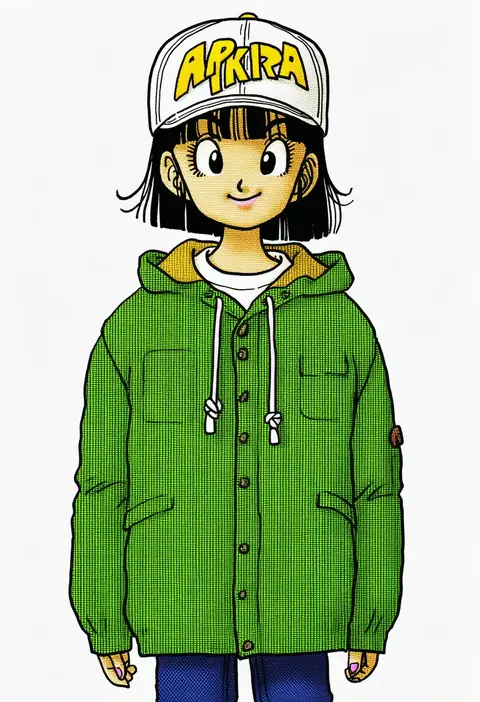
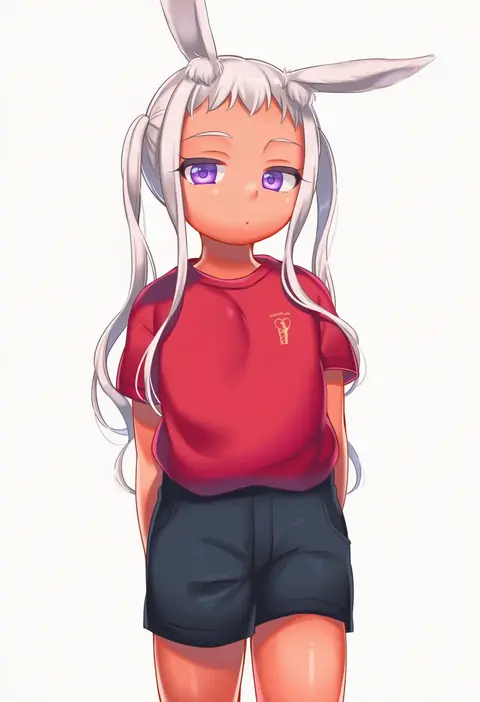
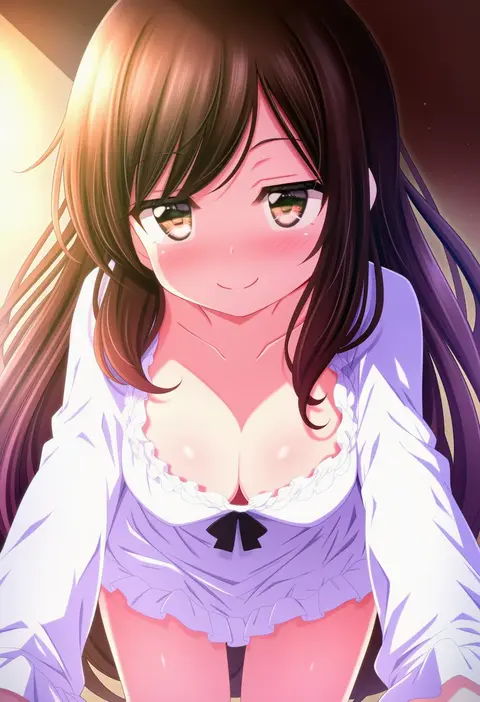
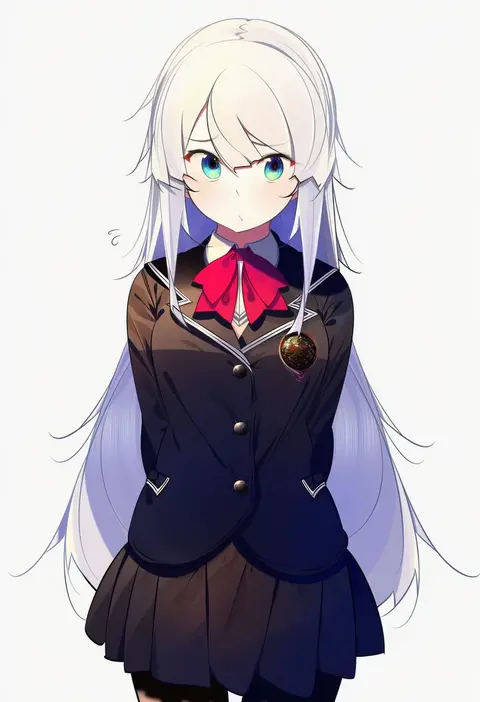
Artist tags tell NovelAI Diffusion to draw in a specific artist's style: line weight, paint texture, face shapes and palette all shift at once. Character and outfit tags decide what is drawn; artist tags decide how. 16,352 tags are listed for V4.5.
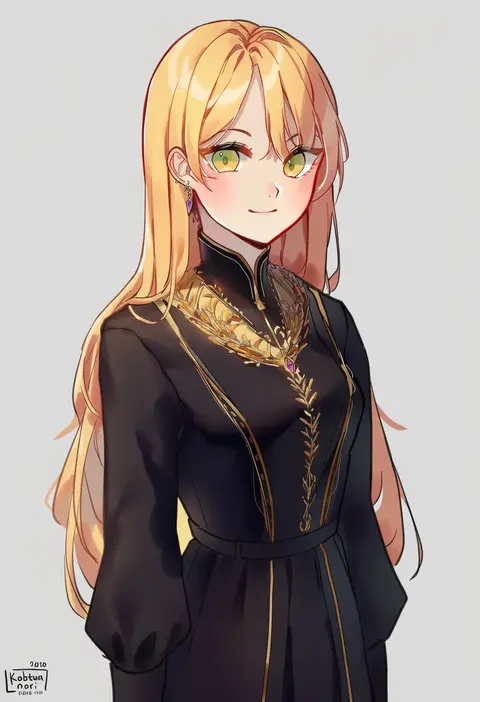
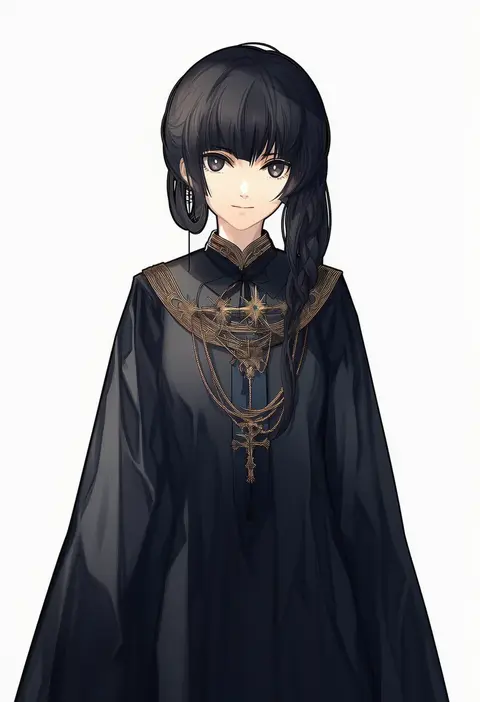
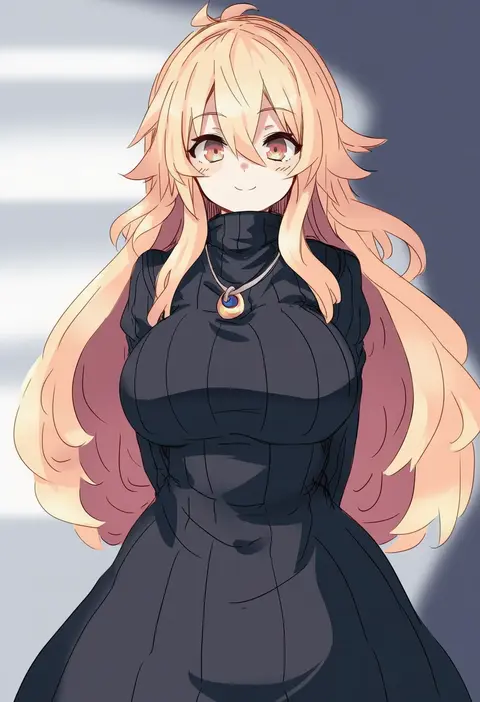
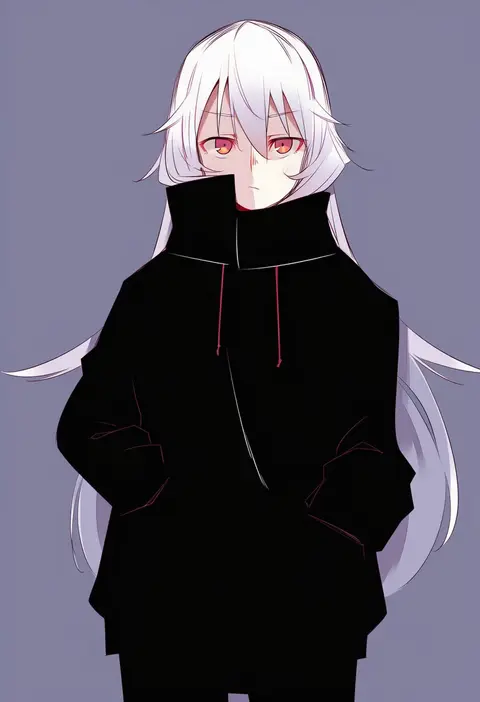
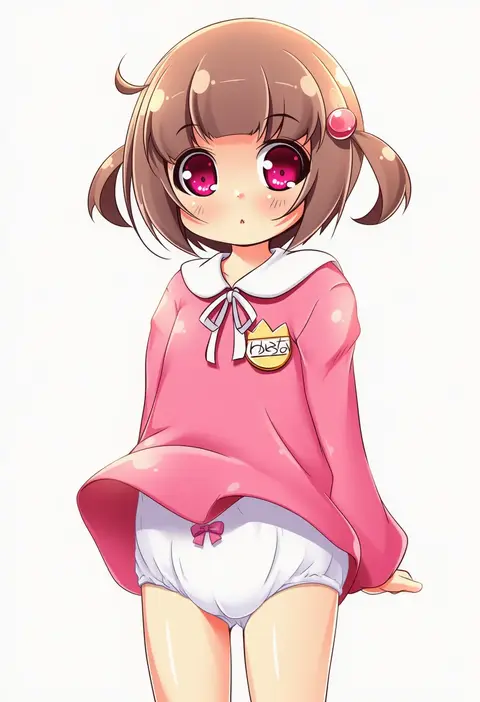
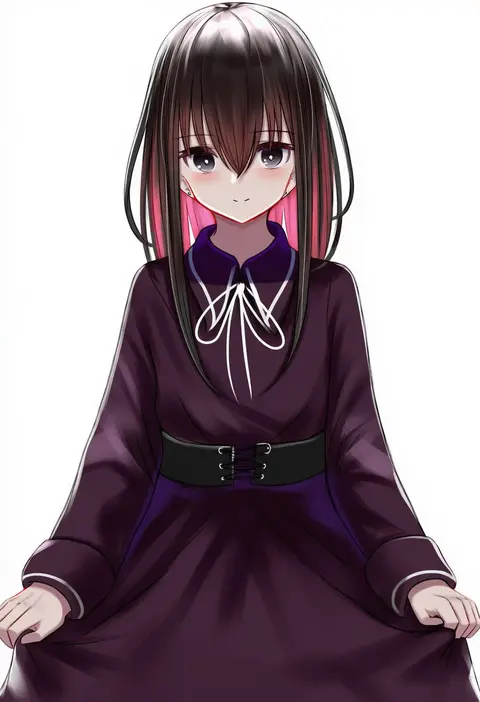
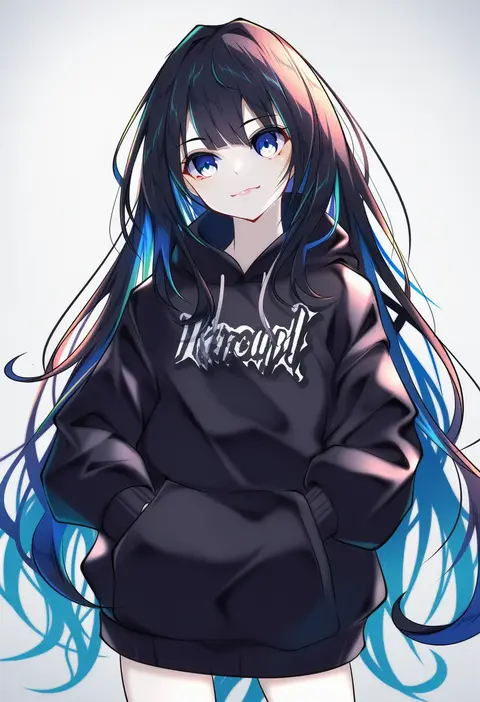
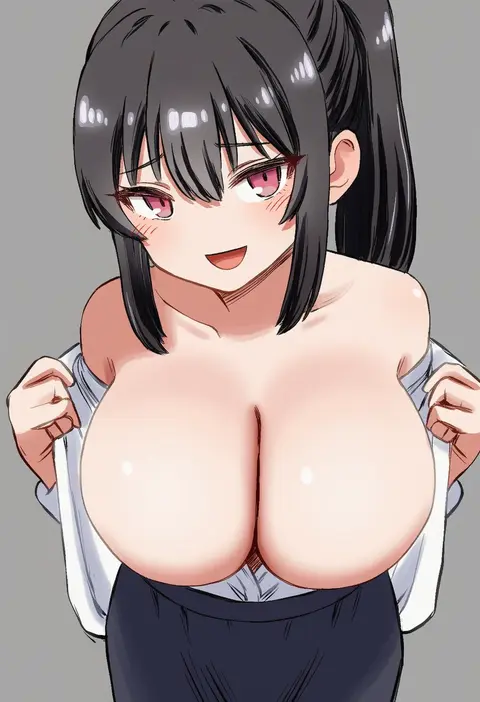
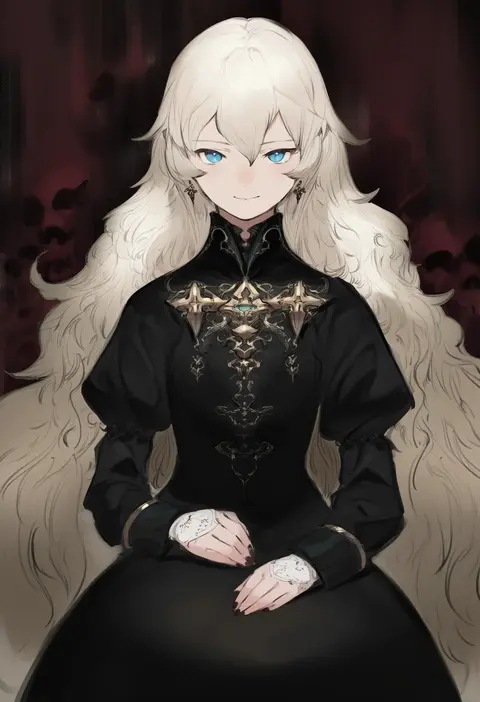
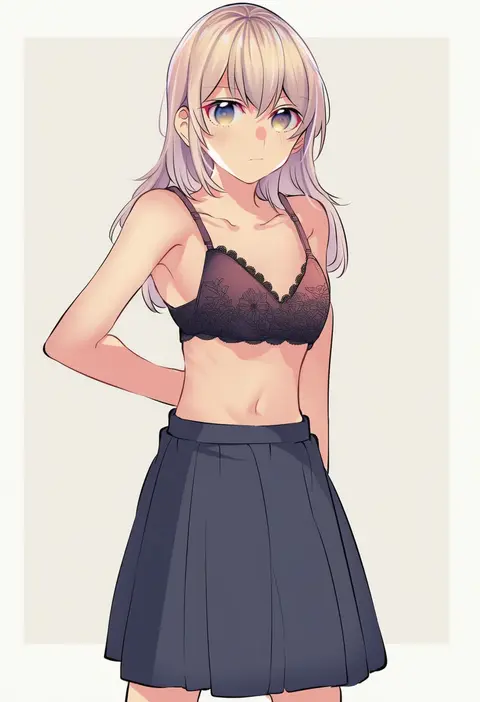
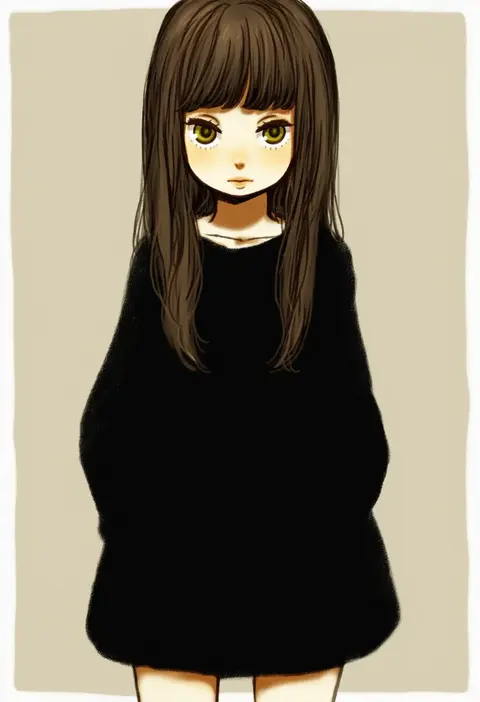
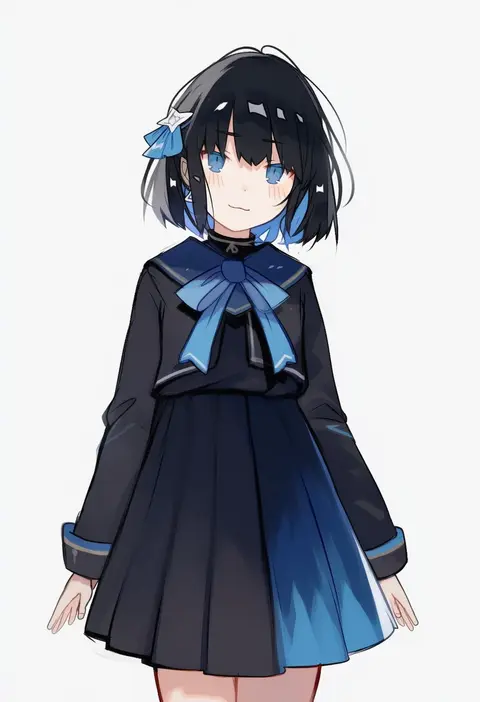
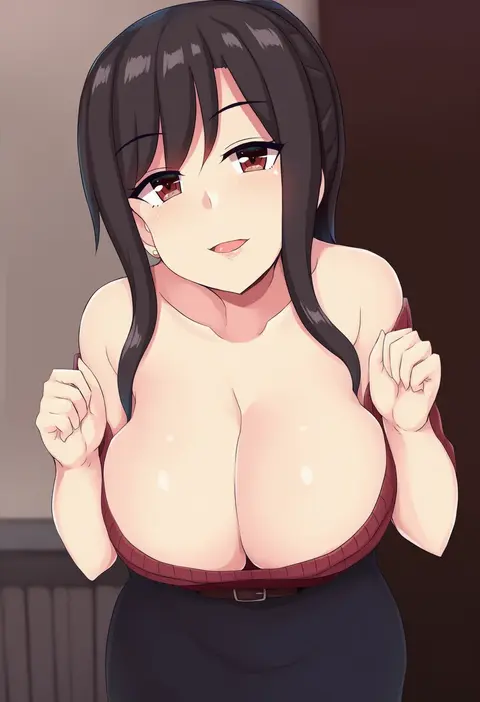
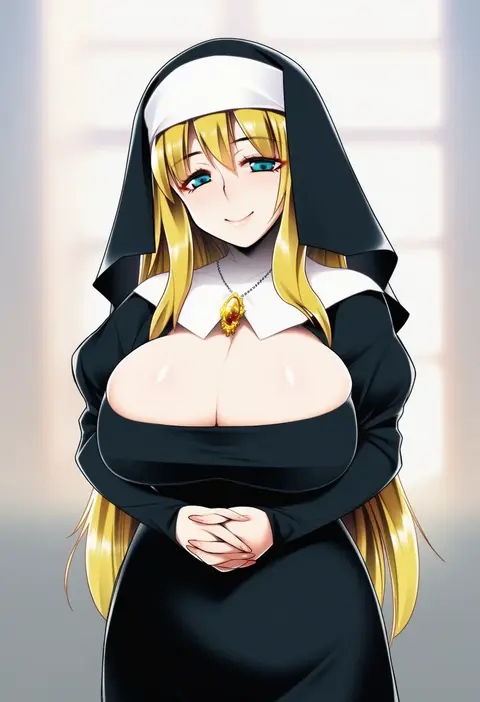
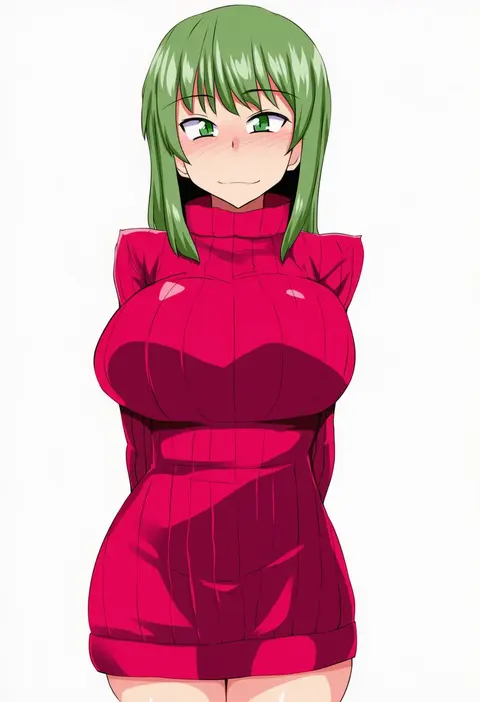
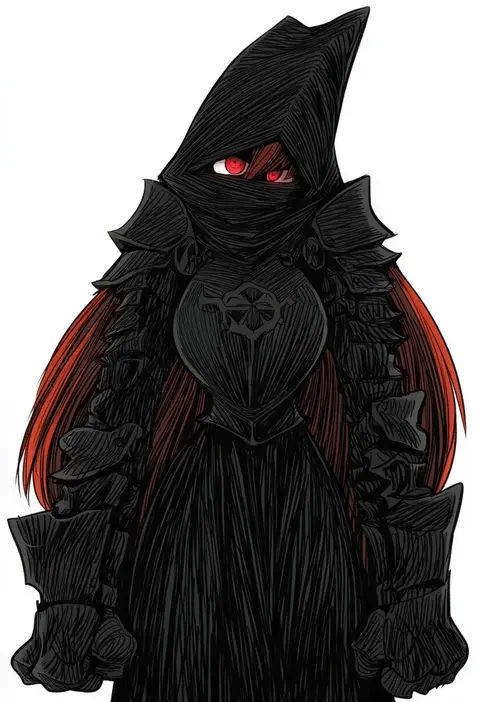
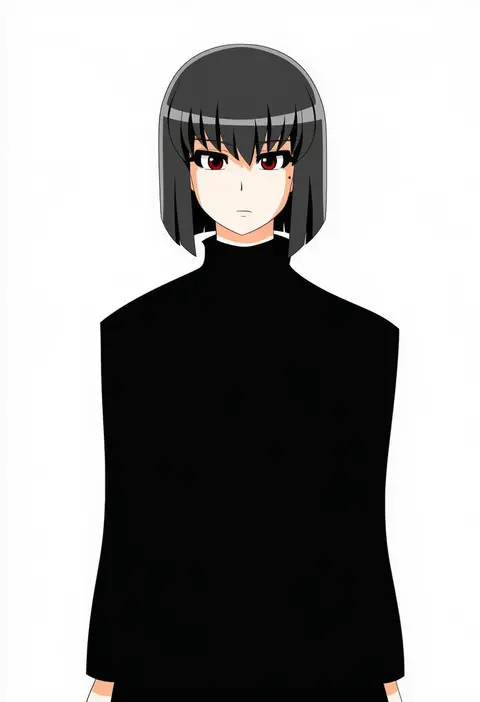
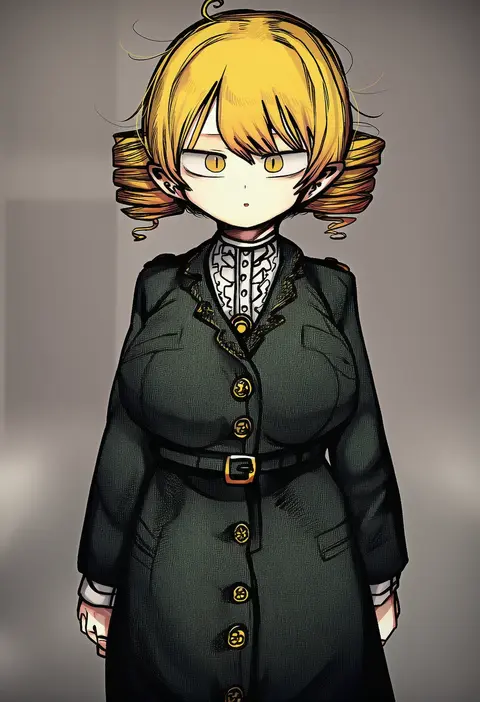
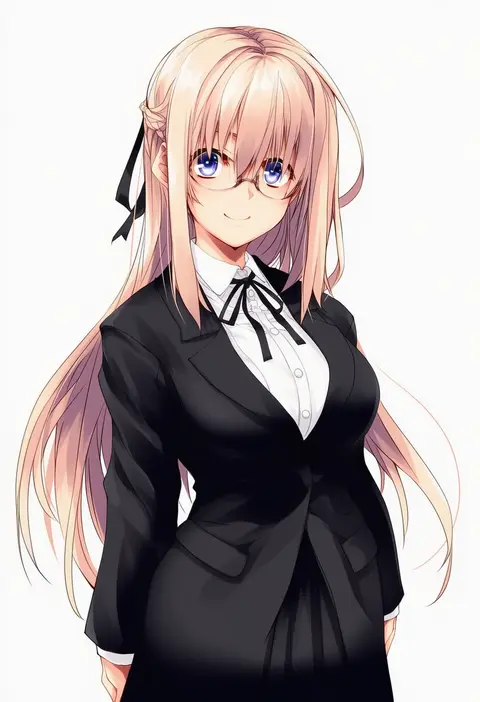
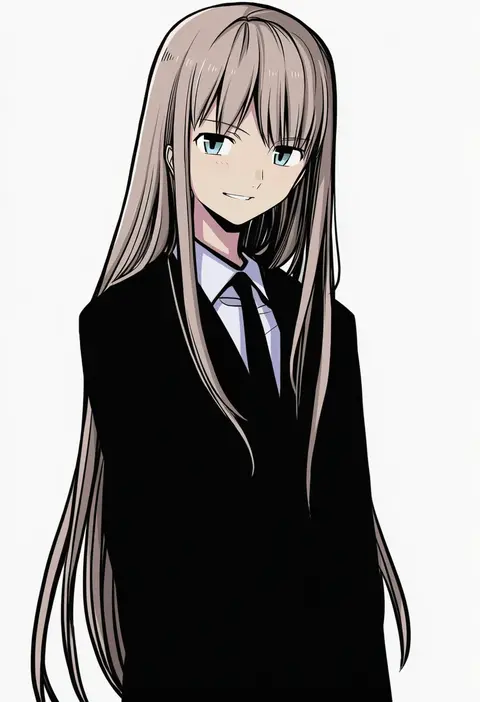
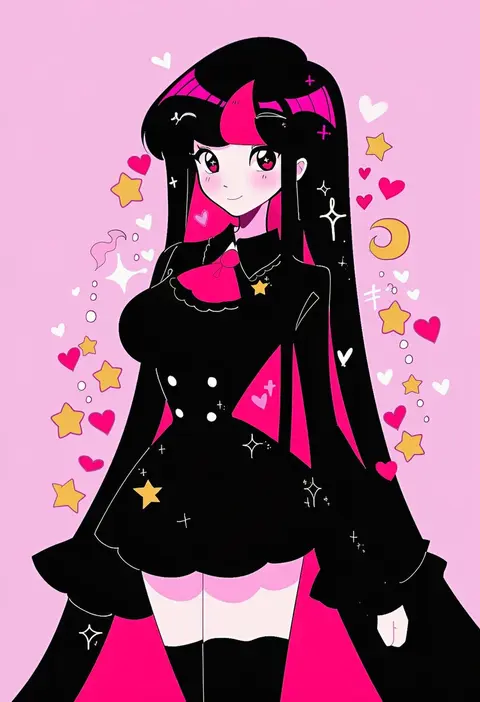
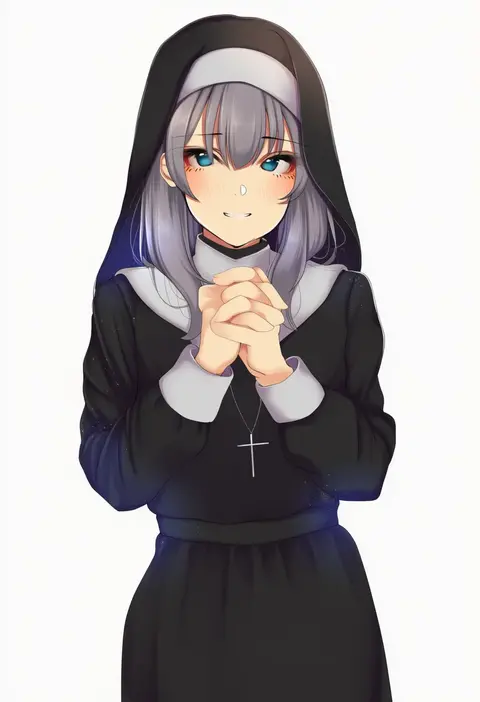
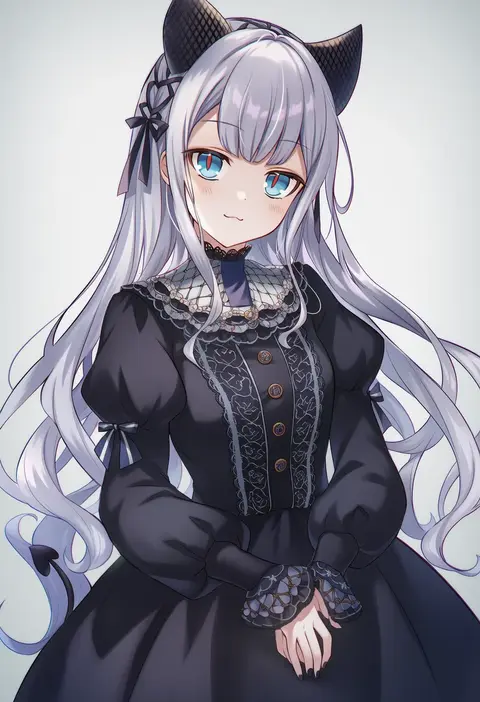
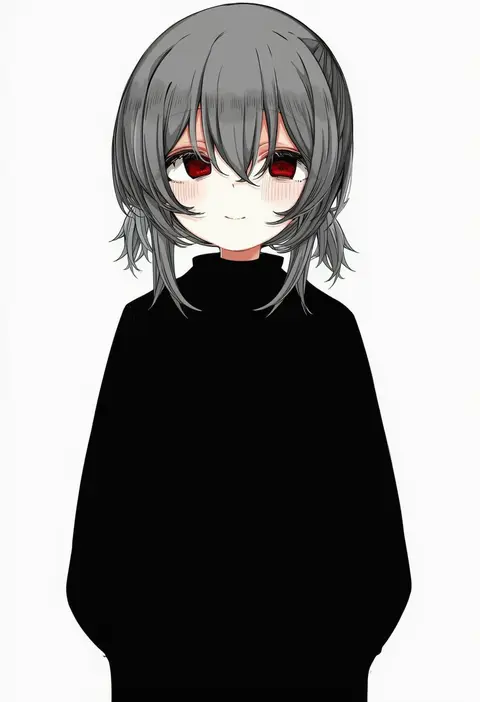
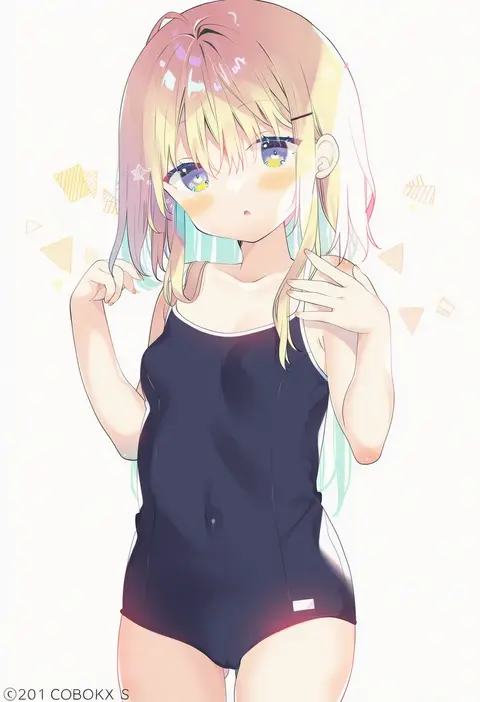
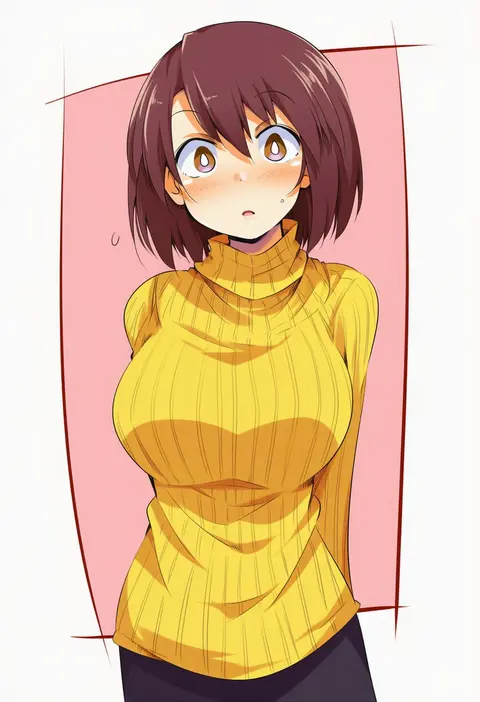
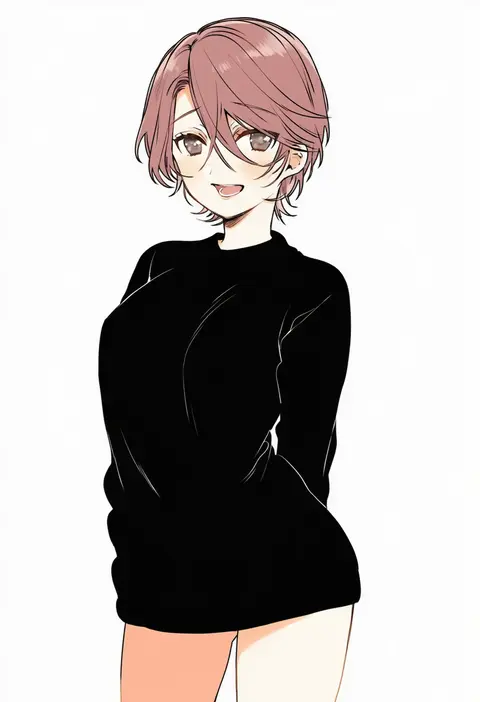
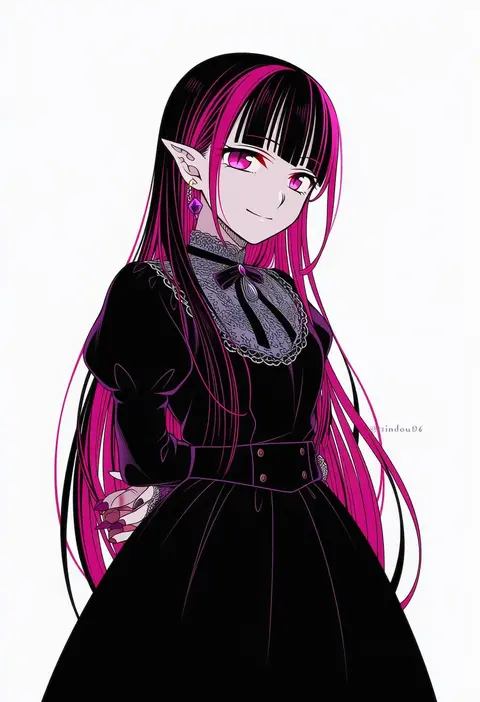
Every tag listed here is verified to react in NovelAI. All images use the same prompt, seed and settings with only the artist tag swapped, so the difference between two images is the style that tag brings in.

How to use them

Put the artist tag near the front of the prompt, e.g. "<artist>, 1girl, solo, best quality, masterpiece, cowboy shot". Two or three artist tags blend styles; lower the weight with "0.8::<artist>::" when the style overpowers the character.

SCORE sorts by Danbooru's top score, POSTS by post count, FAVS by hearts on this site. Open a card to see V5 and V4.5 side by side on the same seed.

V5 vs V4.5

V5 usually lands closer to the artist's real style, and tags that did nothing on V4.5 often react on V5. V4.5 still fits older and doujin-heavy artists better. Try V5 first, fall back to V4.5.

FAQ

Where does the artist tag go?
Near the front of the prompt. Use "0.8::tag::" to adjust its weight.

Can I stack artist tags?
Yes, styles blend. Past two or three the result stops looking like anyone.

Are these the artists' own works?
No. Every image is a NovelAI sample generated from the tag.