V4.5Artists
sort: FAVS▾
▾
>
$

Popular NovelAI artist tags — V4.5

artist --count 16,352[260/273]
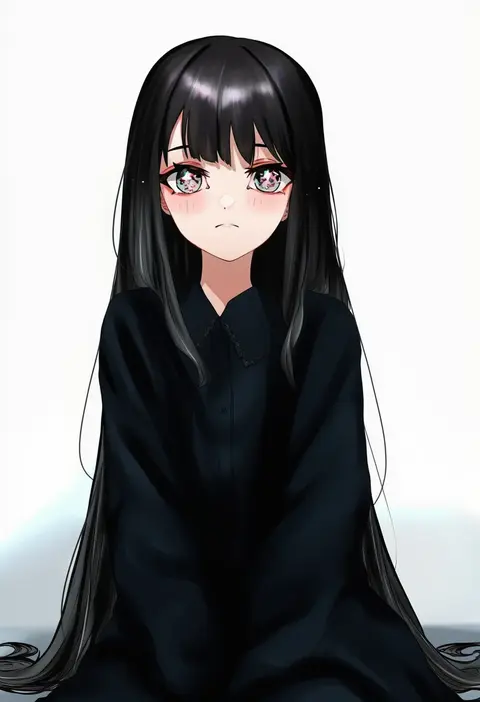
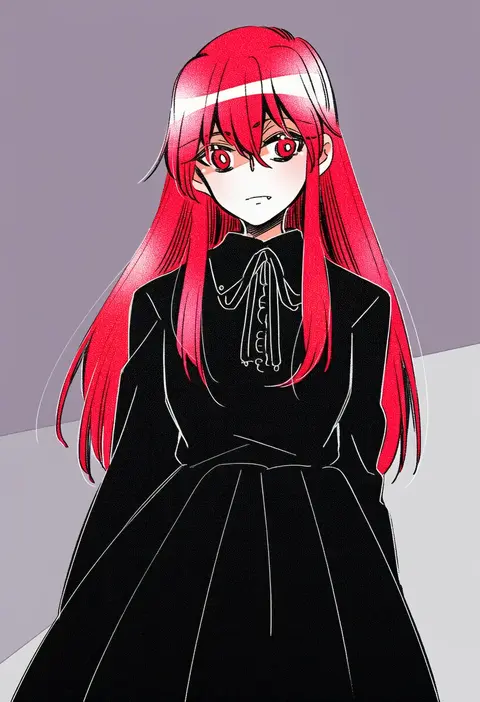
jin (oihlf)
ARTIST0x3CB4
0
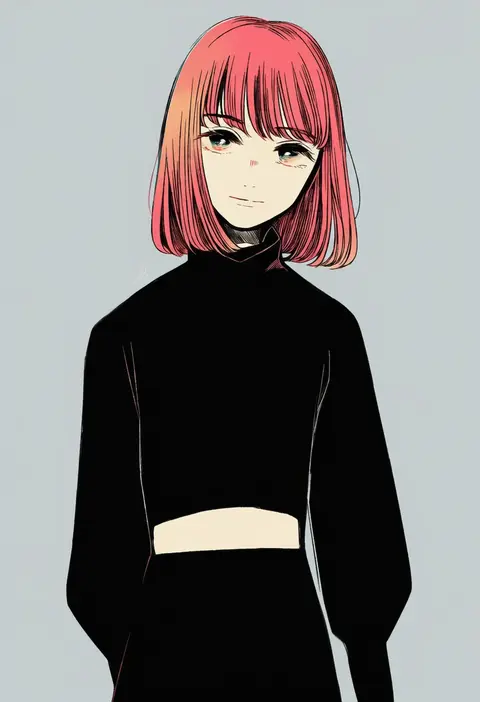
berry jou
ARTIST0x3CB5
0
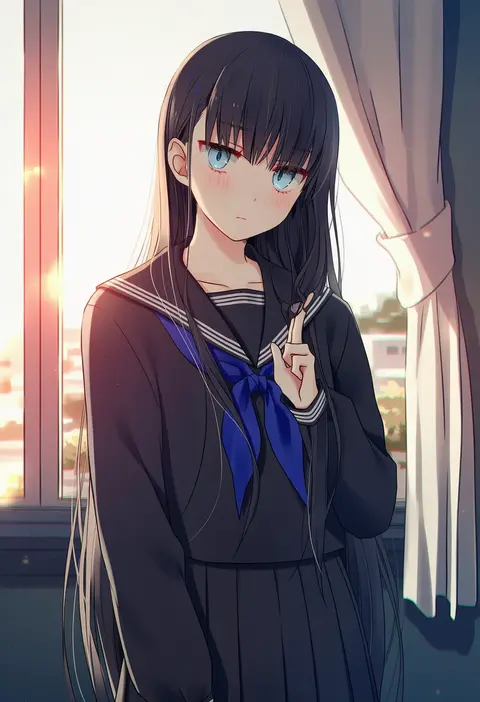
kuga tsukasa
ARTIST0x3CB6
0
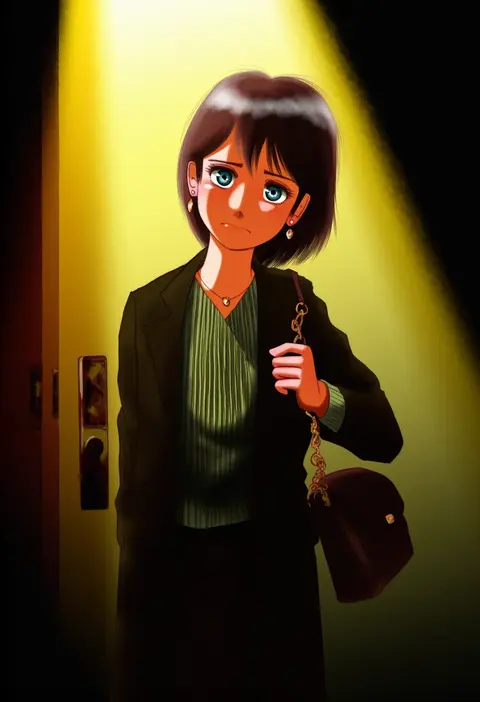
mezashi (mezamashi set)
ARTIST0x3CB7
0
2-butani
ARTIST0x3CB8
0
harvest fes
ARTIST0x3CB9
0
cottontailtokki
ARTIST0x3CBA
0
pinoli (pinoli66)
ARTIST0x3CBB
0
futami yayoi
ARTIST0x3CBC
0
maakun (makun dx)
ARTIST0x3CBD
0
katou (osoraku)
ARTIST0x3CBE
0
nyagakiya
ARTIST0x3CBF
0
kokura masashi
ARTIST0x3CC0
0
sorato (astllatte)
ARTIST0x3CC1
0
richard-kun
ARTIST0x3CC2
0
natsumekinoko
ARTIST0x3CC3
0
chutohampa
ARTIST0x3CC4
0
kani aruki (bucket crawl)
ARTIST0x3CC5
0
shishinon
ARTIST0x3CC6
0
sekijaku
ARTIST0x3CC7
0
azu torako
ARTIST0x3CC8
0
tokitsu sousaku
ARTIST0x3CC9
0
tobi (discharge cycle)
ARTIST0x3CCA
0
cocoperino
ARTIST0x3CCB
0
lemonade kokoi
ARTIST0x3CCC
0
kashiwadokoro
ARTIST0x3CCD
0
butter (oshi8kyoumoh)
ARTIST0x3CCE
0
maku-raku
ARTIST0x3CCF
0
uewtsol
ARTIST0x3CD0
0
sskitaco
ARTIST0x3CD1
0
uninori
ARTIST0x3CD2
0
yuu (yuyukaikan)
ARTIST0x3CD3
0
haishiba ame
ARTIST0x3CD4
0
likey
ARTIST0x3CD5
0
yuuno (yukioka)
ARTIST0x3CD6
0
tatsuno newo
ARTIST0x3CD7
0
yi xing luren
ARTIST0x3CD8
0
imay3927
ARTIST0x3CD9
0
su (sajo su5)
ARTIST0x3CDA
0
kokono coco
ARTIST0x3CDB
0
ikei
ARTIST0x3CDC
0
kuro nezumi inu
ARTIST0x3CDD
0
teletelo
ARTIST0x3CDE
0
foreign blue
ARTIST0x3CDF
0
futaba hazuki
ARTIST0x3CE0
0
zukki (suzukio)
ARTIST0x3CE1
0
greenteaa
ARTIST0x3CE2
0
tainosuke
ARTIST0x3CE3
0
wasted m9
ARTIST0x3CE4
0
kazuaki
ARTIST0x3CE5
0
robographer
ARTIST0x3CE6
0
marionette (excle)
ARTIST0x3CE7
0
yukkyon kyon
ARTIST0x3CE8
0
meiro (yuu)
ARTIST0x3CE9
0
takahashi masaki
ARTIST0x3CEA
0
fuji tsugu
ARTIST0x3CEB
0
kagome f
ARTIST0x3CEC
0
kira (kira dra)
ARTIST0x3CED
0
super-mu
ARTIST0x3CEE
0
mabataki
ARTIST0x3CEF
0

What these tags change

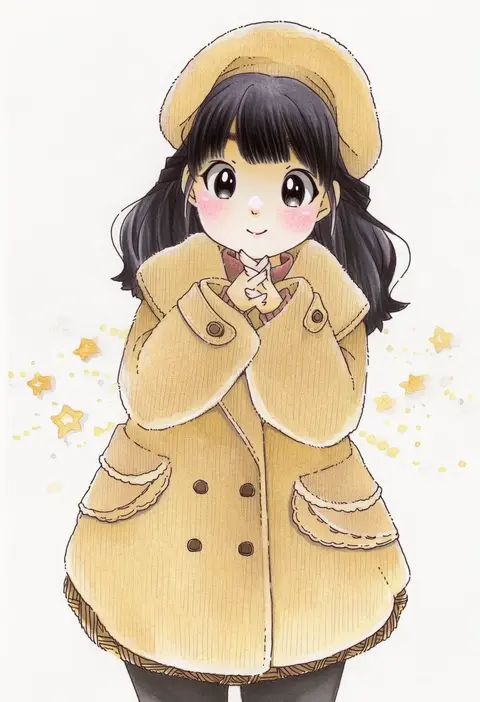
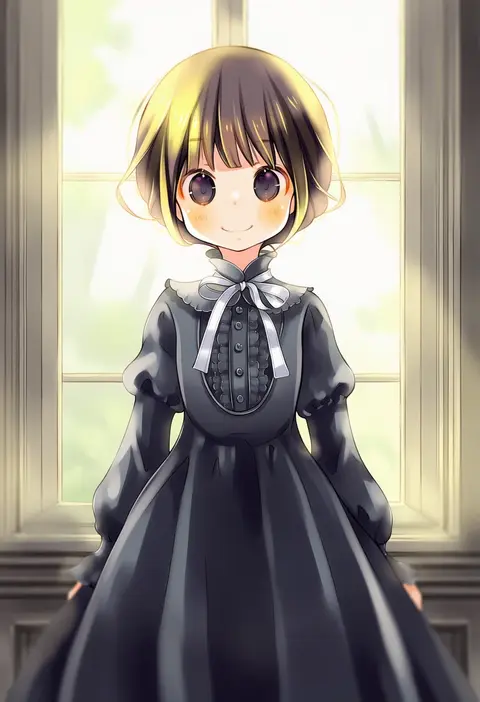
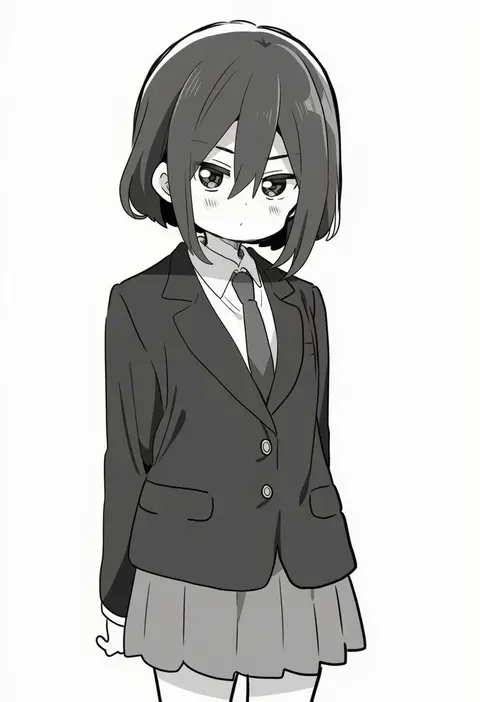
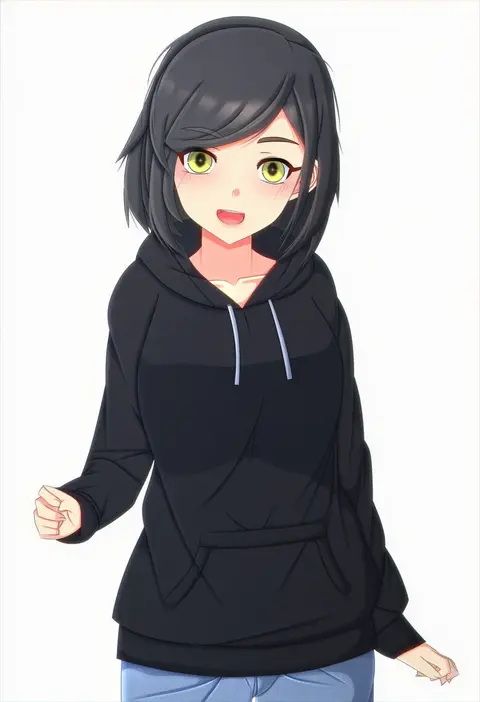
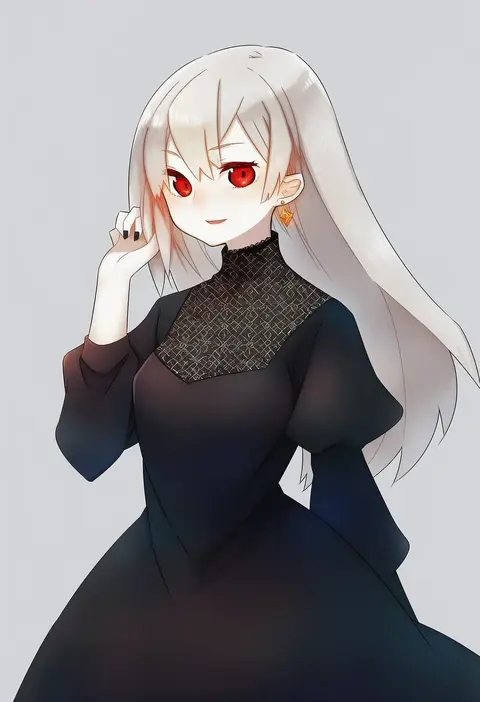
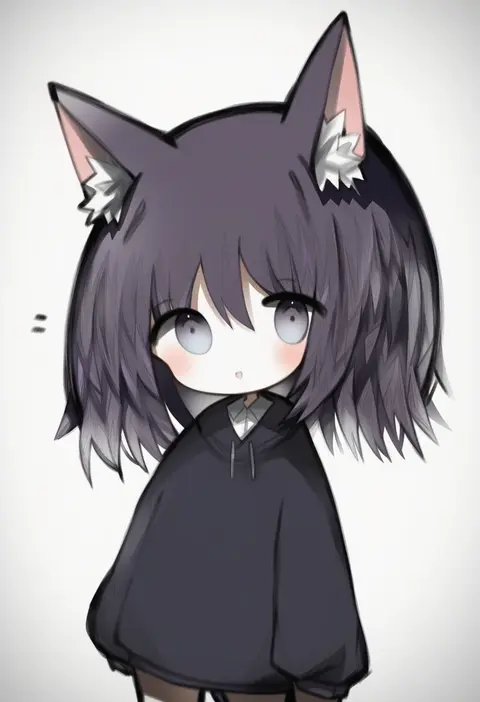
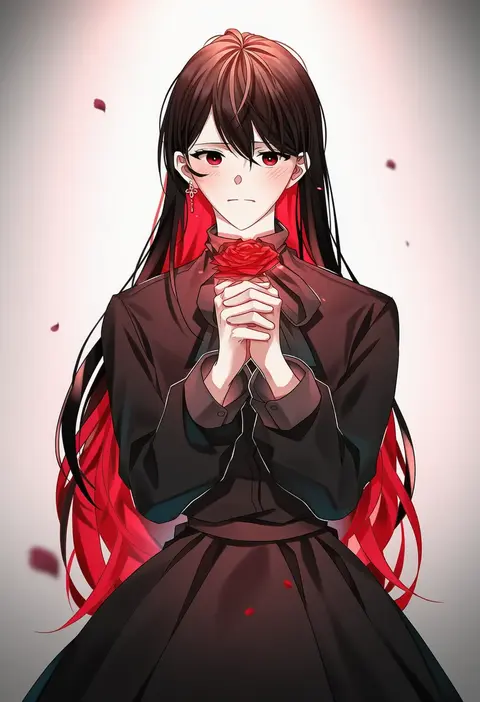
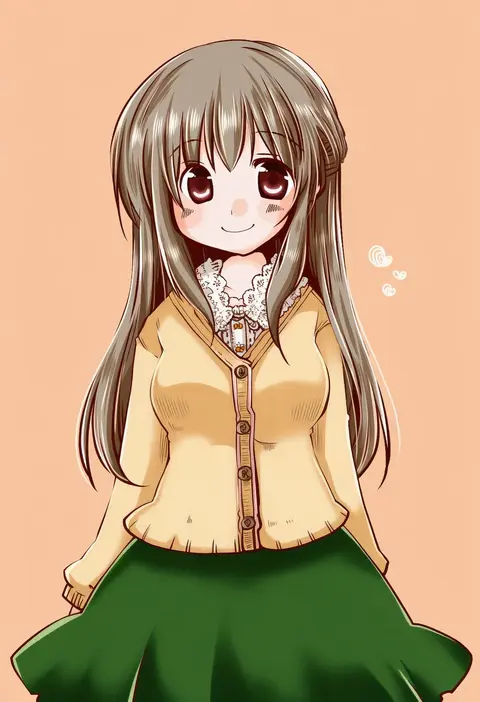
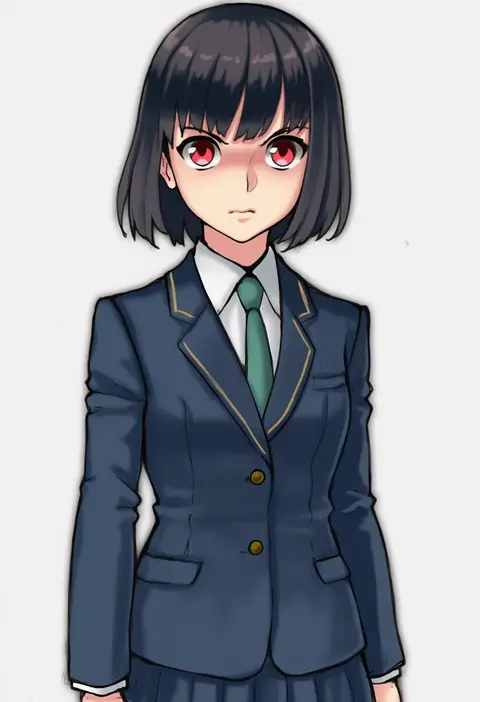
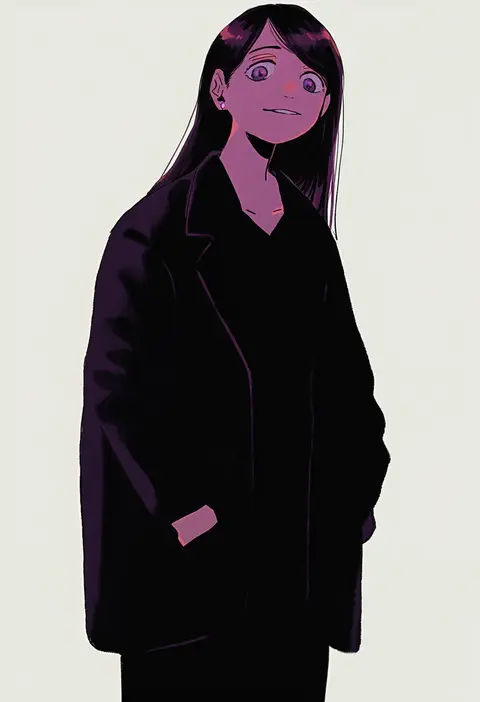
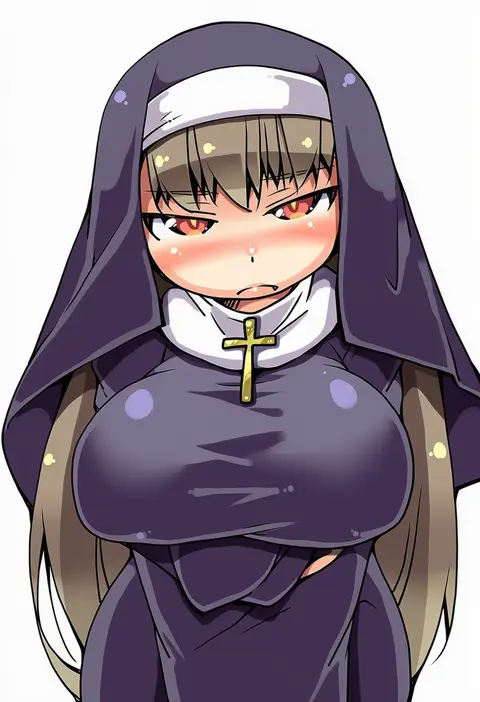
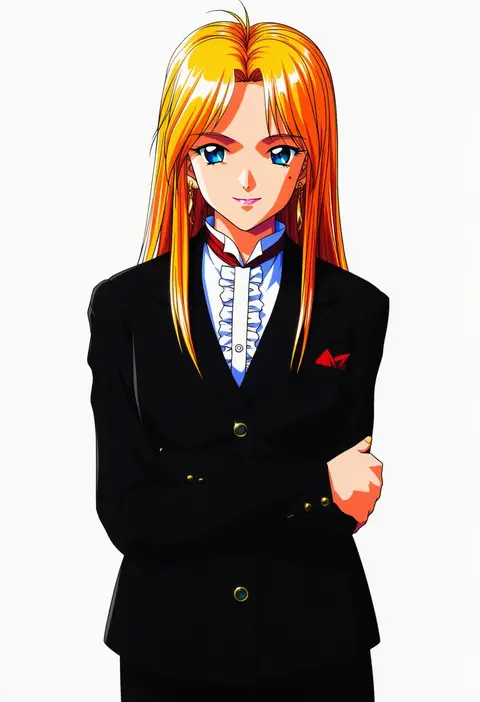
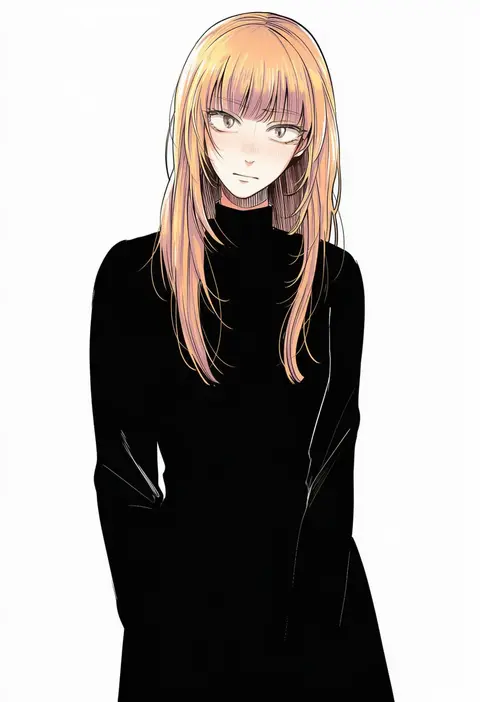
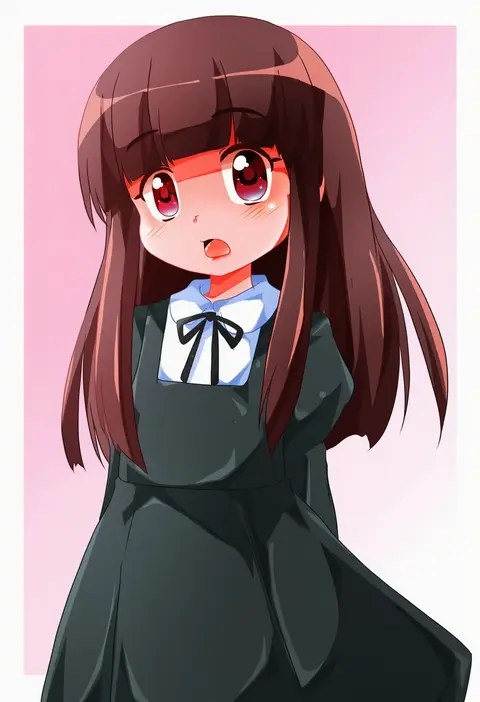
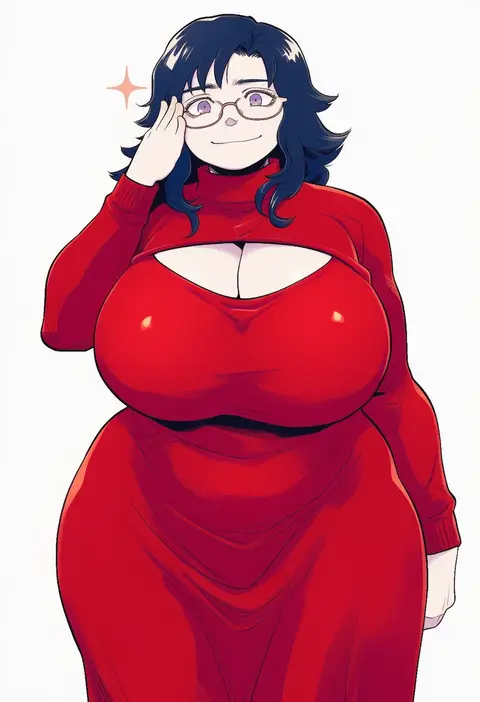
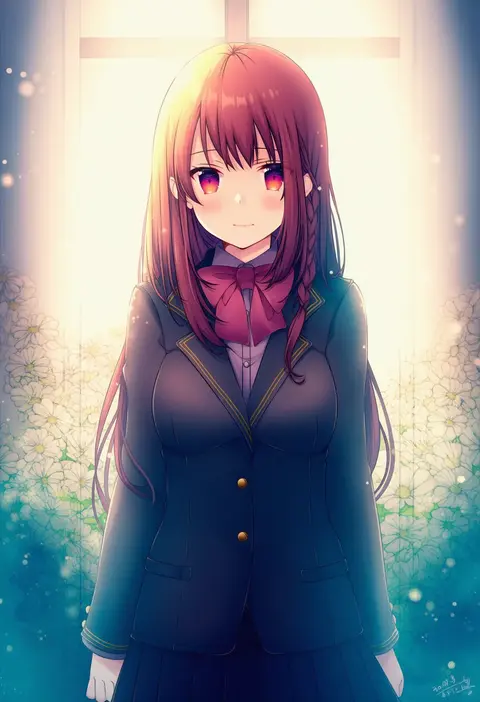
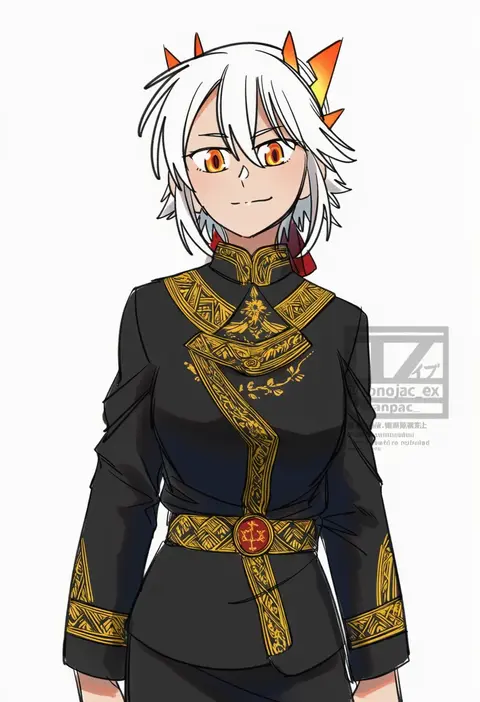
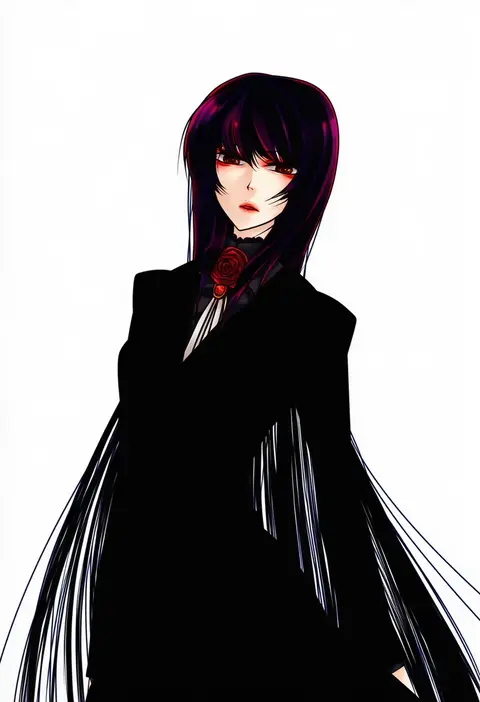
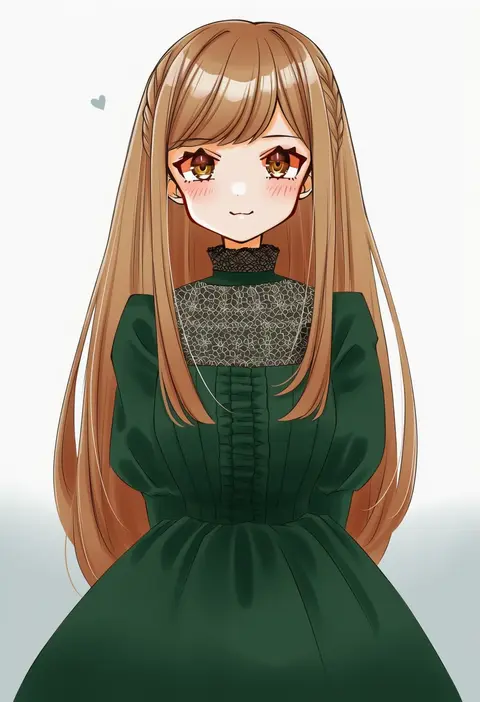
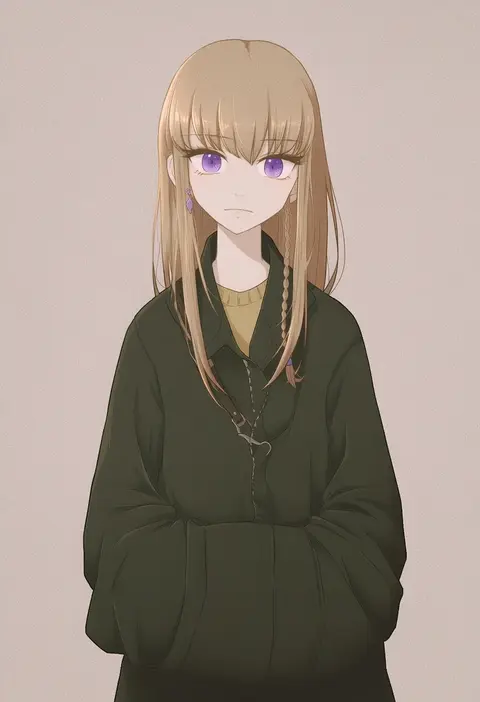
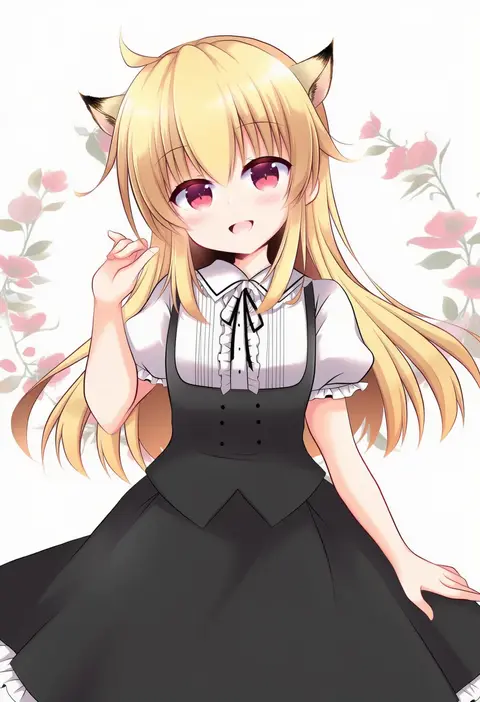
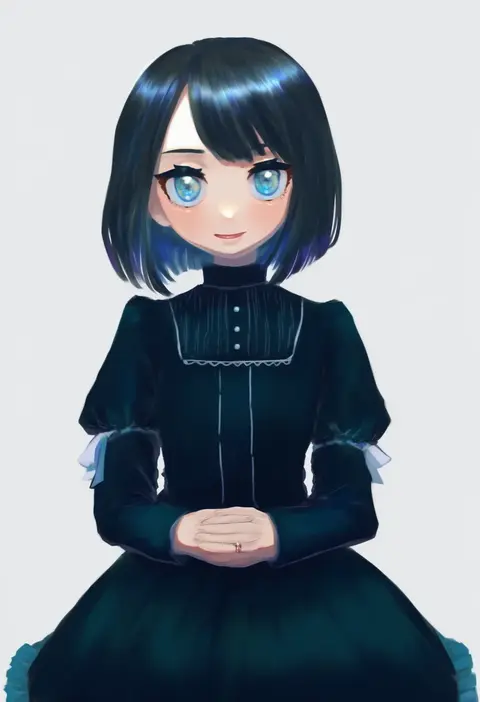
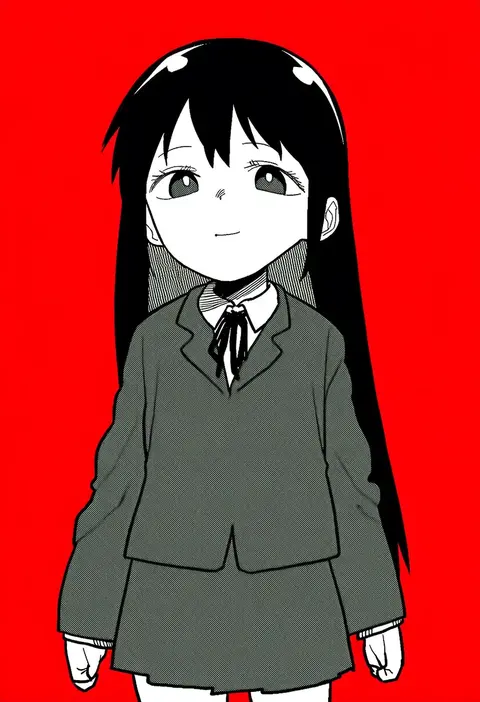
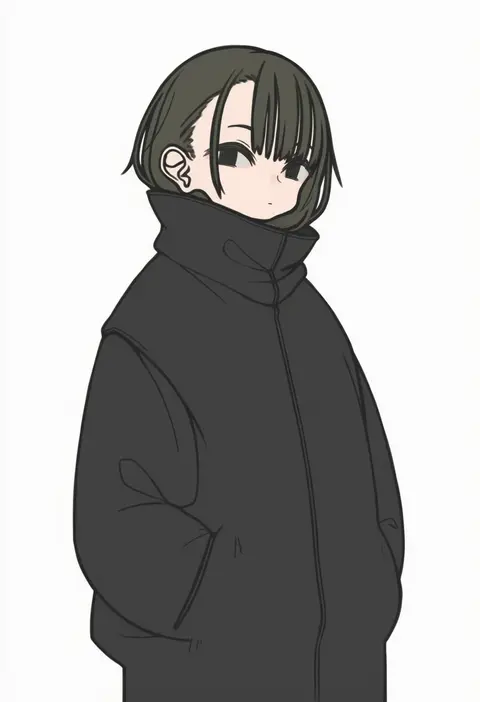
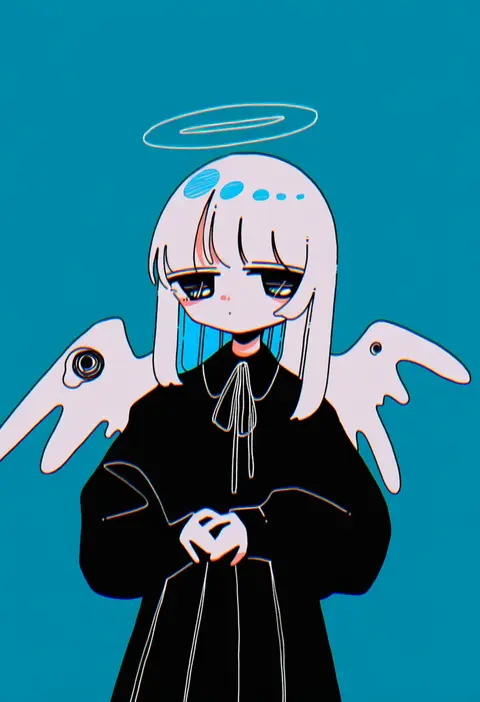
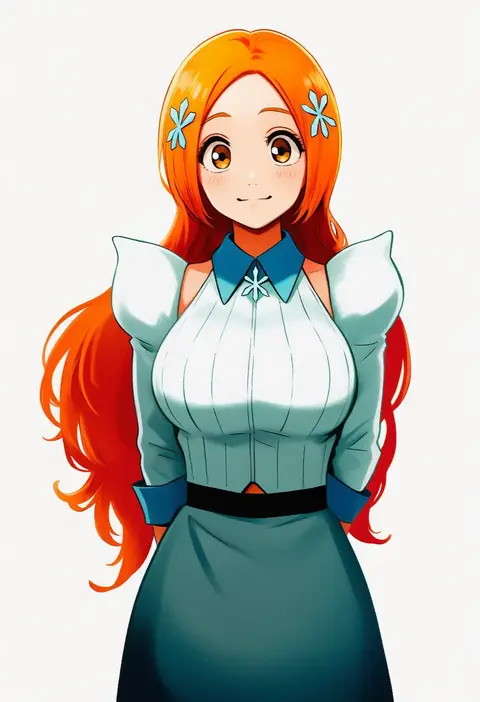
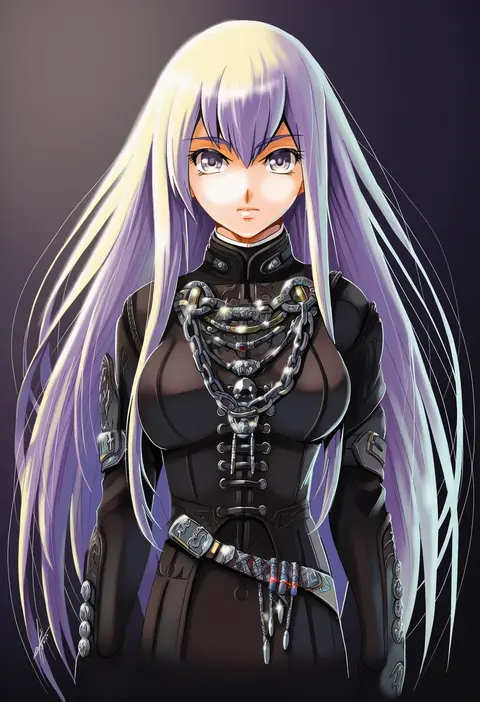
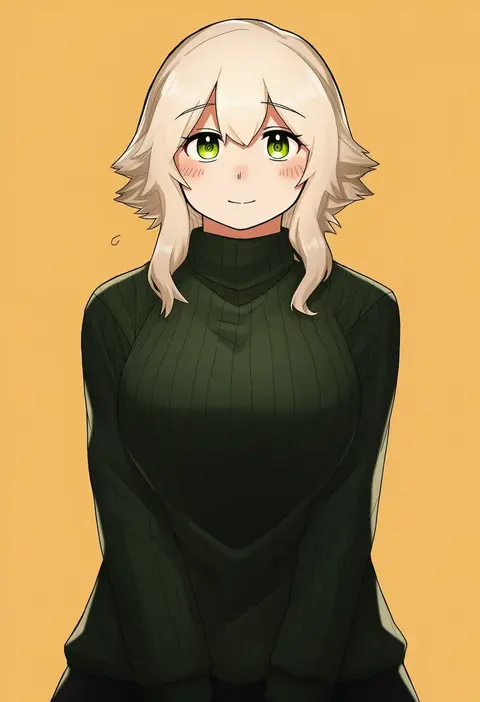
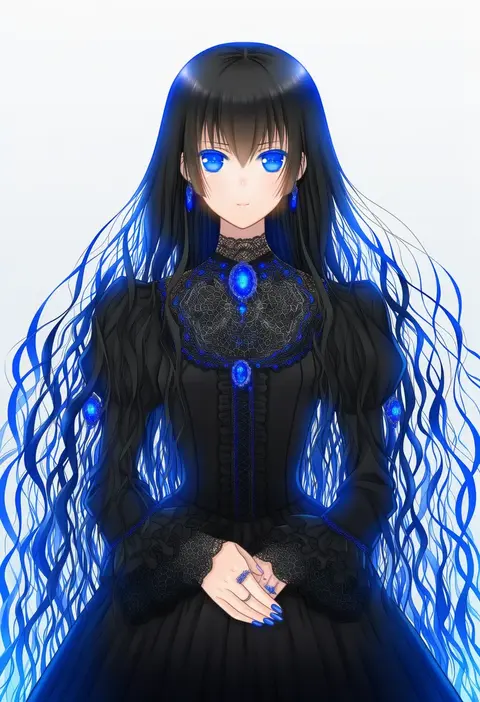
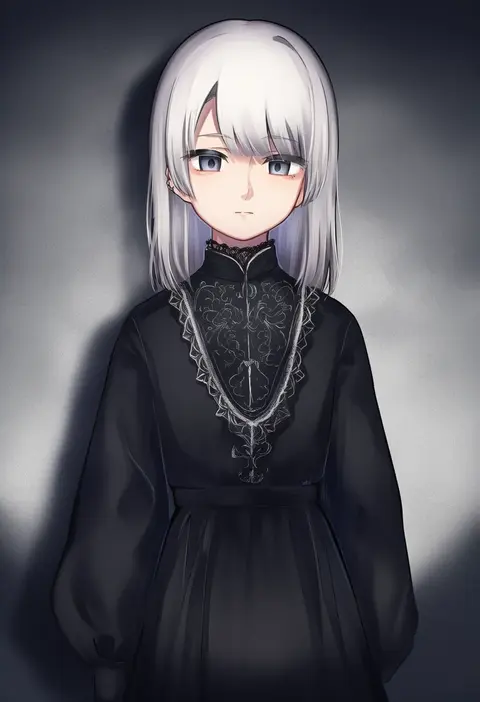
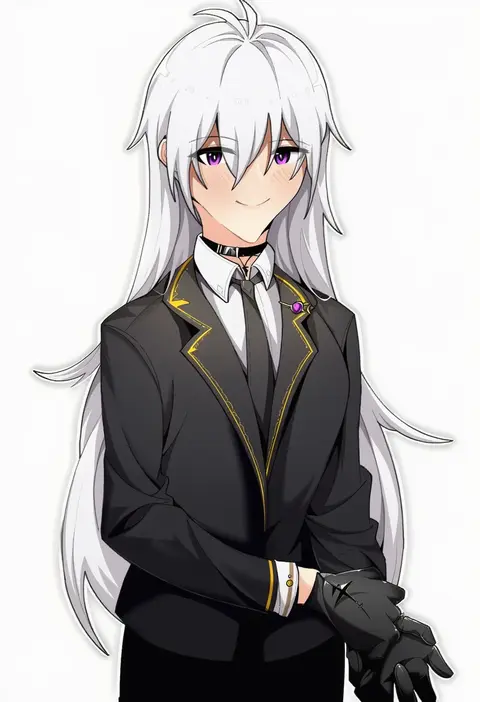
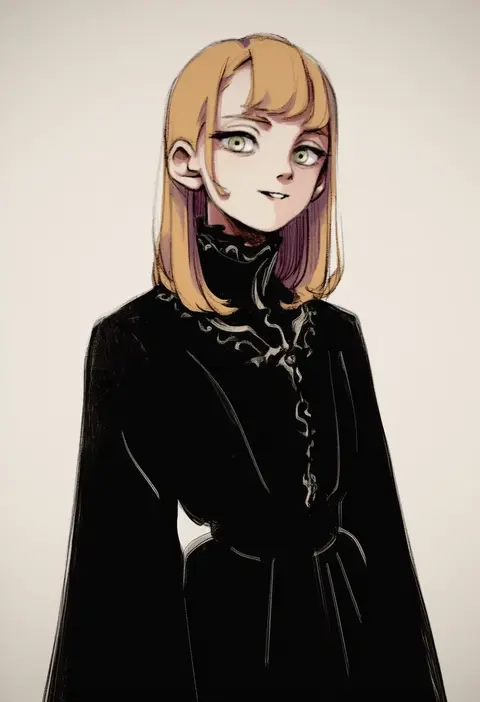
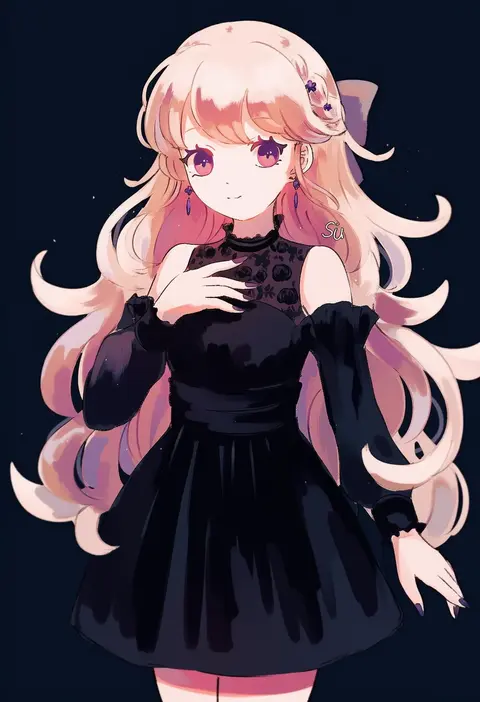
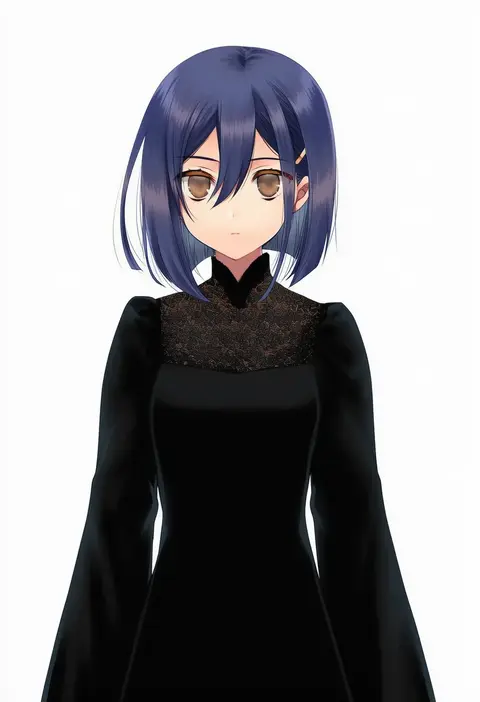
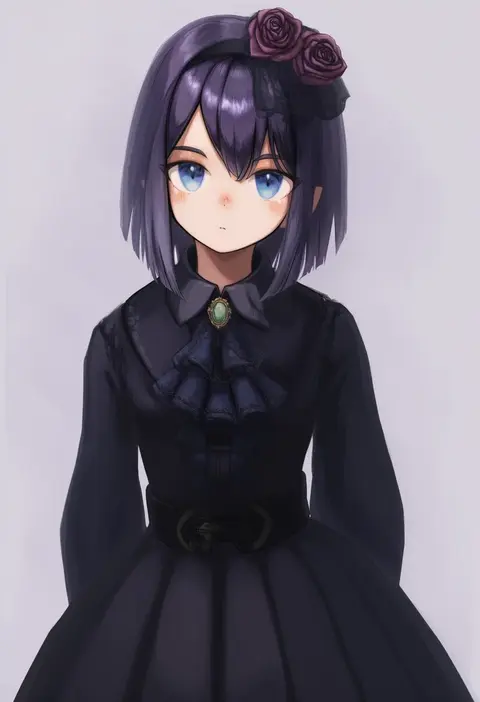
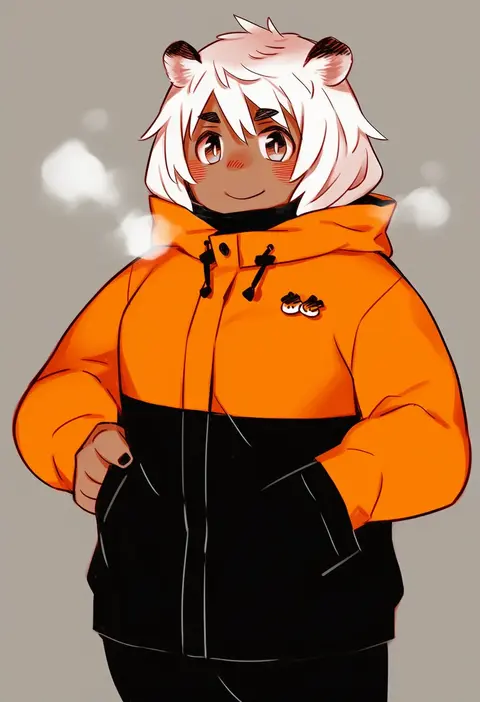
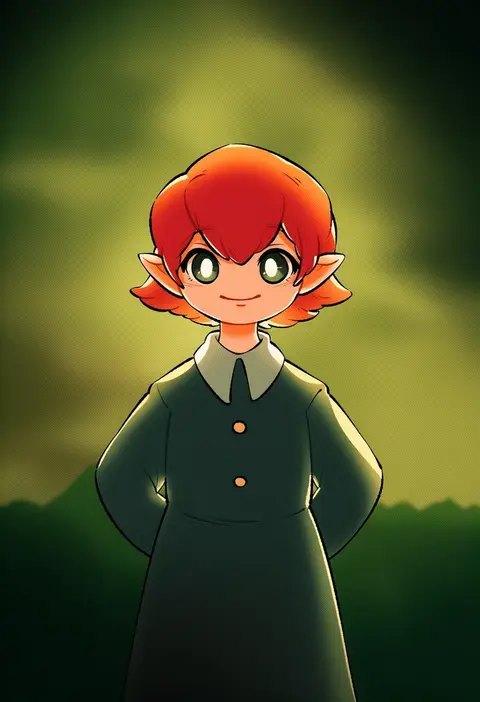
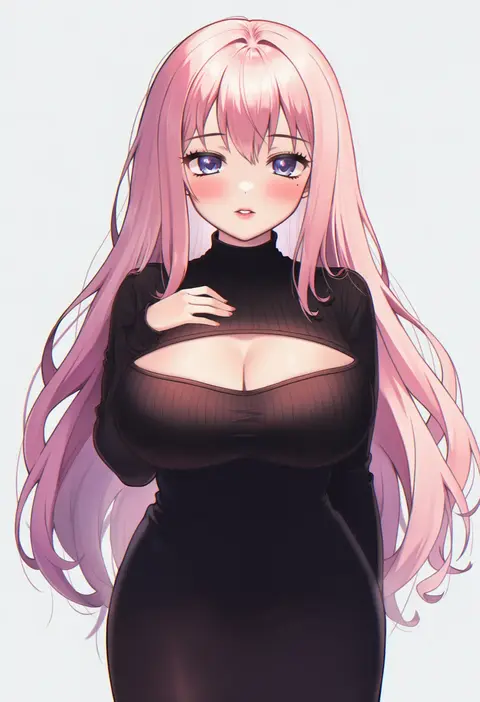
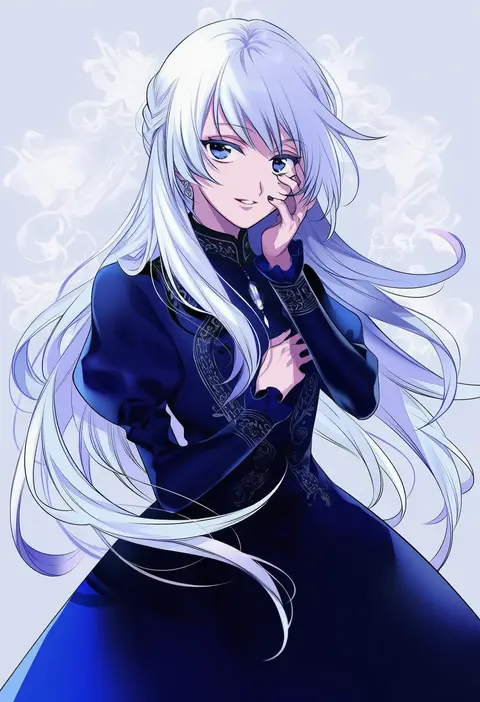
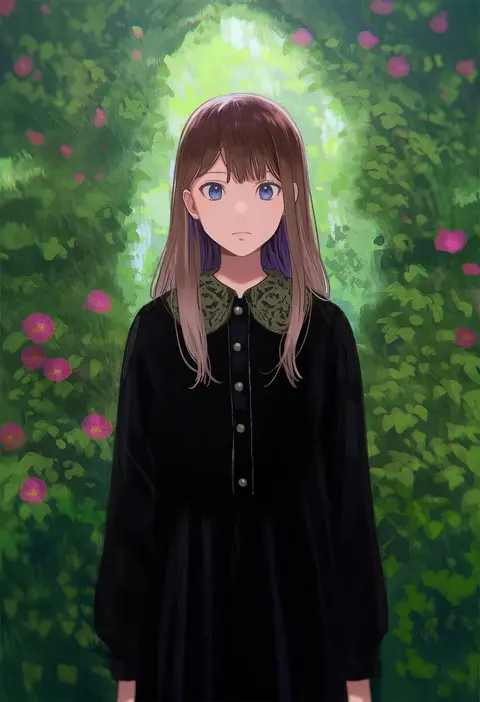
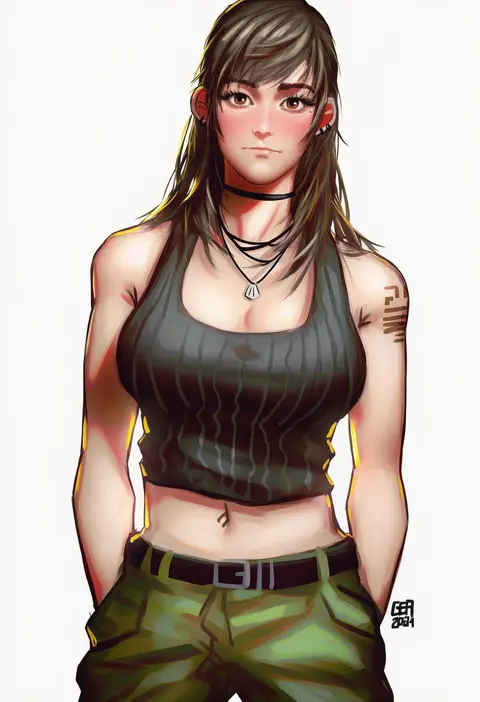
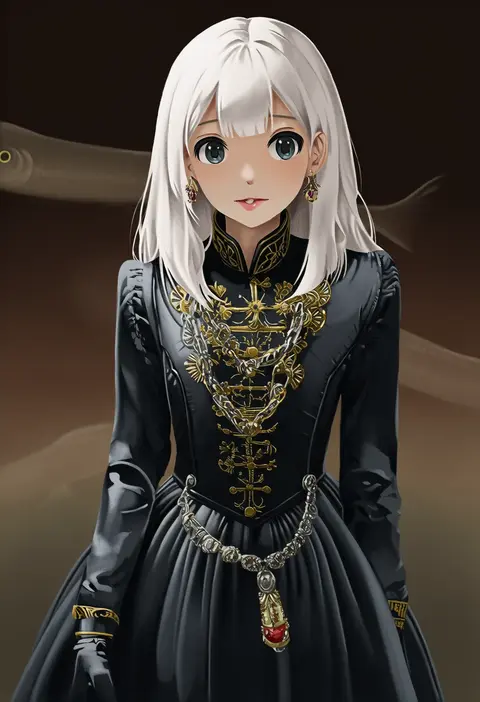
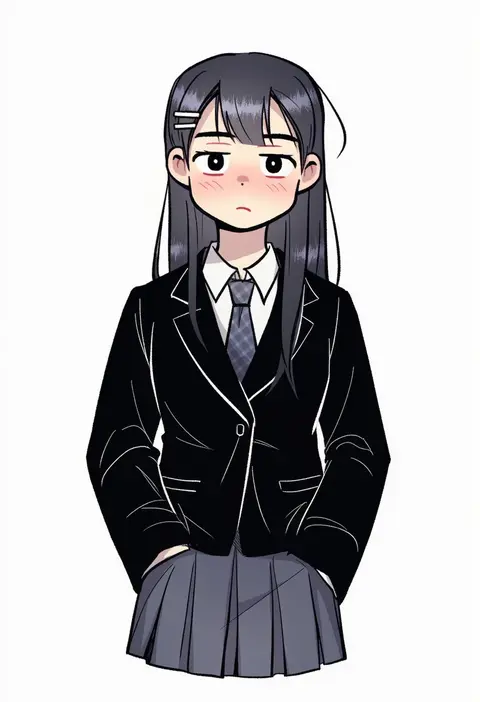
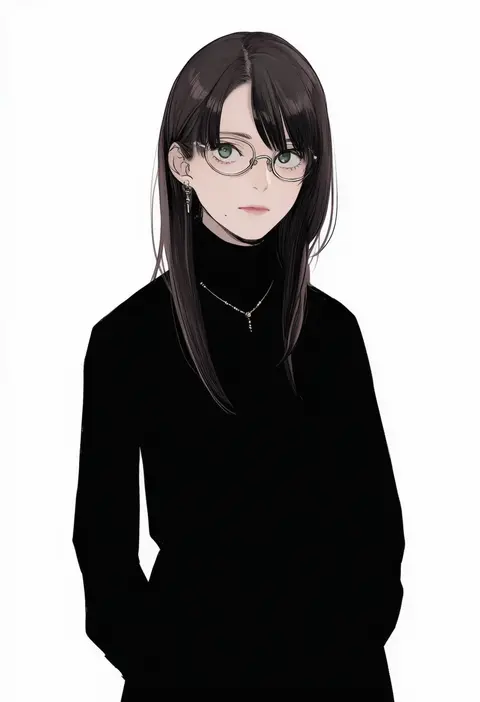
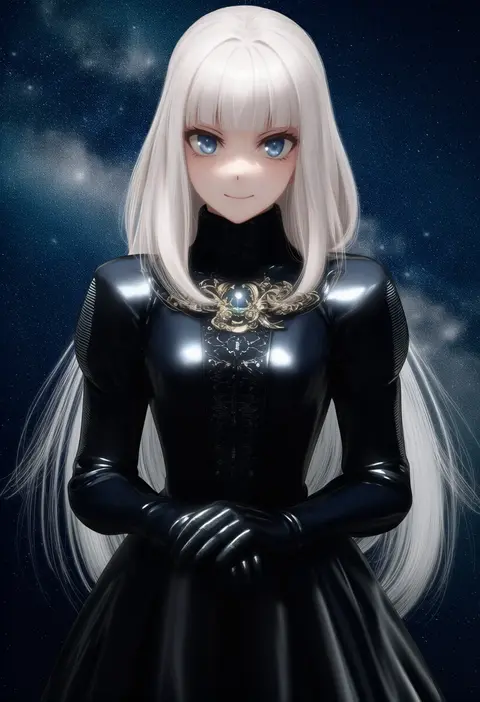
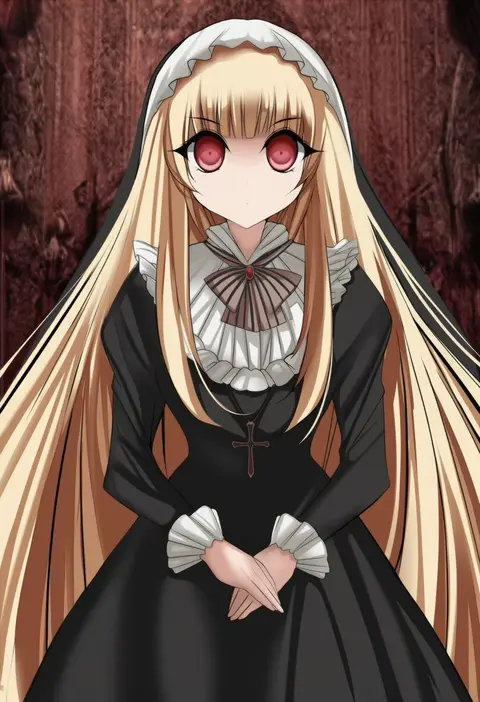
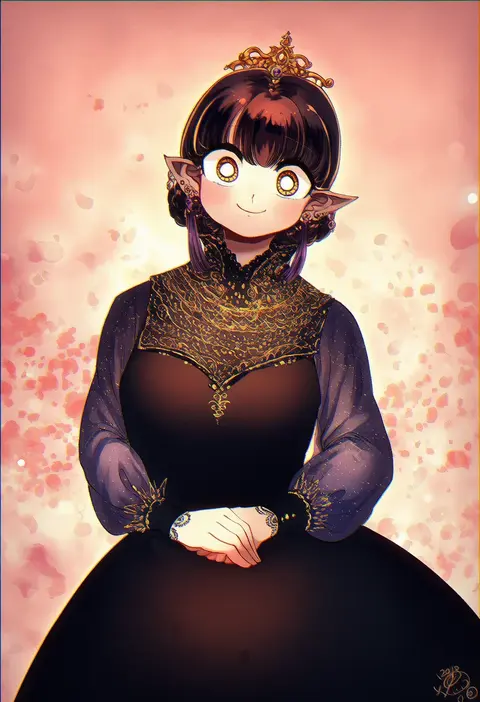
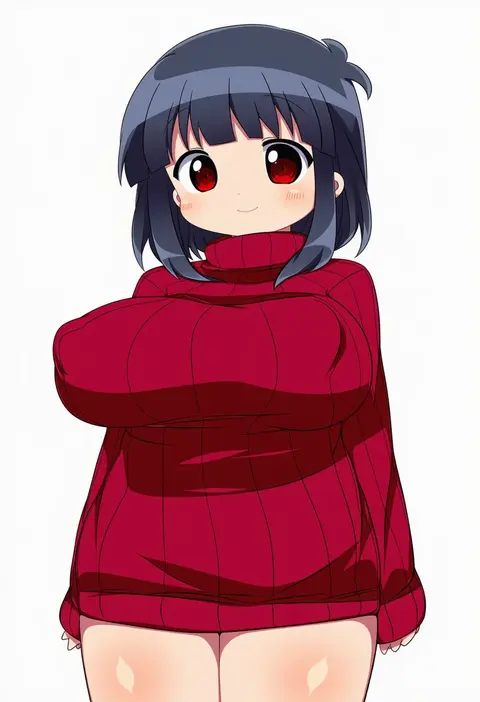
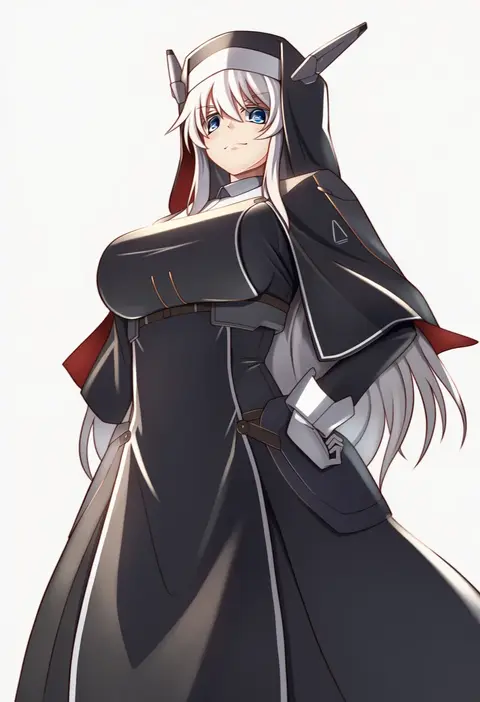
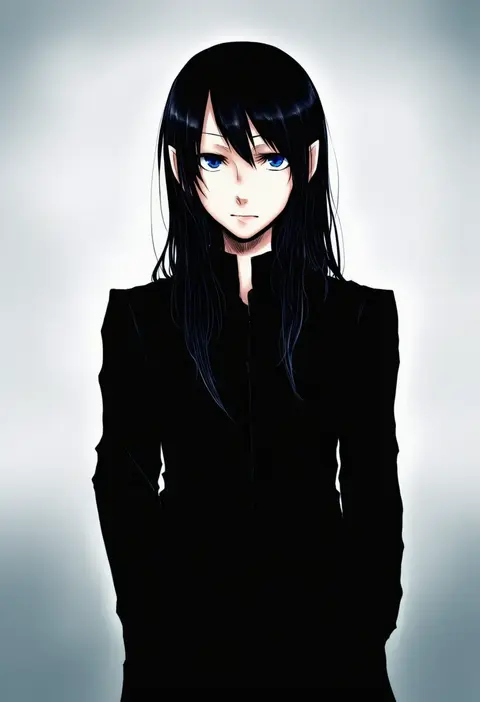
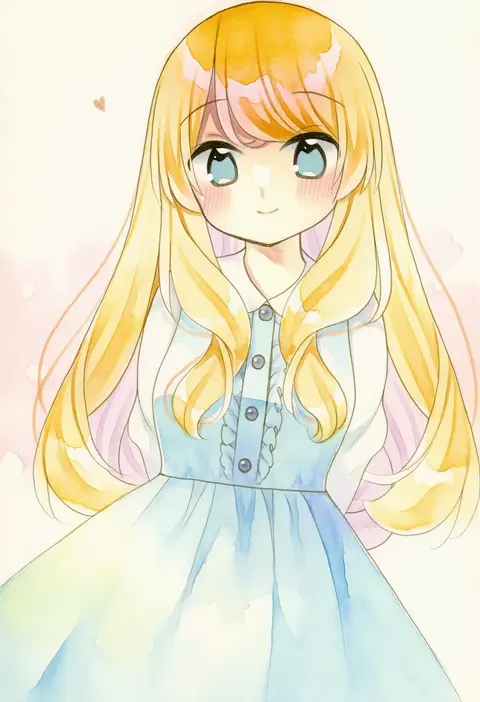
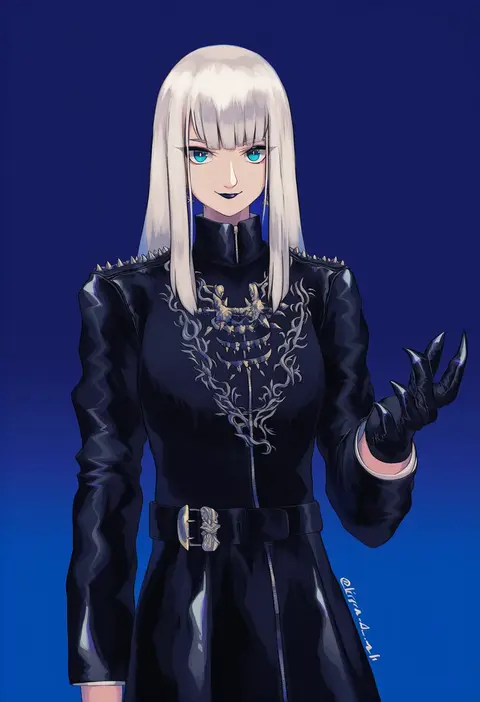
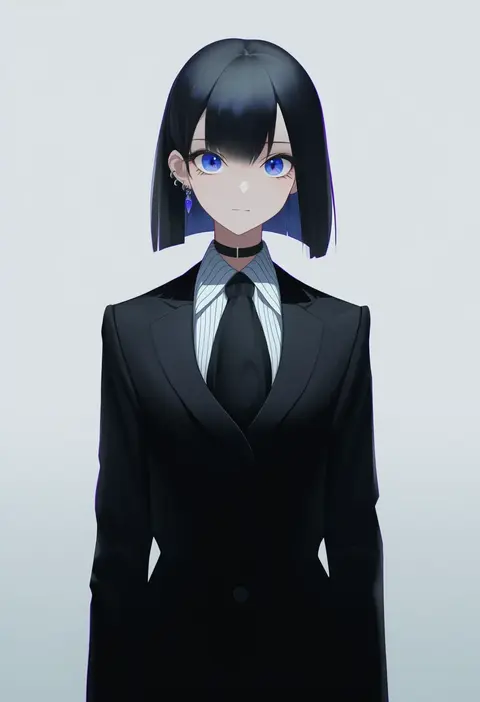
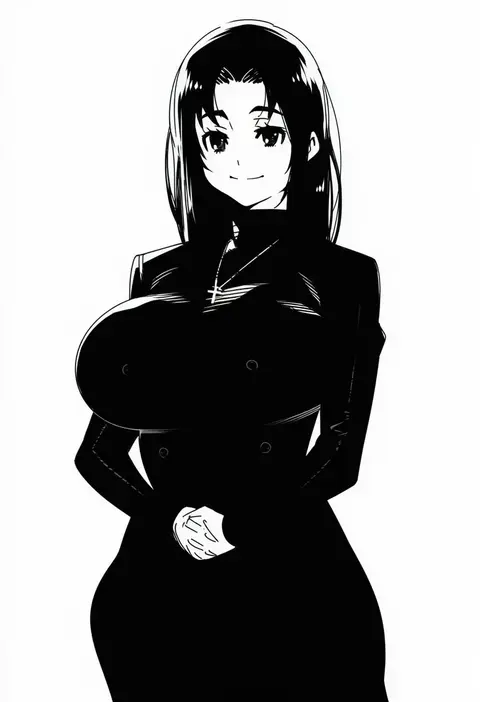
Artist tags tell NovelAI Diffusion to draw in a specific artist's style: line weight, paint texture, face shapes and palette all shift at once. Character and outfit tags decide what is drawn; artist tags decide how. 16,352 tags are listed for V4.5.
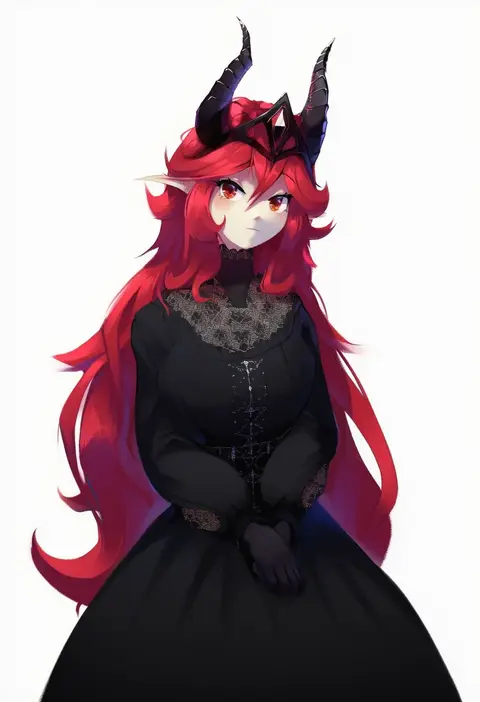
Every tag listed here is verified to react in NovelAI. All images use the same prompt, seed and settings with only the artist tag swapped, so the difference between two images is the style that tag brings in.

How to use them

Put the artist tag near the front of the prompt, e.g. "<artist>, 1girl, solo, best quality, masterpiece, cowboy shot". Two or three artist tags blend styles; lower the weight with "0.8::<artist>::" when the style overpowers the character.

SCORE sorts by Danbooru's top score, POSTS by post count, FAVS by hearts on this site. Open a card to see V5 and V4.5 side by side on the same seed.

V5 vs V4.5

V5 usually lands closer to the artist's real style, and tags that did nothing on V4.5 often react on V5. V4.5 still fits older and doujin-heavy artists better. Try V5 first, fall back to V4.5.

FAQ

Where does the artist tag go?
Near the front of the prompt. Use "0.8::tag::" to adjust its weight.

Can I stack artist tags?
Yes, styles blend. Past two or three the result stops looking like anyone.

Are these the artists' own works?
No. Every image is a NovelAI sample generated from the tag.