V4.5Artists
sort: FAVS▾
▾
>
$

Popular NovelAI artist tags — V4.5

artist --count 16,352[265/273]
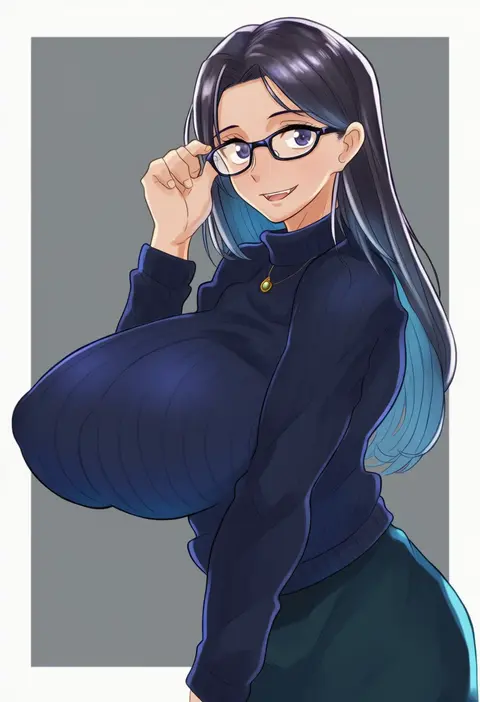
raineru (gryffindor131)
ARTIST0x3DE0
0
nazal
ARTIST0x3DE1
0
paco
ARTIST0x3DE2
0
uza (hellme)
ARTIST0x3DE3
0
ein (long cake)
ARTIST0x3DE4
0
masu gitsune
ARTIST0x3DE5
0
ao-shiba
ARTIST0x3DE6
0
libbyframe
ARTIST0x3DE7
0
rasukusekai
ARTIST0x3DE8
0
yamaguchi ugou
ARTIST0x3DE9
0
hanabusaoekaki
ARTIST0x3DEA
0
goku suzume
ARTIST0x3DEB
0
nin (nin 0088)
ARTIST0x3DEC
0
bloom2425
ARTIST0x3DED
0
mometsu 033
ARTIST0x3DEE
0
harada (basashi)
ARTIST0x3DEF
0
nopinzo
ARTIST0x3DF0
0
banchiku
ARTIST0x3DF1
0
kai (akamekogeme)
ARTIST0x3DF2
0
fukusuke hachi-gou
ARTIST0x3DF3
0
nanami sano
ARTIST0x3DF4
0
fakkuma
ARTIST0x3DF5
0
project pochama
ARTIST0x3DF6
0
putong xiao gou
ARTIST0x3DF7
0
sasabunecafe
ARTIST0x3DF8
0
akichi 360
ARTIST0x3DF9
0
daisukebear
ARTIST0x3DFA
0
evinist
ARTIST0x3DFB
0
non (kumakawayusu)
ARTIST0x3DFC
0
sailorclef
ARTIST0x3DFD
0
oosaki takahito
ARTIST0x3DFE
0
iogi (iogi k)
ARTIST0x3DFF
0
yanglao paopaoren
ARTIST0x3E00
0
shouma keito
ARTIST0x3E01
0
kashima miyako
ARTIST0x3E02
0
pepoyo
ARTIST0x3E03
0
t-asama
ARTIST0x3E04
0
shiro (octet)
ARTIST0x3E05
0
miri (tobira no mukou)
ARTIST0x3E06
0
aaru sentou shuudan
ARTIST0x3E07
0
leoandaslan (leobongnana)
ARTIST0x3E08
0
meron nouka
ARTIST0x3E09
0
kotone (kotone11152)
ARTIST0x3E0A
0
karipaku
ARTIST0x3E0B
0
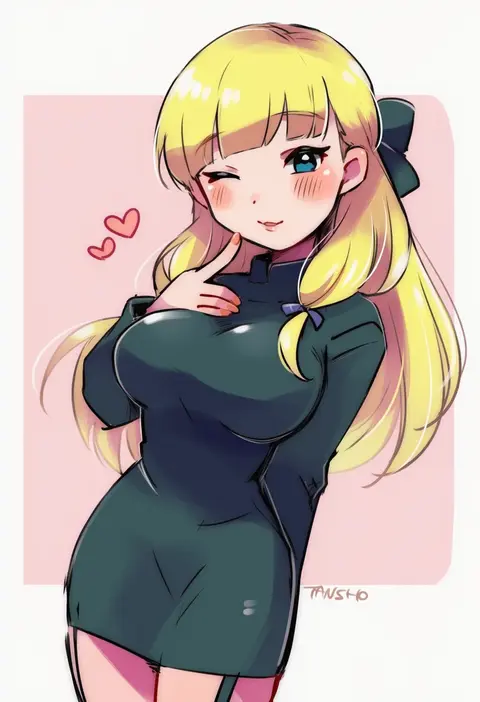
tansho
ARTIST0x3E0C
0
rumwik
ARTIST0x3E0D
0
porkjinta
ARTIST0x3E0E
0
show chiku-by
ARTIST0x3E0F
0
kanlamari
ARTIST0x3E10
0
sazanami shione
ARTIST0x3E11
0
youtian (youtiange)
ARTIST0x3E12
0
luli (crocowolf333)
ARTIST0x3E13
0
manekineko5319
ARTIST0x3E14
0
mito (calcomer)
ARTIST0x3E15
0
fishee (fisheem4mmal)
ARTIST0x3E16
0
ryker
ARTIST0x3E17
0
taniya raku
ARTIST0x3E18
0
mitaonsha
ARTIST0x3E19
0
fujishima (raving phantom)
ARTIST0x3E1A
0
less end
ARTIST0x3E1B
0

What these tags change

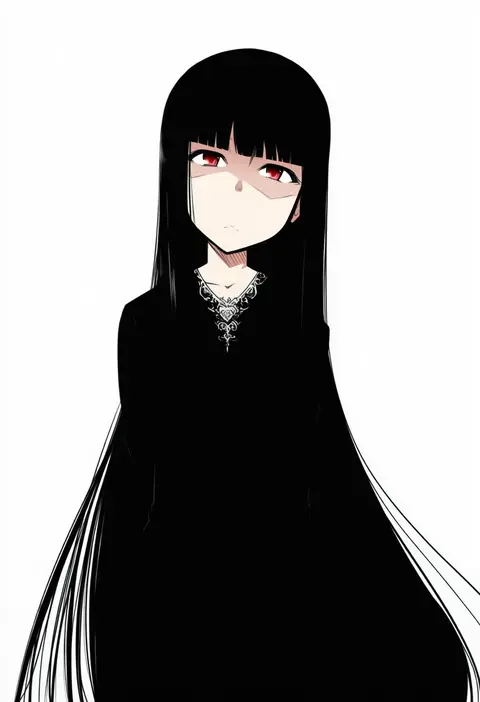
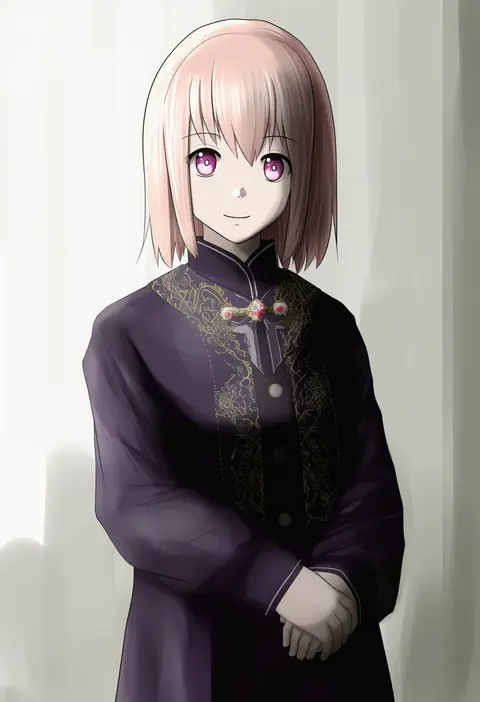
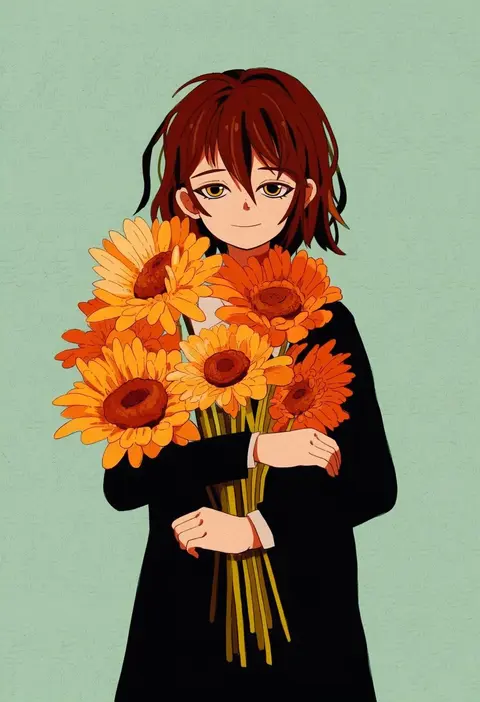
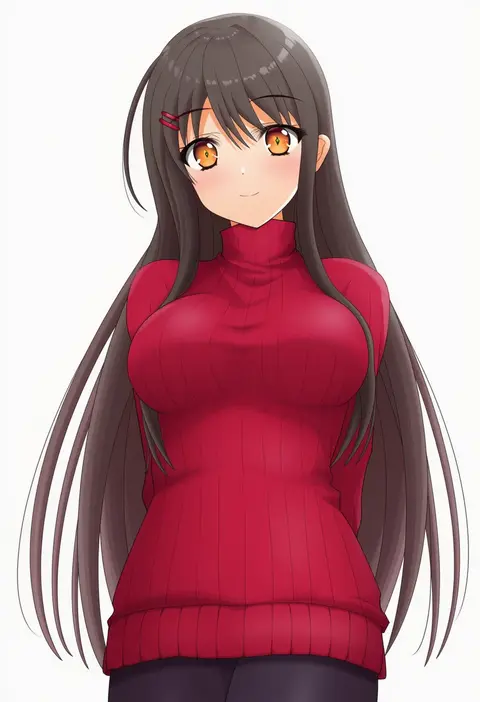
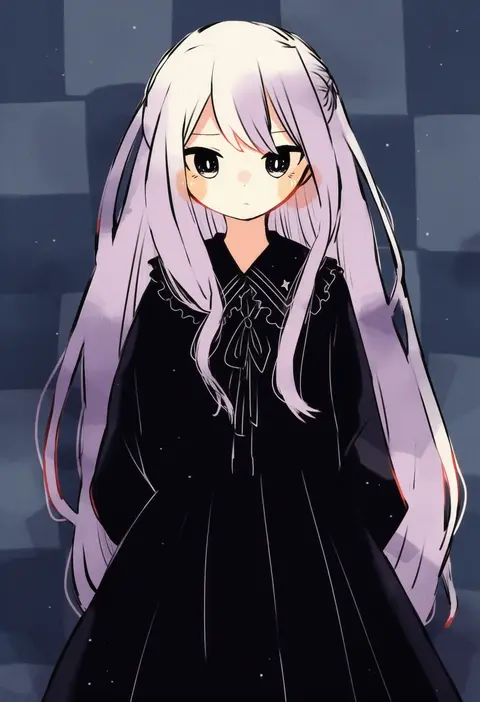
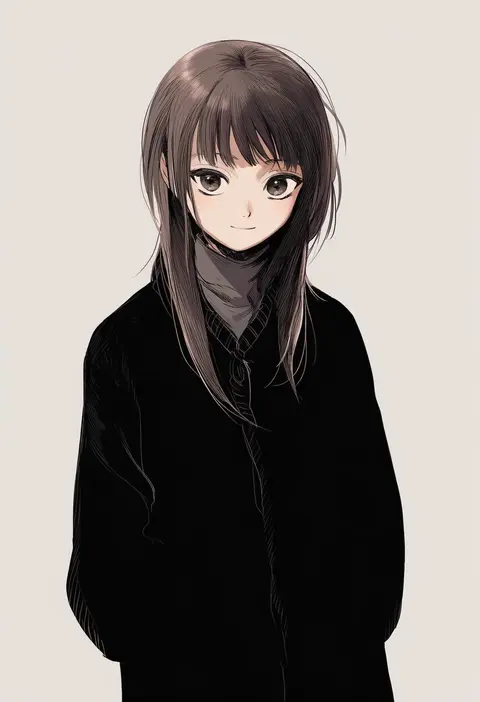
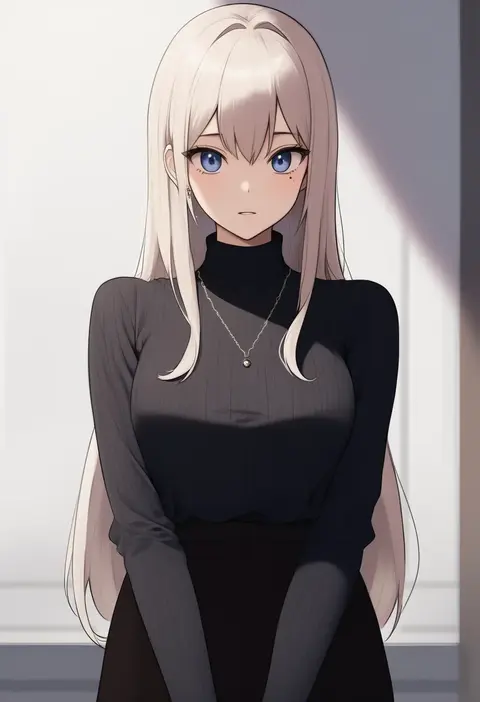
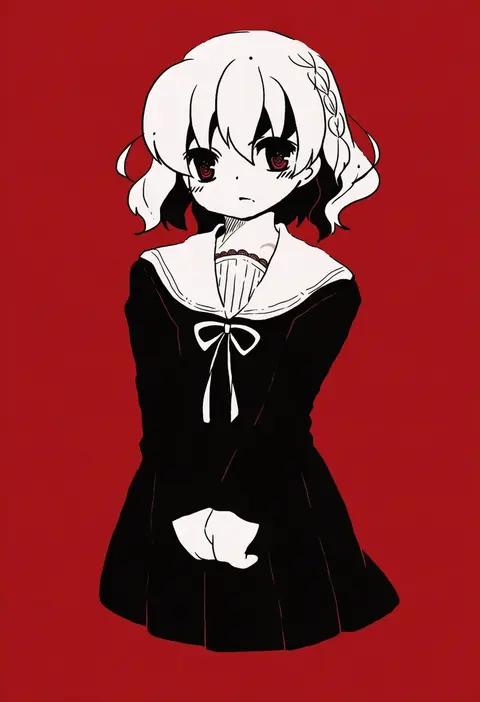
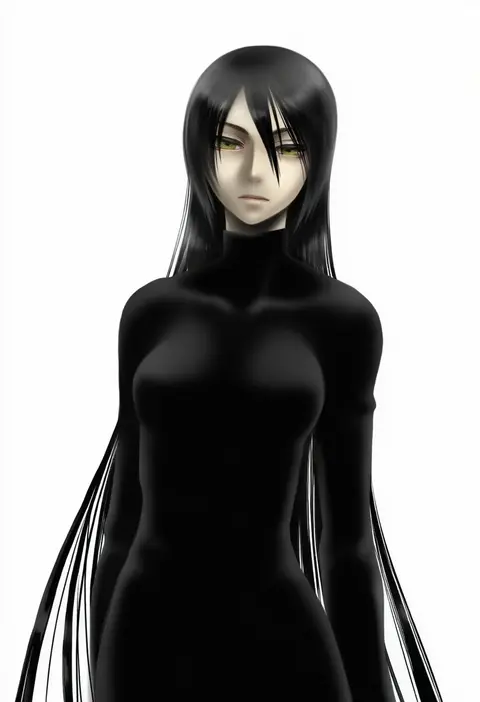
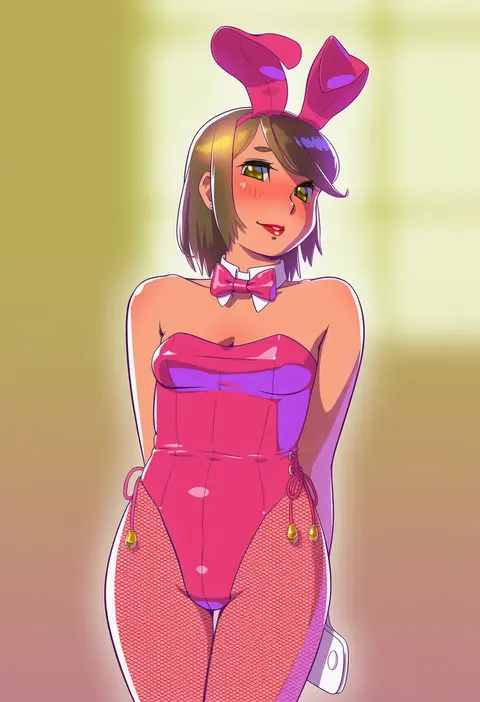
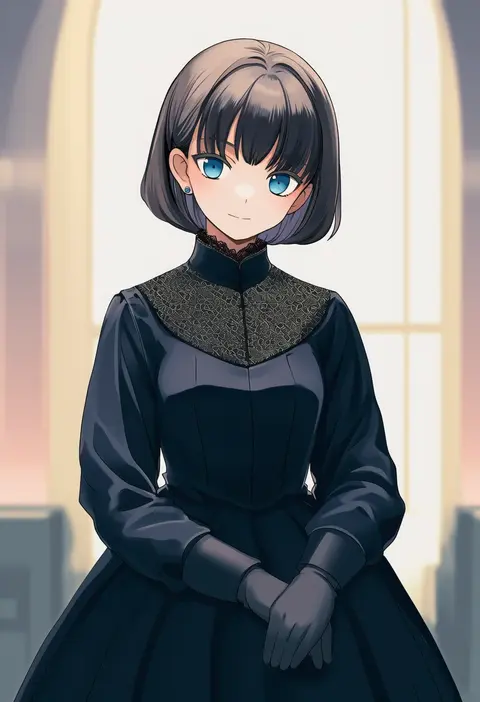
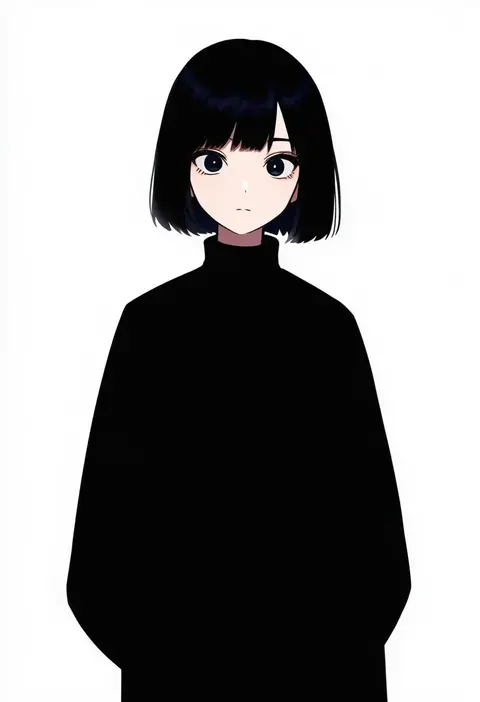
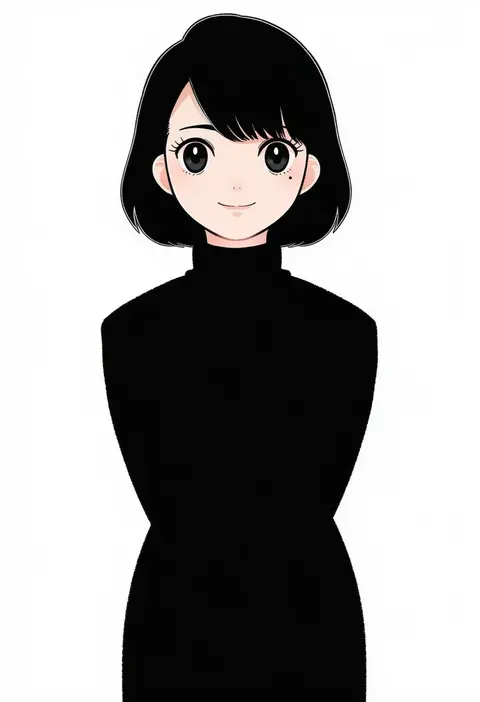
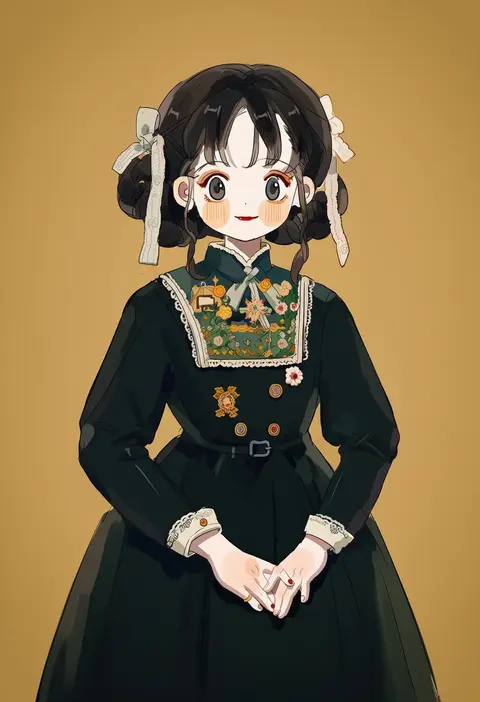
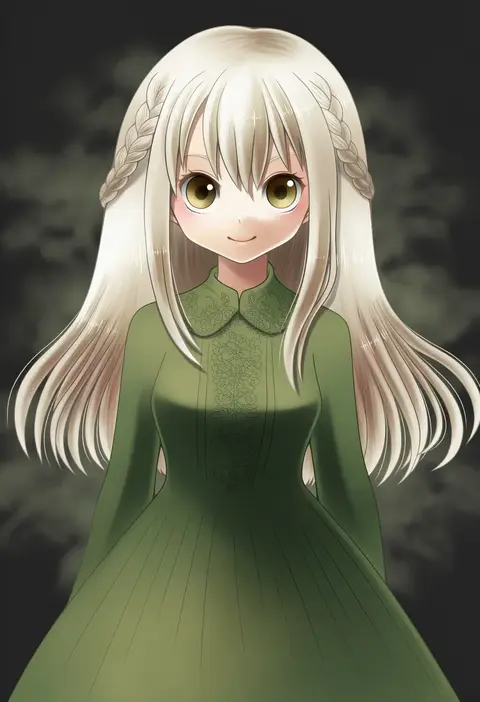
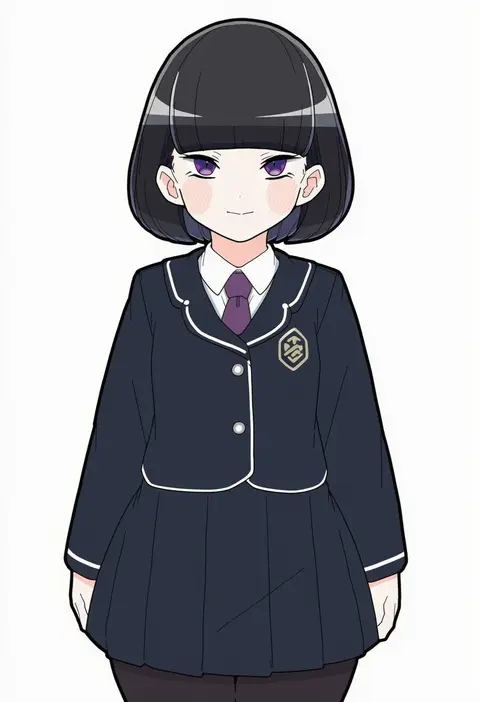
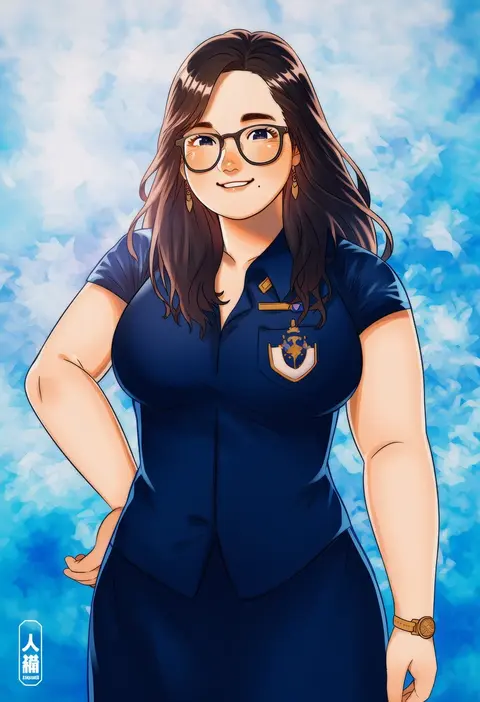
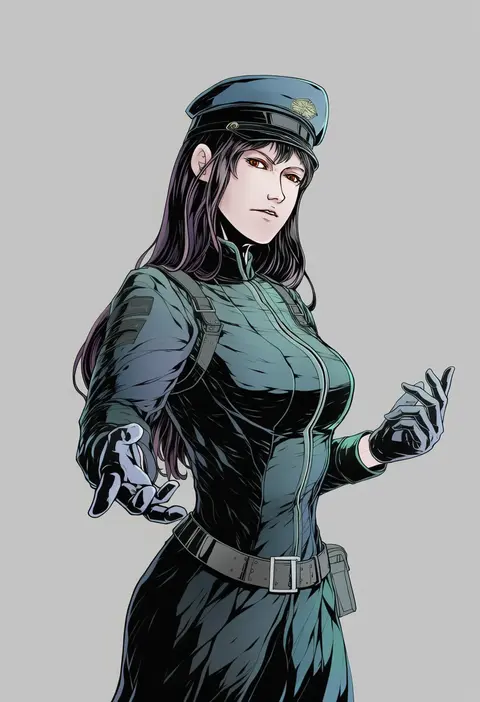
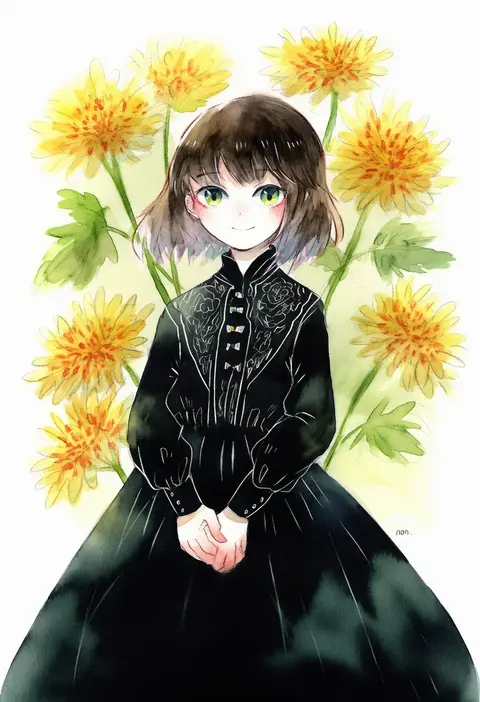
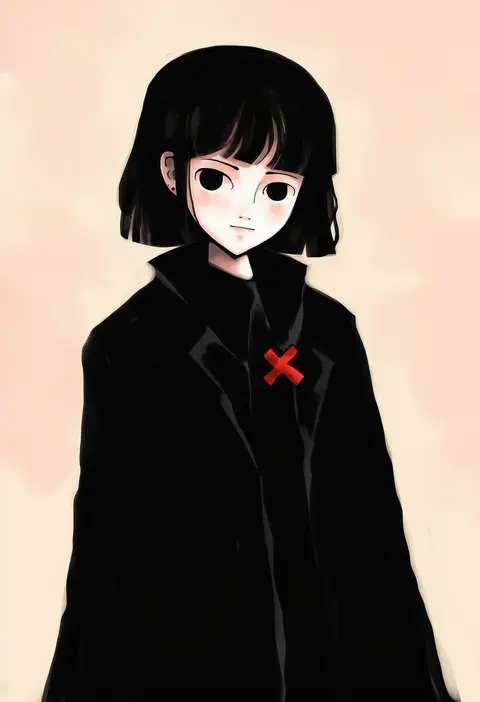
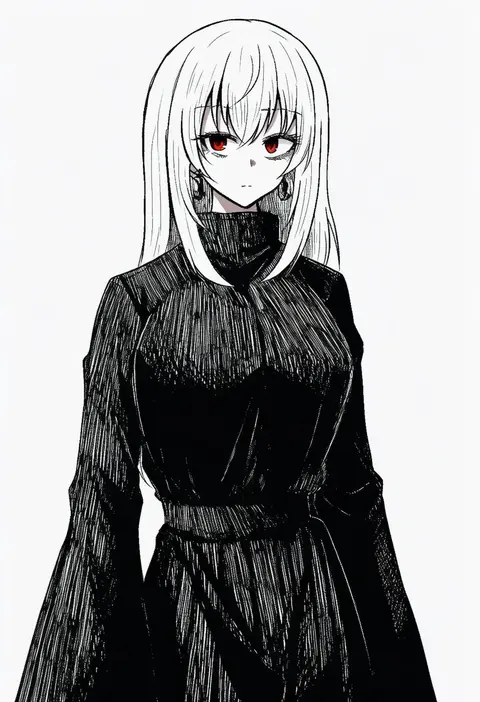
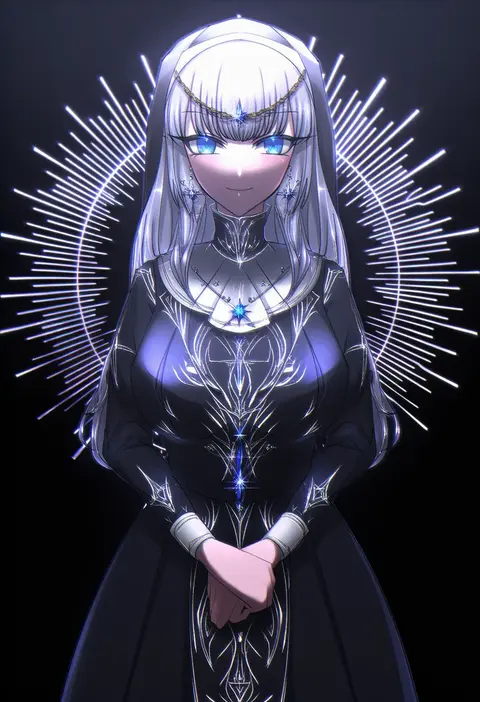
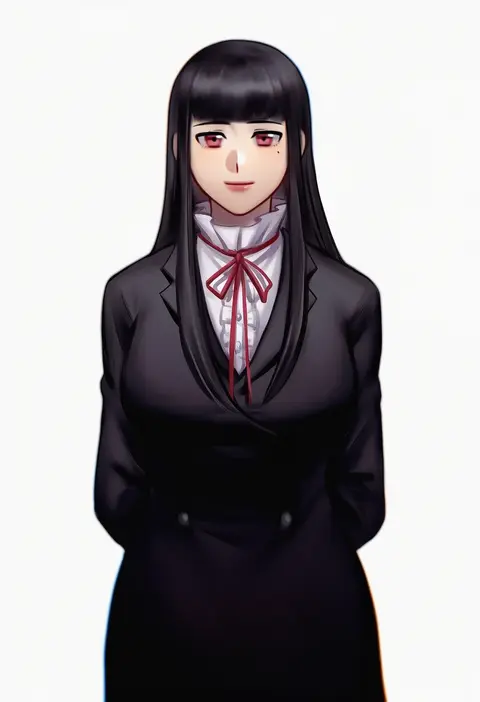
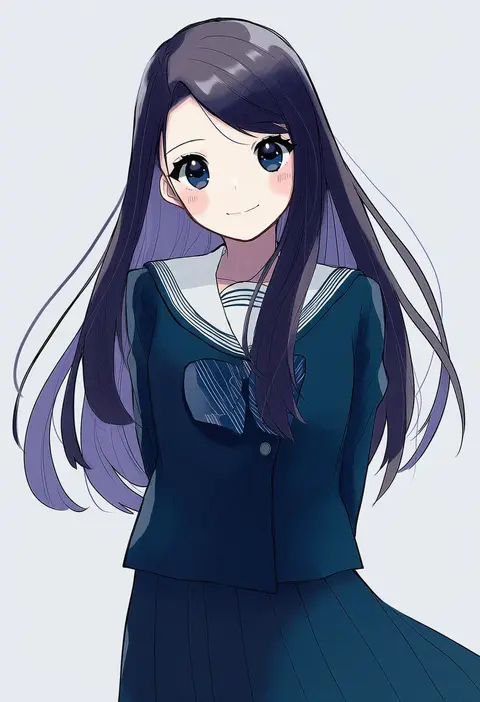
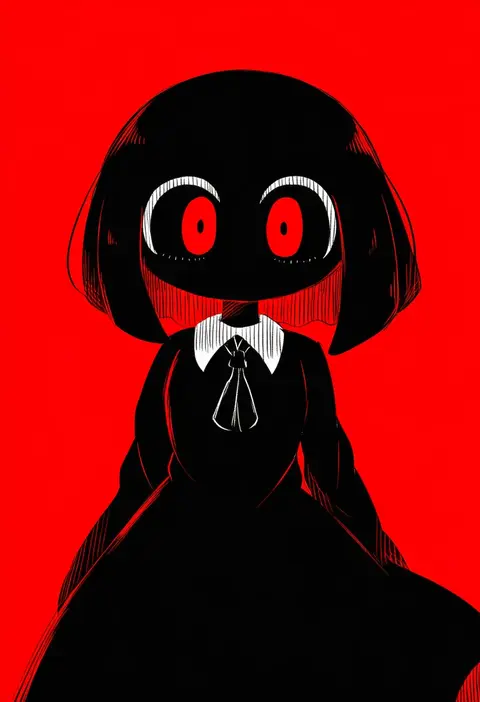
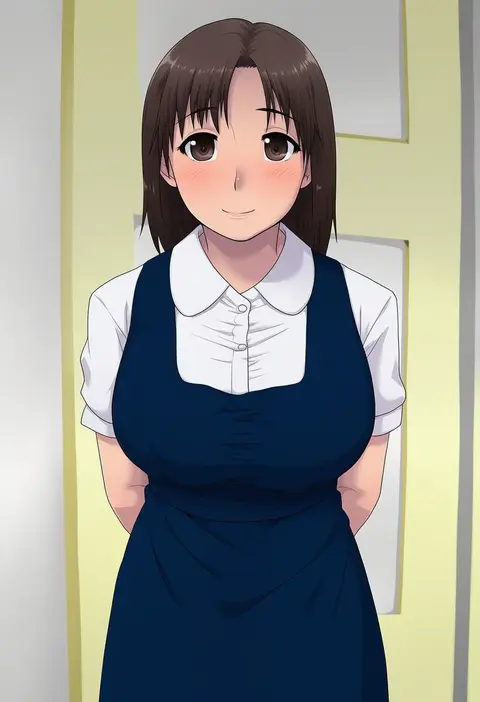
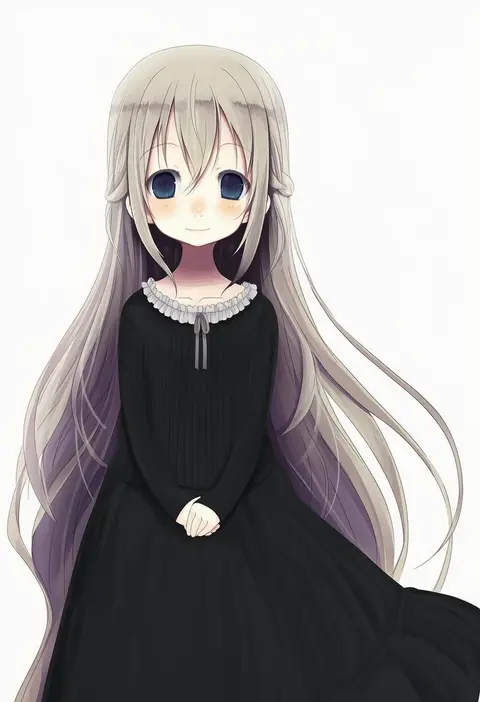
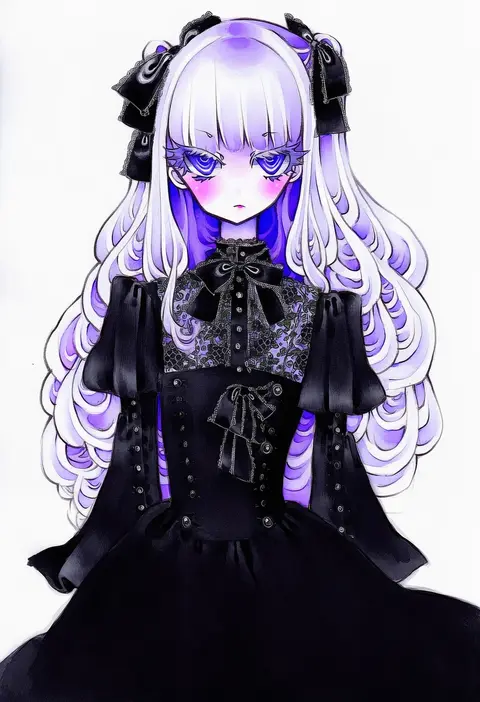
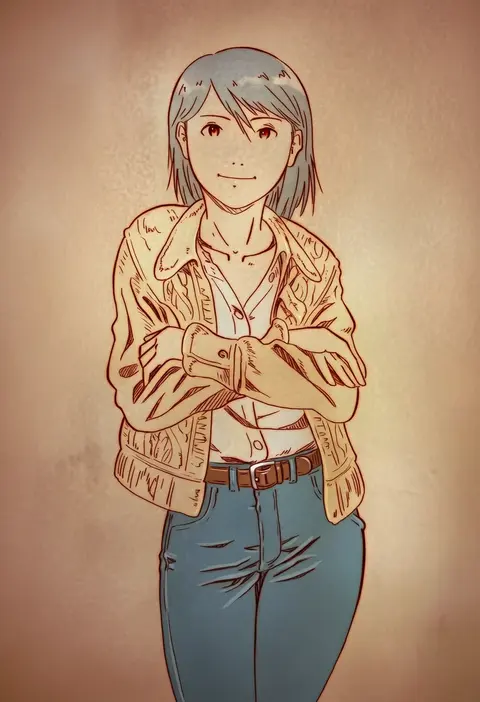
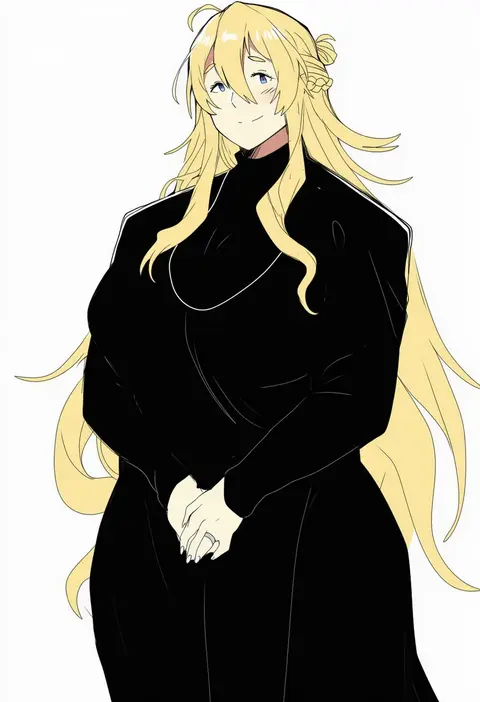
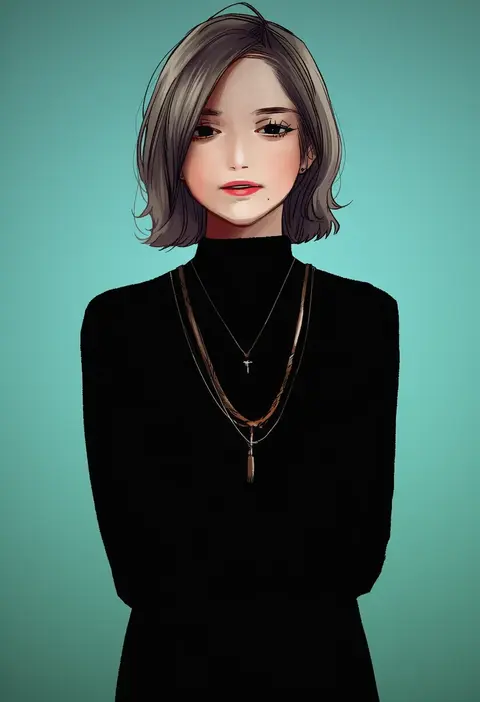
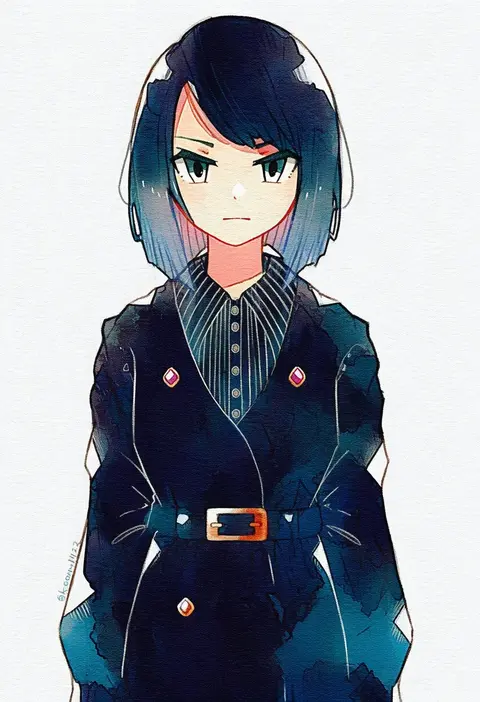
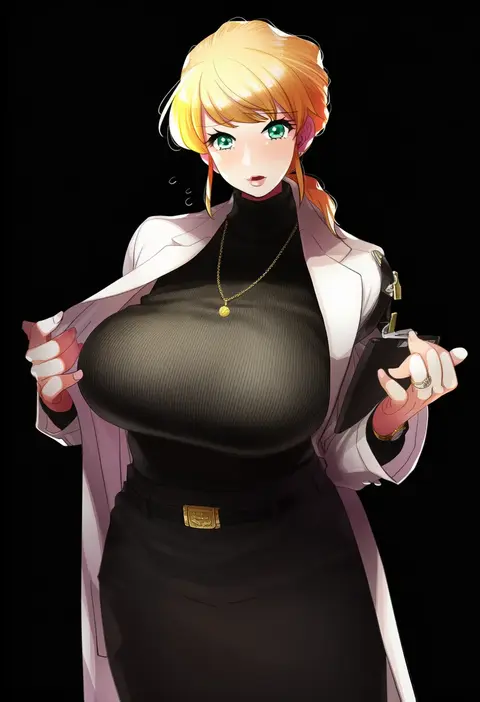
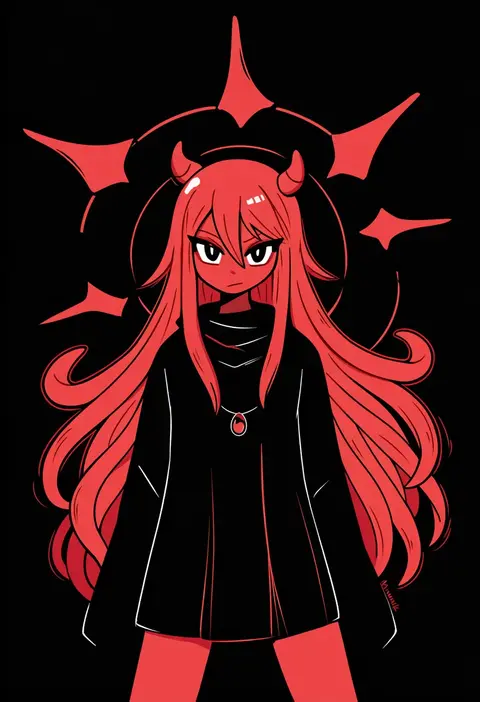
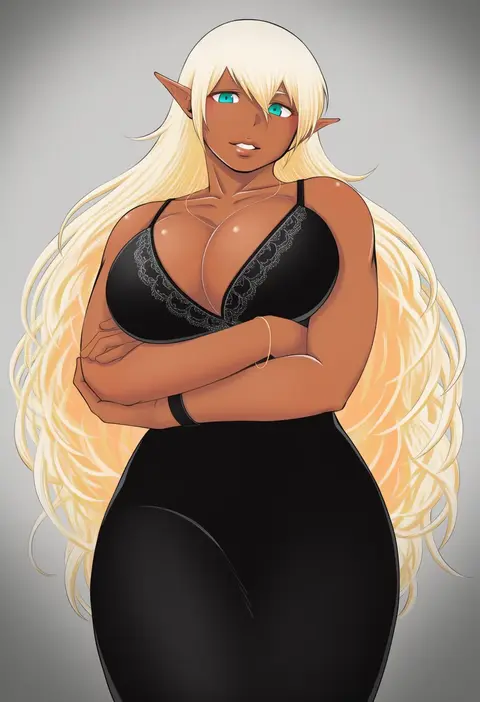
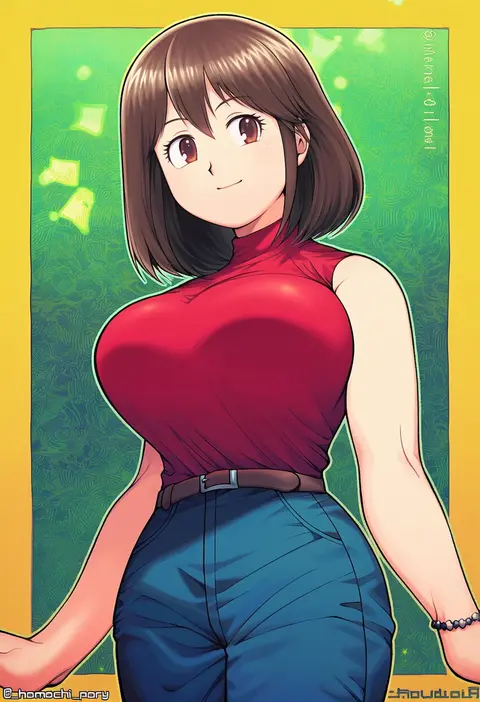
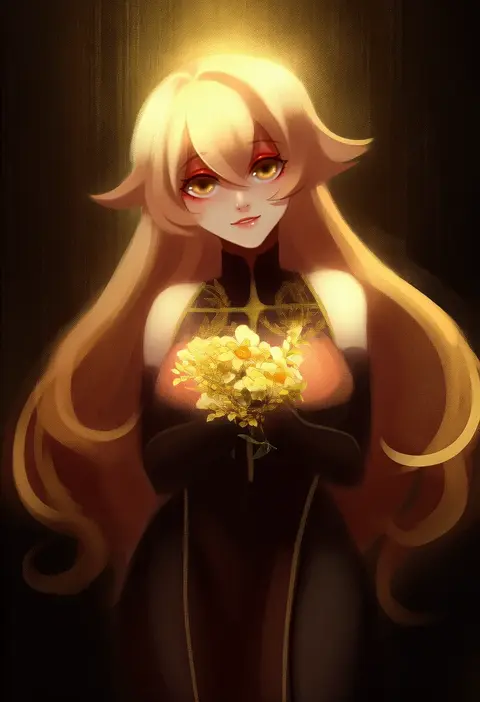
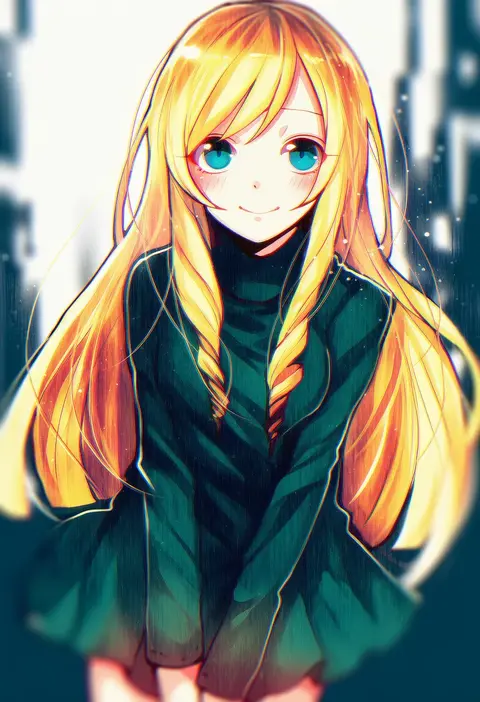
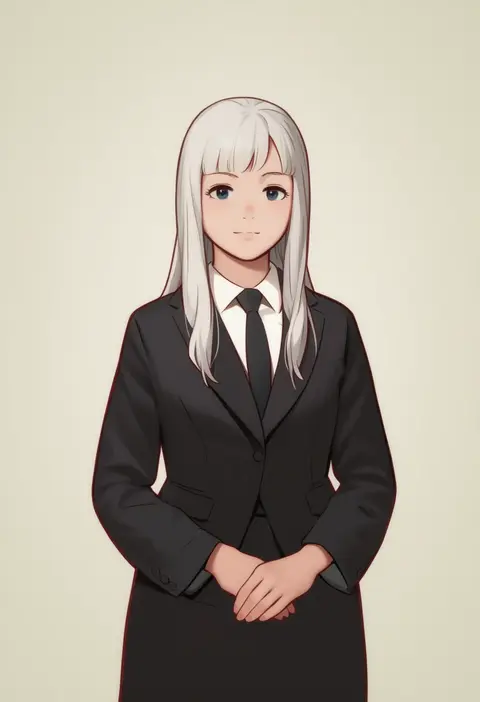
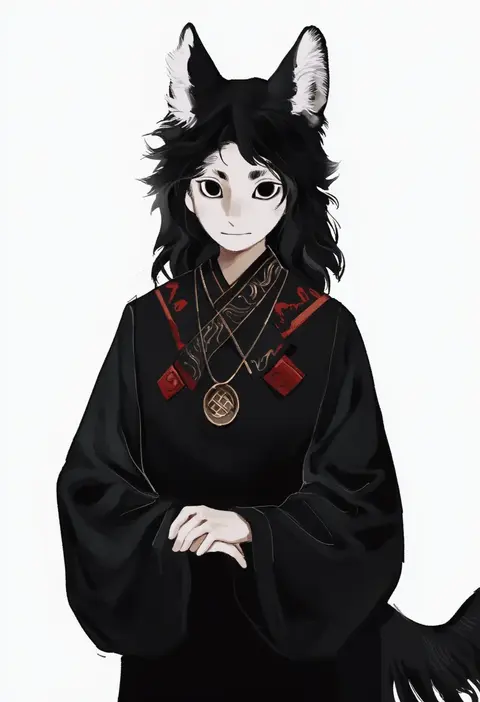
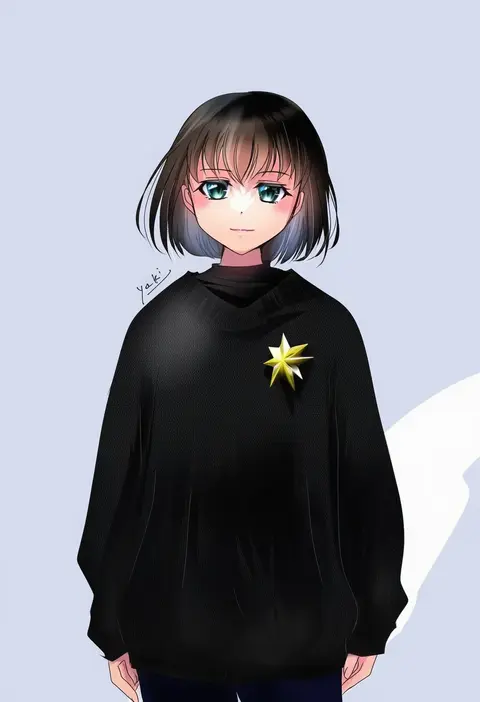
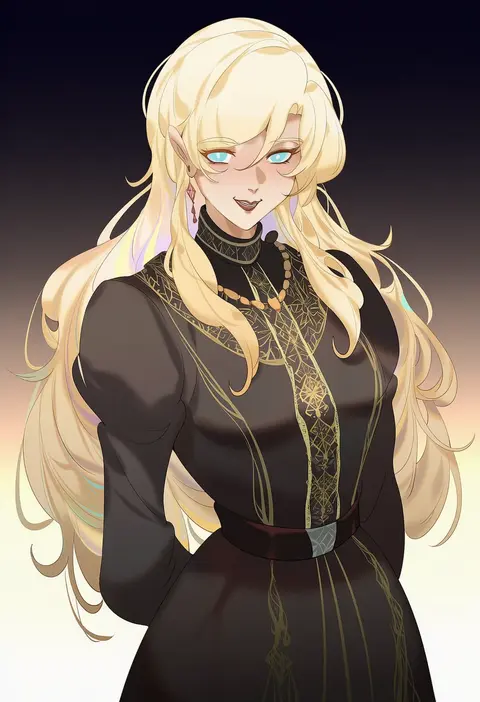
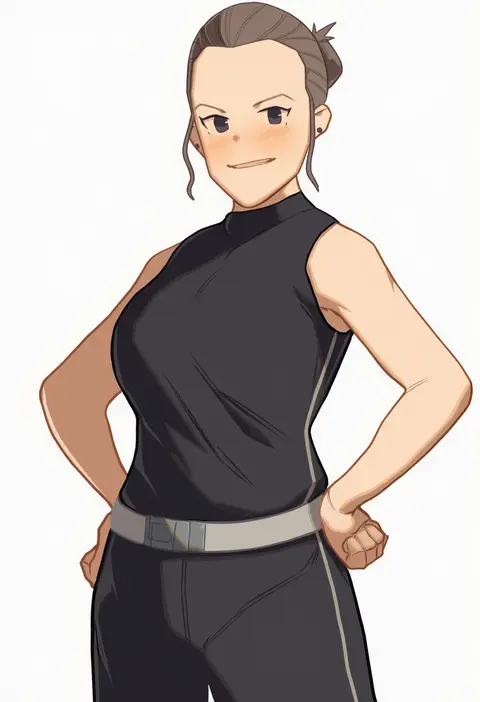
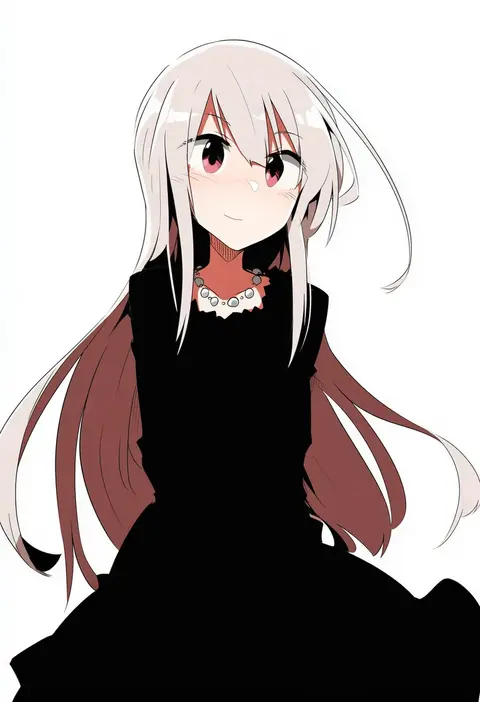
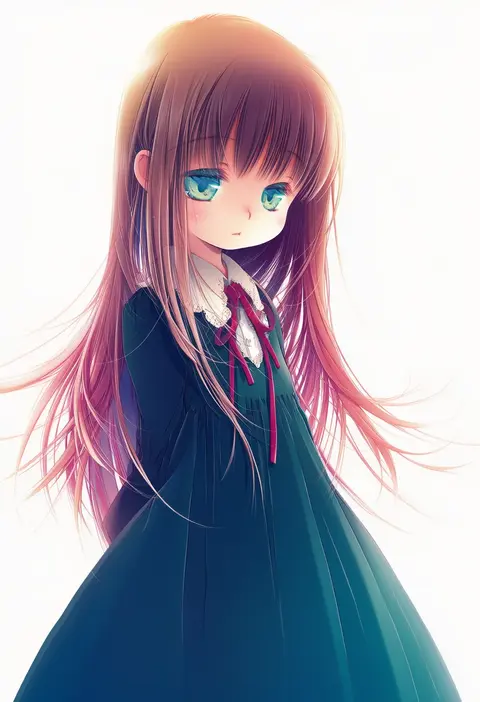
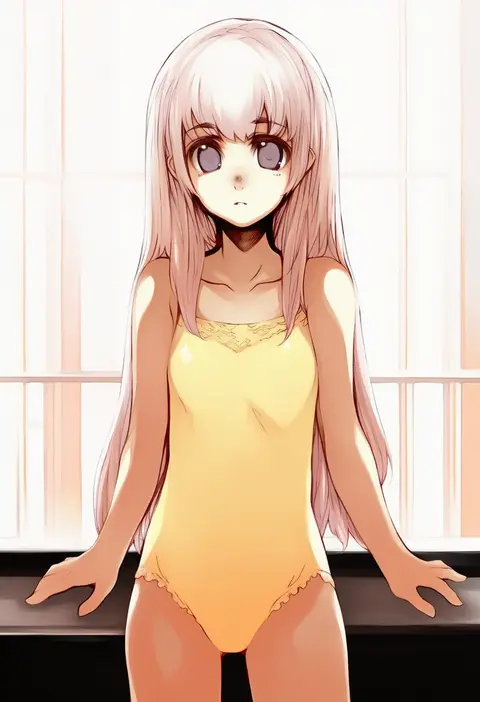
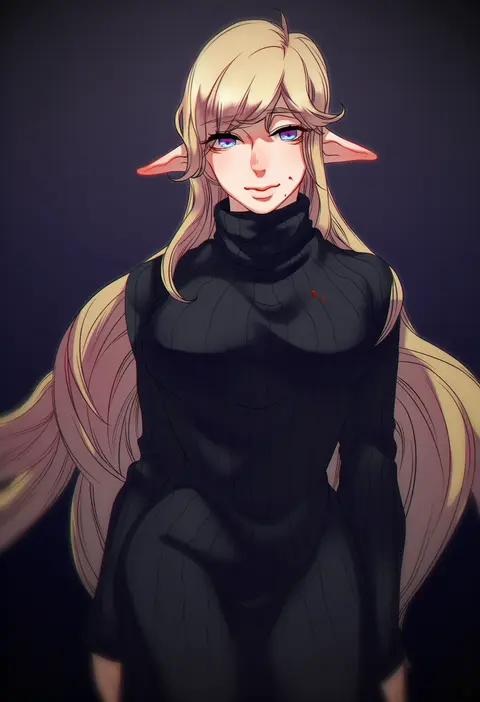
Artist tags tell NovelAI Diffusion to draw in a specific artist's style: line weight, paint texture, face shapes and palette all shift at once. Character and outfit tags decide what is drawn; artist tags decide how. 16,352 tags are listed for V4.5.
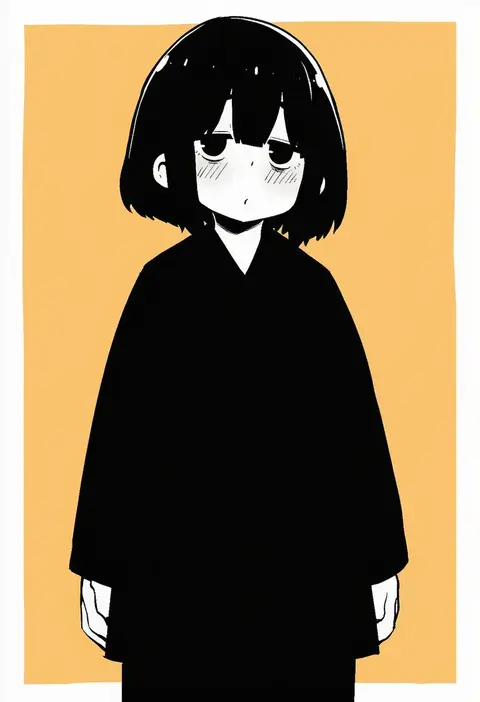
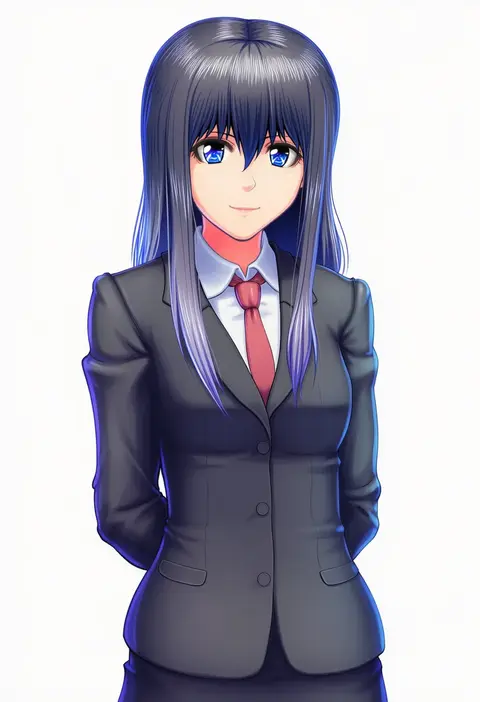
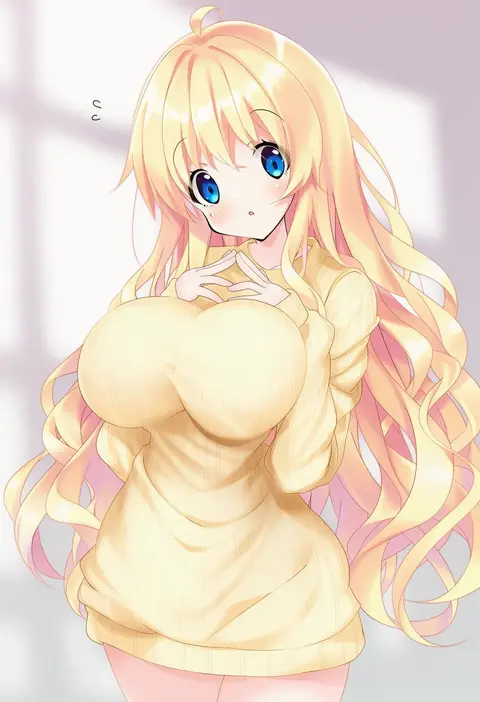
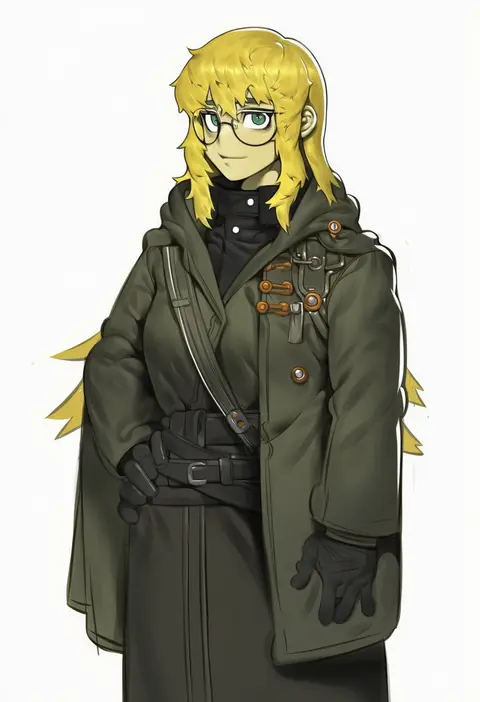
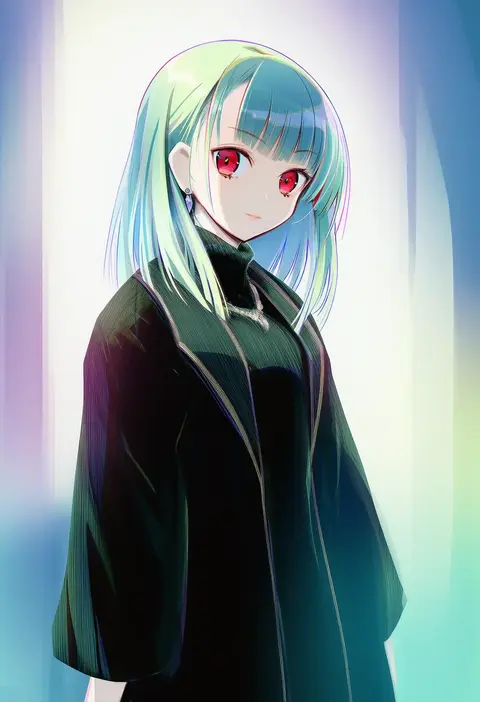
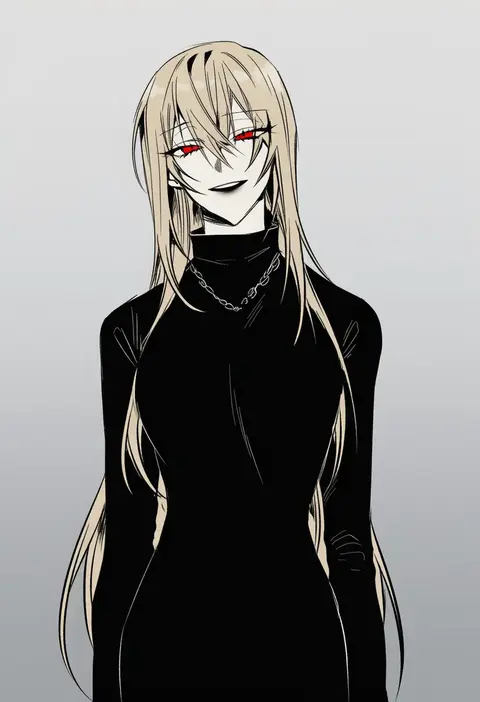
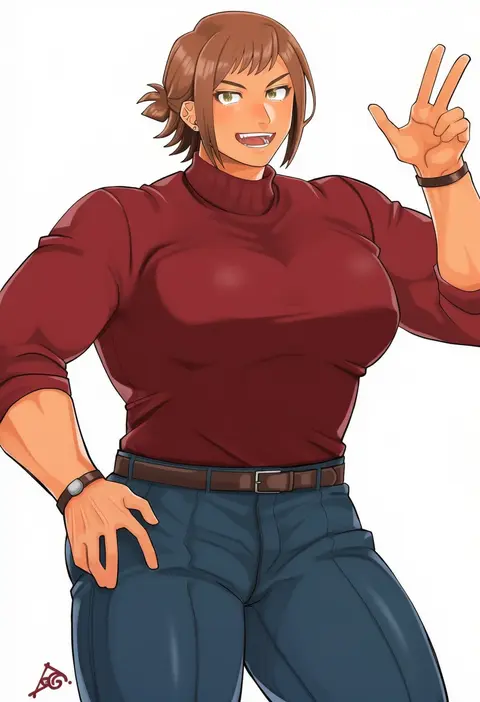
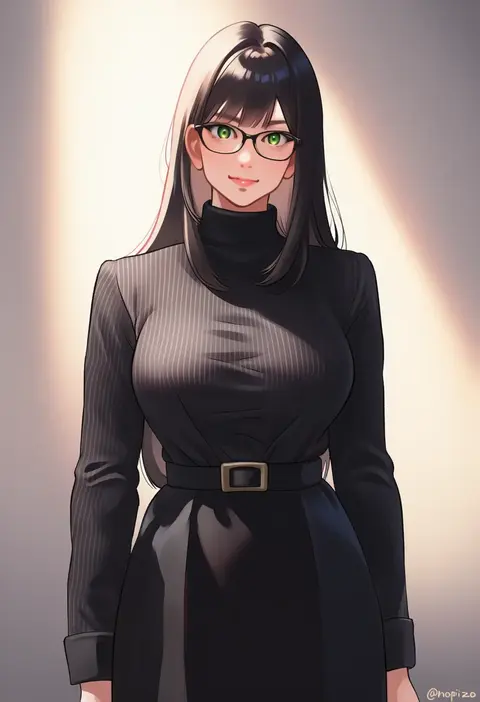
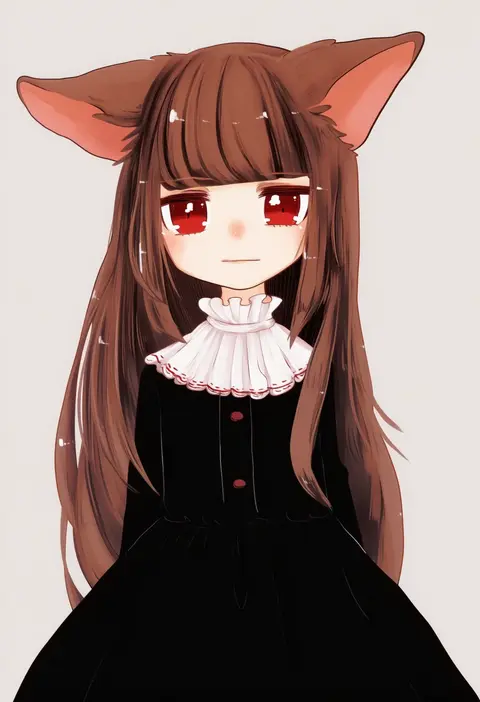
Every tag listed here is verified to react in NovelAI. All images use the same prompt, seed and settings with only the artist tag swapped, so the difference between two images is the style that tag brings in.

How to use them

Put the artist tag near the front of the prompt, e.g. "<artist>, 1girl, solo, best quality, masterpiece, cowboy shot". Two or three artist tags blend styles; lower the weight with "0.8::<artist>::" when the style overpowers the character.

SCORE sorts by Danbooru's top score, POSTS by post count, FAVS by hearts on this site. Open a card to see V5 and V4.5 side by side on the same seed.

V5 vs V4.5

V5 usually lands closer to the artist's real style, and tags that did nothing on V4.5 often react on V5. V4.5 still fits older and doujin-heavy artists better. Try V5 first, fall back to V4.5.

FAQ

Where does the artist tag go?
Near the front of the prompt. Use "0.8::tag::" to adjust its weight.

Can I stack artist tags?
Yes, styles blend. Past two or three the result stops looking like anyone.

Are these the artists' own works?
No. Every image is a NovelAI sample generated from the tag.