V4.5Artists
sort: FAVS▾
▾
>
$

Popular NovelAI artist tags — V4.5

artist --count 16,352[9/273]
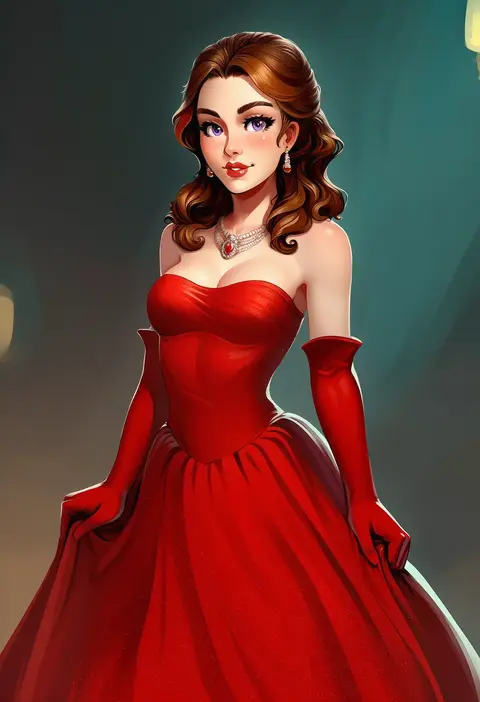
sane-person
ARTIST0x01E0
3
tottotonero
ARTIST0x01E1
3
miko (royal milk)
ARTIST0x01E2
3
koh (minagi kou)
ARTIST0x01E3
3
clearite
ARTIST0x01E4
3
baffu
ARTIST0x01E5
3
shanguier
ARTIST0x01E6
3
kasai shin
ARTIST0x01E7
3
infinote
ARTIST0x01E8
3
rororogi mogera
ARTIST0x01E9
3
noripachi
ARTIST0x01EA
3
mizuki makoto
ARTIST0x01EB
3
dingding (chongsangjun)
ARTIST0x01EC
3
takayaki
ARTIST0x01ED
3
hidulume
ARTIST0x01EE
3
yoshio (55level)
ARTIST0x01EF
3
fujisaki hikari
ARTIST0x01F0
3
aomushi (mushamusha)
ARTIST0x01F1
3
toridamono
ARTIST0x01F2
3
dandon fuga
ARTIST0x01F3
3
nekoshoko
ARTIST0x01F4
3
ban! (bansankan)
ARTIST0x01F5
3
a re
ARTIST0x01F6
3
rariatto (ganguri)
ARTIST0x01F7
3
namaniku atk
ARTIST0x01F8
3
horikoshi kouhei
ARTIST0x01F9
3
mel (melty pot)
ARTIST0x01FA
3
pononozo
ARTIST0x01FB
3
oldsickkim
ARTIST0x01FC
3
hototogisu (7kanu 7ra)
ARTIST0x01FD
3
kemuri haku
ARTIST0x01FE
3
metata
ARTIST0x01FF
3
ririko (zhuoyandesailaer)
ARTIST0x0200
3
kopaka (karda nui)
ARTIST0x0201
3
misaki kurehito
ARTIST0x0202
3
herohero (higashi no dou)
ARTIST0x0203
3
tsurumi kazane
ARTIST0x0204
3
amagai tarou
ARTIST0x0205
3
tsukishiro saika
ARTIST0x0206
3
hima
ARTIST0x0207
3
togetoge (jakusanseimk2)
ARTIST0x0208
3
bow (bhp)
ARTIST0x0209
3
obiwan
ARTIST0x020A
3
na tarapisu153
ARTIST0x020B
3
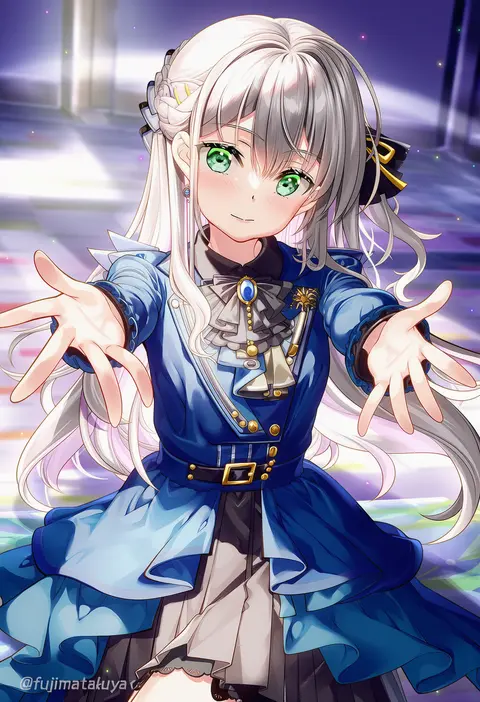
fujima takuya
ARTIST0x020C
3
tsunako
ARTIST0x020D
3
harigane shinshi
ARTIST0x020E
3
inhoso
ARTIST0x020F
3
choco (chocolate shop)
ARTIST0x0210
3
honjou raita
ARTIST0x0211
3
seo tatsuya
ARTIST0x0212
3
kotomuke fuurin
ARTIST0x0213
3
narue
ARTIST0x0214
3
zekkyon
ARTIST0x0215
3
usa37107692
ARTIST0x0216
3
haguhagu (rinjuu circus)
ARTIST0x0217
3
iromeki overdrive
ARTIST0x0218
3
nyong nyong
ARTIST0x0219
3
aoi kumiko
ARTIST0x021A
3
agoto
ARTIST0x021B
3

What these tags change

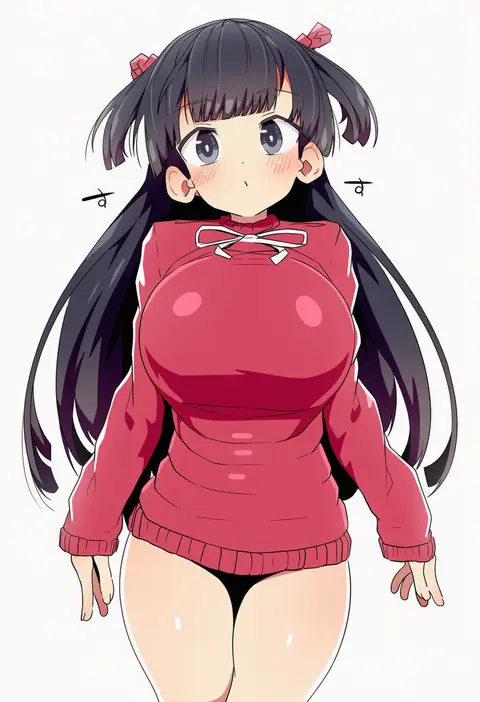
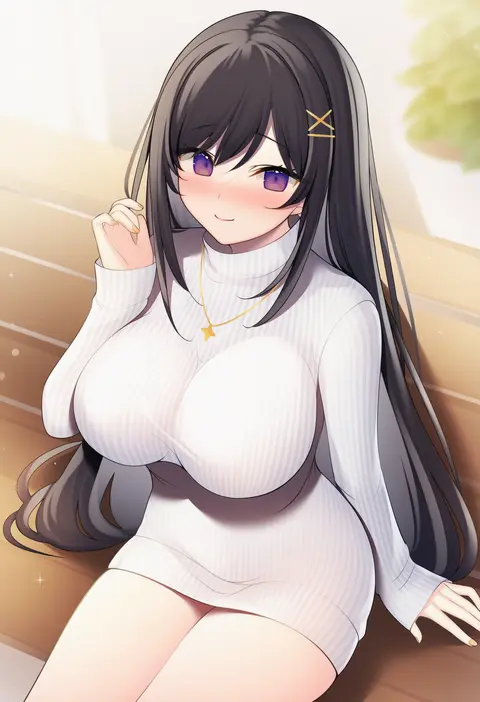
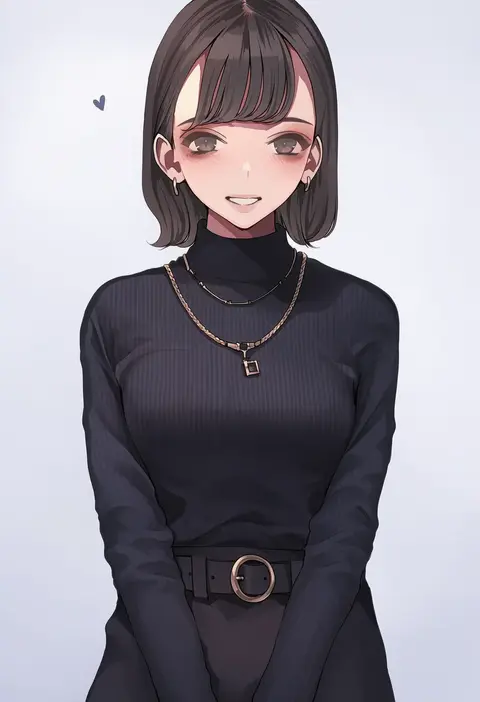
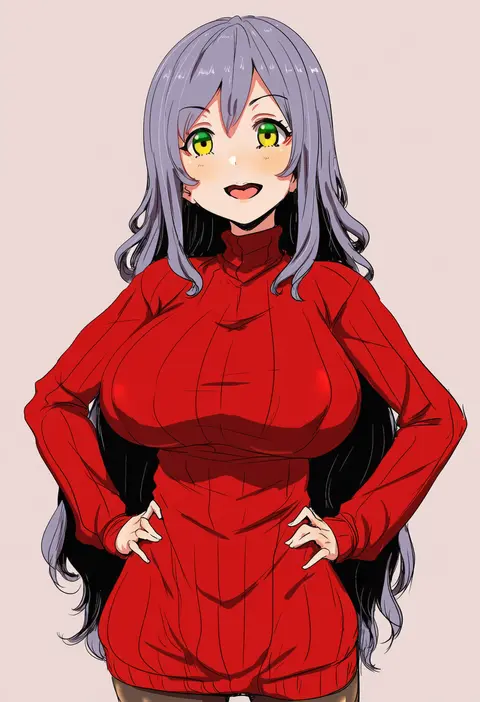
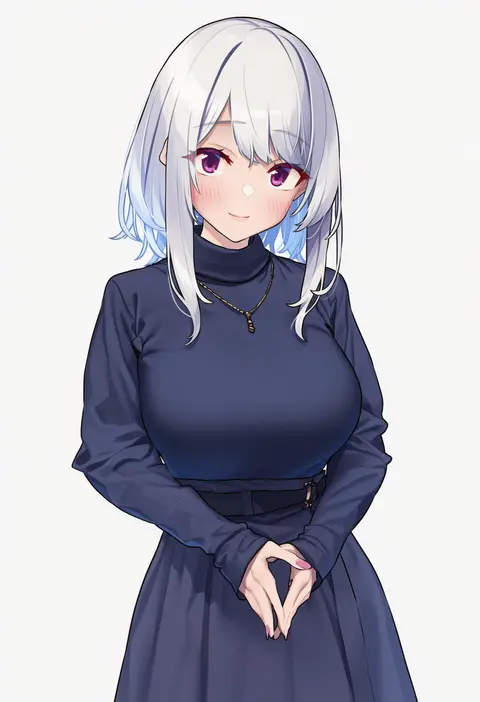
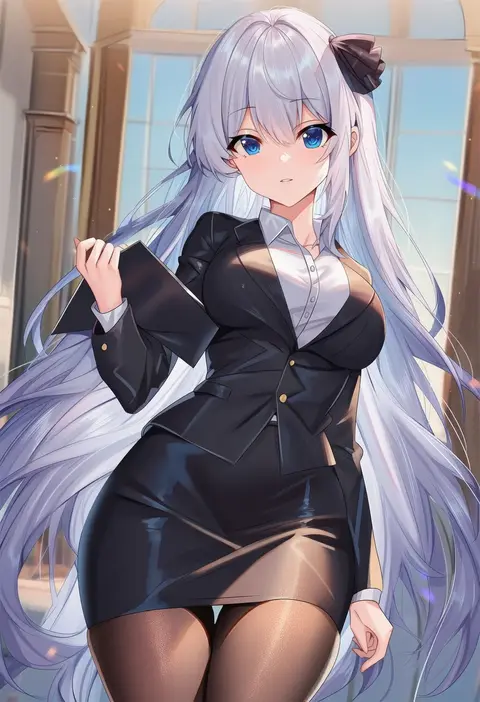
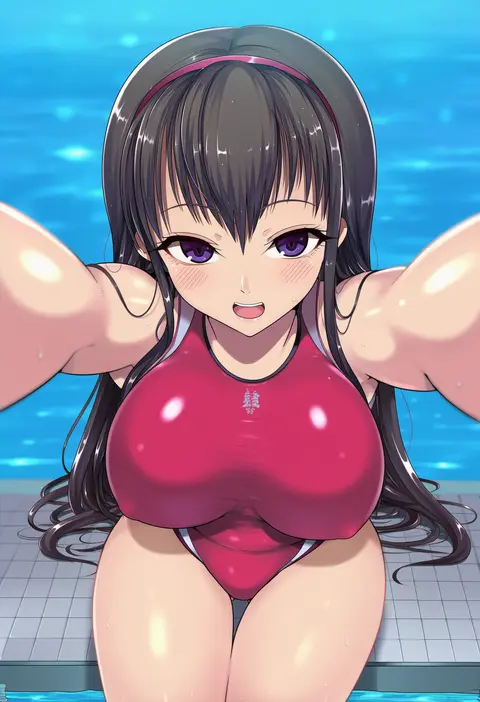
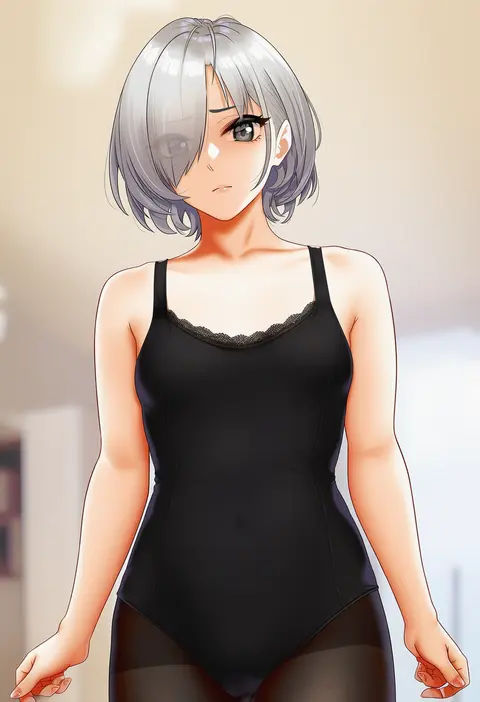
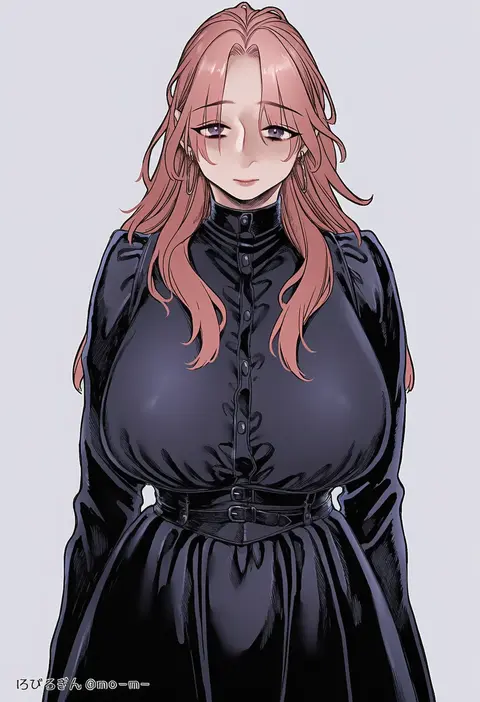
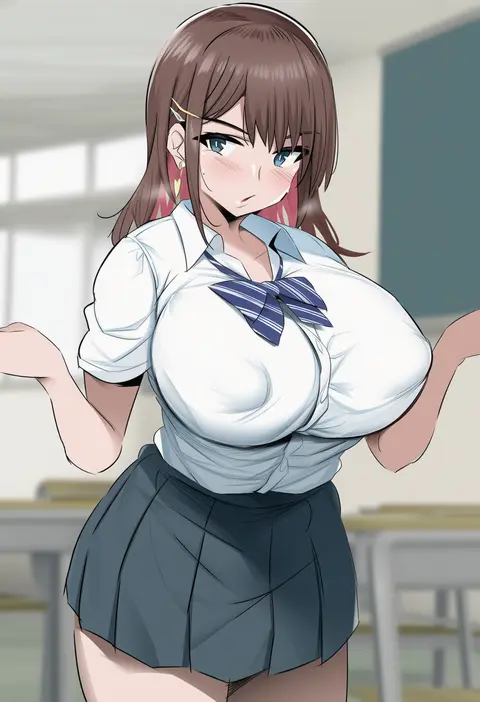
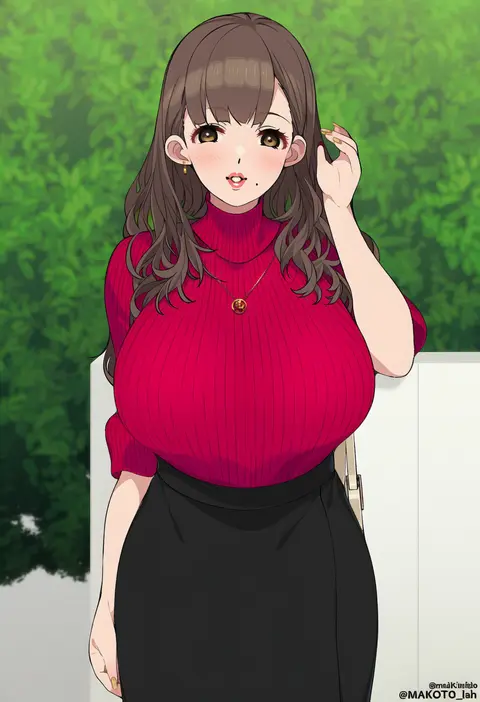
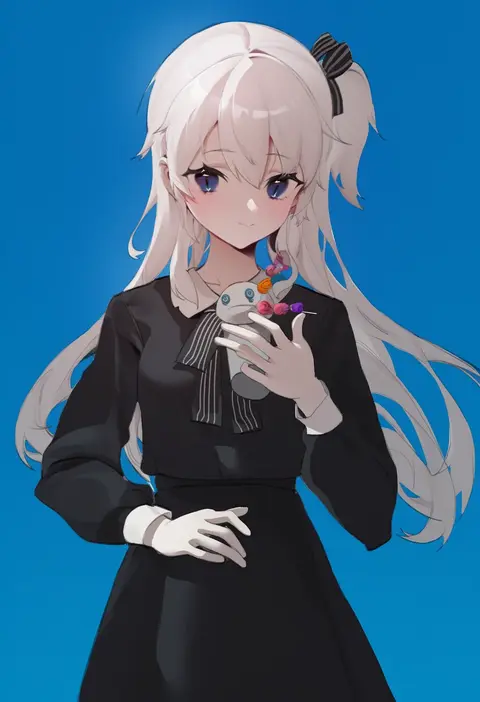
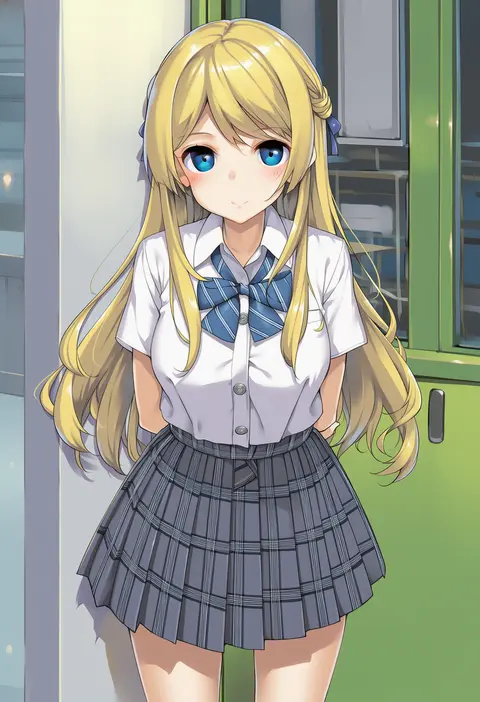
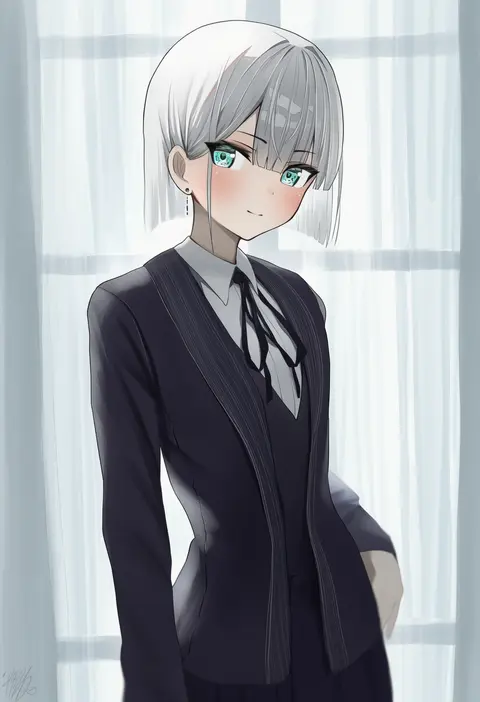
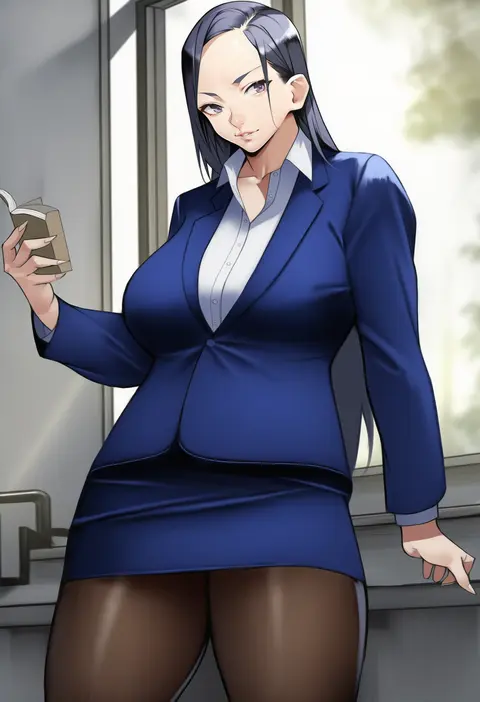
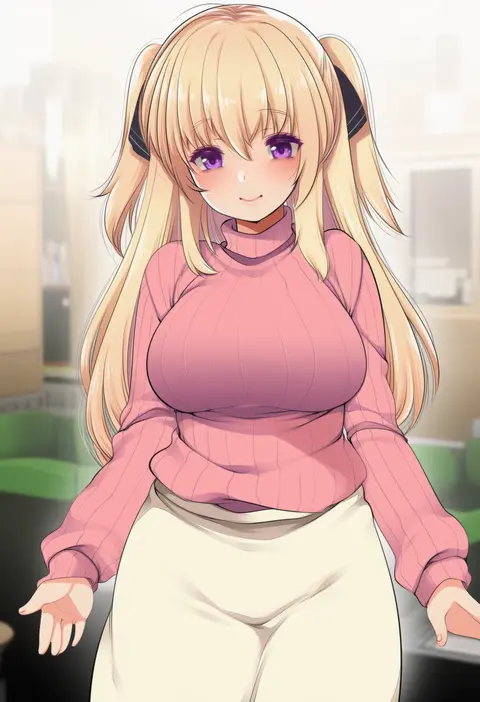
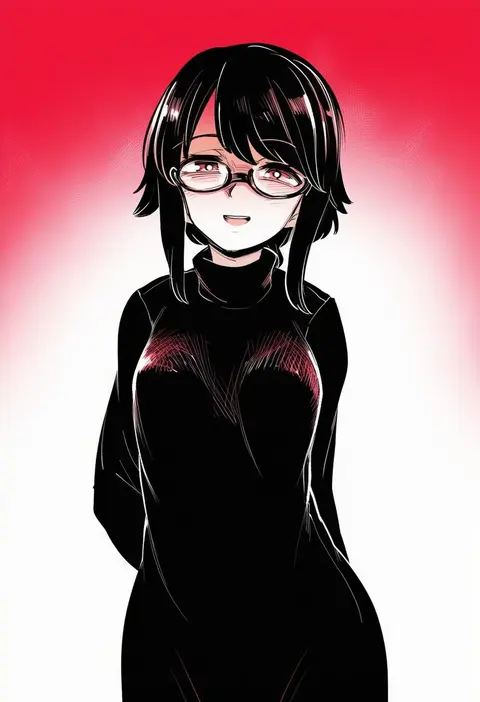
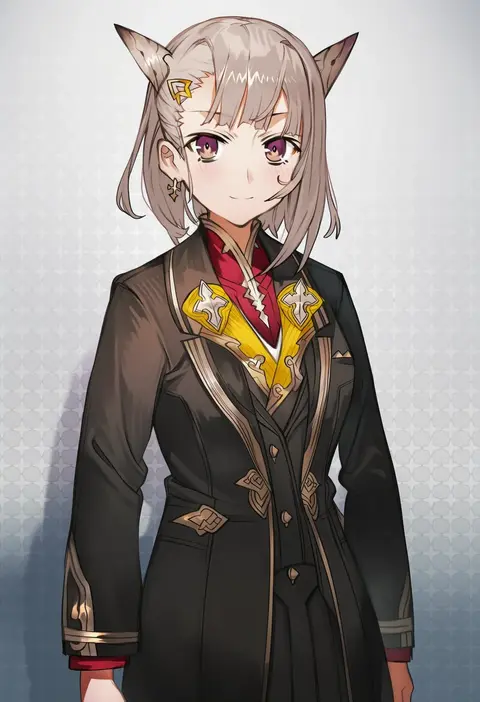
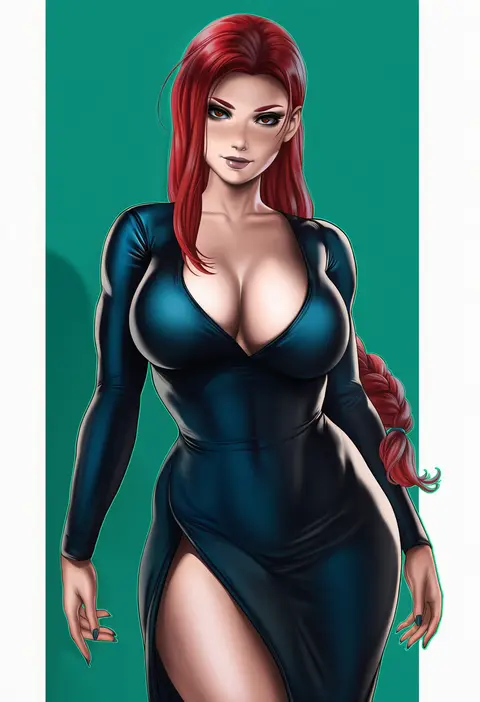
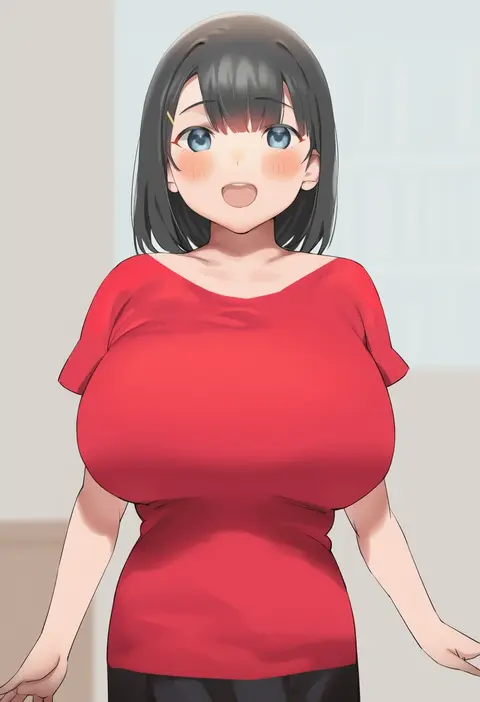
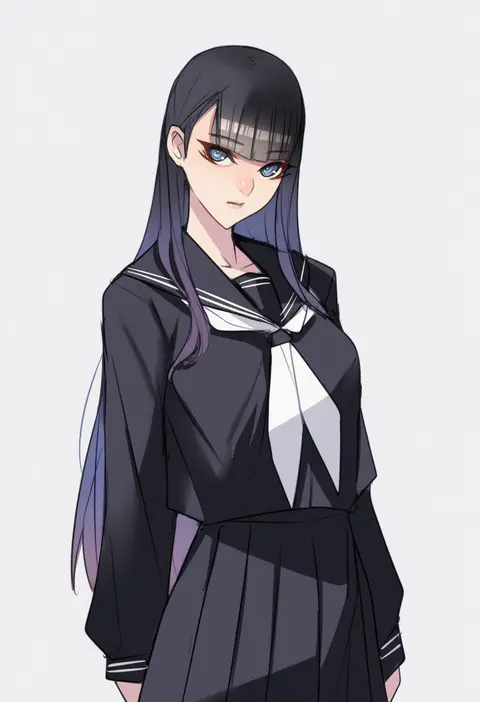
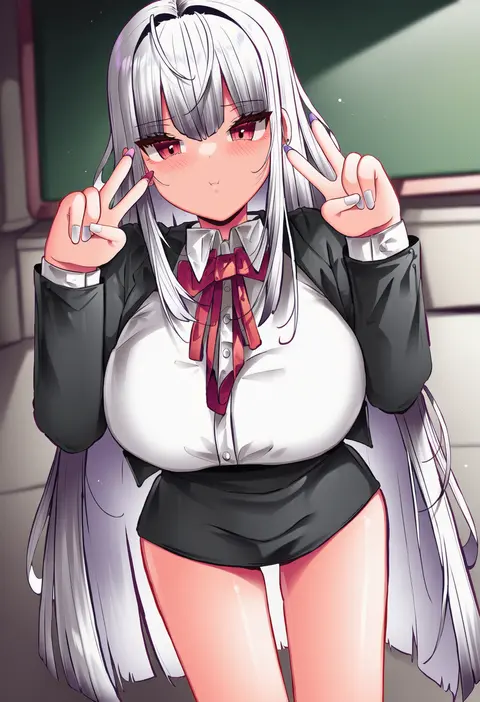
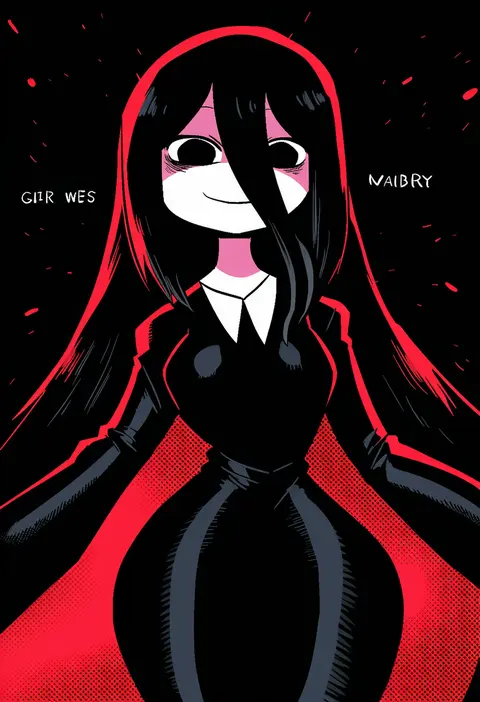
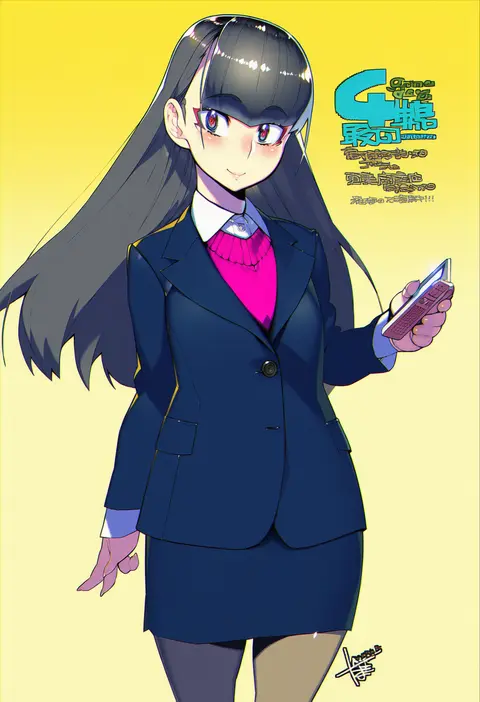
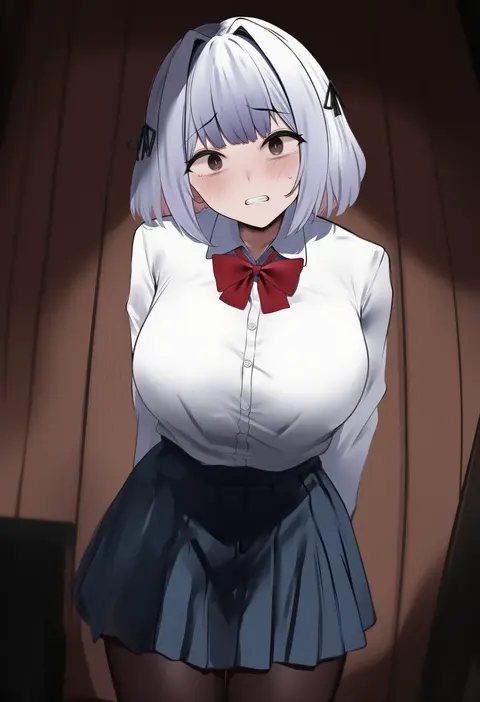
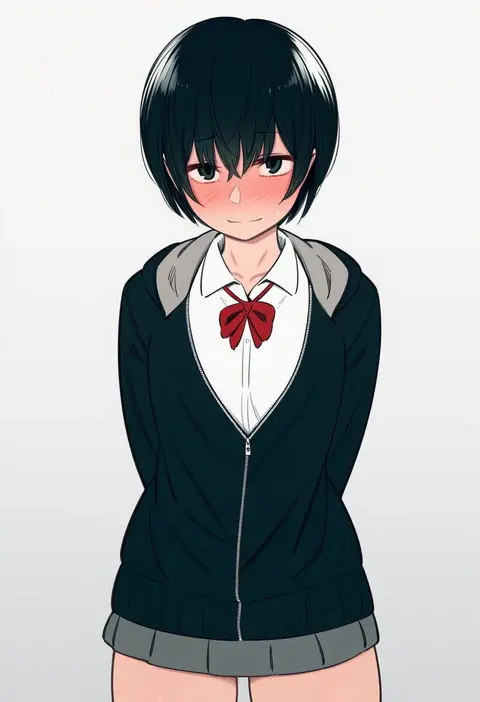
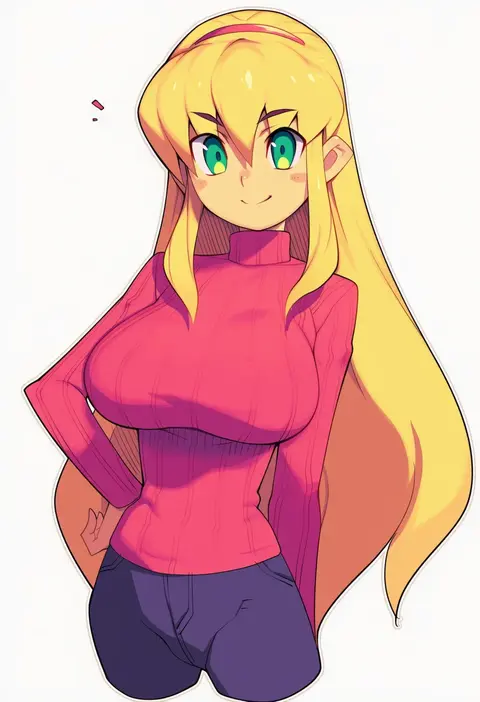
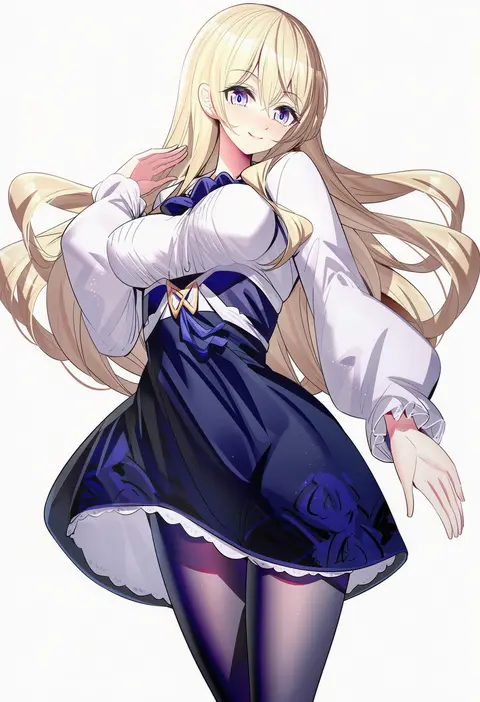
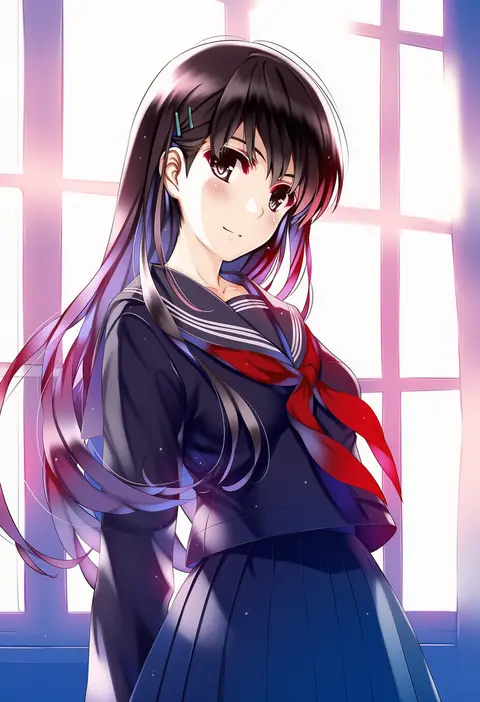
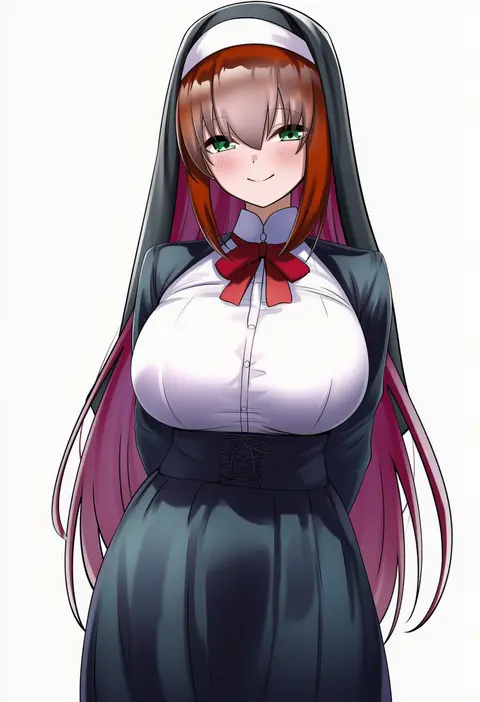
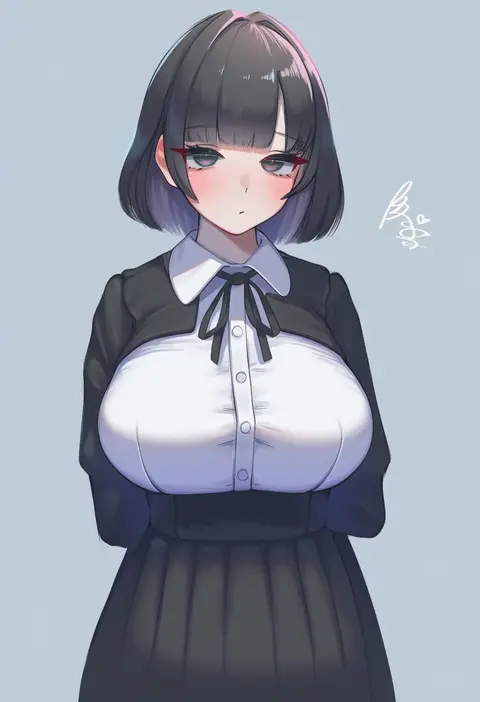
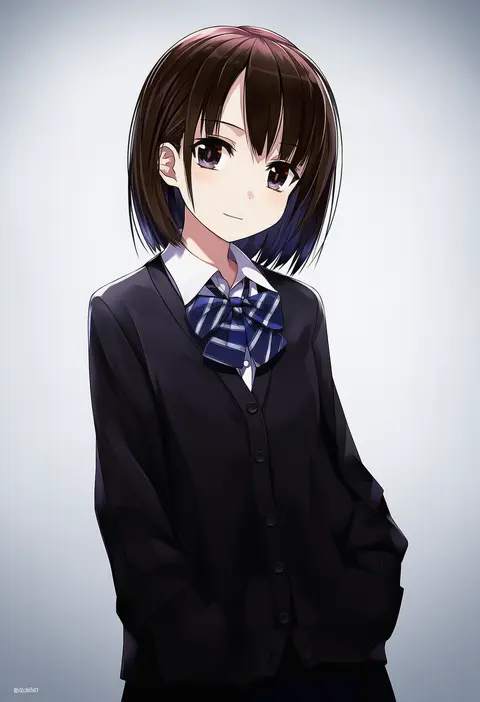
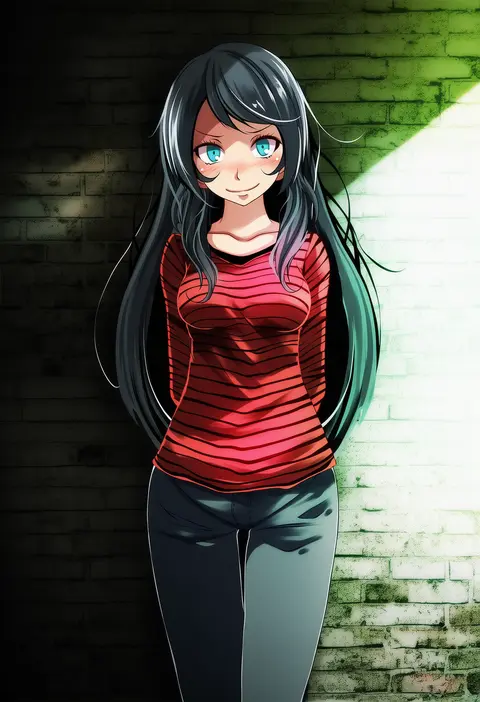
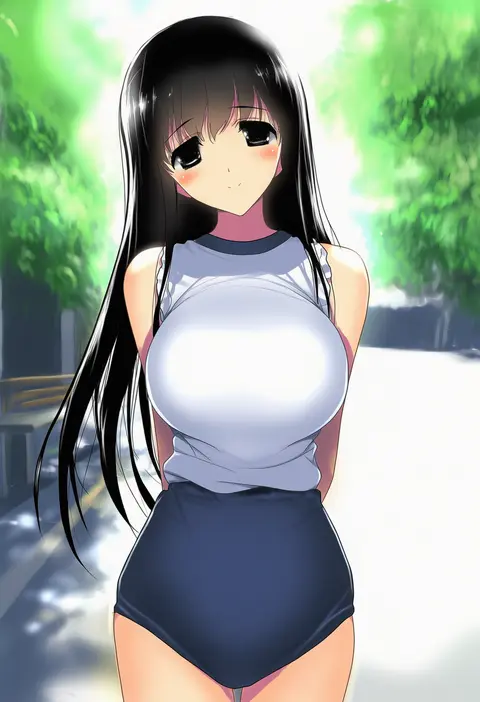
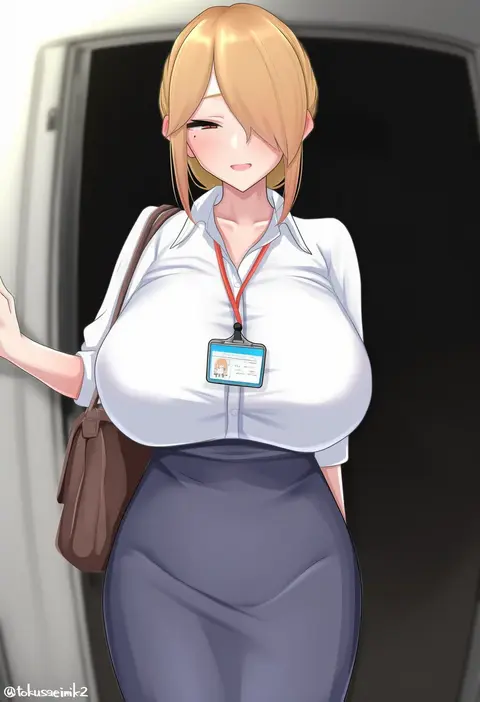
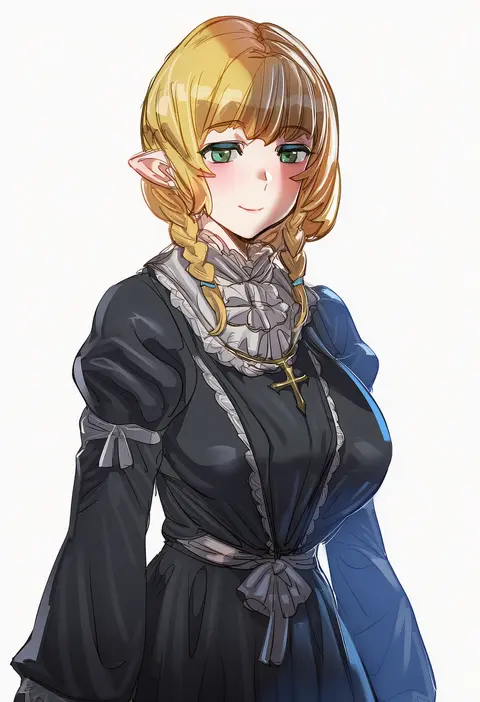
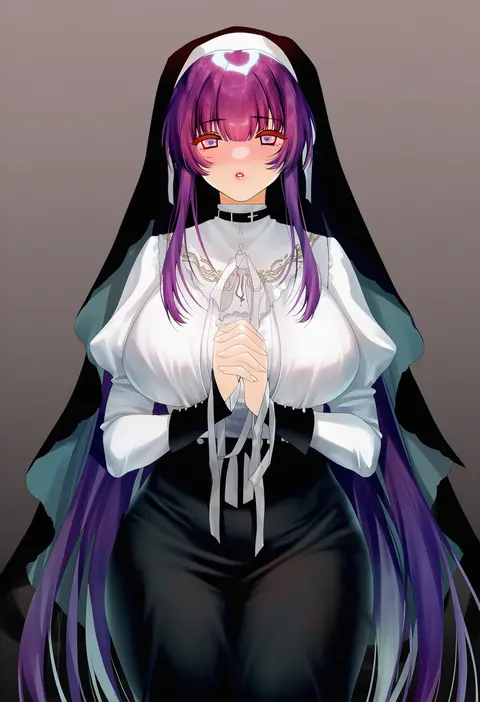
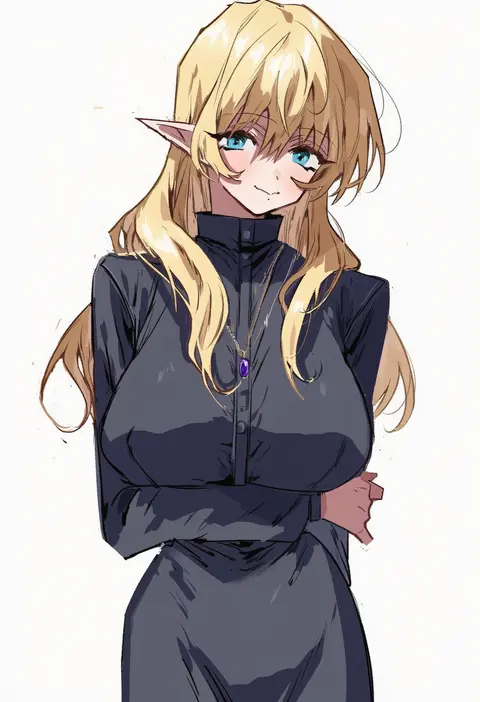
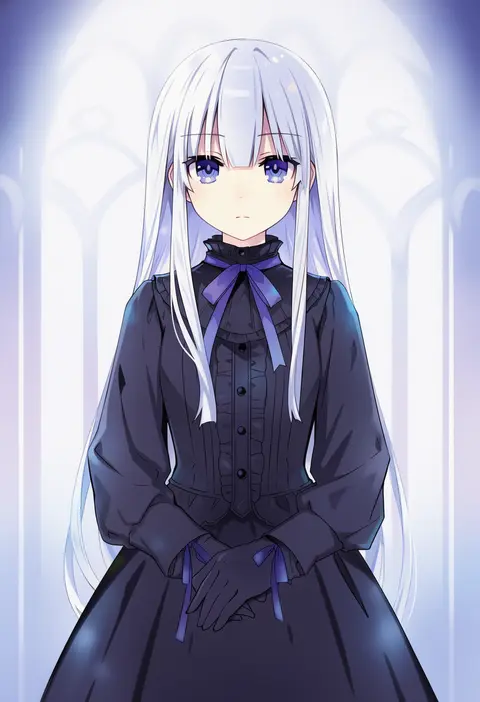
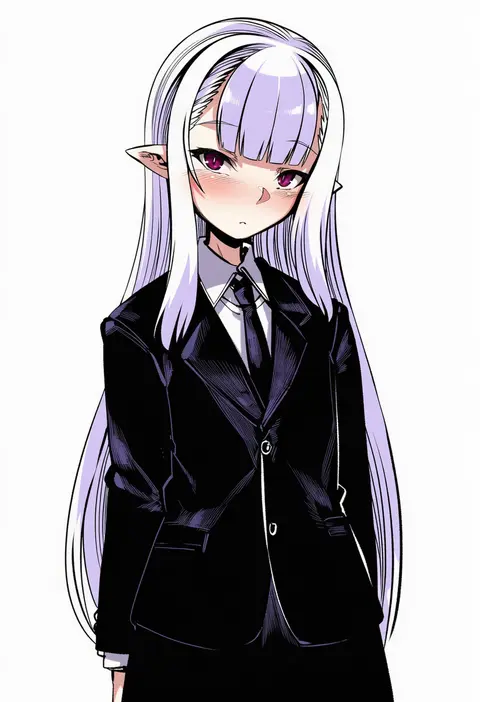
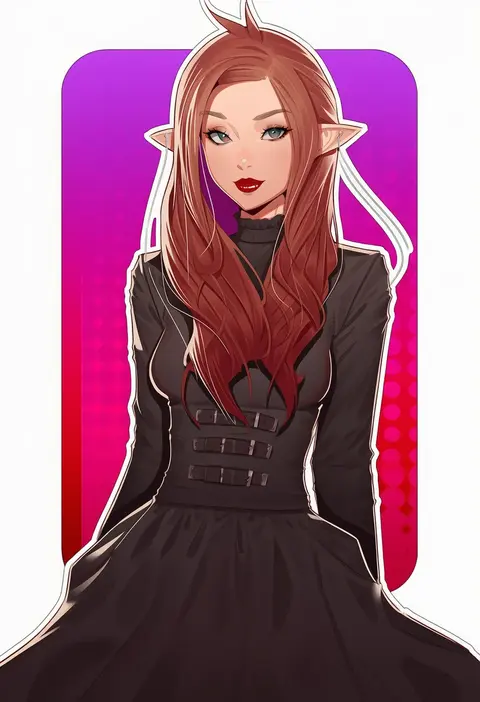
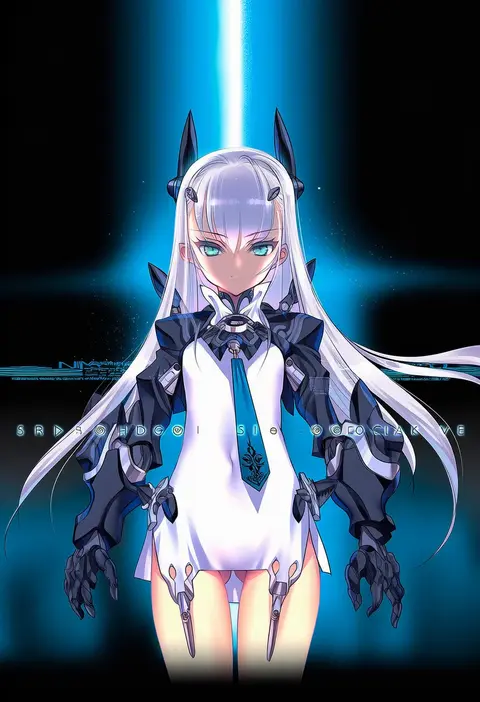
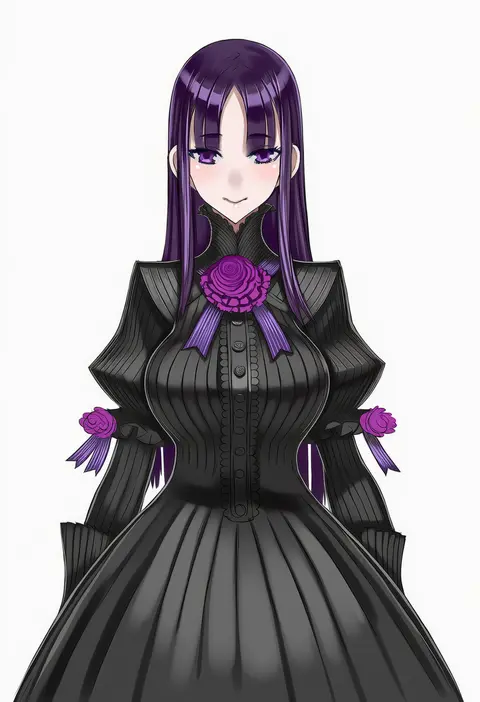
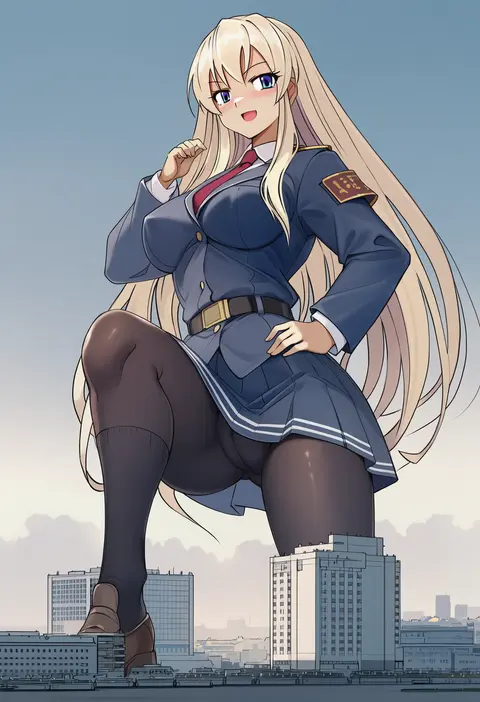
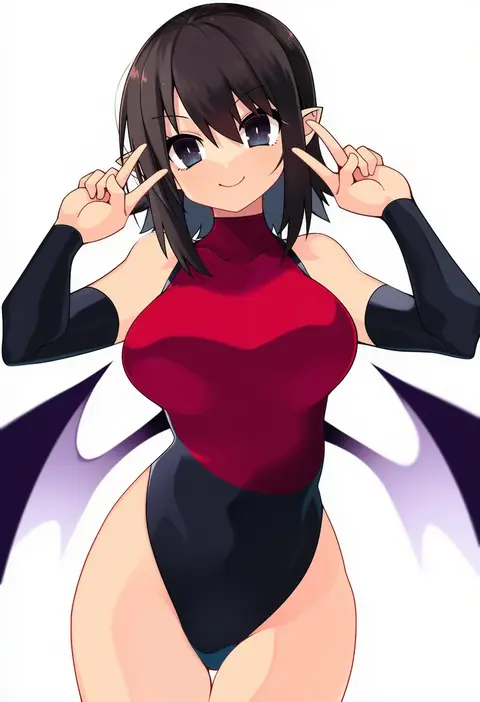
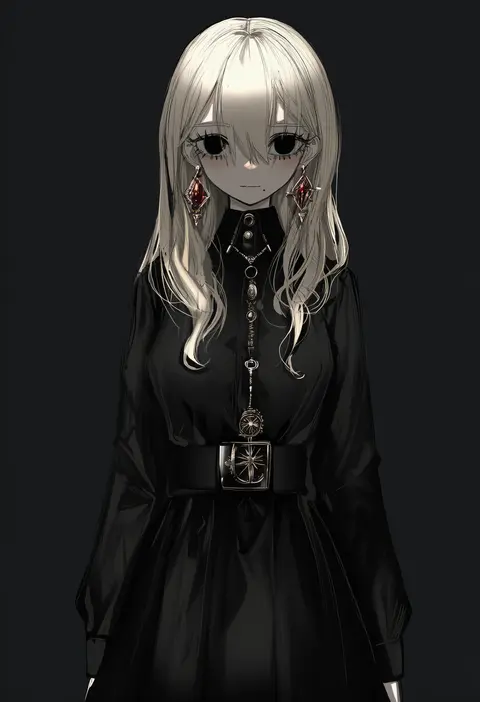
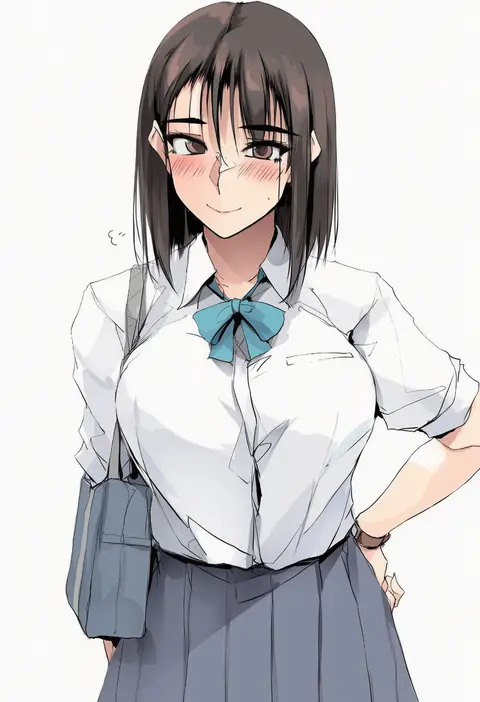
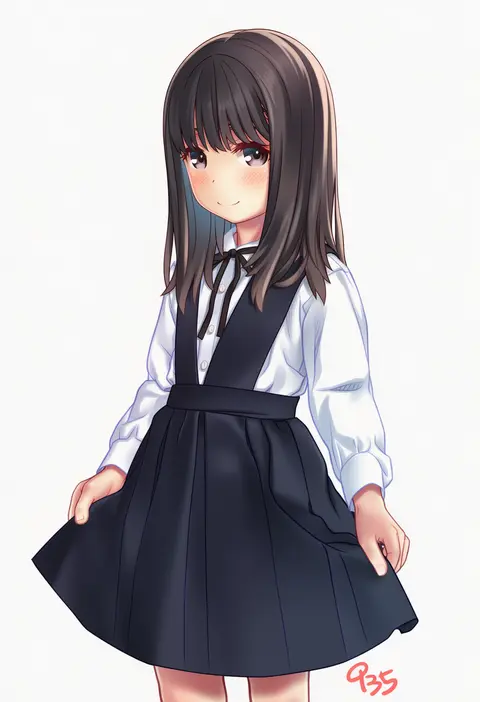
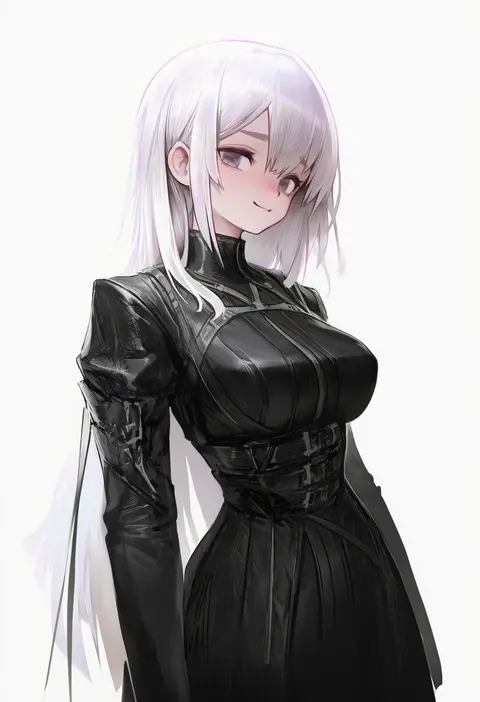
Artist tags tell NovelAI Diffusion to draw in a specific artist's style: line weight, paint texture, face shapes and palette all shift at once. Character and outfit tags decide what is drawn; artist tags decide how. 16,352 tags are listed for V4.5.
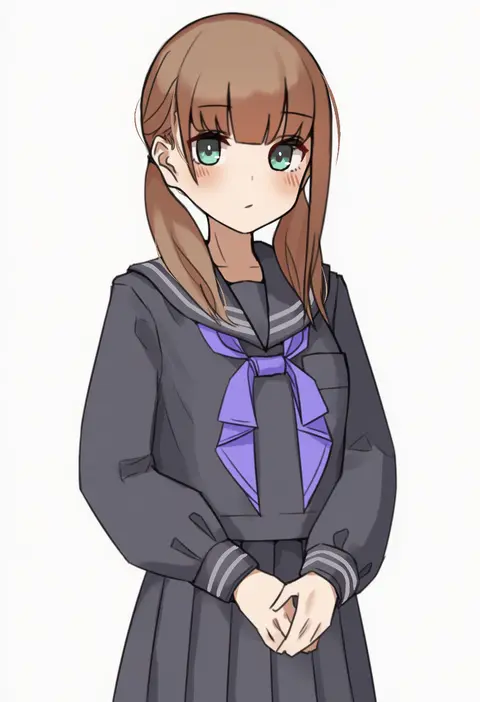
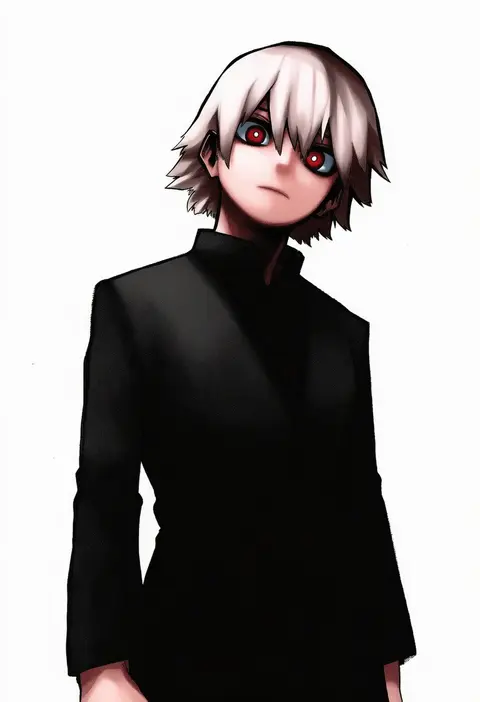
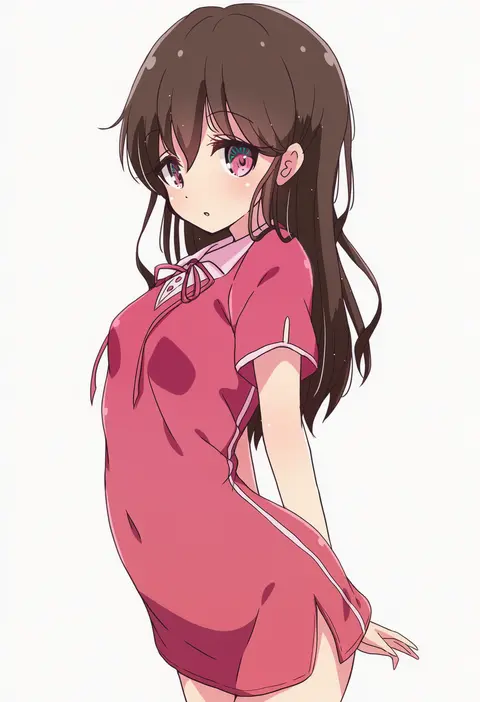
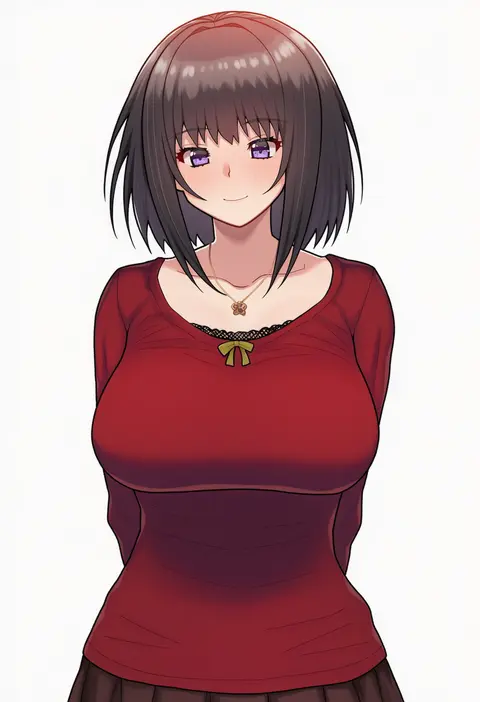
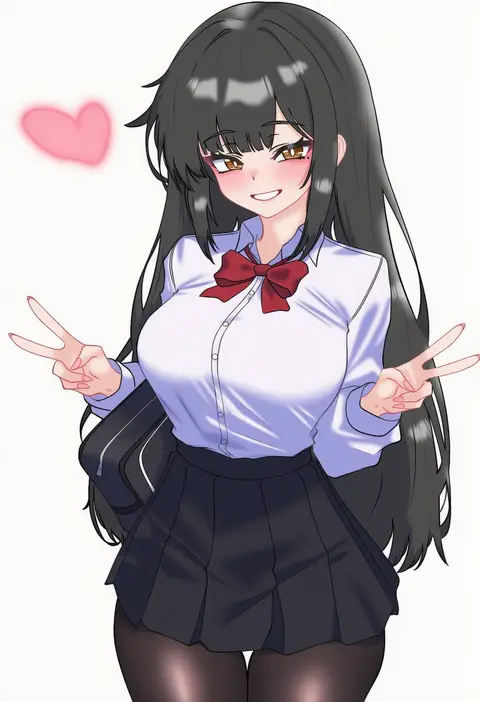
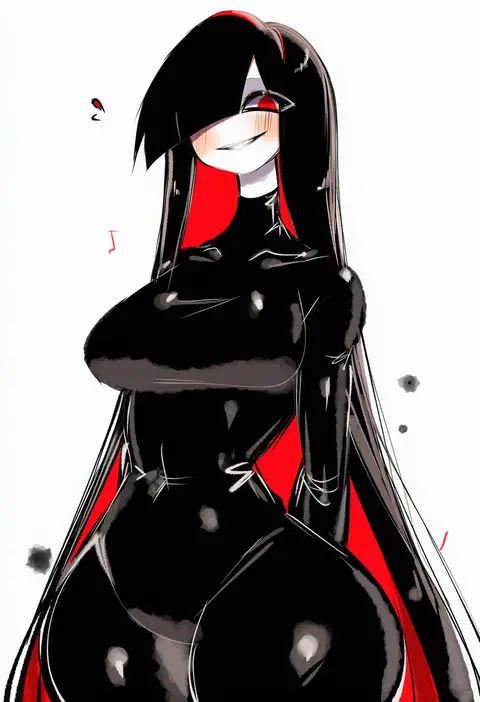
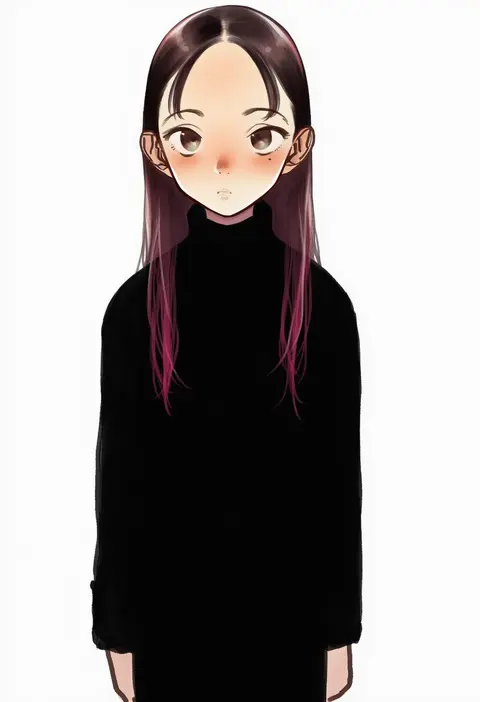
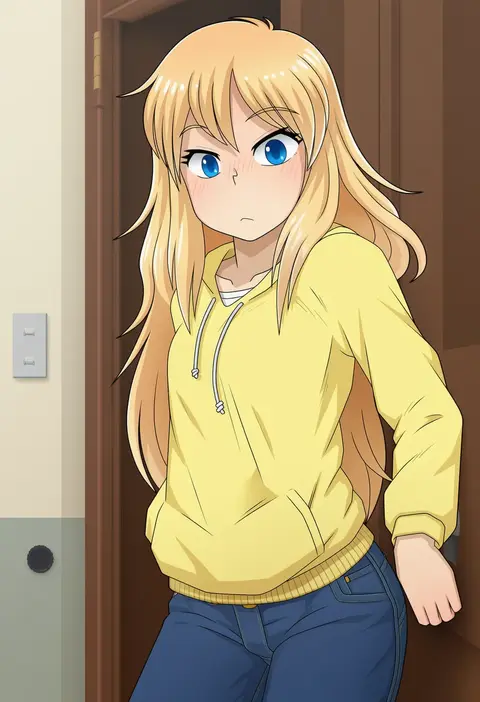
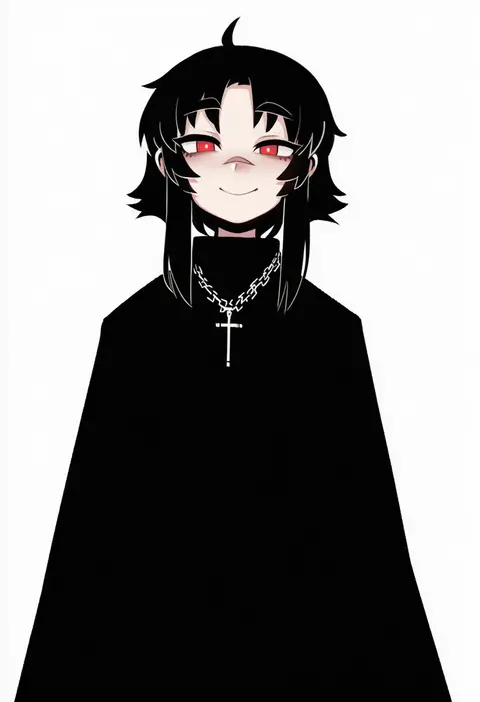
Every tag listed here is verified to react in NovelAI. All images use the same prompt, seed and settings with only the artist tag swapped, so the difference between two images is the style that tag brings in.

How to use them

Put the artist tag near the front of the prompt, e.g. "<artist>, 1girl, solo, best quality, masterpiece, cowboy shot". Two or three artist tags blend styles; lower the weight with "0.8::<artist>::" when the style overpowers the character.

SCORE sorts by Danbooru's top score, POSTS by post count, FAVS by hearts on this site. Open a card to see V5 and V4.5 side by side on the same seed.

V5 vs V4.5

V5 usually lands closer to the artist's real style, and tags that did nothing on V4.5 often react on V5. V4.5 still fits older and doujin-heavy artists better. Try V5 first, fall back to V4.5.

FAQ

Where does the artist tag go?
Near the front of the prompt. Use "0.8::tag::" to adjust its weight.

Can I stack artist tags?
Yes, styles blend. Past two or three the result stops looking like anyone.

Are these the artists' own works?
No. Every image is a NovelAI sample generated from the tag.