V4.5Artists
sort: FAVS▾
▾
>
$

Popular NovelAI artist tags — V4.5

artist --count 16,352[97/273]
r123
ARTIST0x1680
0
gamerag
ARTIST0x1681
0
denchu (kazudentyu)
ARTIST0x1682
0
filha
ARTIST0x1683
0
k-suwabe
ARTIST0x1684
0
yasuyuki
ARTIST0x1685
0
reeh (yukuri130)
ARTIST0x1686
0
nian (zhanian)
ARTIST0x1687
0
chimunge
ARTIST0x1688
0
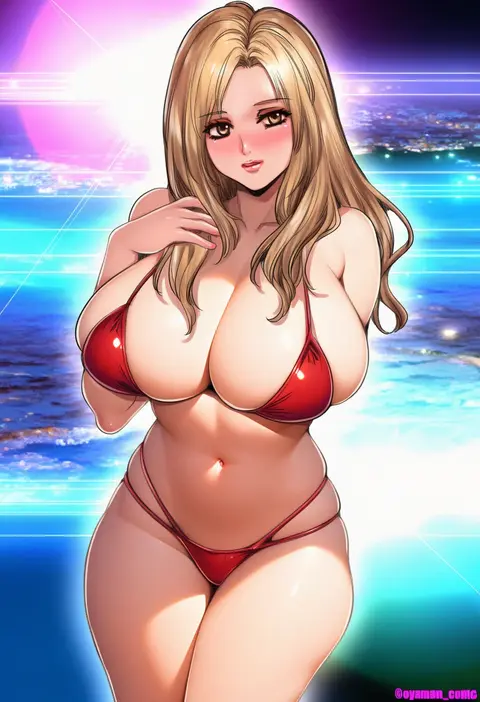
oyaman
ARTIST0x1689
0
patricia (stylish marunage)
ARTIST0x168A
0
mucha (muchakai)
ARTIST0x168B
0
guzangnanfeng
ARTIST0x168C
0
jun project
ARTIST0x168D
0
fukemachi
ARTIST0x168E
0
karasuma yayoi
ARTIST0x168F
0
niac
ARTIST0x1690
0
sharekoube
ARTIST0x1691
0
misekiss
ARTIST0x1692
0
yuki flourish
ARTIST0x1693
0
verslll
ARTIST0x1694
0
motsunuki
ARTIST0x1695
0
noname (nowhere)
ARTIST0x1696
0
ohguro mariya
ARTIST0x1697
0
tsukise miwa
ARTIST0x1698
0
5saiji
ARTIST0x1699
0
torakichi 888
ARTIST0x169A
0
ooike teru
ARTIST0x169B
0
yamamoto arifred
ARTIST0x169C
0
ebido
ARTIST0x169D
0
zonda (solid air)
ARTIST0x169E
0
harihisa
ARTIST0x169F
0
yamato (muchuu paradigm)
ARTIST0x16A0
0
touya (the-moon)
ARTIST0x16A1
0
odachu
ARTIST0x16A2
0
dickbomber
ARTIST0x16A3
0
usagi (786113654)
ARTIST0x16A4
0
viperxtr
ARTIST0x16A5
0
zattape
ARTIST0x16A6
0
izra
ARTIST0x16A7
0
wangyq
ARTIST0x16A8
0
niniidawns
ARTIST0x16A9
0
heoningu
ARTIST0x16AA
0
ryakusun
ARTIST0x16AB
0
tamano nae
ARTIST0x16AC
0
makicha (sasurainopink)
ARTIST0x16AD
0
kawacy
ARTIST0x16AE
0
nonoririn
ARTIST0x16AF
0
ranf
ARTIST0x16B0
0
omar dogan
ARTIST0x16B1
0
tuxedo de cat
ARTIST0x16B2
0
luke (b10a3123m)
ARTIST0x16B3
0
quan (kurisu tina)
ARTIST0x16B4
0
yorukun
ARTIST0x16B5
0
hongbaise raw
ARTIST0x16B6
0
jiusan naitang
ARTIST0x16B7
0
gengoroh
ARTIST0x16B8
0
iury padilha
ARTIST0x16B9
0
isaki tanaka
ARTIST0x16BA
0
renxzd
ARTIST0x16BB
0

What these tags change

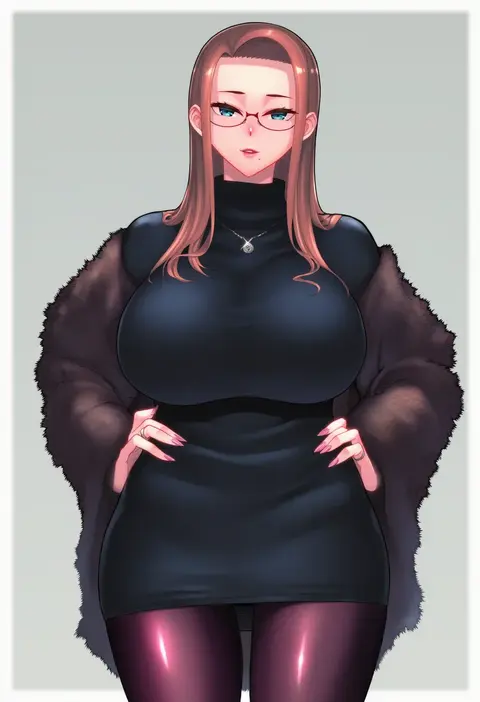
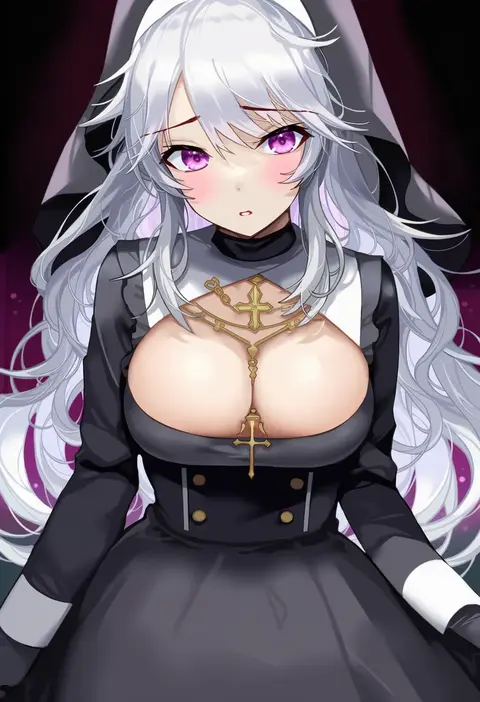
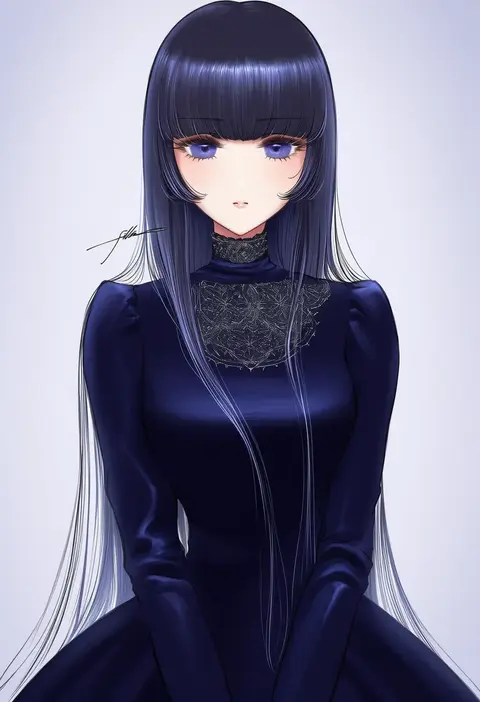
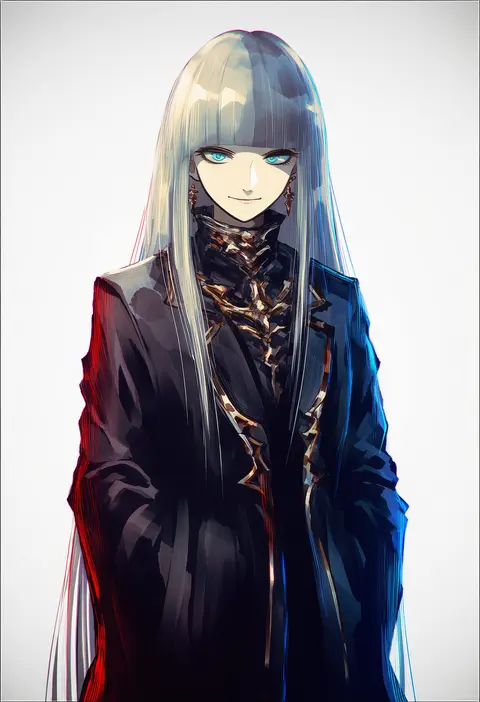
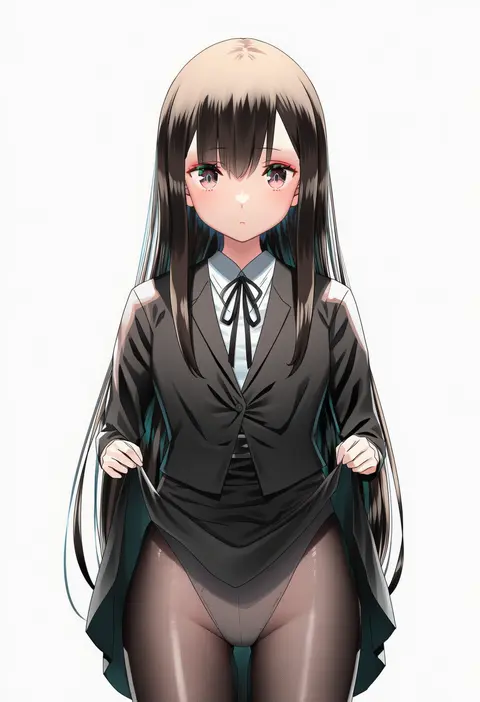
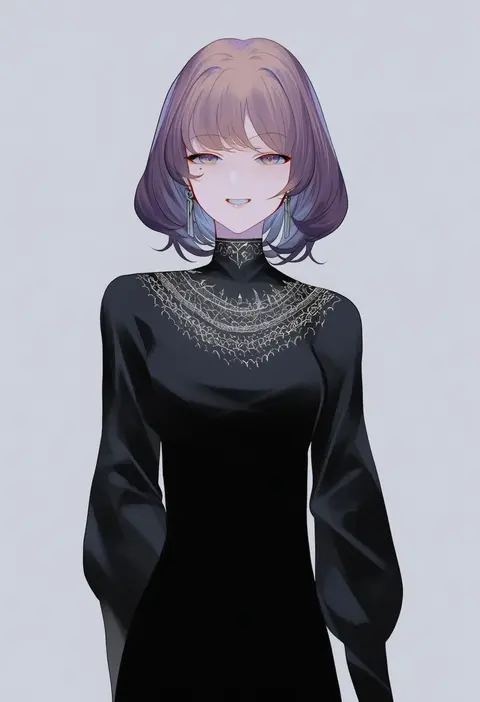
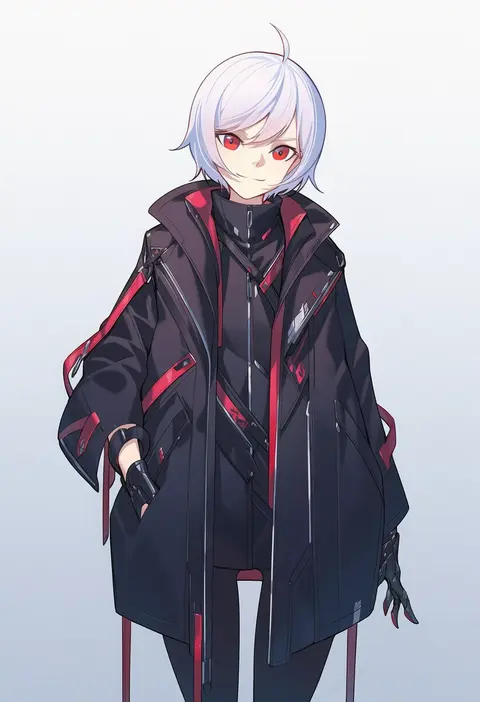
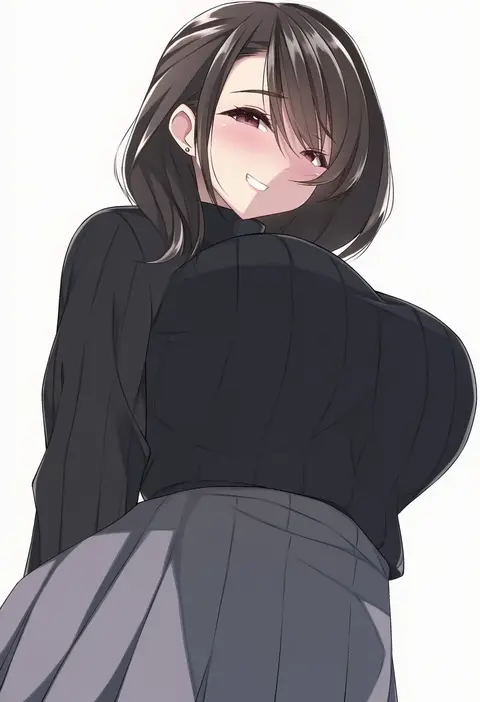
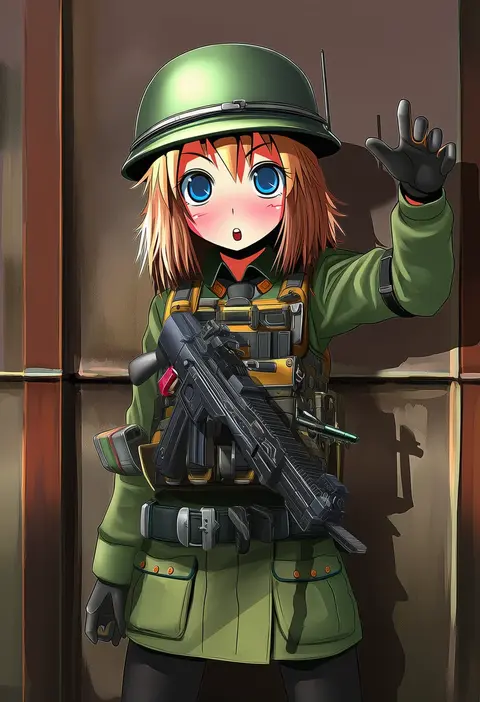
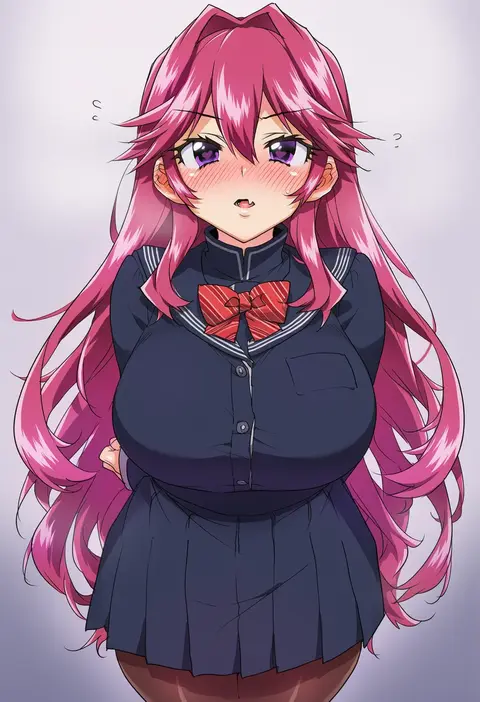
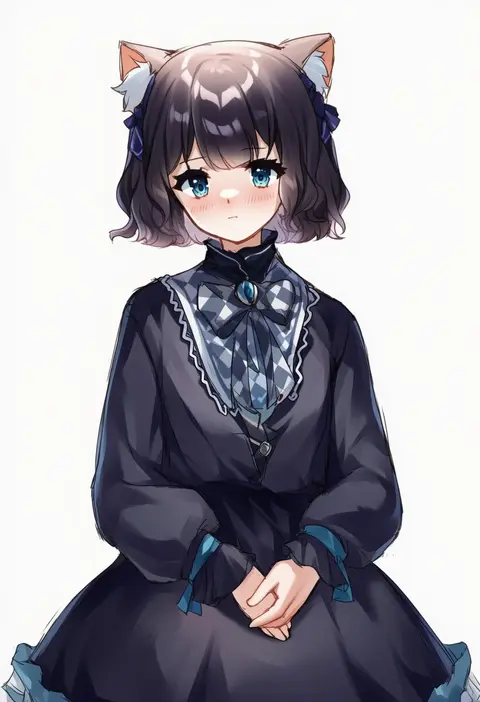
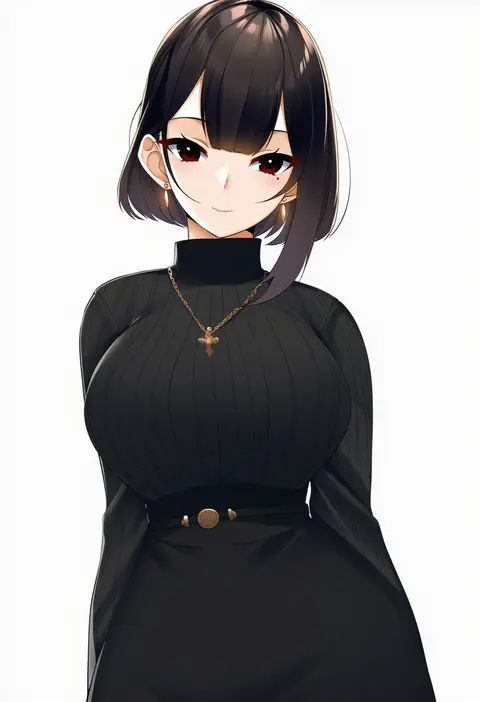
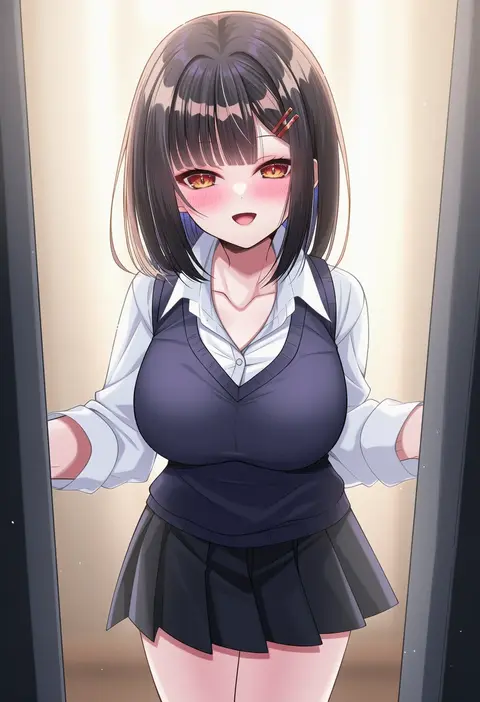
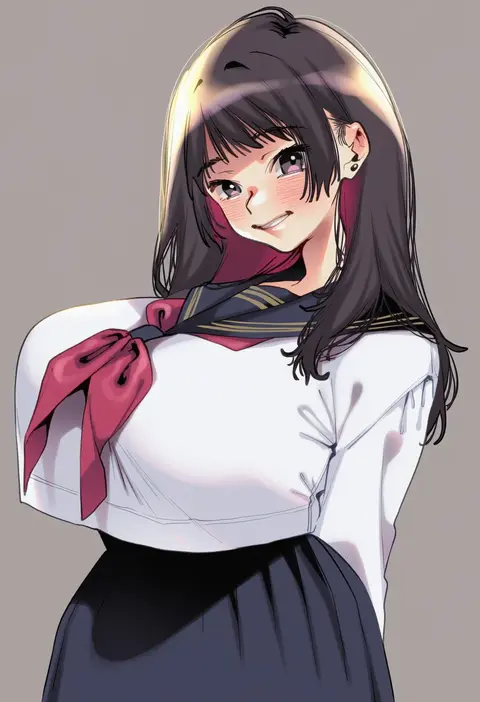
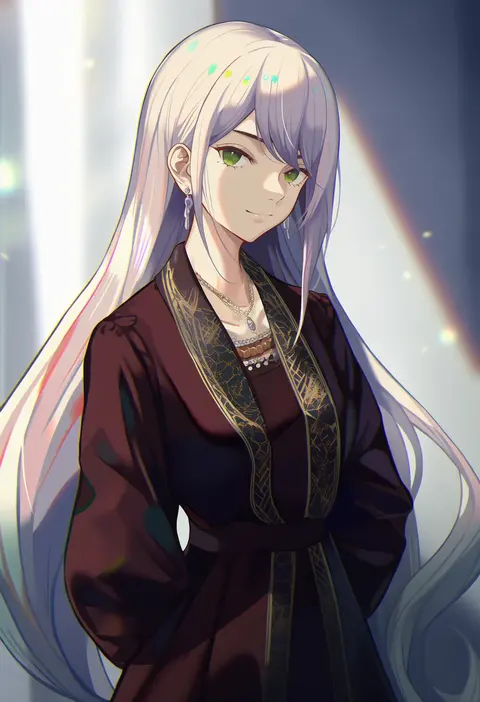
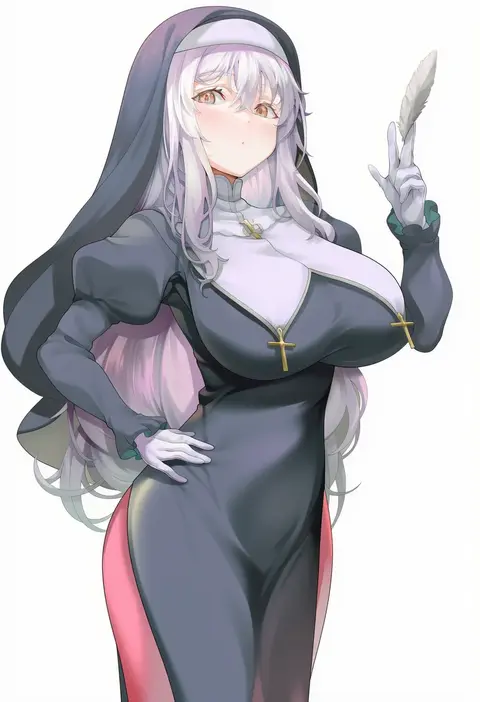
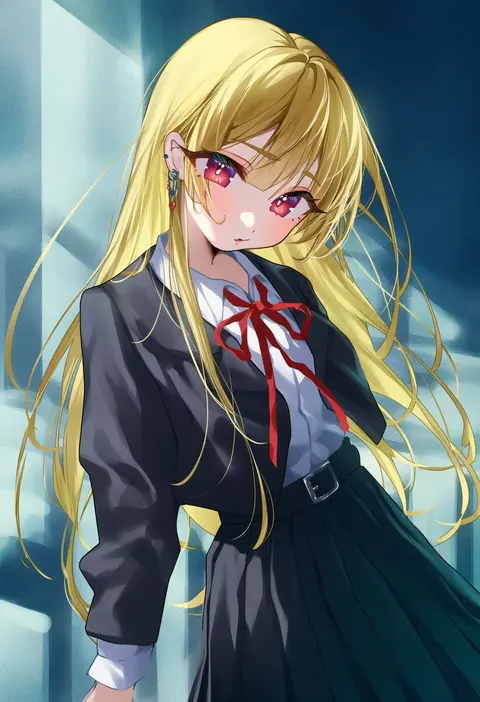
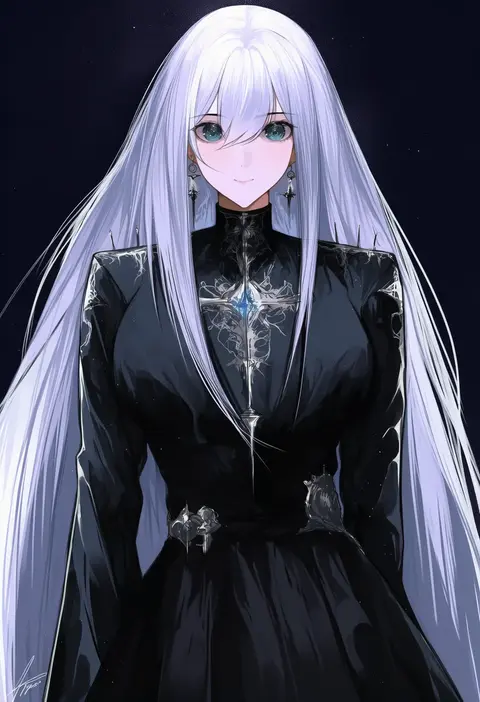
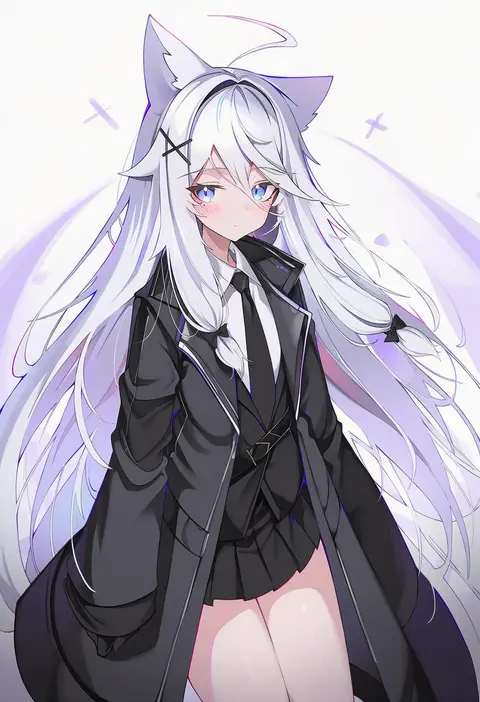
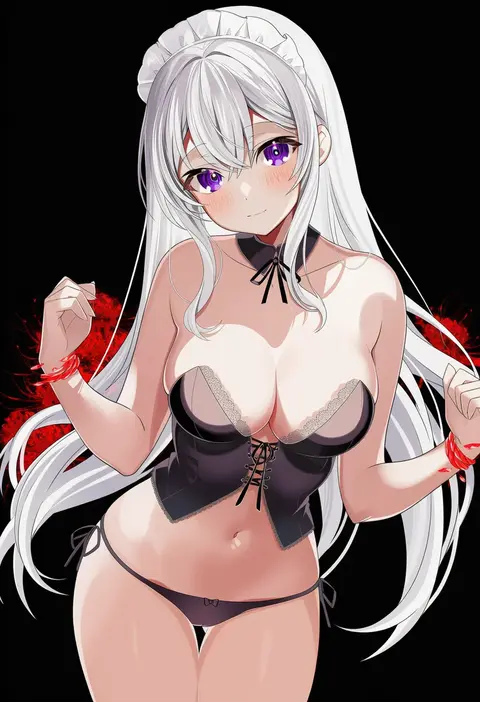
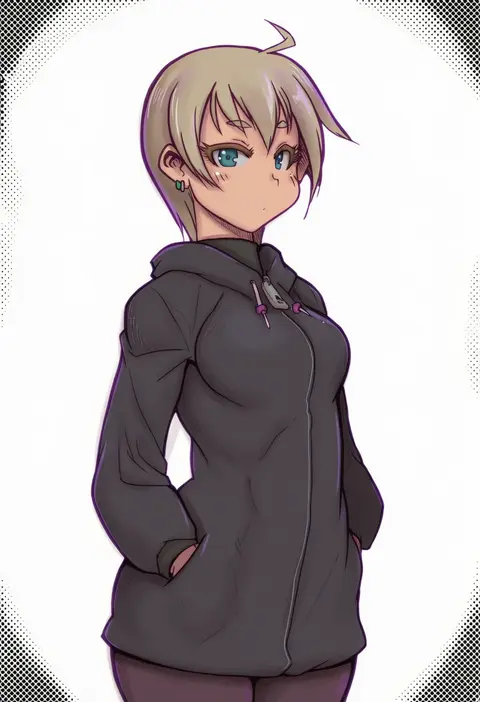
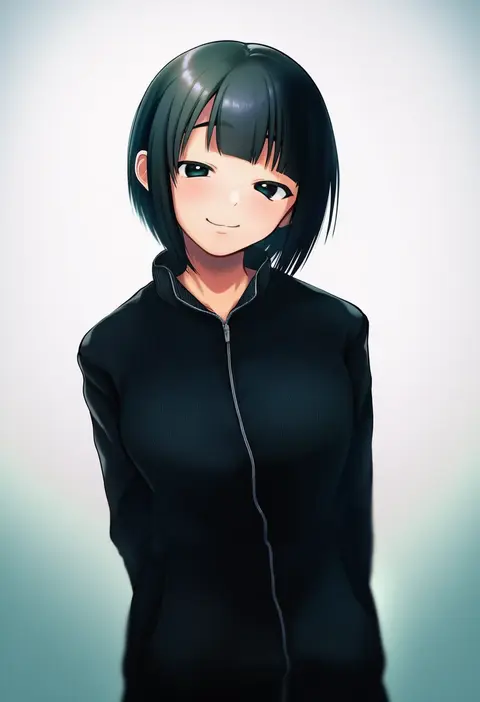
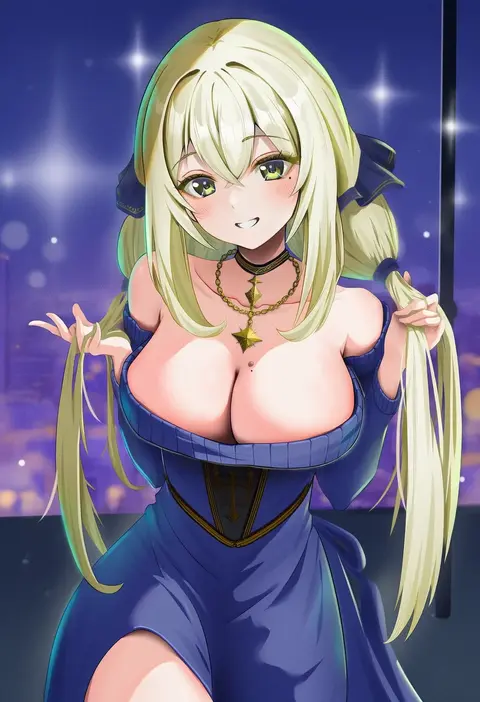
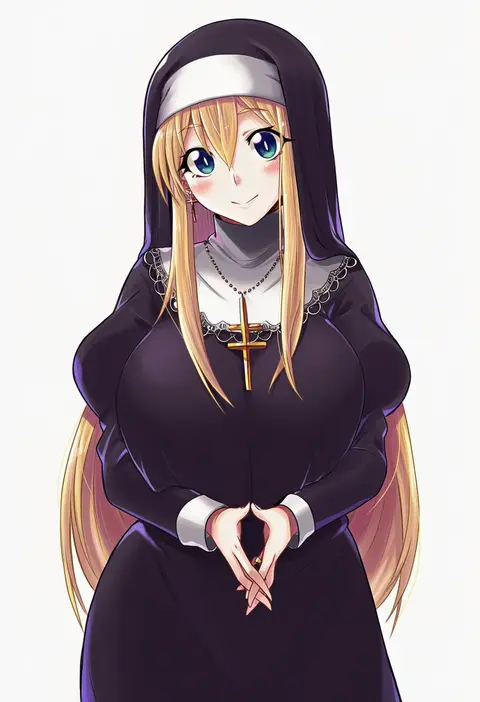
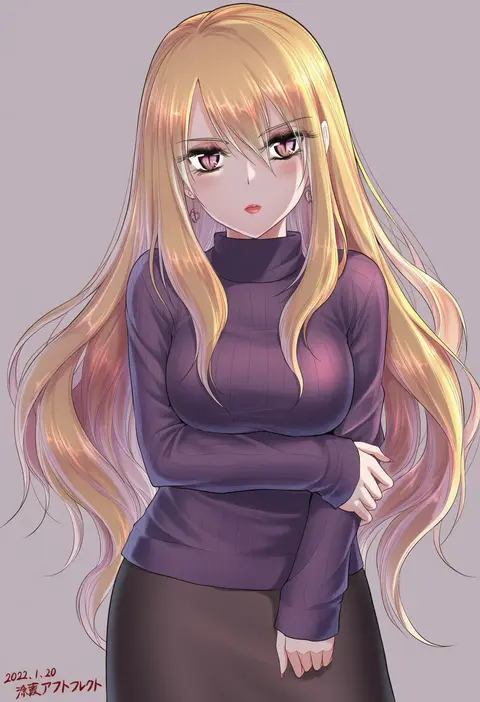
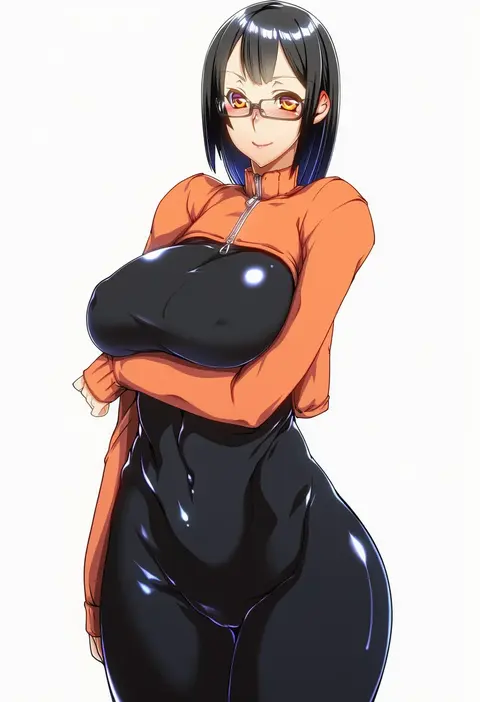
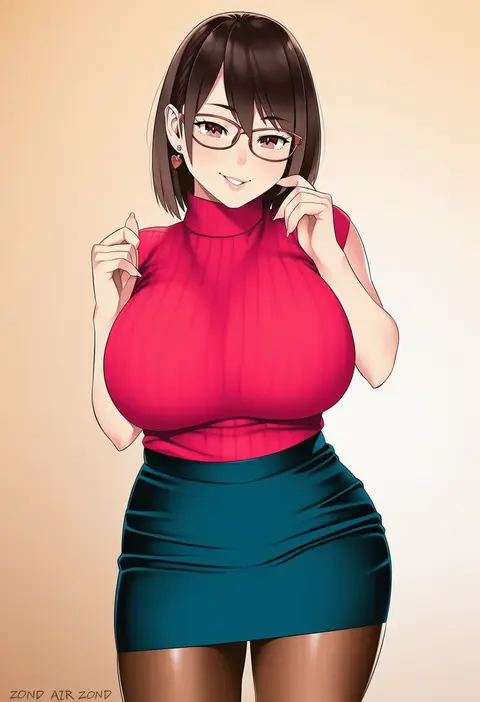
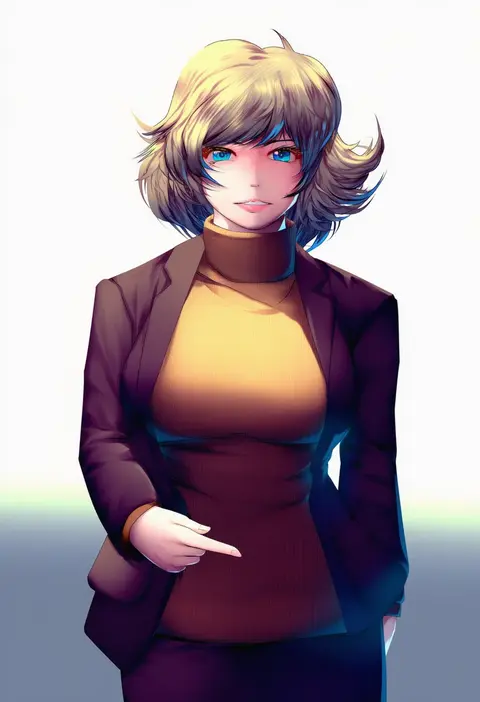
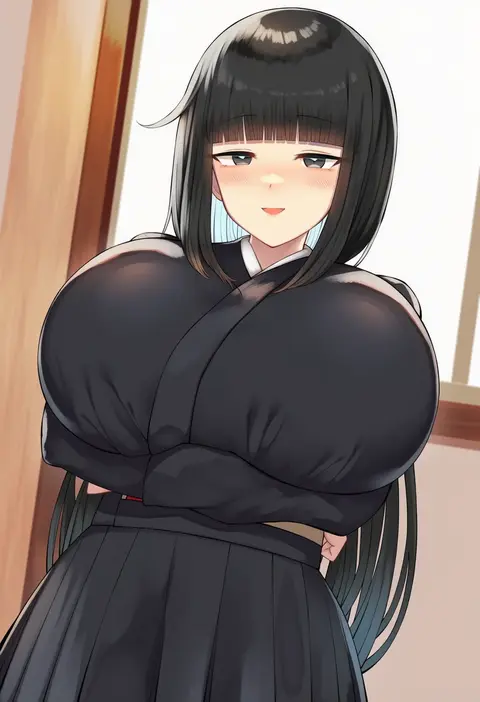
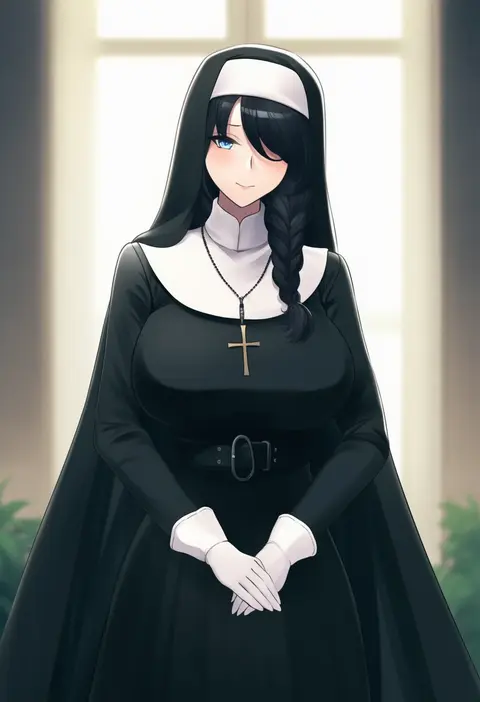
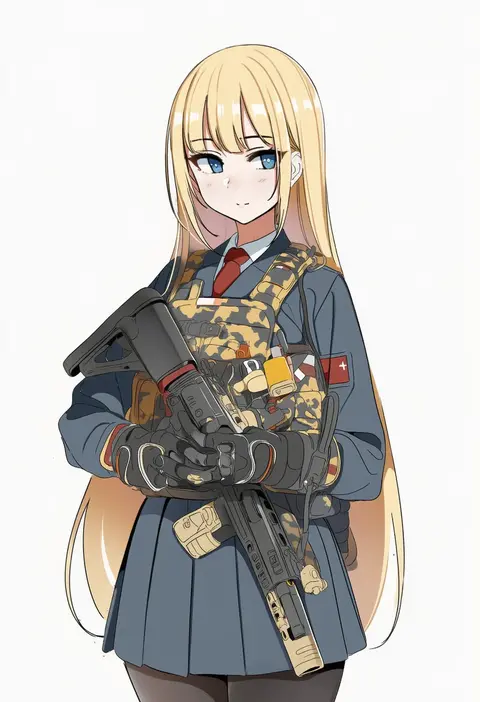
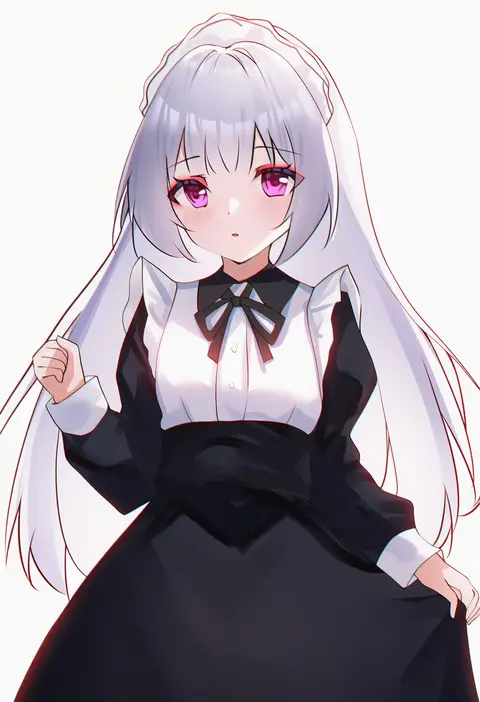
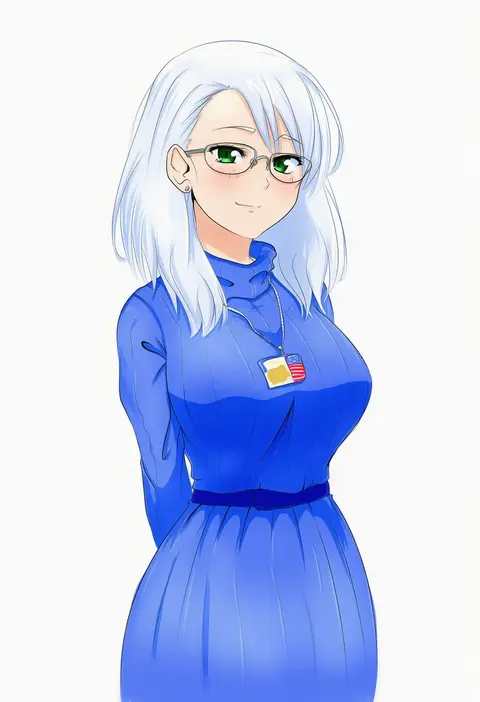
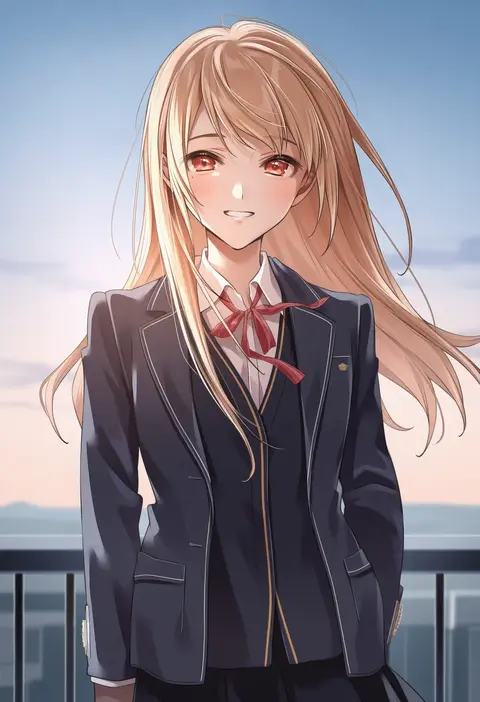
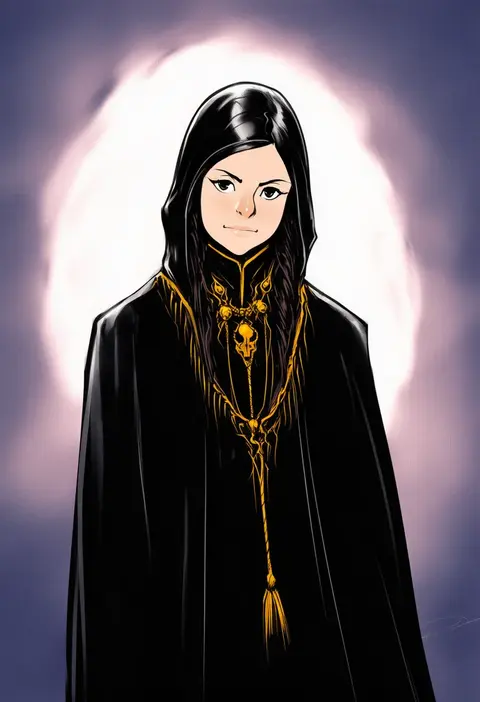
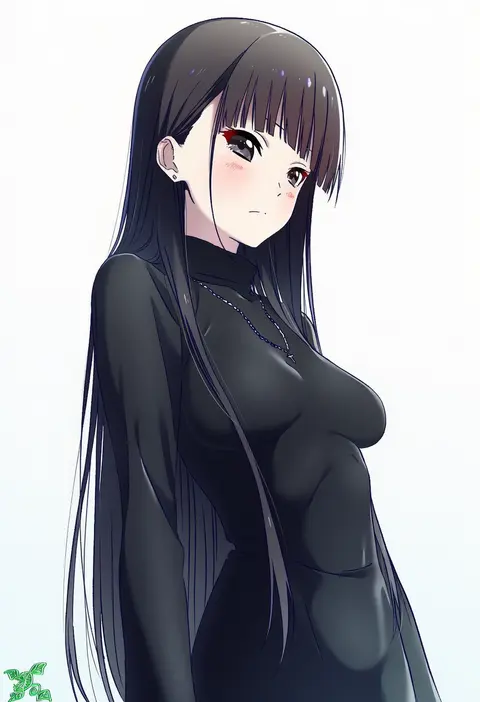
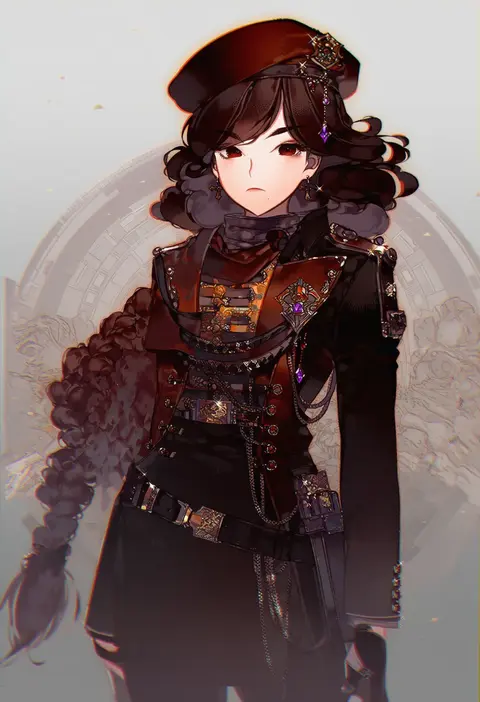
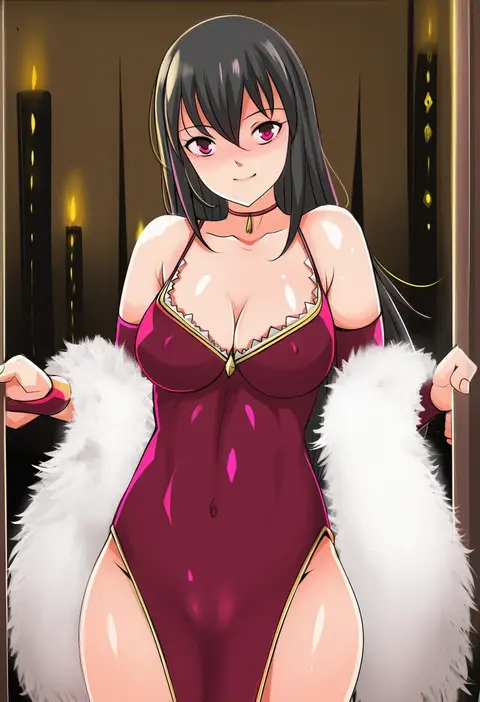
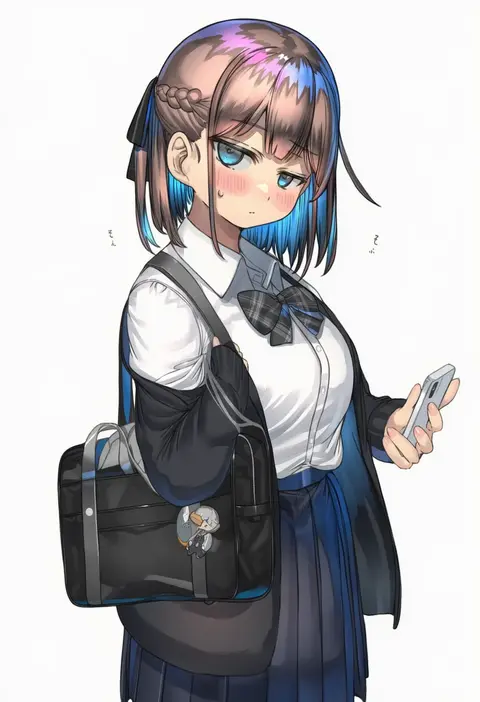
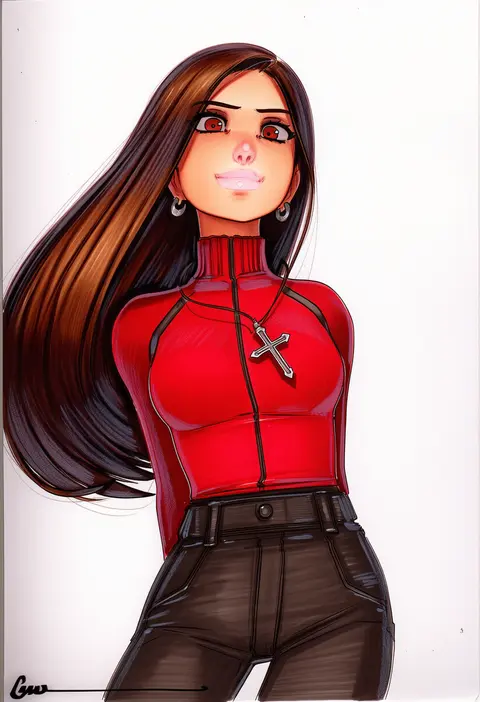
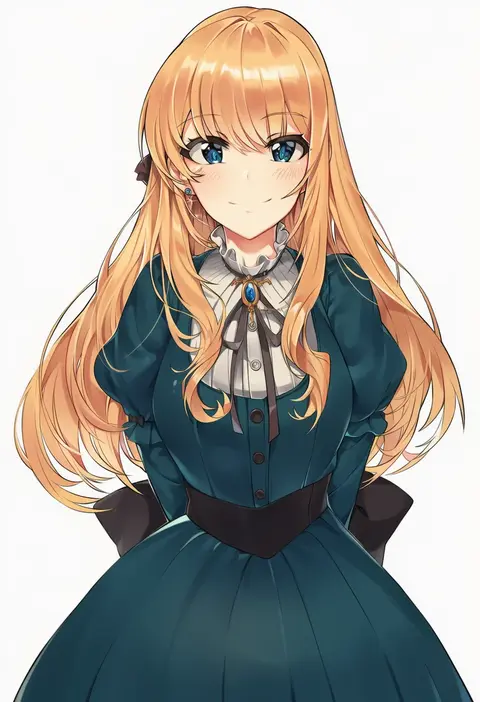
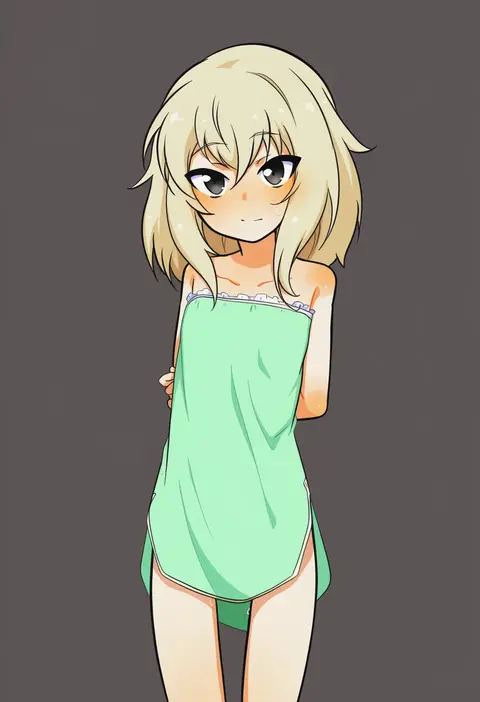
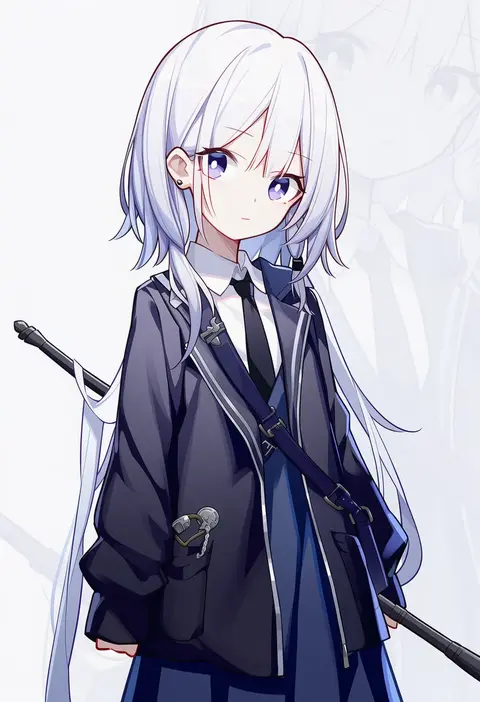
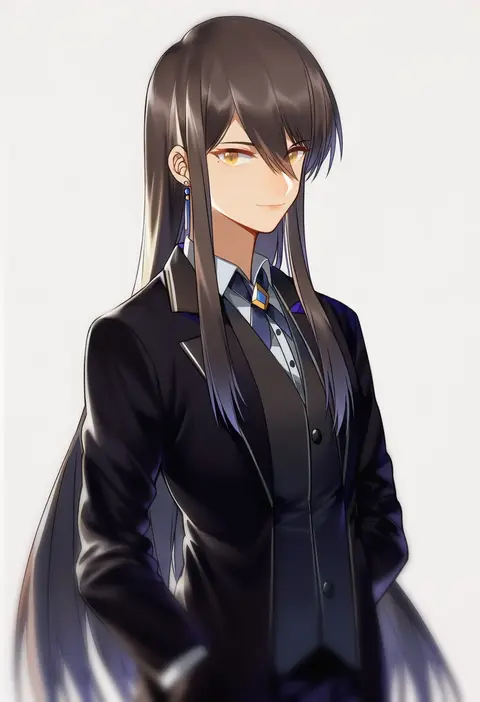
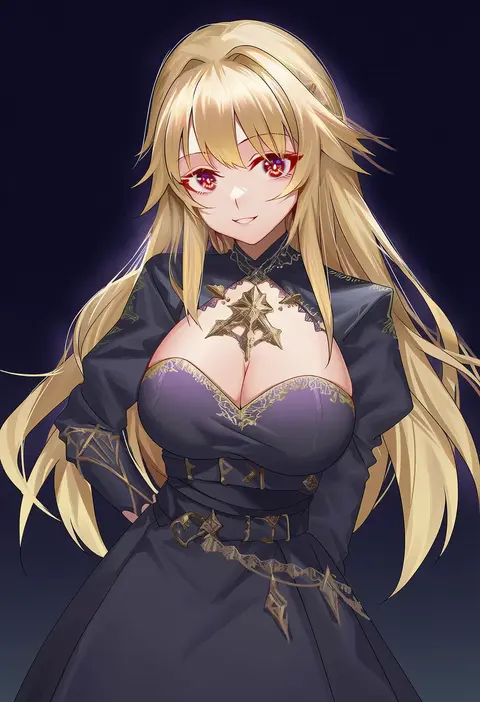
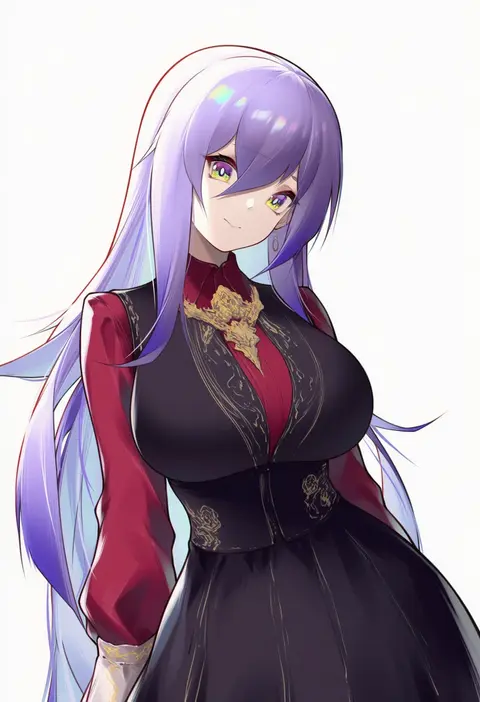
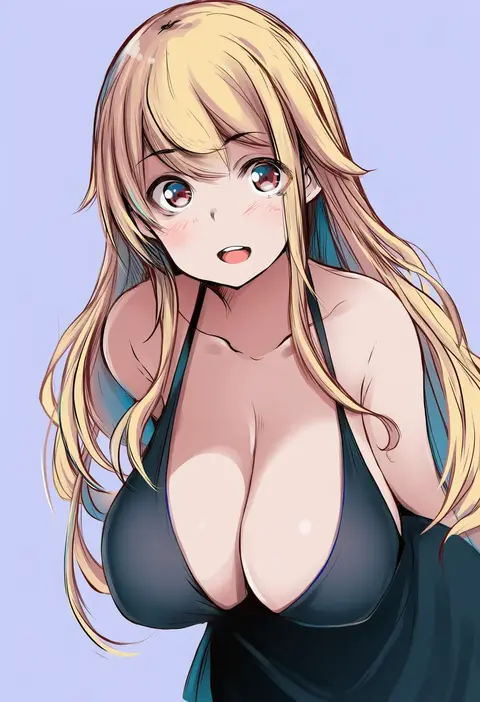
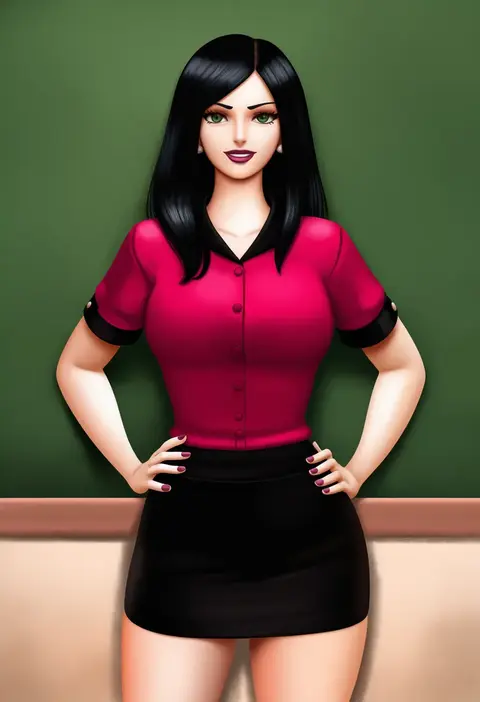
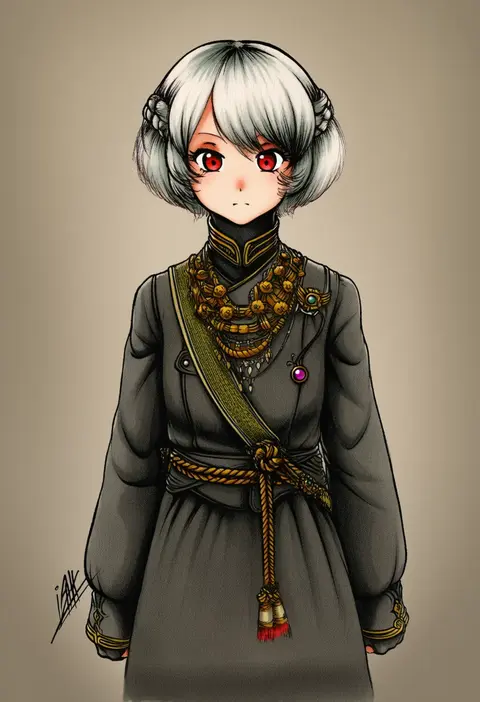
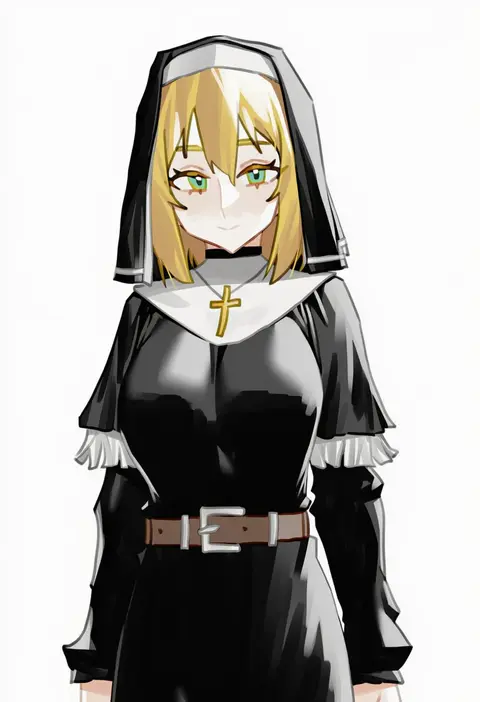
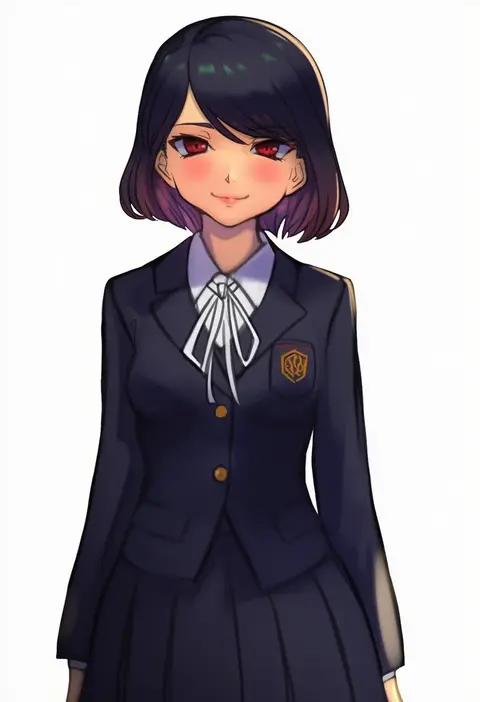
Artist tags tell NovelAI Diffusion to draw in a specific artist's style: line weight, paint texture, face shapes and palette all shift at once. Character and outfit tags decide what is drawn; artist tags decide how. 16,352 tags are listed for V4.5.
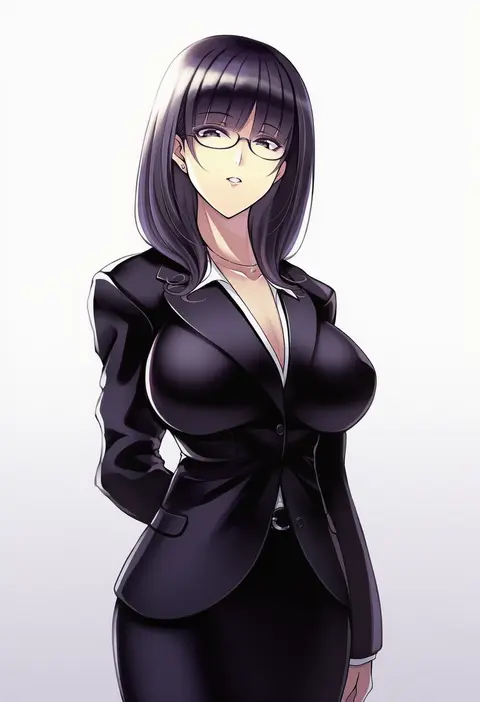
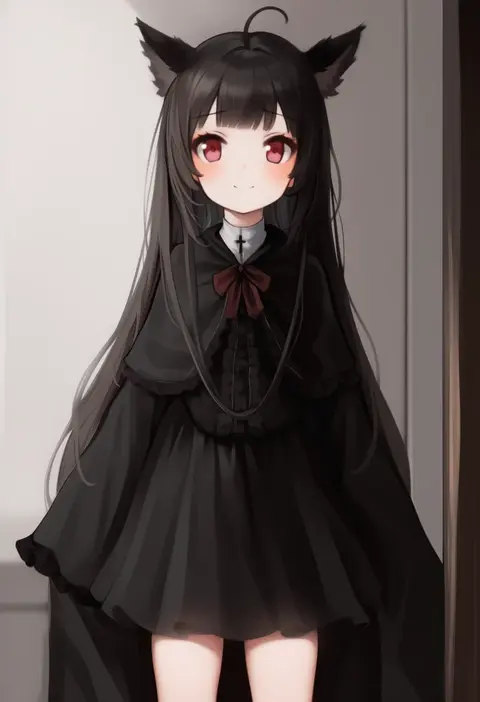
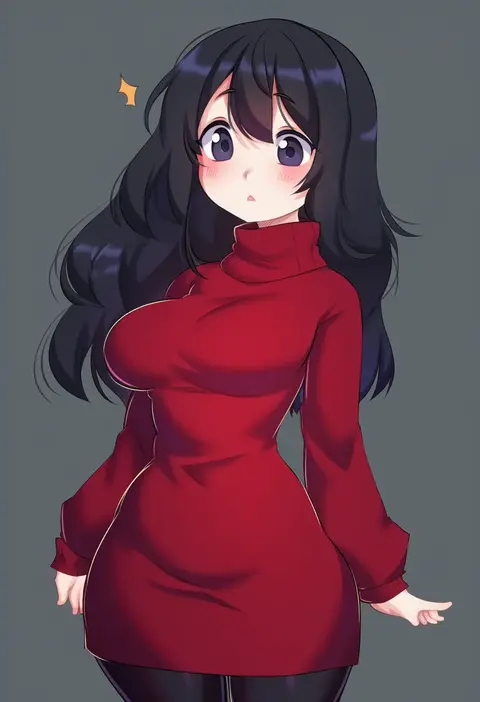
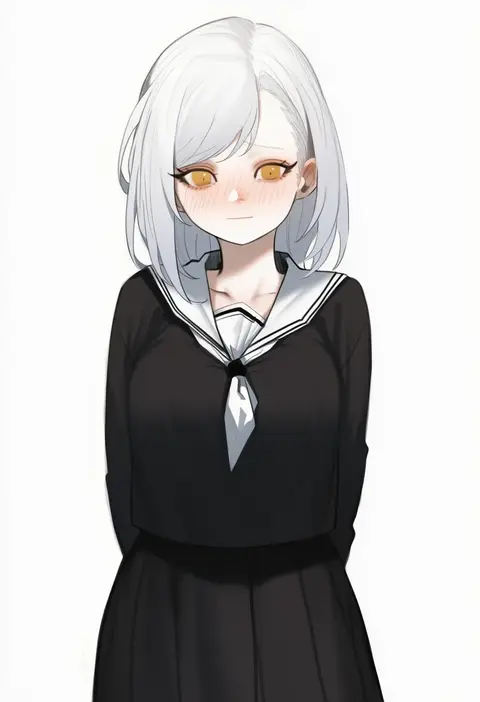
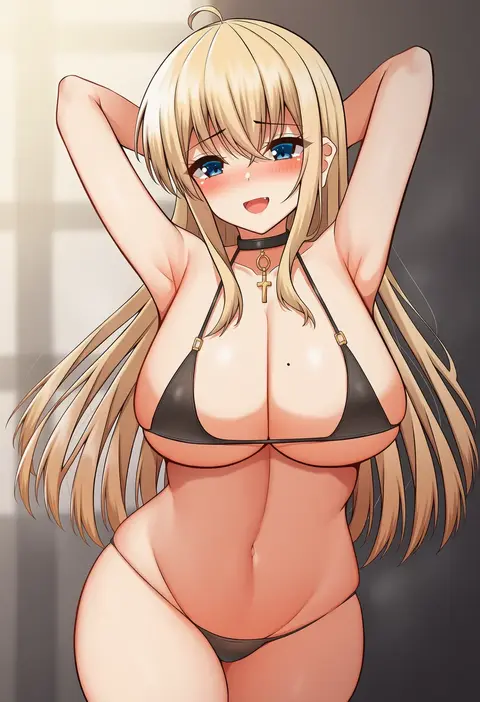
Every tag listed here is verified to react in NovelAI. All images use the same prompt, seed and settings with only the artist tag swapped, so the difference between two images is the style that tag brings in.

How to use them

Put the artist tag near the front of the prompt, e.g. "<artist>, 1girl, solo, best quality, masterpiece, cowboy shot". Two or three artist tags blend styles; lower the weight with "0.8::<artist>::" when the style overpowers the character.

SCORE sorts by Danbooru's top score, POSTS by post count, FAVS by hearts on this site. Open a card to see V5 and V4.5 side by side on the same seed.

V5 vs V4.5

V5 usually lands closer to the artist's real style, and tags that did nothing on V4.5 often react on V5. V4.5 still fits older and doujin-heavy artists better. Try V5 first, fall back to V4.5.

FAQ

Where does the artist tag go?
Near the front of the prompt. Use "0.8::tag::" to adjust its weight.

Can I stack artist tags?
Yes, styles blend. Past two or three the result stops looking like anyone.

Are these the artists' own works?
No. Every image is a NovelAI sample generated from the tag.