V4.5Artists
sort: FAVS▾
▾
>
$

NovelAI Artist Tags List — V4.5

artist --count 16,352[29/273]
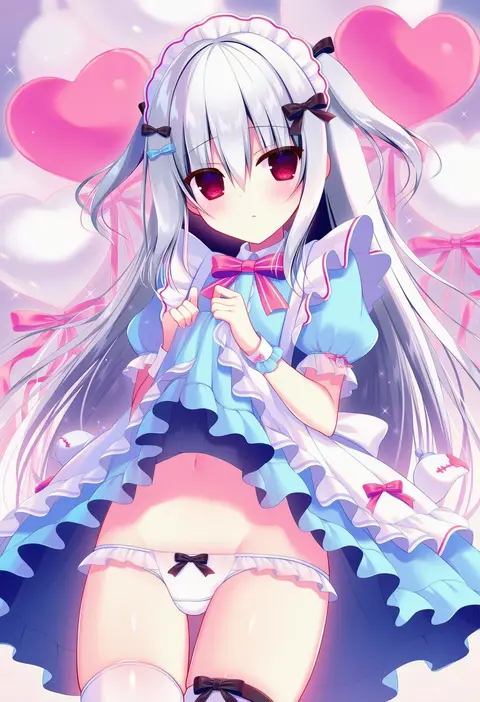
hasune
ARTIST0x0690
1
hisona (suaritesumi)
ARTIST0x0691
1
fujishima kousuke
ARTIST0x0692
1
boko (maniacpurple)
ARTIST0x0693
1
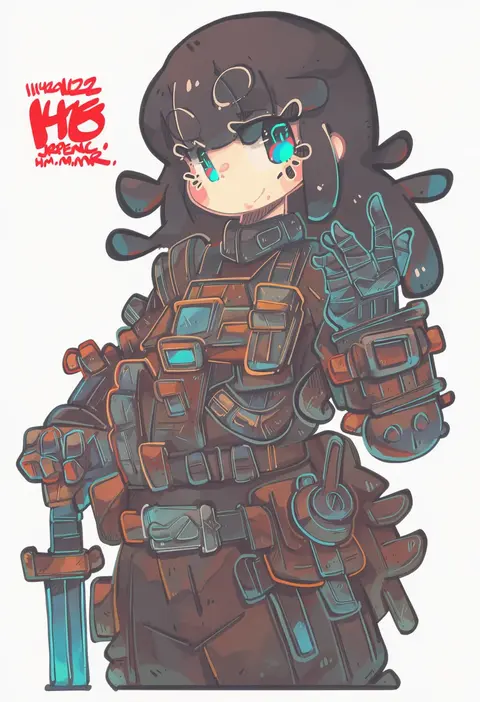
jrpencil
ARTIST0x0694
1
13-gou
ARTIST0x0695
1
redlhzz
ARTIST0x0696
1
amano kouki
ARTIST0x0697
1
watakarashi
ARTIST0x0698
1
nori senbei
ARTIST0x0699
1
888myrrh888
ARTIST0x069A
1
myuton
ARTIST0x069B
1
tonton (tonz159)
ARTIST0x069C
1
duckchuni
ARTIST0x069D
1
hisha (kan moko)
ARTIST0x069E
1
ludens (inonaka koubou)
ARTIST0x069F
1
ph.
ARTIST0x06A0
1
harada (sansei rain)
ARTIST0x06A1
1
mitchi
ARTIST0x06A2
1
kumamoto aichi
ARTIST0x06A3
1
nekonyan
ARTIST0x06A4
1
aizawa sachi
ARTIST0x06A5
1
hoshino lily
ARTIST0x06A6
1
kashikaze
ARTIST0x06A7
1
1041 (toshikazu)
ARTIST0x06A8
1
clivenzu
ARTIST0x06A9
1
tinker bell (pixiv 10956015)
ARTIST0x06AA
1
shino (ponjiyuusu)
ARTIST0x06AB
1
kippu
ARTIST0x06AC
1
amano kokoko
ARTIST0x06AD
1
aoi (annbi)
ARTIST0x06AE
1
119
ARTIST0x06AF
1
senhappyaku
ARTIST0x06B0
1
yonoisan
ARTIST0x06B1
1
matsuo yukihiro
ARTIST0x06B2
1
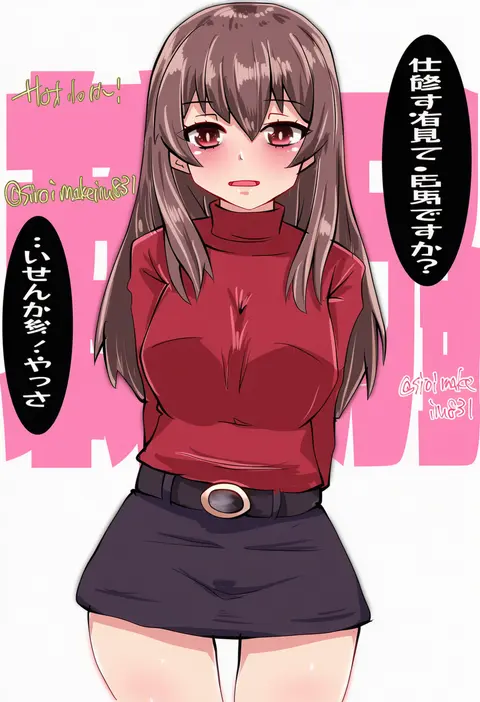
kitahama (siroimakeinu831)
ARTIST0x06B3
1
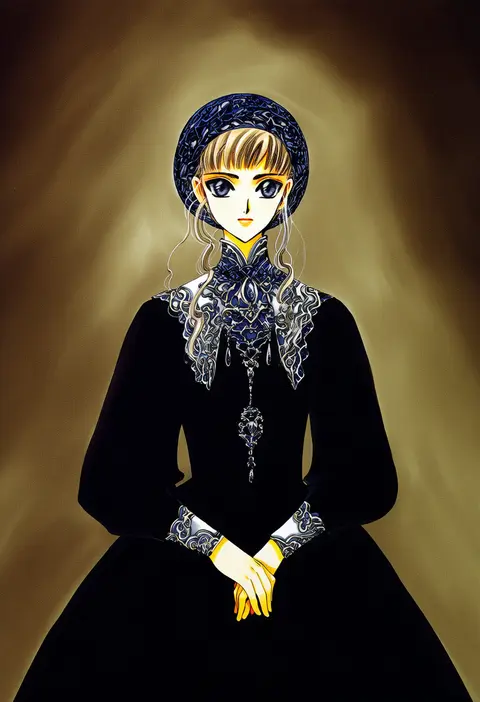
clamp (circle)
ARTIST0x06B4
1
toromera
ARTIST0x06B5
1
higuchi konomi
ARTIST0x06B6
1
shiki satoshi
ARTIST0x06B7
1
sei (kaien kien)
ARTIST0x06B8
1
wataame27
ARTIST0x06B9
1
kirisawa juuzou
ARTIST0x06BA
1
cierra (ra-bit)
ARTIST0x06BB
1
zk (zk gundan)
ARTIST0x06BC
1
nekotoufu
ARTIST0x06BD
1
tk8d32
ARTIST0x06BE
1
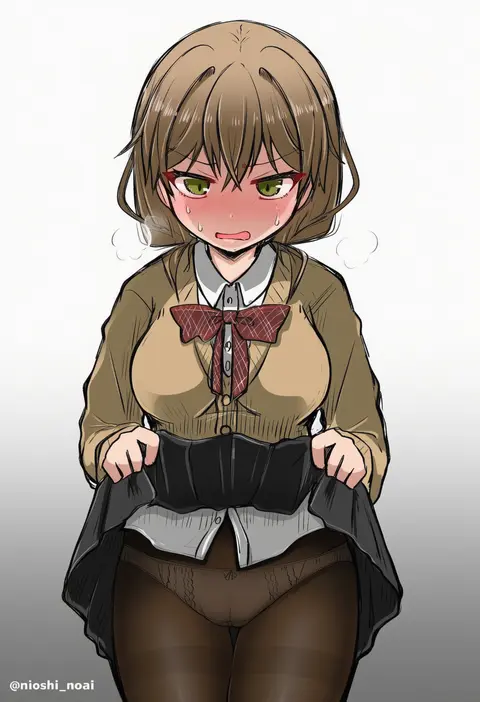
noai nioshi
ARTIST0x06BF
1
furukawa (yomawari)
ARTIST0x06C0
1
azumi kazuki
ARTIST0x06C1
1
nanateru
ARTIST0x06C2
1
wasabi (sekai)
ARTIST0x06C3
1
akayama yukihe
ARTIST0x06C4
1
hizuki yayoi
ARTIST0x06C5
1
katayama kei
ARTIST0x06C6
1
kibisake
ARTIST0x06C7
1
uekura eku
ARTIST0x06C8
1
yamase
ARTIST0x06C9
1
ahenn
ARTIST0x06CA
1
inugami kira
ARTIST0x06CB
1

What these tags change

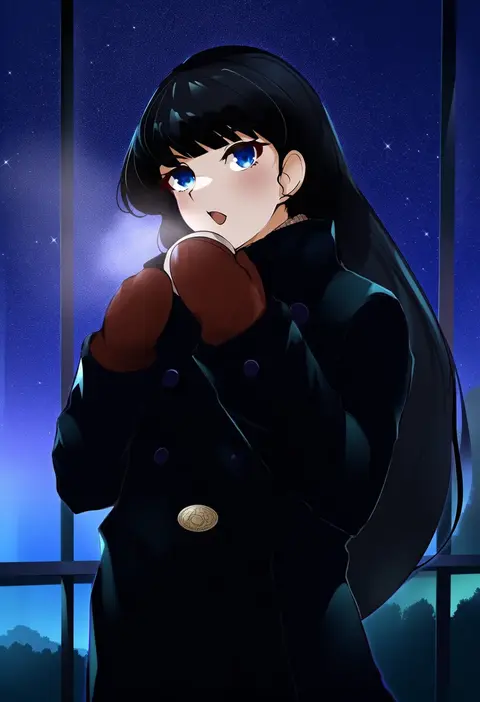
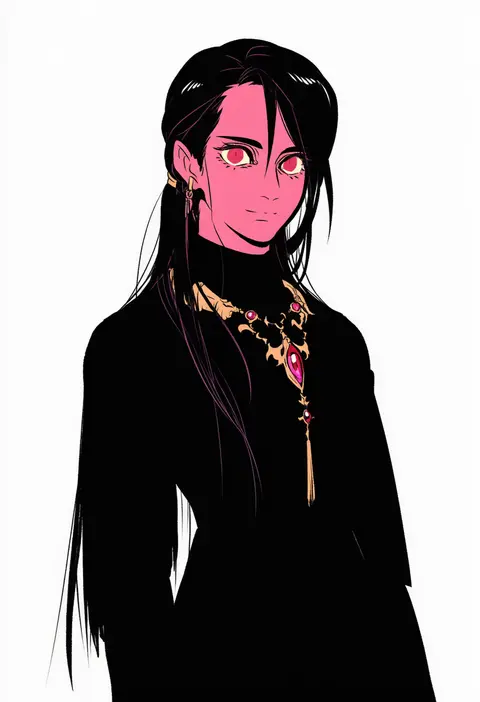
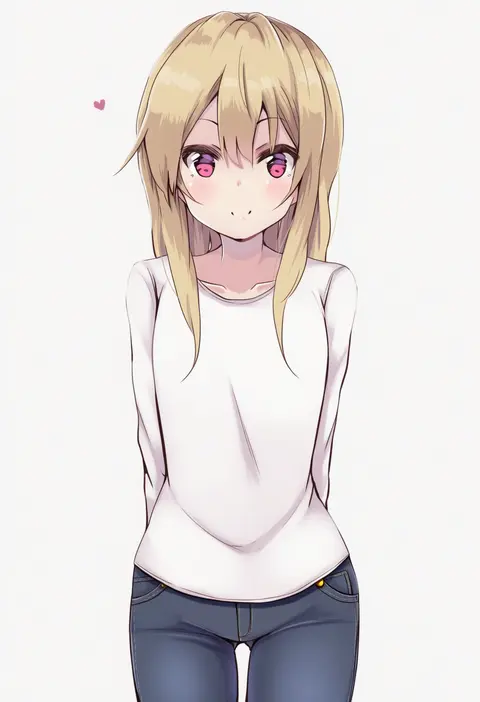
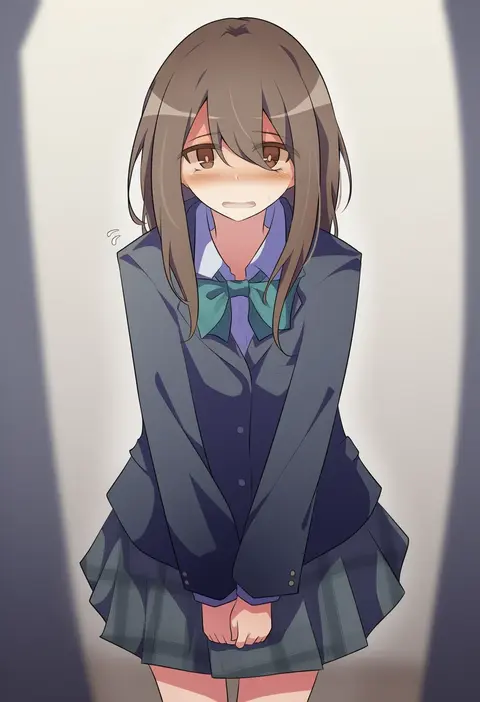
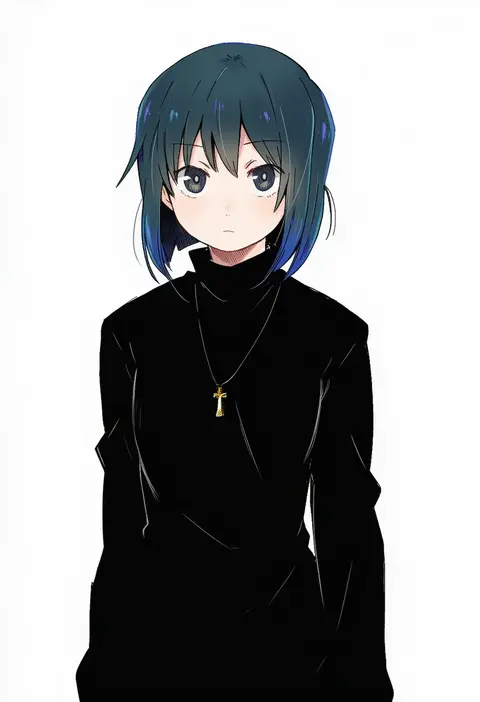
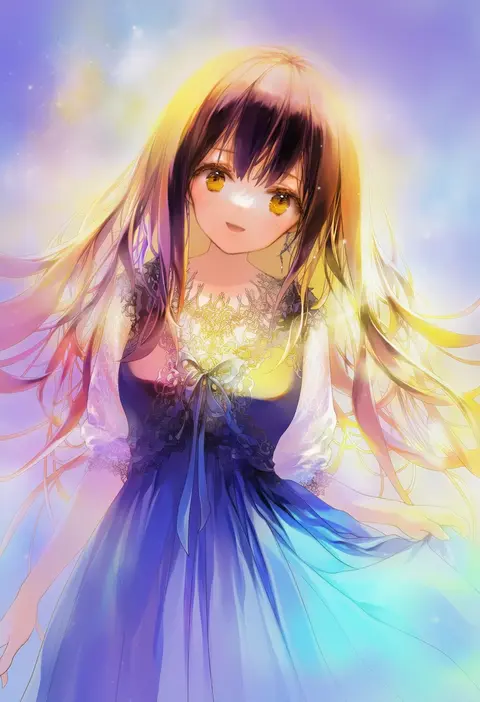
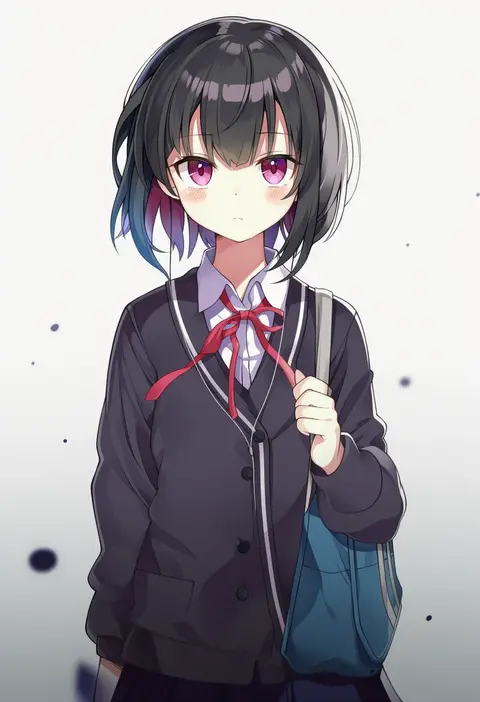
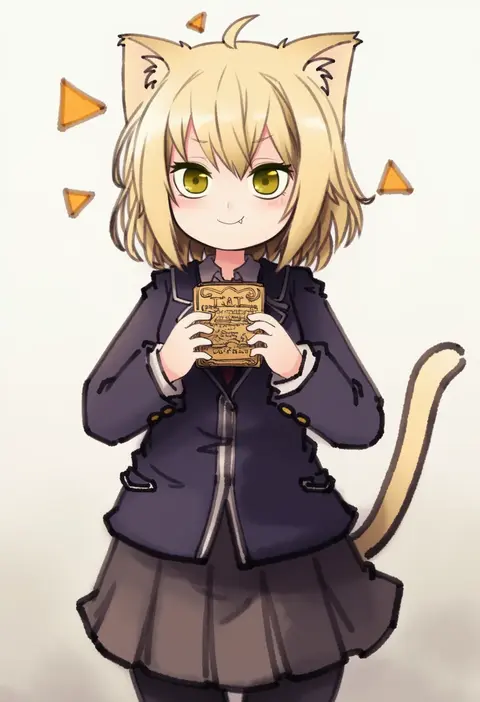
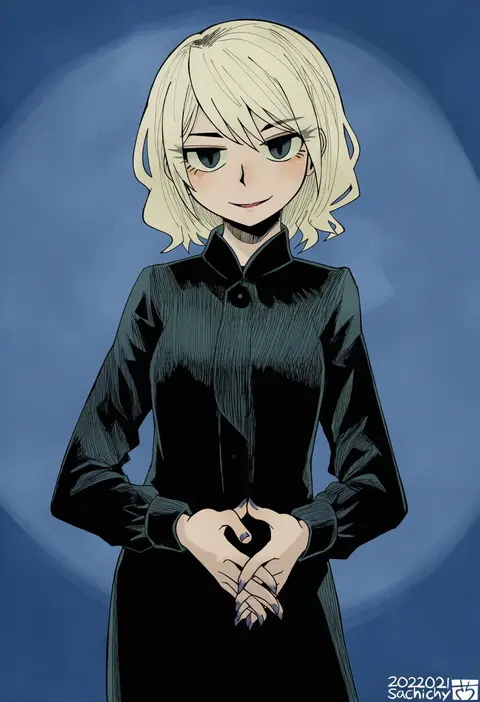
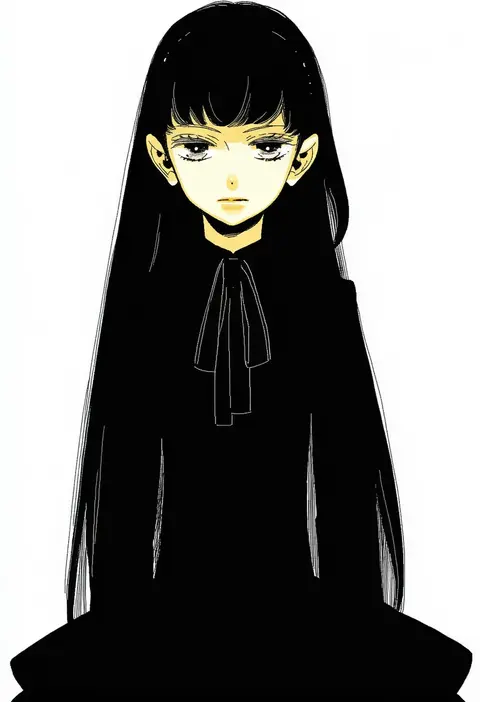
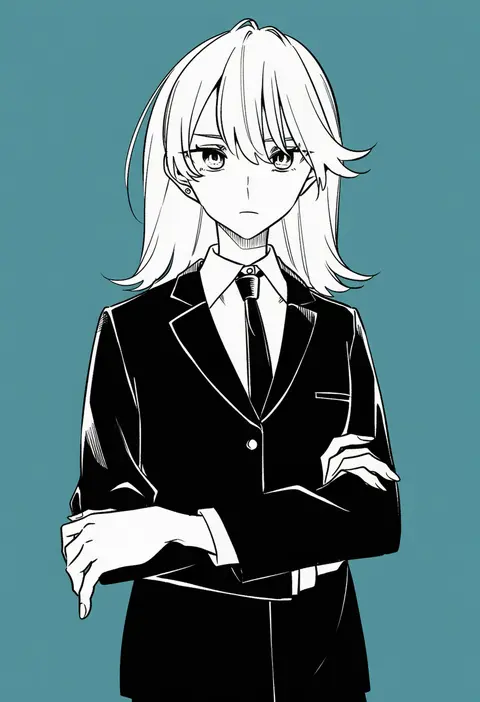
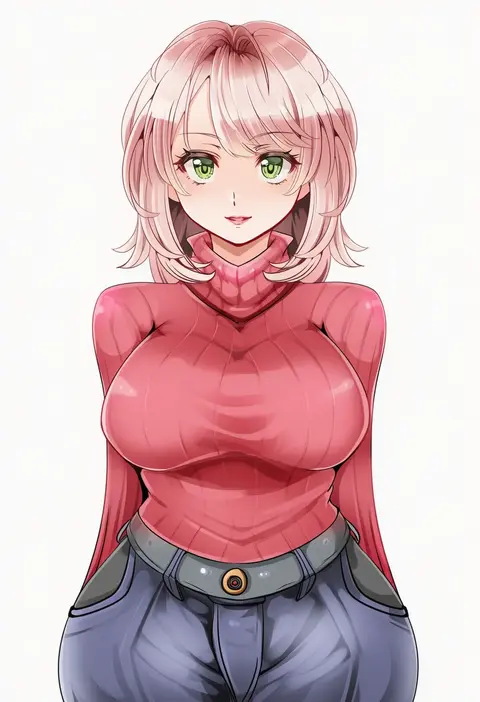
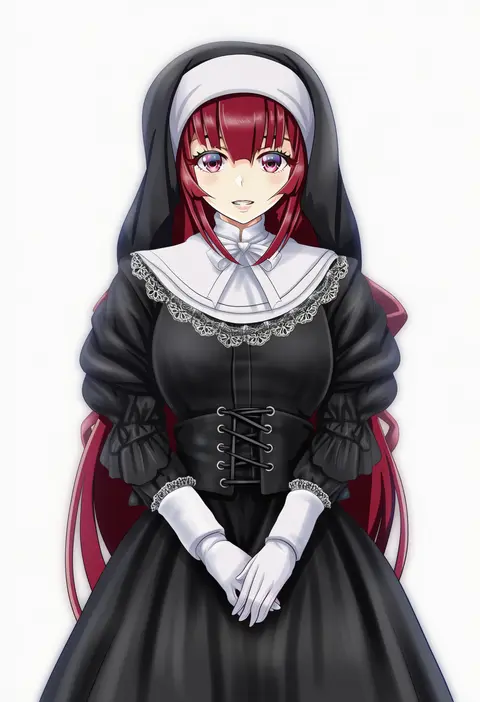
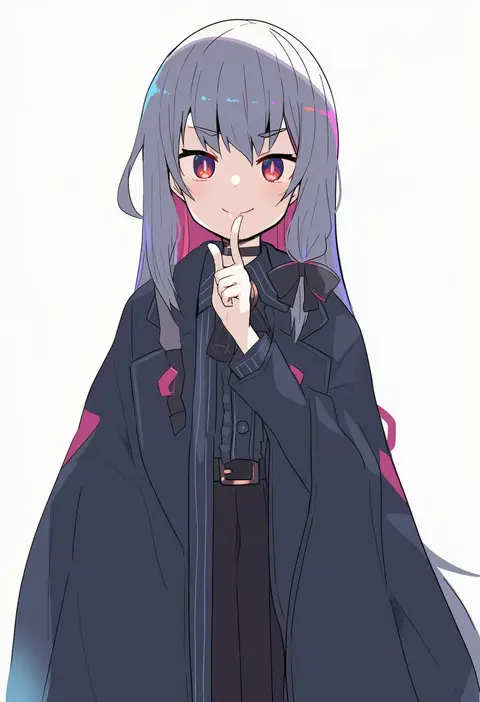
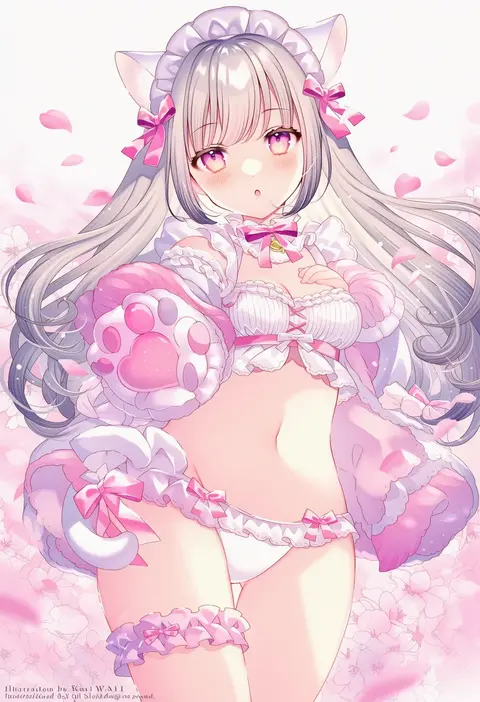
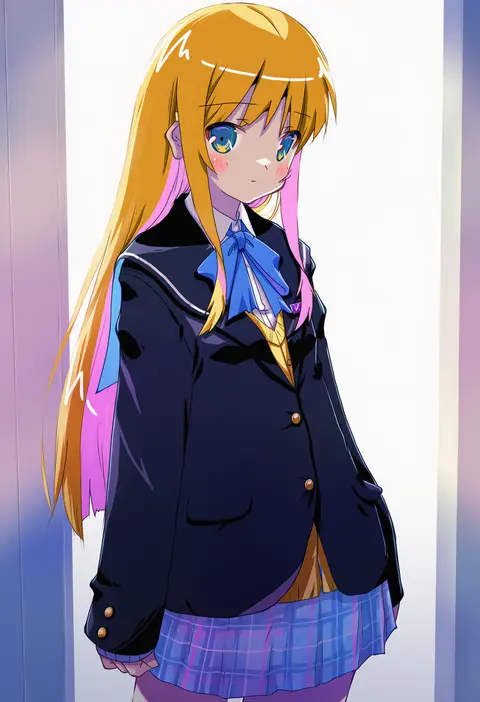
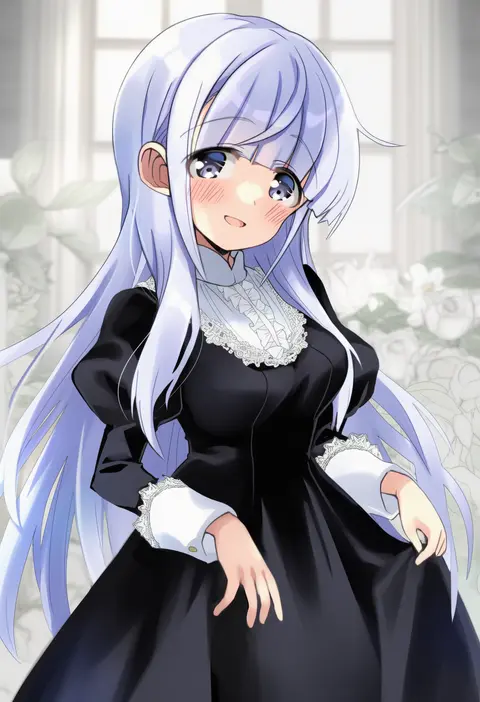
Artist tags tell NovelAI Diffusion to draw in a specific artist's style: line weight, paint texture, face shapes and palette all shift at once. Character and outfit tags decide what is drawn; artist tags decide how. 16,352 tags are listed for V4.5.
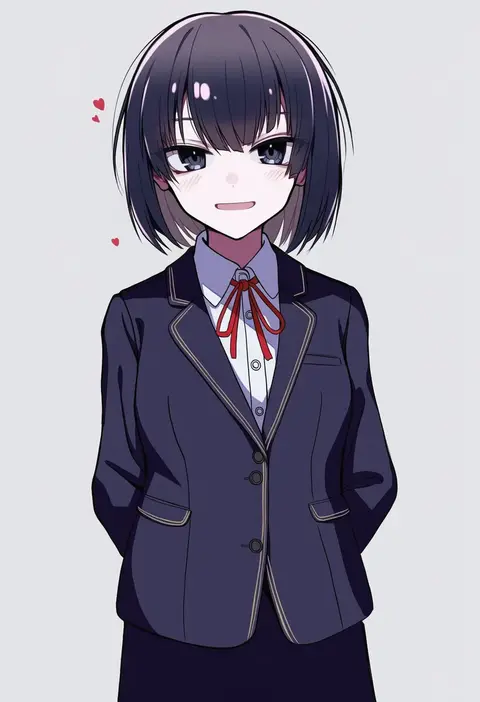
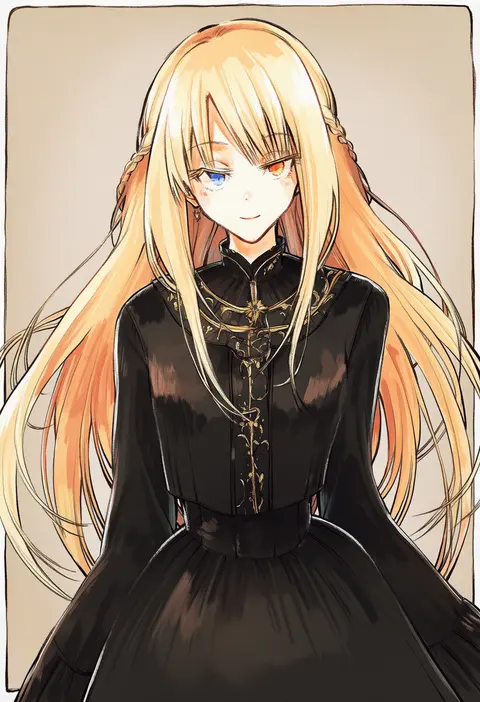
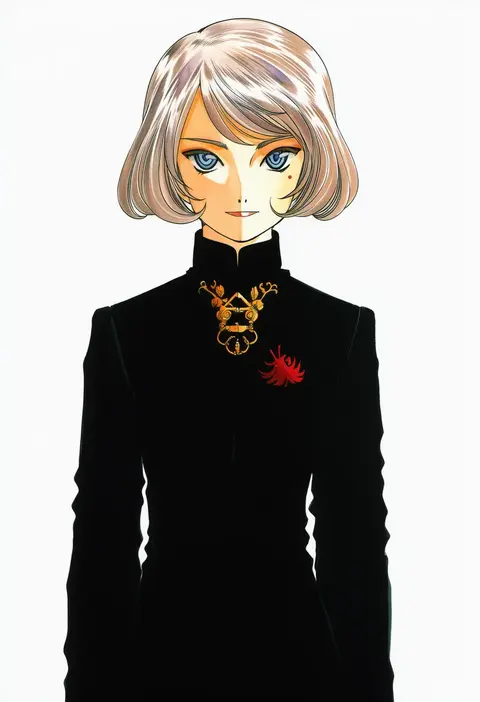
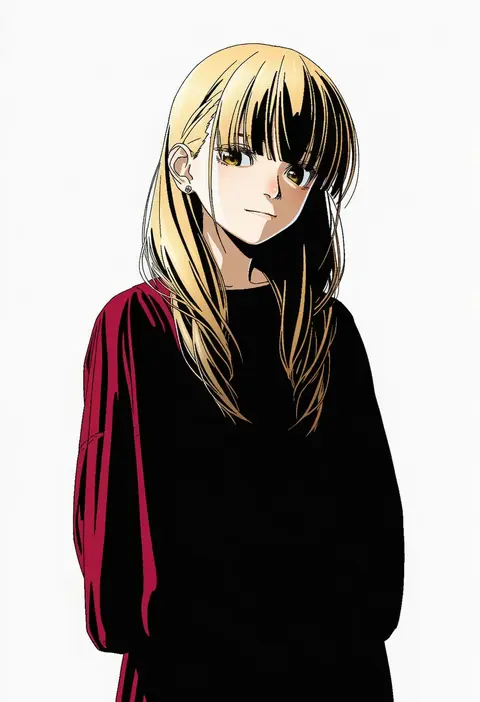
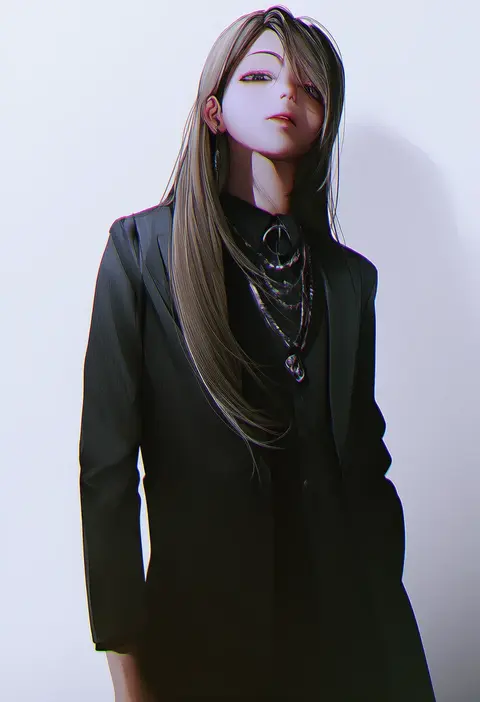
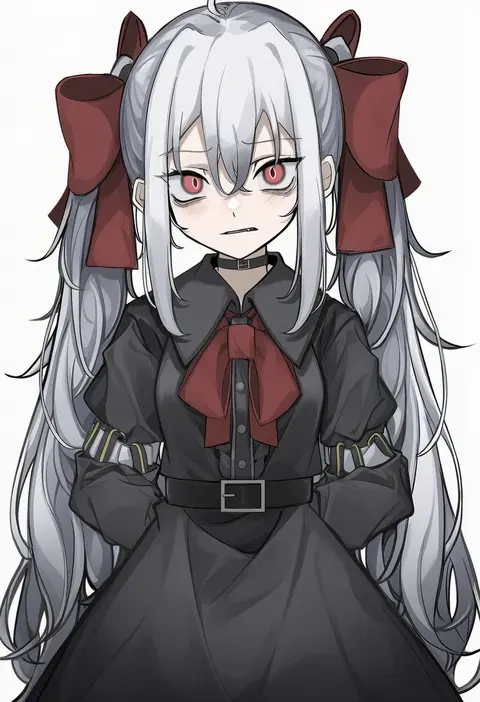
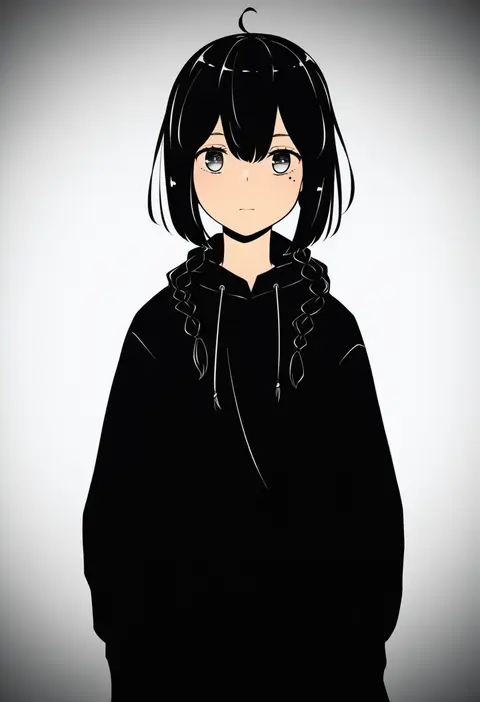
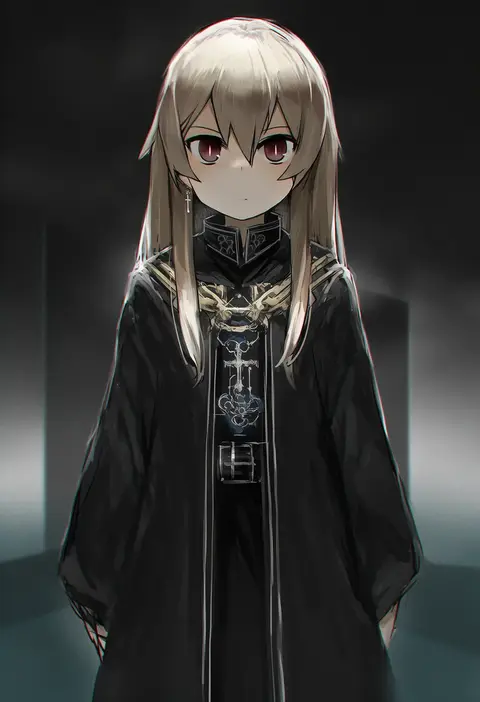
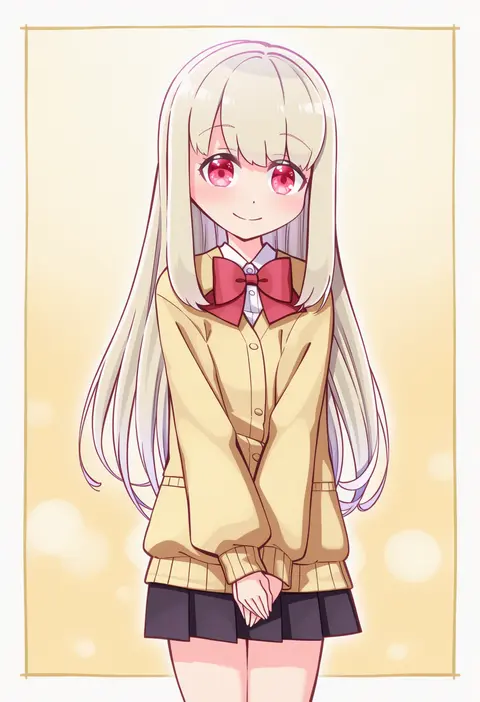
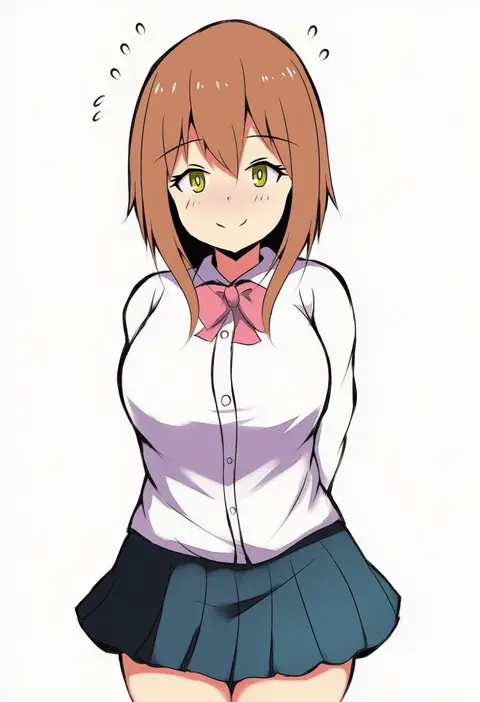
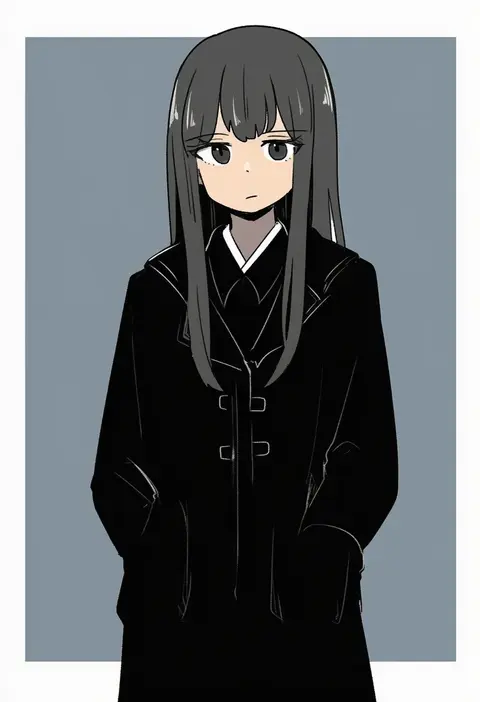
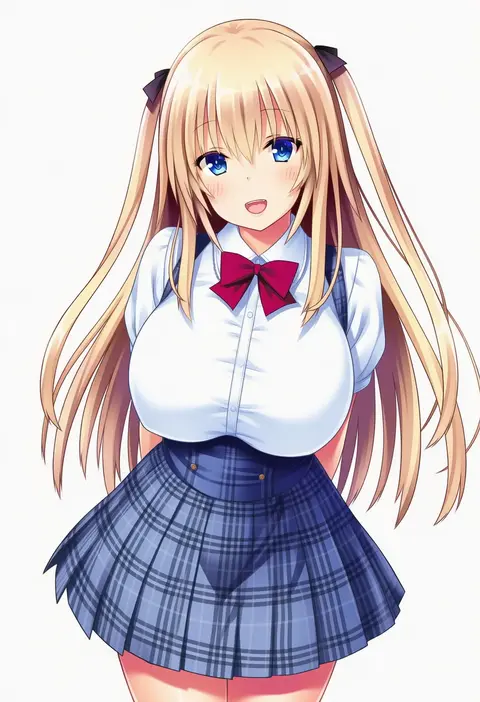
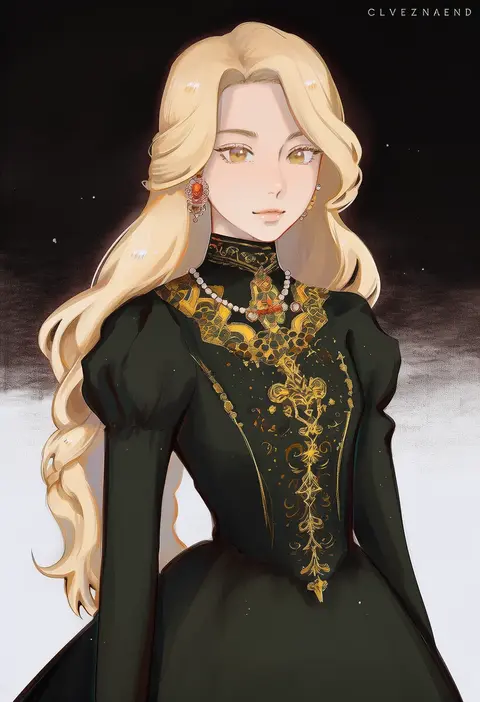
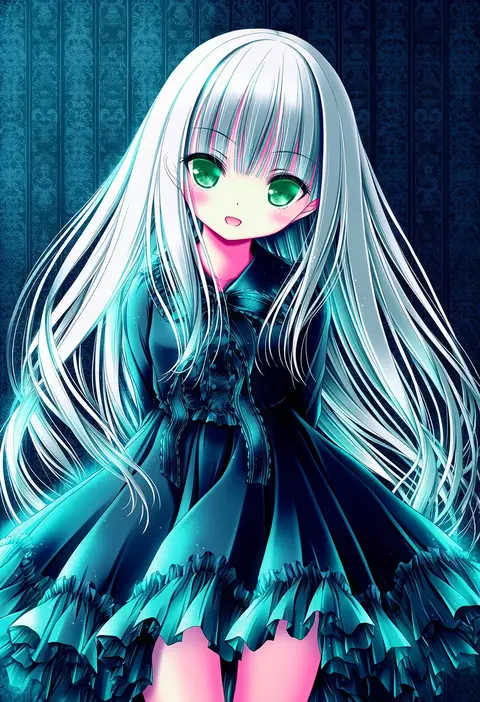
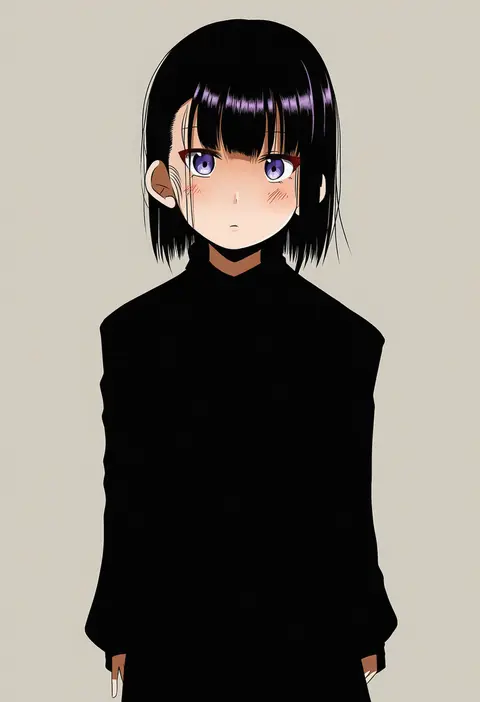
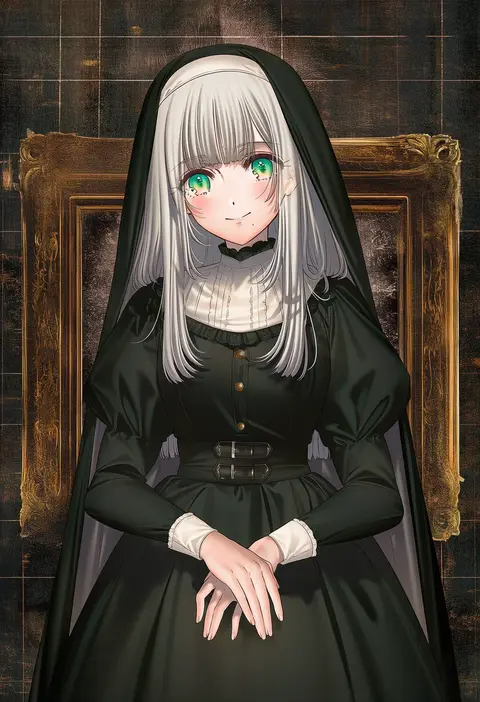
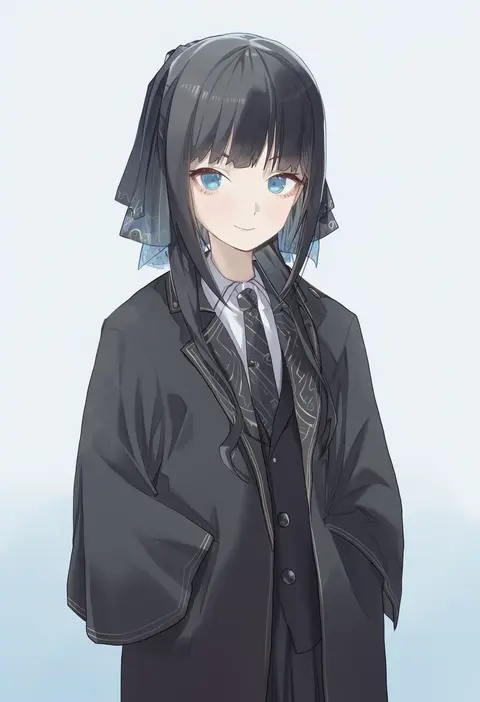
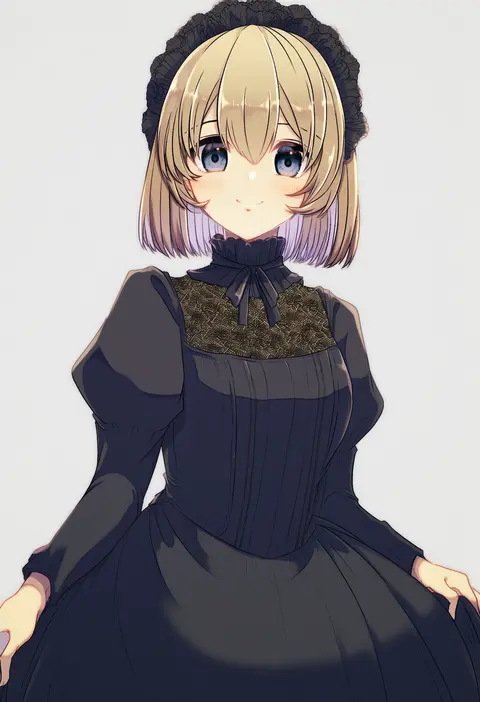
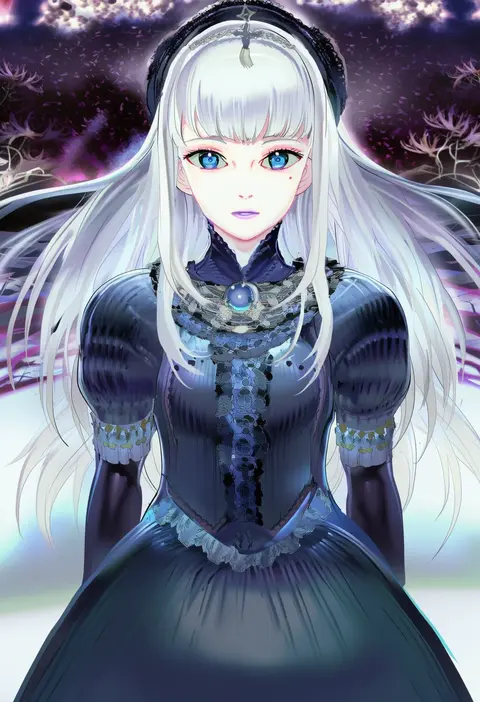
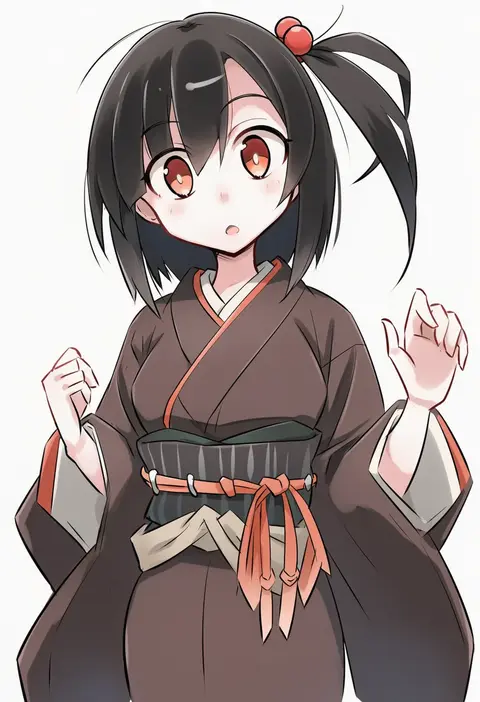
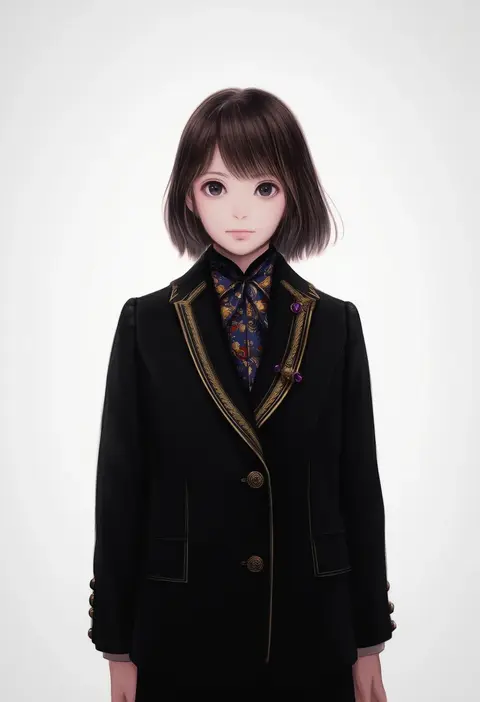
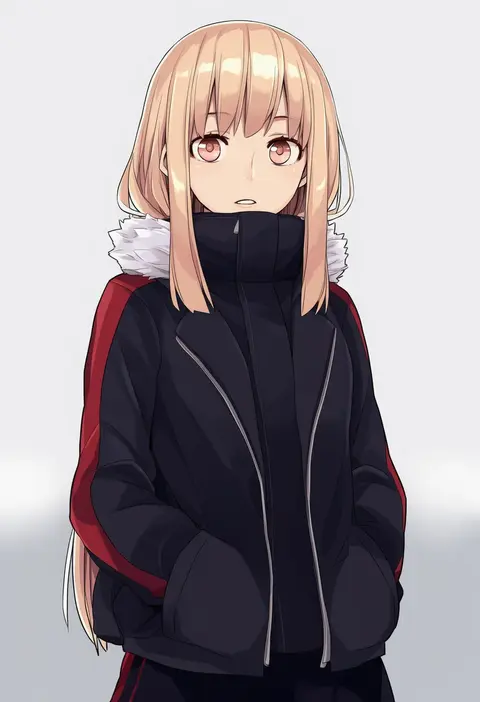
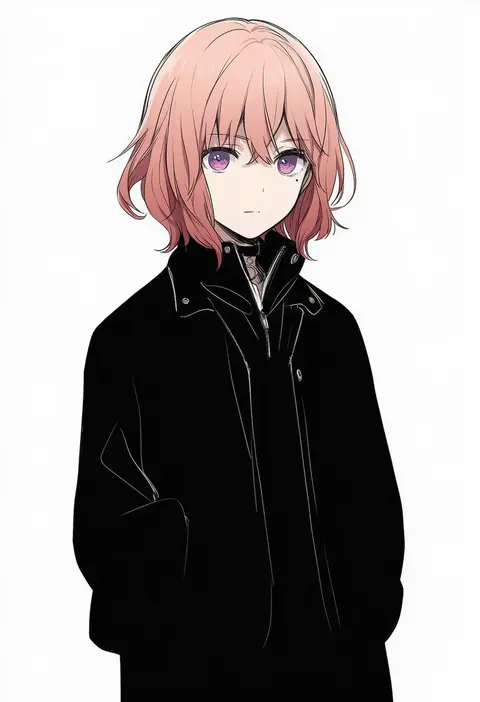
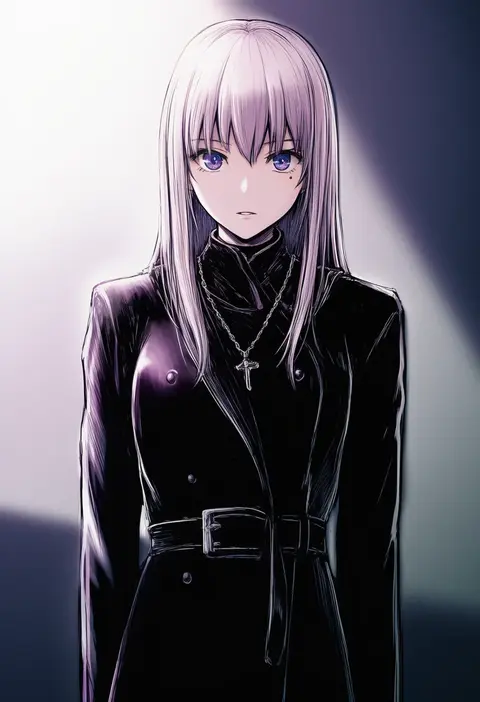
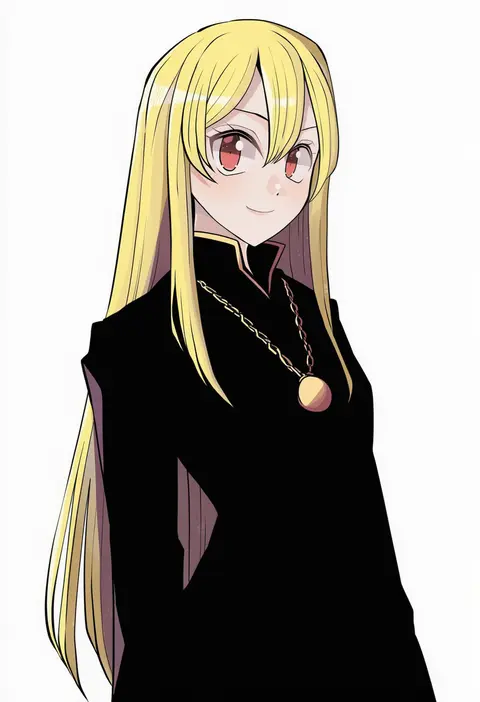
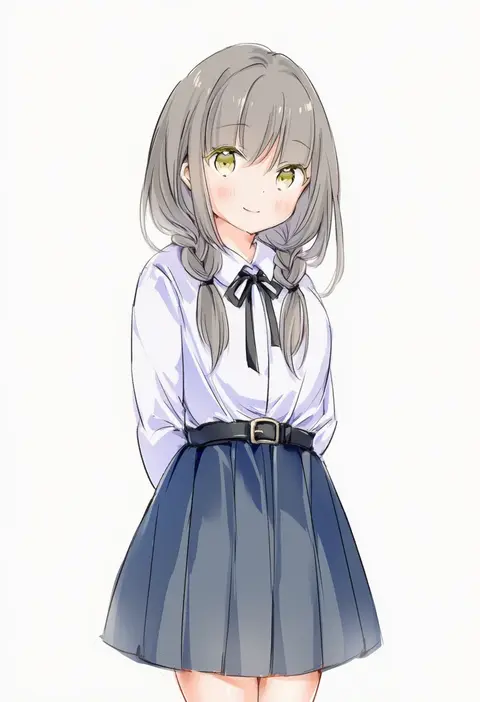
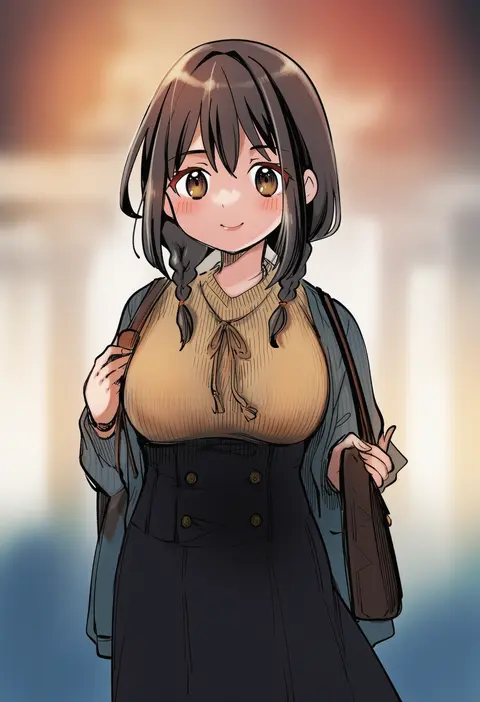
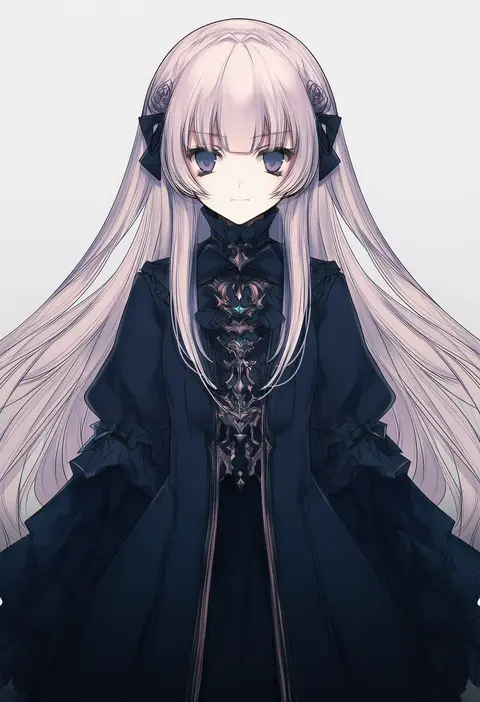
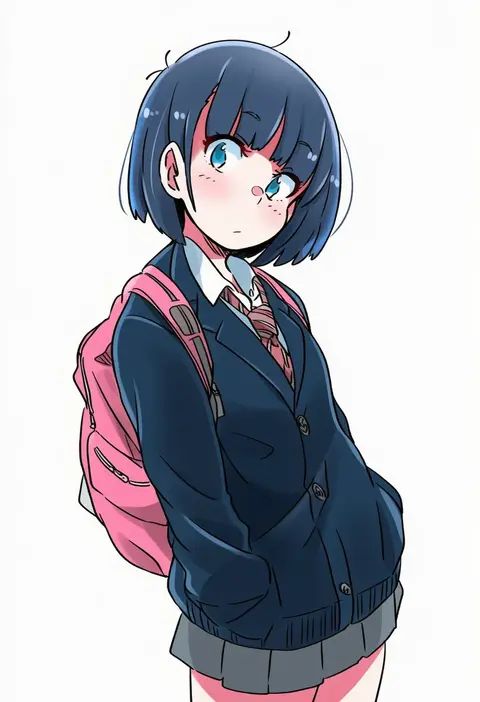
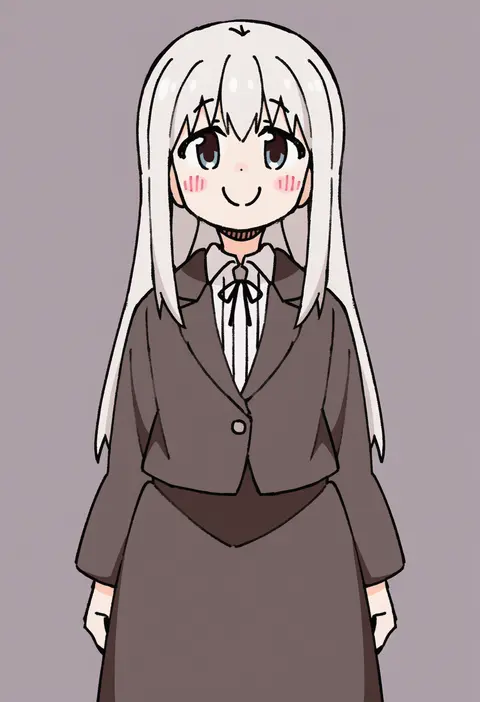
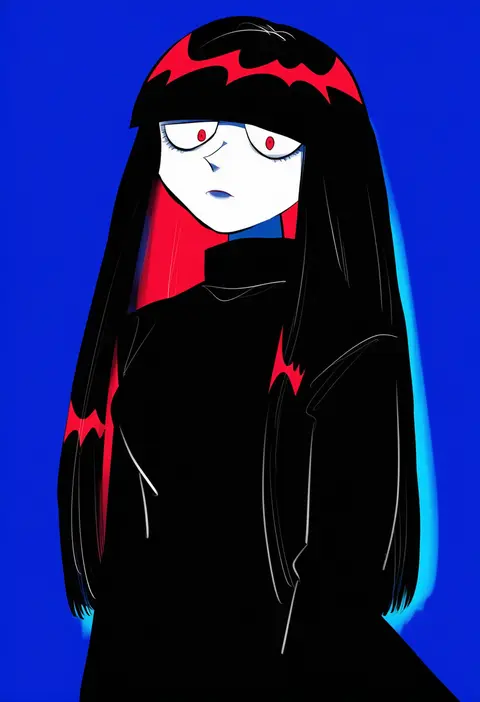
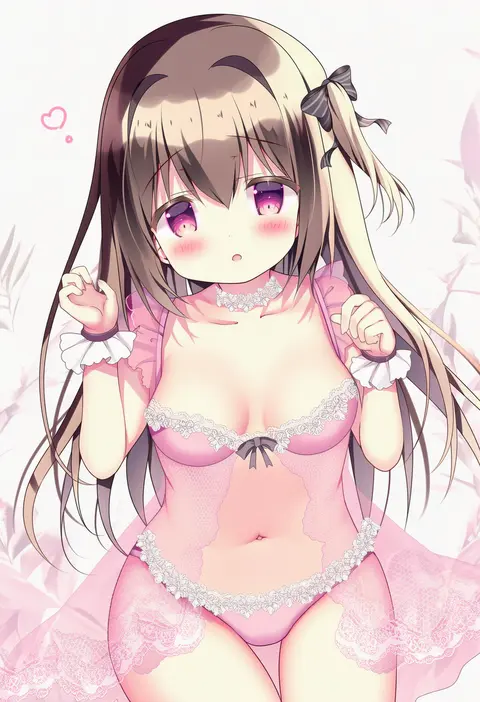
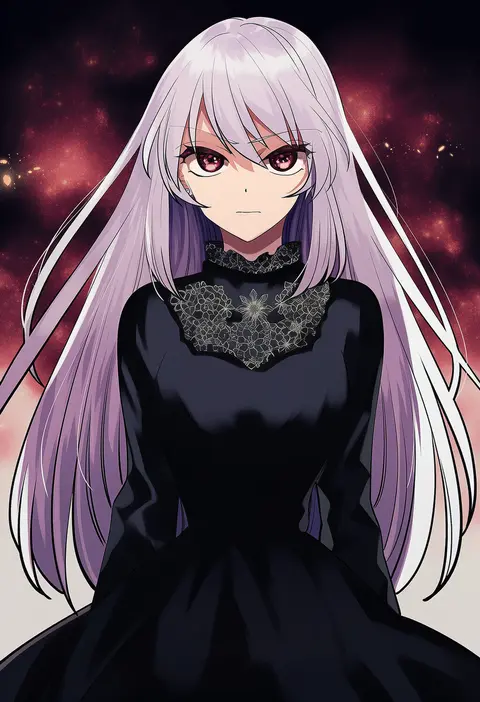
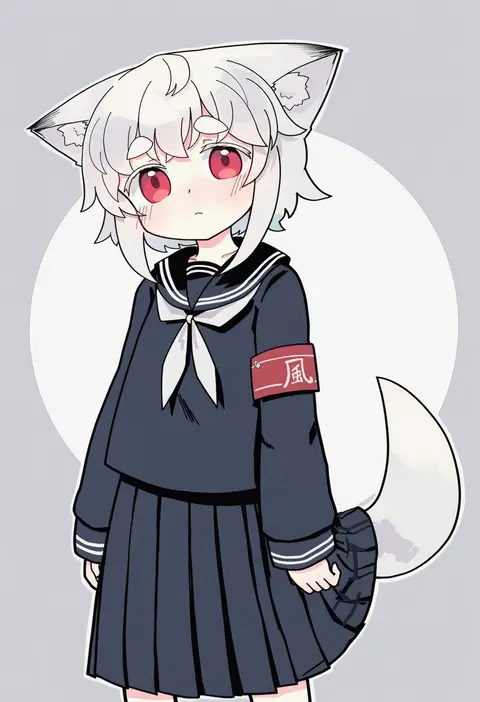
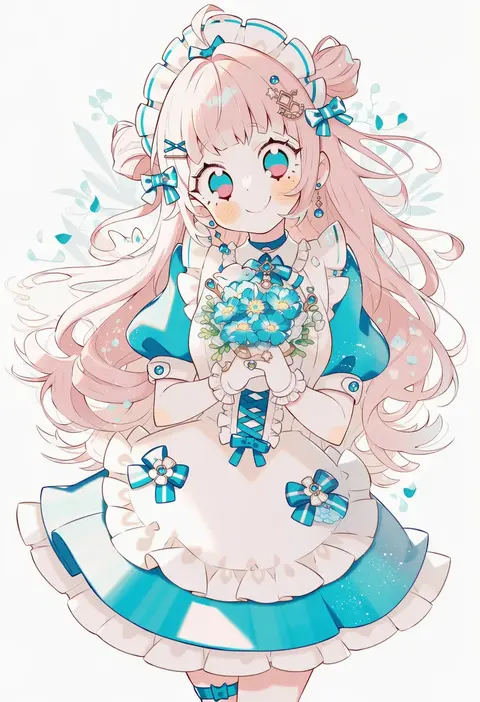
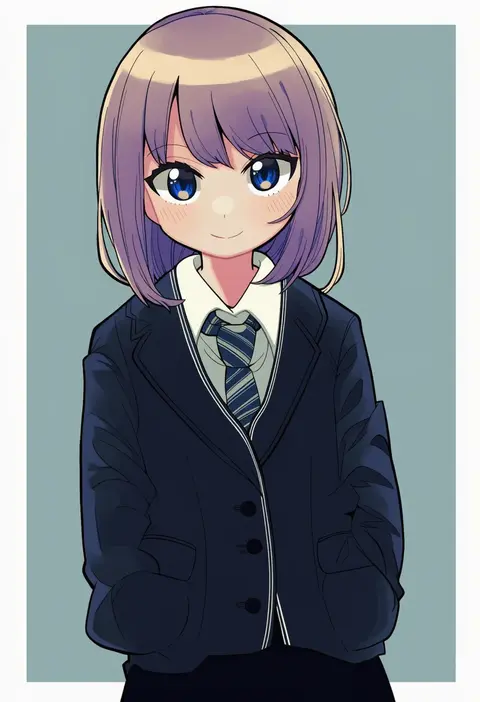
Every tag listed here is verified to react in NovelAI. All images use the same prompt, seed and settings with only the artist tag swapped, so the difference between two images is the style that tag brings in.

How to use them

Put the artist tag near the front of the prompt, e.g. "<artist>, 1girl, solo, best quality, masterpiece, cowboy shot". Two or three artist tags blend styles; lower the weight with "0.8::<artist>::" when the style overpowers the character.

SCORE sorts by Danbooru's top score, POSTS by post count, FAVS by hearts on this site. Open a card to see V5 and V4.5 side by side on the same seed.

V5 vs V4.5

V5 usually lands closer to the artist's real style, and tags that did nothing on V4.5 often react on V5. V4.5 still fits older and doujin-heavy artists better. Try V5 first, fall back to V4.5.

FAQ

Where does the artist tag go?
Near the front of the prompt. Use "0.8::tag::" to adjust its weight.

Can I stack artist tags?
Yes, styles blend. Past two or three the result stops looking like anyone.

Are these the artists' own works?
No. Every image is a NovelAI sample generated from the tag.