V4.5Artists
sort: FAVS▾
▾
>
$

Popular NovelAI artist tags — V4.5

artist --count 16,352[133/273]
yuujin (yuzinn333)
ARTIST0x1EF0
0
none (kameko227)
ARTIST0x1EF1
0
janne cherry
ARTIST0x1EF2
0
buta tamako
ARTIST0x1EF3
0
kamameshi gougoumaru
ARTIST0x1EF4
0
fukudahda
ARTIST0x1EF5
0
wancozow
ARTIST0x1EF6
0
satsuki yukimi
ARTIST0x1EF7
0
rourou ill
ARTIST0x1EF8
0
nuko (mikupantu)
ARTIST0x1EF9
0
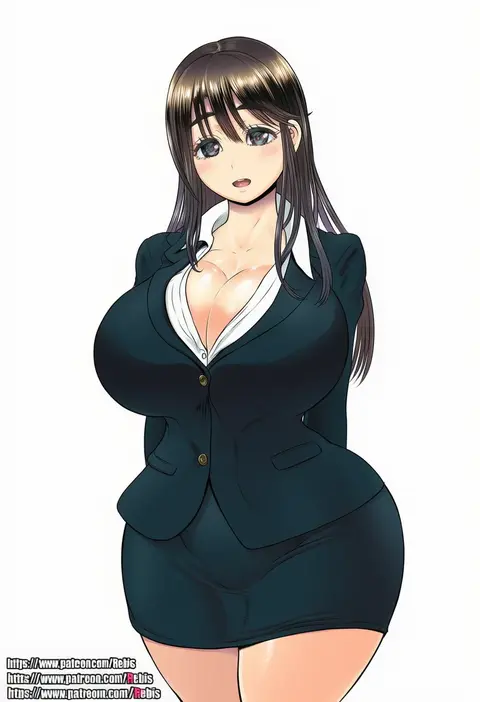
rebis
ARTIST0x1EFA
0
quarterlift
ARTIST0x1EFB
0
ginzake (mizuumi)
ARTIST0x1EFC
0
gyoukan (jfxc)
ARTIST0x1EFD
0
hareta
ARTIST0x1EFE
0
ema (kuguiema)
ARTIST0x1EFF
0
heimu (heim kstr)
ARTIST0x1F00
0
emilio (tetsukazu no ao)
ARTIST0x1F01
0
kojiki-life
ARTIST0x1F02
0
danji bang
ARTIST0x1F03
0
shiroyukimajima
ARTIST0x1F04
0
appleseed (appleseed art)
ARTIST0x1F05
0
makihige
ARTIST0x1F06
0
jesse schickler
ARTIST0x1F07
0
littlecloudie
ARTIST0x1F08
0
riokasen
ARTIST0x1F09
0
ueda torini
ARTIST0x1F0A
0
harakomeshi
ARTIST0x1F0B
0
miri (bossu osu)
ARTIST0x1F0C
0
chai (drawingchisanne)
ARTIST0x1F0D
0
nollety
ARTIST0x1F0E
0
sorai shin'ya
ARTIST0x1F0F
0
itsuka neru
ARTIST0x1F10
0
ebimomo
ARTIST0x1F11
0
71 (nanaichi drafting)
ARTIST0x1F12
0
moyori
ARTIST0x1F13
0
yuki (popopo)
ARTIST0x1F14
0
oyaji-sou
ARTIST0x1F15
0
soukou makura
ARTIST0x1F16
0
santa matsuri
ARTIST0x1F17
0
niku-name
ARTIST0x1F18
0
habatakuhituji
ARTIST0x1F19
0
hiro hiroki
ARTIST0x1F1A
0
loen
ARTIST0x1F1B
0
okyou
ARTIST0x1F1C
0
dungeon toaster
ARTIST0x1F1D
0
suishougensou
ARTIST0x1F1E
0
name john
ARTIST0x1F1F
0
beiyi
ARTIST0x1F20
0
wani (perfect han)
ARTIST0x1F21
0
akure ekuto
ARTIST0x1F22
0
chaigidhiell
ARTIST0x1F23
0
lts kakuyo
ARTIST0x1F24
0
kisaragi koushi
ARTIST0x1F25
0
ibuki grunt
ARTIST0x1F26
0
caibao return
ARTIST0x1F27
0
xiaosan ye
ARTIST0x1F28
0
aro (charged time out)
ARTIST0x1F29
0
mesushio
ARTIST0x1F2A
0
liyom
ARTIST0x1F2B
0

What these tags change

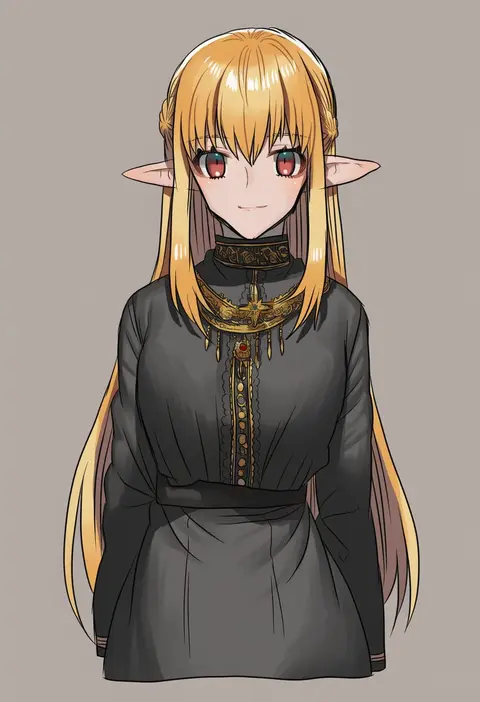
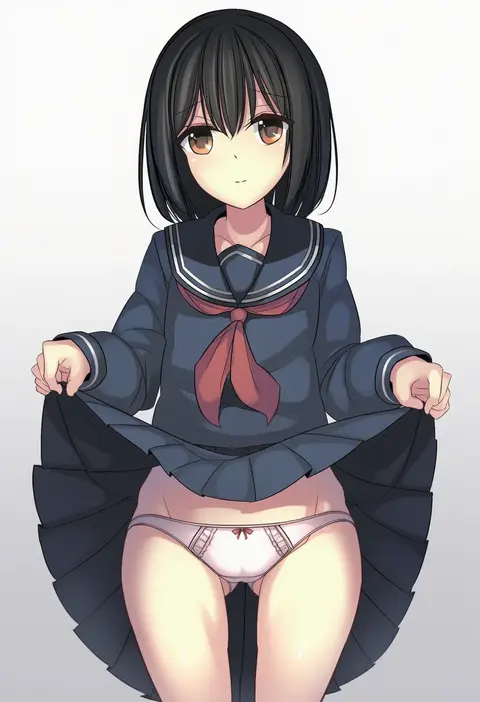
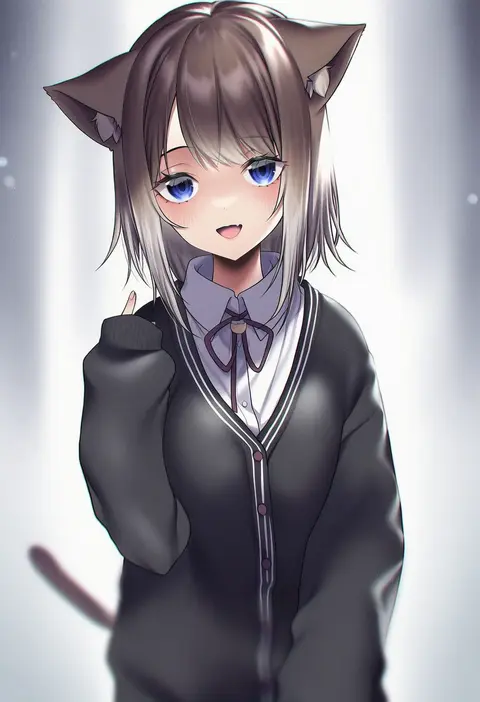
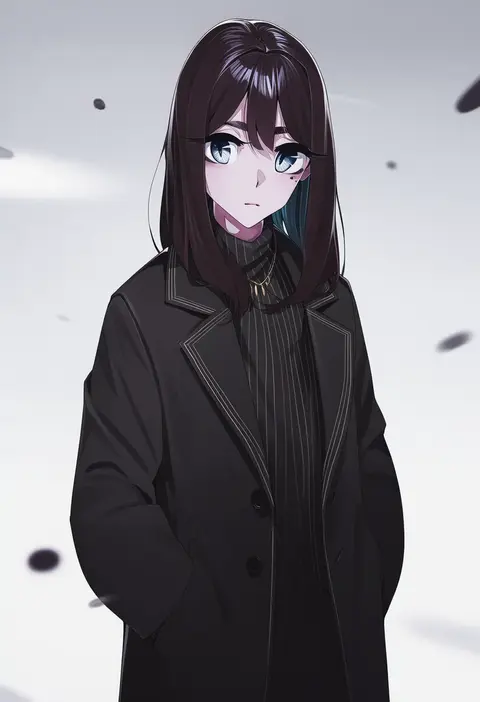
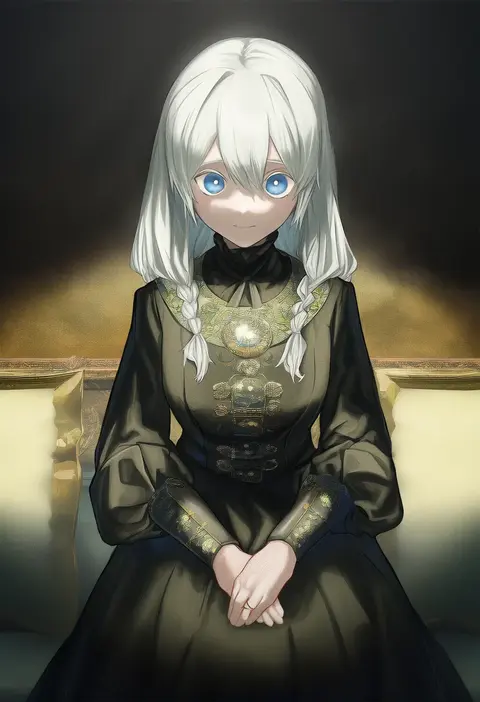
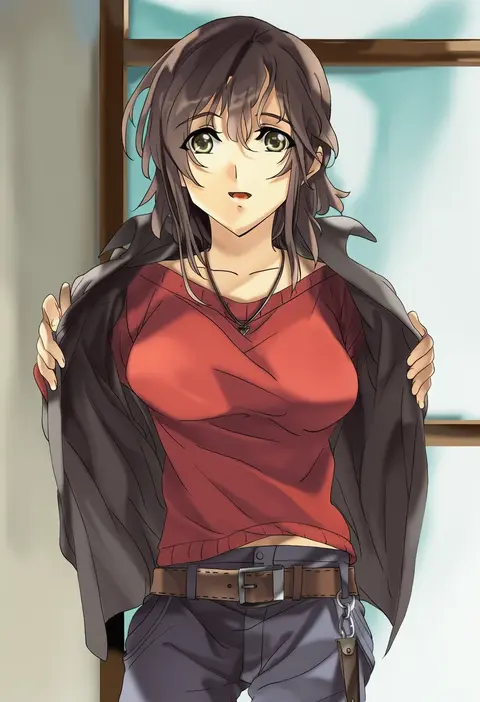
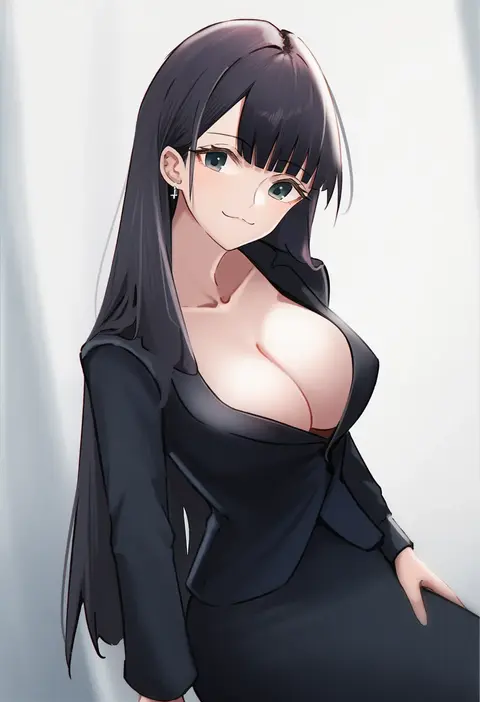
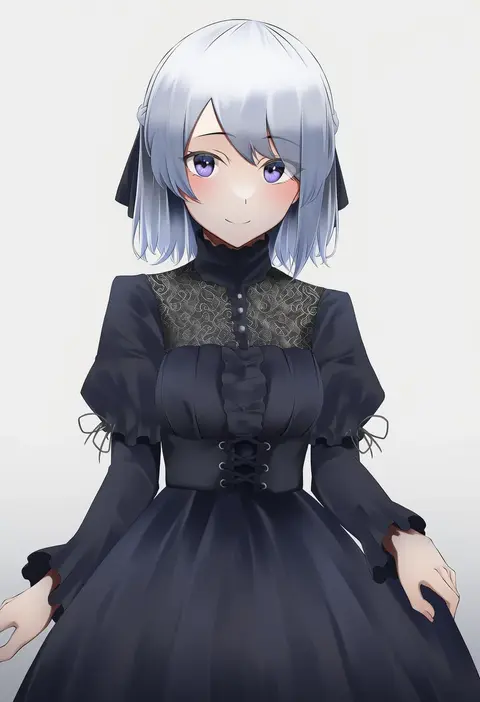
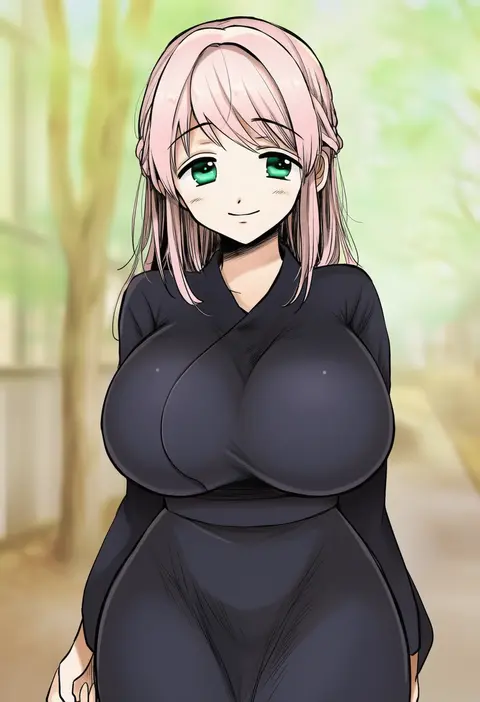
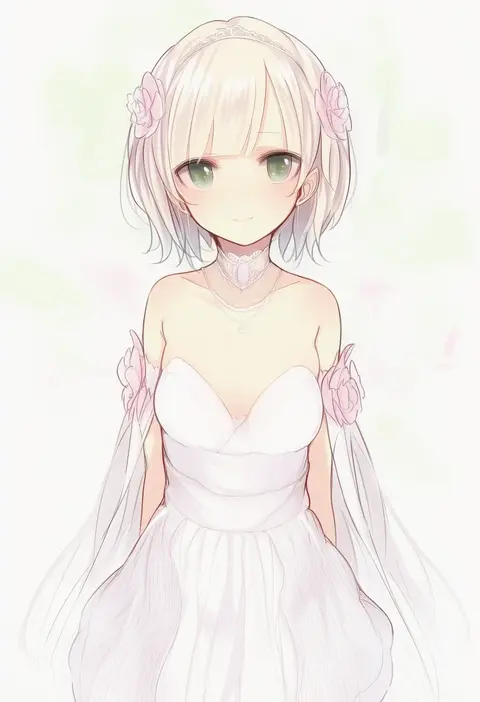
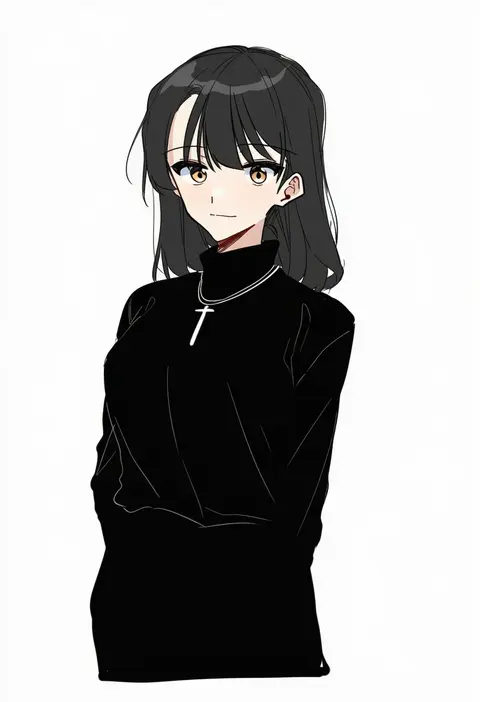
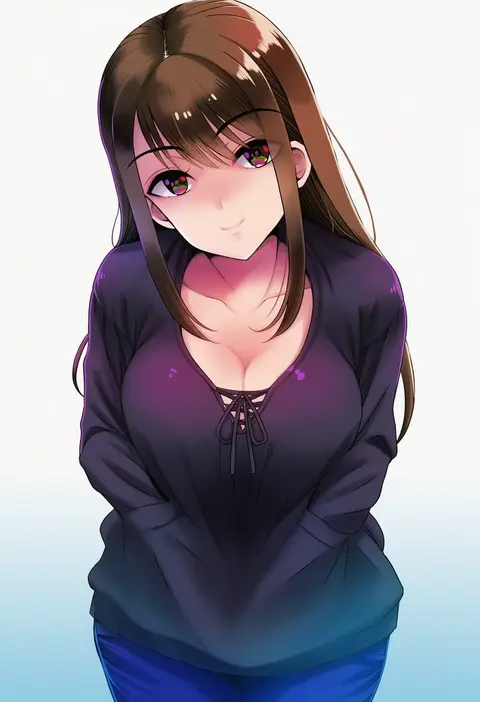
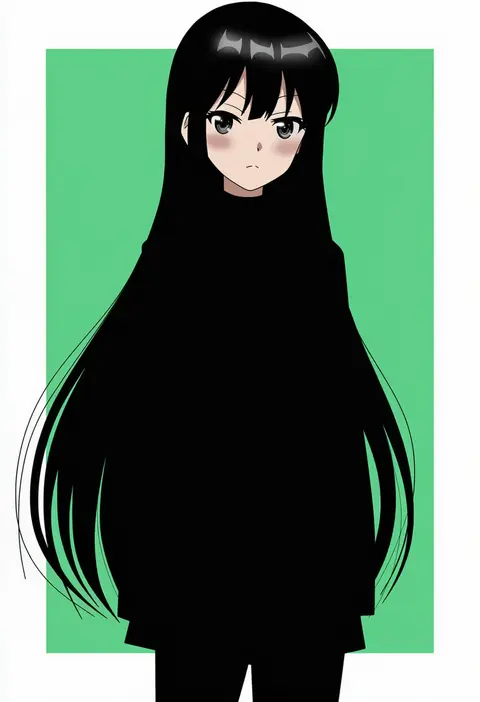
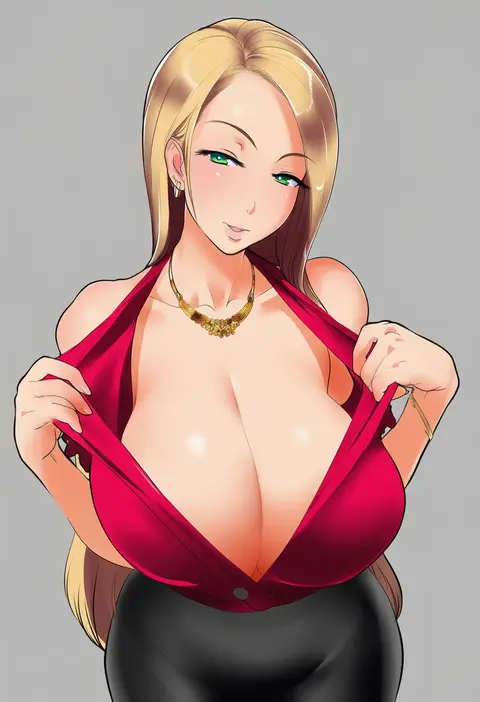
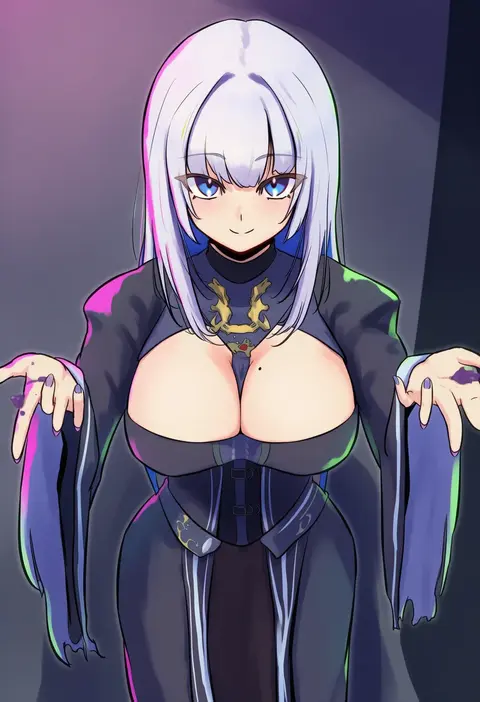
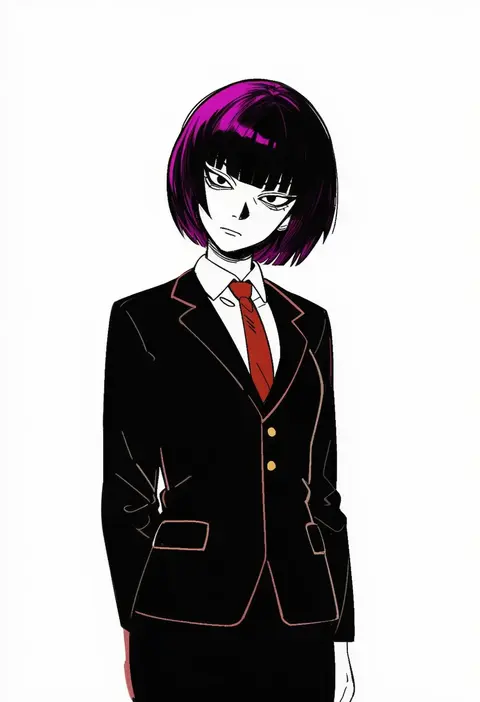
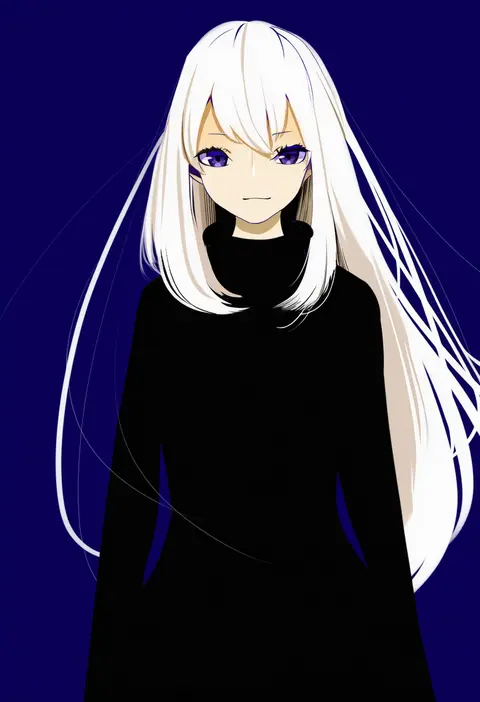
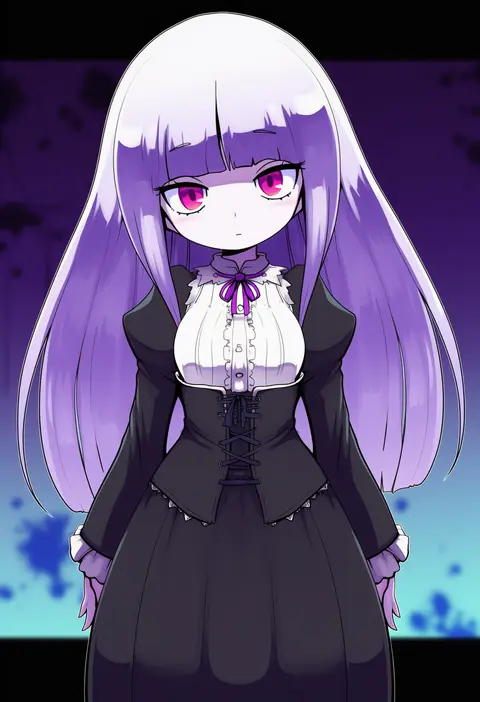
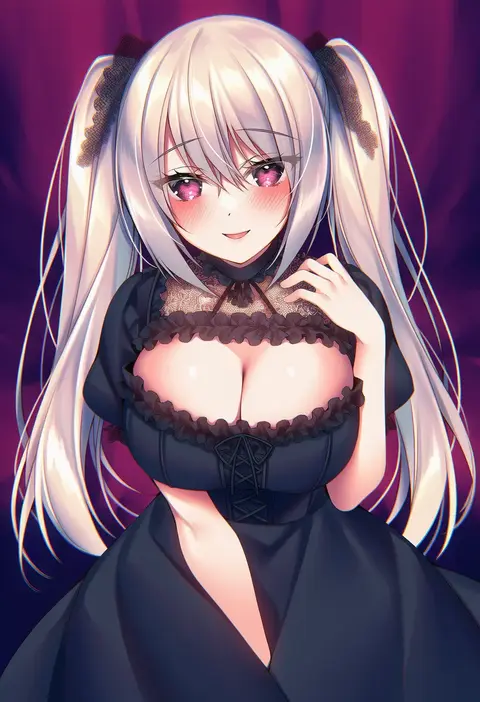
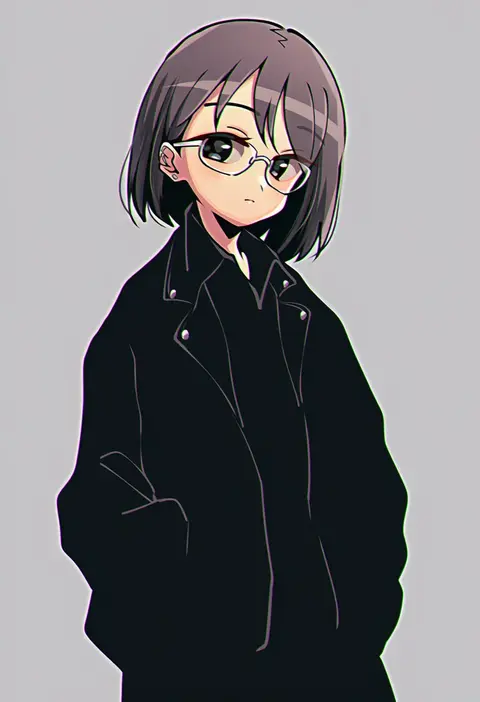
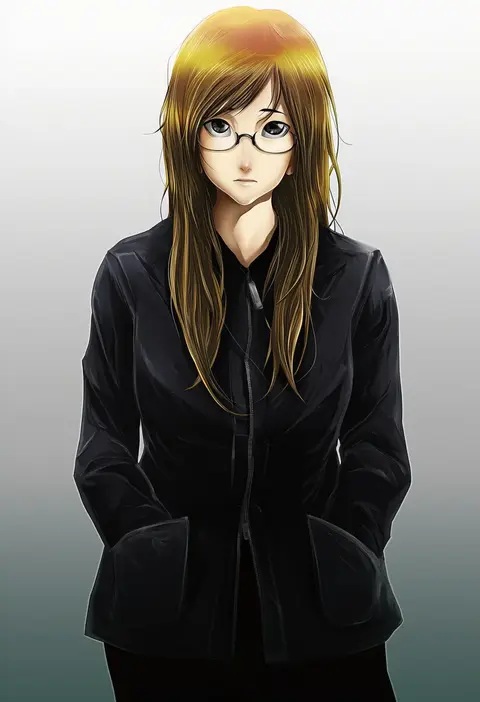
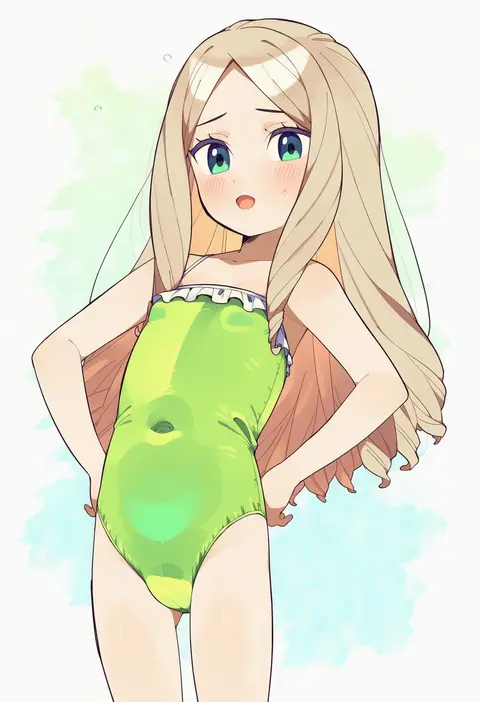
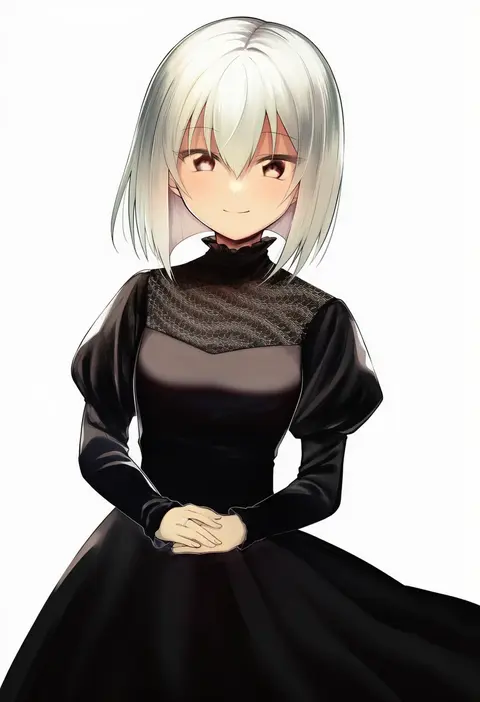
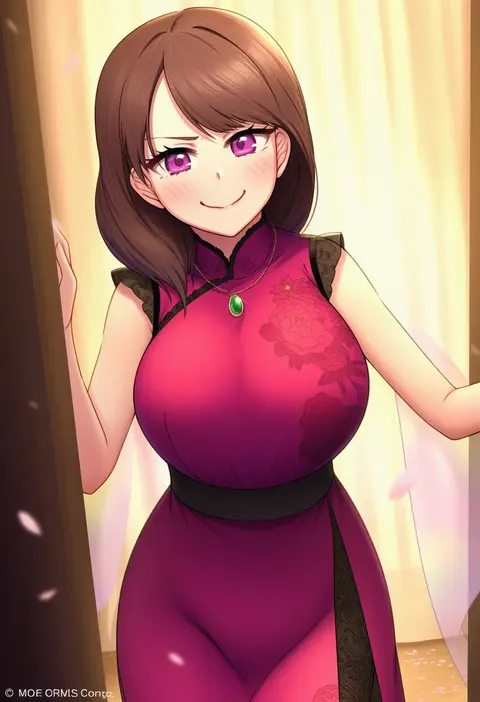
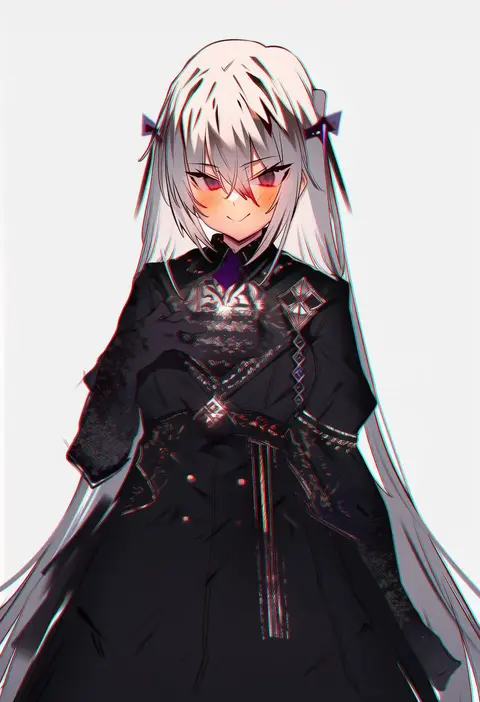
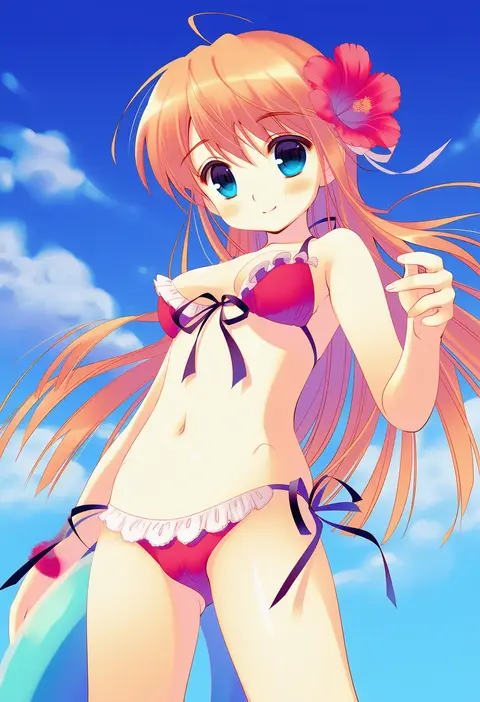
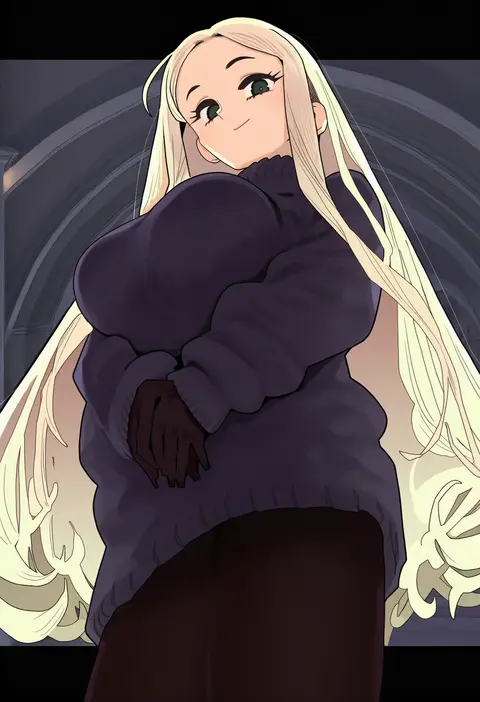
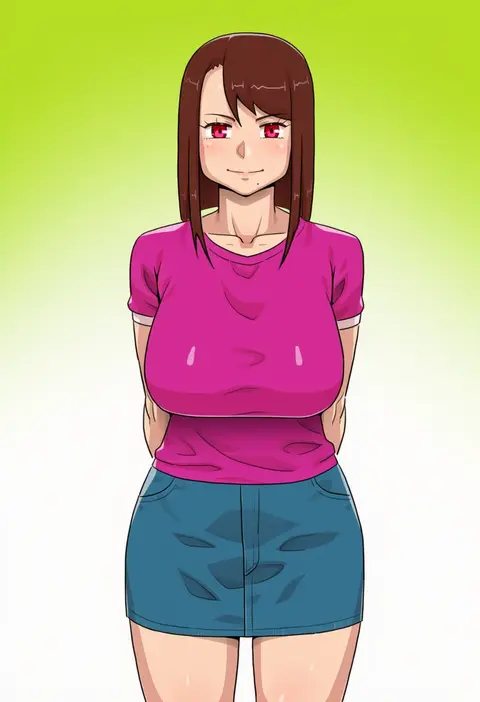
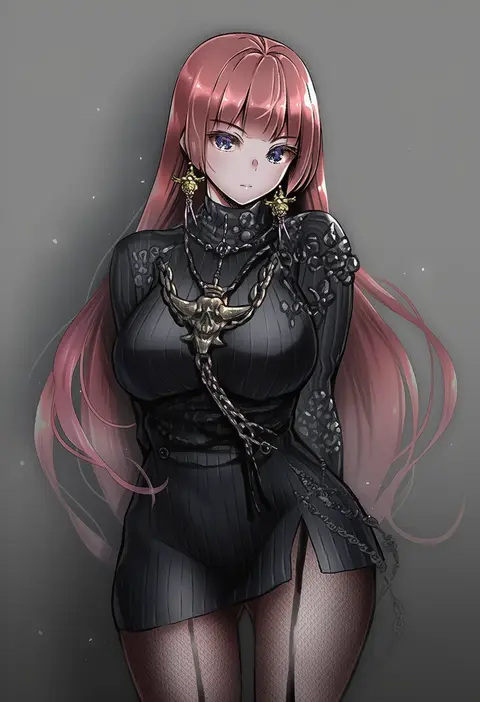
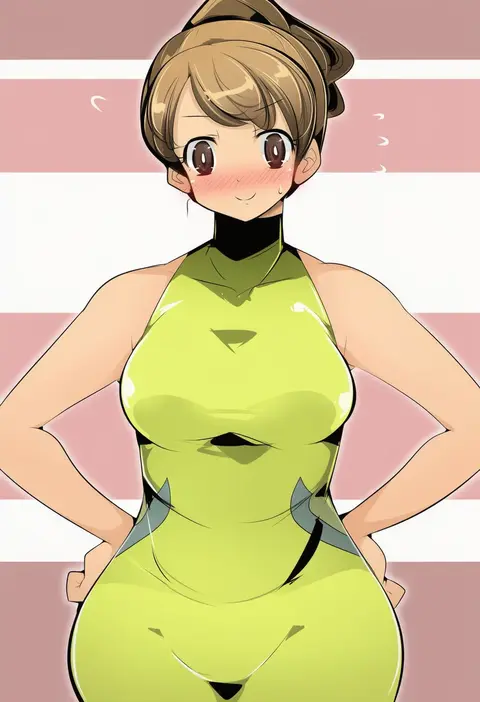
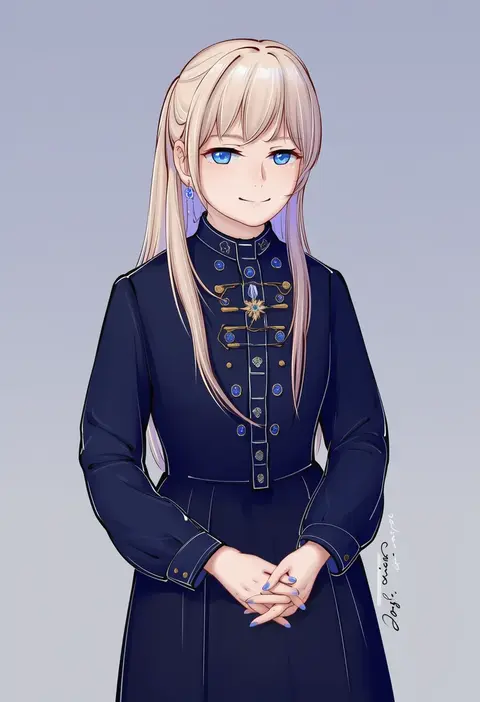
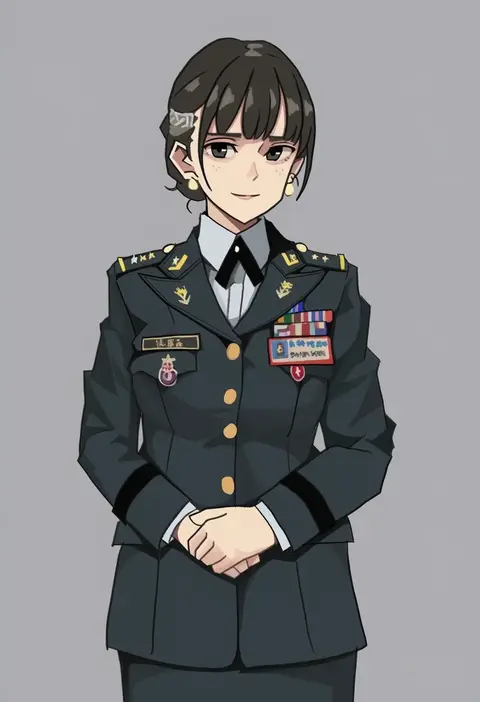
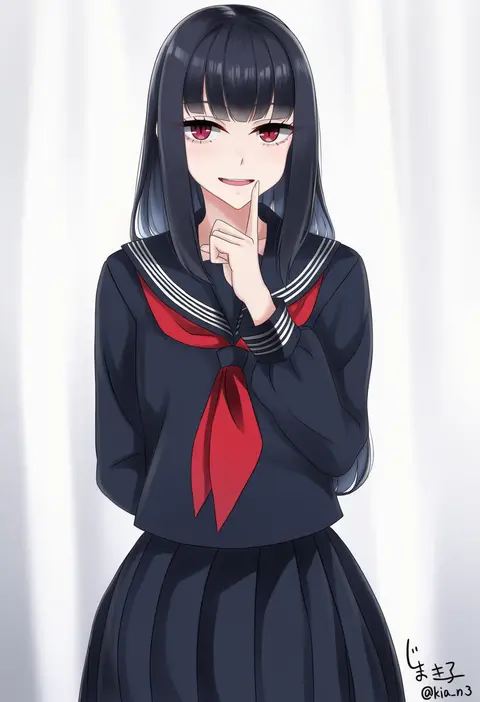
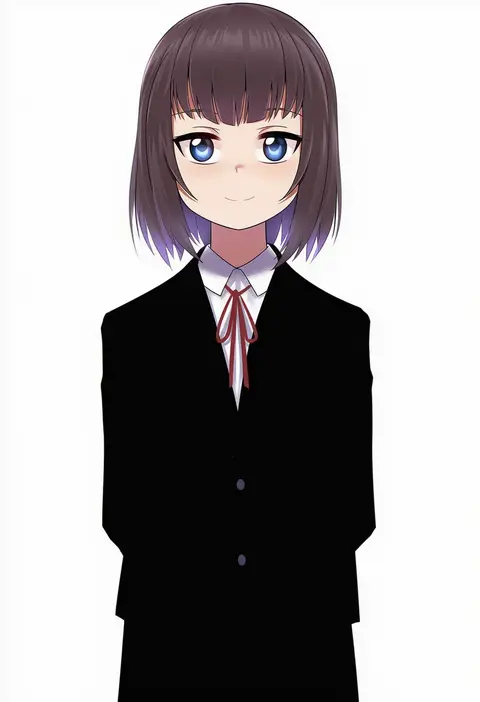
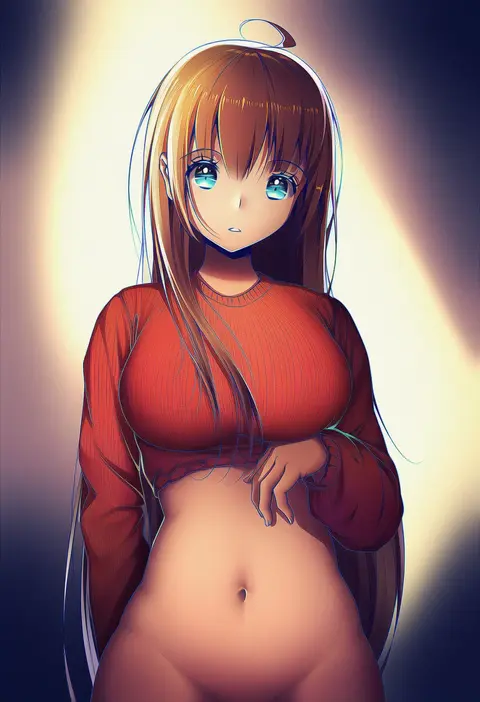
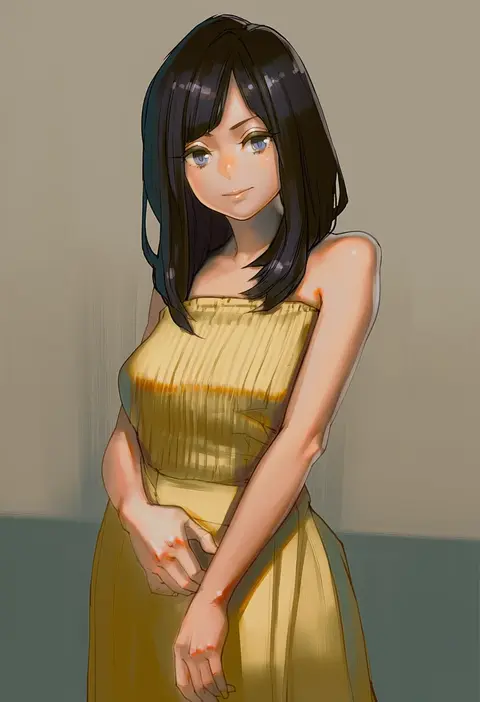
Artist tags tell NovelAI Diffusion to draw in a specific artist's style: line weight, paint texture, face shapes and palette all shift at once. Character and outfit tags decide what is drawn; artist tags decide how. 16,352 tags are listed for V4.5.
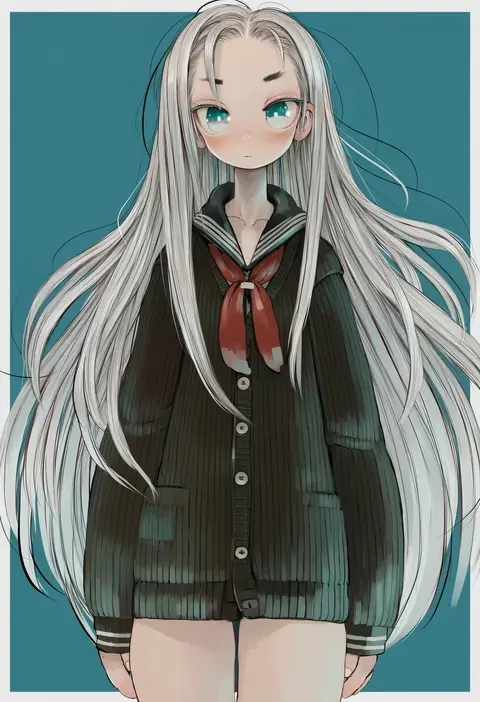
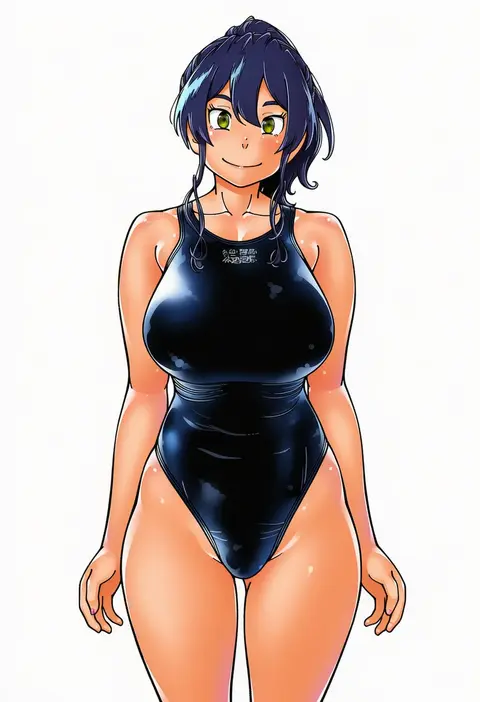
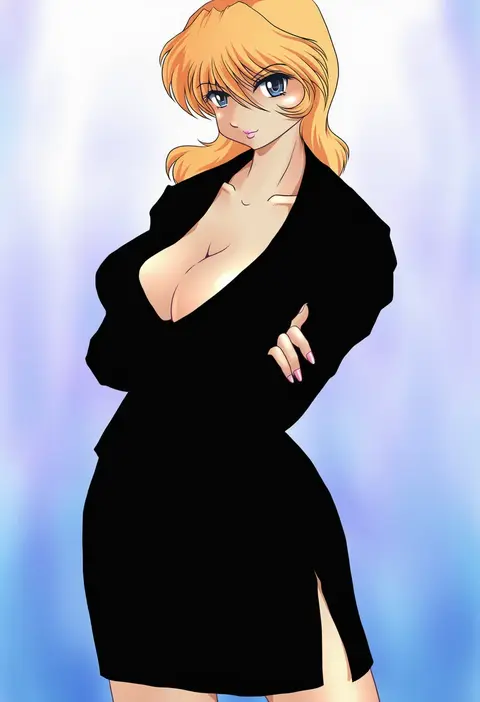
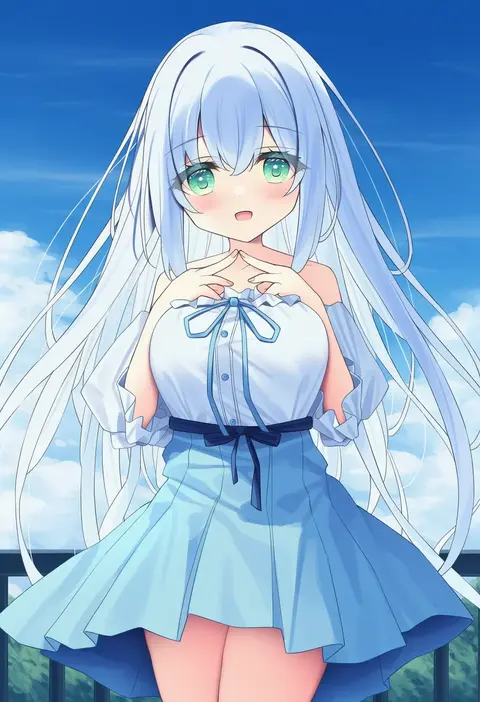
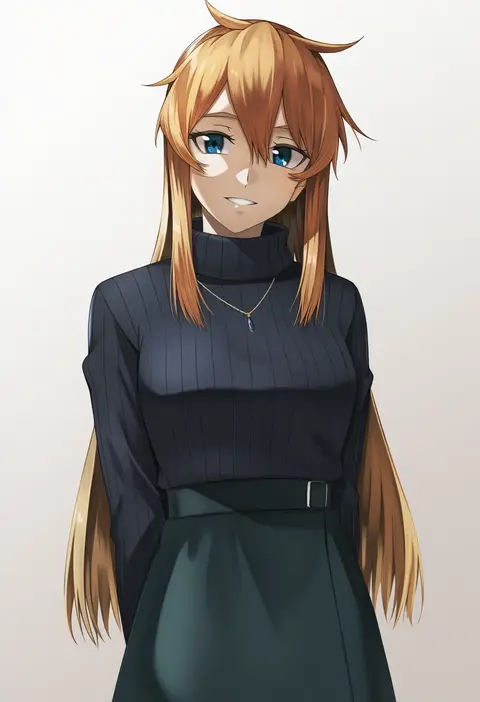
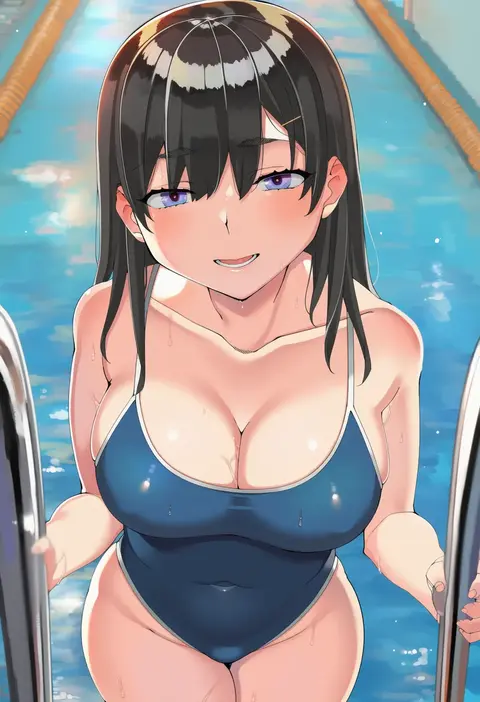
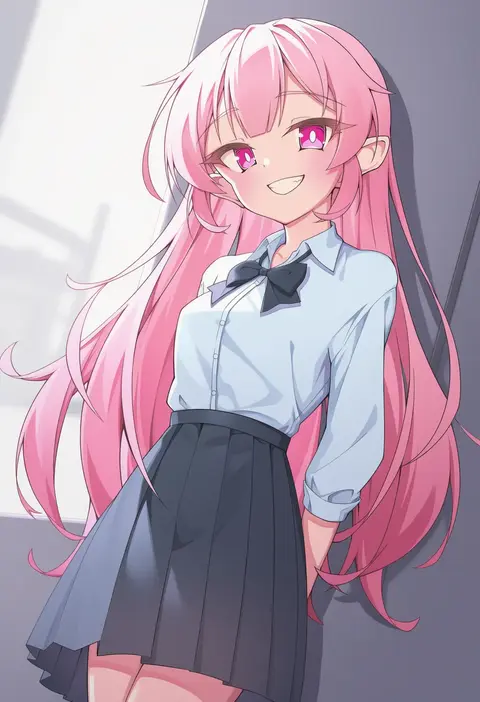
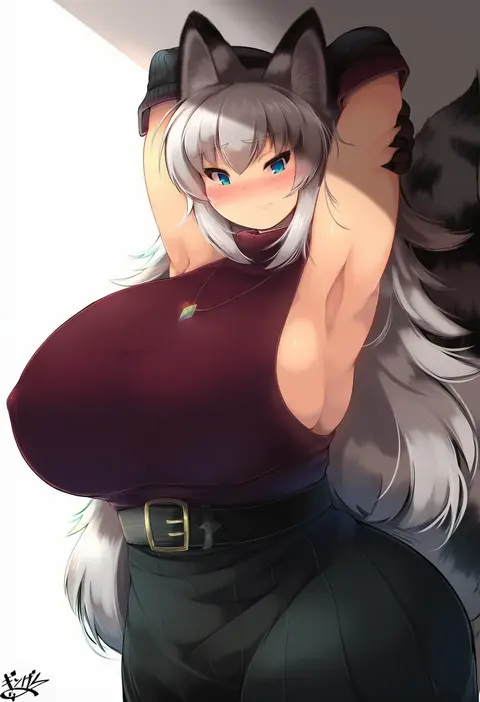
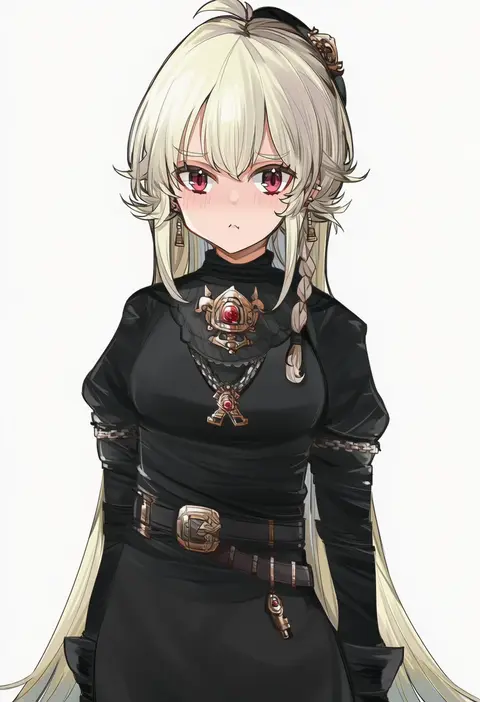
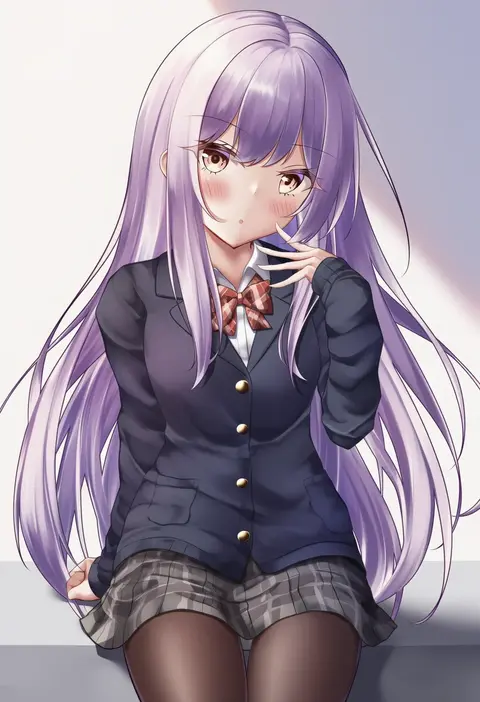
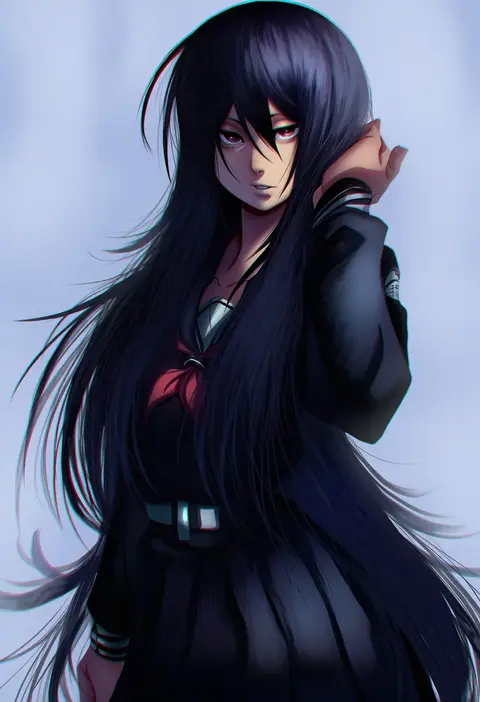
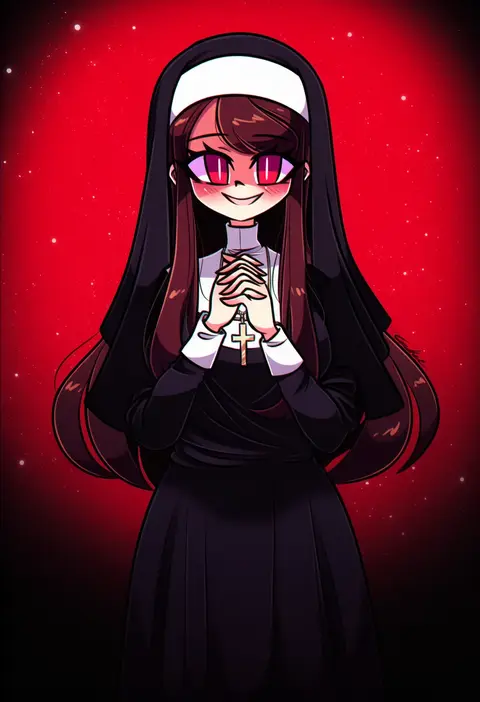
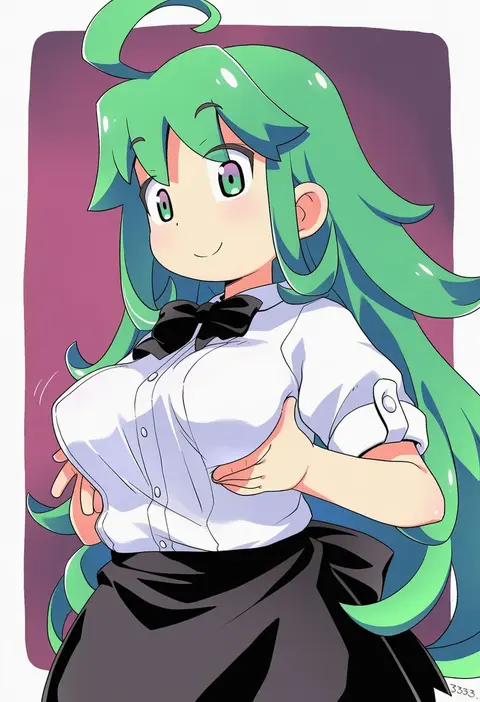
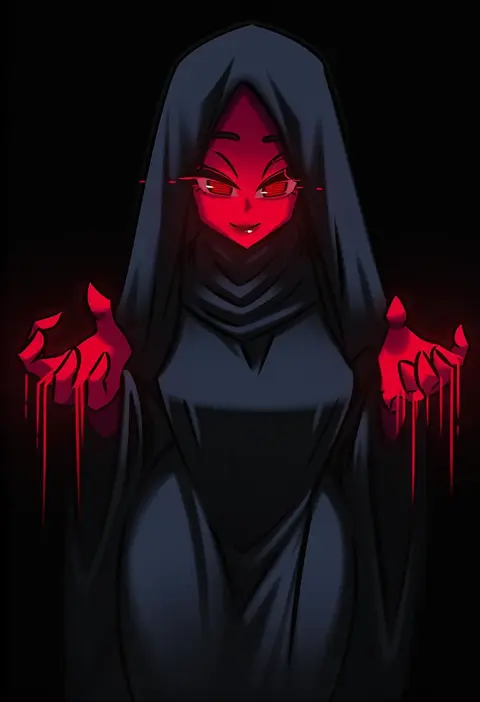
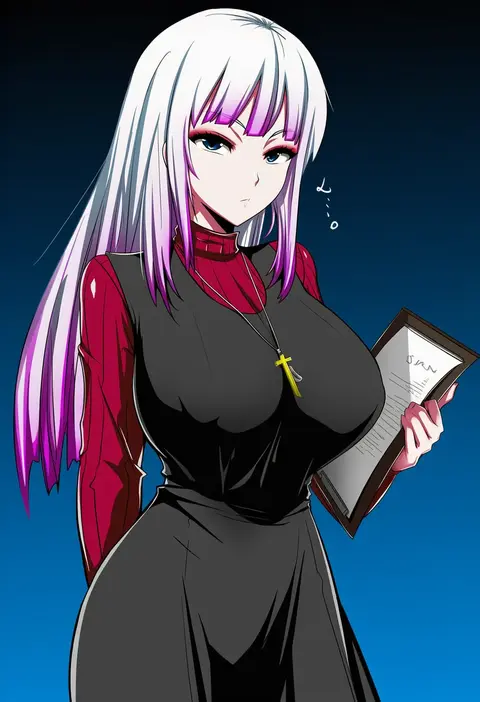
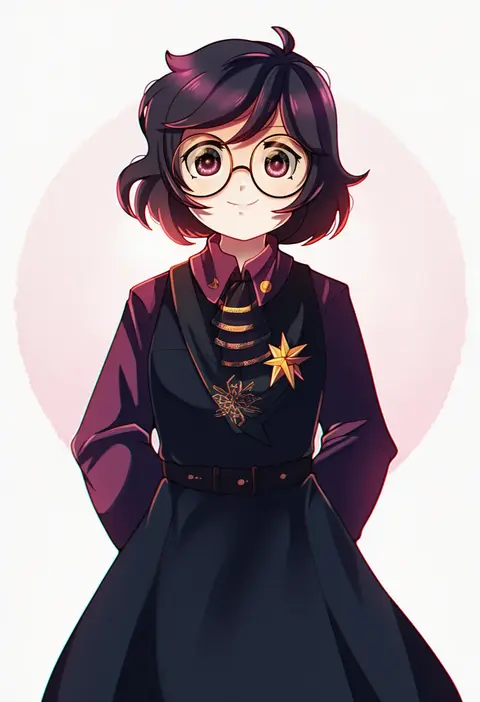
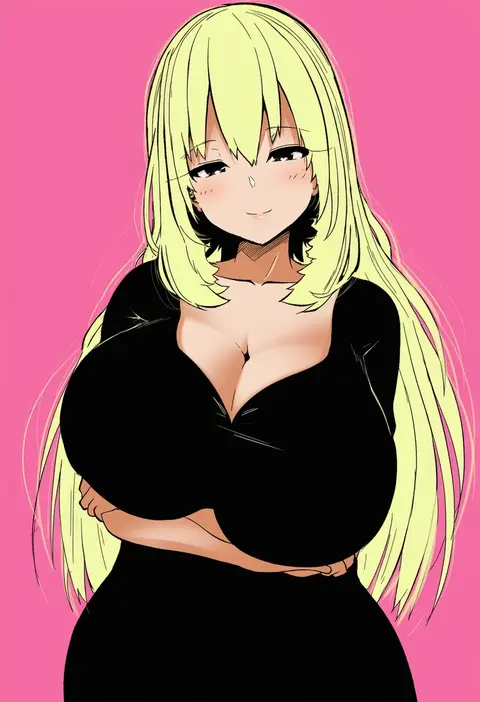
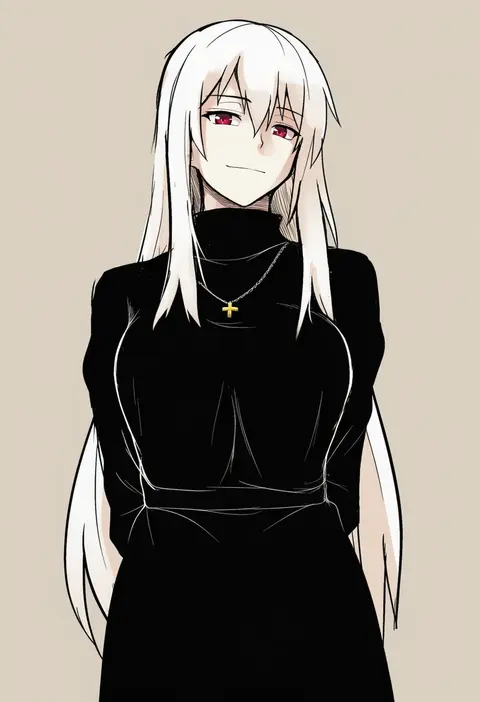
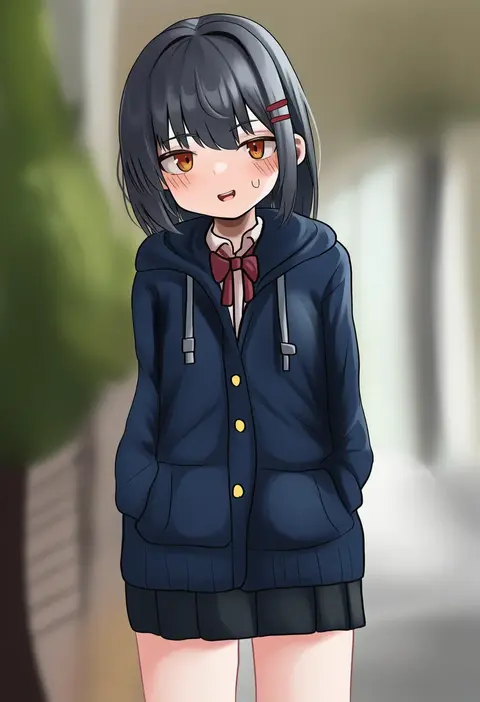
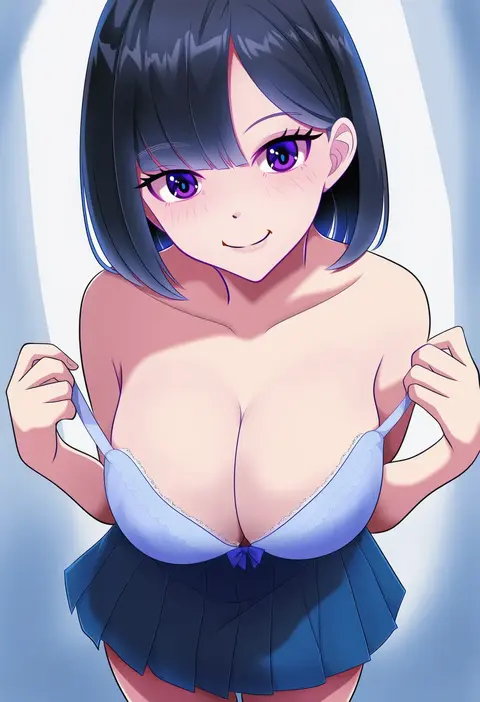
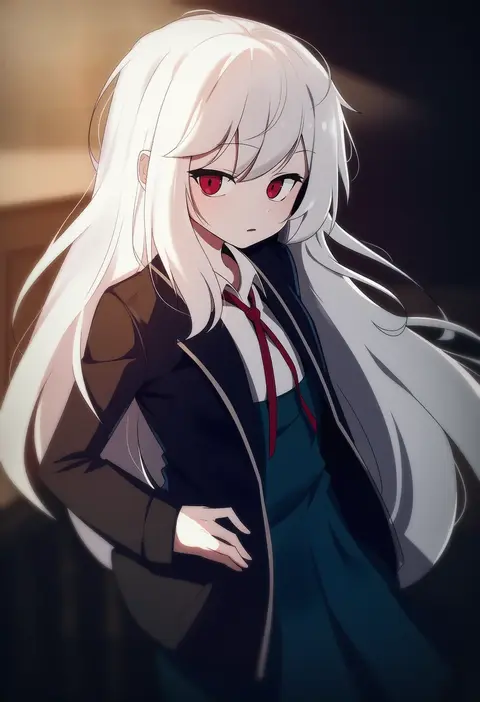
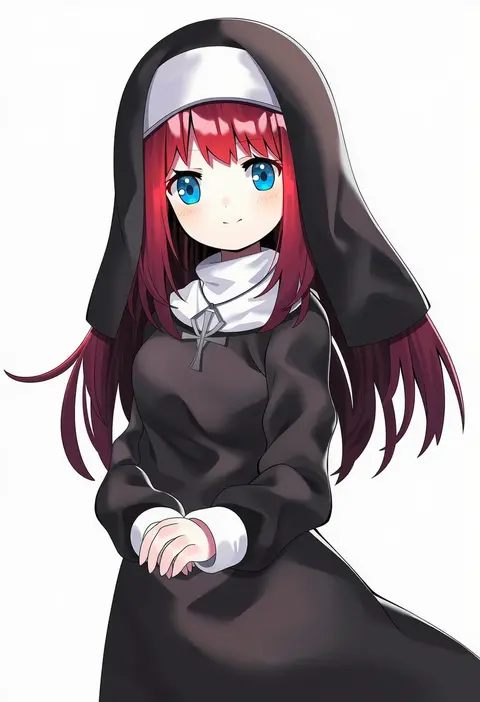
Every tag listed here is verified to react in NovelAI. All images use the same prompt, seed and settings with only the artist tag swapped, so the difference between two images is the style that tag brings in.

How to use them

Put the artist tag near the front of the prompt, e.g. "<artist>, 1girl, solo, best quality, masterpiece, cowboy shot". Two or three artist tags blend styles; lower the weight with "0.8::<artist>::" when the style overpowers the character.

SCORE sorts by Danbooru's top score, POSTS by post count, FAVS by hearts on this site. Open a card to see V5 and V4.5 side by side on the same seed.

V5 vs V4.5

V5 usually lands closer to the artist's real style, and tags that did nothing on V4.5 often react on V5. V4.5 still fits older and doujin-heavy artists better. Try V5 first, fall back to V4.5.

FAQ

Where does the artist tag go?
Near the front of the prompt. Use "0.8::tag::" to adjust its weight.

Can I stack artist tags?
Yes, styles blend. Past two or three the result stops looking like anyone.

Are these the artists' own works?
No. Every image is a NovelAI sample generated from the tag.