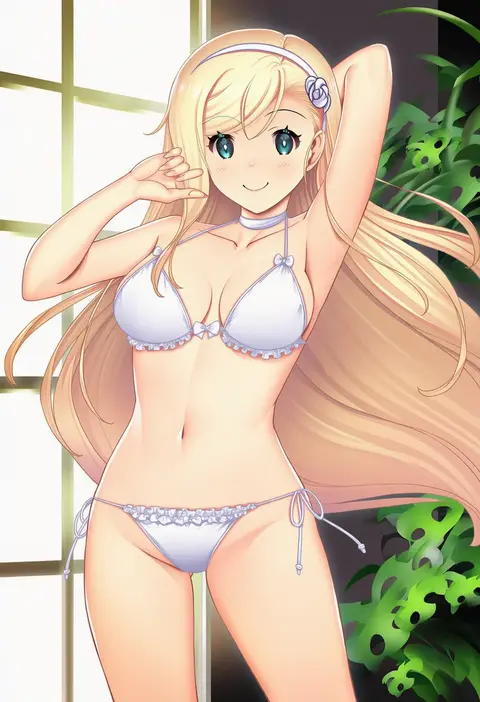
V4.5Artists
sort: FAVS▾
▾
>
$

Popular NovelAI artist tags — V4.5

artist --count 16,352[131/273]
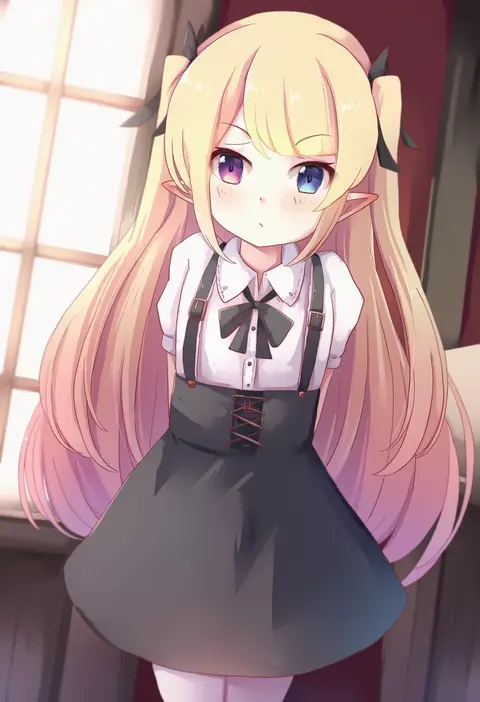
nyxerebos
ARTIST0x1E78
0
asakura sakura
ARTIST0x1E79
0
ichiki 1
ARTIST0x1E7A
0
apollo (hu maple)
ARTIST0x1E7B
0
ry thae
ARTIST0x1E7C
0
koruta (nekoimo)
ARTIST0x1E7D
0
satsuyo
ARTIST0x1E7E
0
mizuki ryuu
ARTIST0x1E7F
0
kakuno
ARTIST0x1E80
0
vergil mon
ARTIST0x1E81
0
painter-lhb
ARTIST0x1E82
0
opi
ARTIST0x1E83
0
drill (emilio)
ARTIST0x1E84
0
broiler
ARTIST0x1E85
0
fujisaka lyric
ARTIST0x1E86
0
coria
ARTIST0x1E87
0
reido (reido c)
ARTIST0x1E88
0
greetload
ARTIST0x1E89
0
bintz
ARTIST0x1E8A
0
fov ps
ARTIST0x1E8B
0
popuru
ARTIST0x1E8C
0
takahashi myojin
ARTIST0x1E8D
0
ame usari
ARTIST0x1E8E
0
kenko (a143016)
ARTIST0x1E8F
0
kusahagane
ARTIST0x1E90
0
anbe yoshirou
ARTIST0x1E91
0
advarcher
ARTIST0x1E92
0
edobox
ARTIST0x1E93
0
suterii
ARTIST0x1E94
0
hajin
ARTIST0x1E95
0
sogaya
ARTIST0x1E96
0
asuka (junerabitts)
ARTIST0x1E97
0
kanchiyo
ARTIST0x1E98
0
huyase
ARTIST0x1E99
0
rod (rod4817)
ARTIST0x1E9A
0
yasuda suzuhito
ARTIST0x1E9B
0
hinaki (hinaki 0102)
ARTIST0x1E9C
0
cosine
ARTIST0x1E9D
0
iesonatana
ARTIST0x1E9E
0
mairo
ARTIST0x1E9F
0
izayoi seishin
ARTIST0x1EA0
0
takuzui
ARTIST0x1EA1
0
yukin (es)
ARTIST0x1EA2
0
runlan 0329
ARTIST0x1EA3
0
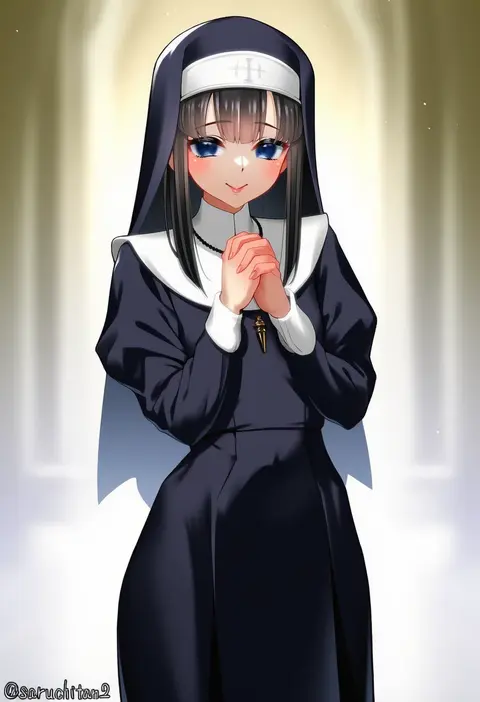
saruchitan
ARTIST0x1EA4
0
autumn-sacura
ARTIST0x1EA5
0
loading (verjuice)
ARTIST0x1EA6
0
synchroman
ARTIST0x1EA7
0
houmitsu
ARTIST0x1EA8
0
kanzen bouon
ARTIST0x1EA9
0
takubon
ARTIST0x1EAA
0
naba (take tonbo)
ARTIST0x1EAB
0
jouhou
ARTIST0x1EAC
0
kumatora tatsumi
ARTIST0x1EAD
0
mashiro kta
ARTIST0x1EAE
0
kibellin
ARTIST0x1EAF
0
lunamoon
ARTIST0x1EB0
0
harumaki
ARTIST0x1EB1
0
zetsuei (zetto)
ARTIST0x1EB2
0
hataraki kuma
ARTIST0x1EB3
0

What these tags change

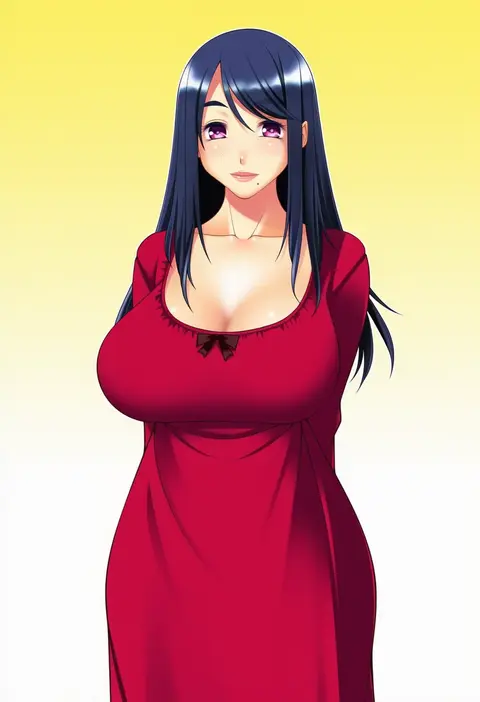
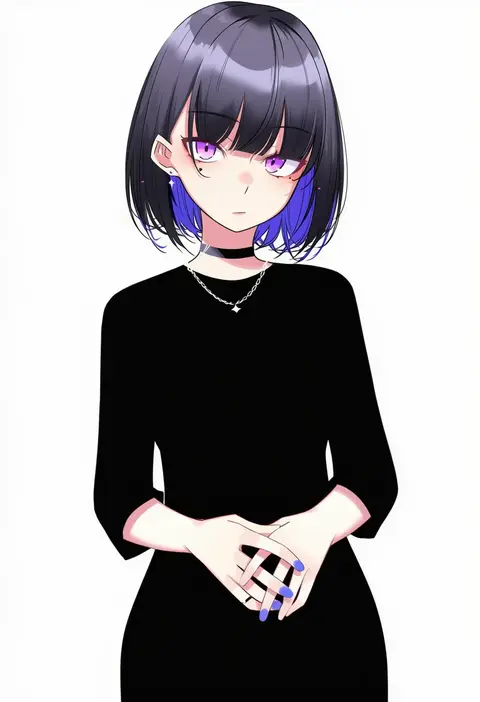
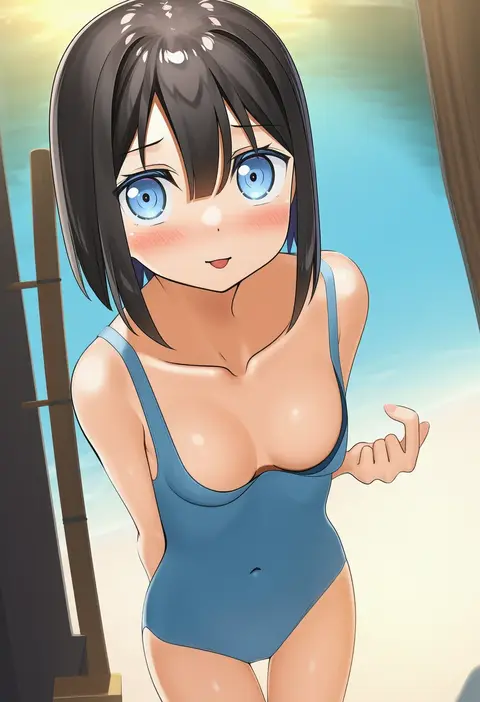
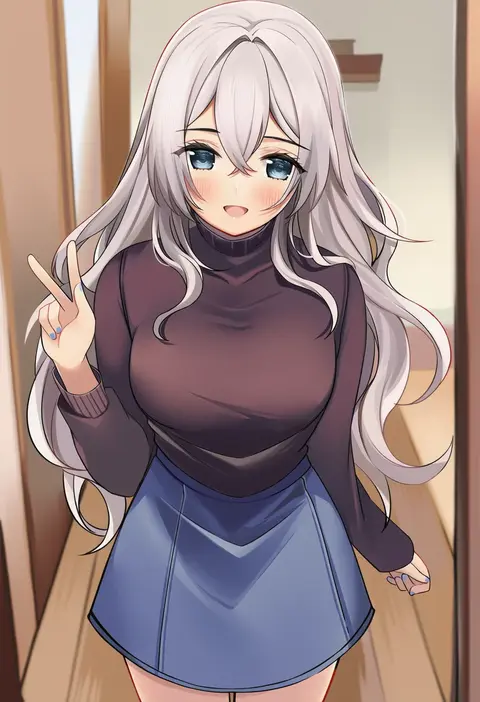
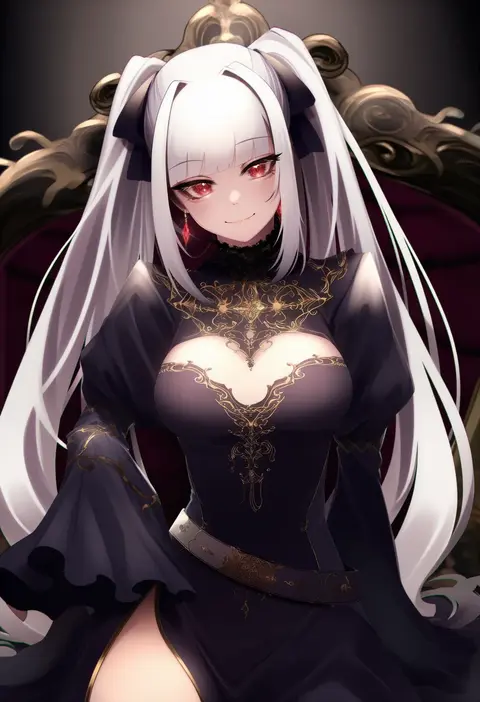
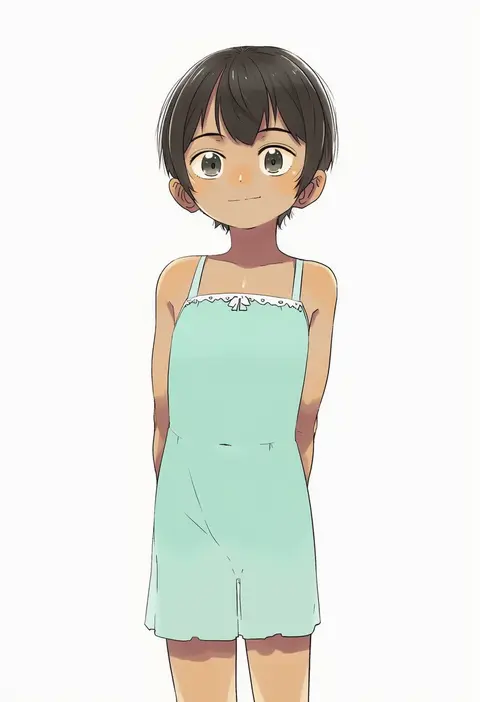
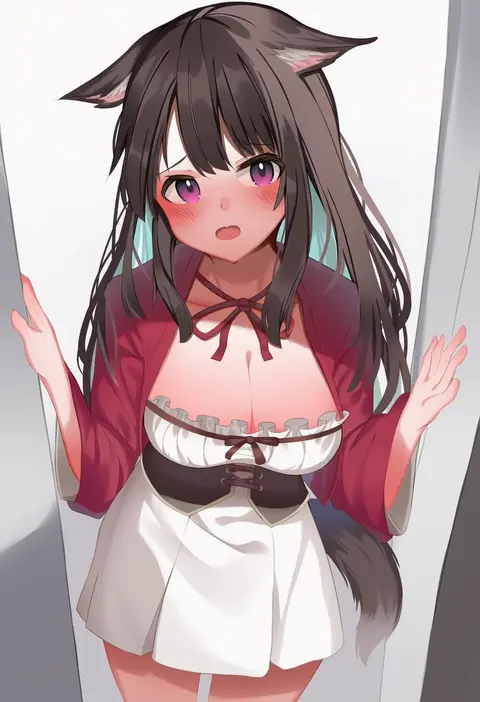
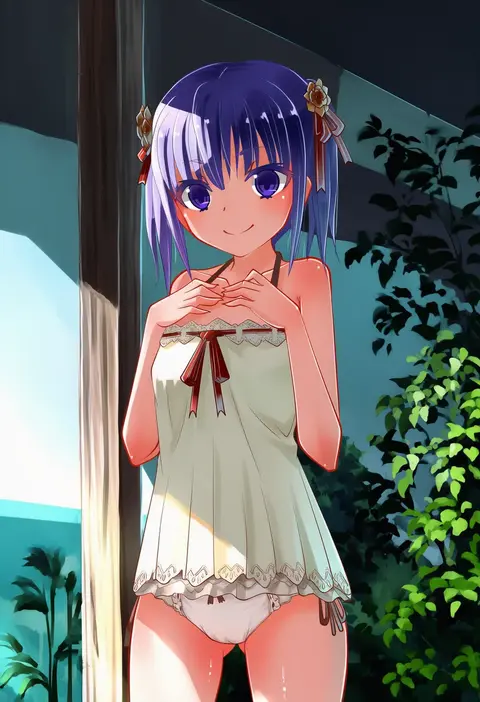
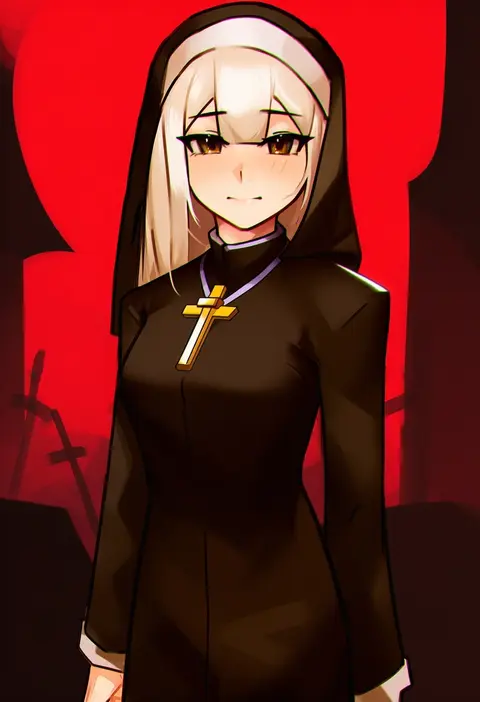
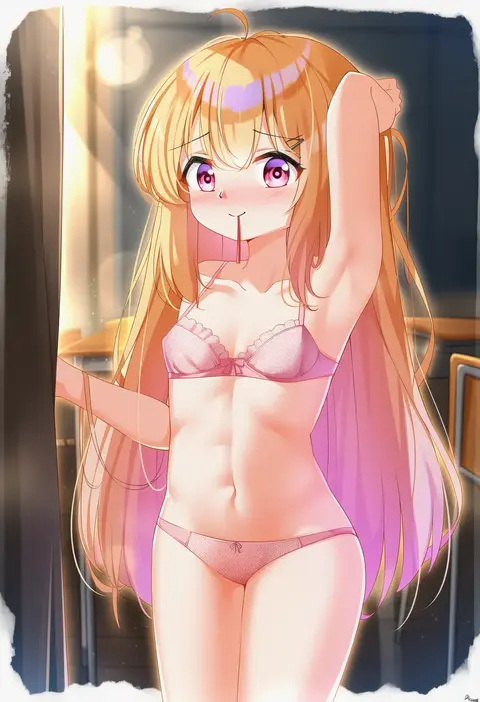
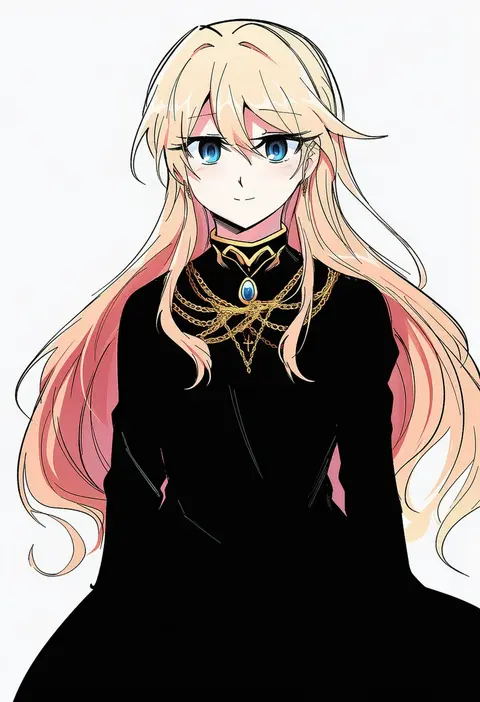
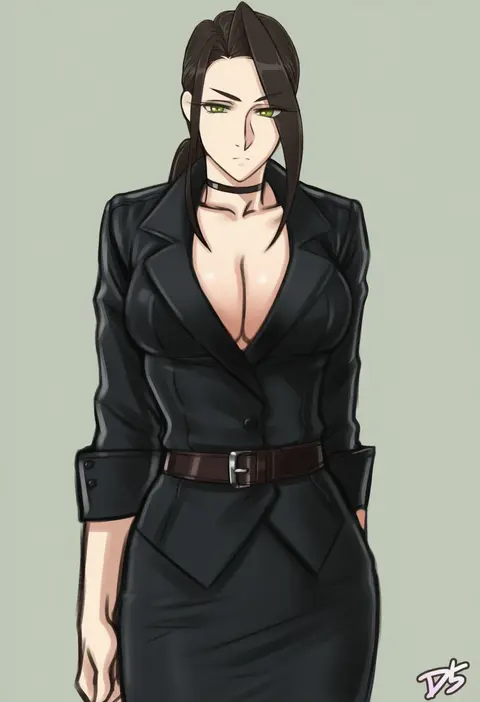
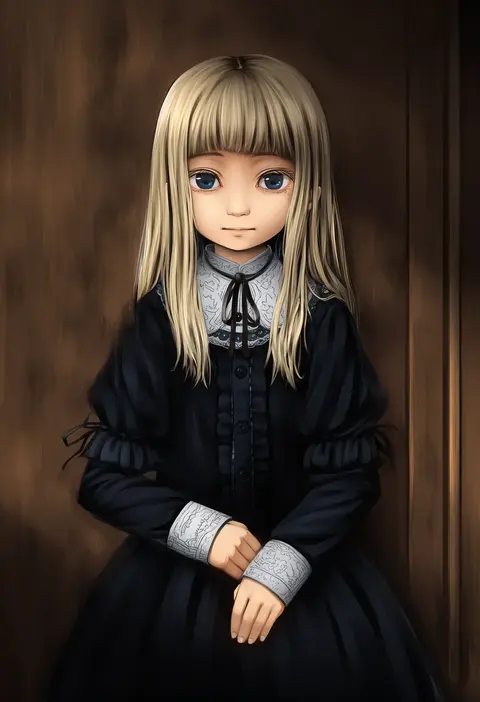
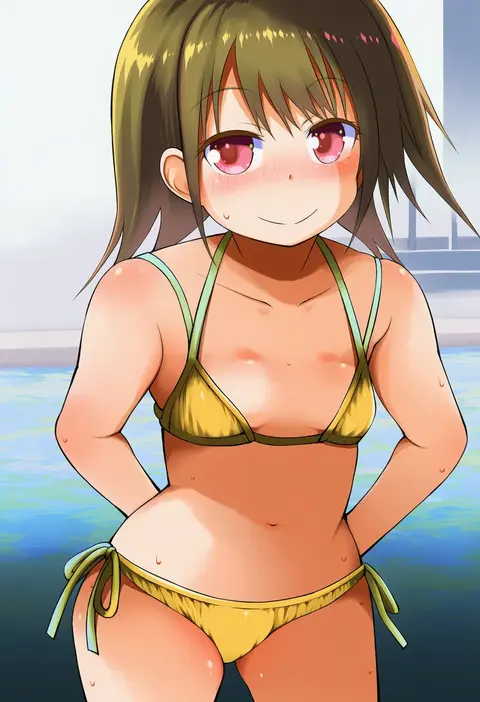
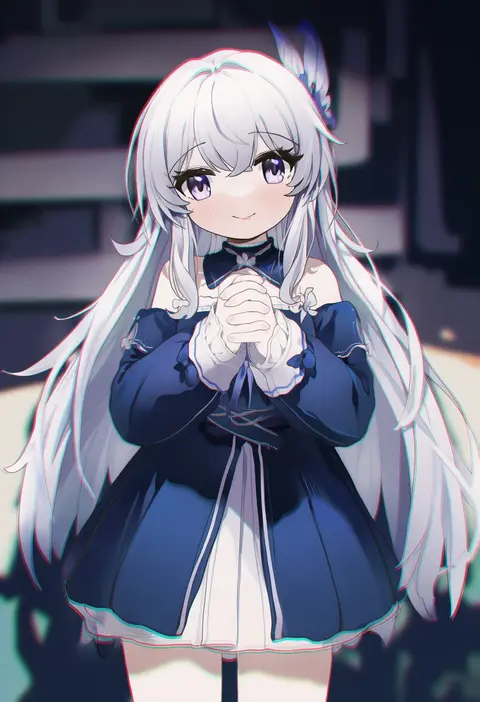
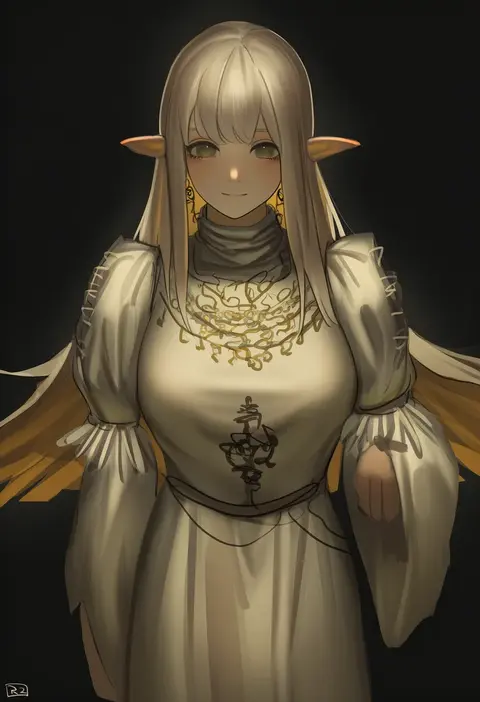
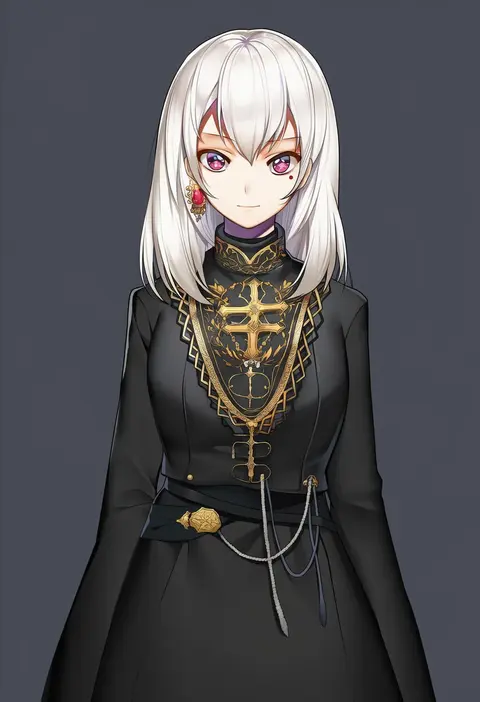
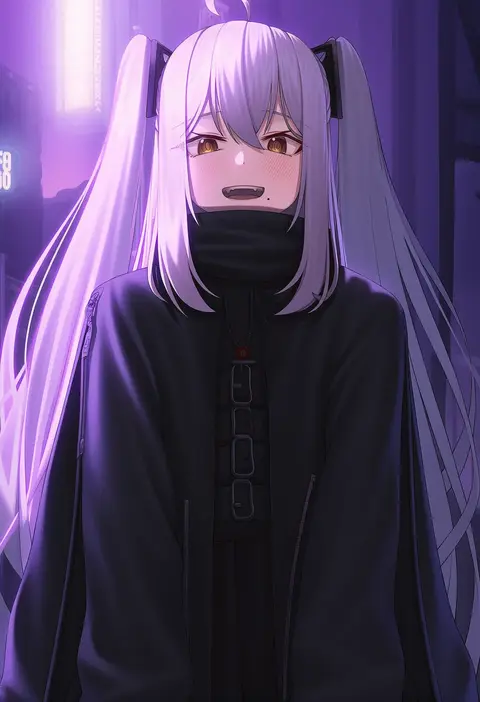
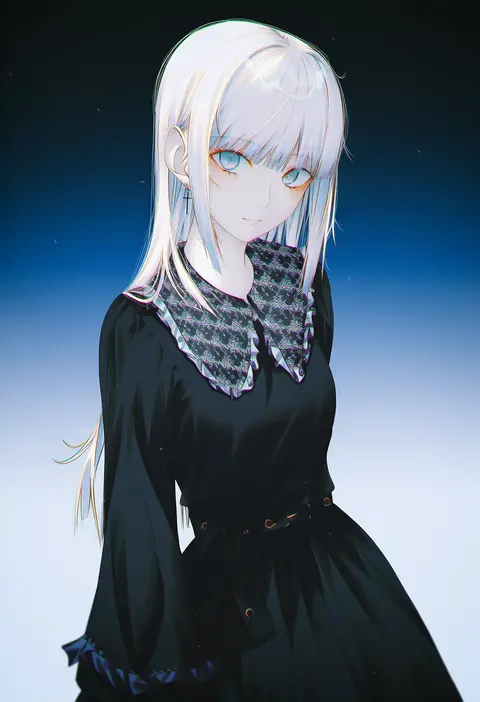
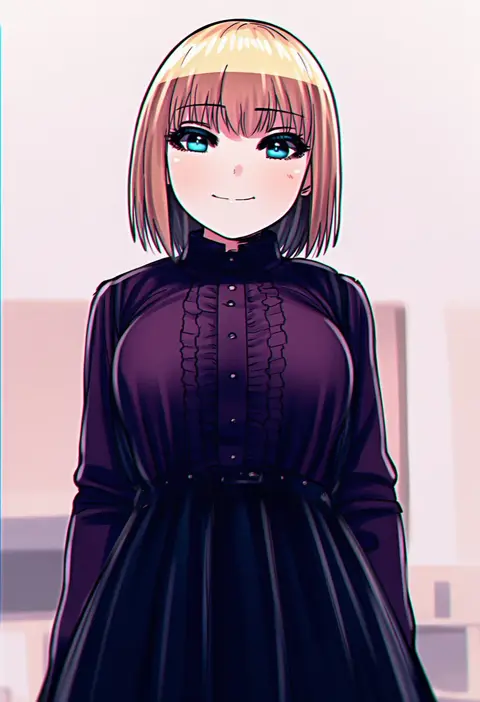
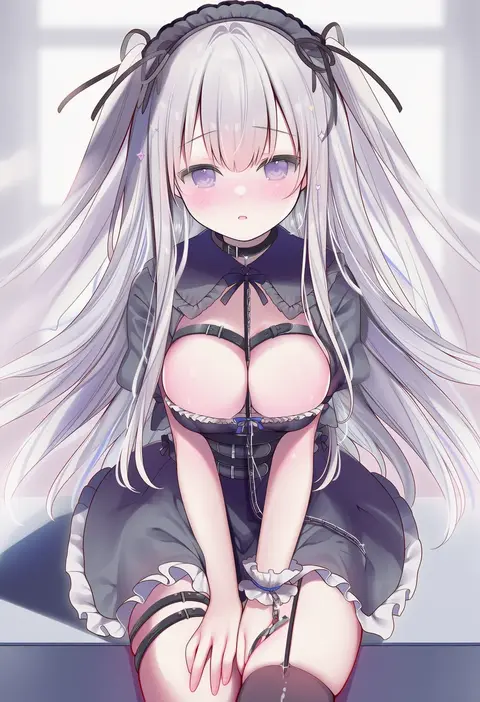
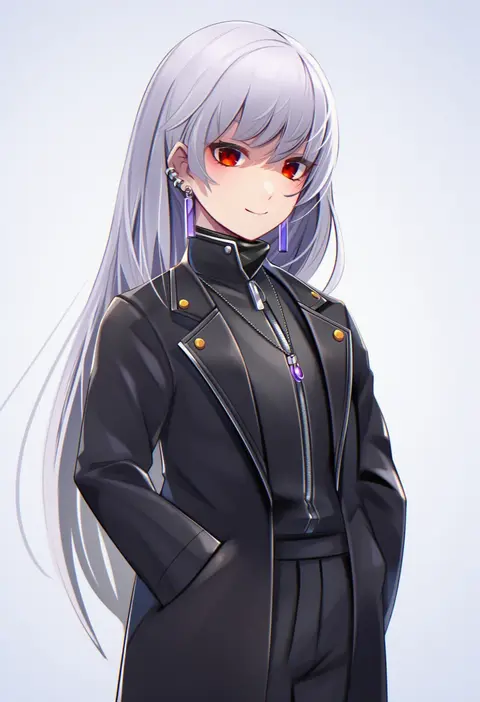
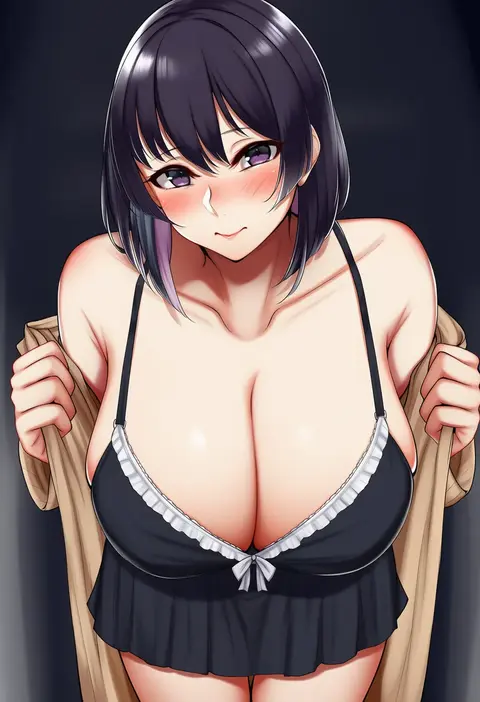
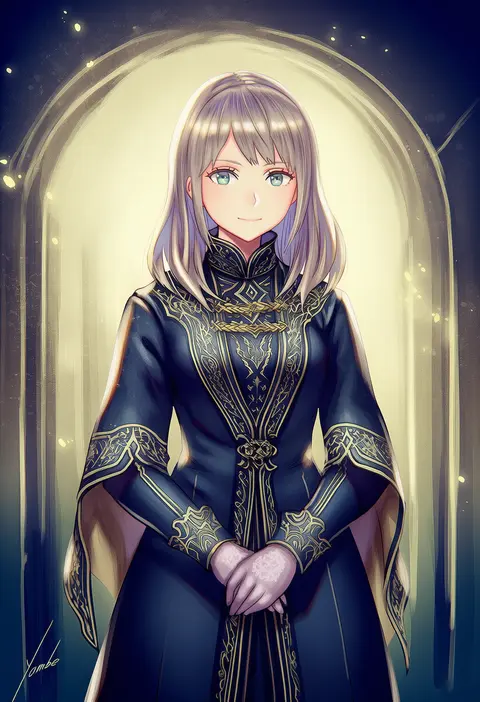
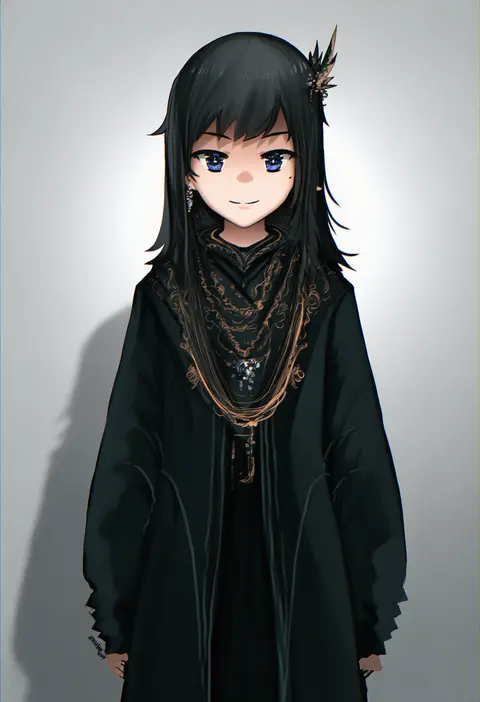
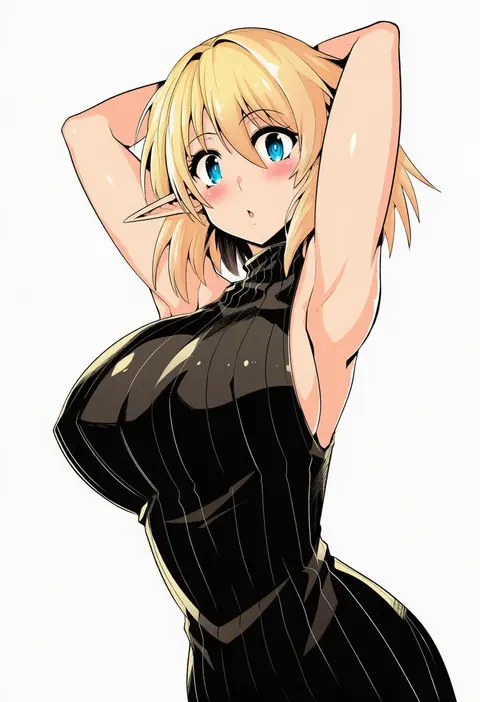
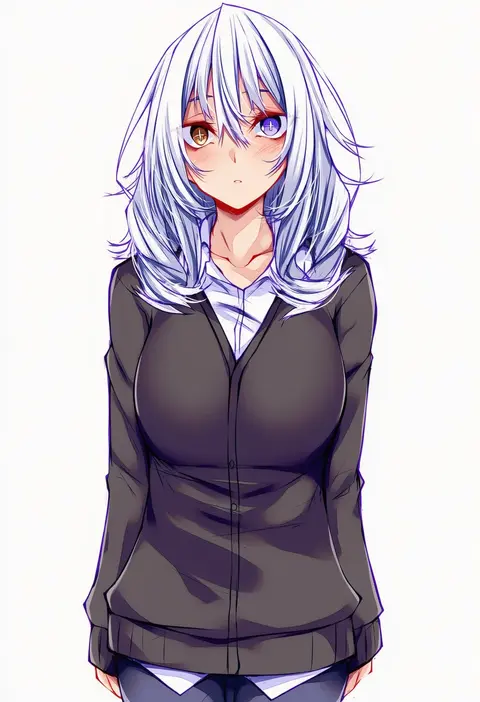
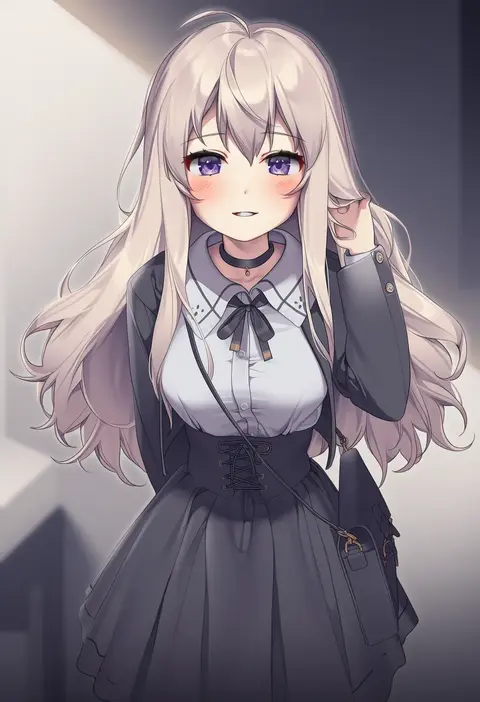
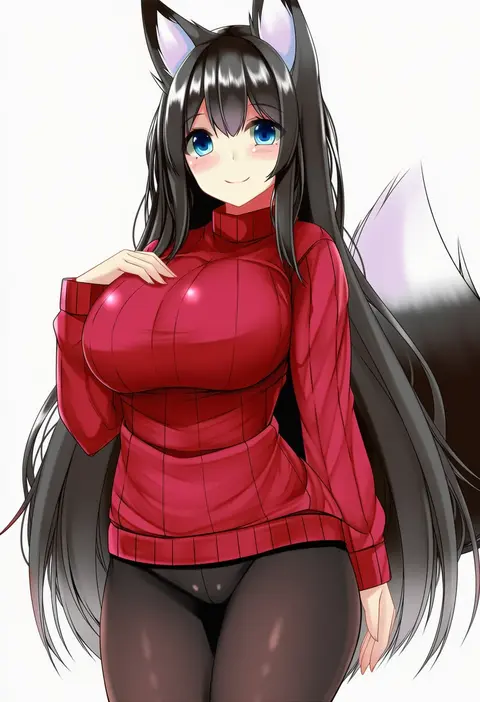
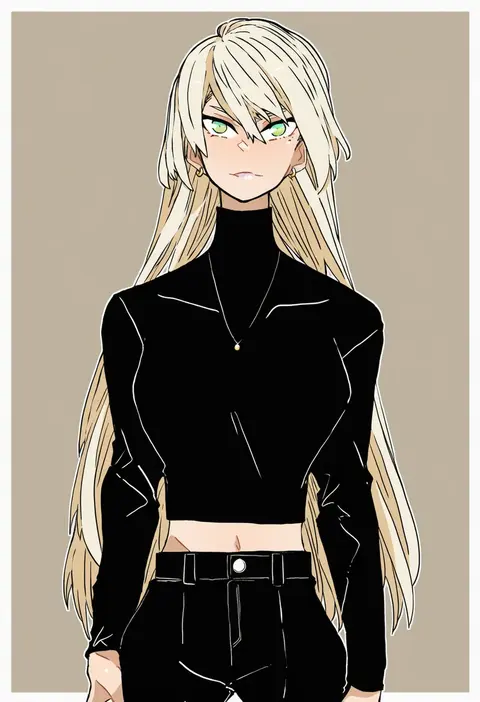
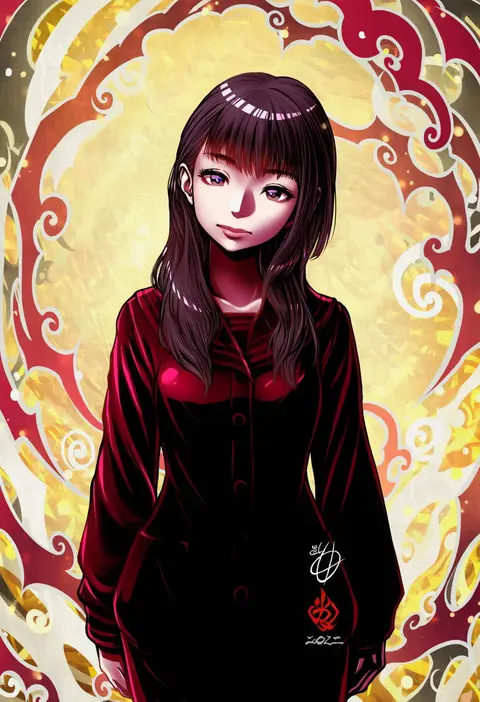
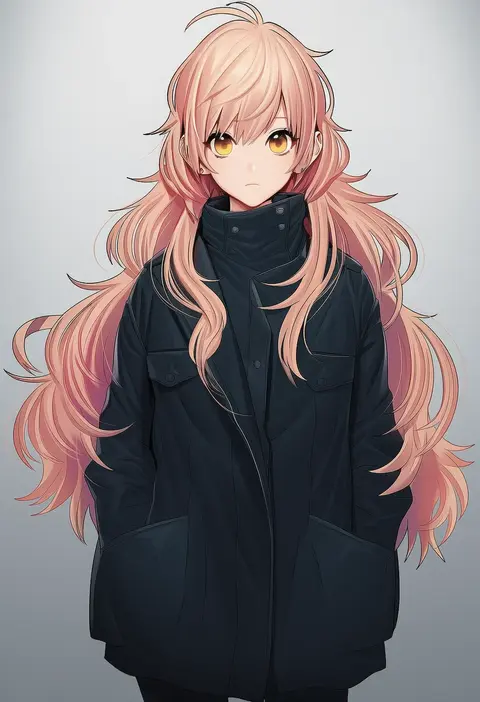
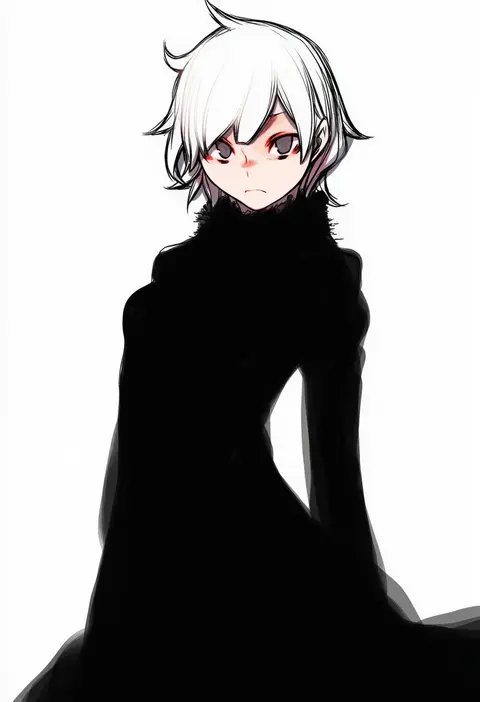
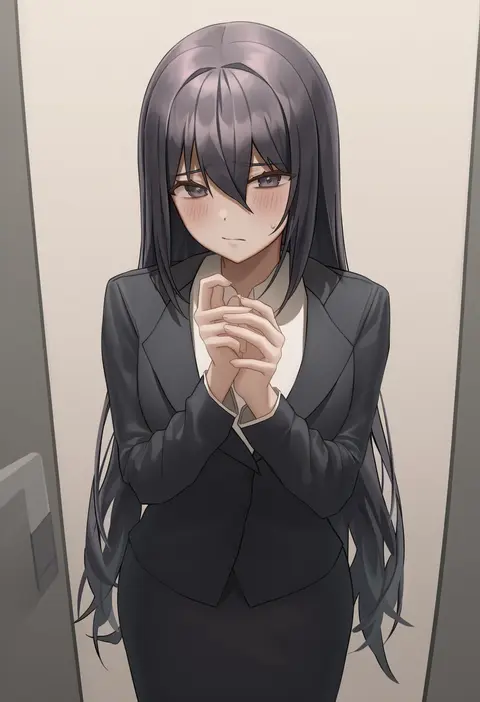
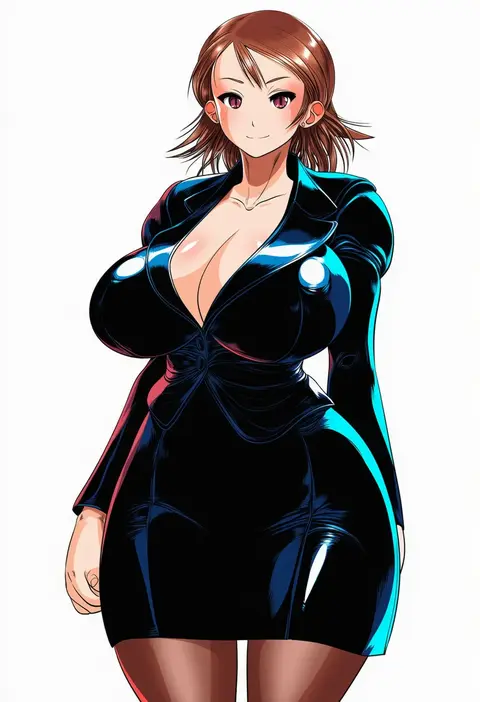
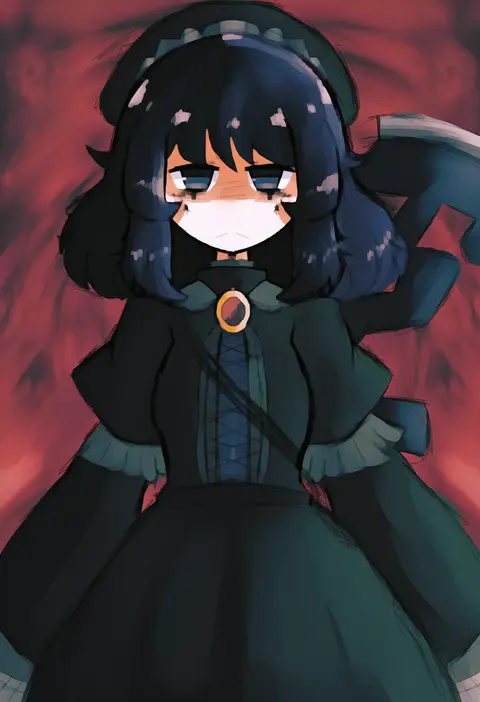
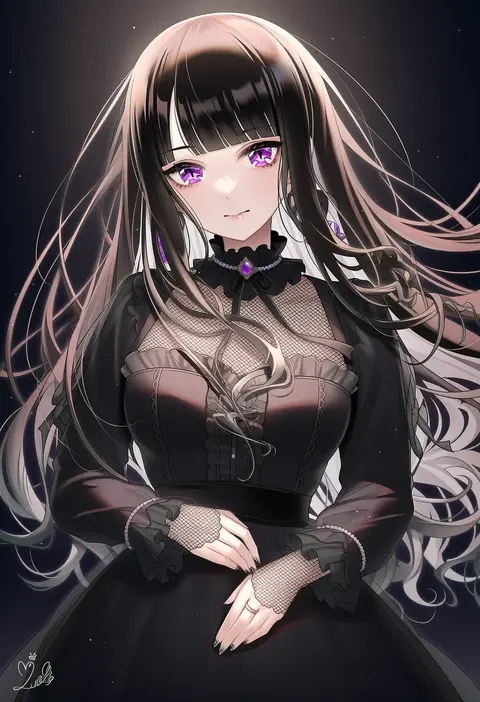
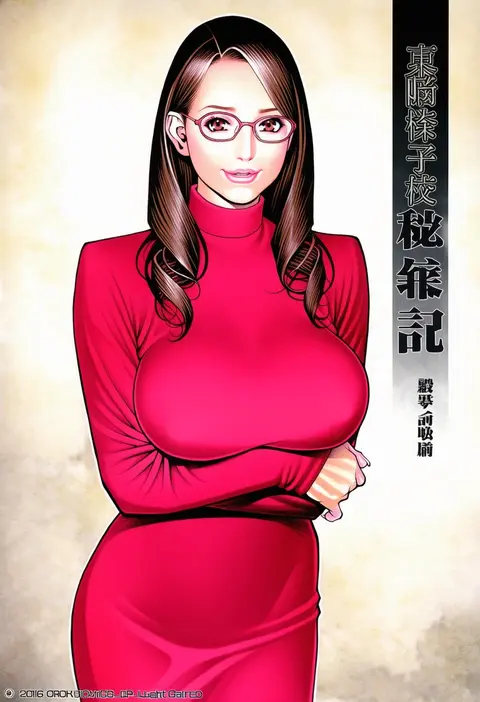
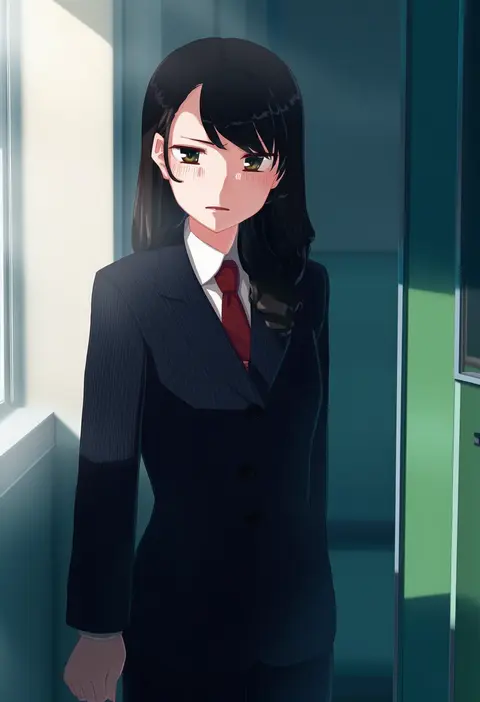
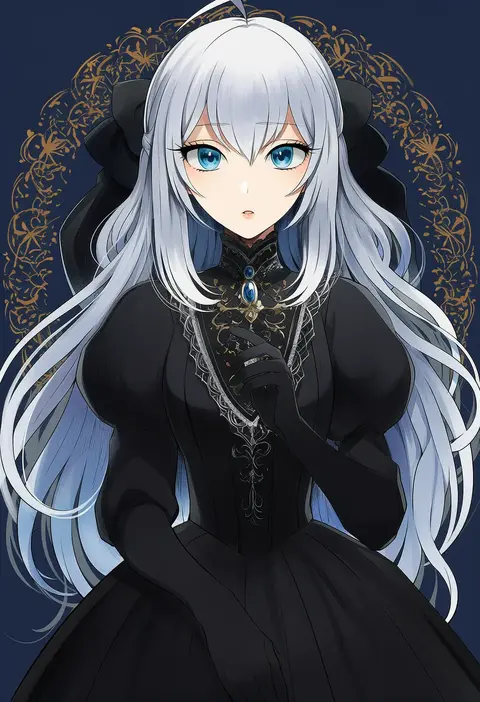
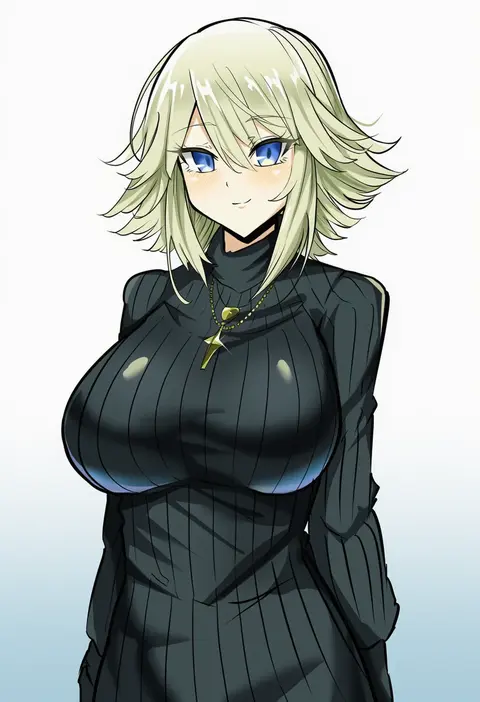
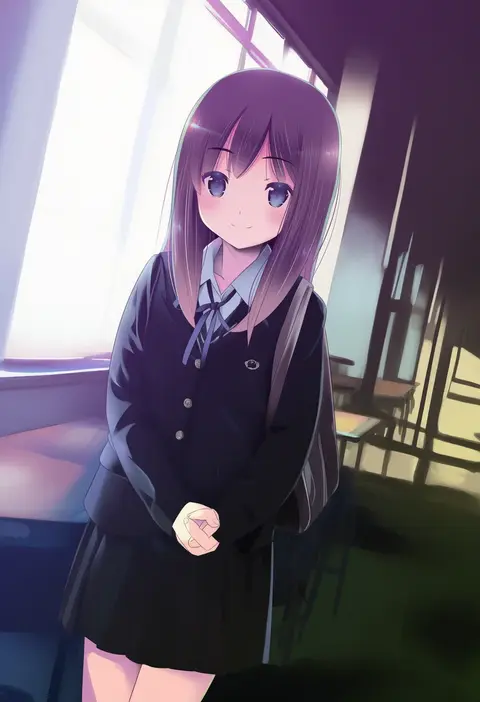
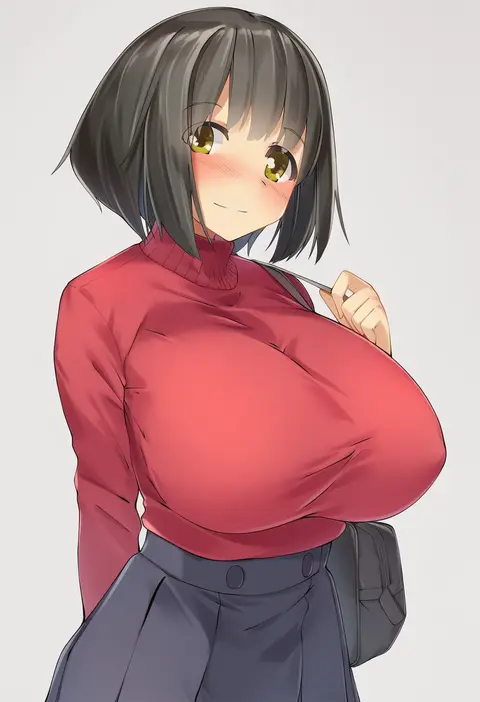
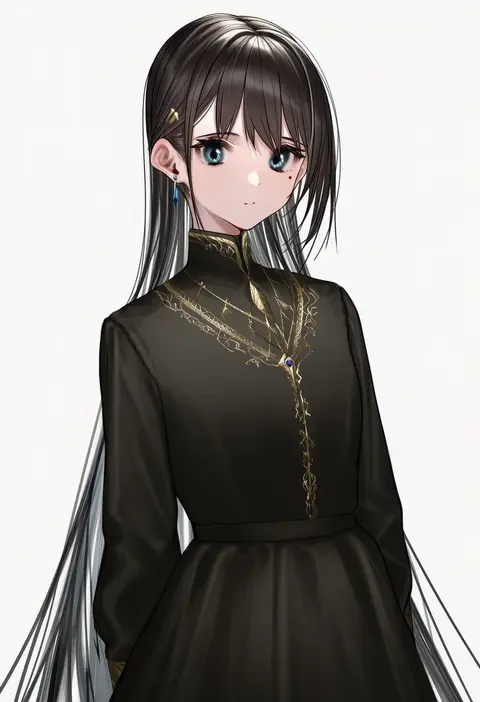
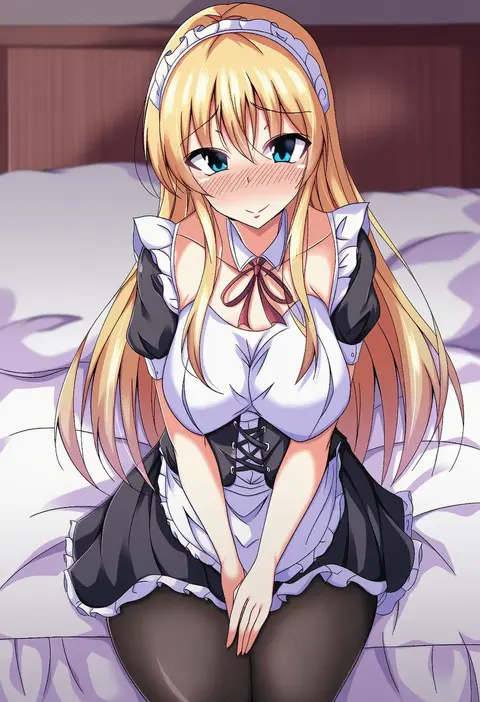
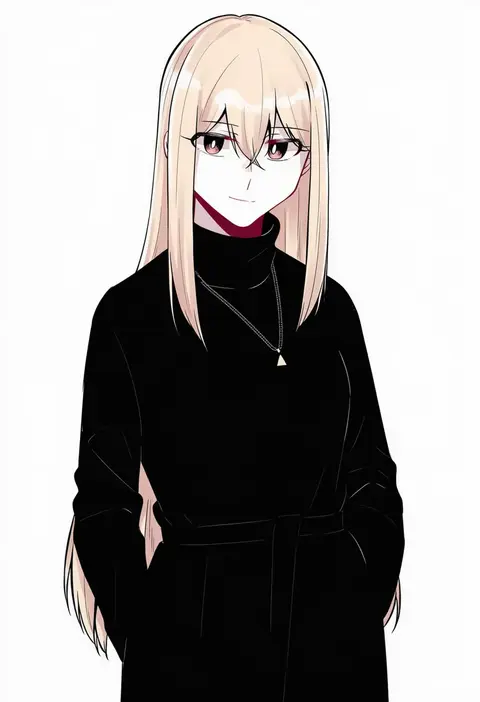
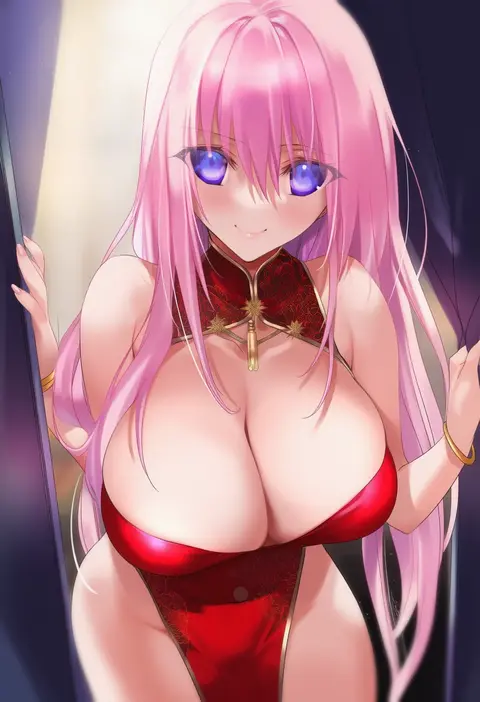
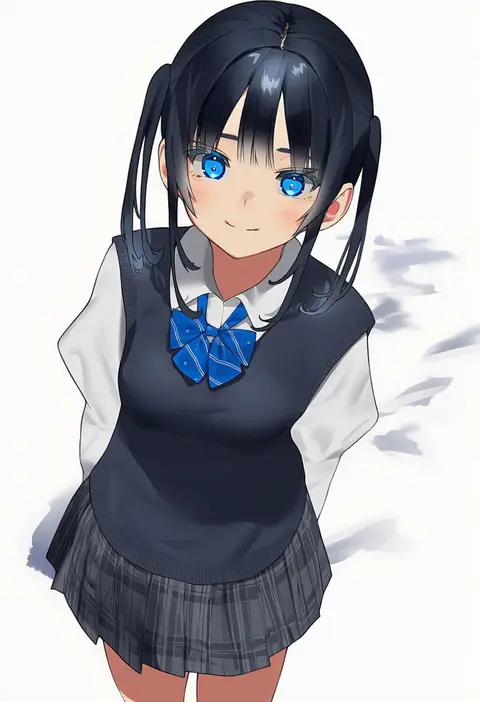
Artist tags tell NovelAI Diffusion to draw in a specific artist's style: line weight, paint texture, face shapes and palette all shift at once. Character and outfit tags decide what is drawn; artist tags decide how. 16,352 tags are listed for V4.5.
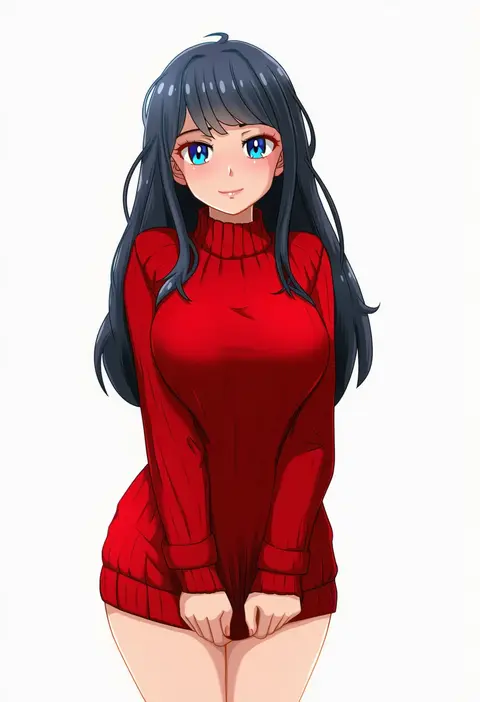
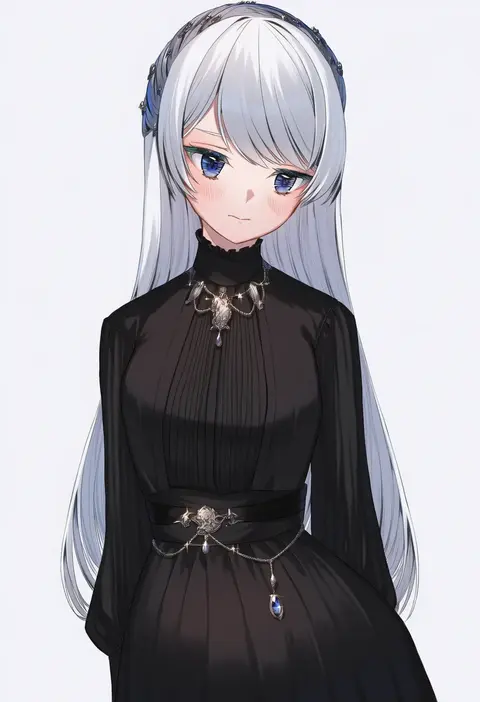
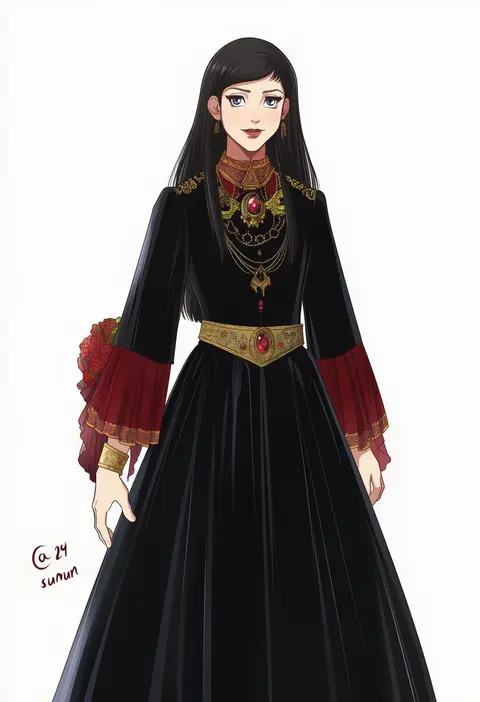
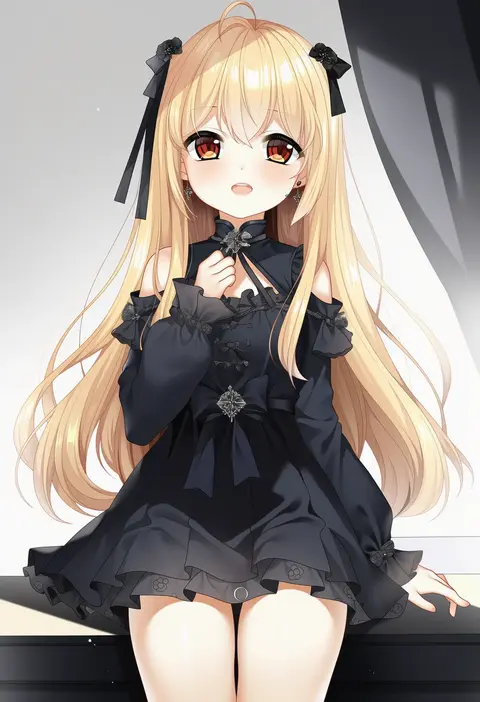
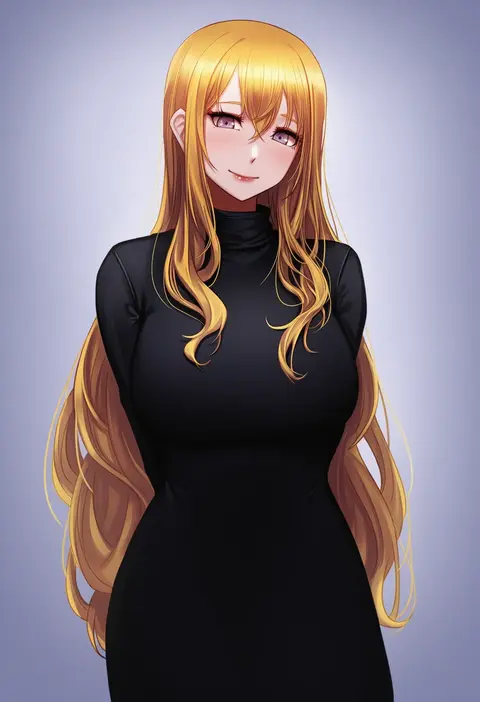
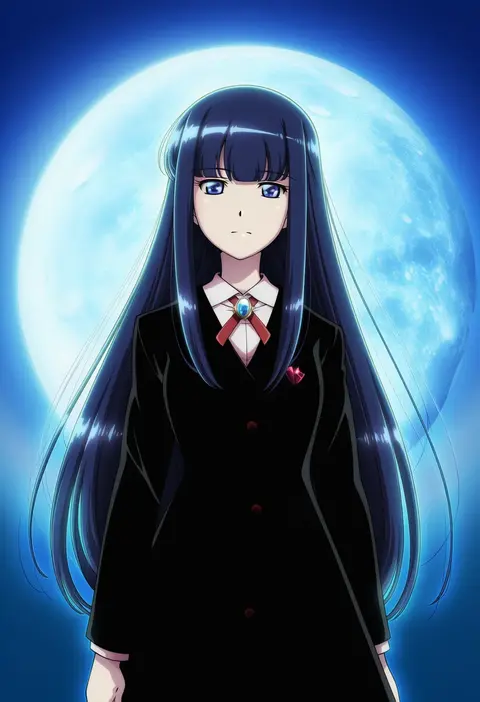
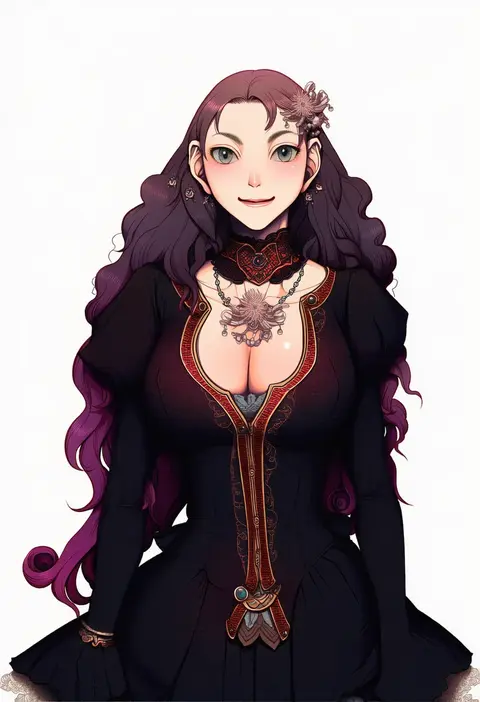
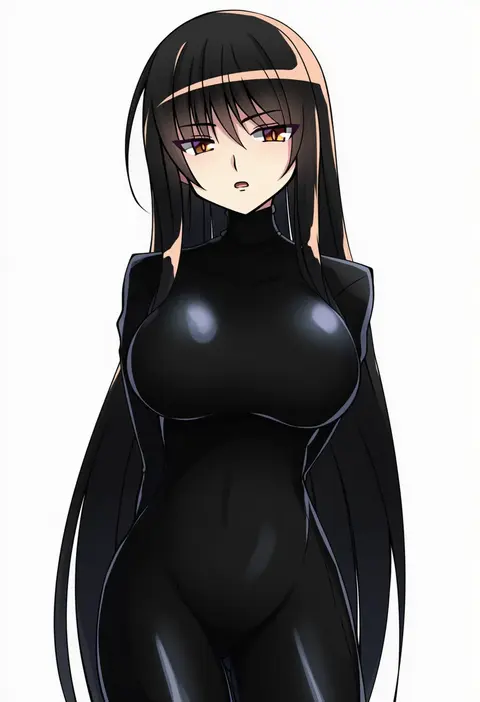
Every tag listed here is verified to react in NovelAI. All images use the same prompt, seed and settings with only the artist tag swapped, so the difference between two images is the style that tag brings in.

How to use them

Put the artist tag near the front of the prompt, e.g. "<artist>, 1girl, solo, best quality, masterpiece, cowboy shot". Two or three artist tags blend styles; lower the weight with "0.8::<artist>::" when the style overpowers the character.

SCORE sorts by Danbooru's top score, POSTS by post count, FAVS by hearts on this site. Open a card to see V5 and V4.5 side by side on the same seed.

V5 vs V4.5

V5 usually lands closer to the artist's real style, and tags that did nothing on V4.5 often react on V5. V4.5 still fits older and doujin-heavy artists better. Try V5 first, fall back to V4.5.

FAQ

Where does the artist tag go?
Near the front of the prompt. Use "0.8::tag::" to adjust its weight.

Can I stack artist tags?
Yes, styles blend. Past two or three the result stops looking like anyone.

Are these the artists' own works?
No. Every image is a NovelAI sample generated from the tag.