V4.5Artists
sort: FAVS▾
▾
>
$

Popular NovelAI artist tags — V4.5

artist --count 16,352[129/273]
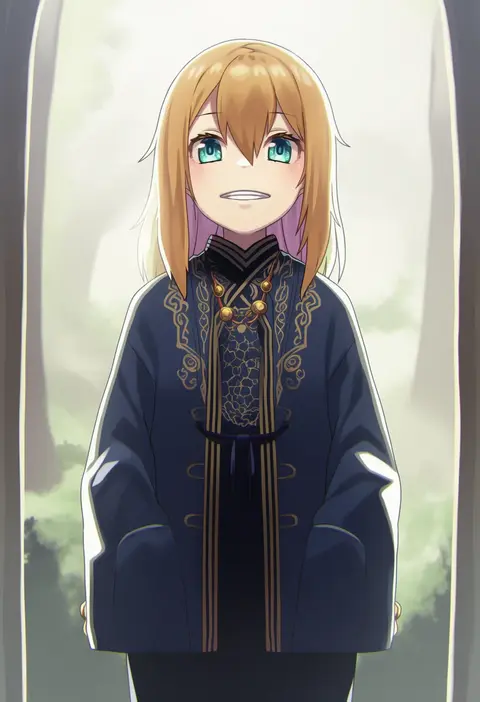
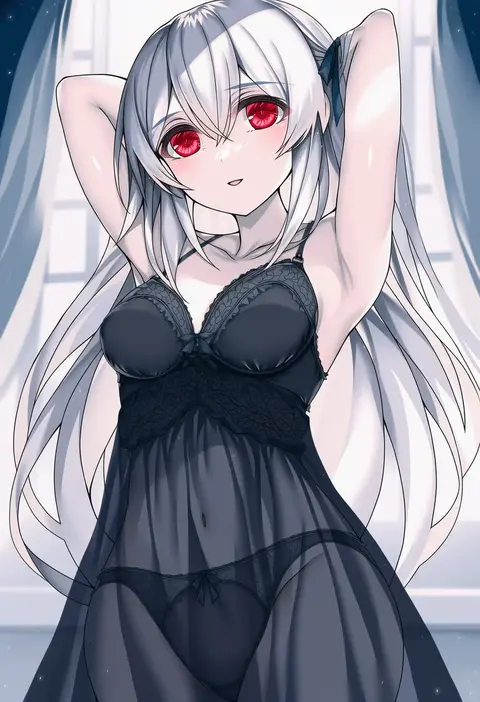
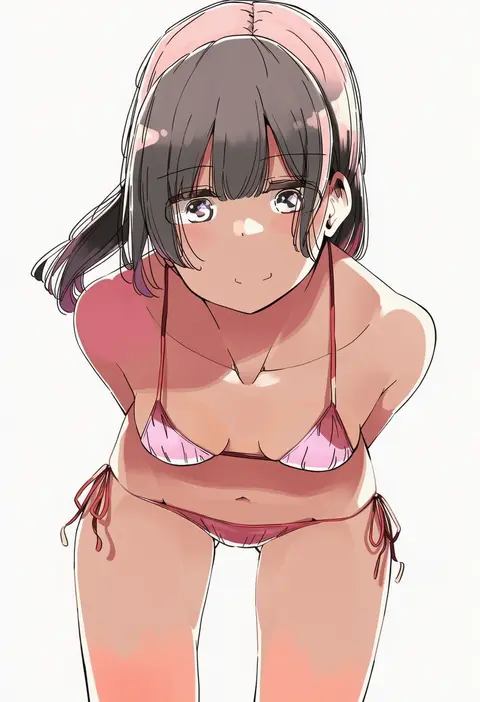
taku michi
ARTIST0x1E00
0
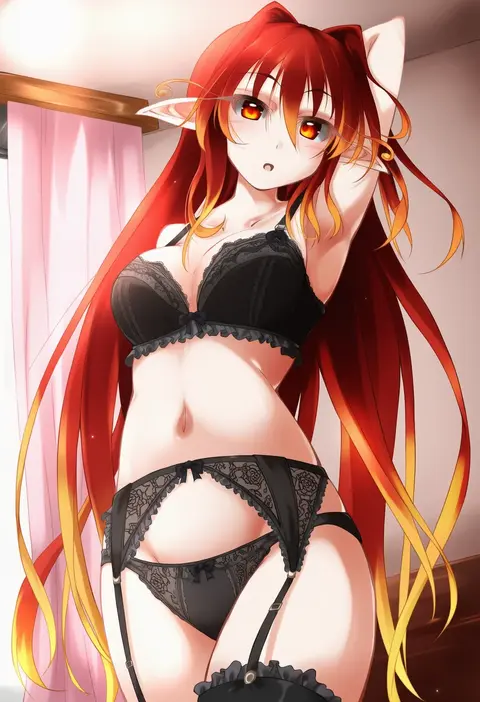
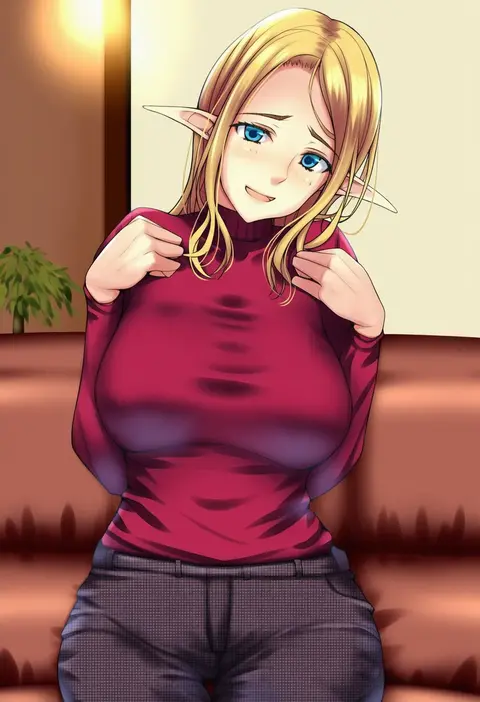
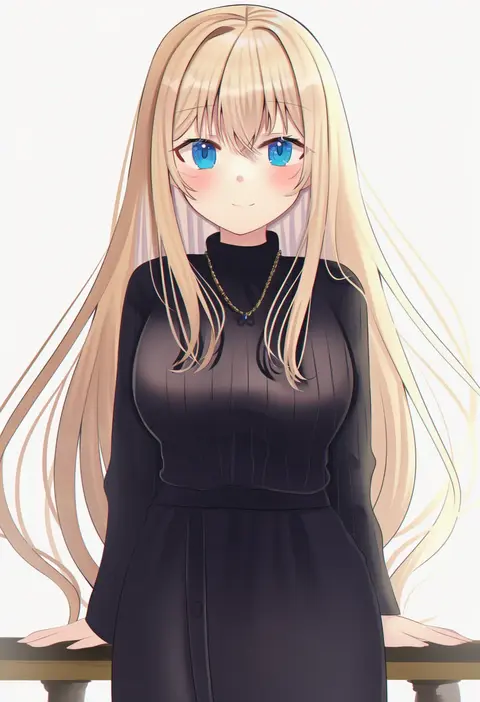
yuiki yuu
ARTIST0x1E01
0
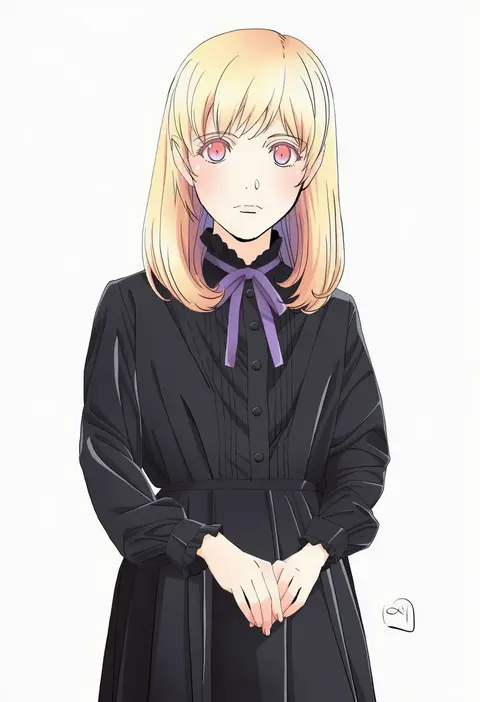
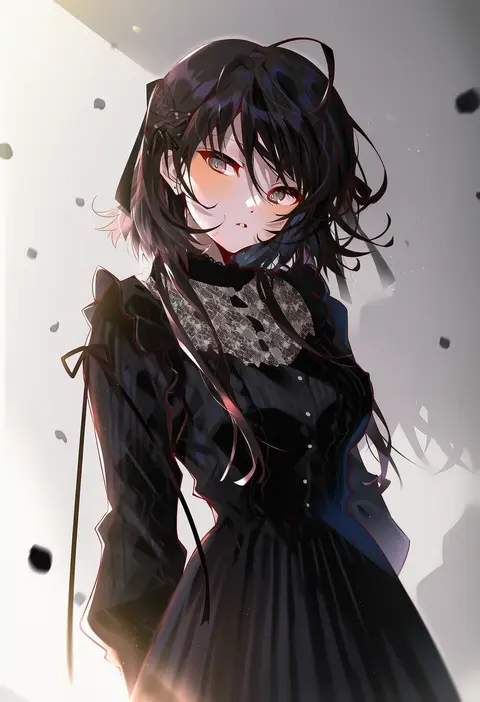
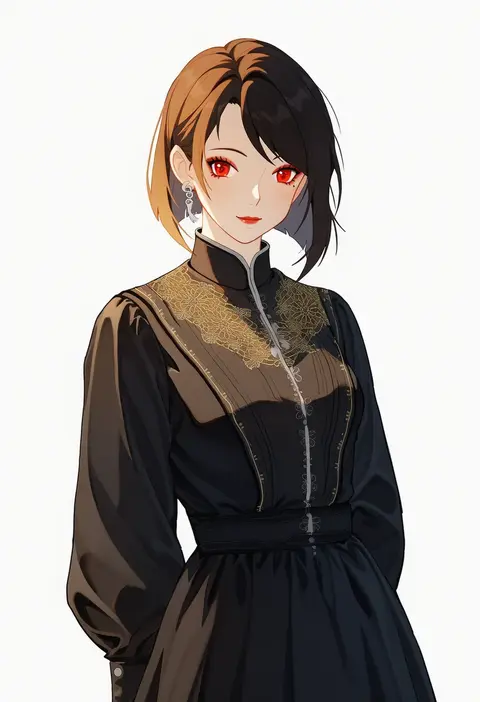
hawe king
ARTIST0x1E02
0
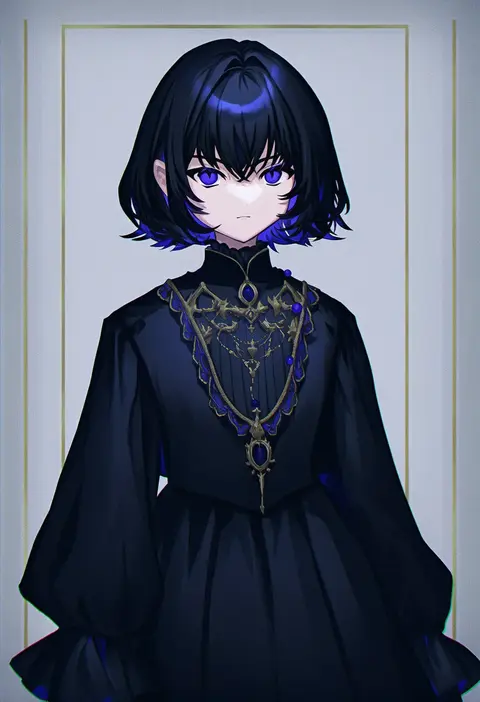
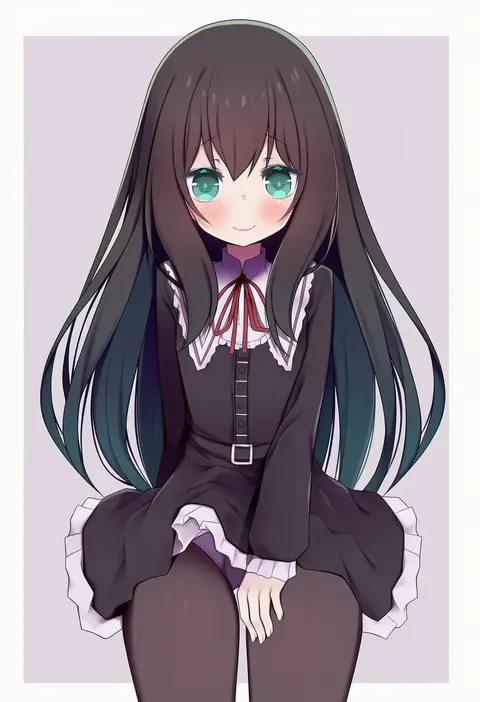
cheogtanbyeong
ARTIST0x1E03
0
fenrir (fenlil0316)
ARTIST0x1E04
0
tokumaro
ARTIST0x1E05
0
fuyuno taka
ARTIST0x1E06
0
nori (norimakigumo)
ARTIST0x1E07
0
shionty
ARTIST0x1E08
0
oku (okumen)
ARTIST0x1E09
0
nanase miri
ARTIST0x1E0A
0
kagari liroi
ARTIST0x1E0B
0
yinpa (wanone500511)
ARTIST0x1E0C
0
notgustiarp
ARTIST0x1E0D
0
cheese (cheese koubou)
ARTIST0x1E0E
0
emduck
ARTIST0x1E0F
0
nekoi hikaru
ARTIST0x1E10
0
sakurami sumi
ARTIST0x1E11
0
irotsuya
ARTIST0x1E12
0
miyako draw
ARTIST0x1E13
0
suzushiro atsushi
ARTIST0x1E14
0
imtmcomics
ARTIST0x1E15
0
inori (xyz5568)
ARTIST0x1E16
0
sakura kanawo
ARTIST0x1E17
0
nekopurin (nyanko prin)
ARTIST0x1E18
0
do m kaeru
ARTIST0x1E19
0
takeuchi ryousuke
ARTIST0x1E1A
0
yoshizawa tsubaki
ARTIST0x1E1B
0
tokiani
ARTIST0x1E1C
0
yuuyu (777)
ARTIST0x1E1D
0
morizono shiki
ARTIST0x1E1E
0
kuurunaitsu
ARTIST0x1E1F
0
arutera
ARTIST0x1E20
0
eus ing
ARTIST0x1E21
0
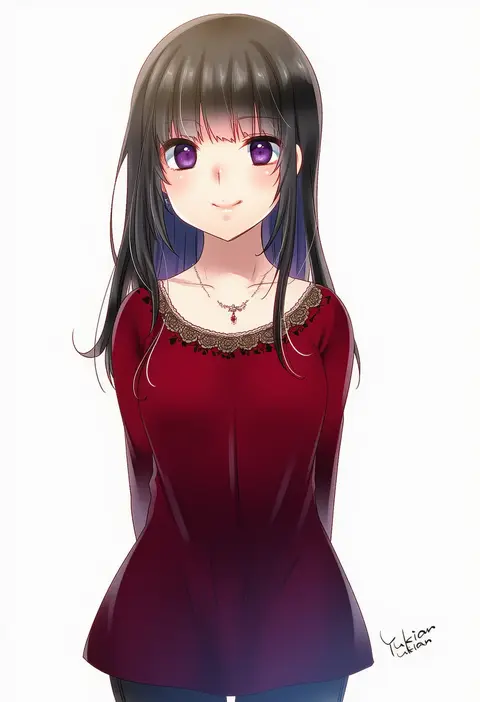
yukian
ARTIST0x1E22
0
murakami hisashi
ARTIST0x1E23
0
tof
ARTIST0x1E24
0
saizu nitou gunsou
ARTIST0x1E25
0
tsukineko
ARTIST0x1E26
0
akanagi youto
ARTIST0x1E27
0
gogatsu fukuin
ARTIST0x1E28
0
albino (a1b1n0623)
ARTIST0x1E29
0
ramie (ramie541)
ARTIST0x1E2A
0
nyoijizai
ARTIST0x1E2B
0
nibosi
ARTIST0x1E2C
0
lyra-kotto
ARTIST0x1E2D
0
arashiya
ARTIST0x1E2E
0
kumao mofumofu
ARTIST0x1E2F
0
noccu
ARTIST0x1E30
0
indai (3330425)
ARTIST0x1E31
0
grandia koori
ARTIST0x1E32
0
haruka (rsyaooooo)
ARTIST0x1E33
0
void 0
ARTIST0x1E34
0
chirigami-san
ARTIST0x1E35
0
demekyon
ARTIST0x1E36
0
ponpon (tosico)
ARTIST0x1E37
0
vergolophus
ARTIST0x1E38
0
nagisa (cxcx5235)
ARTIST0x1E39
0
shikniful
ARTIST0x1E3A
0
kouhiipan
ARTIST0x1E3B
0

What these tags change

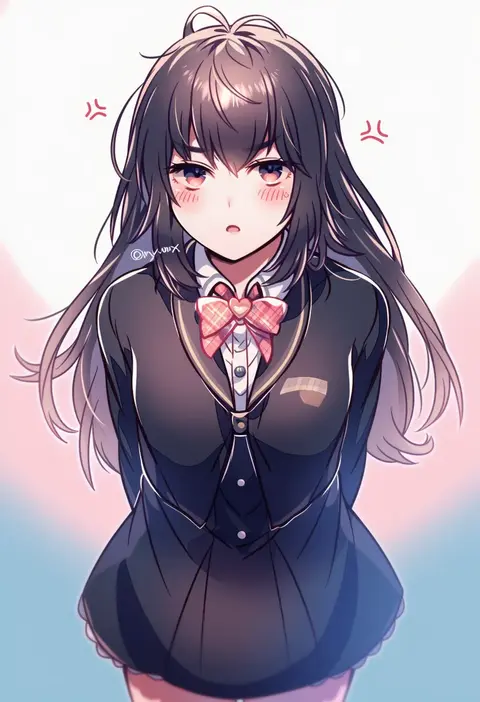
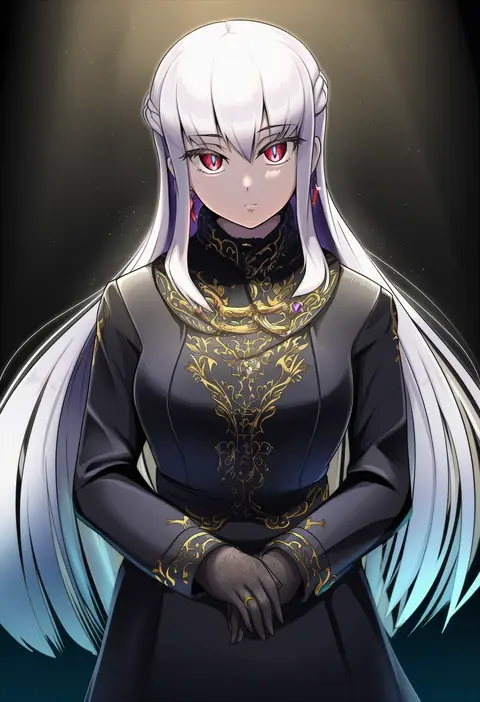
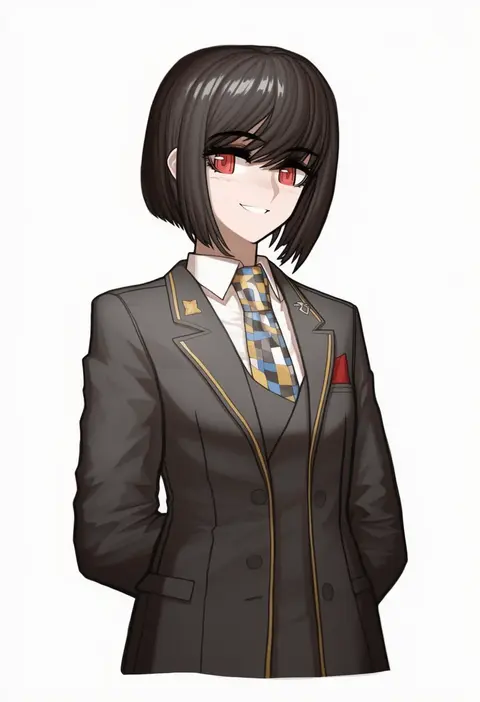
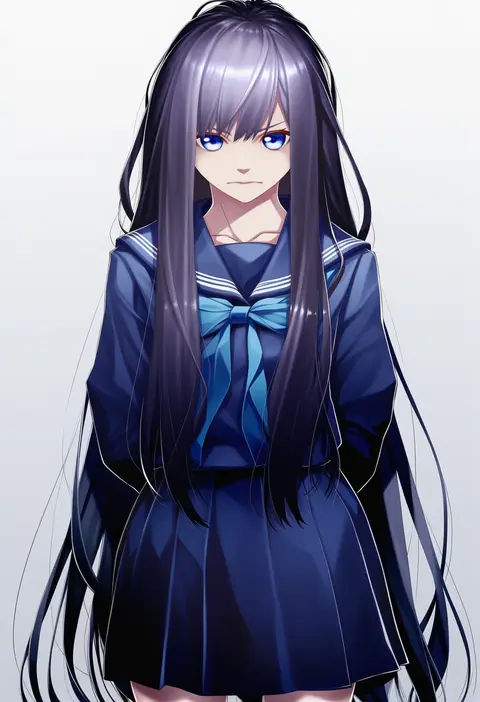
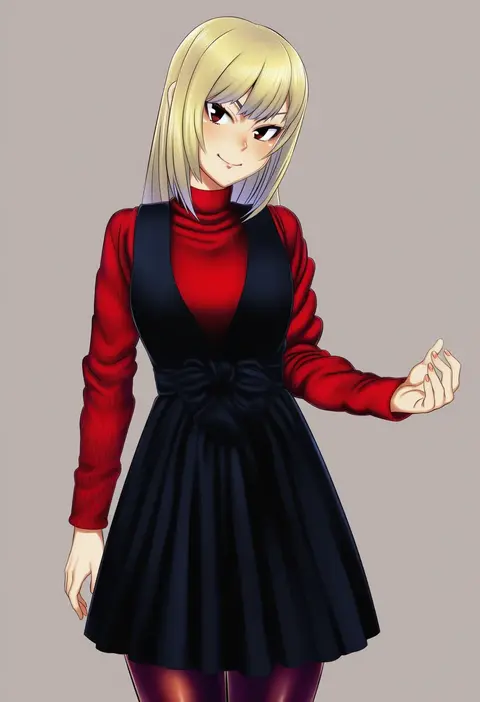
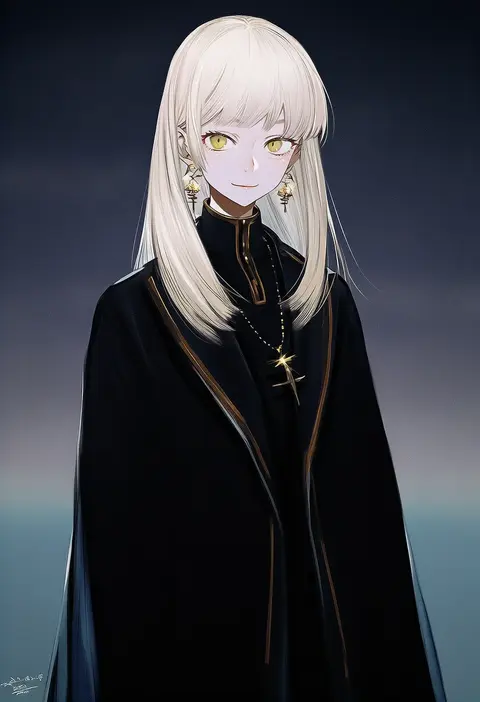
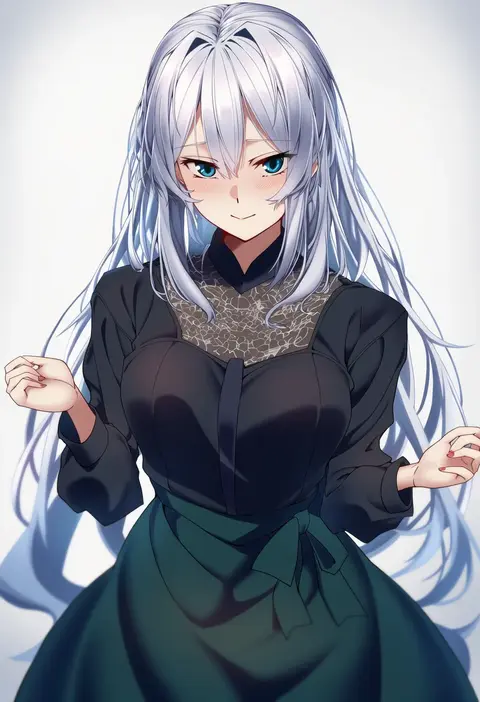
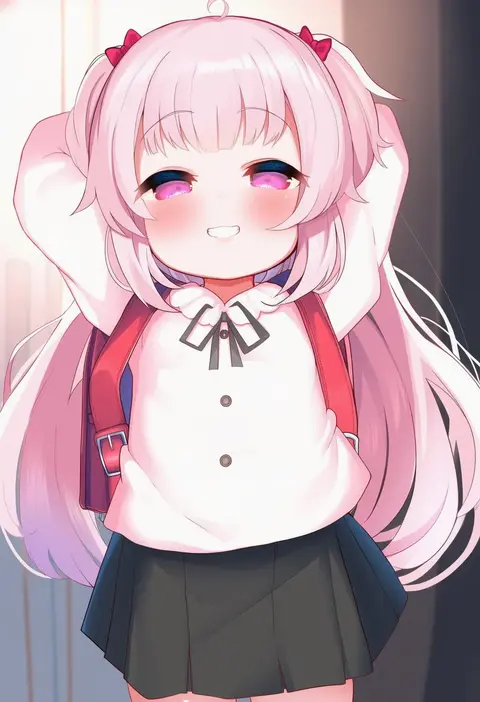
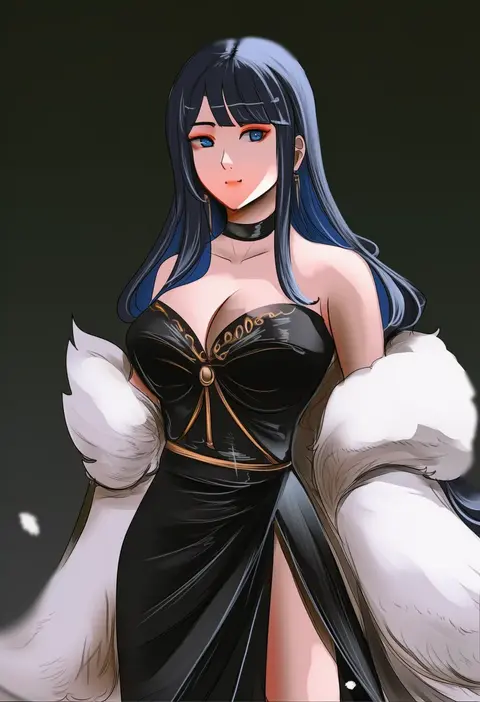
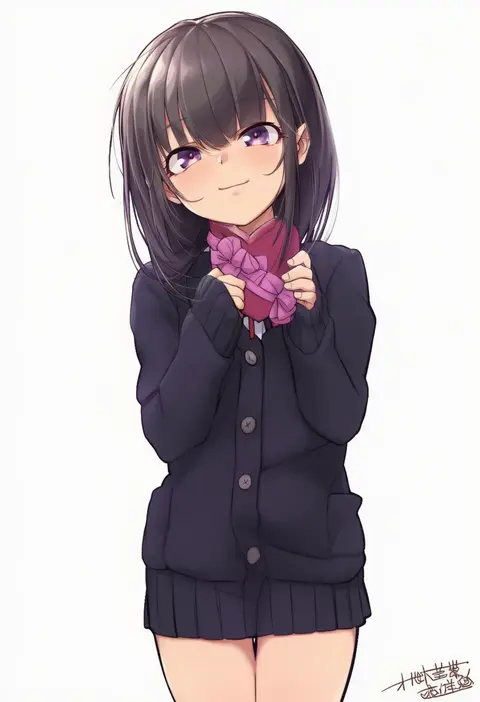
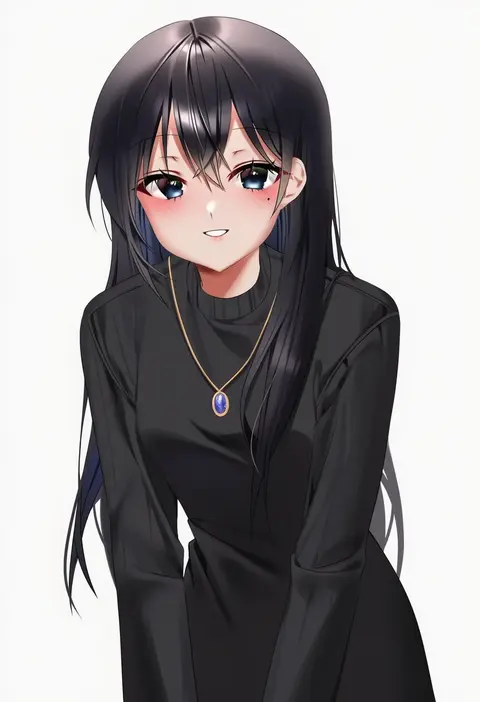
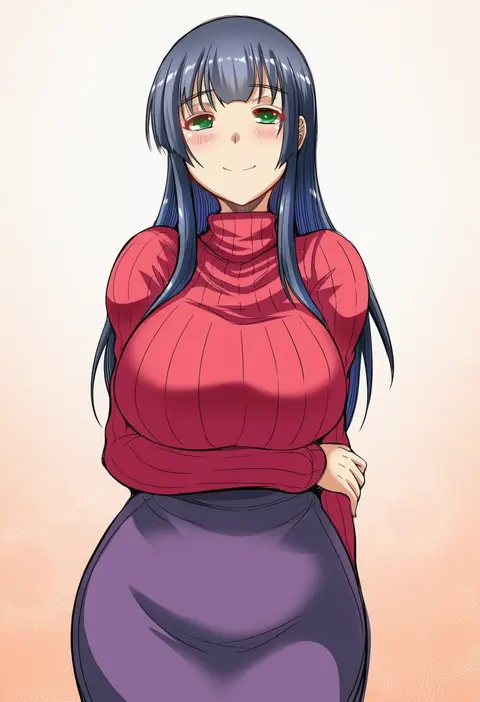
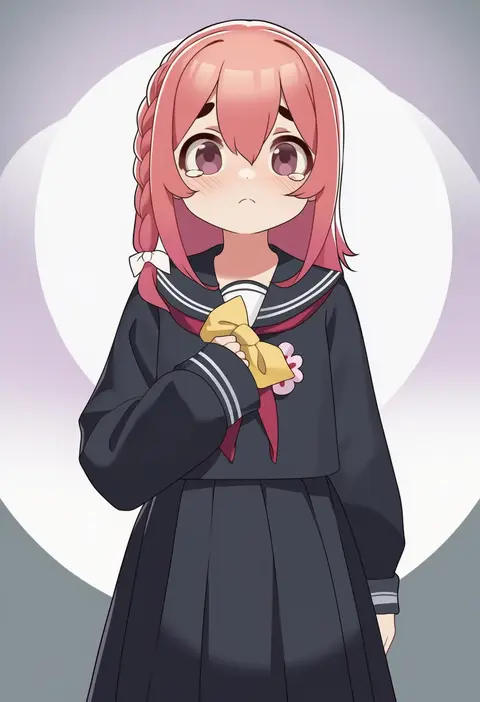
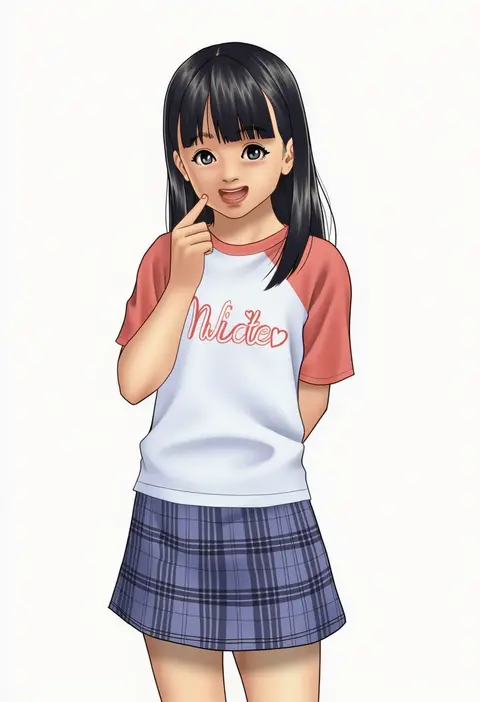
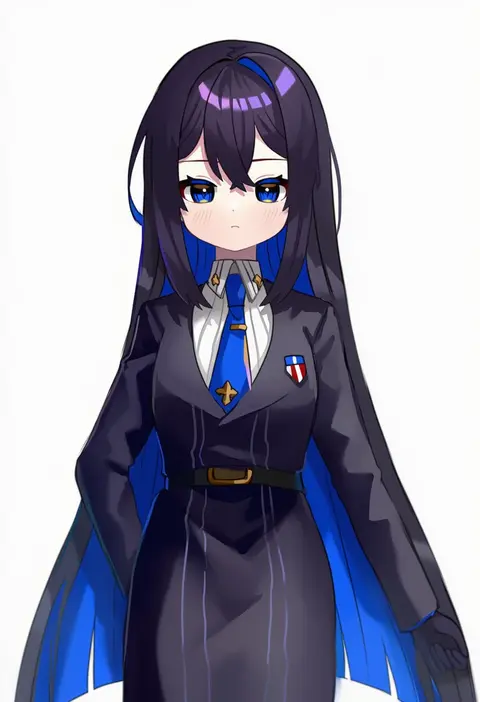
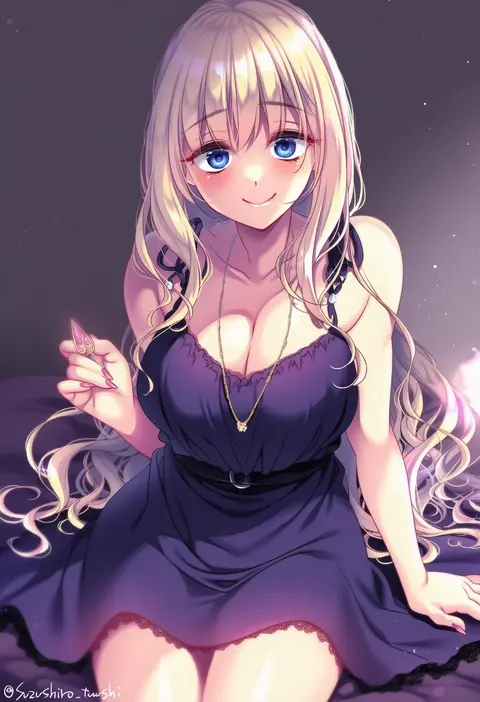
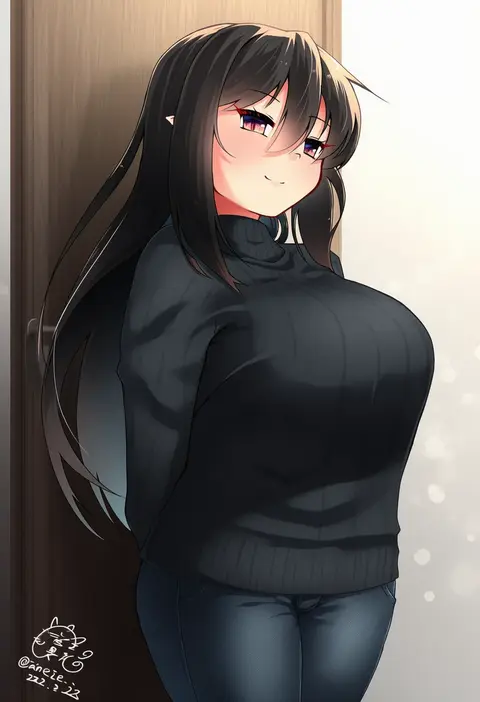
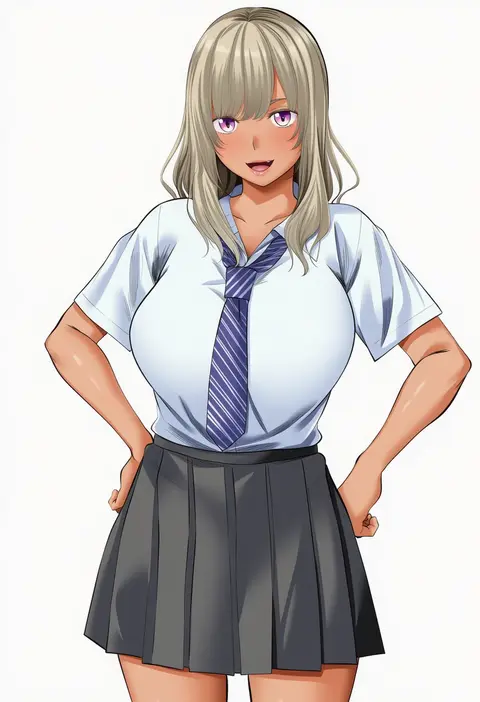
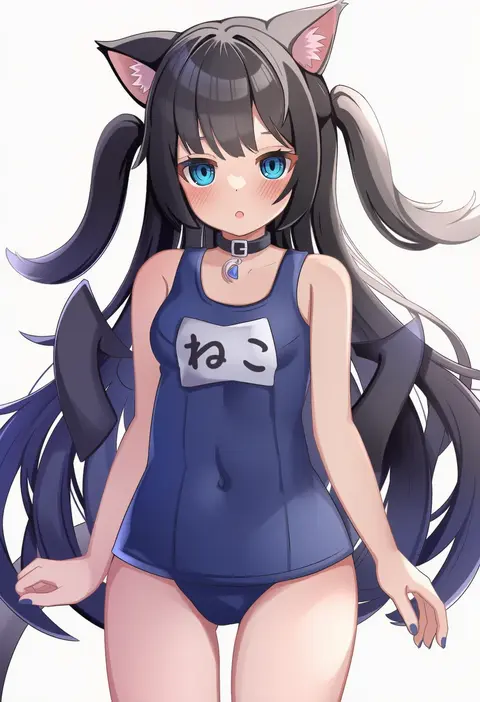
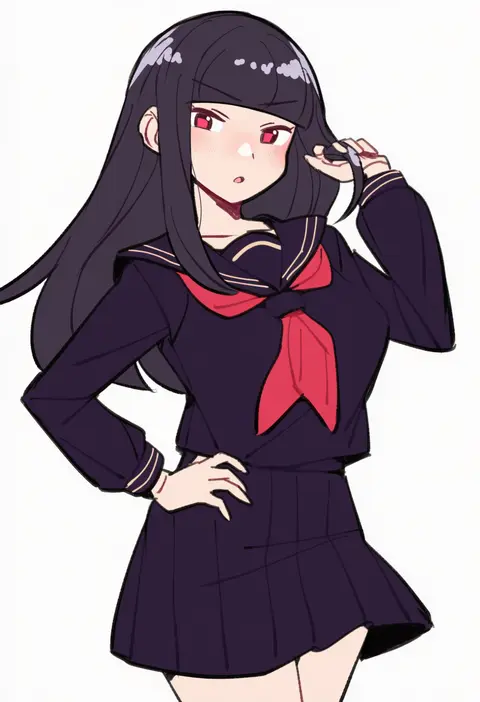
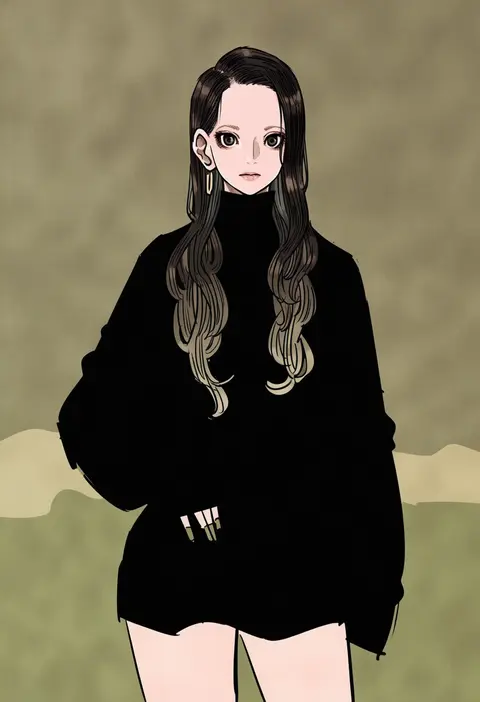
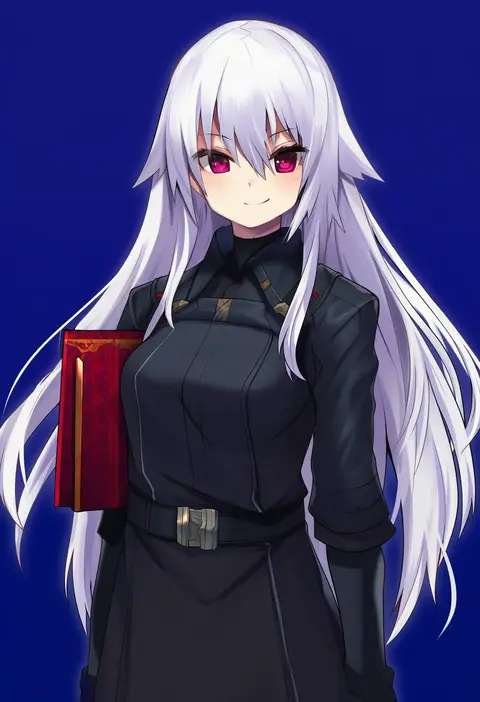
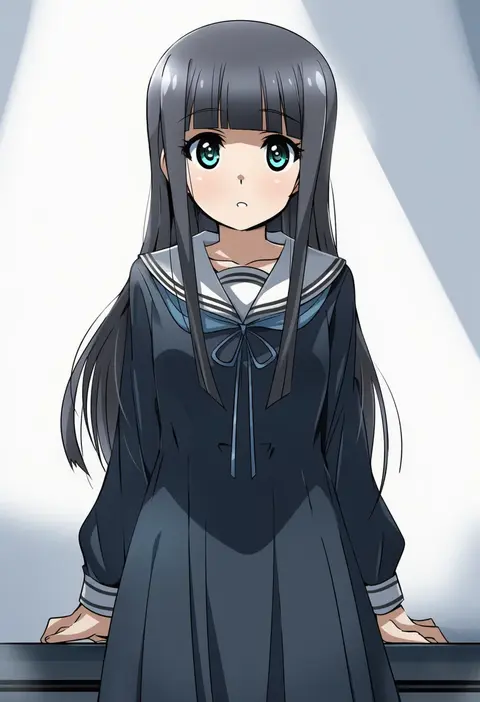
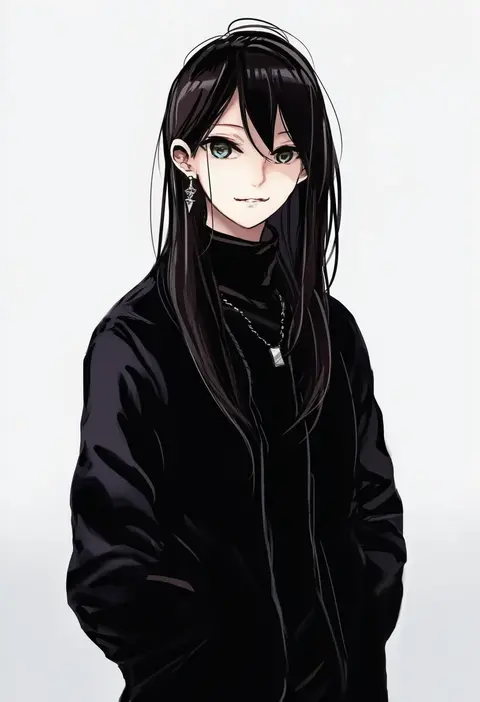
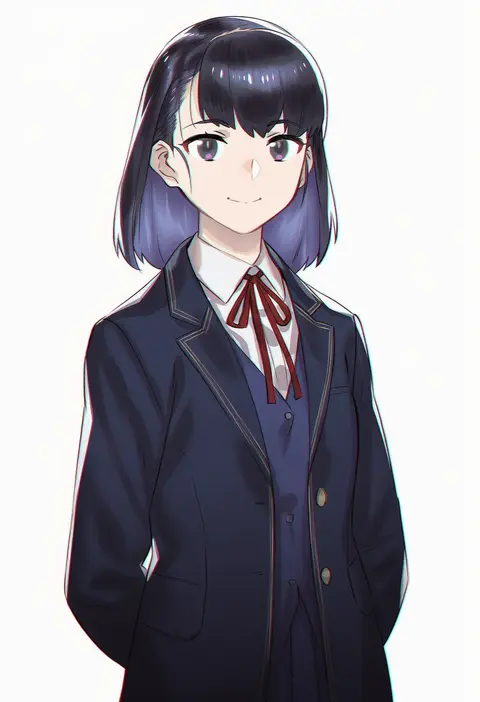
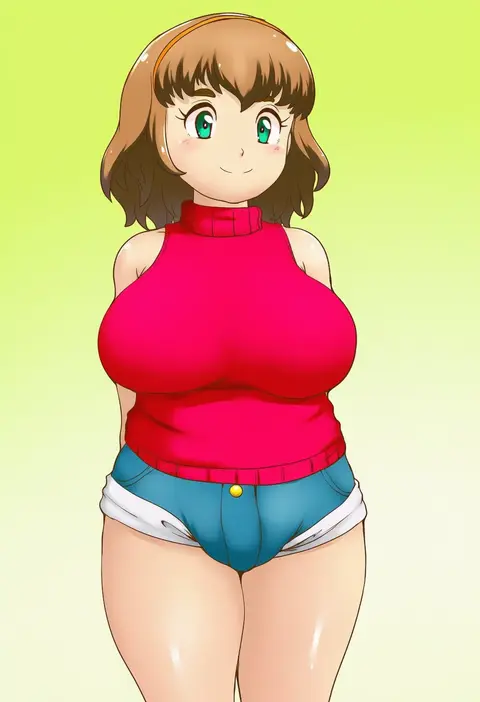
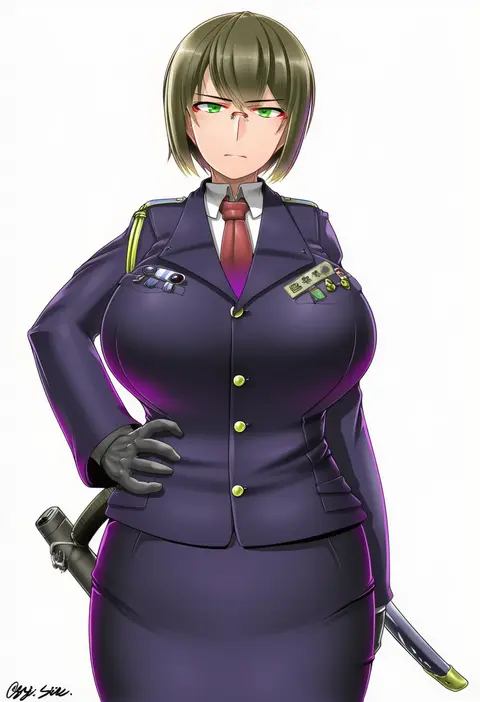
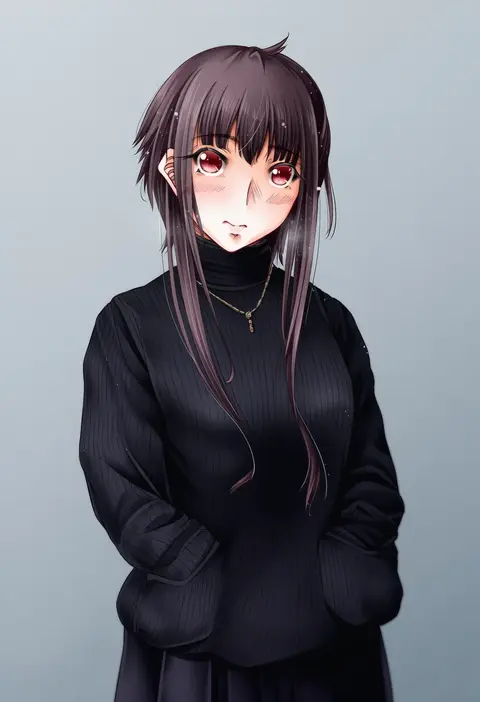
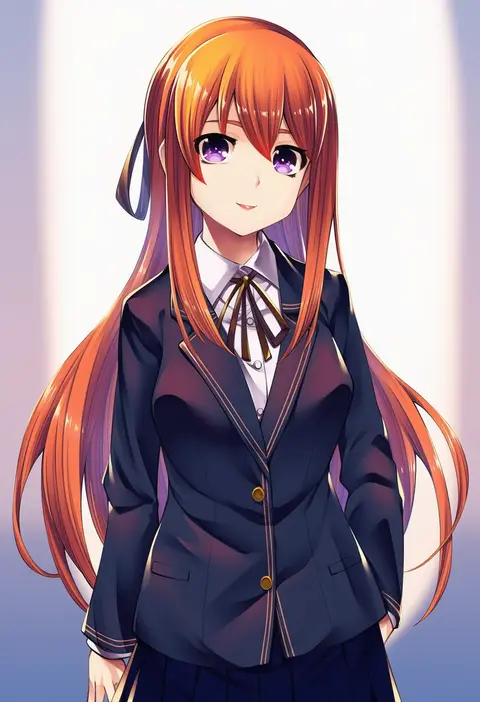
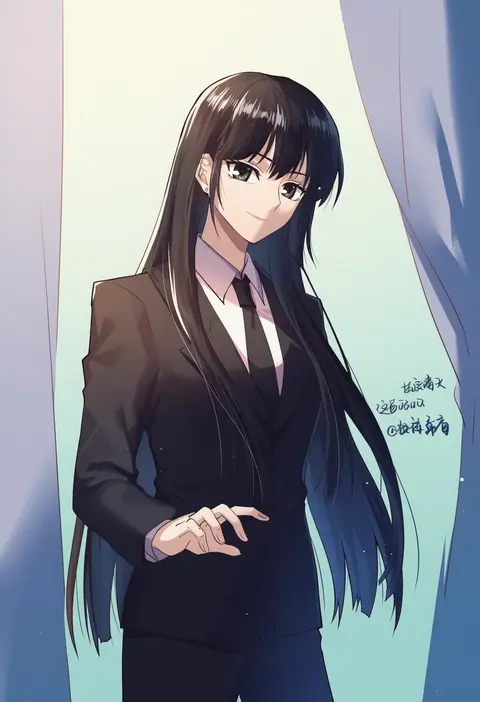
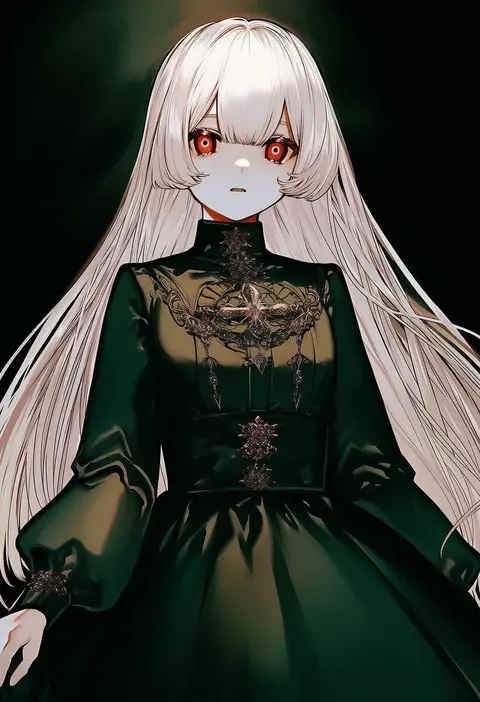
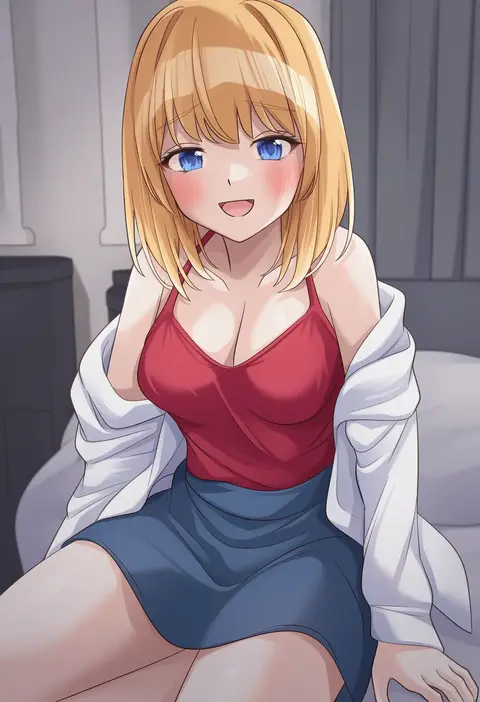
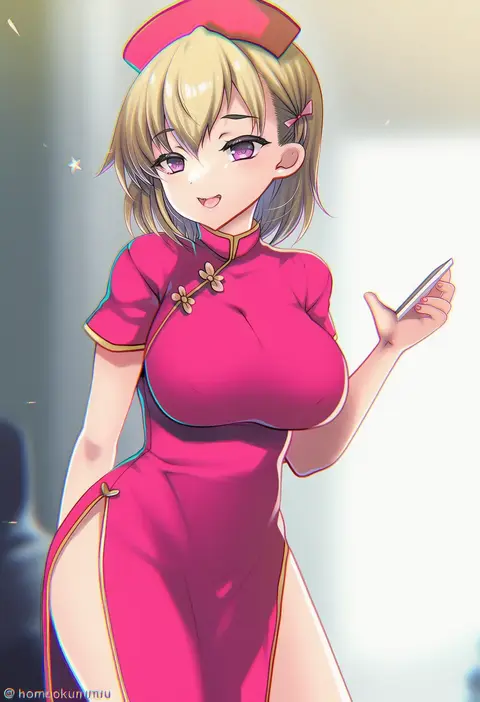
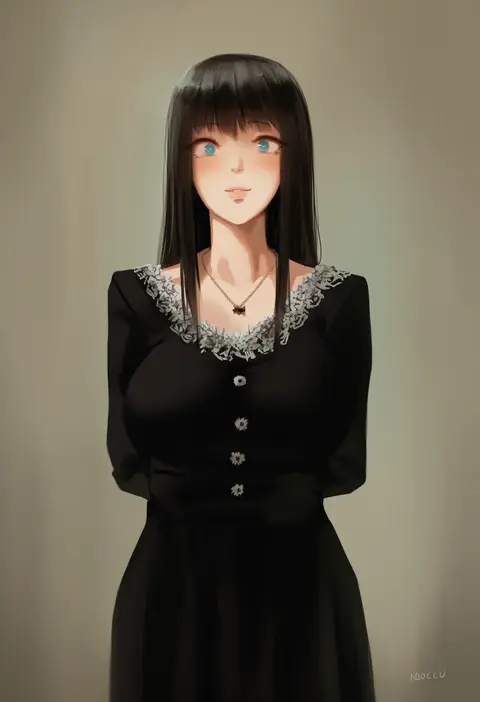
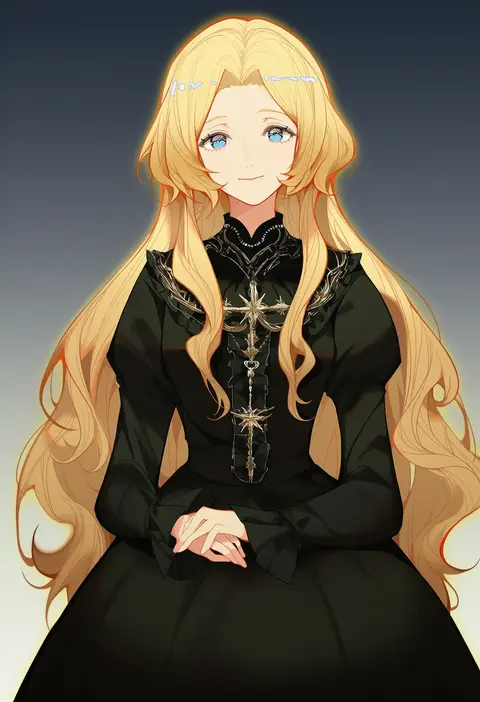
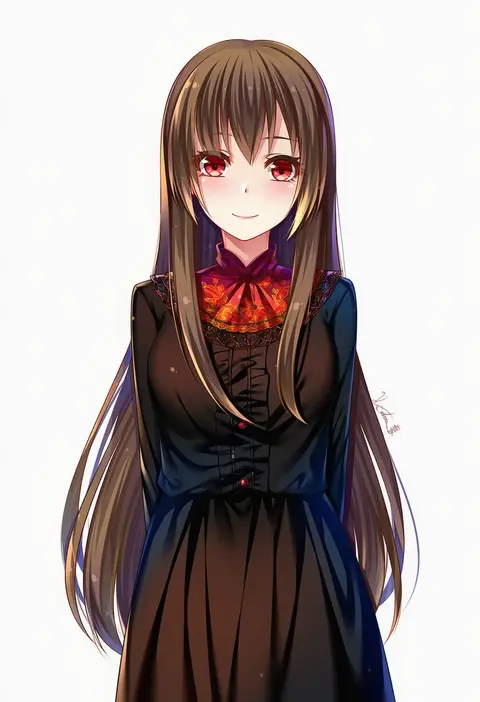
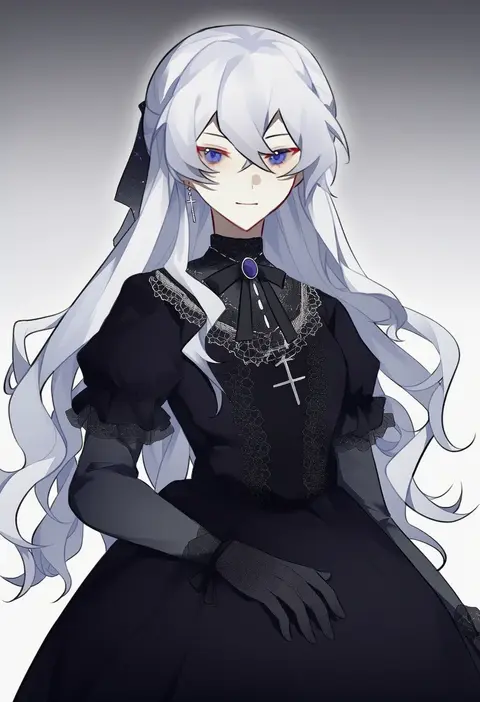
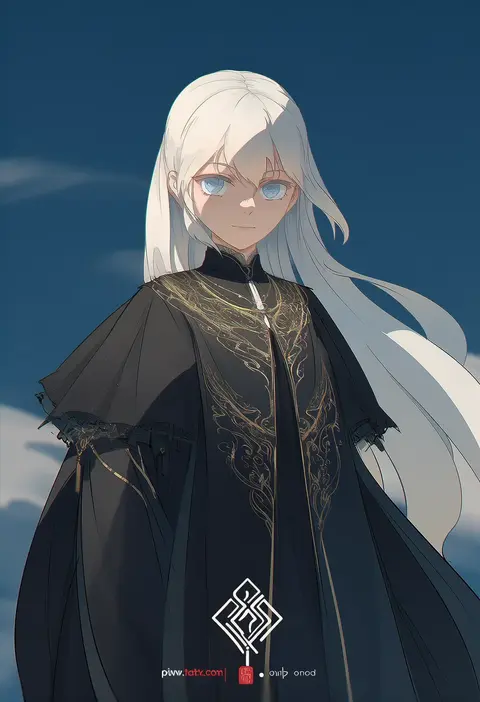
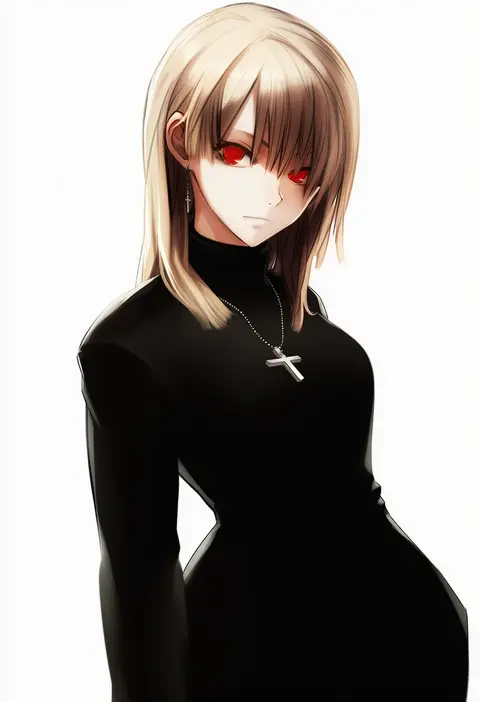
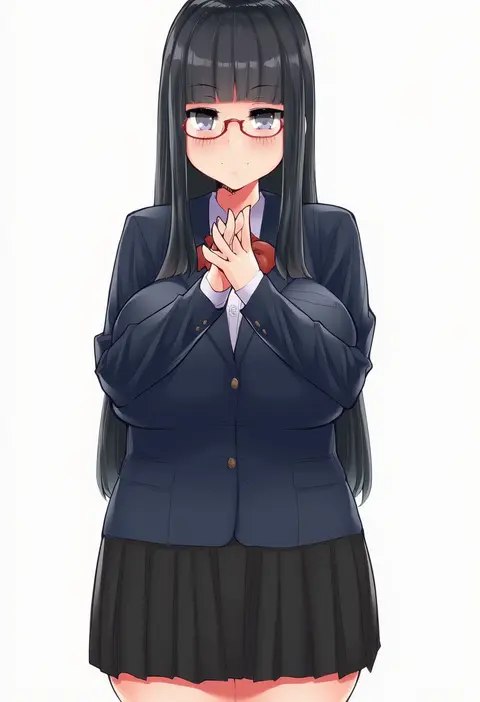
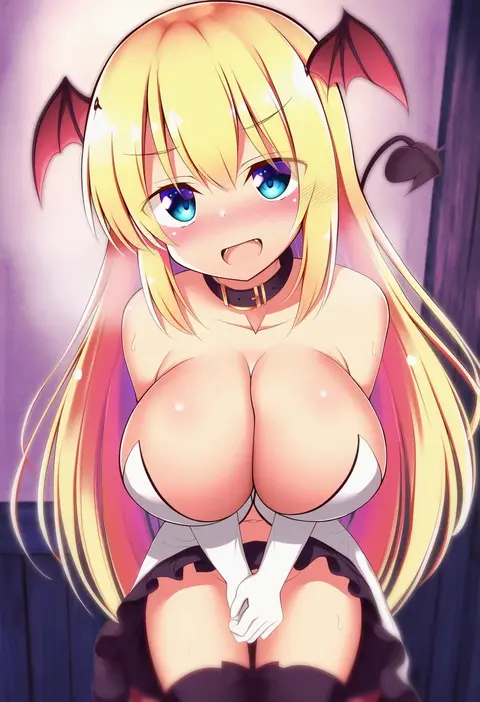
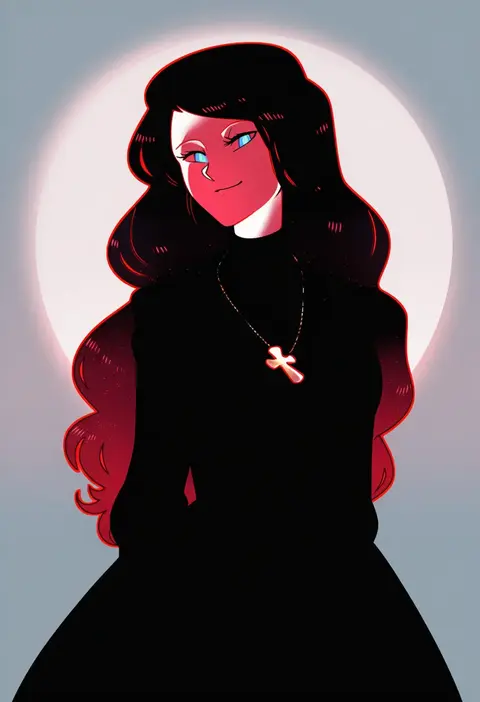
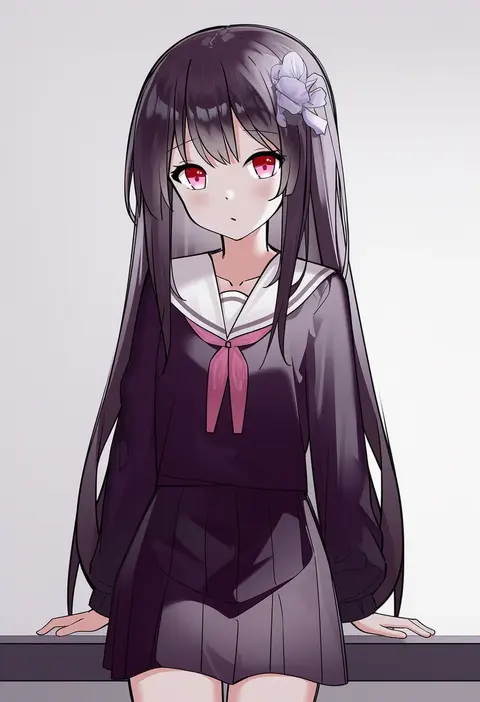
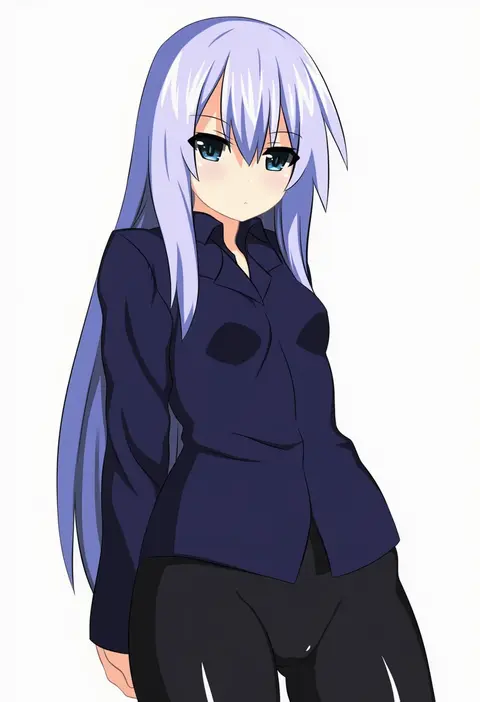
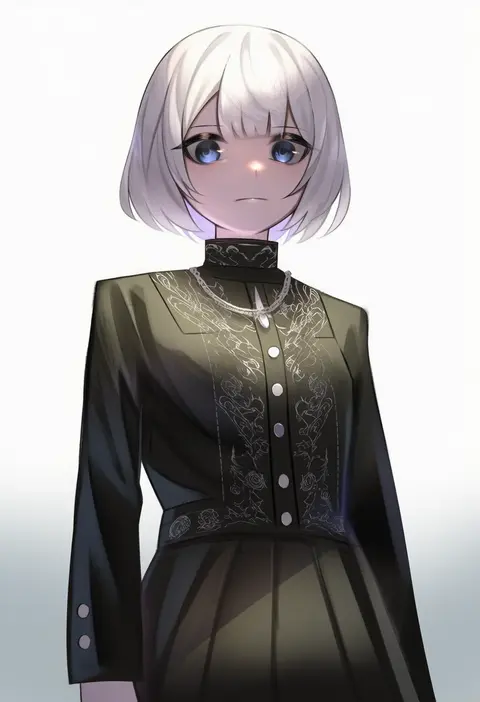
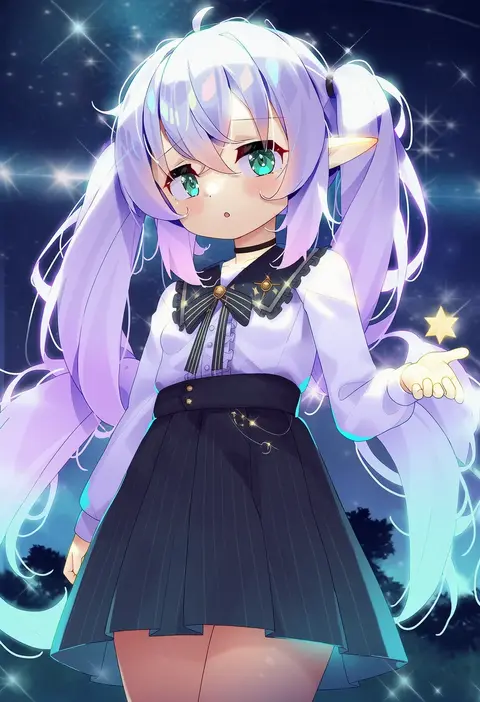
Artist tags tell NovelAI Diffusion to draw in a specific artist's style: line weight, paint texture, face shapes and palette all shift at once. Character and outfit tags decide what is drawn; artist tags decide how. 16,352 tags are listed for V4.5.
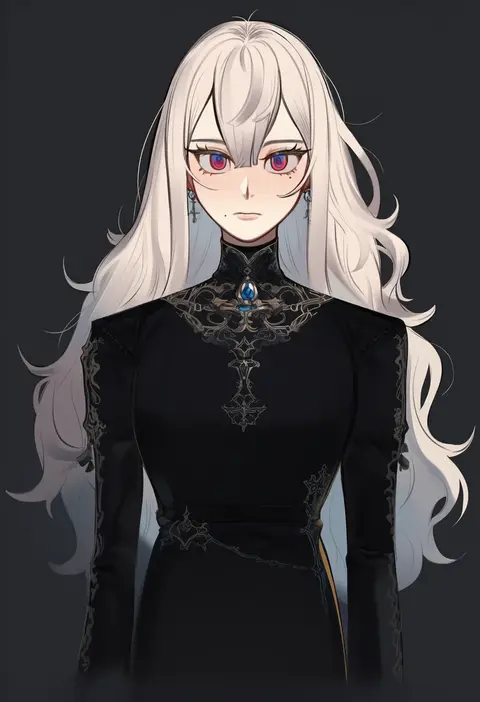
Every tag listed here is verified to react in NovelAI. All images use the same prompt, seed and settings with only the artist tag swapped, so the difference between two images is the style that tag brings in.

How to use them

Put the artist tag near the front of the prompt, e.g. "<artist>, 1girl, solo, best quality, masterpiece, cowboy shot". Two or three artist tags blend styles; lower the weight with "0.8::<artist>::" when the style overpowers the character.

SCORE sorts by Danbooru's top score, POSTS by post count, FAVS by hearts on this site. Open a card to see V5 and V4.5 side by side on the same seed.

V5 vs V4.5

V5 usually lands closer to the artist's real style, and tags that did nothing on V4.5 often react on V5. V4.5 still fits older and doujin-heavy artists better. Try V5 first, fall back to V4.5.

FAQ

Where does the artist tag go?
Near the front of the prompt. Use "0.8::tag::" to adjust its weight.

Can I stack artist tags?
Yes, styles blend. Past two or three the result stops looking like anyone.

Are these the artists' own works?
No. Every image is a NovelAI sample generated from the tag.