V4.5Artists
sort: FAVS▾
▾
>
$

Popular NovelAI artist tags — V4.5

artist --count 16,352[127/273]
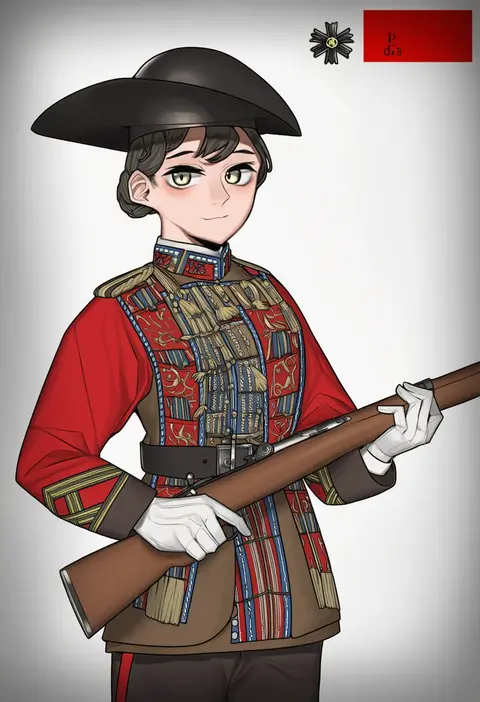
pzkpfwi
ARTIST0x1D88
0
tabe koji
ARTIST0x1D89
0
izuru (timbermetal)
ARTIST0x1D8A
0
ouka (ra-raradan)
ARTIST0x1D8B
0
b.d
ARTIST0x1D8C
0
y o u k a
ARTIST0x1D8D
0
kazuchi
ARTIST0x1D8E
0
teruya (6w6y)
ARTIST0x1D8F
0
mozuya murasaki
ARTIST0x1D90
0
zambiie
ARTIST0x1D91
0
velinxi
ARTIST0x1D92
0
aimitsu (ibityuttyu)
ARTIST0x1D93
0
soukitsu
ARTIST0x1D94
0
katou kaiou
ARTIST0x1D95
0
kurimochi chizuru
ARTIST0x1D96
0
konagi (konotuki)
ARTIST0x1D97
0
noco (adamas)
ARTIST0x1D98
0
hiraga matsuri
ARTIST0x1D99
0
koyomania
ARTIST0x1D9A
0
noumen
ARTIST0x1D9B
0
choco chip
ARTIST0x1D9C
0
shikei
ARTIST0x1D9D
0
mimofu (fullhighkick)
ARTIST0x1D9E
0
aki (akikaze asparagus)
ARTIST0x1D9F
0
jouzaburou (joe3)
ARTIST0x1DA0
0
oosaki shin'ya
ARTIST0x1DA1
0
raikoart
ARTIST0x1DA2
0
booota
ARTIST0x1DA3
0
teruki kuma
ARTIST0x1DA4
0
ken (shutenndouji1)
ARTIST0x1DA5
0
sa-ya2
ARTIST0x1DA6
0
kabayaki unagi
ARTIST0x1DA7
0
sanemichi hajime
ARTIST0x1DA8
0
mukaibi aoi
ARTIST0x1DA9
0
takamura wamu
ARTIST0x1DAA
0
hunyan
ARTIST0x1DAB
0
yuko (uc yuk)
ARTIST0x1DAC
0
ankoku emu shougun
ARTIST0x1DAD
0
noixen
ARTIST0x1DAE
0
nakajima atsuko
ARTIST0x1DAF
0
shio (shiofeifei)
ARTIST0x1DB0
0
ryuuno6
ARTIST0x1DB1
0
kodama (wa-ka-me)
ARTIST0x1DB2
0
darabuchi
ARTIST0x1DB3
0
etan14
ARTIST0x1DB4
0
harunoha
ARTIST0x1DB5
0
mento
ARTIST0x1DB6
0
zanki
ARTIST0x1DB7
0
billbung
ARTIST0x1DB8
0
sakurai nana (moshichi)
ARTIST0x1DB9
0
neichiru
ARTIST0x1DBA
0
tiamat (momokuri mannen)
ARTIST0x1DBB
0
aoinu (aoinu 99)
ARTIST0x1DBC
0
jkisaradu
ARTIST0x1DBD
0
gakuon (gakuto)
ARTIST0x1DBE
0
tsukumo (soar99)
ARTIST0x1DBF
0
yasume yukito
ARTIST0x1DC0
0
koyubi (littlefinger1988)
ARTIST0x1DC1
0
sakuraba hikaru (loveindog)
ARTIST0x1DC2
0
kuboken
ARTIST0x1DC3
0

What these tags change

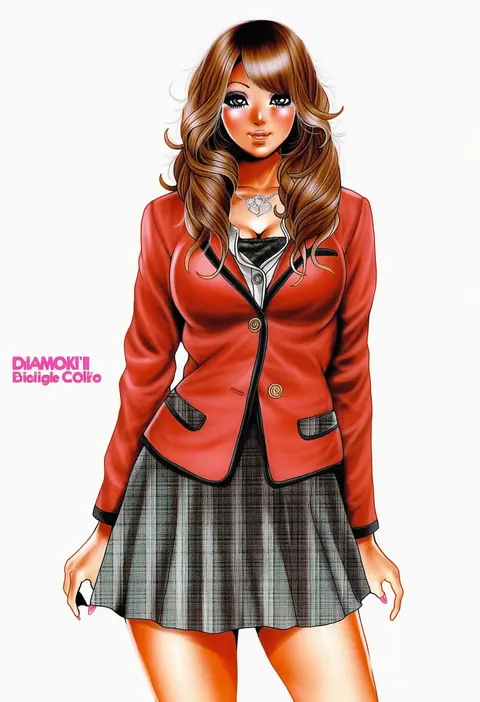
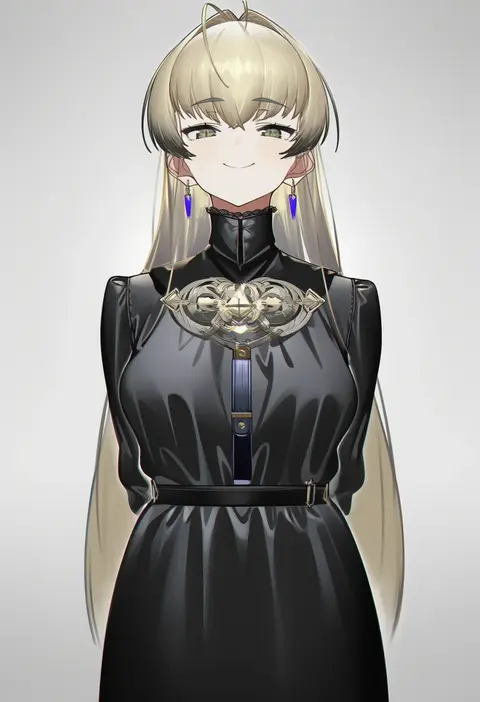
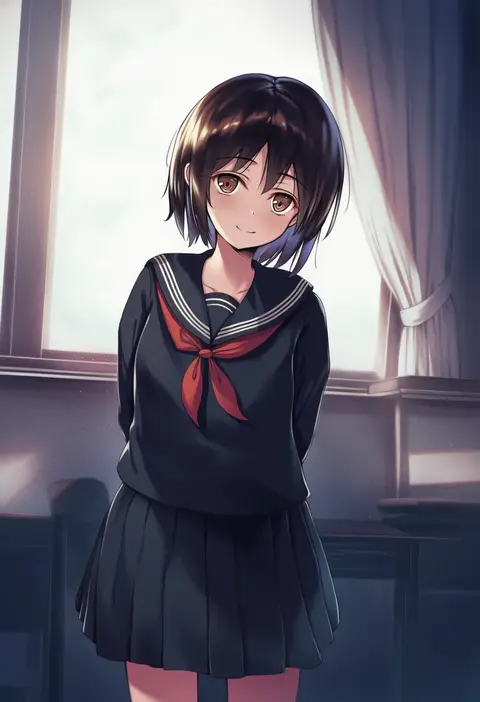
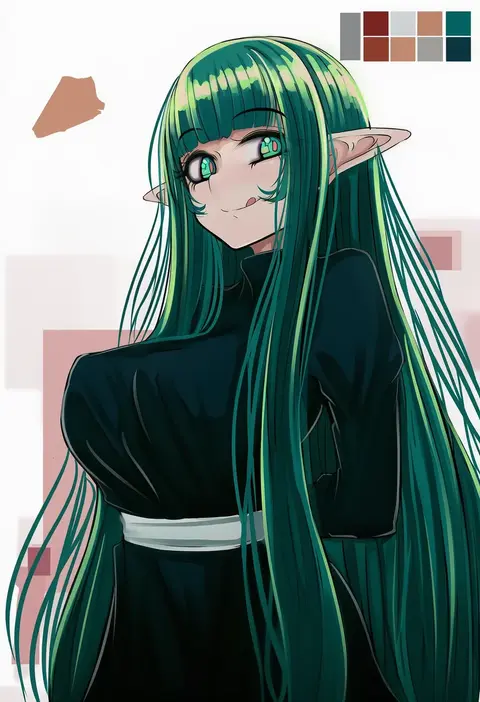
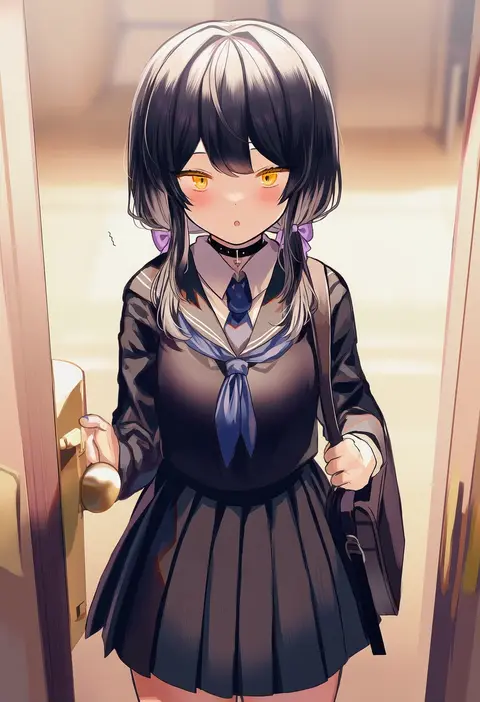
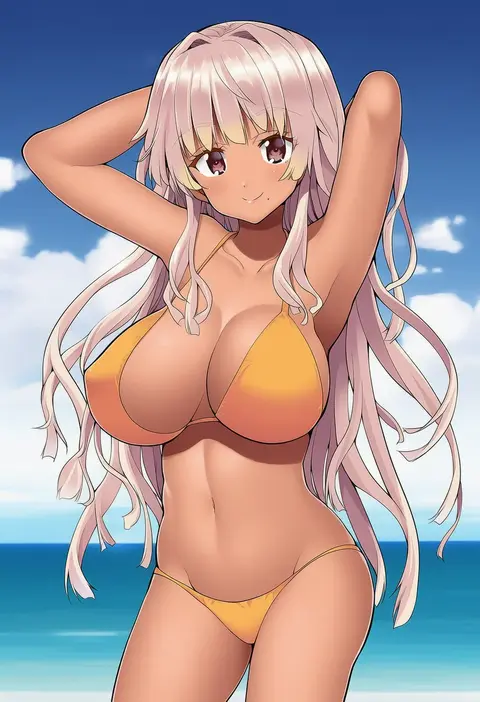
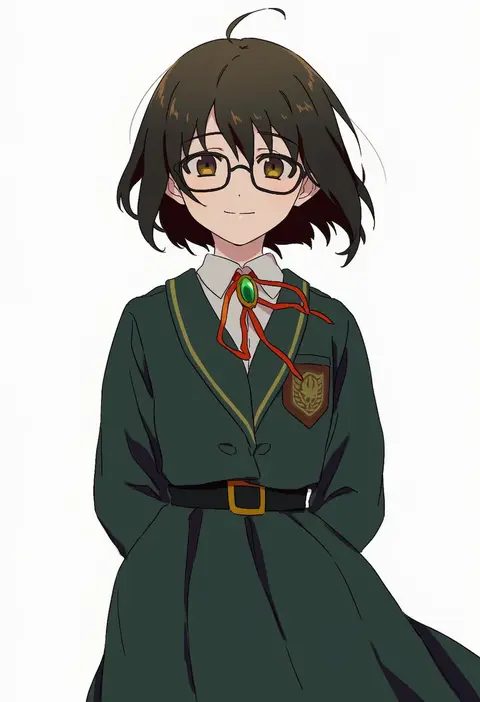
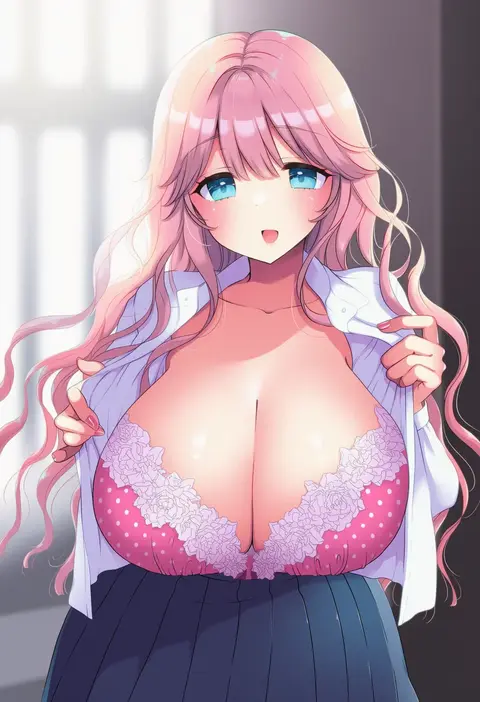
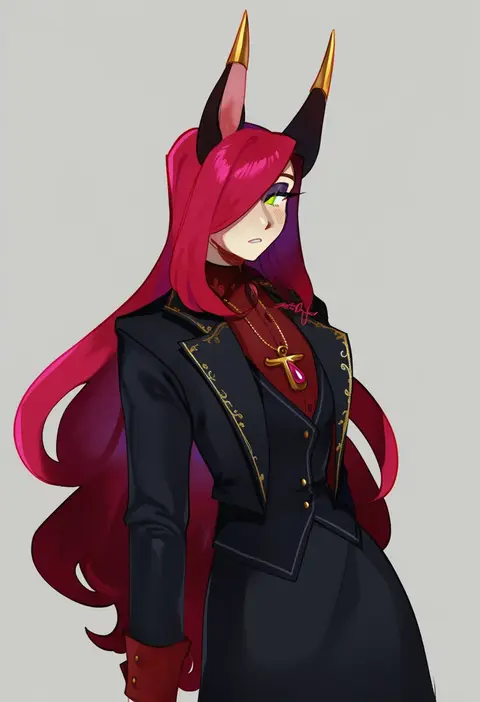
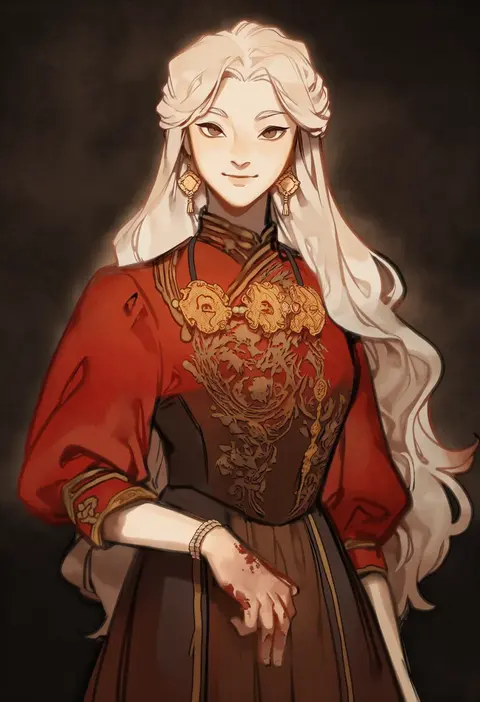
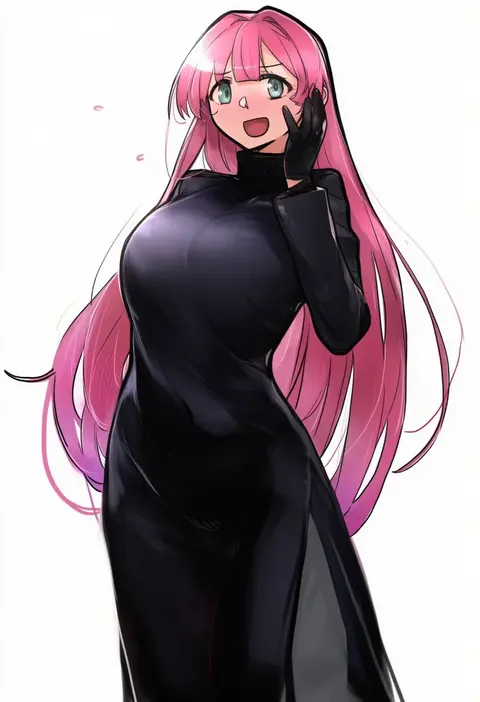
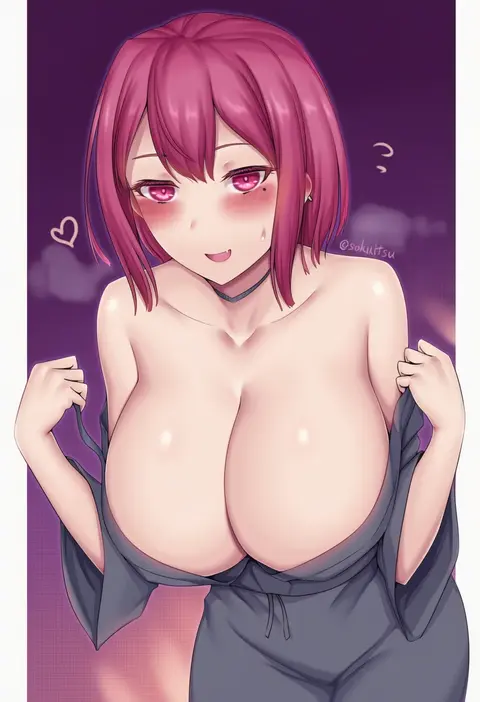
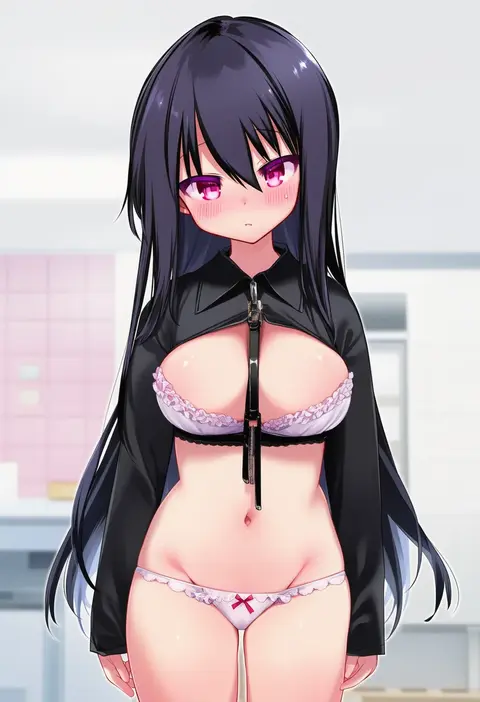
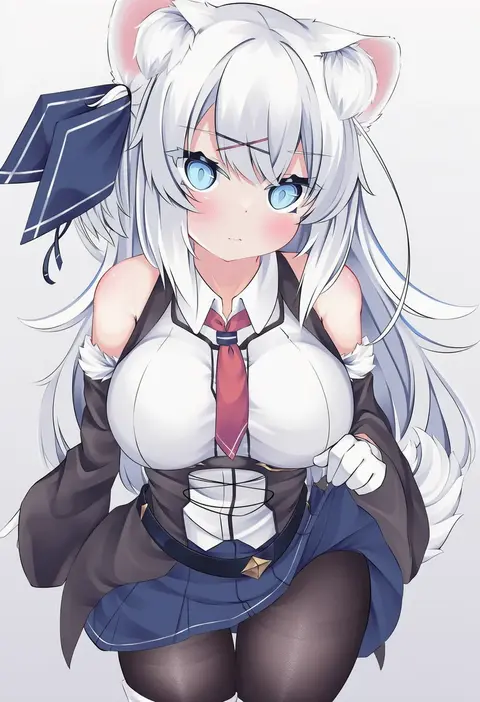
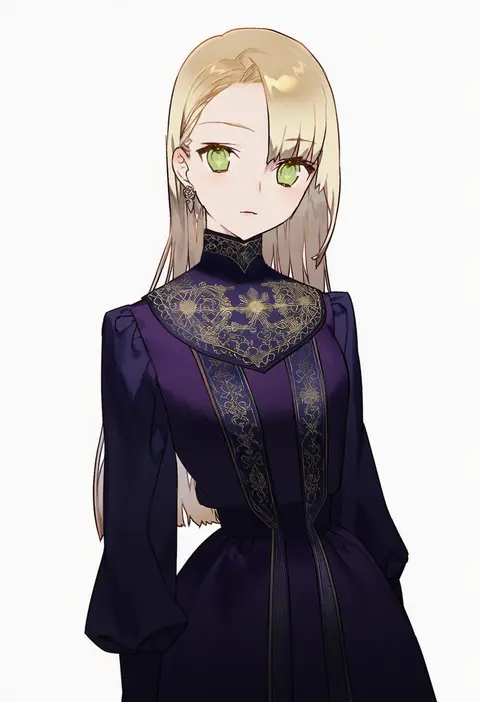
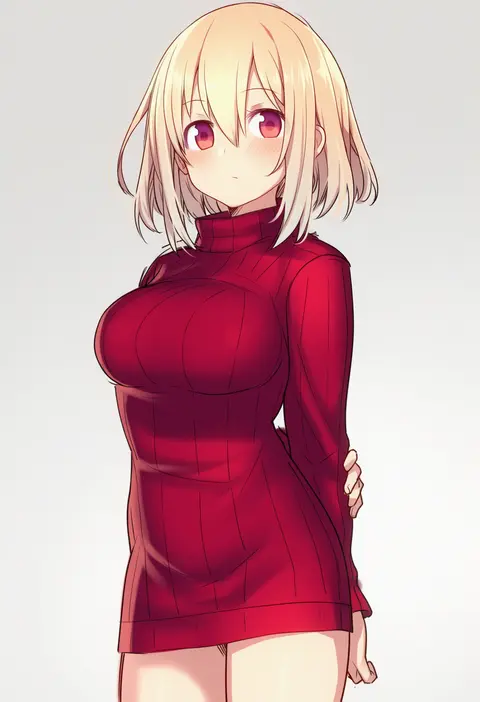
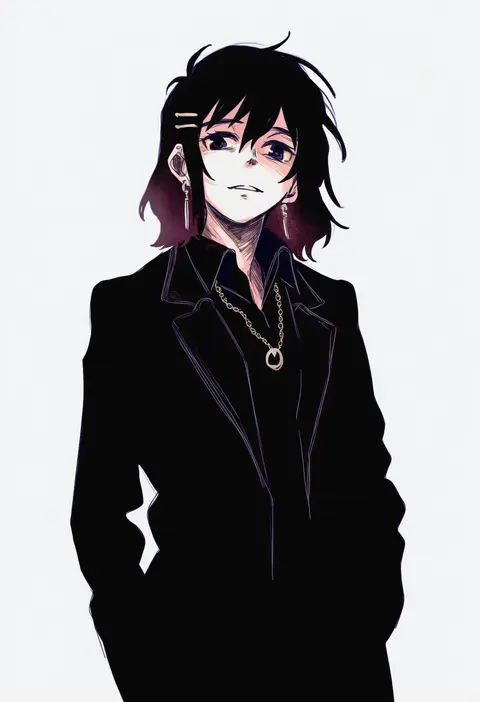
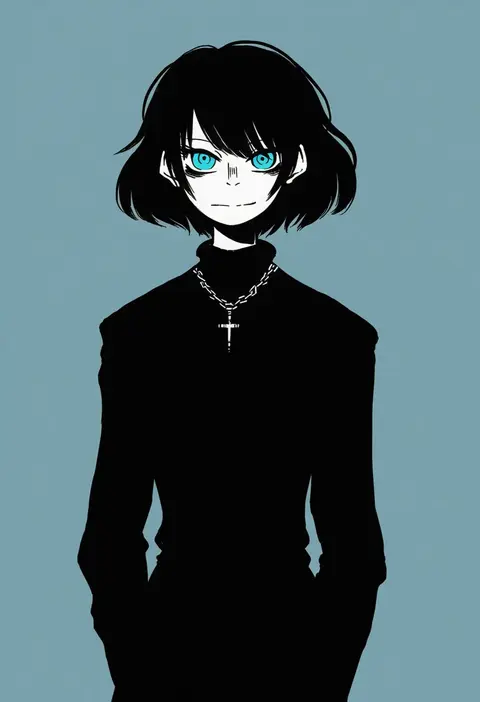
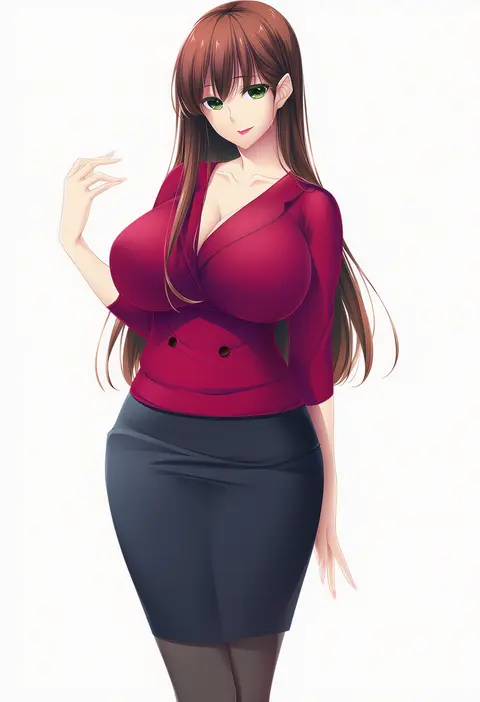
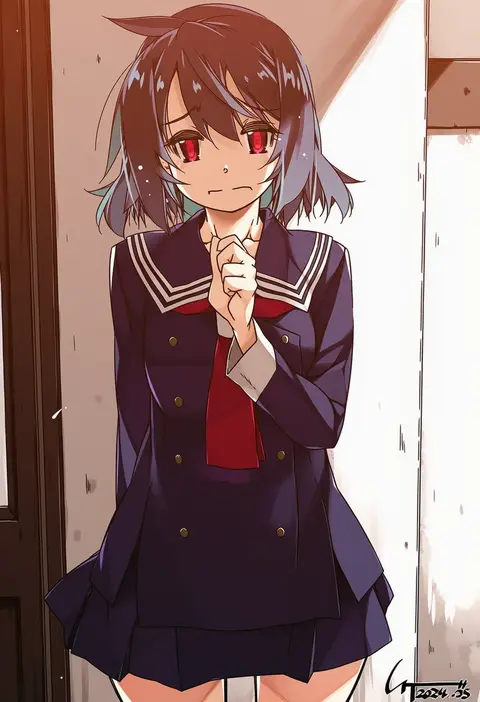
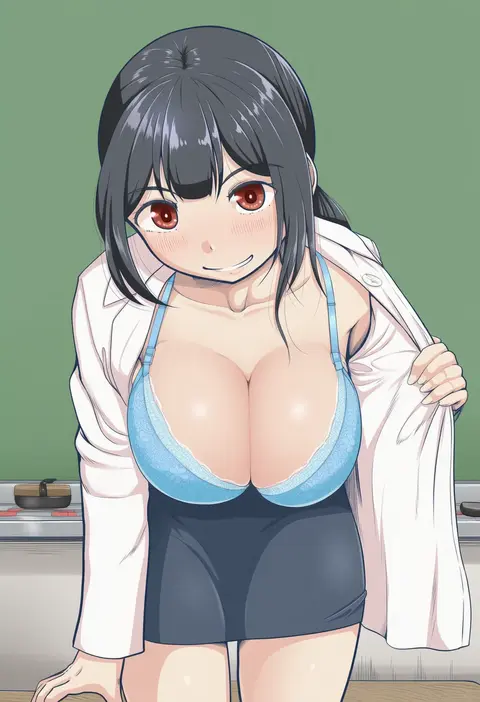
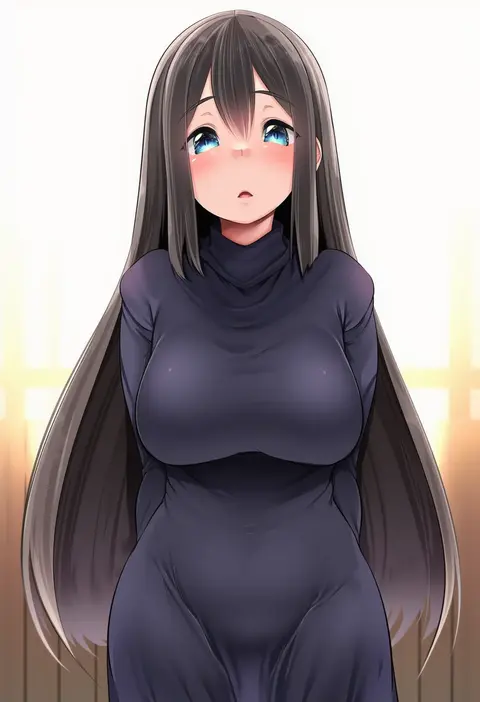
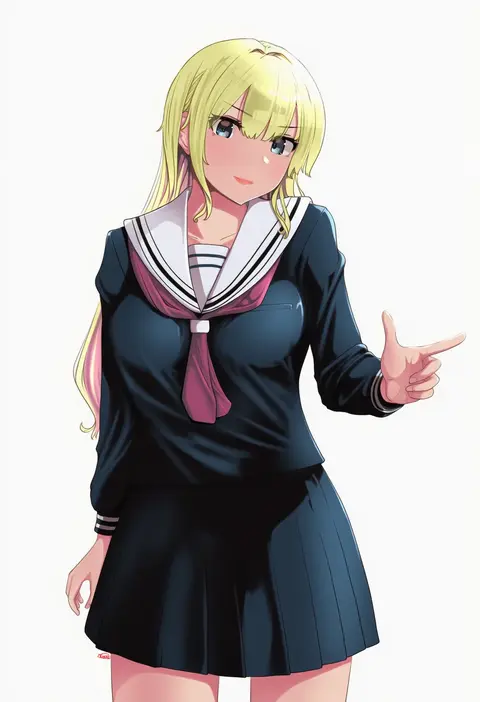
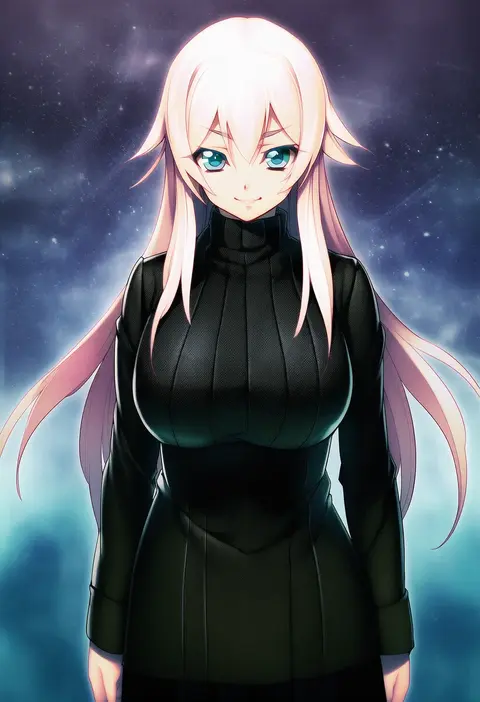
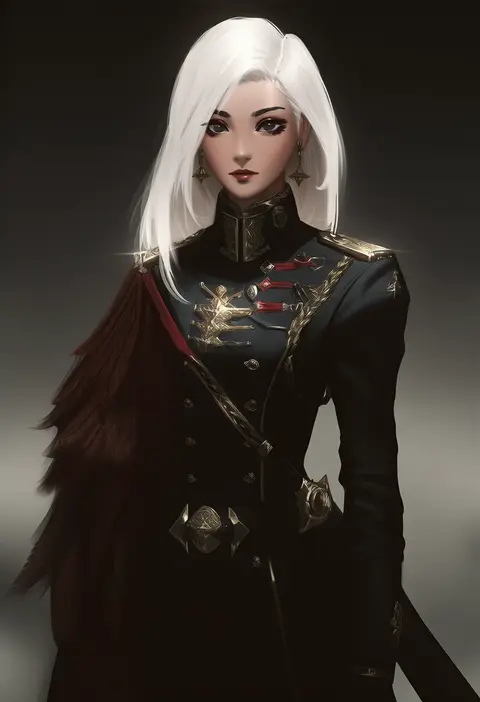
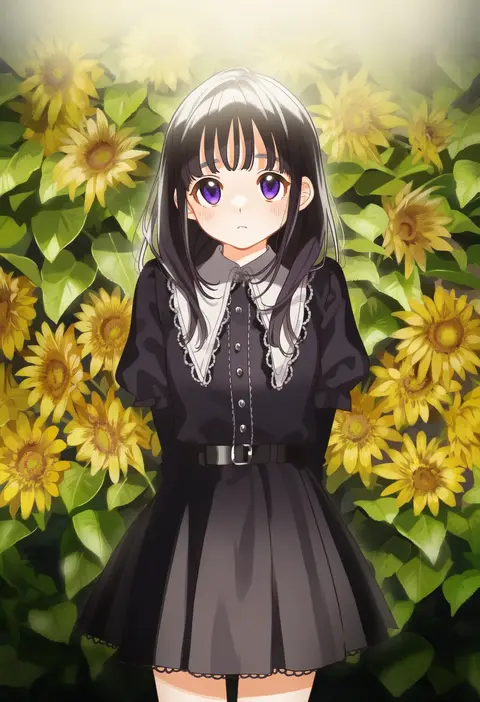
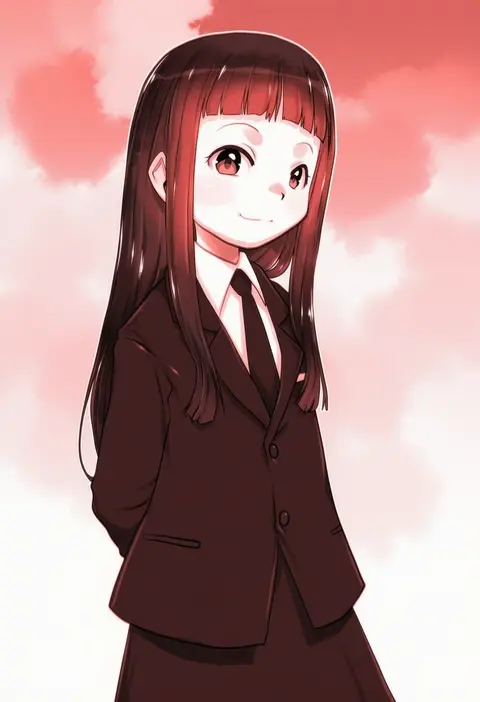
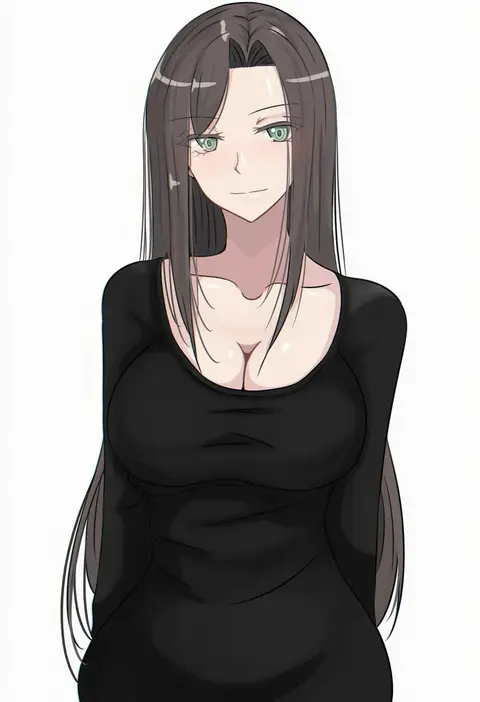
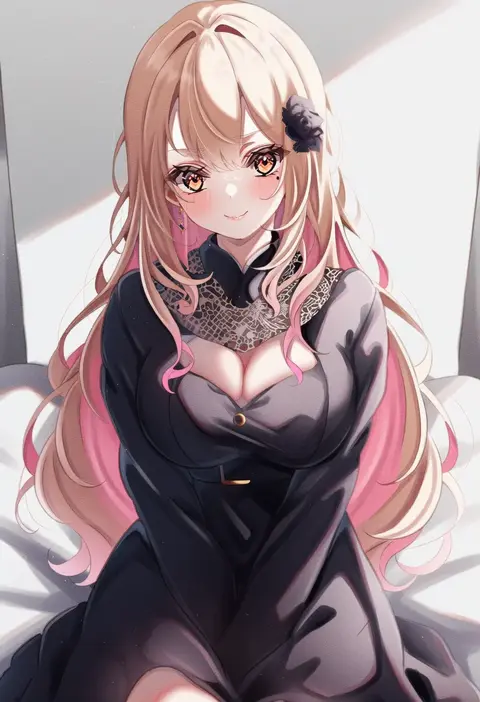
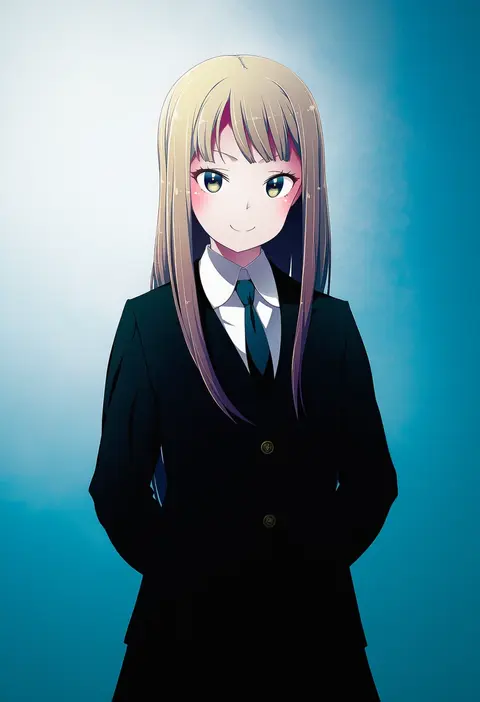
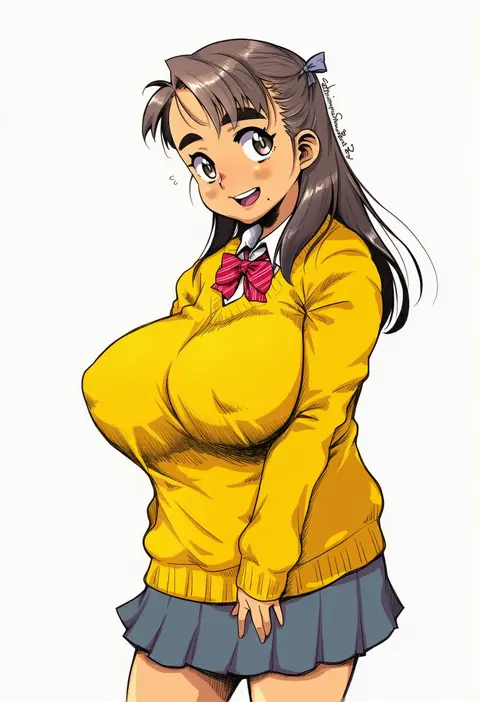
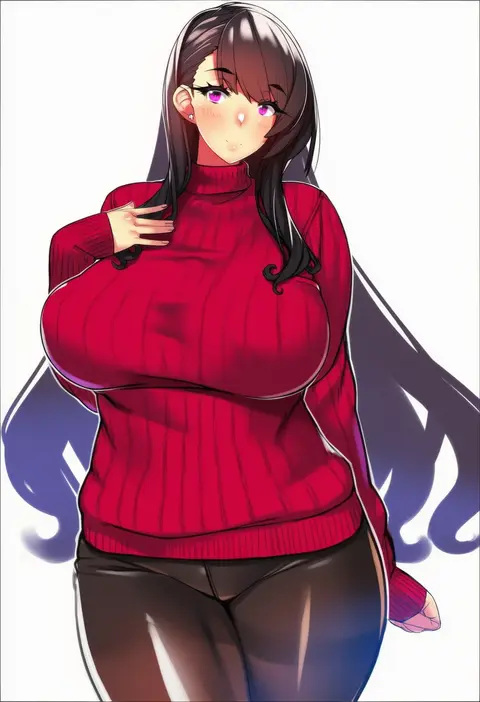
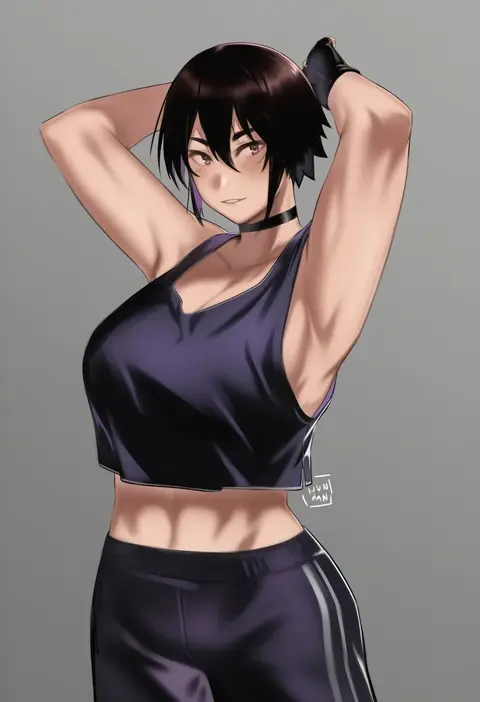
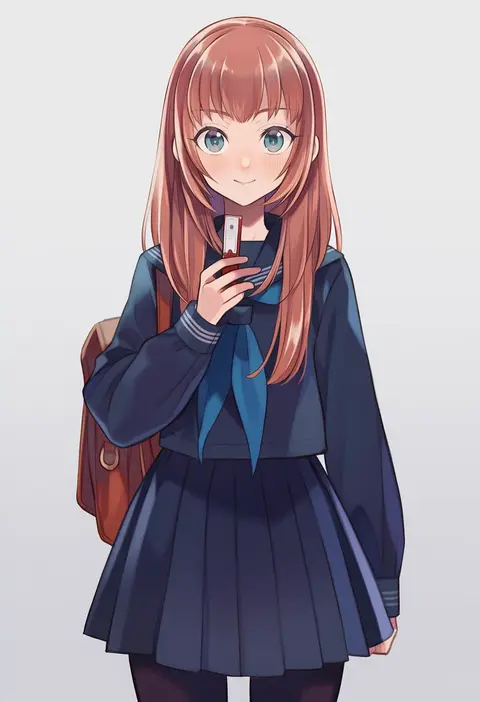
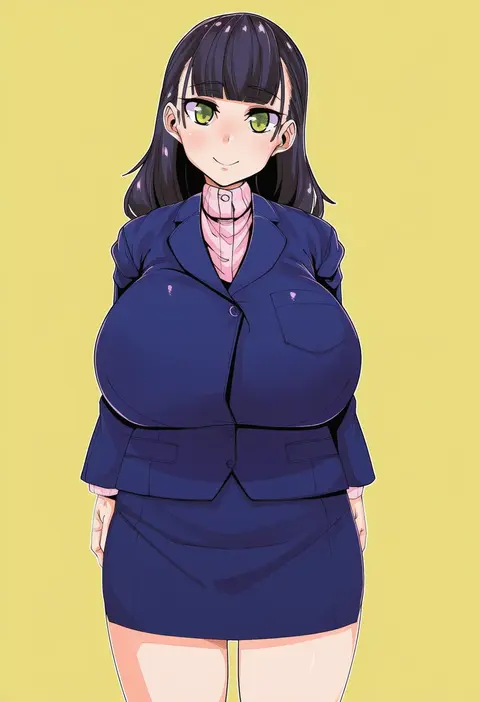
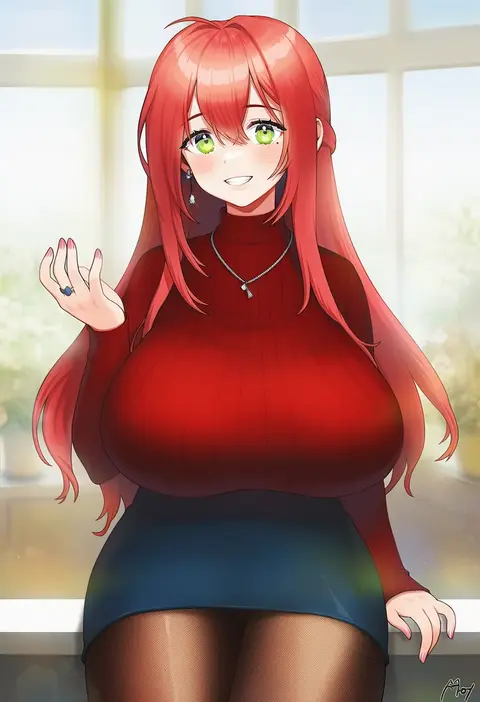
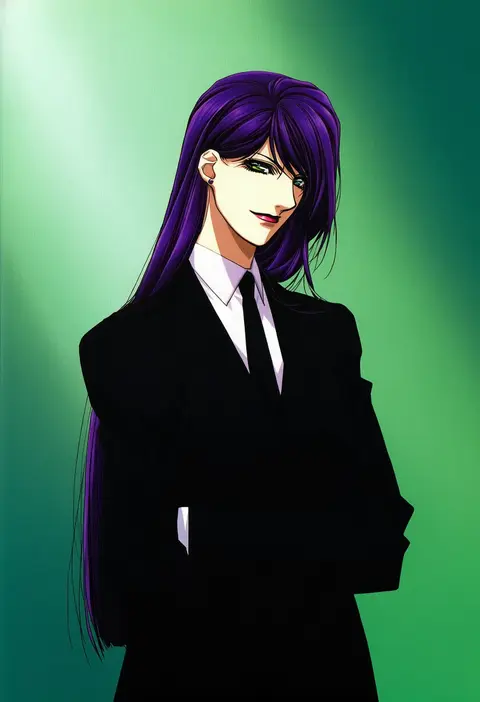
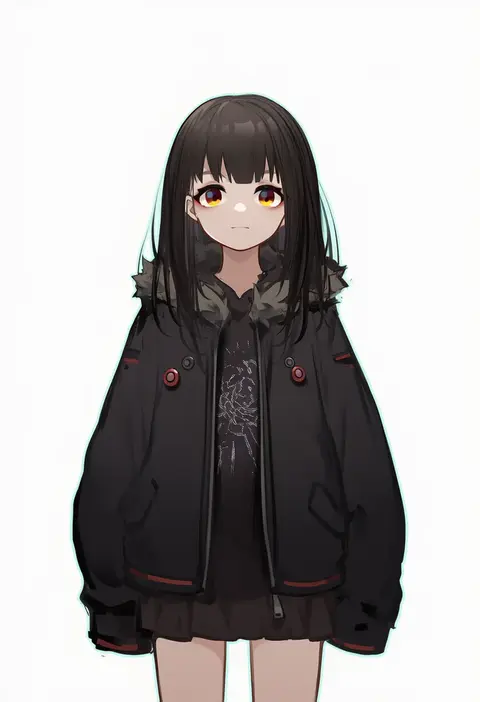
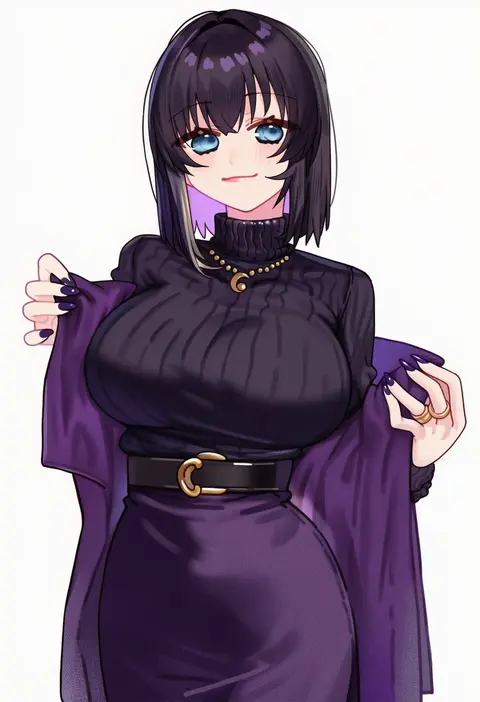
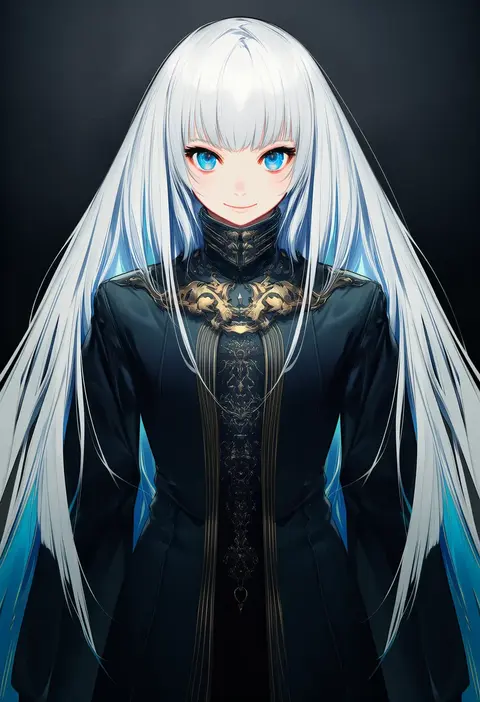
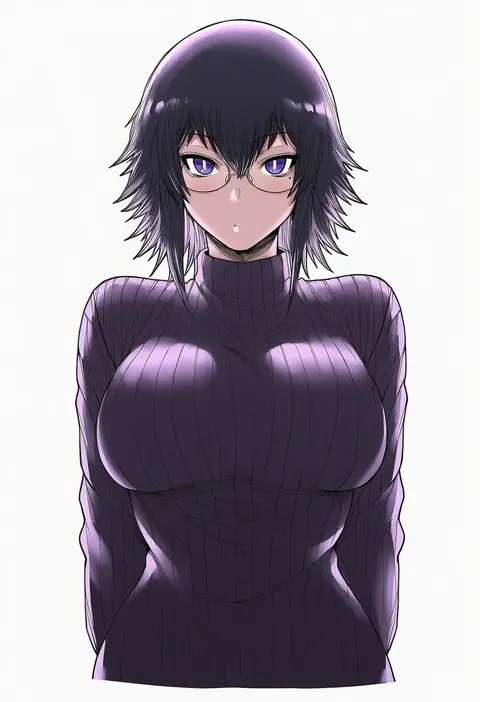
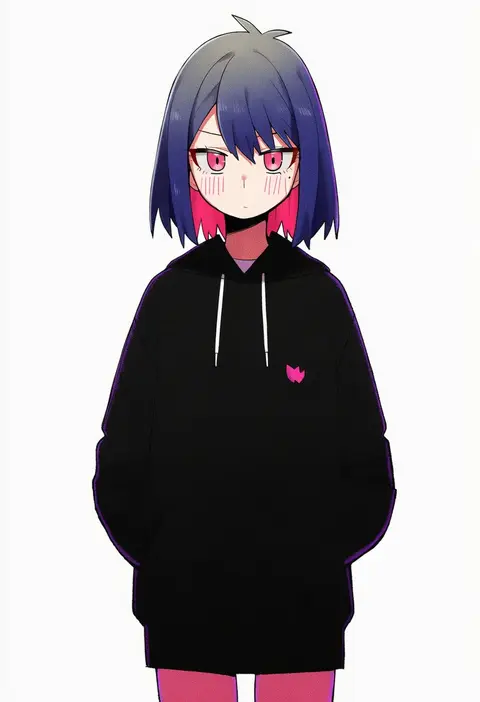
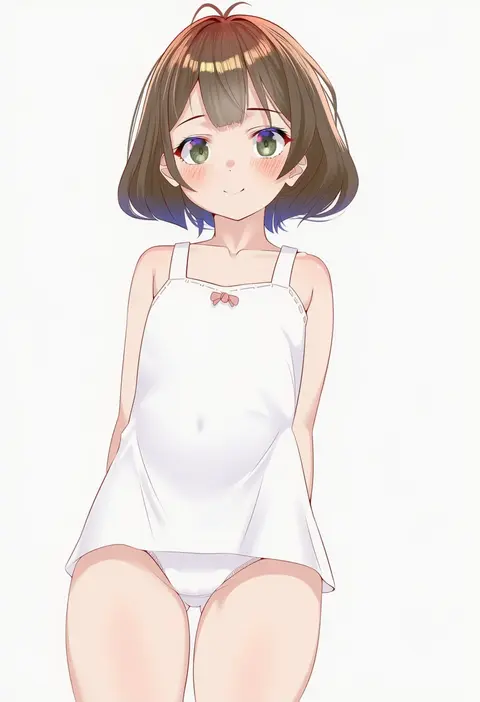
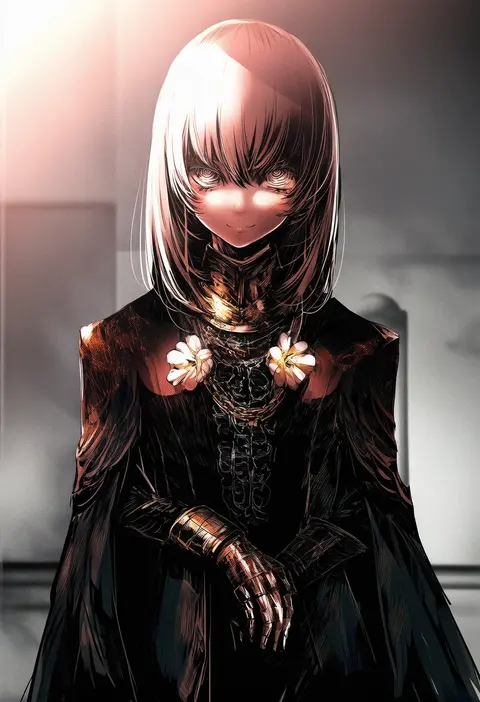
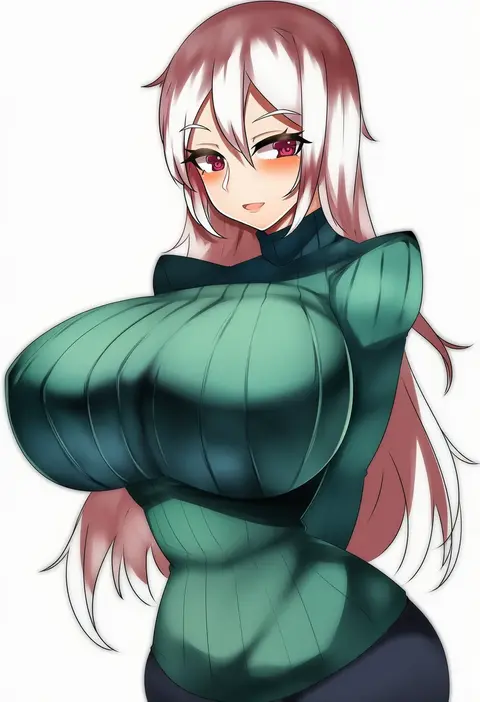
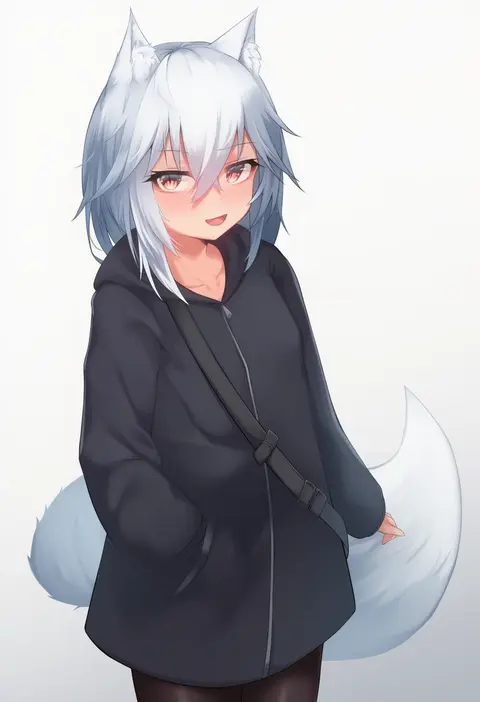
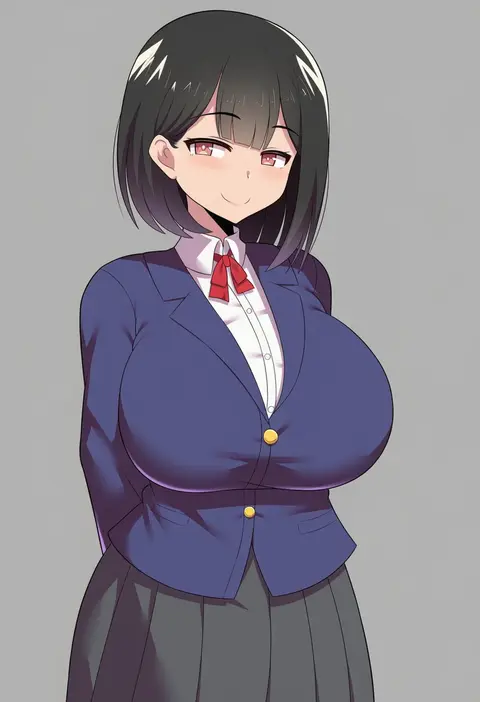
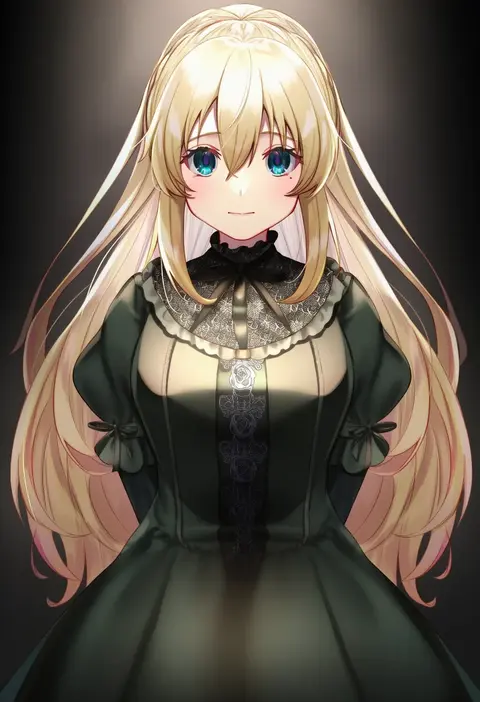
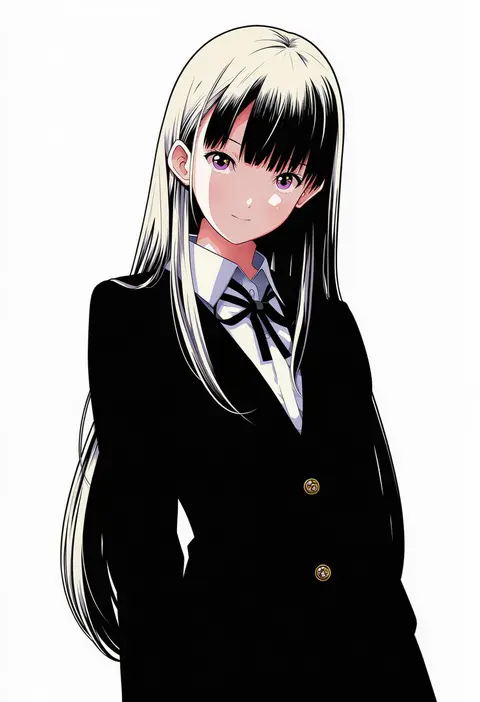
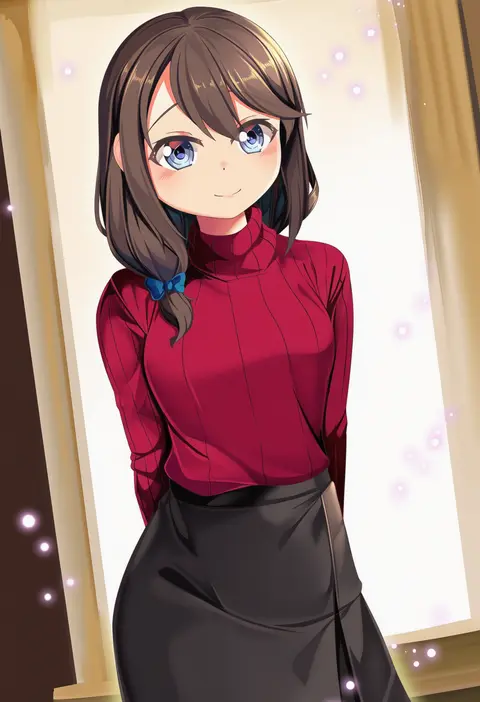
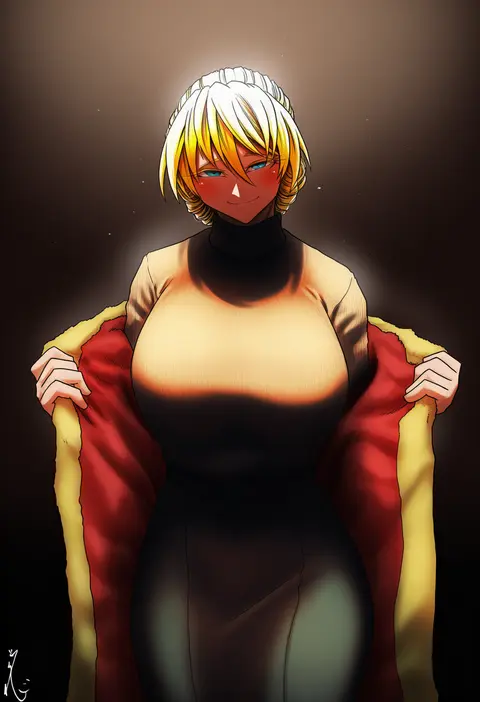
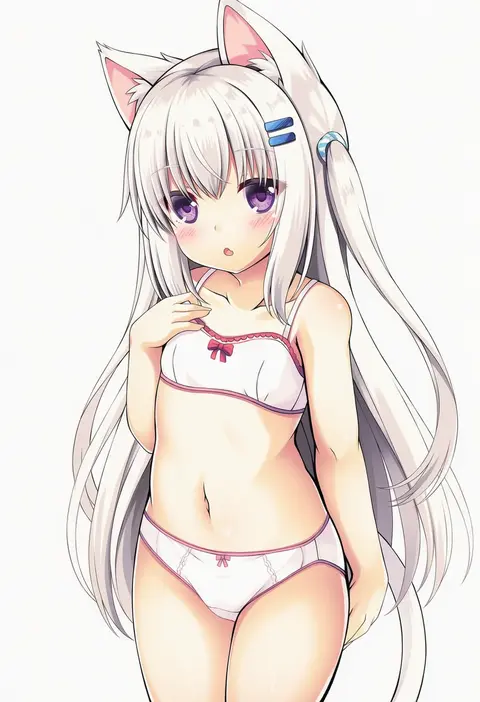
Artist tags tell NovelAI Diffusion to draw in a specific artist's style: line weight, paint texture, face shapes and palette all shift at once. Character and outfit tags decide what is drawn; artist tags decide how. 16,352 tags are listed for V4.5.
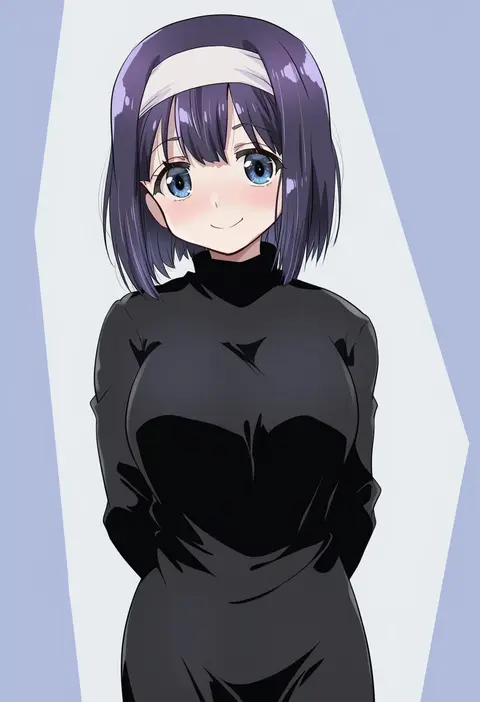
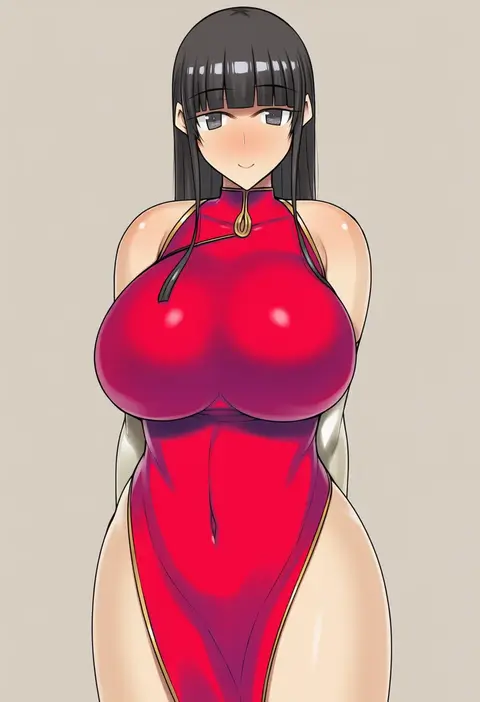
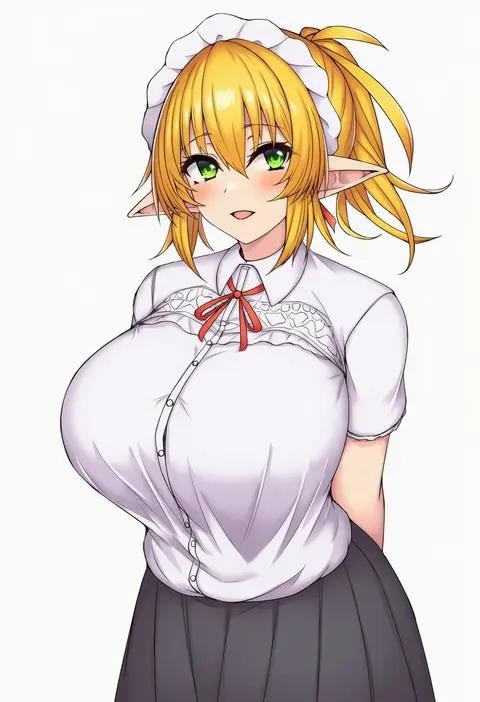
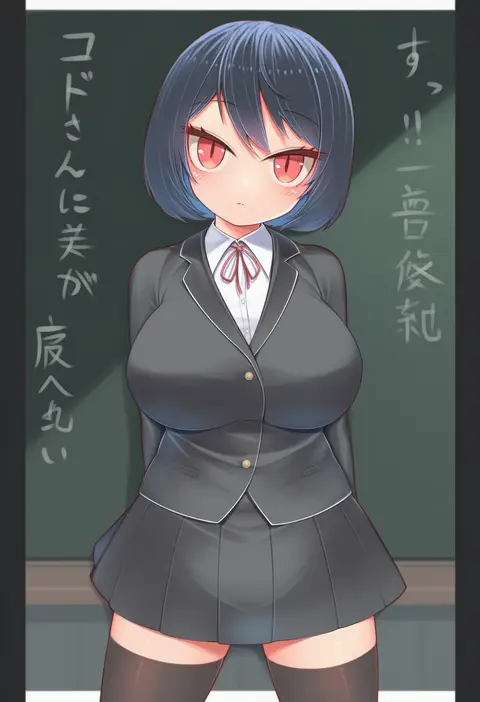
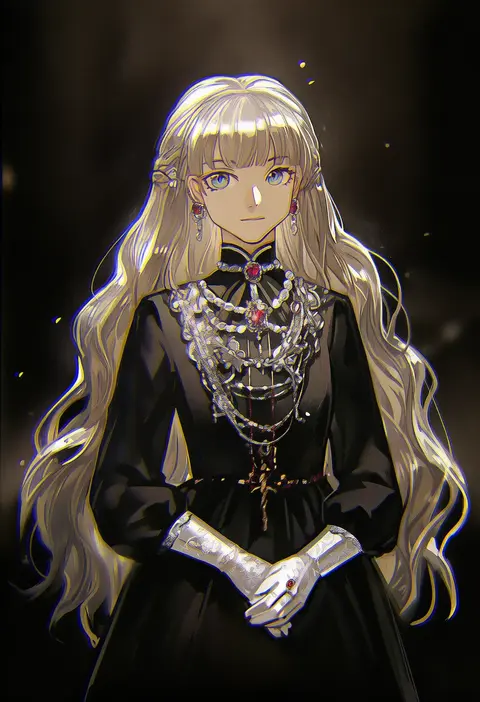
Every tag listed here is verified to react in NovelAI. All images use the same prompt, seed and settings with only the artist tag swapped, so the difference between two images is the style that tag brings in.

How to use them

Put the artist tag near the front of the prompt, e.g. "<artist>, 1girl, solo, best quality, masterpiece, cowboy shot". Two or three artist tags blend styles; lower the weight with "0.8::<artist>::" when the style overpowers the character.

SCORE sorts by Danbooru's top score, POSTS by post count, FAVS by hearts on this site. Open a card to see V5 and V4.5 side by side on the same seed.

V5 vs V4.5

V5 usually lands closer to the artist's real style, and tags that did nothing on V4.5 often react on V5. V4.5 still fits older and doujin-heavy artists better. Try V5 first, fall back to V4.5.

FAQ

Where does the artist tag go?
Near the front of the prompt. Use "0.8::tag::" to adjust its weight.

Can I stack artist tags?
Yes, styles blend. Past two or three the result stops looking like anyone.

Are these the artists' own works?
No. Every image is a NovelAI sample generated from the tag.