V4.5Artists
sort: FAVS▾
▾
>
$

Popular NovelAI artist tags — V4.5

artist --count 16,352[124/273]
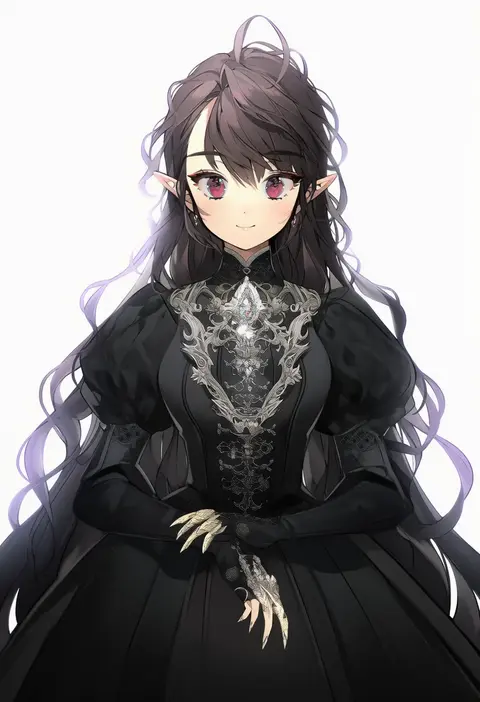
namyo
ARTIST0x1CD4
0
mottsun (i 40y)
ARTIST0x1CD5
0
kaneblob
ARTIST0x1CD6
0
flan (seeyouflan)
ARTIST0x1CD7
0
tarutaru yamaoka
ARTIST0x1CD8
0
te toga
ARTIST0x1CD9
0
kaieda hiroshi
ARTIST0x1CDA
0
momoko (momoko14)
ARTIST0x1CDB
0
uran (uran-factory)
ARTIST0x1CDC
0
3.14
ARTIST0x1CDD
0
greypidjun
ARTIST0x1CDE
0
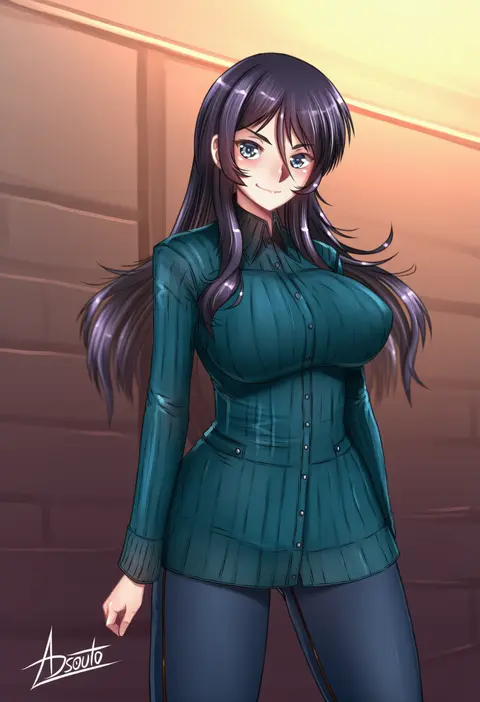
adsouto
ARTIST0x1CDF
0
genzoman
ARTIST0x1CE0
0
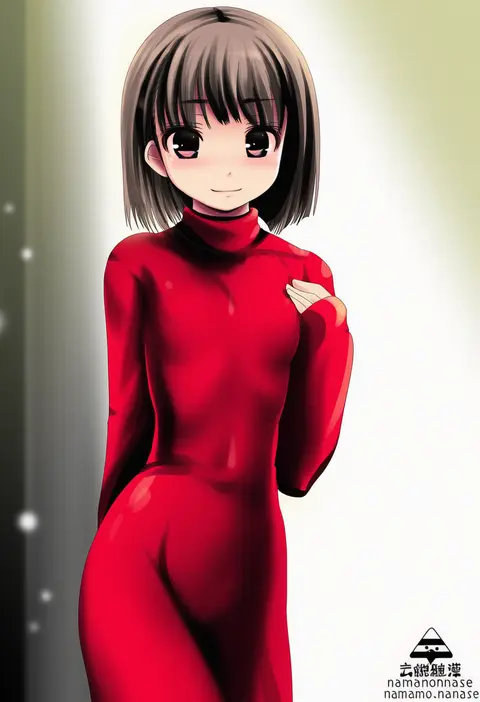
namamo nanase
ARTIST0x1CE1
0
fi-san
ARTIST0x1CE2
0
hakika
ARTIST0x1CE3
0
makihitsuji
ARTIST0x1CE4
0
take shinobu
ARTIST0x1CE5
0
ganari ryuu
ARTIST0x1CE6
0
nishida megane
ARTIST0x1CE7
0
aburidashi zakuro
ARTIST0x1CE8
0
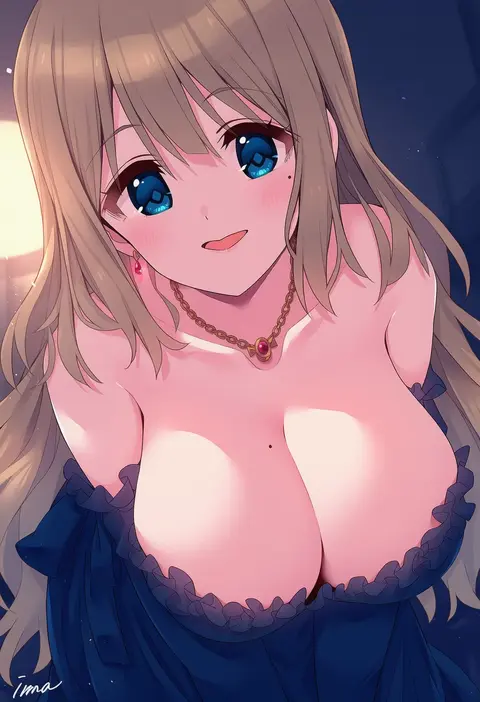
ima (lm ew)
ARTIST0x1CE9
0
len (a-7)
ARTIST0x1CEA
0
noeomi
ARTIST0x1CEB
0
kupala
ARTIST0x1CEC
0
pic postcard
ARTIST0x1CED
0
iwashi 80
ARTIST0x1CEE
0
ezaki bisuko
ARTIST0x1CEF
0
starkamisan
ARTIST0x1CF0
0
sasago kaze
ARTIST0x1CF1
0
cero (last2stage)
ARTIST0x1CF2
0
sigurd hosenfeld
ARTIST0x1CF3
0
craytm
ARTIST0x1CF4
0
bolze
ARTIST0x1CF5
0
safutsuguon
ARTIST0x1CF6
0
maroonabyss
ARTIST0x1CF7
0
pillosopi
ARTIST0x1CF8
0
kobo (cobo 0609)
ARTIST0x1CF9
0
throat (artist)
ARTIST0x1CFA
0
yas (35373)
ARTIST0x1CFB
0
pandarou
ARTIST0x1CFC
0
devil yanghyeok
ARTIST0x1CFD
0
teeta j
ARTIST0x1CFE
0
tanabe (fueisei)
ARTIST0x1CFF
0
torinone
ARTIST0x1D00
0
hitoto
ARTIST0x1D01
0
milka (milk4ppl)
ARTIST0x1D02
0
mizin kosutin
ARTIST0x1D03
0
bucchake (asami)
ARTIST0x1D04
0
hal (goshujinomocha)
ARTIST0x1D05
0
microa
ARTIST0x1D06
0
ikune juugo
ARTIST0x1D07
0
junes
ARTIST0x1D08
0
kamizaki hibana
ARTIST0x1D09
0
ryou@ryou
ARTIST0x1D0A
0
teruru
ARTIST0x1D0B
0
amana (pocketkey)
ARTIST0x1D0C
0
reia hana
ARTIST0x1D0D
0
haioku colonel
ARTIST0x1D0E
0
yukima (yushika)
ARTIST0x1D0F
0

What these tags change

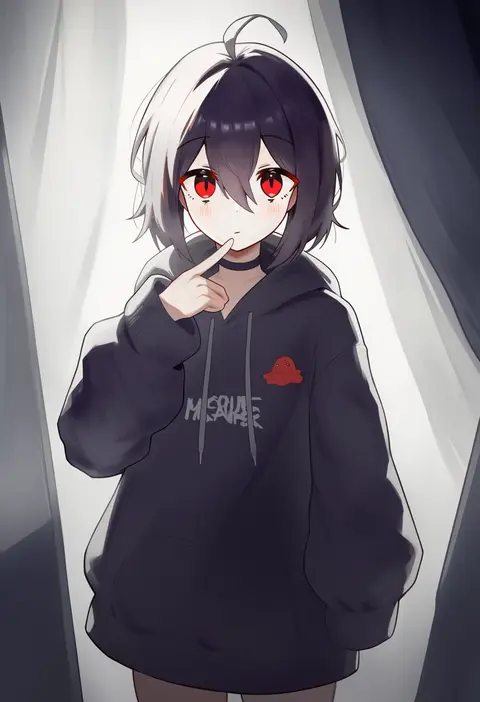
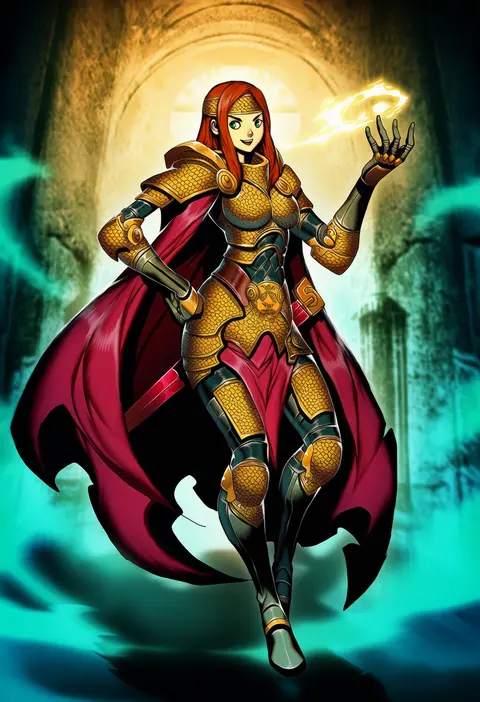
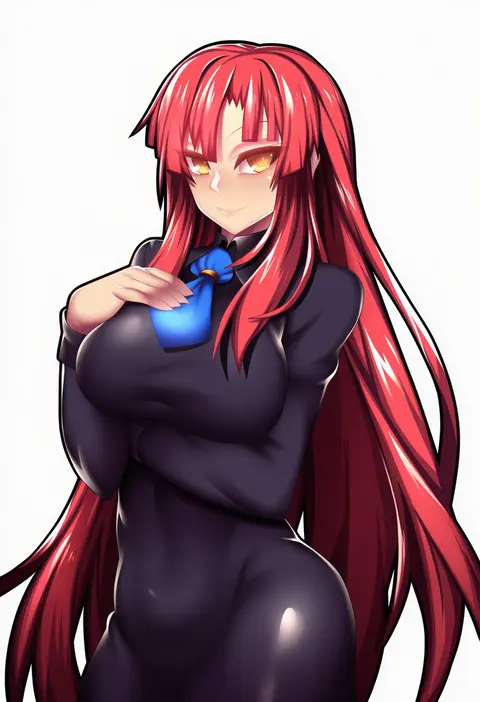
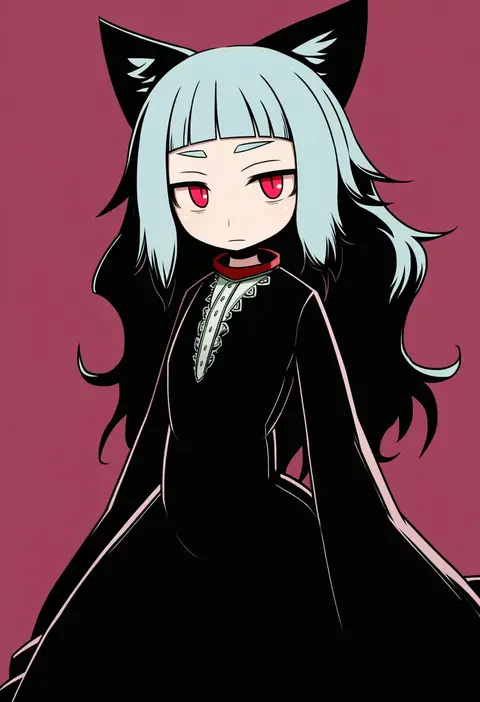
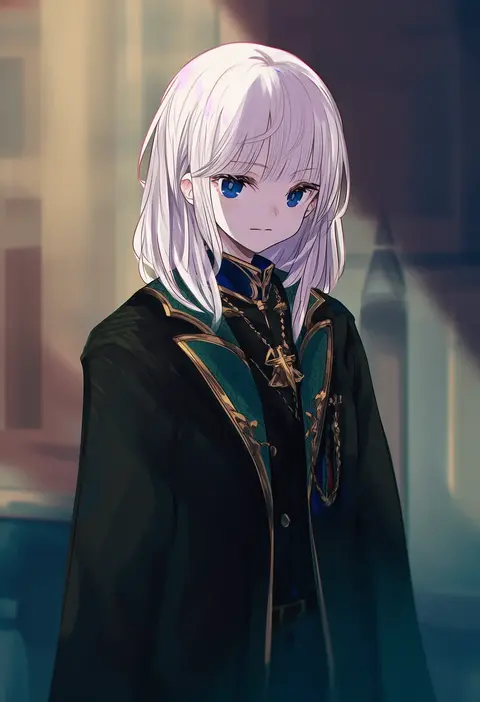
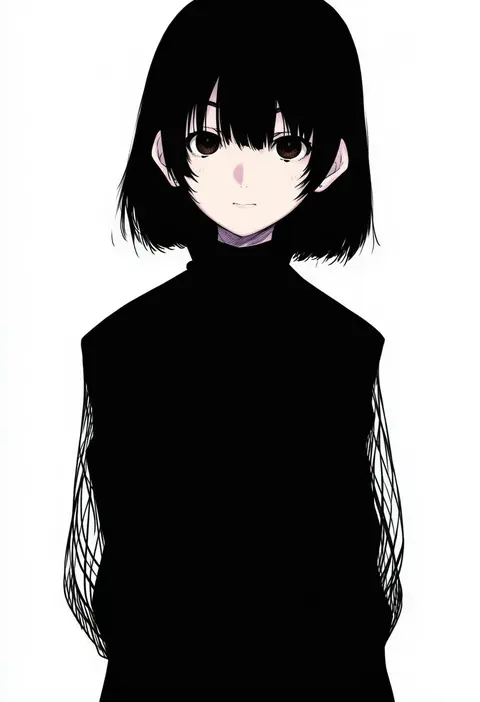
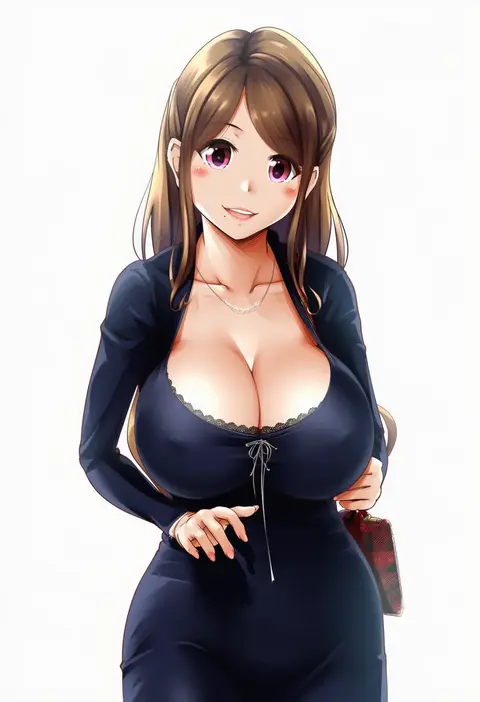
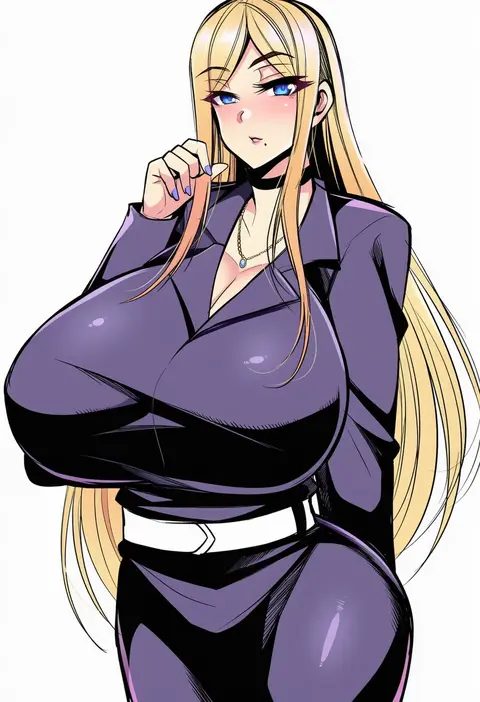
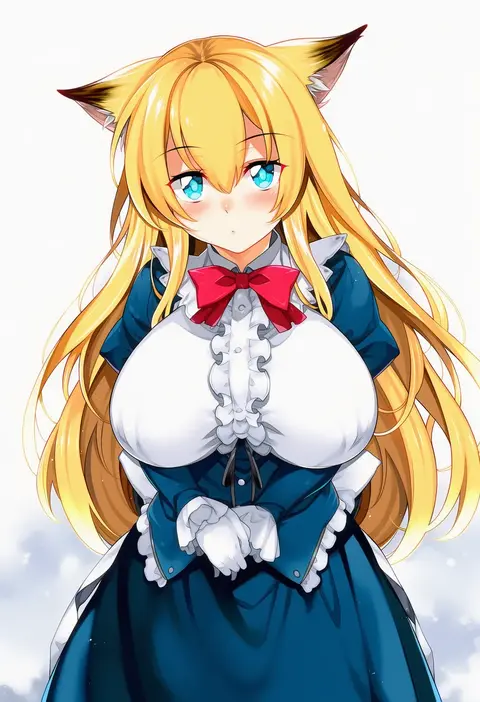
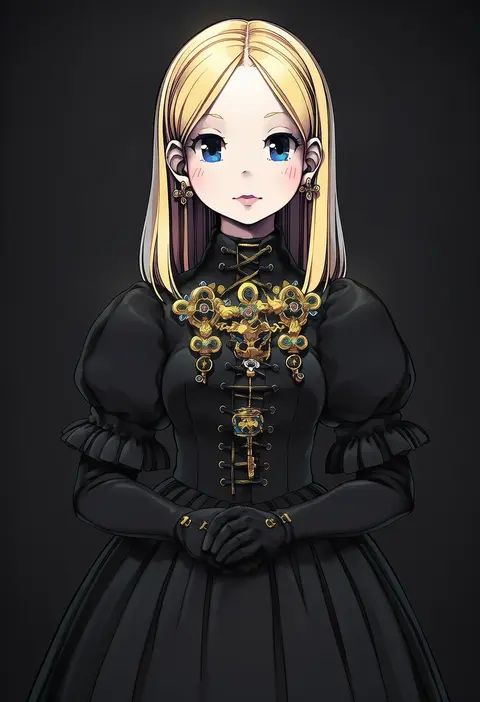
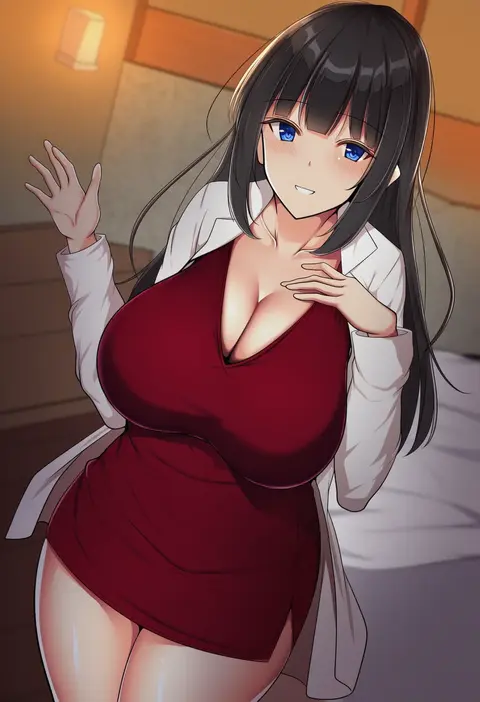
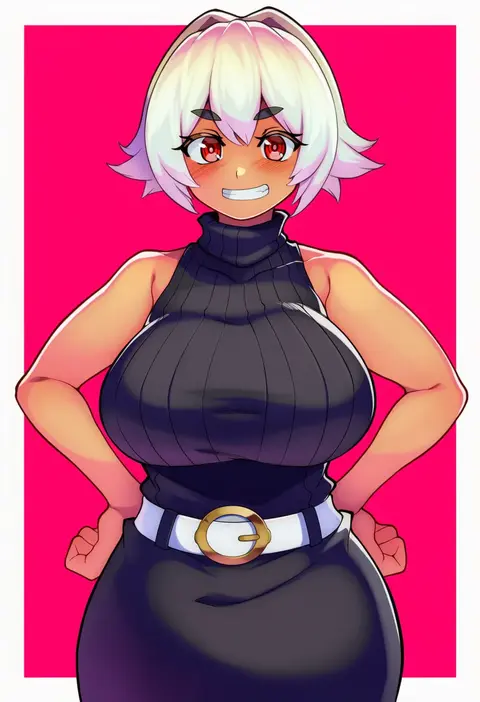
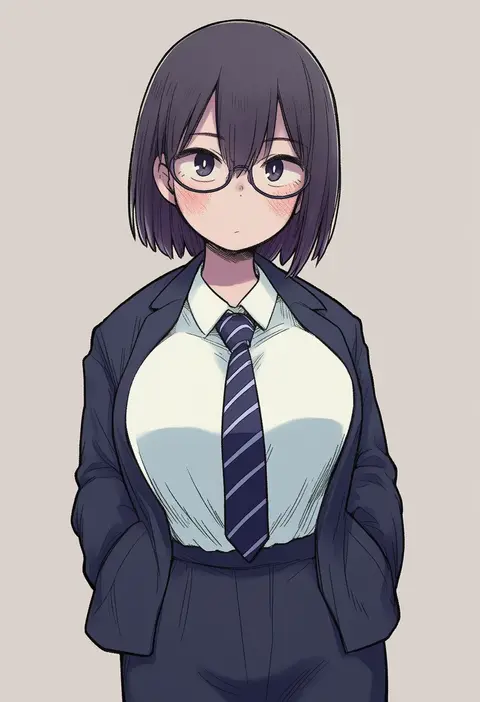
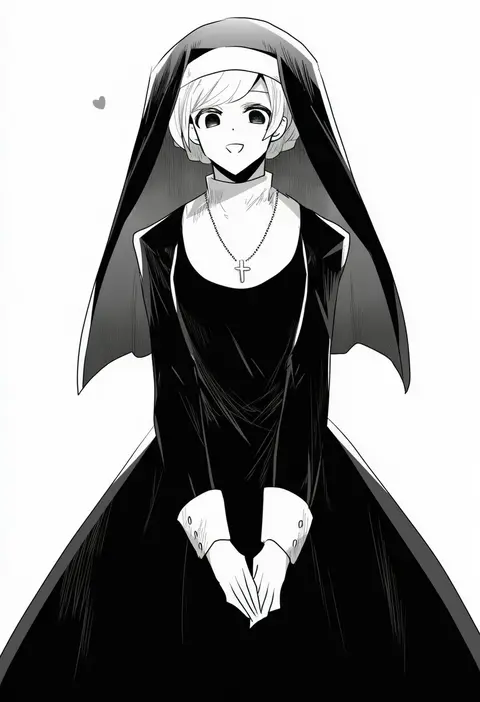
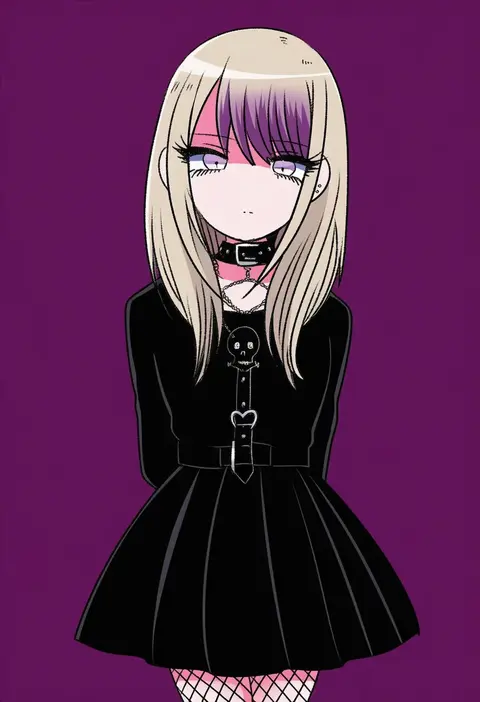
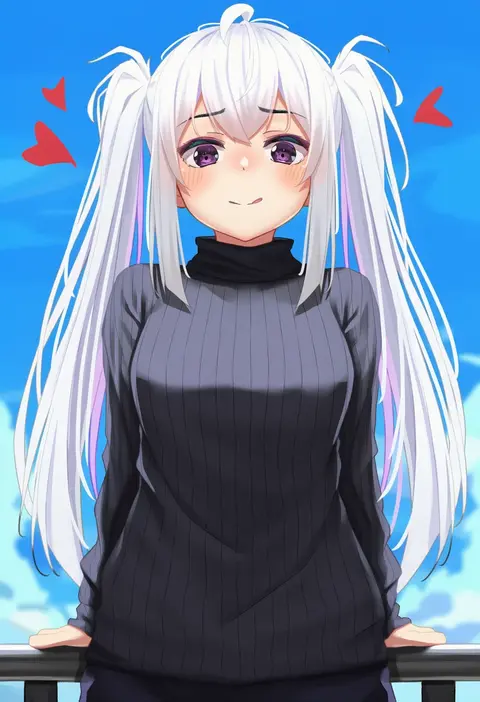
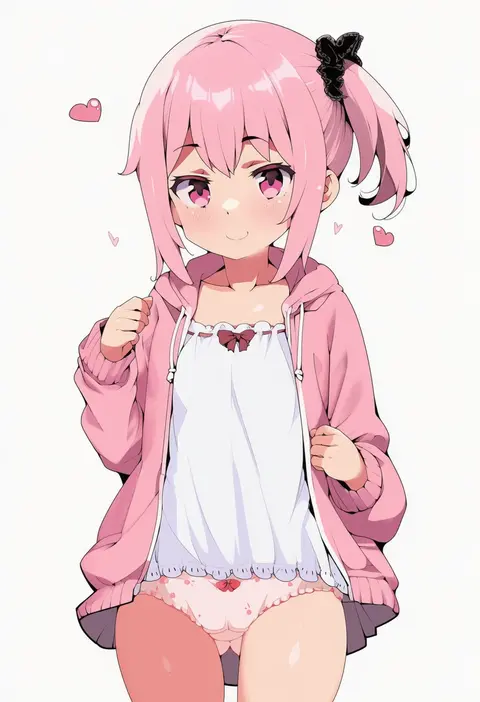
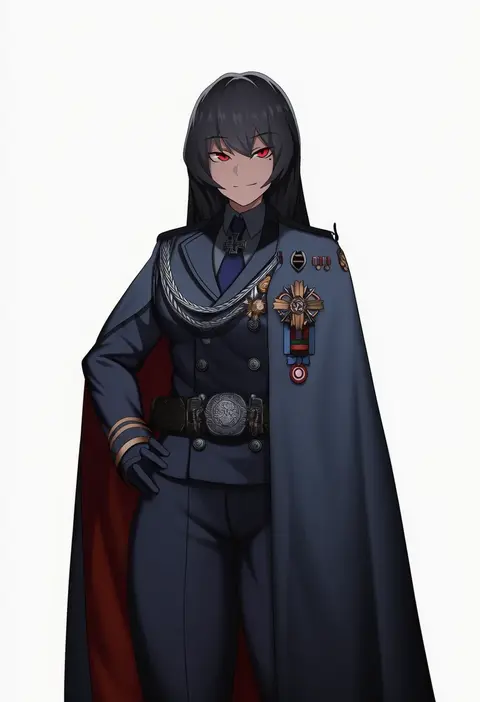
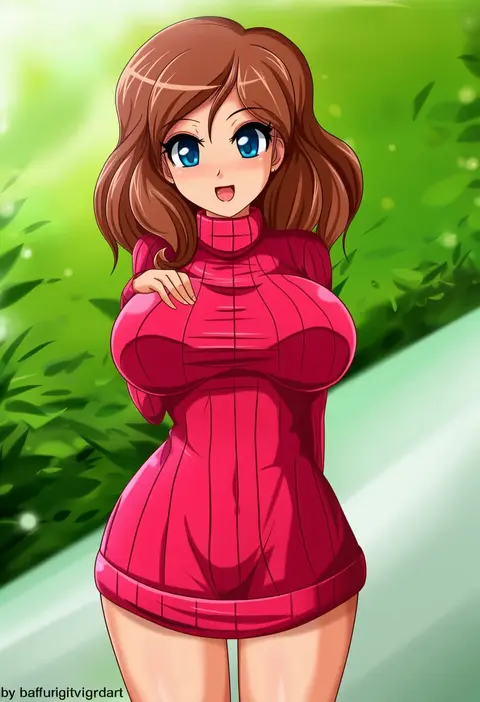
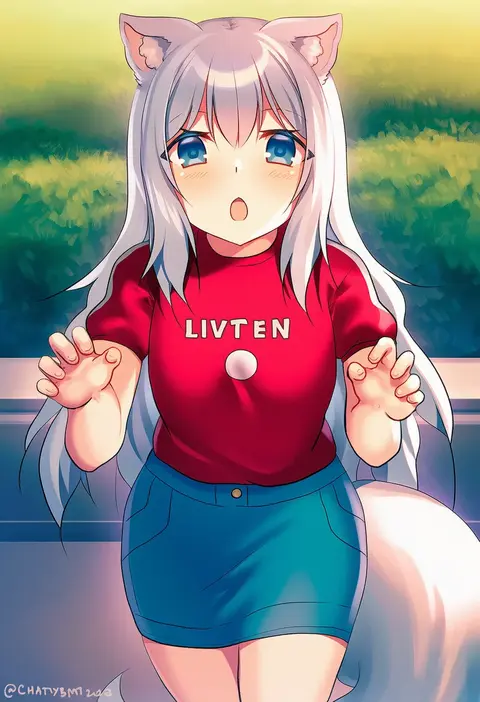
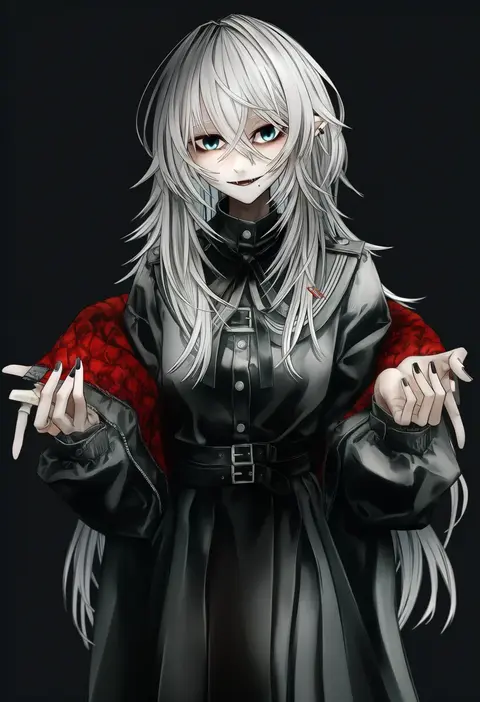
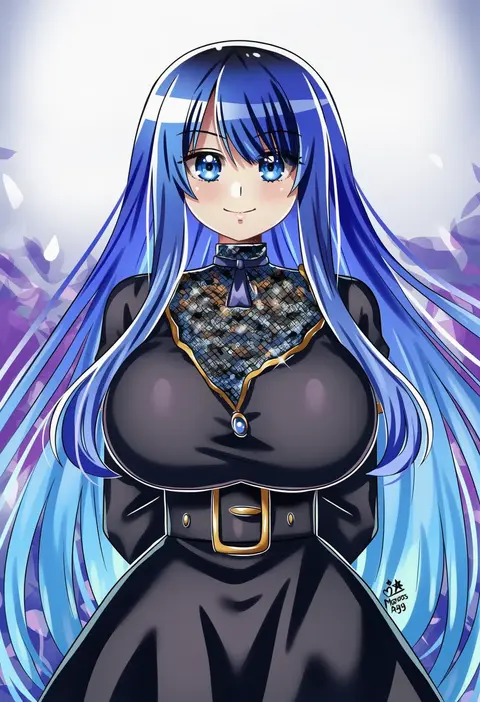
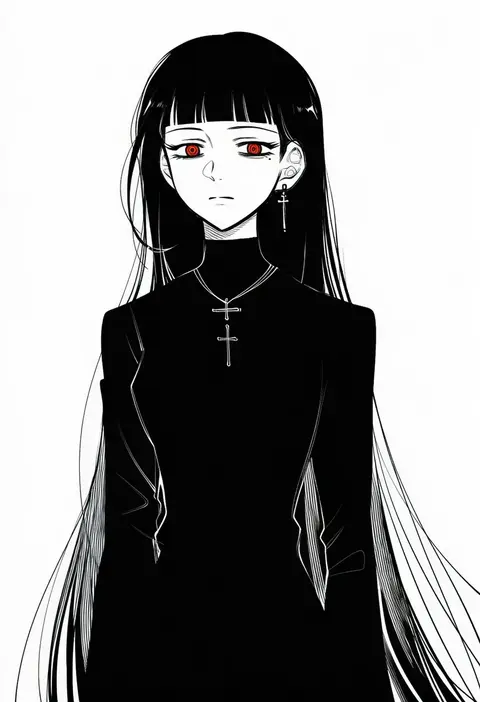
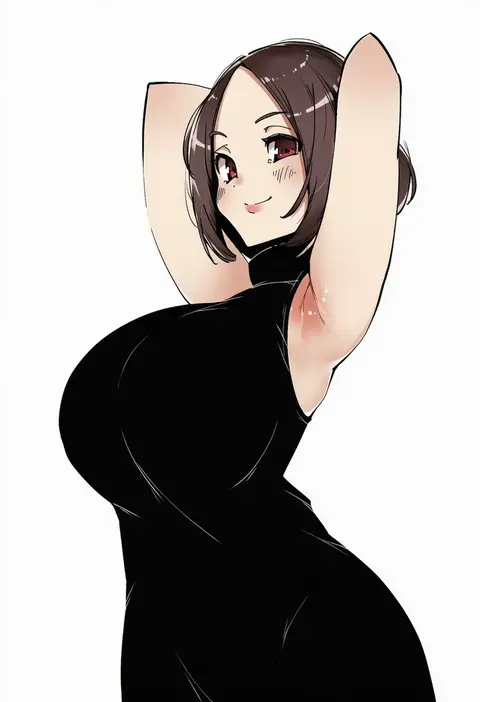
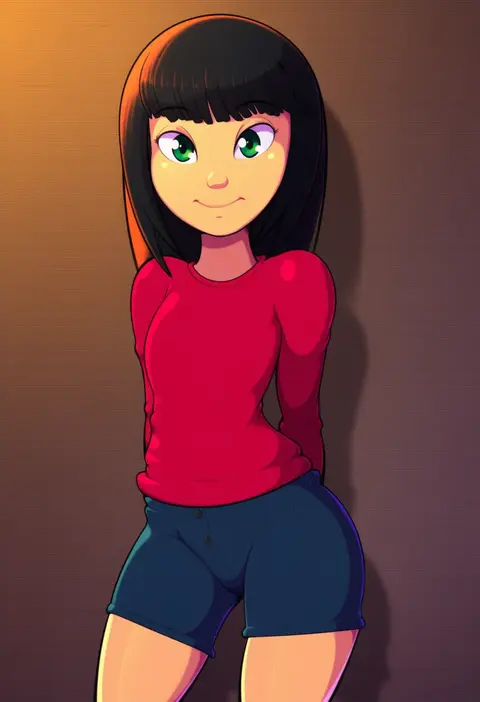
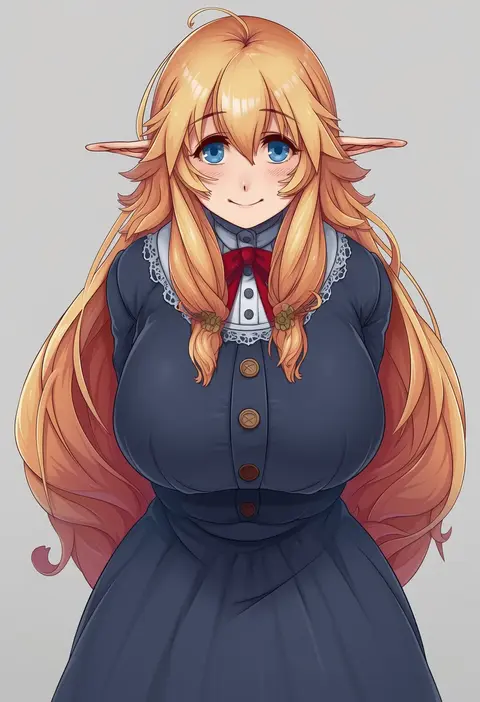
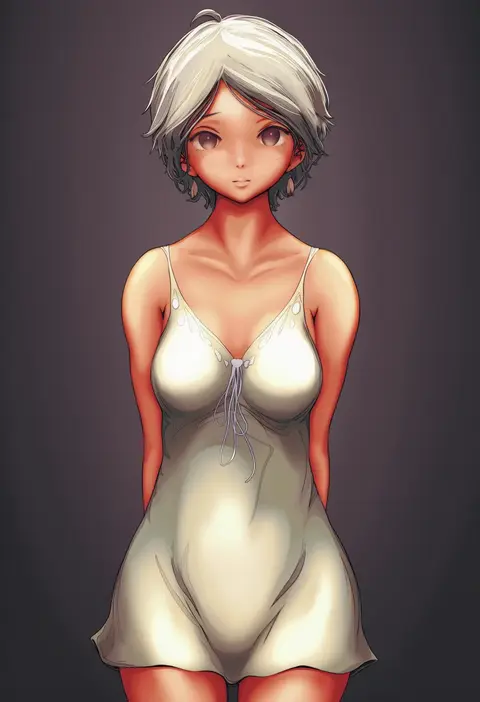
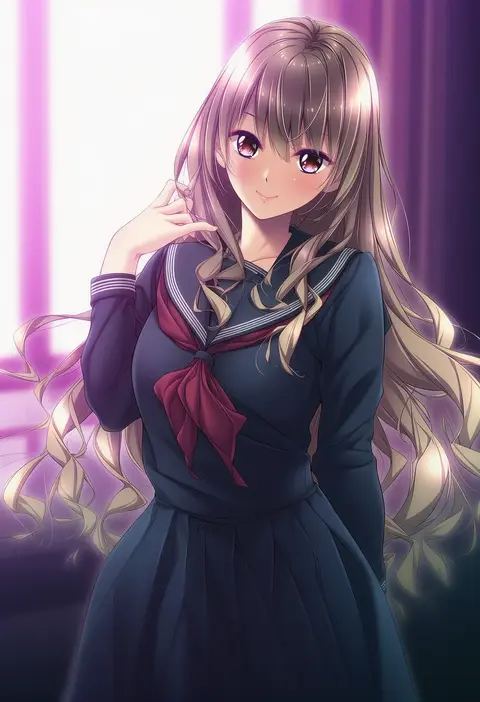
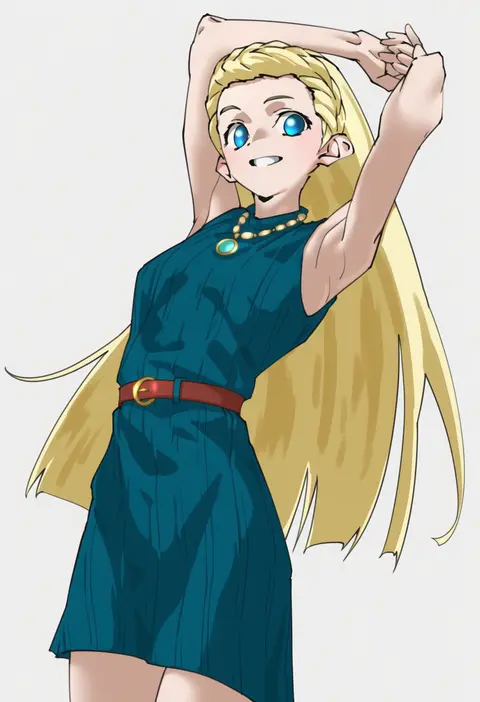
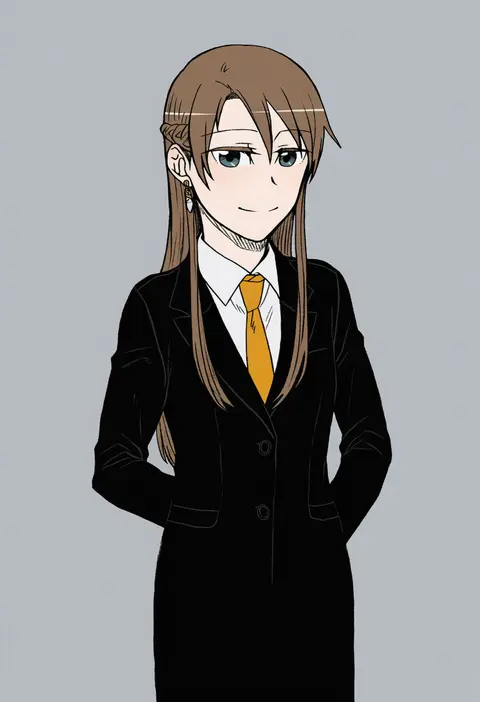
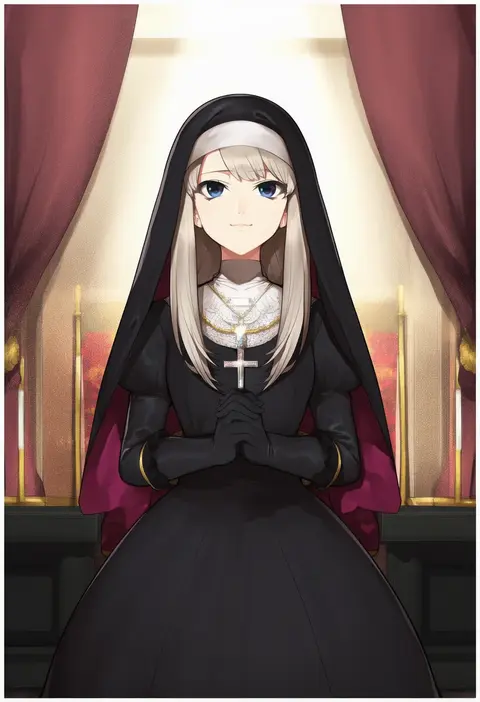
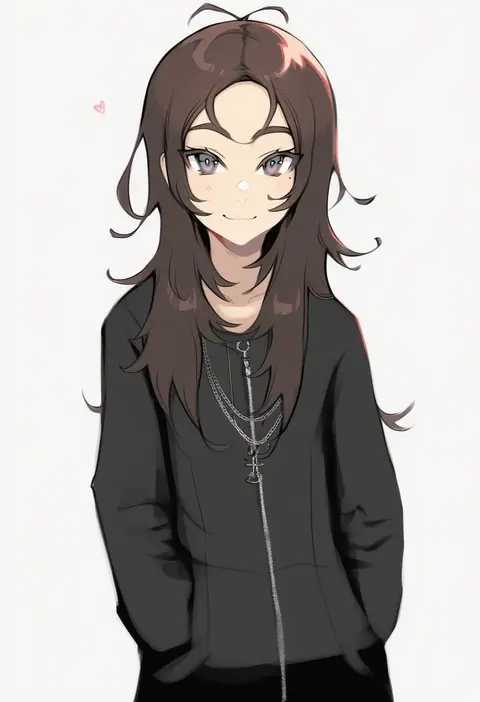
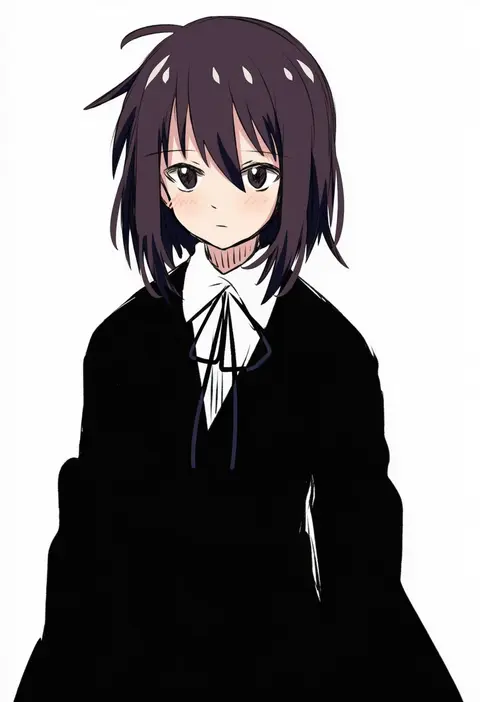
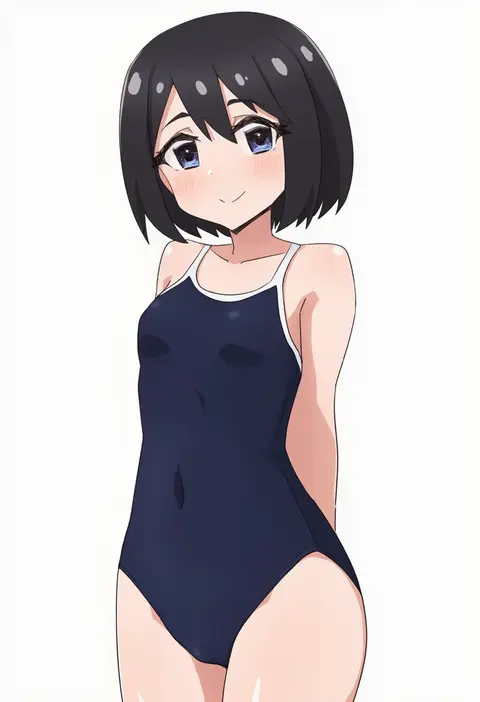
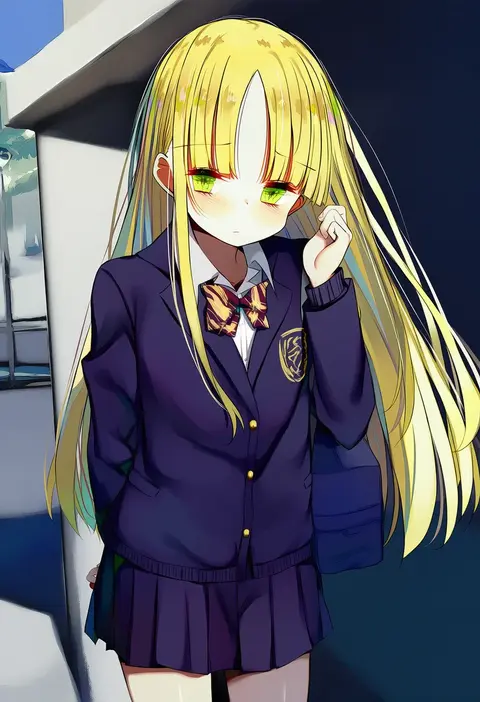
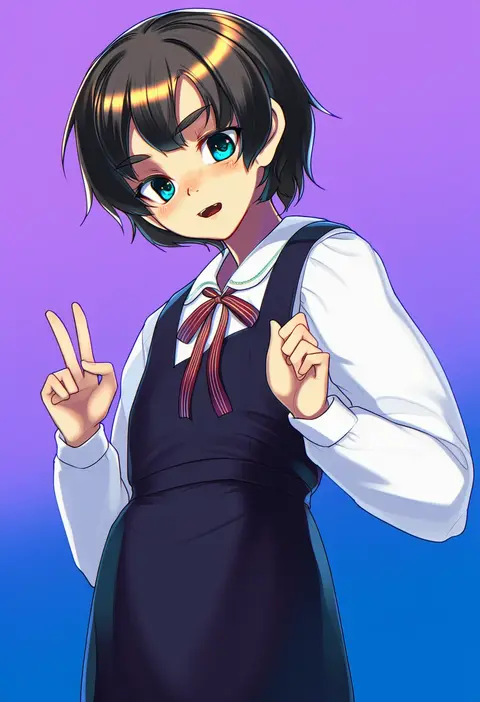
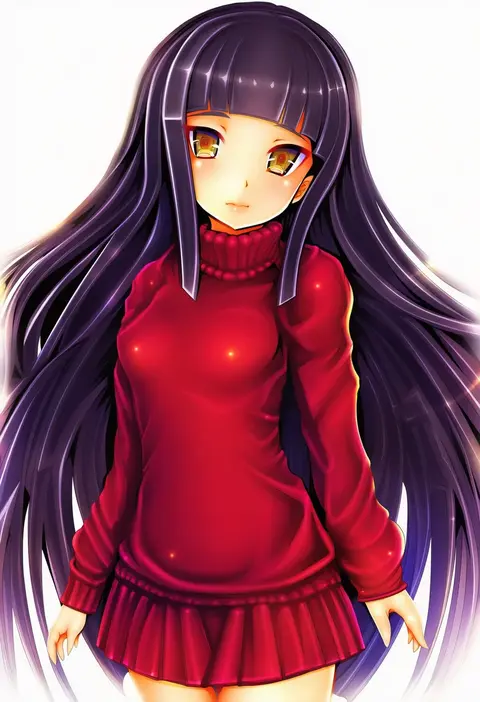
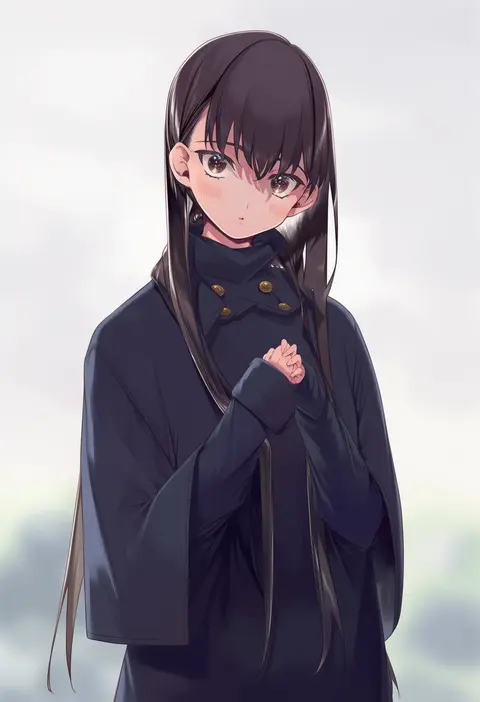
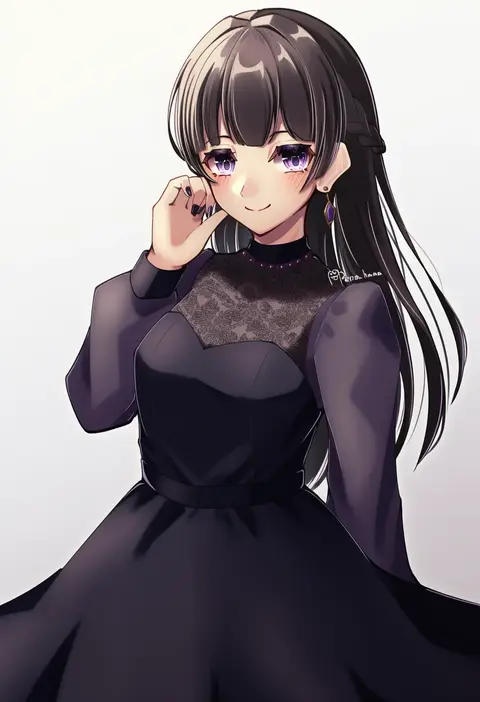
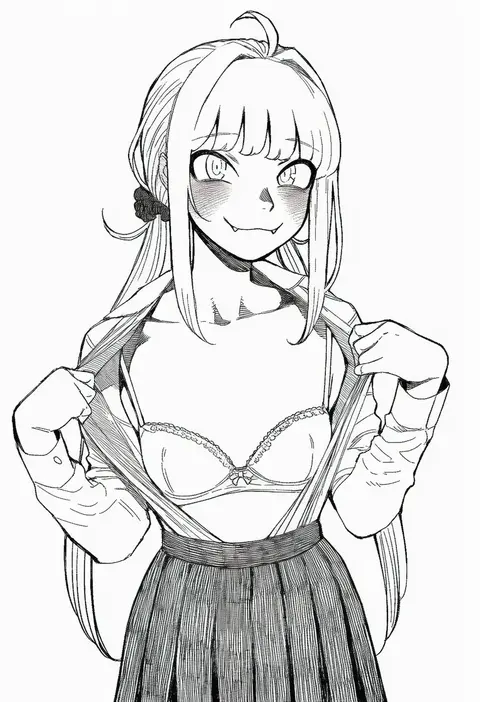
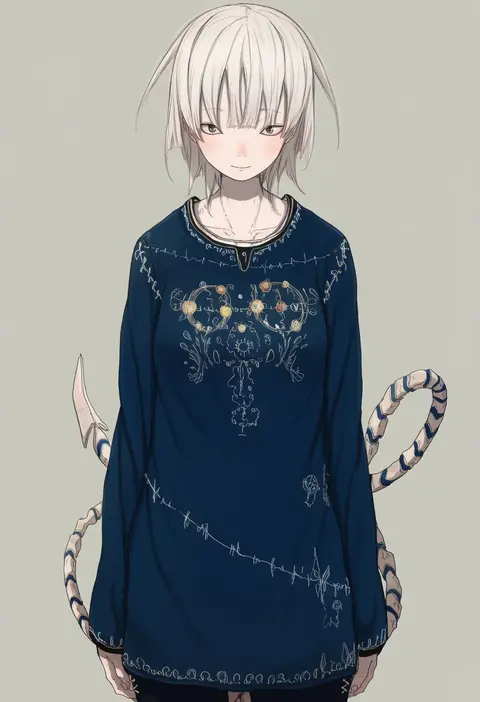
Artist tags tell NovelAI Diffusion to draw in a specific artist's style: line weight, paint texture, face shapes and palette all shift at once. Character and outfit tags decide what is drawn; artist tags decide how. 16,352 tags are listed for V4.5.
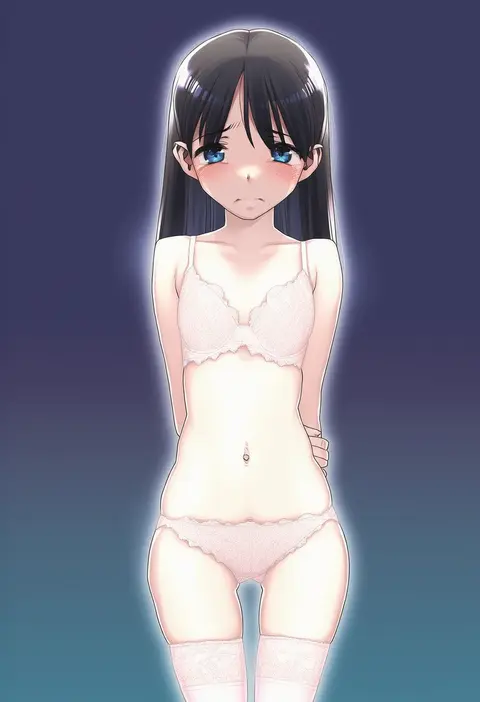
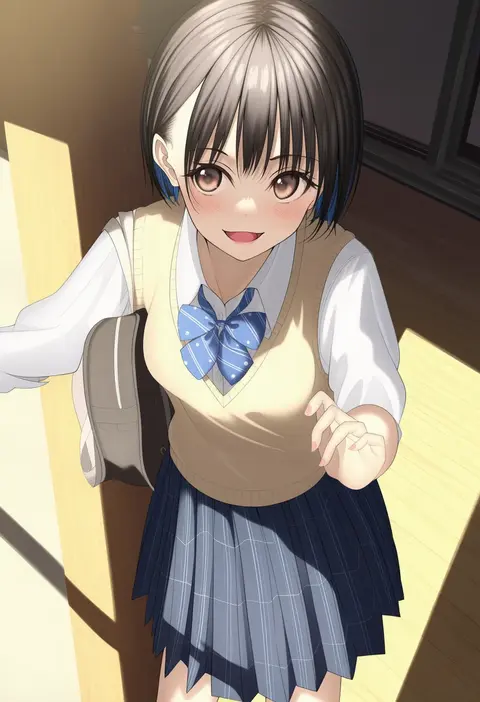
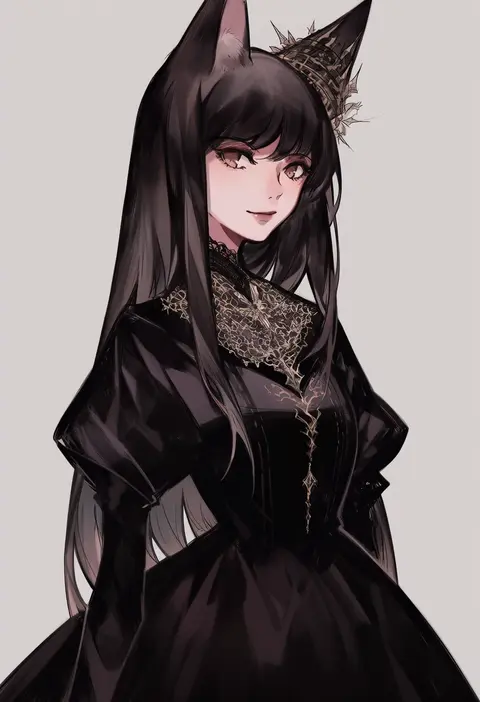
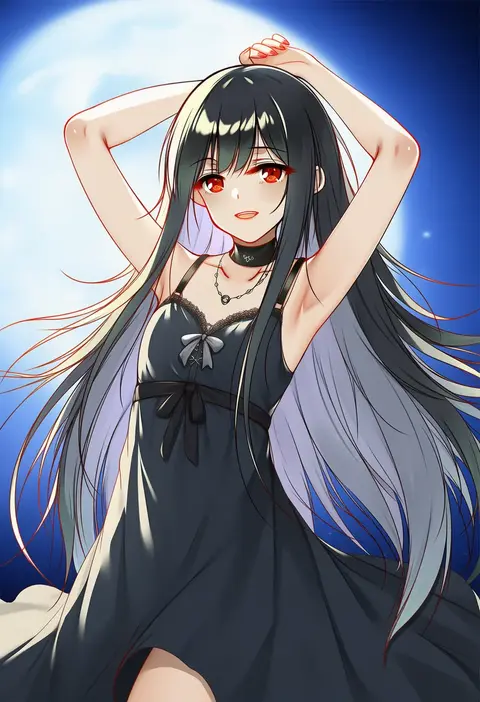
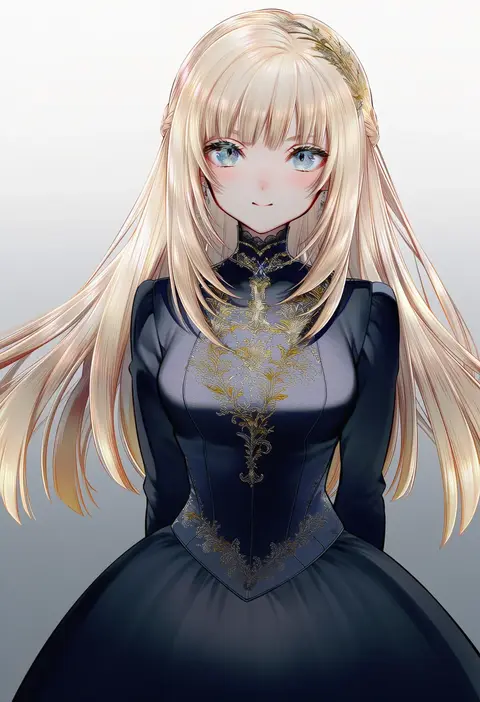
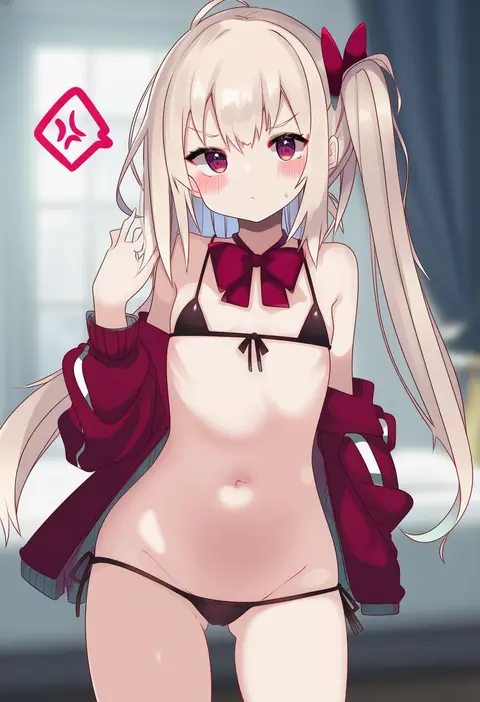
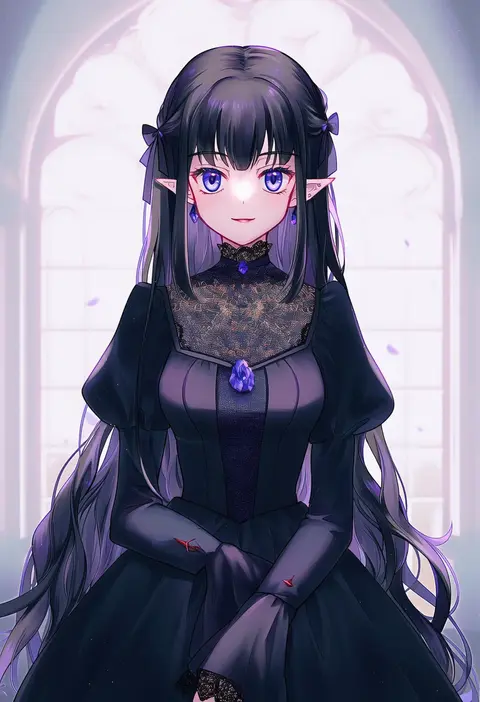
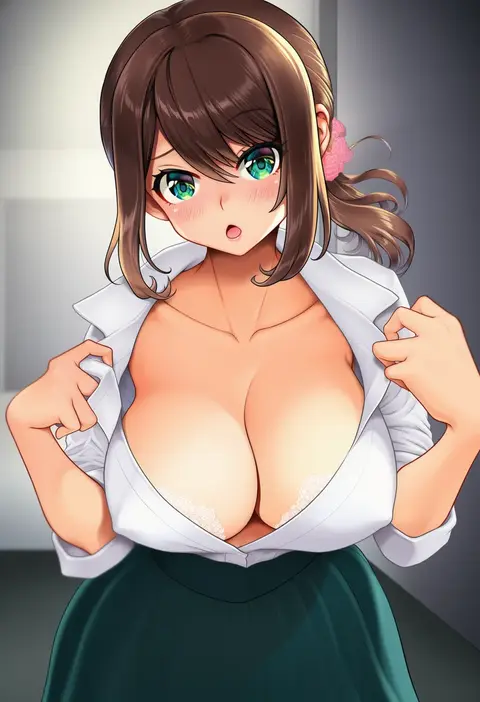
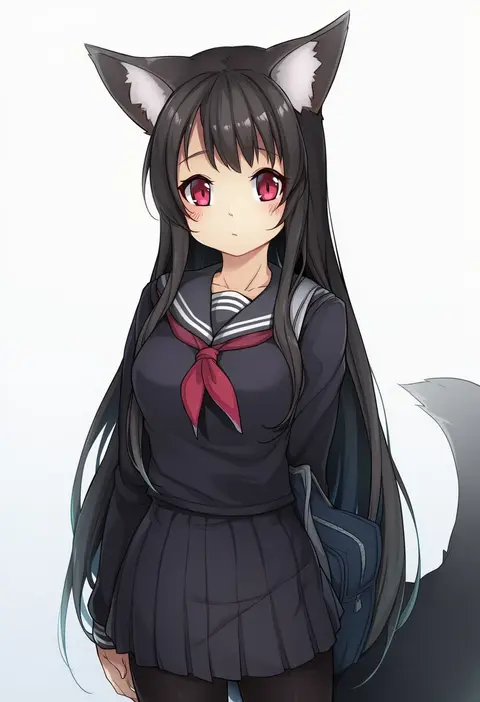
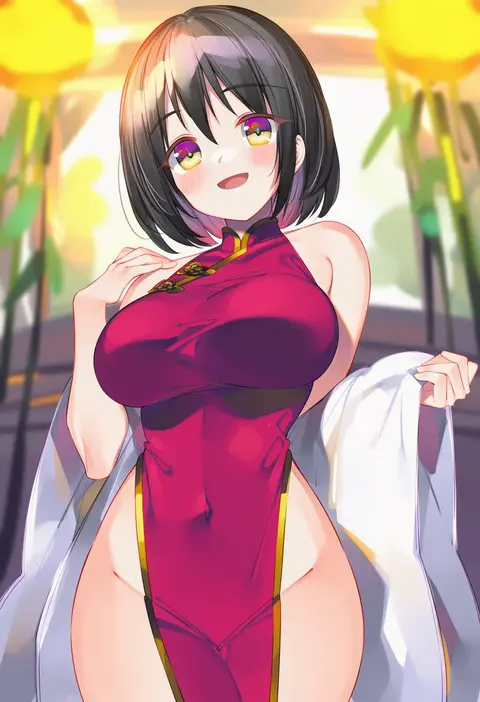
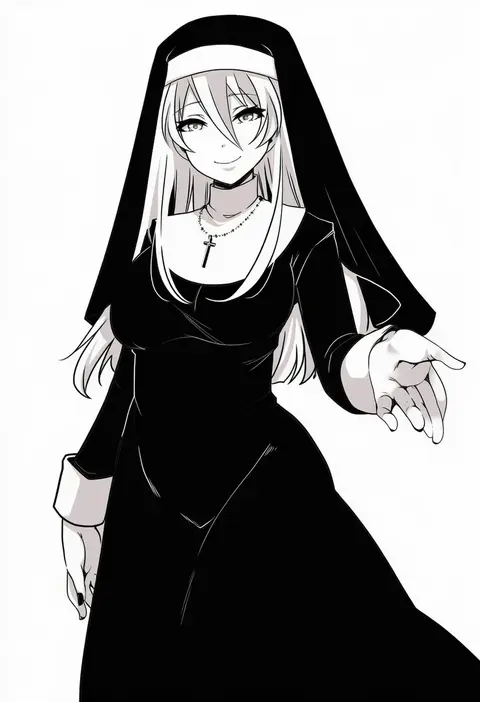
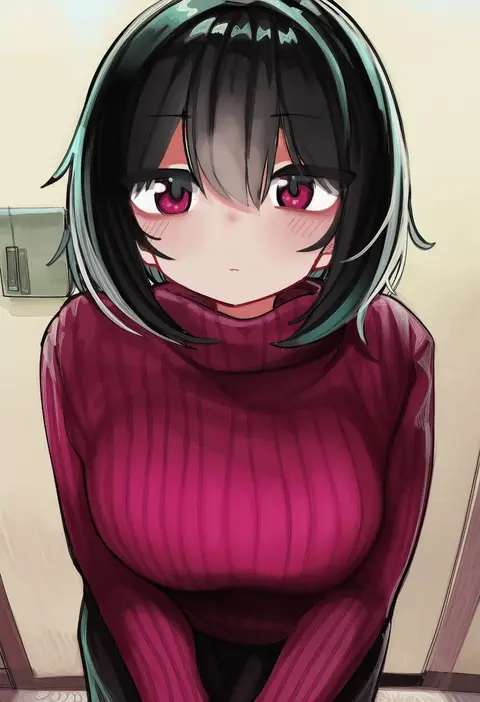
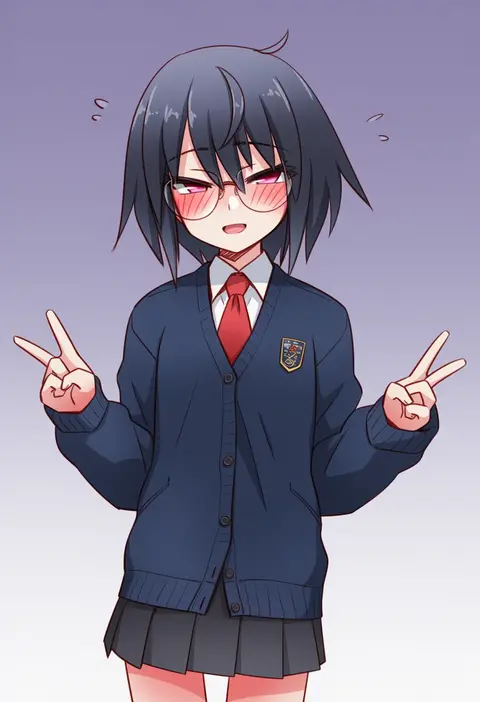
Every tag listed here is verified to react in NovelAI. All images use the same prompt, seed and settings with only the artist tag swapped, so the difference between two images is the style that tag brings in.

How to use them

Put the artist tag near the front of the prompt, e.g. "<artist>, 1girl, solo, best quality, masterpiece, cowboy shot". Two or three artist tags blend styles; lower the weight with "0.8::<artist>::" when the style overpowers the character.

SCORE sorts by Danbooru's top score, POSTS by post count, FAVS by hearts on this site. Open a card to see V5 and V4.5 side by side on the same seed.

V5 vs V4.5

V5 usually lands closer to the artist's real style, and tags that did nothing on V4.5 often react on V5. V4.5 still fits older and doujin-heavy artists better. Try V5 first, fall back to V4.5.

FAQ

Where does the artist tag go?
Near the front of the prompt. Use "0.8::tag::" to adjust its weight.

Can I stack artist tags?
Yes, styles blend. Past two or three the result stops looking like anyone.

Are these the artists' own works?
No. Every image is a NovelAI sample generated from the tag.