V4.5Artists
sort: FAVS▾
▾
>
$

Popular NovelAI artist tags — V4.5

artist --count 16,352[123/273]
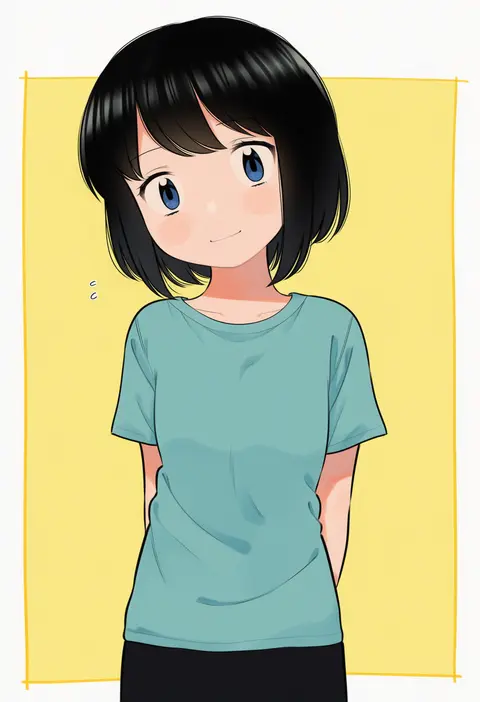
meis (terameisu)
ARTIST0x1C98
0
huanxiang heitu
ARTIST0x1C99
0
takemori shintarou
ARTIST0x1C9A
0
ast
ARTIST0x1C9B
0
nathaniel pennel
ARTIST0x1C9C
0
ruhika
ARTIST0x1C9D
0
zenshin
ARTIST0x1C9E
0
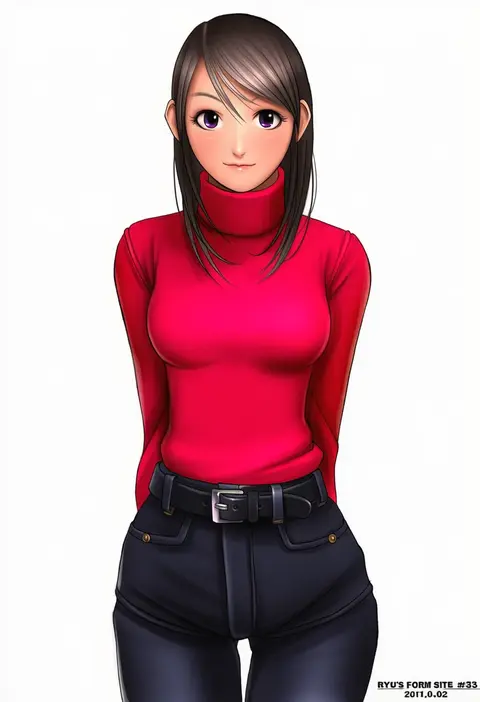
ryu (ryu's form site)
ARTIST0x1C9F
0
yu-ri (arium047)
ARTIST0x1CA0
0
mushi gyouza
ARTIST0x1CA1
0
sui (suizilla)
ARTIST0x1CA2
0
moeki yuuta
ARTIST0x1CA3
0
yukiunag1
ARTIST0x1CA4
0
kabeu mariko
ARTIST0x1CA5
0
hanamasa ono
ARTIST0x1CA6
0
tomusooya
ARTIST0x1CA7
0
otama (atama ohanabatake)
ARTIST0x1CA8
0
had (had314)
ARTIST0x1CA9
0
ryuuta (cure ryuuta)
ARTIST0x1CAA
0
katsu (katsupainter)
ARTIST0x1CAB
0
maruwa tarou
ARTIST0x1CAC
0
ozaneko
ARTIST0x1CAD
0
kumatangent
ARTIST0x1CAE
0
musashino sekai
ARTIST0x1CAF
0
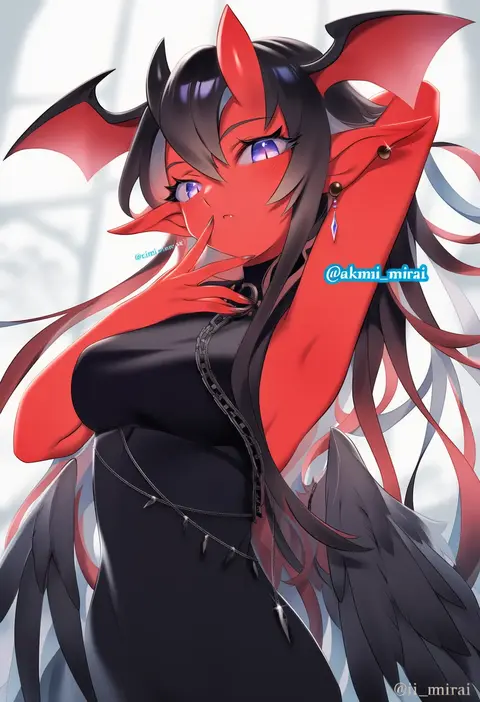
iiimirai
ARTIST0x1CB0
0
ion (on01e)
ARTIST0x1CB1
0
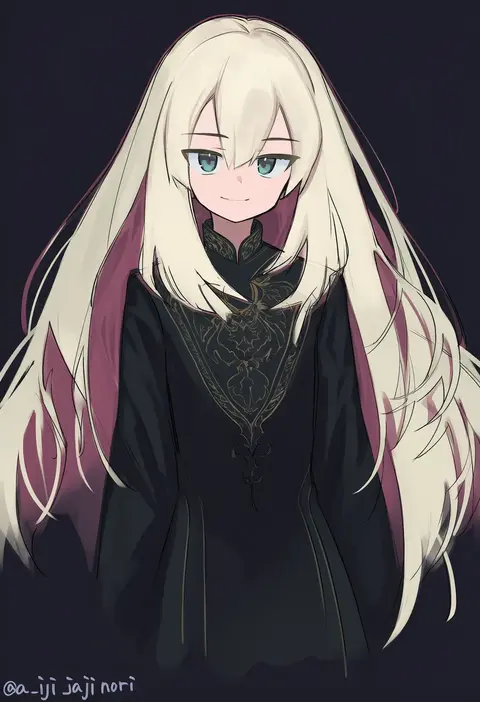
aji aji nori
ARTIST0x1CB2
0
hotel01
ARTIST0x1CB3
0
sawara noa
ARTIST0x1CB4
0
aikawa tatsuki
ARTIST0x1CB5
0
oeyama
ARTIST0x1CB6
0
tsukioka kirio
ARTIST0x1CB7
0
kitora (kisekinonameko)
ARTIST0x1CB8
0
nukosann
ARTIST0x1CB9
0
nanamatsu kenji
ARTIST0x1CBA
0
kamitani george
ARTIST0x1CBB
0
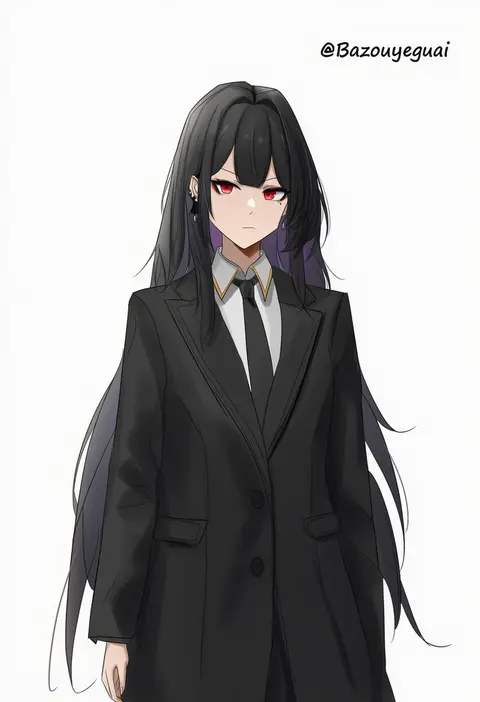
baozouyeguai
ARTIST0x1CBC
0
echanis enicha
ARTIST0x1CBD
0
kilye kairi
ARTIST0x1CBE
0
umigarasu (kitsune1963)
ARTIST0x1CBF
0
wata (attaka towel)
ARTIST0x1CC0
0
naz (garyuuya)
ARTIST0x1CC1
0
yukiu con
ARTIST0x1CC2
0
teranen
ARTIST0x1CC3
0
kaenuco
ARTIST0x1CC4
0
kokuriu
ARTIST0x1CC5
0
kojima (blue stardust)
ARTIST0x1CC6
0
haruken
ARTIST0x1CC7
0
kirikirimai (kkm)
ARTIST0x1CC8
0
takimoto yukari
ARTIST0x1CC9
0
toplow
ARTIST0x1CCA
0
hag (hag 015)
ARTIST0x1CCB
0
yoosai
ARTIST0x1CCC
0
rff (3 percent)
ARTIST0x1CCD
0
mechrailgun
ARTIST0x1CCE
0
shuu-0208
ARTIST0x1CCF
0
asanaya
ARTIST0x1CD0
0
miya star saa
ARTIST0x1CD1
0
nyasunyadoora
ARTIST0x1CD2
0
obmas
ARTIST0x1CD3
0

What these tags change

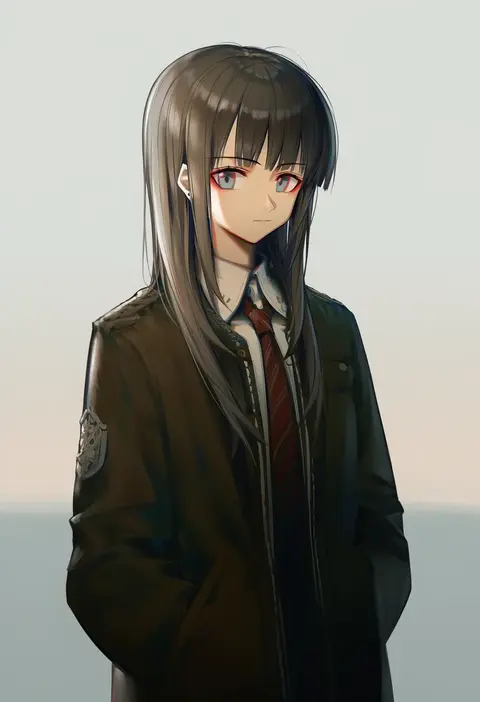
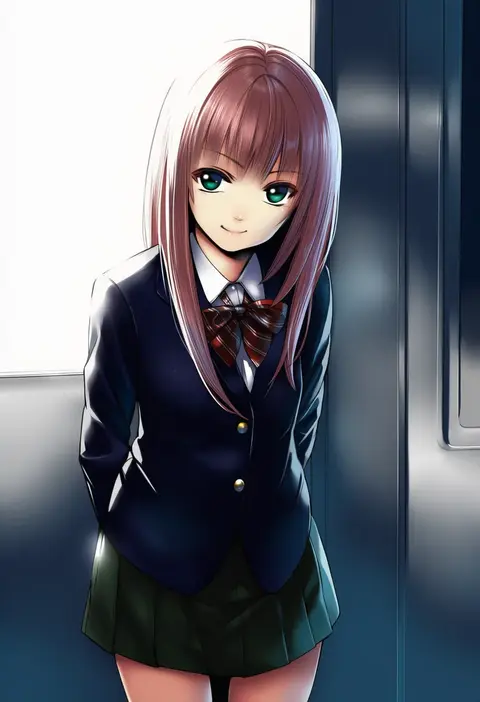
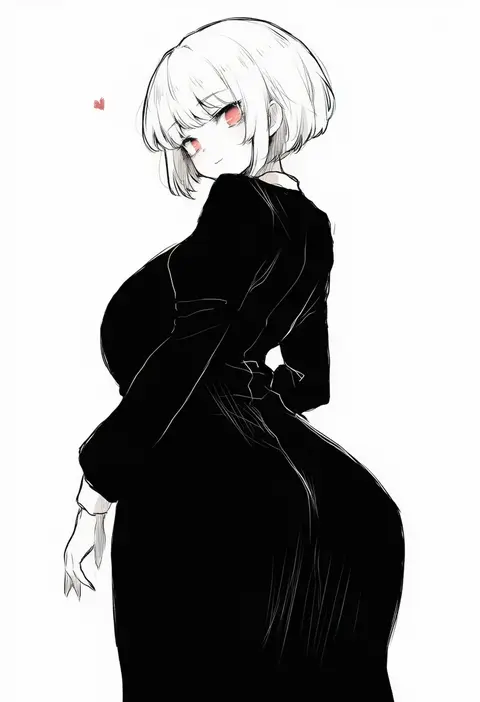
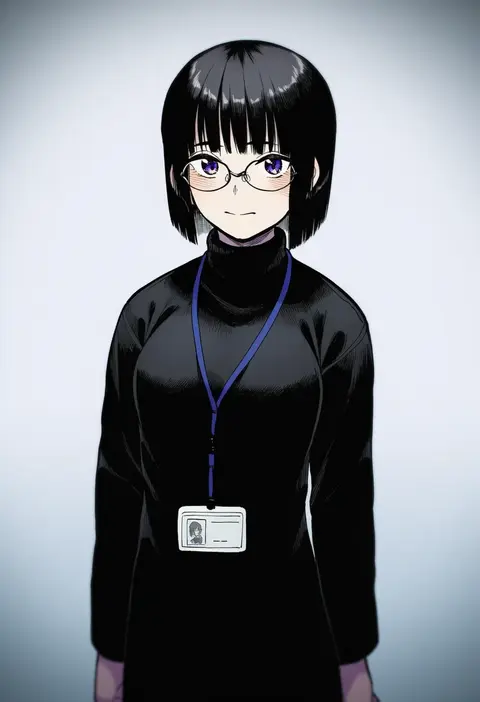
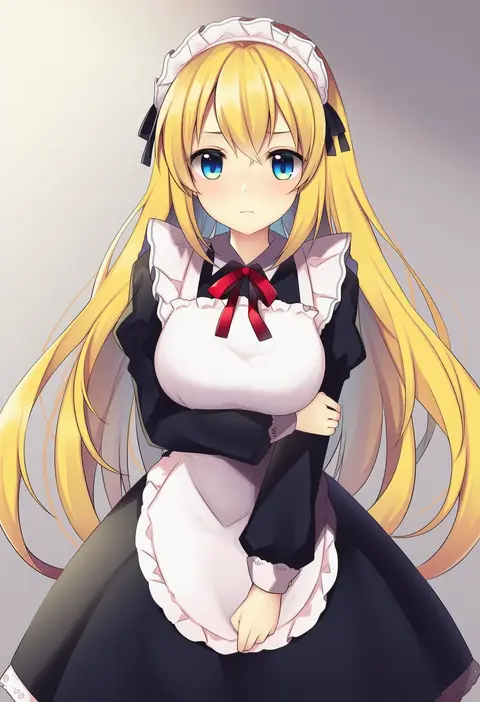
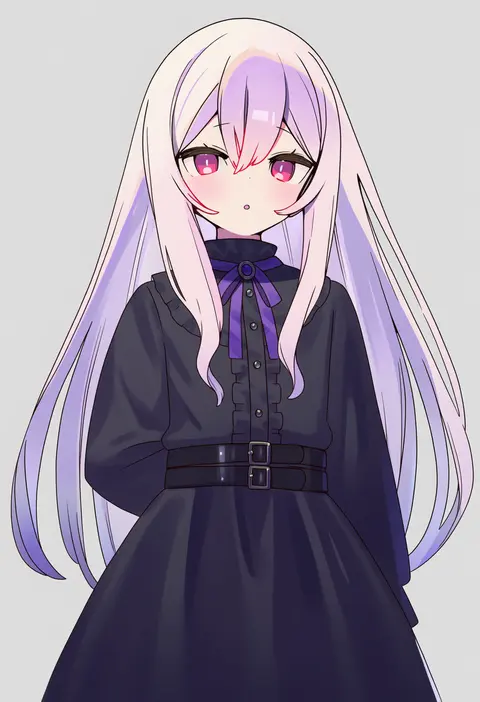
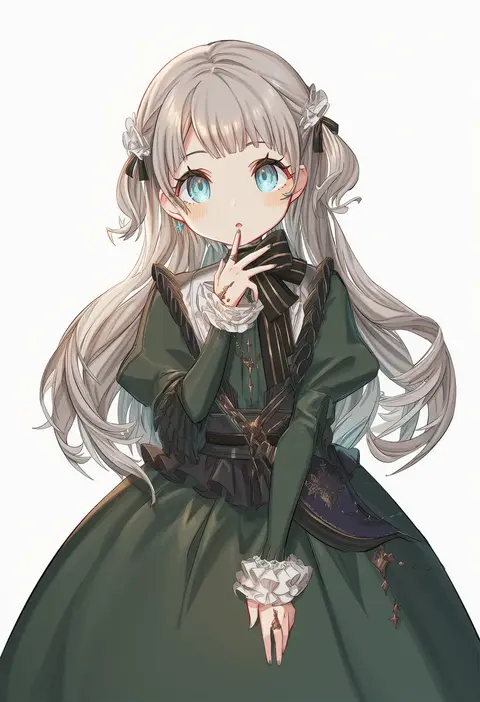
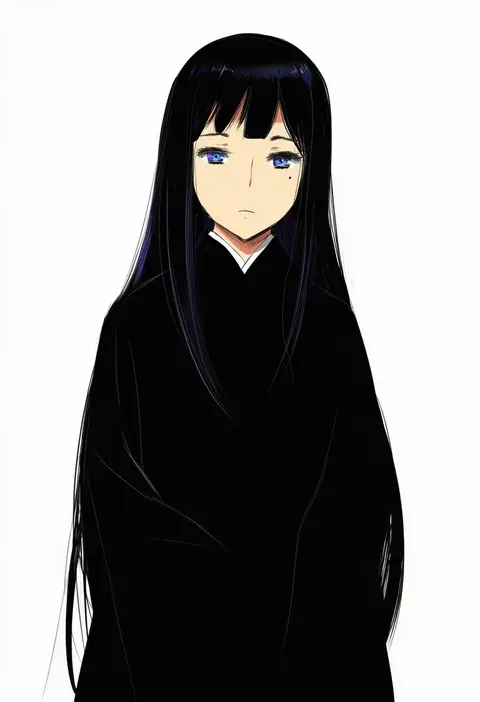
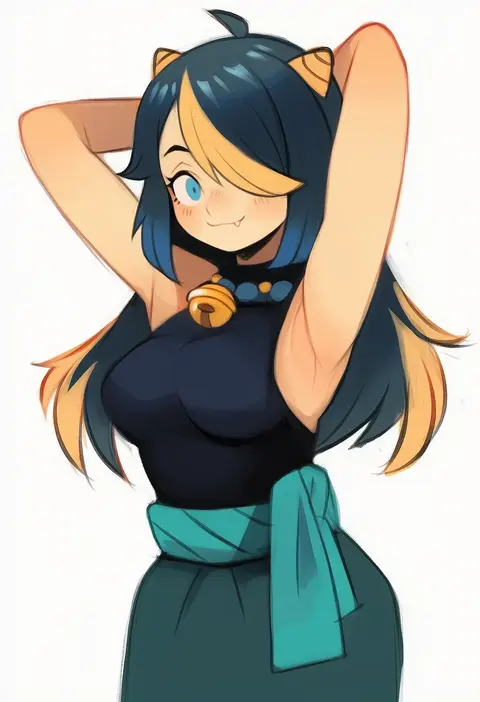
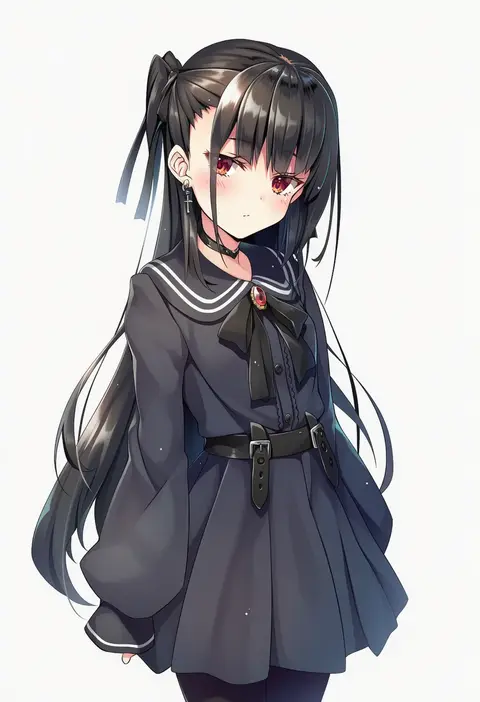
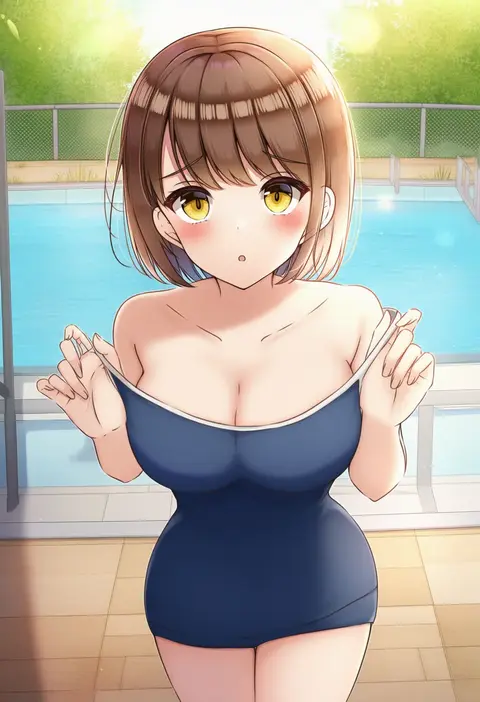
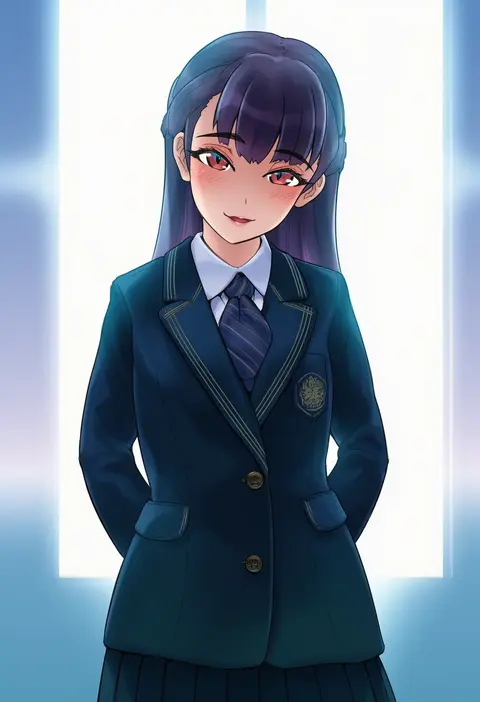
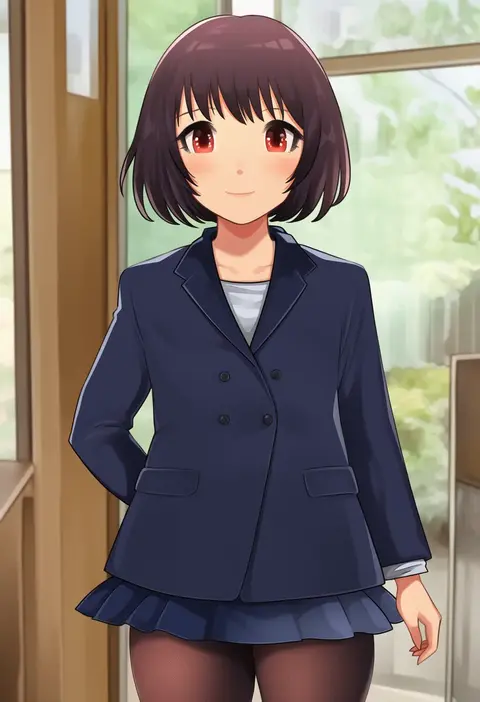
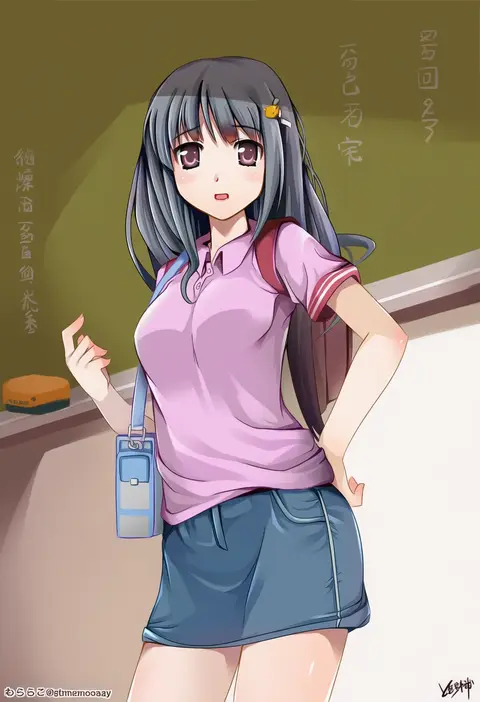
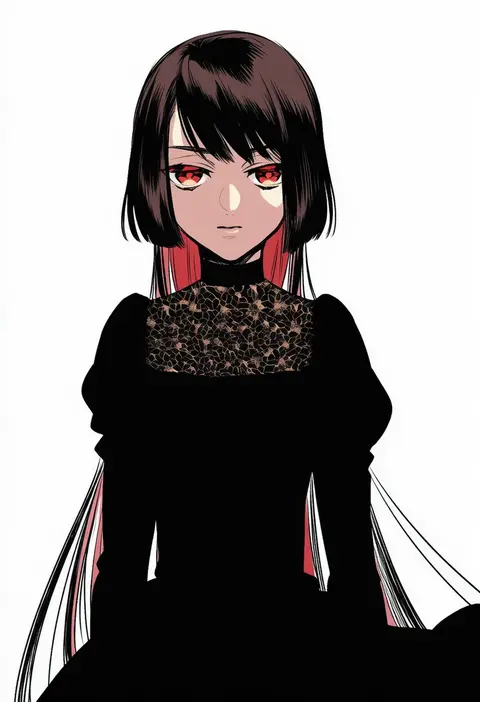
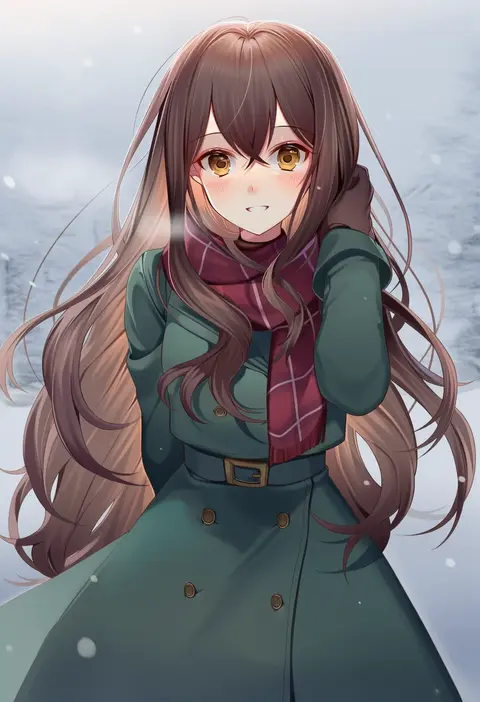
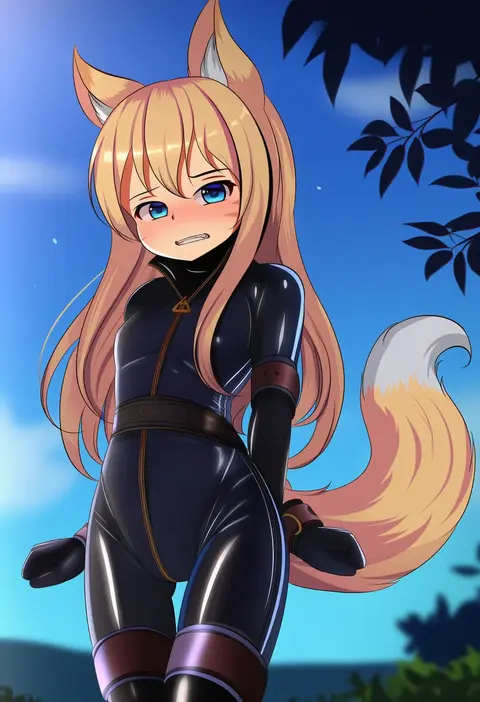
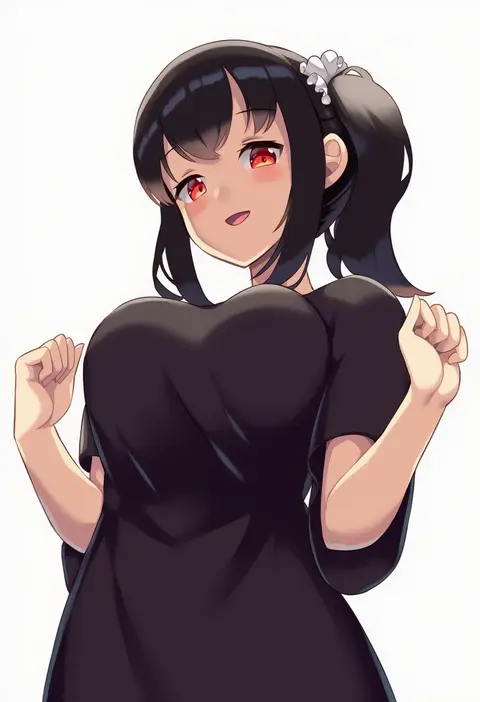
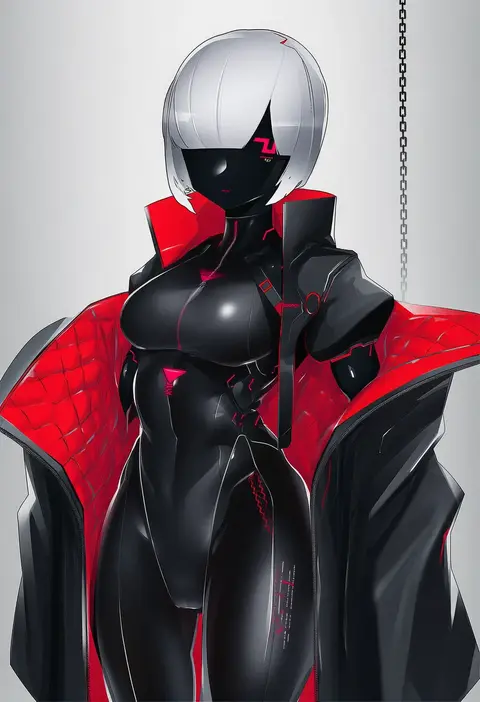
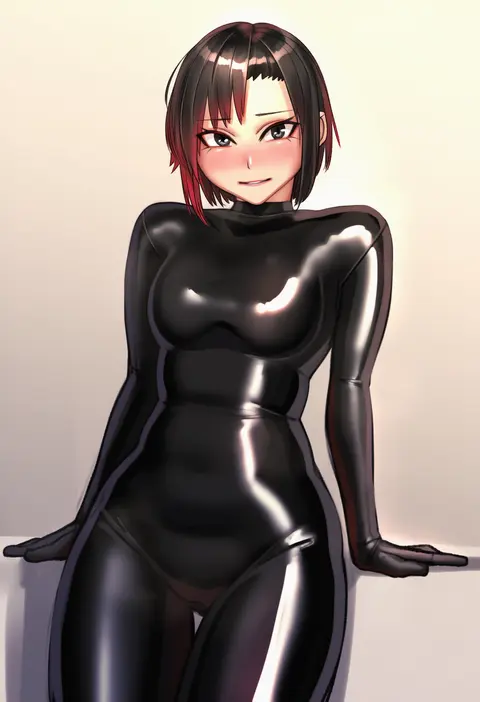
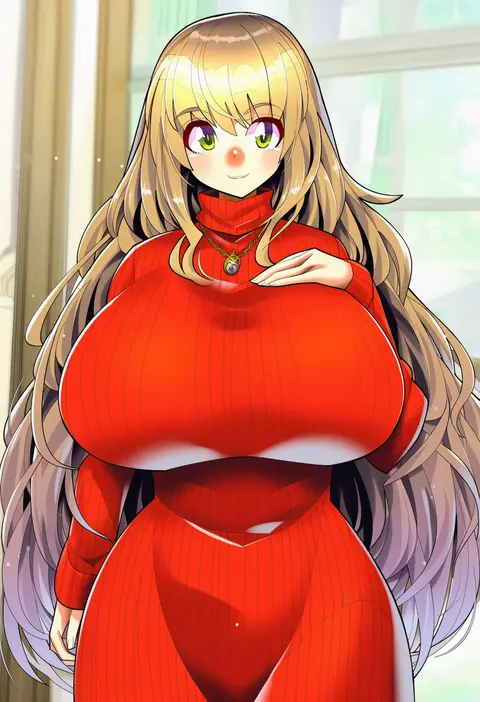
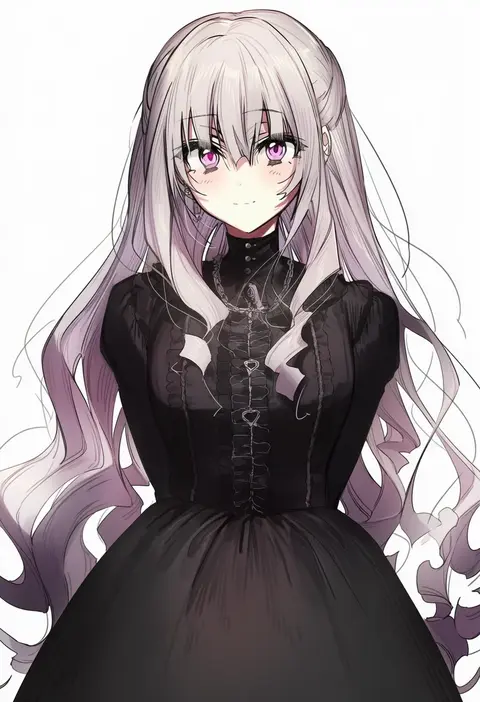
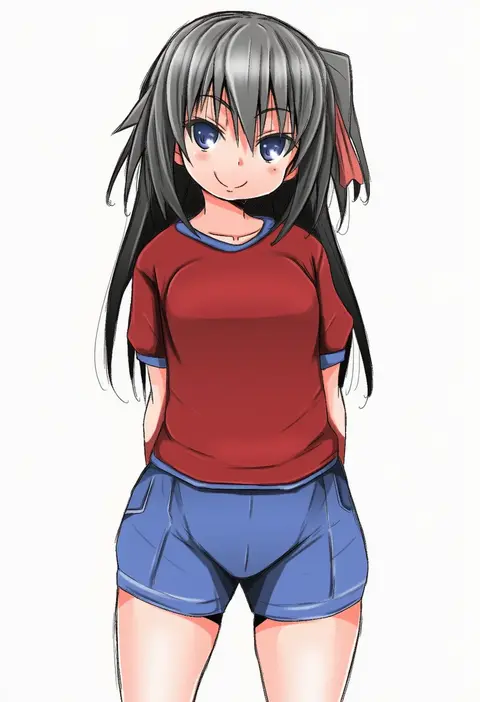
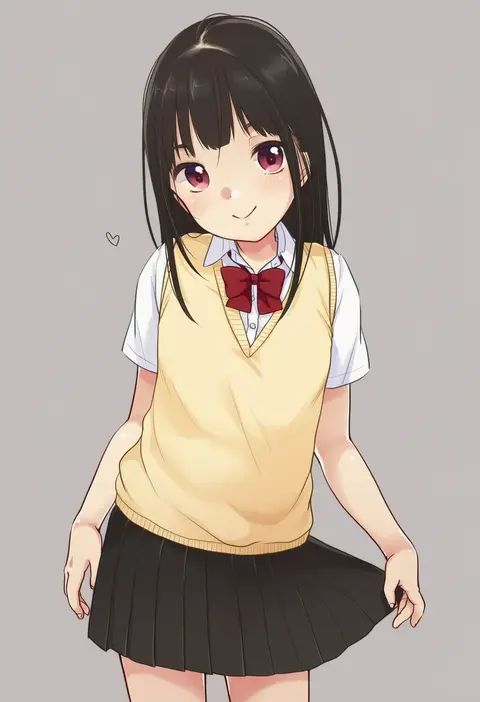
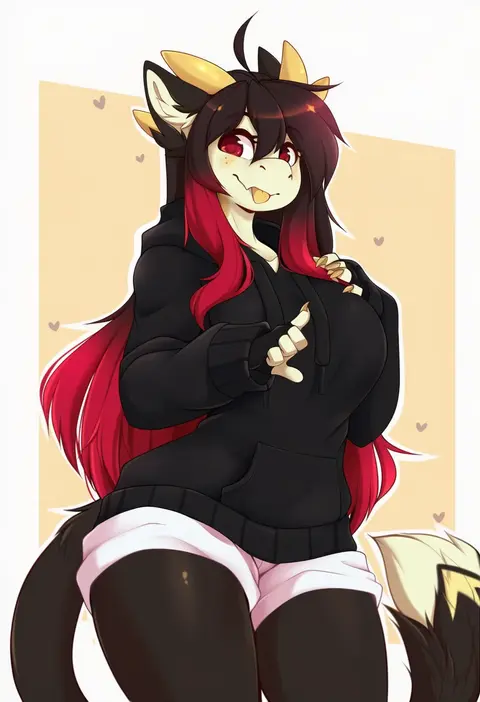
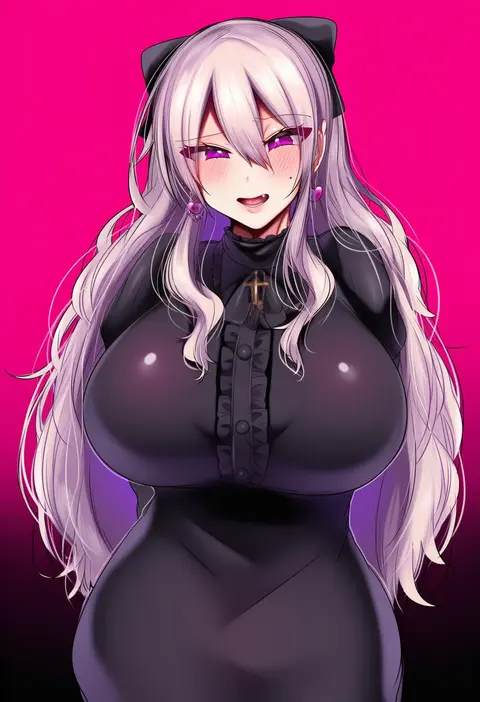
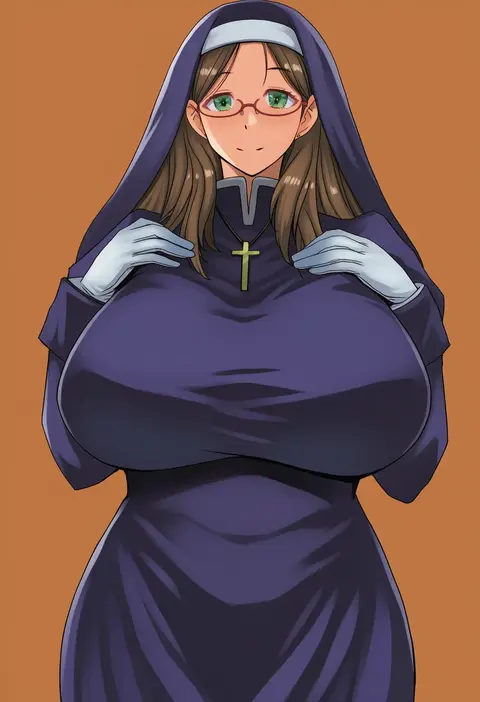
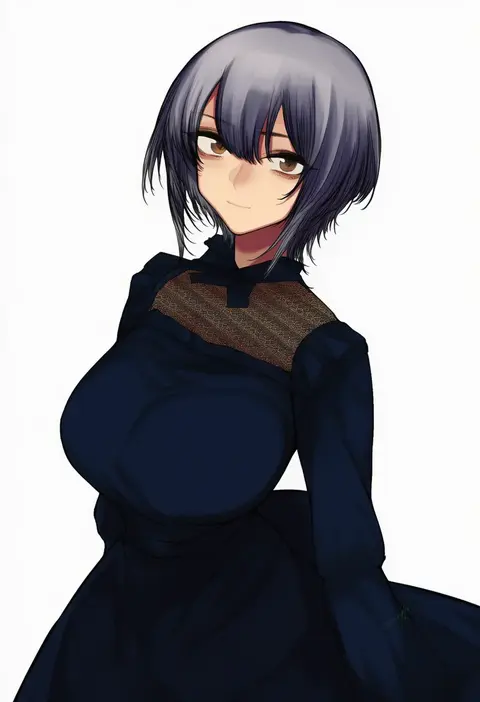
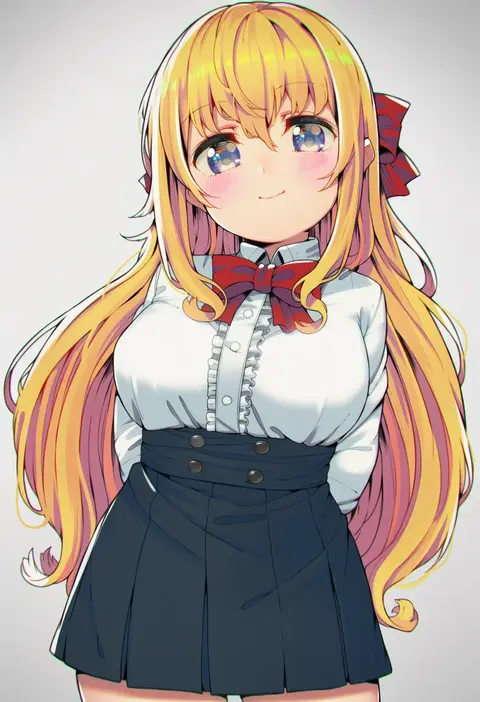
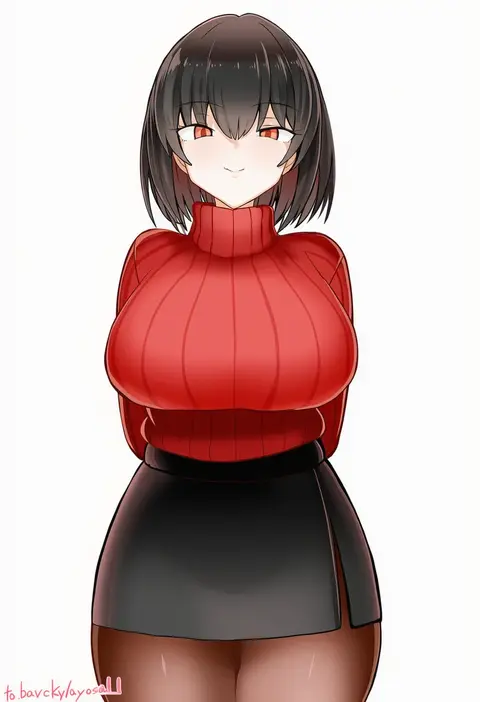
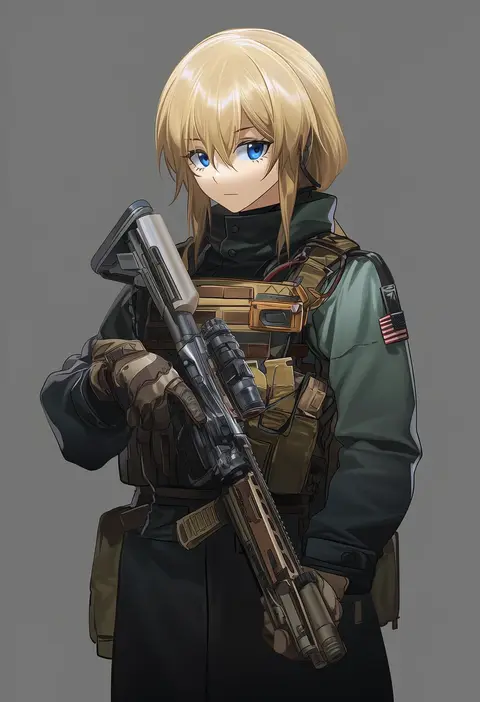
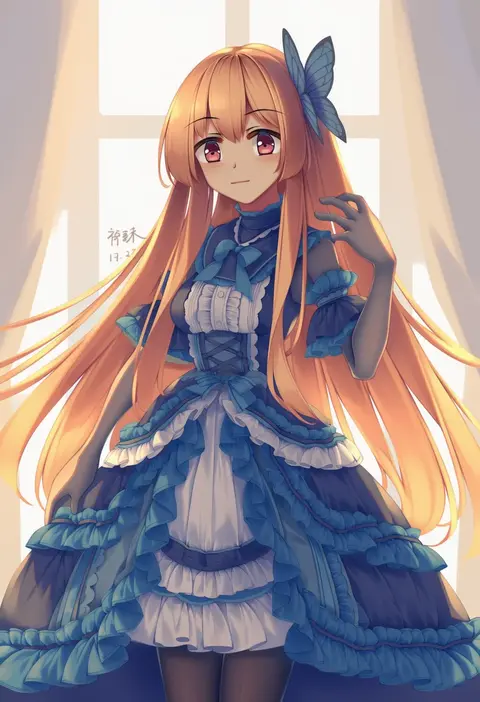
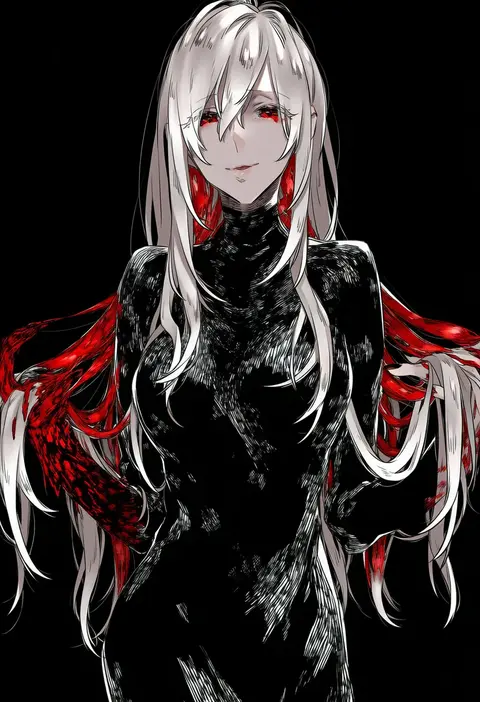
Artist tags tell NovelAI Diffusion to draw in a specific artist's style: line weight, paint texture, face shapes and palette all shift at once. Character and outfit tags decide what is drawn; artist tags decide how. 16,352 tags are listed for V4.5.

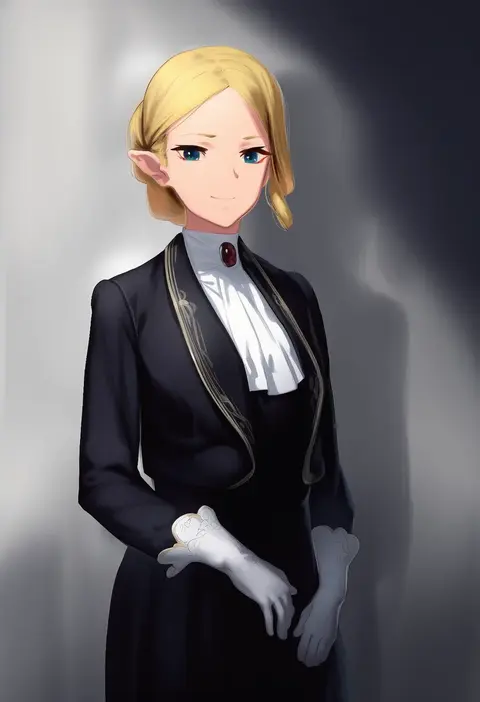
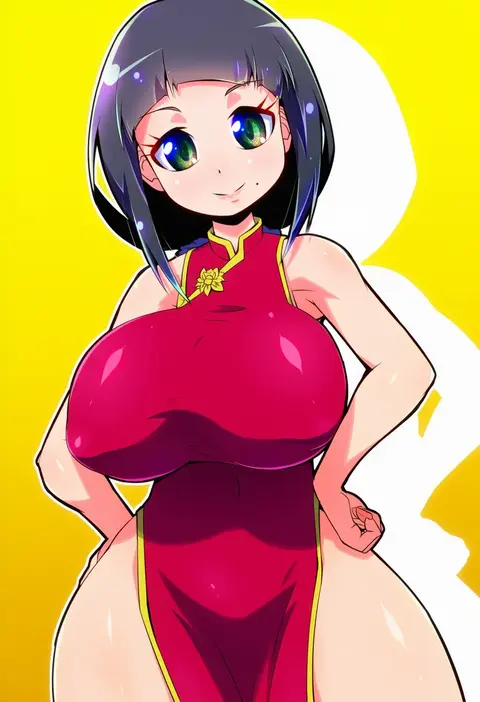
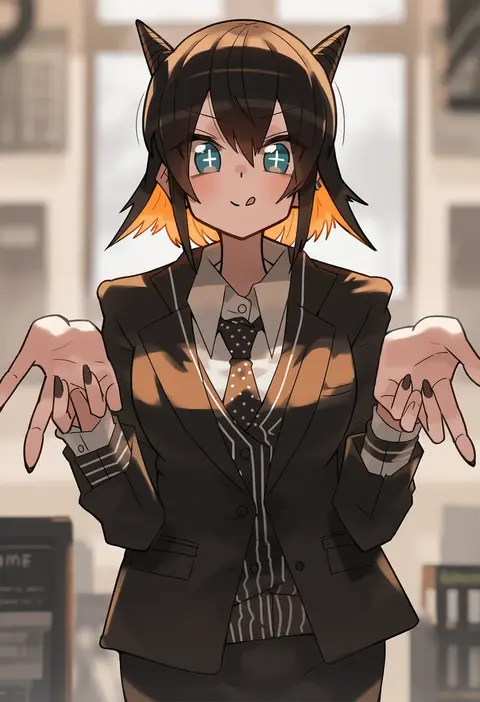
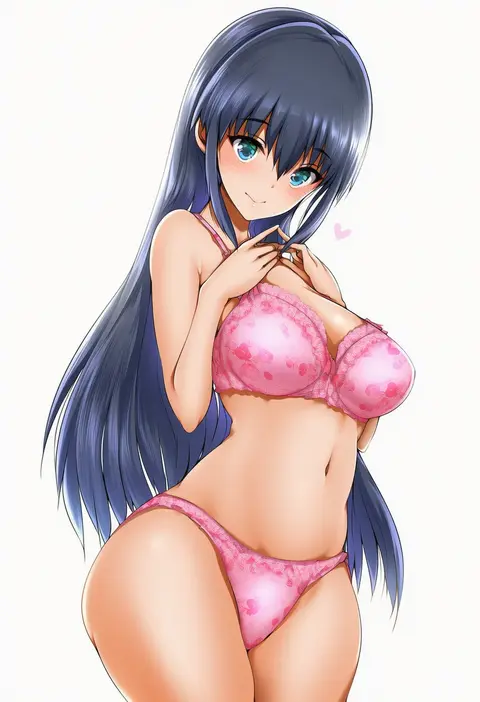
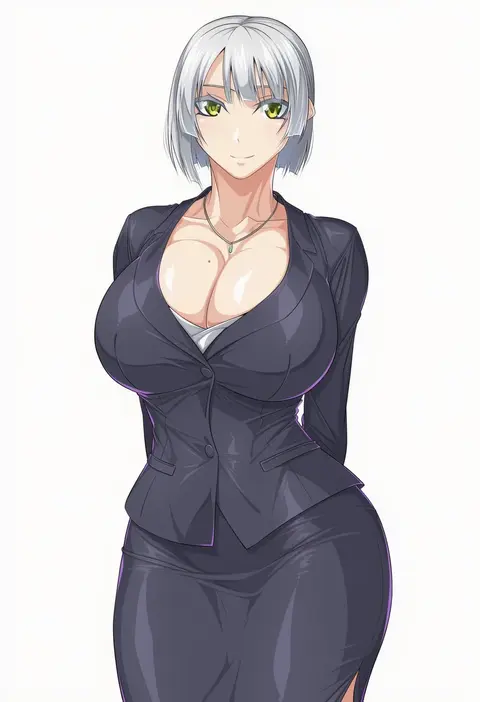
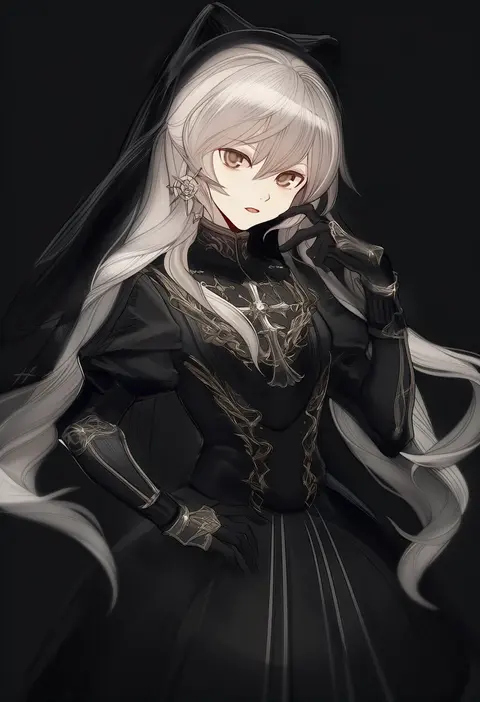
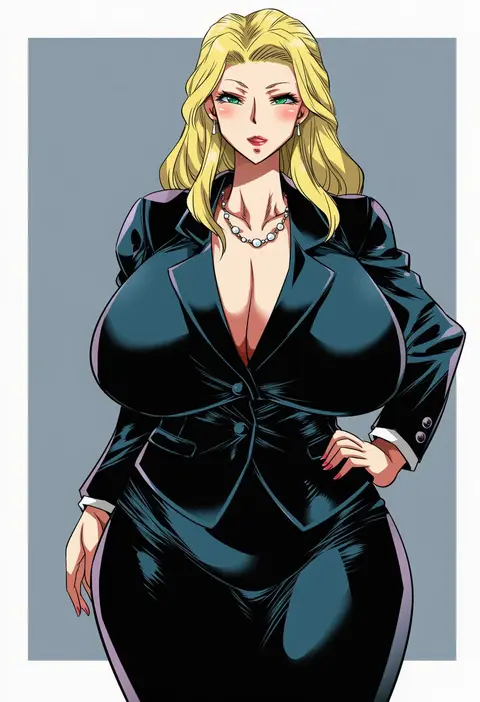
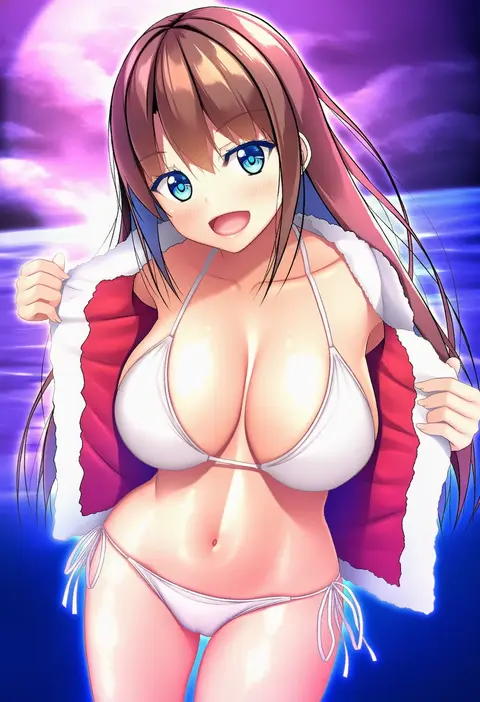
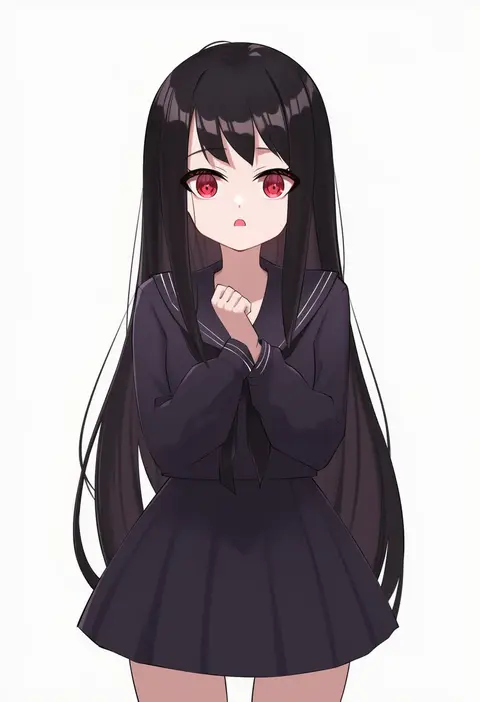
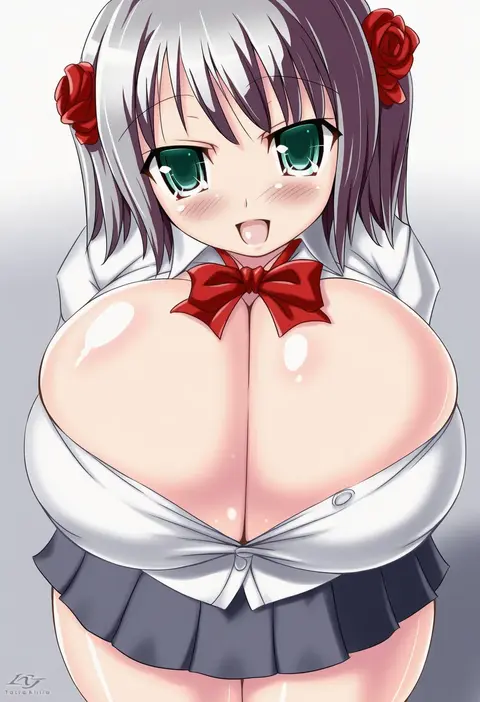
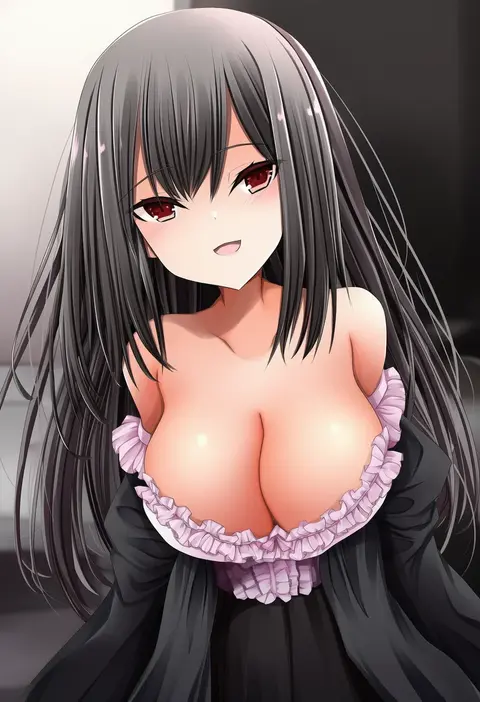
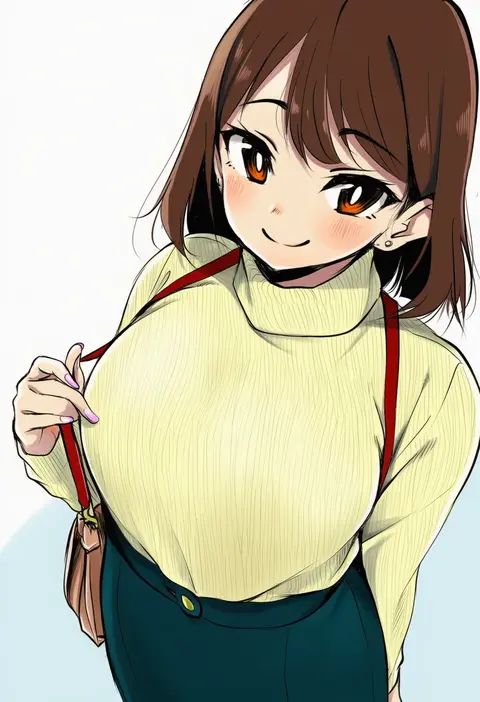
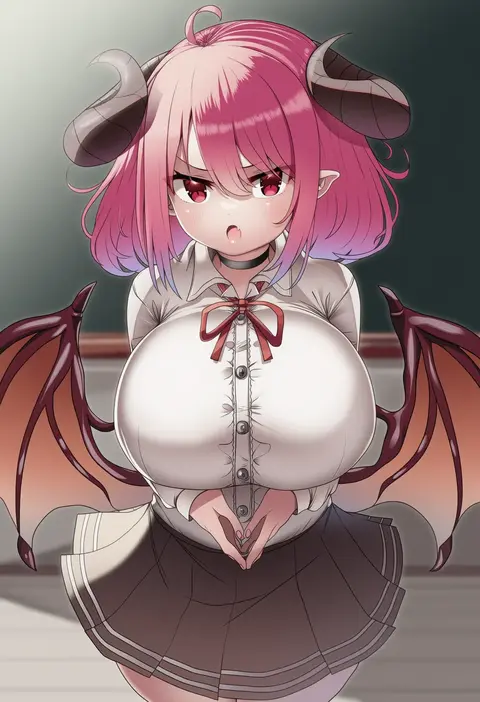
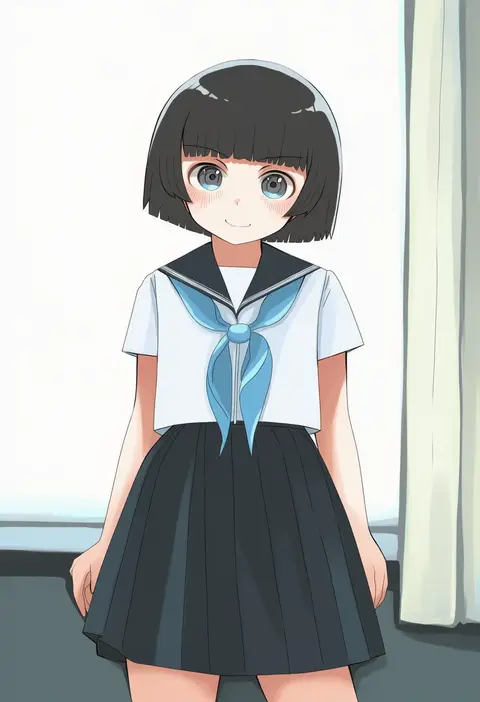
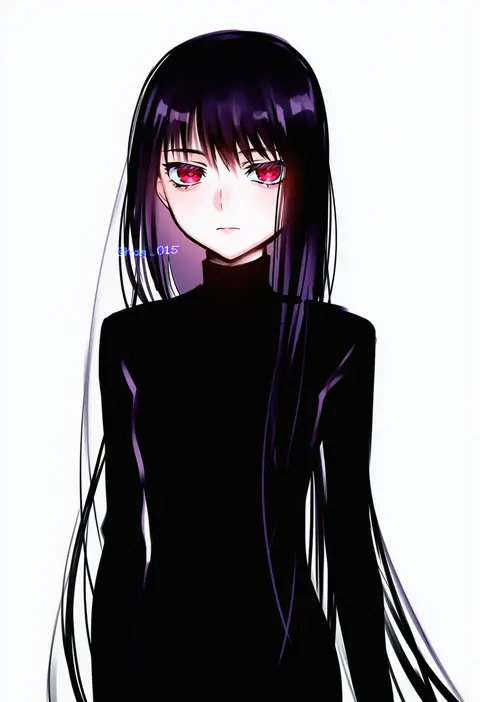
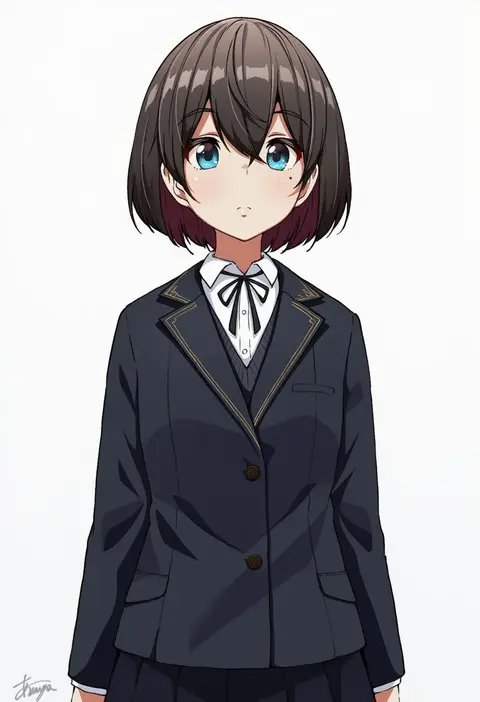
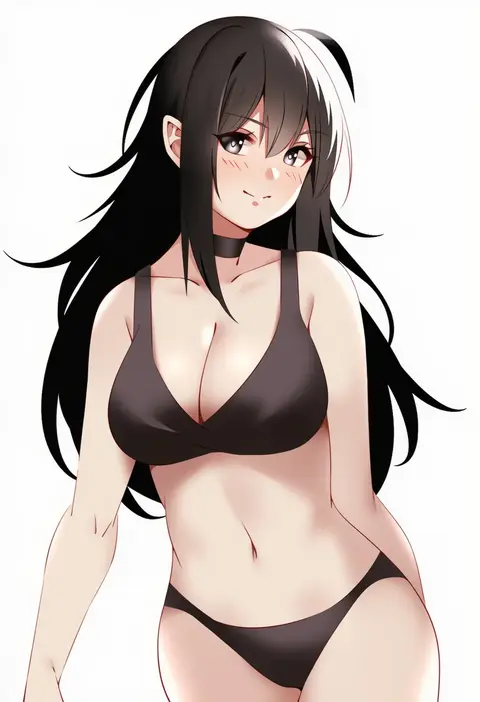
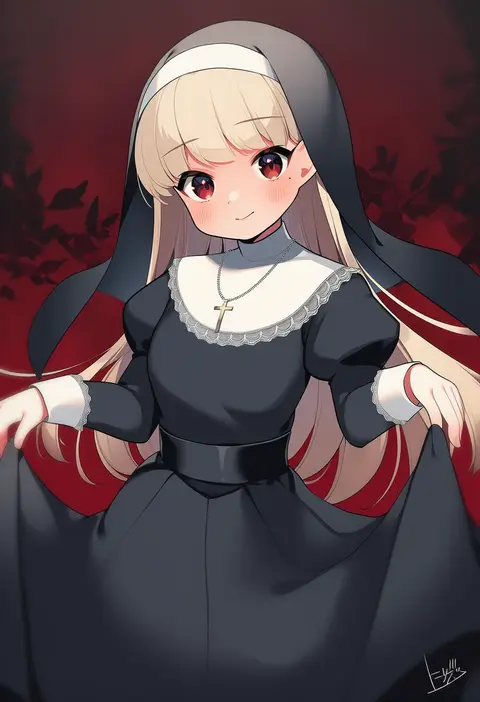
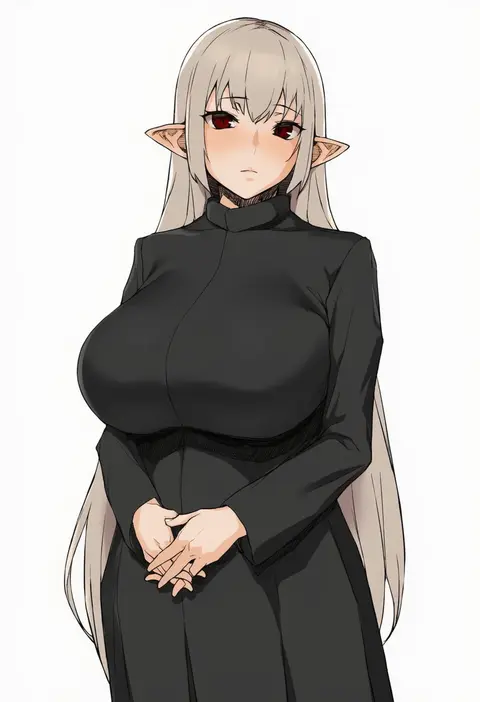
Every tag listed here is verified to react in NovelAI. All images use the same prompt, seed and settings with only the artist tag swapped, so the difference between two images is the style that tag brings in.

How to use them

Put the artist tag near the front of the prompt, e.g. "<artist>, 1girl, solo, best quality, masterpiece, cowboy shot". Two or three artist tags blend styles; lower the weight with "0.8::<artist>::" when the style overpowers the character.

SCORE sorts by Danbooru's top score, POSTS by post count, FAVS by hearts on this site. Open a card to see V5 and V4.5 side by side on the same seed.

V5 vs V4.5

V5 usually lands closer to the artist's real style, and tags that did nothing on V4.5 often react on V5. V4.5 still fits older and doujin-heavy artists better. Try V5 first, fall back to V4.5.

FAQ

Where does the artist tag go?
Near the front of the prompt. Use "0.8::tag::" to adjust its weight.

Can I stack artist tags?
Yes, styles blend. Past two or three the result stops looking like anyone.

Are these the artists' own works?
No. Every image is a NovelAI sample generated from the tag.