V4.5Artists
sort: FAVS▾
▾
>
$

Popular NovelAI artist tags — V4.5

artist --count 16,352[120/273]
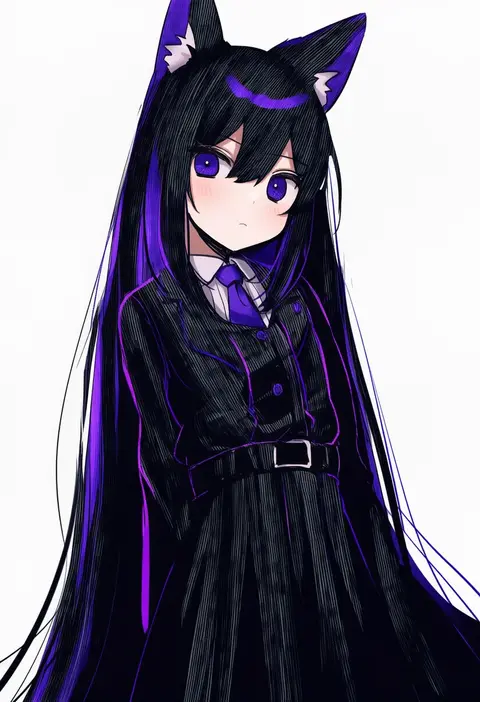
yutsu
ARTIST0x1BE4
0
sadahiro (chicken nugget gyuuniku aji)
ARTIST0x1BE5
0
prat rat
ARTIST0x1BE6
0
watanuki kaname
ARTIST0x1BE7
0
k jie
ARTIST0x1BE8
0
taira tsukune
ARTIST0x1BE9
0
yokaze (yokajie)
ARTIST0x1BEA
0
keibleh
ARTIST0x1BEB
0
mimelond
ARTIST0x1BEC
0
yaoshi jun
ARTIST0x1BED
0
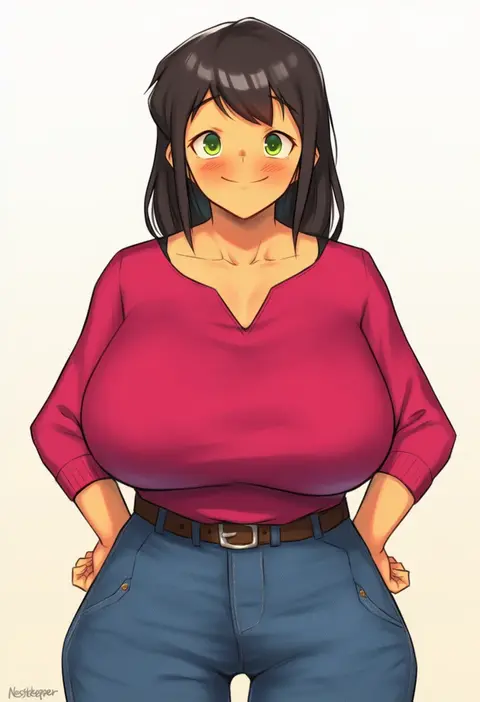
nestkeeper
ARTIST0x1BEE
0
hometa
ARTIST0x1BEF
0
ge xi
ARTIST0x1BF0
0
evolvingmonkey
ARTIST0x1BF1
0
nao (syn eaa)
ARTIST0x1BF2
0
hiro (hirohiro gorira)
ARTIST0x1BF3
0
sasakuma kyouta
ARTIST0x1BF4
0
mebe (teadia violet)
ARTIST0x1BF5
0
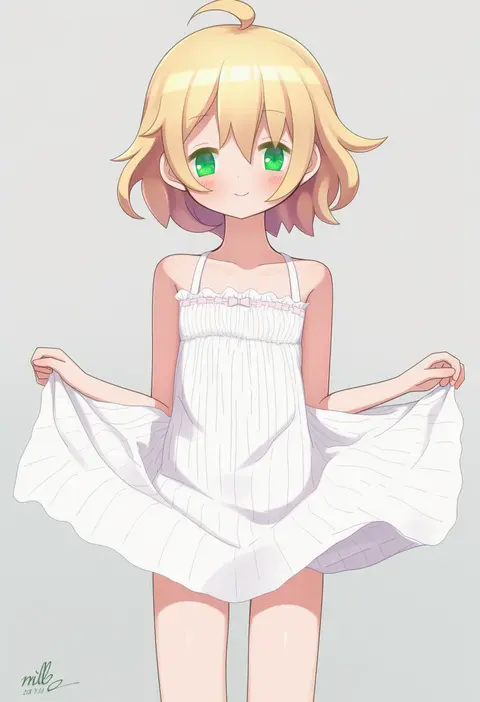
mille
ARTIST0x1BF6
0
amrkdrw
ARTIST0x1BF7
0
pak ce
ARTIST0x1BF8
0
natsume suzuri
ARTIST0x1BF9
0
jeff miga
ARTIST0x1BFA
0
ryuhirohumi
ARTIST0x1BFB
0
iskaydi
ARTIST0x1BFC
0
mukakin
ARTIST0x1BFD
0
kuro chairo no neko
ARTIST0x1BFE
0
rosuuri
ARTIST0x1BFF
0
tenneko yuuri
ARTIST0x1C00
0
steed (steed enterprise)
ARTIST0x1C01
0
hou (hachiyou)
ARTIST0x1C02
0
gamuo
ARTIST0x1C03
0
konomi (kino konomi)
ARTIST0x1C04
0
abekawa
ARTIST0x1C05
0
nukaji (kuromahou kenkyuujo)
ARTIST0x1C06
0
kamiya yuu
ARTIST0x1C07
0
kiui (dagk8254)
ARTIST0x1C08
0
retri
ARTIST0x1C09
0
tatapopo
ARTIST0x1C0A
0
yangsion
ARTIST0x1C0B
0
mytea (soso)
ARTIST0x1C0C
0
nerotarou
ARTIST0x1C0D
0
tahra
ARTIST0x1C0E
0
dokonjou (odossan)
ARTIST0x1C0F
0
krono tokage
ARTIST0x1C10
0
qiongsheng
ARTIST0x1C11
0
utatanecocoa
ARTIST0x1C12
0
kisaragi chiyuki
ARTIST0x1C13
0
din (raiden)
ARTIST0x1C14
0
grizz
ARTIST0x1C15
0
helic (7317helic)
ARTIST0x1C16
0
shichimenchou
ARTIST0x1C17
0
aliceyawnin
ARTIST0x1C18
0
inoue takuya (tactactak)
ARTIST0x1C19
0
kitayama miuki
ARTIST0x1C1A
0
kitada mo
ARTIST0x1C1B
0
kisaragi yuri
ARTIST0x1C1C
0
sakana (flame sakana)
ARTIST0x1C1D
0
mirukurim
ARTIST0x1C1E
0
tomatolover16
ARTIST0x1C1F
0

What these tags change

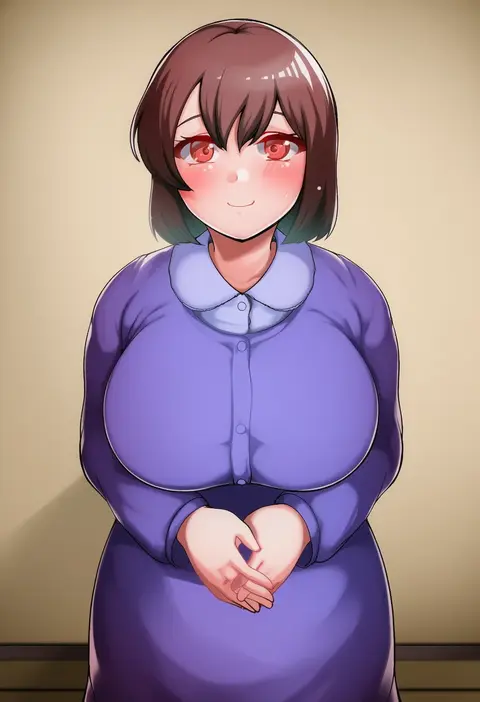
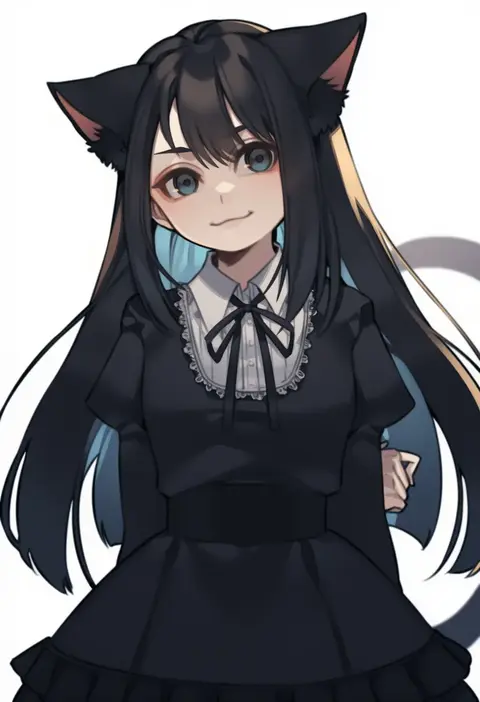
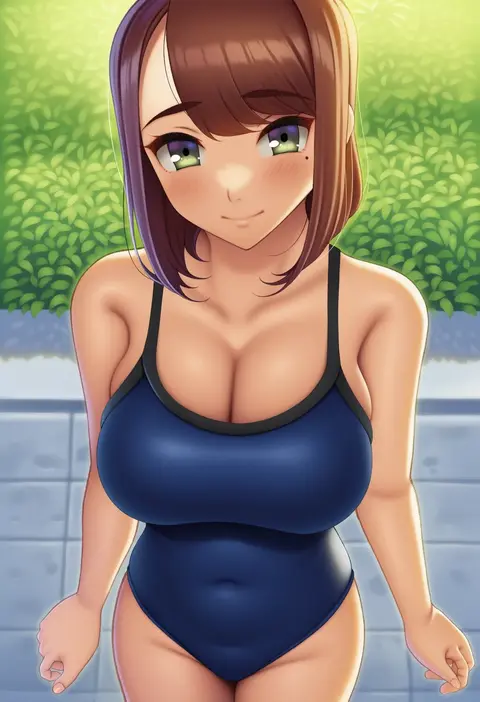
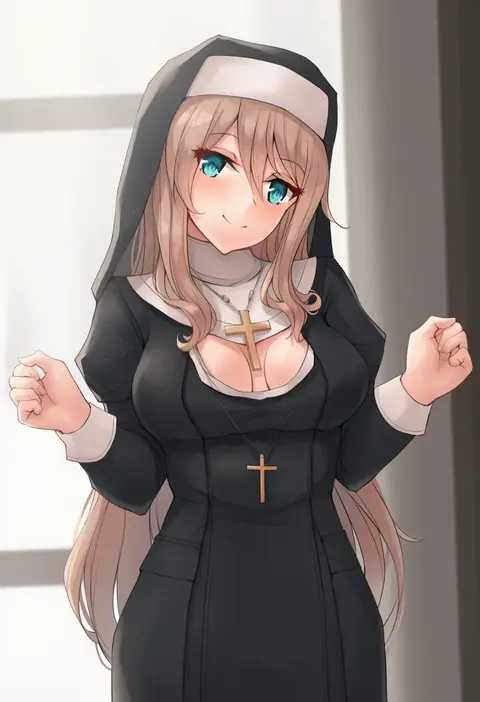
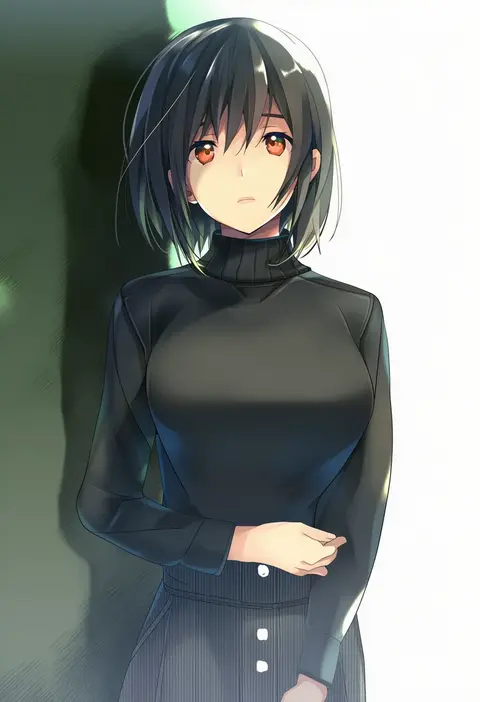
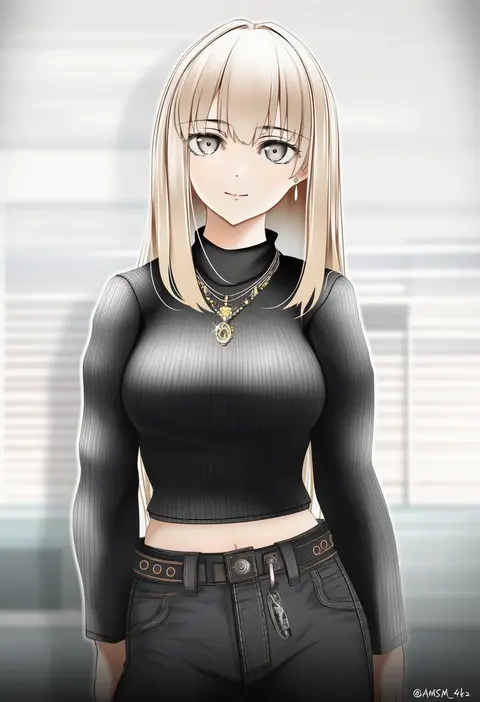
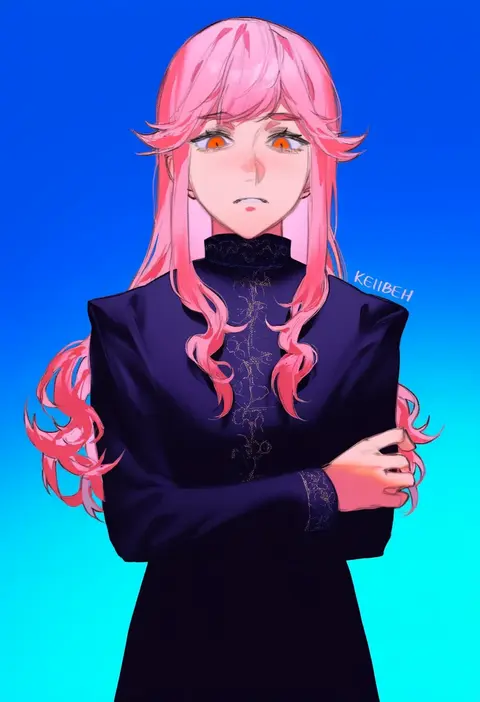
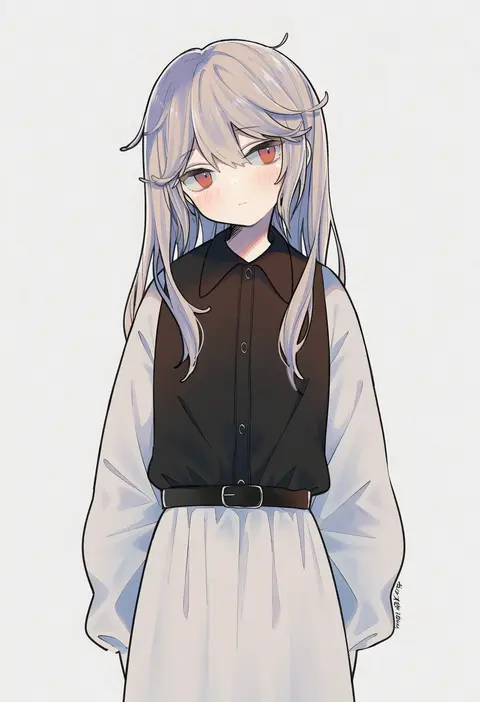
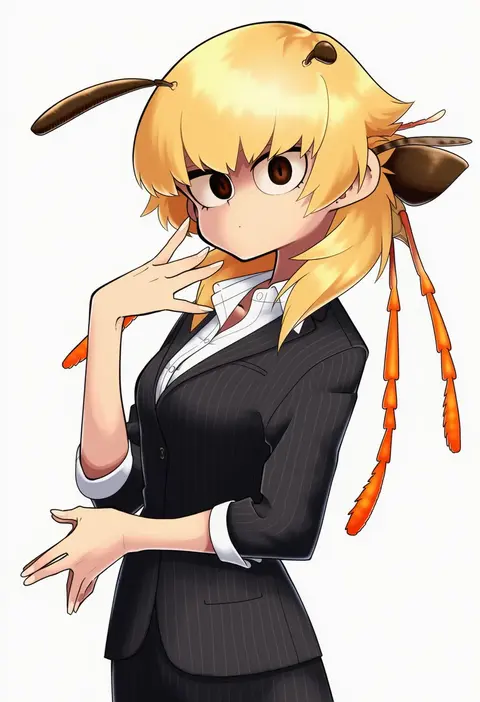
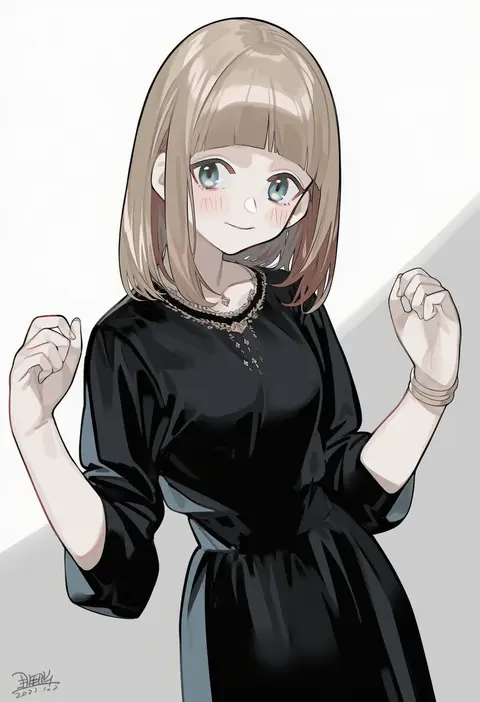
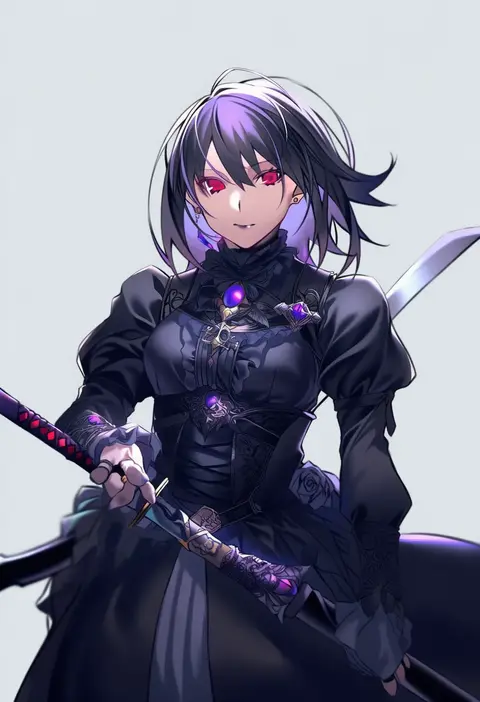
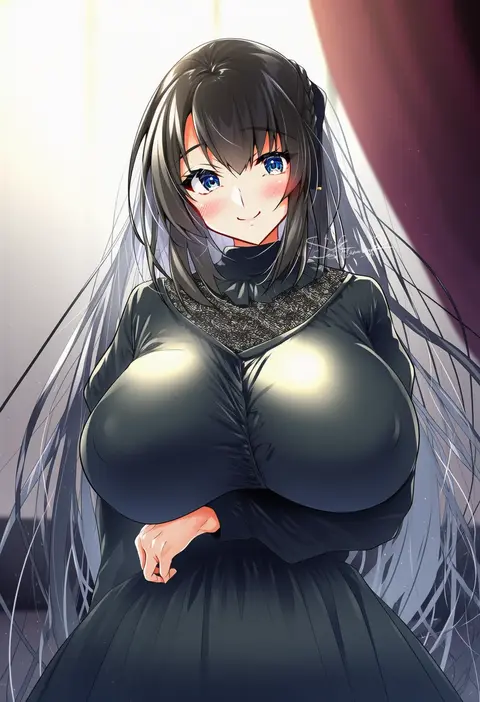
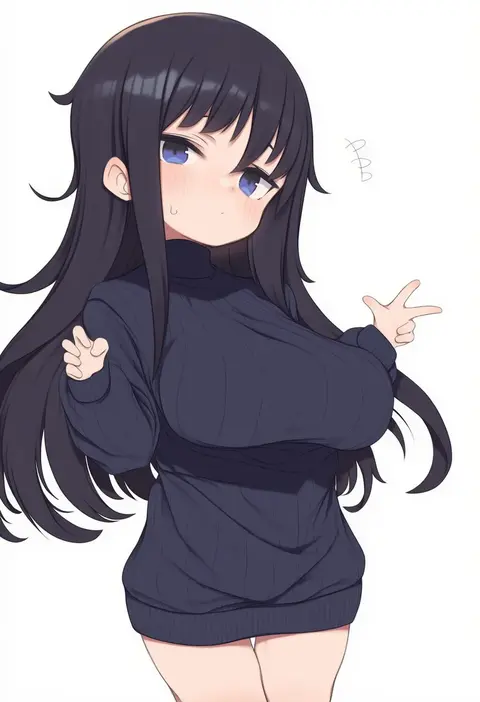
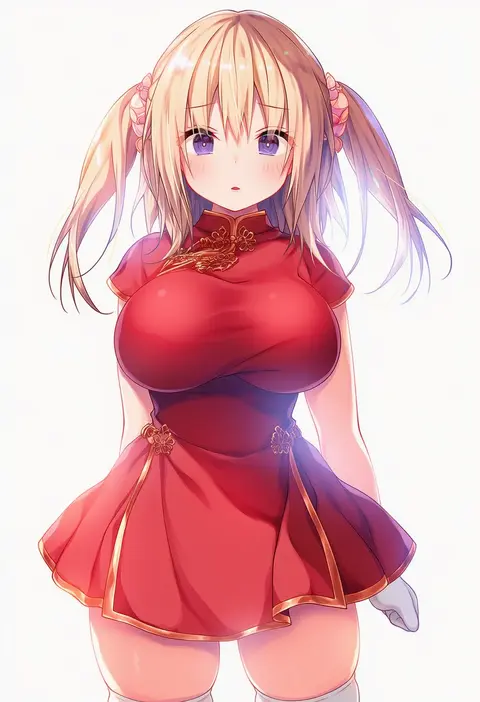
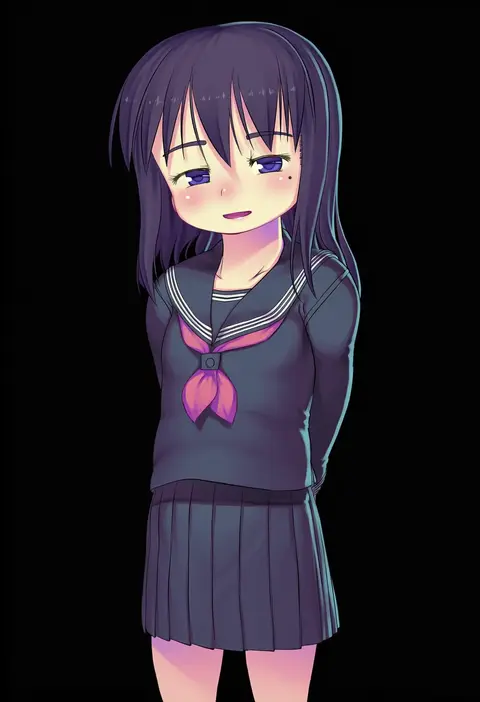
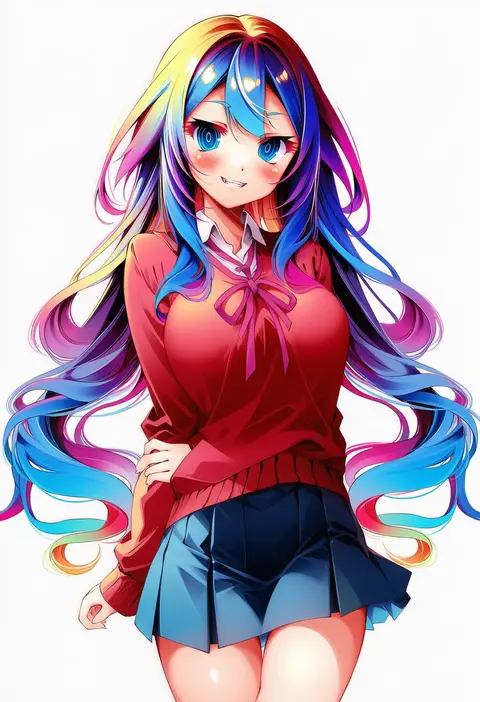
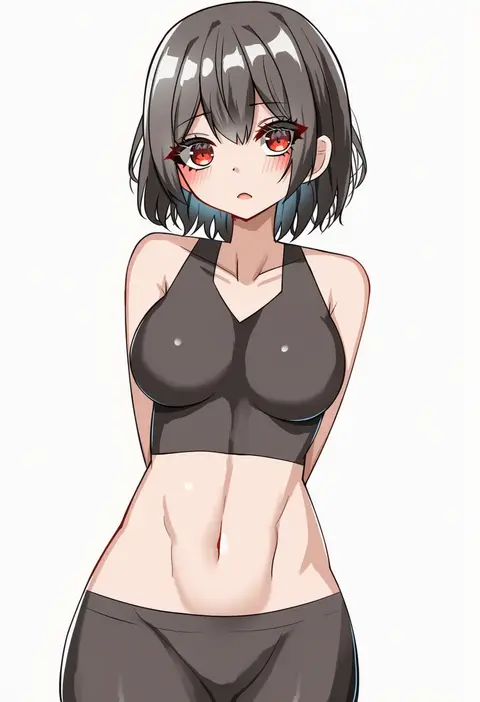
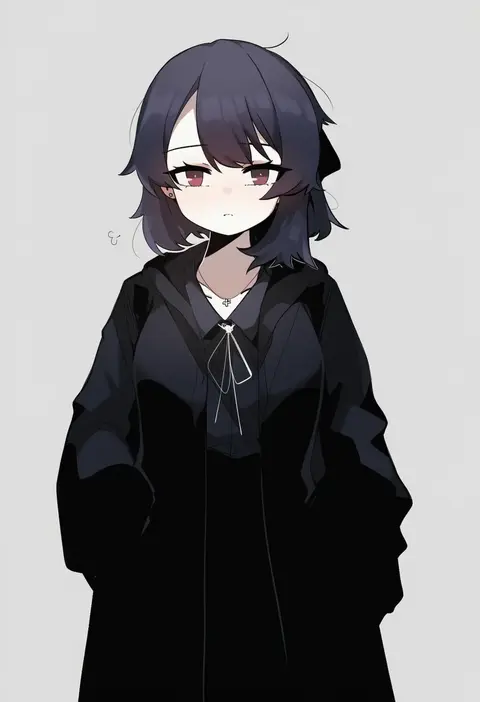
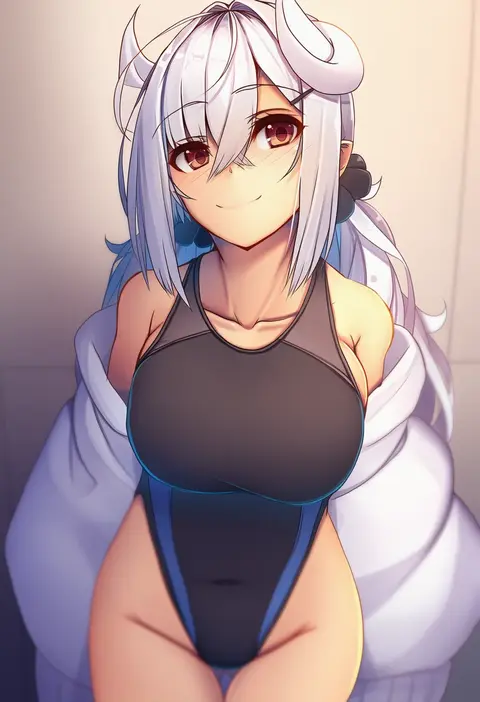
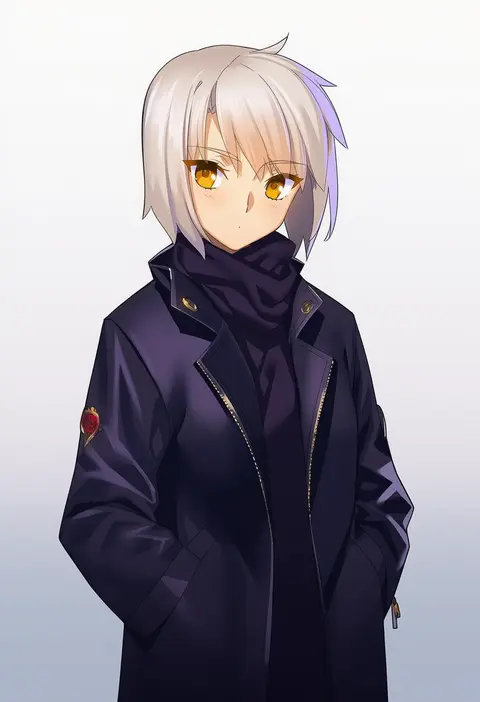
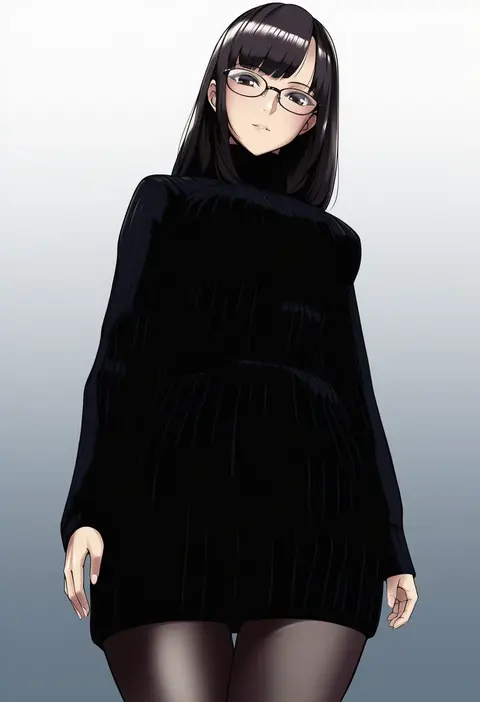
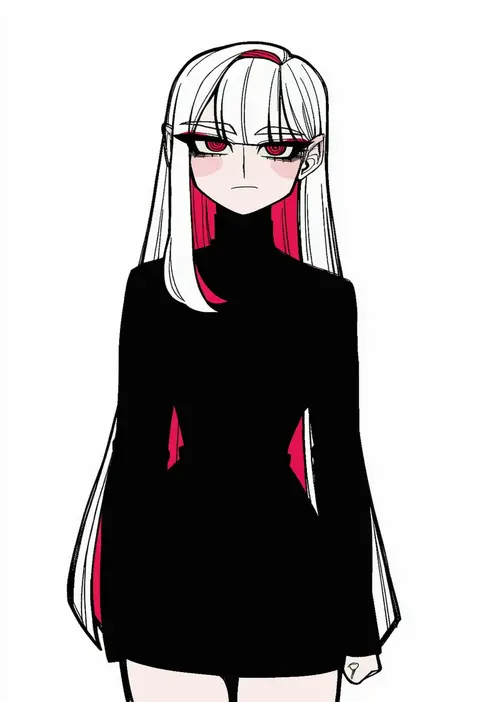
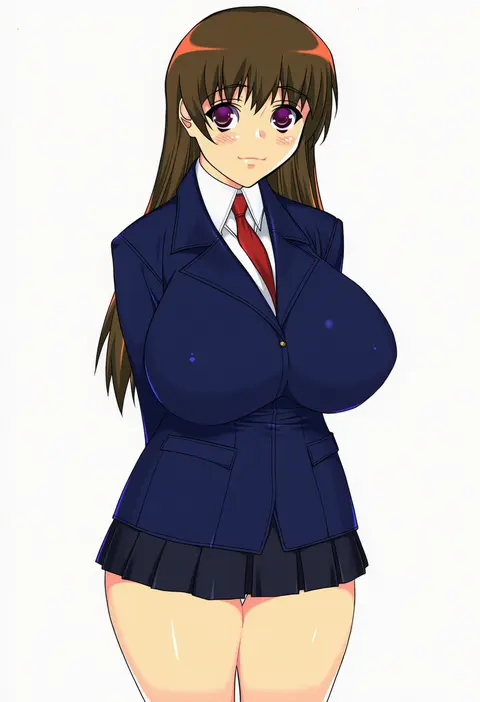
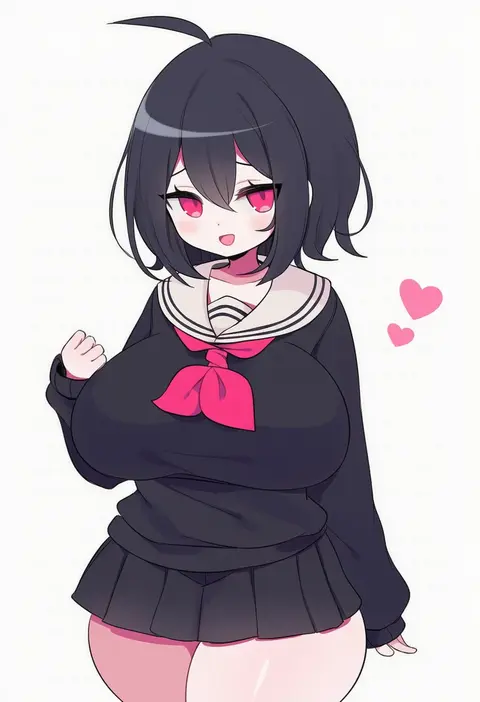
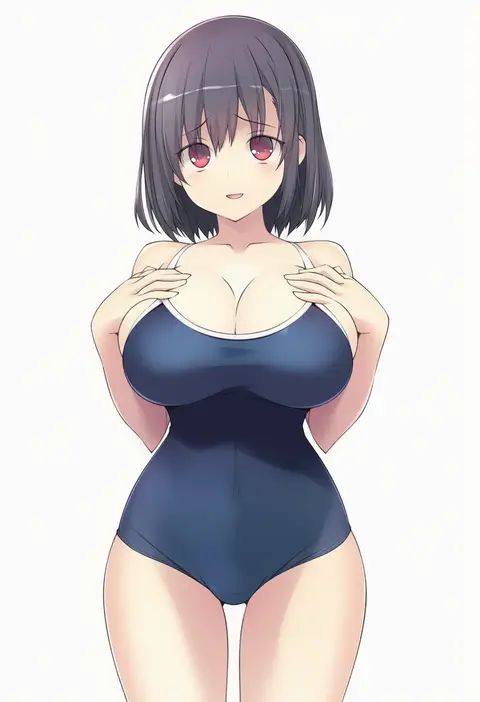
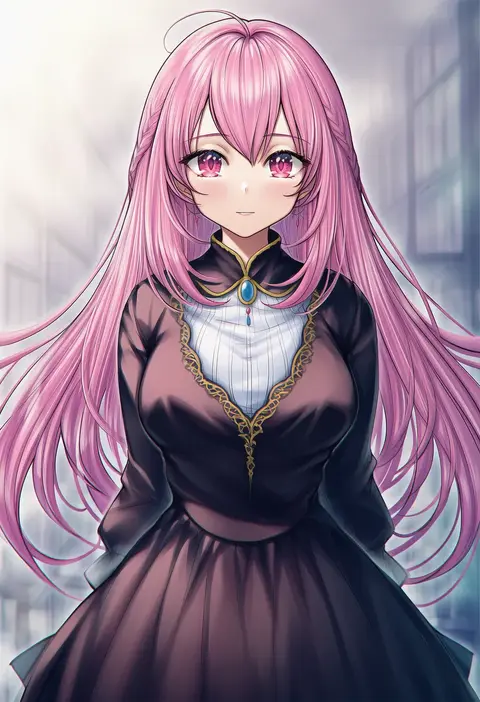
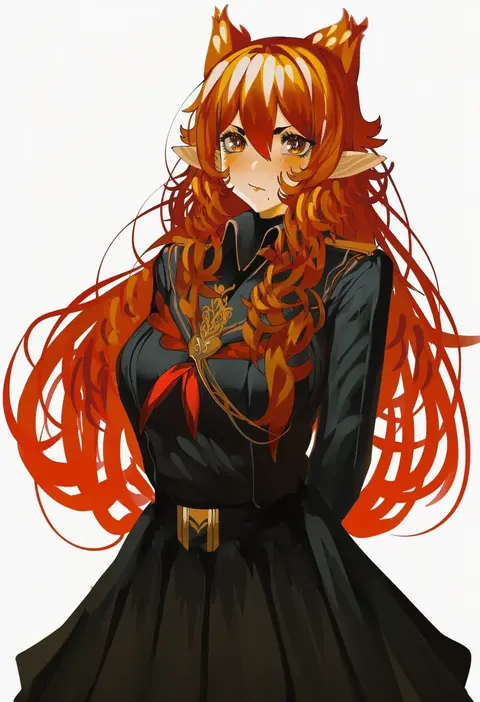
Artist tags tell NovelAI Diffusion to draw in a specific artist's style: line weight, paint texture, face shapes and palette all shift at once. Character and outfit tags decide what is drawn; artist tags decide how. 16,352 tags are listed for V4.5.
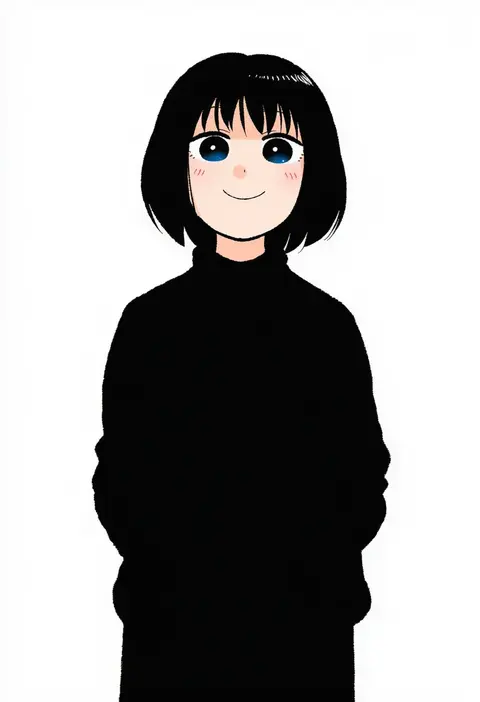
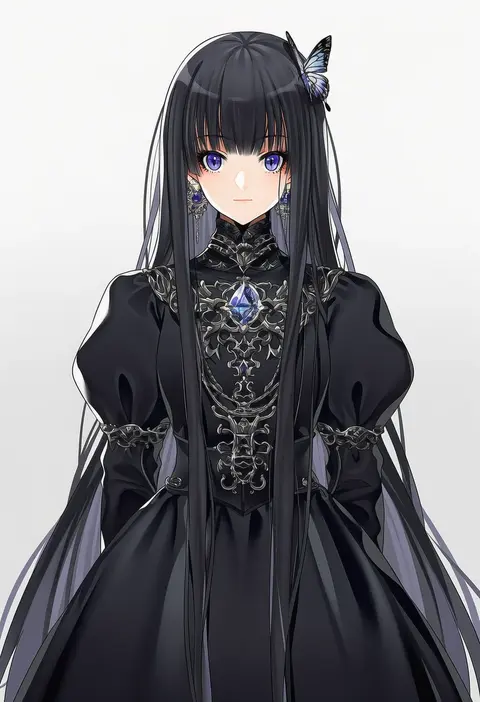
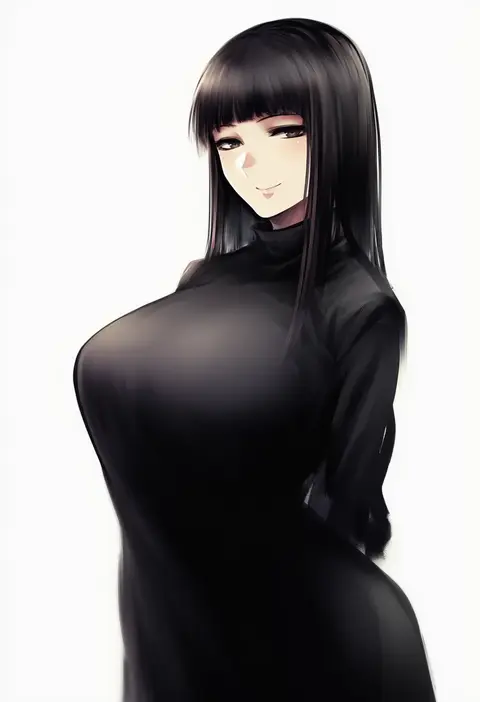
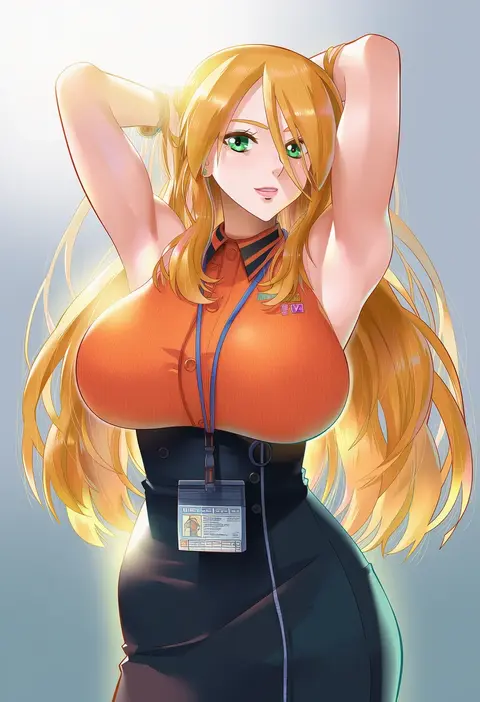
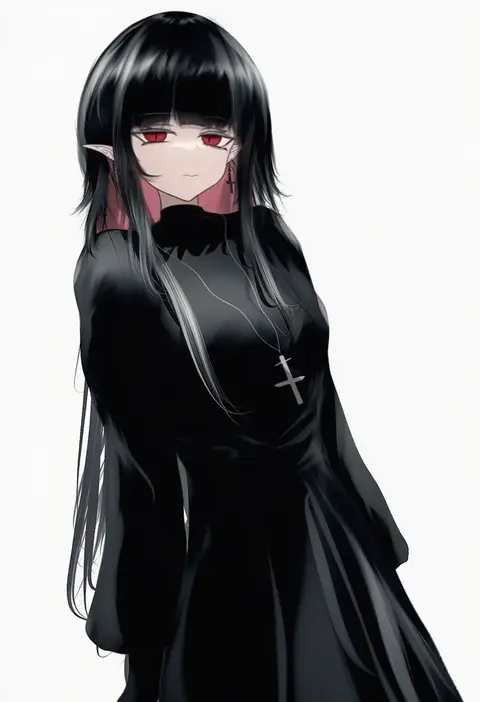
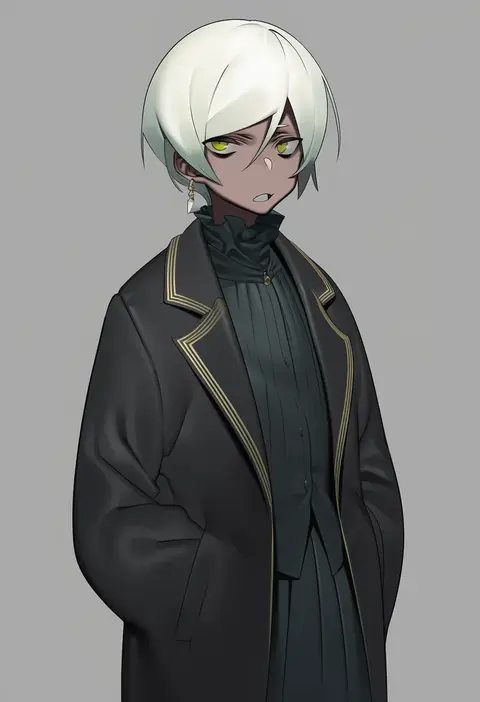
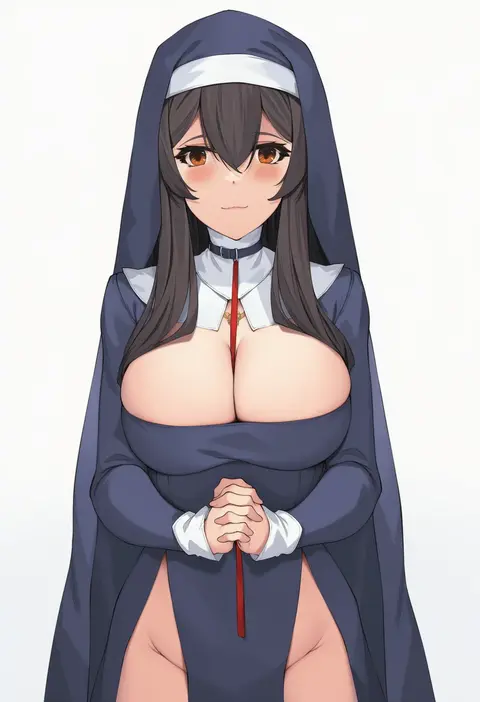
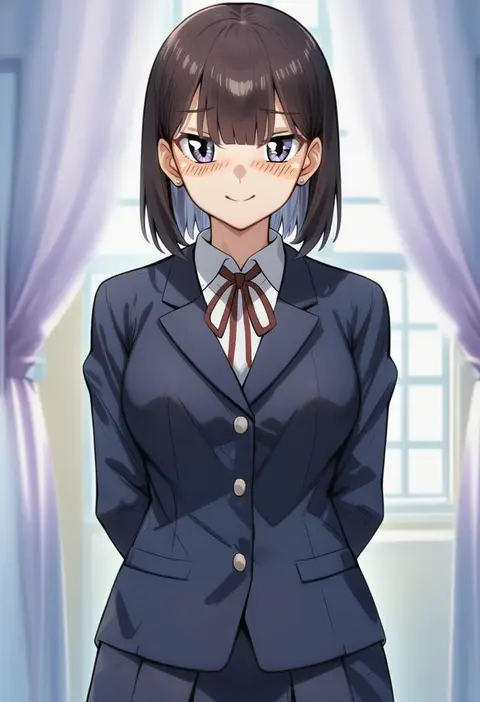
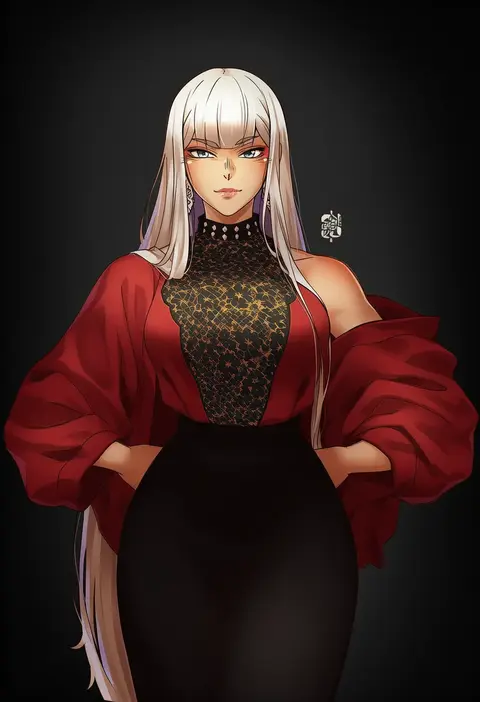
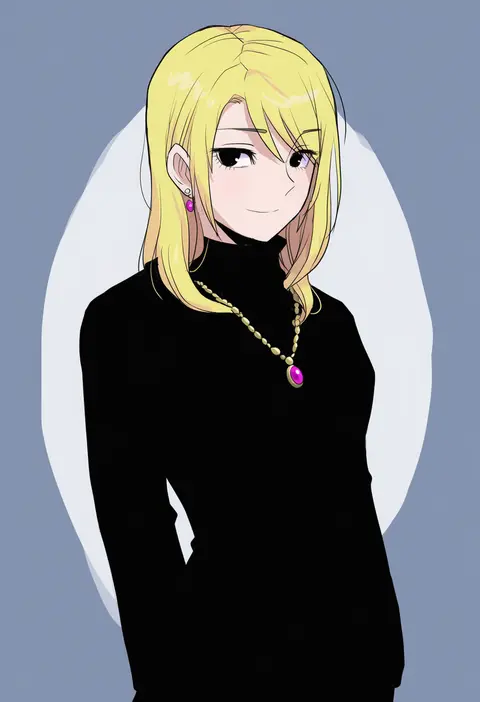
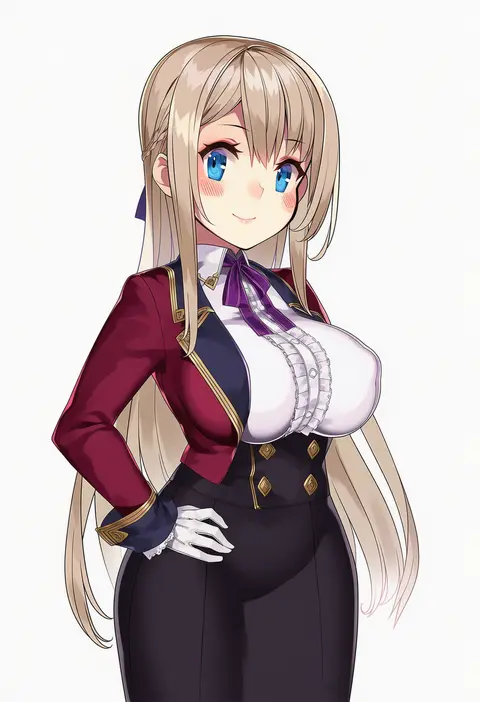
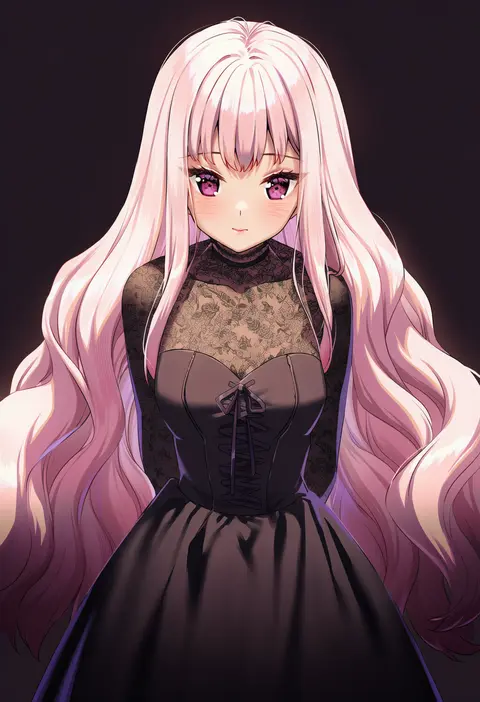
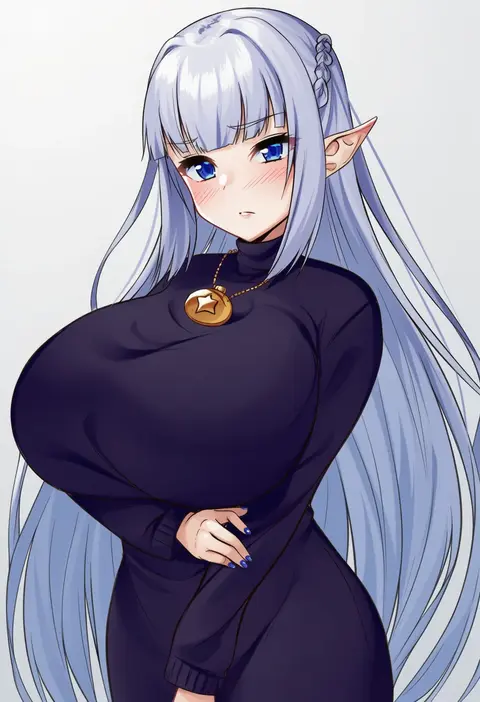
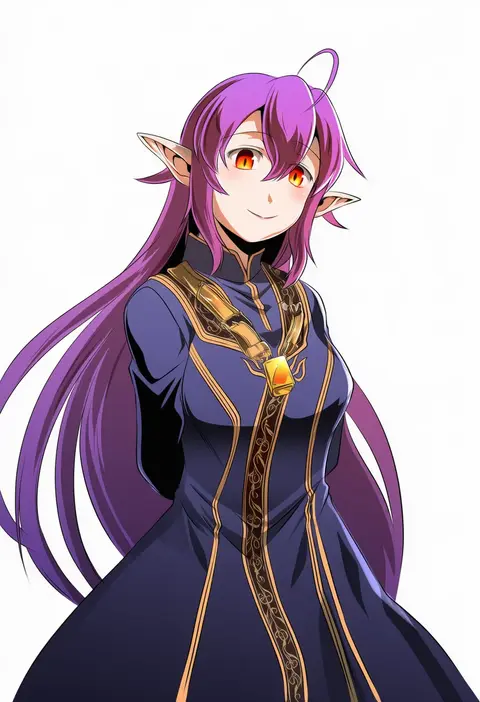
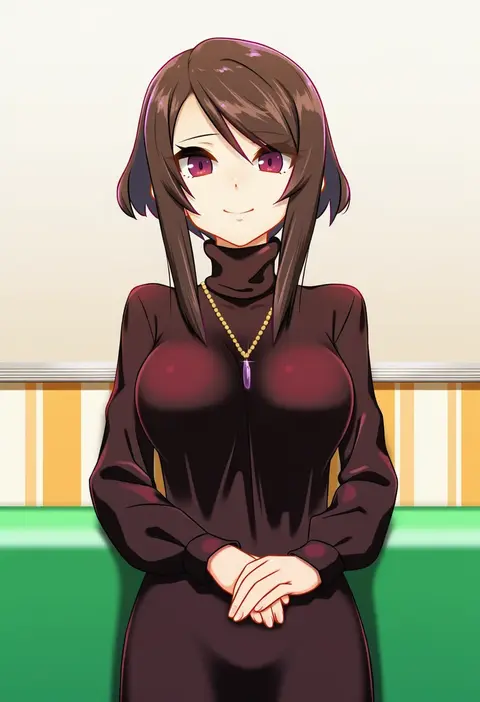
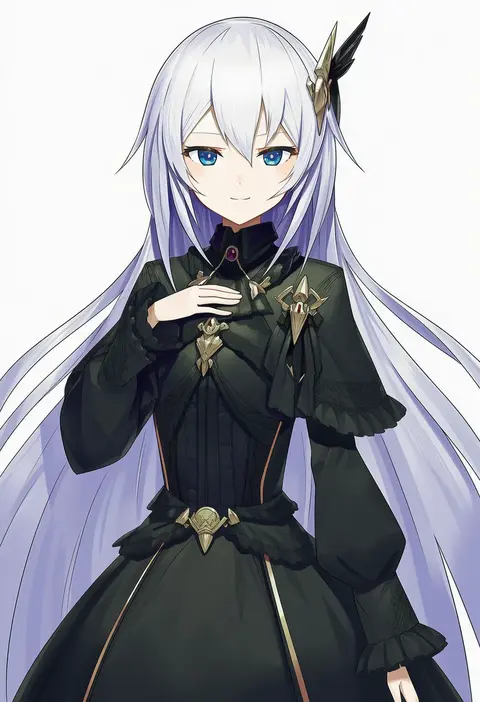
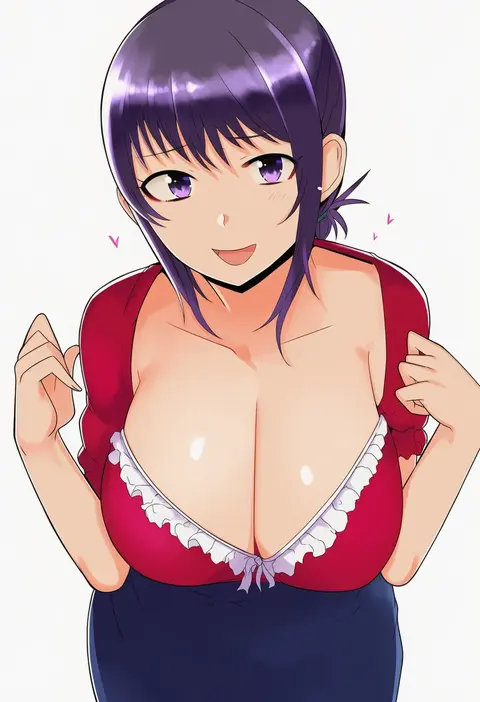
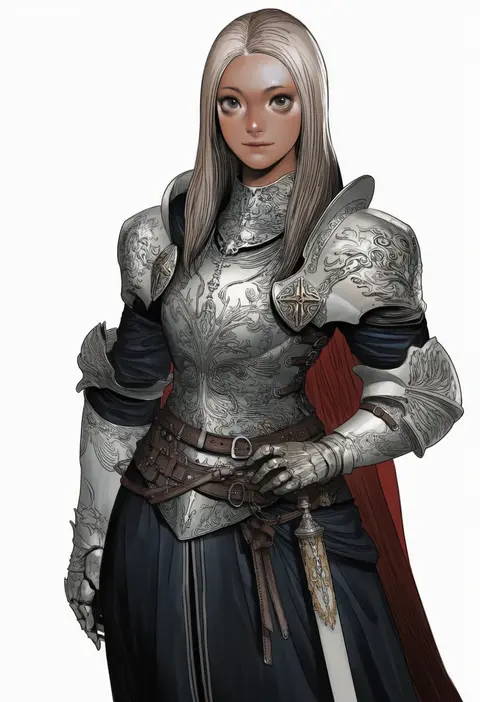
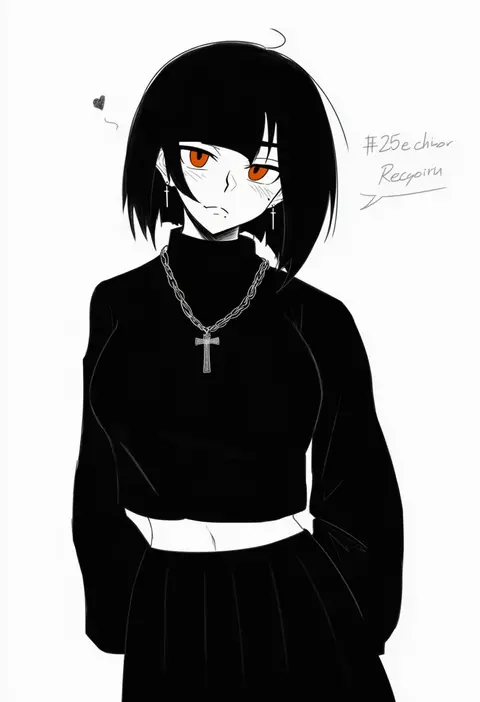
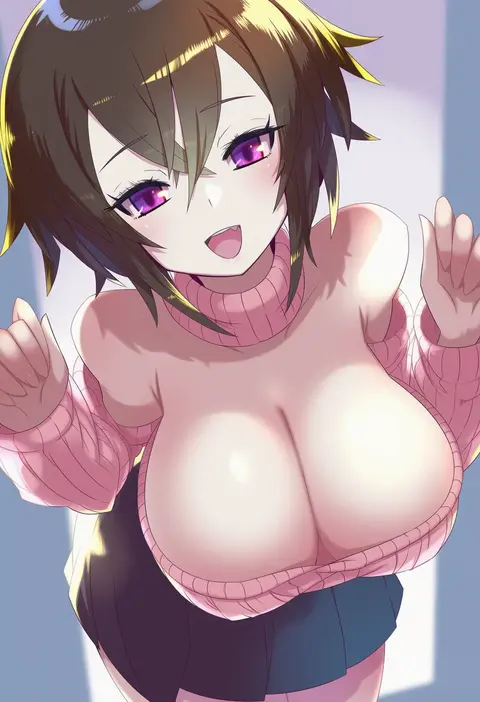
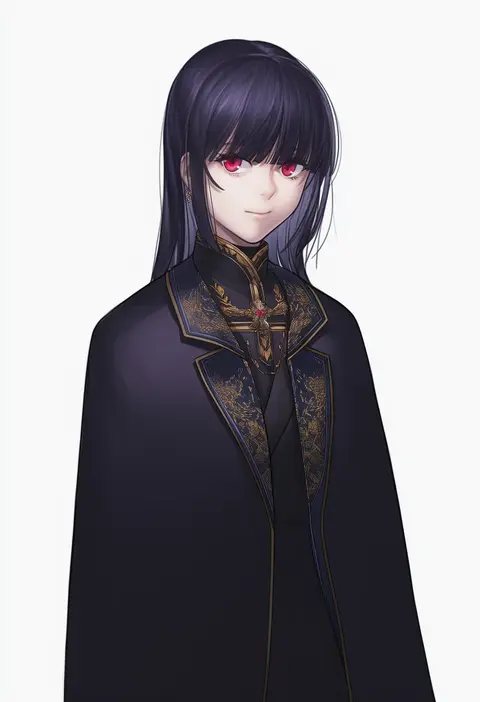
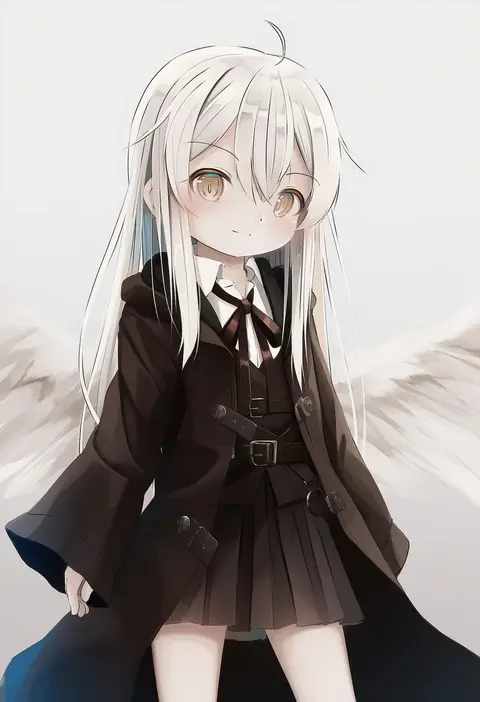
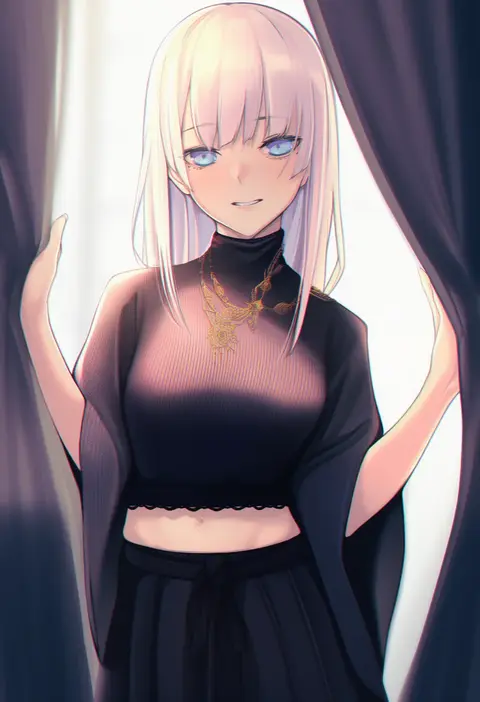
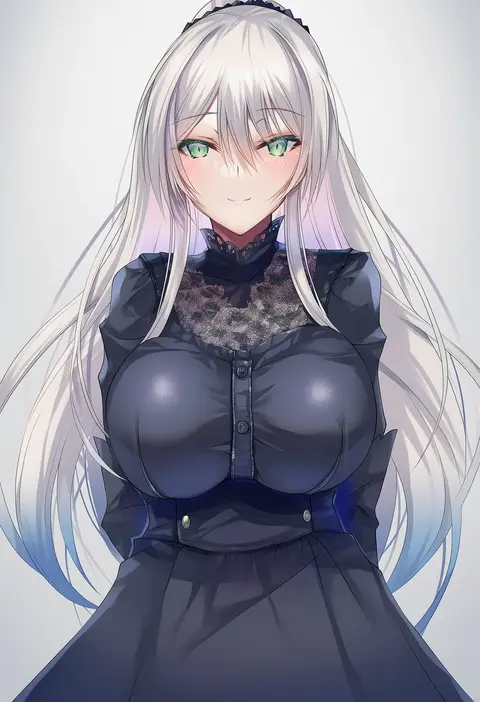
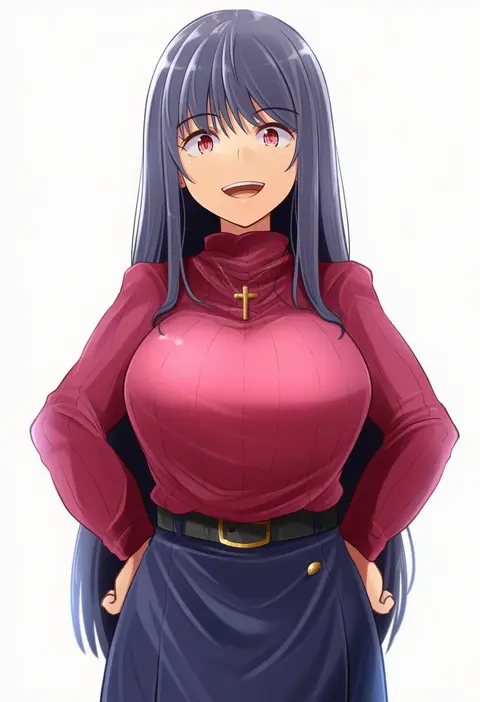
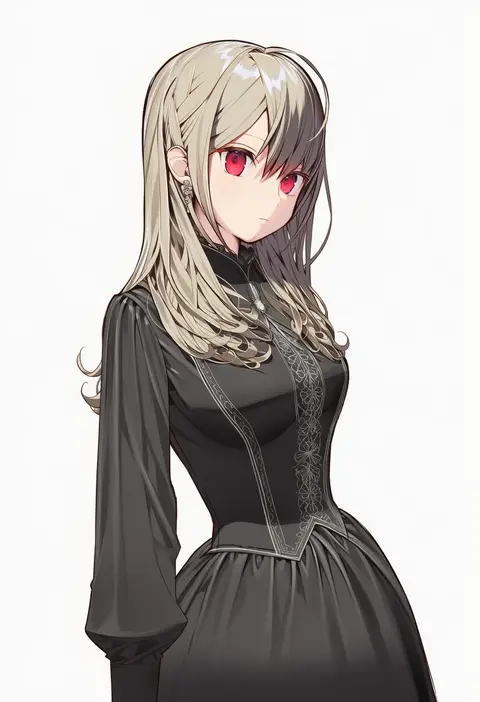
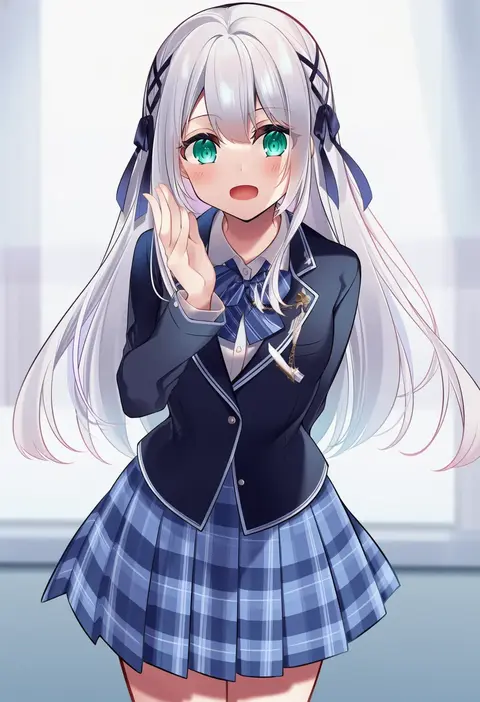
Every tag listed here is verified to react in NovelAI. All images use the same prompt, seed and settings with only the artist tag swapped, so the difference between two images is the style that tag brings in.

How to use them

Put the artist tag near the front of the prompt, e.g. "<artist>, 1girl, solo, best quality, masterpiece, cowboy shot". Two or three artist tags blend styles; lower the weight with "0.8::<artist>::" when the style overpowers the character.

SCORE sorts by Danbooru's top score, POSTS by post count, FAVS by hearts on this site. Open a card to see V5 and V4.5 side by side on the same seed.

V5 vs V4.5

V5 usually lands closer to the artist's real style, and tags that did nothing on V4.5 often react on V5. V4.5 still fits older and doujin-heavy artists better. Try V5 first, fall back to V4.5.

FAQ

Where does the artist tag go?
Near the front of the prompt. Use "0.8::tag::" to adjust its weight.

Can I stack artist tags?
Yes, styles blend. Past two or three the result stops looking like anyone.

Are these the artists' own works?
No. Every image is a NovelAI sample generated from the tag.