V4.5Artists
sort: FAVS▾
▾
>
$

Popular NovelAI artist tags — V4.5

artist --count 16,352[119/273]
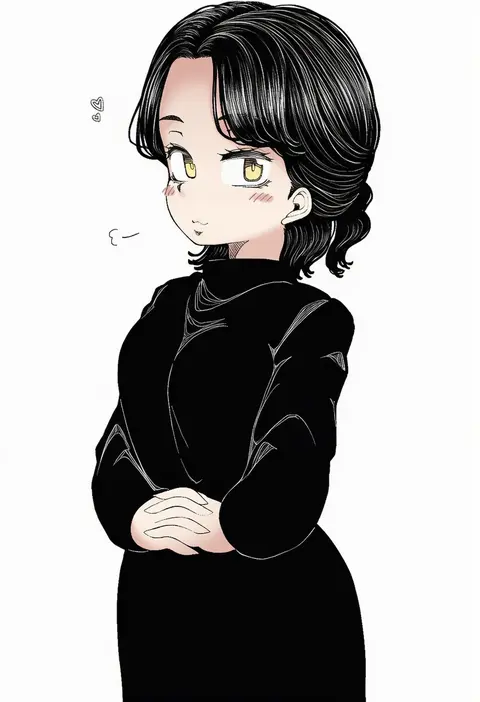
shika miso
ARTIST0x1BA8
0
pisagi
ARTIST0x1BA9
0
nakamura eight
ARTIST0x1BAA
0
signo aaa
ARTIST0x1BAB
0
kani nyan
ARTIST0x1BAC
0
taro (peach taro51)
ARTIST0x1BAD
0
gachigachi
ARTIST0x1BAE
0
gatsby ssl
ARTIST0x1BAF
0
dulldull
ARTIST0x1BB0
0
koza900
ARTIST0x1BB1
0
deliciousorange
ARTIST0x1BB2
0
meeeeeeco359
ARTIST0x1BB3
0
luoman19921
ARTIST0x1BB4
0
maitake (kinokonabe hinanjo)
ARTIST0x1BB5
0
shinovi
ARTIST0x1BB6
0
kotobuki nashiko
ARTIST0x1BB7
0
supershrimpcakes
ARTIST0x1BB8
0
amei sumeru
ARTIST0x1BB9
0
yotsugi
ARTIST0x1BBA
0
kanbaki
ARTIST0x1BBB
0
miyagoe yoshitsuki
ARTIST0x1BBC
0
osiimi
ARTIST0x1BBD
0
missile228
ARTIST0x1BBE
0
f.s.
ARTIST0x1BBF
0
kutabireta neko
ARTIST0x1BC0
0
himadera
ARTIST0x1BC1
0
rin-sin
ARTIST0x1BC2
0
sacraneco
ARTIST0x1BC3
0
ashita (2010)
ARTIST0x1BC4
0
ikuyoan
ARTIST0x1BC5
0
mizuyan
ARTIST0x1BC6
0
pito (sh02327)
ARTIST0x1BC7
0
uehiro
ARTIST0x1BC8
0
scavia10
ARTIST0x1BC9
0
umihotaru harumare
ARTIST0x1BCA
0
.sin
ARTIST0x1BCB
0
sawatari (sado)
ARTIST0x1BCC
0
wengwengchim
ARTIST0x1BCD
0
yamaioni (sasakama)
ARTIST0x1BCE
0
ikue fuuji
ARTIST0x1BCF
0
senzaicha kasukadoki
ARTIST0x1BD0
0
bacun
ARTIST0x1BD1
0
synchroaki
ARTIST0x1BD2
0
hiyori mizuki
ARTIST0x1BD3
0
hollomaru
ARTIST0x1BD4
0
kajino (aosansai)
ARTIST0x1BD5
0
miche
ARTIST0x1BD6
0
sentter
ARTIST0x1BD7
0
zakirsiz
ARTIST0x1BD8
0
wittle red
ARTIST0x1BD9
0
kishi torajirou
ARTIST0x1BDA
0
kanekan
ARTIST0x1BDB
0
tachibana shiori (suica 112)
ARTIST0x1BDC
0
amau (kosmos)
ARTIST0x1BDD
0
zenya
ARTIST0x1BDE
0
kusana (kusana47454281)
ARTIST0x1BDF
0
kawayabug
ARTIST0x1BE0
0
roki (hirokix)
ARTIST0x1BE1
0
hijikawa arashi
ARTIST0x1BE2
0
zurikishi
ARTIST0x1BE3
0

What these tags change

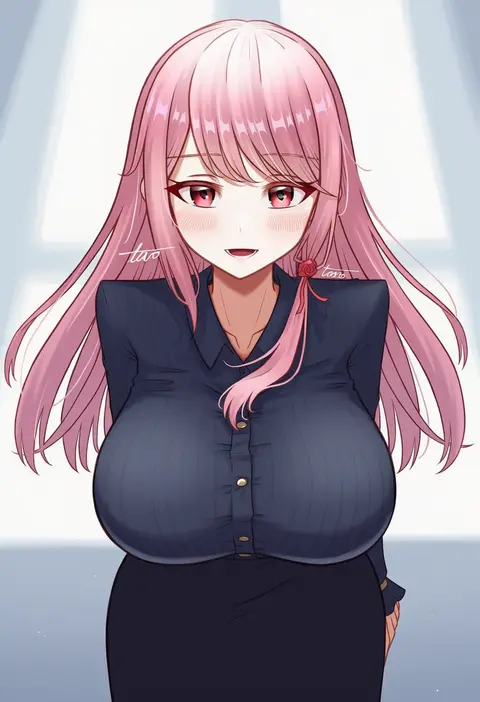
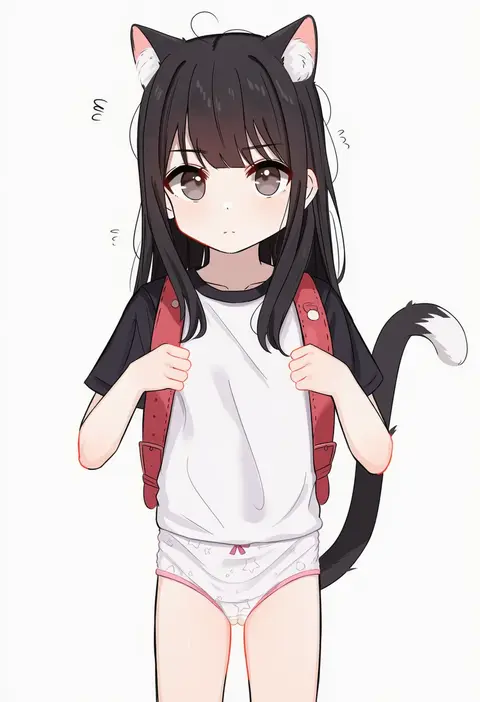
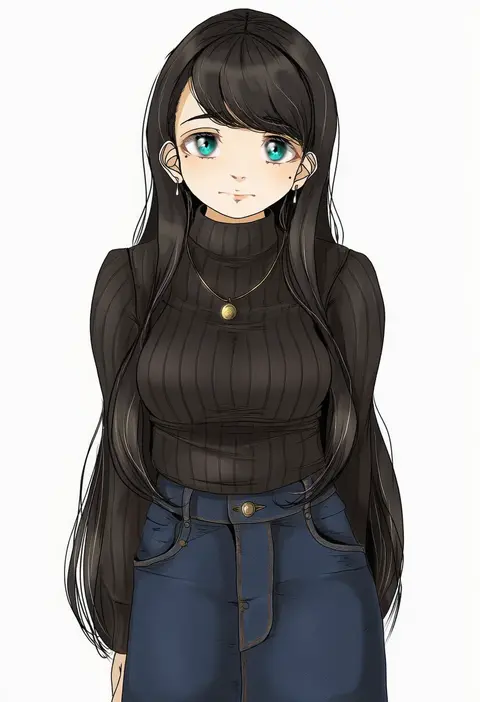
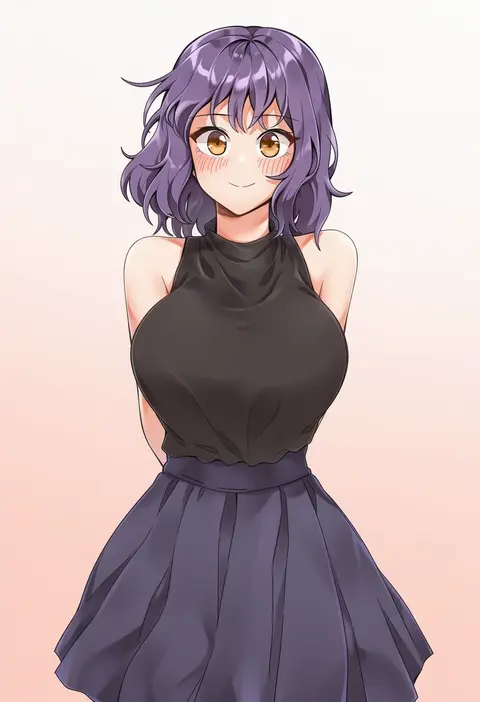
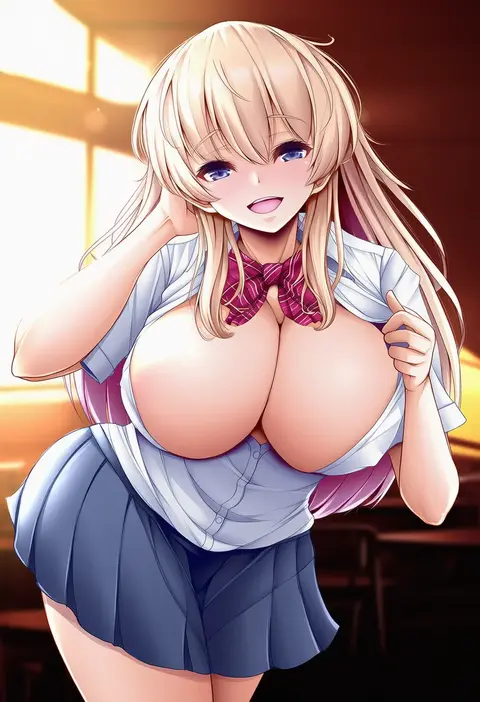
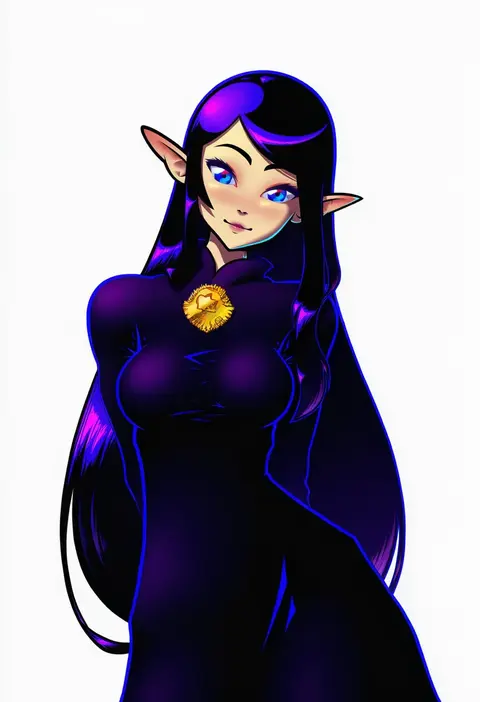
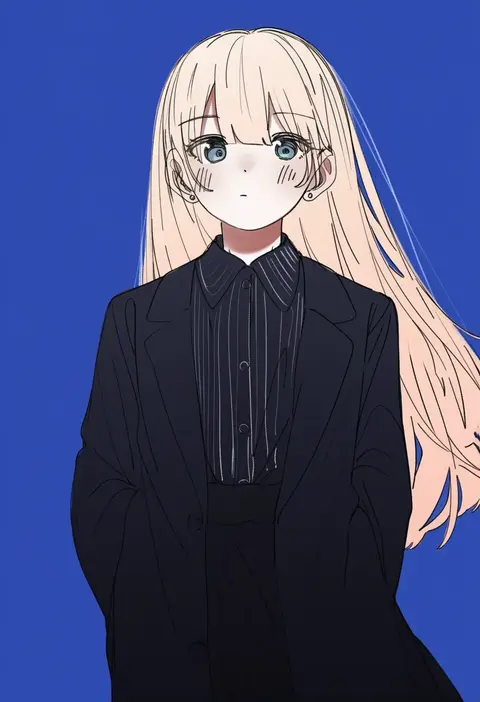
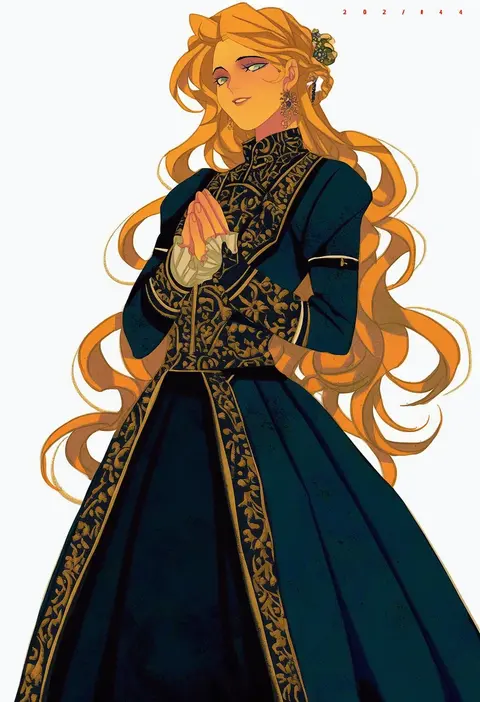
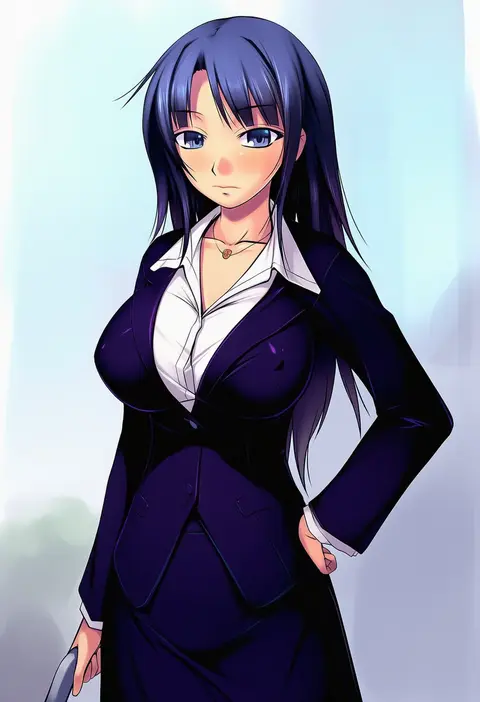
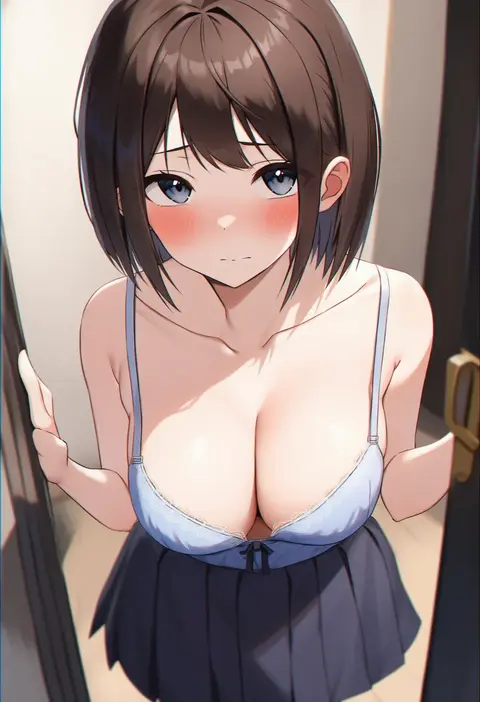
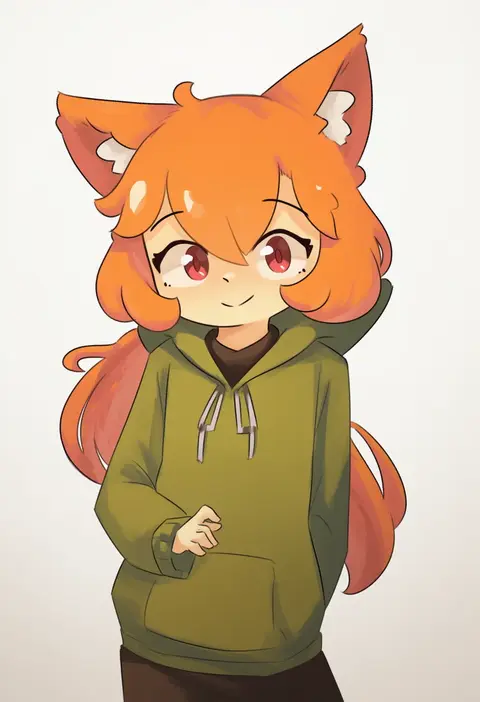
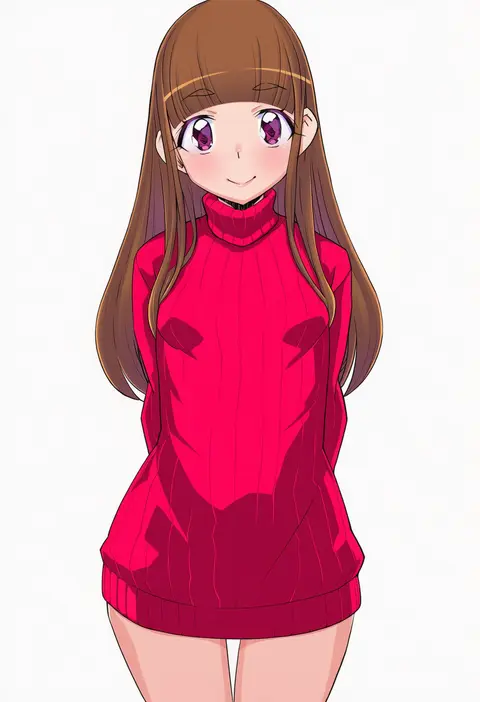
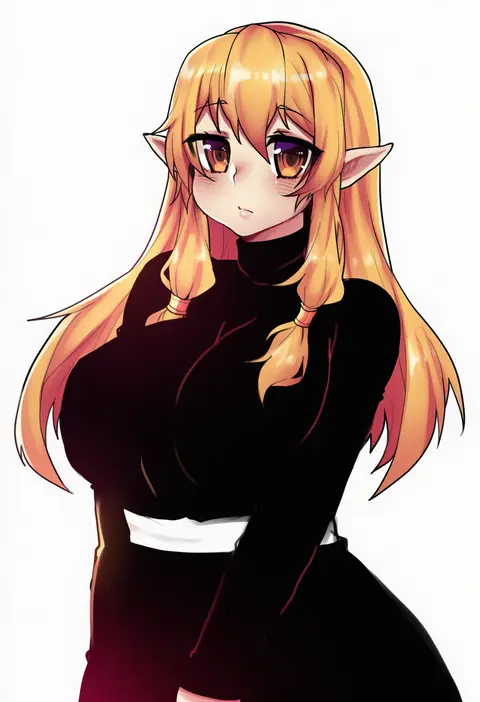
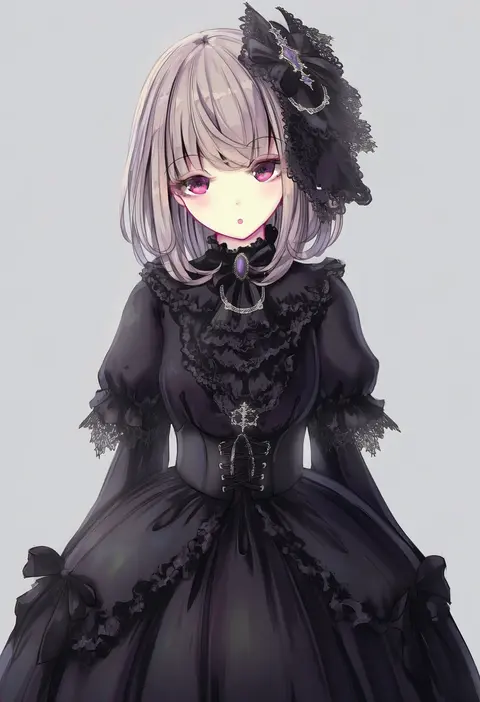
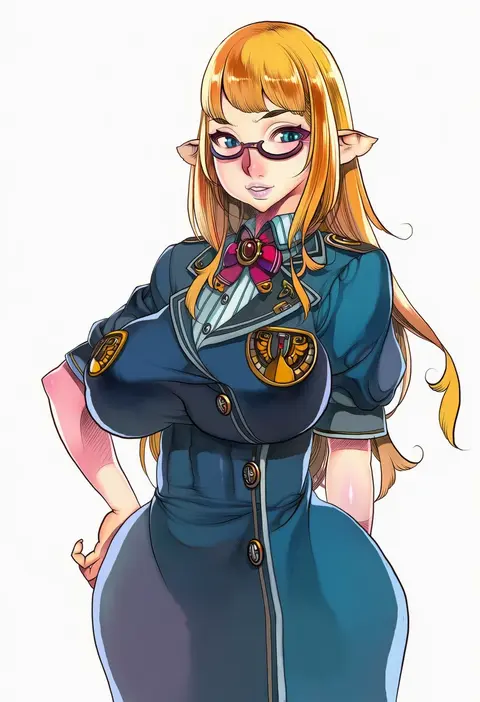
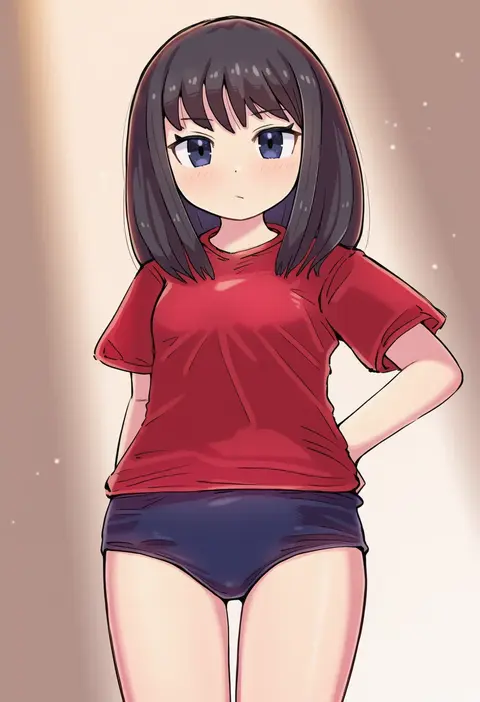
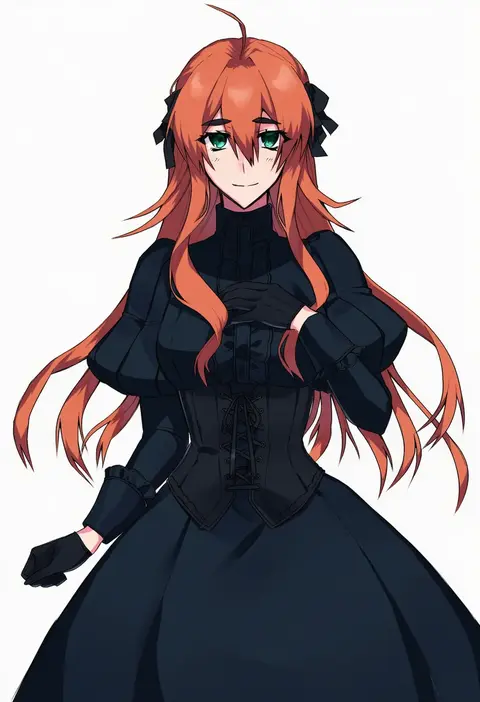
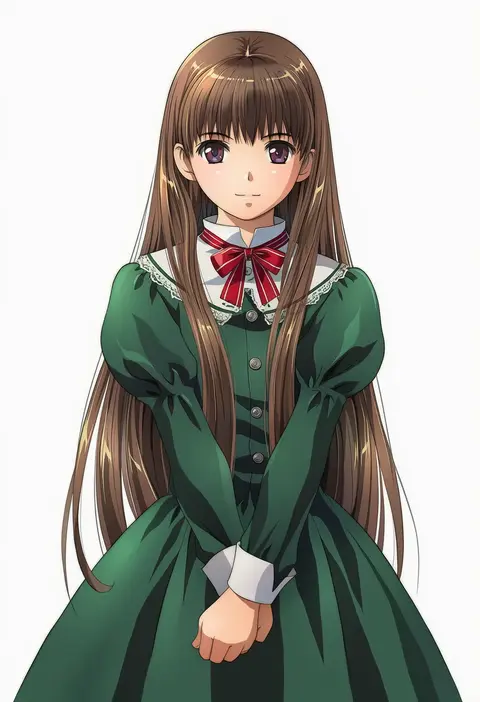
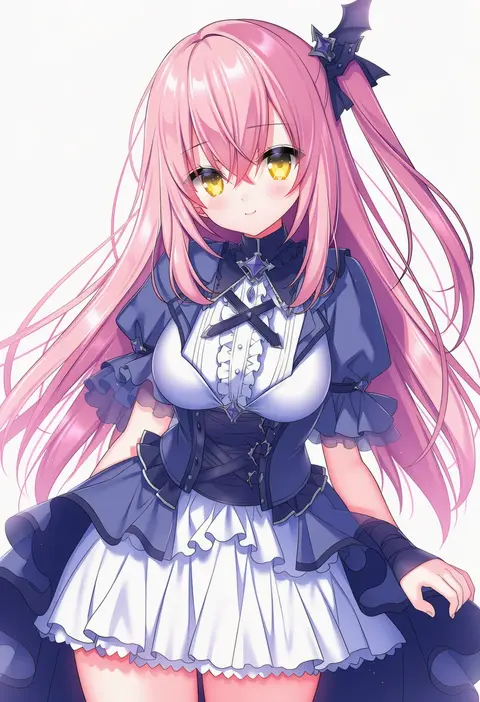
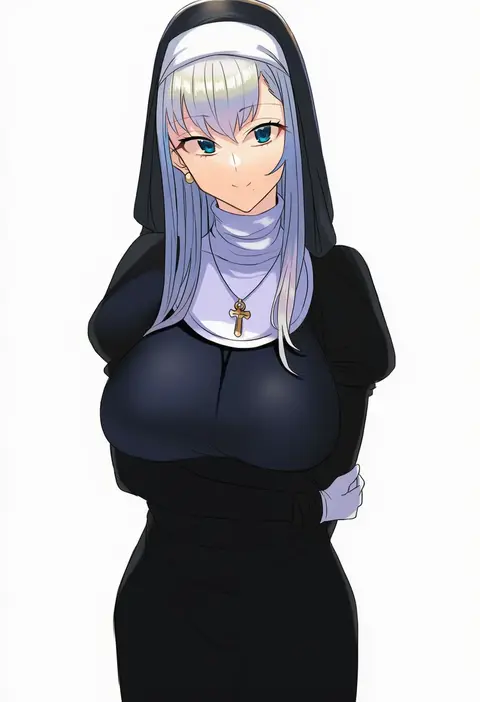
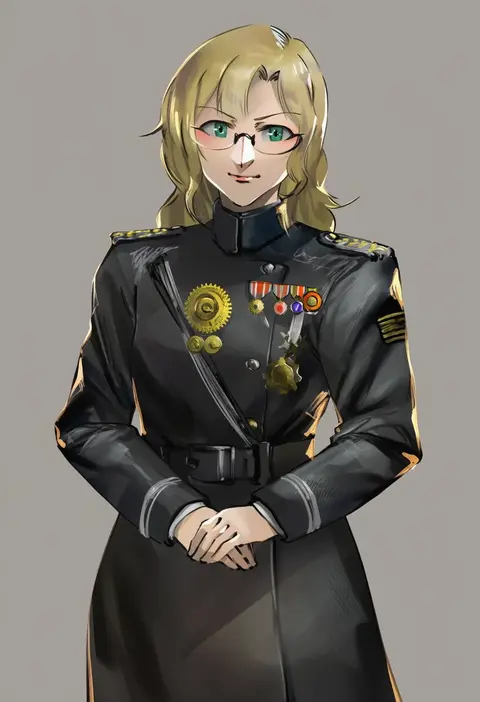
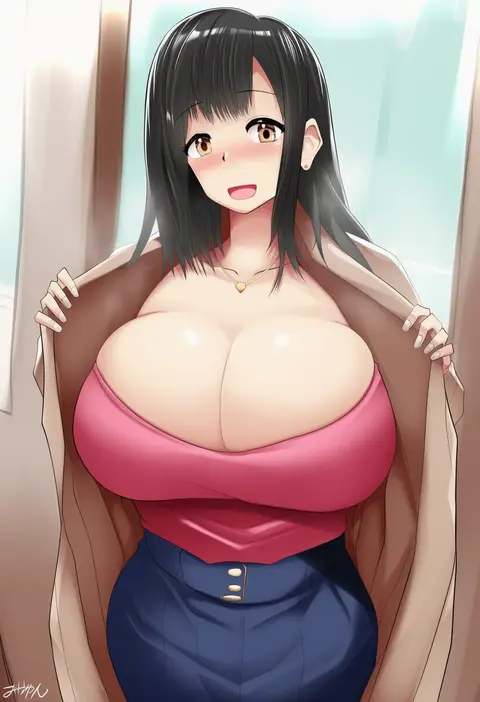
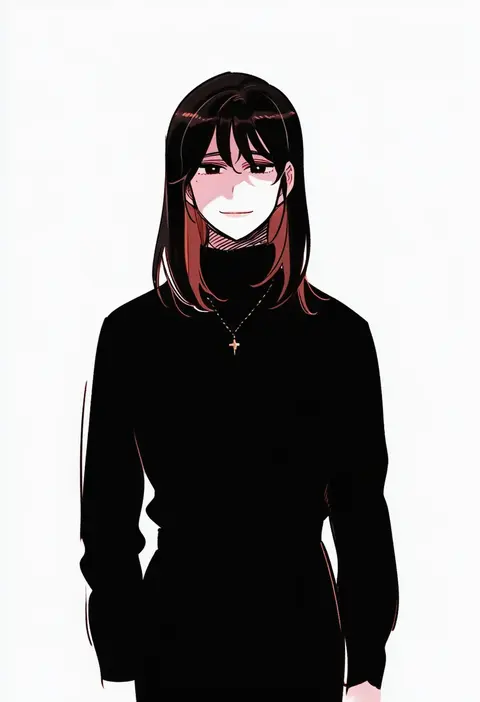
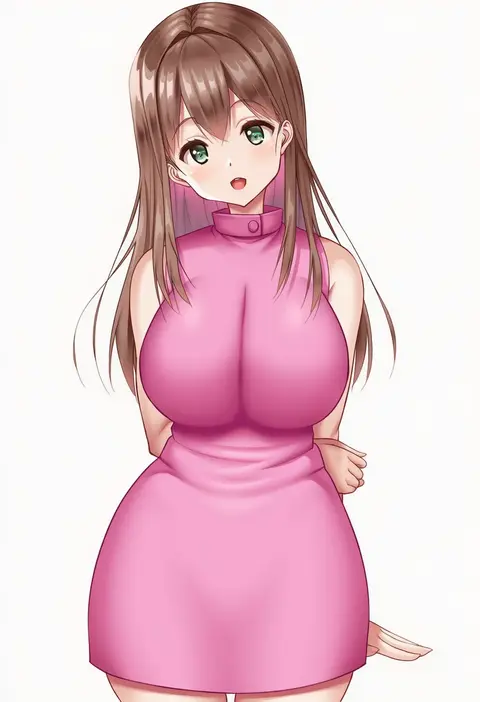
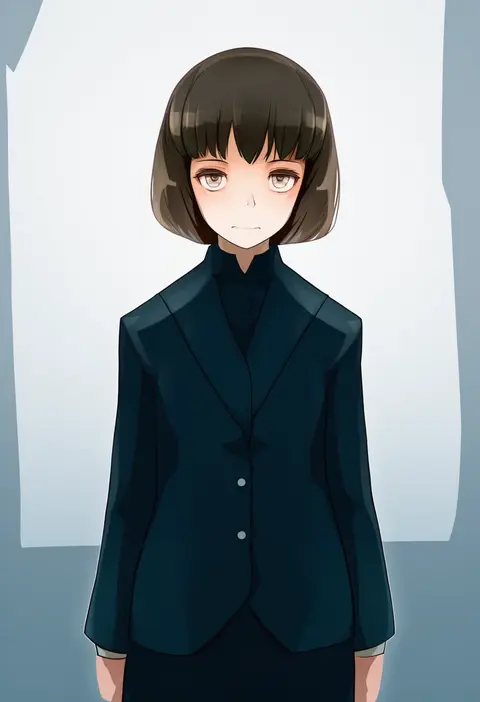
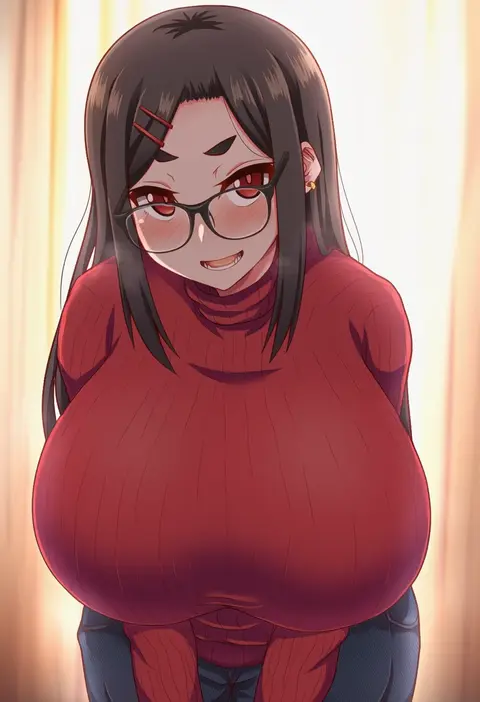
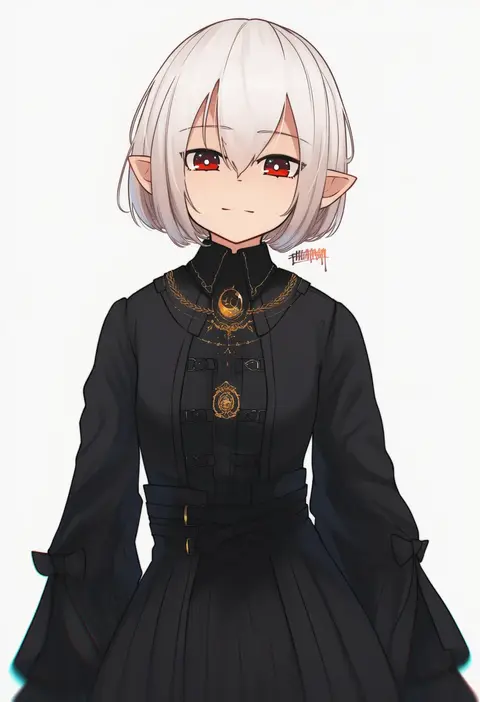
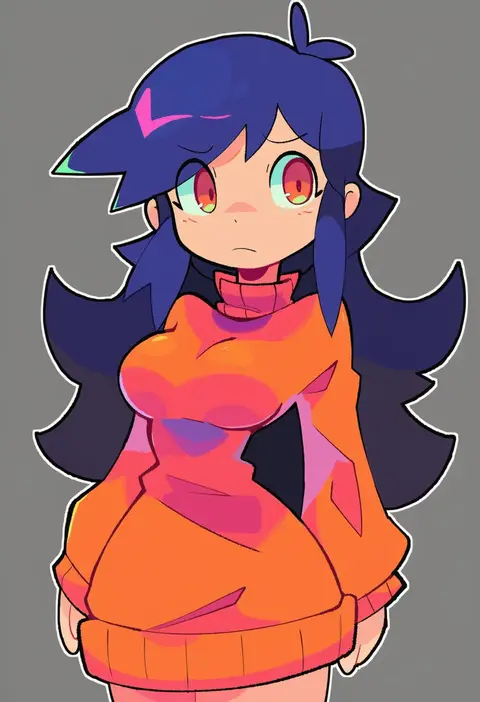
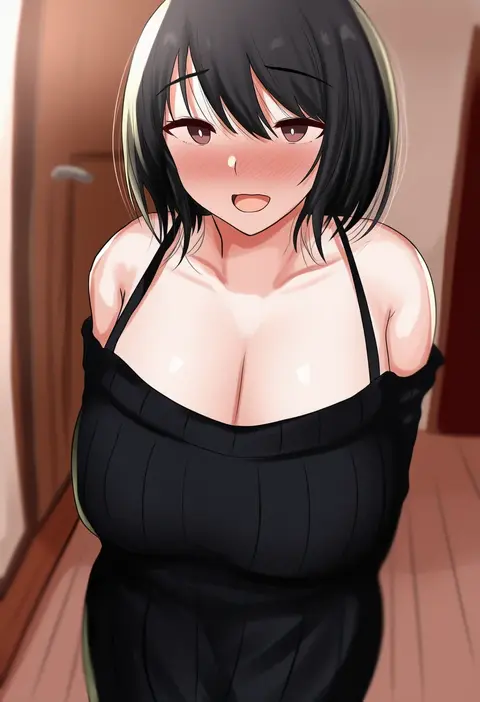
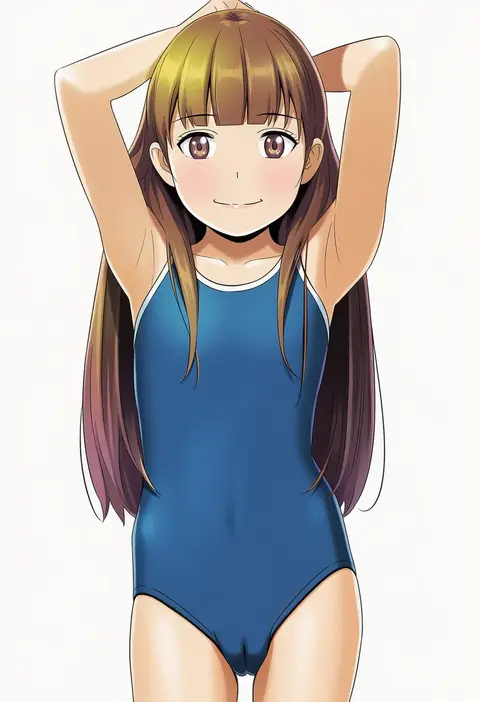
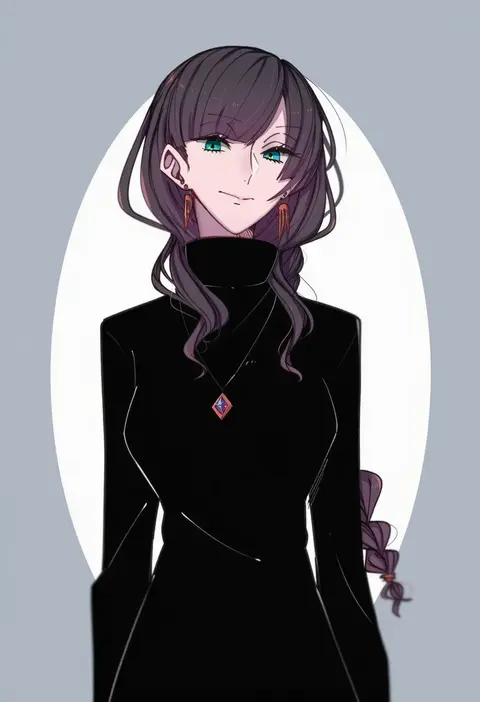
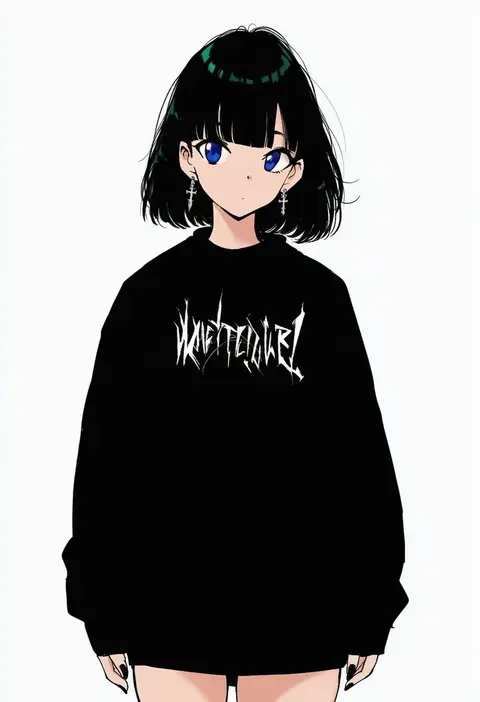
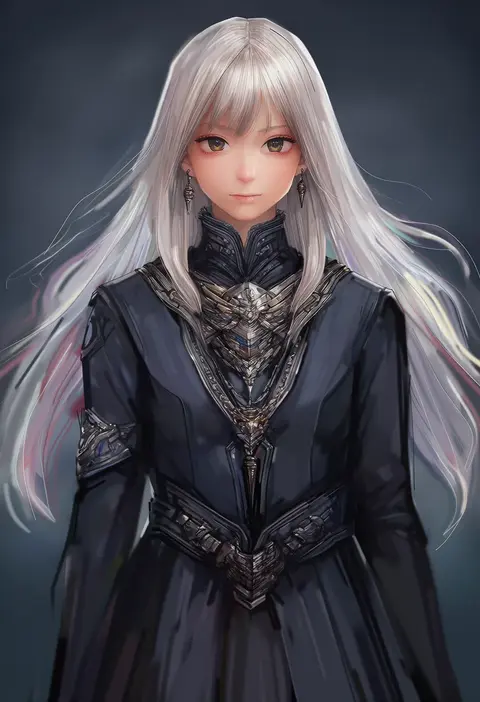
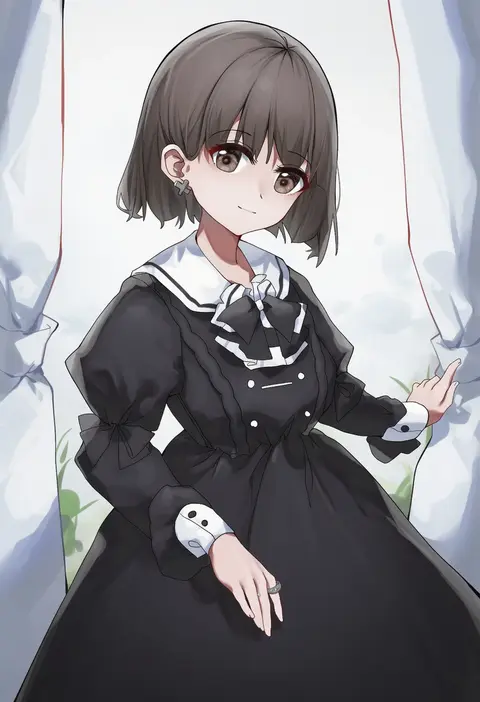
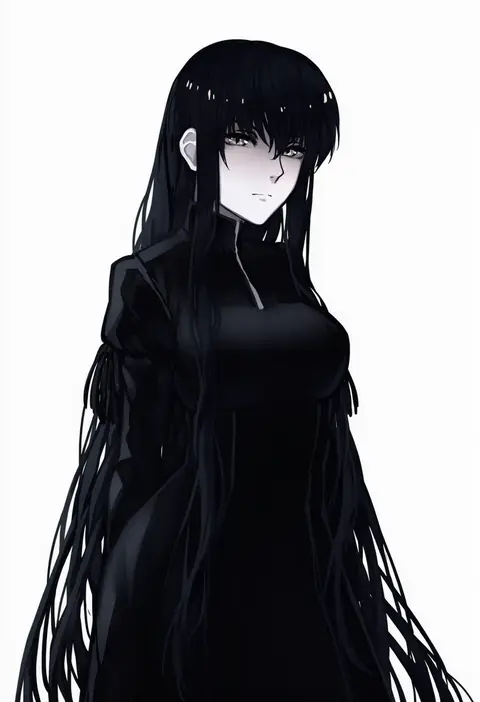
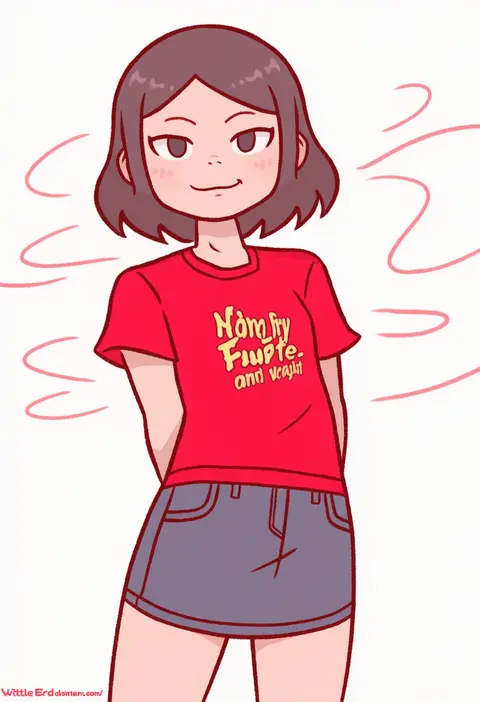
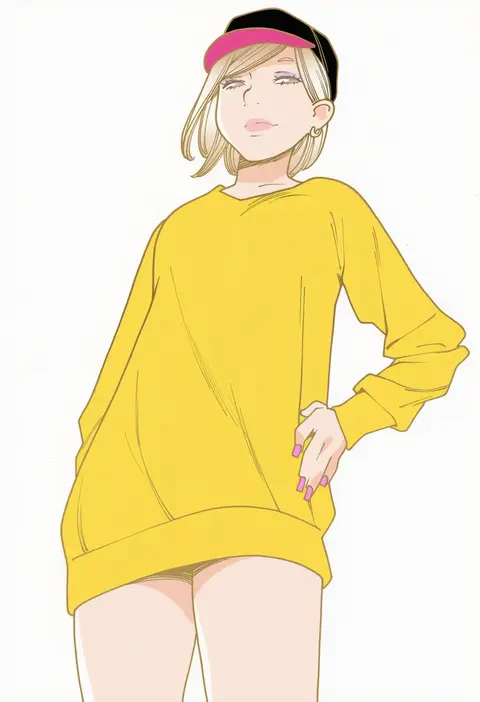
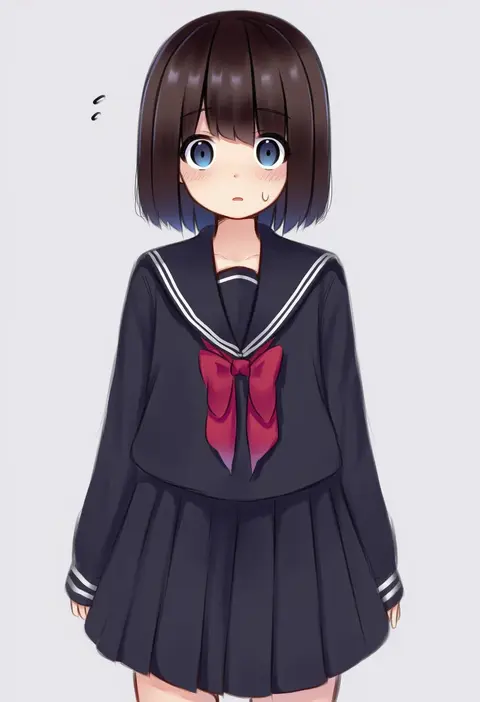
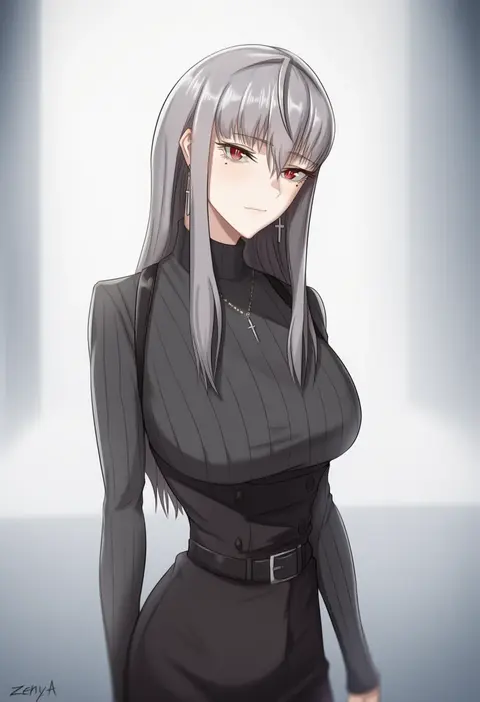
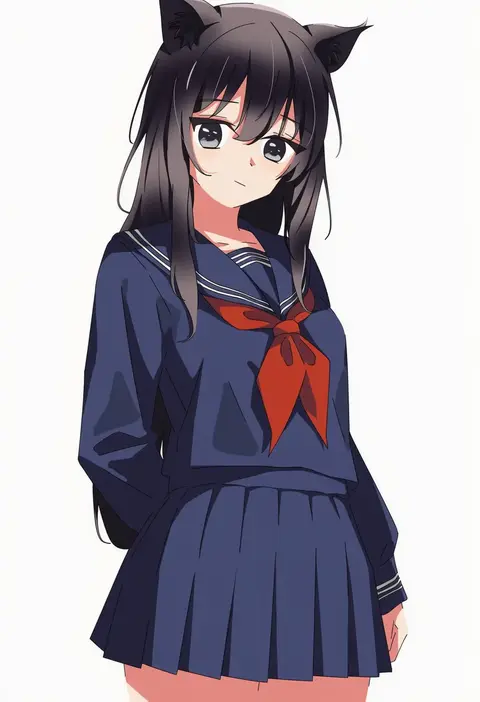
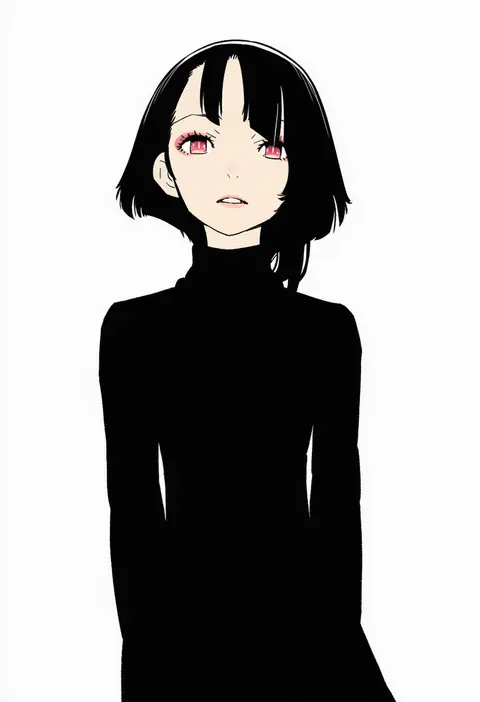
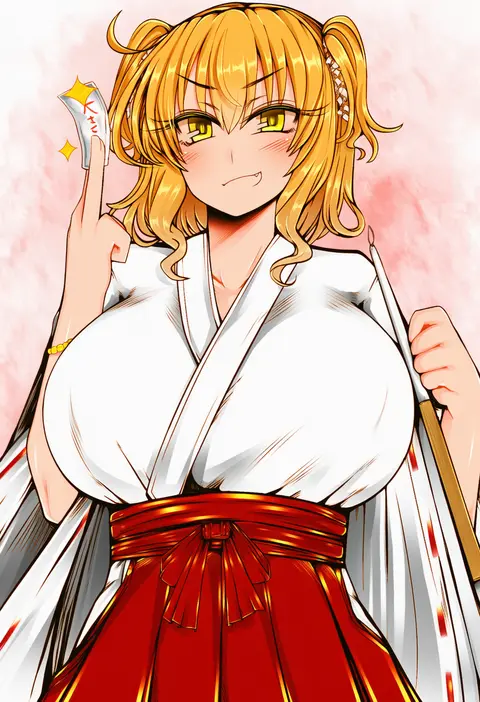
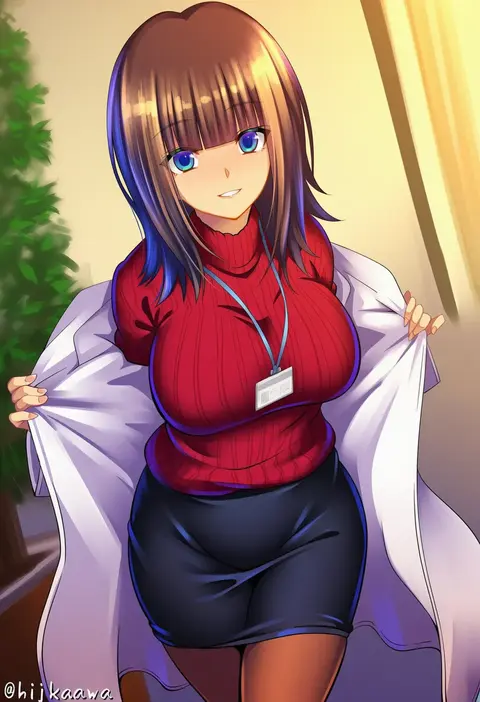
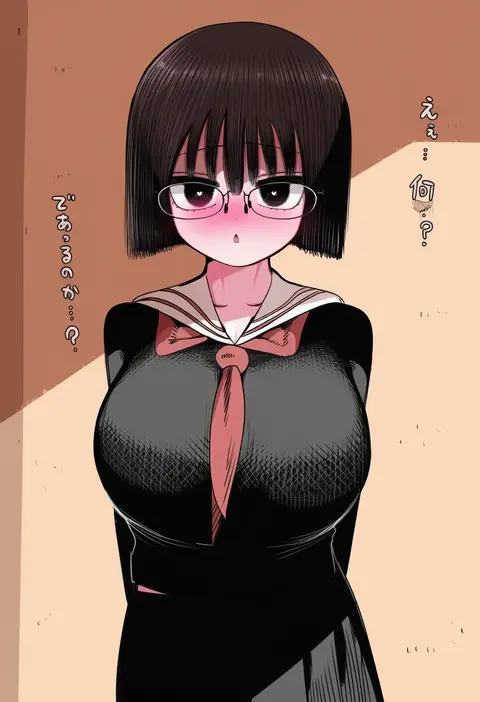
Artist tags tell NovelAI Diffusion to draw in a specific artist's style: line weight, paint texture, face shapes and palette all shift at once. Character and outfit tags decide what is drawn; artist tags decide how. 16,352 tags are listed for V4.5.
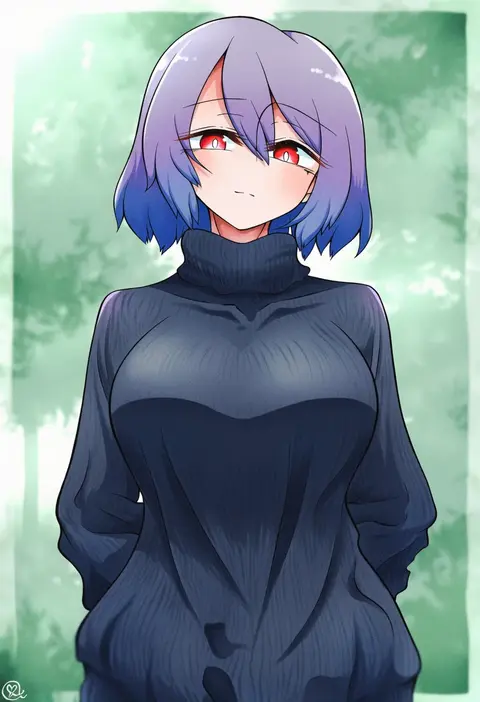
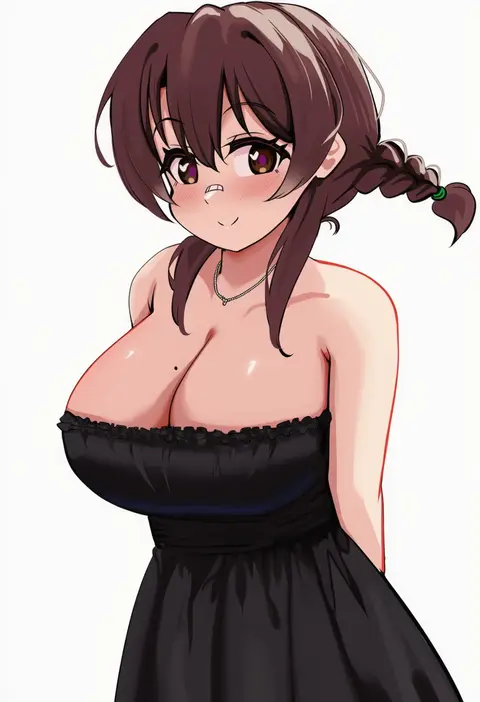
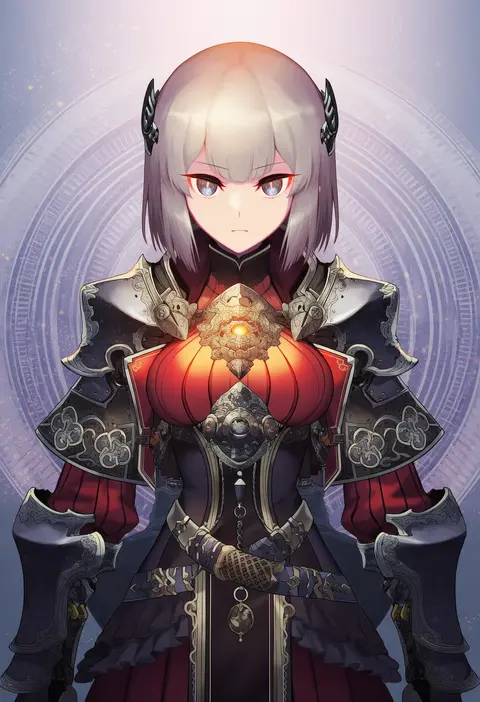
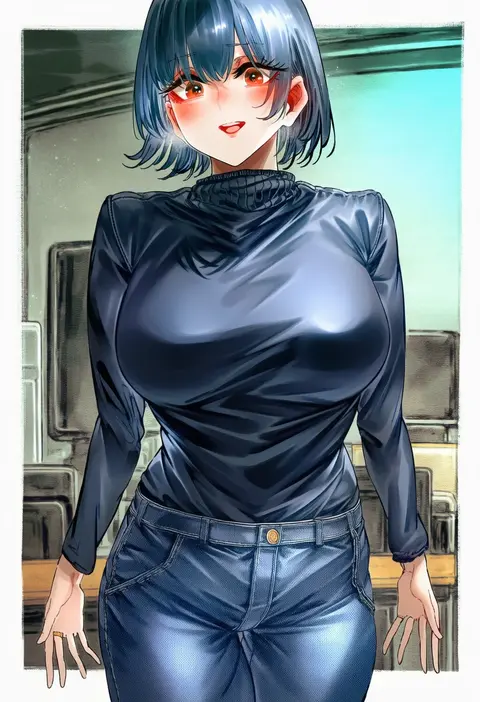
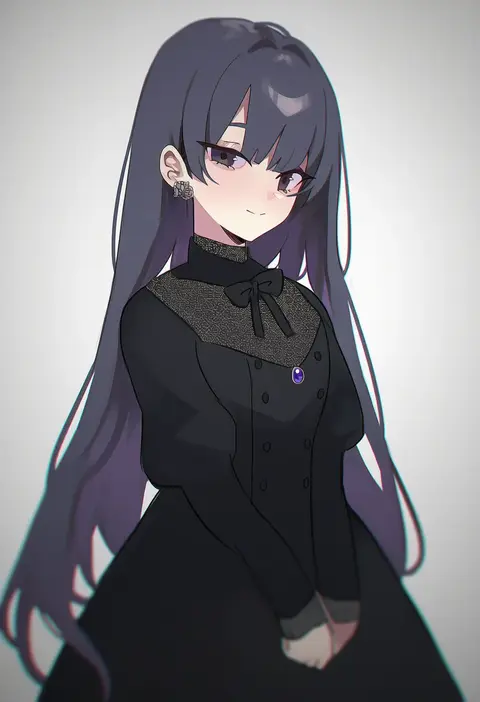
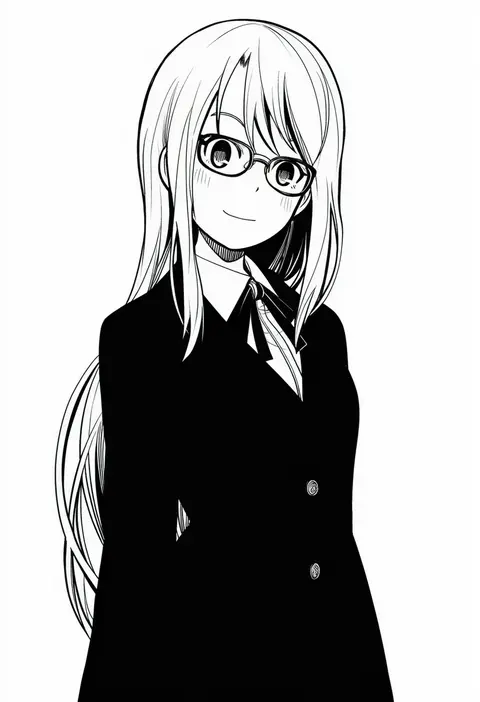
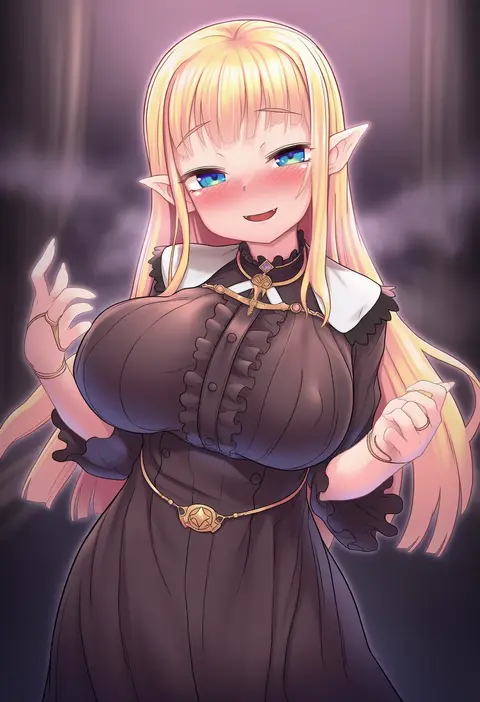
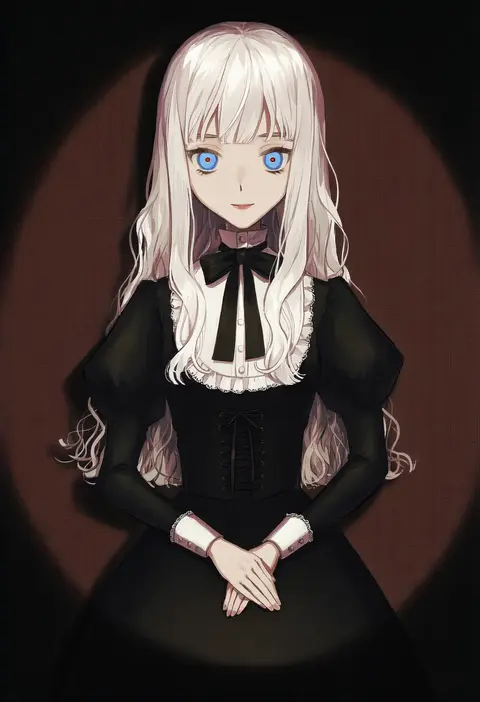
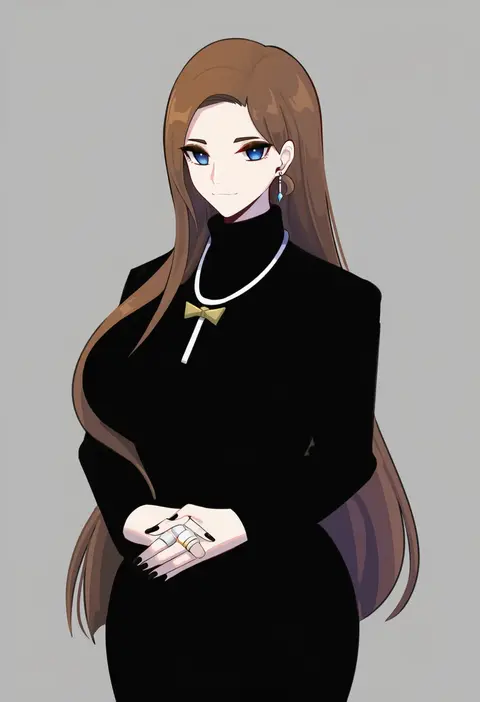
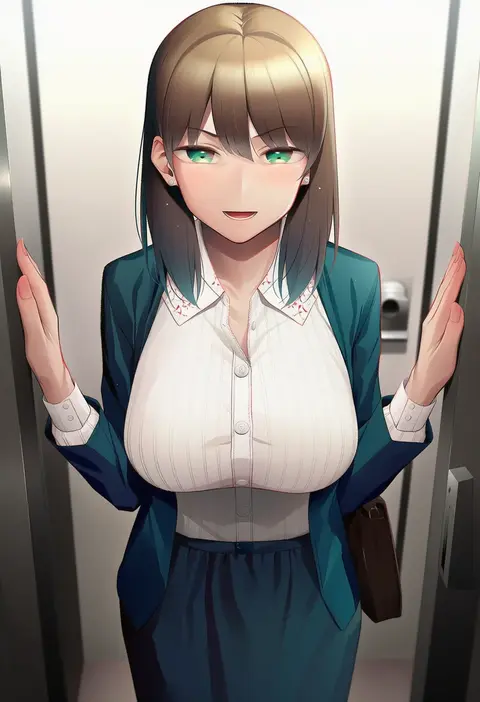
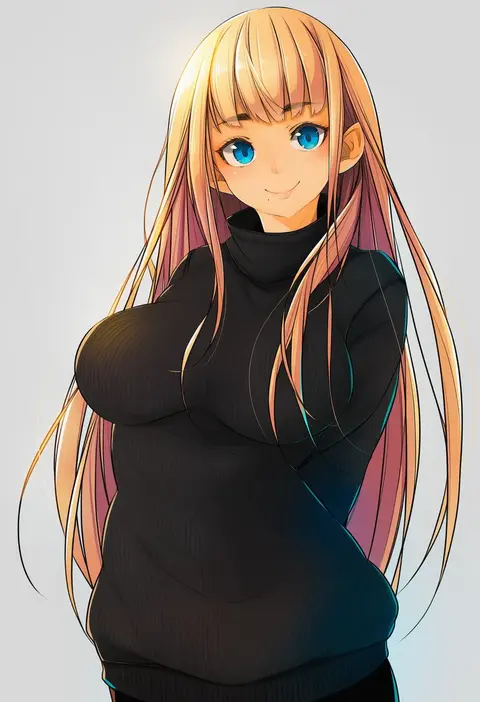
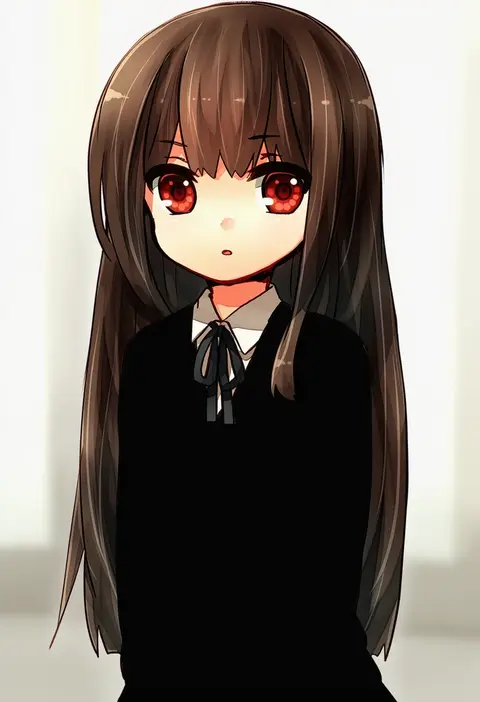
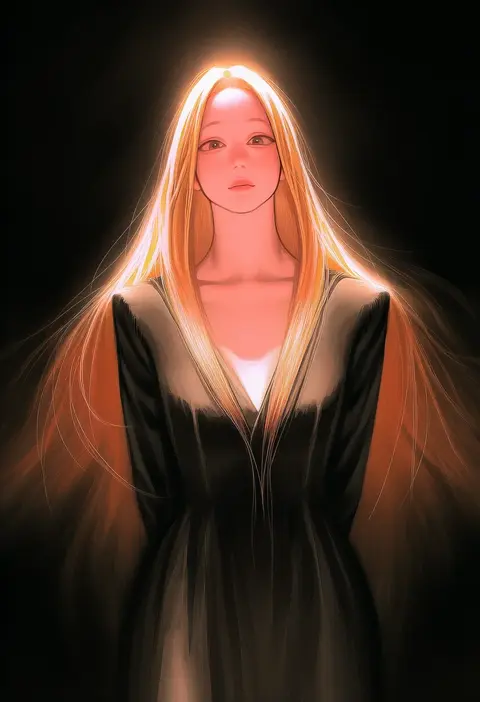
Every tag listed here is verified to react in NovelAI. All images use the same prompt, seed and settings with only the artist tag swapped, so the difference between two images is the style that tag brings in.

How to use them

Put the artist tag near the front of the prompt, e.g. "<artist>, 1girl, solo, best quality, masterpiece, cowboy shot". Two or three artist tags blend styles; lower the weight with "0.8::<artist>::" when the style overpowers the character.

SCORE sorts by Danbooru's top score, POSTS by post count, FAVS by hearts on this site. Open a card to see V5 and V4.5 side by side on the same seed.

V5 vs V4.5

V5 usually lands closer to the artist's real style, and tags that did nothing on V4.5 often react on V5. V4.5 still fits older and doujin-heavy artists better. Try V5 first, fall back to V4.5.

FAQ

Where does the artist tag go?
Near the front of the prompt. Use "0.8::tag::" to adjust its weight.

Can I stack artist tags?
Yes, styles blend. Past two or three the result stops looking like anyone.

Are these the artists' own works?
No. Every image is a NovelAI sample generated from the tag.