V4.5Artists
sort: FAVS▾
▾
>
$

Popular NovelAI artist tags — V4.5

artist --count 16,352[116/273]
bimmy
ARTIST0x1AF4
0
eno yukimi
ARTIST0x1AF5
0
midori niku
ARTIST0x1AF6
0
kurousagi yuu
ARTIST0x1AF7
0
gentoku
ARTIST0x1AF8
0
yongsadragon
ARTIST0x1AF9
0
num (angrynum)
ARTIST0x1AFA
0
sukebewe
ARTIST0x1AFB
0
set7
ARTIST0x1AFC
0
kamiki uutarou
ARTIST0x1AFD
0
iuro
ARTIST0x1AFE
0
oonaka ito
ARTIST0x1AFF
0
akaneman
ARTIST0x1B00
0
amakusa tobari
ARTIST0x1B01
0
chaciooh
ARTIST0x1B02
0
oxcoxa
ARTIST0x1B03
0
rifu (643763873)
ARTIST0x1B04
0
clare (543)
ARTIST0x1B05
0
kazenokaze
ARTIST0x1B06
0
xinzoruo
ARTIST0x1B07
0
toshishikisai
ARTIST0x1B08
0
boshi (a-ieba)
ARTIST0x1B09
0
masuishi kinoto
ARTIST0x1B0A
0
koretsuki azuma
ARTIST0x1B0B
0
so-bin
ARTIST0x1B0C
0
bunji
ARTIST0x1B0D
0
vanripper
ARTIST0x1B0E
0
kyo-hei (kyouhei)
ARTIST0x1B0F
0
ryochapu
ARTIST0x1B10
0
eip (pepai)
ARTIST0x1B11
0
bebe (bebe pp)
ARTIST0x1B12
0
aties20
ARTIST0x1B13
0
yuuri nayuta
ARTIST0x1B14
0
yon (letter)
ARTIST0x1B15
0
mahito
ARTIST0x1B16
0
red hayao
ARTIST0x1B17
0
nasaniliu
ARTIST0x1B18
0
kinsenka momi
ARTIST0x1B19
0
starfox1015
ARTIST0x1B1A
0
murio
ARTIST0x1B1B
0
matuda (matudayazo)
ARTIST0x1B1C
0
yuuri (orz commushows)
ARTIST0x1B1D
0
minikon
ARTIST0x1B1E
0
barkhorn0331
ARTIST0x1B1F
0
xiao rui rui
ARTIST0x1B20
0
haimei1980
ARTIST0x1B21
0
yukiyanagi raki
ARTIST0x1B22
0
zakozako y
ARTIST0x1B23
0
triple-q
ARTIST0x1B24
0
masaki kei
ARTIST0x1B25
0
soba chatarou (tita)
ARTIST0x1B26
0
a888 n22
ARTIST0x1B27
0
nyaru (nyaru 4126)
ARTIST0x1B28
0
erkaz
ARTIST0x1B29
0
osananajimi neko
ARTIST0x1B2A
0
biyon
ARTIST0x1B2B
0
irua
ARTIST0x1B2C
0
kotobuki (stealth sendan)
ARTIST0x1B2D
0
fengmo
ARTIST0x1B2E
0
ukyo rst
ARTIST0x1B2F
0

What these tags change

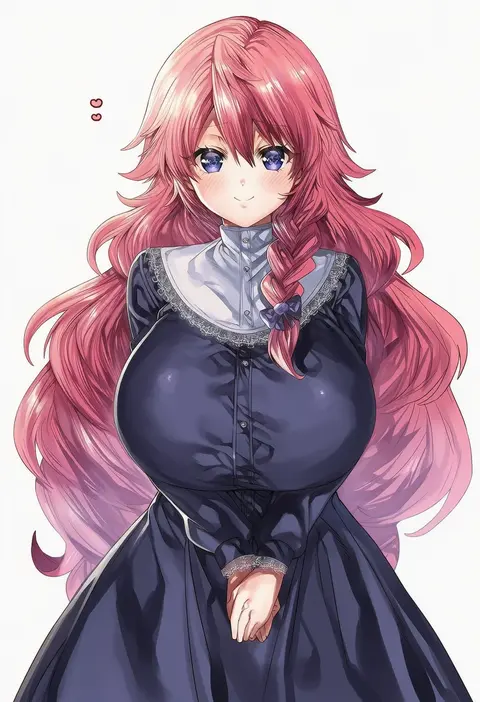
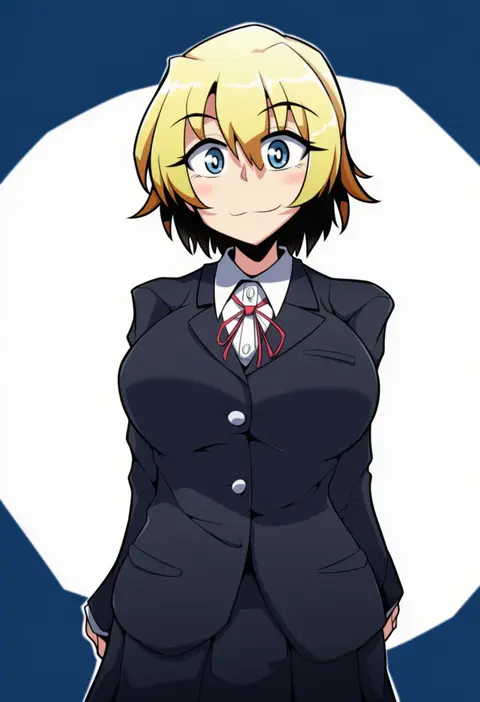
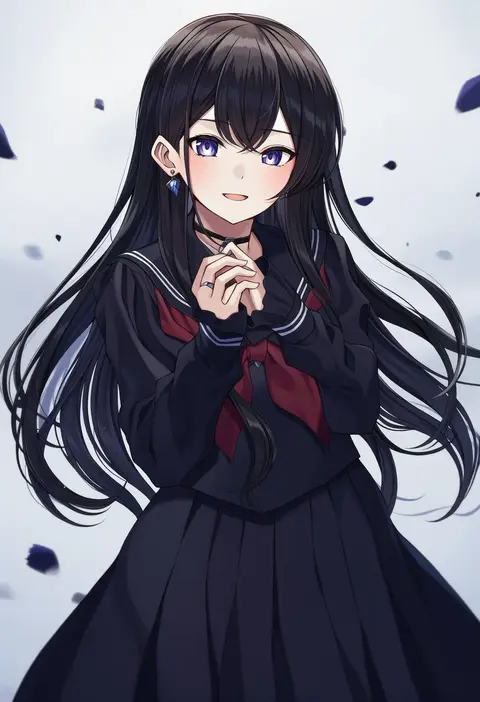
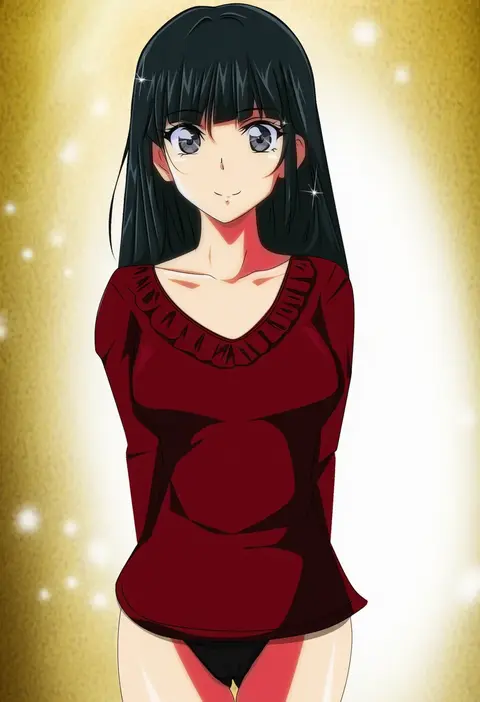
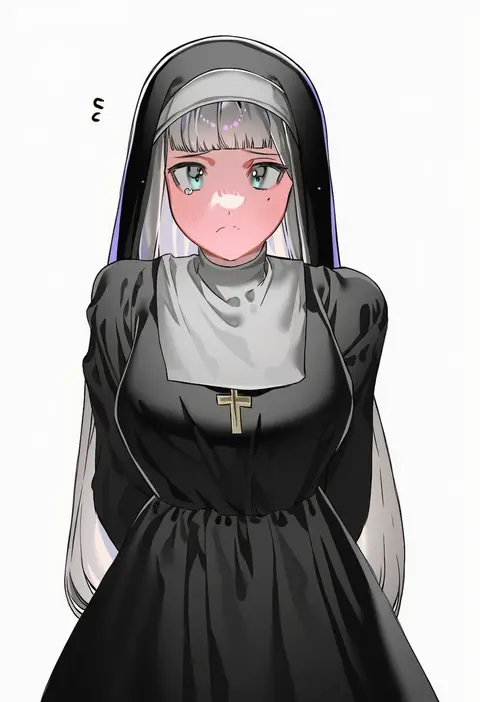
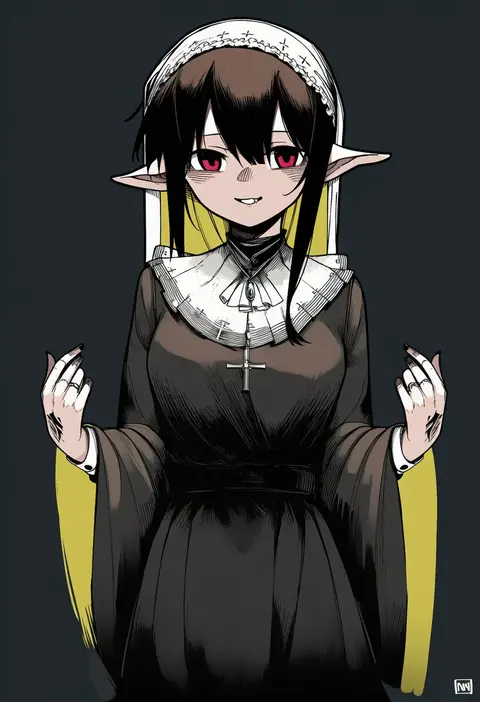
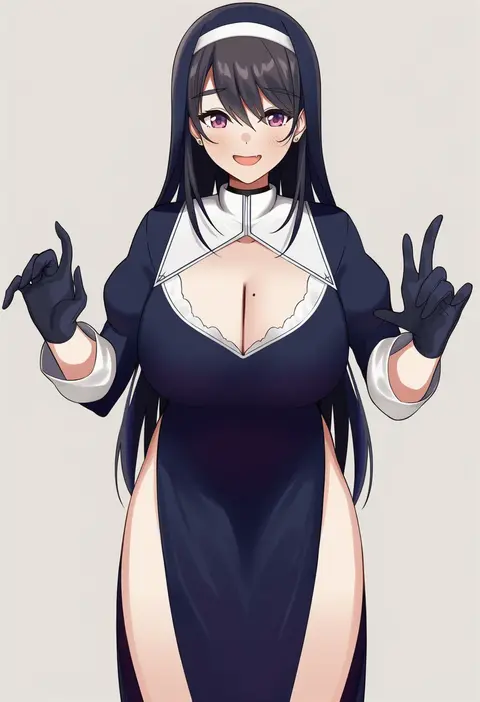
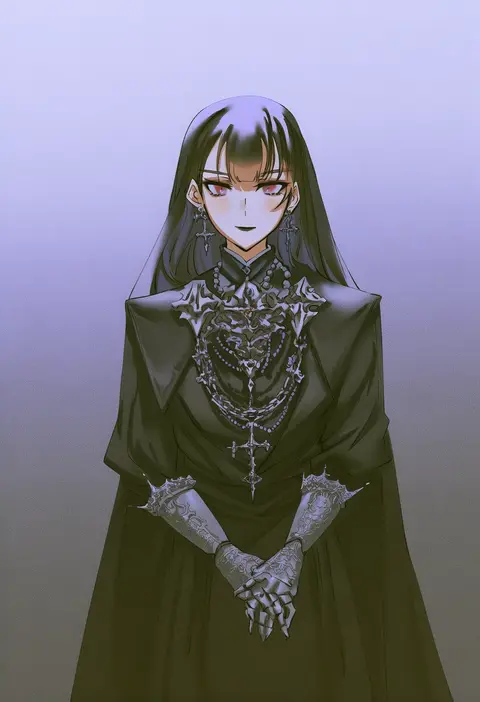
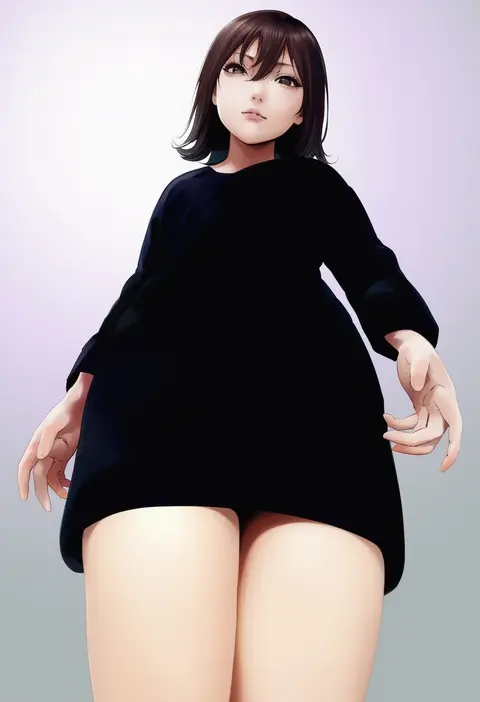
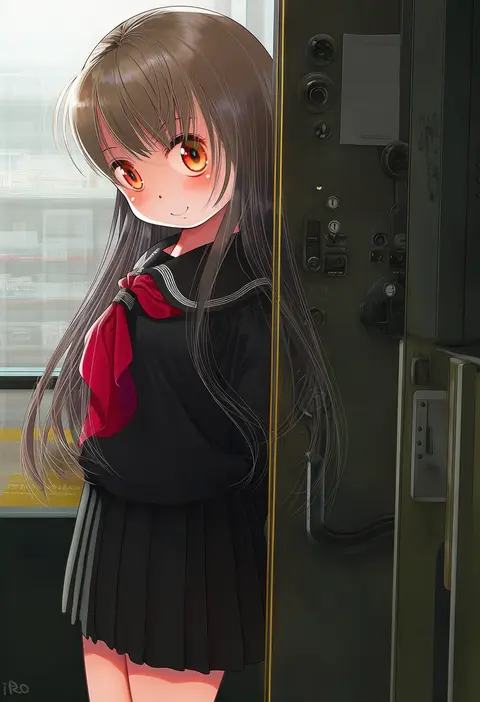
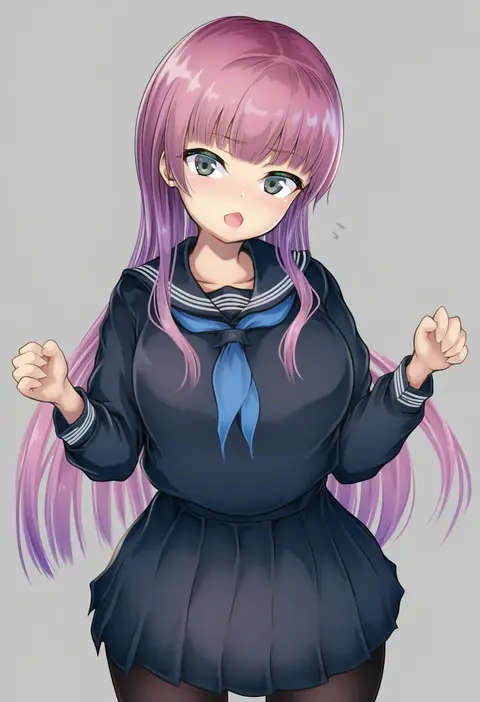
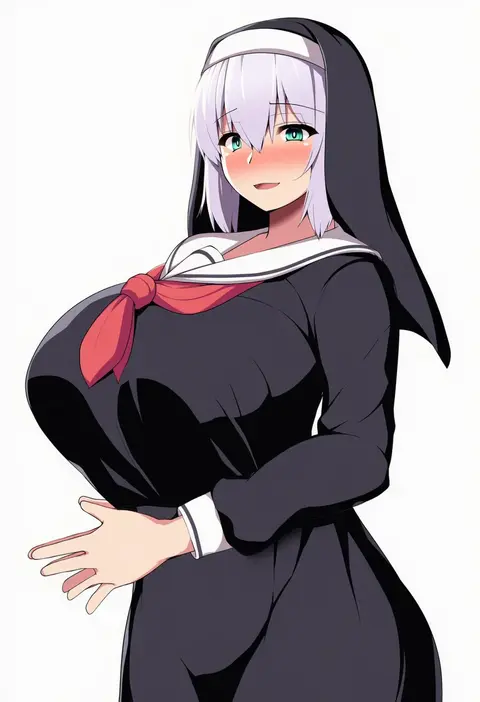
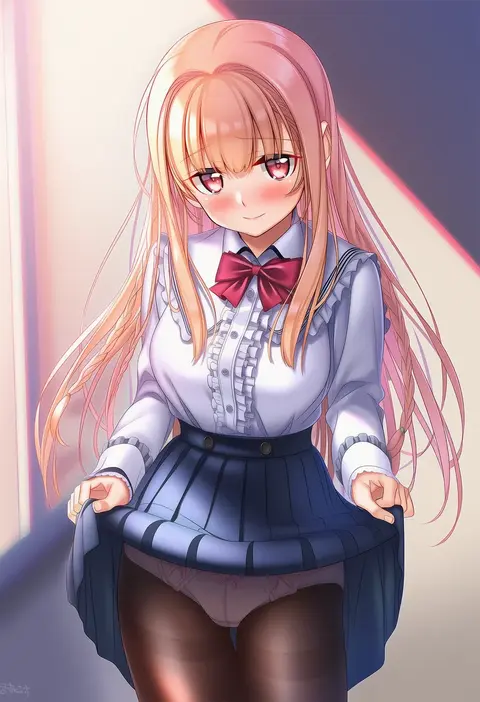
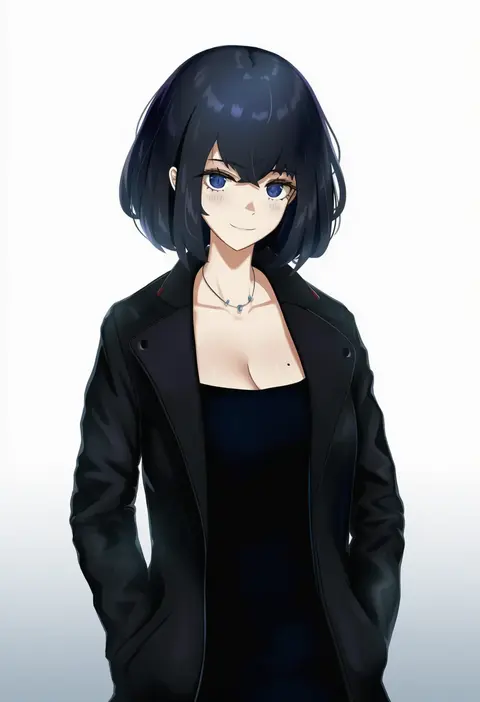
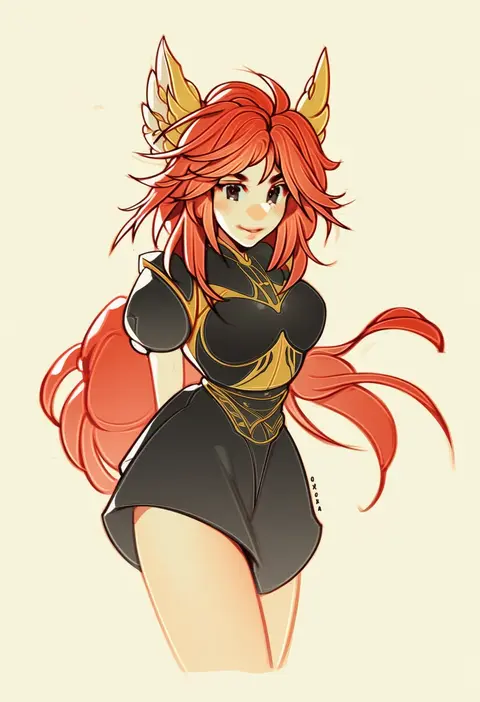
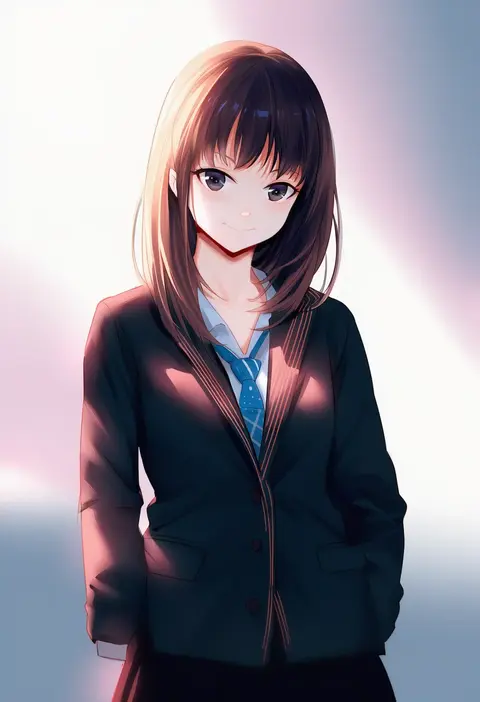
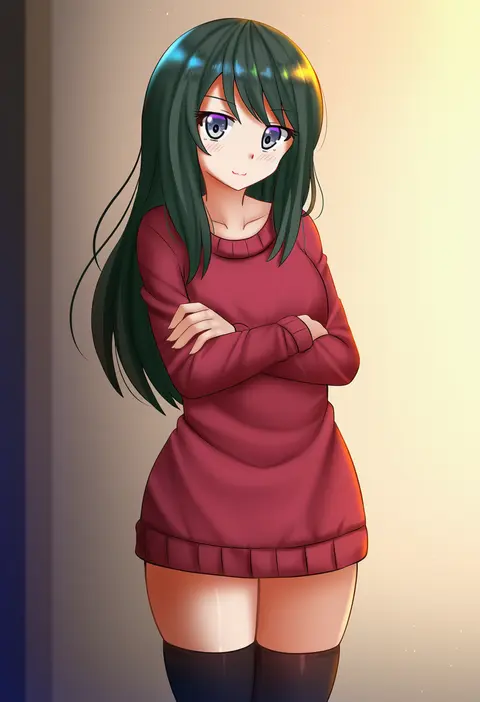
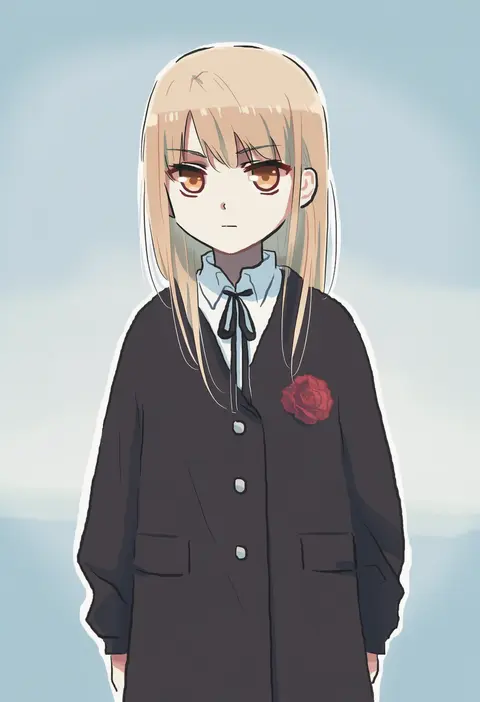
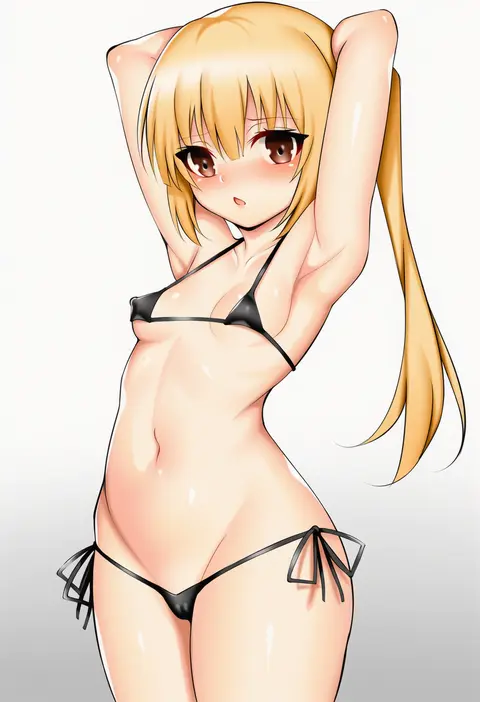
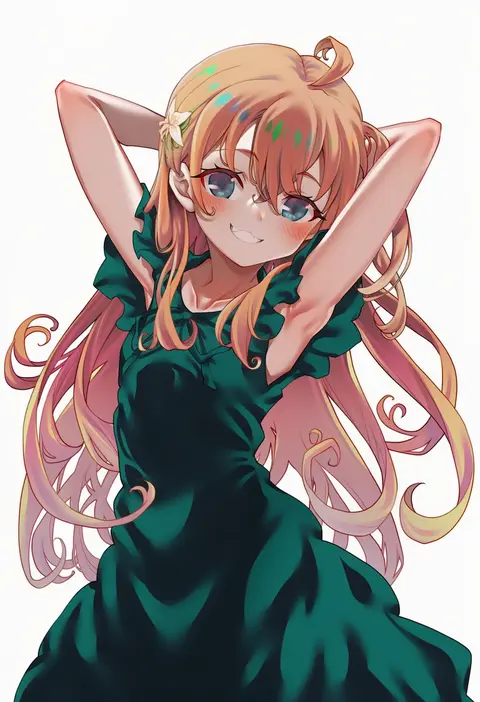
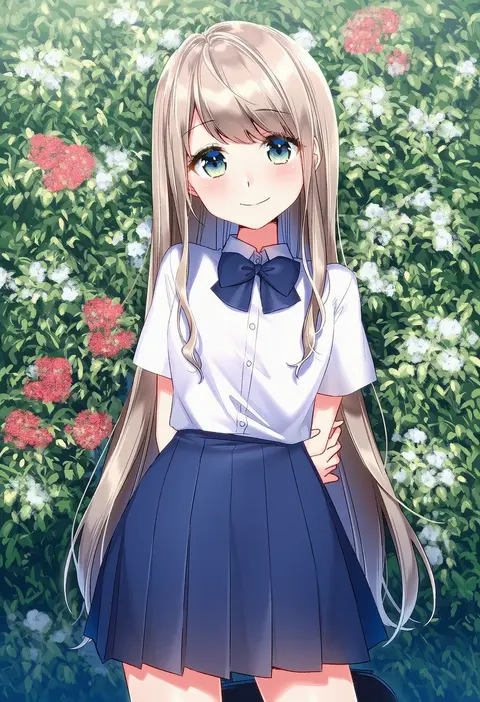
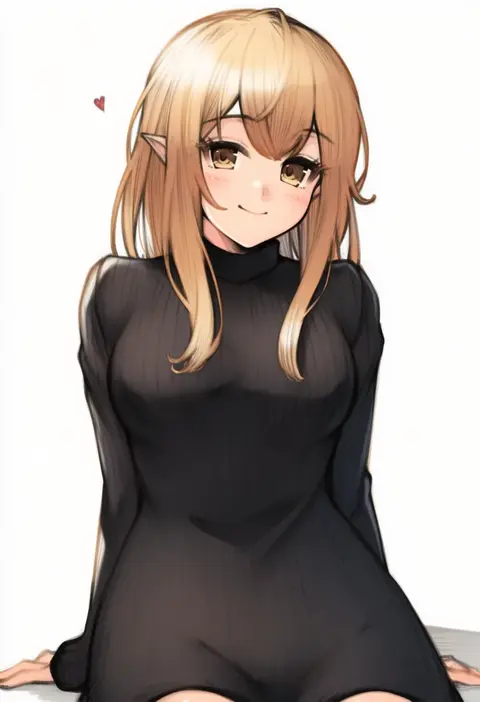
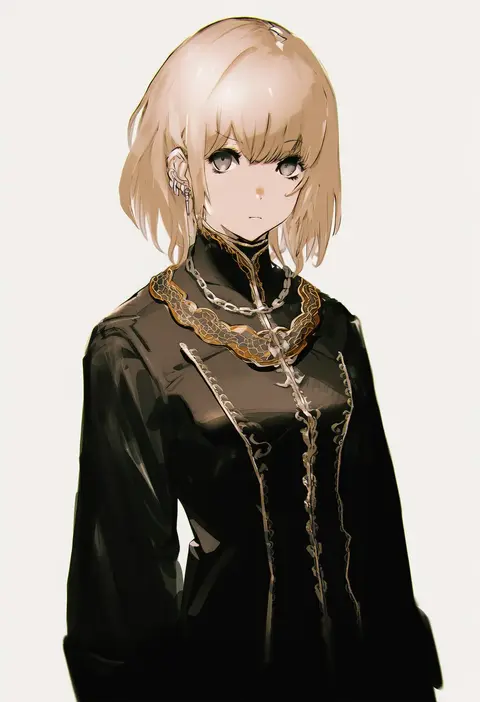
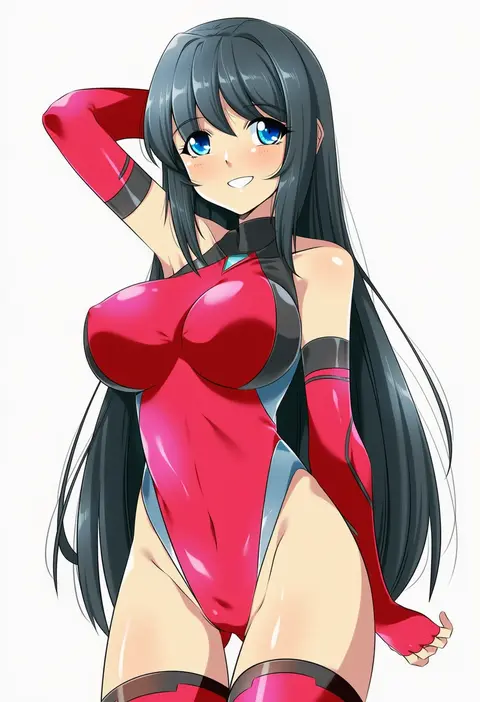
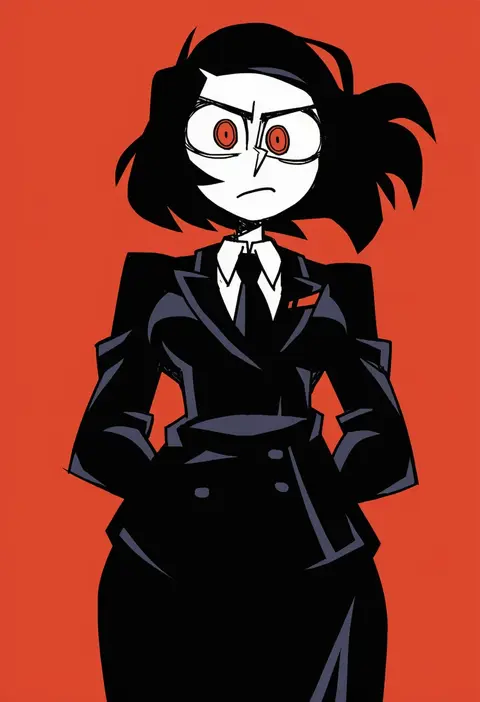
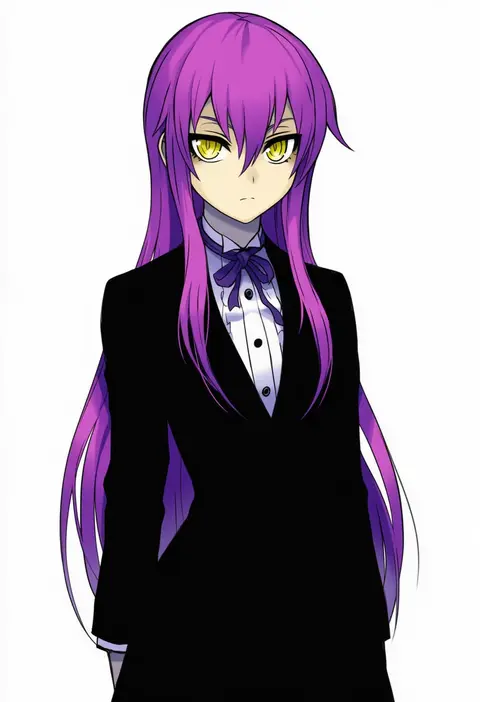
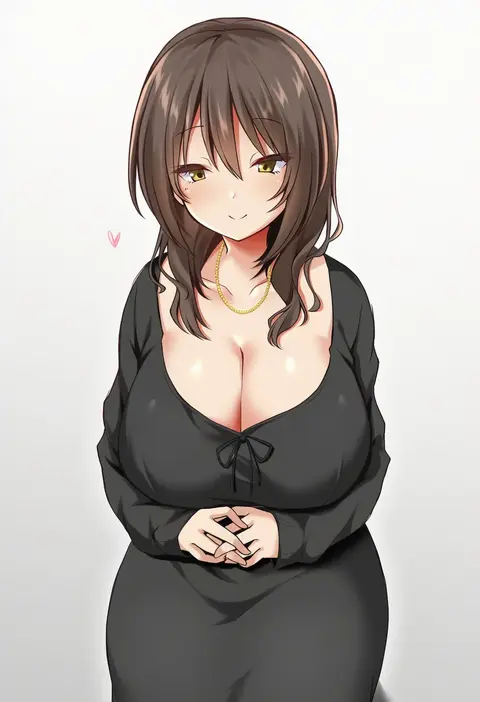
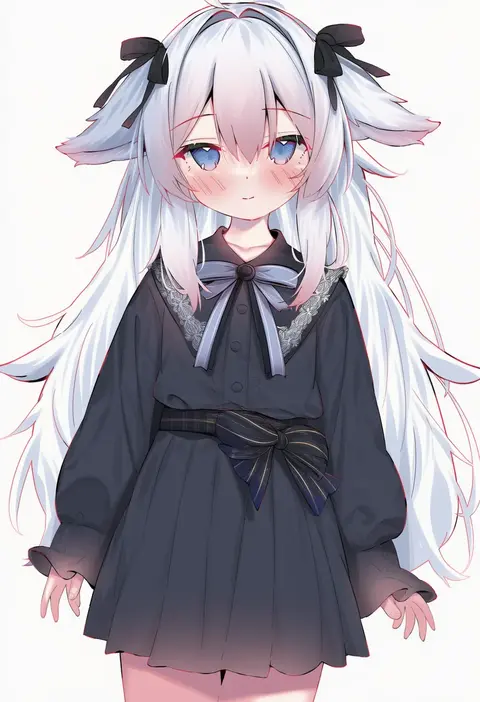
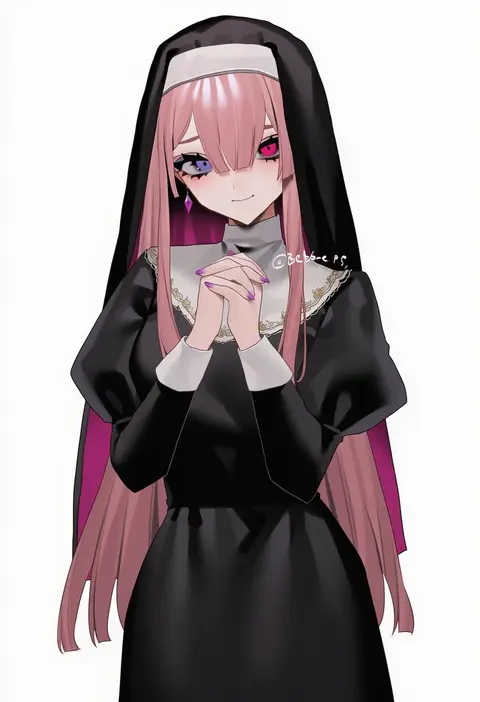
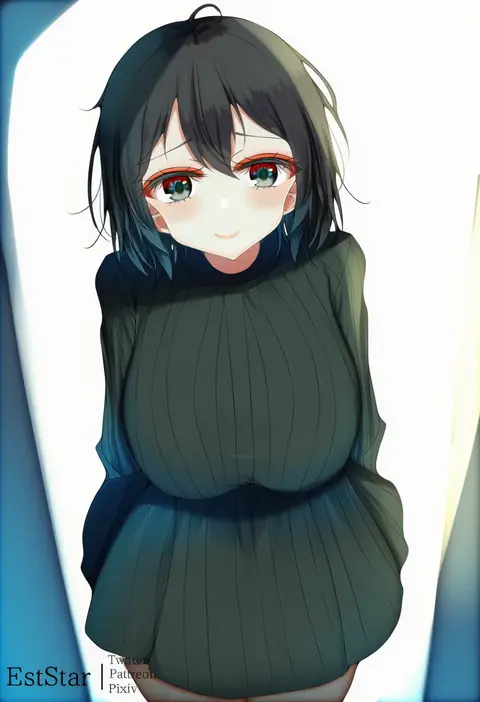
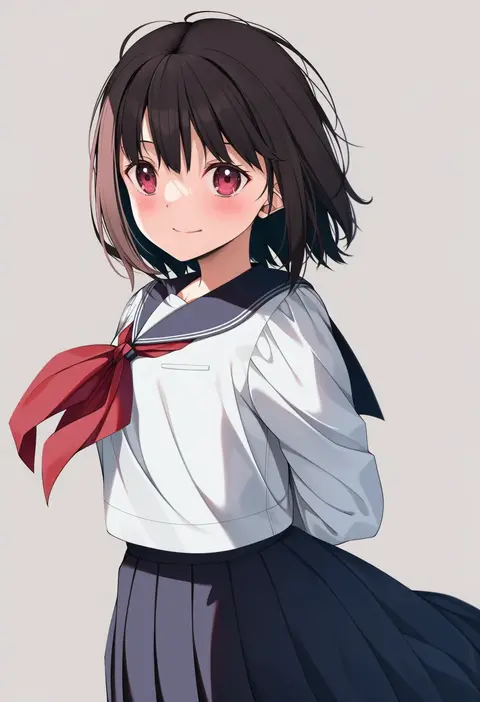
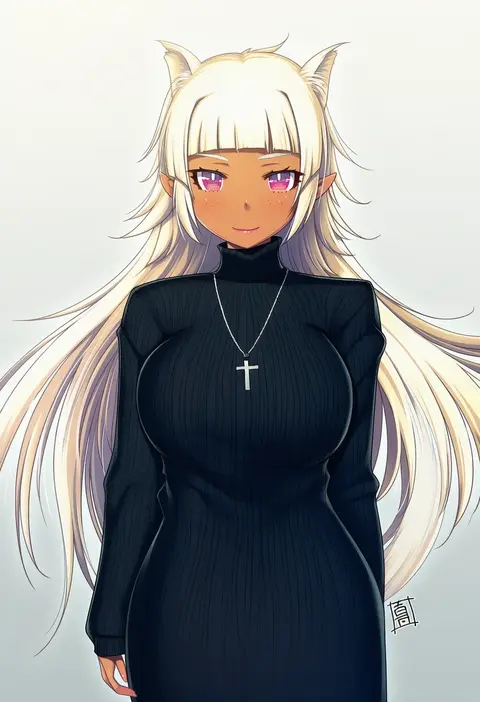
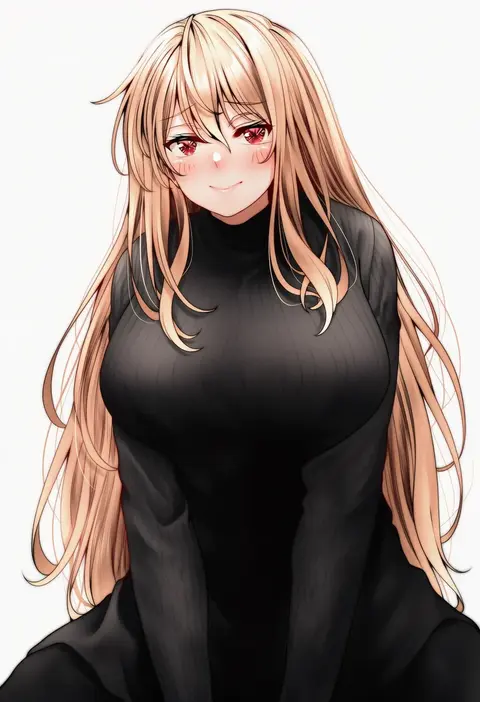
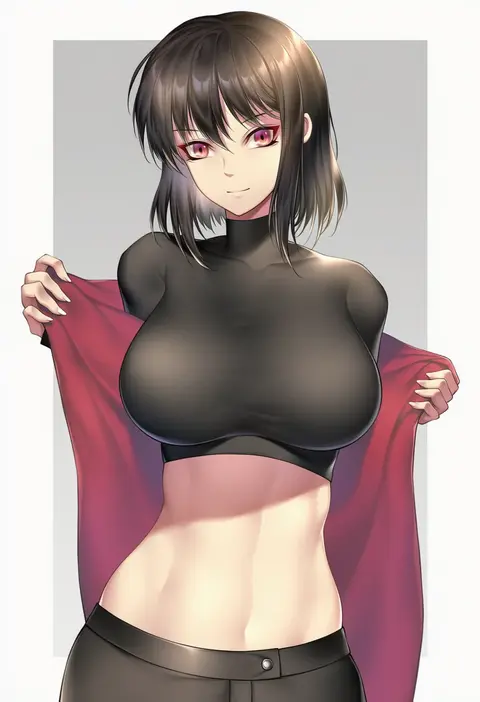
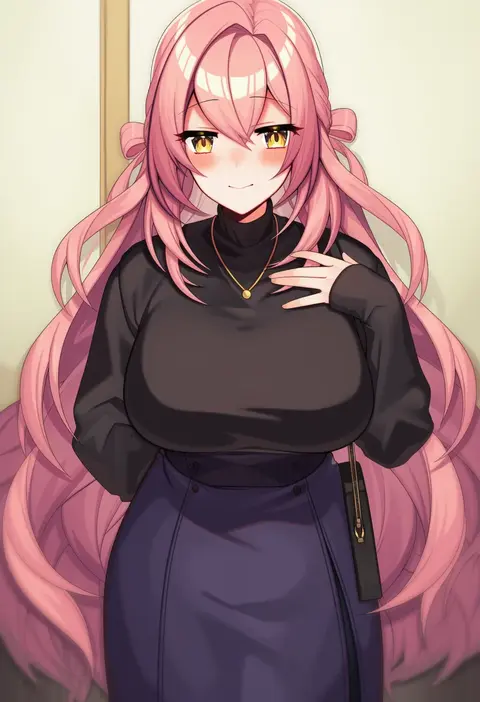
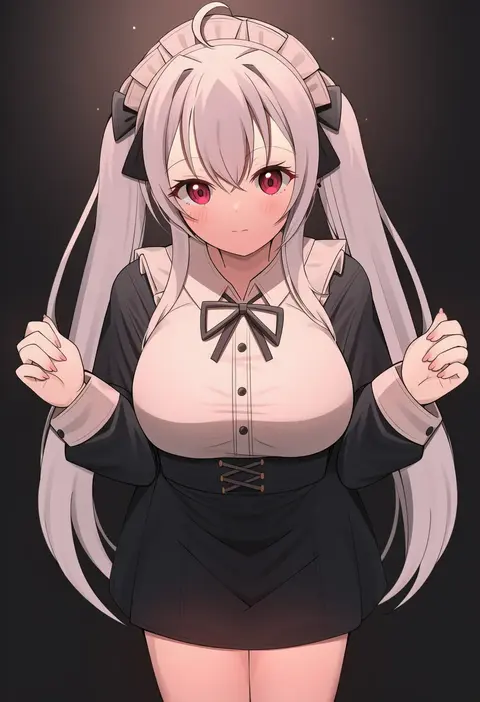
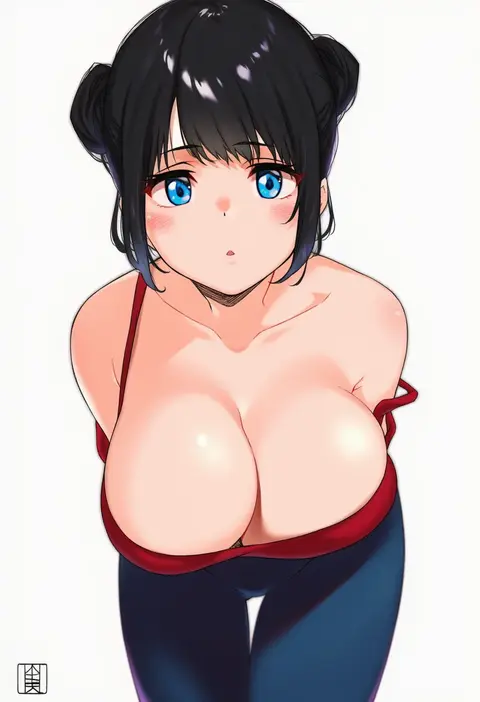
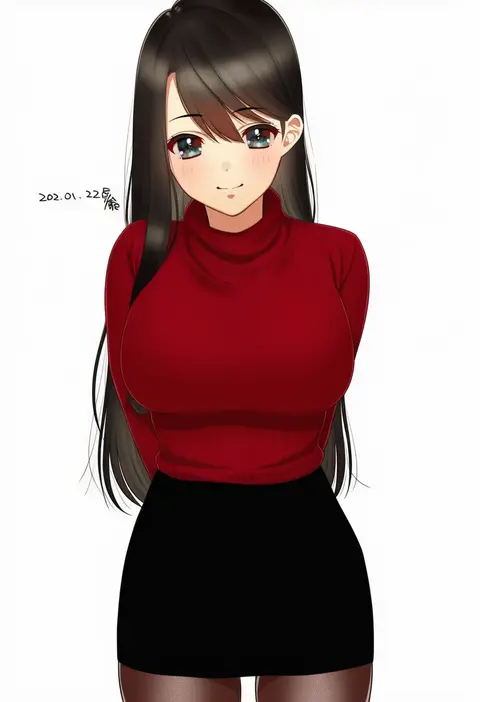
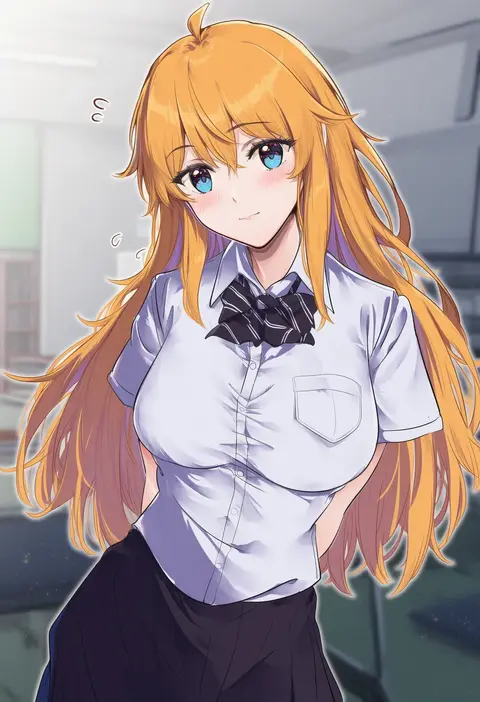
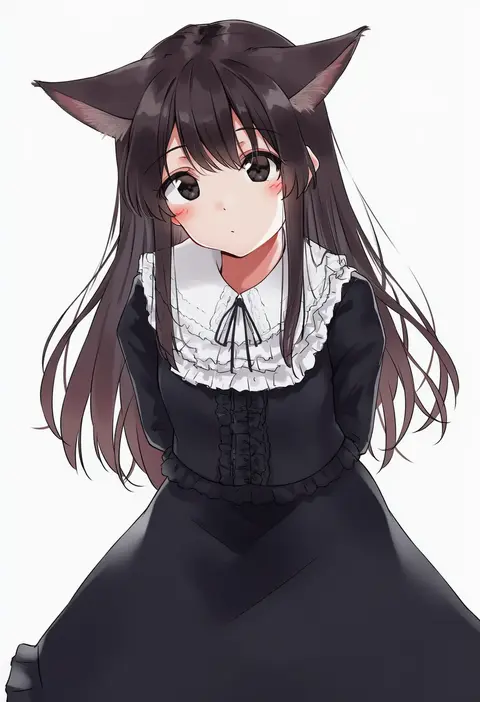
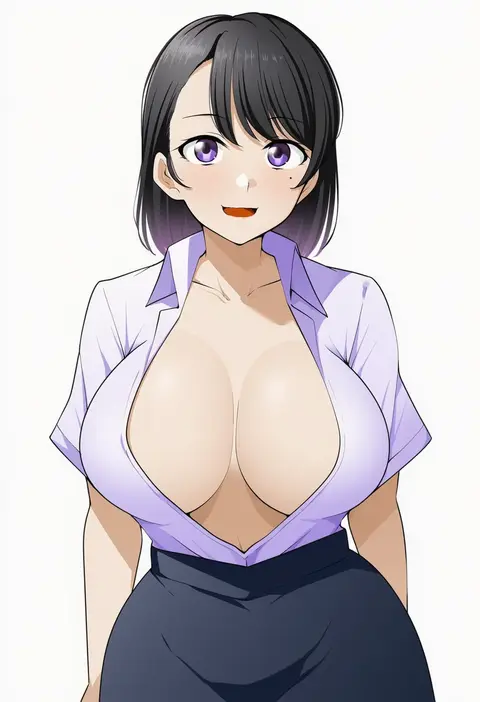
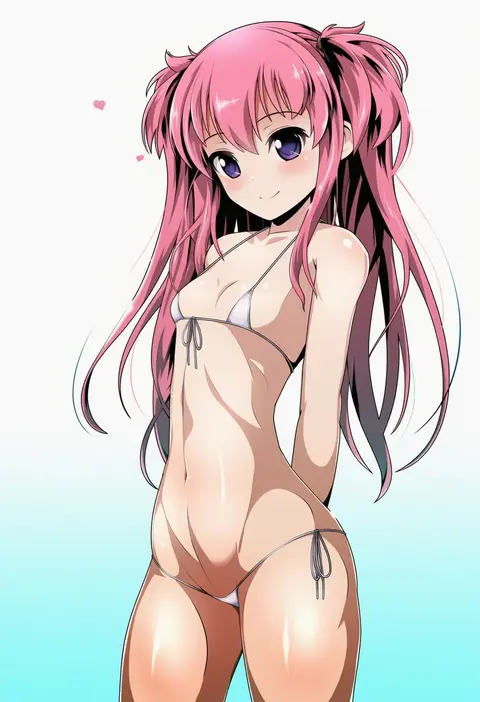
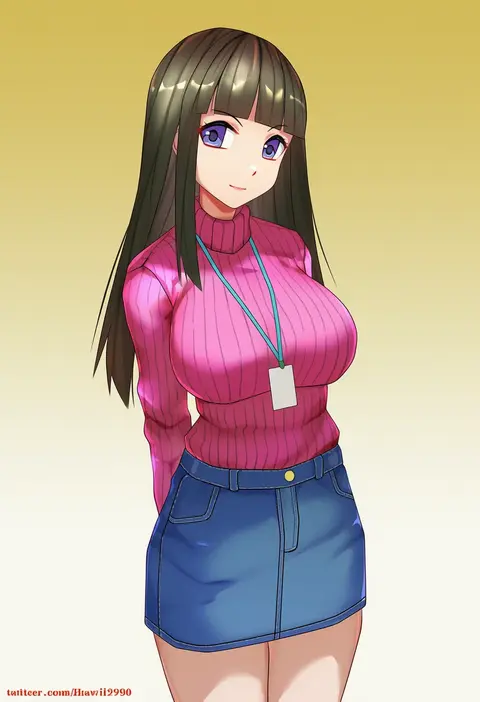
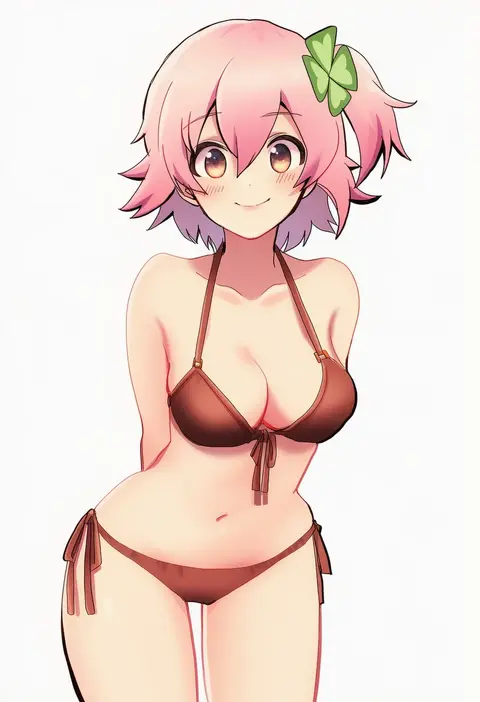
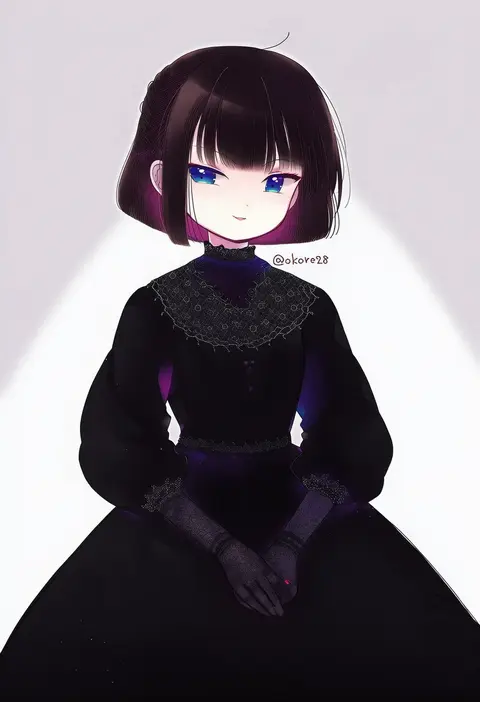
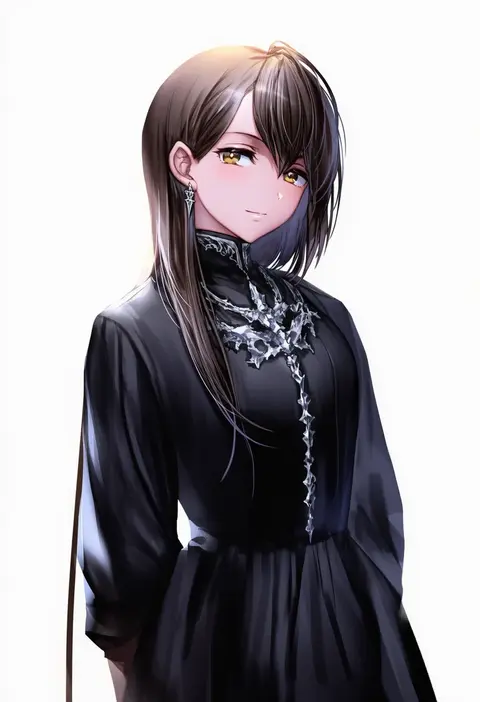
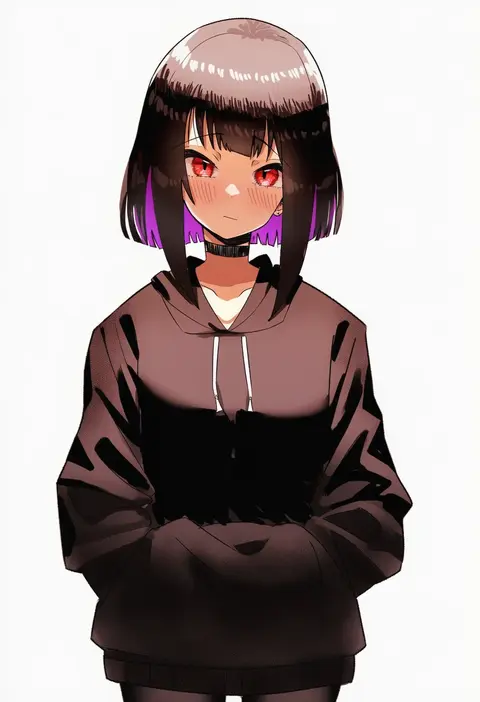
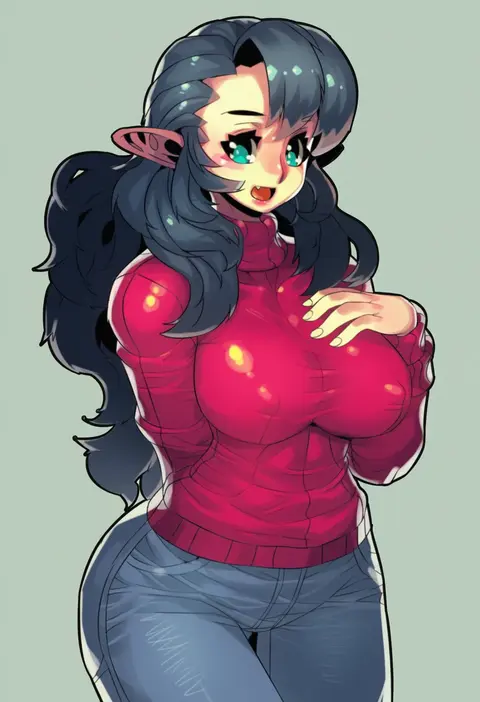
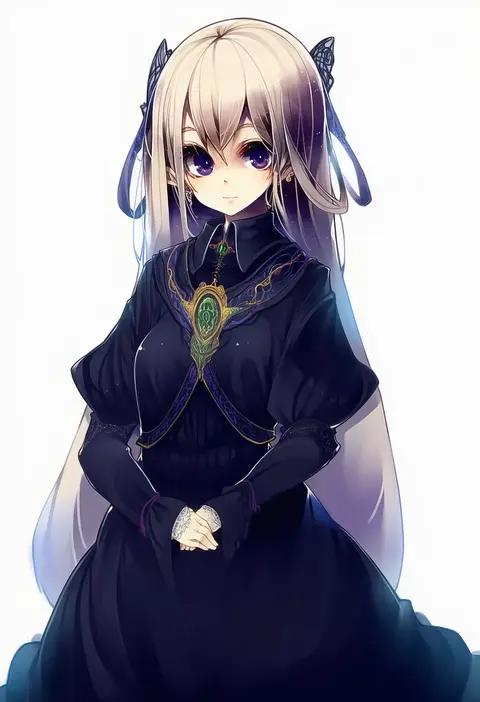
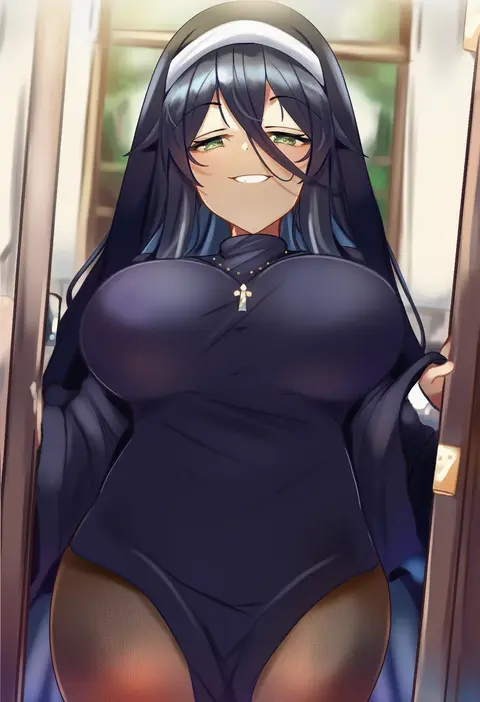
Artist tags tell NovelAI Diffusion to draw in a specific artist's style: line weight, paint texture, face shapes and palette all shift at once. Character and outfit tags decide what is drawn; artist tags decide how. 16,352 tags are listed for V4.5.
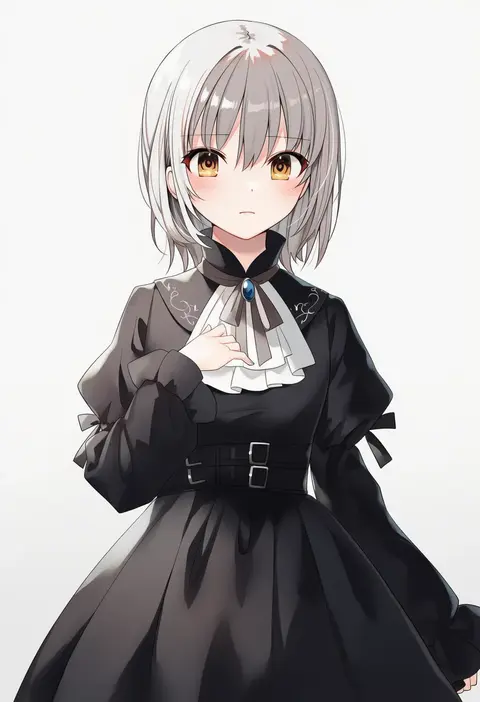
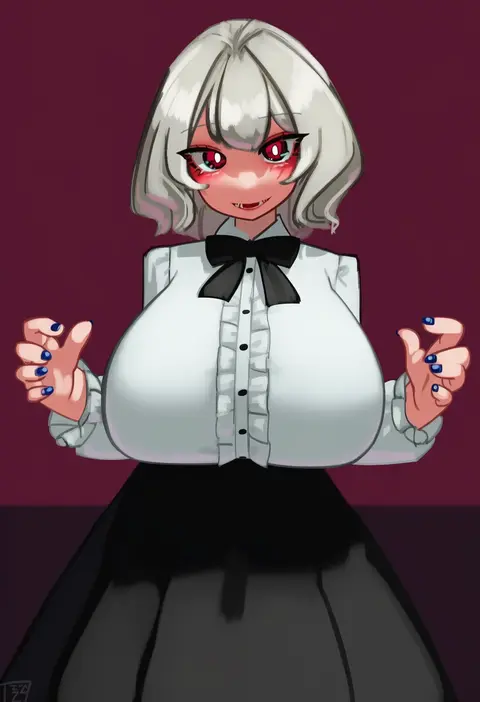
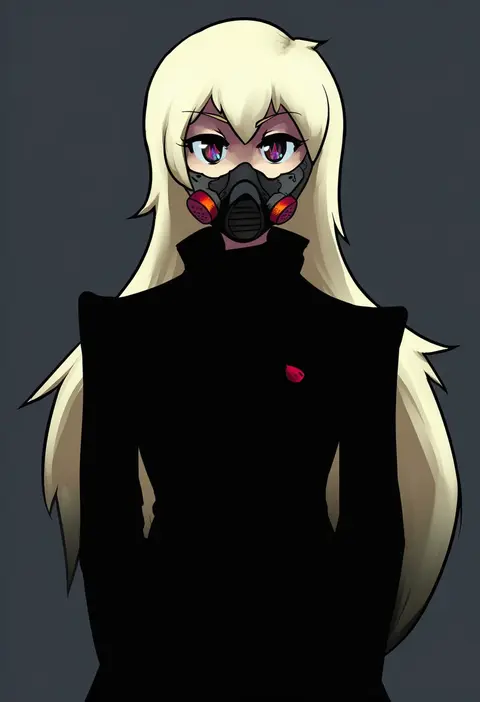
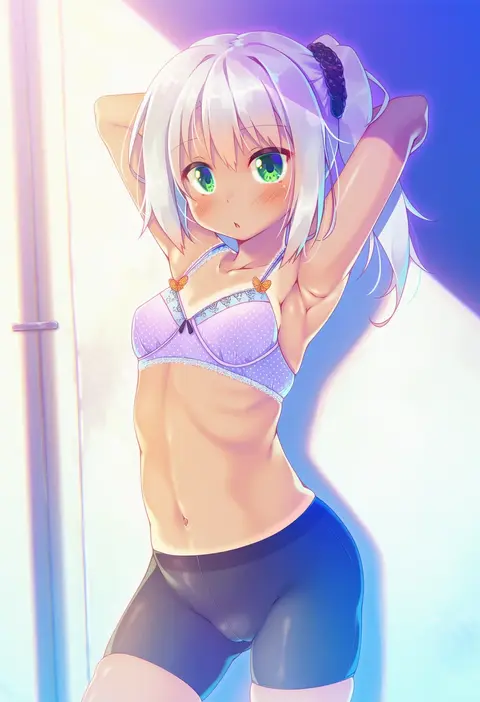
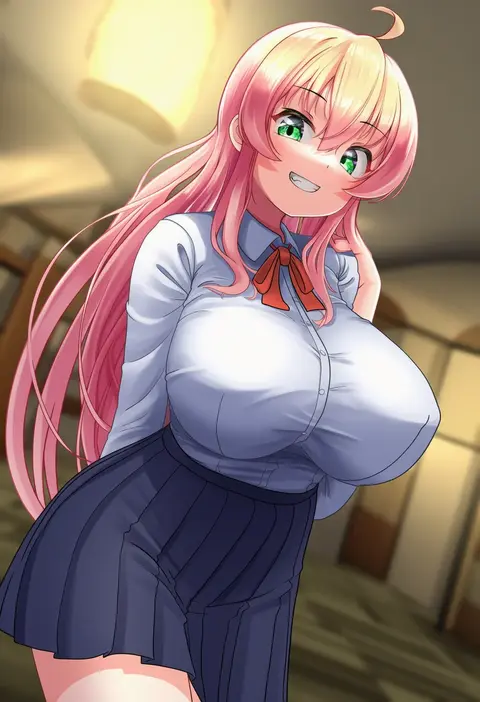
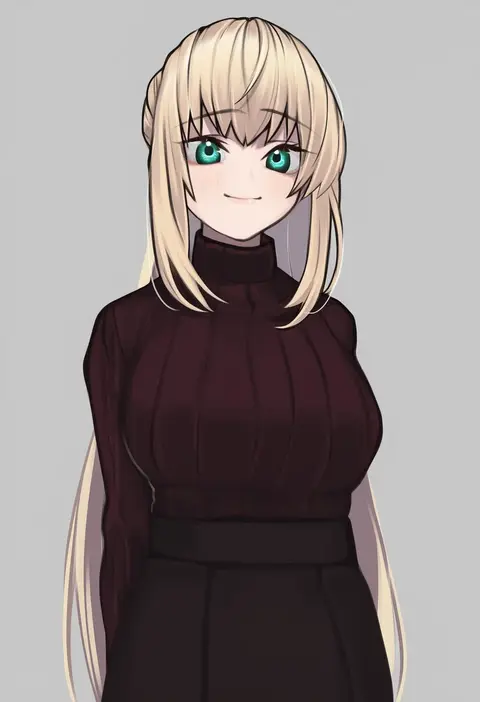
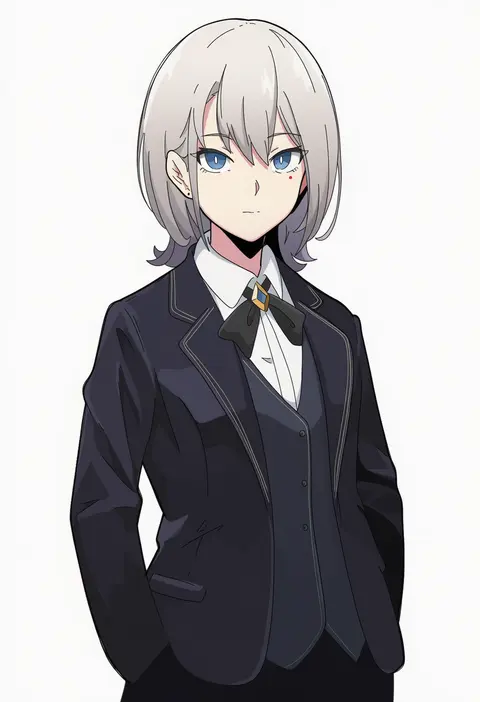
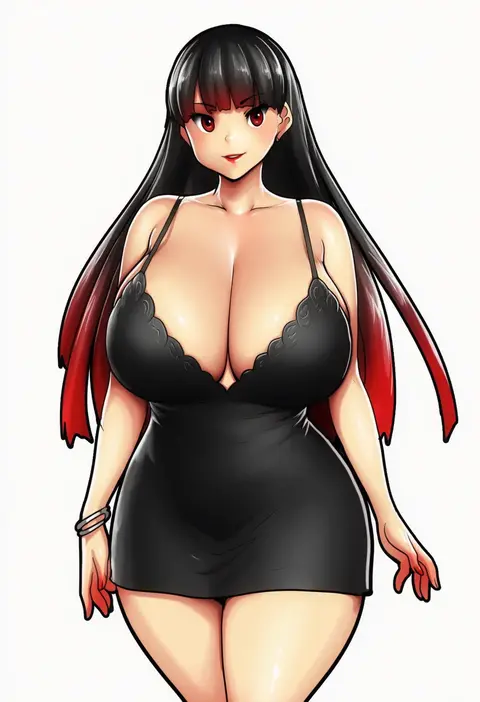
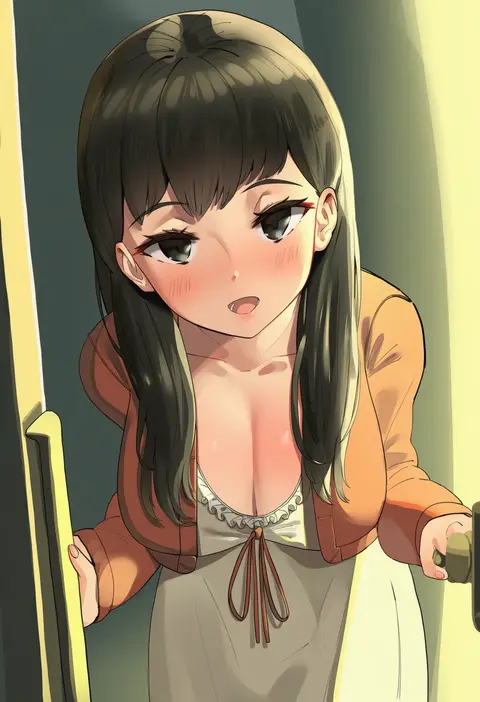
Every tag listed here is verified to react in NovelAI. All images use the same prompt, seed and settings with only the artist tag swapped, so the difference between two images is the style that tag brings in.

How to use them

Put the artist tag near the front of the prompt, e.g. "<artist>, 1girl, solo, best quality, masterpiece, cowboy shot". Two or three artist tags blend styles; lower the weight with "0.8::<artist>::" when the style overpowers the character.

SCORE sorts by Danbooru's top score, POSTS by post count, FAVS by hearts on this site. Open a card to see V5 and V4.5 side by side on the same seed.

V5 vs V4.5

V5 usually lands closer to the artist's real style, and tags that did nothing on V4.5 often react on V5. V4.5 still fits older and doujin-heavy artists better. Try V5 first, fall back to V4.5.

FAQ

Where does the artist tag go?
Near the front of the prompt. Use "0.8::tag::" to adjust its weight.

Can I stack artist tags?
Yes, styles blend. Past two or three the result stops looking like anyone.

Are these the artists' own works?
No. Every image is a NovelAI sample generated from the tag.