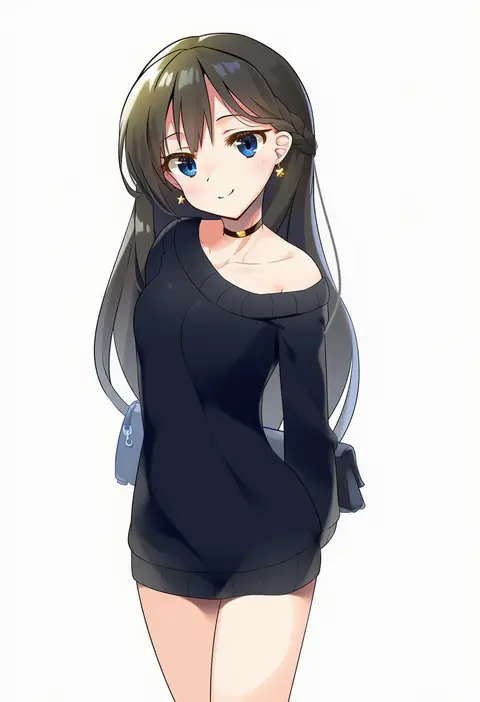
V4.5Artists
sort: FAVS▾
▾
>
$

Popular NovelAI artist tags — V4.5

artist --count 16,352[113/273]
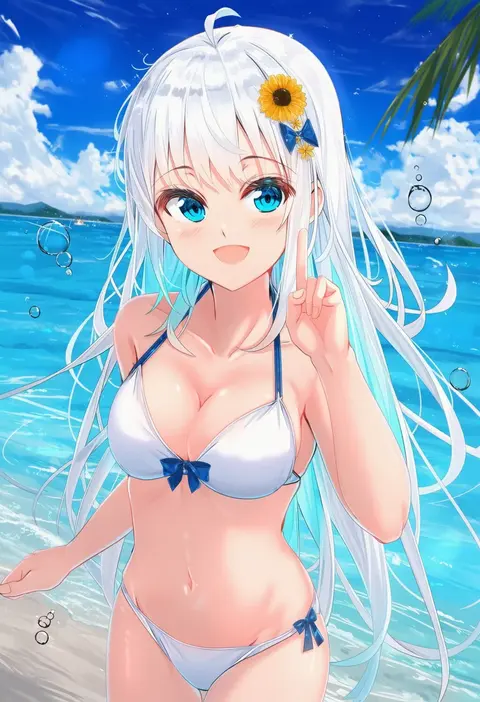
na kyo
ARTIST0x1A40
0
hufy
ARTIST0x1A41
0
kicchi (tmgk)
ARTIST0x1A42
0
raseruta
ARTIST0x1A43
0
gyuunyuu nomio
ARTIST0x1A44
0
yonaki
ARTIST0x1A45
0
driftingtiger
ARTIST0x1A46
0
shao (shaorouhong)
ARTIST0x1A47
0
lao xi
ARTIST0x1A48
0
tuzhate
ARTIST0x1A49
0
mameroku
ARTIST0x1A4A
0
byefrog
ARTIST0x1A4B
0
arano oki
ARTIST0x1A4C
0
sasaame
ARTIST0x1A4D
0
chikado
ARTIST0x1A4E
0
saku (kudrove)
ARTIST0x1A4F
0
kibihimi
ARTIST0x1A50
0
kirisame mia
ARTIST0x1A51
0
nakadori (movgnsk)
ARTIST0x1A52
0
johan (johan13)
ARTIST0x1A53
0
mutsutake
ARTIST0x1A54
0
fenrir (fenriluuu)
ARTIST0x1A55
0
airandou
ARTIST0x1A56
0
hamaburicchi
ARTIST0x1A57
0
rrr (reason)
ARTIST0x1A58
0
yukiguni yuu
ARTIST0x1A59
0
domotolain
ARTIST0x1A5A
0
maburoku
ARTIST0x1A5B
0
cioccolatodorima
ARTIST0x1A5C
0
sakura sora
ARTIST0x1A5D
0
akitsuki (oenothera)
ARTIST0x1A5E
0
komota (kanyou shoujo)
ARTIST0x1A5F
0
erect sawaru
ARTIST0x1A60
0
kobayashi hiyoko
ARTIST0x1A61
0
pei iriya
ARTIST0x1A62
0
shira jun
ARTIST0x1A63
0
82jhin
ARTIST0x1A64
0
yukizen
ARTIST0x1A65
0
wuwusan
ARTIST0x1A66
0
norimaki (haru koubou)
ARTIST0x1A67
0
irokari
ARTIST0x1A68
0
dai yasude
ARTIST0x1A69
0
average-hanzo
ARTIST0x1A6A
0
sui hi sf
ARTIST0x1A6B
0
tina (pixiv37050289)
ARTIST0x1A6C
0
dyadyadya
ARTIST0x1A6D
0
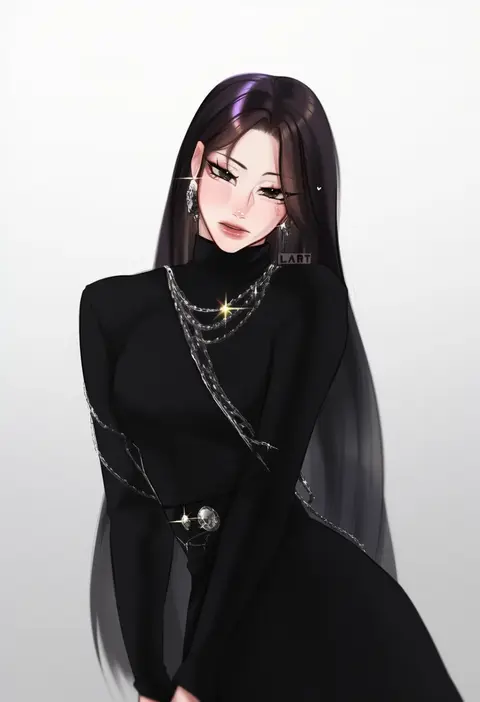
lart art1
ARTIST0x1A6E
0
aria (koiiroharemoyou)
ARTIST0x1A6F
0
sseopik
ARTIST0x1A70
0
kimishima ao
ARTIST0x1A71
0
maniacpaint
ARTIST0x1A72
0
racer (magnet)
ARTIST0x1A73
0
ishida akira
ARTIST0x1A74
0
ayakumo
ARTIST0x1A75
0
maratang
ARTIST0x1A76
0
mizuhara yuu
ARTIST0x1A77
0
hiroe rei
ARTIST0x1A78
0
haruka natsuki
ARTIST0x1A79
0
ren san
ARTIST0x1A7A
0
kutata
ARTIST0x1A7B
0

What these tags change

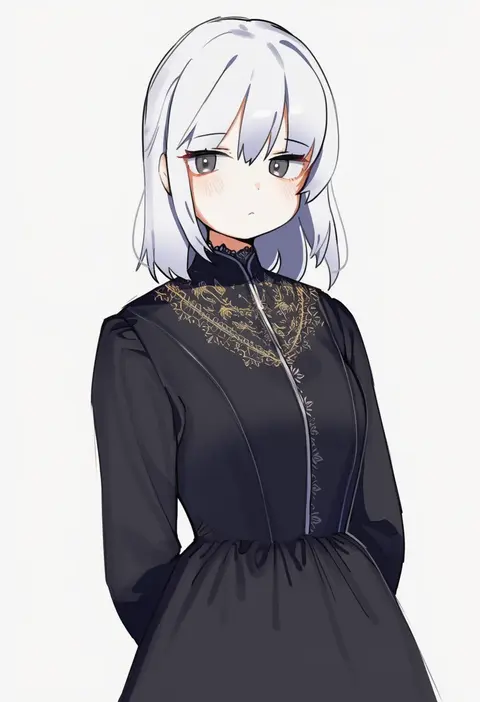
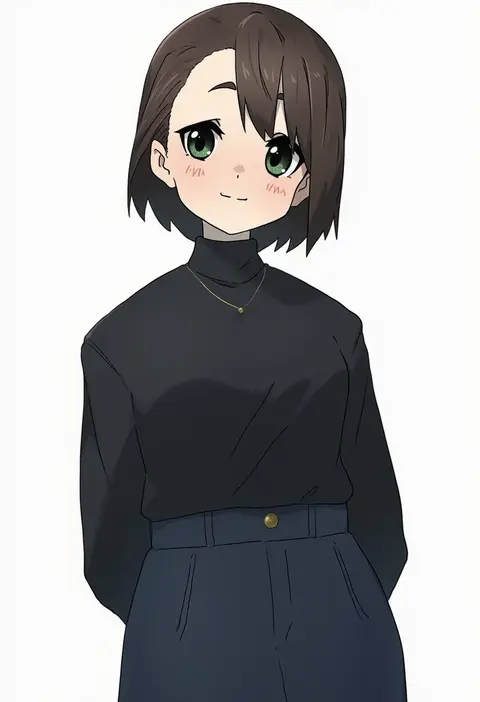
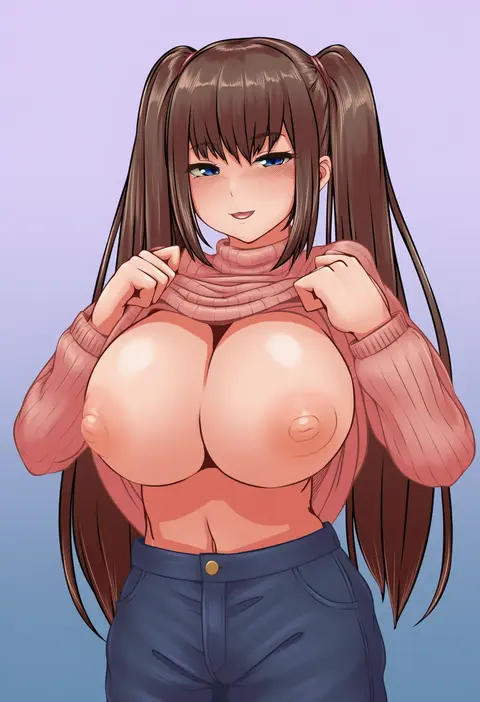
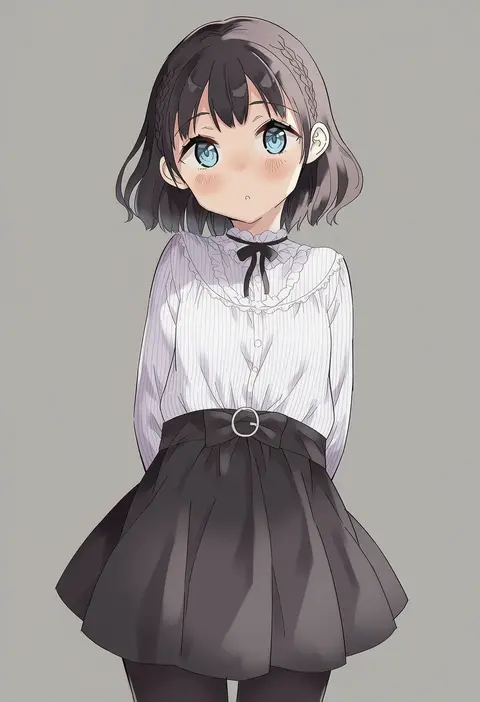
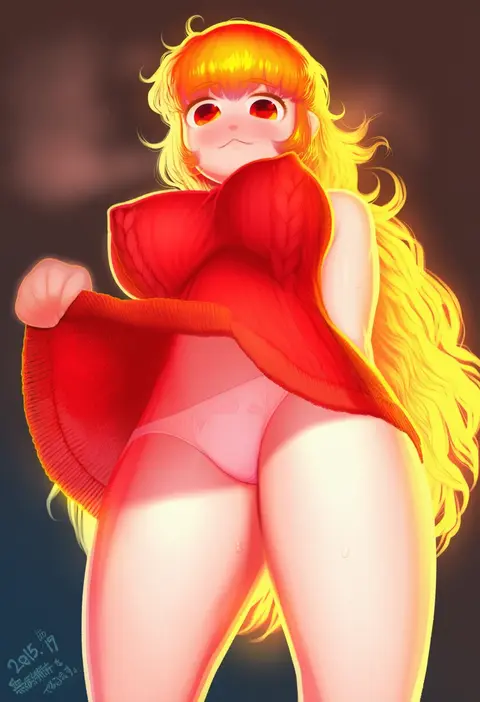
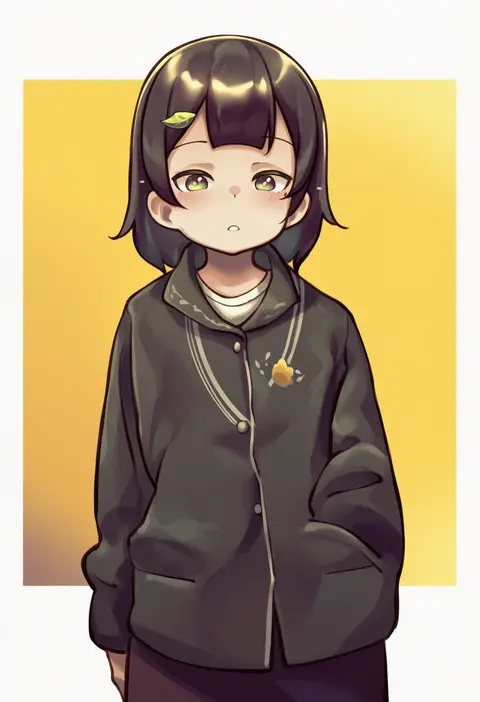
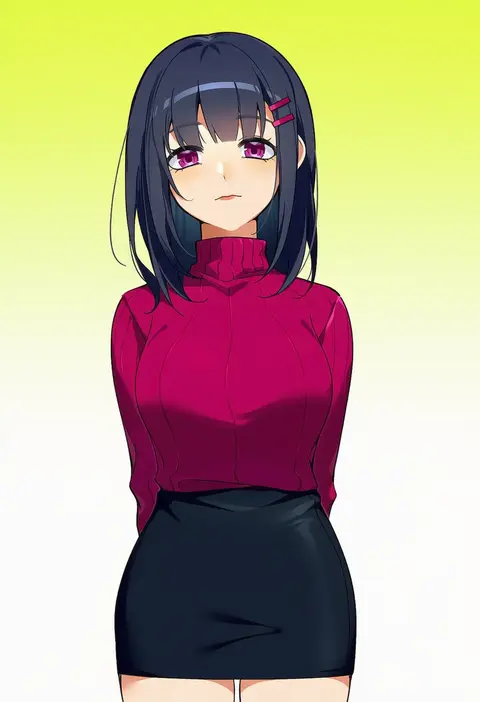
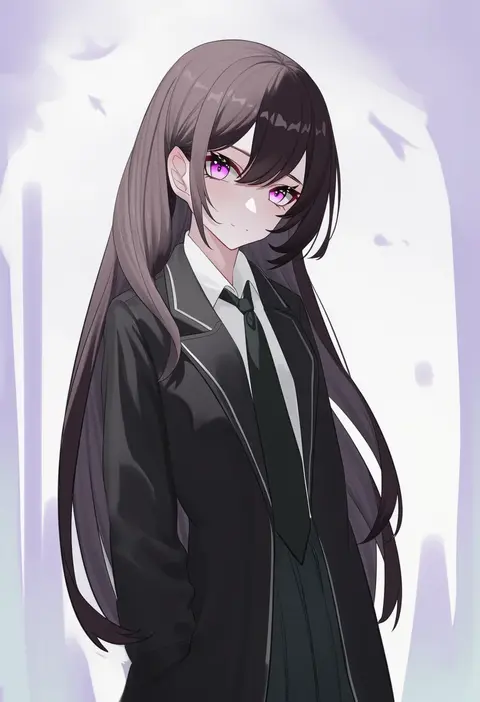
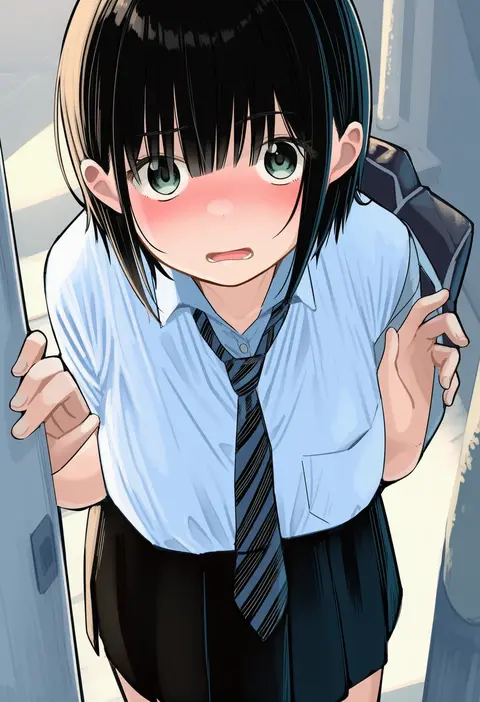
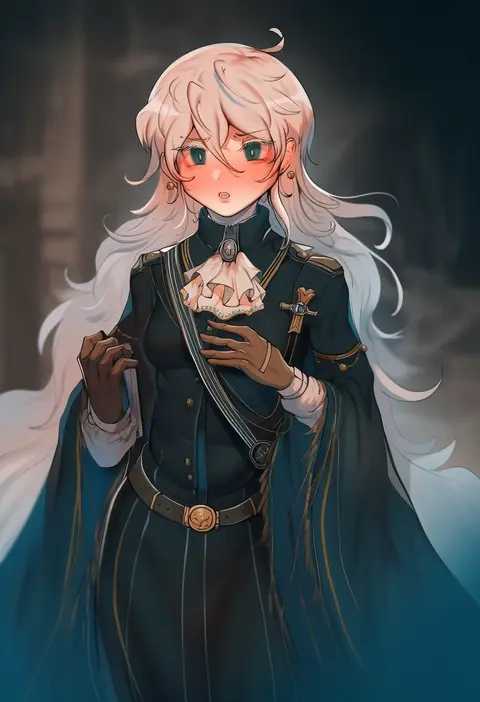
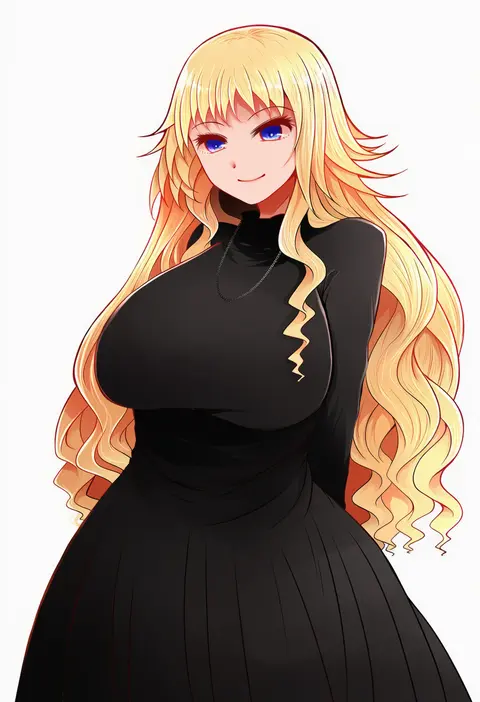
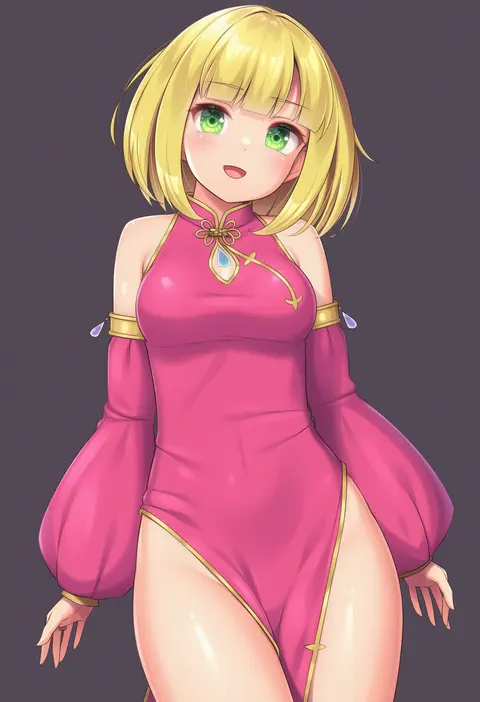
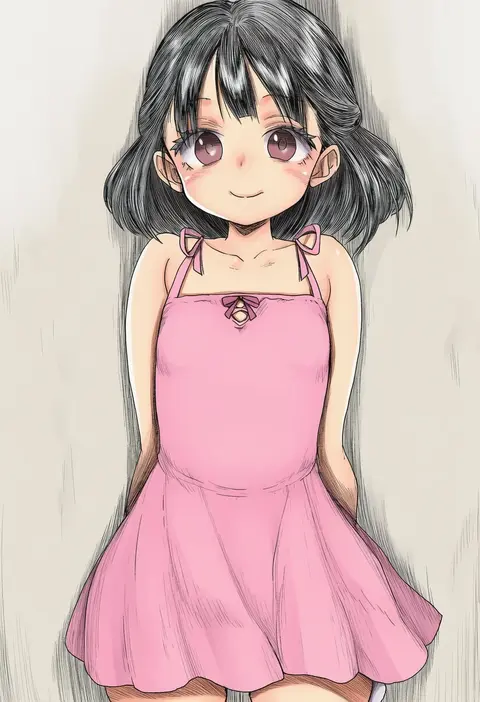
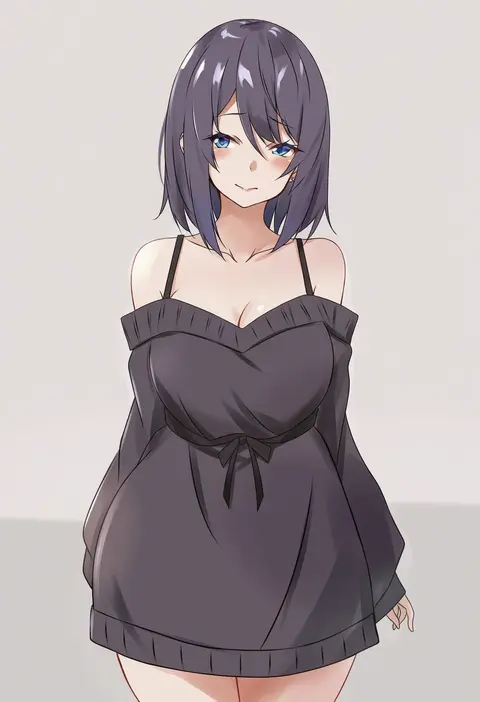
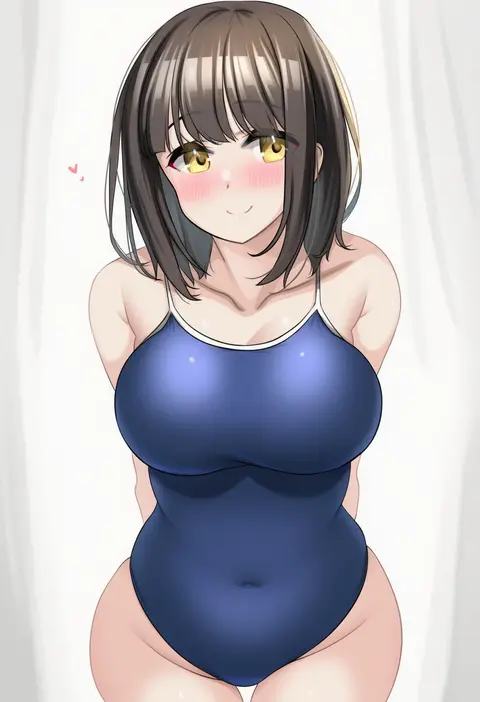
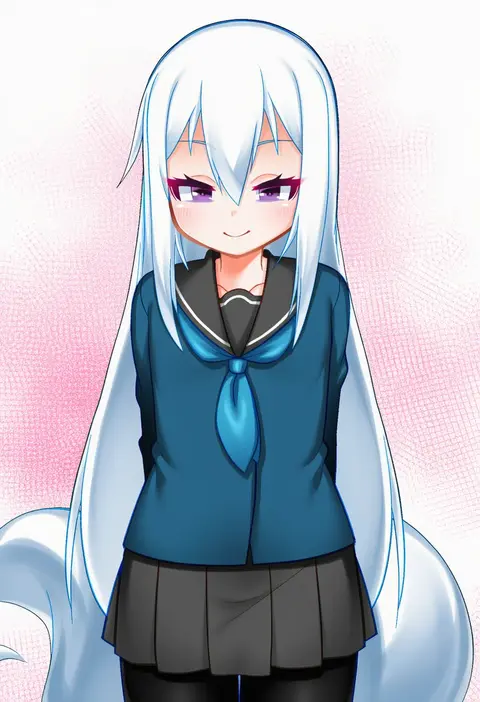
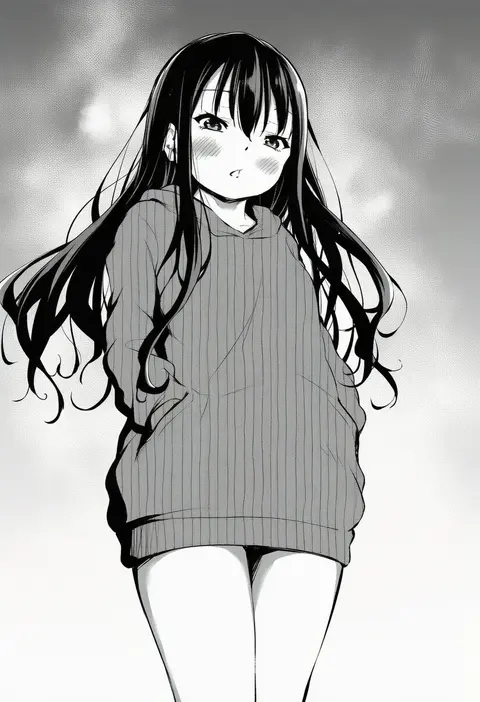
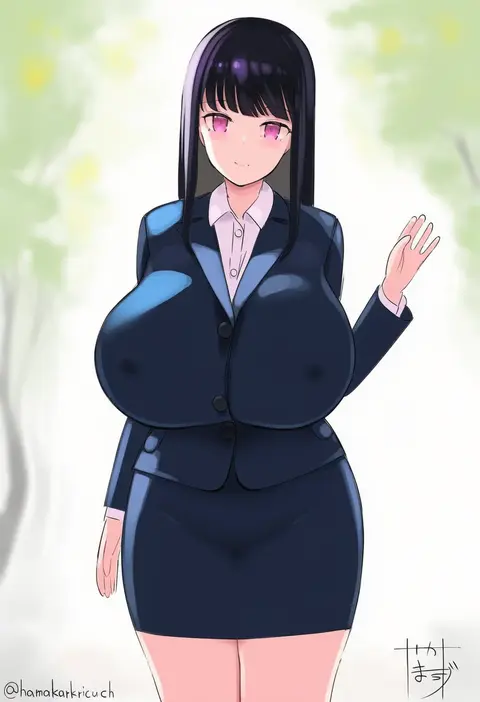
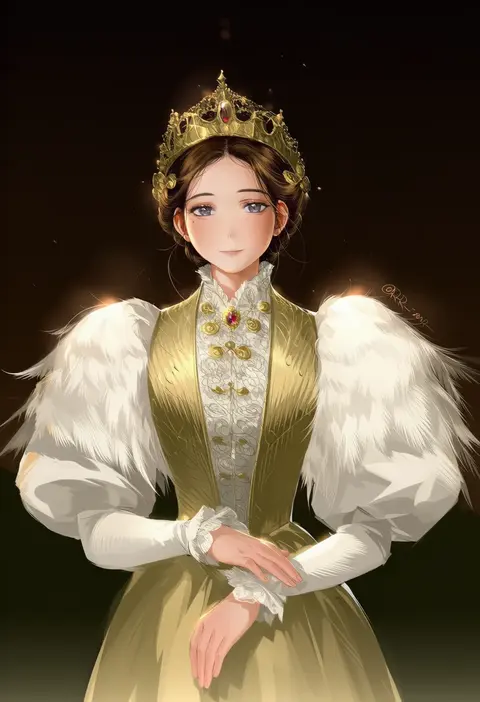
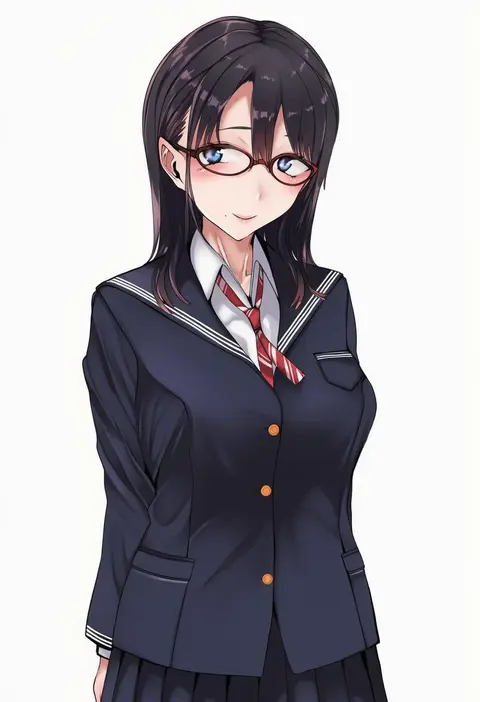
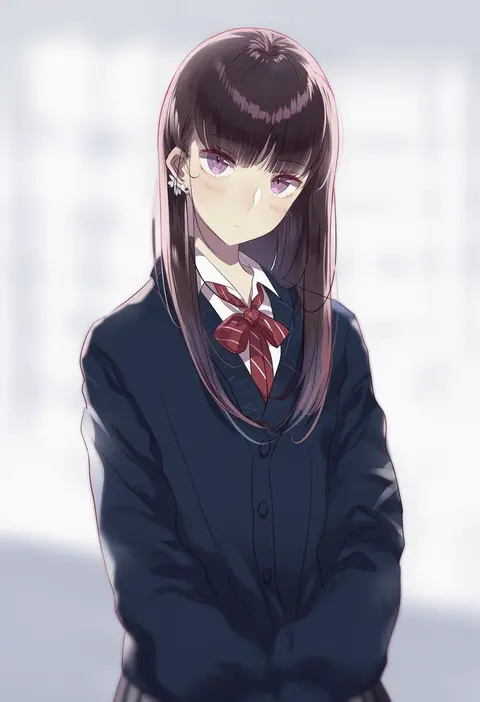
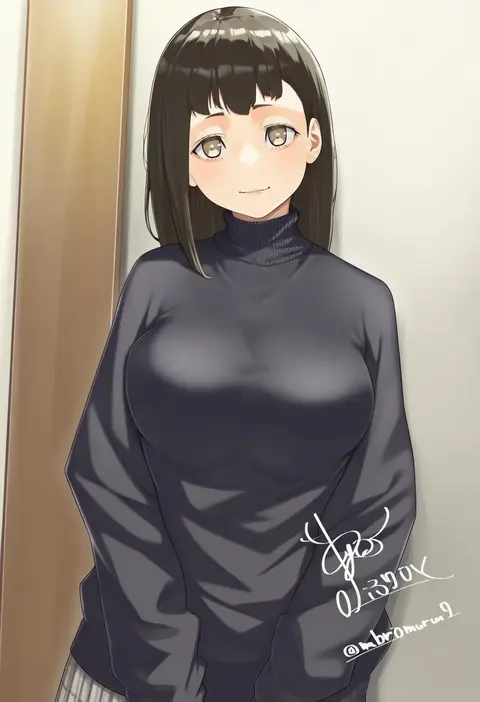
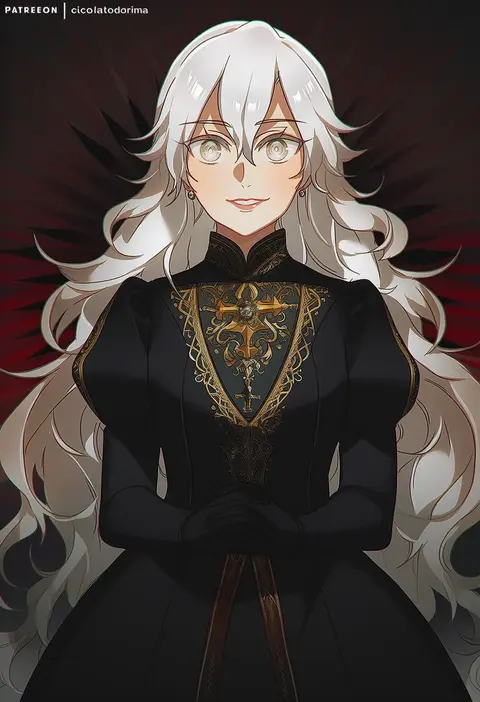
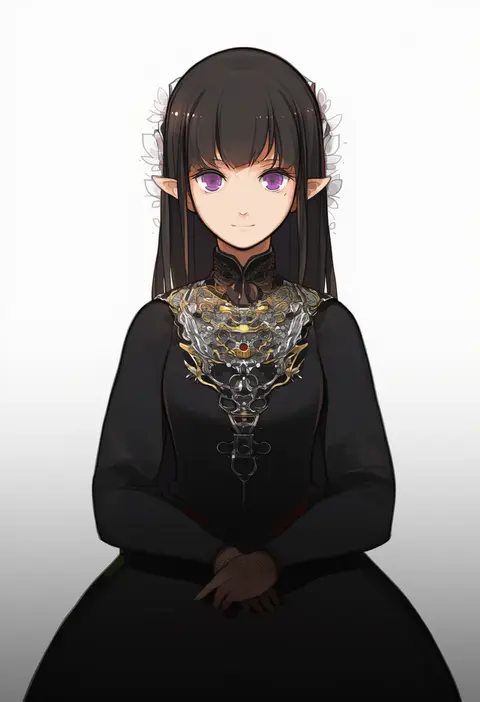
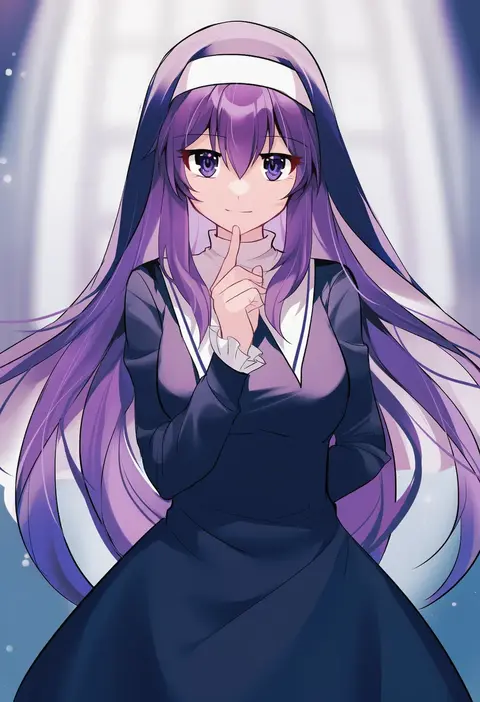
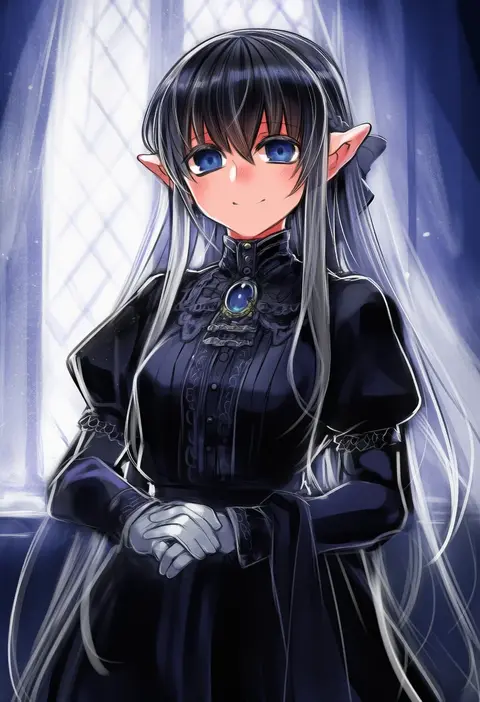
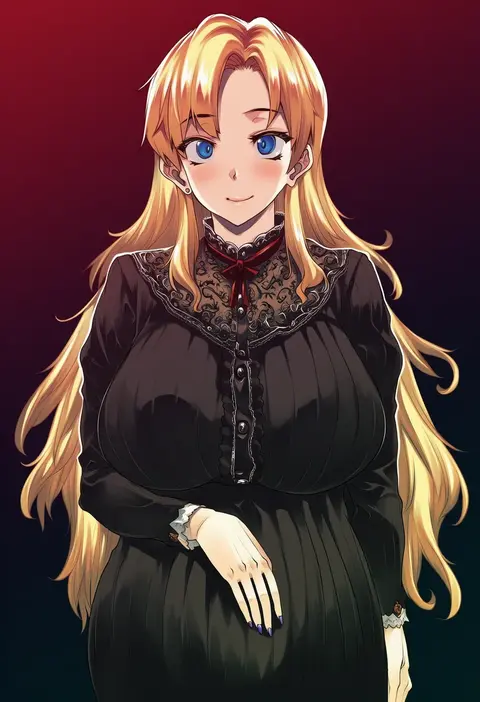
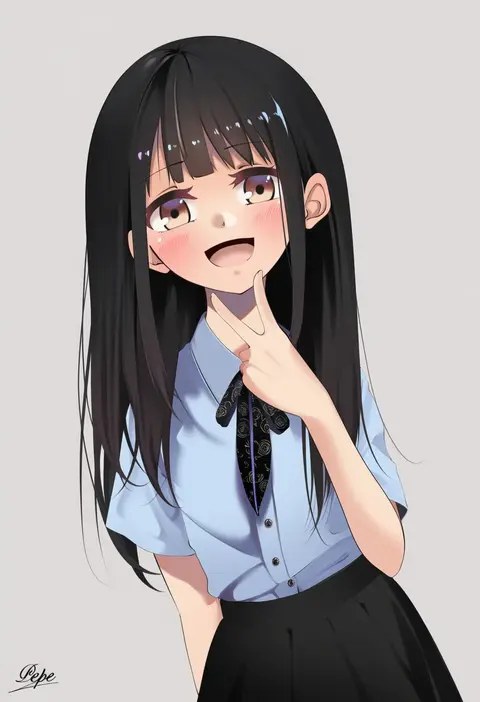
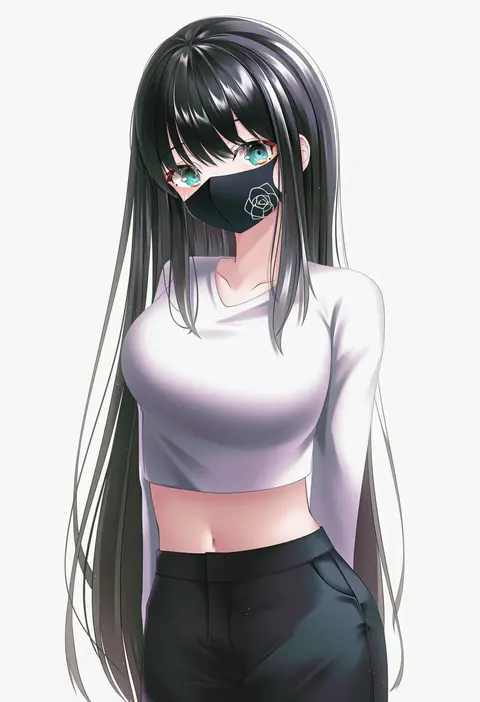
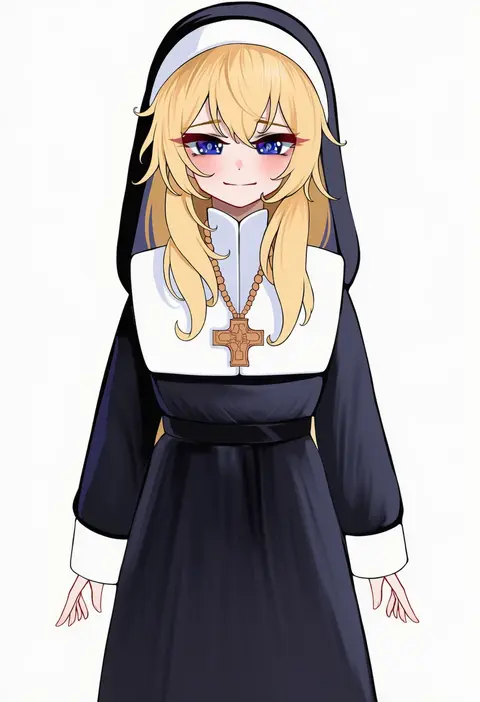
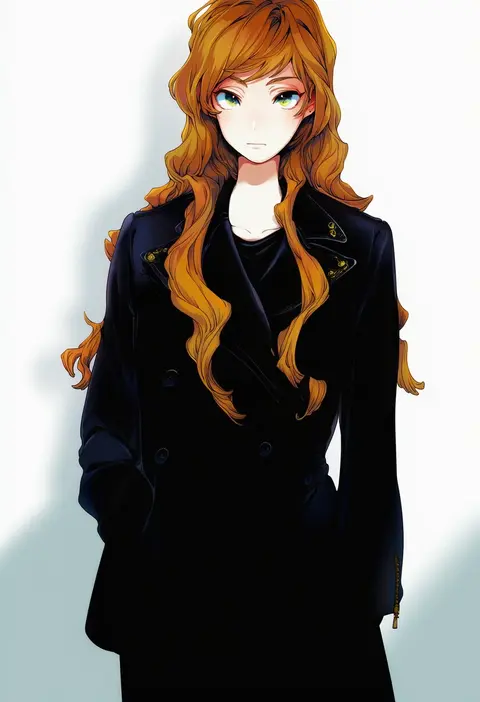
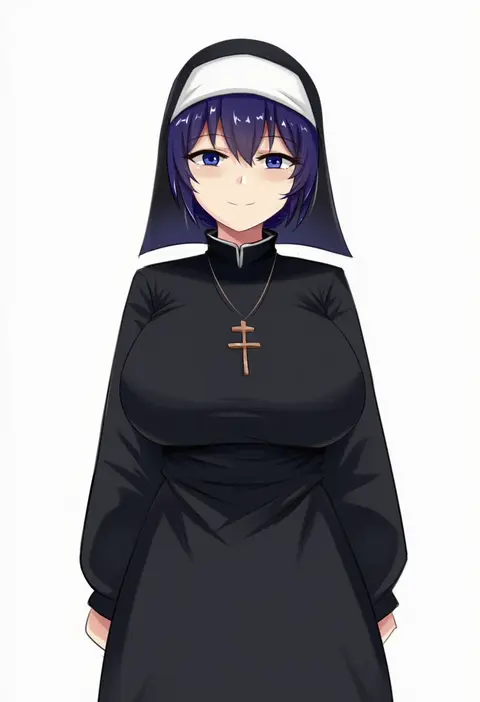
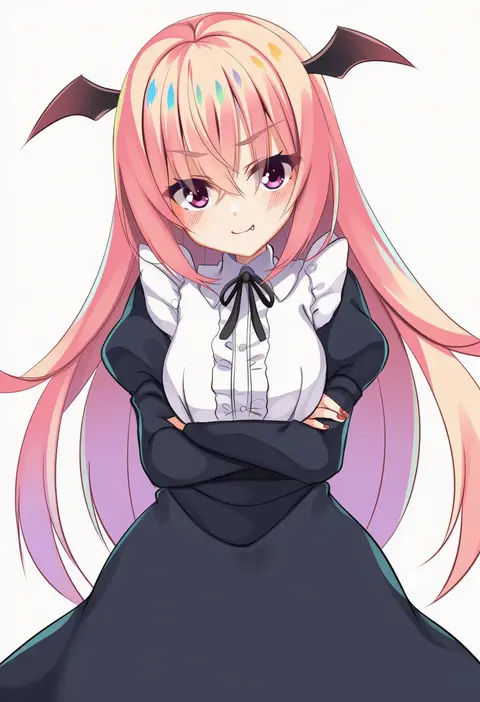
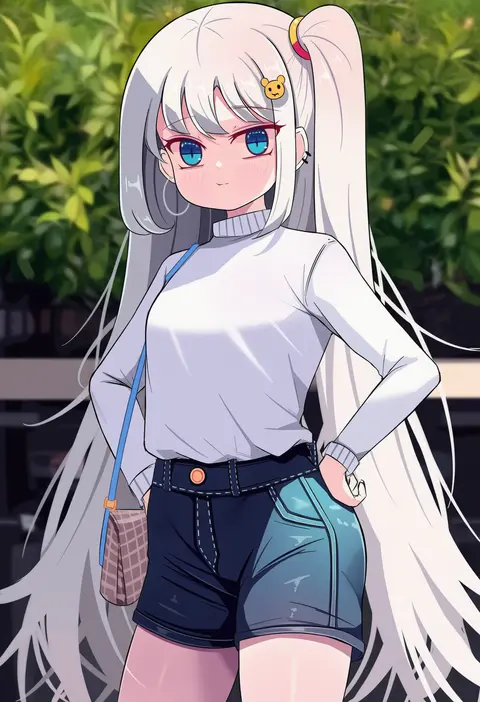
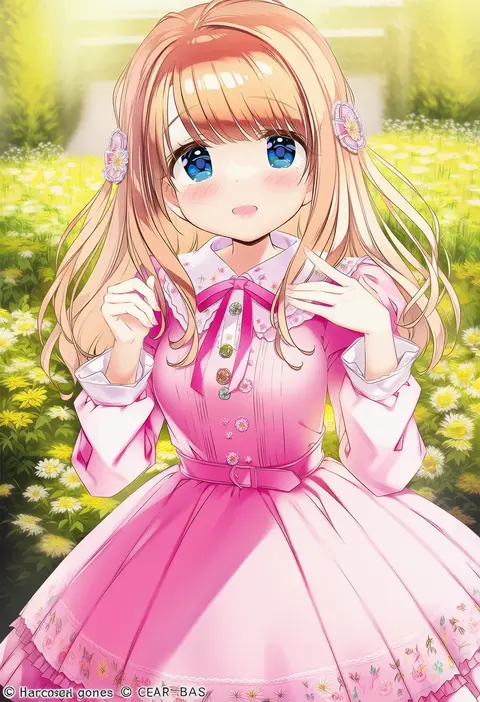
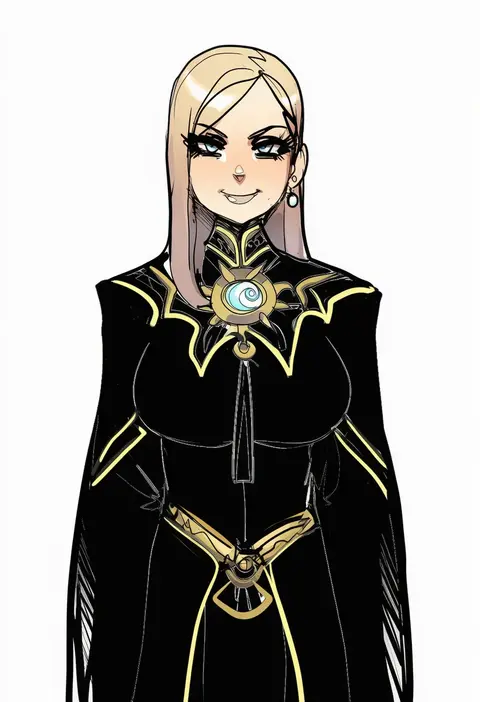
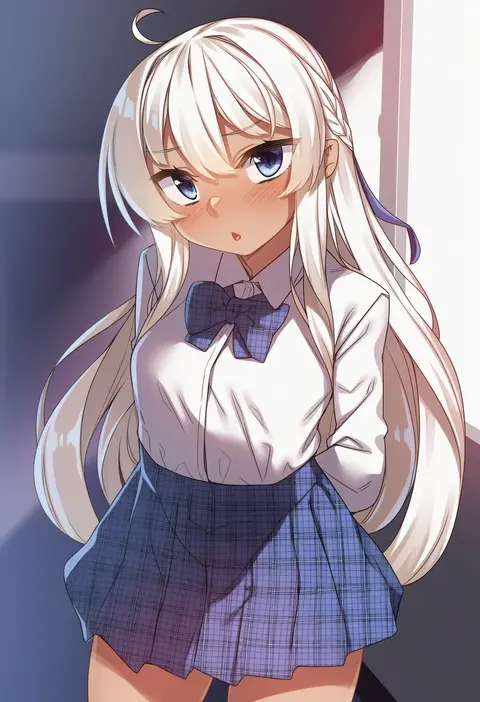
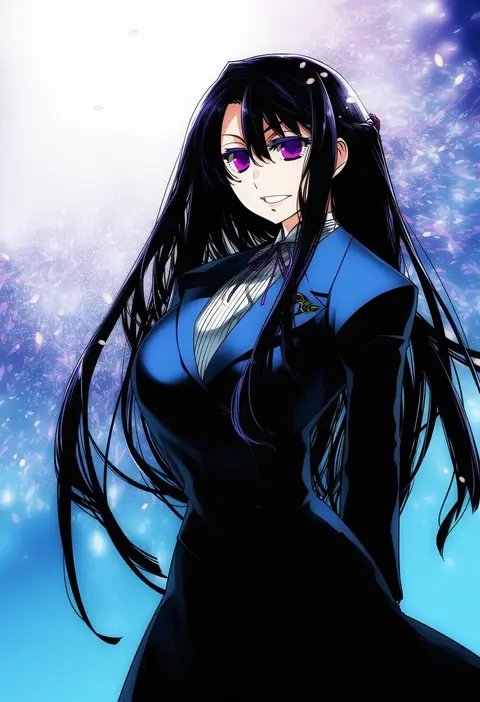
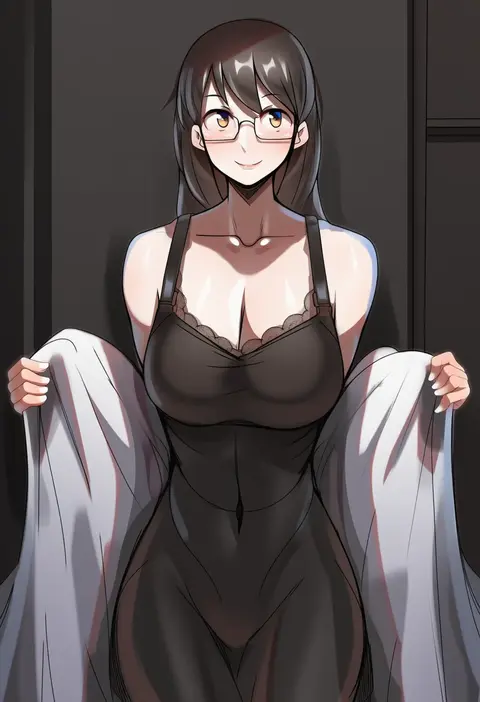
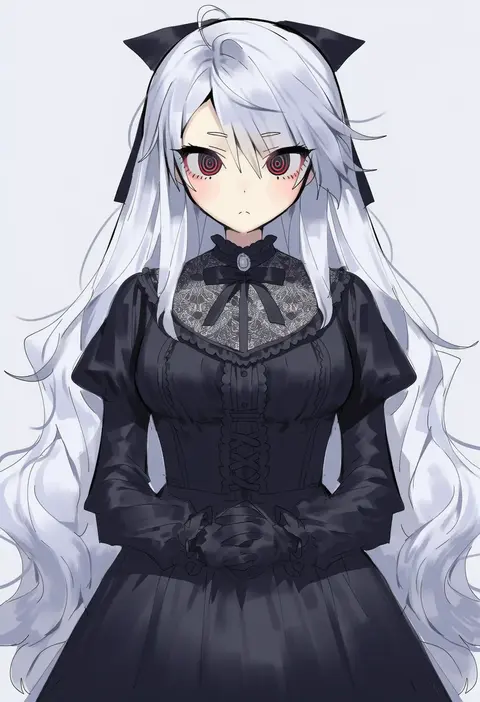
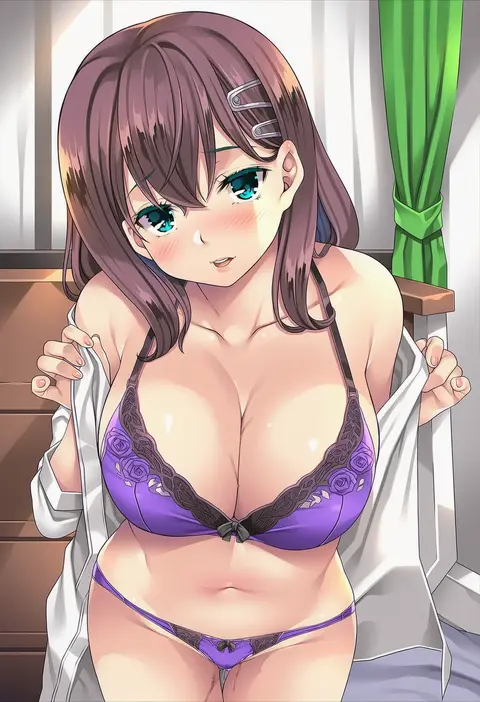
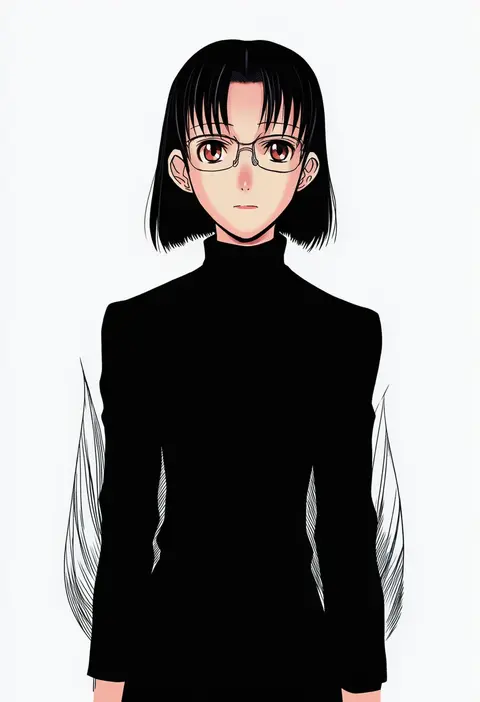
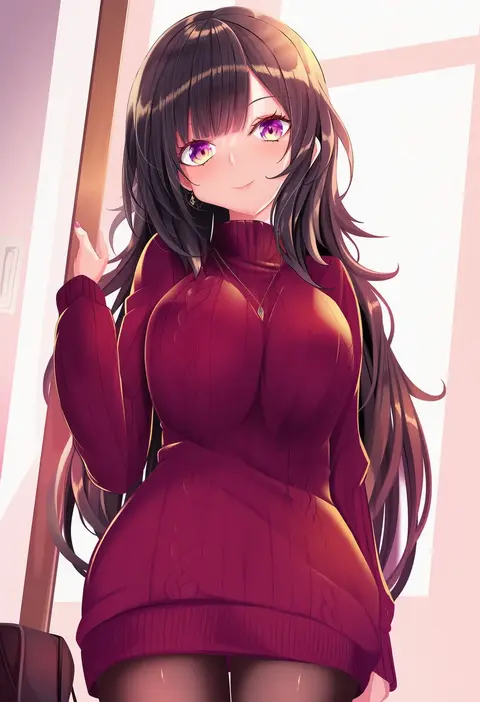
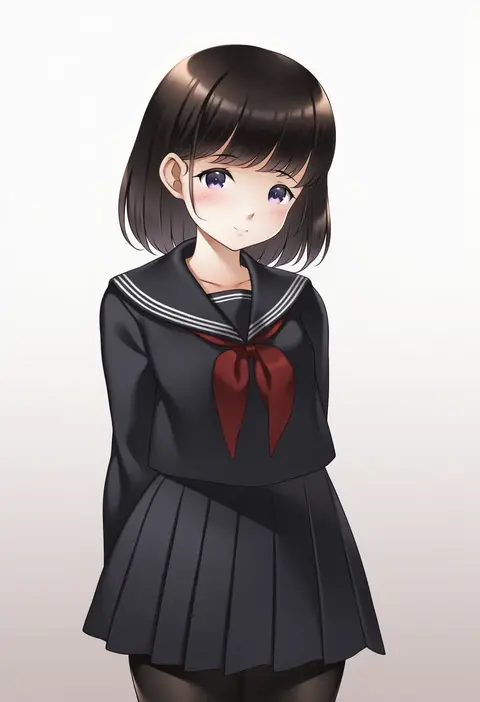
Artist tags tell NovelAI Diffusion to draw in a specific artist's style: line weight, paint texture, face shapes and palette all shift at once. Character and outfit tags decide what is drawn; artist tags decide how. 16,352 tags are listed for V4.5.
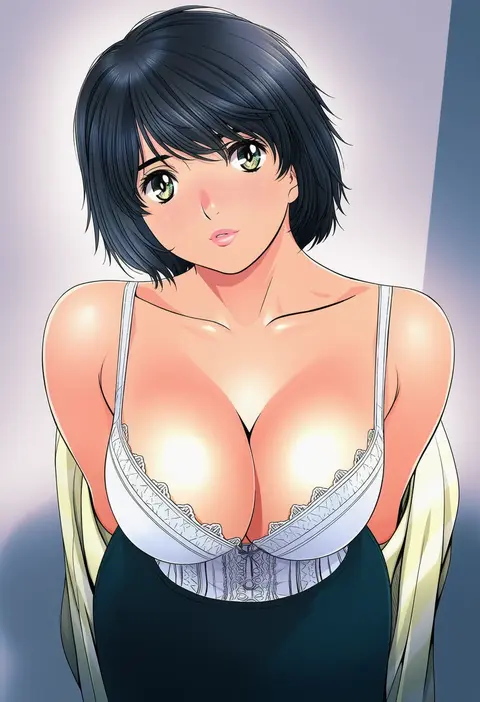
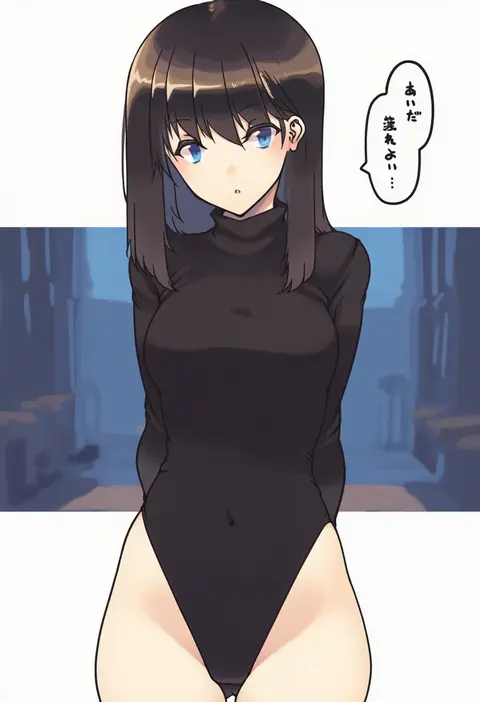
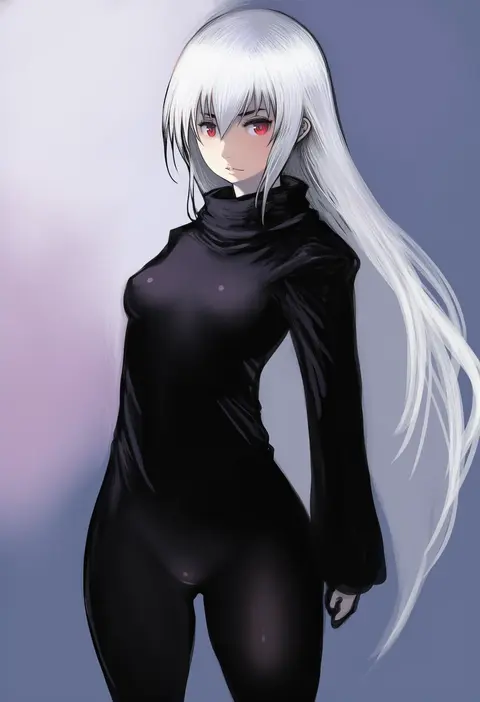
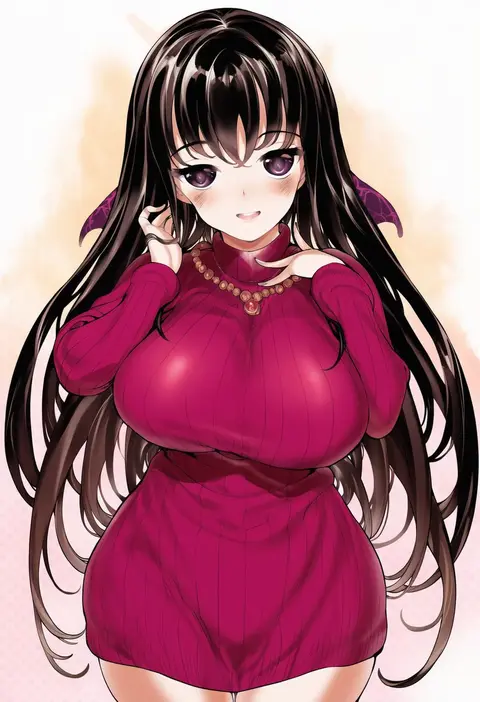
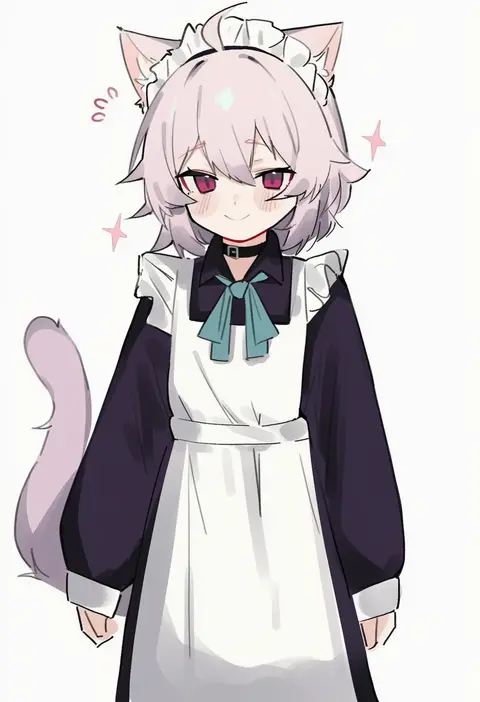
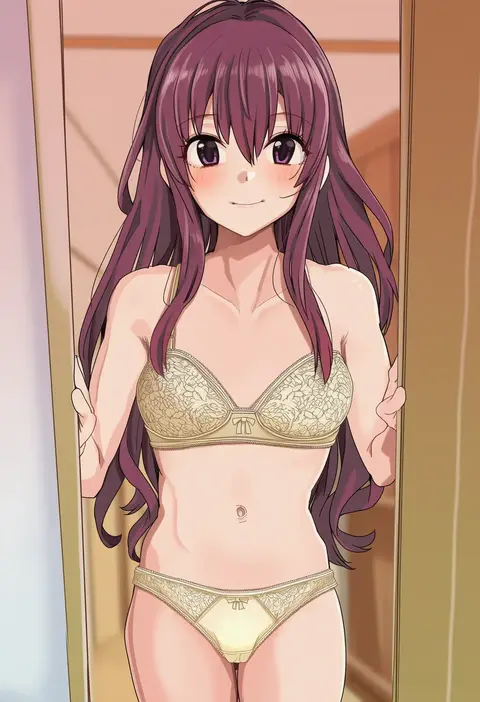
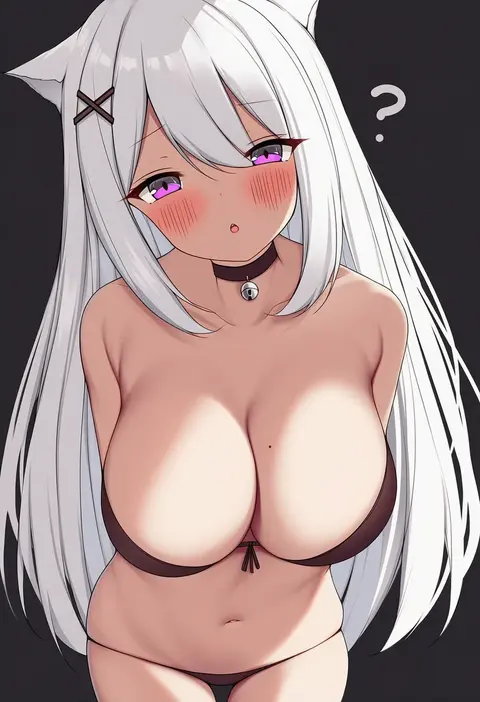
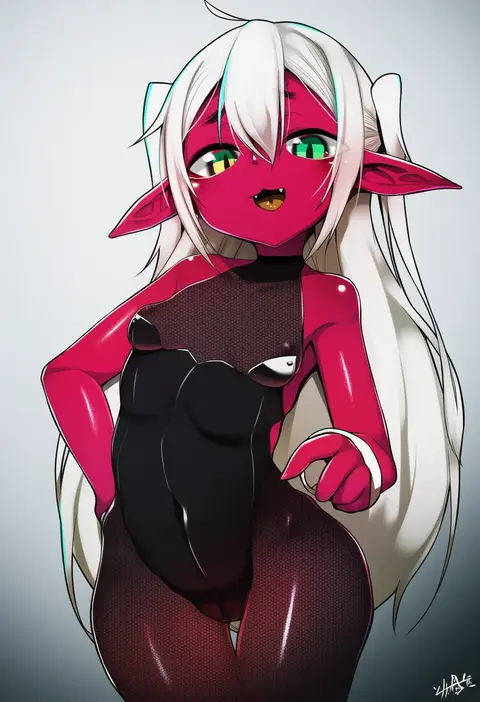
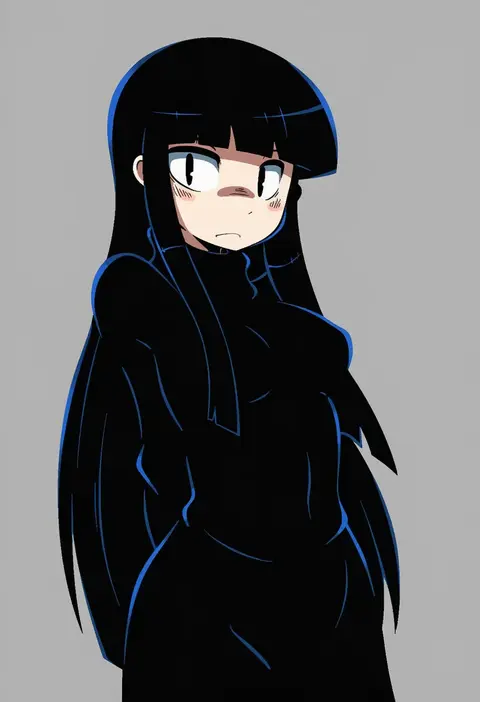
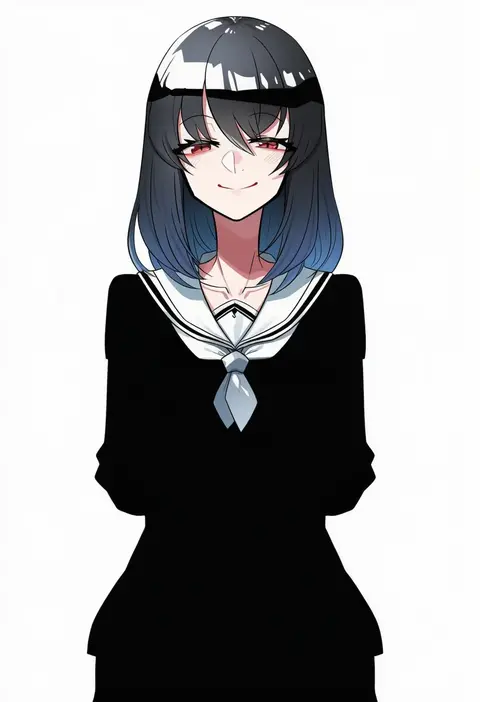
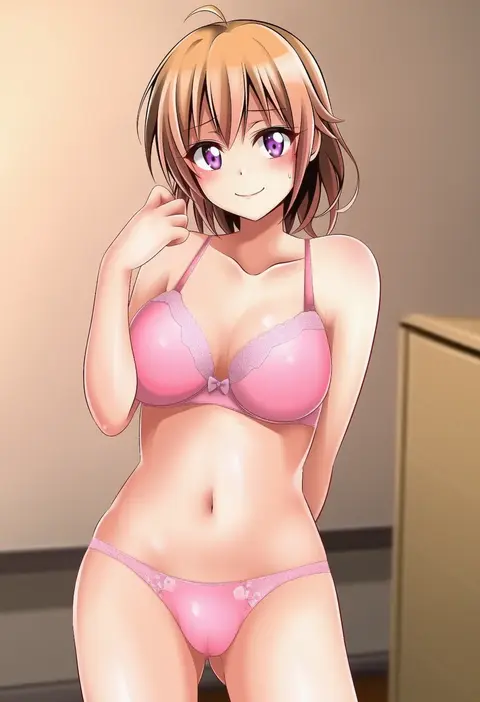
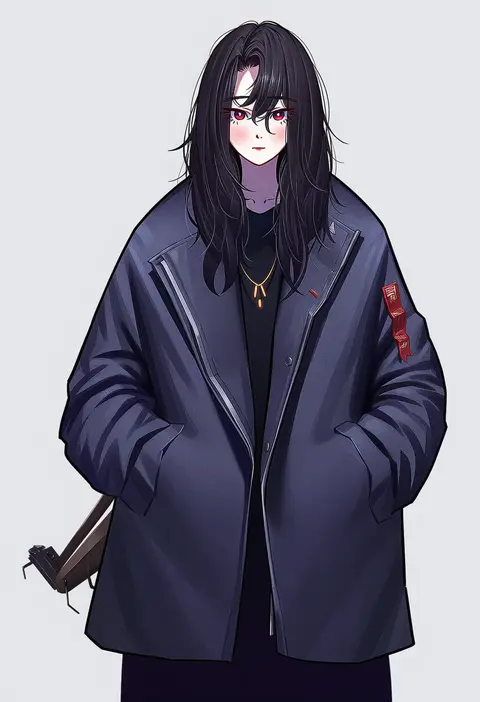
Every tag listed here is verified to react in NovelAI. All images use the same prompt, seed and settings with only the artist tag swapped, so the difference between two images is the style that tag brings in.

How to use them

Put the artist tag near the front of the prompt, e.g. "<artist>, 1girl, solo, best quality, masterpiece, cowboy shot". Two or three artist tags blend styles; lower the weight with "0.8::<artist>::" when the style overpowers the character.

SCORE sorts by Danbooru's top score, POSTS by post count, FAVS by hearts on this site. Open a card to see V5 and V4.5 side by side on the same seed.

V5 vs V4.5

V5 usually lands closer to the artist's real style, and tags that did nothing on V4.5 often react on V5. V4.5 still fits older and doujin-heavy artists better. Try V5 first, fall back to V4.5.

FAQ

Where does the artist tag go?
Near the front of the prompt. Use "0.8::tag::" to adjust its weight.

Can I stack artist tags?
Yes, styles blend. Past two or three the result stops looking like anyone.

Are these the artists' own works?
No. Every image is a NovelAI sample generated from the tag.