V4.5Artists
sort: FAVS▾
▾
>
$

Popular NovelAI artist tags — V4.5

artist --count 16,352[114/273]
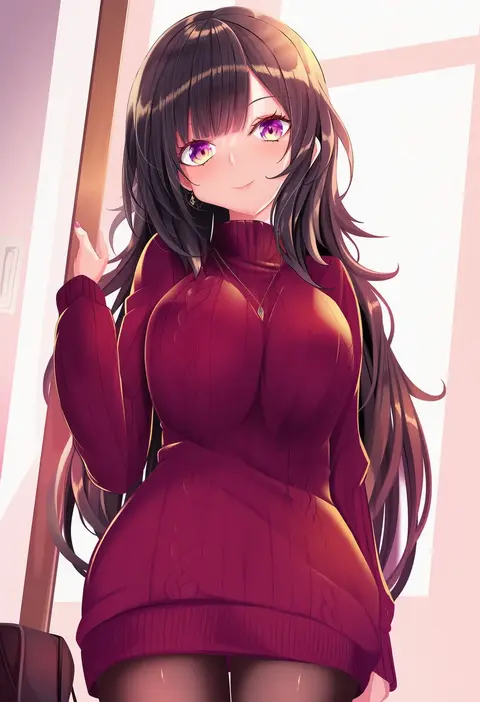
haruka natsuki
ARTIST0x1A7C
0
ren san
ARTIST0x1A7D
0
kutata
ARTIST0x1A7E
0
elliemaplefox
ARTIST0x1A7F
0
tokyo yamane
ARTIST0x1A80
0
wet.elephant
ARTIST0x1A81
0
kudo eru
ARTIST0x1A82
0
yatsuka (846)
ARTIST0x1A83
0
seizou hidzuke
ARTIST0x1A84
0
kildir
ARTIST0x1A85
0
riffraffhellyea
ARTIST0x1A86
0
sieka (piiroinardesco)
ARTIST0x1A87
0
oriue wato
ARTIST0x1A88
0
onion (tamanegi)
ARTIST0x1A89
0
fanshu
ARTIST0x1A8A
0
telepurte
ARTIST0x1A8B
0
kawatiw
ARTIST0x1A8C
0
yamada ichizoku
ARTIST0x1A8D
0
ootani nonno
ARTIST0x1A8E
0
ojyomu
ARTIST0x1A8F
0
tanabe (studio tiamat)
ARTIST0x1A90
0
jazz jack
ARTIST0x1A91
0
kuzuryuu kennosuke
ARTIST0x1A92
0
piyokichi
ARTIST0x1A93
0
hoshimiya aki
ARTIST0x1A94
0
sixten
ARTIST0x1A95
0
k10k
ARTIST0x1A96
0
cosmic (crownclowncosmic)
ARTIST0x1A97
0
moshimoshibe
ARTIST0x1A98
0
tarmo
ARTIST0x1A99
0
tako (plastic protein)
ARTIST0x1A9A
0
caisena
ARTIST0x1A9B
0
awa yume
ARTIST0x1A9C
0
tama launcher
ARTIST0x1A9D
0
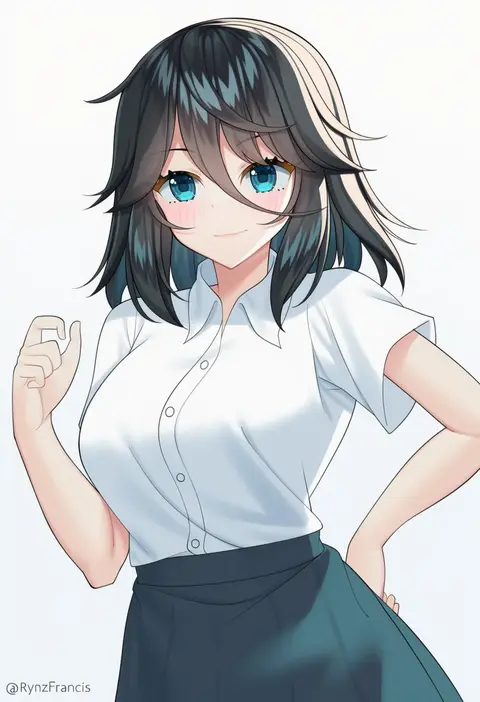
rynzfrancis
ARTIST0x1A9E
0
iro ame (amewaagada)
ARTIST0x1A9F
0
deku (dekunosu)
ARTIST0x1AA0
0
sb lama
ARTIST0x1AA1
0
fujy
ARTIST0x1AA2
0
rakko (r2)
ARTIST0x1AA3
0
sethkiel
ARTIST0x1AA4
0
master maichin
ARTIST0x1AA5
0
tadano yukiko
ARTIST0x1AA6
0
hizakake
ARTIST0x1AA7
0
pony r
ARTIST0x1AA8
0
cototiworld
ARTIST0x1AA9
0
rakusakugk
ARTIST0x1AAA
0
komena (shinyday312)
ARTIST0x1AAB
0
tomifumi
ARTIST0x1AAC
0
zekkyou (h9s9)
ARTIST0x1AAD
0
kotarou (kot mochi)
ARTIST0x1AAE
0
ancesra
ARTIST0x1AAF
0
enjaku izuku
ARTIST0x1AB0
0
meth (emethmeth)
ARTIST0x1AB1
0
chups
ARTIST0x1AB2
0
oro (sumakaita)
ARTIST0x1AB3
0
hanny (uirusu chan)
ARTIST0x1AB4
0
q azieru
ARTIST0x1AB5
0
aegis (theoryiv)
ARTIST0x1AB6
0
himukai kyousuke
ARTIST0x1AB7
0

What these tags change

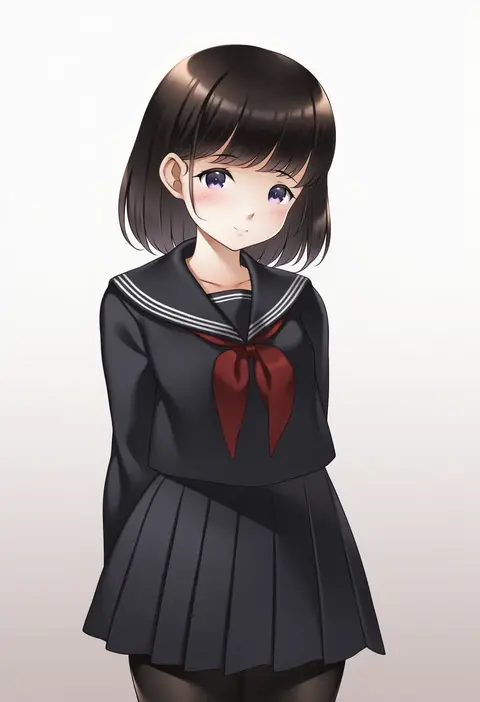
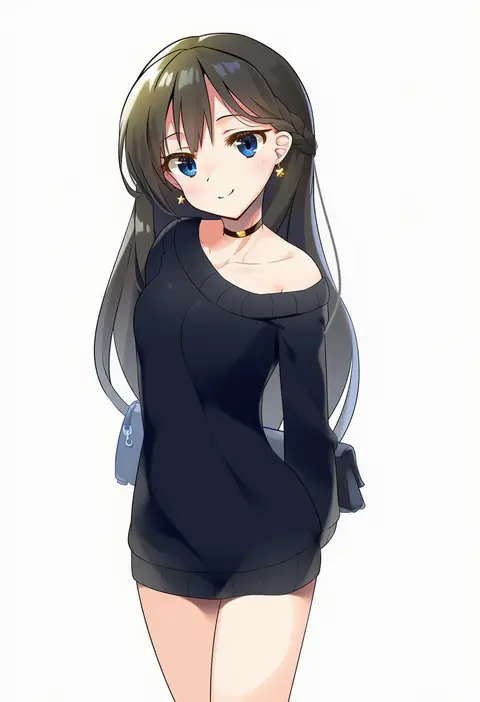
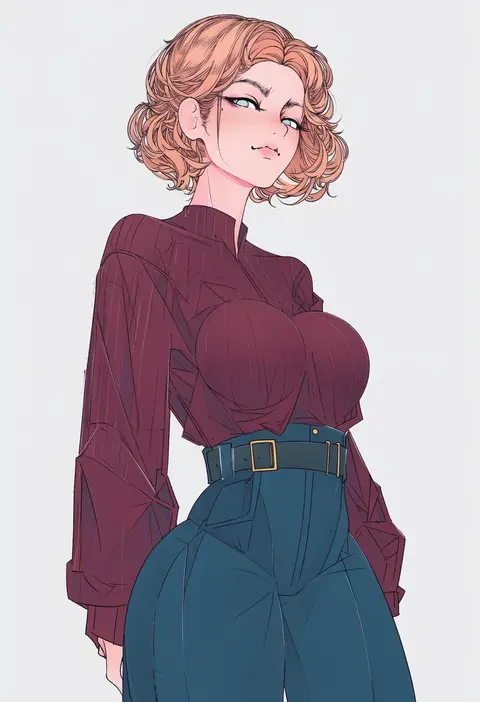
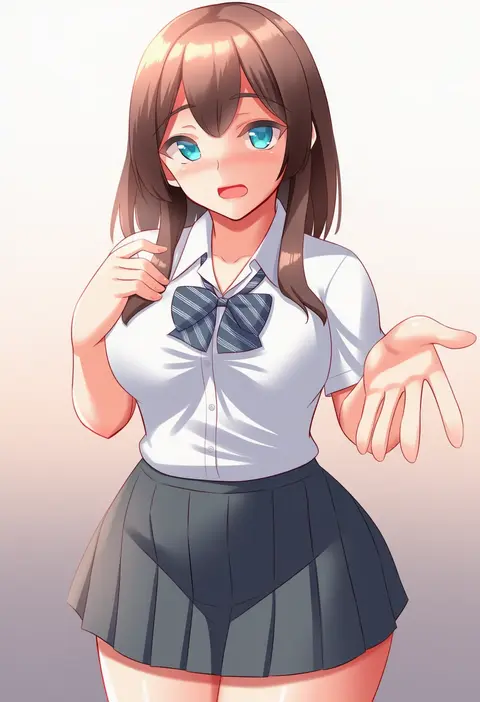
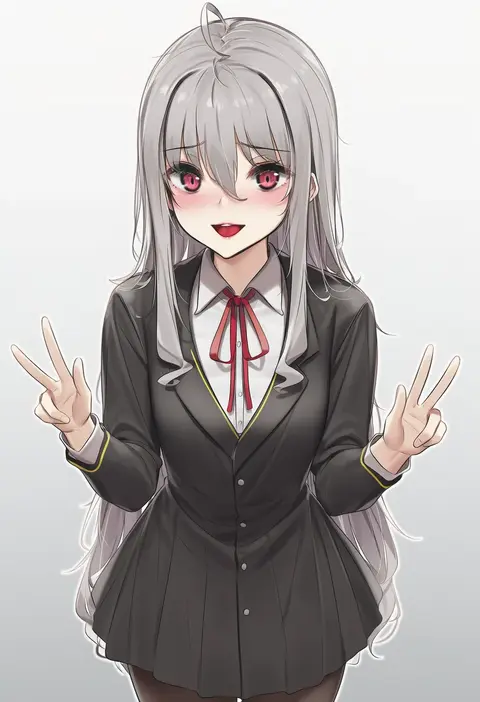
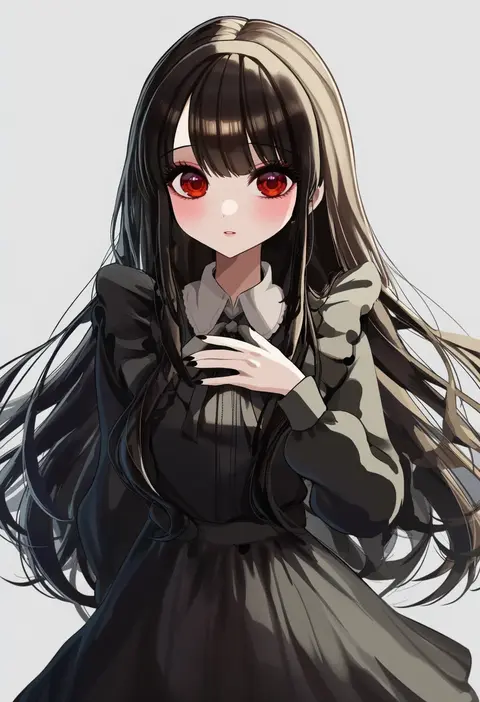
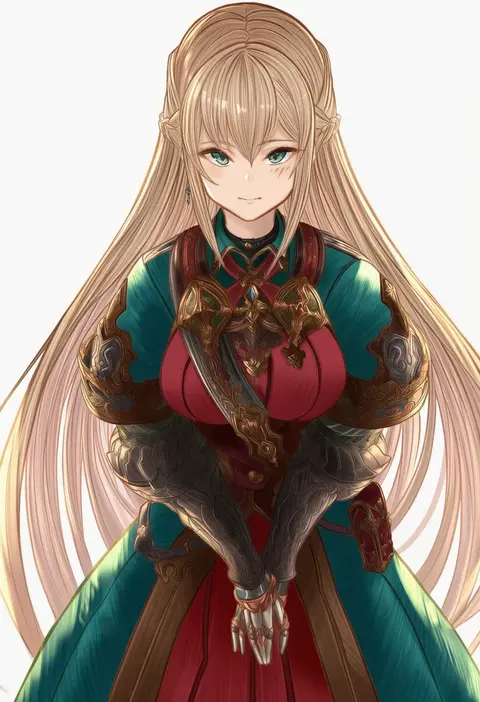
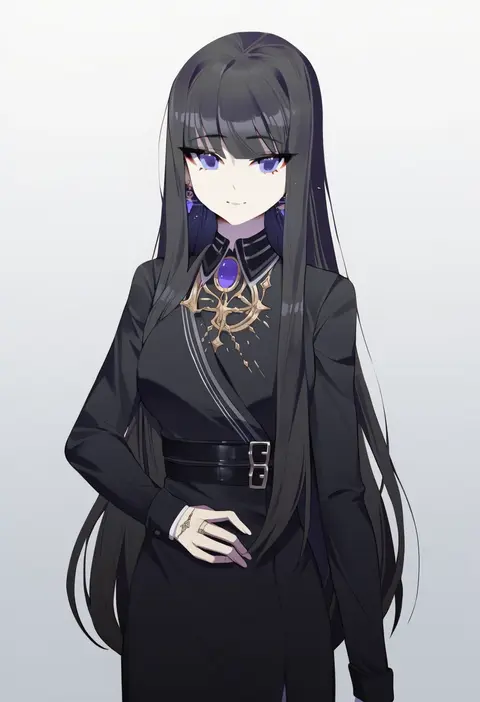
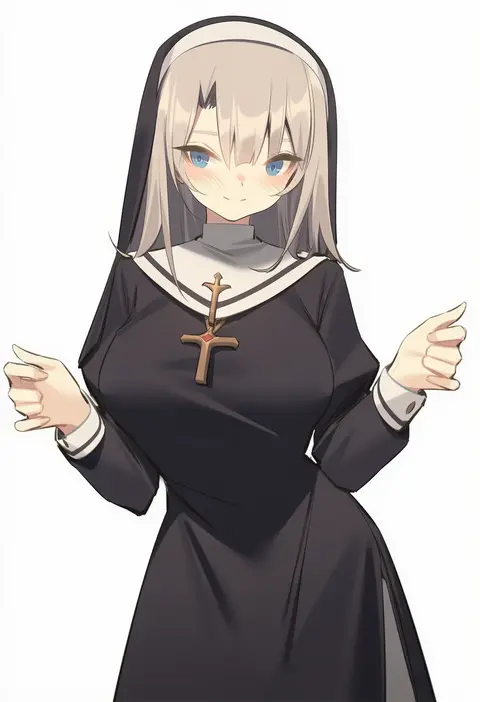
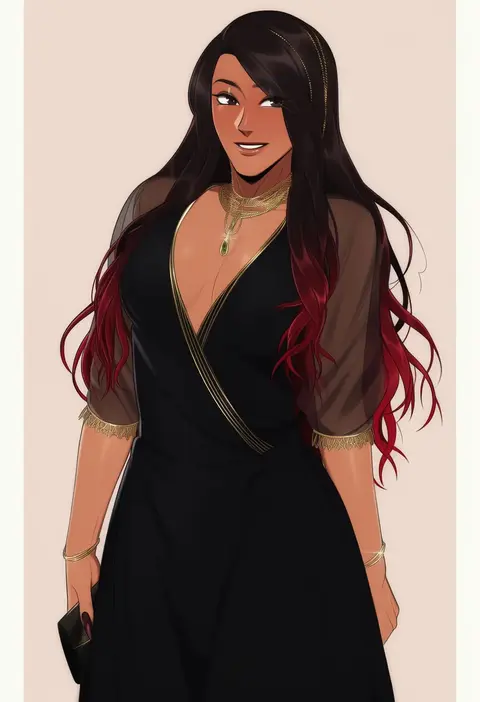
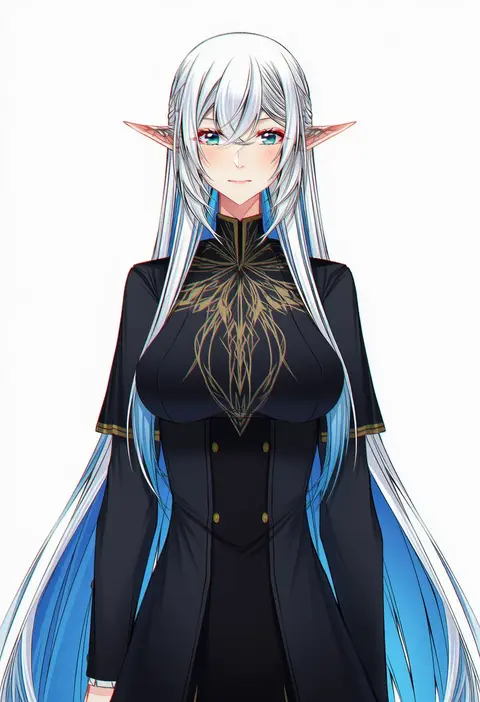
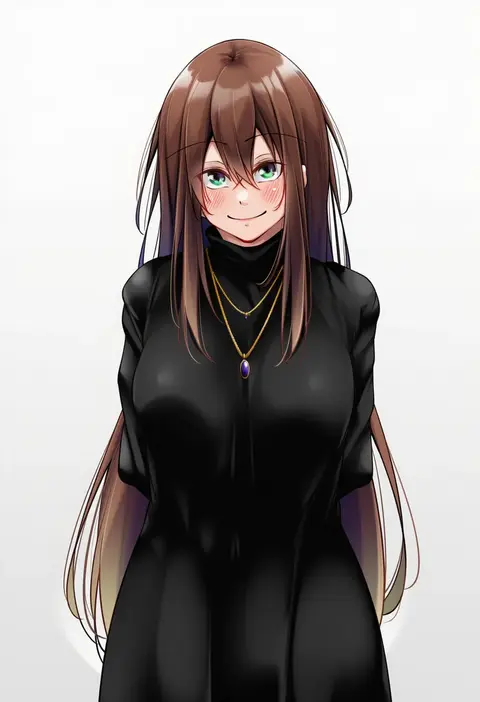
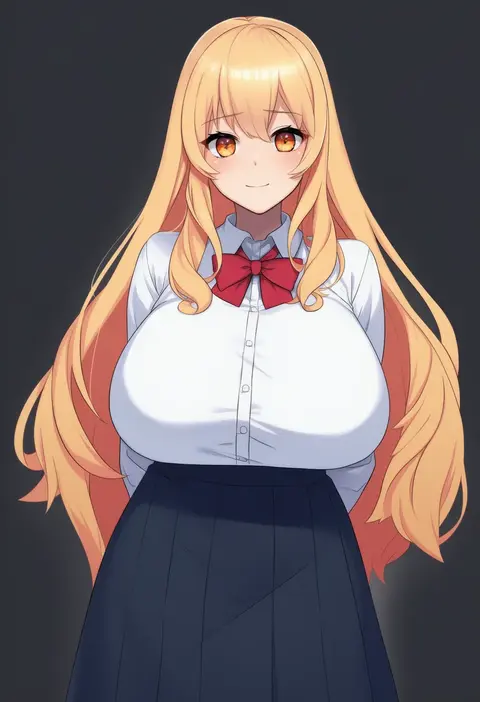
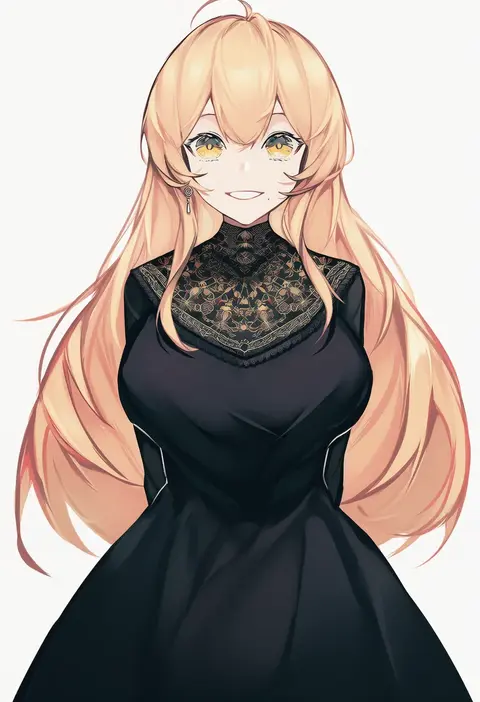
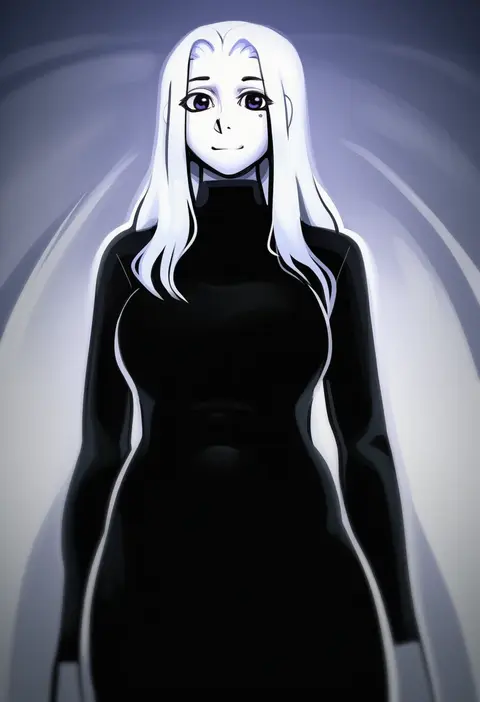
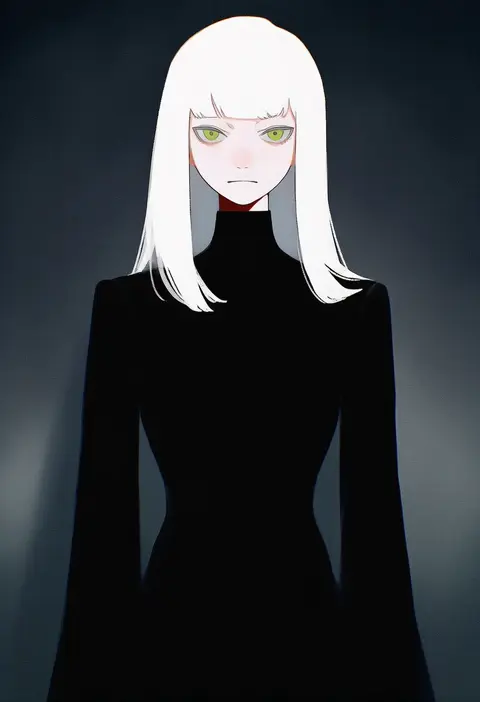
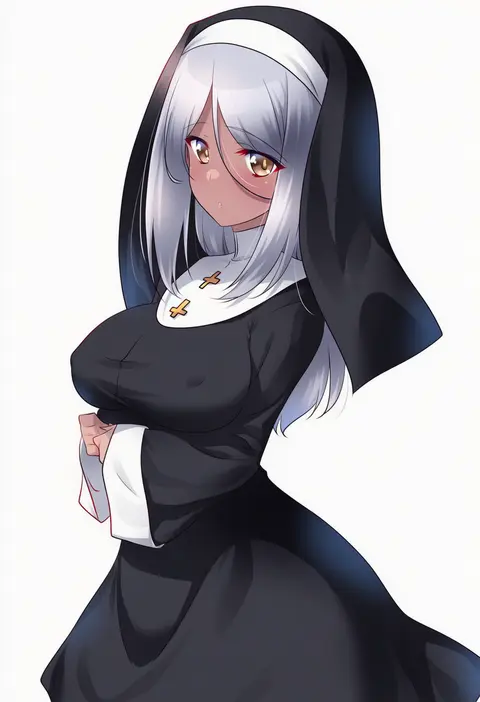
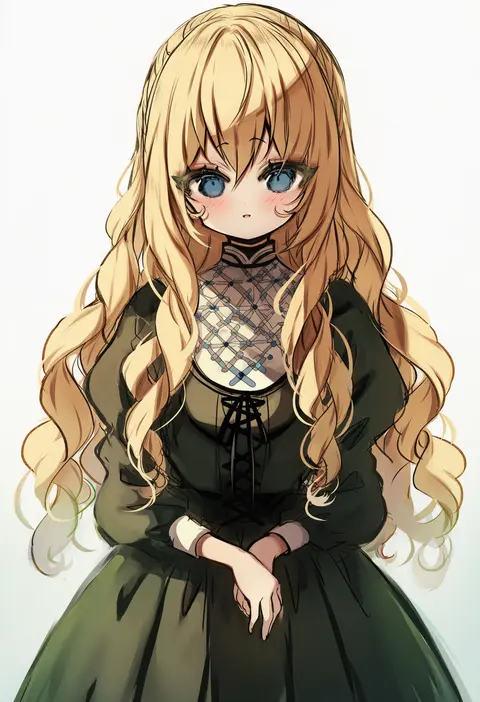
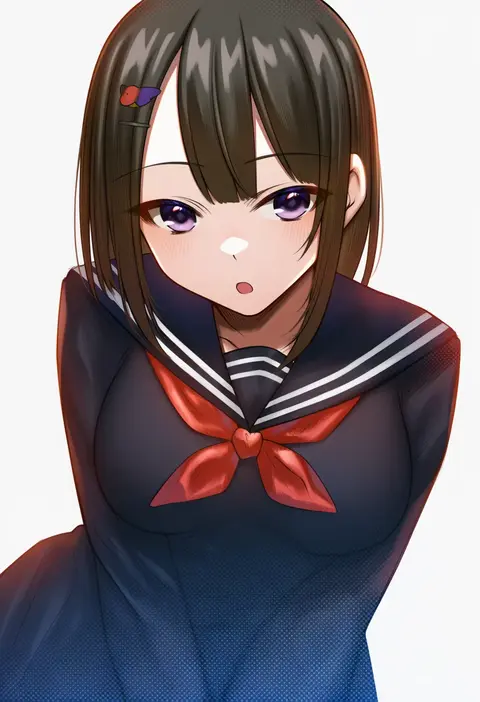
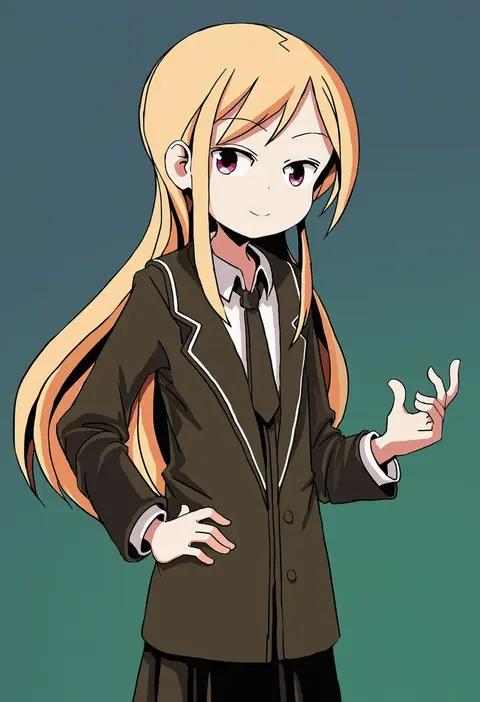
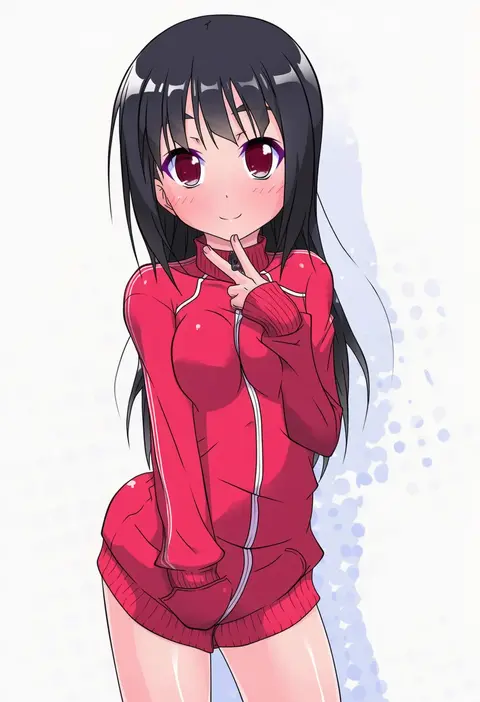
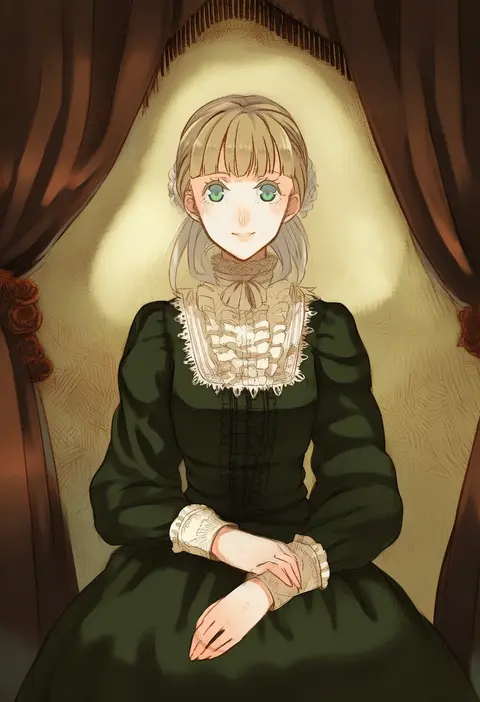
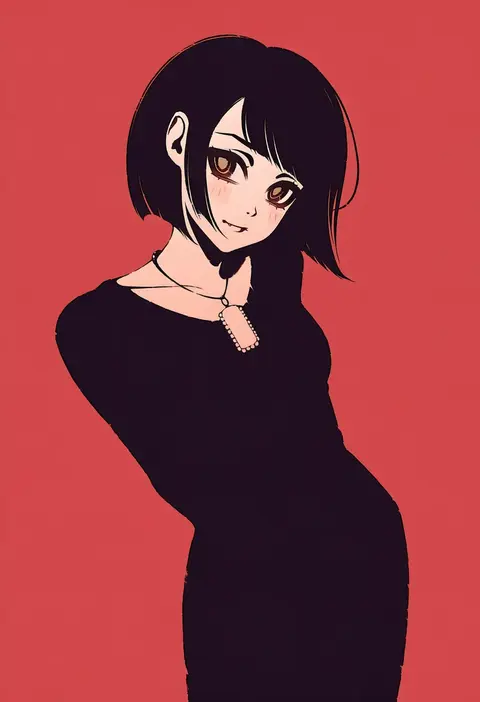
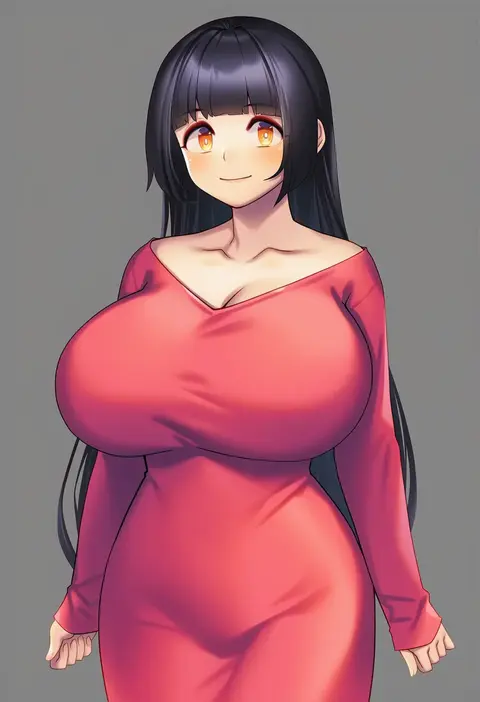
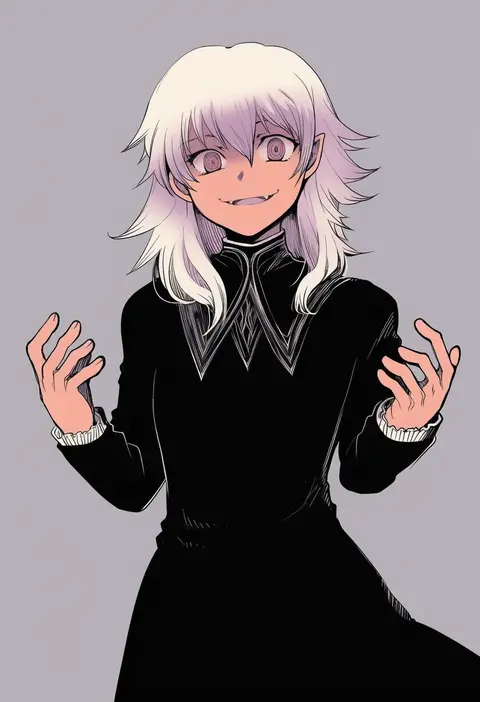
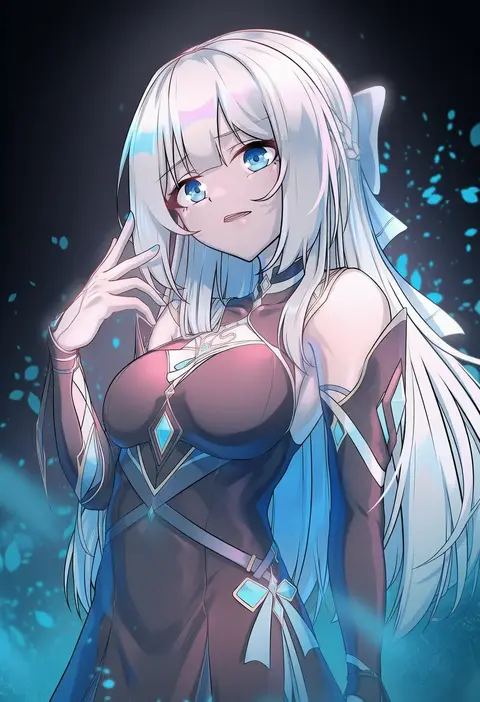
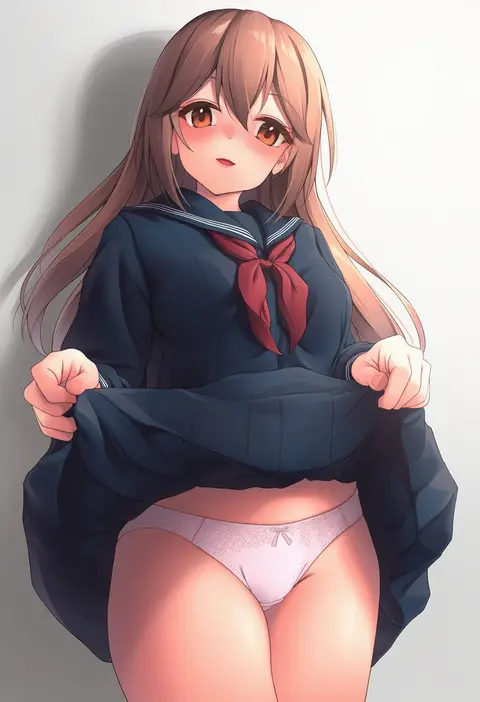
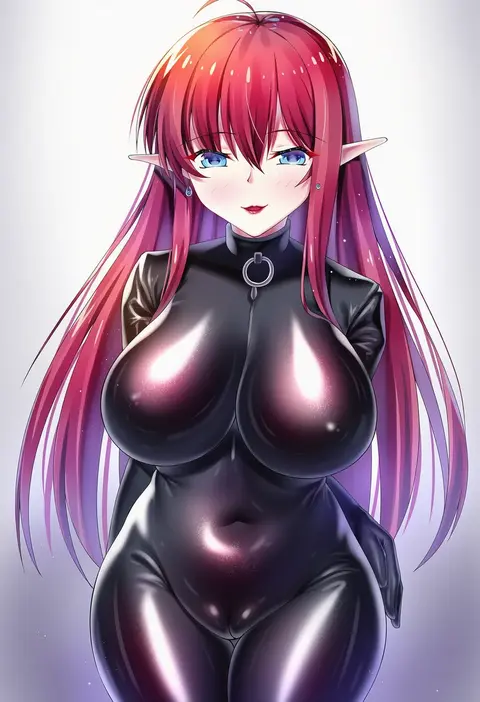
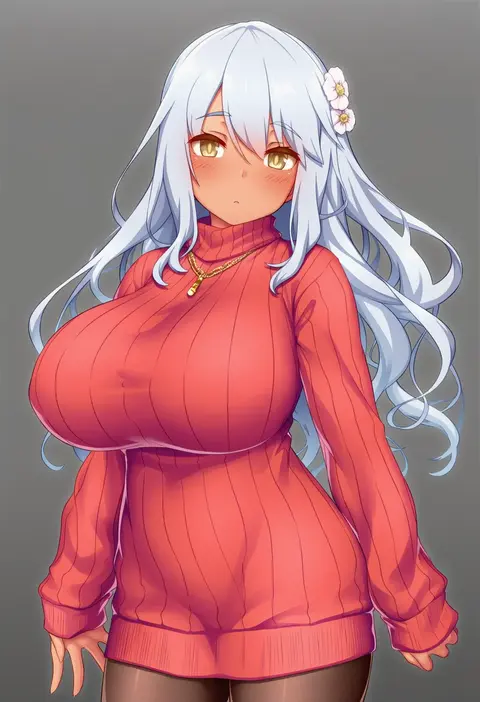
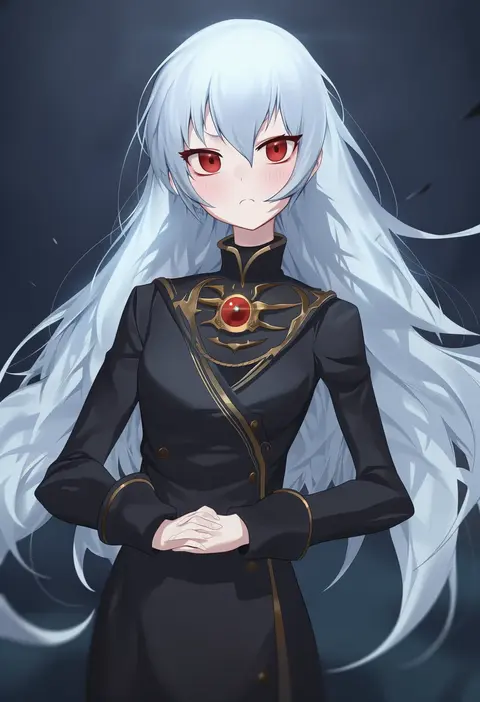
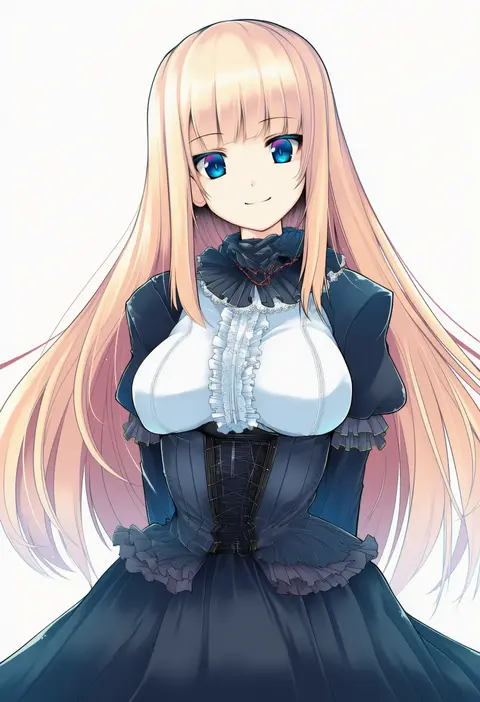
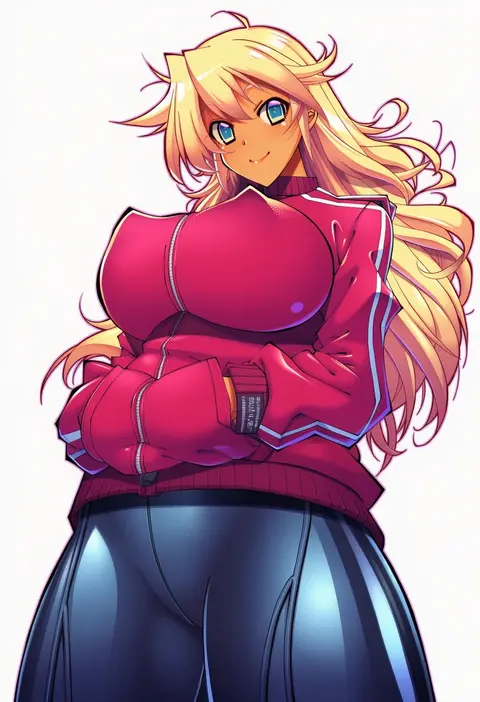
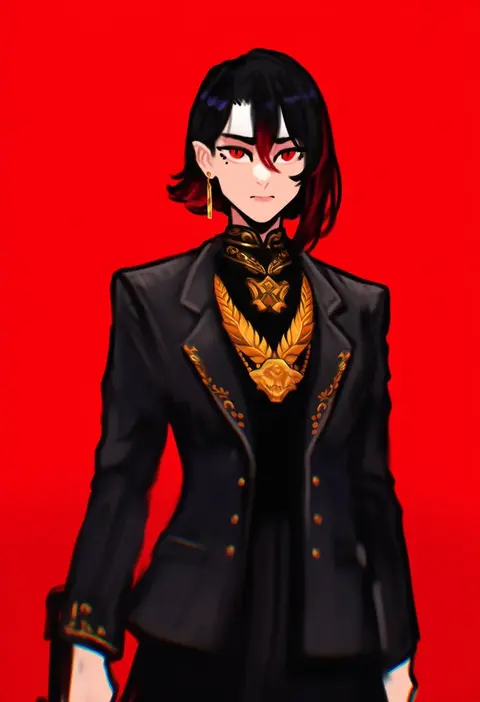
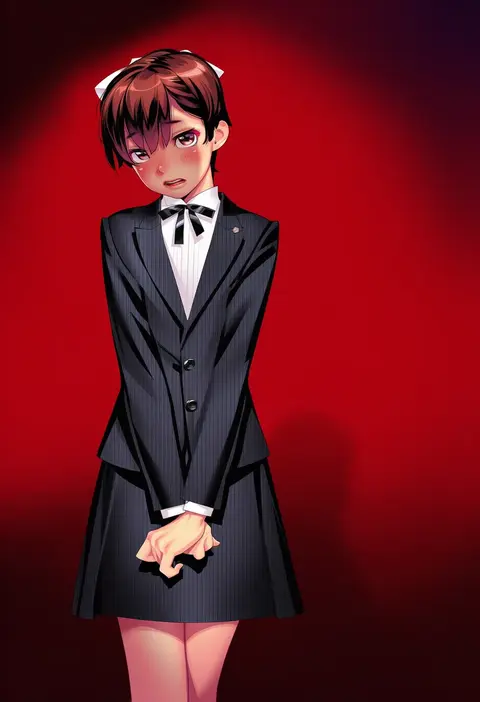
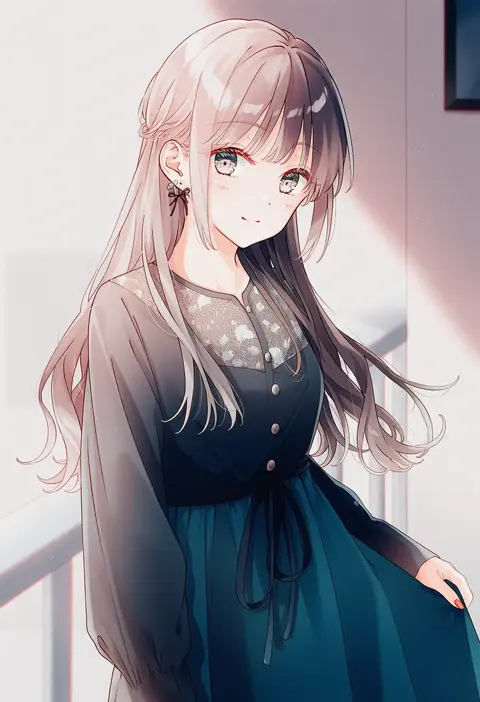
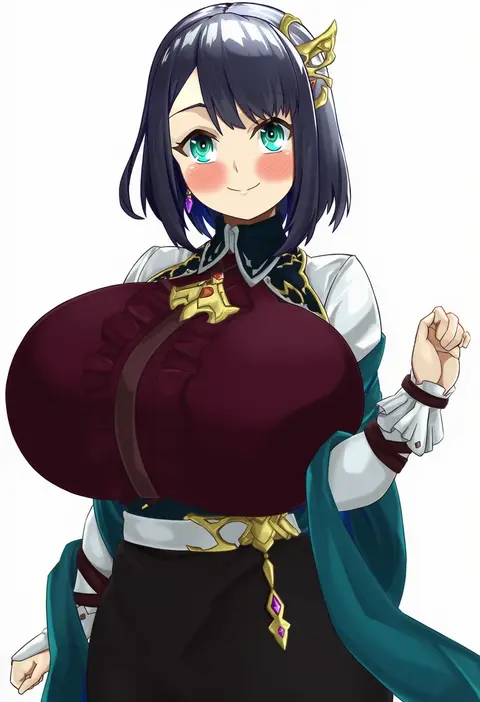
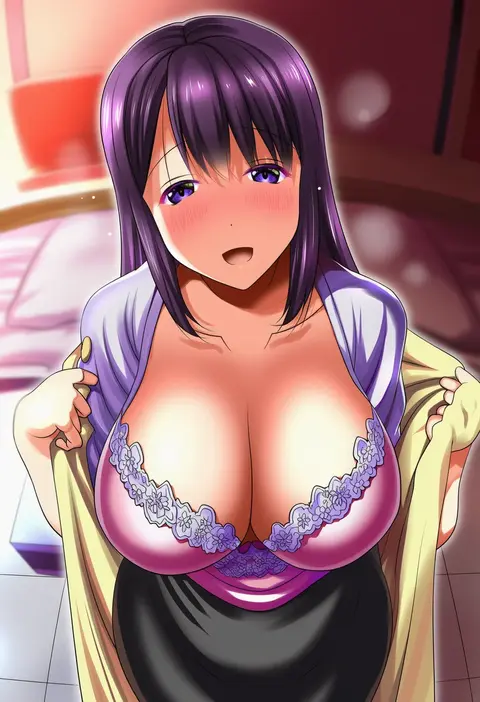
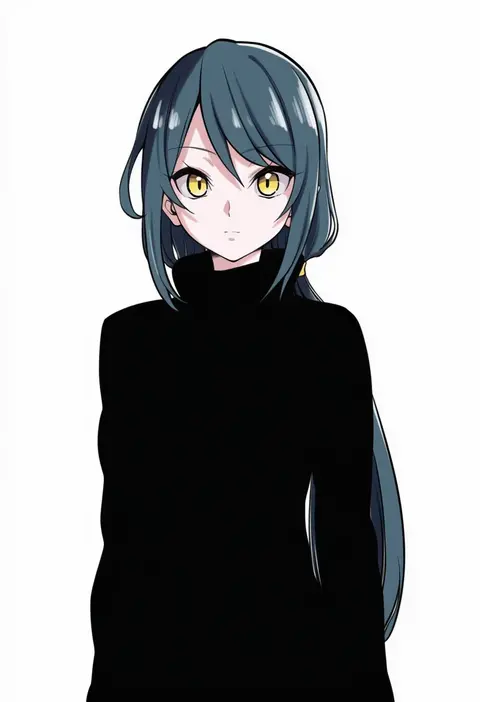
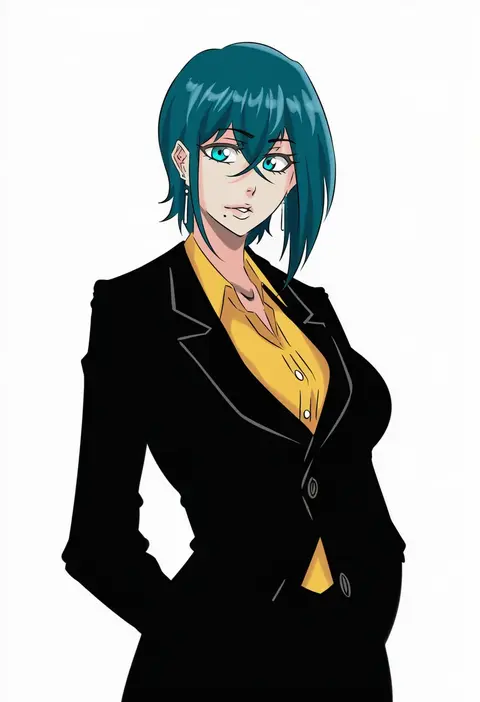
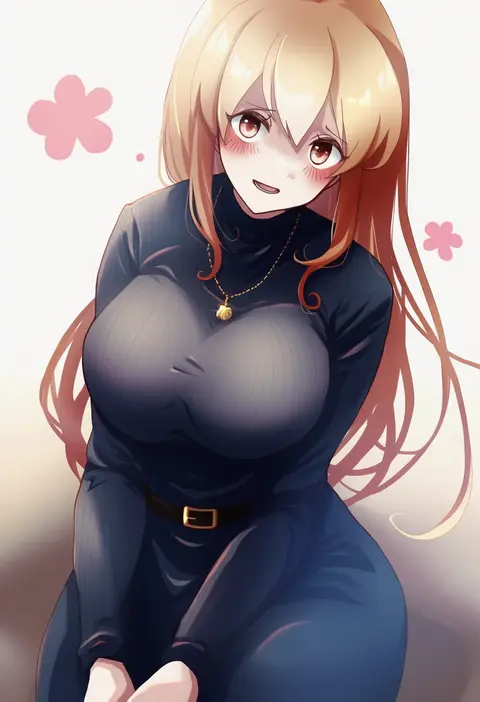
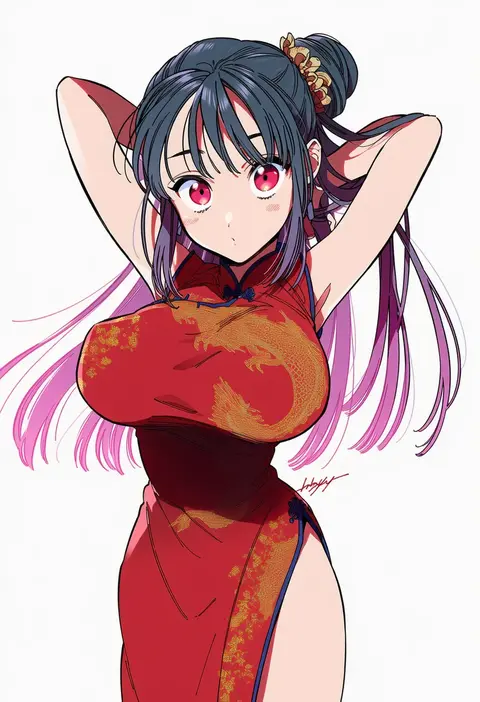
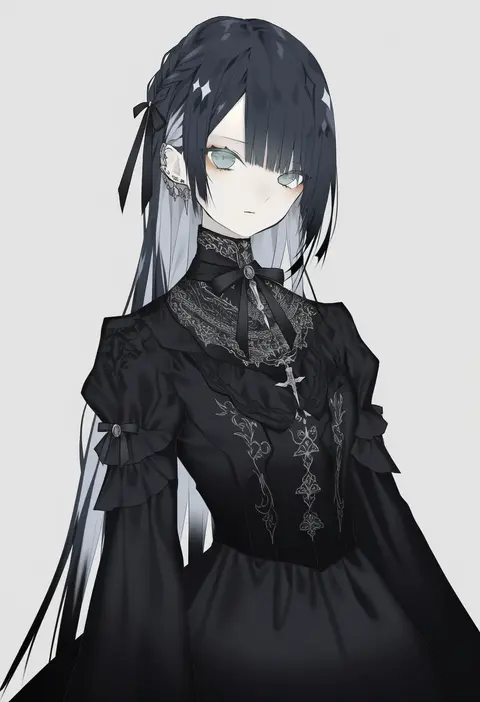
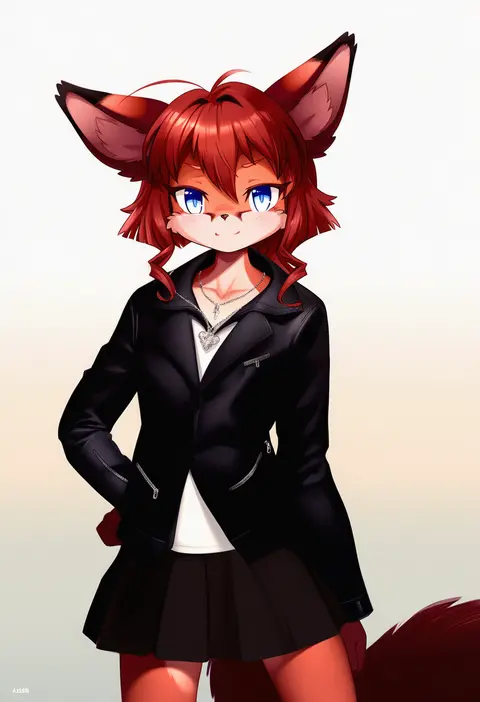
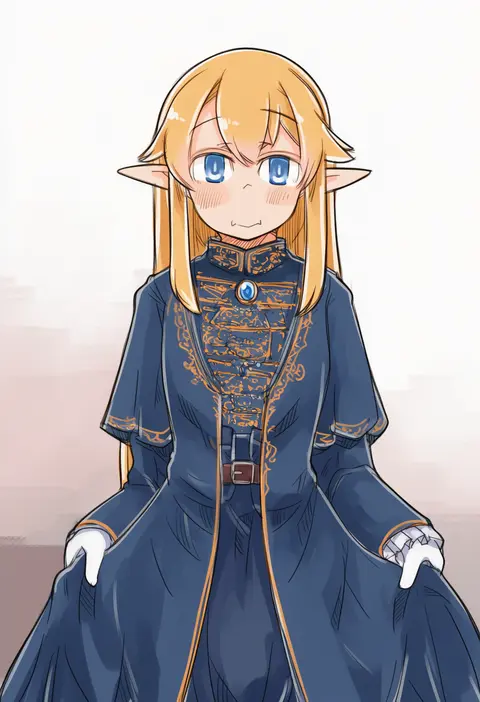
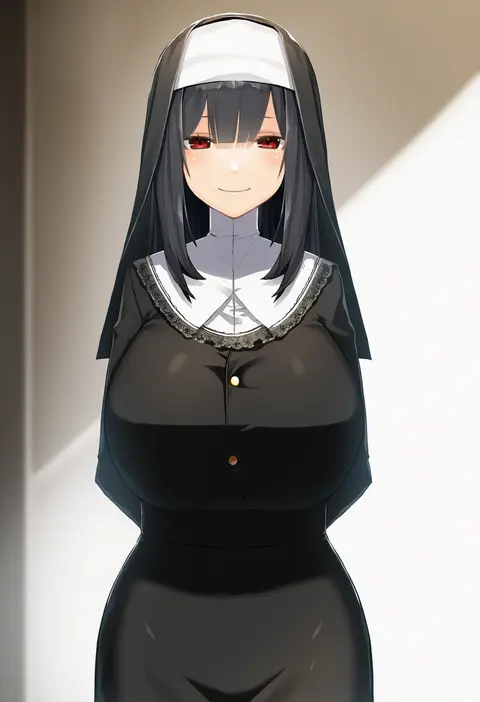
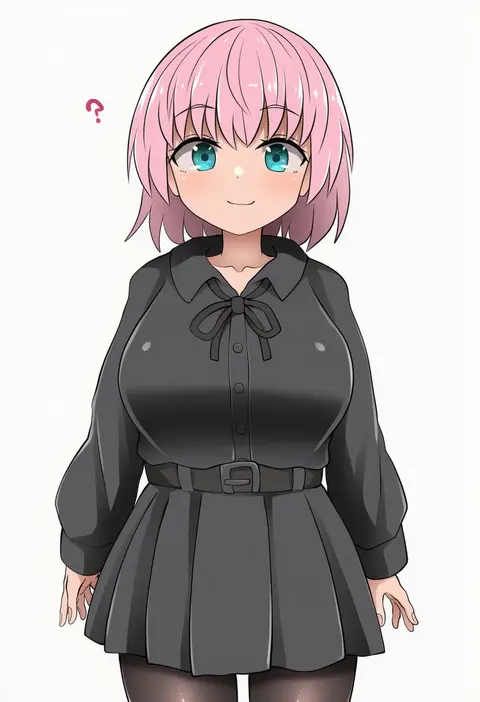
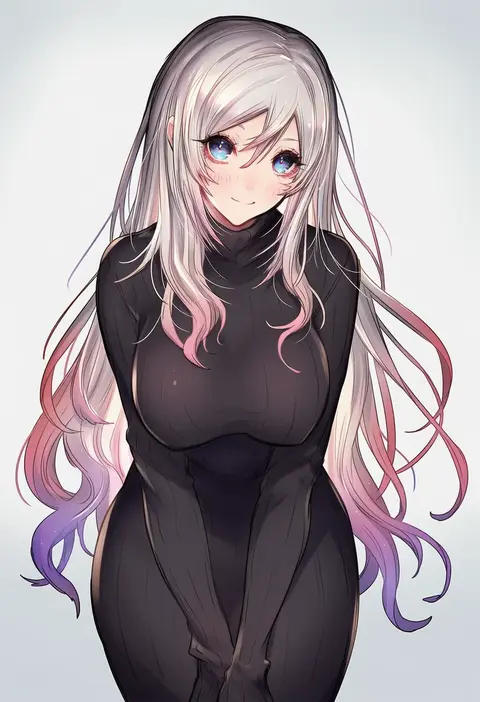
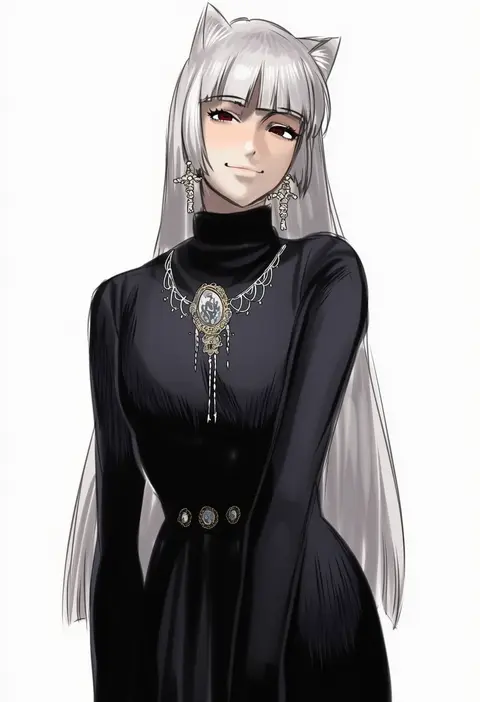
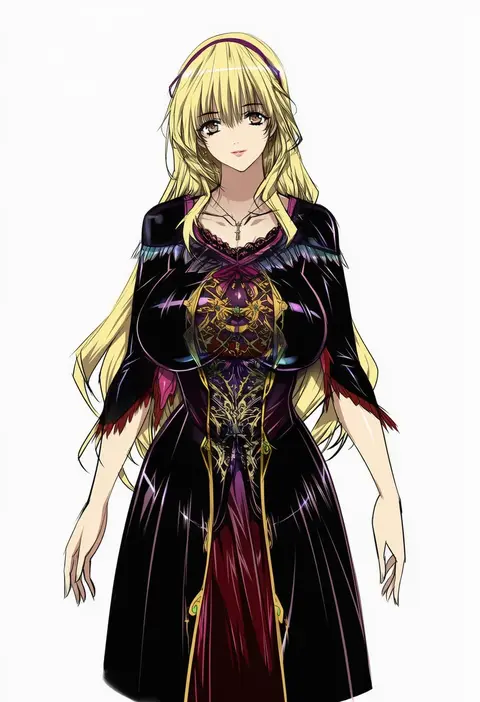
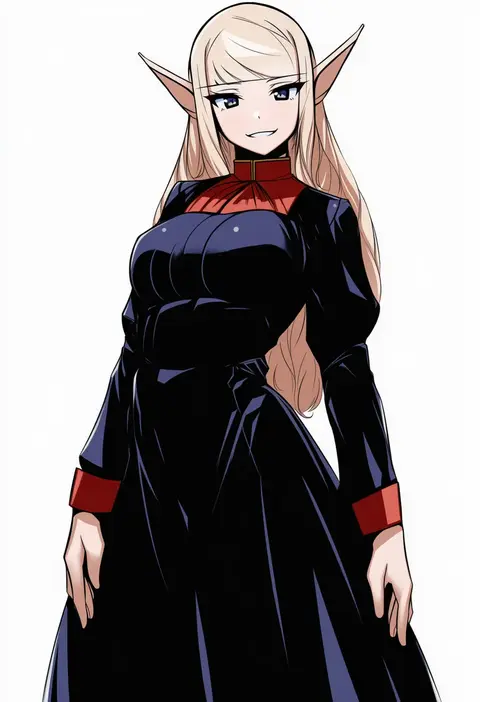
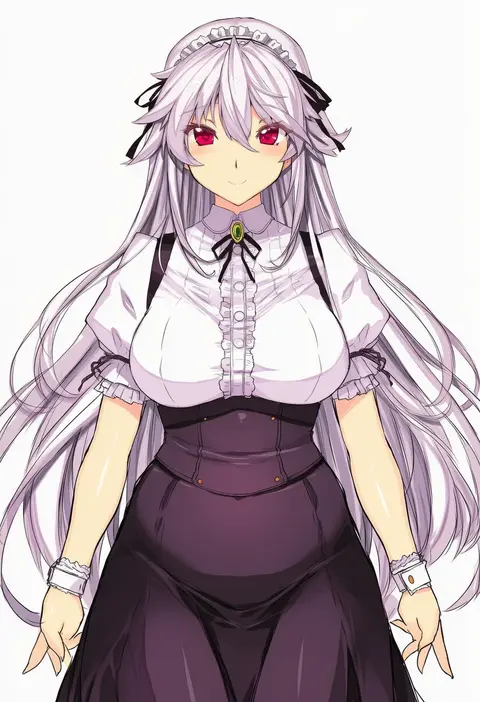
Artist tags tell NovelAI Diffusion to draw in a specific artist's style: line weight, paint texture, face shapes and palette all shift at once. Character and outfit tags decide what is drawn; artist tags decide how. 16,352 tags are listed for V4.5.
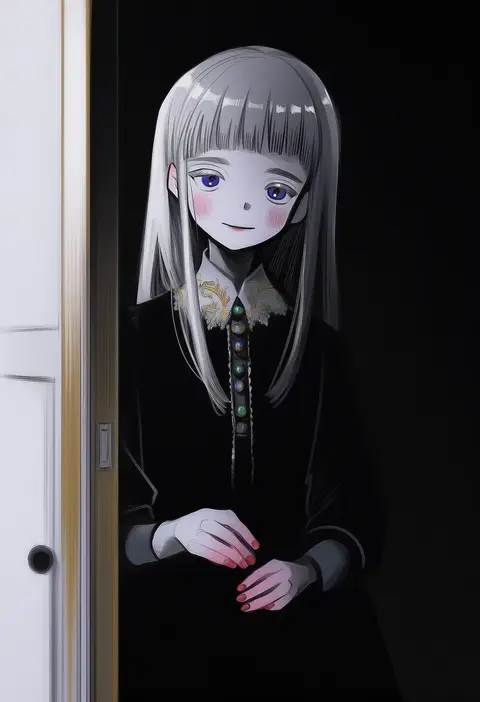
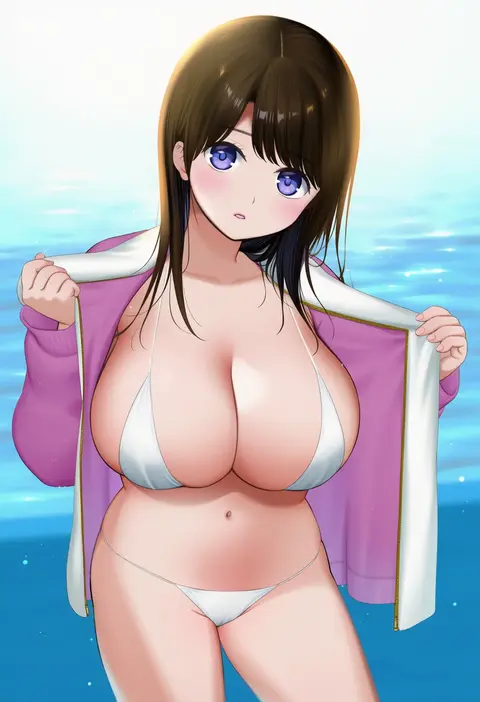
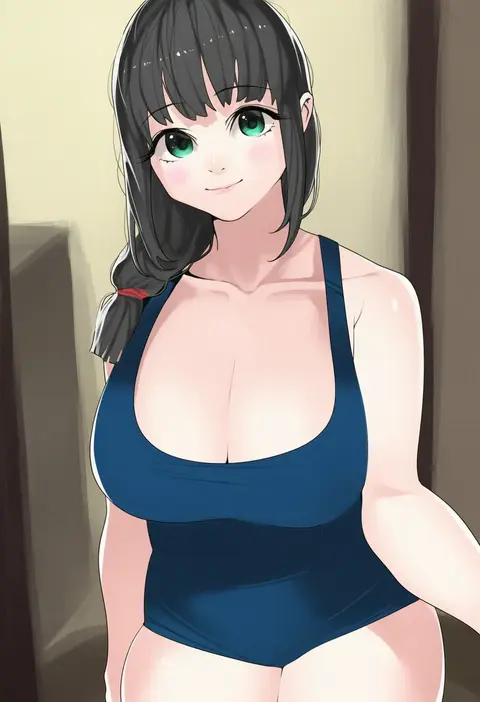
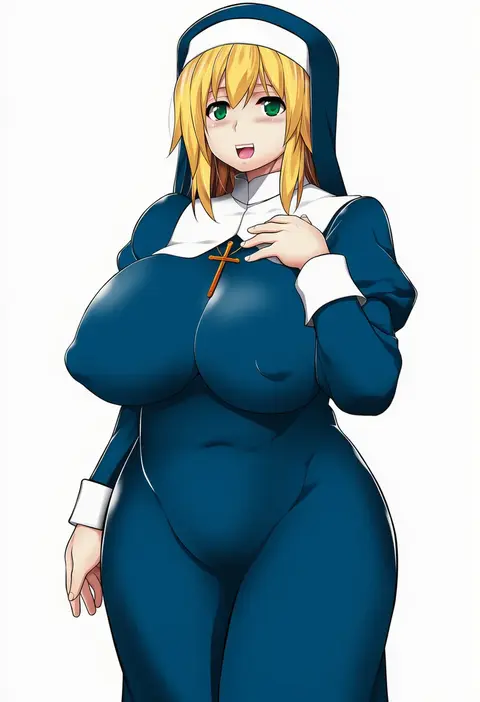
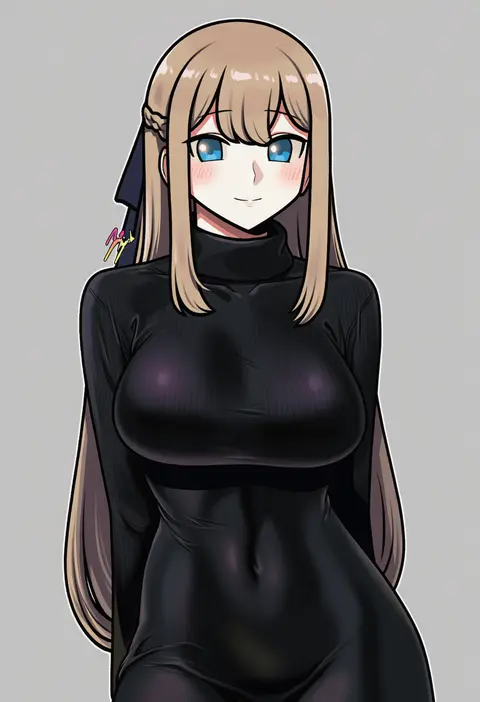
Every tag listed here is verified to react in NovelAI. All images use the same prompt, seed and settings with only the artist tag swapped, so the difference between two images is the style that tag brings in.

How to use them

Put the artist tag near the front of the prompt, e.g. "<artist>, 1girl, solo, best quality, masterpiece, cowboy shot". Two or three artist tags blend styles; lower the weight with "0.8::<artist>::" when the style overpowers the character.

SCORE sorts by Danbooru's top score, POSTS by post count, FAVS by hearts on this site. Open a card to see V5 and V4.5 side by side on the same seed.

V5 vs V4.5

V5 usually lands closer to the artist's real style, and tags that did nothing on V4.5 often react on V5. V4.5 still fits older and doujin-heavy artists better. Try V5 first, fall back to V4.5.

FAQ

Where does the artist tag go?
Near the front of the prompt. Use "0.8::tag::" to adjust its weight.

Can I stack artist tags?
Yes, styles blend. Past two or three the result stops looking like anyone.

Are these the artists' own works?
No. Every image is a NovelAI sample generated from the tag.