V4.5Artists
sort: FAVS▾
▾
>
$

Popular NovelAI artist tags — V4.5

artist --count 16,352[115/273]
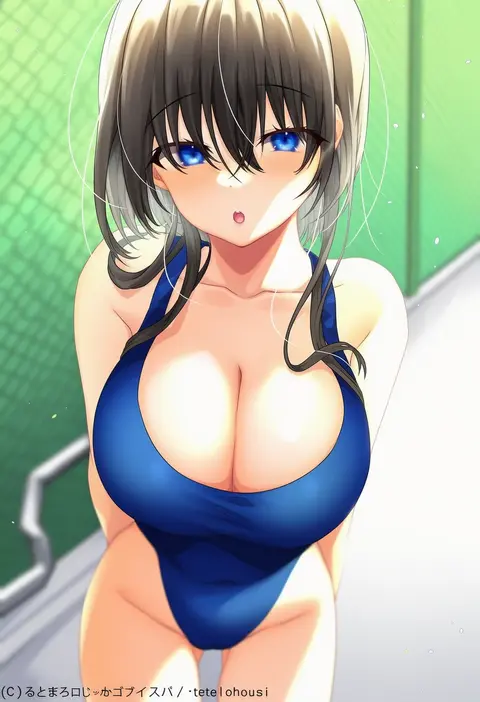
teltelhousi
ARTIST0x1AB8
0
maritan (pixelmaritan)
ARTIST0x1AB9
0
house tag denim
ARTIST0x1ABA
0
joy division
ARTIST0x1ABB
0
hakkaku shikimi
ARTIST0x1ABC
0
tabunshake
ARTIST0x1ABD
0
unidentified nk
ARTIST0x1ABE
0
gekkou (geccomajin)
ARTIST0x1ABF
0
d. (ddot2018)
ARTIST0x1AC0
0
getsuyou yasumi
ARTIST0x1AC1
0
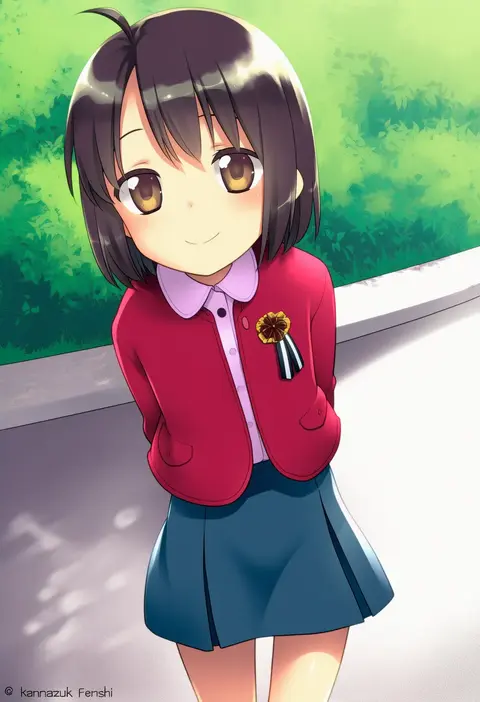
kannazuki genshi
ARTIST0x1AC2
0
wadapen
ARTIST0x1AC3
0
lin qing (phosphorus 1104)
ARTIST0x1AC4
0
zack (haiuinndo)
ARTIST0x1AC5
0
gimnang
ARTIST0x1AC6
0
nsfwolf
ARTIST0x1AC7
0
ootsuki wataru
ARTIST0x1AC8
0
kapatarou
ARTIST0x1AC9
0
amazuki jou
ARTIST0x1ACA
0
tsumikitsuki (katsuobushi)
ARTIST0x1ACB
0
muromaki
ARTIST0x1ACC
0
anyannko
ARTIST0x1ACD
0
hiwokawa
ARTIST0x1ACE
0
shiroi karasu
ARTIST0x1ACF
0
tetrodotoxin
ARTIST0x1AD0
0
sakusyo
ARTIST0x1AD1
0
kotobuki tsukasa
ARTIST0x1AD2
0
hamashima shigeo
ARTIST0x1AD3
0
washin
ARTIST0x1AD4
0
kageira
ARTIST0x1AD5
0
nama shirasu
ARTIST0x1AD6
0
chuby mi
ARTIST0x1AD7
0
kaauchi
ARTIST0x1AD8
0
somei ooo
ARTIST0x1AD9
0
kakaon
ARTIST0x1ADA
0
funakura
ARTIST0x1ADB
0
rapa rachi
ARTIST0x1ADC
0
kachima
ARTIST0x1ADD
0
hanahanamaki
ARTIST0x1ADE
0
yun-yang
ARTIST0x1ADF
0
waterswing
ARTIST0x1AE0
0
a tea
ARTIST0x1AE1
0
kareya
ARTIST0x1AE2
0
etyaduke
ARTIST0x1AE3
0
chiji komari
ARTIST0x1AE4
0
non non moral
ARTIST0x1AE5
0
shoohee
ARTIST0x1AE6
0
osulan
ARTIST0x1AE7
0
syuri22
ARTIST0x1AE8
0
ayakura juu
ARTIST0x1AE9
0
eiwa
ARTIST0x1AEA
0
izumi mahiru
ARTIST0x1AEB
0
nyoro (nyoronyoro000)
ARTIST0x1AEC
0
kusano (torisukerabasu)
ARTIST0x1AED
0
nosuku
ARTIST0x1AEE
0
fukurou (owl222)
ARTIST0x1AEF
0
tridisart
ARTIST0x1AF0
0
akizuki shigure
ARTIST0x1AF1
0
kougi hiroshi
ARTIST0x1AF2
0
tamagoroo
ARTIST0x1AF3
0

What these tags change

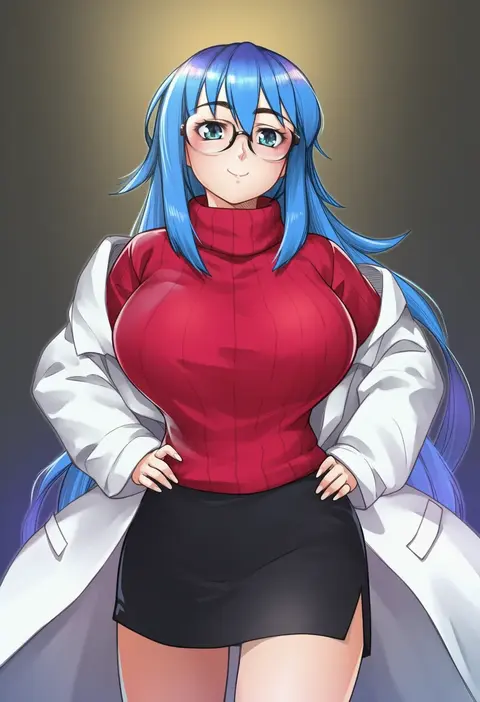
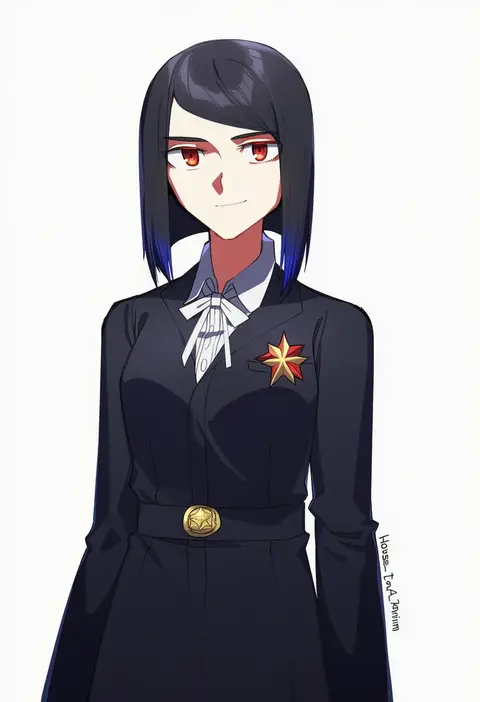
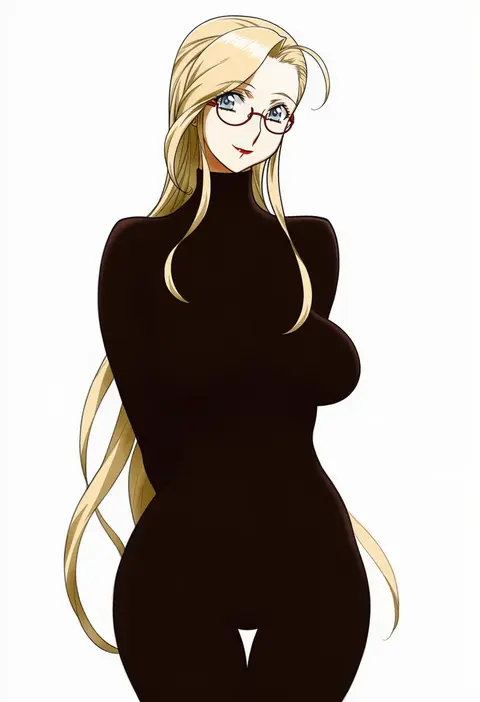
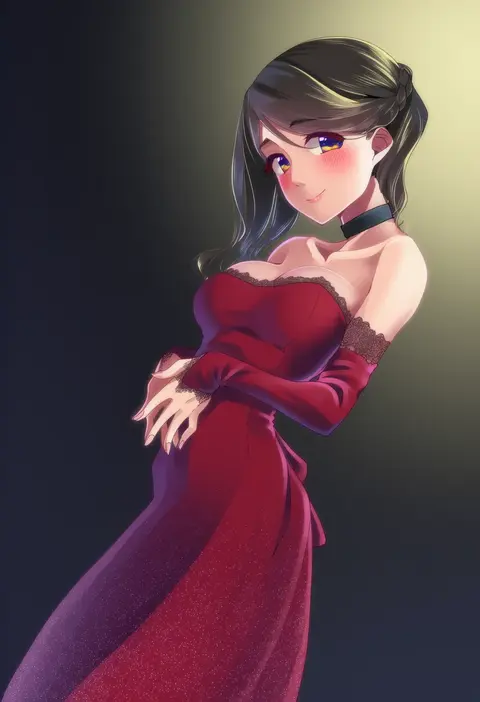
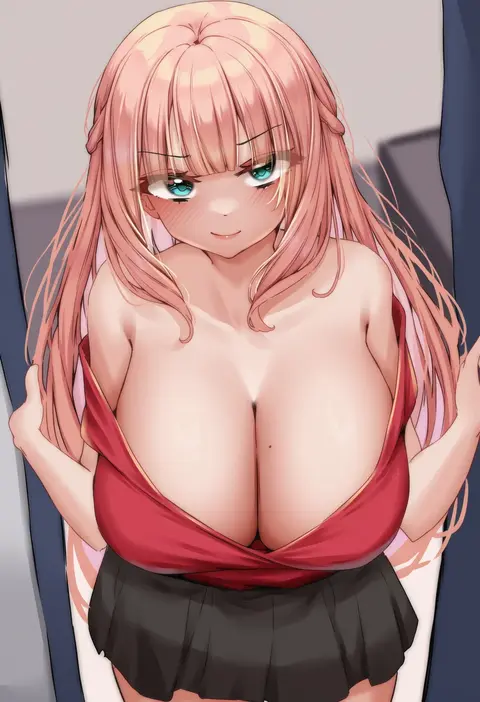
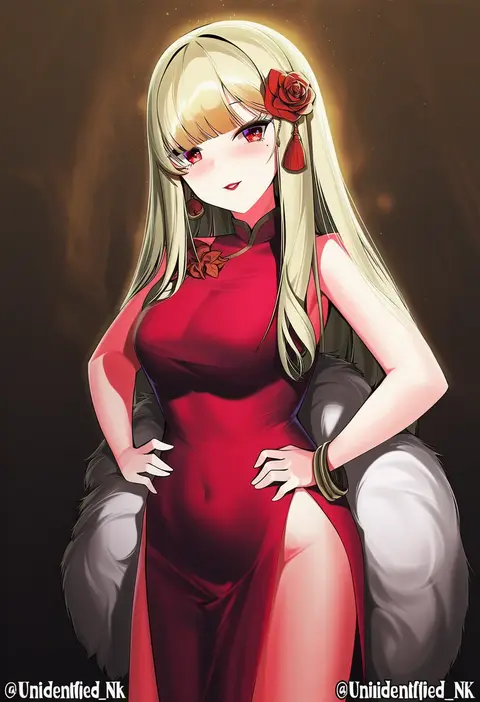
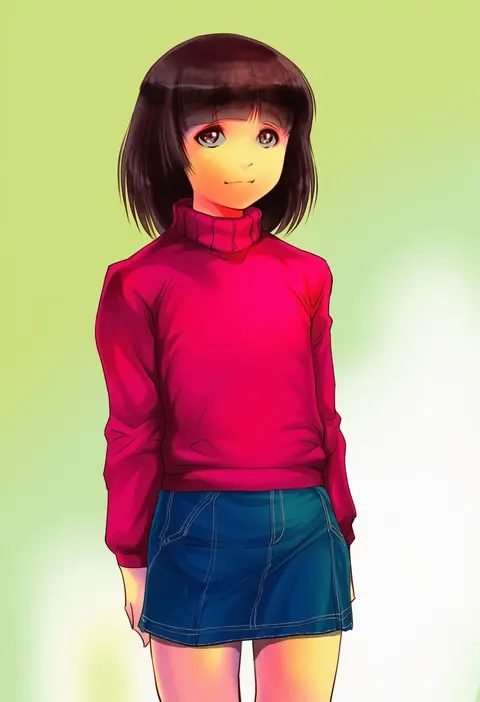
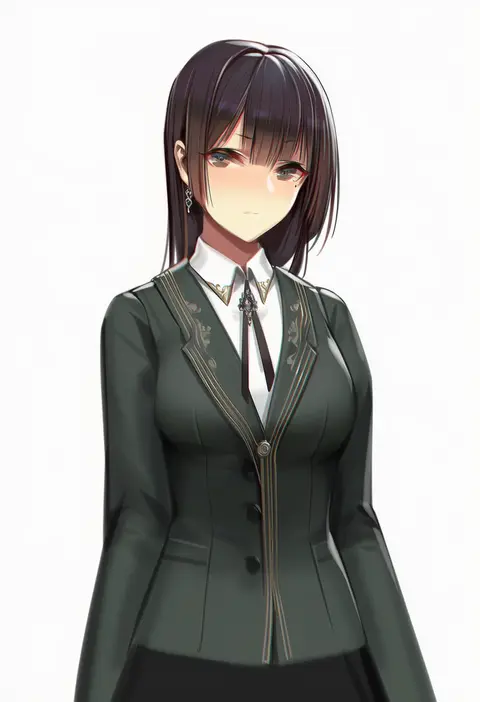
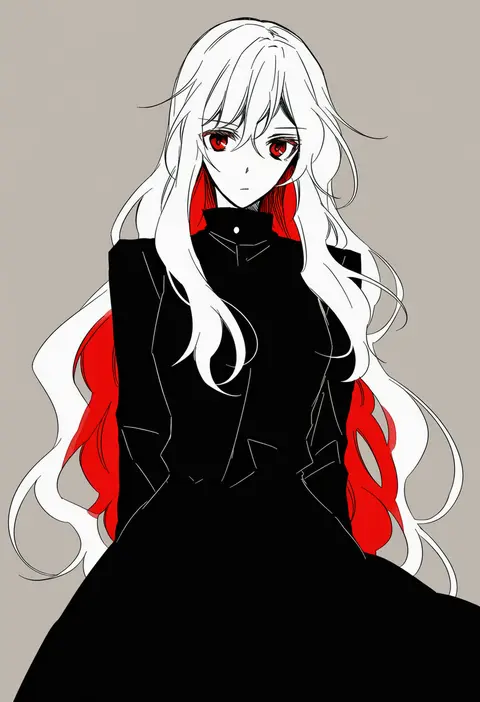
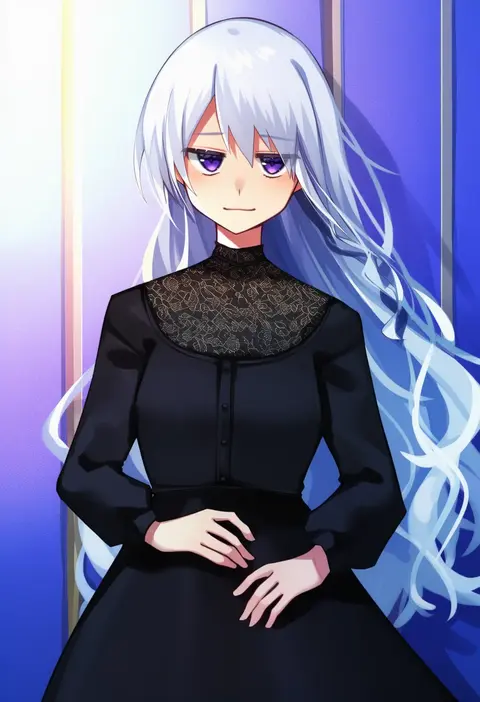
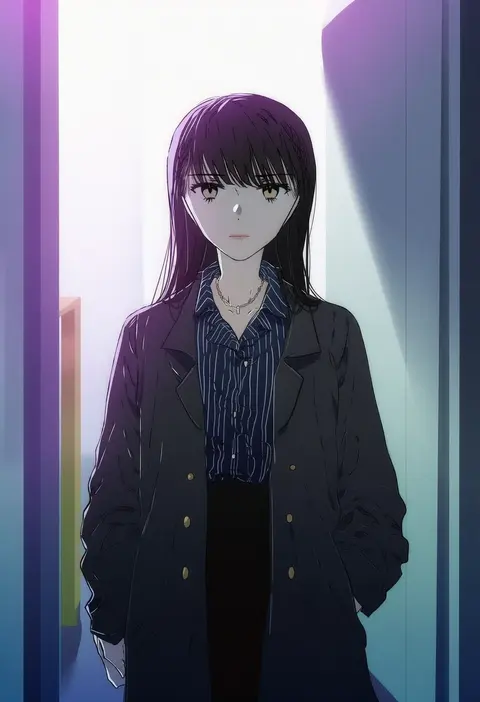
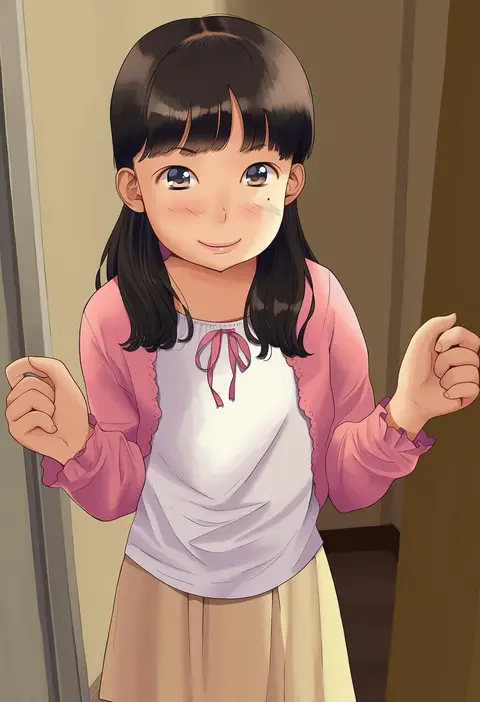
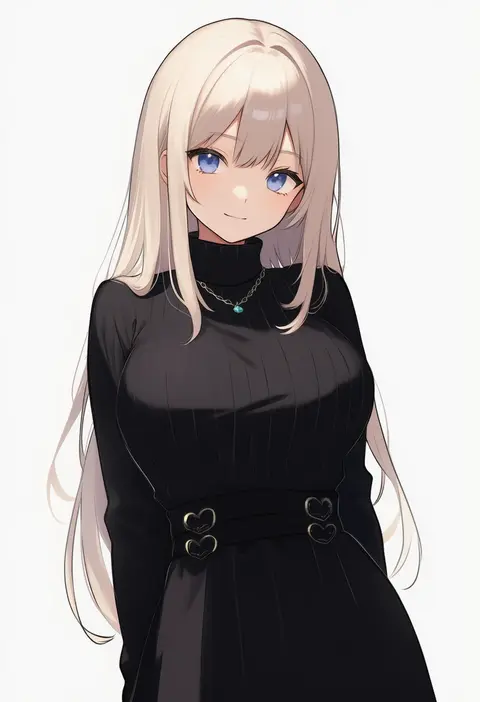
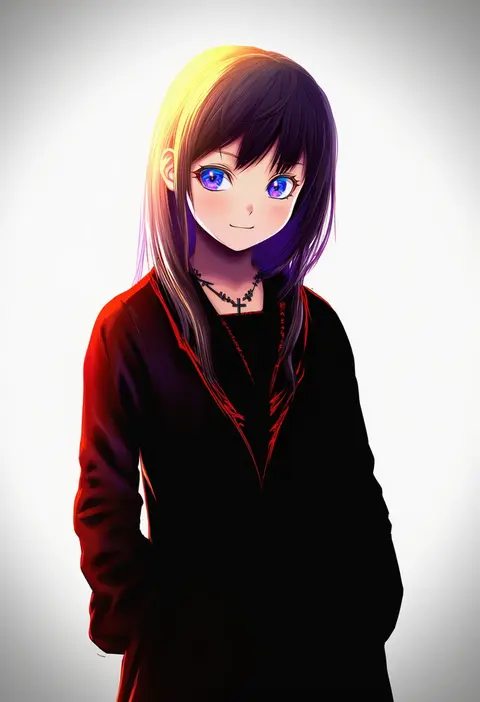
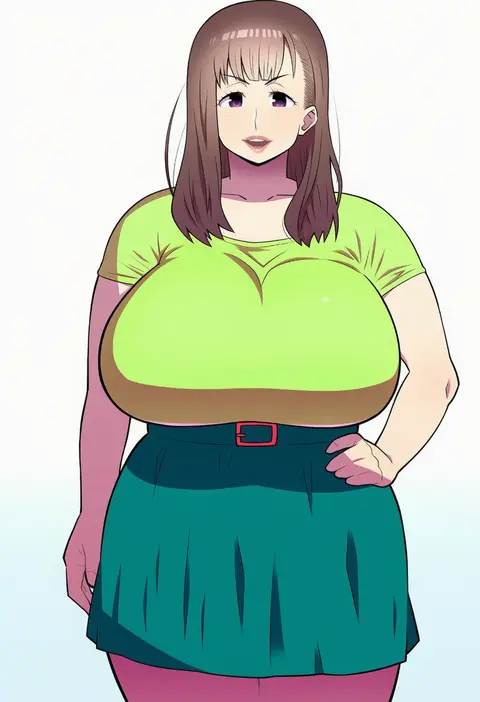
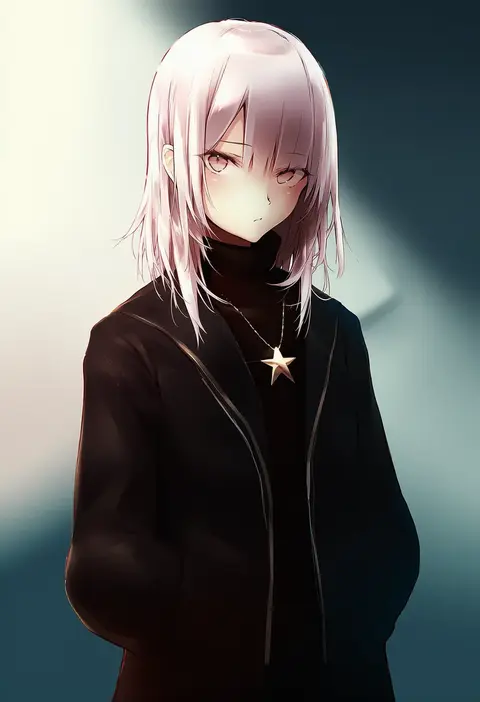
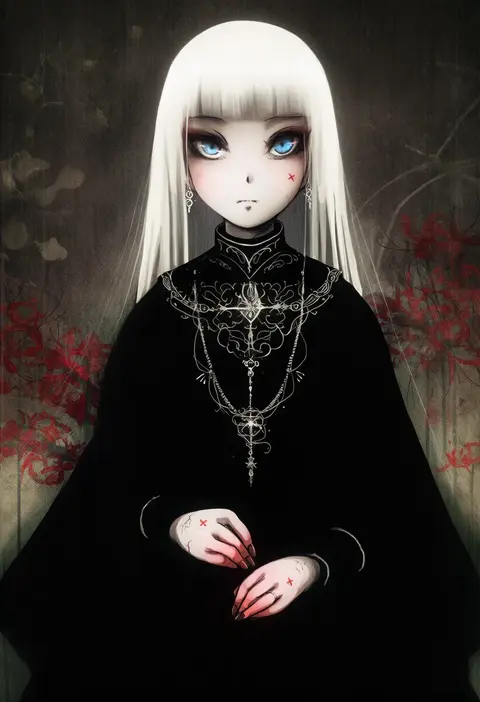
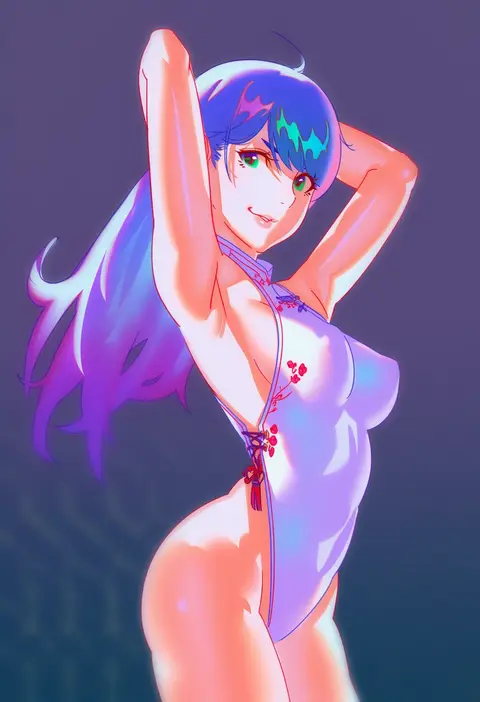
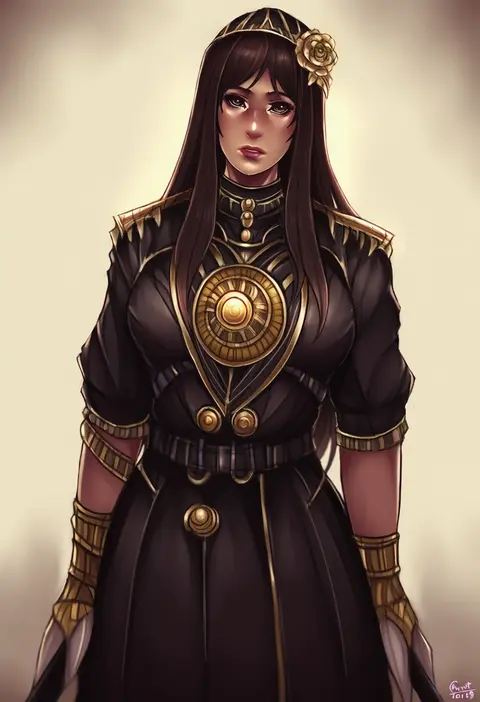
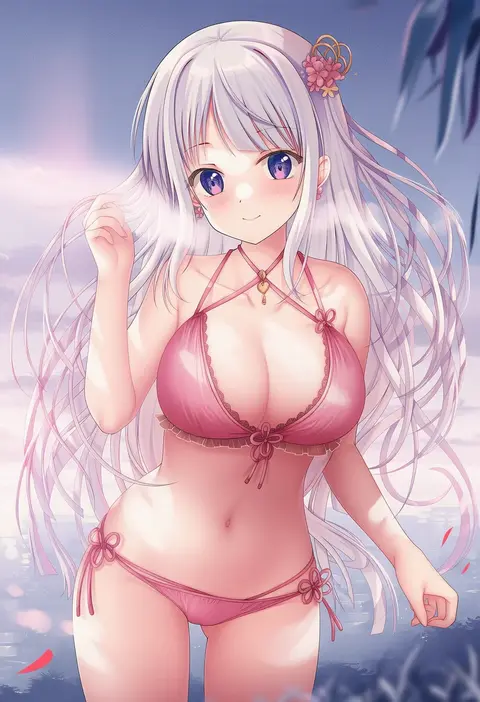
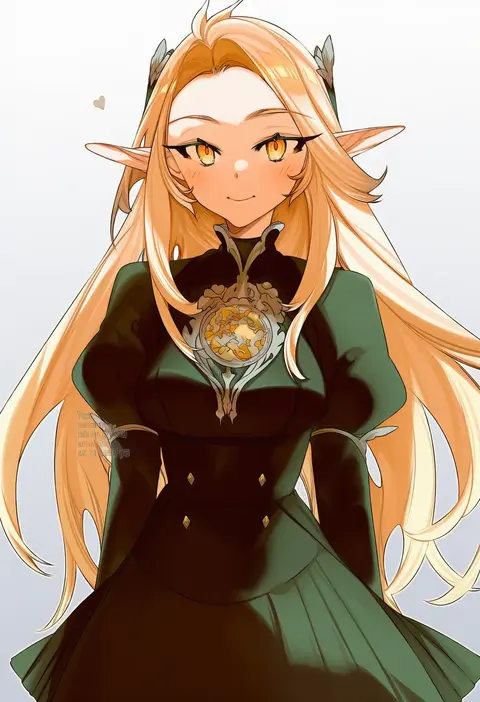
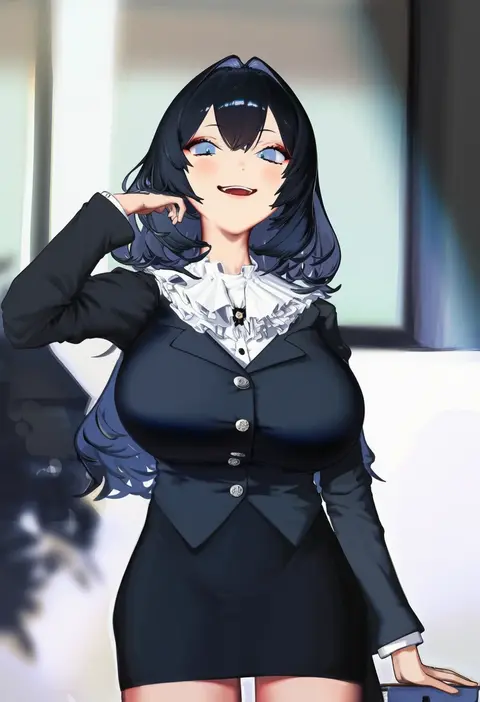
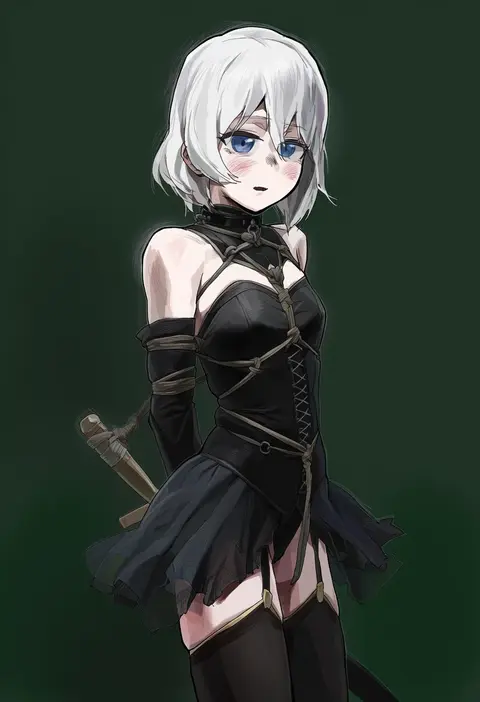
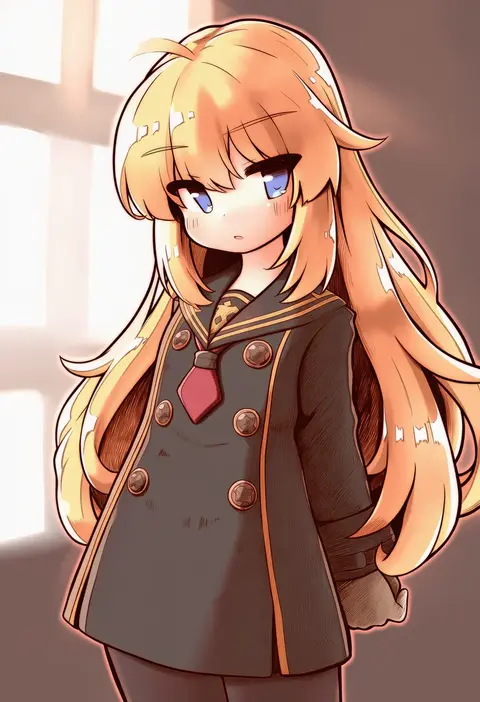
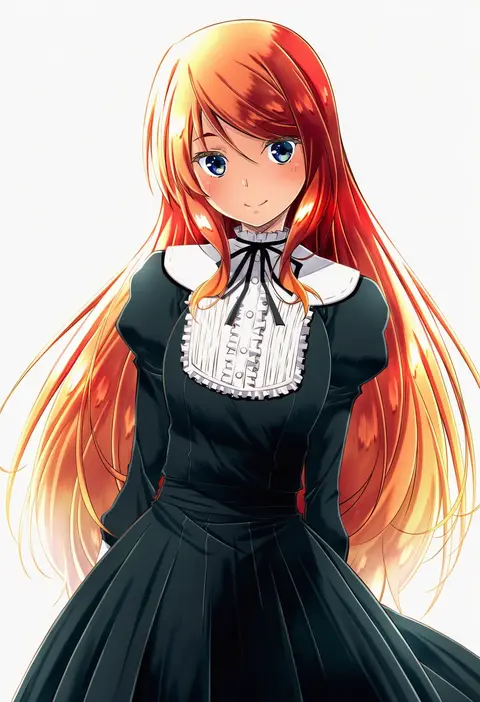
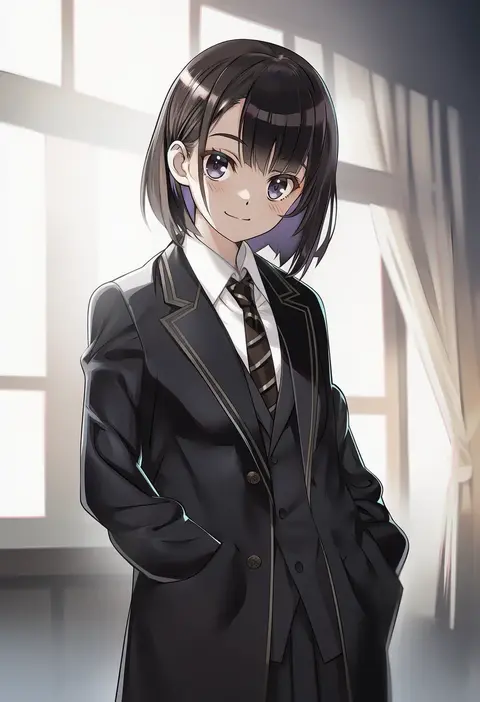
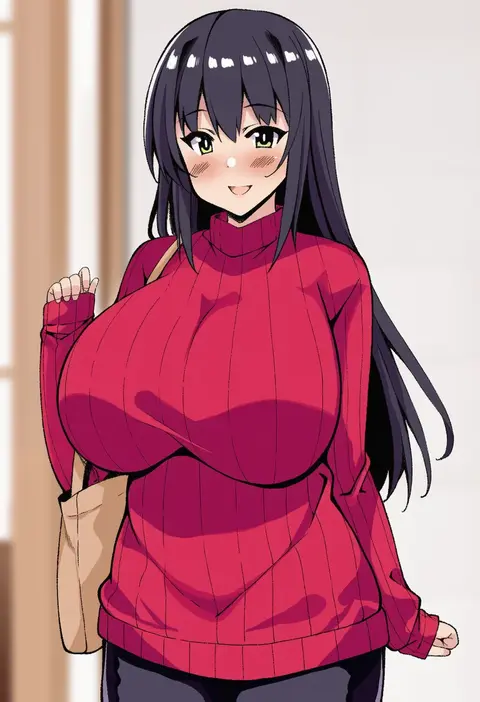
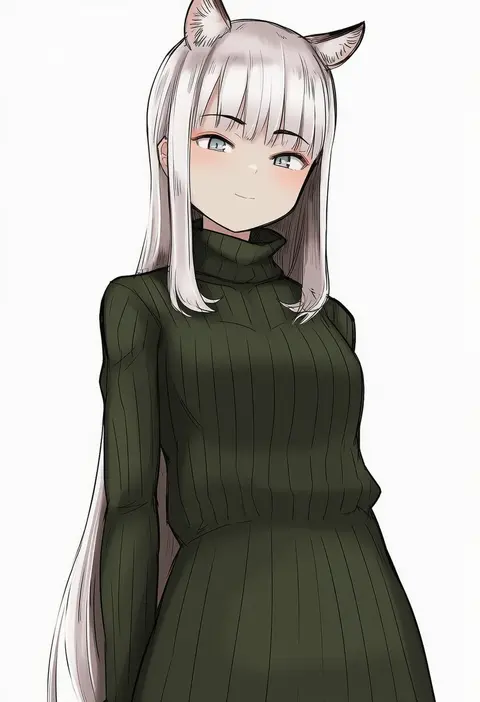
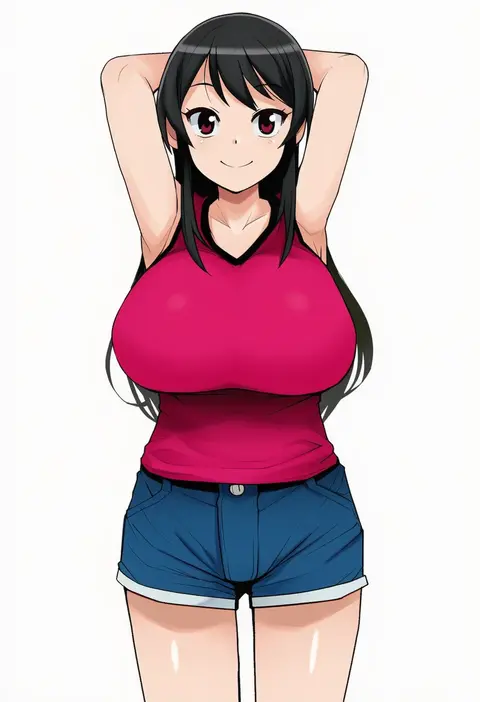
Artist tags tell NovelAI Diffusion to draw in a specific artist's style: line weight, paint texture, face shapes and palette all shift at once. Character and outfit tags decide what is drawn; artist tags decide how. 16,352 tags are listed for V4.5.
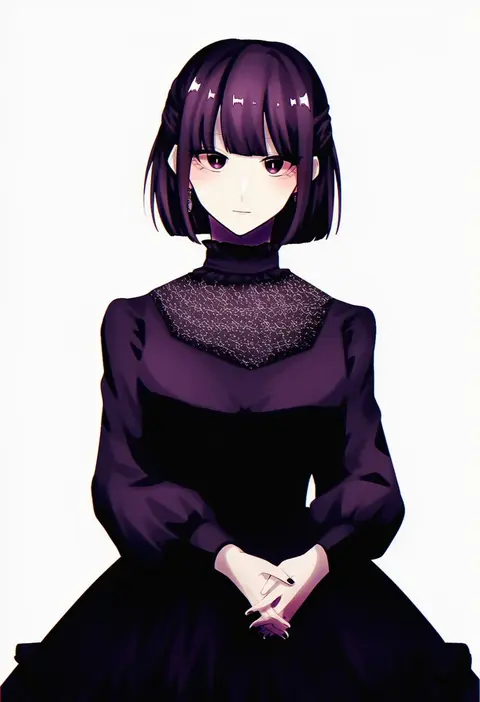
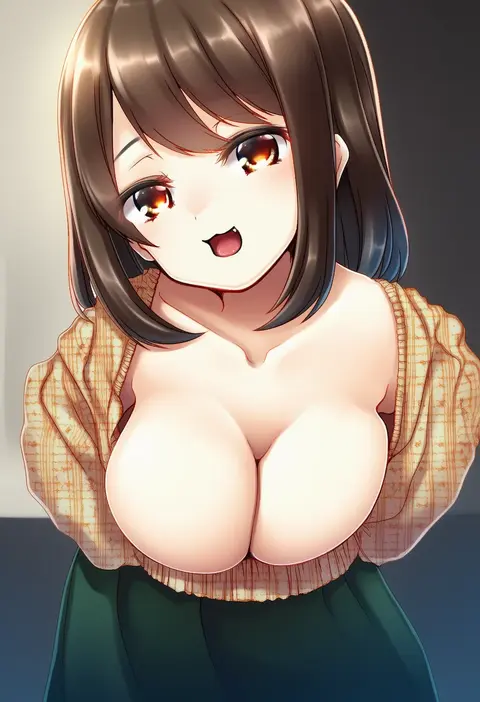
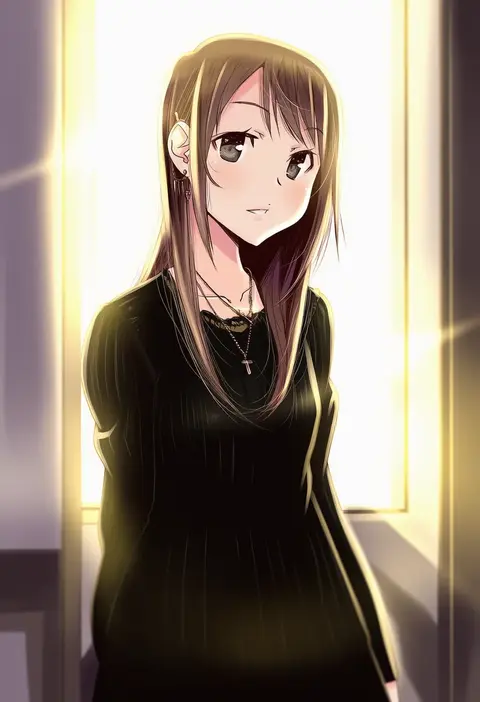
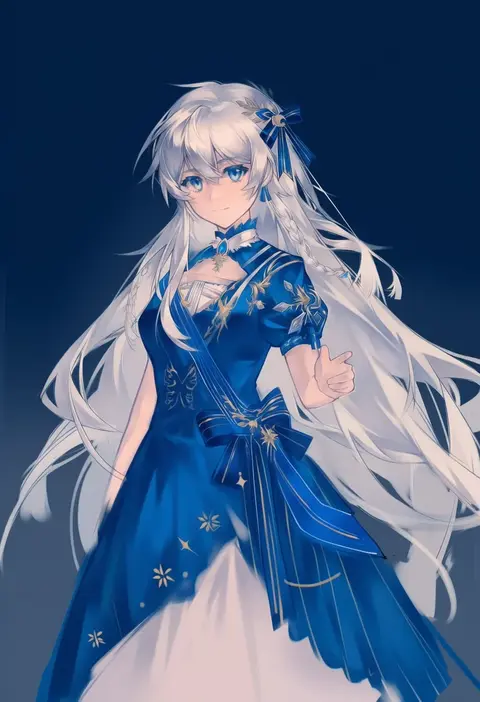
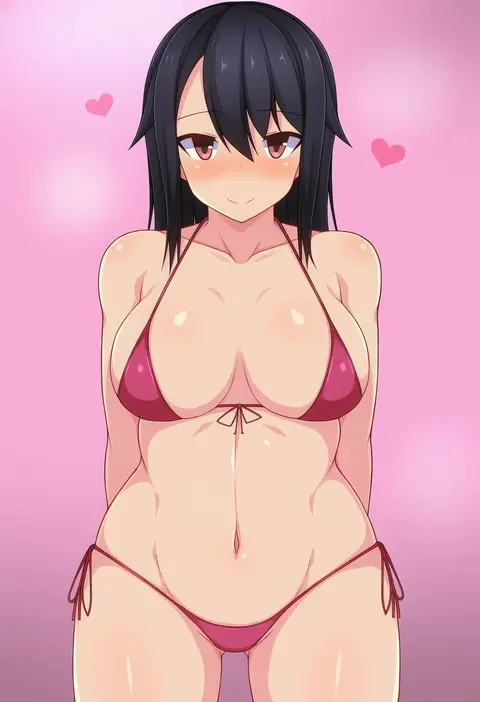
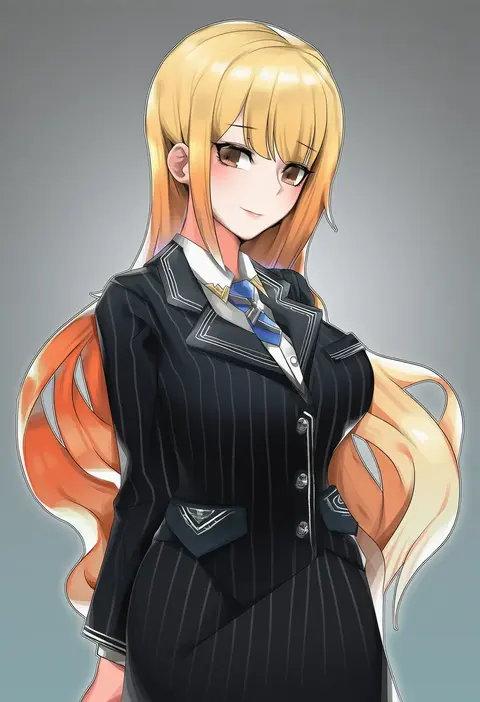
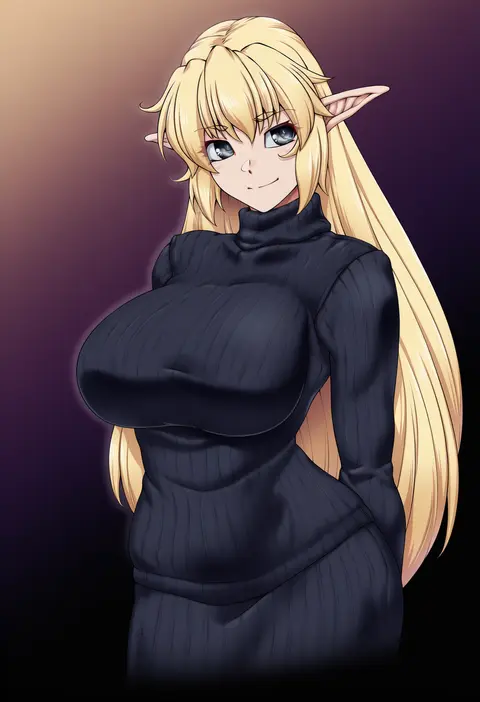
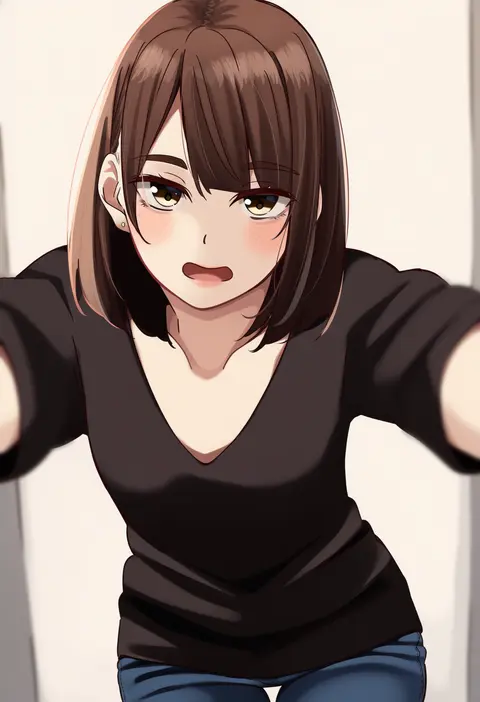
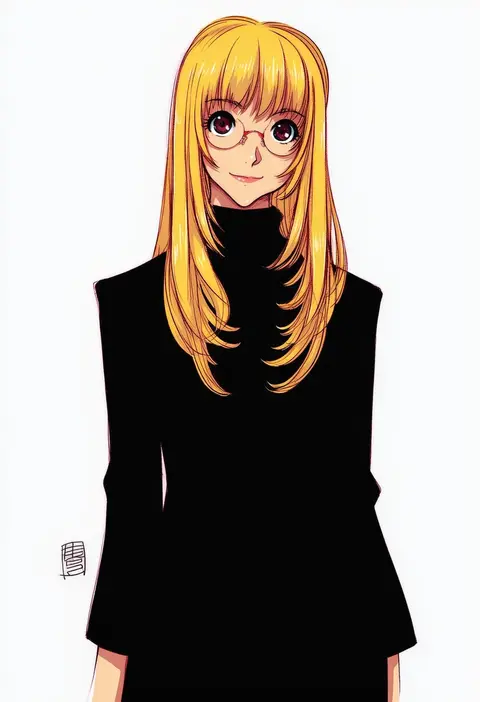
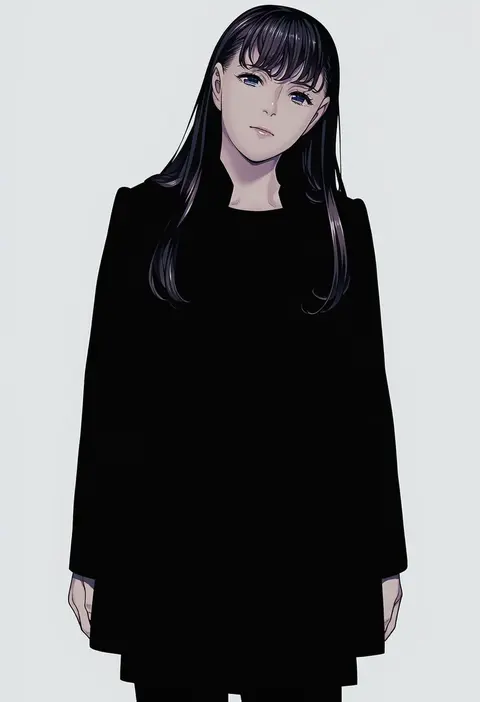
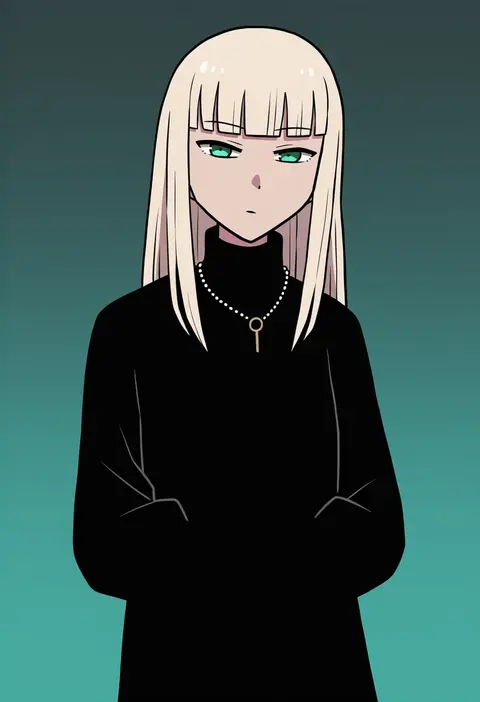
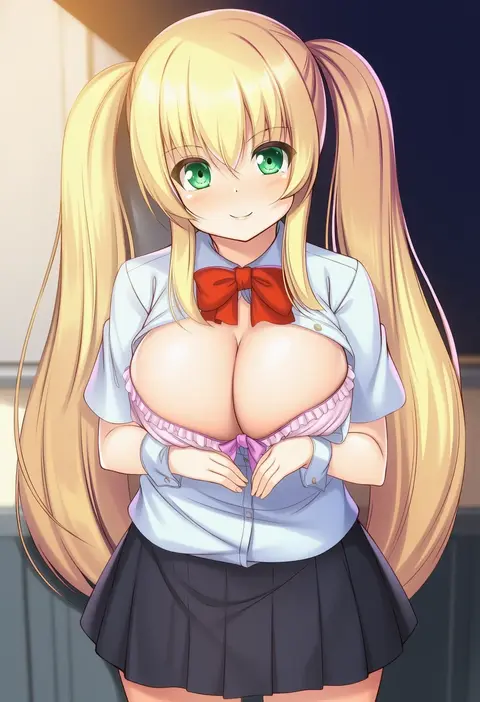
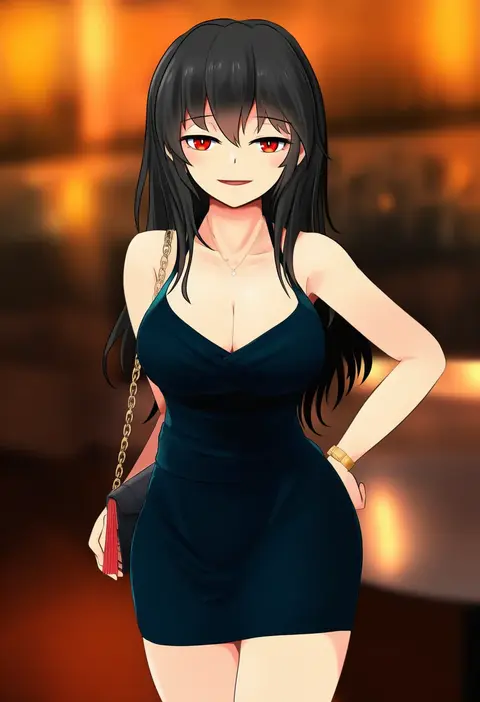
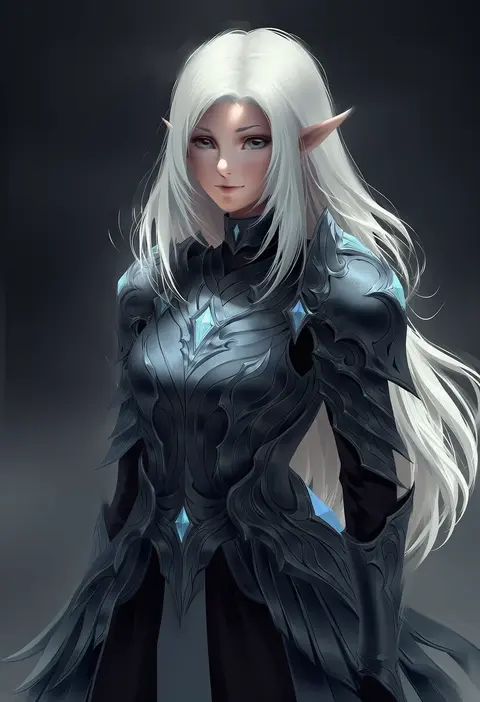
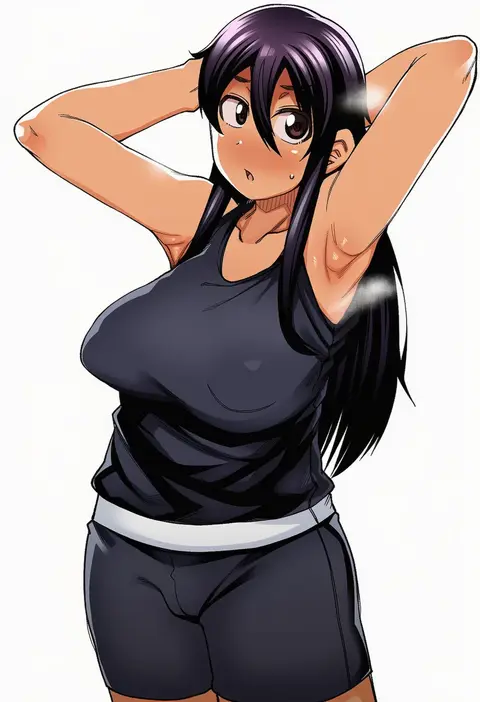
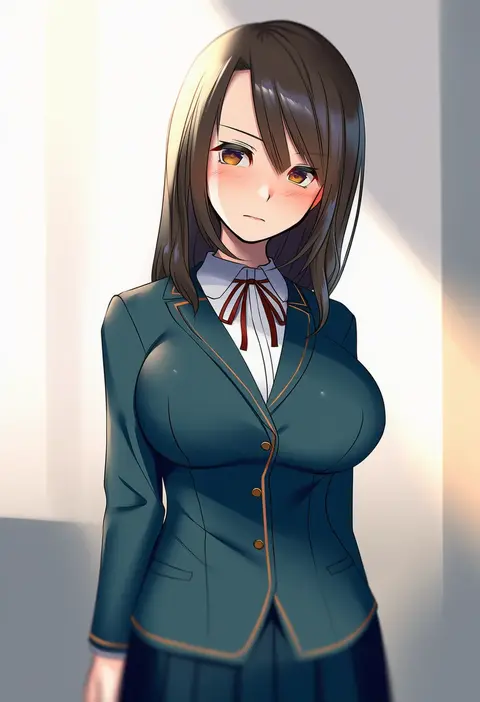
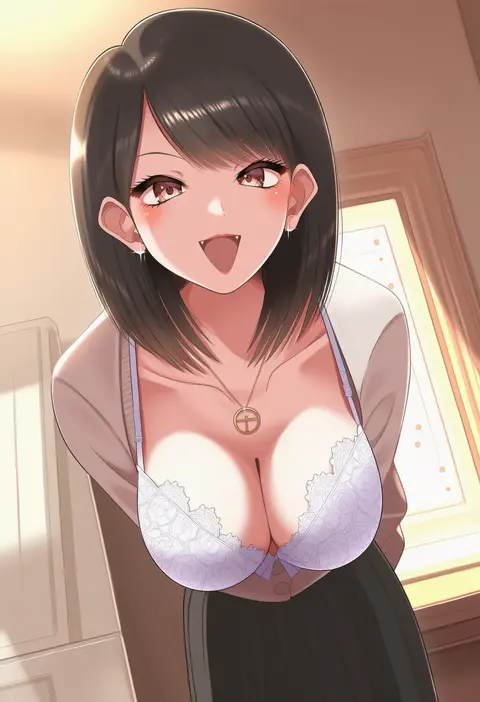
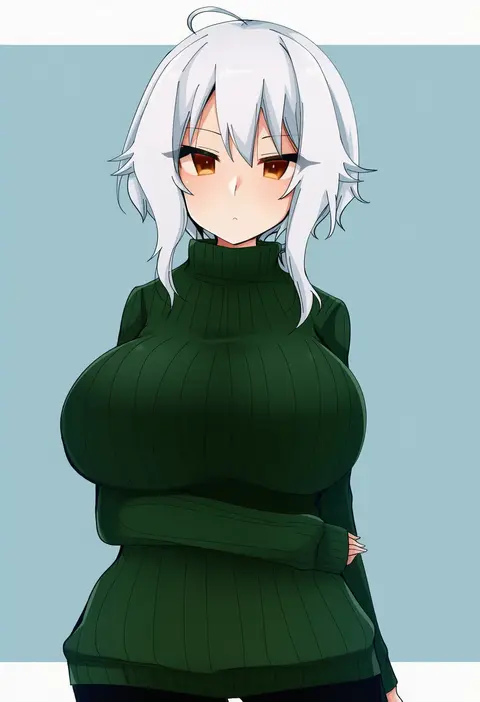
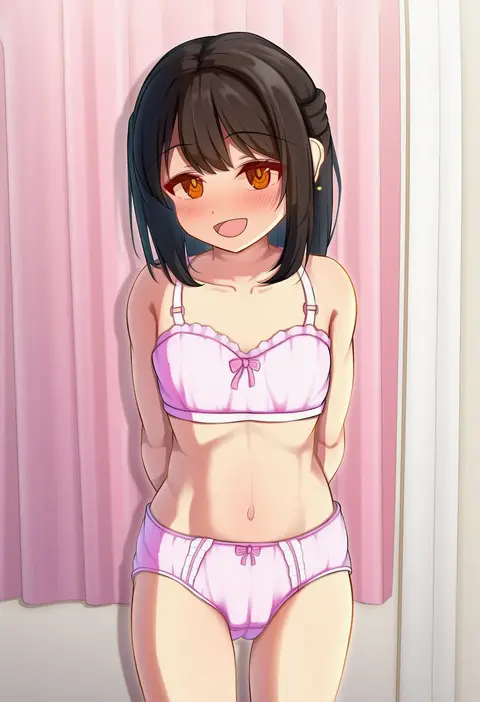
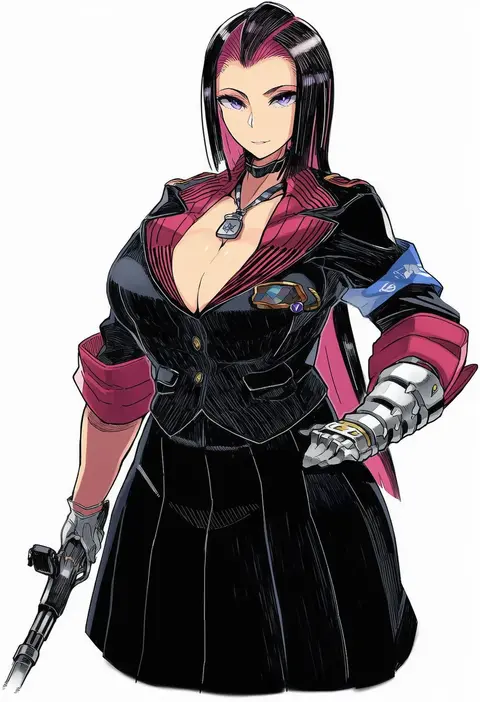
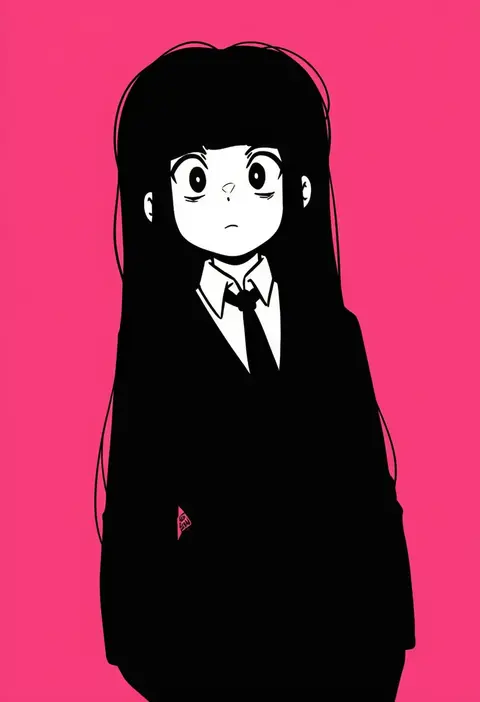
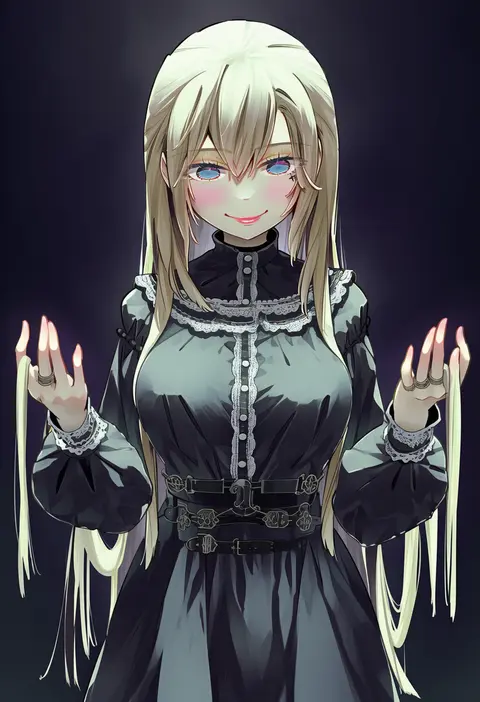
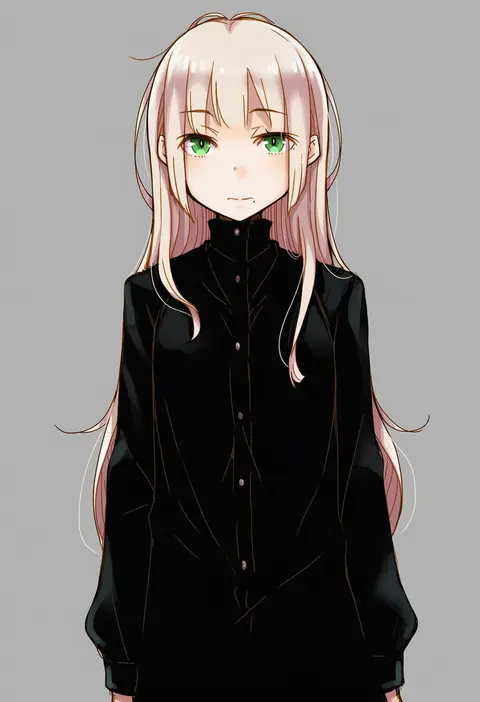
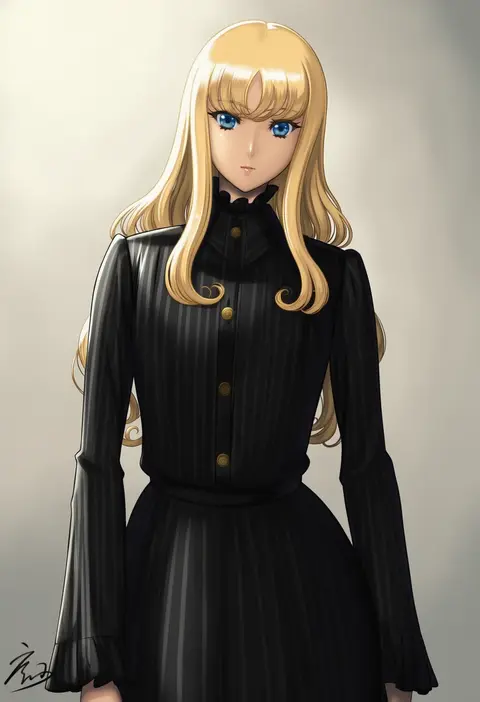
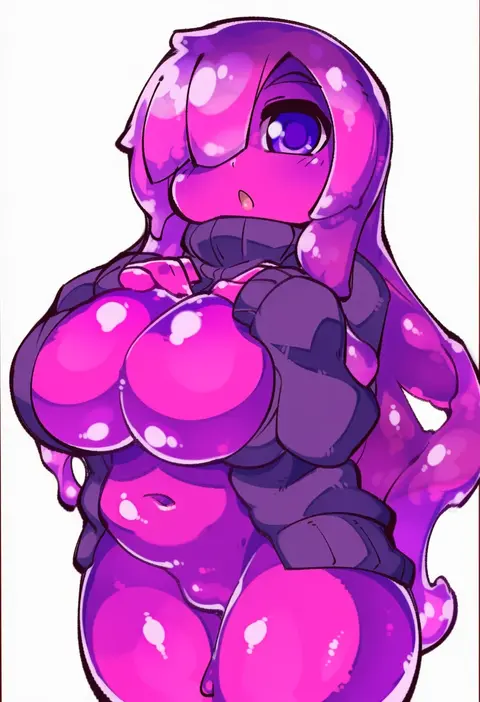
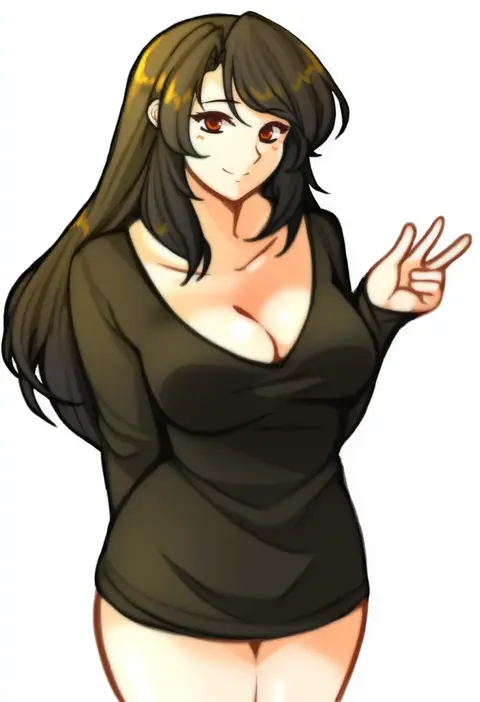
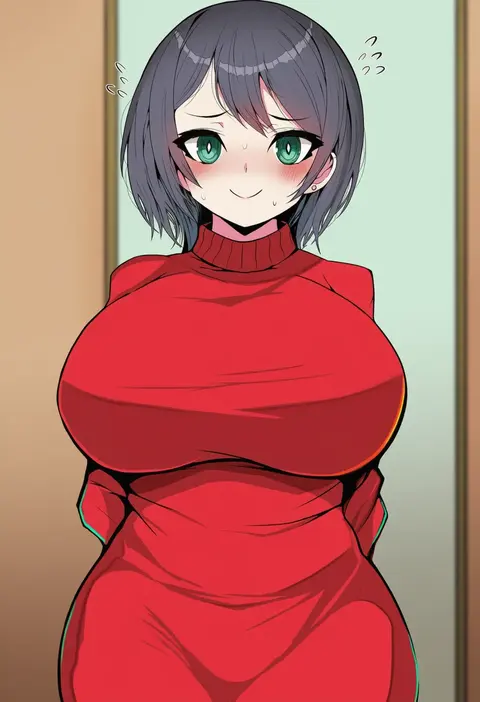
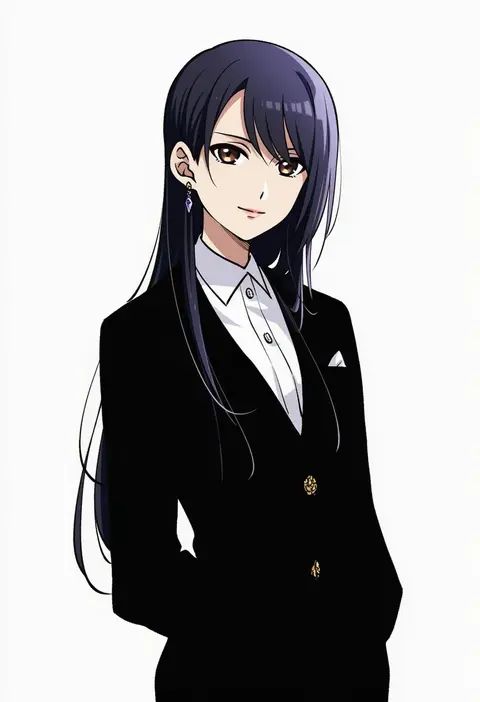
Every tag listed here is verified to react in NovelAI. All images use the same prompt, seed and settings with only the artist tag swapped, so the difference between two images is the style that tag brings in.

How to use them

Put the artist tag near the front of the prompt, e.g. "<artist>, 1girl, solo, best quality, masterpiece, cowboy shot". Two or three artist tags blend styles; lower the weight with "0.8::<artist>::" when the style overpowers the character.

SCORE sorts by Danbooru's top score, POSTS by post count, FAVS by hearts on this site. Open a card to see V5 and V4.5 side by side on the same seed.

V5 vs V4.5

V5 usually lands closer to the artist's real style, and tags that did nothing on V4.5 often react on V5. V4.5 still fits older and doujin-heavy artists better. Try V5 first, fall back to V4.5.

FAQ

Where does the artist tag go?
Near the front of the prompt. Use "0.8::tag::" to adjust its weight.

Can I stack artist tags?
Yes, styles blend. Past two or three the result stops looking like anyone.

Are these the artists' own works?
No. Every image is a NovelAI sample generated from the tag.