V4.5Artists
sort: FAVS▾
▾
>
$

Popular NovelAI artist tags — V4.5

artist --count 16,352[122/273]
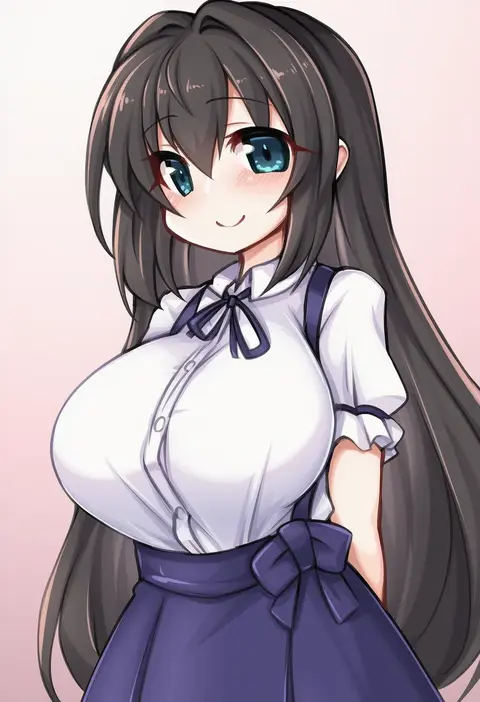
kinomiki nobori
ARTIST0x1C5C
0
taki minashika
ARTIST0x1C5D
0
yasakani an
ARTIST0x1C5E
0
nike (0306)
ARTIST0x1C5F
0
yn red
ARTIST0x1C60
0
yashiro seika
ARTIST0x1C61
0
mokomoko yanakku
ARTIST0x1C62
0
anonymous (japanese)
ARTIST0x1C63
0
deto
ARTIST0x1C64
0
natsumiya yuzu
ARTIST0x1C65
0
chalseu
ARTIST0x1C66
0
ptal
ARTIST0x1C67
0
makochin
ARTIST0x1C68
0
watanabe yasuaki
ARTIST0x1C69
0
inari (ambercrown)
ARTIST0x1C6A
0
abukobato
ARTIST0x1C6B
0
measho
ARTIST0x1C6C
0
ichijou (kr neru0)
ARTIST0x1C6D
0
kuzukago (bitchmaker)
ARTIST0x1C6E
0
liu lan
ARTIST0x1C6F
0
rynn (darknescorez)
ARTIST0x1C70
0
ikusagawa
ARTIST0x1C71
0
patanda
ARTIST0x1C72
0
kashiwagi yamine
ARTIST0x1C73
0
mochimiya (coyo)
ARTIST0x1C74
0
iruka3
ARTIST0x1C75
0
dodai shouji
ARTIST0x1C76
0
cowfee
ARTIST0x1C77
0
4shi
ARTIST0x1C78
0
danmakuman
ARTIST0x1C79
0
kino (kino konomi)
ARTIST0x1C7A
0
sai-go
ARTIST0x1C7B
0
taka t
ARTIST0x1C7C
0
fatkewell
ARTIST0x1C7D
0
ne-on
ARTIST0x1C7E
0
izumo neru
ARTIST0x1C7F
0
tetuw
ARTIST0x1C80
0
psd (psdgai)
ARTIST0x1C81
0
kotobuki hajime
ARTIST0x1C82
0
fuuki (te fuukin)
ARTIST0x1C83
0
dido (di do di do)
ARTIST0x1C84
0
rabbit (tukenitian)
ARTIST0x1C85
0
warainaku
ARTIST0x1C86
0
kin niku
ARTIST0x1C87
0
gentle sasaki
ARTIST0x1C88
0
yotaro
ARTIST0x1C89
0
aliceblue
ARTIST0x1C8A
0
tbocart
ARTIST0x1C8B
0
aruma (sawayaka tokuko miruku)
ARTIST0x1C8C
0
taru neko
ARTIST0x1C8D
0
ichi kq
ARTIST0x1C8E
0
mizuki takehito
ARTIST0x1C8F
0
kushidama minaka
ARTIST0x1C90
0
egomeshi
ARTIST0x1C91
0
kankan33333
ARTIST0x1C92
0
unowen
ARTIST0x1C93
0
miuku (marine sapphire)
ARTIST0x1C94
0
ameno (a meno0)
ARTIST0x1C95
0
gazacy (dai)
ARTIST0x1C96
0
asa no ha (awayuki)
ARTIST0x1C97
0

What these tags change

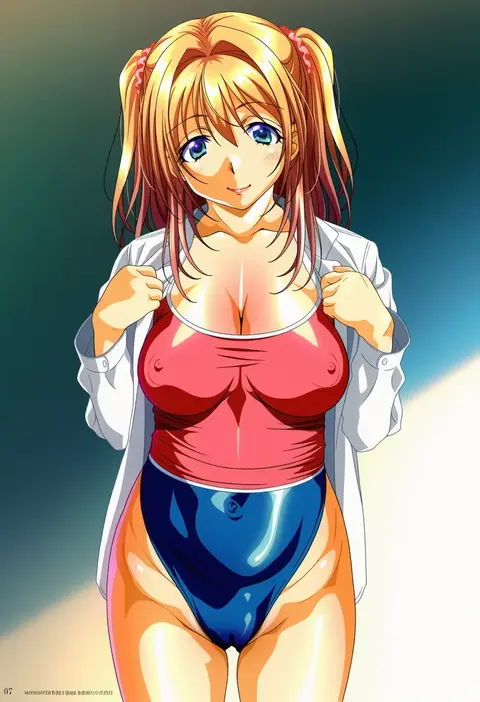
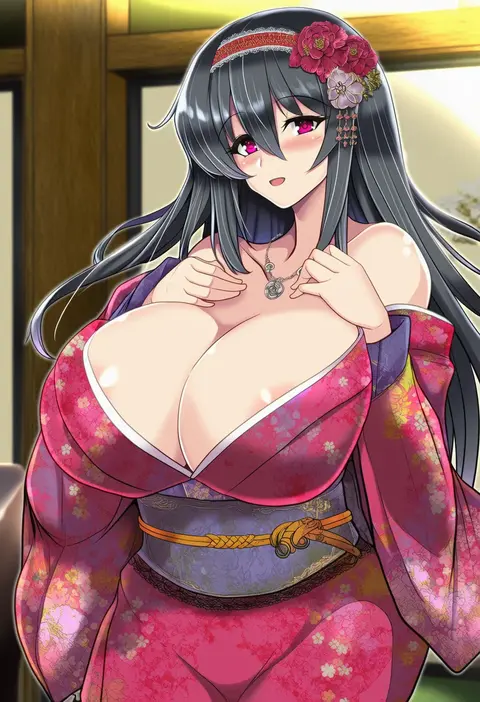
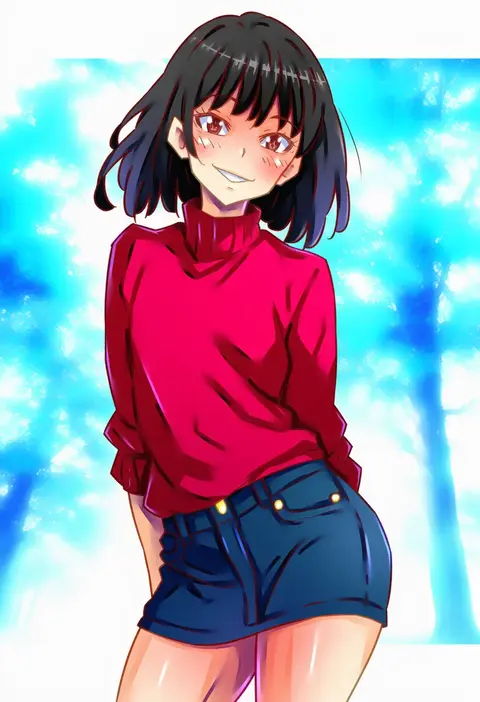
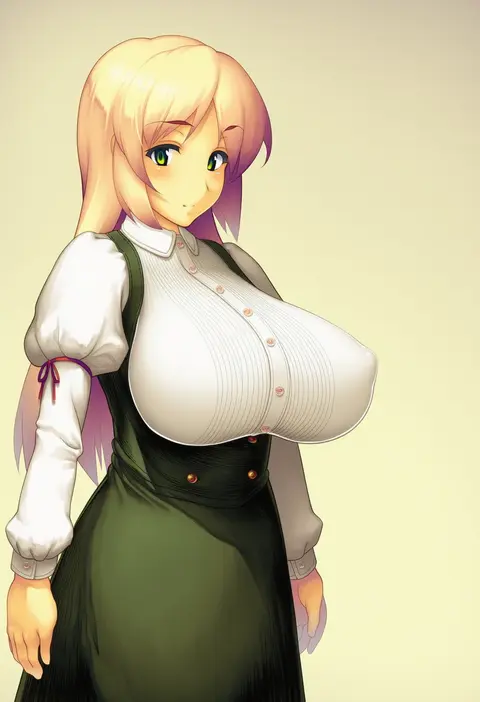
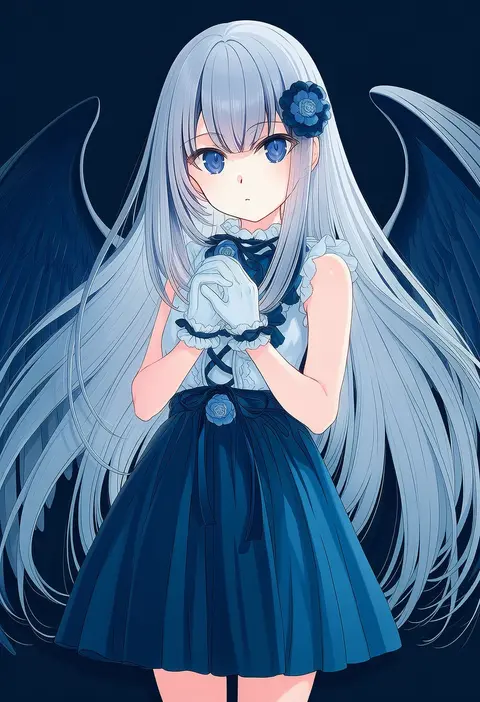
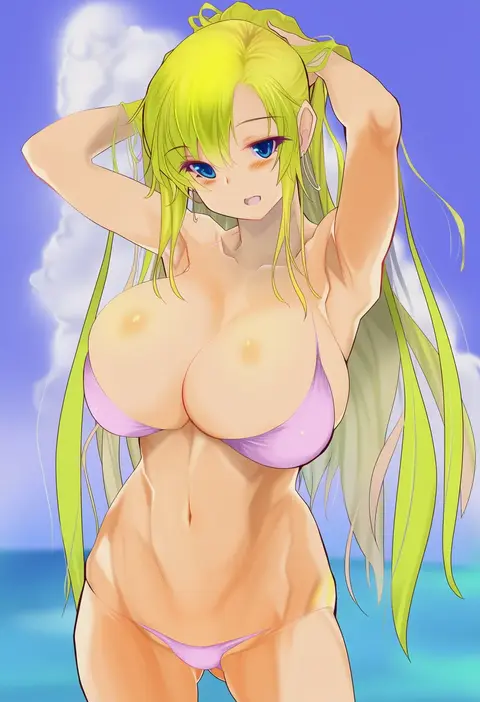
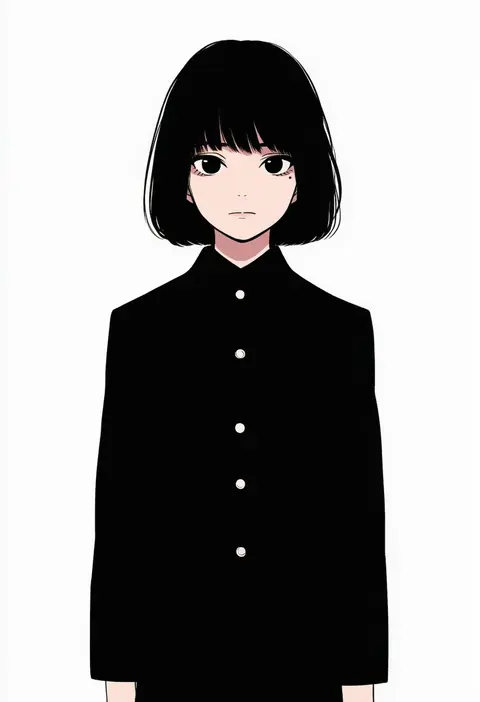
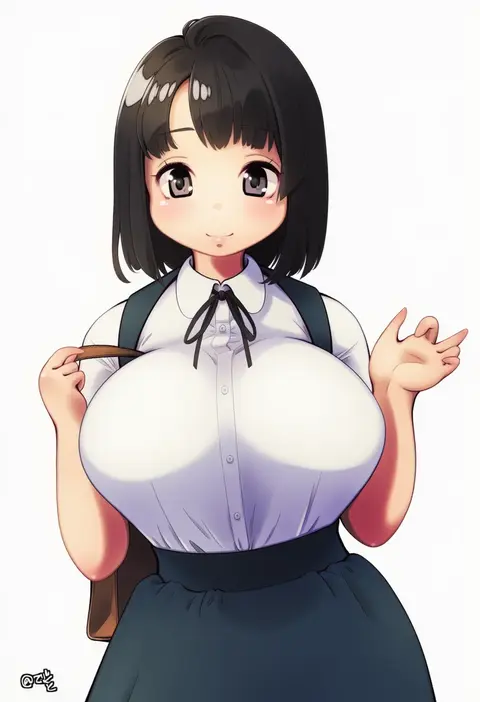
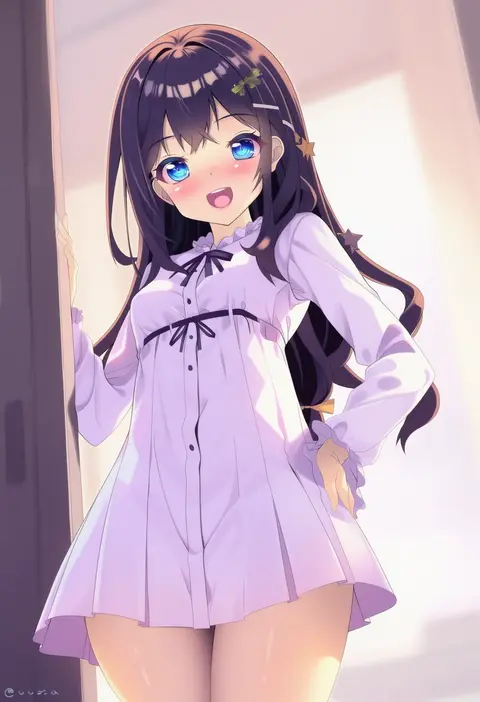
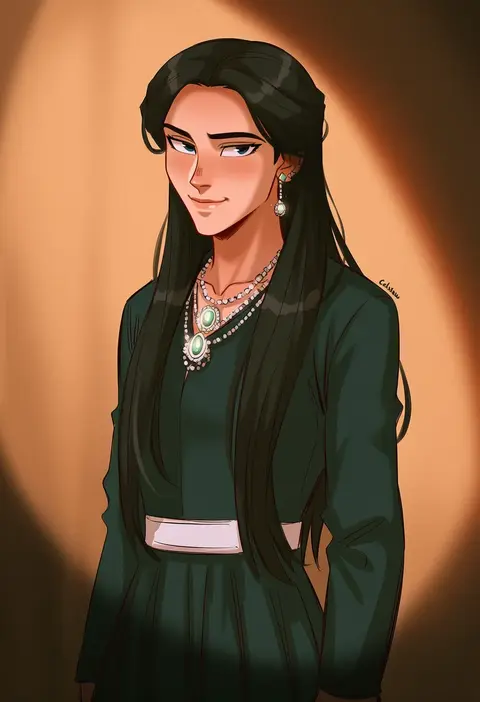
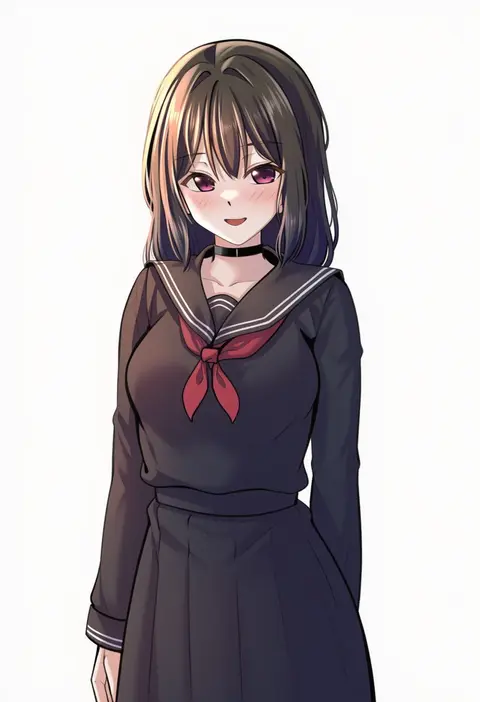
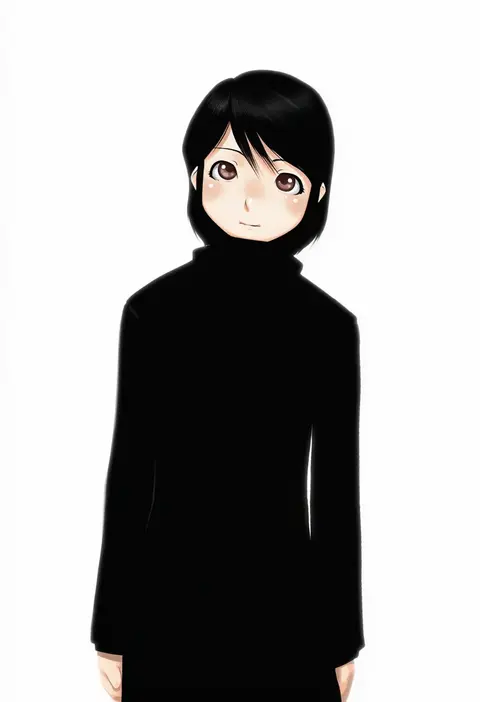
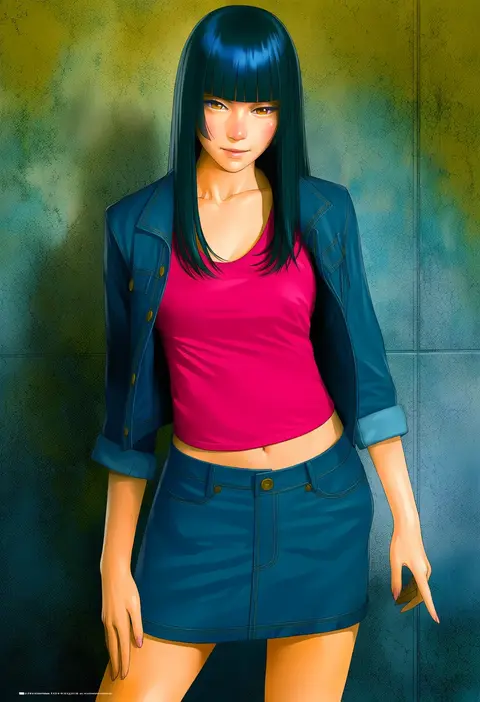
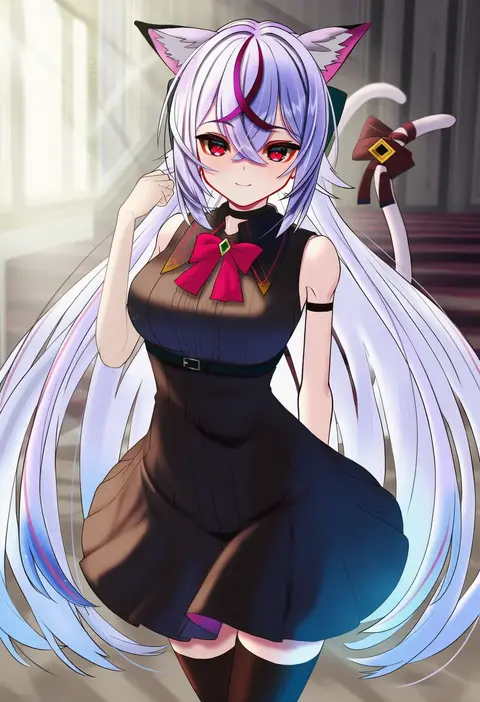
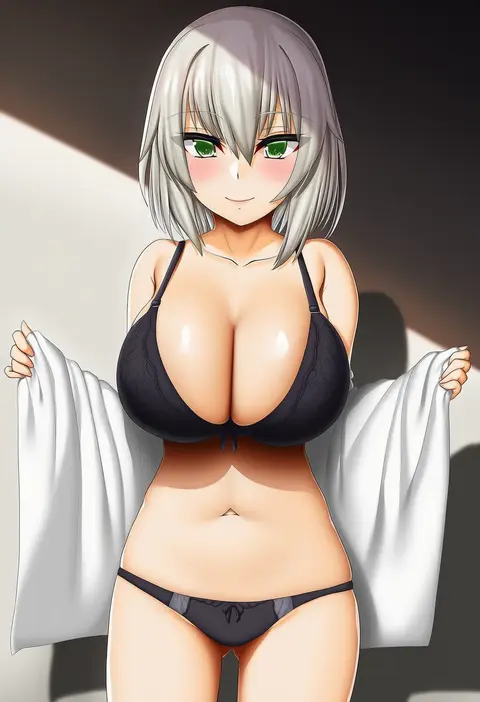
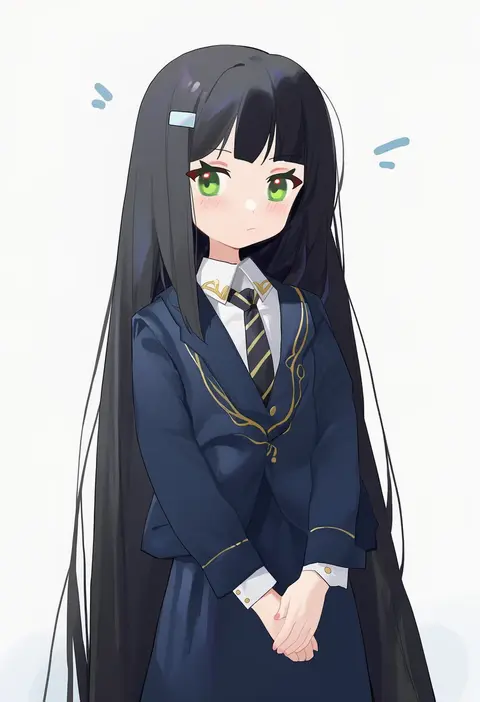
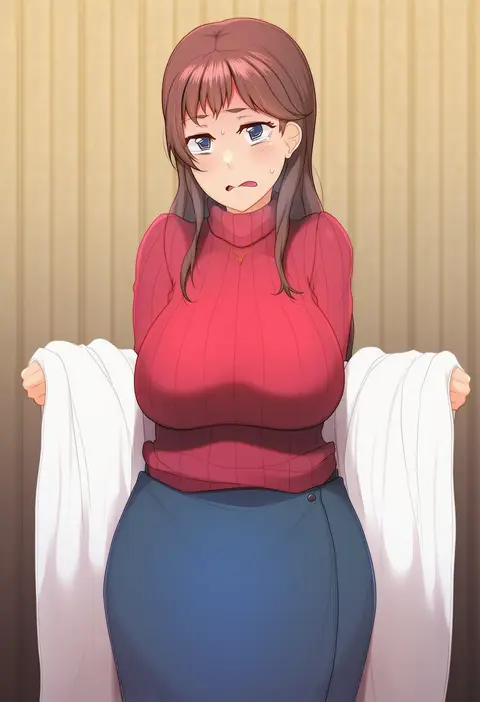
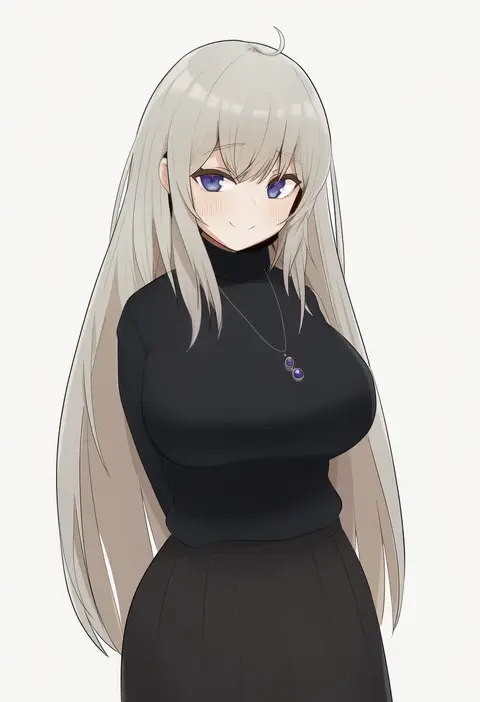
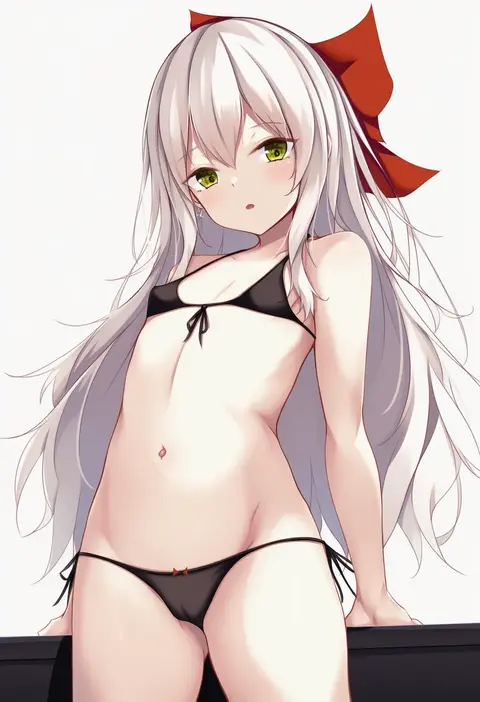
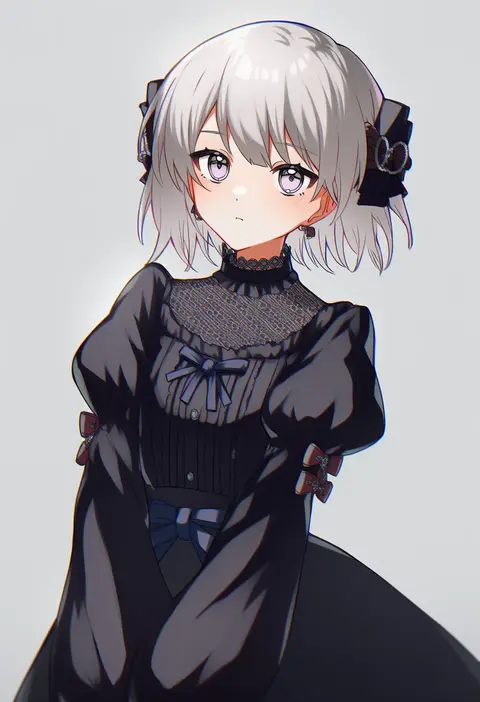
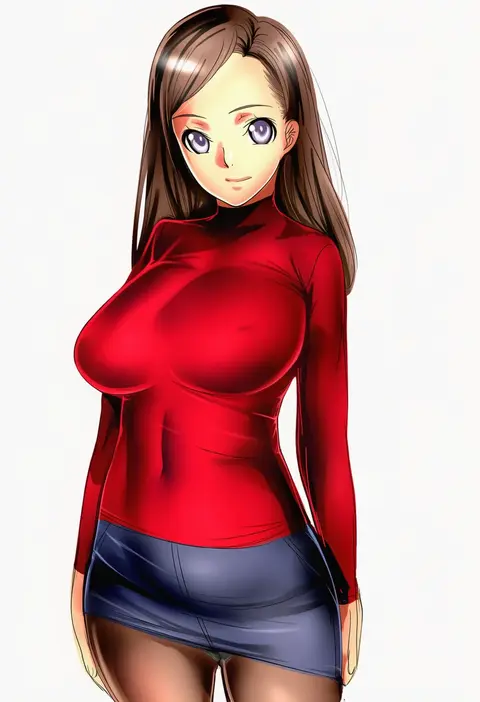
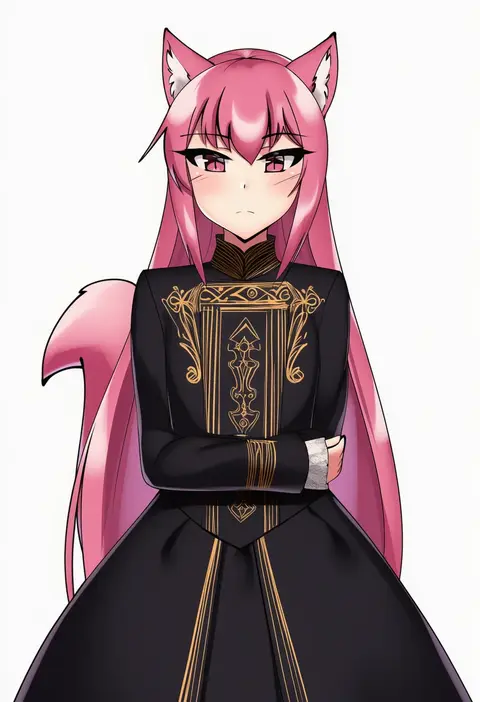
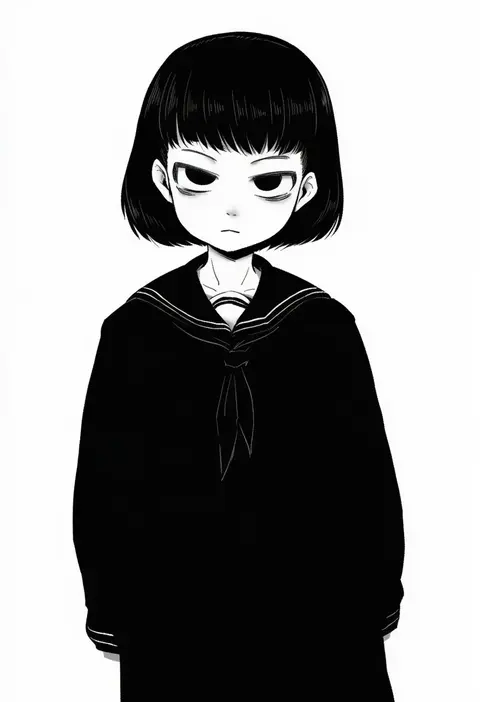
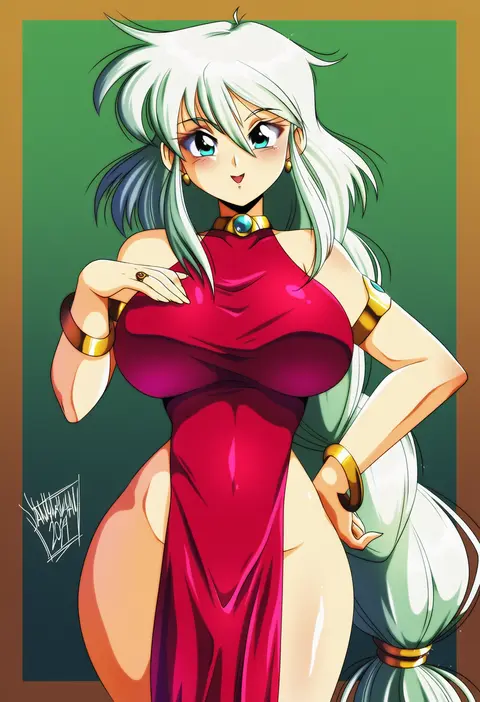
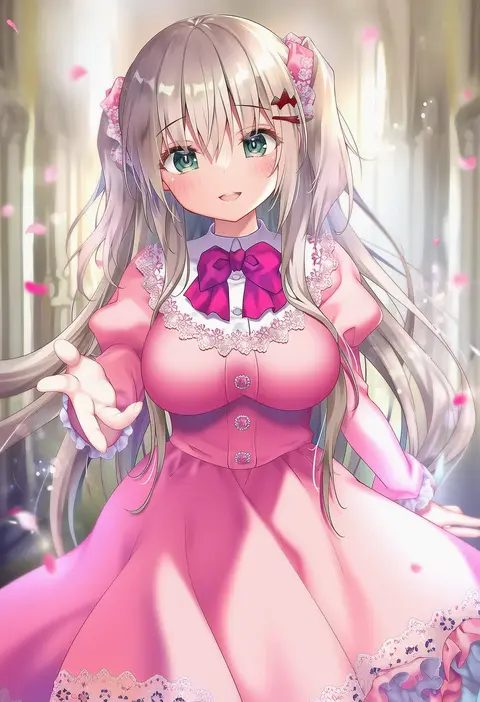
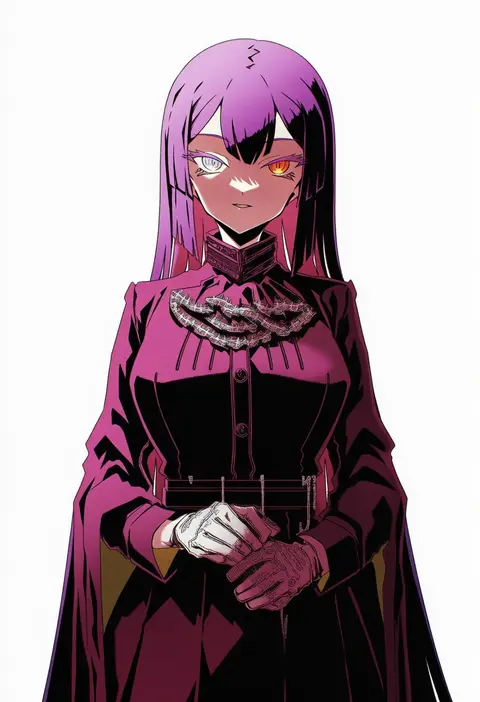
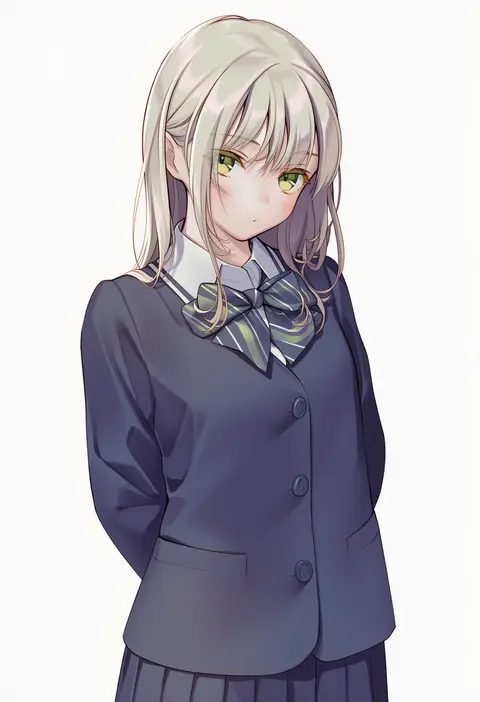
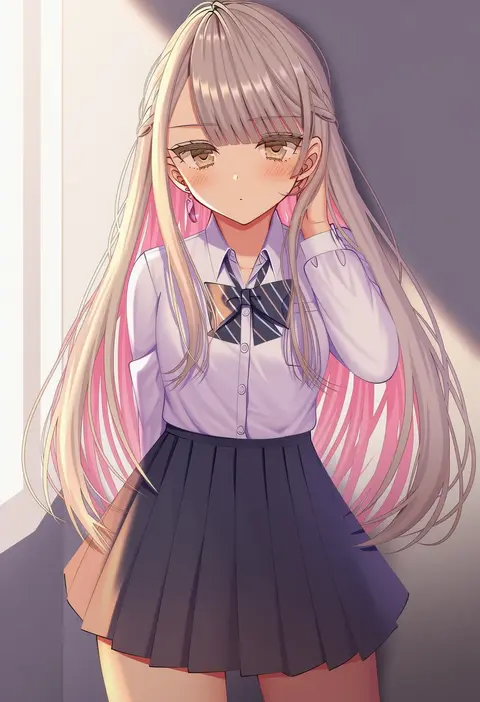
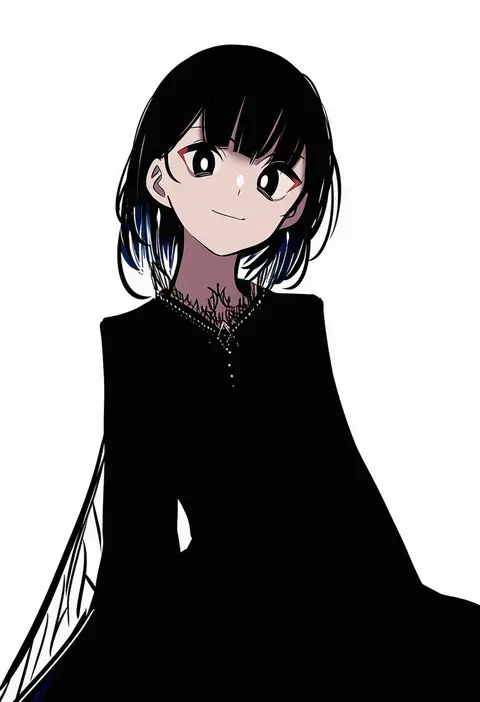
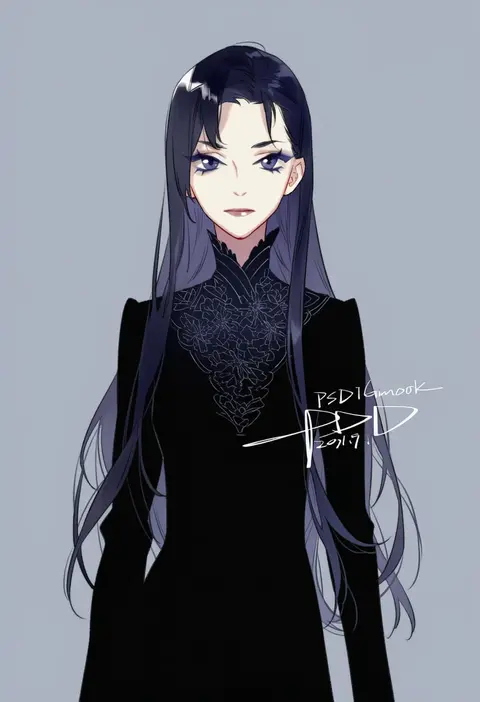
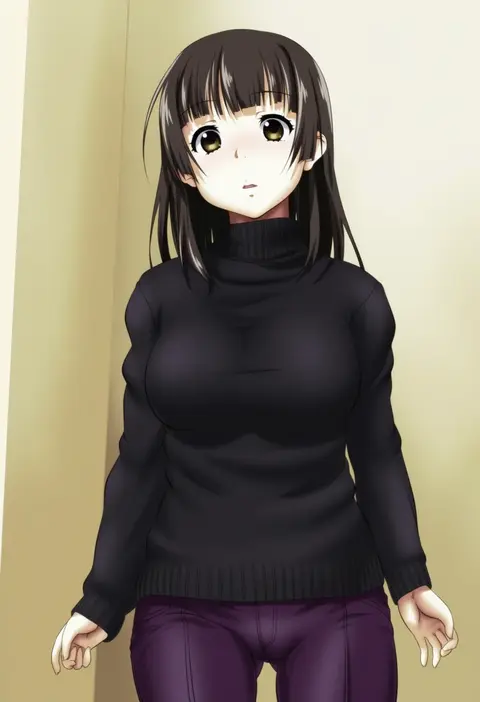
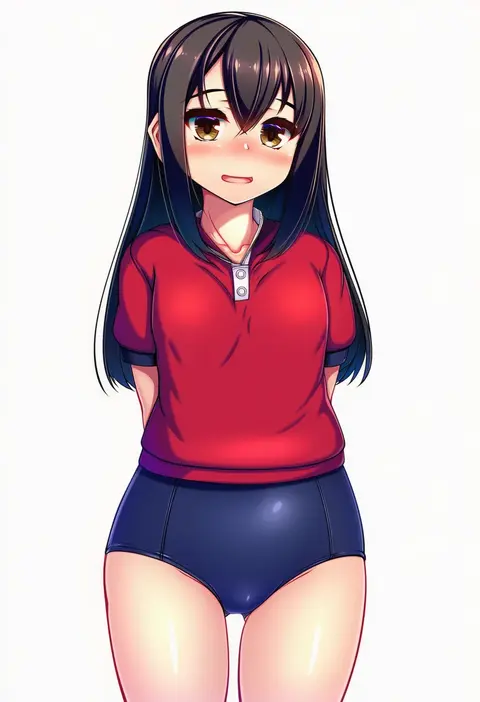
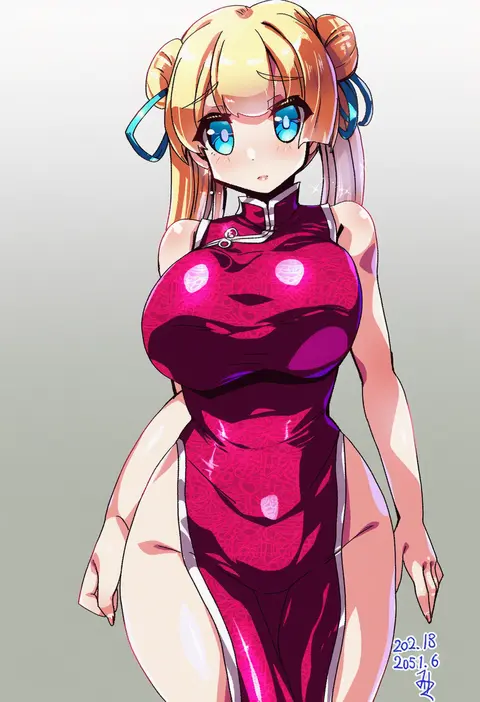
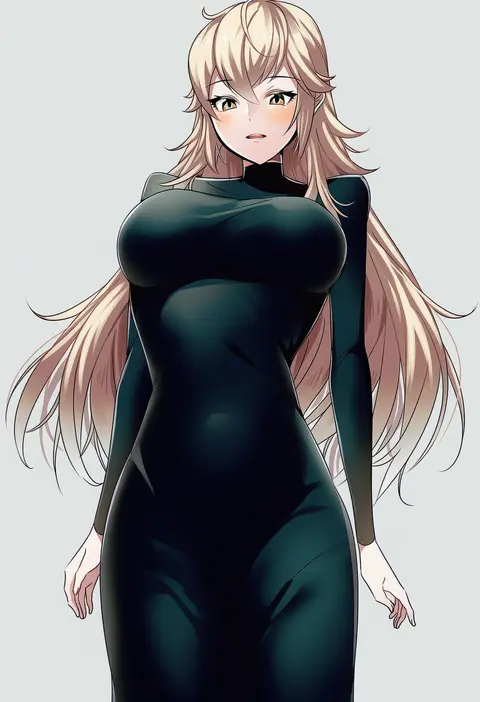
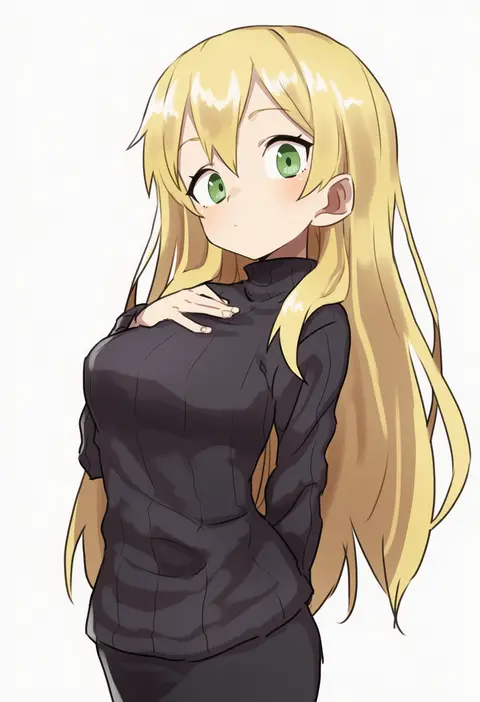
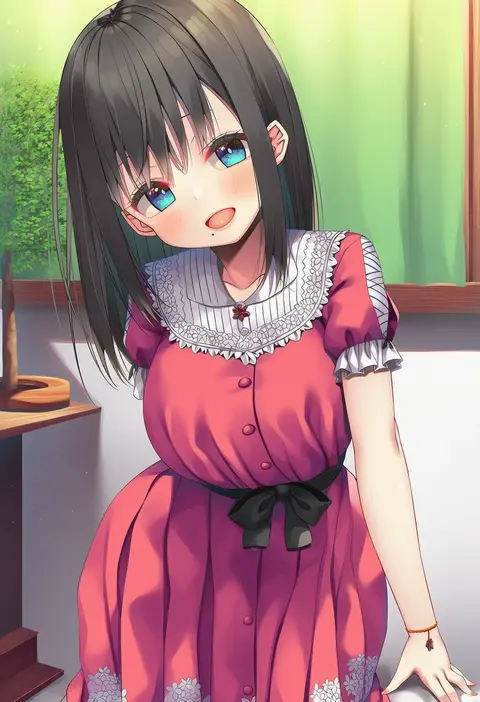
Artist tags tell NovelAI Diffusion to draw in a specific artist's style: line weight, paint texture, face shapes and palette all shift at once. Character and outfit tags decide what is drawn; artist tags decide how. 16,352 tags are listed for V4.5.
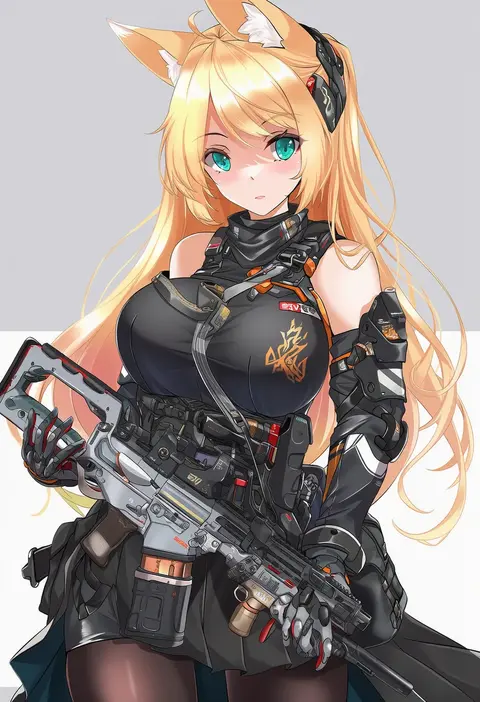
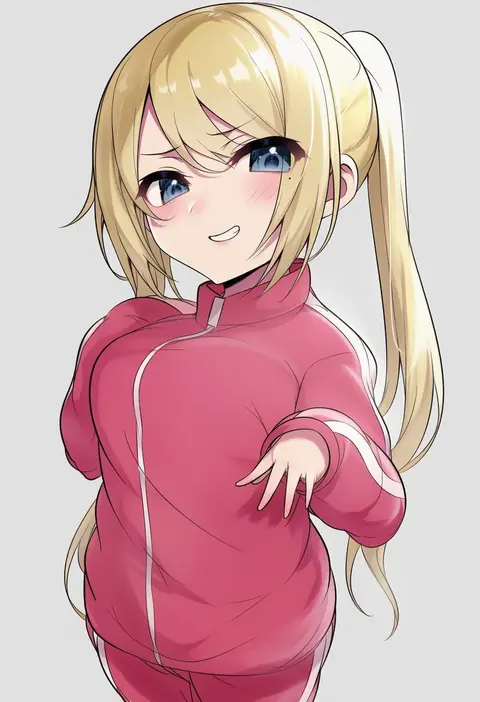
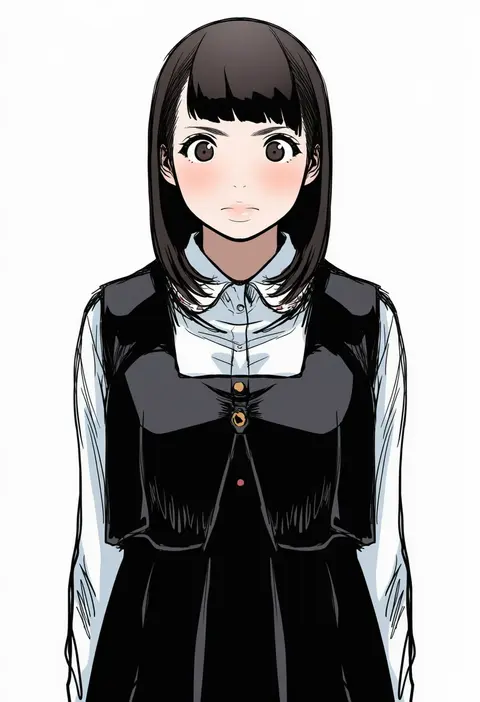
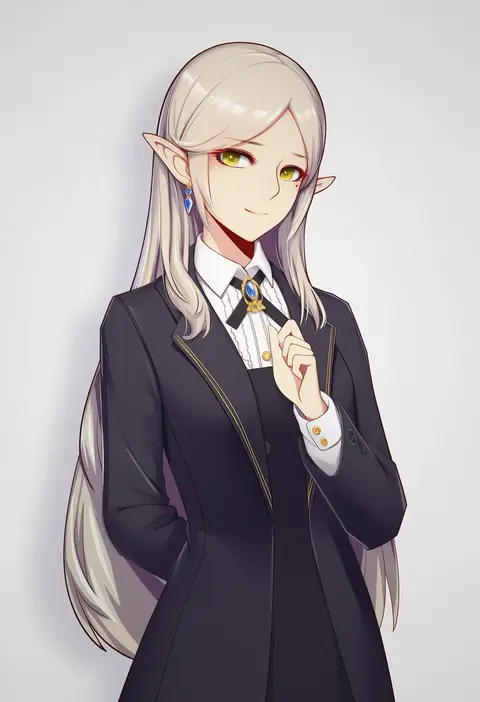
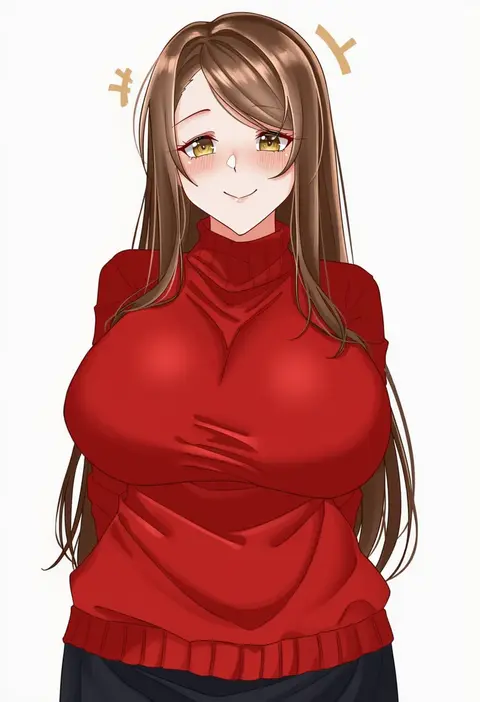
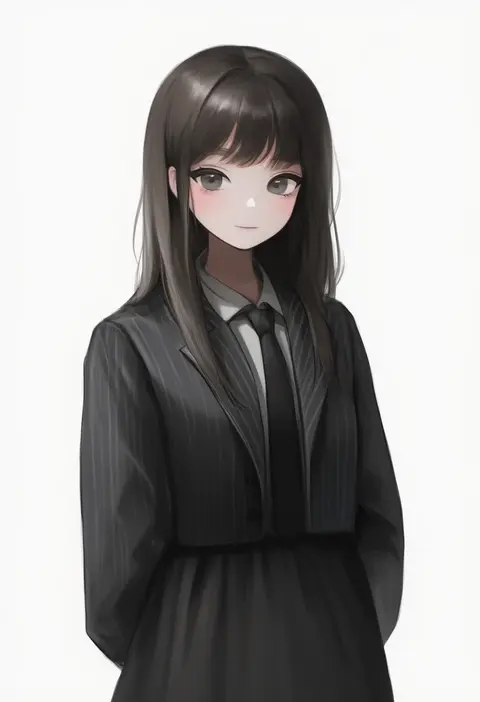
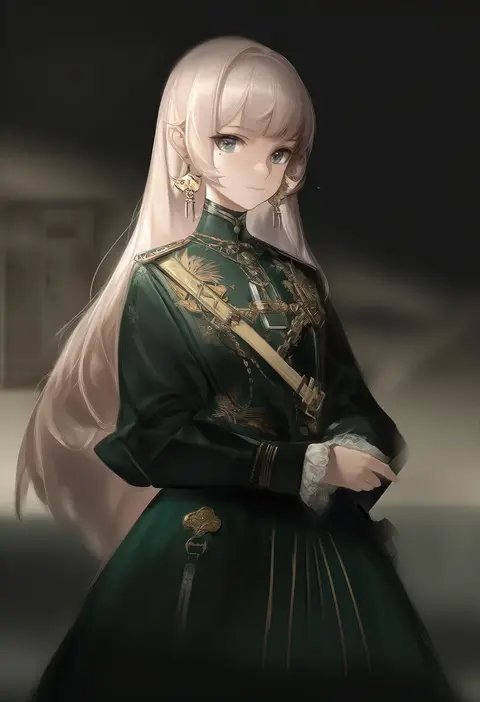
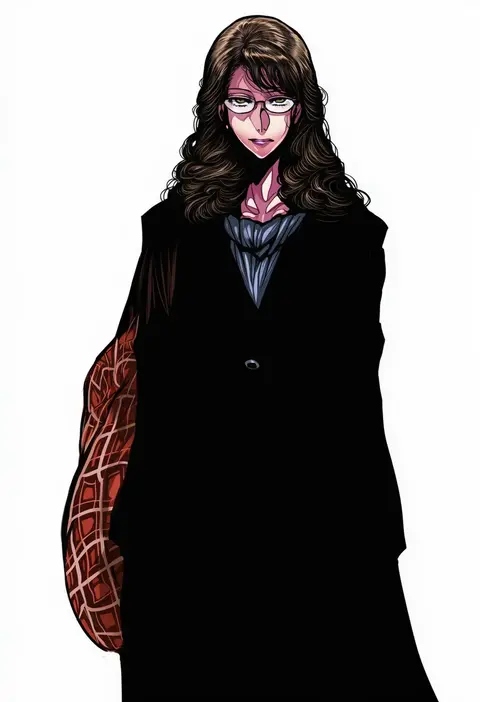
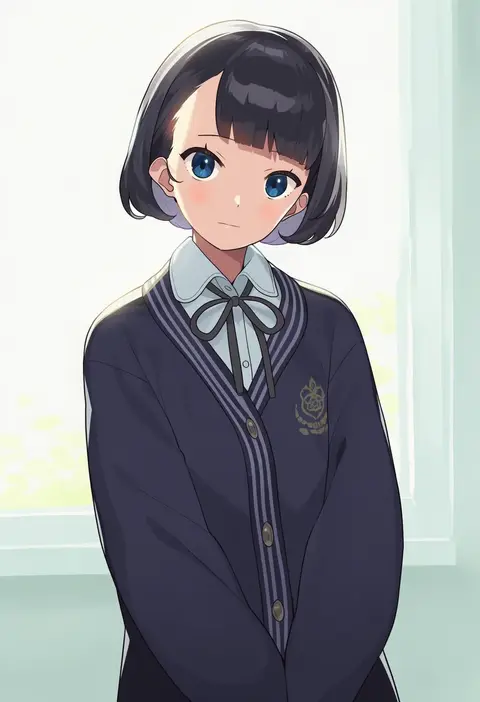
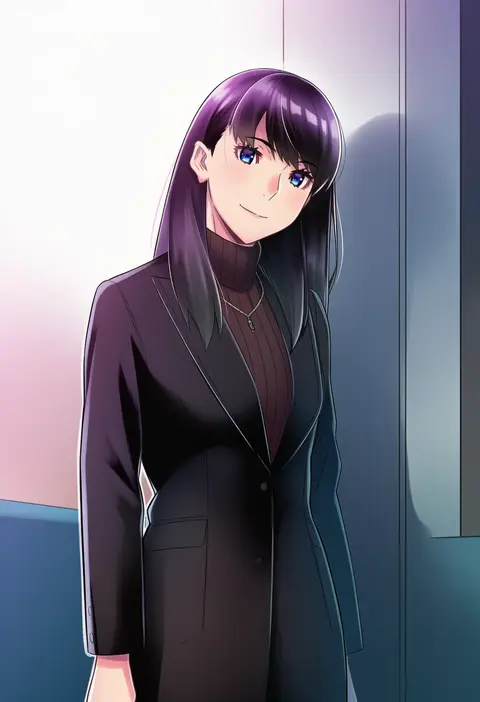
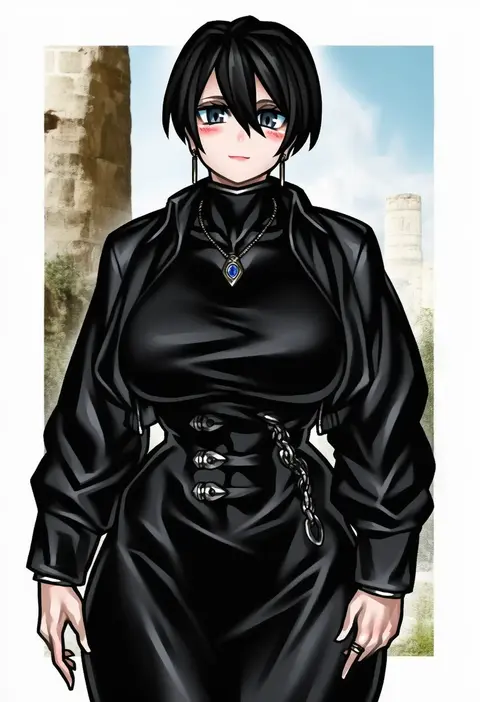
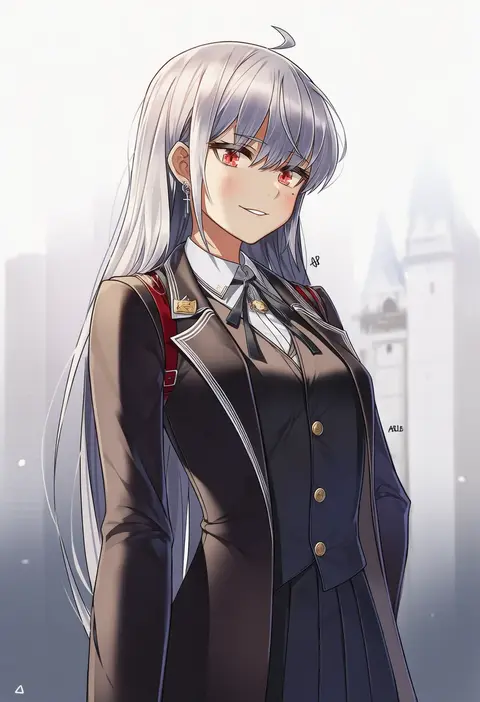
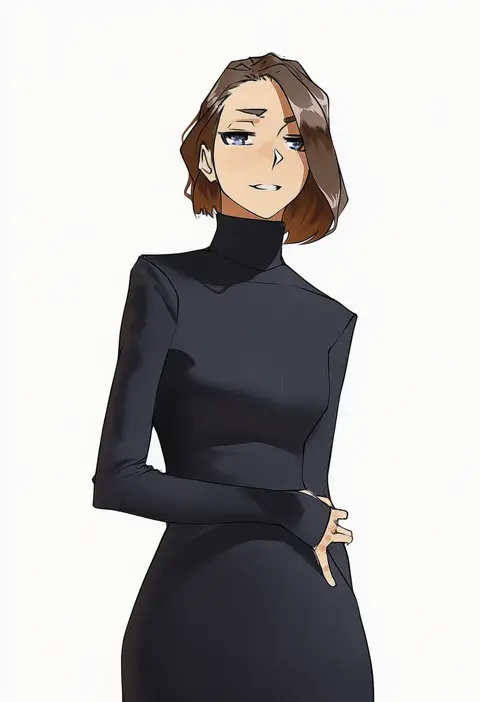
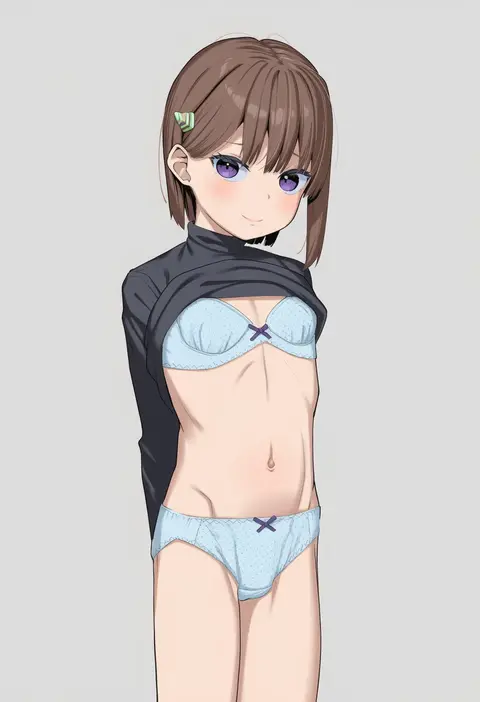
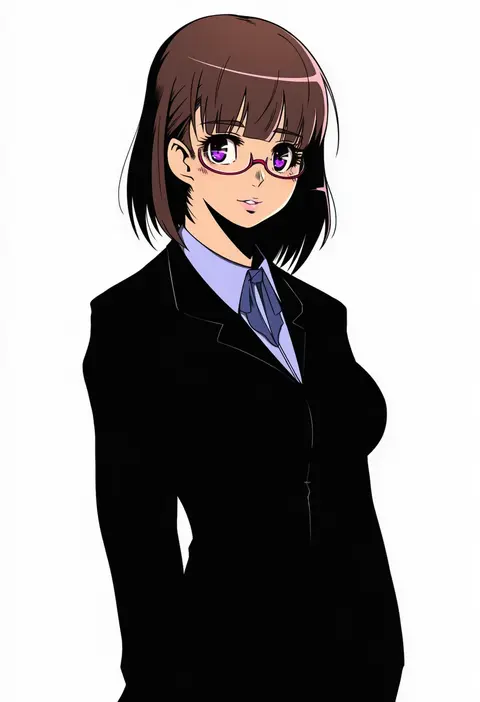
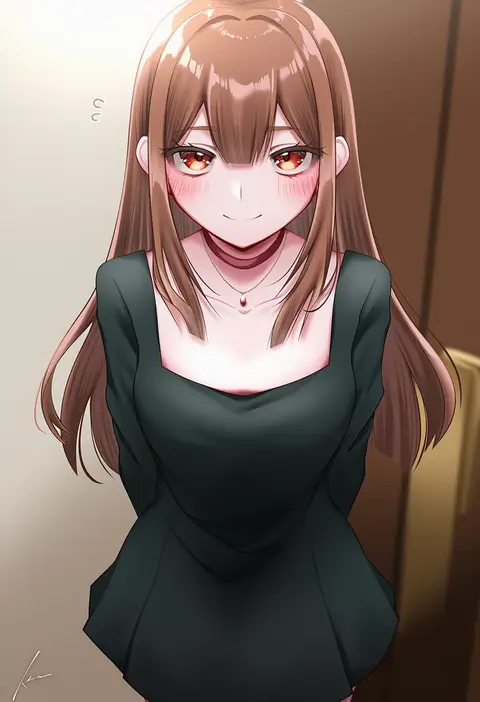
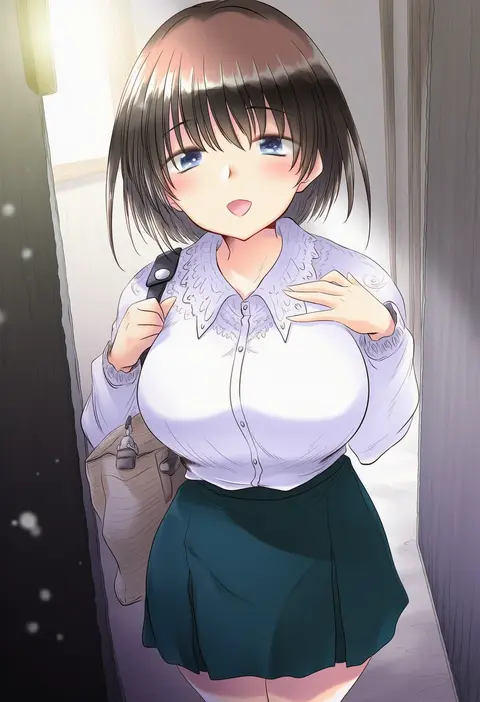
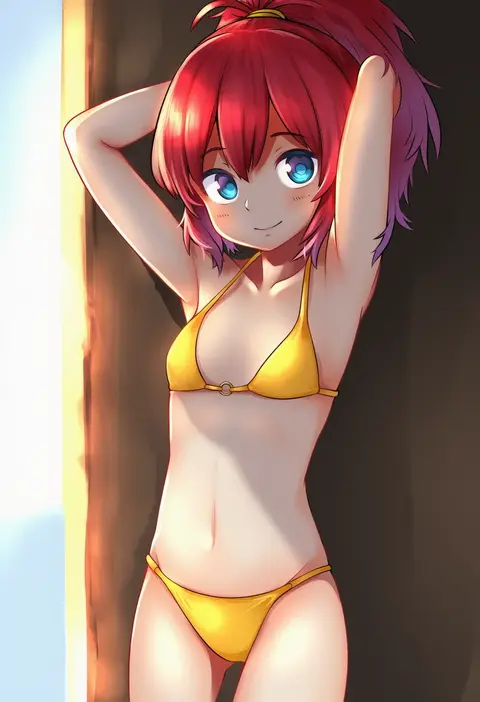
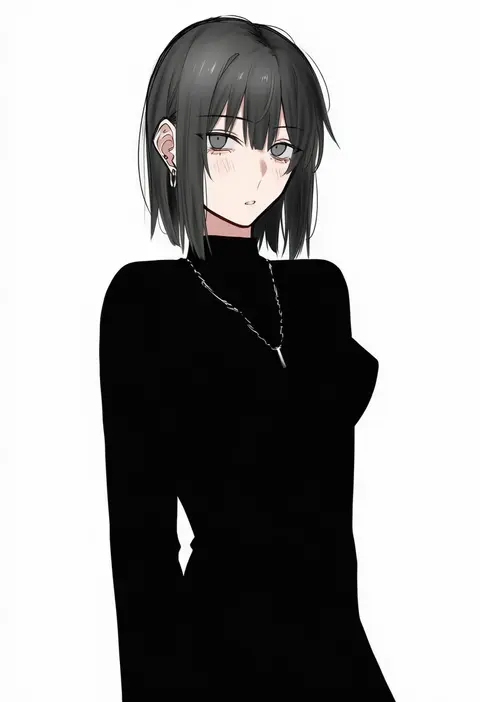
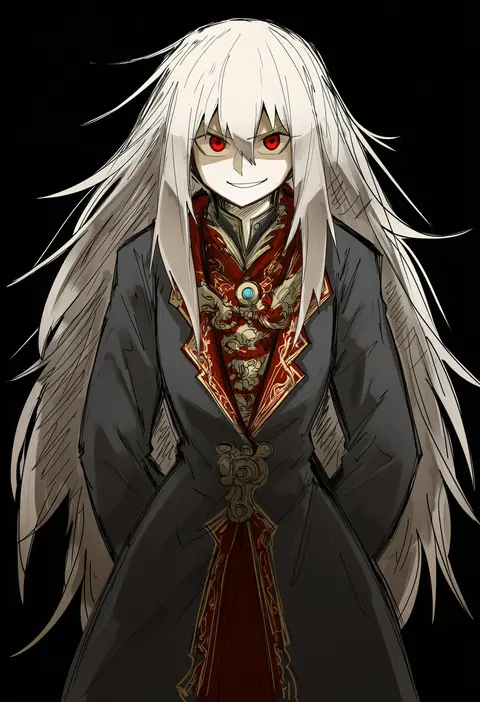
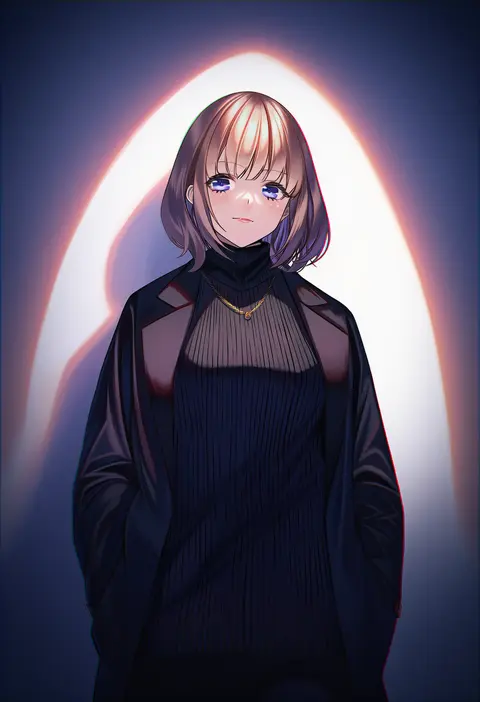
Every tag listed here is verified to react in NovelAI. All images use the same prompt, seed and settings with only the artist tag swapped, so the difference between two images is the style that tag brings in.

How to use them

Put the artist tag near the front of the prompt, e.g. "<artist>, 1girl, solo, best quality, masterpiece, cowboy shot". Two or three artist tags blend styles; lower the weight with "0.8::<artist>::" when the style overpowers the character.

SCORE sorts by Danbooru's top score, POSTS by post count, FAVS by hearts on this site. Open a card to see V5 and V4.5 side by side on the same seed.

V5 vs V4.5

V5 usually lands closer to the artist's real style, and tags that did nothing on V4.5 often react on V5. V4.5 still fits older and doujin-heavy artists better. Try V5 first, fall back to V4.5.

FAQ

Where does the artist tag go?
Near the front of the prompt. Use "0.8::tag::" to adjust its weight.

Can I stack artist tags?
Yes, styles blend. Past two or three the result stops looking like anyone.

Are these the artists' own works?
No. Every image is a NovelAI sample generated from the tag.