V4.5Artists
sort: FAVS▾
▾
>
$

Popular NovelAI artist tags — V4.5

artist --count 16,352[185/273]
ashita yaru
ARTIST0x2B20
0
itosu200
ARTIST0x2B21
0
yuu (alsiel)
ARTIST0x2B22
0
amamine
ARTIST0x2B23
0
cosmikaizer
ARTIST0x2B24
0
tugo
ARTIST0x2B25
0
same (sendai623)
ARTIST0x2B26
0
meji aniki
ARTIST0x2B27
0
suta (clusta)
ARTIST0x2B28
0
shibainu
ARTIST0x2B29
0
kaoru (alicemakoto)
ARTIST0x2B2A
0
ran (9ens2000)
ARTIST0x2B2B
0
kamitsurugi ouka
ARTIST0x2B2C
0
daruia (sabitare)
ARTIST0x2B2D
0
kage yuu
ARTIST0x2B2E
0
e (you33ou)
ARTIST0x2B2F
0
nakano haito
ARTIST0x2B30
0
madhatter hello
ARTIST0x2B31
0
segawa luna
ARTIST0x2B32
0
simz
ARTIST0x2B33
0
abe kanari
ARTIST0x2B34
0
y2
ARTIST0x2B35
0
nichika (nitikapo)
ARTIST0x2B36
0
yetworldview kaze
ARTIST0x2B37
0
shugao
ARTIST0x2B38
0
nishida asako
ARTIST0x2B39
0
miyai sen
ARTIST0x2B3A
0
ko~cha
ARTIST0x2B3B
0
juexing (moemoe3345)
ARTIST0x2B3C
0
ichikawa masahiro
ARTIST0x2B3D
0
ichiren namiro
ARTIST0x2B3E
0
yoon (dmsco1803)
ARTIST0x2B3F
0
kurono yuu
ARTIST0x2B40
0
kuroda kazuya
ARTIST0x2B41
0
kugui kiyunemu
ARTIST0x2B42
0
minaha (playjoe2005)
ARTIST0x2B43
0
hug (yourhug)
ARTIST0x2B44
0
baocaizi
ARTIST0x2B45
0
giorgio (yo sumire sola1)
ARTIST0x2B46
0
yuuhi alpha
ARTIST0x2B47
0
nzeneee
ARTIST0x2B48
0
cloneko (zelmeledf2)
ARTIST0x2B49
0
kojiro337
ARTIST0x2B4A
0
erakin
ARTIST0x2B4B
0
mzh
ARTIST0x2B4C
0
minoa (lastswallow)
ARTIST0x2B4D
0
tokihama jirou
ARTIST0x2B4E
0
namakuby
ARTIST0x2B4F
0
kyuri
ARTIST0x2B50
0
yadu nadu
ARTIST0x2B51
0
heran hei mao
ARTIST0x2B52
0
yoshida on
ARTIST0x2B53
0
kinmedai pink
ARTIST0x2B54
0
alto2019
ARTIST0x2B55
0
yoyokkun
ARTIST0x2B56
0
isana615
ARTIST0x2B57
0
kuranosuke
ARTIST0x2B58
0
sana (sanamaru 0w0)
ARTIST0x2B59
0
hamada (super tachioyogi kyousou)
ARTIST0x2B5A
0
yuuki makoto (radiant)
ARTIST0x2B5B
0

What these tags change

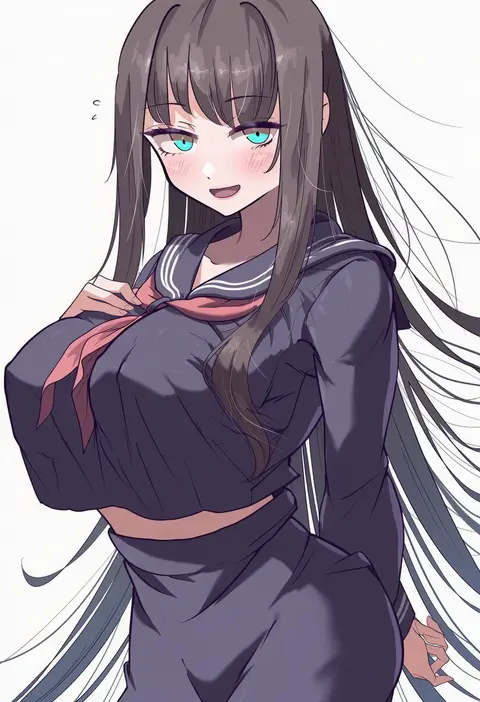
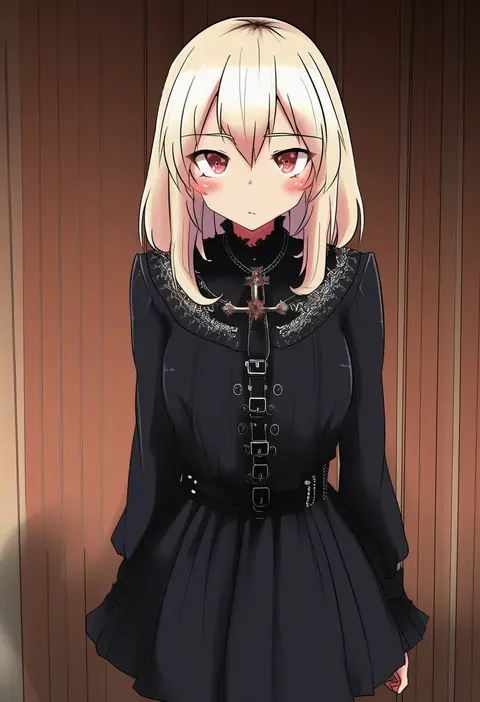
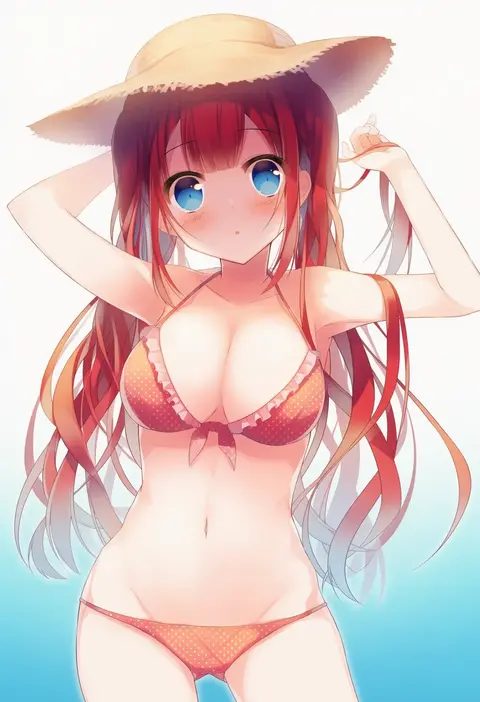
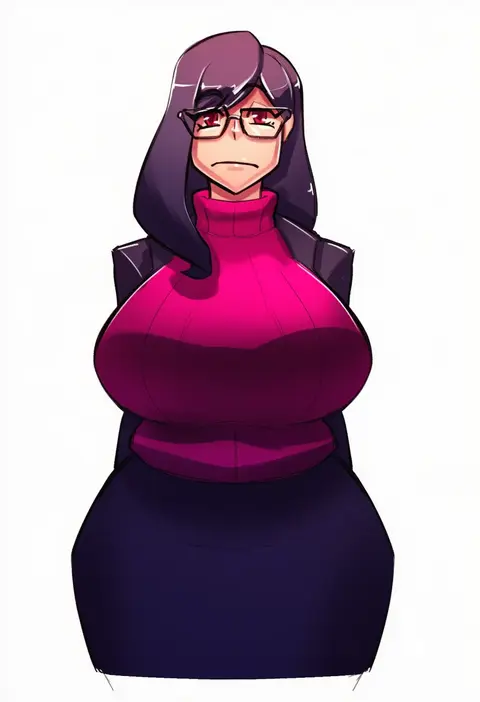
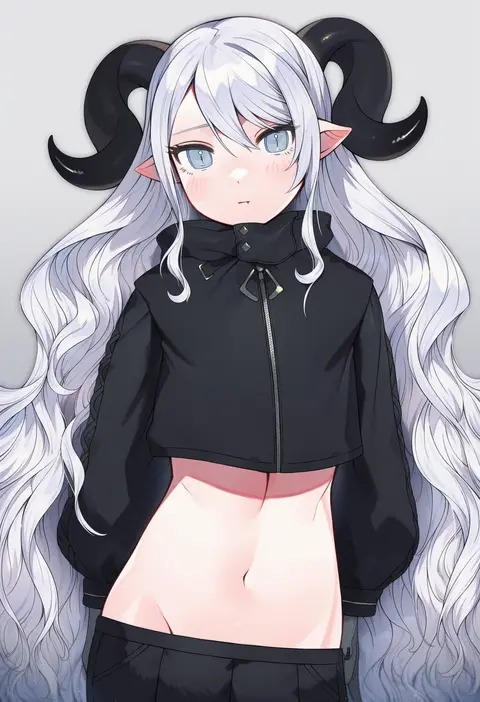
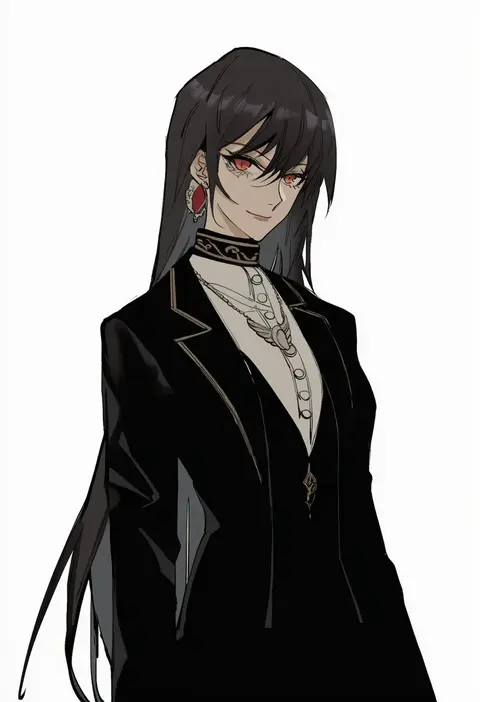
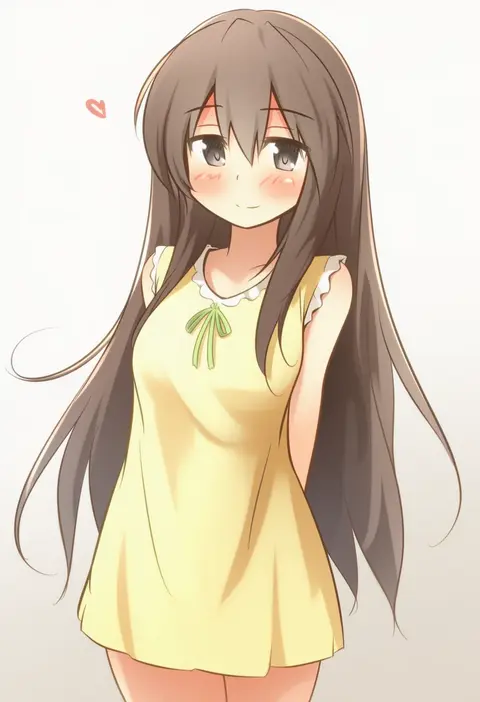
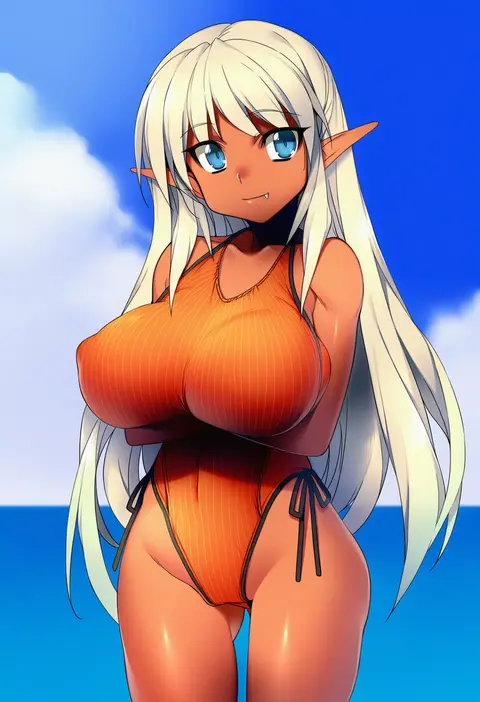
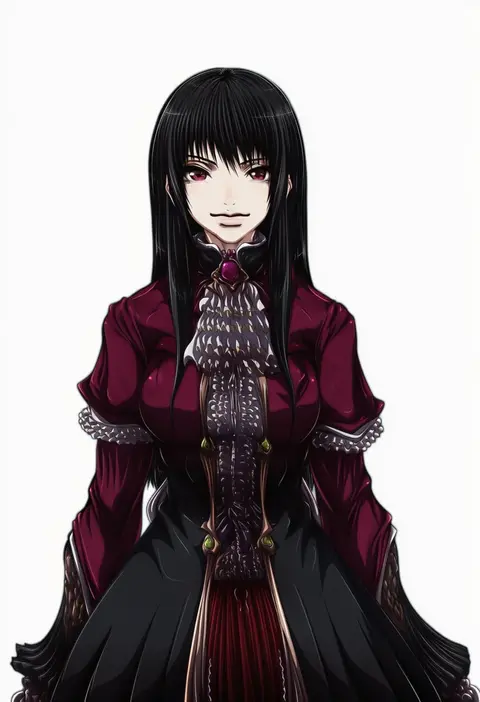
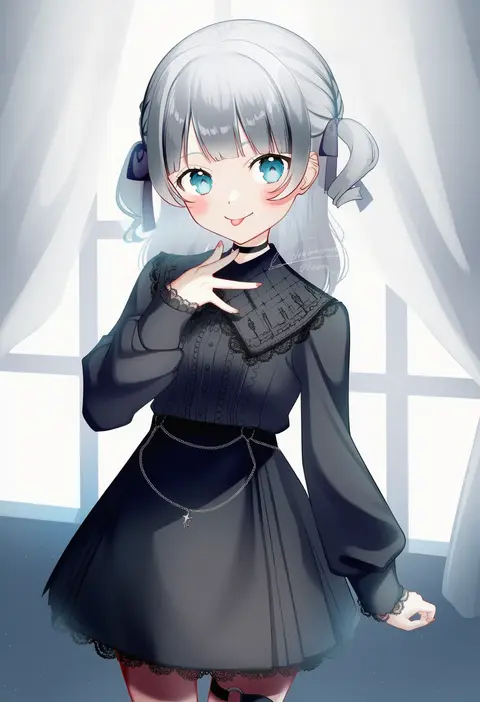
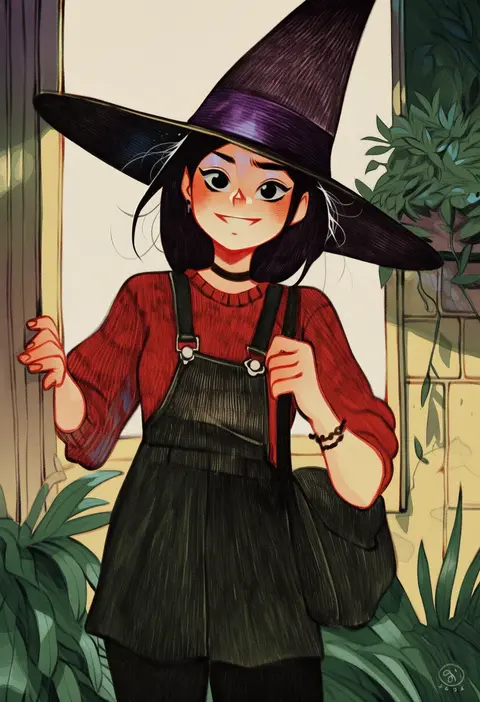
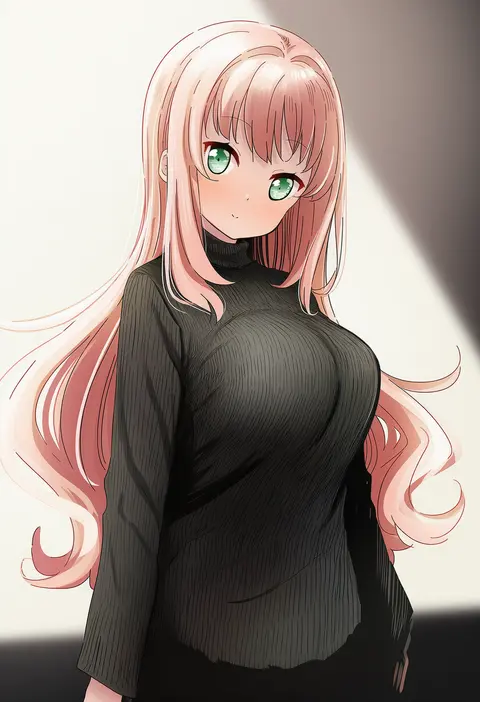
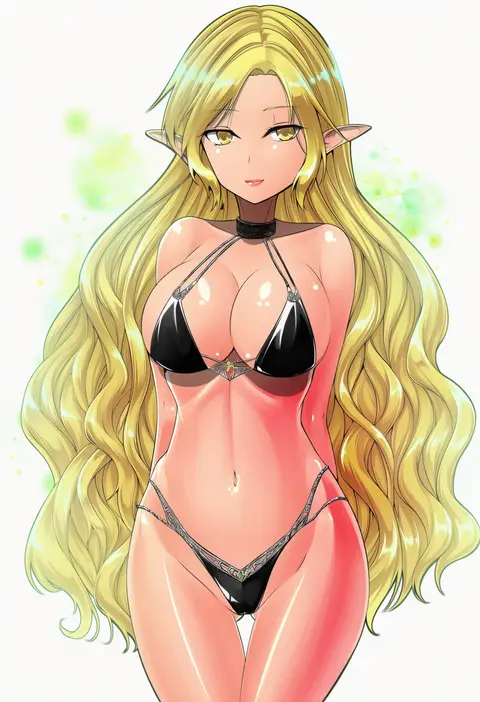
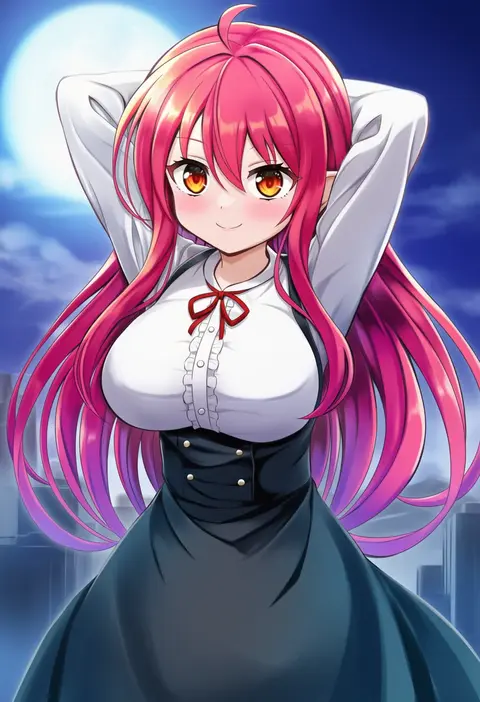
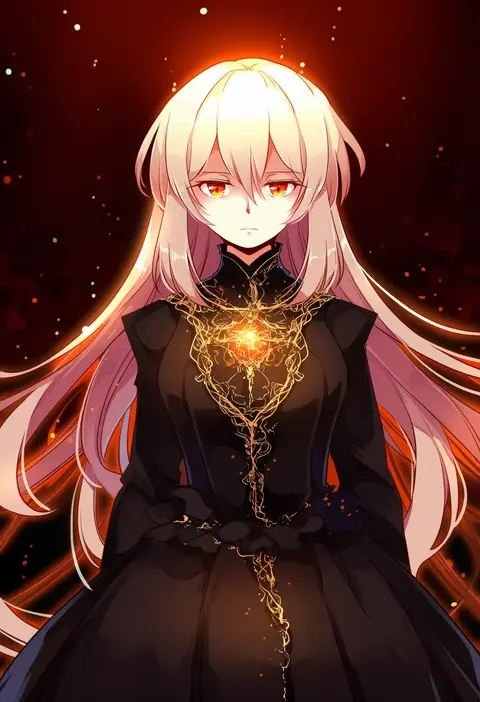
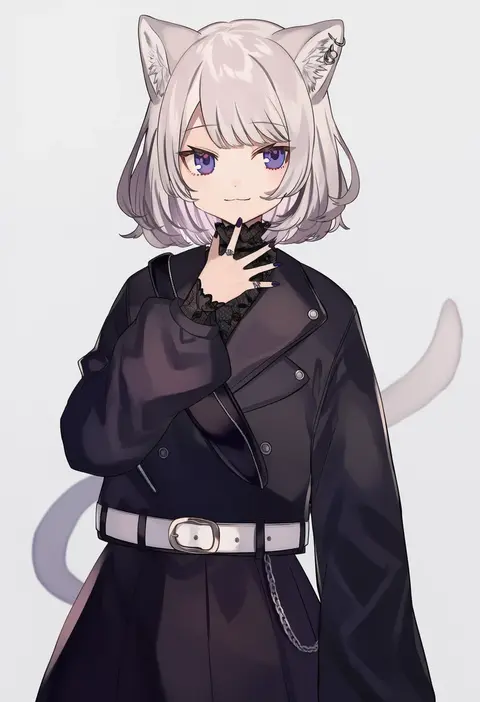
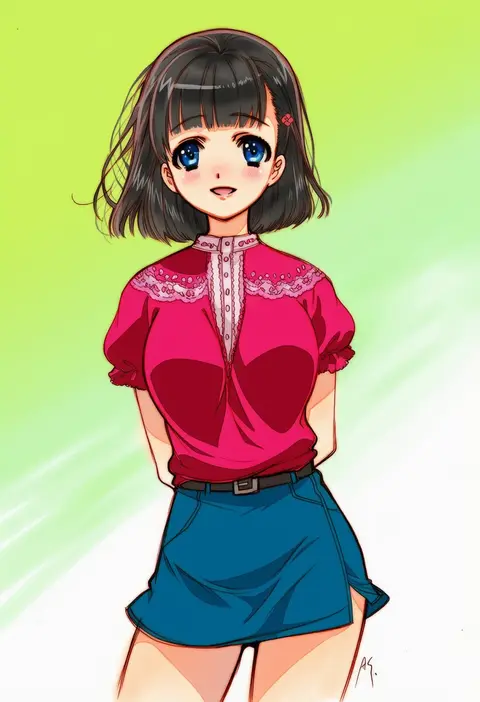
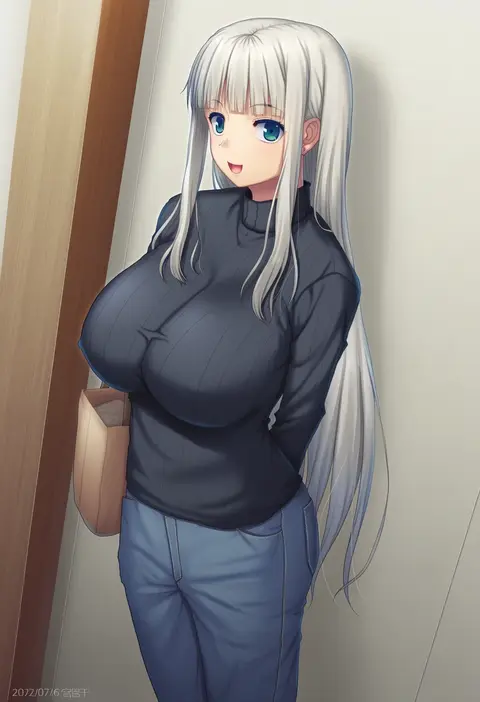
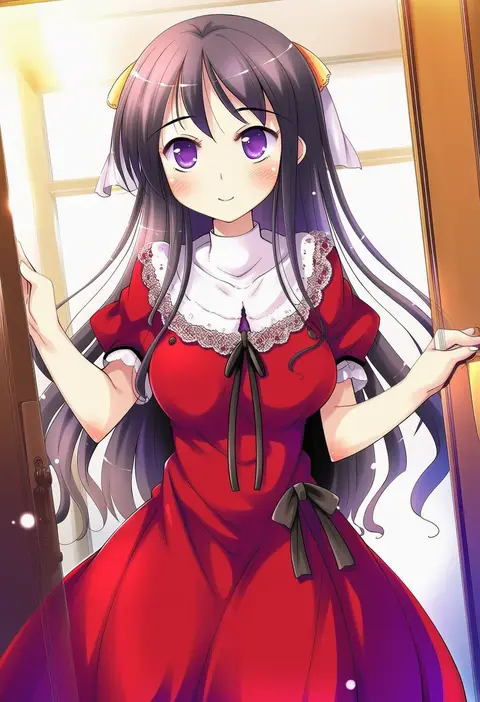
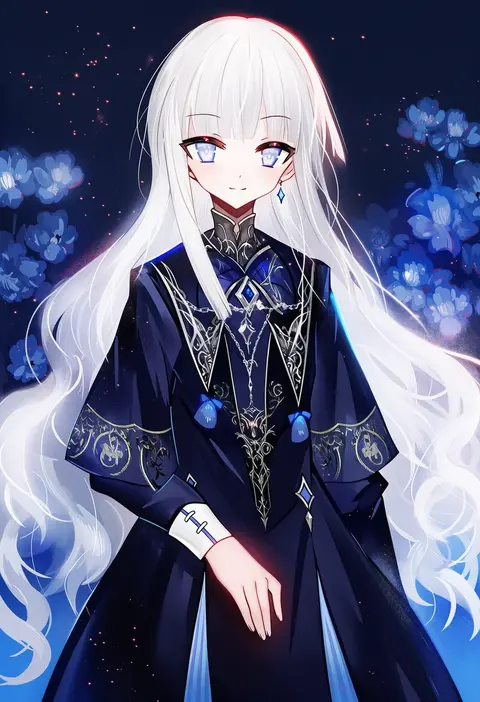
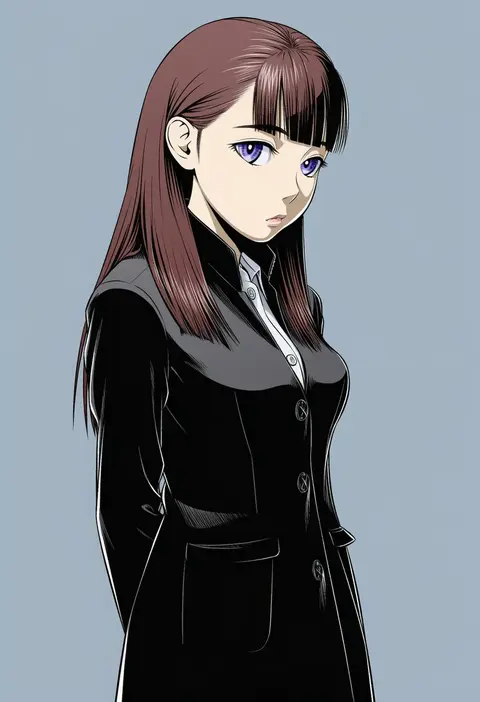
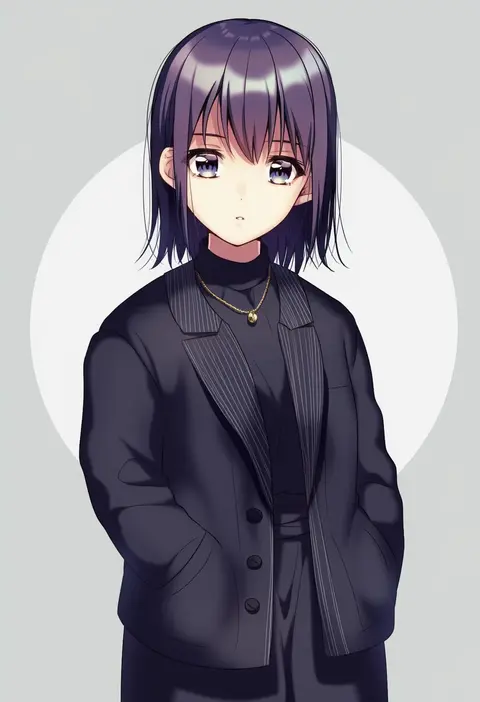
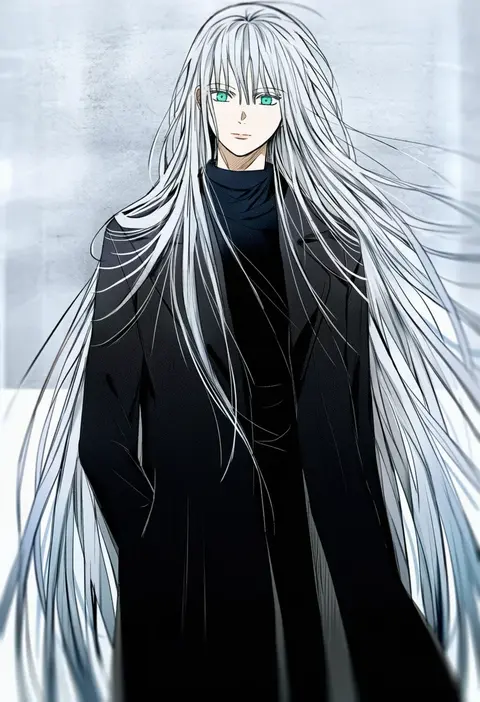
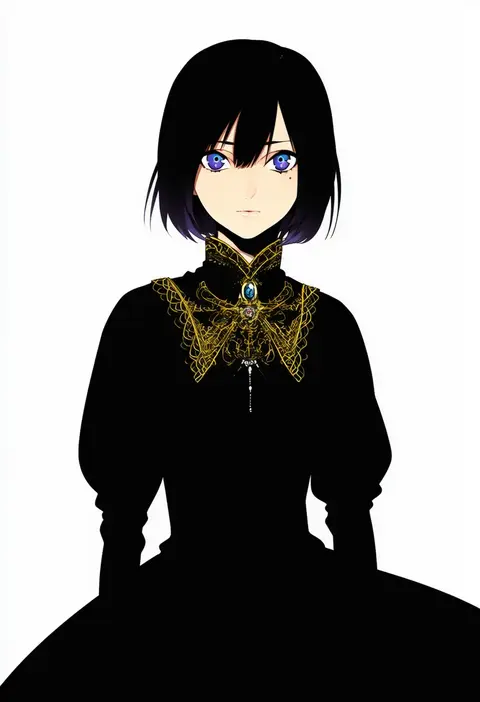
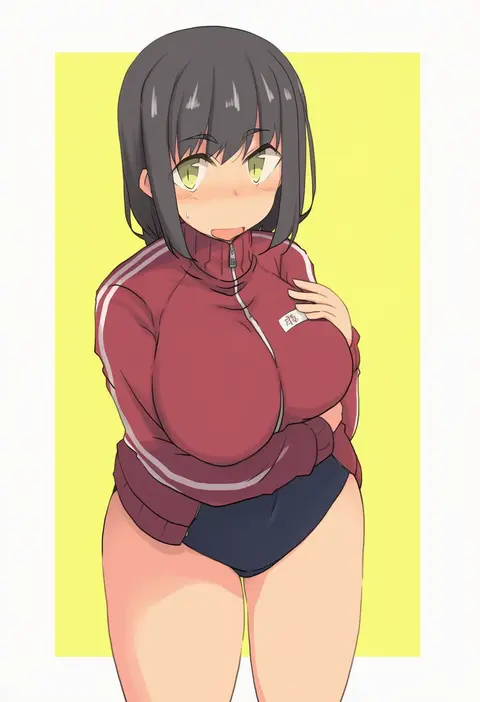
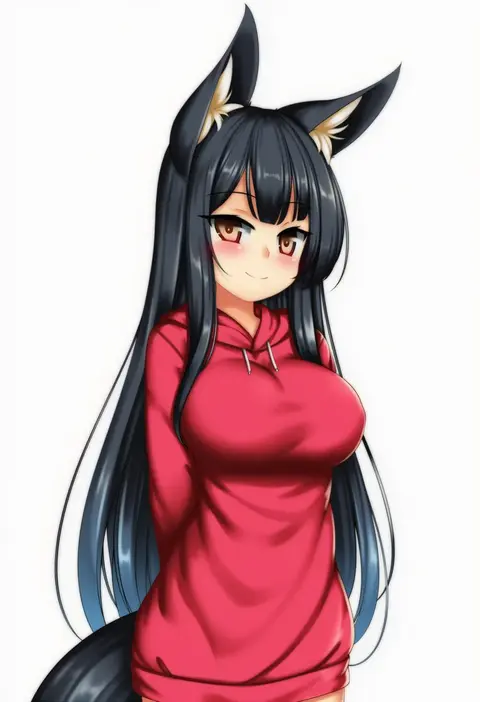
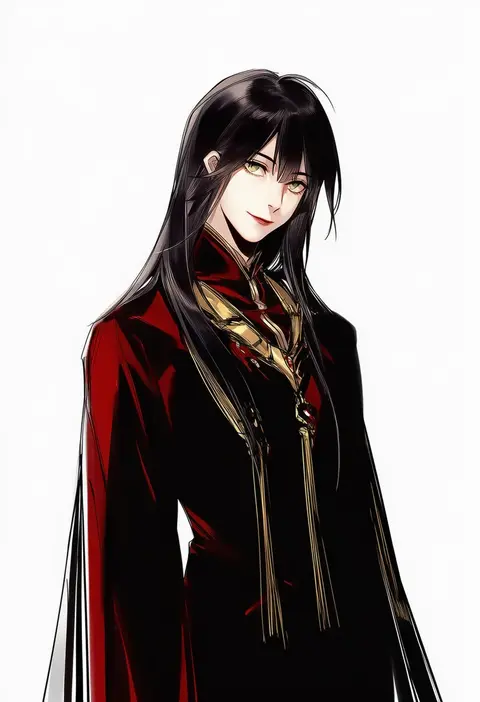
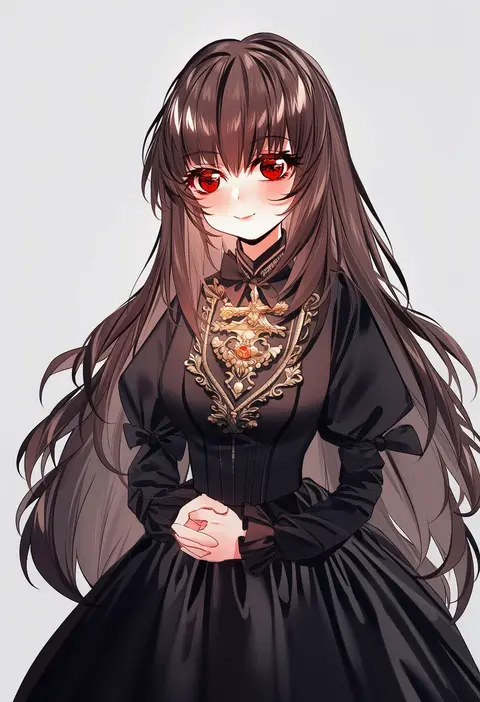
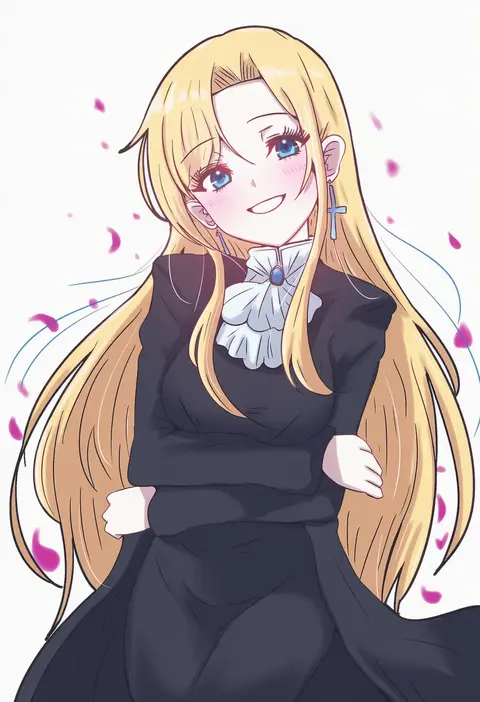
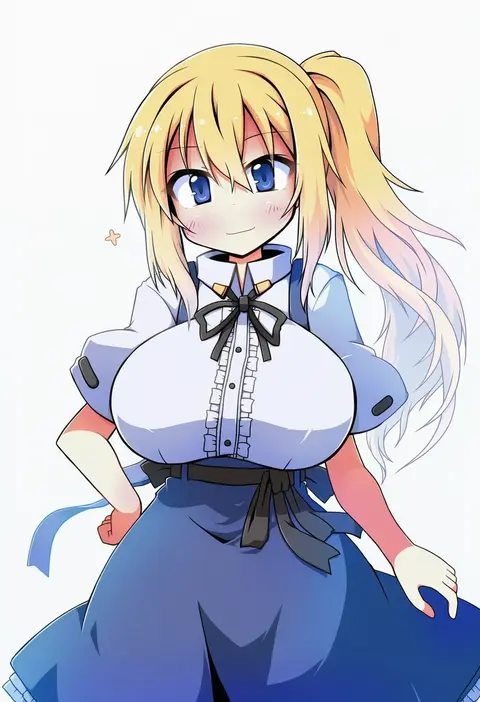
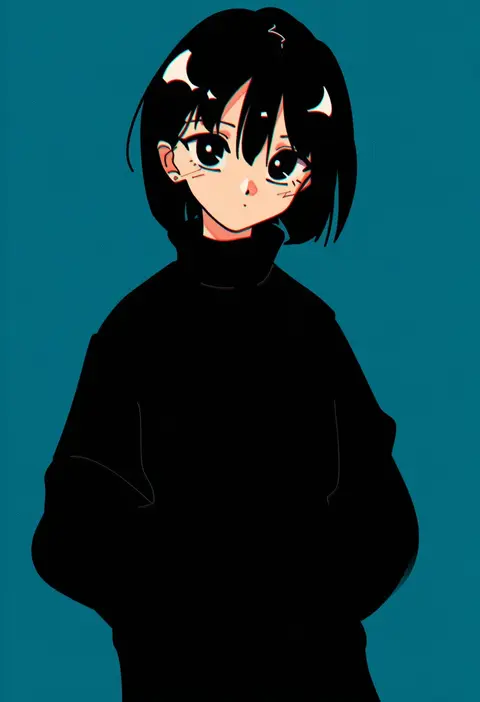
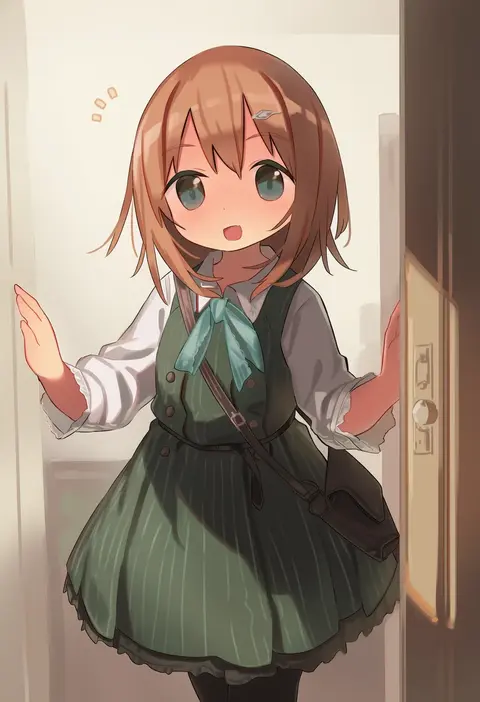
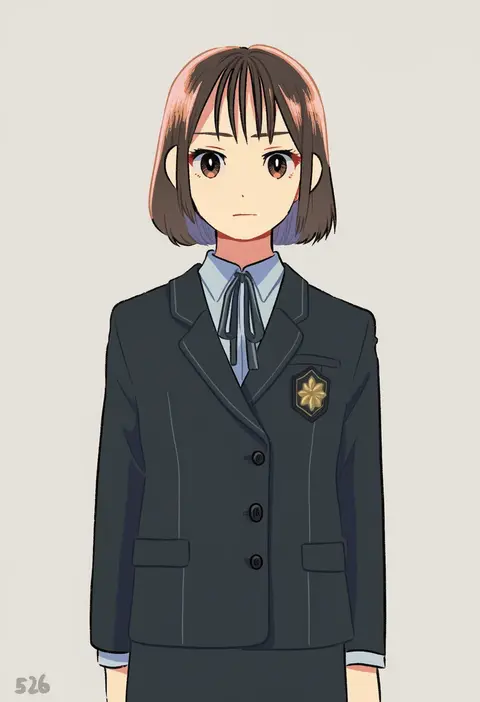
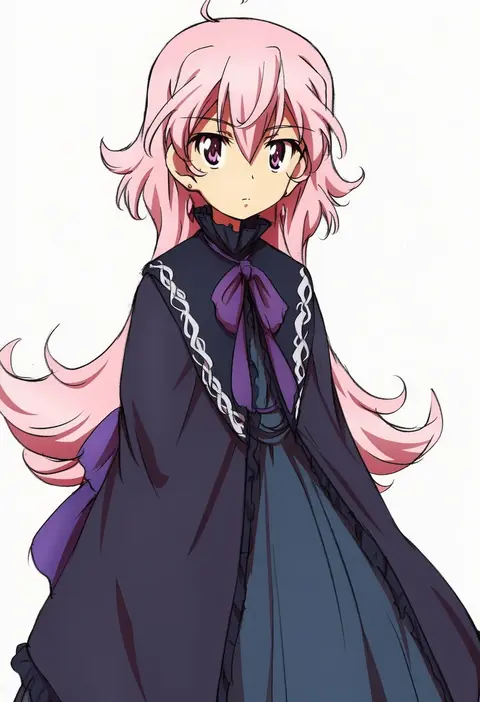
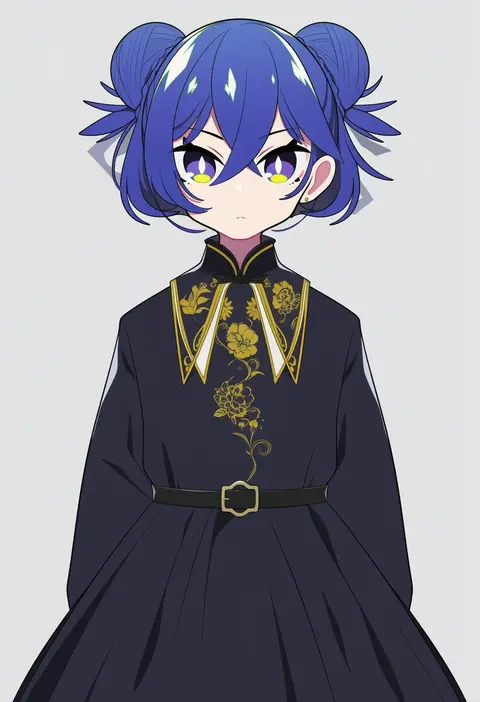
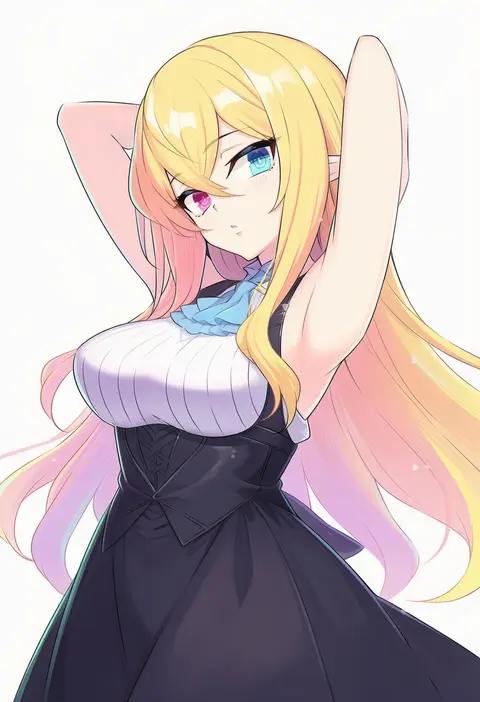
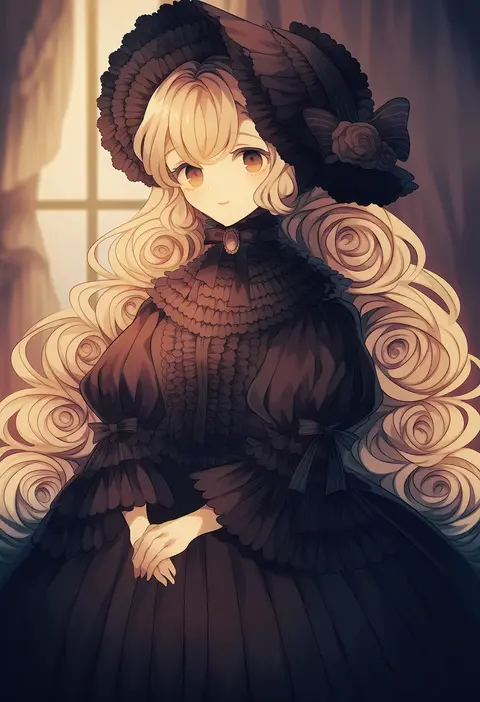
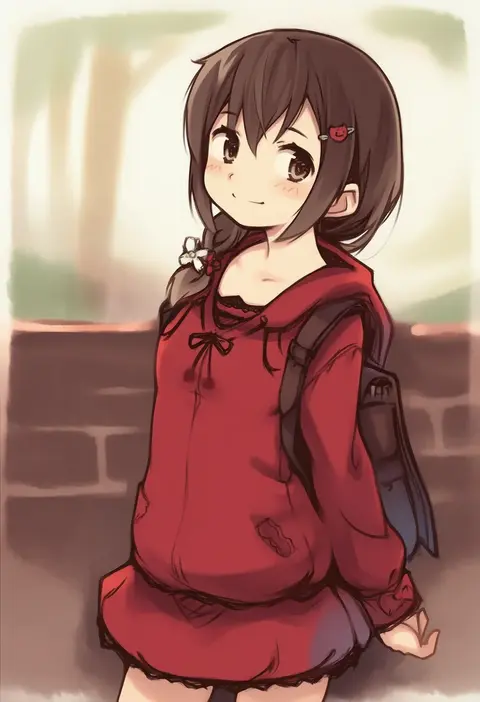
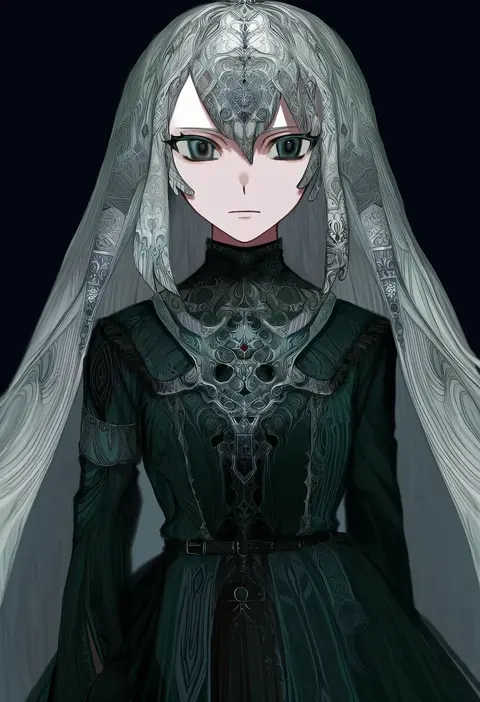
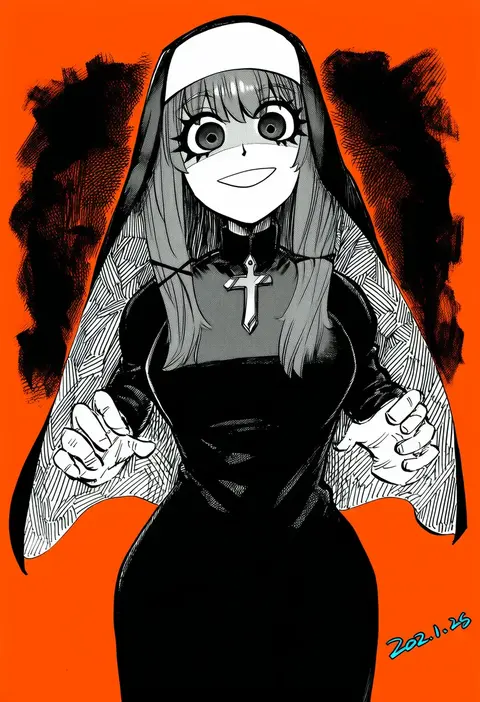
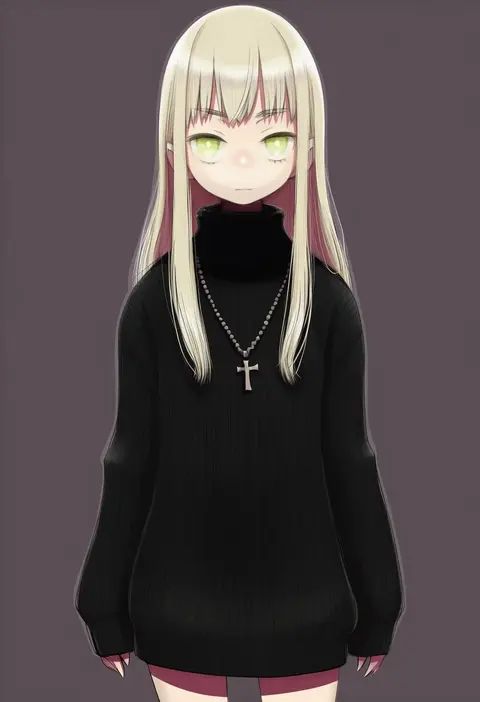
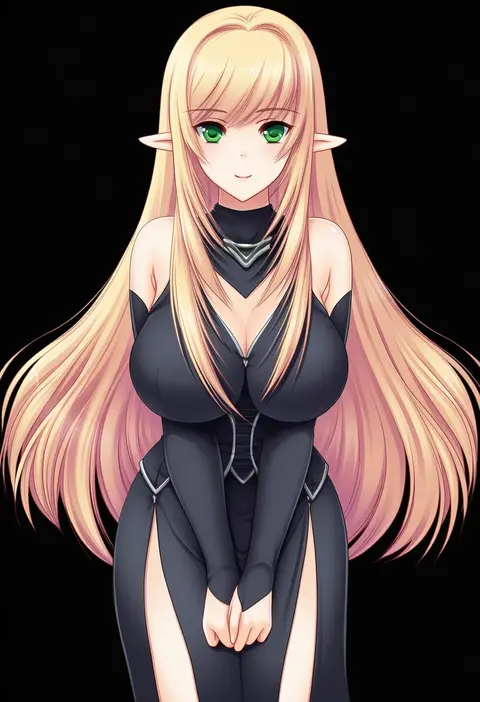
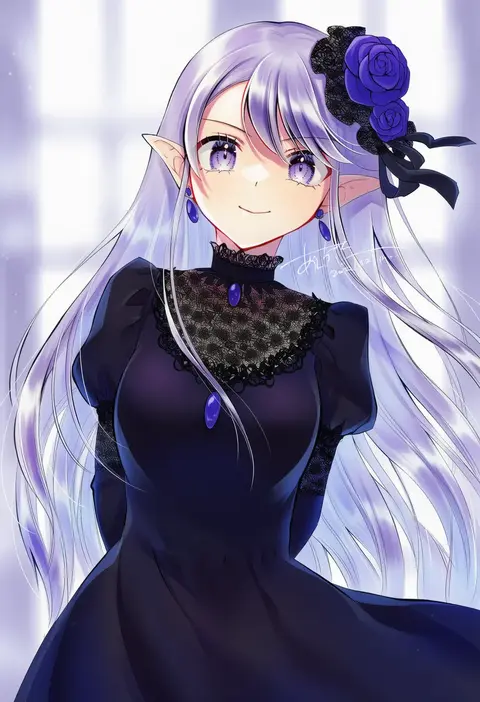
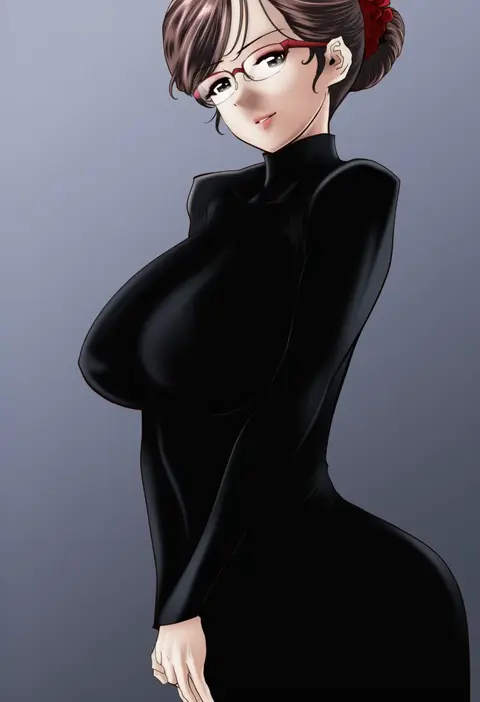
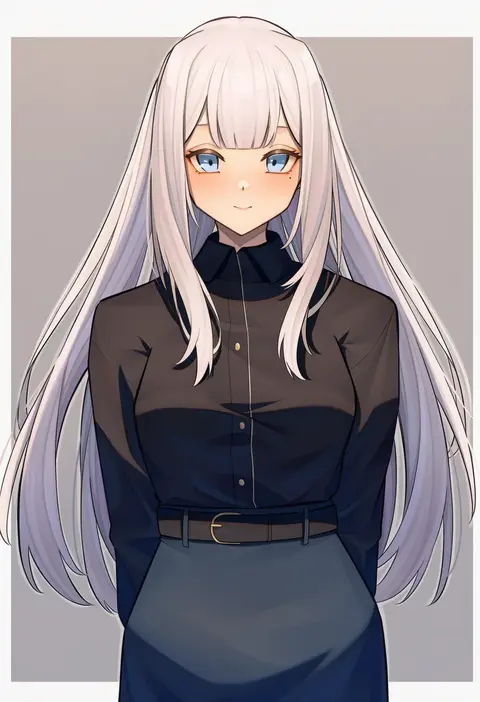
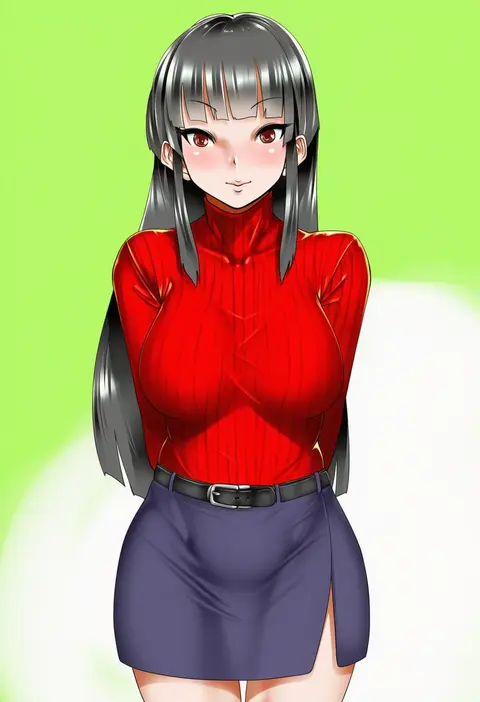
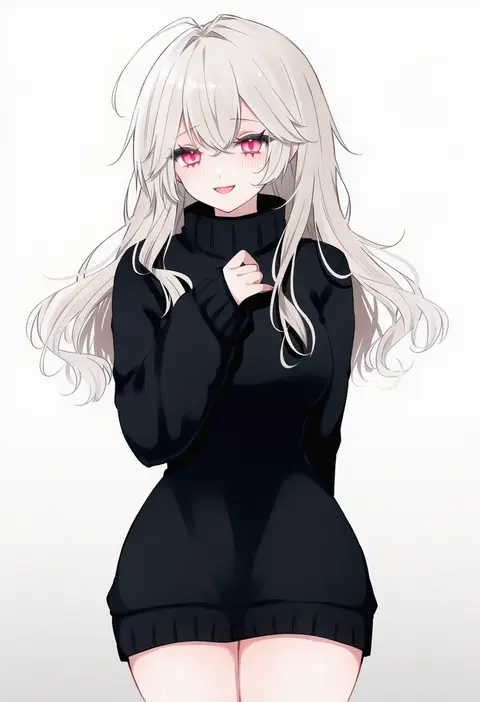
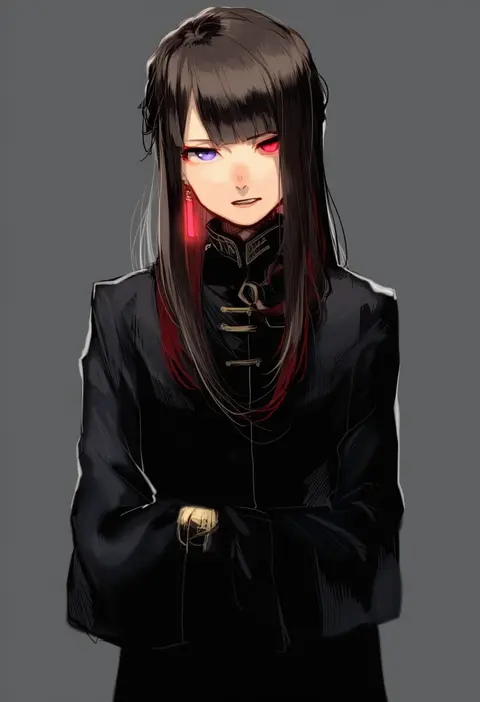
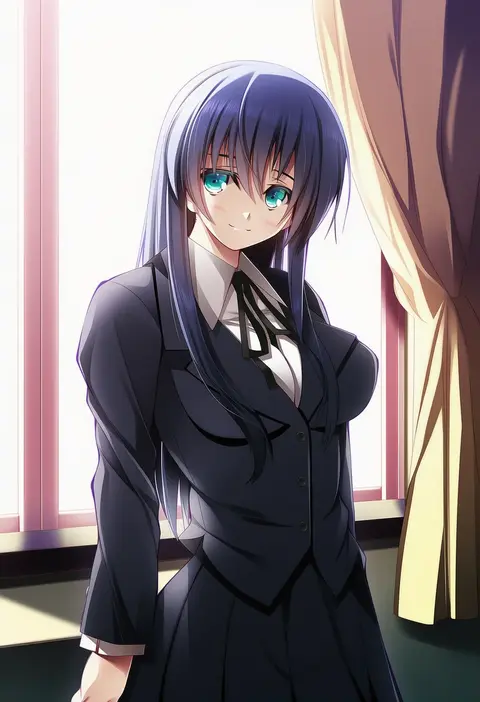
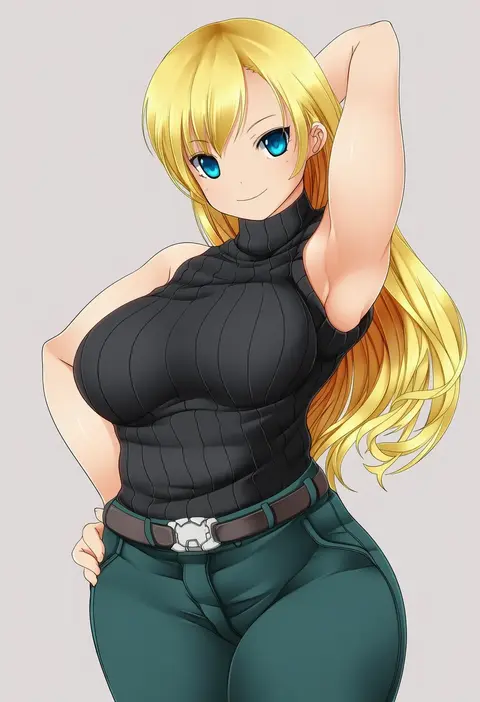
Artist tags tell NovelAI Diffusion to draw in a specific artist's style: line weight, paint texture, face shapes and palette all shift at once. Character and outfit tags decide what is drawn; artist tags decide how. 16,352 tags are listed for V4.5.
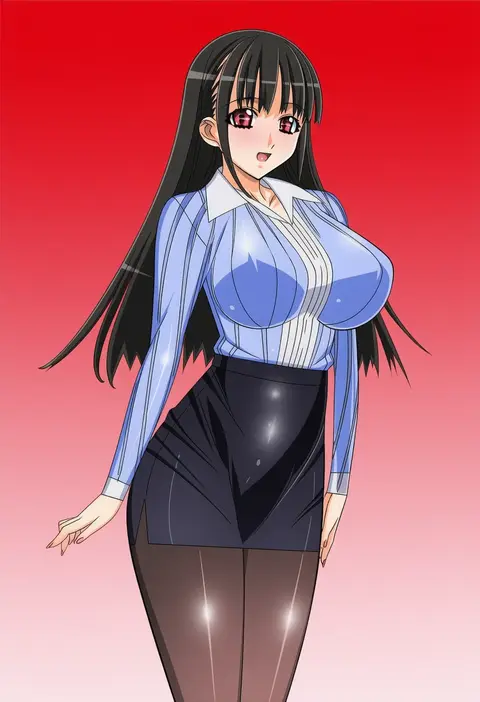
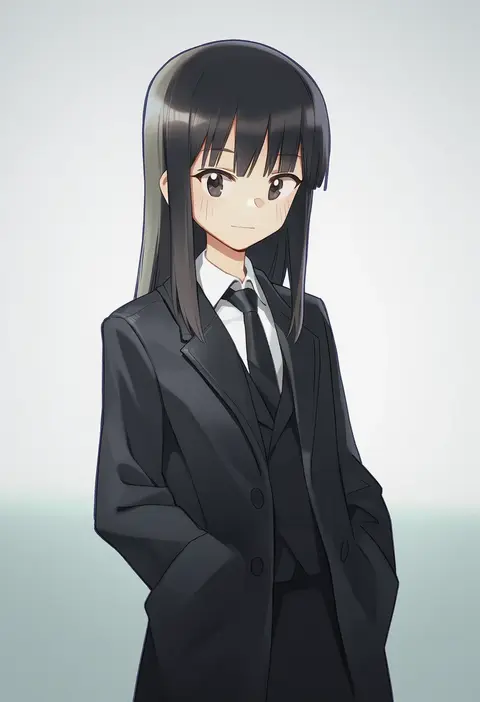
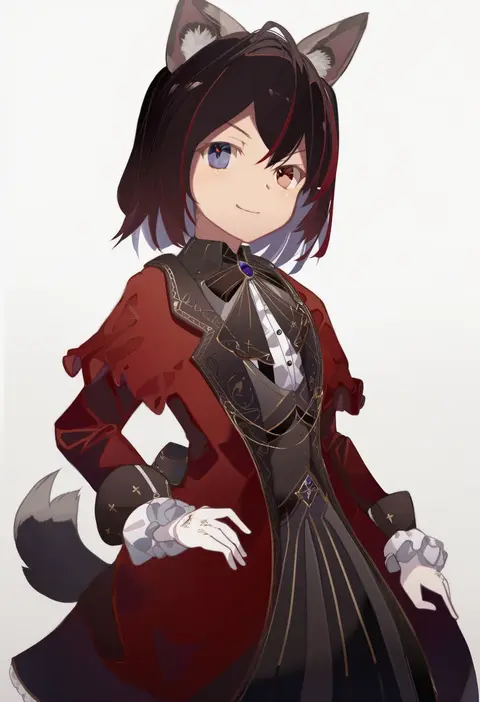
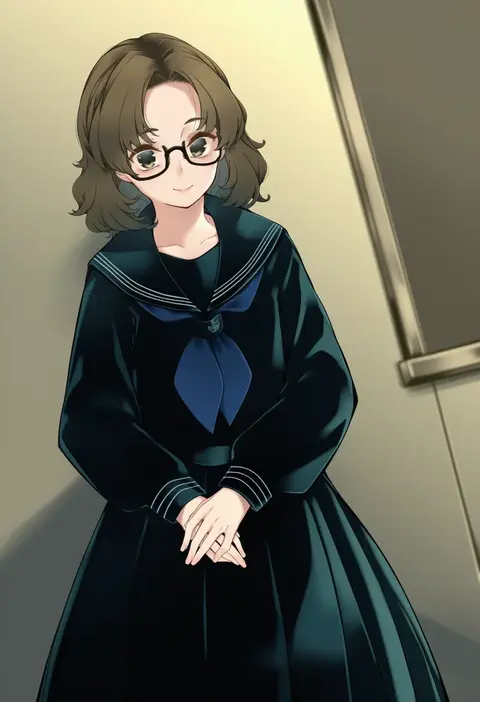
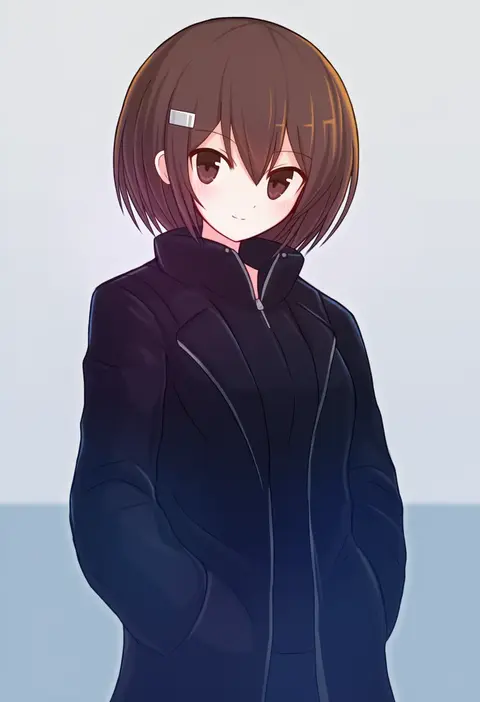
Every tag listed here is verified to react in NovelAI. All images use the same prompt, seed and settings with only the artist tag swapped, so the difference between two images is the style that tag brings in.

How to use them

Put the artist tag near the front of the prompt, e.g. "<artist>, 1girl, solo, best quality, masterpiece, cowboy shot". Two or three artist tags blend styles; lower the weight with "0.8::<artist>::" when the style overpowers the character.

SCORE sorts by Danbooru's top score, POSTS by post count, FAVS by hearts on this site. Open a card to see V5 and V4.5 side by side on the same seed.

V5 vs V4.5

V5 usually lands closer to the artist's real style, and tags that did nothing on V4.5 often react on V5. V4.5 still fits older and doujin-heavy artists better. Try V5 first, fall back to V4.5.

FAQ

Where does the artist tag go?
Near the front of the prompt. Use "0.8::tag::" to adjust its weight.

Can I stack artist tags?
Yes, styles blend. Past two or three the result stops looking like anyone.

Are these the artists' own works?
No. Every image is a NovelAI sample generated from the tag.