V4.5Artists
sort: FAVS▾
▾
>
$

Popular NovelAI artist tags — V4.5

artist --count 16,352[186/273]
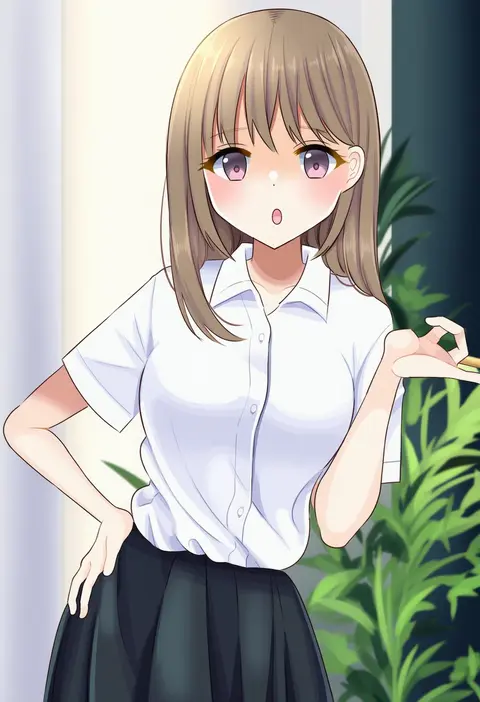
stigma1101
ARTIST0x2B5C
0
kitano yuusuke
ARTIST0x2B5D
0
tsumitani daisuke
ARTIST0x2B5E
0
yunodon (sugar maple)
ARTIST0x2B5F
0
echizen (hvcv)
ARTIST0x2B60
0
jonya
ARTIST0x2B61
0
kanameya
ARTIST0x2B62
0
shiromikan
ARTIST0x2B63
0
monokubo
ARTIST0x2B64
0
oozon (ozon)
ARTIST0x2B65
0
ogura tubuan
ARTIST0x2B66
0
iwai ryou
ARTIST0x2B67
0
kozou kazaru
ARTIST0x2B68
0
nuqura
ARTIST0x2B69
0
riku (wana)
ARTIST0x2B6A
0
tucana
ARTIST0x2B6B
0
saryuu (iriomote)
ARTIST0x2B6C
0
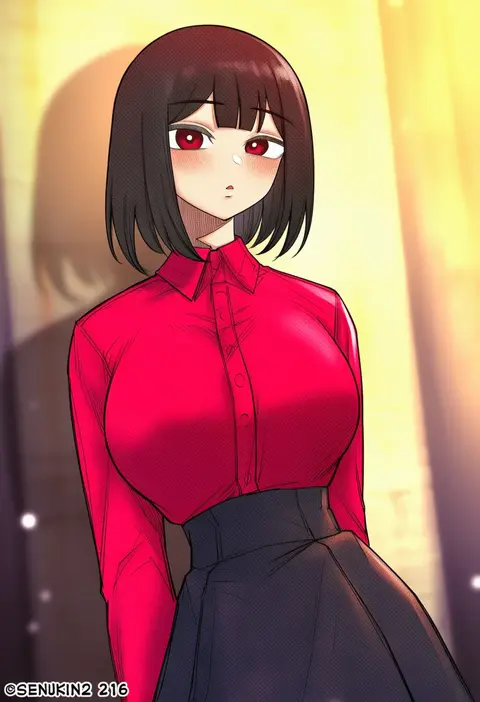
senukin
ARTIST0x2B6D
0
maguta
ARTIST0x2B6E
0
shopyun
ARTIST0x2B6F
0
tsukimori hiro
ARTIST0x2B70
0
wb yimo
ARTIST0x2B71
0
eriyama e
ARTIST0x2B72
0
hassan (sink916)
ARTIST0x2B73
0
ikuya koimori
ARTIST0x2B74
0
11kkr
ARTIST0x2B75
0
kurodeko
ARTIST0x2B76
0
hirose madoka
ARTIST0x2B77
0
routo
ARTIST0x2B78
0
yokoji (kodai2015)
ARTIST0x2B79
0
makise minami
ARTIST0x2B7A
0
ikzw
ARTIST0x2B7B
0
sato (r017xts117)
ARTIST0x2B7C
0
yo mo
ARTIST0x2B7D
0
bomi
ARTIST0x2B7E
0
touge hiro
ARTIST0x2B7F
0
vs0mr
ARTIST0x2B80
0
hehehzb
ARTIST0x2B81
0
nayu tundora
ARTIST0x2B82
0
pmchell 04
ARTIST0x2B83
0
yamikota
ARTIST0x2B84
0
panatisia
ARTIST0x2B85
0
toonsite
ARTIST0x2B86
0
ellie niunai zhuyi zhe
ARTIST0x2B87
0
miura kentarou
ARTIST0x2B88
0
sakino shingetsu
ARTIST0x2B89
0
yone kinji
ARTIST0x2B8A
0
isaki (gomi)
ARTIST0x2B8B
0
gouta (nagishiro6624)
ARTIST0x2B8C
0
shamo (koumakantv)
ARTIST0x2B8D
0
yaza
ARTIST0x2B8E
0
moribe (rabumanyo)
ARTIST0x2B8F
0
kakiko210
ARTIST0x2B90
0
kyougoku touya
ARTIST0x2B91
0
ogawa shou
ARTIST0x2B92
0
cuteg
ARTIST0x2B93
0
suzuki kyoutarou
ARTIST0x2B94
0
hijiki (hijikini)
ARTIST0x2B95
0
u yuz xx
ARTIST0x2B96
0
torinari (dtvisu)
ARTIST0x2B97
0

What these tags change

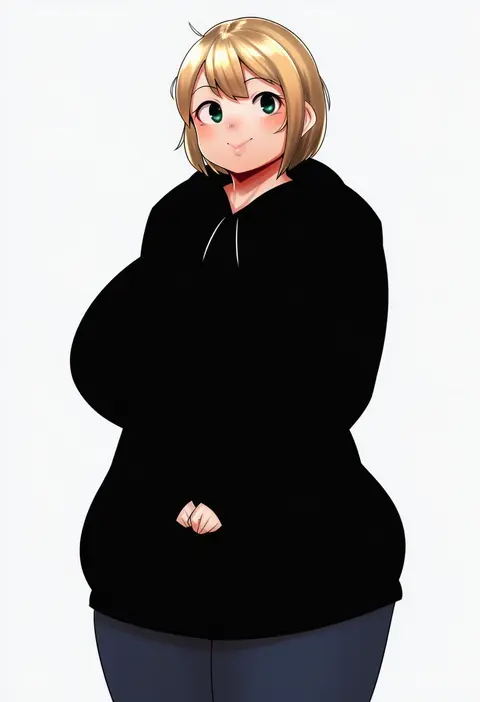
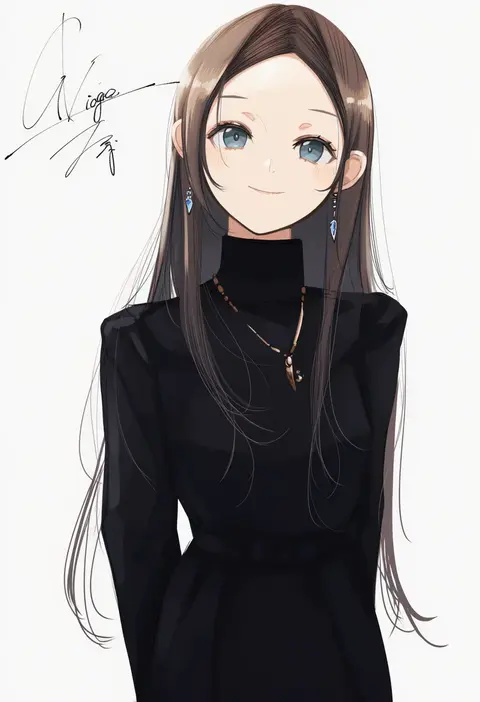
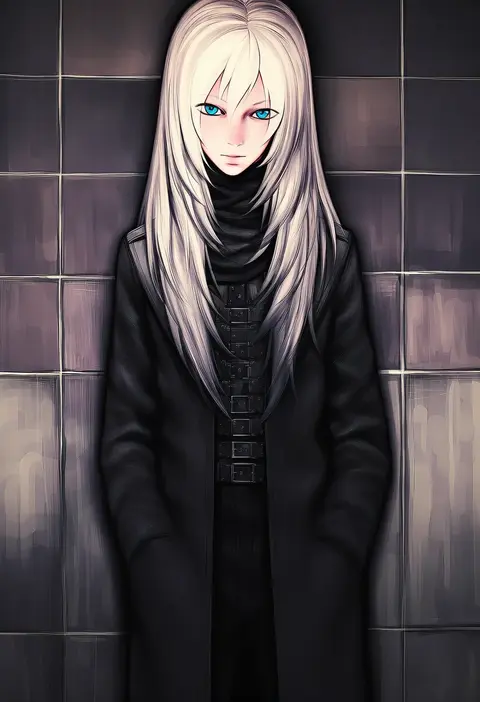
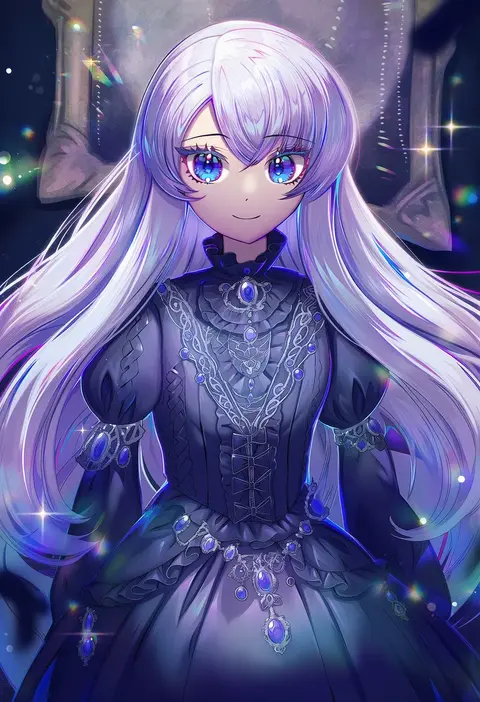
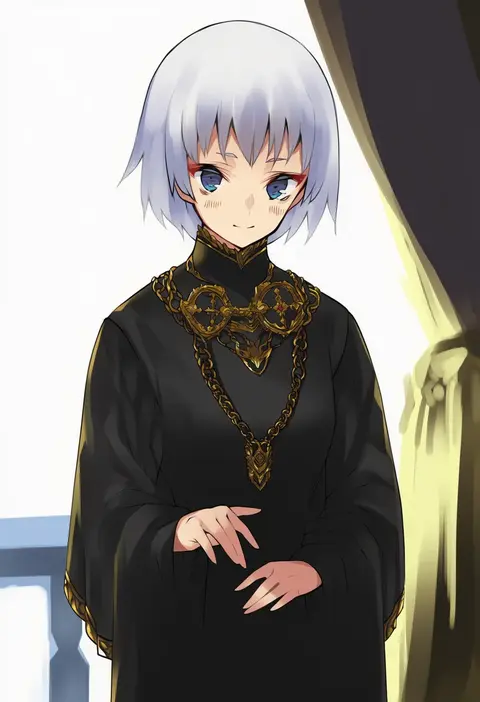
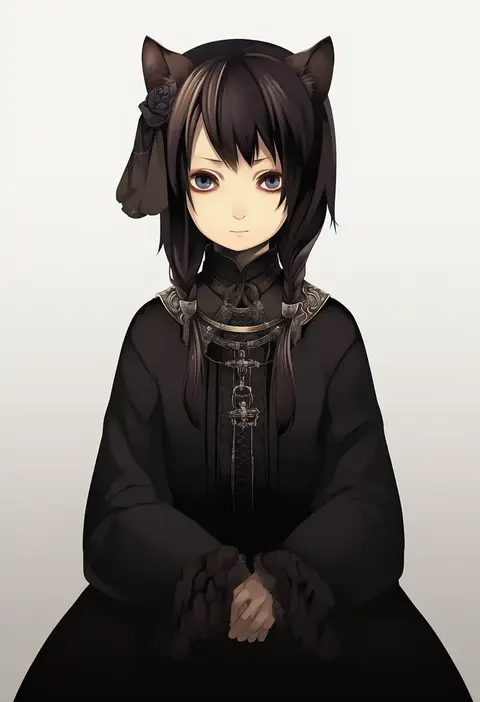
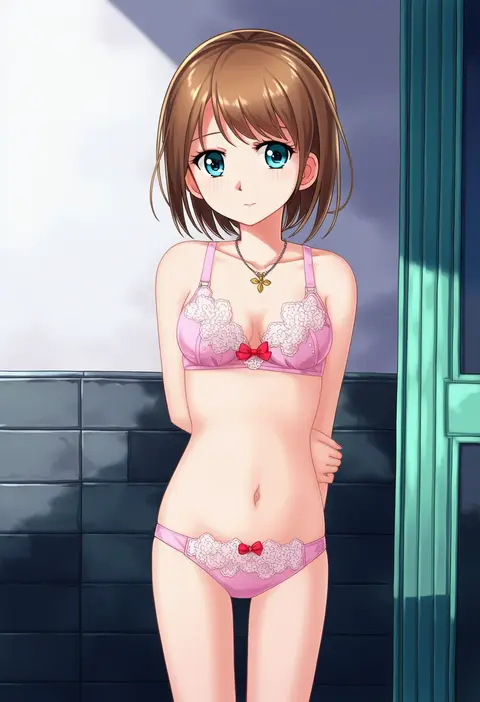
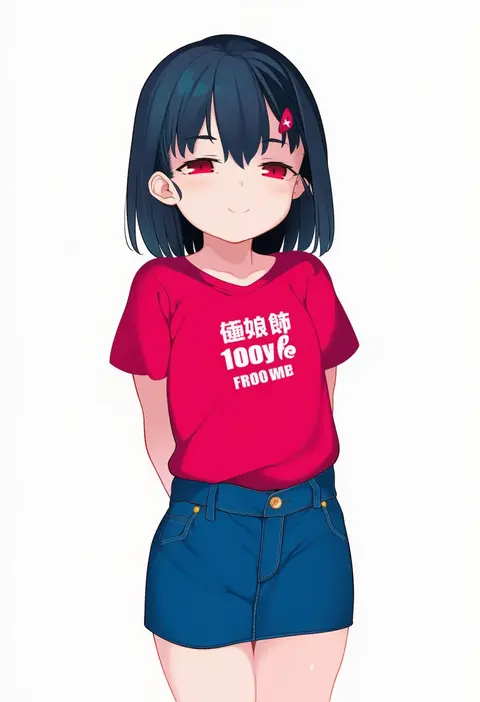
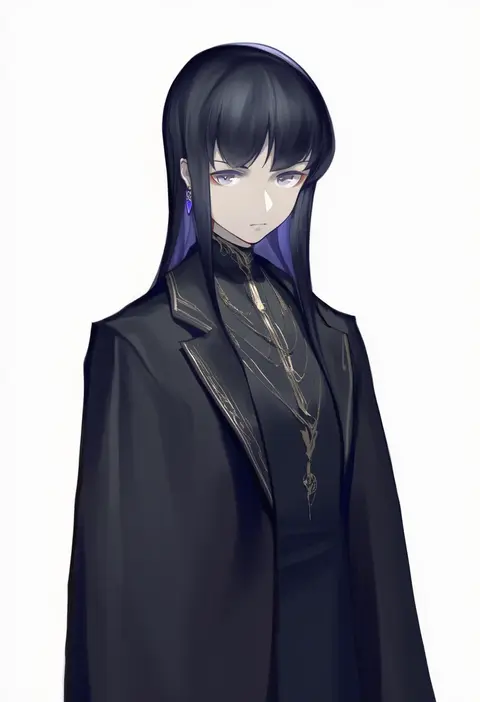
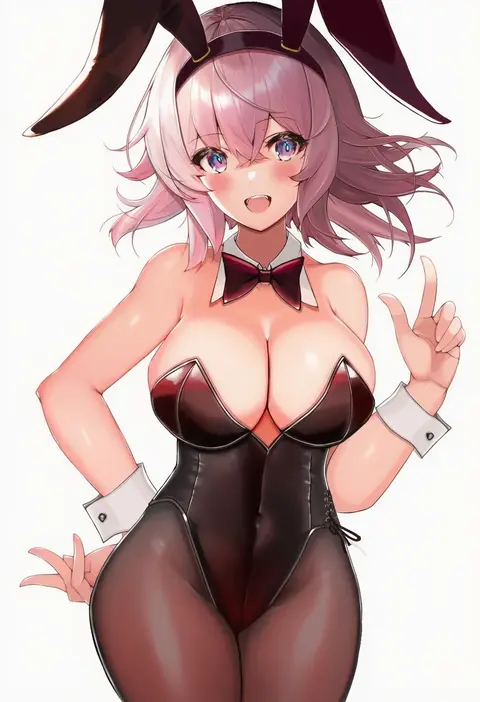
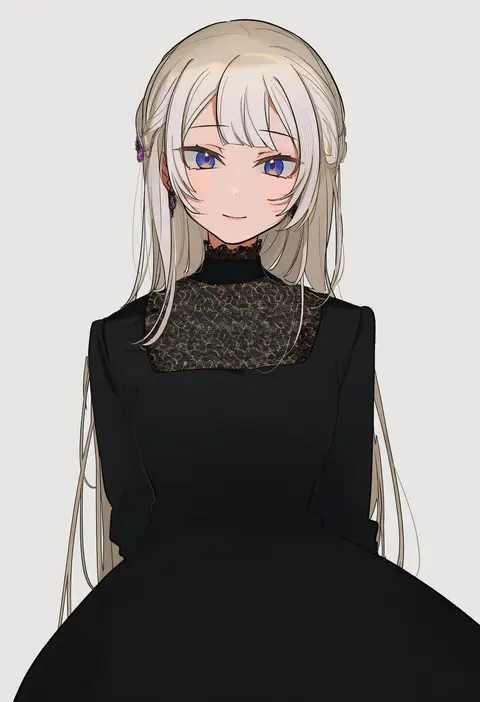
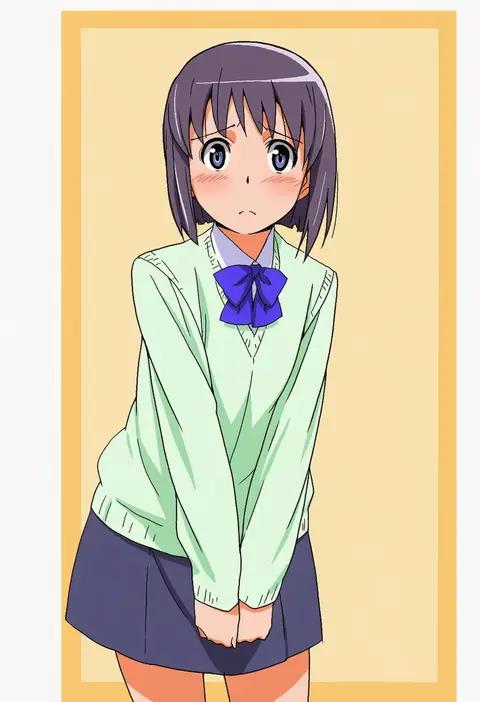
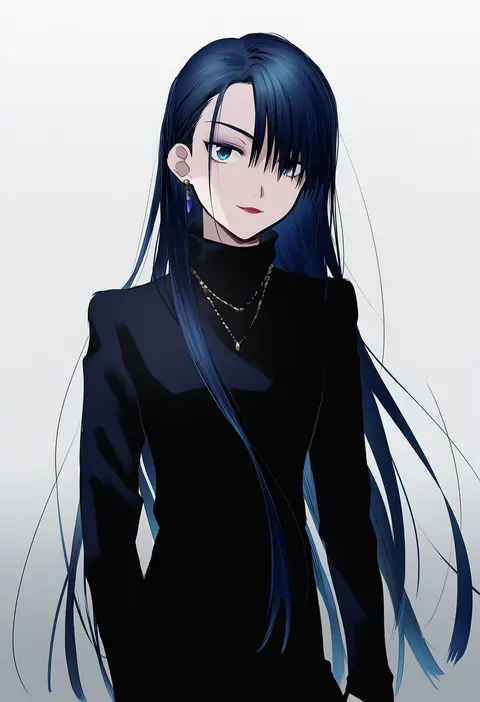
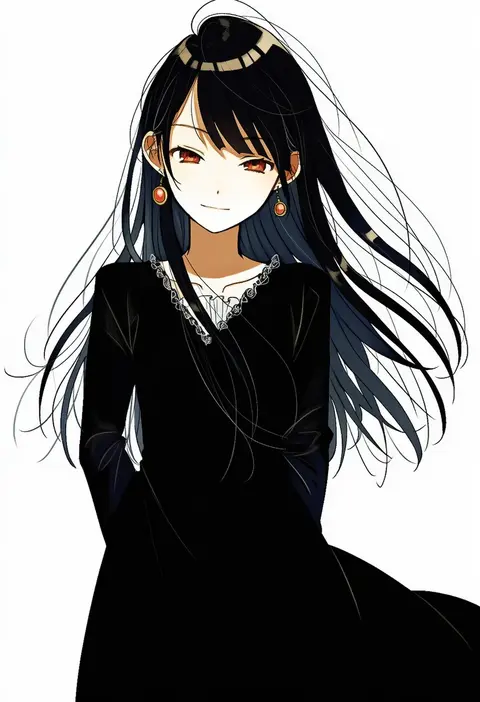
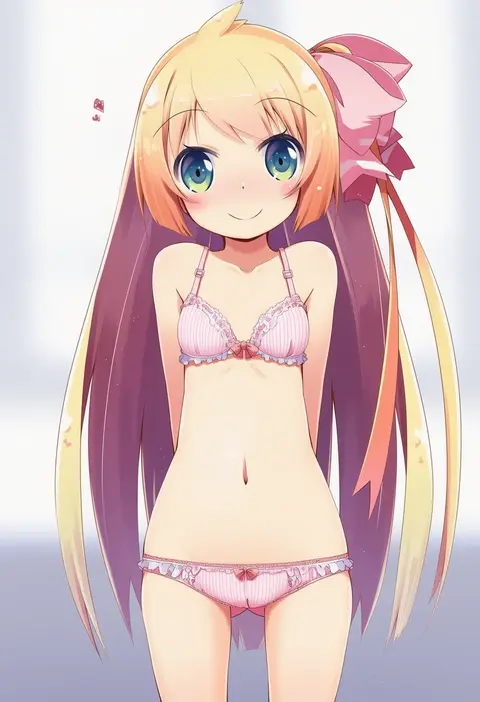
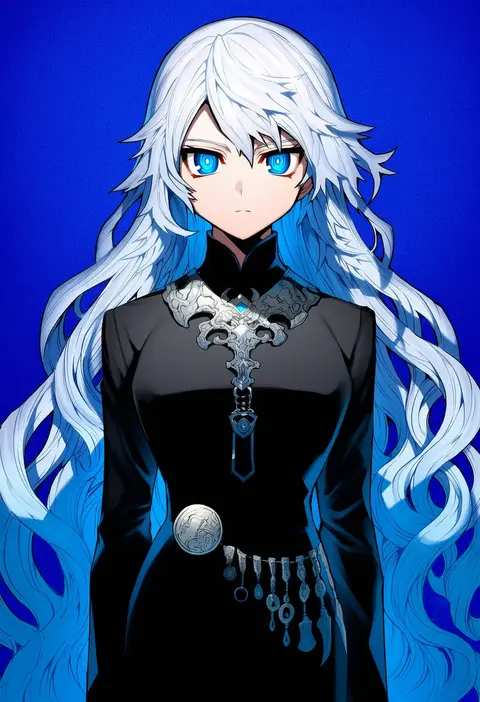
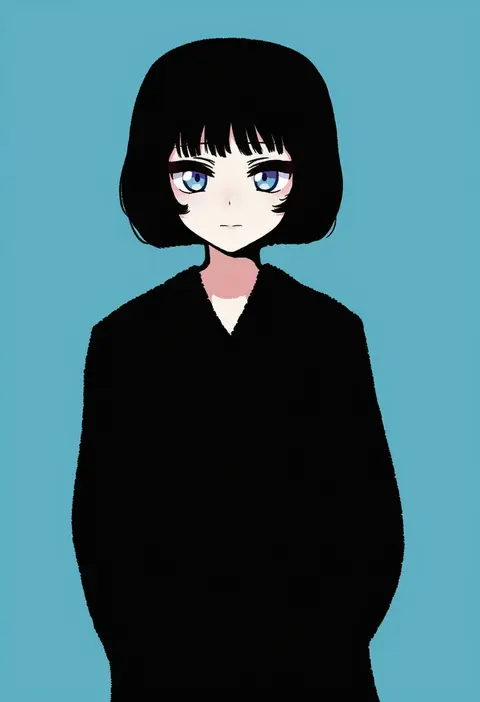
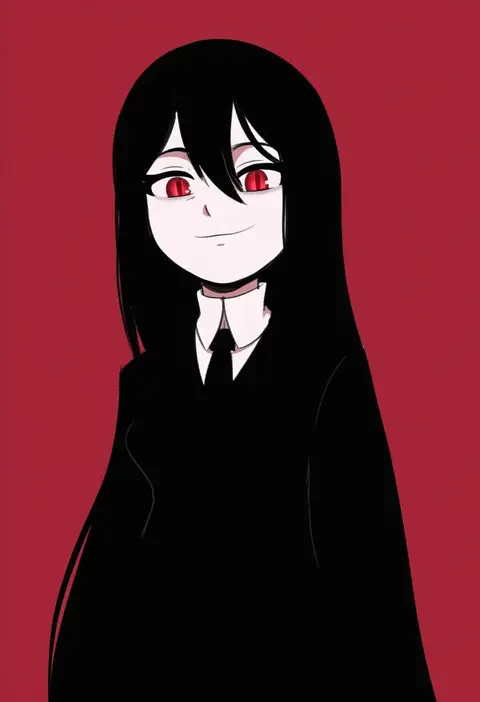
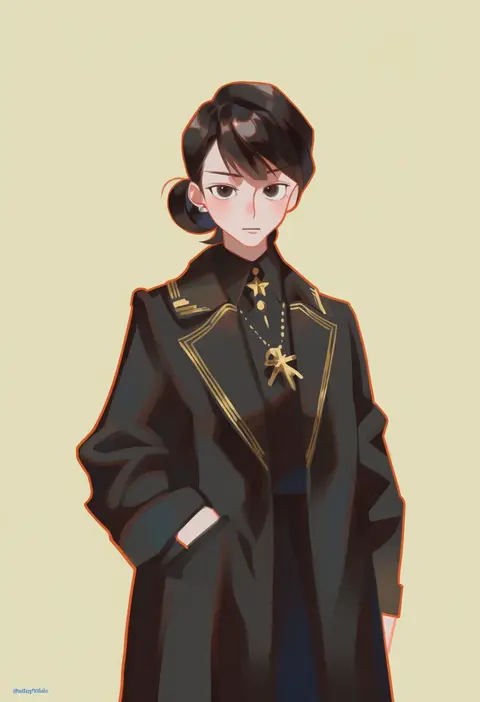
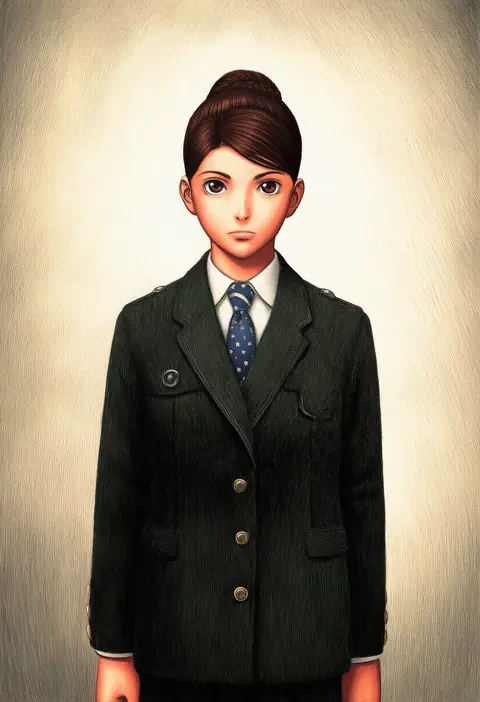
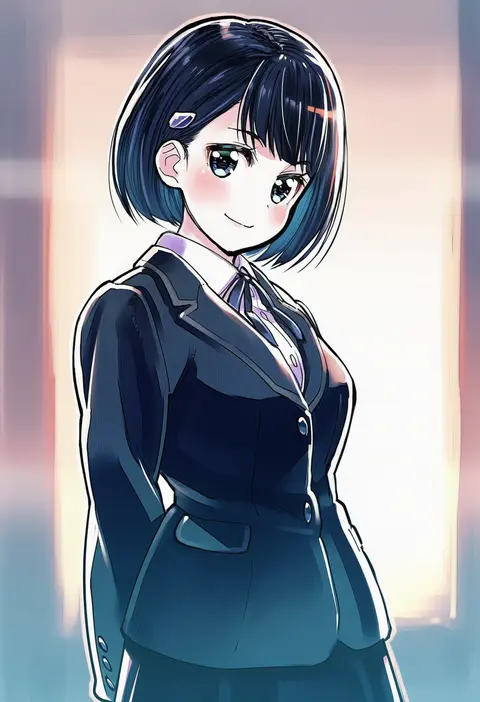
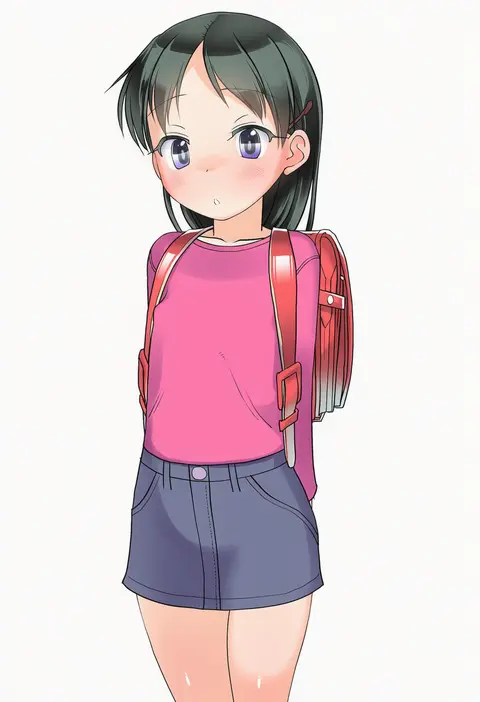
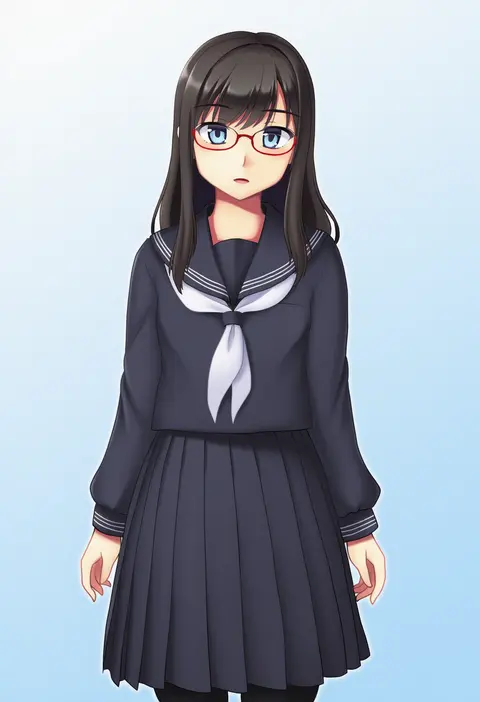
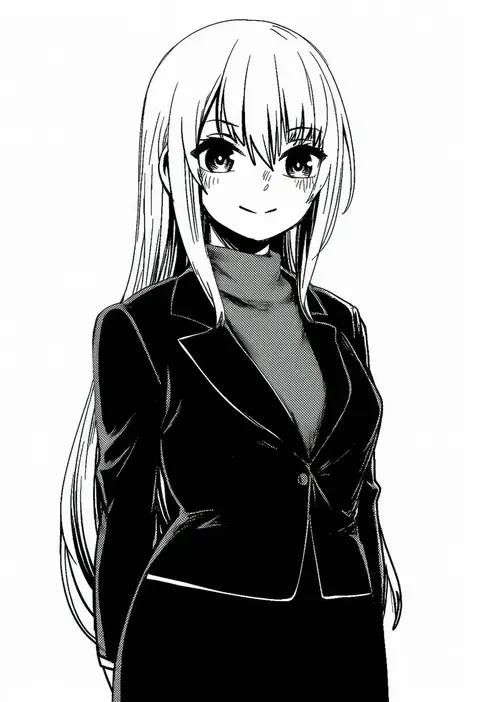
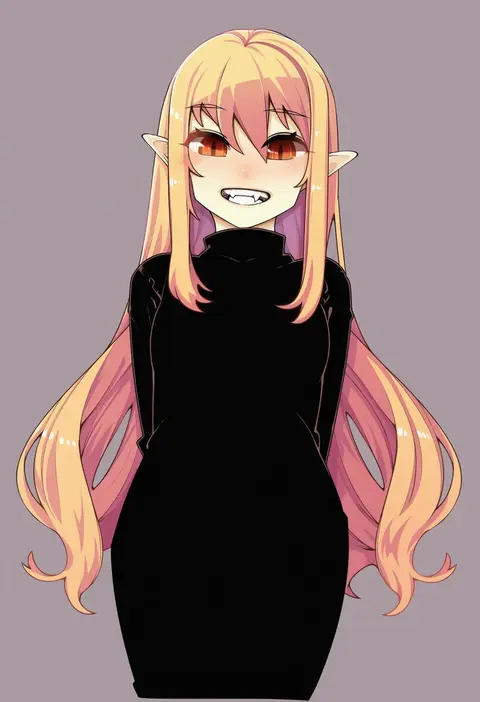
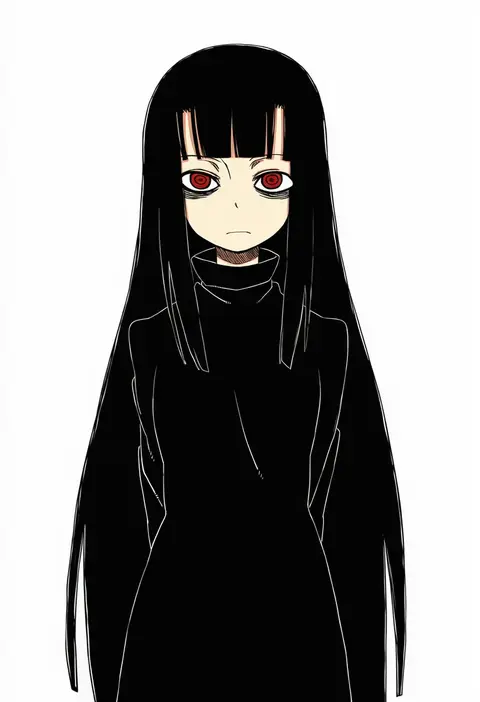
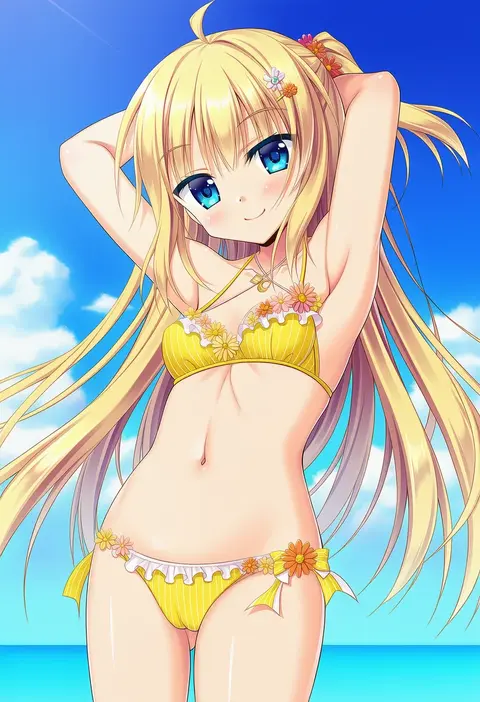
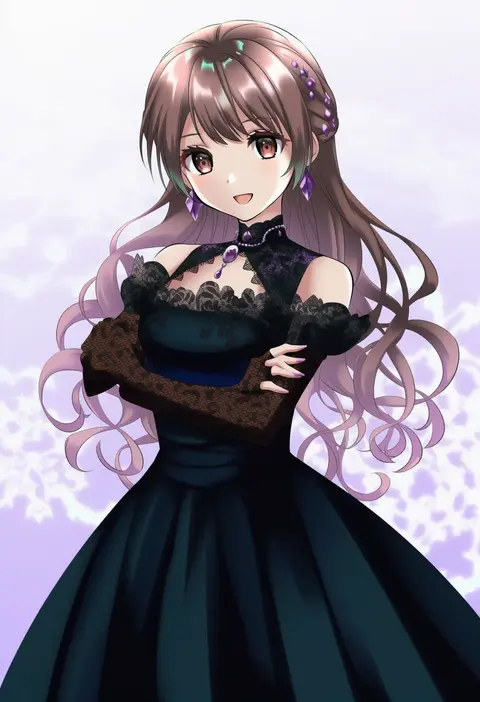
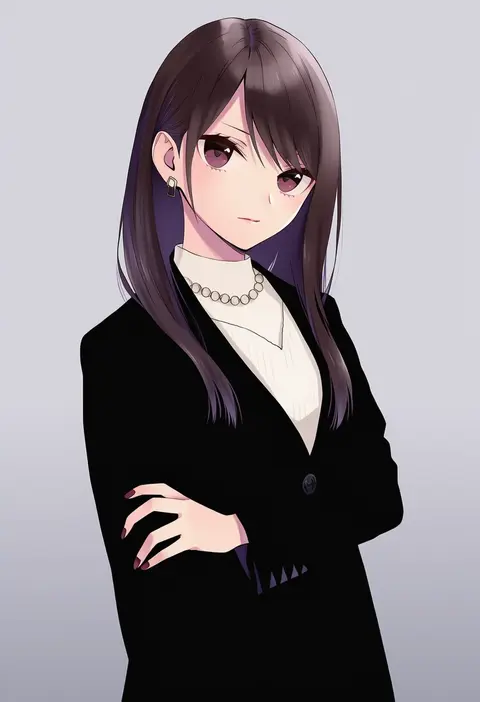
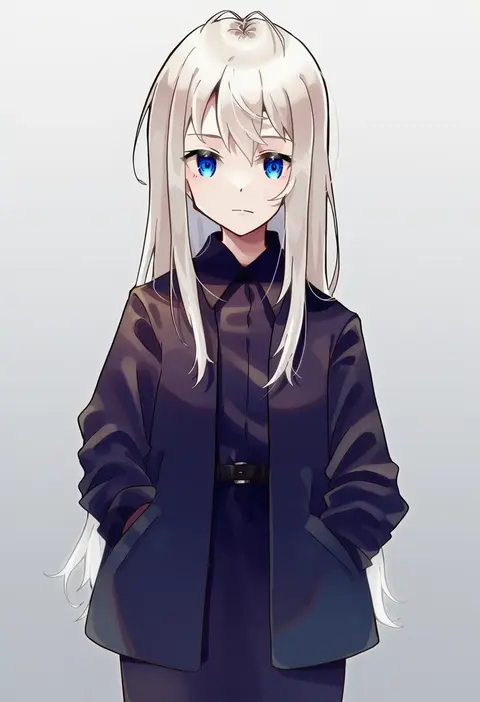
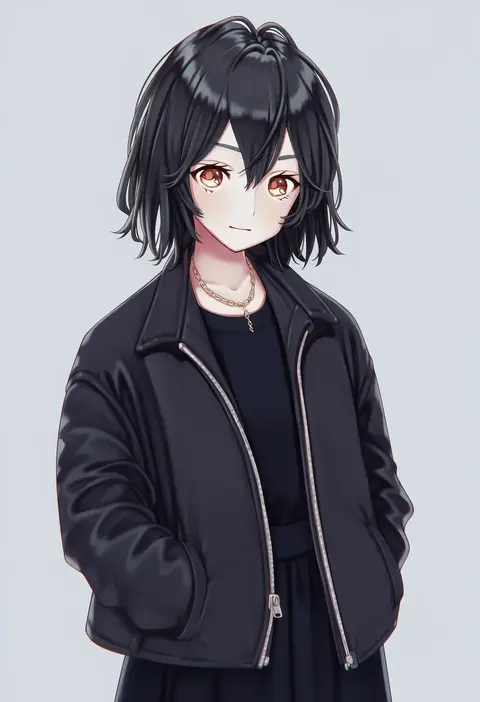
Artist tags tell NovelAI Diffusion to draw in a specific artist's style: line weight, paint texture, face shapes and palette all shift at once. Character and outfit tags decide what is drawn; artist tags decide how. 16,352 tags are listed for V4.5.
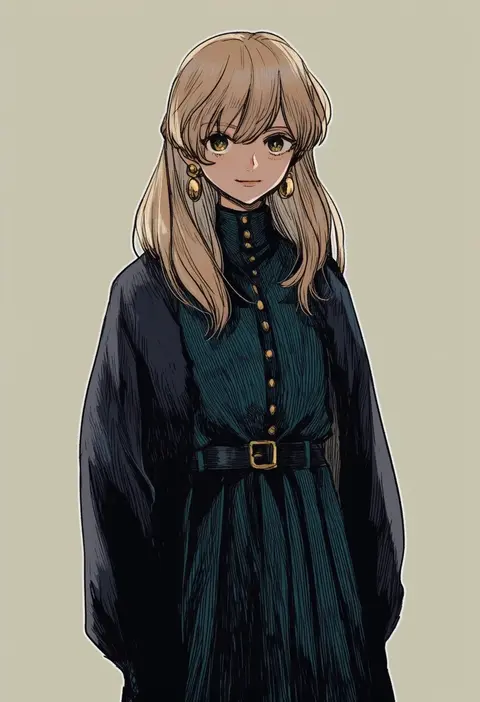
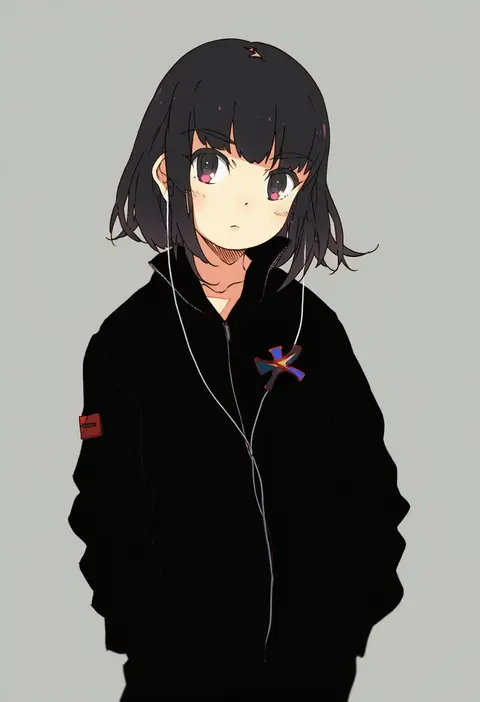
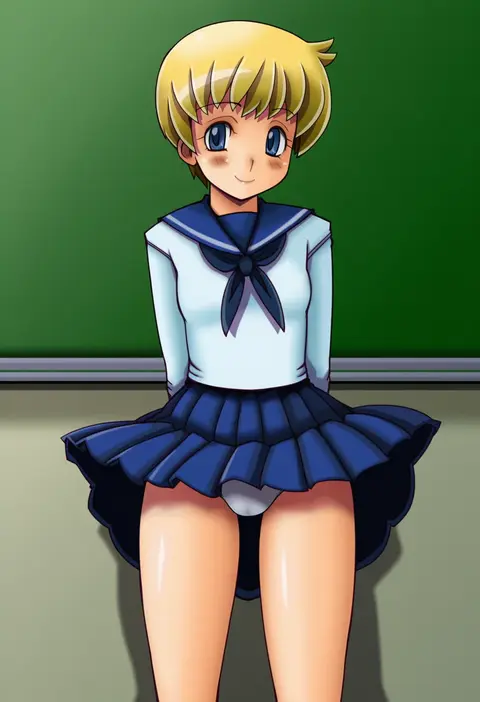
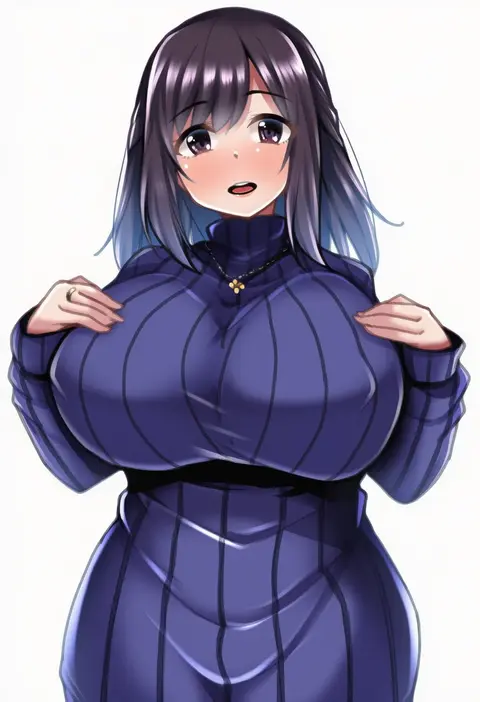
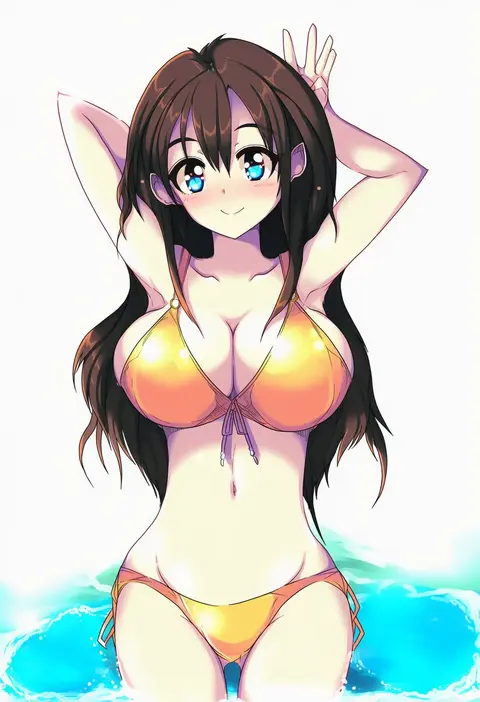
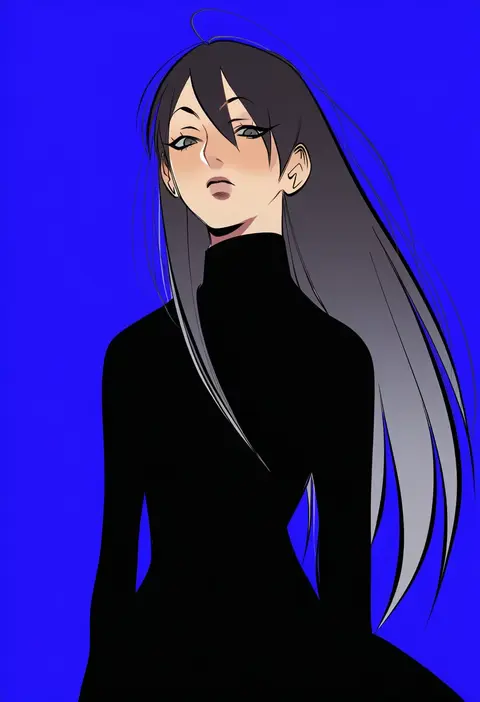
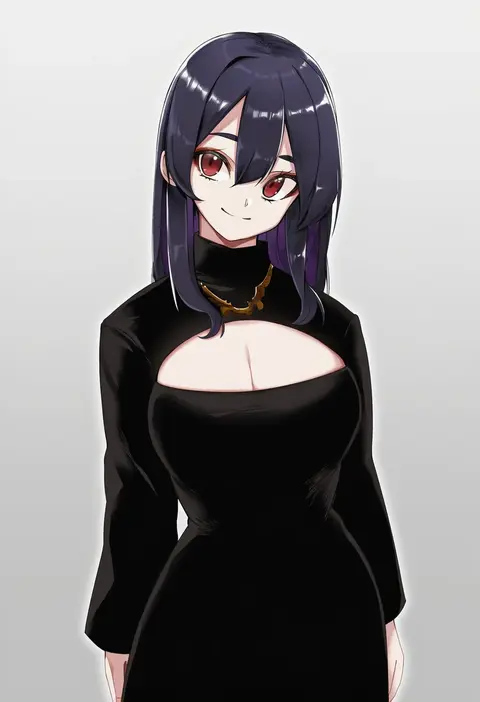
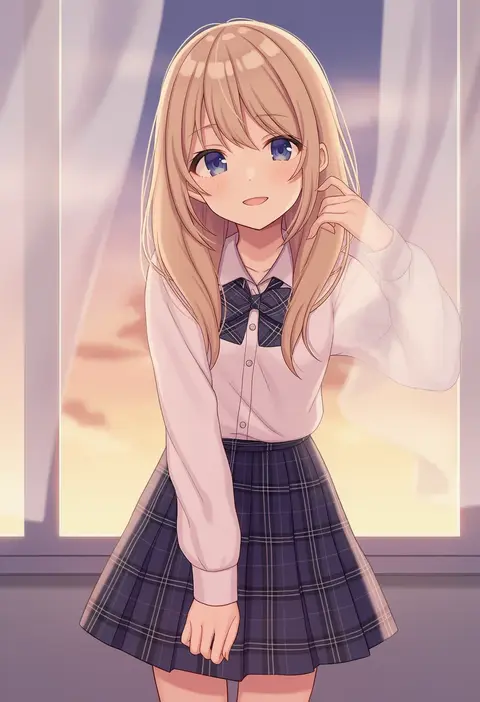
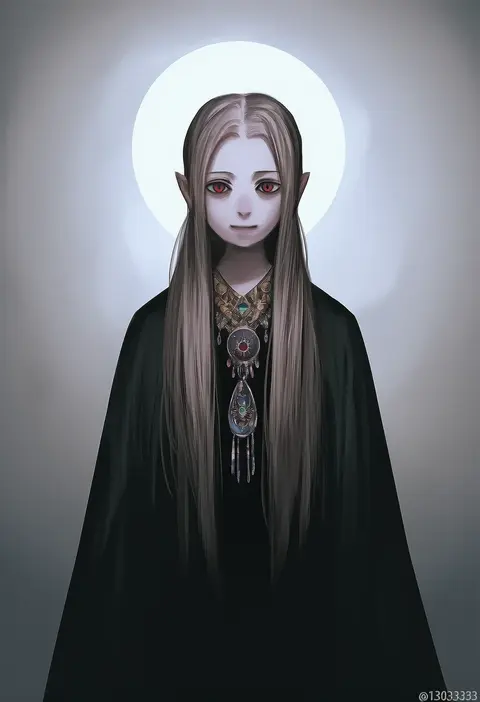
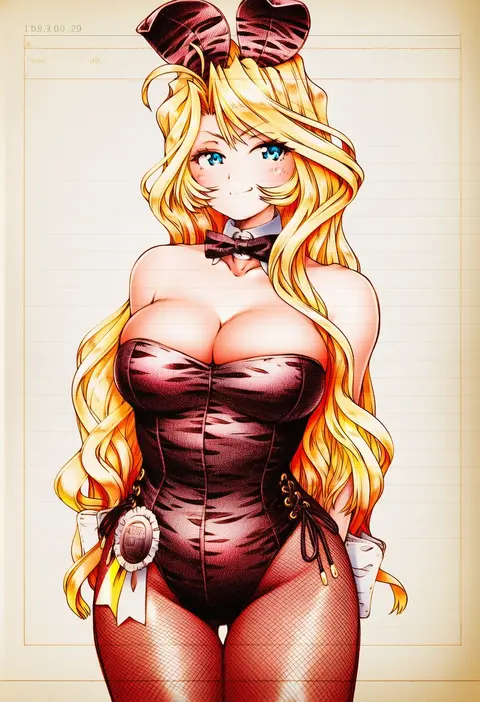
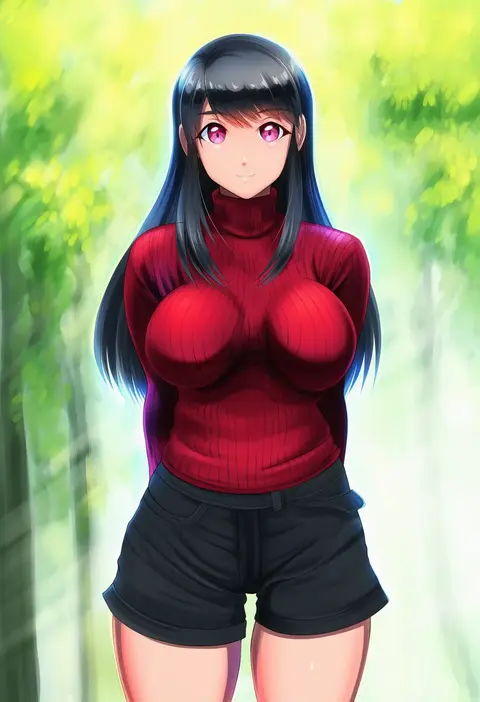
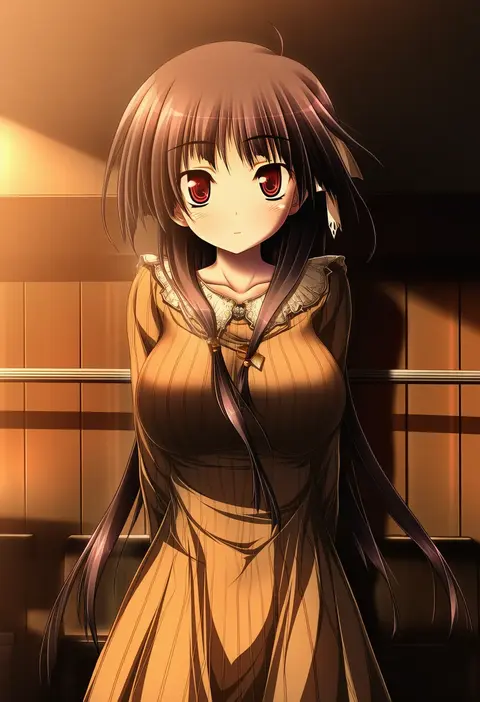
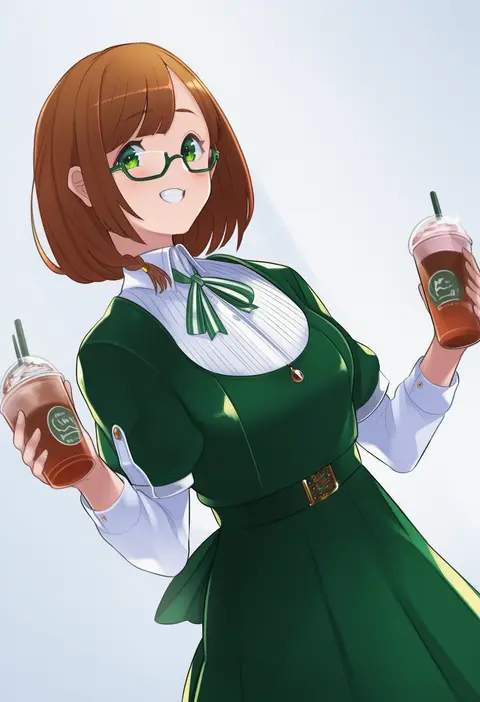
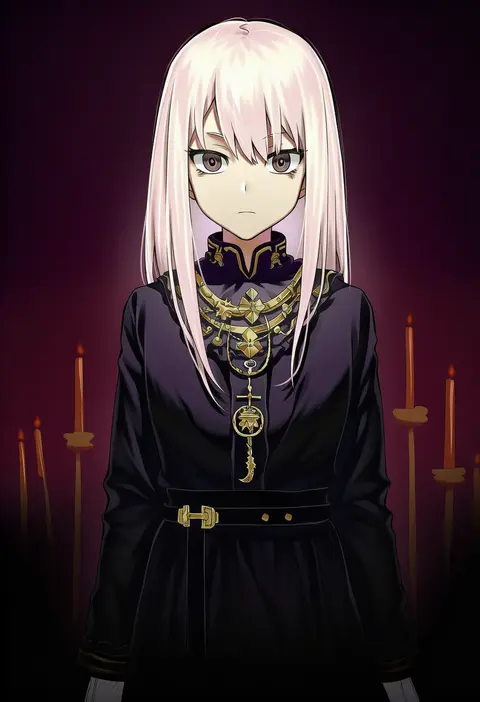
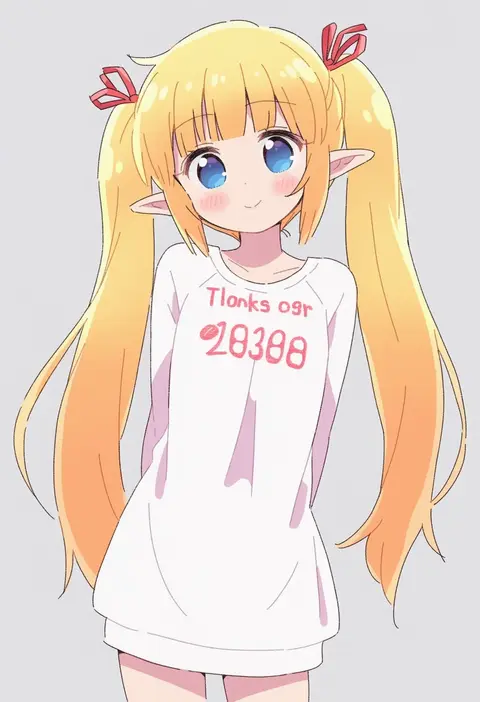
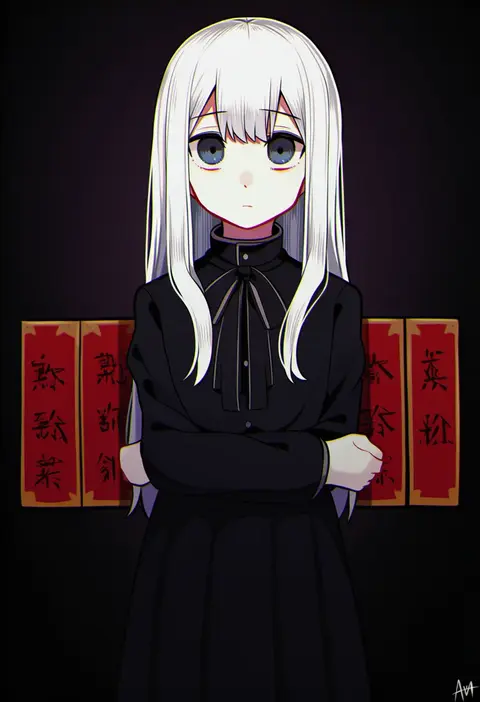
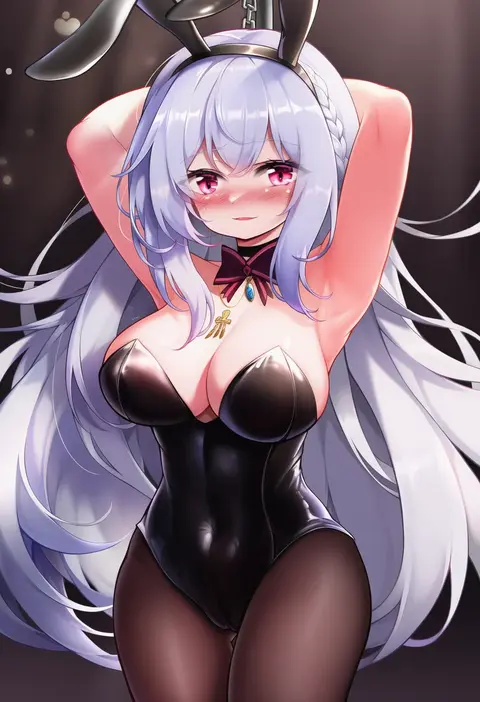
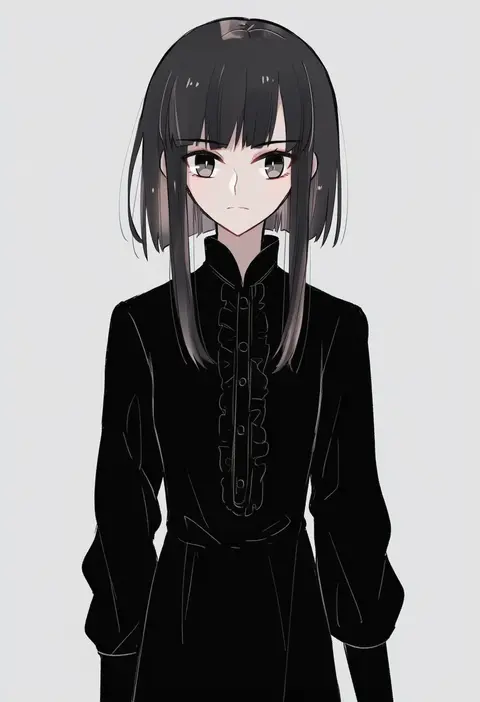
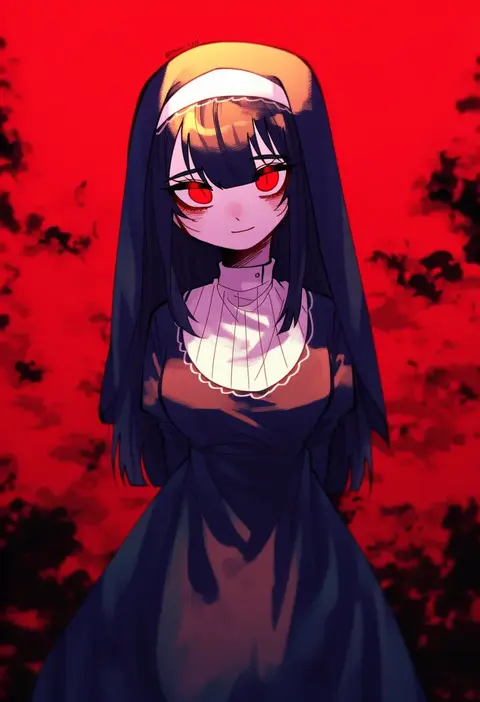
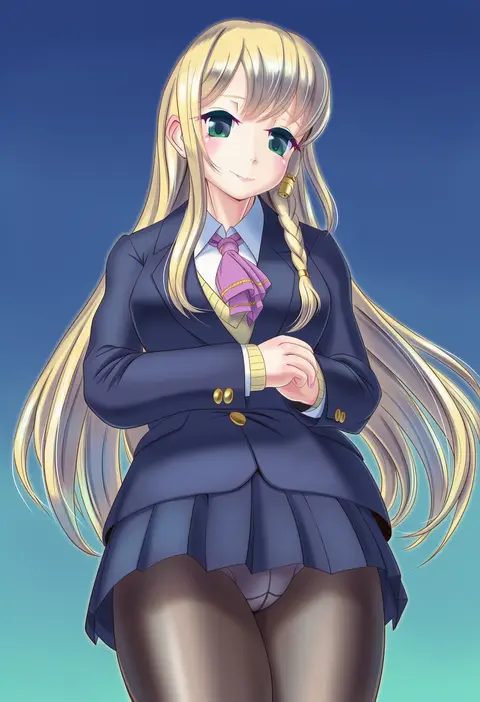
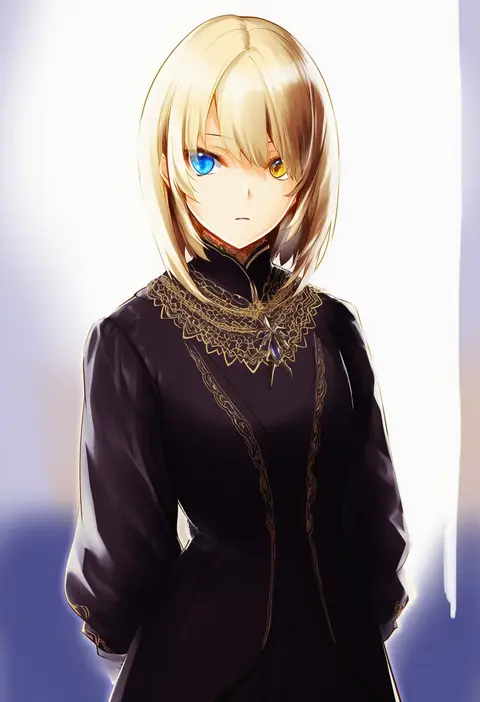
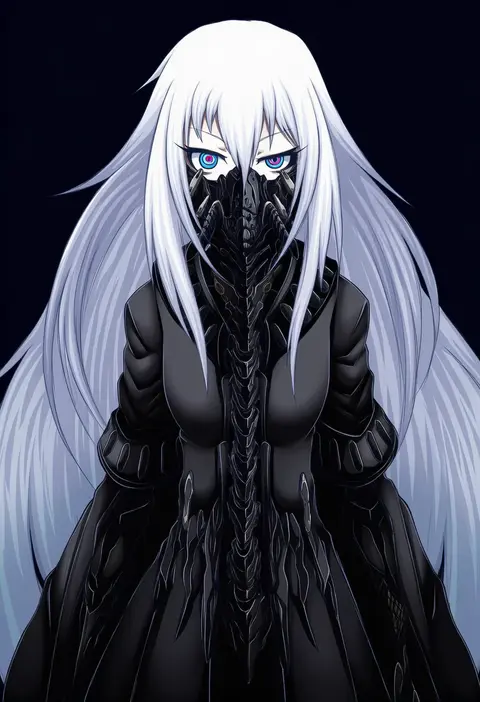
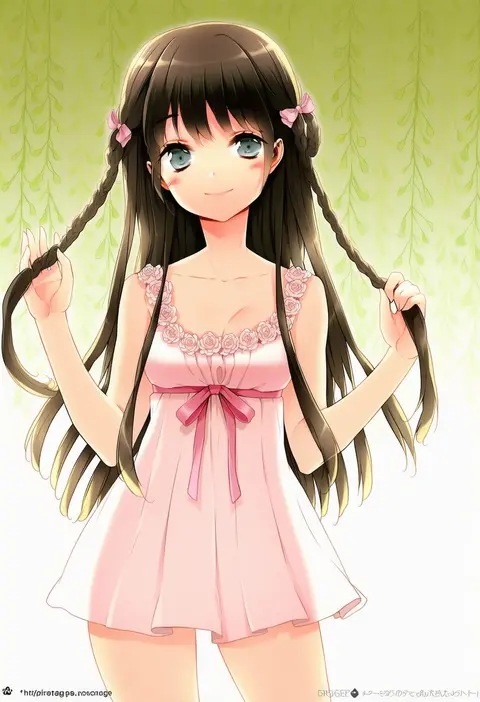
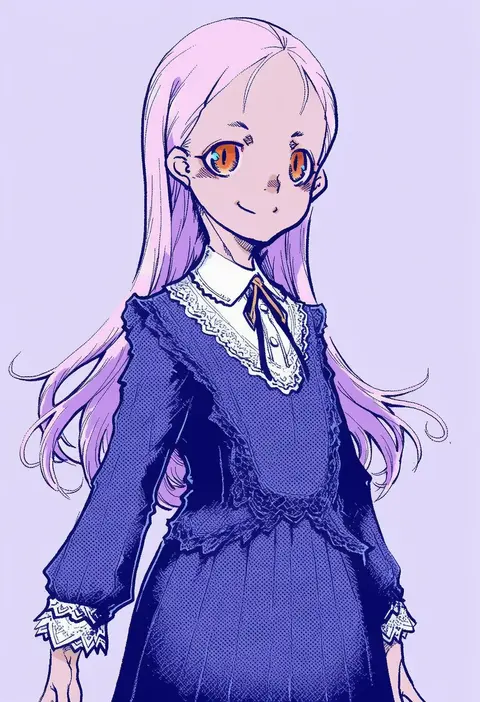
Every tag listed here is verified to react in NovelAI. All images use the same prompt, seed and settings with only the artist tag swapped, so the difference between two images is the style that tag brings in.

How to use them

Put the artist tag near the front of the prompt, e.g. "<artist>, 1girl, solo, best quality, masterpiece, cowboy shot". Two or three artist tags blend styles; lower the weight with "0.8::<artist>::" when the style overpowers the character.

SCORE sorts by Danbooru's top score, POSTS by post count, FAVS by hearts on this site. Open a card to see V5 and V4.5 side by side on the same seed.

V5 vs V4.5

V5 usually lands closer to the artist's real style, and tags that did nothing on V4.5 often react on V5. V4.5 still fits older and doujin-heavy artists better. Try V5 first, fall back to V4.5.

FAQ

Where does the artist tag go?
Near the front of the prompt. Use "0.8::tag::" to adjust its weight.

Can I stack artist tags?
Yes, styles blend. Past two or three the result stops looking like anyone.

Are these the artists' own works?
No. Every image is a NovelAI sample generated from the tag.