V4.5Artists
sort: FAVS▾
▾
>
$

Popular NovelAI artist tags — V4.5

artist --count 16,352[191/273]
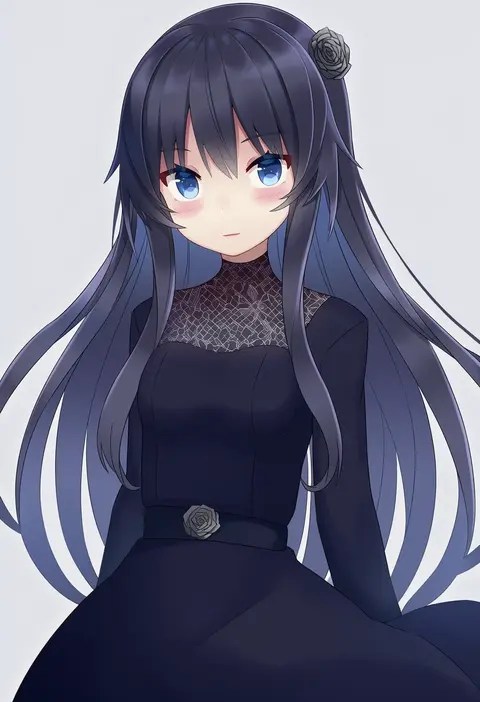
shuuichi (gothics)
ARTIST0x2C88
0
urata asao
ARTIST0x2C89
0
wi-z garage
ARTIST0x2C8A
0
ecell
ARTIST0x2C8B
0
sheyona
ARTIST0x2C8C
0
teo (teorekka)
ARTIST0x2C8D
0
lunar (lunar 815)
ARTIST0x2C8E
0
mirakururu
ARTIST0x2C8F
0
yataneko (echigo)
ARTIST0x2C90
0
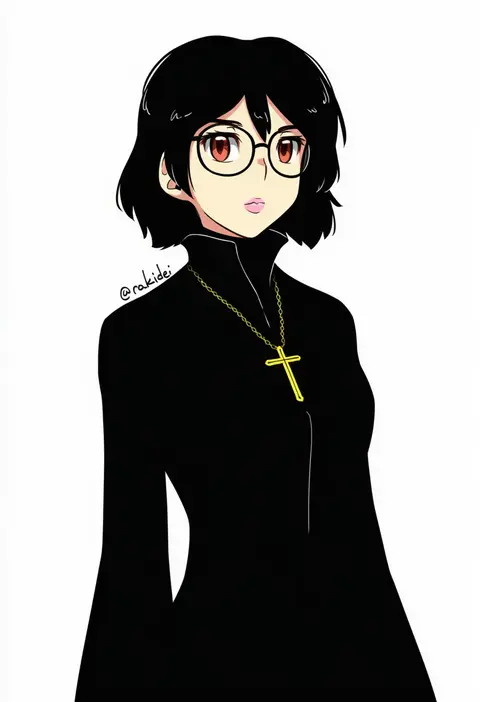
rakkidei
ARTIST0x2C91
0
shideboo (shideboh)
ARTIST0x2C92
0
reio reio
ARTIST0x2C93
0
riki (inushima )
ARTIST0x2C94
0
studio sunadokei
ARTIST0x2C95
0
labombardier!
ARTIST0x2C96
0
aosora neko
ARTIST0x2C97
0
tsuyuki yuki
ARTIST0x2C98
0
koto inari
ARTIST0x2C99
0
zuwai kani
ARTIST0x2C9A
0
yajirushi (chanoma)
ARTIST0x2C9B
0
abara heiki
ARTIST0x2C9C
0
weno
ARTIST0x2C9D
0
zashima
ARTIST0x2C9E
0
akisome hatsuka
ARTIST0x2C9F
0
ogros
ARTIST0x2CA0
0
zenkou
ARTIST0x2CA1
0
nyororiso (muyaa)
ARTIST0x2CA2
0
shikino yuki
ARTIST0x2CA3
0
makaroll
ARTIST0x2CA4
0
kaneni
ARTIST0x2CA5
0
higaragi
ARTIST0x2CA6
0
colis
ARTIST0x2CA7
0
fami (yellow skies)
ARTIST0x2CA8
0
hisame genta
ARTIST0x2CA9
0
inutose
ARTIST0x2CAA
0
tsukiriran
ARTIST0x2CAB
0
mad (hazukiken)
ARTIST0x2CAC
0
a.a (aa772)
ARTIST0x2CAD
0
valentine (02140314c)
ARTIST0x2CAE
0
okiru
ARTIST0x2CAF
0
nakayama tooru
ARTIST0x2CB0
0
kyjsogom
ARTIST0x2CB1
0
io (sinking=carousel)
ARTIST0x2CB2
0
thundergotch
ARTIST0x2CB3
0
hizagawa rau
ARTIST0x2CB4
0
mukkushi
ARTIST0x2CB5
0
shiramori yuse
ARTIST0x2CB6
0
aosora kamiya
ARTIST0x2CB7
0
comala (komma la)
ARTIST0x2CB8
0
sika
ARTIST0x2CB9
0
hiki yuichi
ARTIST0x2CBA
0
norita
ARTIST0x2CBB
0
tyouseki
ARTIST0x2CBC
0
count zero
ARTIST0x2CBD
0
maeha
ARTIST0x2CBE
0
ryuusui arumo
ARTIST0x2CBF
0
tsukuda0310
ARTIST0x2CC0
0
jasdavi
ARTIST0x2CC1
0
jiu (sdesd3205)
ARTIST0x2CC2
0
tororo (toriaezu)
ARTIST0x2CC3
0

What these tags change

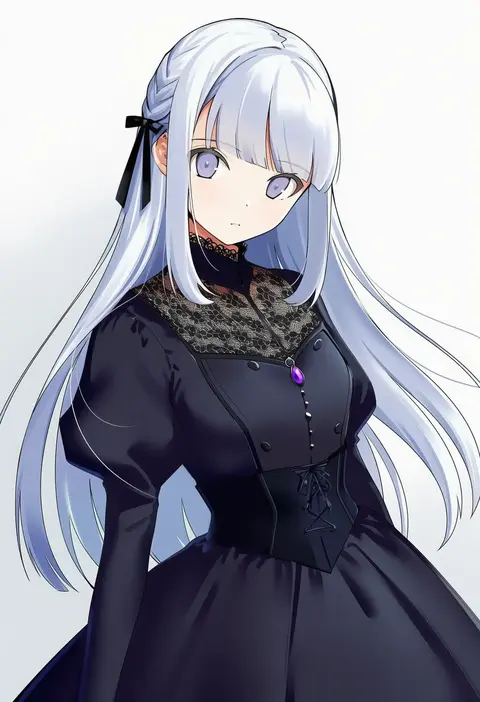
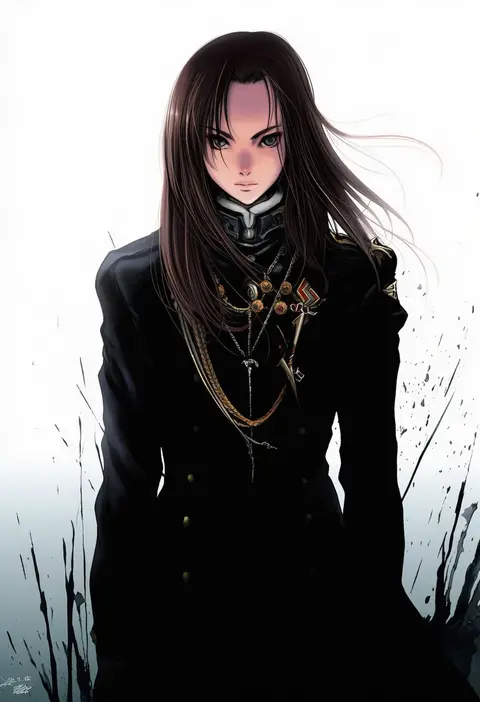
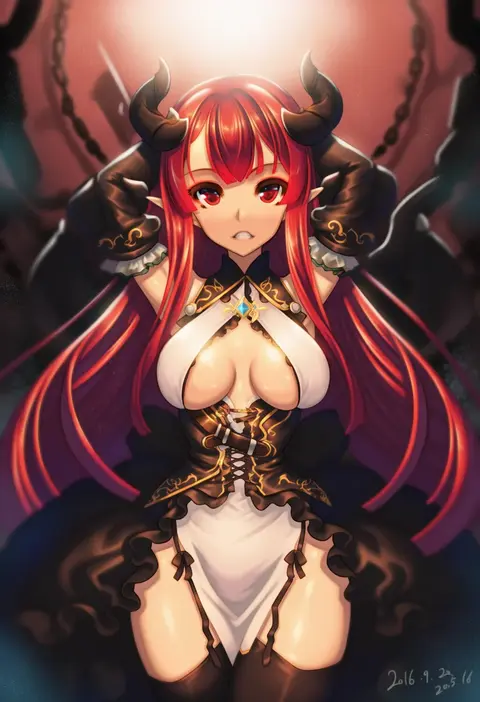
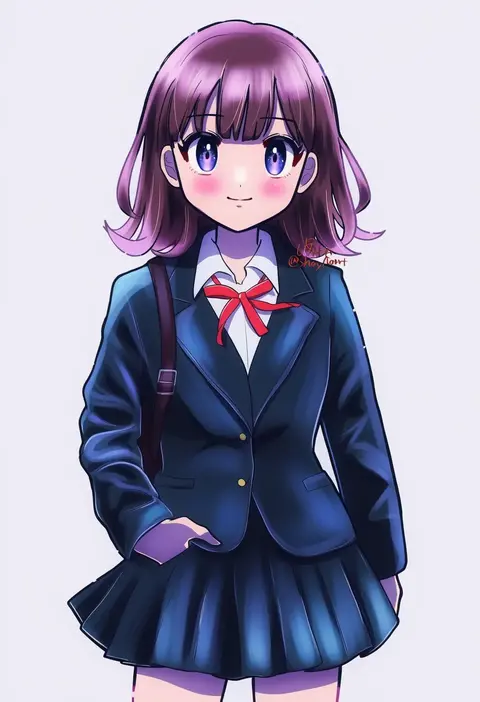
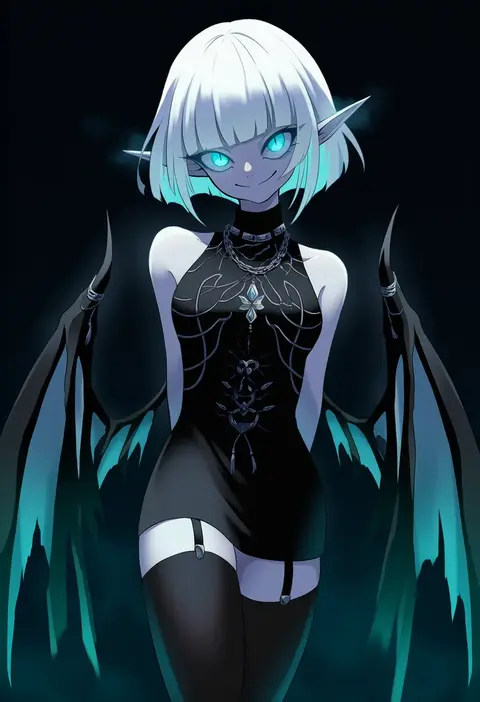
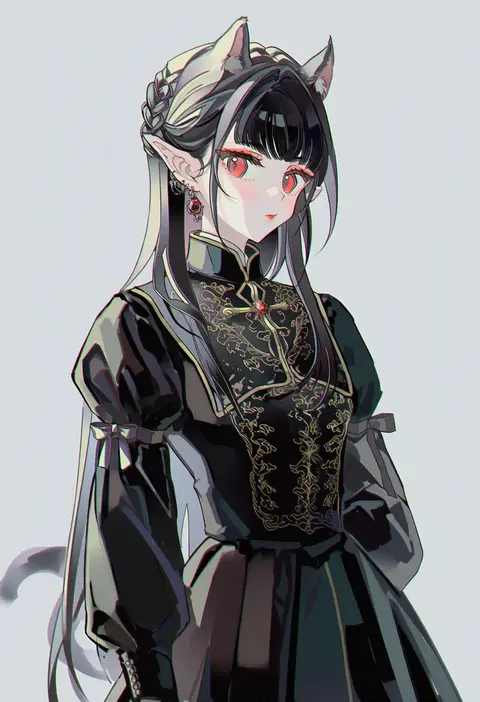
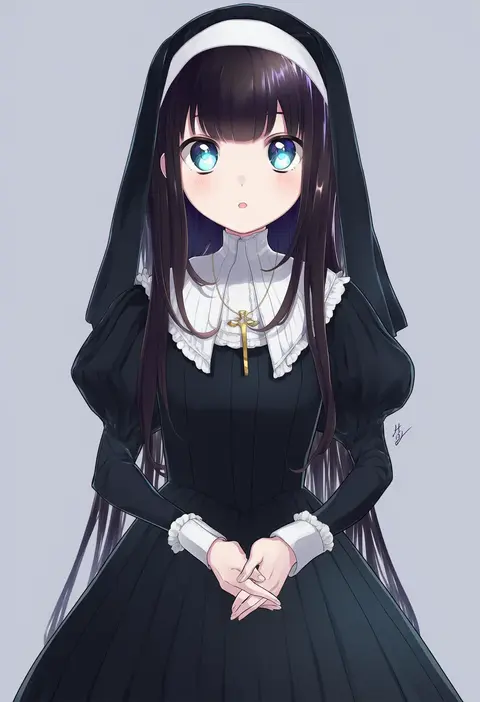
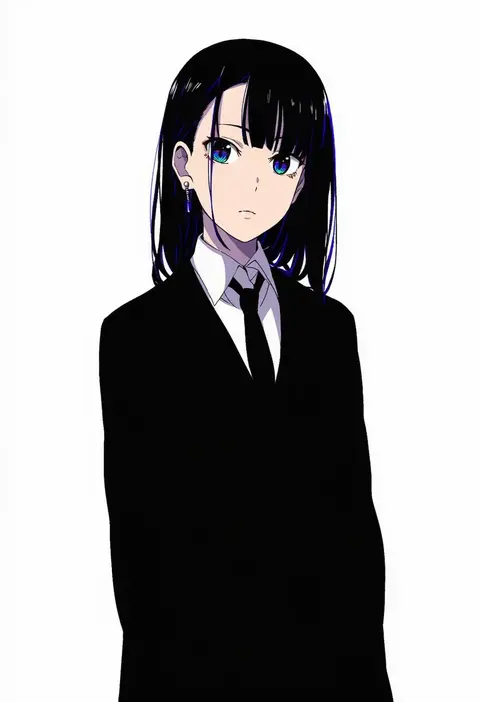
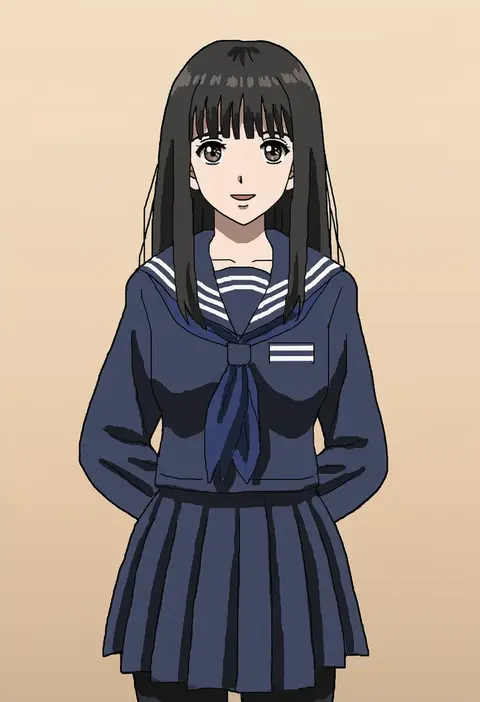
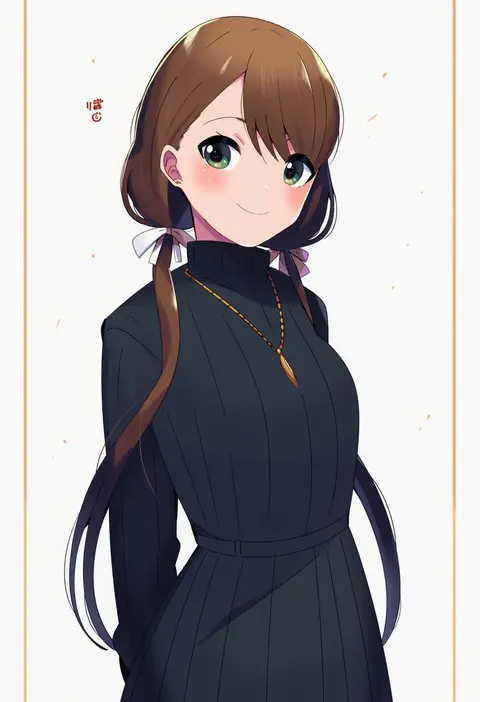
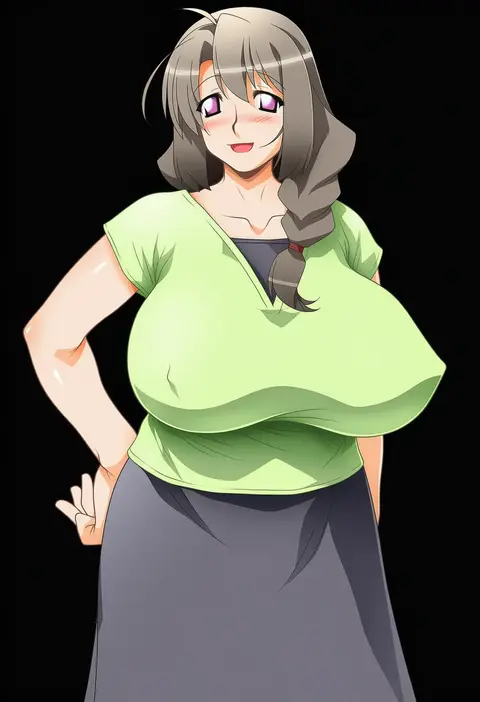
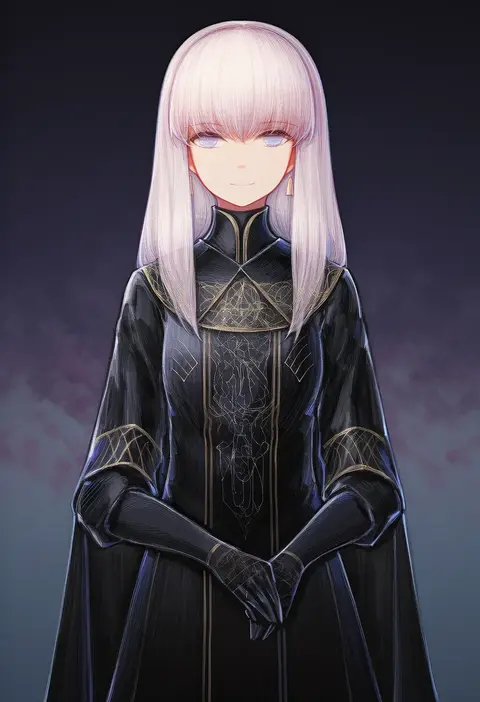
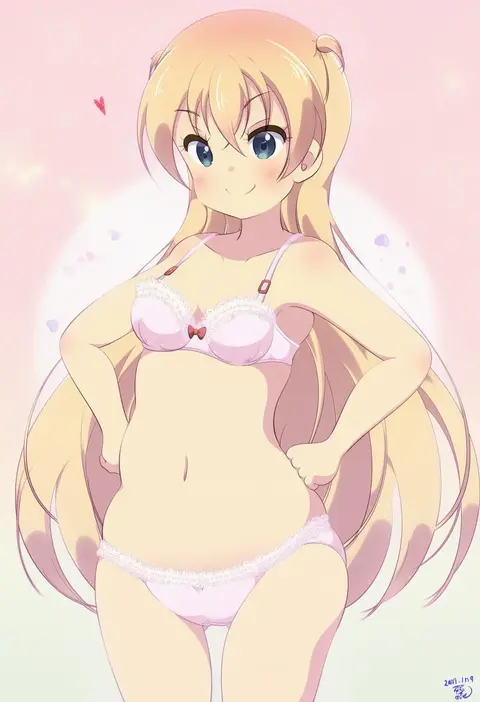
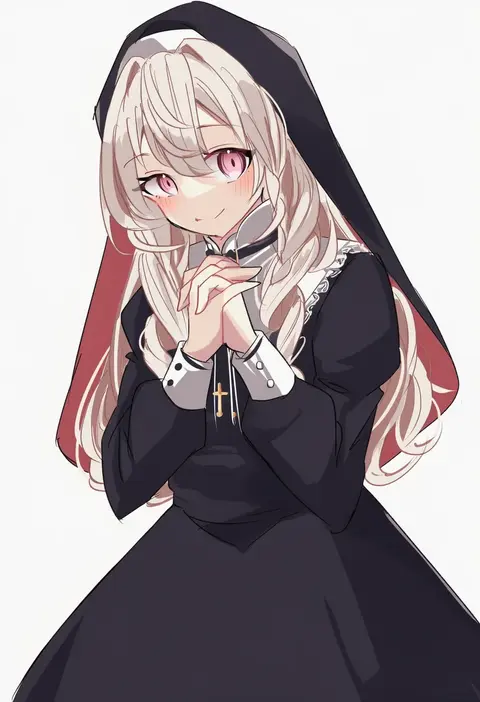
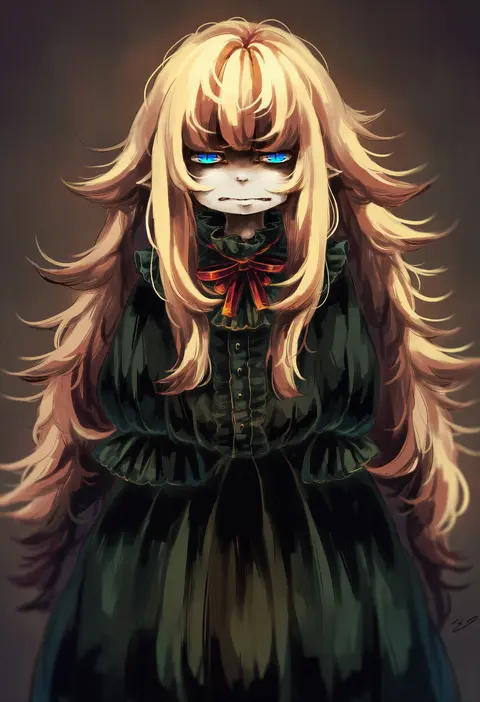
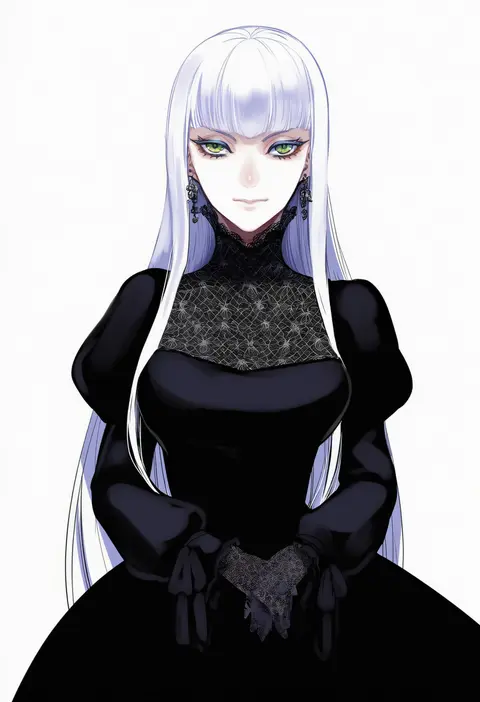
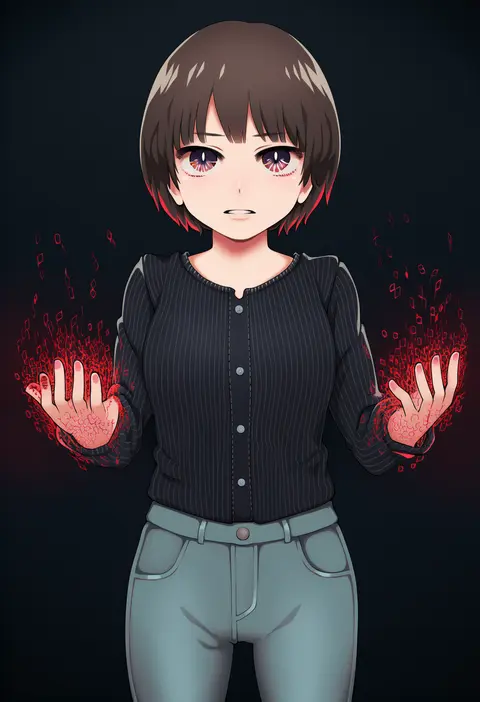
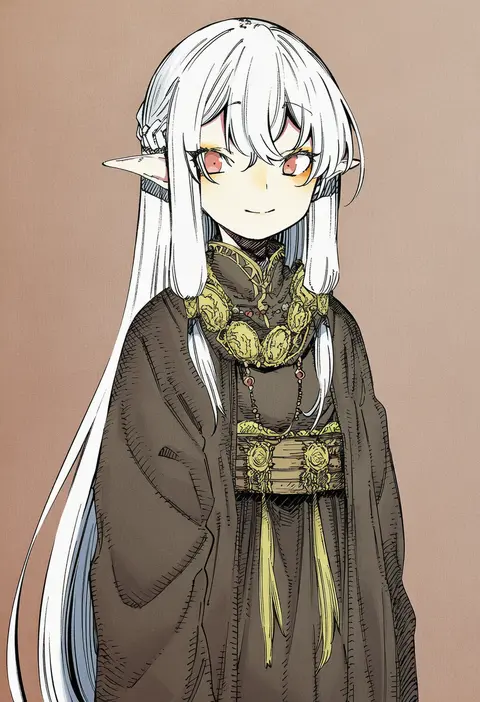
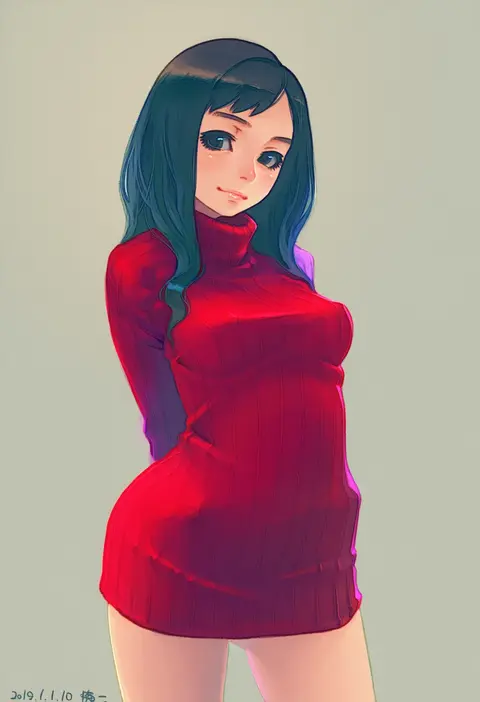
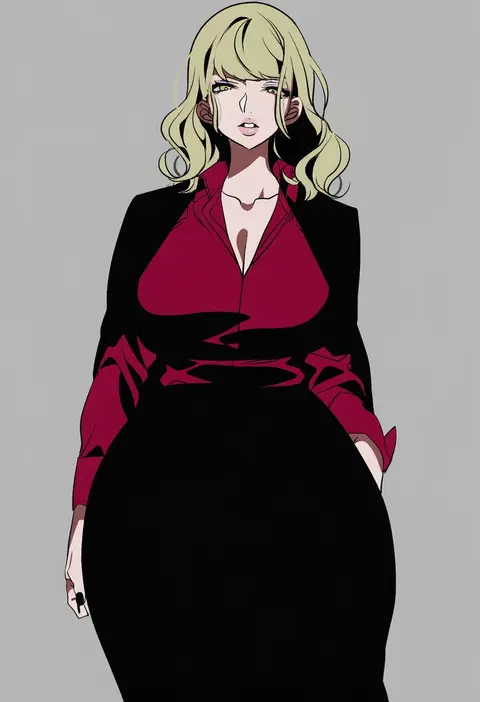
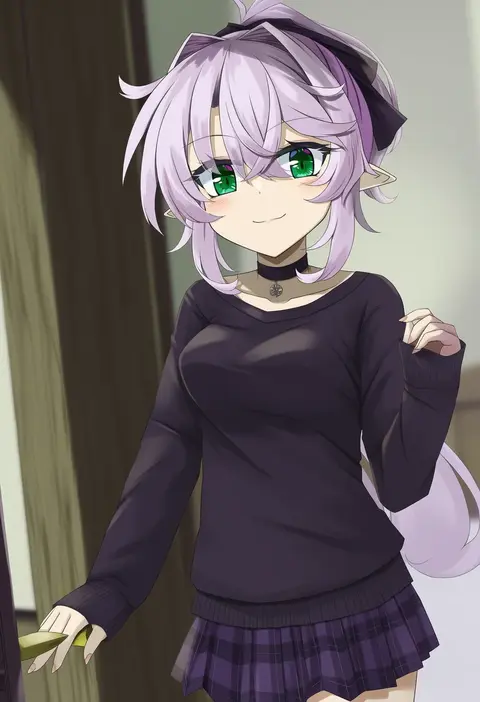
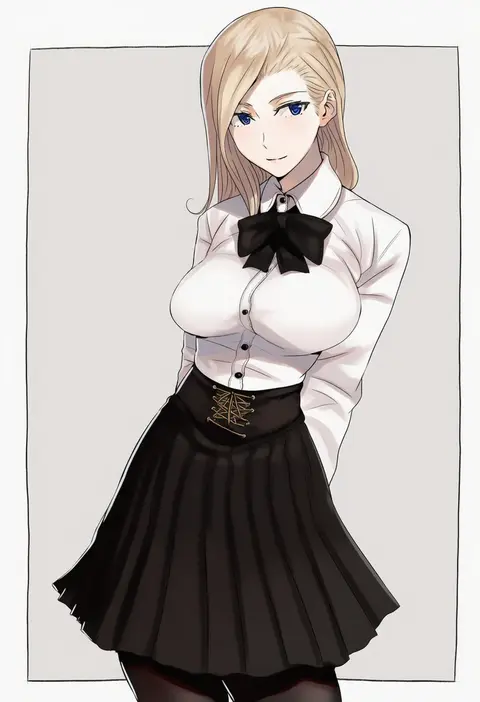
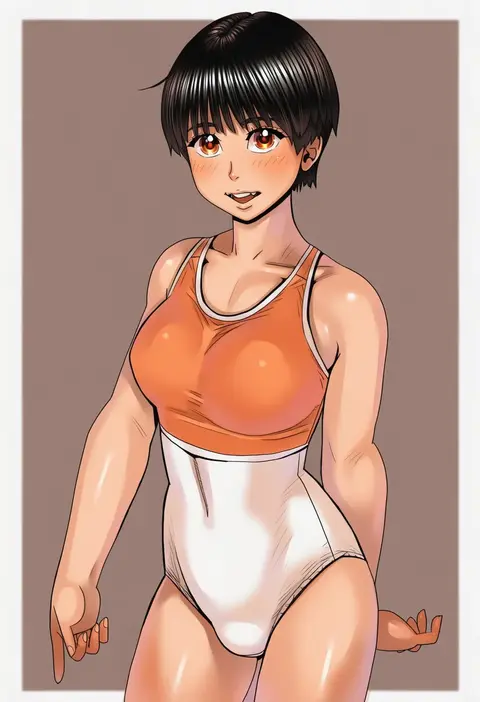
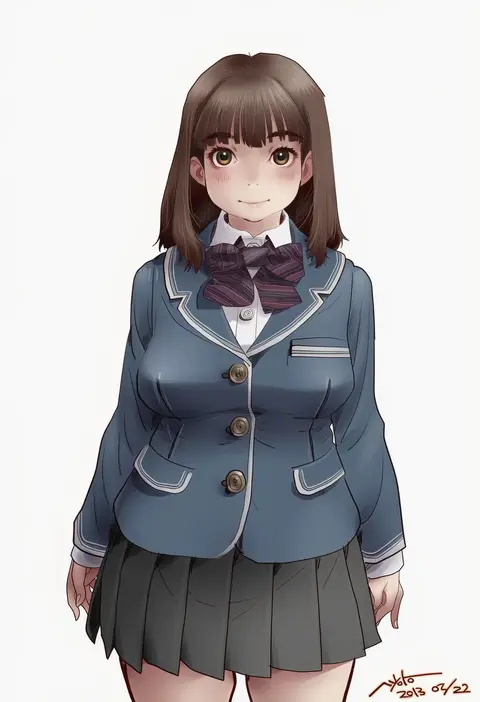
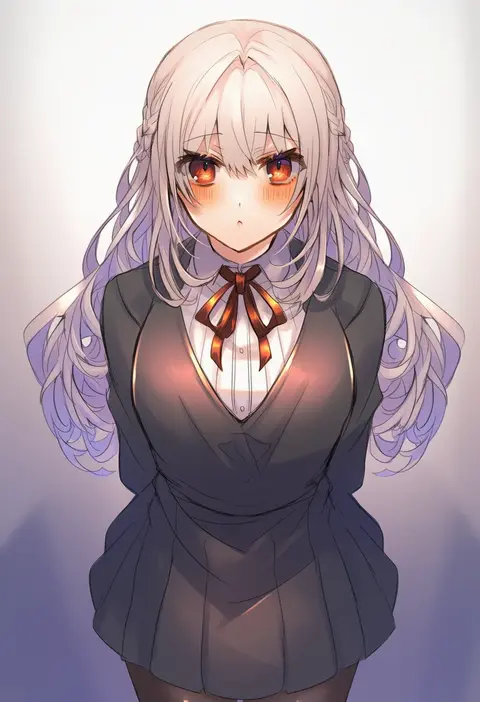
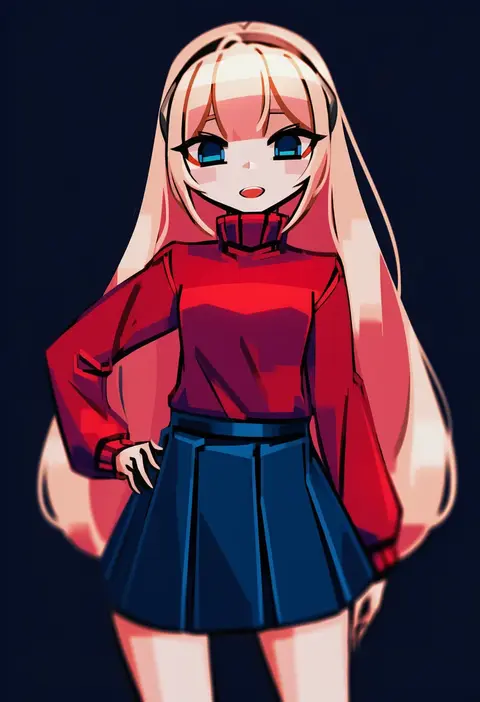
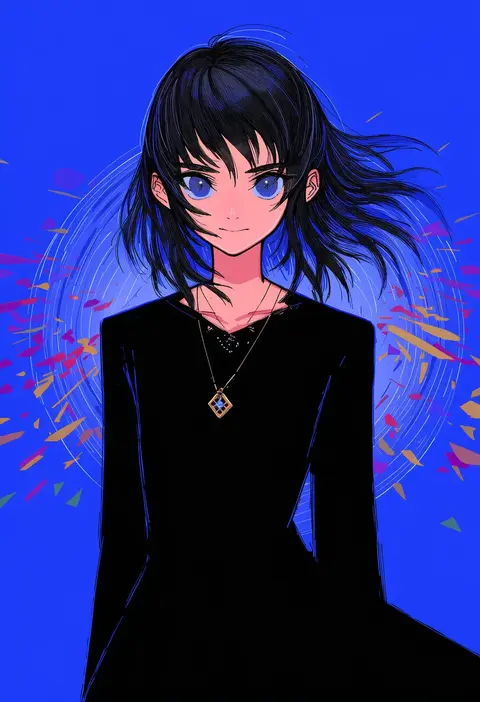
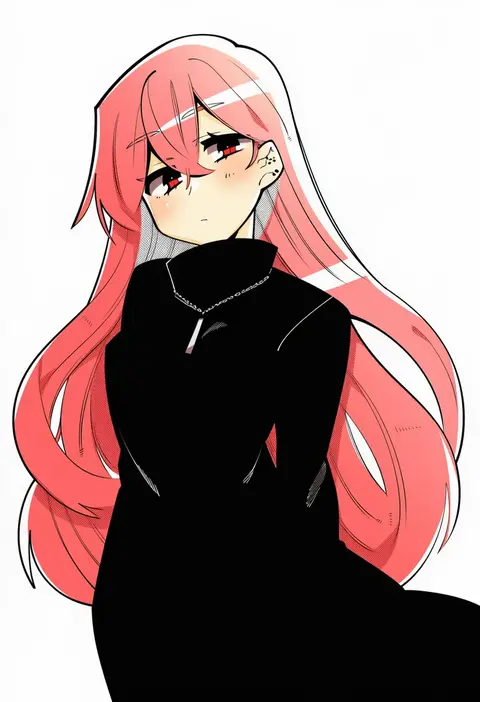
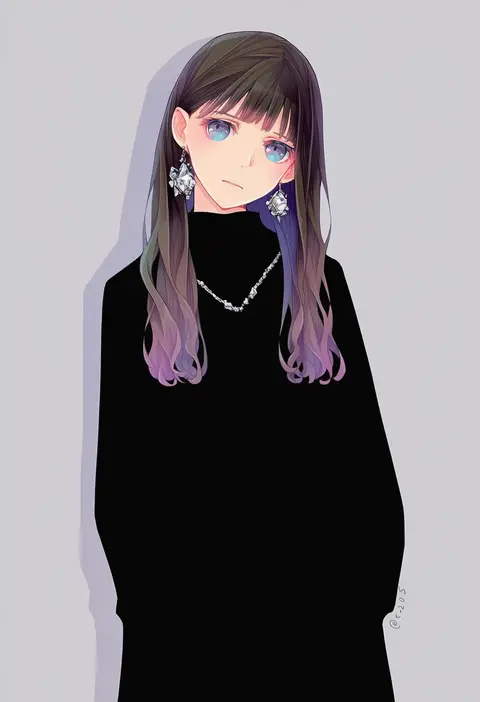
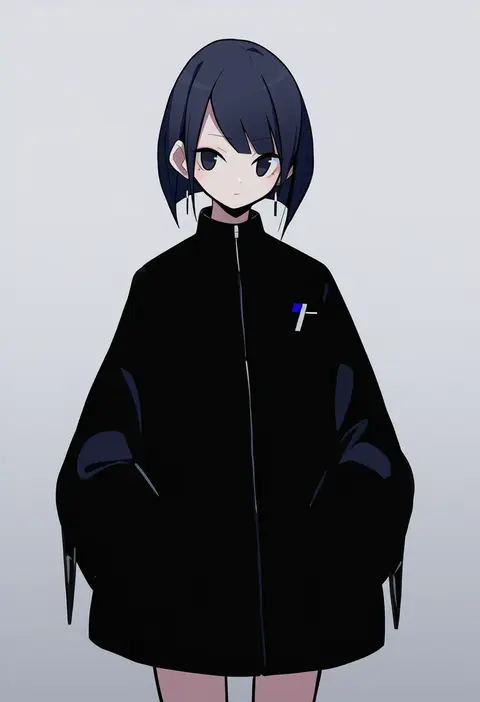
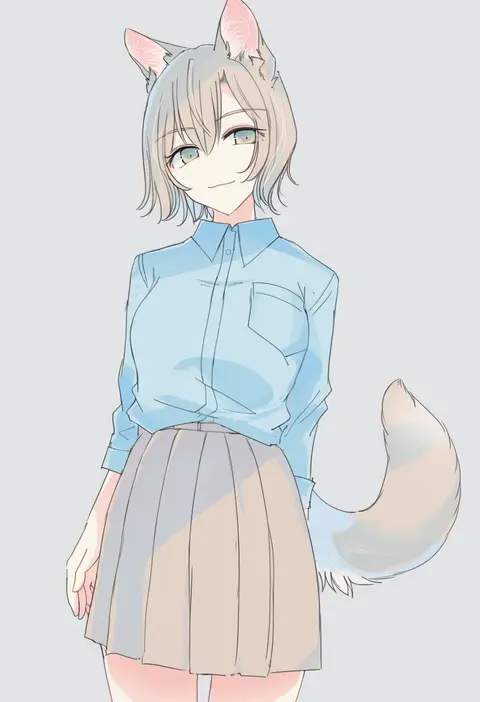
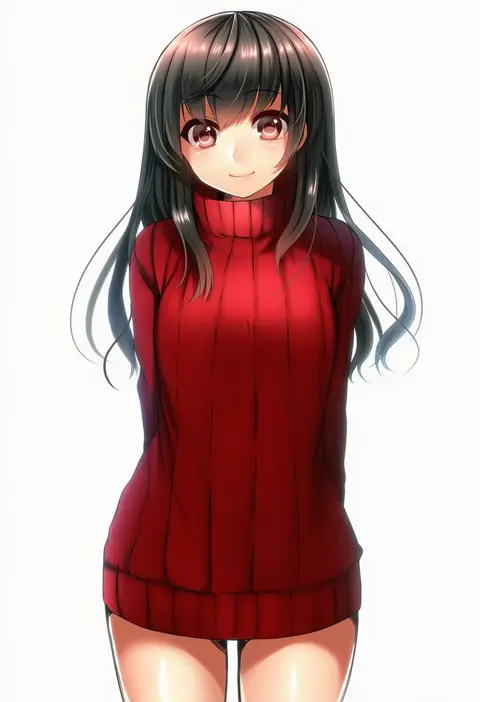
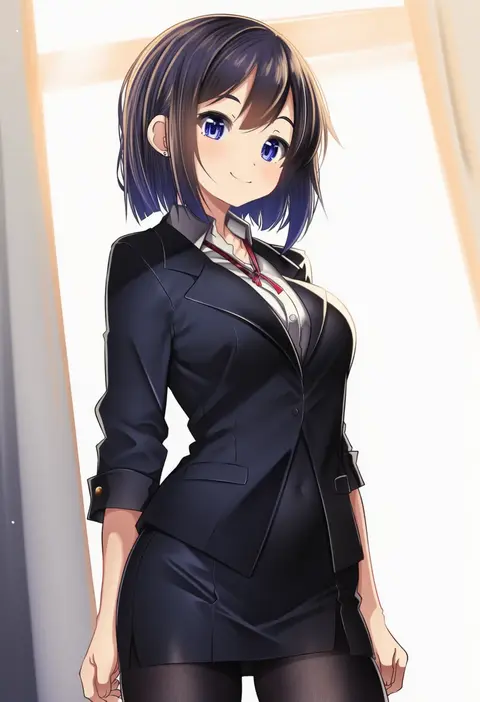
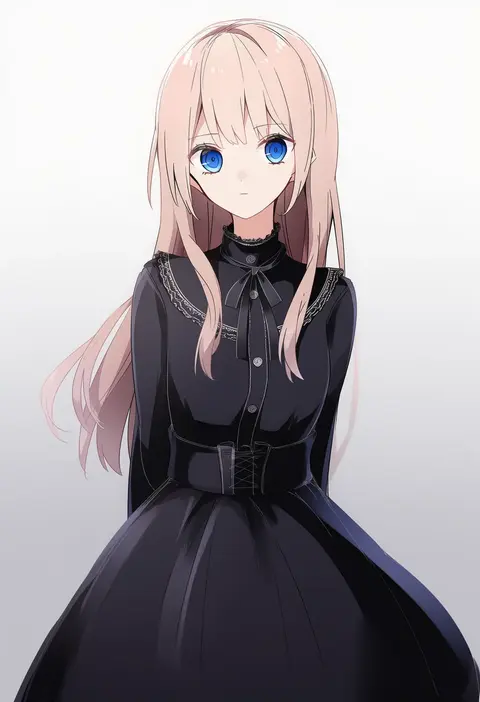
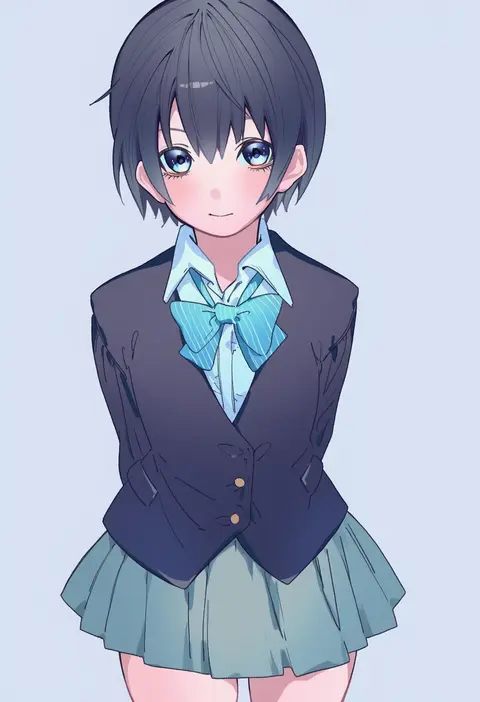
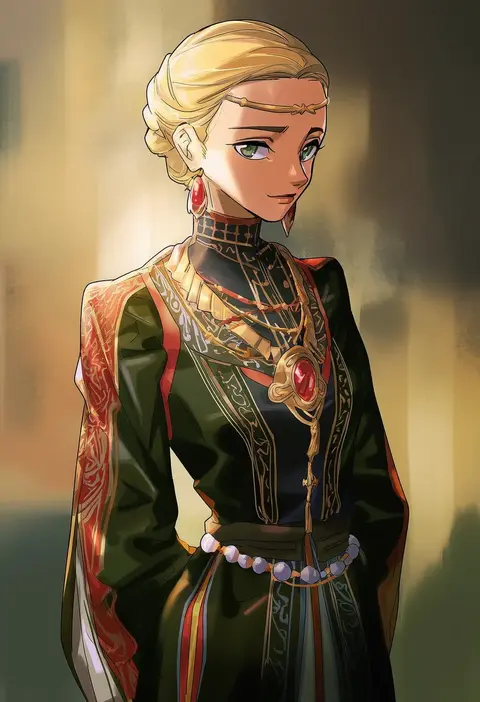
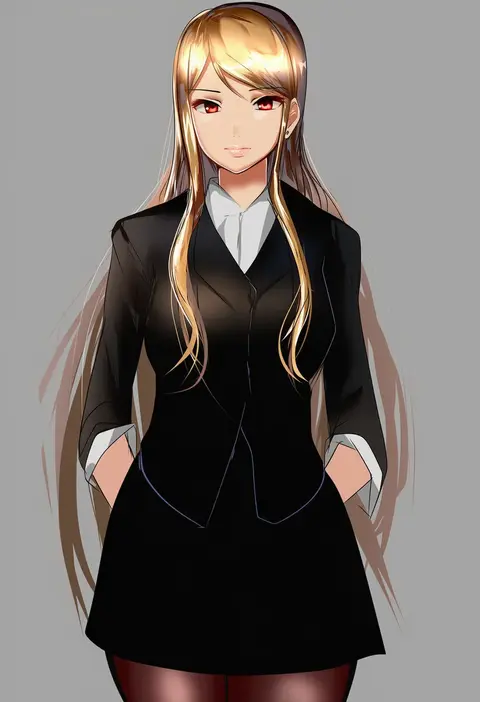
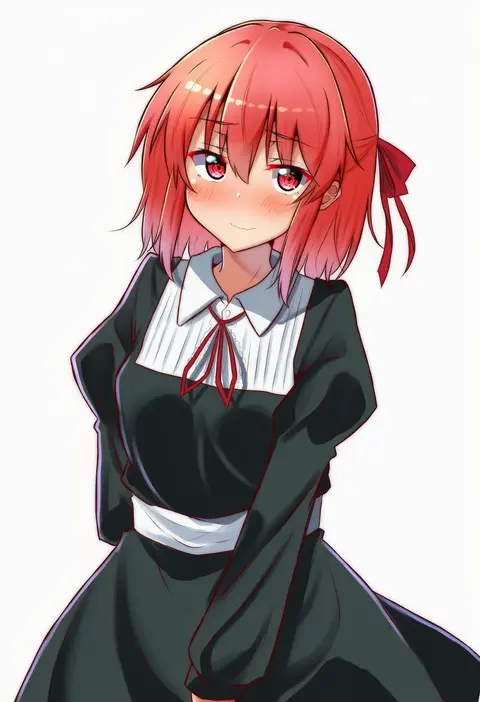
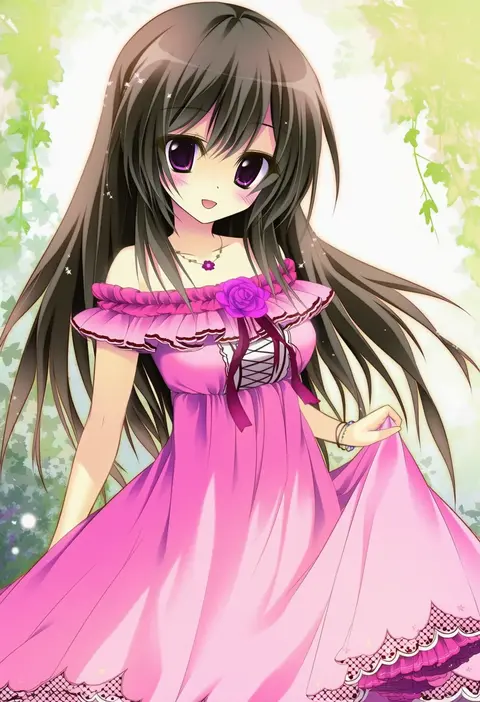
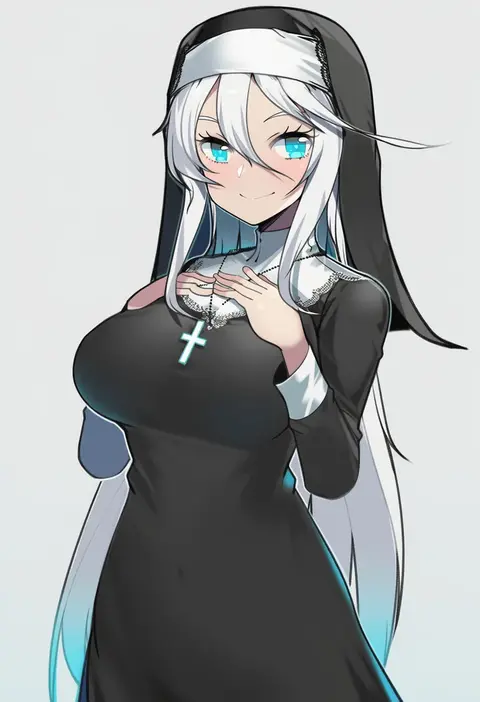
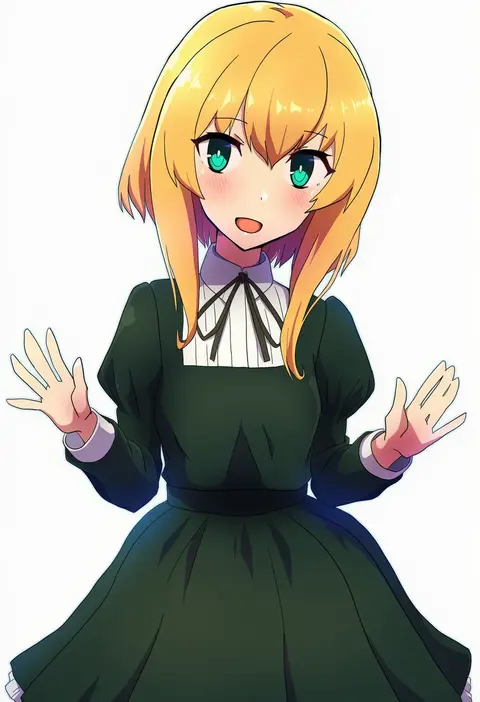
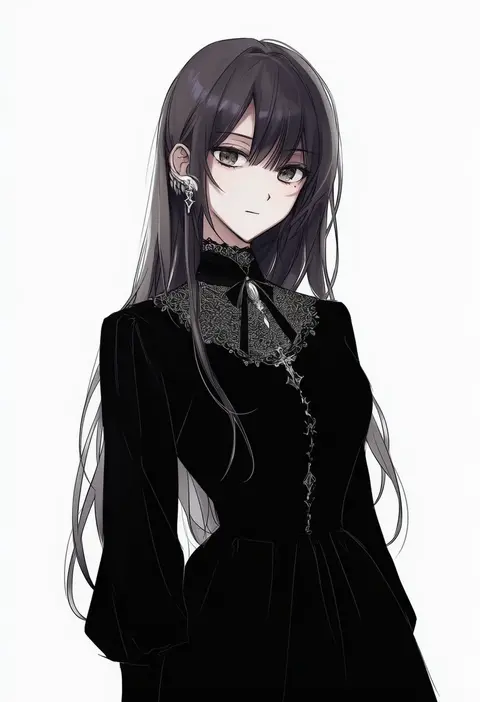
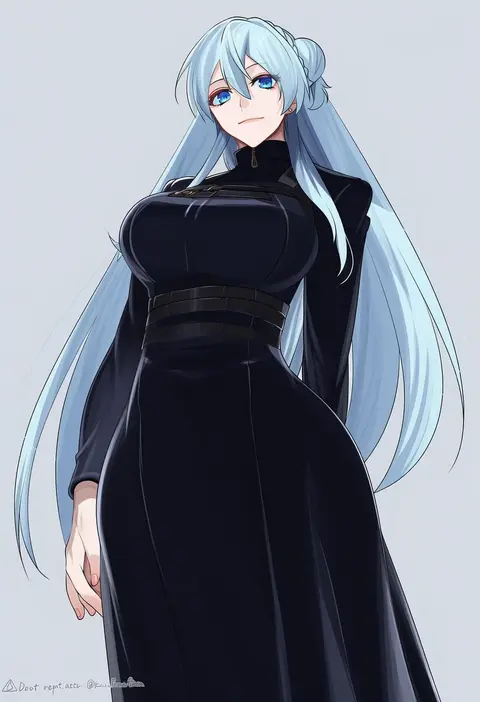
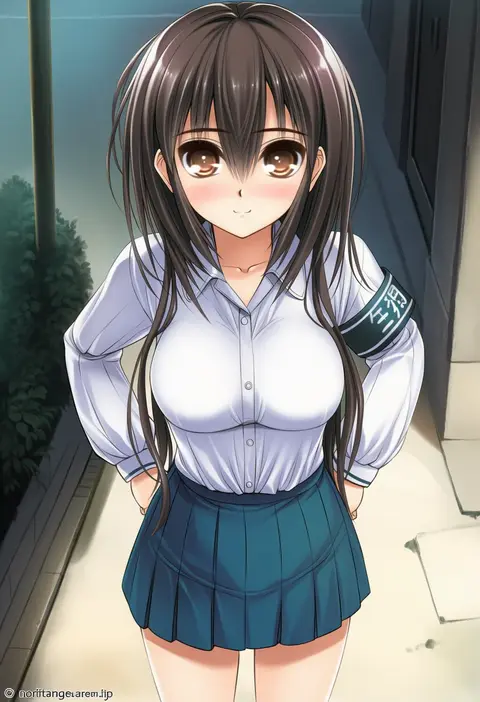
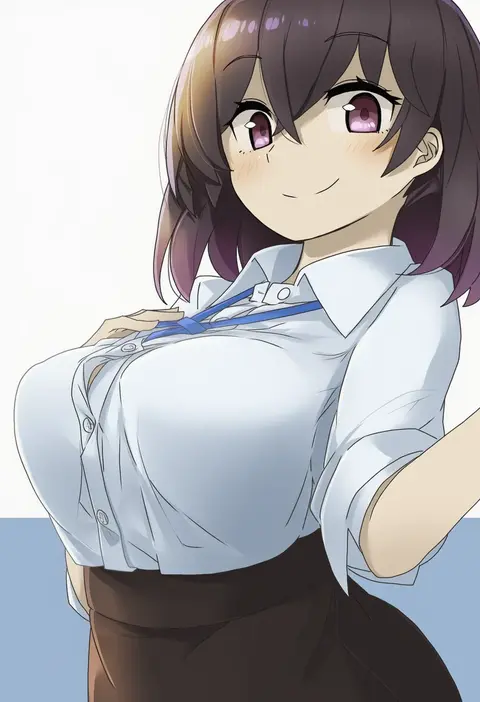
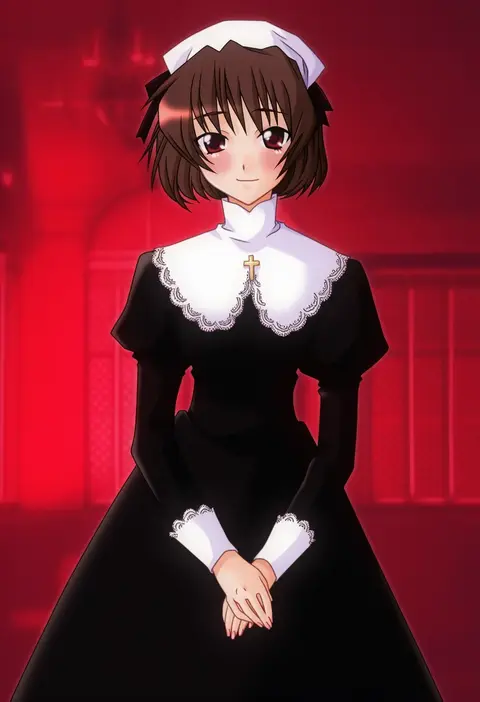
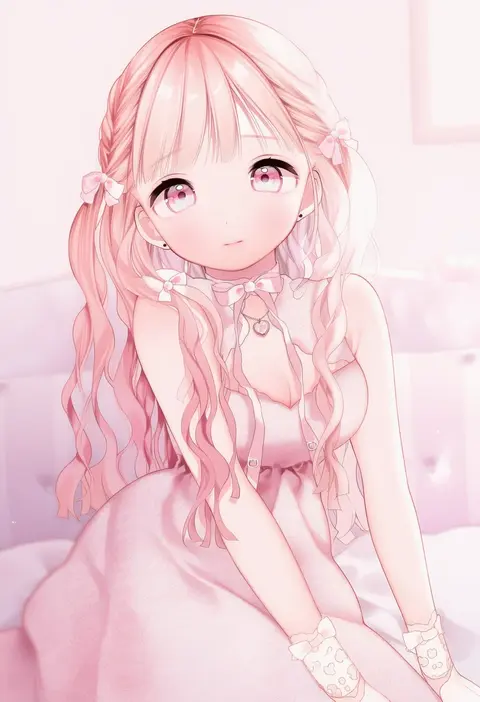
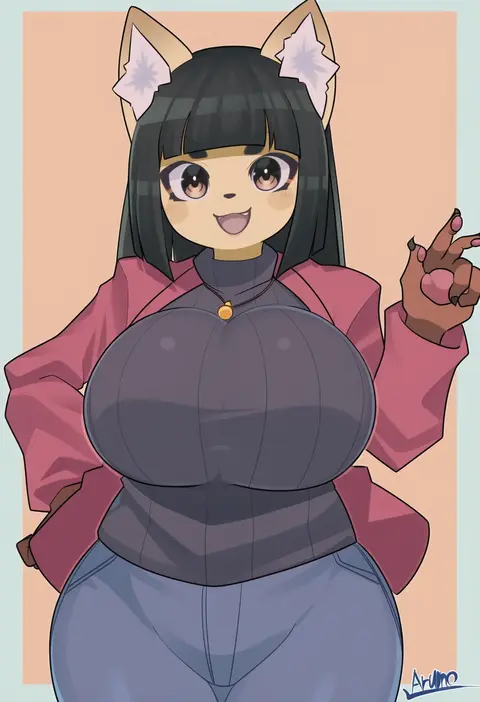
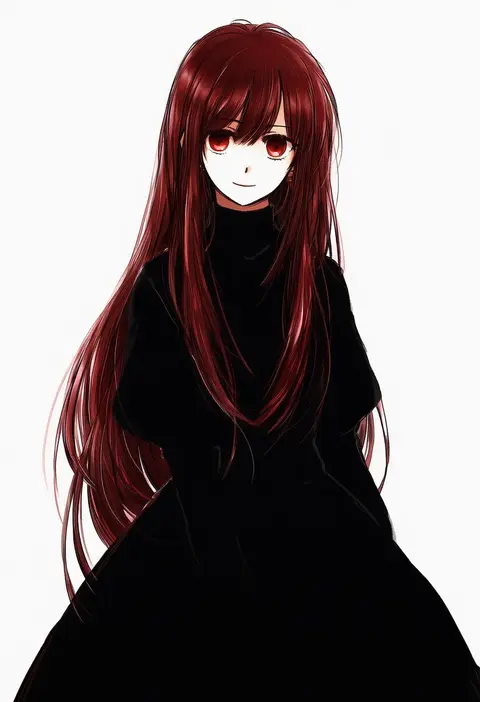
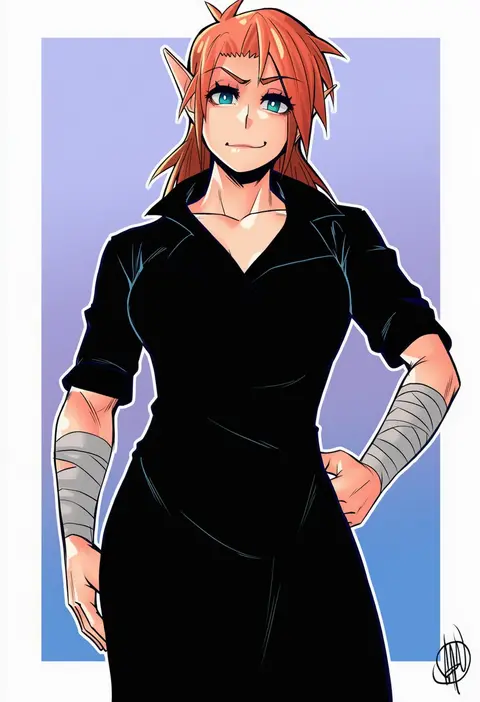
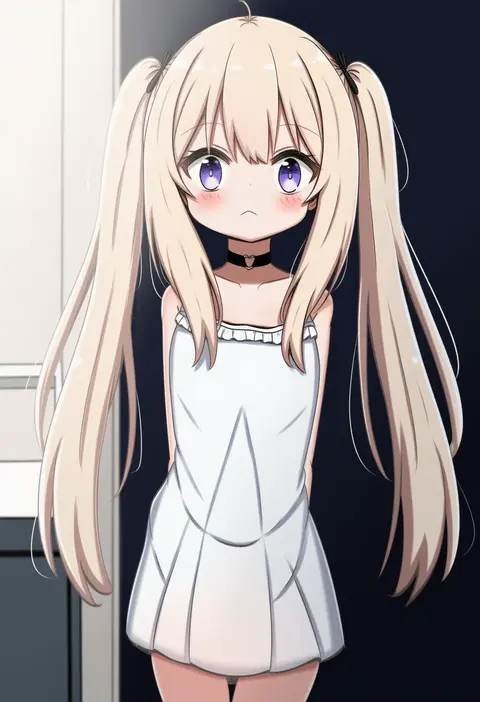
Artist tags tell NovelAI Diffusion to draw in a specific artist's style: line weight, paint texture, face shapes and palette all shift at once. Character and outfit tags decide what is drawn; artist tags decide how. 16,352 tags are listed for V4.5.
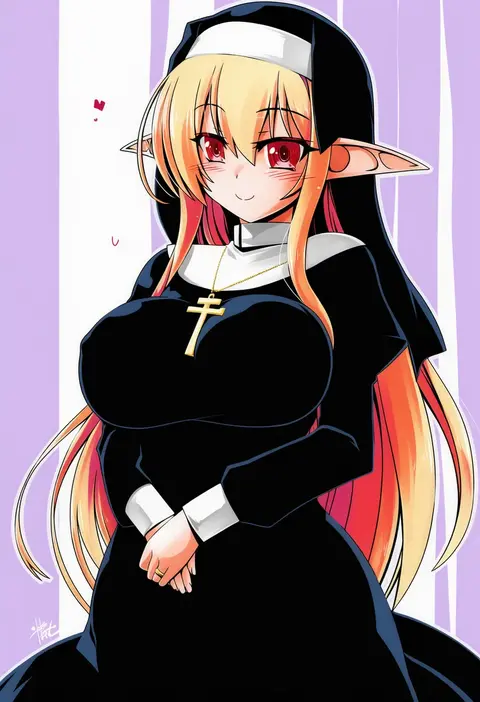
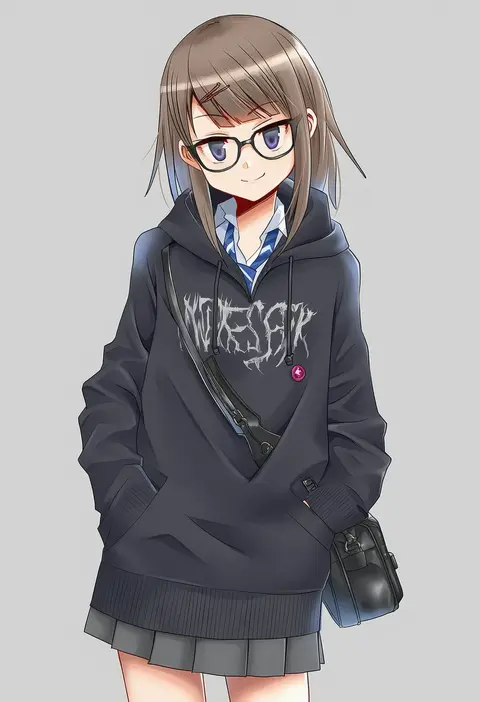
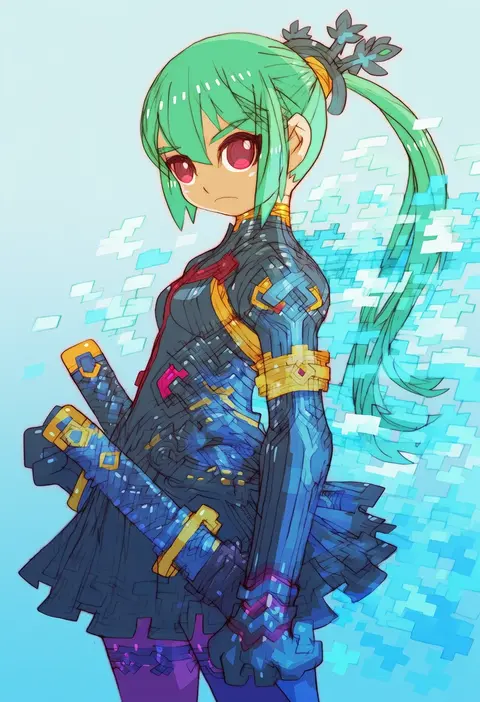
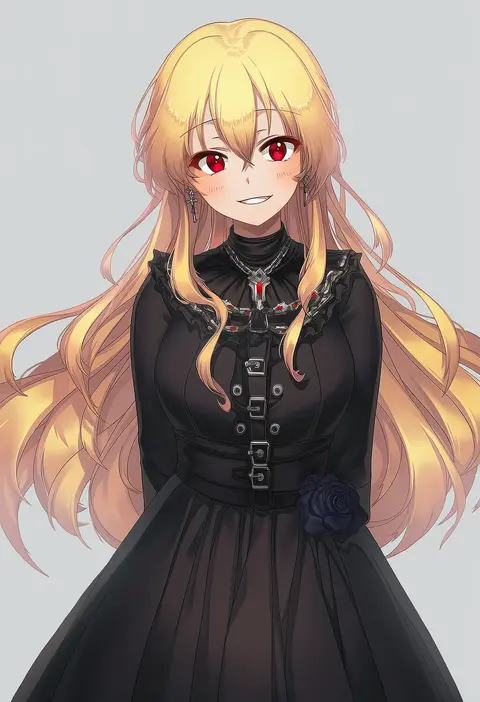
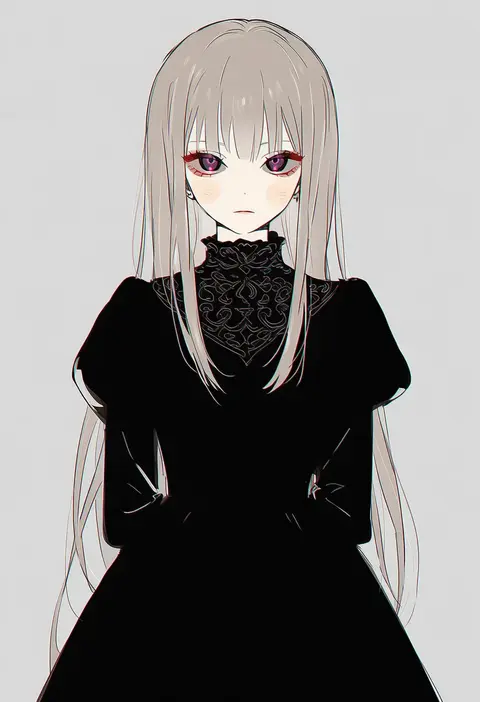
Every tag listed here is verified to react in NovelAI. All images use the same prompt, seed and settings with only the artist tag swapped, so the difference between two images is the style that tag brings in.

How to use them

Put the artist tag near the front of the prompt, e.g. "<artist>, 1girl, solo, best quality, masterpiece, cowboy shot". Two or three artist tags blend styles; lower the weight with "0.8::<artist>::" when the style overpowers the character.

SCORE sorts by Danbooru's top score, POSTS by post count, FAVS by hearts on this site. Open a card to see V5 and V4.5 side by side on the same seed.

V5 vs V4.5

V5 usually lands closer to the artist's real style, and tags that did nothing on V4.5 often react on V5. V4.5 still fits older and doujin-heavy artists better. Try V5 first, fall back to V4.5.

FAQ

Where does the artist tag go?
Near the front of the prompt. Use "0.8::tag::" to adjust its weight.

Can I stack artist tags?
Yes, styles blend. Past two or three the result stops looking like anyone.

Are these the artists' own works?
No. Every image is a NovelAI sample generated from the tag.