V4.5Artists
sort: FAVS▾
▾
>
$

Popular NovelAI artist tags — V4.5

artist --count 16,352[192/273]
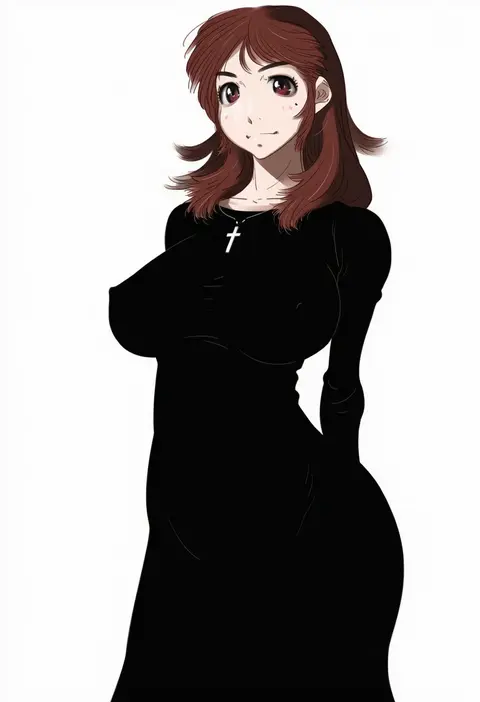
afuro
ARTIST0x2CC4
0
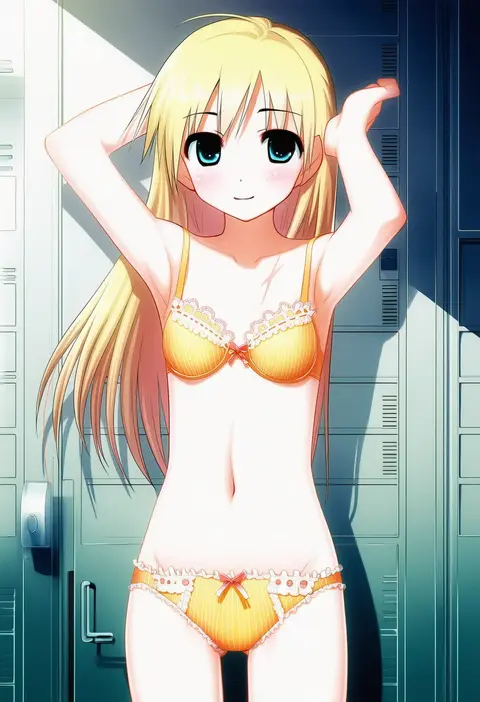
moru
ARTIST0x2CC5
0
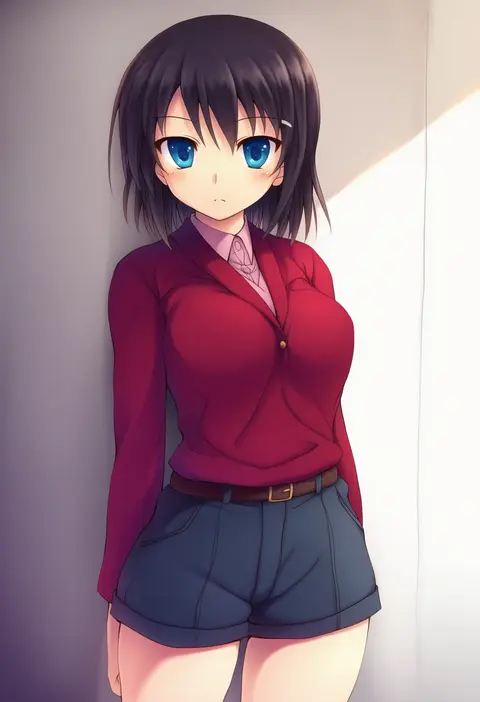
erechan
ARTIST0x2CC6
0
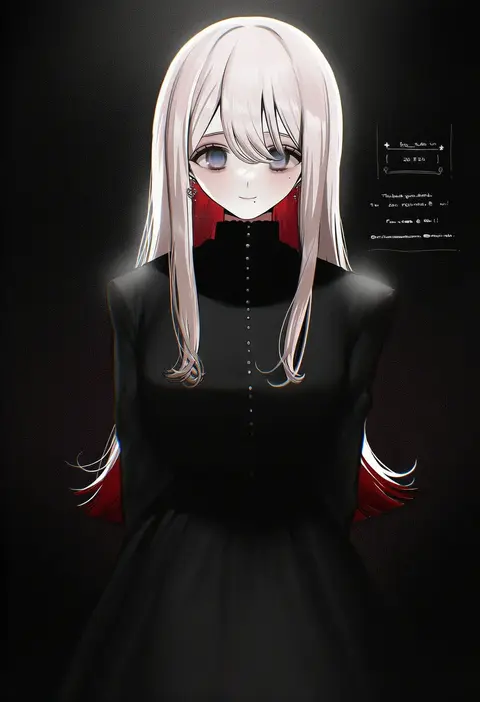
nakamura kusata
ARTIST0x2CC7
0
unagimaru
ARTIST0x2CC8
0
pinb
ARTIST0x2CC9
0
sabujiroko
ARTIST0x2CCA
0
munyuu
ARTIST0x2CCB
0
maromichan
ARTIST0x2CCC
0
suesan
ARTIST0x2CCD
0
hiide
ARTIST0x2CCE
0
kusakami akira
ARTIST0x2CCF
0
youichi (45 01)
ARTIST0x2CD0
0
chan8016
ARTIST0x2CD1
0
kurkoboltsi
ARTIST0x2CD2
0
mia0309
ARTIST0x2CD3
0
kuon yashiro
ARTIST0x2CD4
0
matsunaga777
ARTIST0x2CD5
0
shino (r shughart)
ARTIST0x2CD6
0
odeko yma
ARTIST0x2CD7
0
tatuhiro
ARTIST0x2CD8
0
flick (sal23)
ARTIST0x2CD9
0
hataraki ari
ARTIST0x2CDA
0
fuyukayui
ARTIST0x2CDB
0
andrew (duel angel)
ARTIST0x2CDC
0
riki6
ARTIST0x2CDD
0
shisui
ARTIST0x2CDE
0
carchet
ARTIST0x2CDF
0
niwaka potato
ARTIST0x2CE0
0
fries vanquisher
ARTIST0x2CE1
0
fue (tsuzuku)
ARTIST0x2CE2
0
hirabaru kenji
ARTIST0x2CE3
0
kuma piv
ARTIST0x2CE4
0
lost one zero
ARTIST0x2CE5
0
momochi chia
ARTIST0x2CE6
0
frs2
ARTIST0x2CE7
0
nishiki yuno
ARTIST0x2CE8
0
bbb (friskuser)
ARTIST0x2CE9
0
heripantomorrow
ARTIST0x2CEA
0
shingyouji tatsuya
ARTIST0x2CEB
0
mimikaki (men bow)
ARTIST0x2CEC
0
e volution
ARTIST0x2CED
0
moekibara fumitake
ARTIST0x2CEE
0
aoki ume
ARTIST0x2CEF
0
keita (tundereyuina)
ARTIST0x2CF0
0
potg (piotegu)
ARTIST0x2CF1
0
lasto
ARTIST0x2CF2
0
wan'yan aguda
ARTIST0x2CF3
0
kuroemon
ARTIST0x2CF4
0
ishida aya
ARTIST0x2CF5
0
negi (ulog'be)
ARTIST0x2CF6
0
kohinata hoshimi
ARTIST0x2CF7
0
yuku (kiollion)
ARTIST0x2CF8
0
doraeshi
ARTIST0x2CF9
0
shiina kuro
ARTIST0x2CFA
0
souma (ordures)
ARTIST0x2CFB
0
yamada ako
ARTIST0x2CFC
0
sts
ARTIST0x2CFD
0
dfra
ARTIST0x2CFE
0
okuba
ARTIST0x2CFF
0

What these tags change

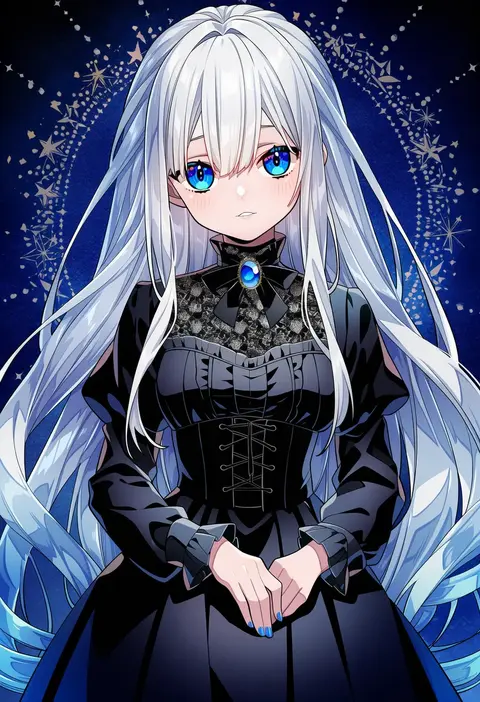
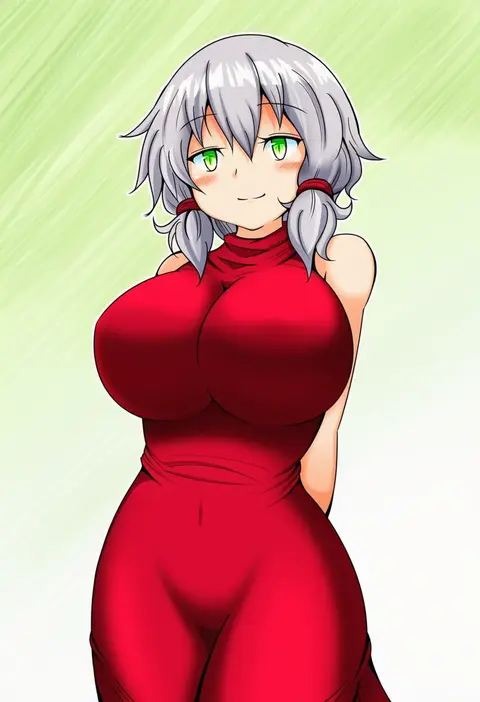
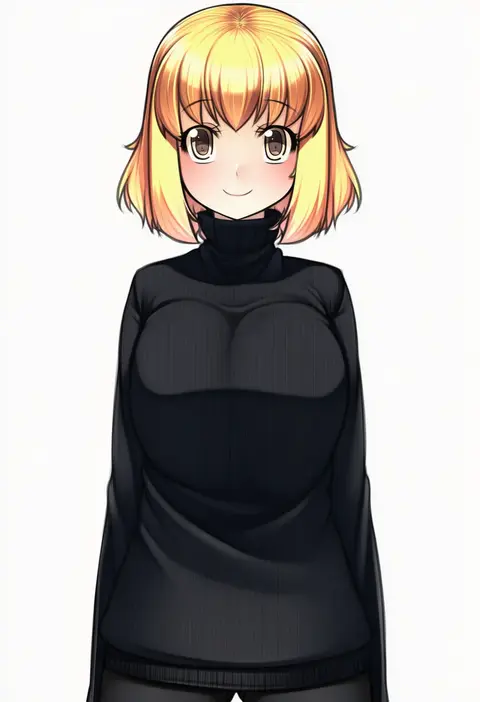
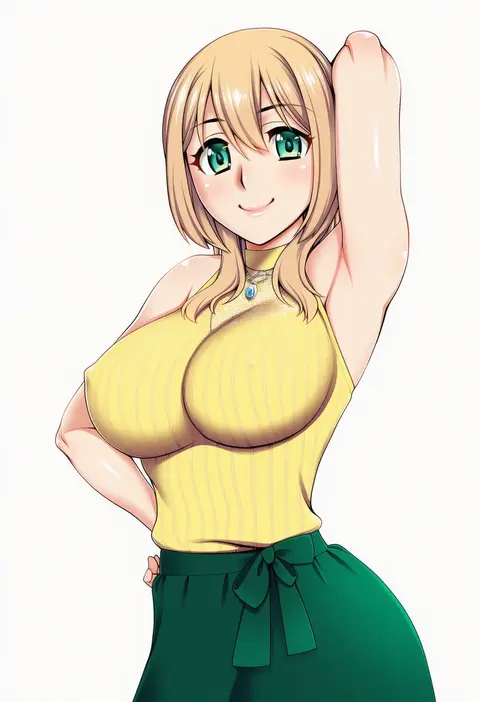
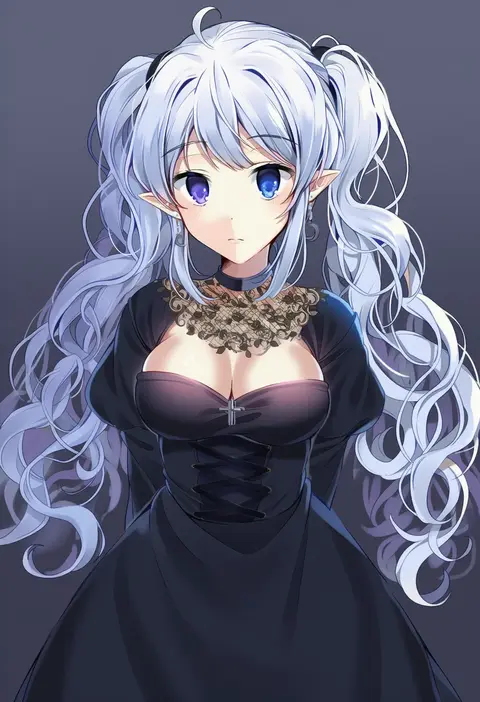
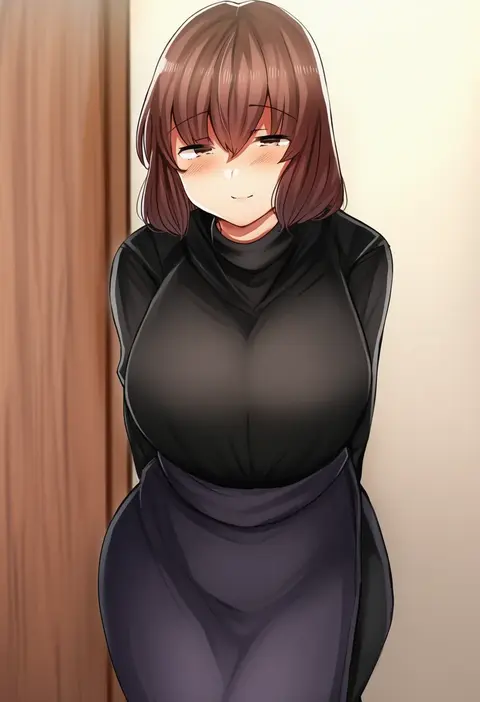
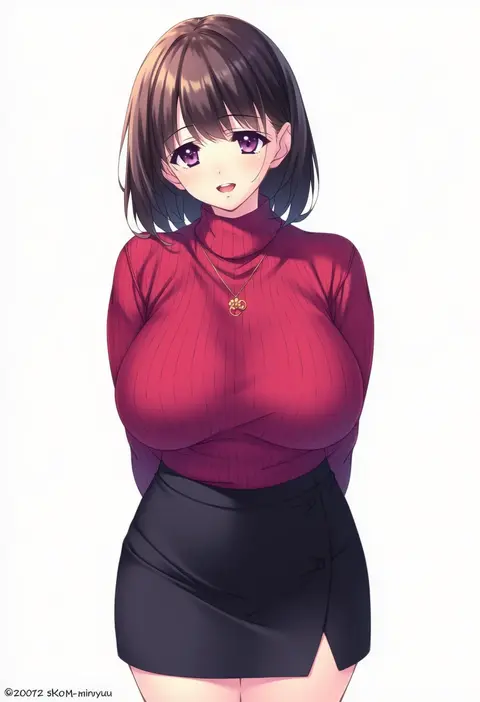
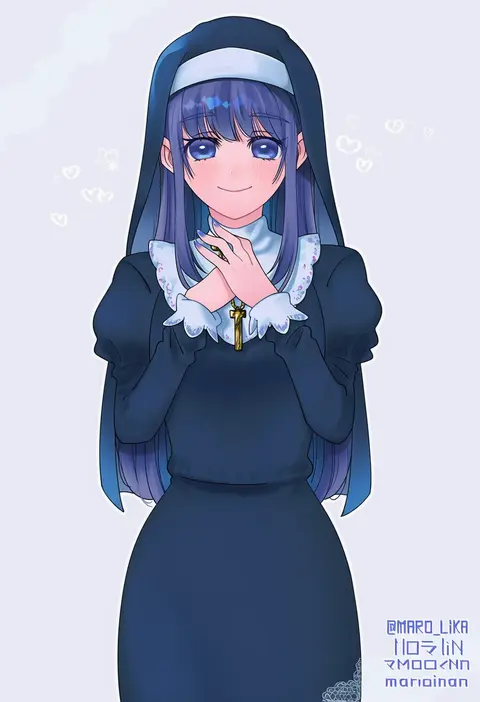
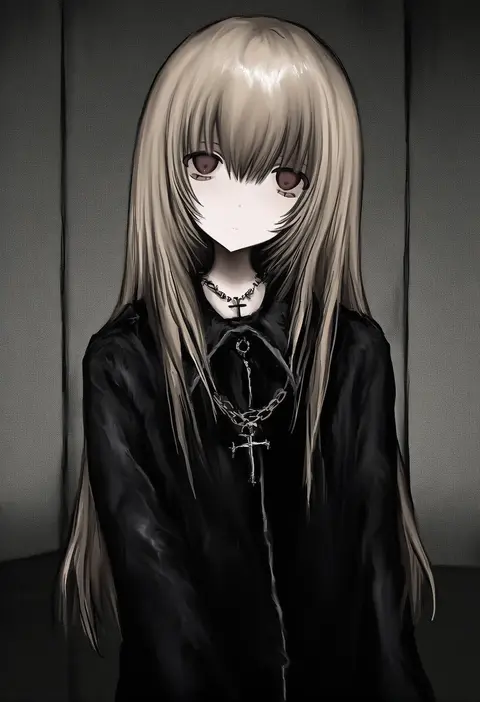
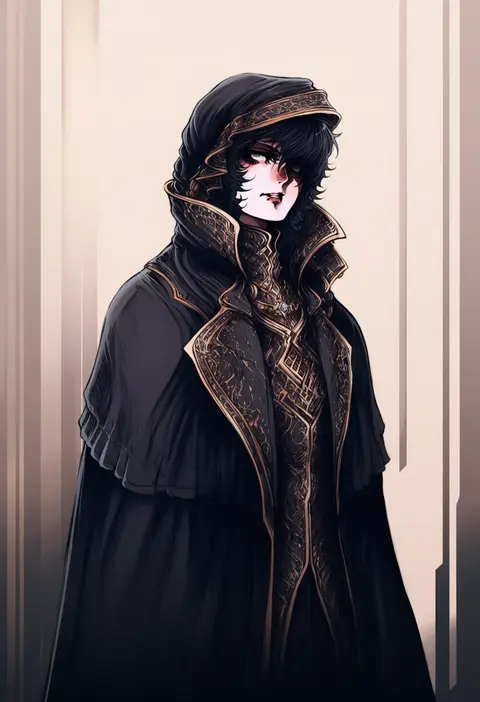
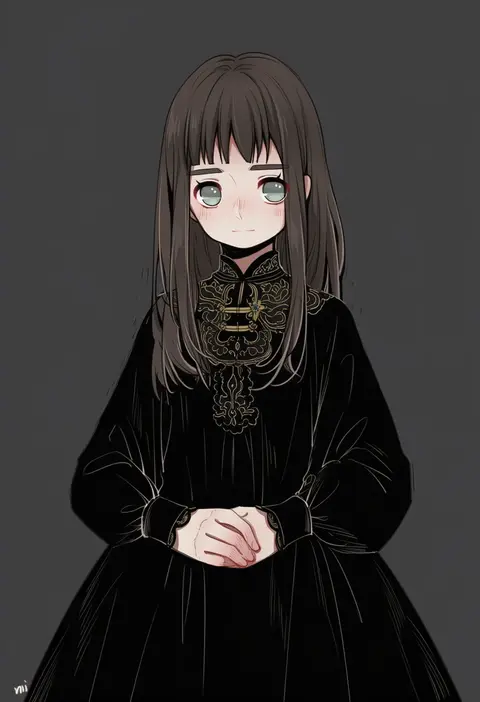
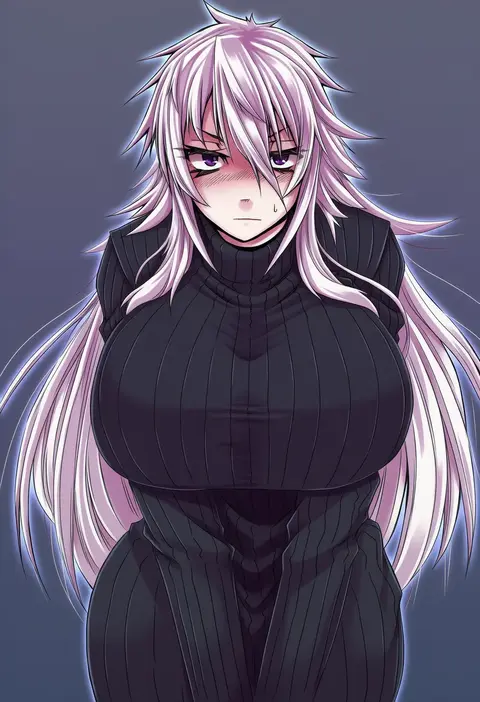
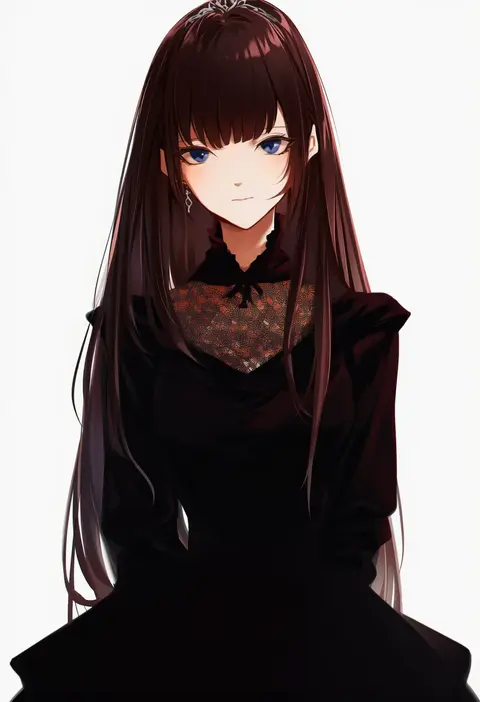
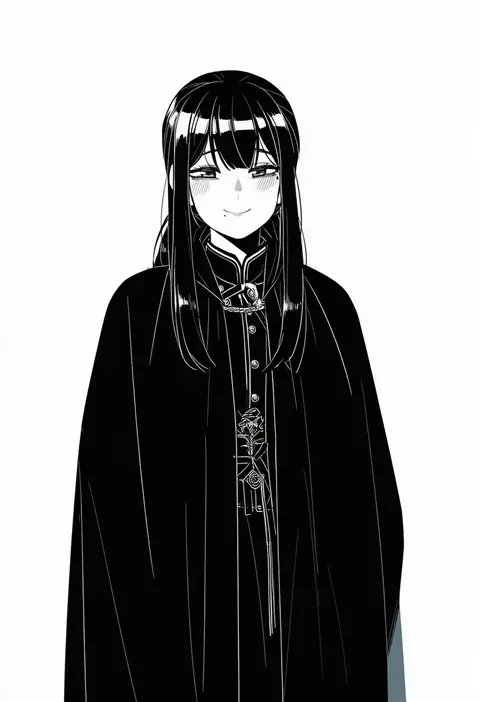
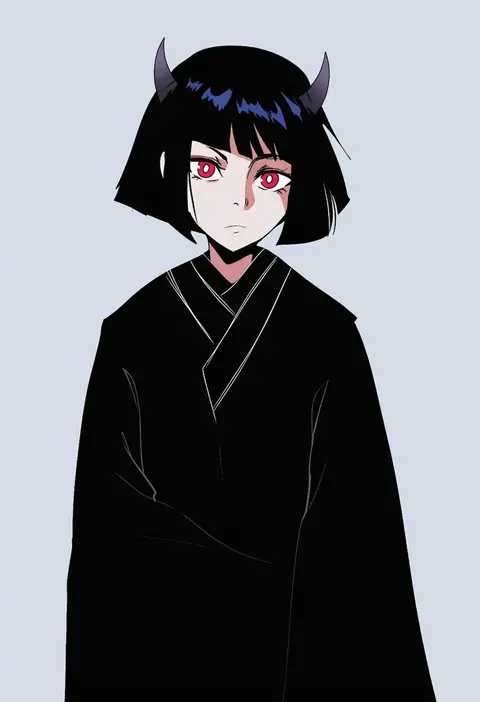
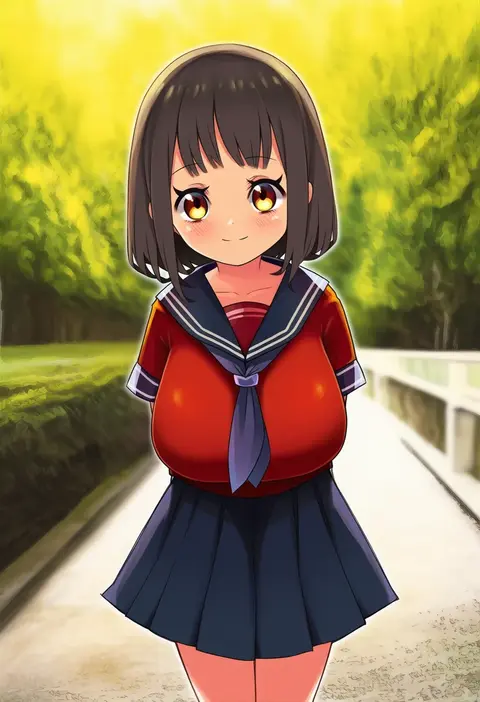
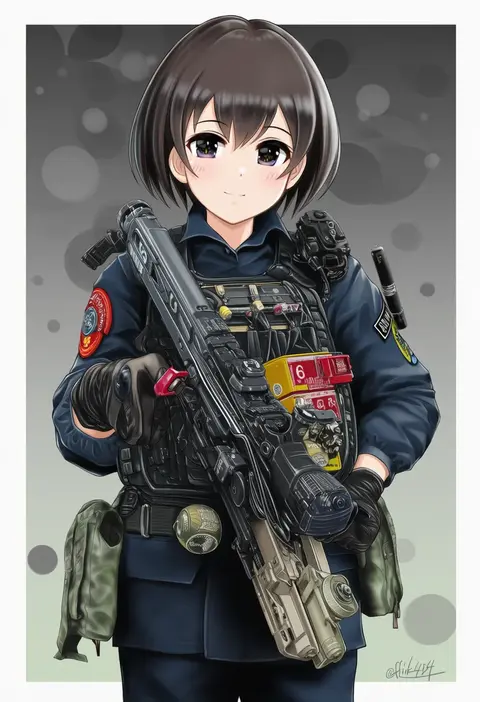
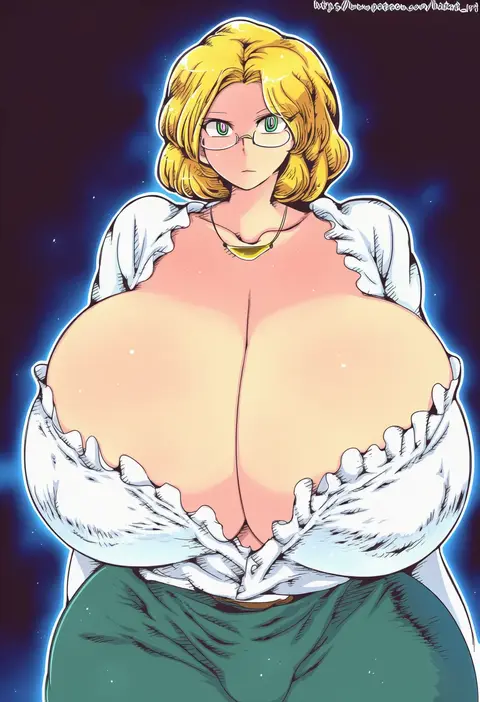
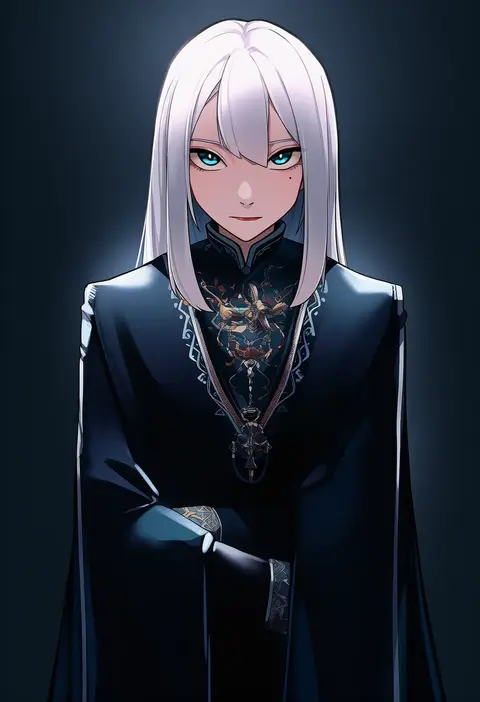
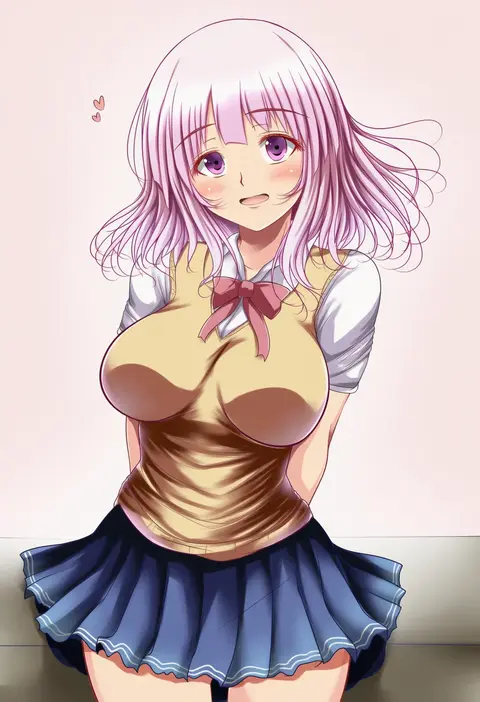
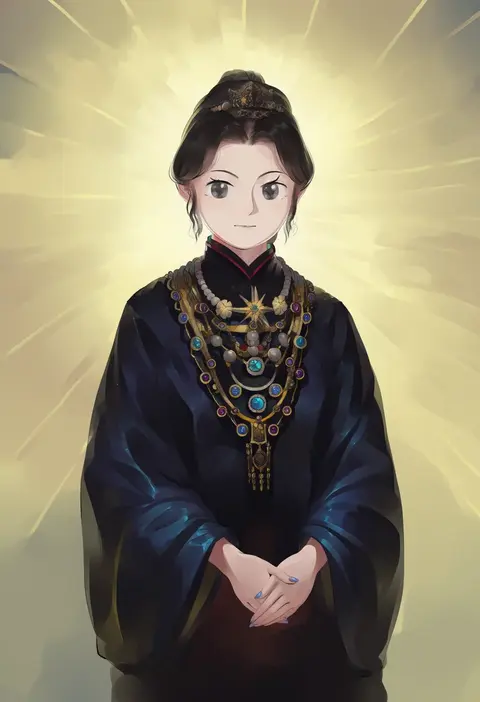
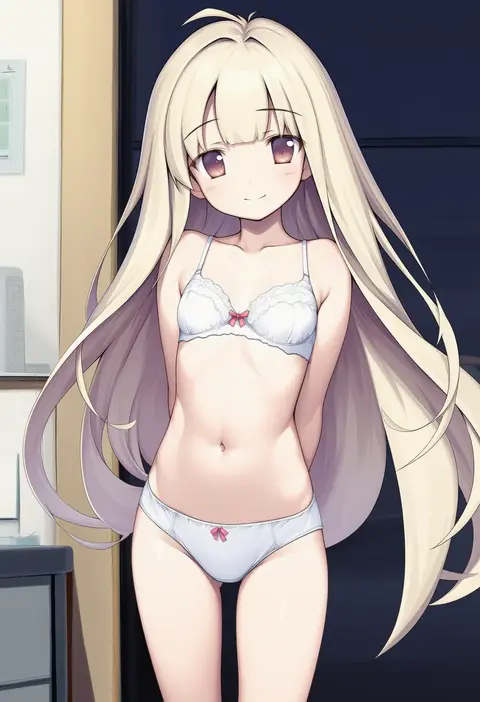
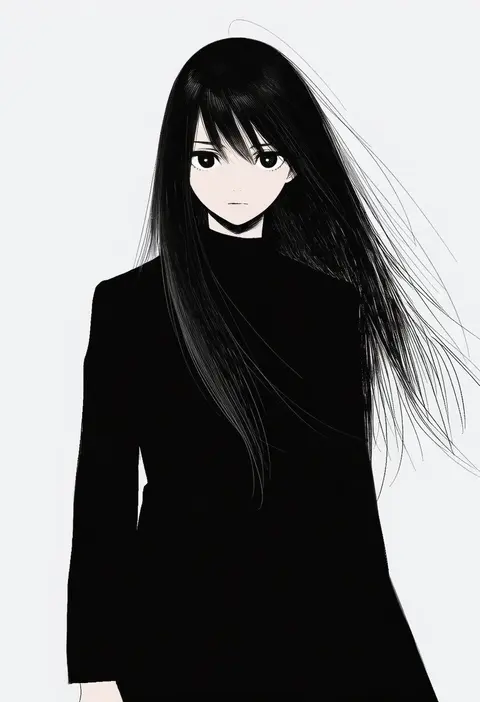
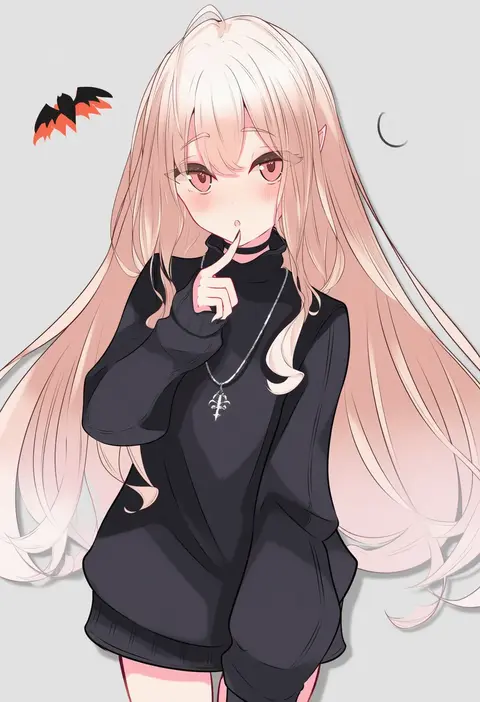
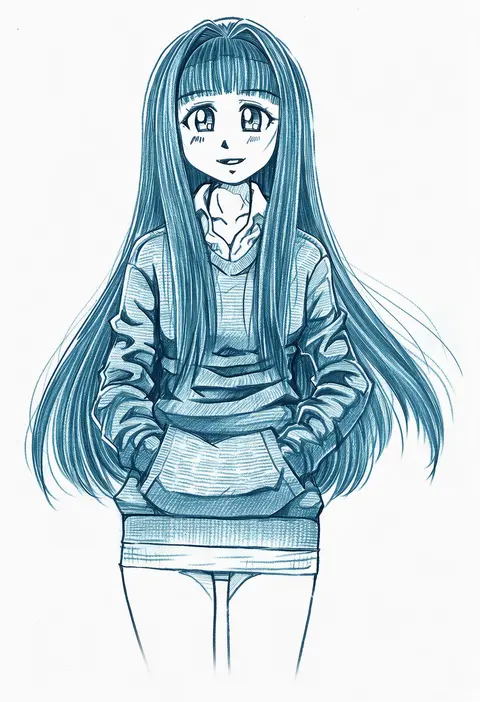
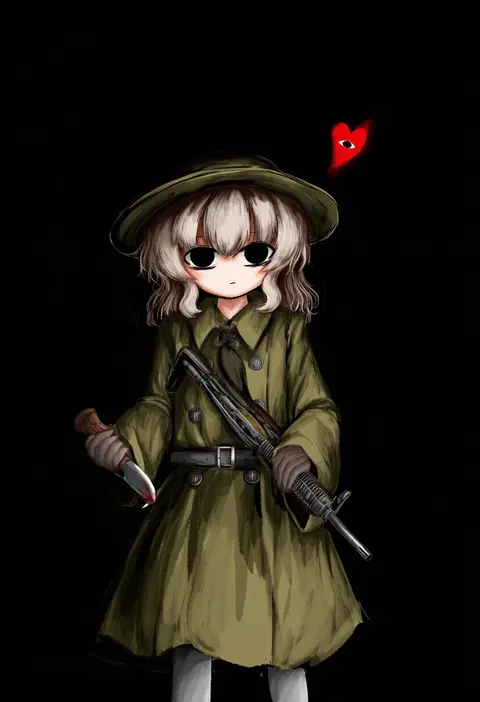
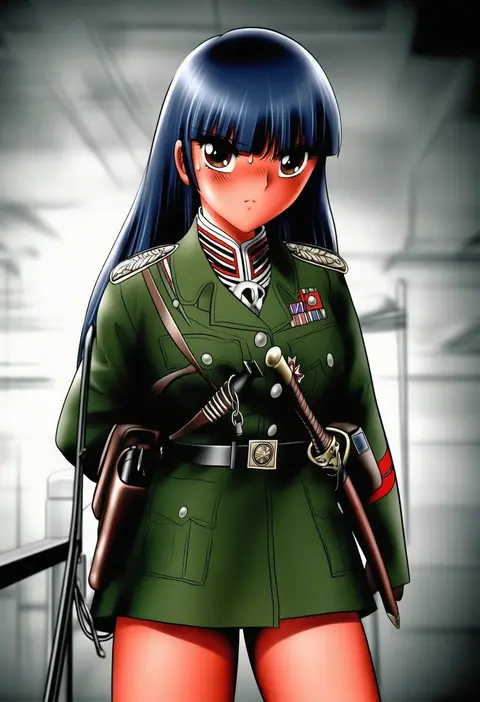
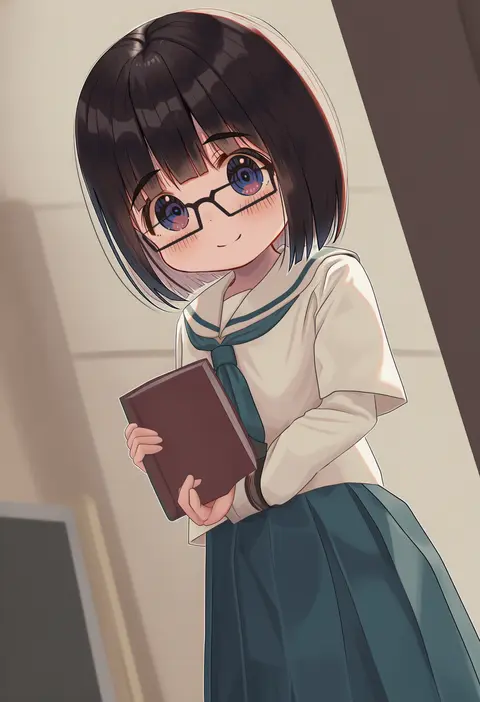
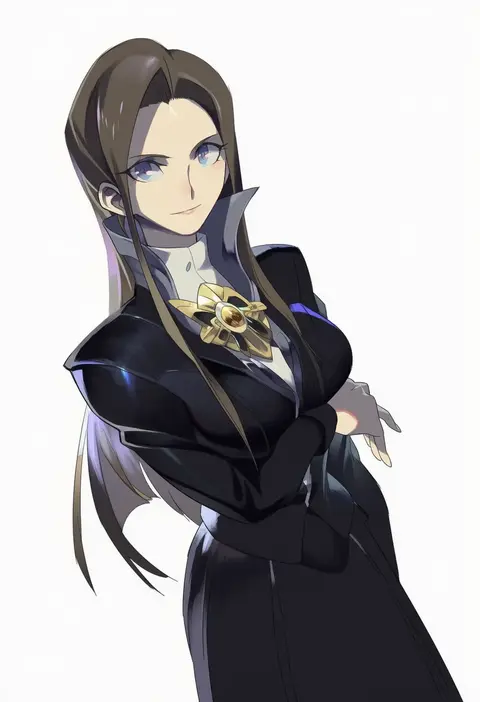
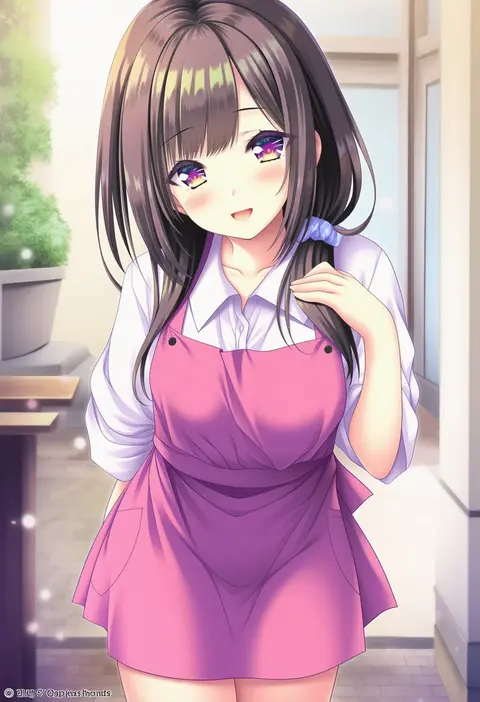
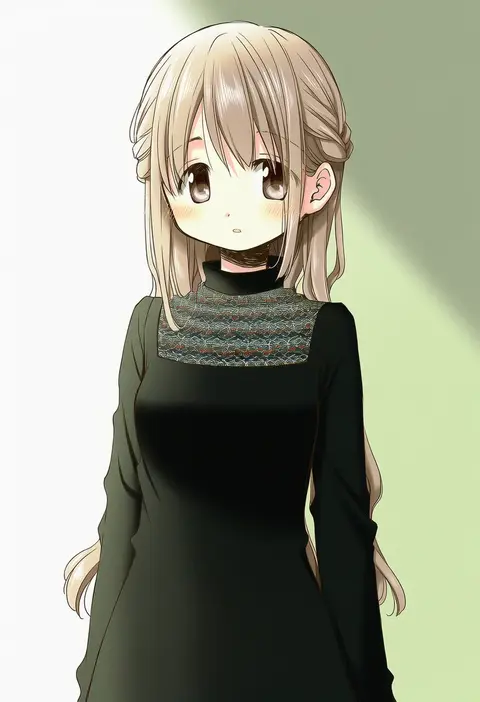
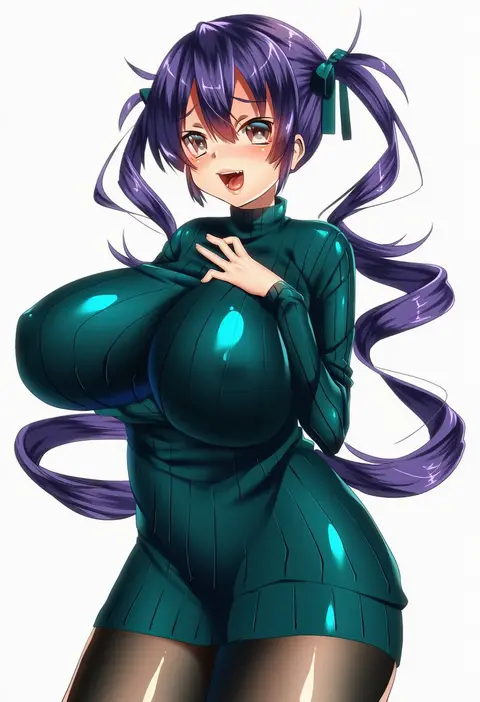
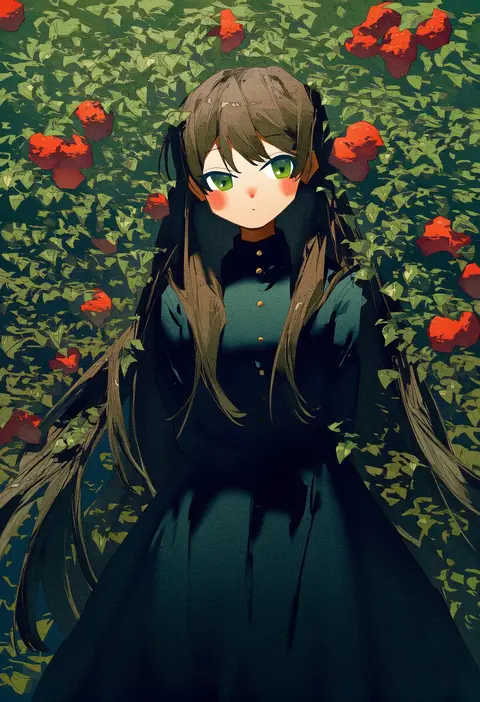
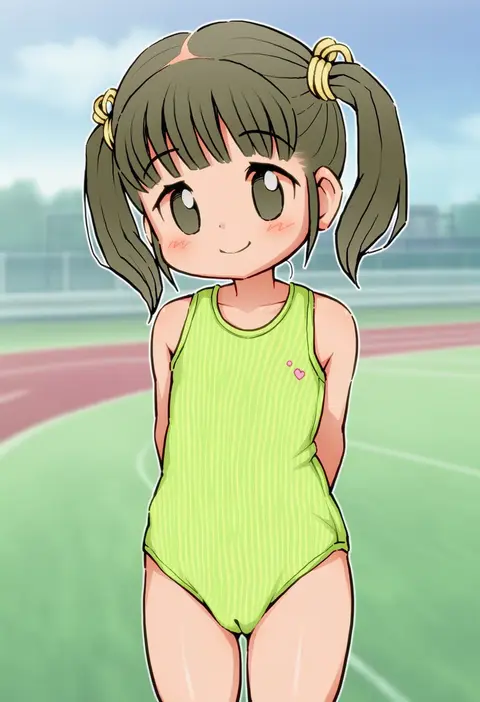
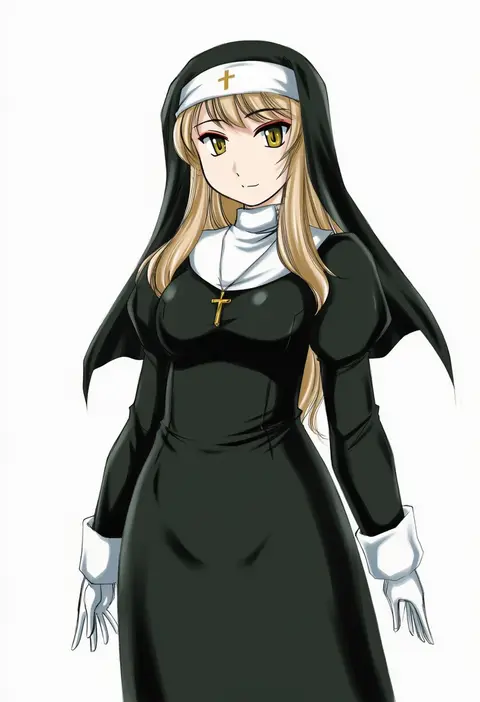
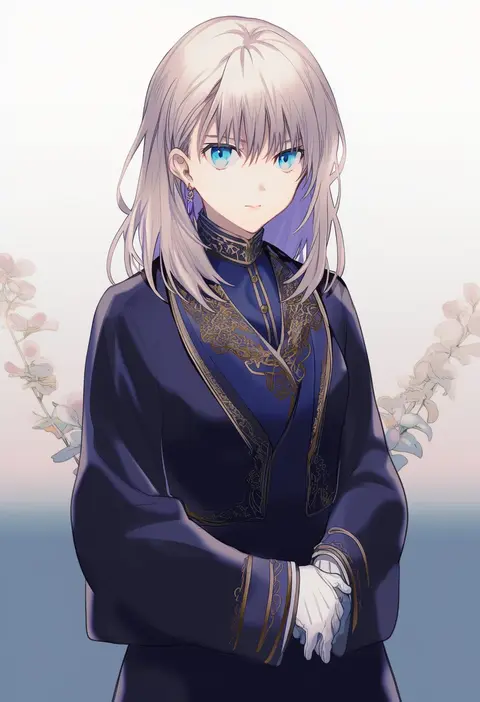
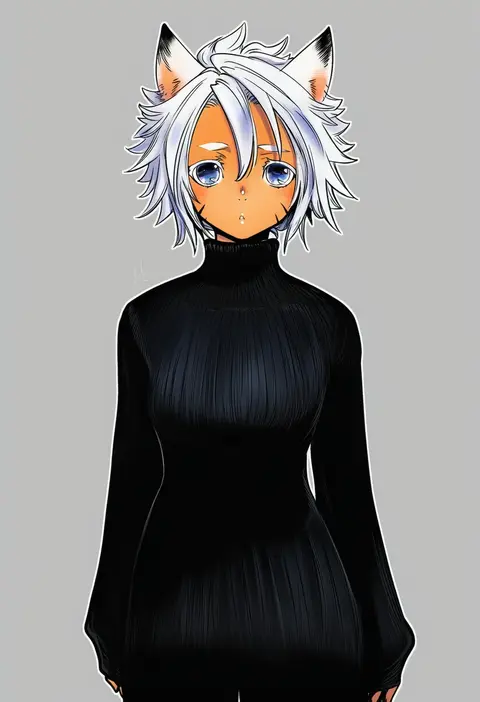
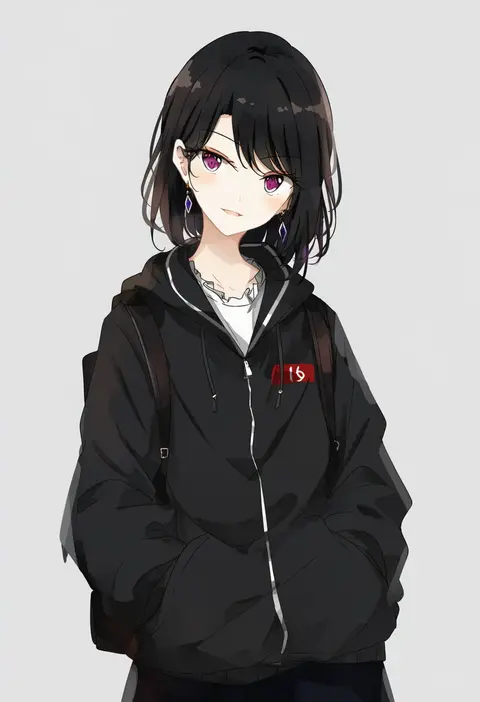
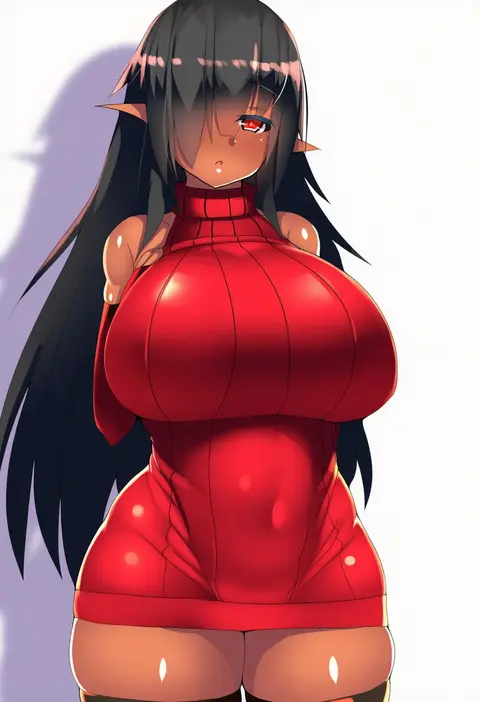
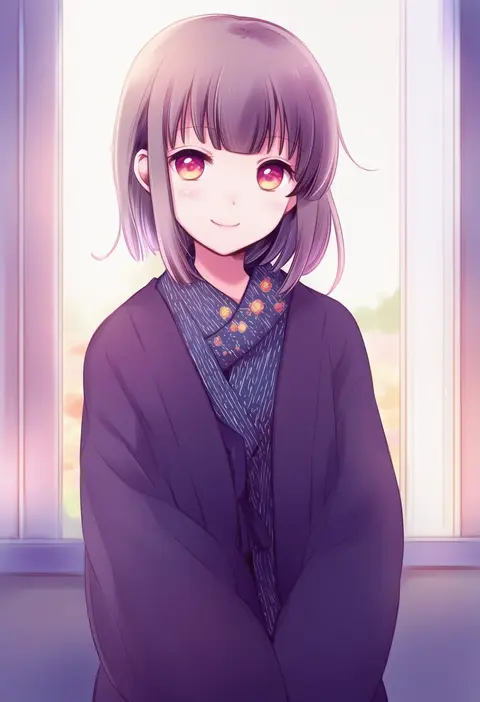
Artist tags tell NovelAI Diffusion to draw in a specific artist's style: line weight, paint texture, face shapes and palette all shift at once. Character and outfit tags decide what is drawn; artist tags decide how. 16,352 tags are listed for V4.5.

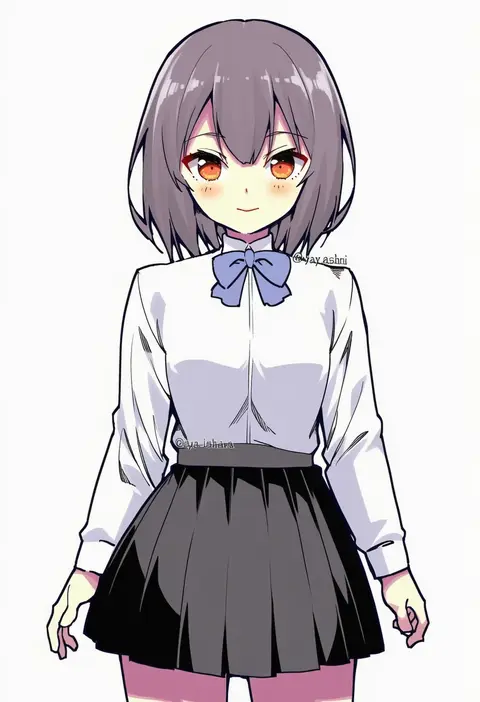
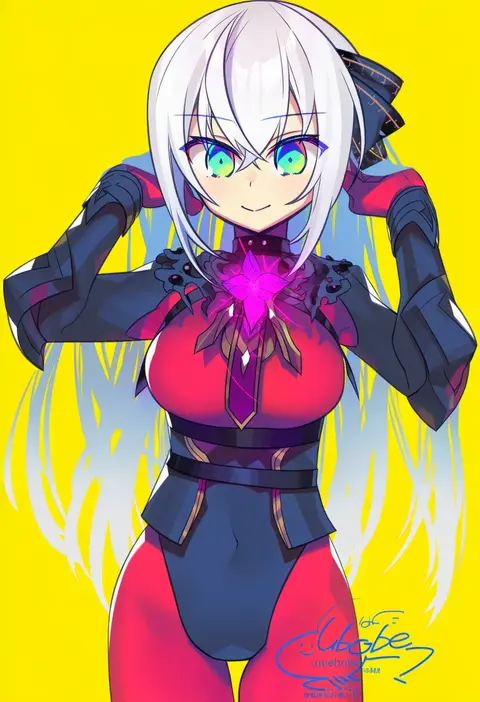
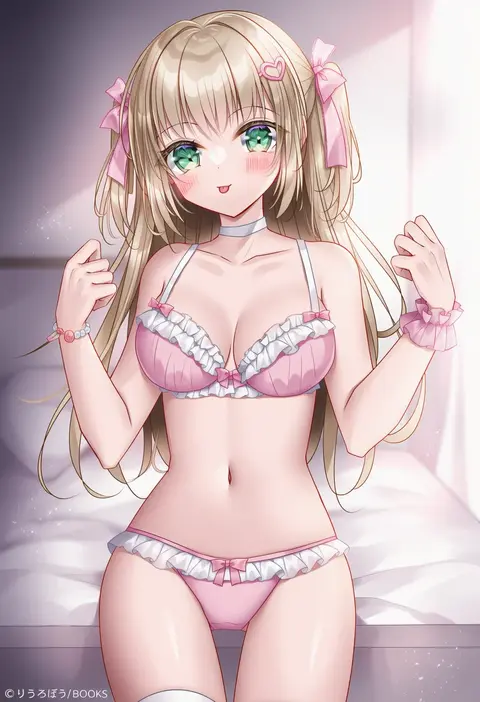
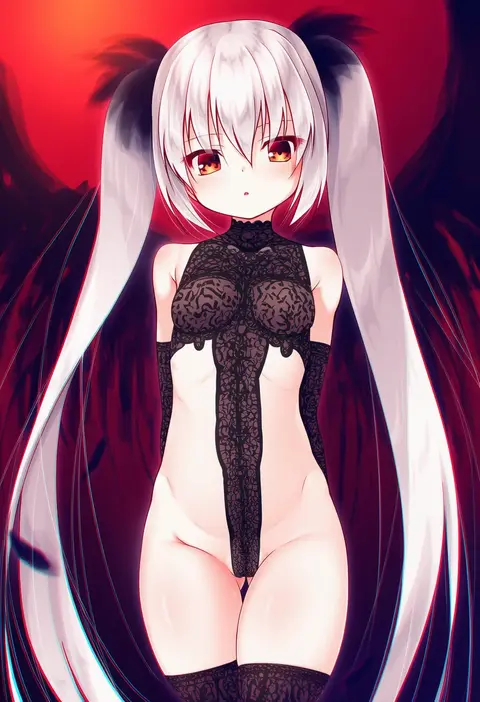
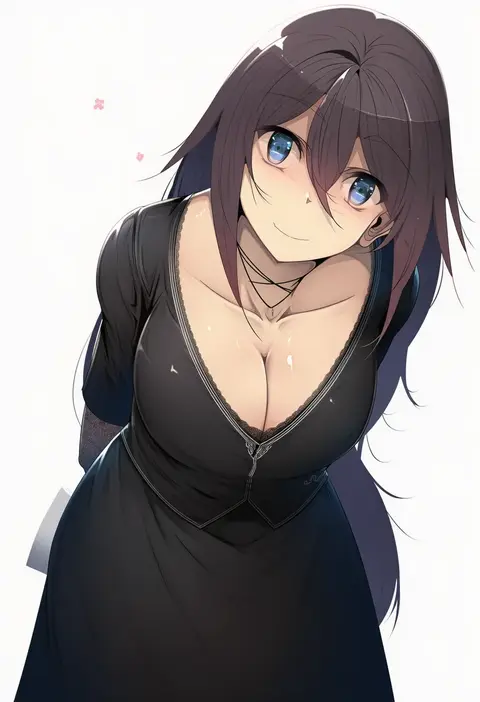
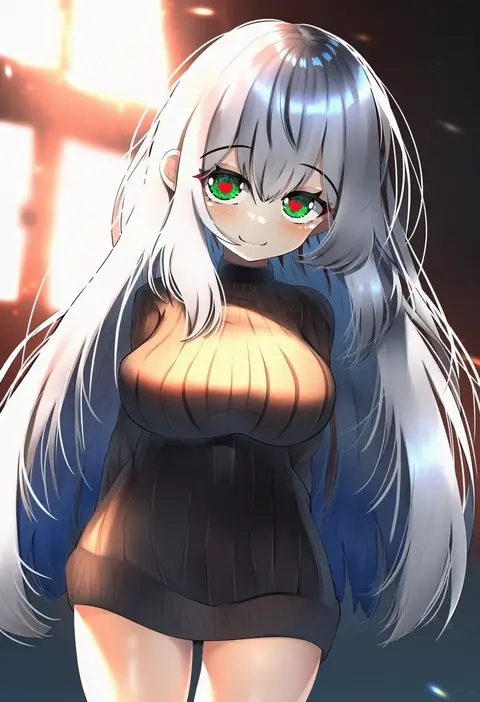
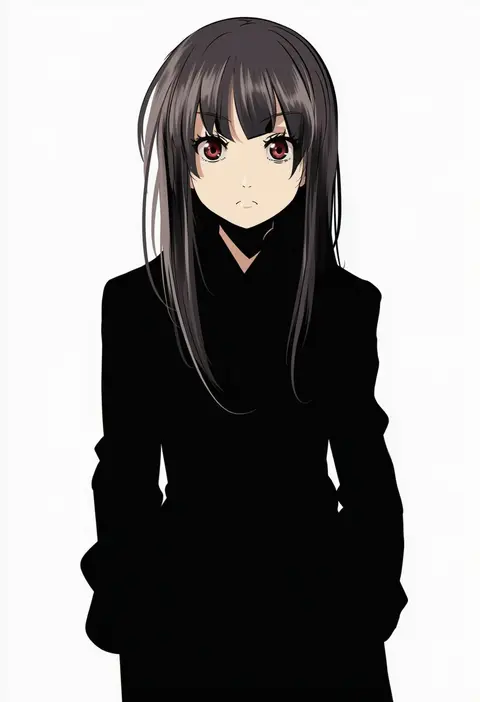
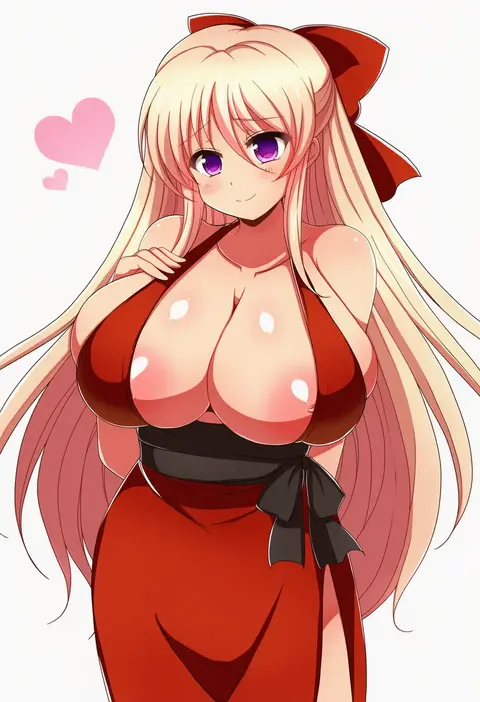
Every tag listed here is verified to react in NovelAI. All images use the same prompt, seed and settings with only the artist tag swapped, so the difference between two images is the style that tag brings in.

How to use them

Put the artist tag near the front of the prompt, e.g. "<artist>, 1girl, solo, best quality, masterpiece, cowboy shot". Two or three artist tags blend styles; lower the weight with "0.8::<artist>::" when the style overpowers the character.

SCORE sorts by Danbooru's top score, POSTS by post count, FAVS by hearts on this site. Open a card to see V5 and V4.5 side by side on the same seed.

V5 vs V4.5

V5 usually lands closer to the artist's real style, and tags that did nothing on V4.5 often react on V5. V4.5 still fits older and doujin-heavy artists better. Try V5 first, fall back to V4.5.

FAQ

Where does the artist tag go?
Near the front of the prompt. Use "0.8::tag::" to adjust its weight.

Can I stack artist tags?
Yes, styles blend. Past two or three the result stops looking like anyone.

Are these the artists' own works?
No. Every image is a NovelAI sample generated from the tag.