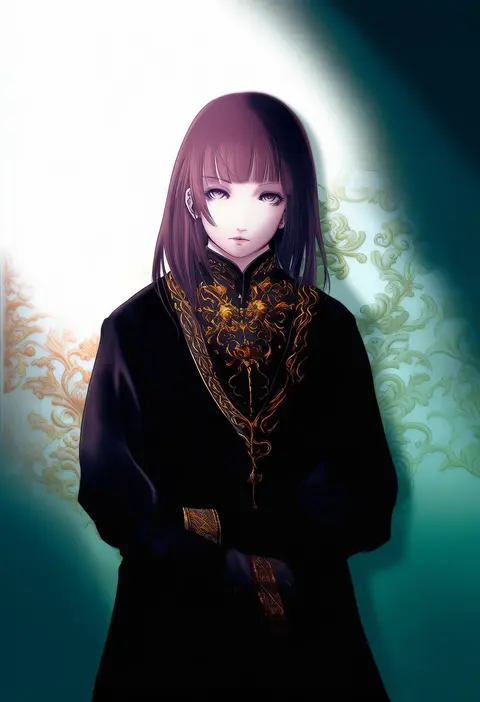
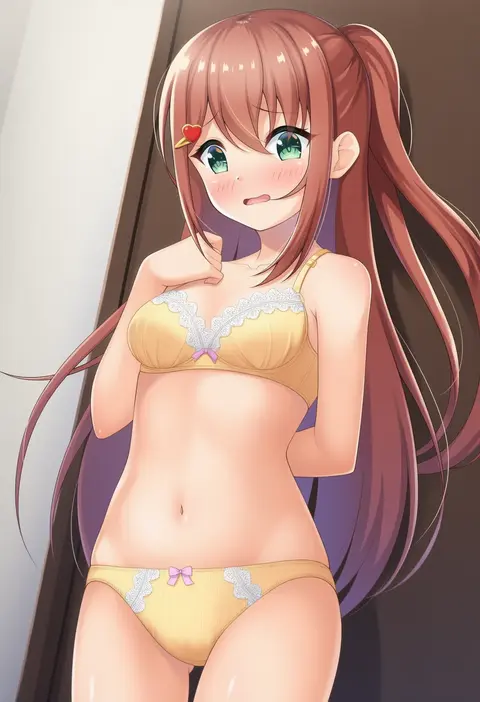
V4.5Artists
sort: FAVS▾
▾
>
$

Popular NovelAI artist tags — V4.5

artist --count 16,352[195/273]
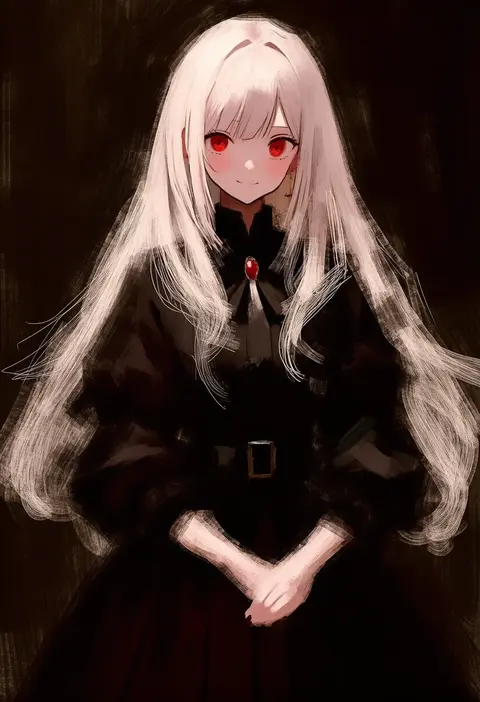
fuyumurasaki
ARTIST0x2D78
0
norue
ARTIST0x2D79
0
ronopu
ARTIST0x2D7A
0
moepu.
ARTIST0x2D7B
0
fuantei
ARTIST0x2D7C
0
nogi takayoshi
ARTIST0x2D7D
0
ai takurou
ARTIST0x2D7E
0
taikyoku tsurugi
ARTIST0x2D7F
0
yuuki tatsuya
ARTIST0x2D80
0
naoto (tulip)
ARTIST0x2D81
0
utsurogi angu
ARTIST0x2D82
0
gale kawaii
ARTIST0x2D83
0
weidashming
ARTIST0x2D84
0
keyaki chimaki
ARTIST0x2D85
0
keita naruzawa
ARTIST0x2D86
0
kanade (kanade 3344)
ARTIST0x2D87
0
yamakawa
ARTIST0x2D88
0
3 (sanyako1)
ARTIST0x2D89
0
sho (runatic moon)
ARTIST0x2D8A
0
tsuru (clainman)
ARTIST0x2D8B
0
miyasaka miyu
ARTIST0x2D8C
0
roido (taniko-t-1218)
ARTIST0x2D8D
0
teu (navy)
ARTIST0x2D8E
0
mashimashi
ARTIST0x2D8F
0
love mintchoco
ARTIST0x2D90
0
miyata sou
ARTIST0x2D91
0
ichiroku (sakumogu-029)
ARTIST0x2D92
0
yuhi (hssh 6)
ARTIST0x2D93
0
syooooyoooo
ARTIST0x2D94
0
kitsune maru
ARTIST0x2D95
0
ghost (tama)
ARTIST0x2D96
0
neko-san (dim.dream)
ARTIST0x2D97
0
yono neie
ARTIST0x2D98
0
kajaneko
ARTIST0x2D99
0
hinata mutsuki
ARTIST0x2D9A
0
oniyama831
ARTIST0x2D9B
0
migi (mm86262394)
ARTIST0x2D9C
0
horikwawataru
ARTIST0x2D9D
0
suikakitsu shiro
ARTIST0x2D9E
0
wl6yugi8go1
ARTIST0x2D9F
0
joseph lee
ARTIST0x2DA0
0
kawakami shuuichi
ARTIST0x2DA1
0
nikke (cherish)
ARTIST0x2DA2
0
fuu fuu
ARTIST0x2DA3
0
roonhee
ARTIST0x2DA4
0
aito
ARTIST0x2DA5
0
tanikake yoku
ARTIST0x2DA6
0
regdic
ARTIST0x2DA7
0
kamekoya sato
ARTIST0x2DA8
0
raito taisha
ARTIST0x2DA9
0
nishino hikoji
ARTIST0x2DAA
0
takatsu keita
ARTIST0x2DAB
0
voruvoru
ARTIST0x2DAC
0
mokkori9
ARTIST0x2DAD
0
sinnra art
ARTIST0x2DAE
0
danhu
ARTIST0x2DAF
0
kuroda asaki
ARTIST0x2DB0
0
majime joe
ARTIST0x2DB1
0
okazuwa shake
ARTIST0x2DB2
0
7fuji 06
ARTIST0x2DB3
0

What these tags change

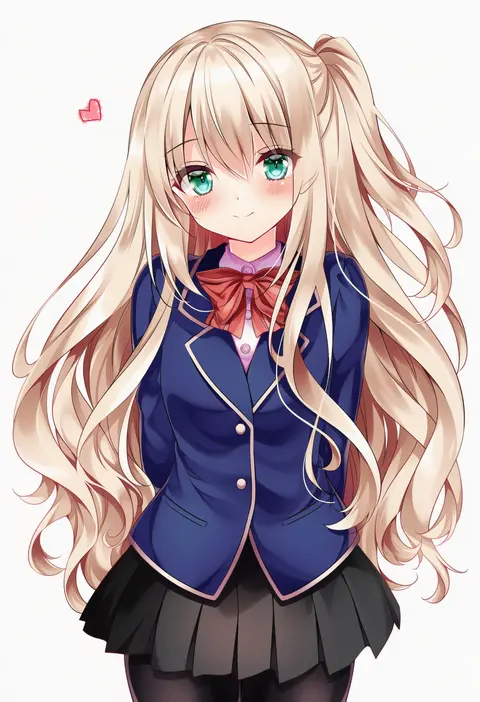
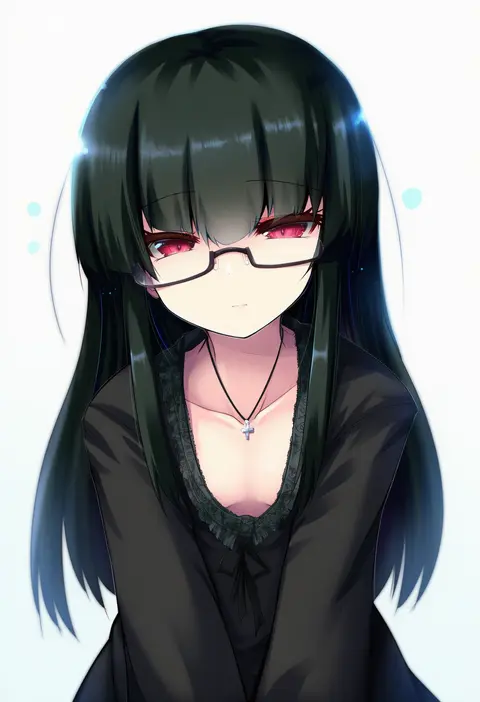
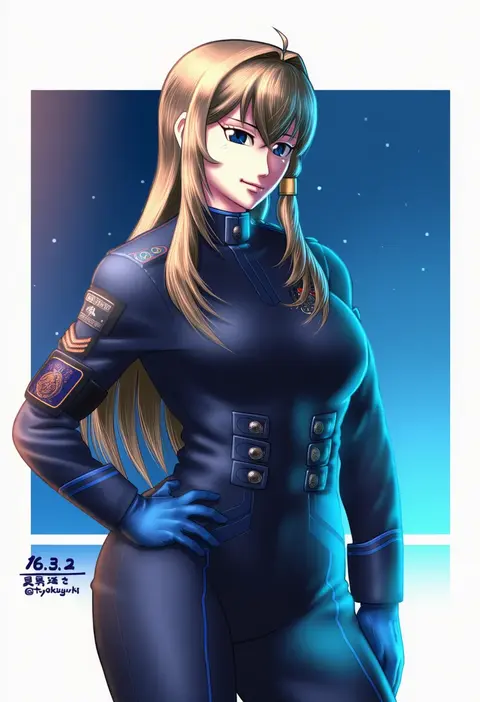
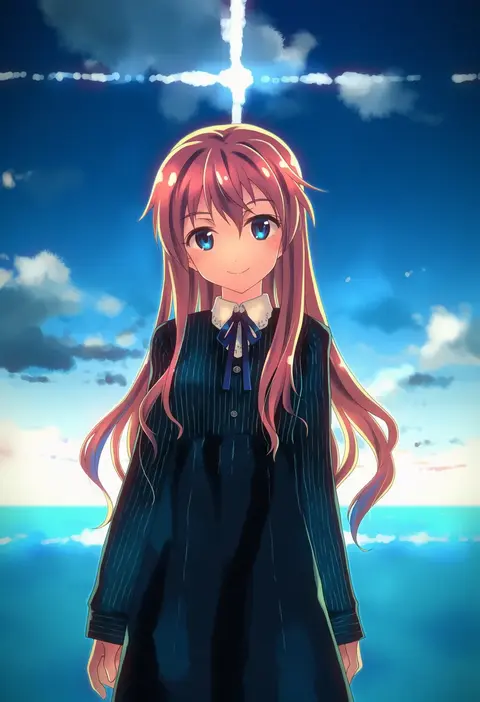
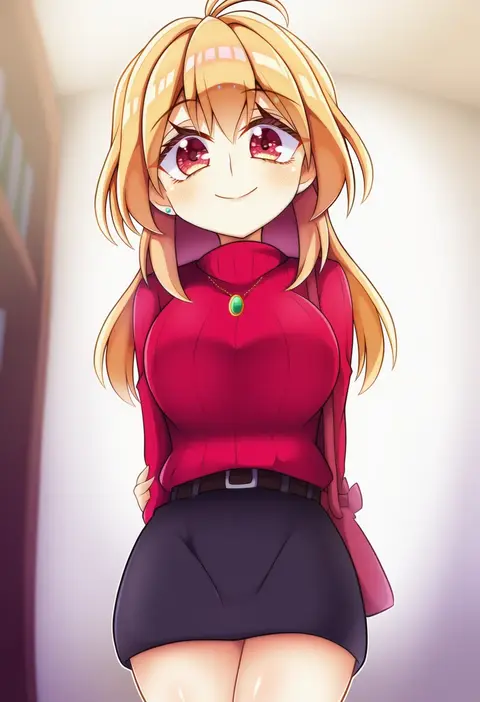
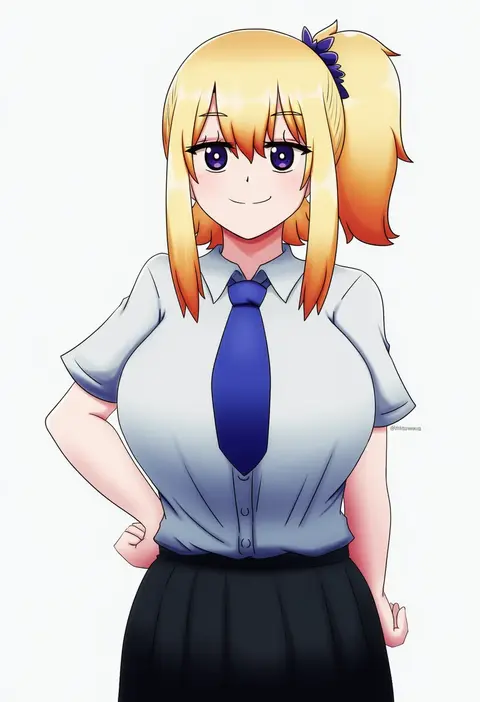
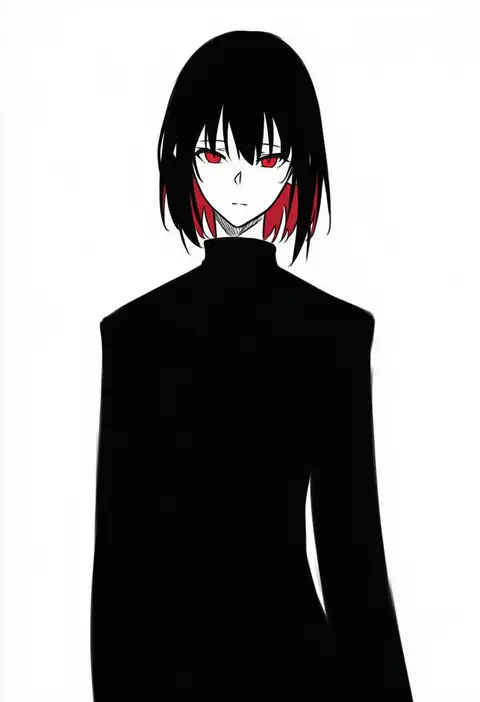
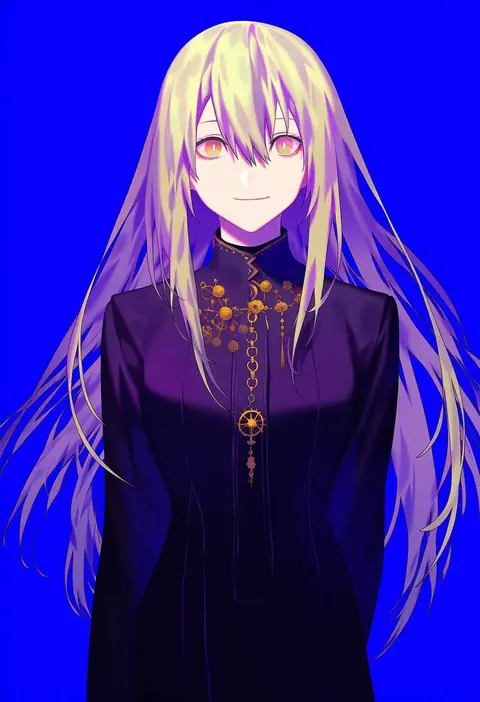
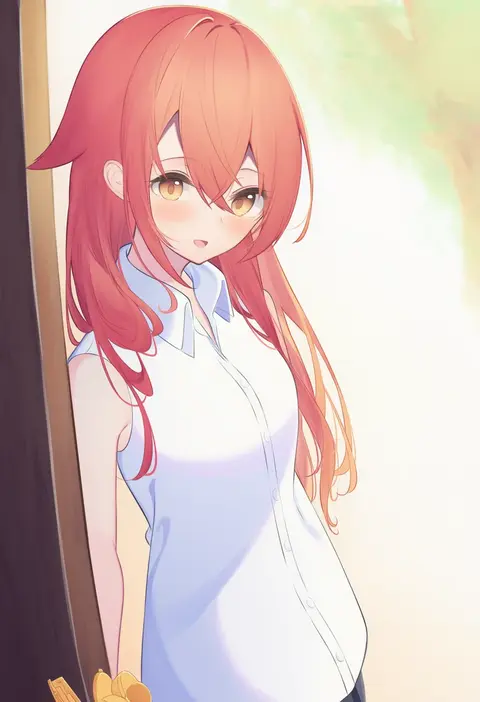
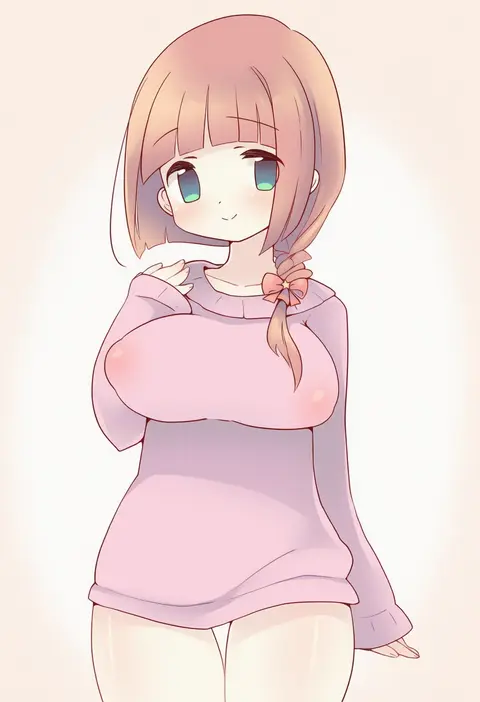
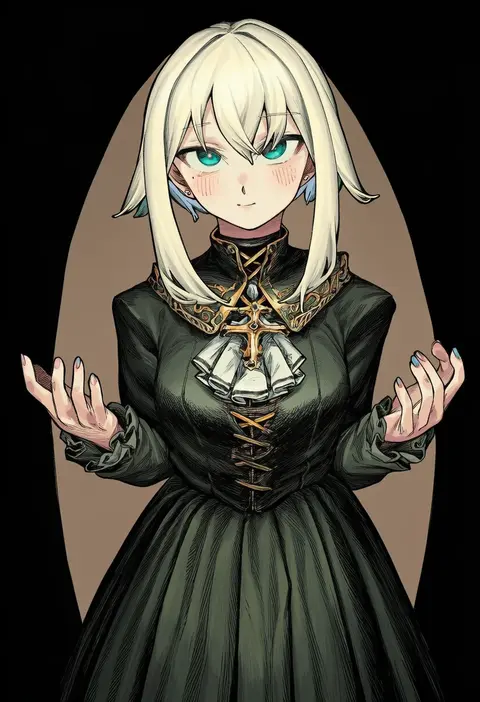
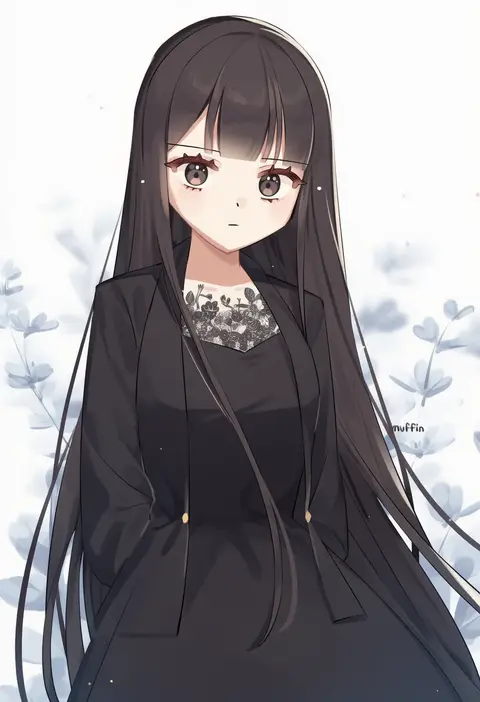
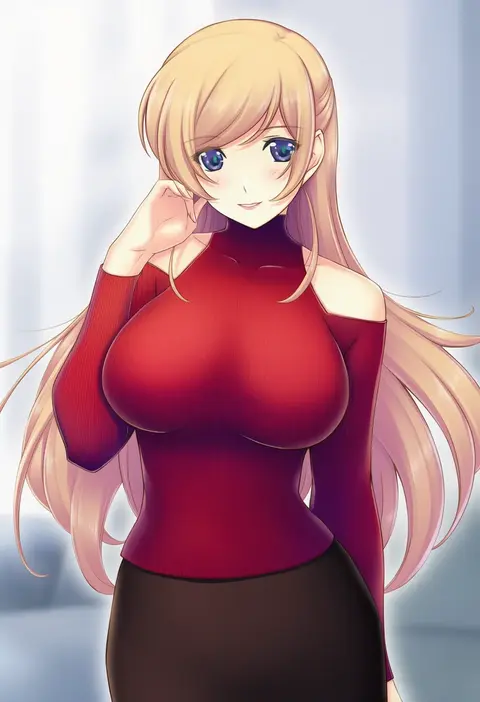
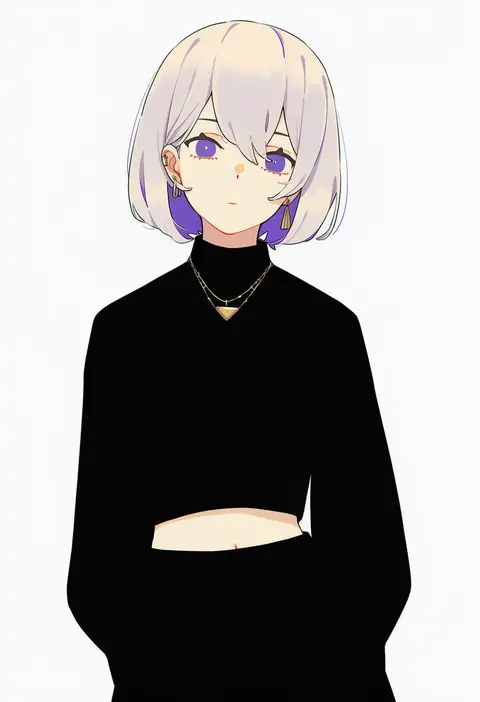
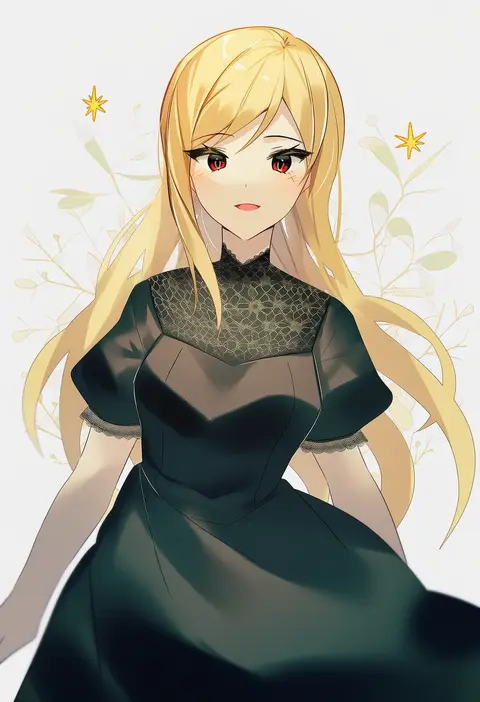
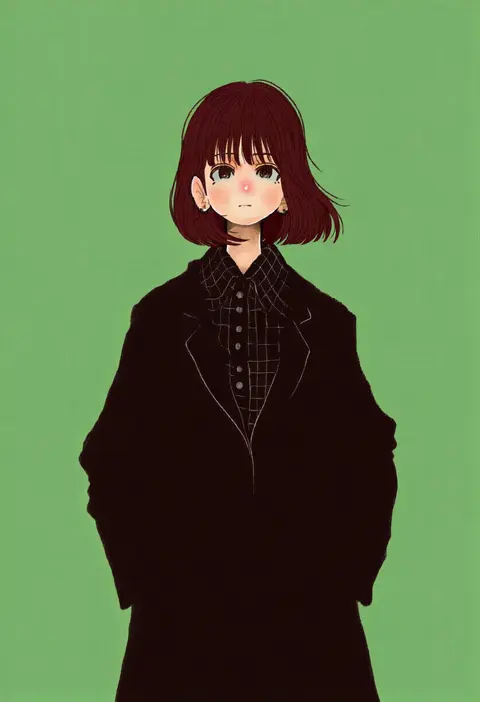
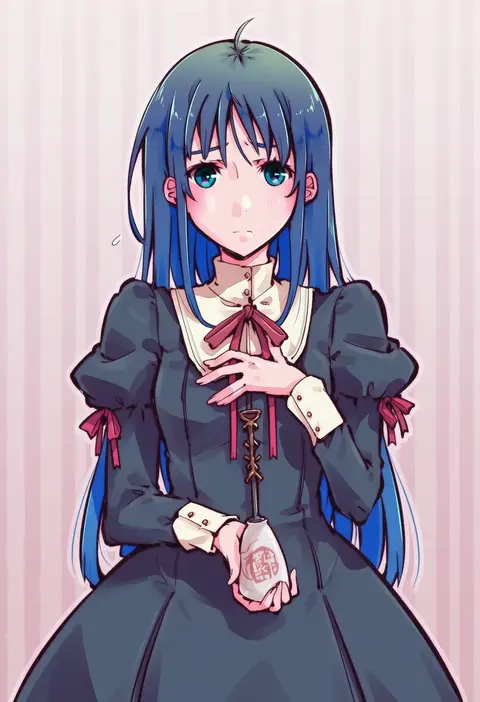
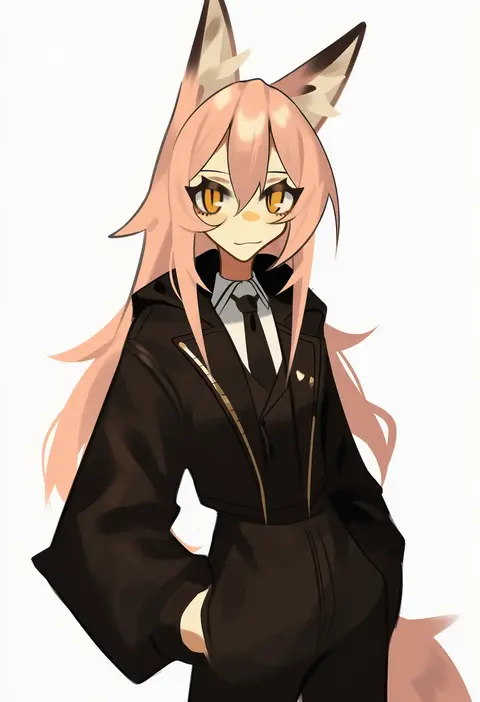
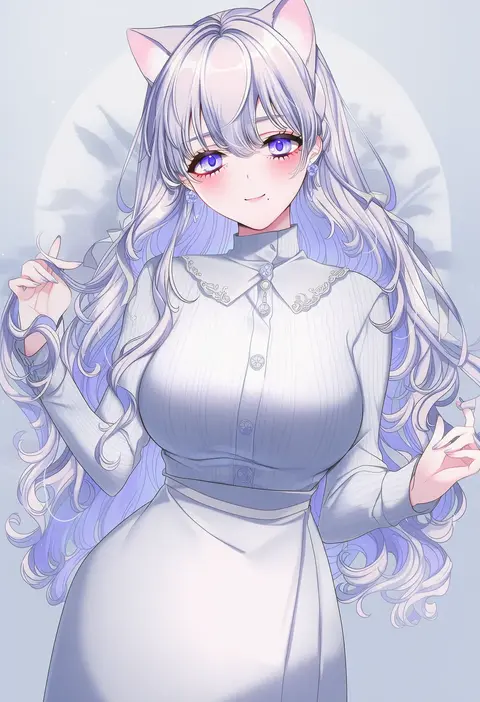
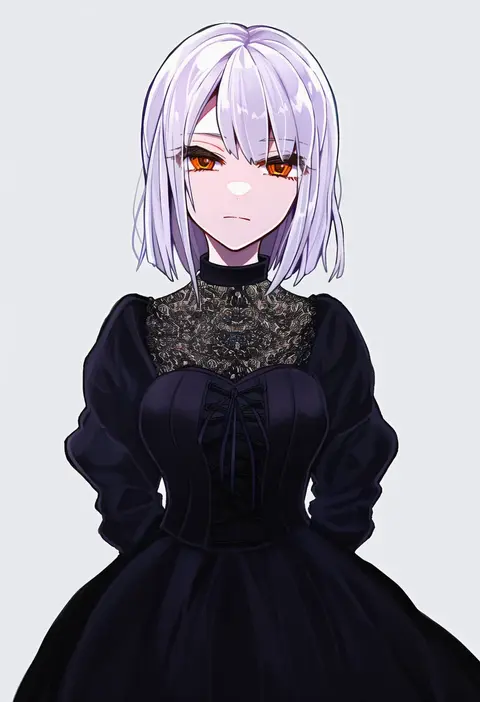
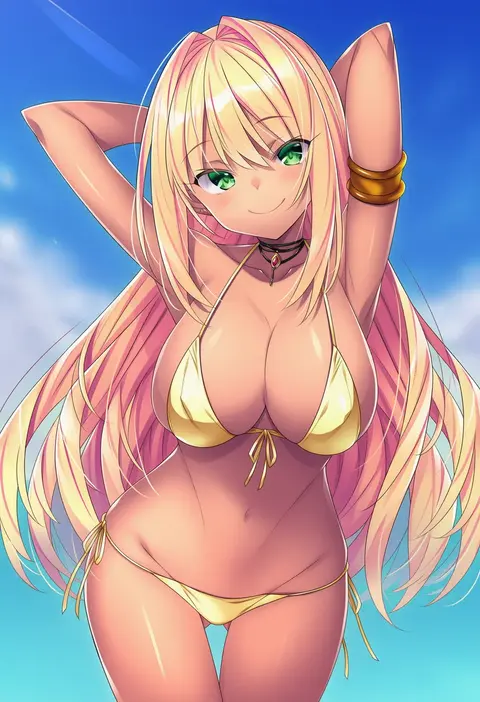
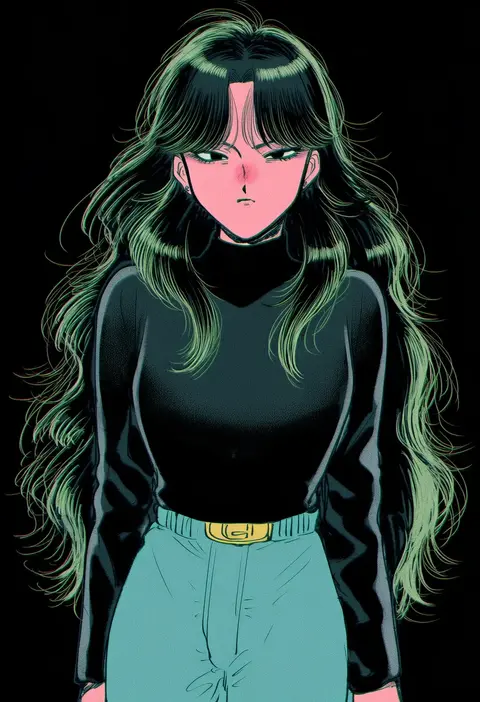
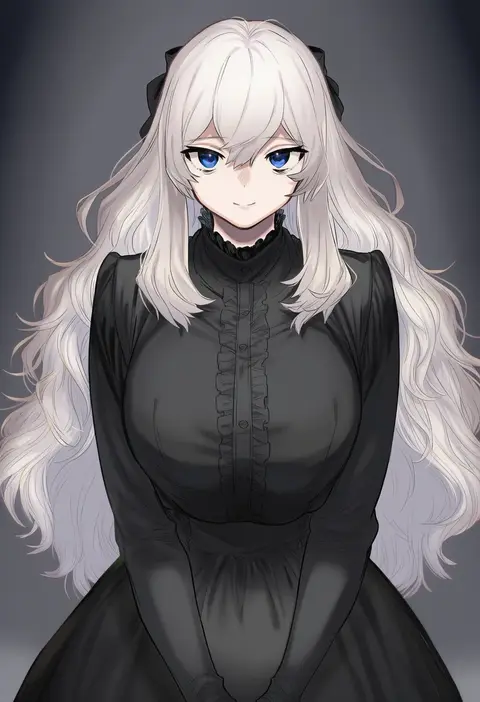
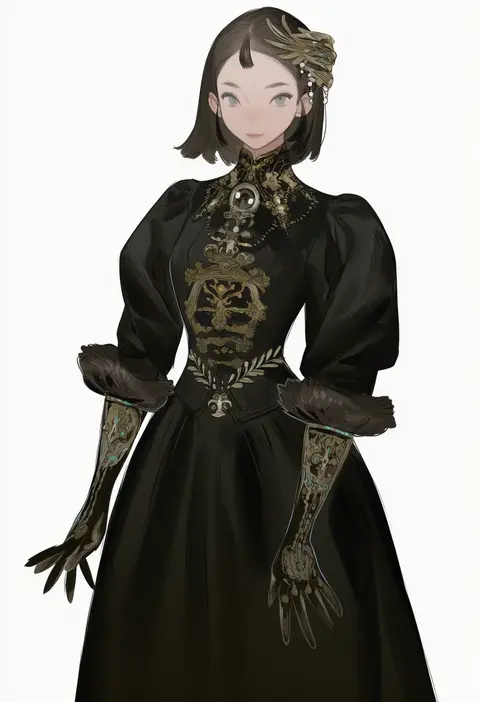
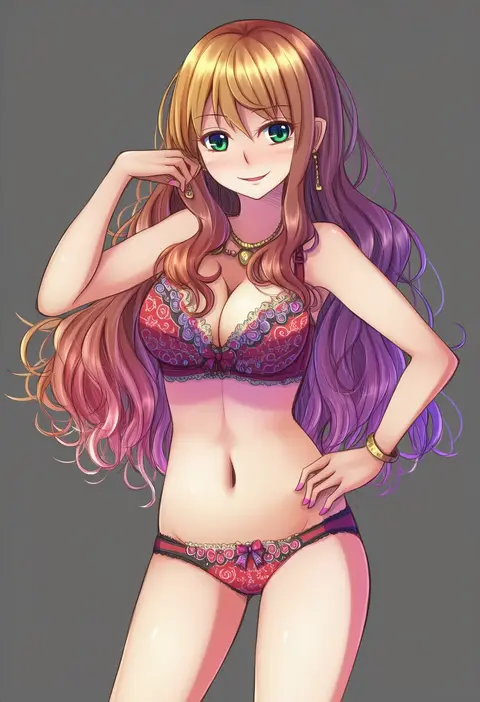
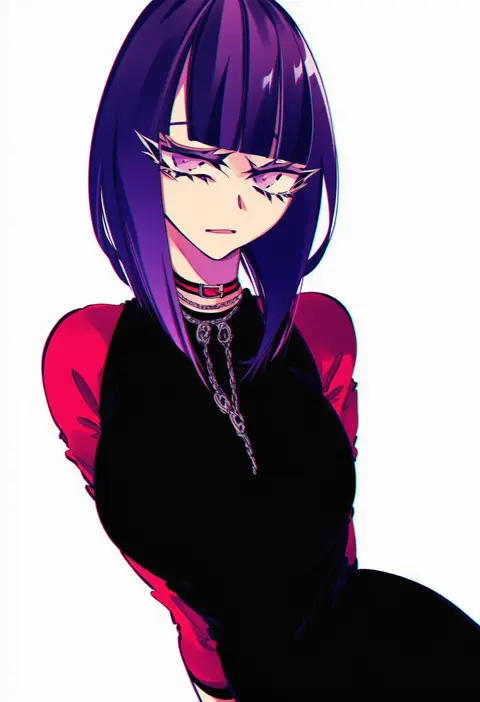
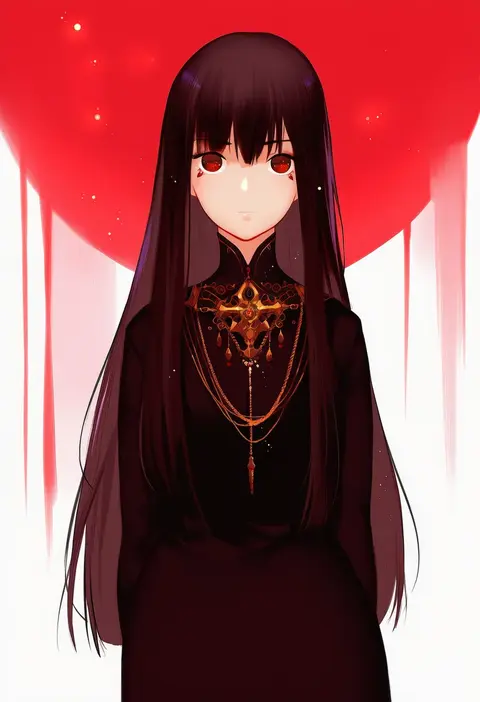
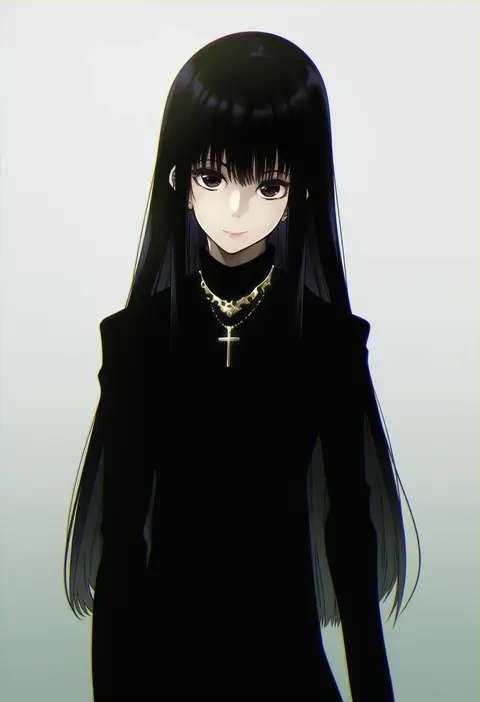
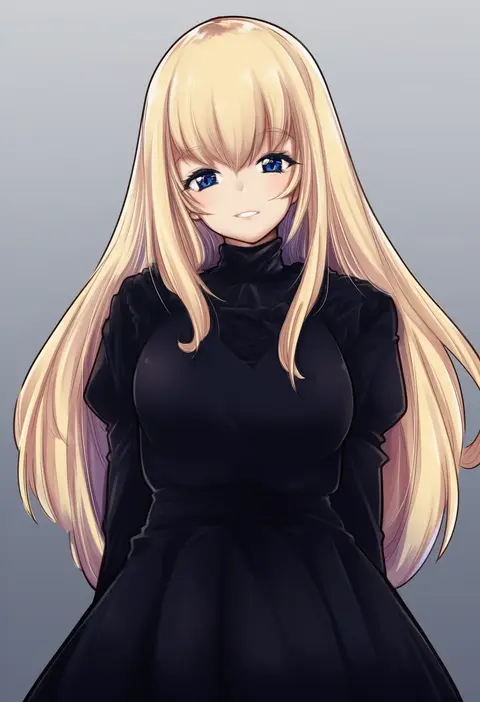
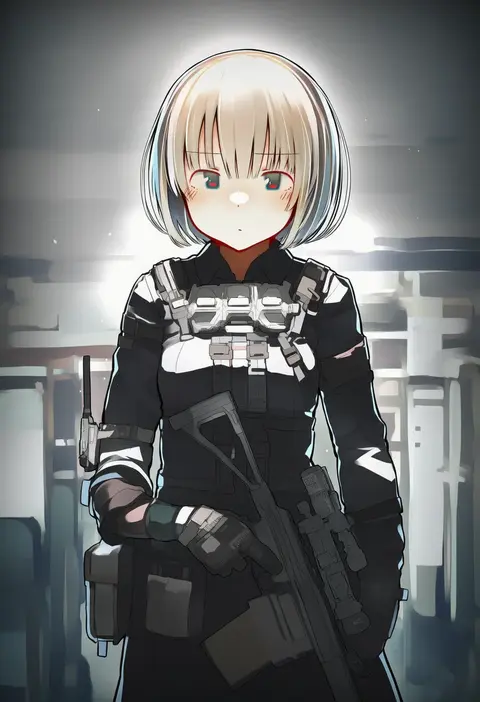
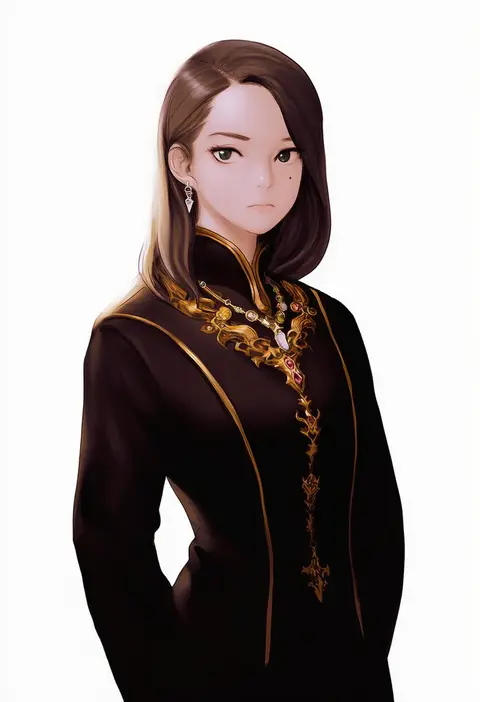
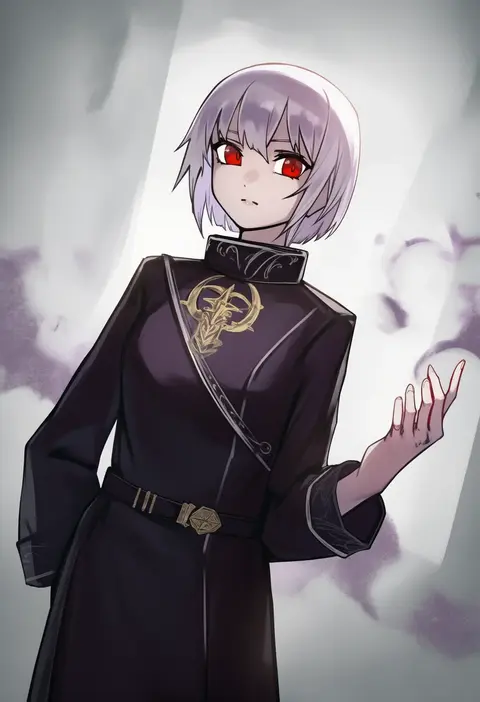
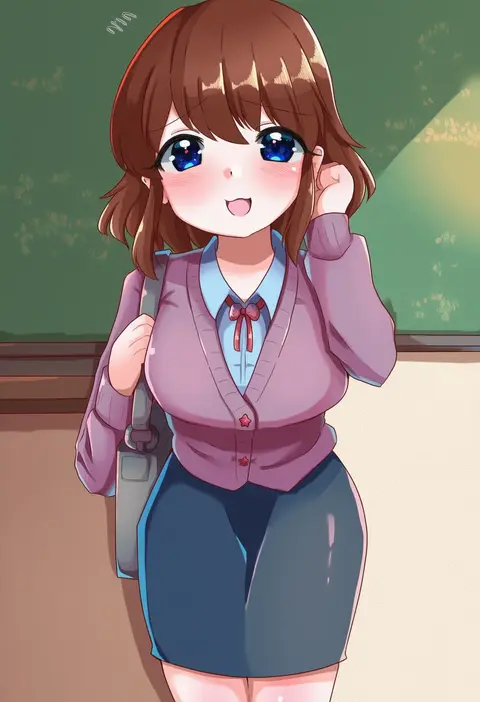
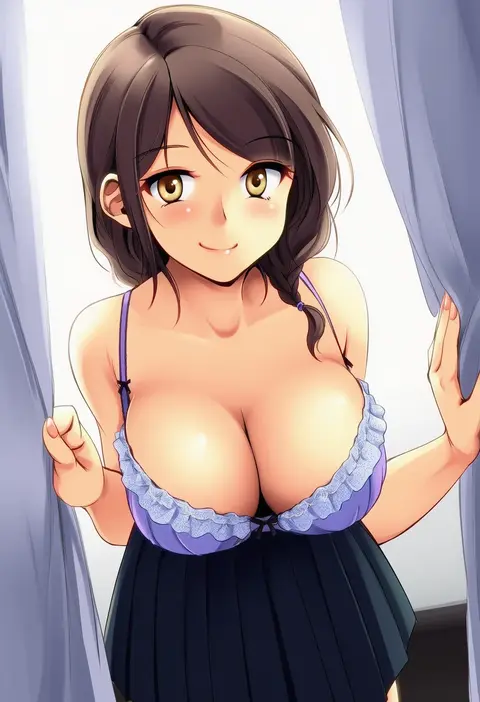
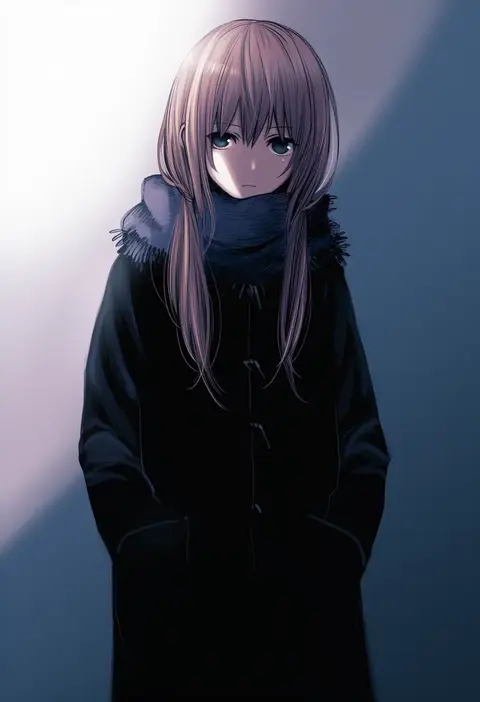
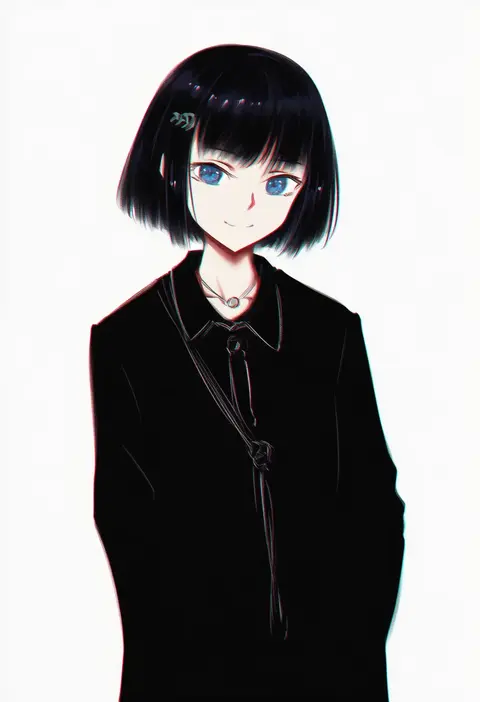
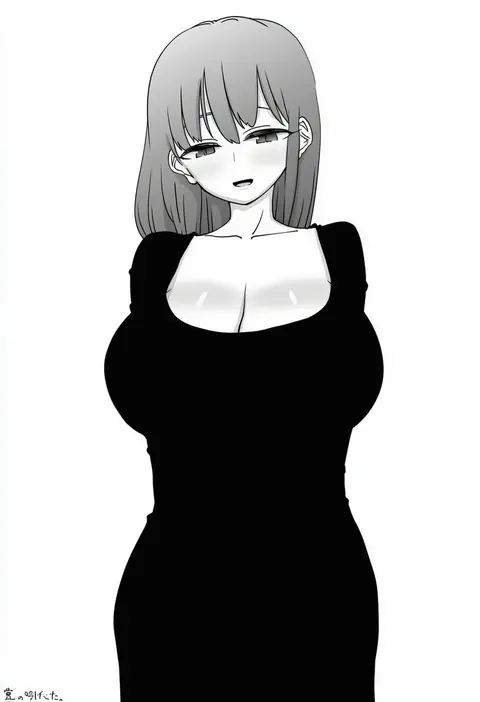
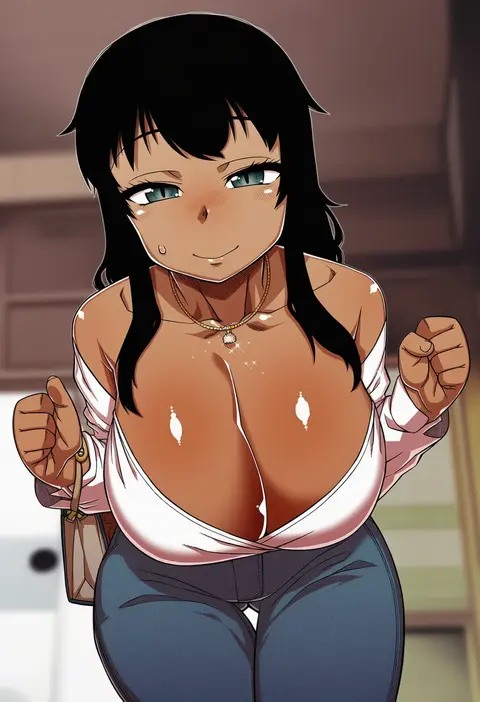
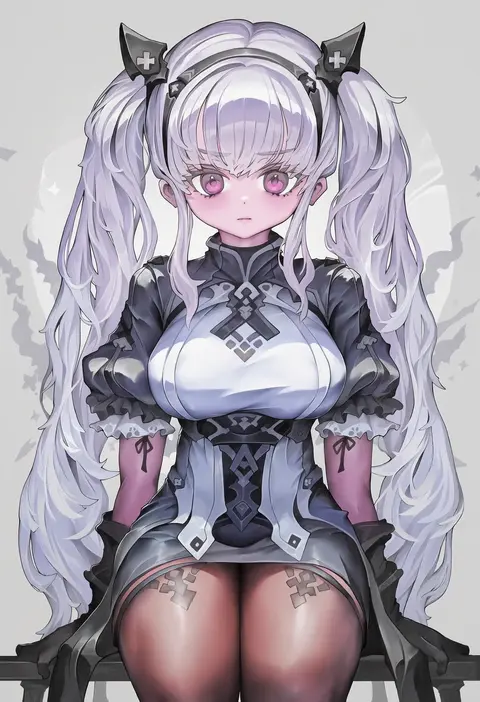
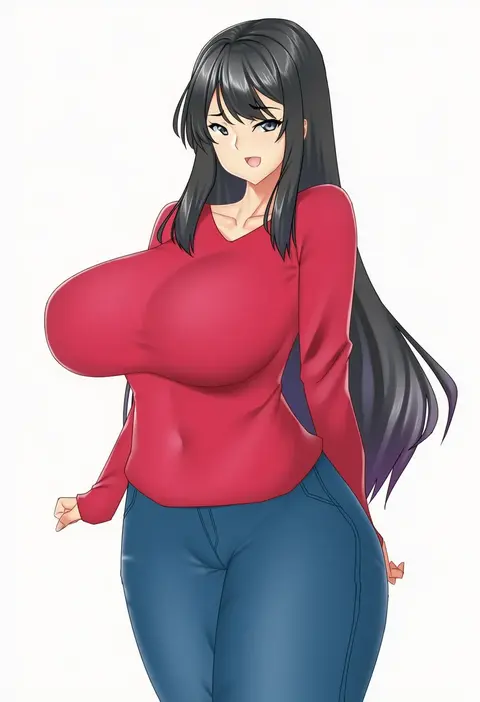
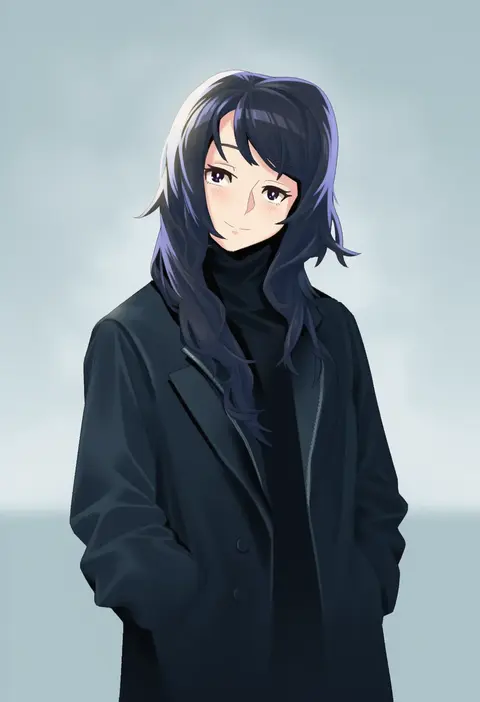
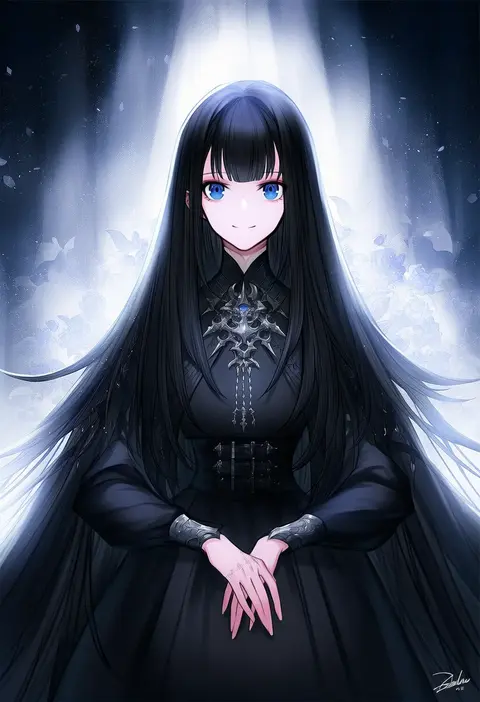
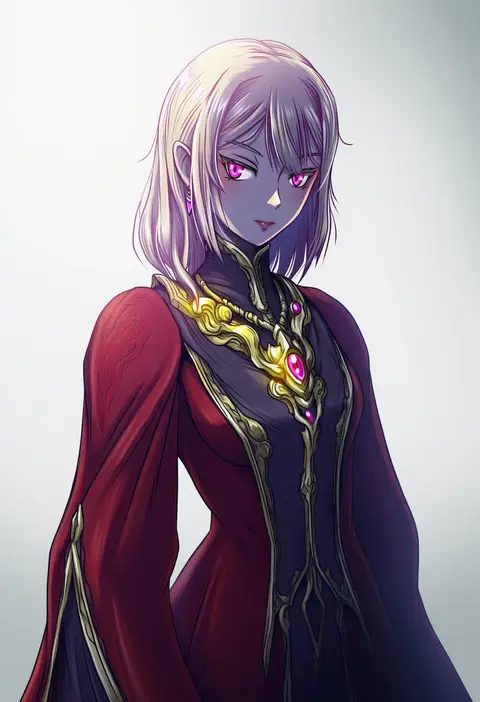
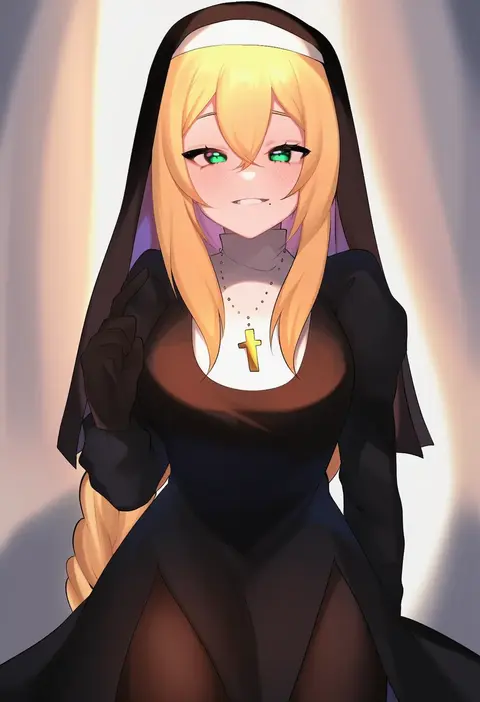
Artist tags tell NovelAI Diffusion to draw in a specific artist's style: line weight, paint texture, face shapes and palette all shift at once. Character and outfit tags decide what is drawn; artist tags decide how. 16,352 tags are listed for V4.5.
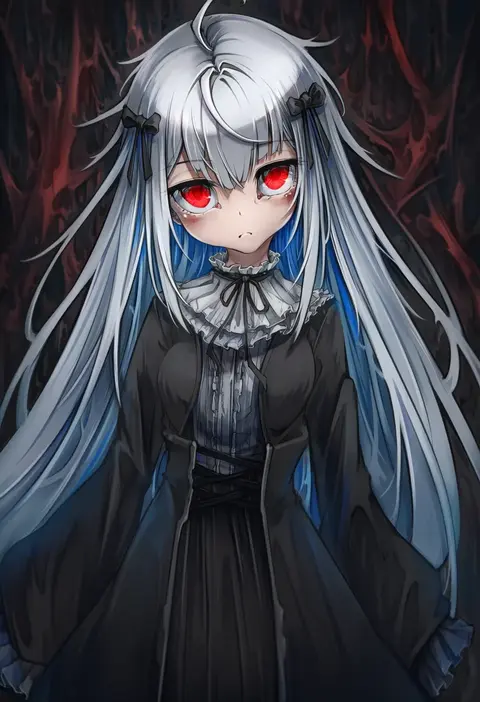
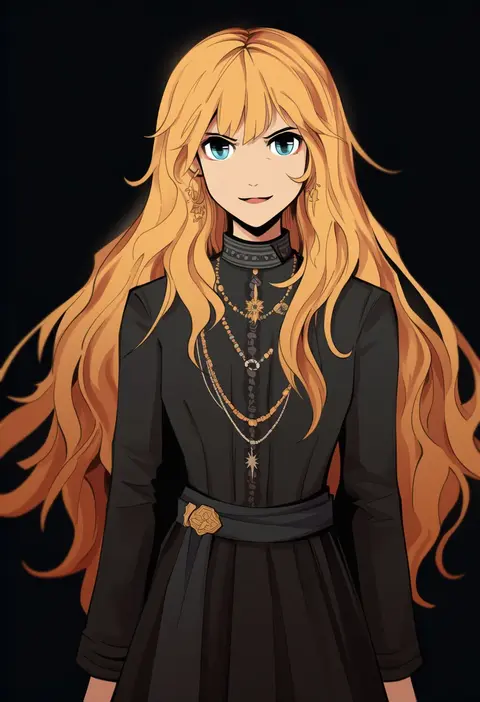
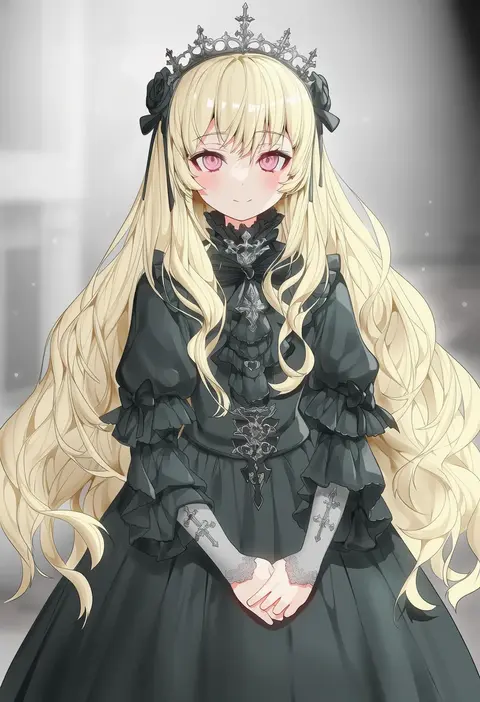
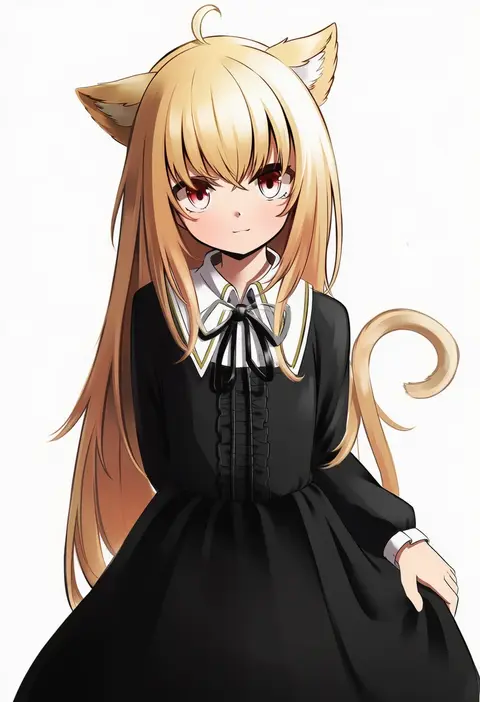
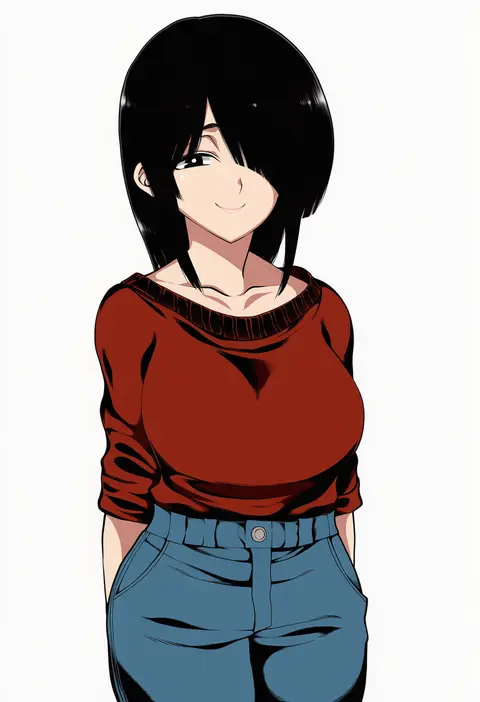
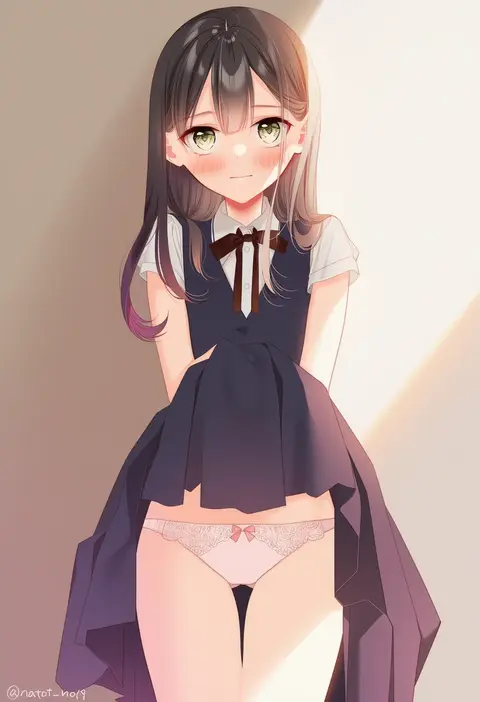
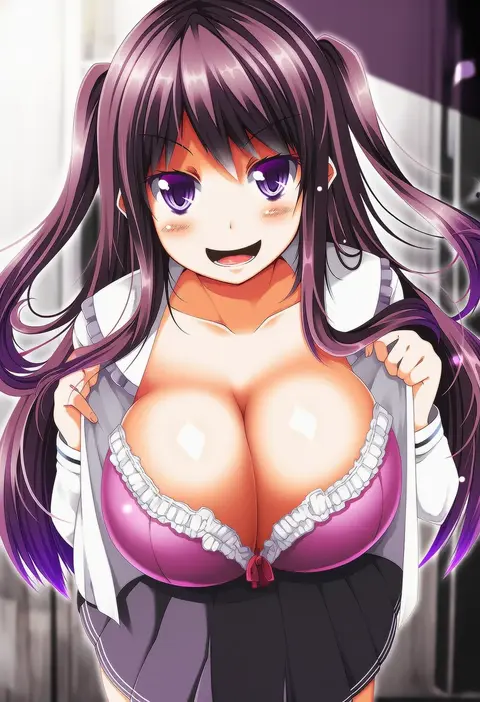
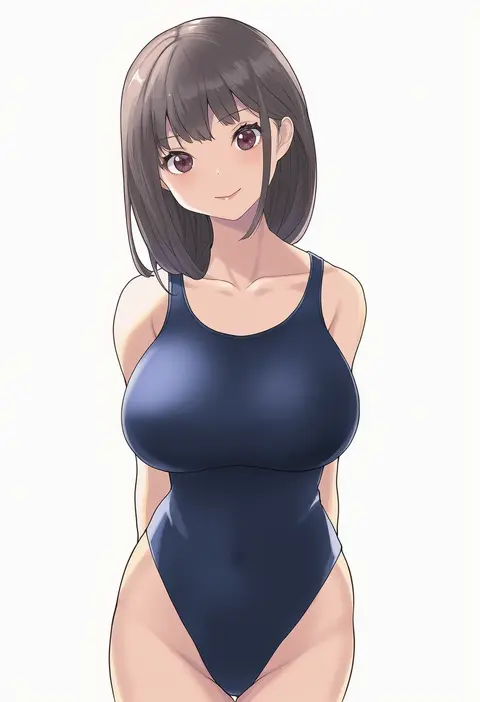
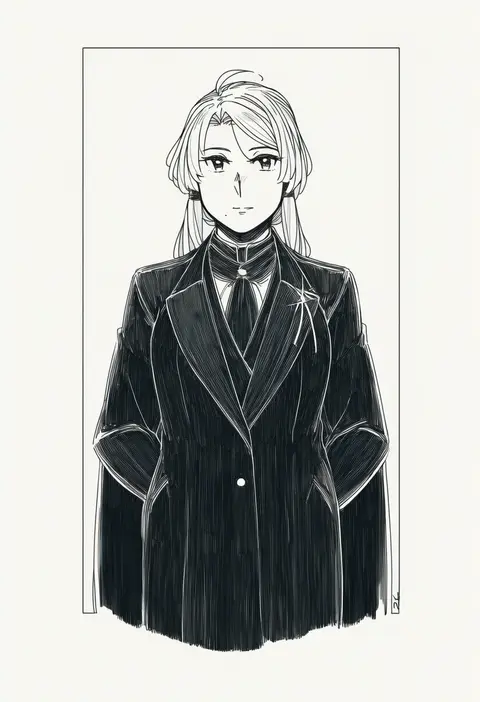
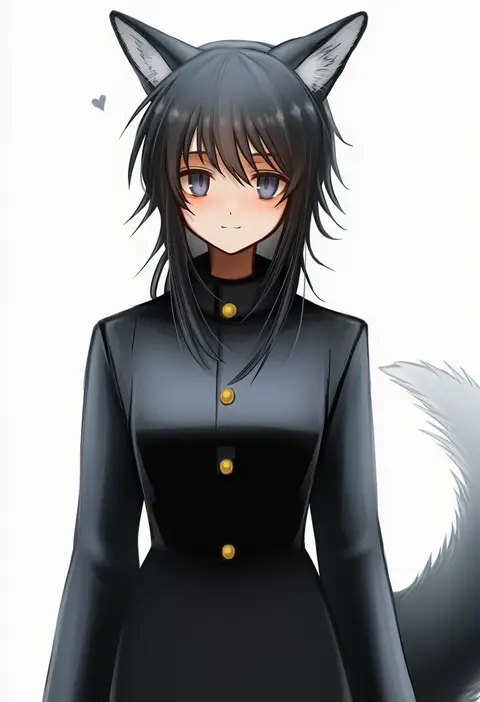
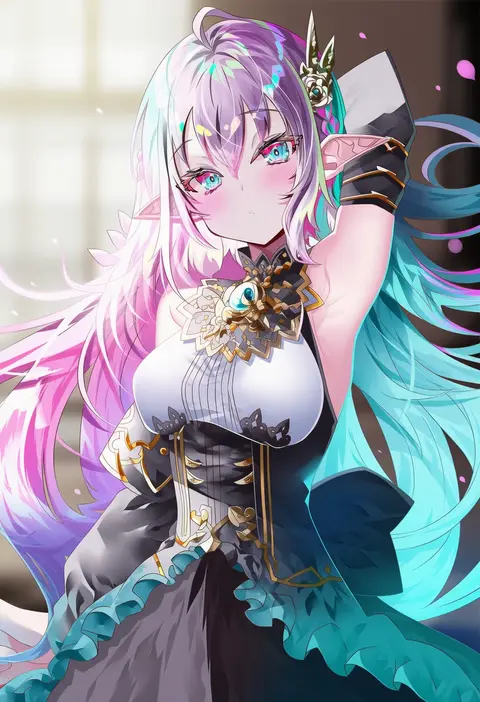
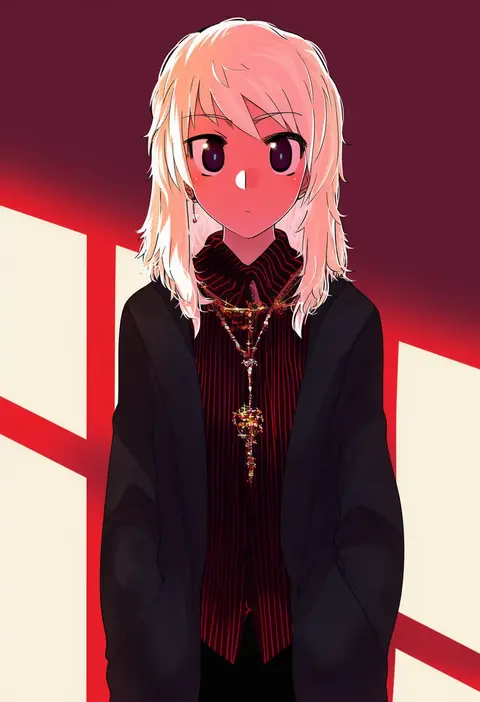
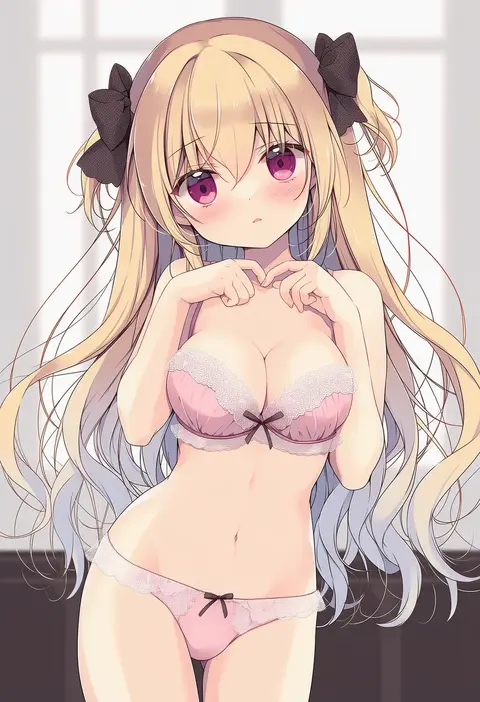
Every tag listed here is verified to react in NovelAI. All images use the same prompt, seed and settings with only the artist tag swapped, so the difference between two images is the style that tag brings in.

How to use them

Put the artist tag near the front of the prompt, e.g. "<artist>, 1girl, solo, best quality, masterpiece, cowboy shot". Two or three artist tags blend styles; lower the weight with "0.8::<artist>::" when the style overpowers the character.

SCORE sorts by Danbooru's top score, POSTS by post count, FAVS by hearts on this site. Open a card to see V5 and V4.5 side by side on the same seed.

V5 vs V4.5

V5 usually lands closer to the artist's real style, and tags that did nothing on V4.5 often react on V5. V4.5 still fits older and doujin-heavy artists better. Try V5 first, fall back to V4.5.

FAQ

Where does the artist tag go?
Near the front of the prompt. Use "0.8::tag::" to adjust its weight.

Can I stack artist tags?
Yes, styles blend. Past two or three the result stops looking like anyone.

Are these the artists' own works?
No. Every image is a NovelAI sample generated from the tag.