V4.5Artists
sort: FAVS▾
▾
>
$

Popular NovelAI artist tags — V4.5

artist --count 16,352[198/273]
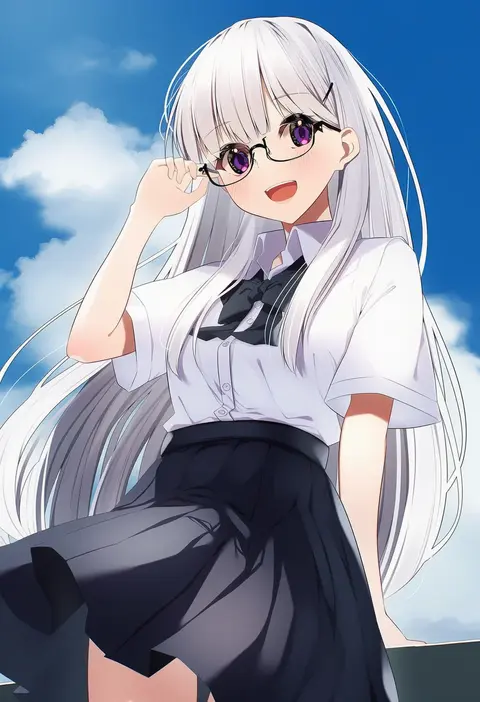
borumete
ARTIST0x2E2C
0
mero (starfish jcs)
ARTIST0x2E2D
0
uroko (mnr)
ARTIST0x2E2E
0
kinakomoti
ARTIST0x2E2F
0
mizuno keisuke
ARTIST0x2E30
0
mikomiko (mikomikosu)
ARTIST0x2E31
0
quro (black river)
ARTIST0x2E32
0
yukimaru nun
ARTIST0x2E33
0
amagi hana
ARTIST0x2E34
0
gus (clarkii)
ARTIST0x2E35
0
bonno sasu
ARTIST0x2E36
0
ubizo
ARTIST0x2E37
0
hanavbara
ARTIST0x2E38
0
jinkoika
ARTIST0x2E39
0
oyatu potage
ARTIST0x2E3A
0
tanuki yousuke
ARTIST0x2E3B
0
mappe (778exceed)
ARTIST0x2E3C
0
faiz azhar
ARTIST0x2E3D
0
yaise
ARTIST0x2E3E
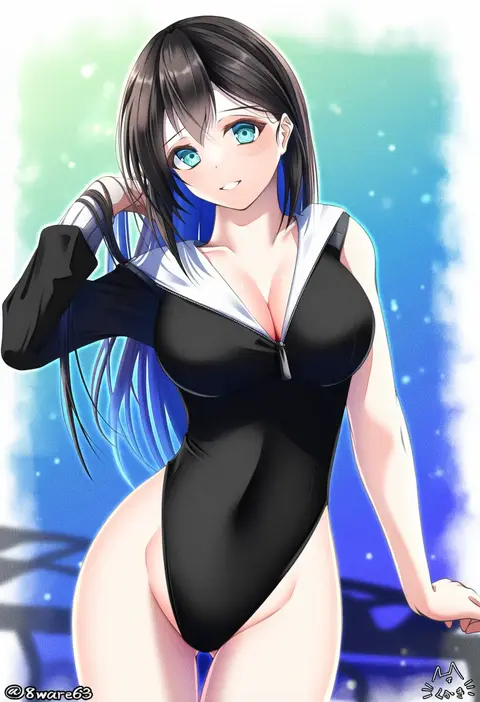
0
hachiware (8ware63)
ARTIST0x2E3F
0
ik18166181ik
ARTIST0x2E40
0
ruriwo (ruriwo1894)
ARTIST0x2E41
0
redum4
ARTIST0x2E42
0
konohana saku
ARTIST0x2E43
0
iizuka haruko
ARTIST0x2E44
0
ivory (25680nico)
ARTIST0x2E45
0
matsuoka michihiro
ARTIST0x2E46
0
kazuoki
ARTIST0x2E47
0
meron
ARTIST0x2E48
0
deekei
ARTIST0x2E49
0
kamo (yokaze)
ARTIST0x2E4A
0
shino-o
ARTIST0x2E4B
0
yunkaasu (kakushiaji)
ARTIST0x2E4C
0
bayard wu
ARTIST0x2E4D
0
otohime (youngest princess)
ARTIST0x2E4E
0
kanzakietc
ARTIST0x2E4F
0
ryuuichi (f dragon)
ARTIST0x2E50
0
mosho
ARTIST0x2E51
0
jason (kaiten kussaku kikou)
ARTIST0x2E52
0
makio (makiomeigenbot)
ARTIST0x2E53
0
vent arbre
ARTIST0x2E54
0
zono (inokura syuzo029)
ARTIST0x2E55
0
masa masa
ARTIST0x2E56
0
syroh
ARTIST0x2E57
0
hechi
ARTIST0x2E58
0
hokuto (scichil)
ARTIST0x2E59
0
koharu2.5
ARTIST0x2E5A
0
sakurato ototo shizuku
ARTIST0x2E5B
0
hamayumiba sou
ARTIST0x2E5C
0
harusame (rueken)
ARTIST0x2E5D
0
ao jun
ARTIST0x2E5E
0
oharu-chan
ARTIST0x2E5F
0
takatsuki akira
ARTIST0x2E60
0
lemontea
ARTIST0x2E61
0
vice (kuronekohadokoheiku)
ARTIST0x2E62
0
miyakure
ARTIST0x2E63
0
anno aano
ARTIST0x2E64
0
fixro2n
ARTIST0x2E65
0
sibyl
ARTIST0x2E66
0
morumoru x
ARTIST0x2E67
0

What these tags change

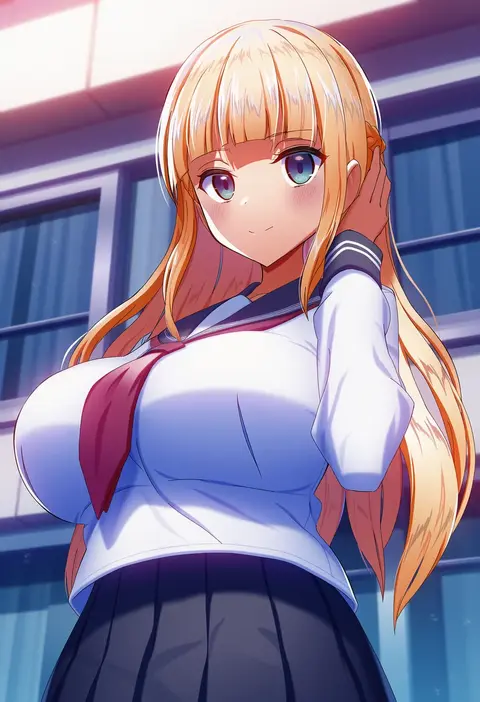
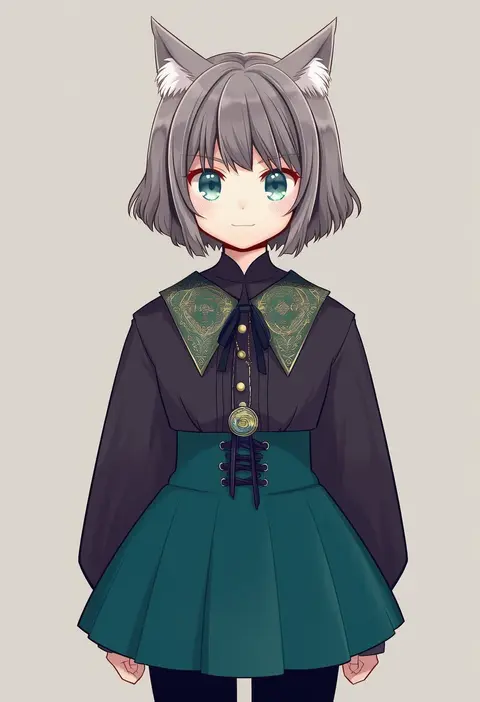
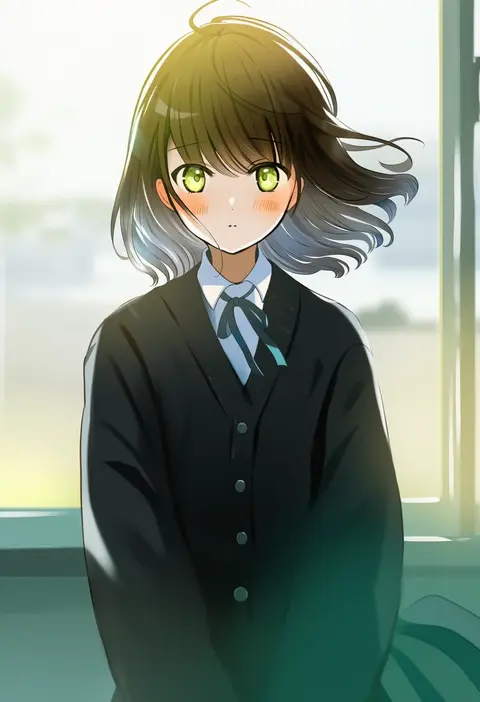
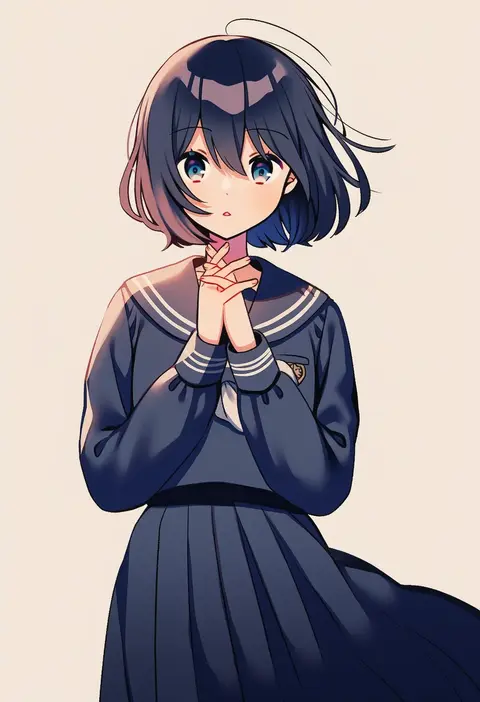
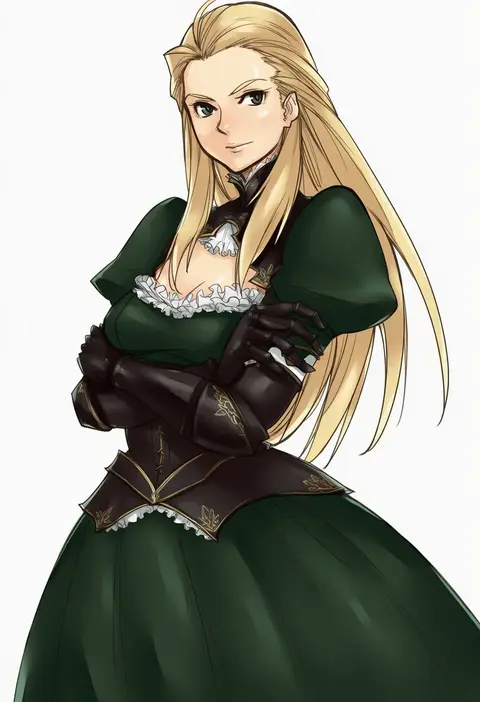
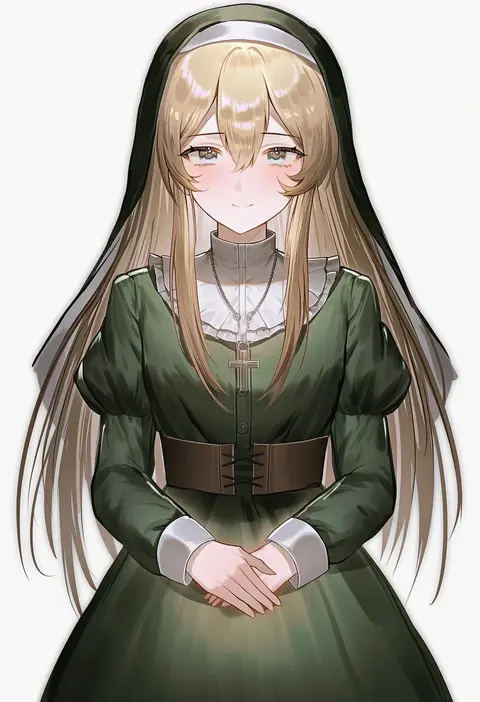
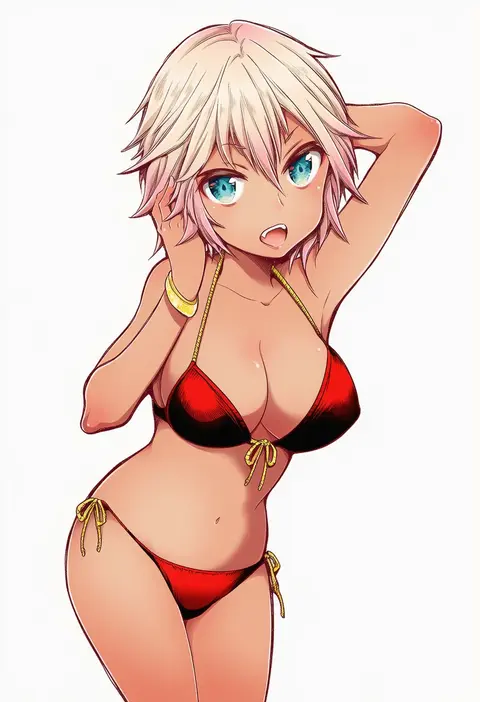
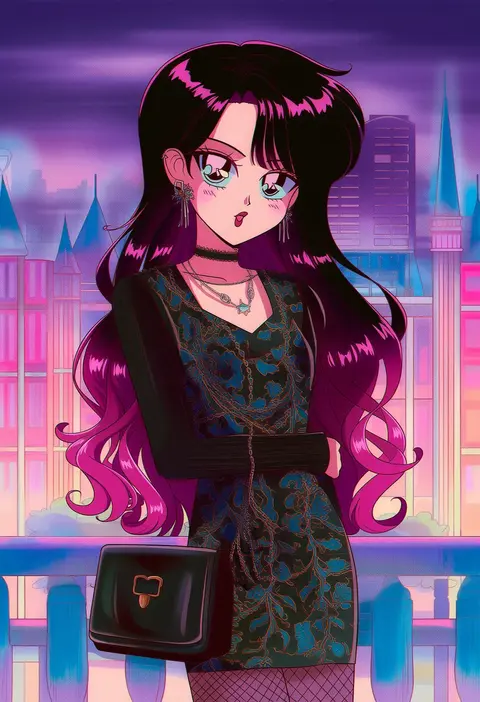
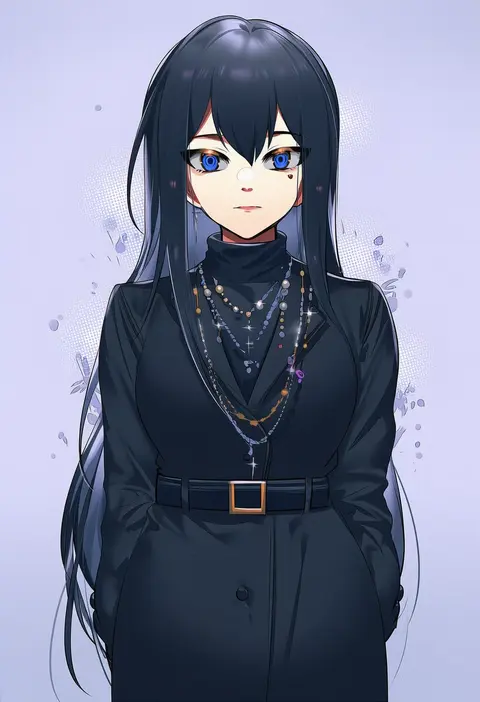
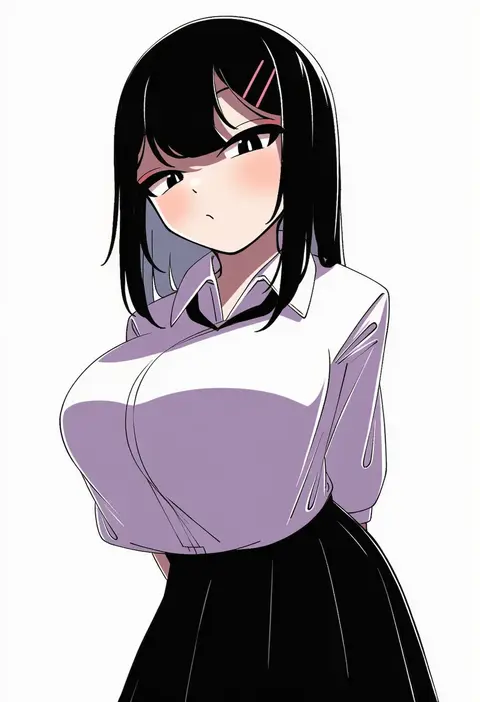
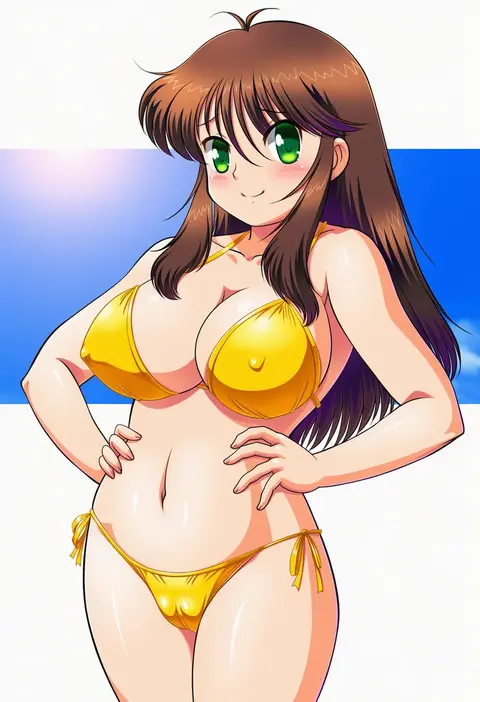
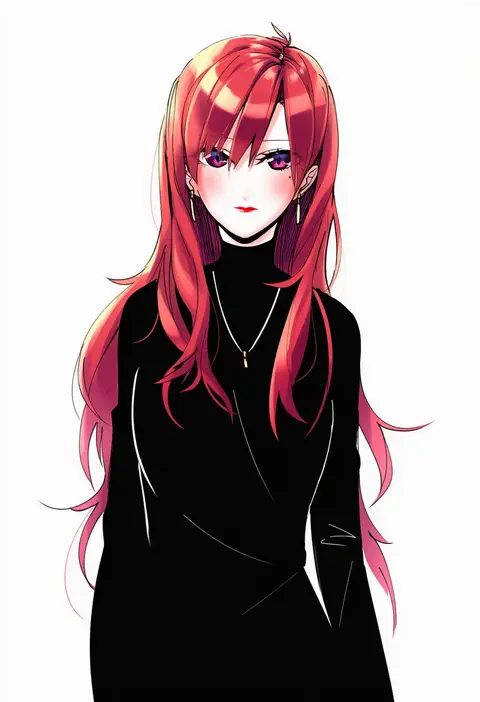
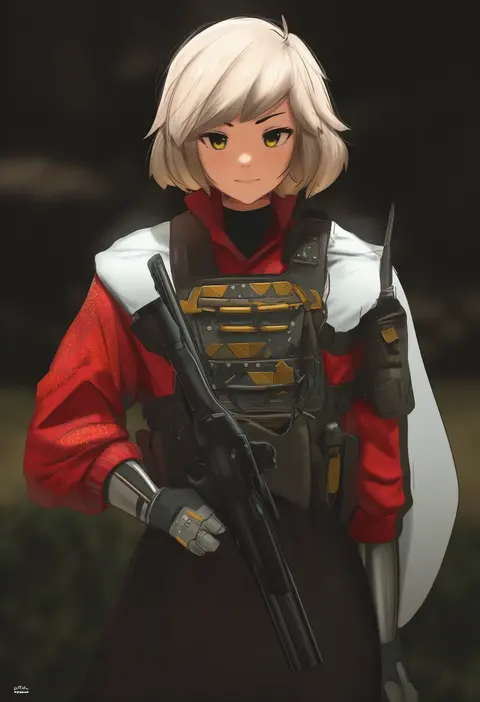
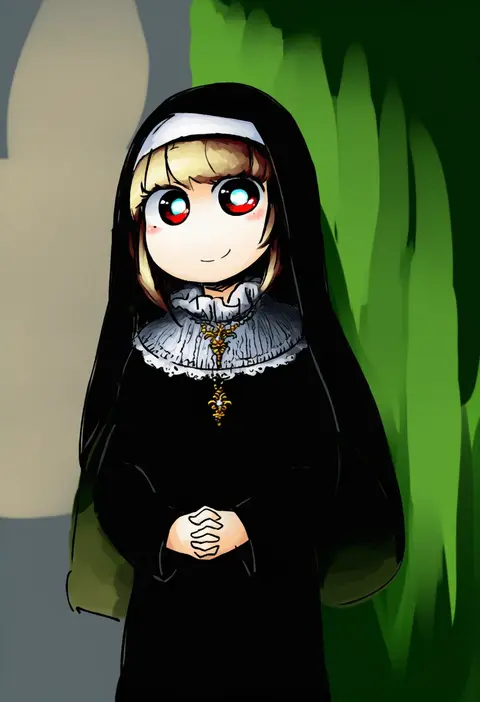
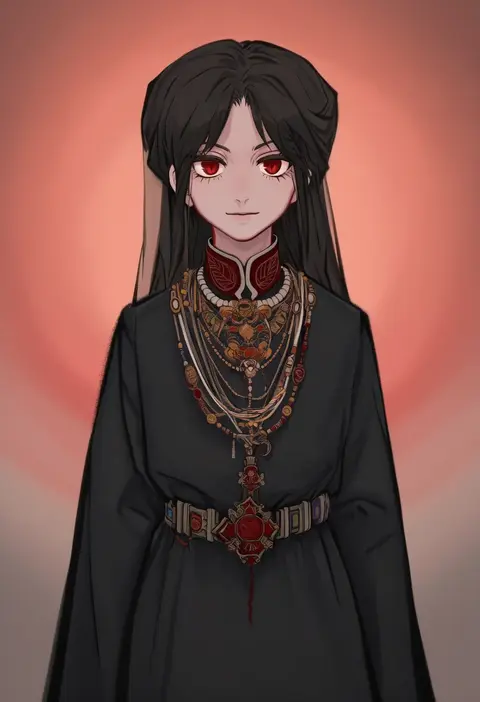
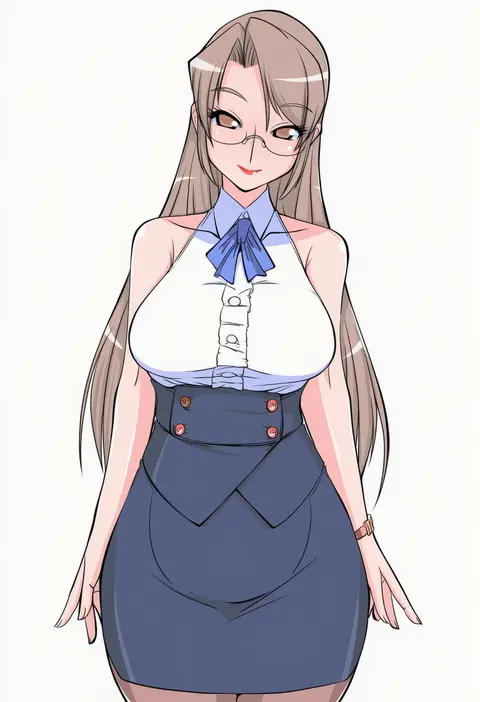
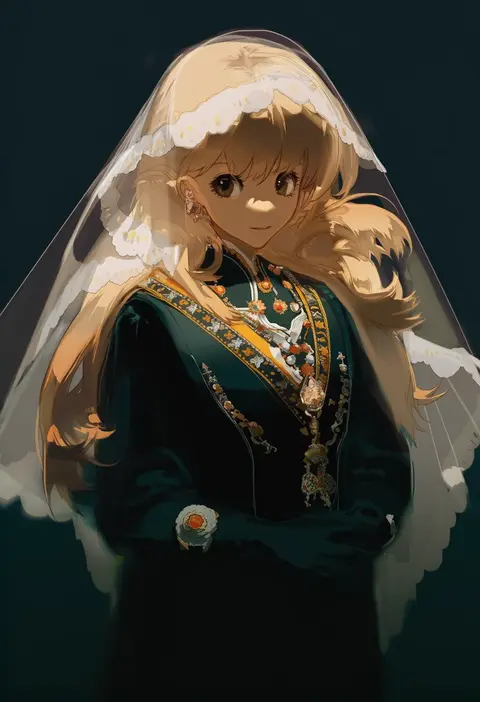
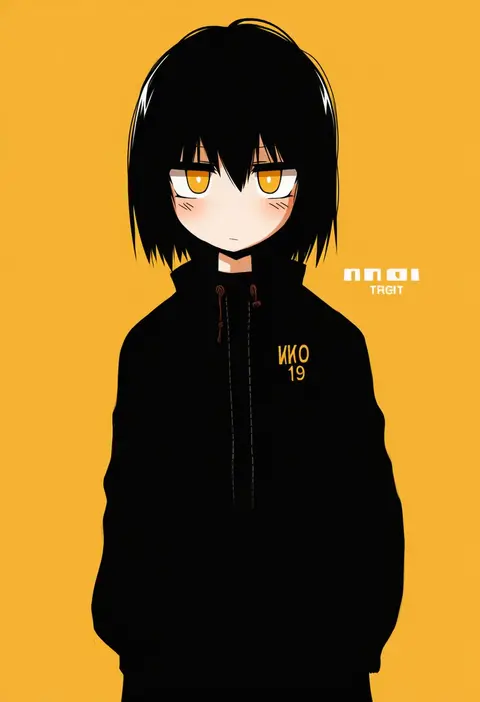
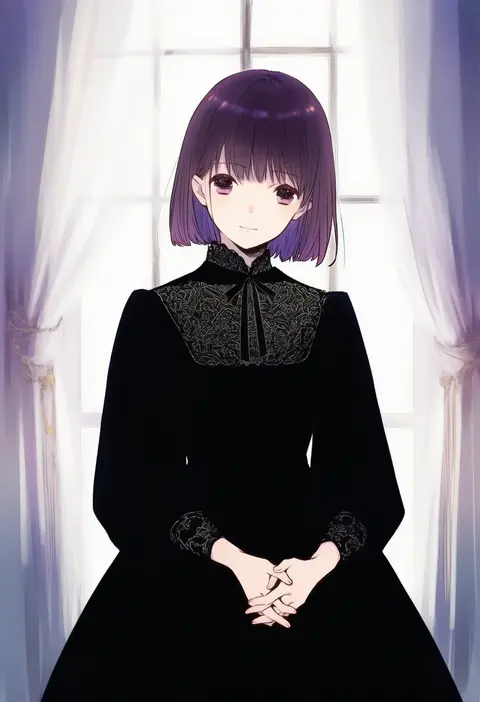
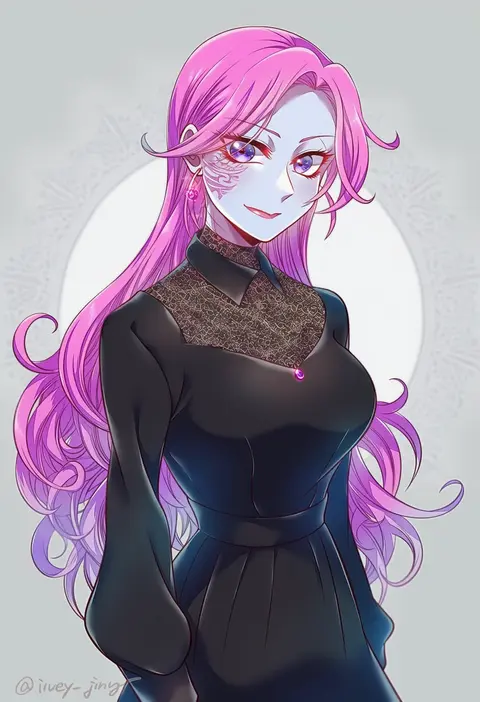
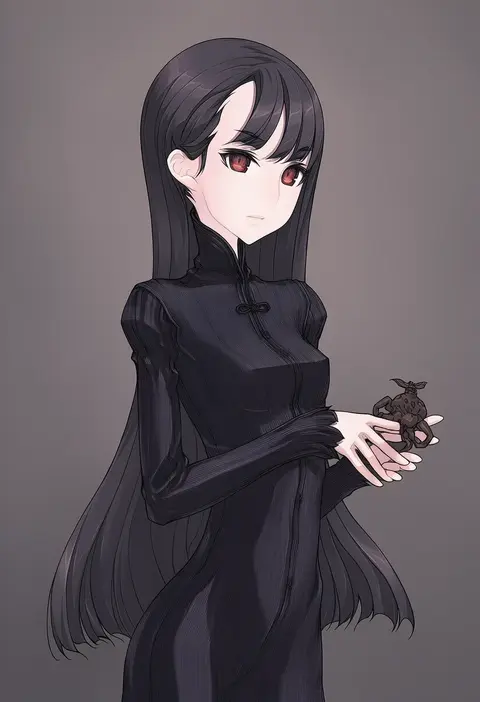
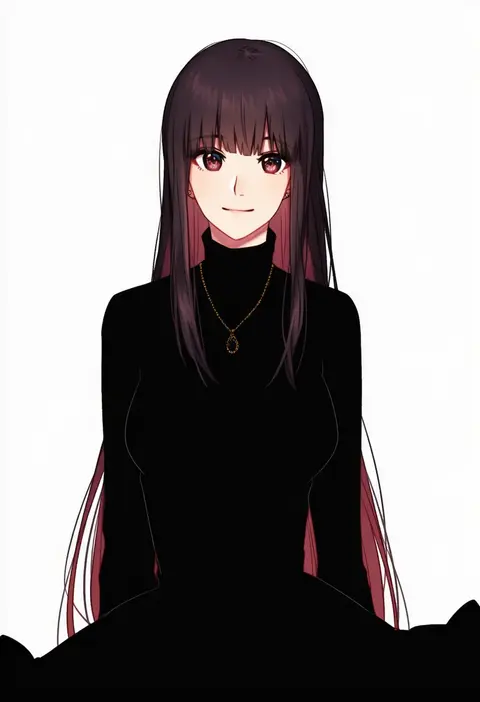
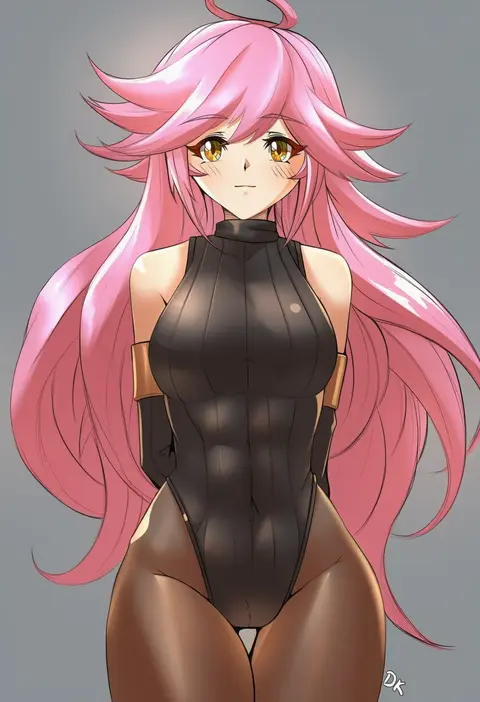
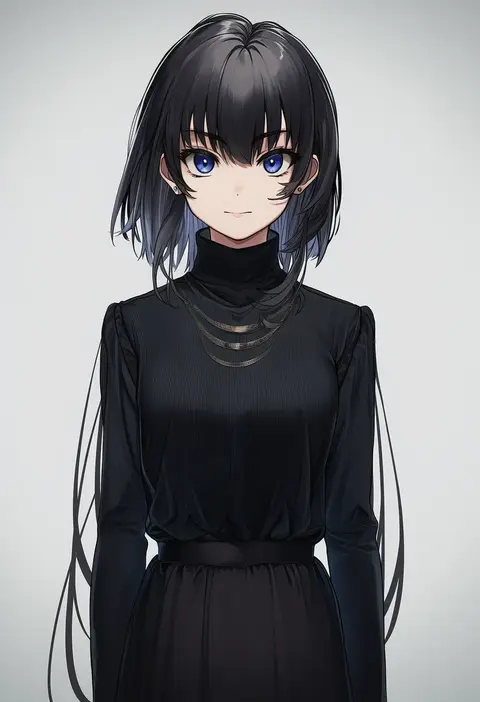
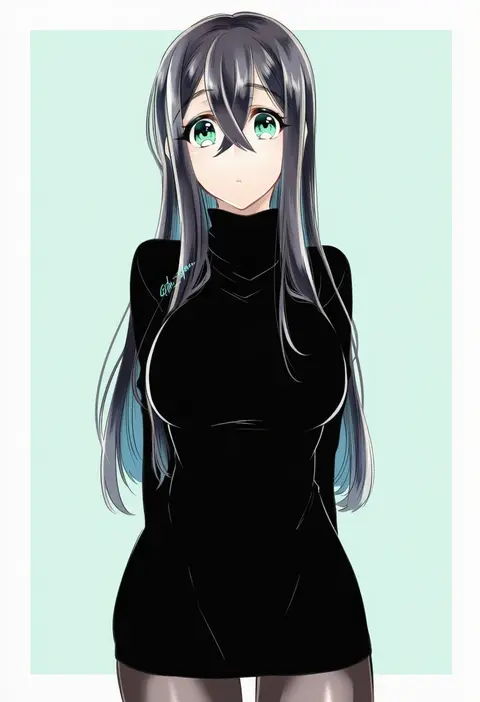
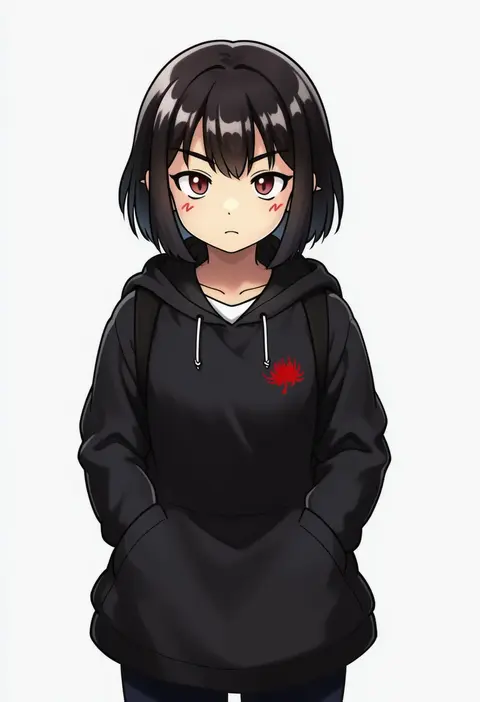
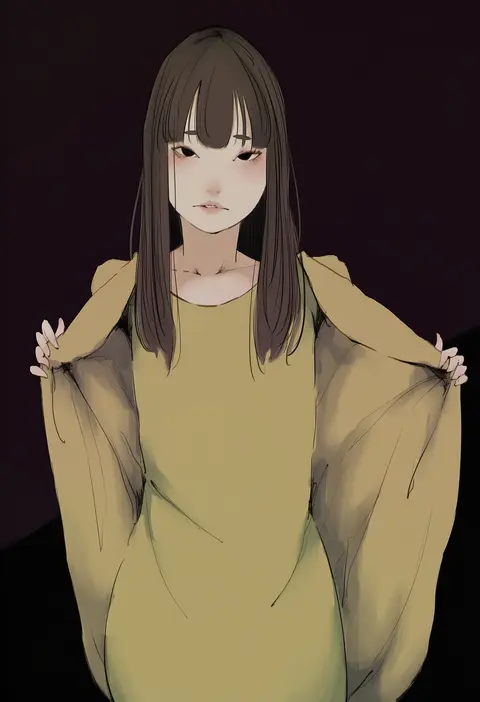
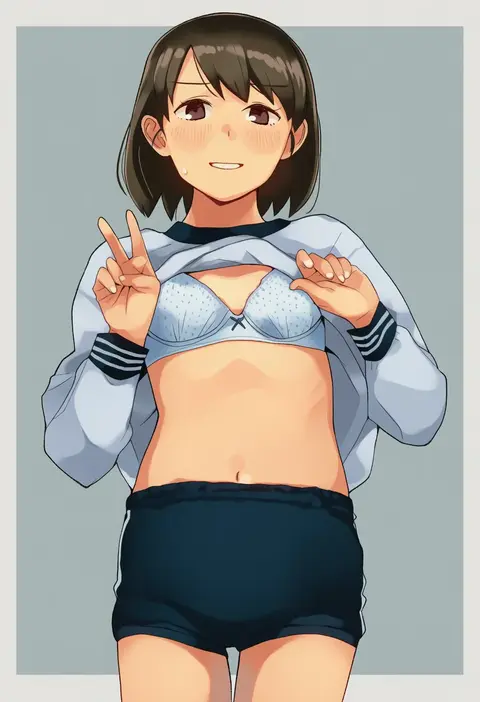
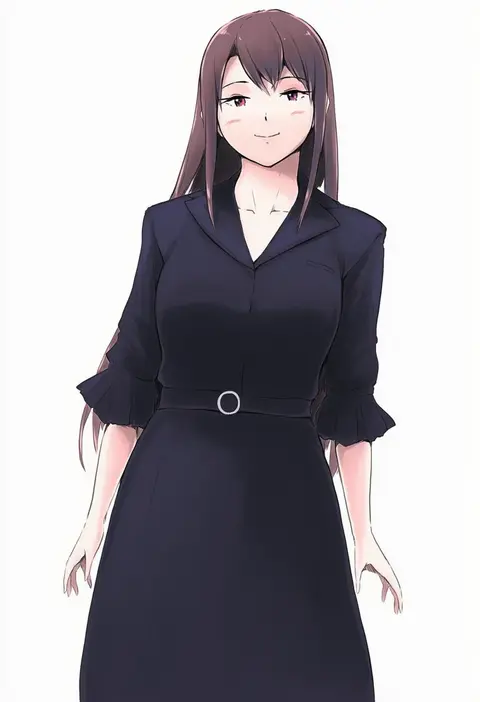
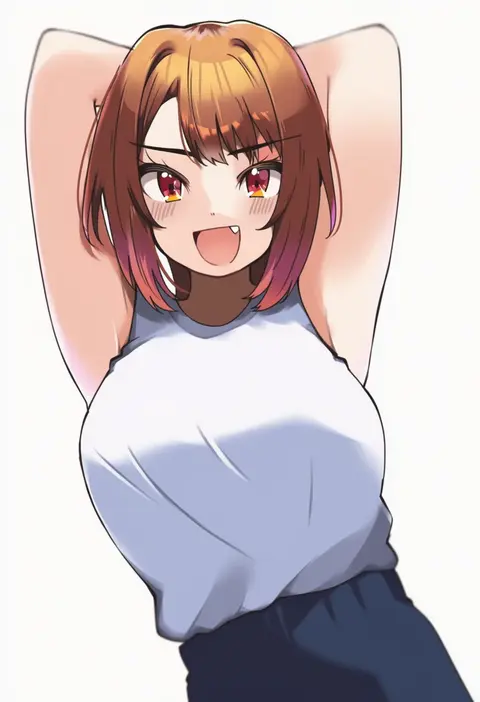
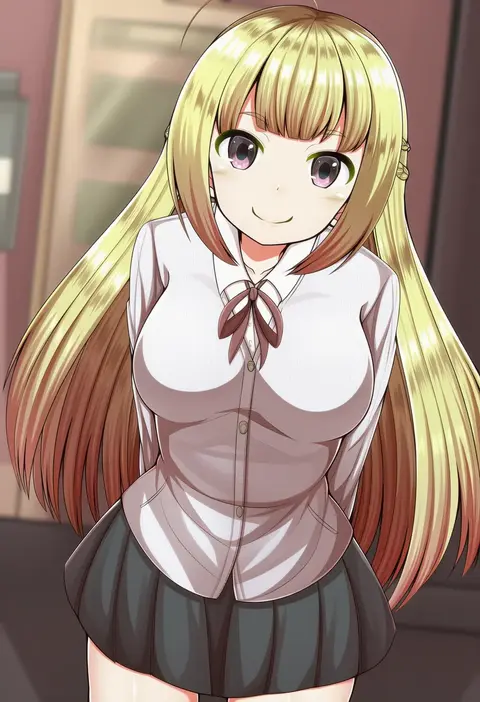
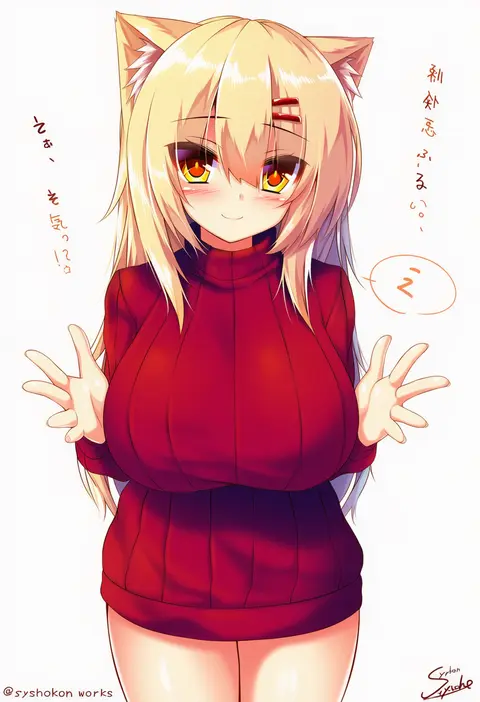
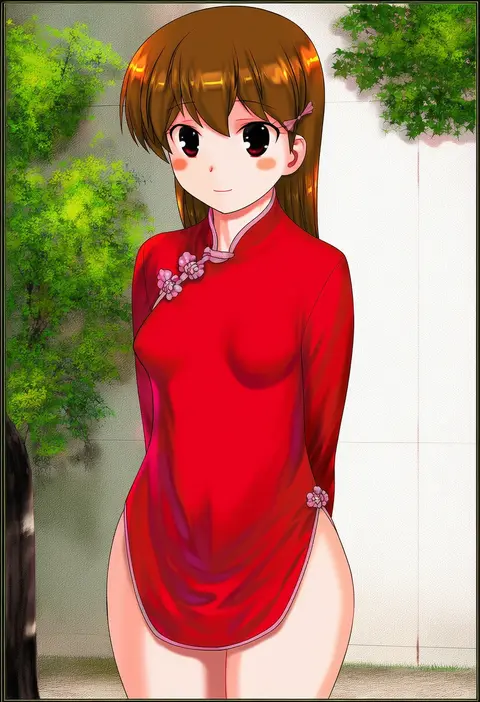
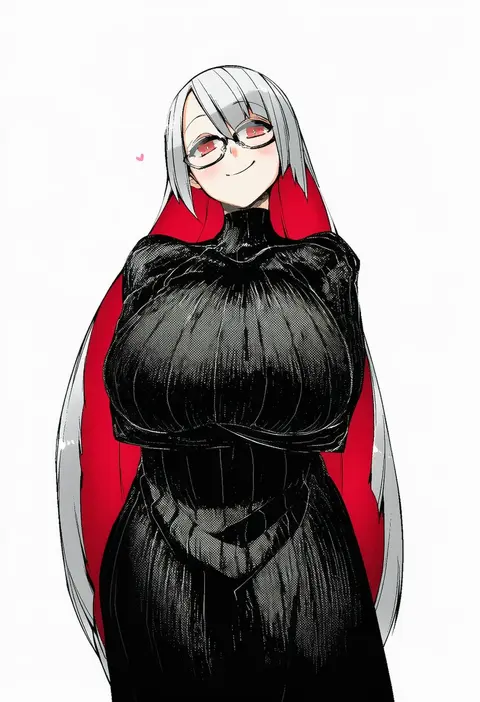
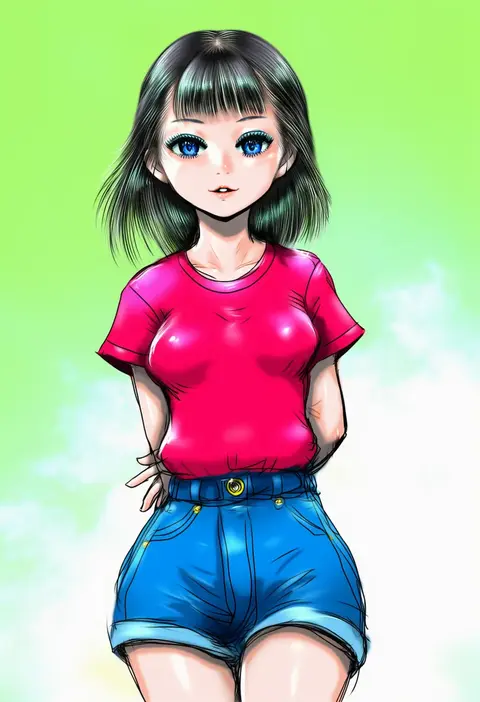
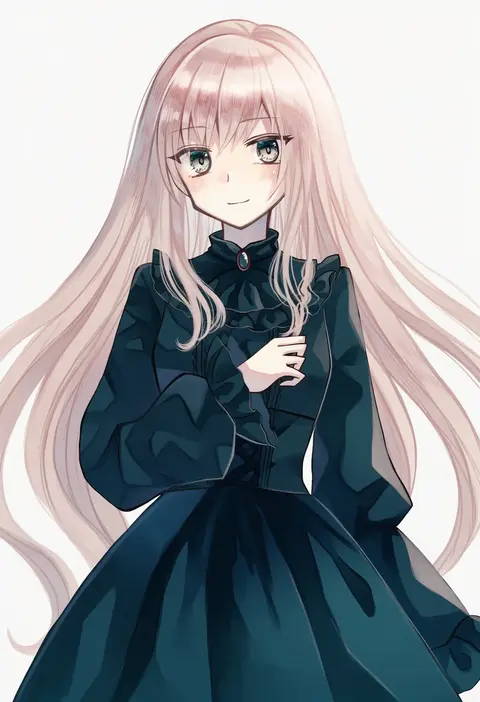
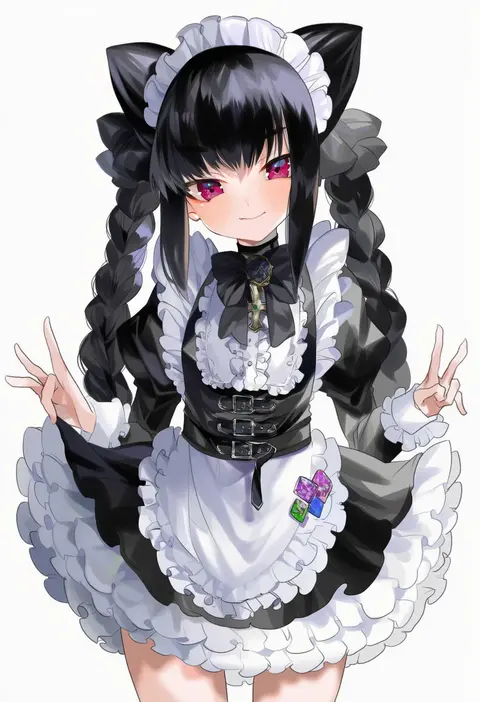
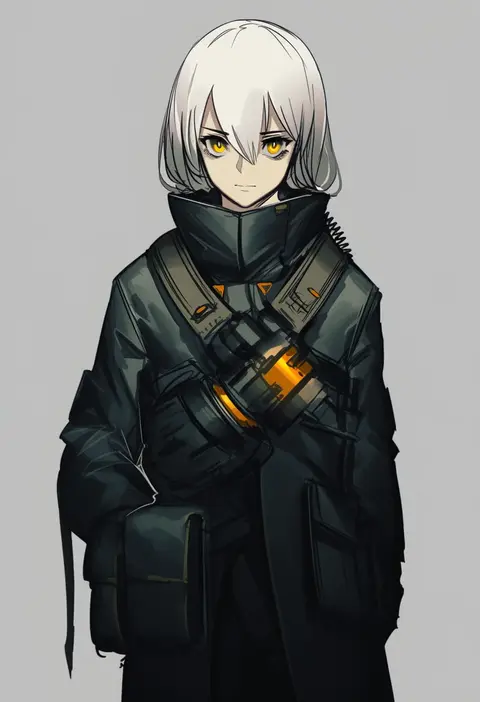
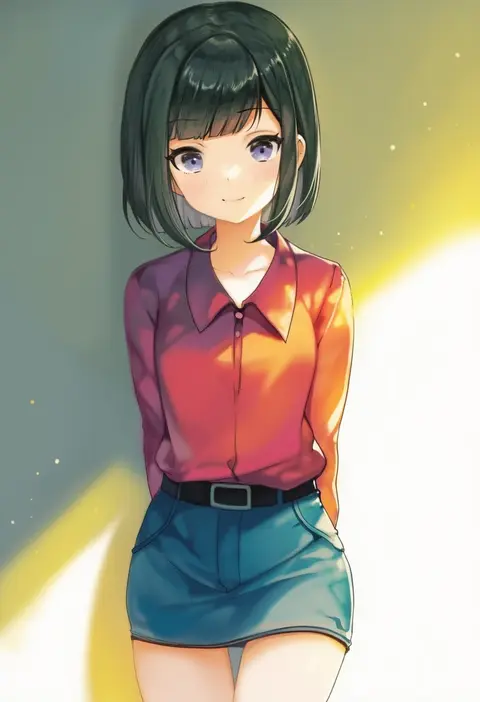
Artist tags tell NovelAI Diffusion to draw in a specific artist's style: line weight, paint texture, face shapes and palette all shift at once. Character and outfit tags decide what is drawn; artist tags decide how. 16,352 tags are listed for V4.5.
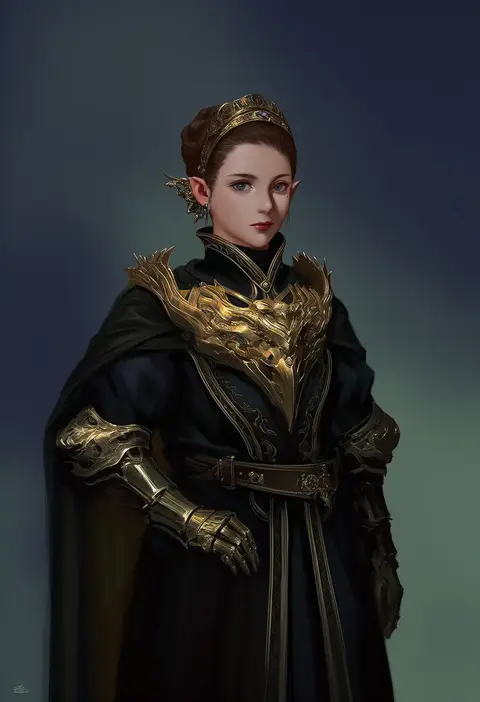
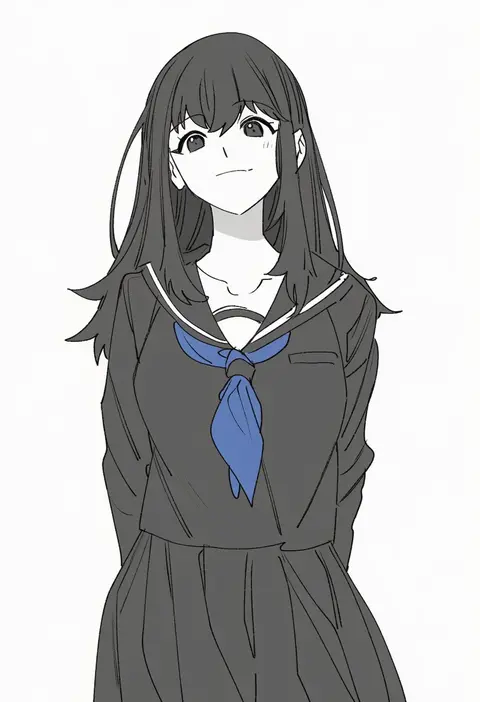
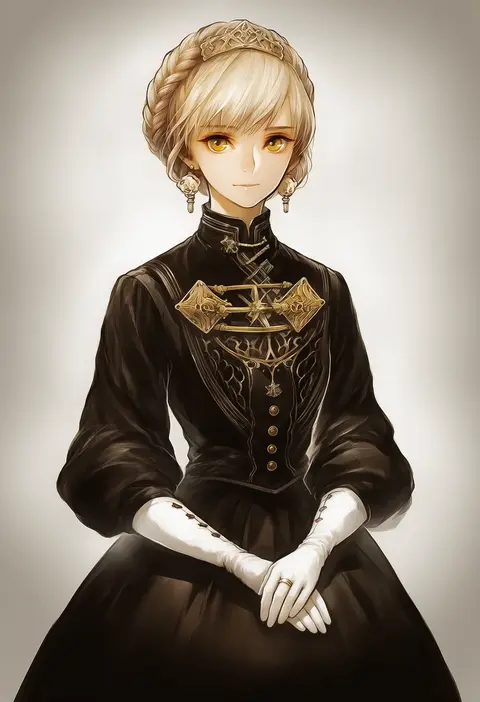
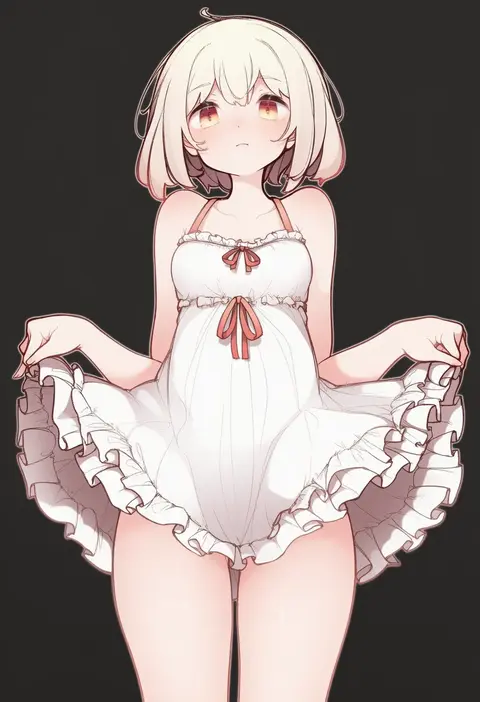
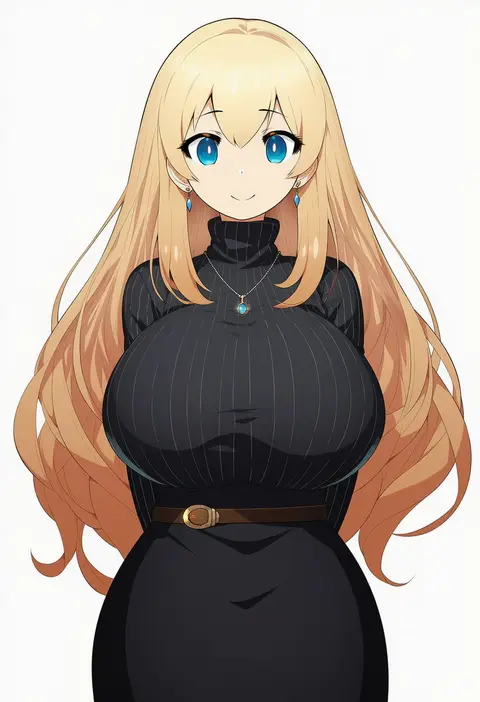
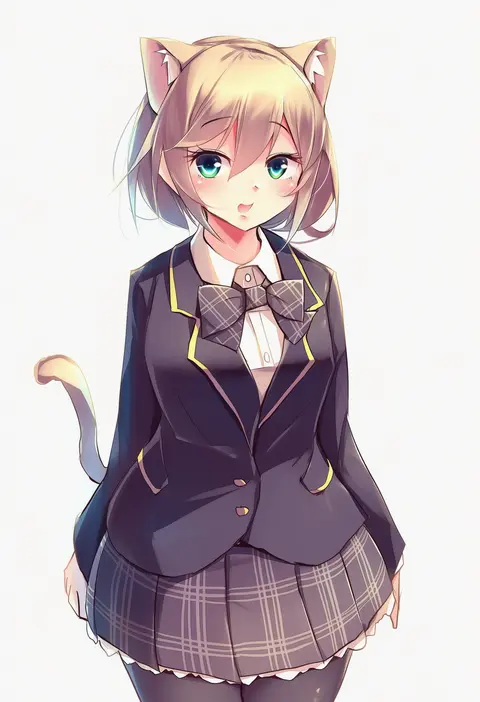
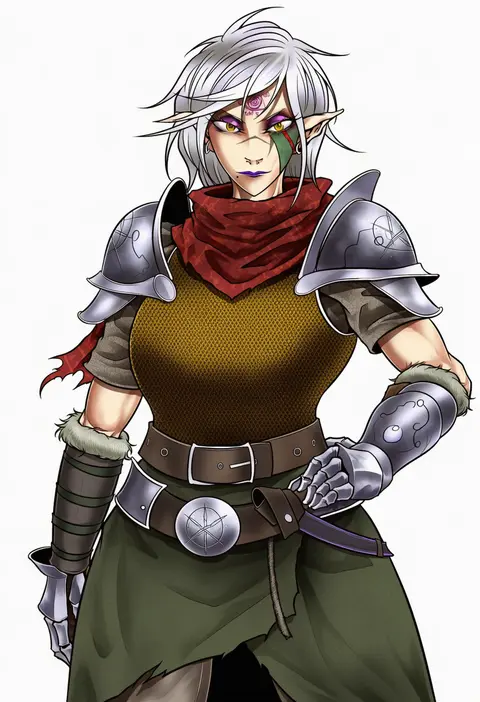
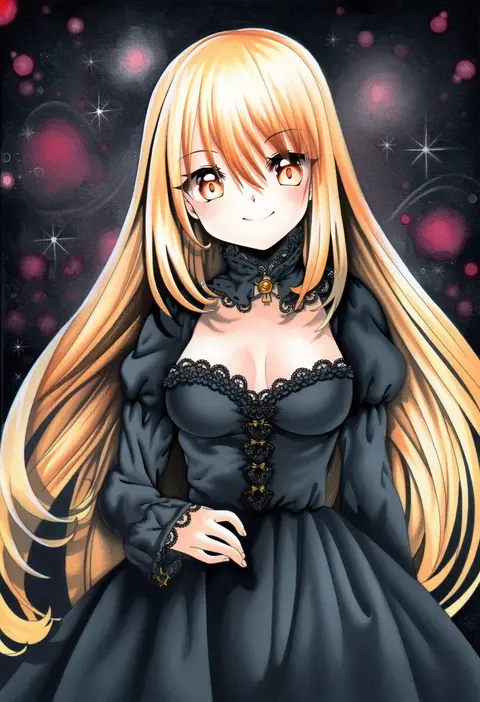
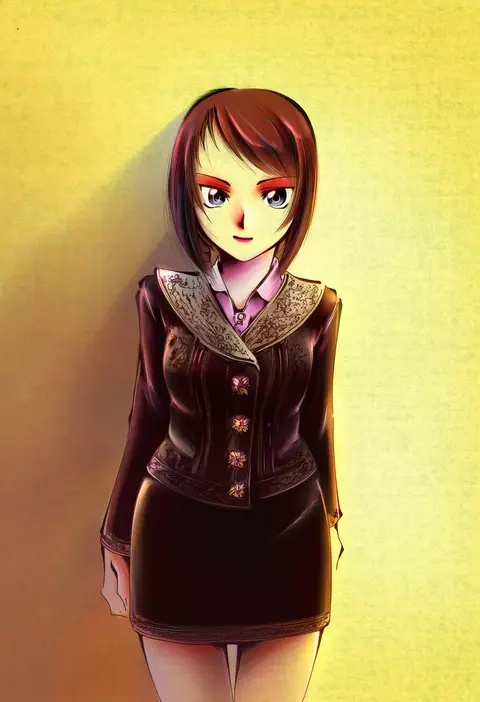
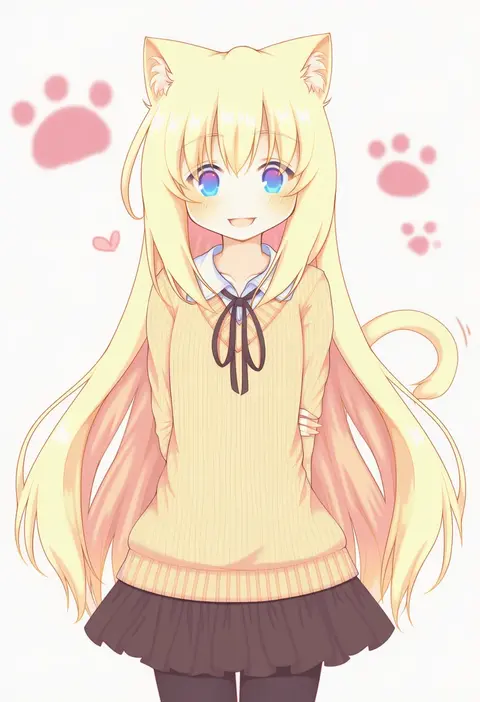
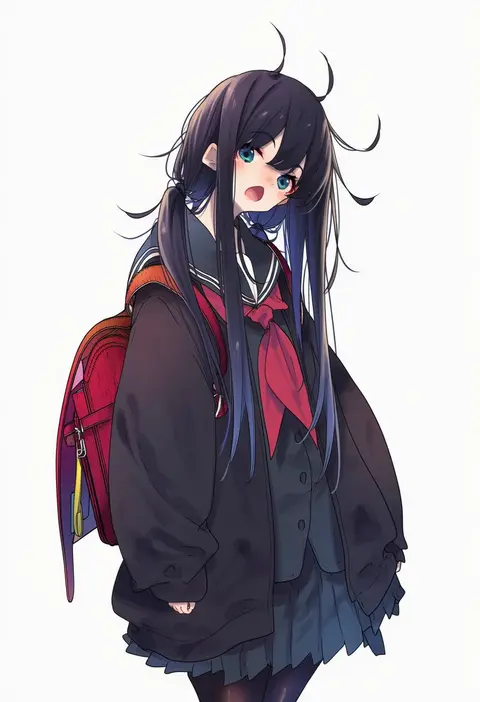
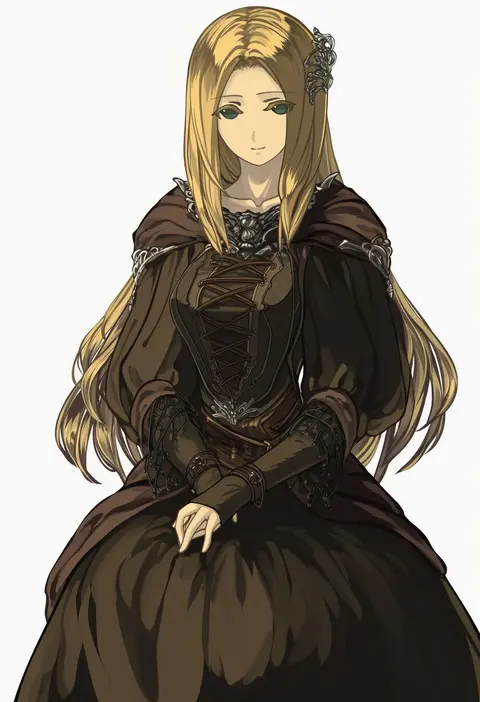
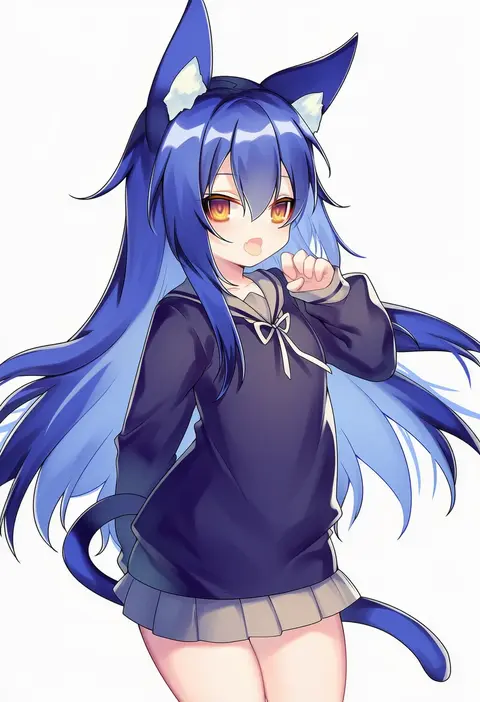
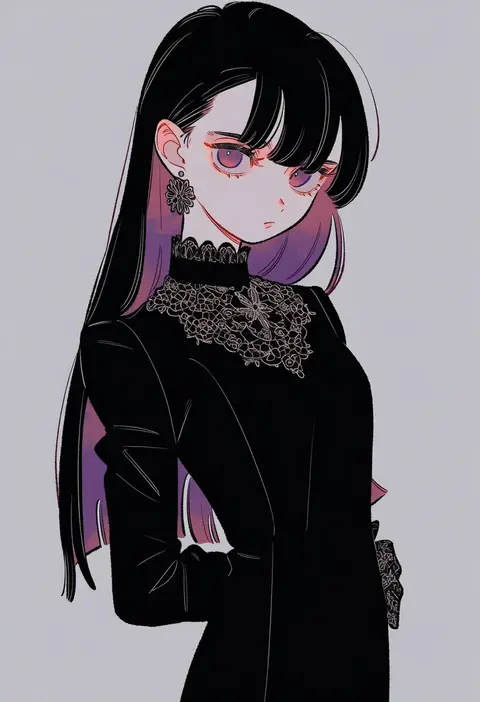
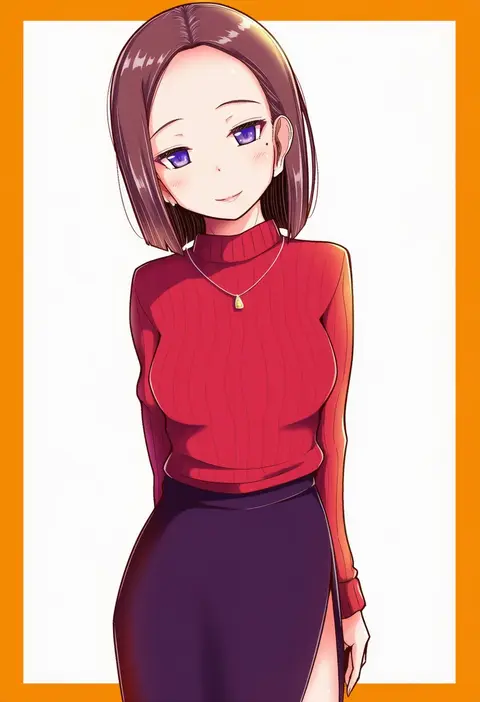
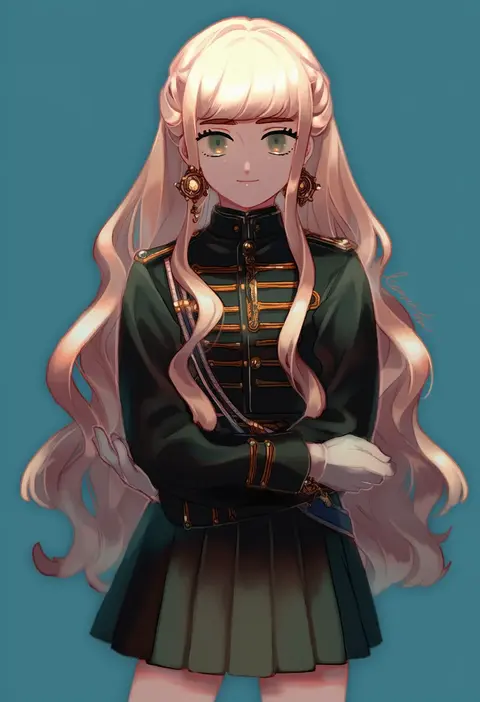
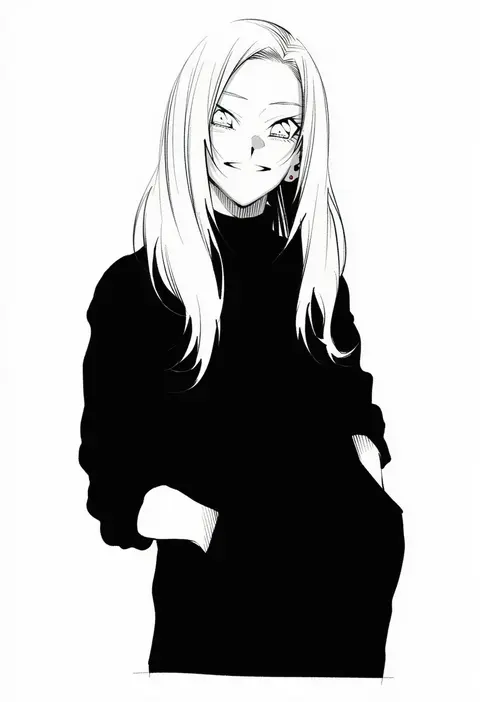
Every tag listed here is verified to react in NovelAI. All images use the same prompt, seed and settings with only the artist tag swapped, so the difference between two images is the style that tag brings in.

How to use them

Put the artist tag near the front of the prompt, e.g. "<artist>, 1girl, solo, best quality, masterpiece, cowboy shot". Two or three artist tags blend styles; lower the weight with "0.8::<artist>::" when the style overpowers the character.

SCORE sorts by Danbooru's top score, POSTS by post count, FAVS by hearts on this site. Open a card to see V5 and V4.5 side by side on the same seed.

V5 vs V4.5

V5 usually lands closer to the artist's real style, and tags that did nothing on V4.5 often react on V5. V4.5 still fits older and doujin-heavy artists better. Try V5 first, fall back to V4.5.

FAQ

Where does the artist tag go?
Near the front of the prompt. Use "0.8::tag::" to adjust its weight.

Can I stack artist tags?
Yes, styles blend. Past two or three the result stops looking like anyone.

Are these the artists' own works?
No. Every image is a NovelAI sample generated from the tag.