V4.5Artists
sort: FAVS▾
▾
>
$

Popular NovelAI artist tags — V4.5

artist --count 16,352[201/273]
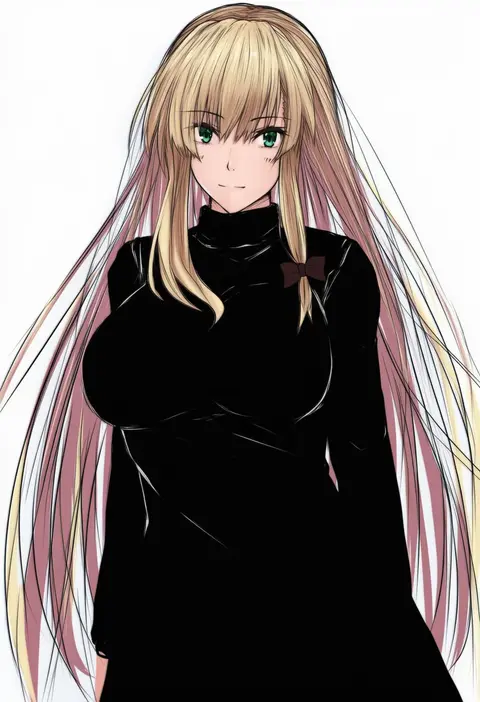
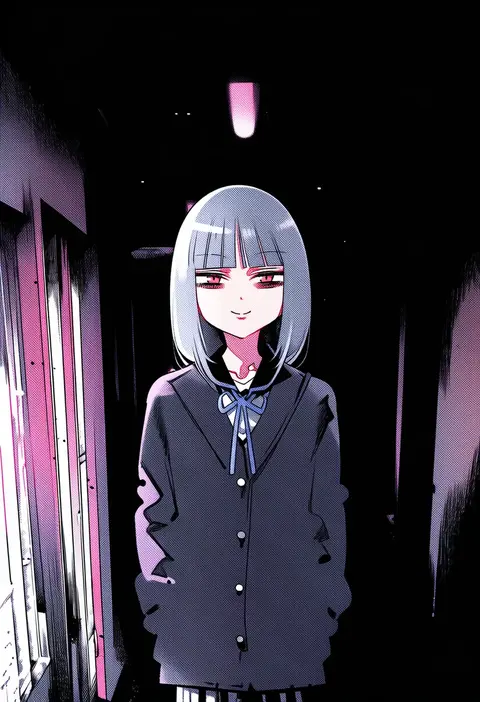
shishin (shishintei)
ARTIST0x2EE0
0
kurozero
ARTIST0x2EE1
0
shinae
ARTIST0x2EE2
0
haruki (haruki678)
ARTIST0x2EE3
0
orihara (ewkkyorhr)
ARTIST0x2EE4
0
wanderlucia
ARTIST0x2EE5
0
usushio
ARTIST0x2EE6
0
rindou (rindou annon)
ARTIST0x2EE7
0
jingo kajiki
ARTIST0x2EE8
0
nm222
ARTIST0x2EE9
0
himeko (nico6v6pachi)
ARTIST0x2EEA
0
mochigome 138
ARTIST0x2EEB
0
goto p
ARTIST0x2EEC
0
chiimako
ARTIST0x2EED
0
yashin (yasinz)
ARTIST0x2EEE
0
sugue tettou
ARTIST0x2EEF
0
migihidari (puwako)
ARTIST0x2EF0
0
aohashi ame
ARTIST0x2EF1
0
sasaki tomomi
ARTIST0x2EF2
0
shingo (missing link)
ARTIST0x2EF3
0
jagabutter
ARTIST0x2EF4
0
mocacoffee 1001
ARTIST0x2EF5
0
zakki
ARTIST0x2EF6
0
pisuke
ARTIST0x2EF7
0
date (senpen)
ARTIST0x2EF8
0
supon
ARTIST0x2EF9
0
nueco
ARTIST0x2EFA
0
uut
ARTIST0x2EFB
0
tarbo (exxxpiation)
ARTIST0x2EFC
0
juugonichi (wheeliex2)
ARTIST0x2EFD
0
ashiwara yuu
ARTIST0x2EFE
0
ledjoker07
ARTIST0x2EFF
0
mizuki riko
ARTIST0x2F00
0
nishiuri warito
ARTIST0x2F01
0
d.y.x.
ARTIST0x2F02
0
emia (castilla)
ARTIST0x2F03
0
waisshu (sougyokyuu)
ARTIST0x2F04
0
tasora
ARTIST0x2F05
0
lemonail
ARTIST0x2F06
0
chamuring
ARTIST0x2F07
0
kaoru (gensou yuugen-an)
ARTIST0x2F08
0
tokomichi
ARTIST0x2F09
0
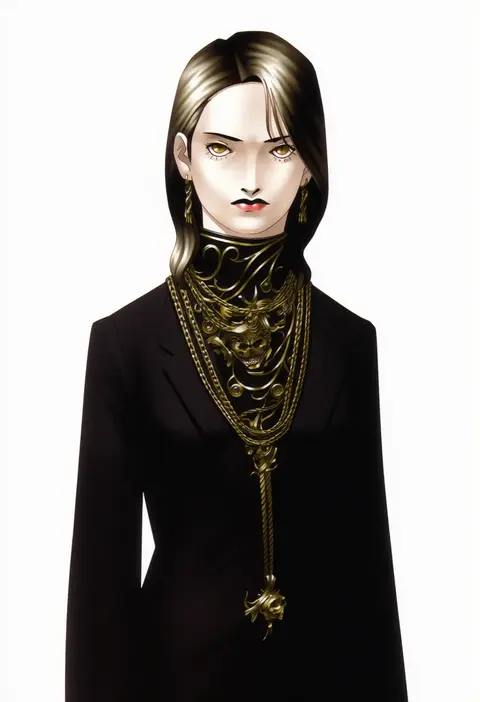
kazuma kaneko
ARTIST0x2F0A
0
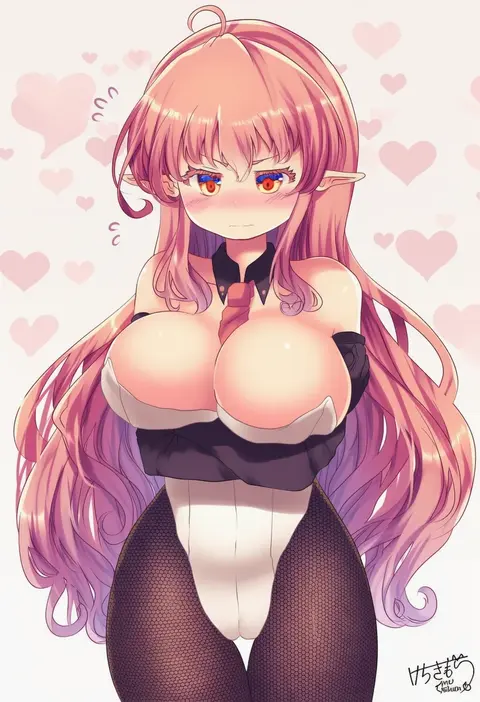
kemo chiharu
ARTIST0x2F0B
0
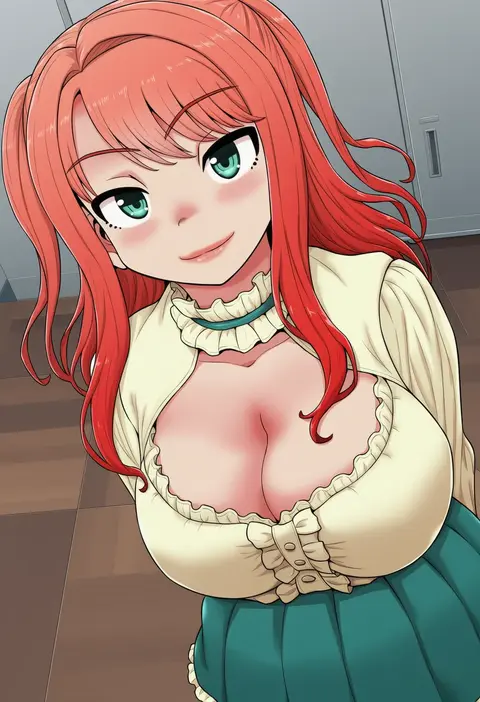
gachon jirou
ARTIST0x2F0C
0
nine (liuyuhao1992)
ARTIST0x2F0D
0
kimino tomonari
ARTIST0x2F0E
0
mikeco
ARTIST0x2F0F
0
fujiwara gacho
ARTIST0x2F10
0
ichimonme (ichi)
ARTIST0x2F11
0
misato hao
ARTIST0x2F12
0
tenkey2022
ARTIST0x2F13
0
kobuta
ARTIST0x2F14
0
naruse mamoru
ARTIST0x2F15
0
baron (x5qgeh)
ARTIST0x2F16
0
kinsenka
ARTIST0x2F17
0
yunar
ARTIST0x2F18
0
enu (brandnewday02)
ARTIST0x2F19
0
tewarusa
ARTIST0x2F1A
0
hoojiro (found1093)
ARTIST0x2F1B
0

What these tags change

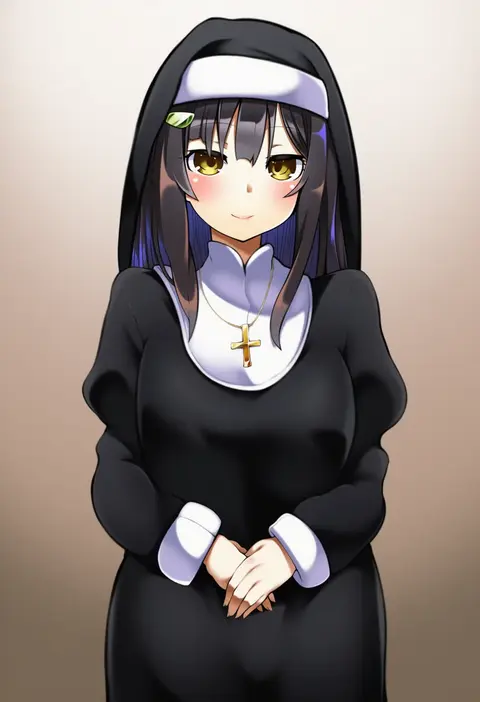
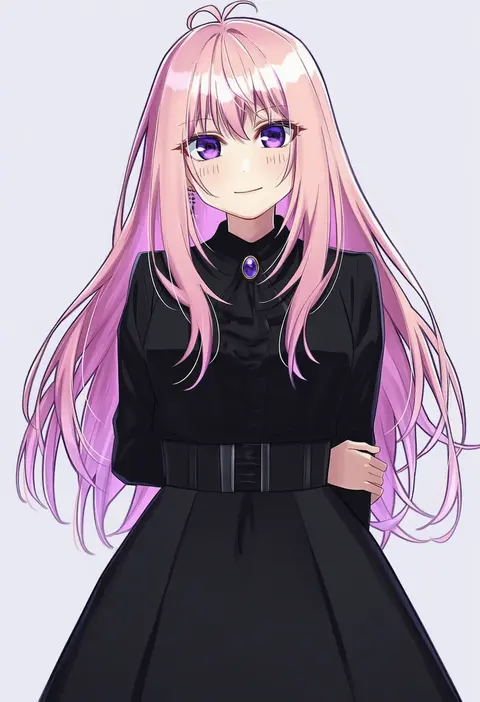
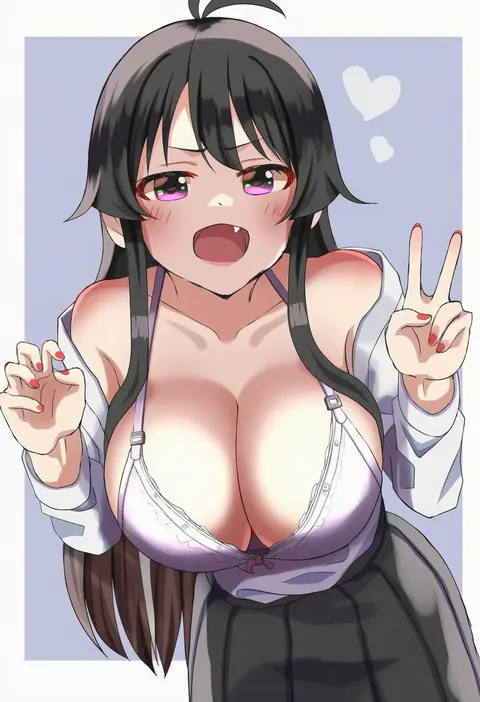
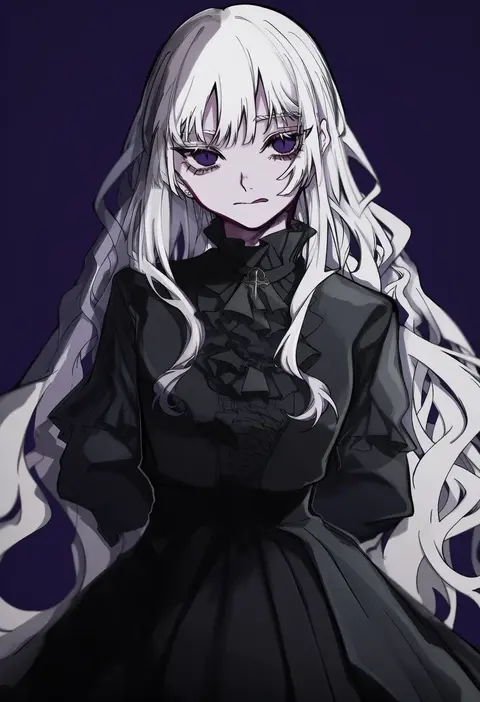
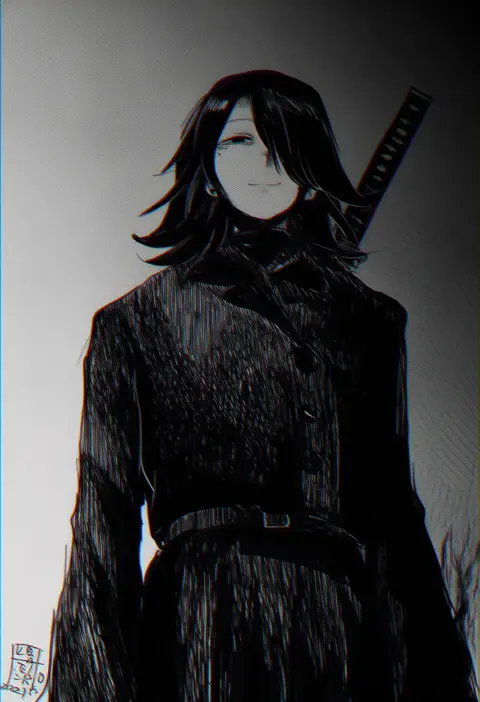
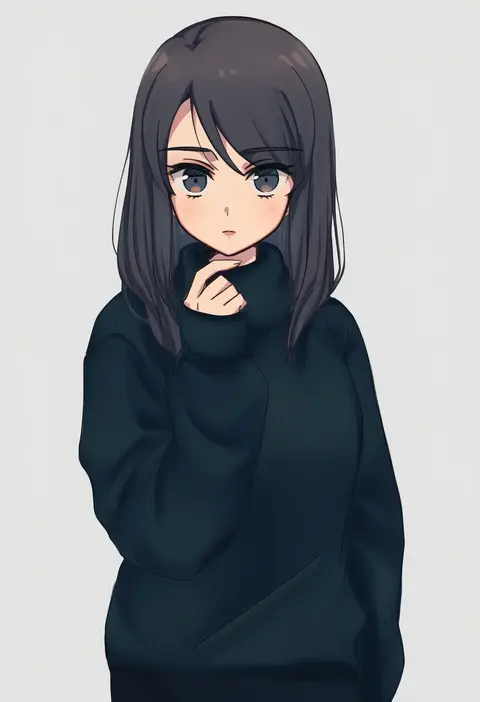
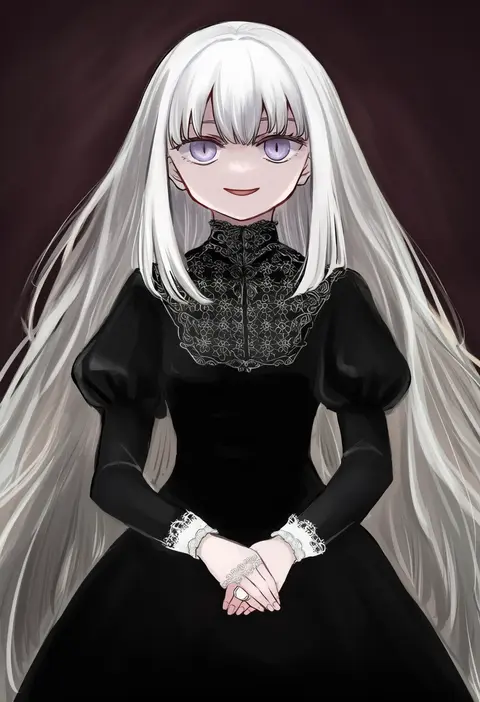
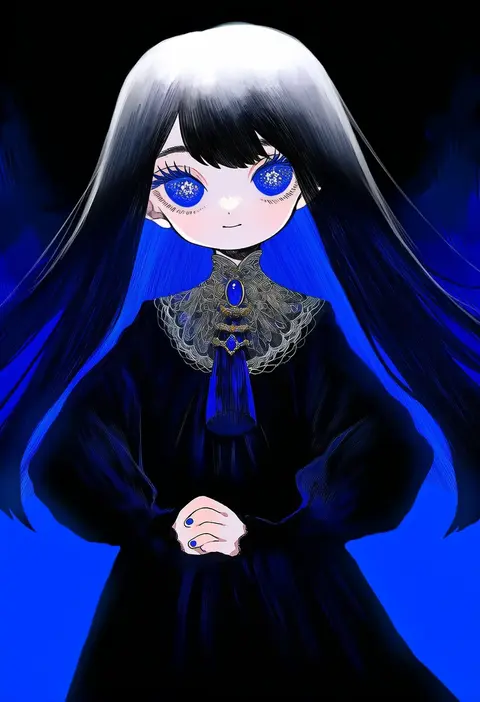
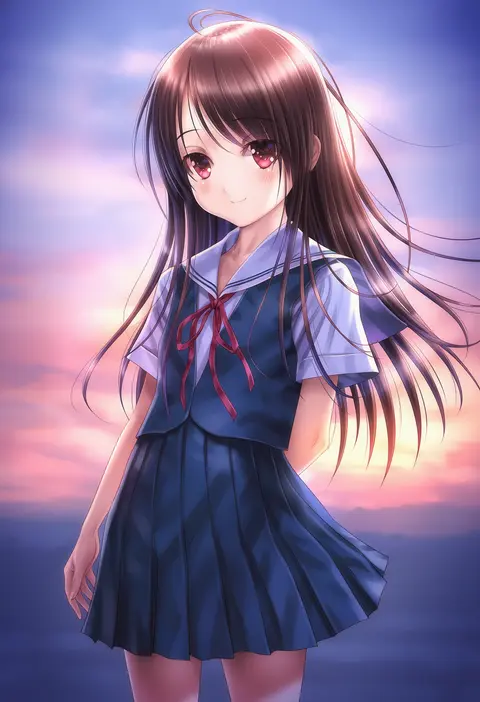
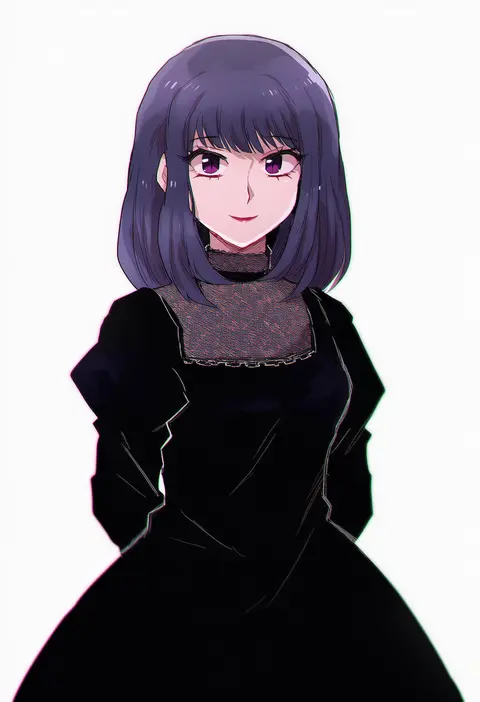
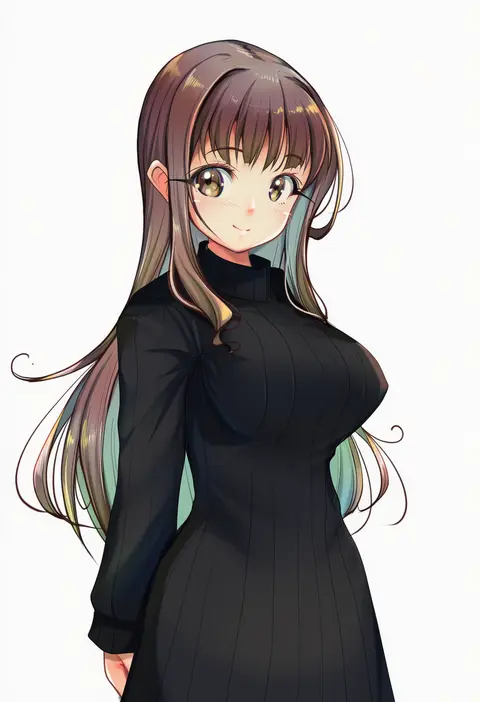
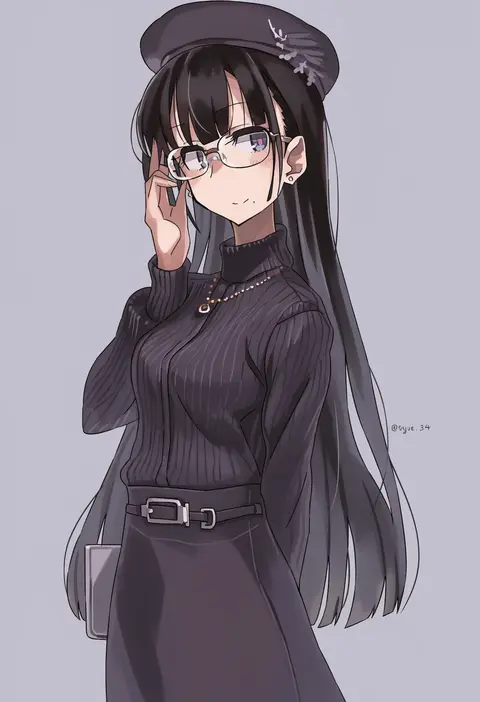
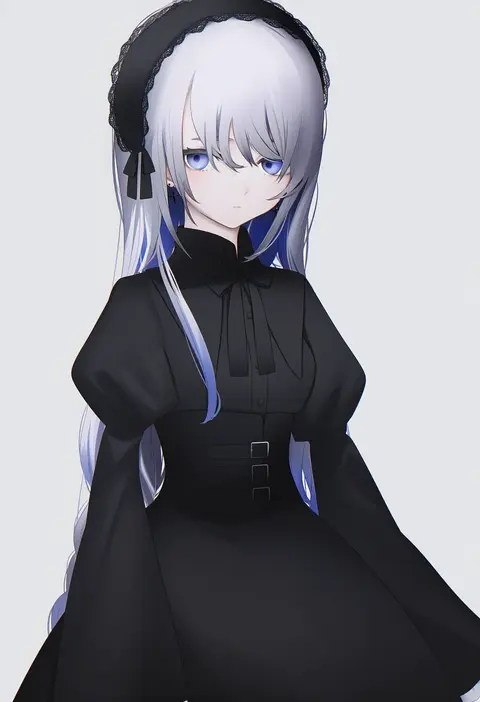
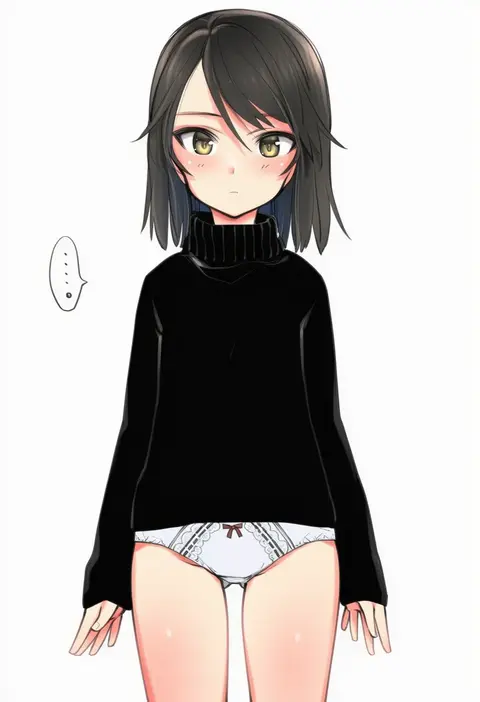
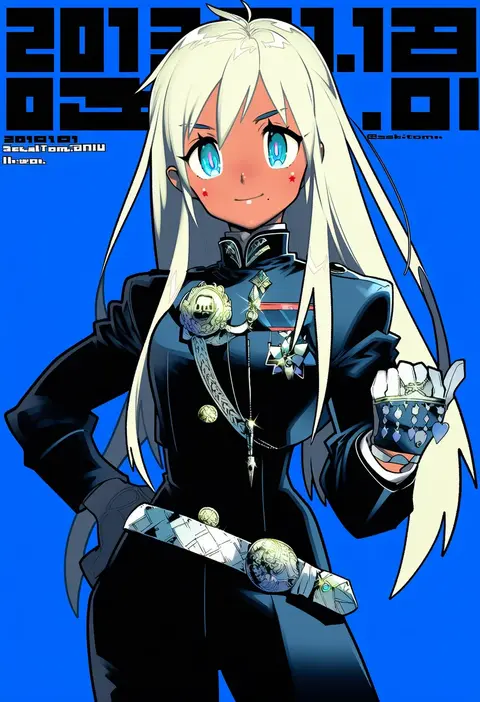
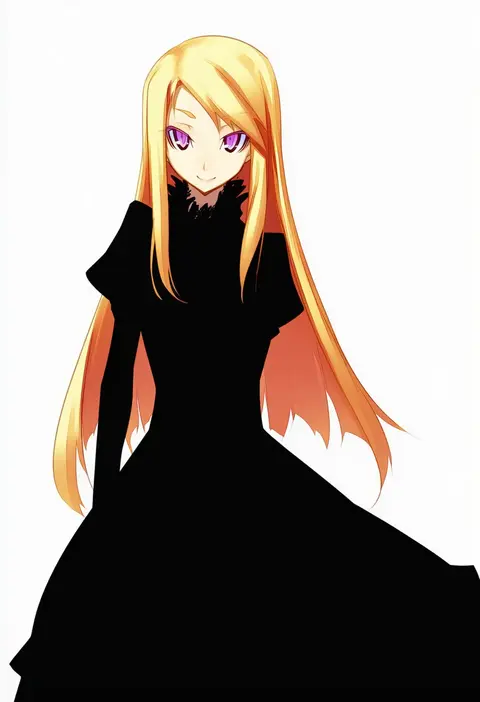
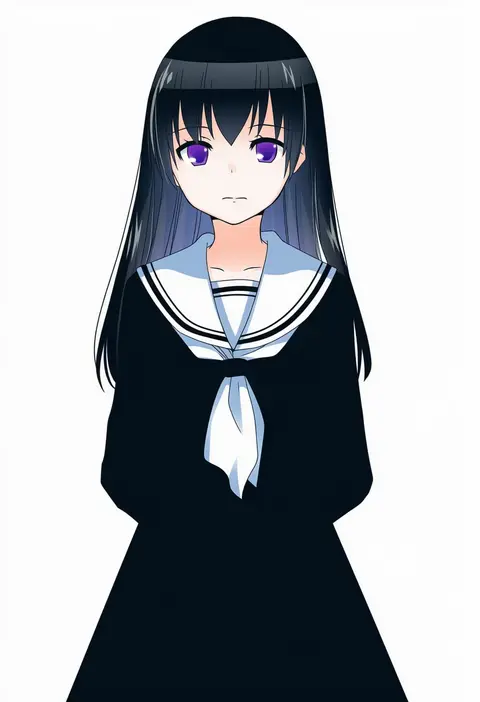
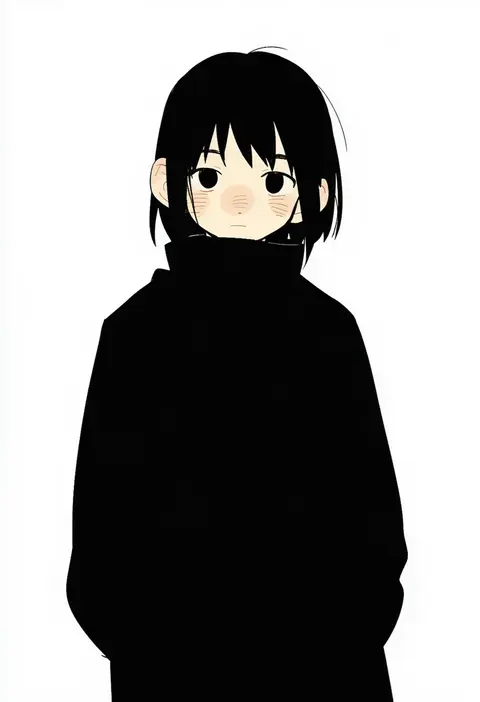
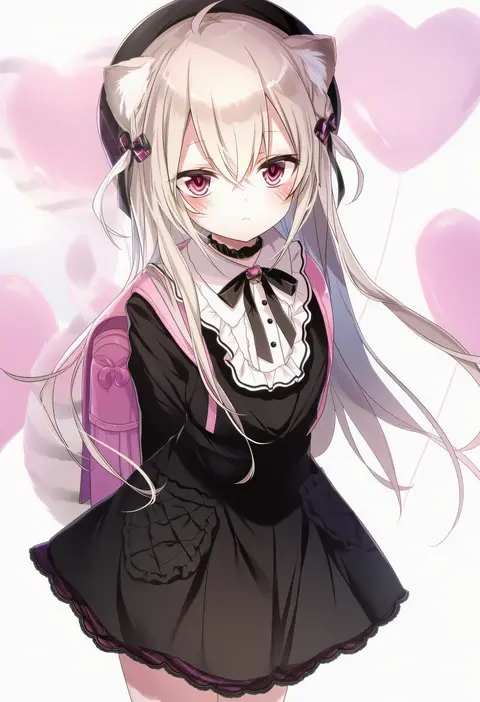
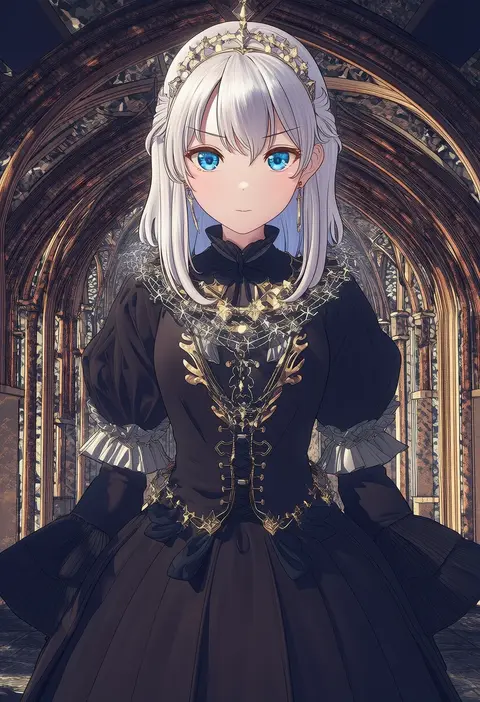
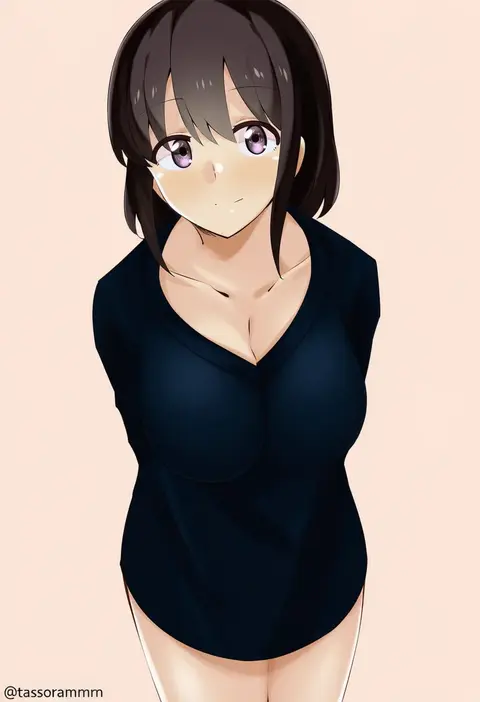
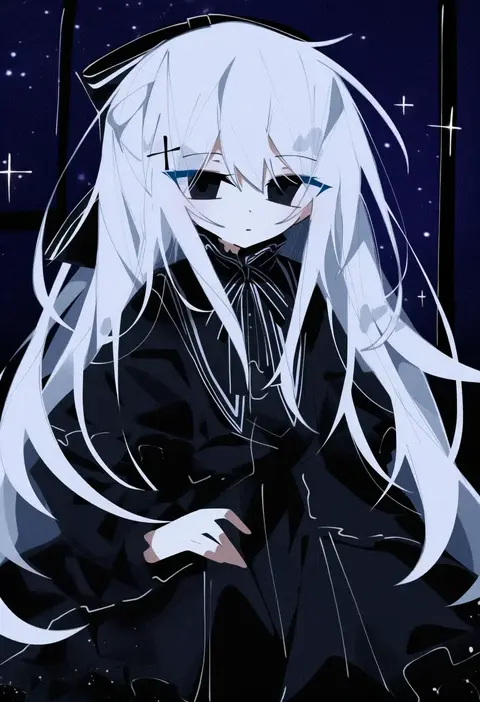
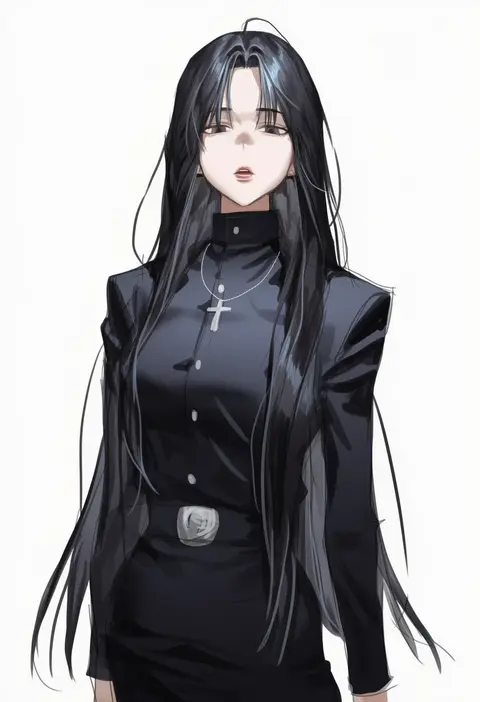
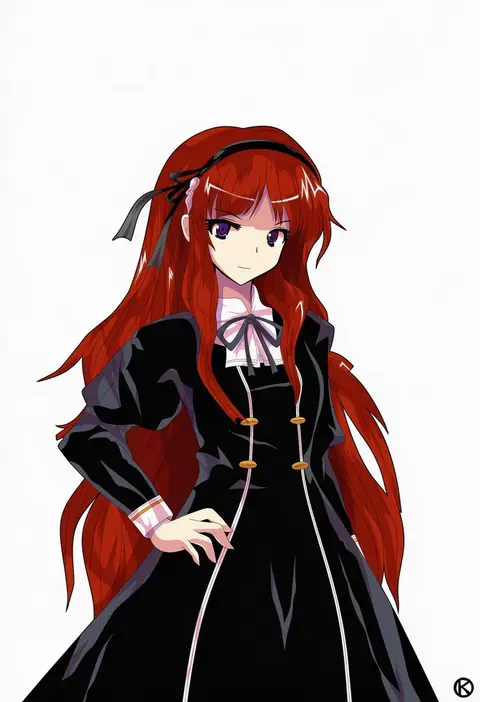
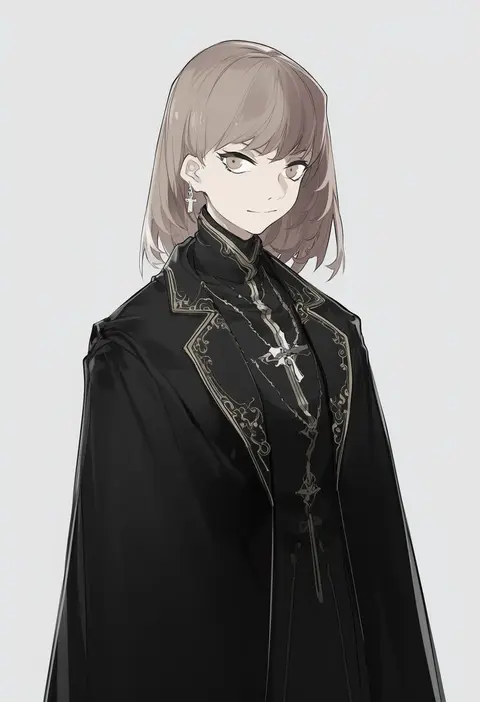
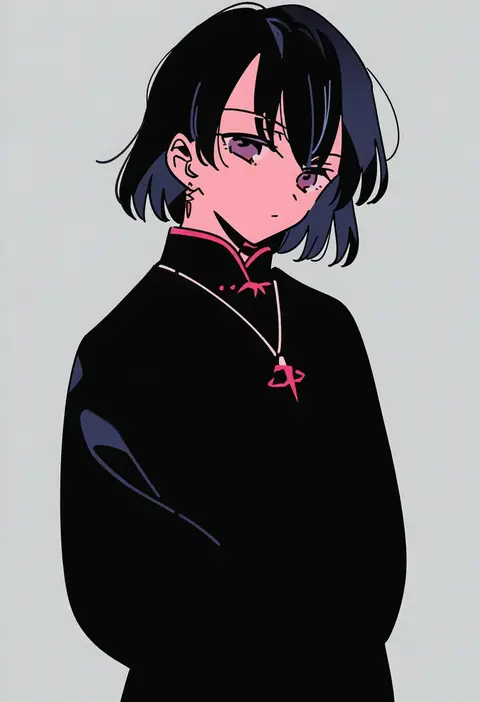
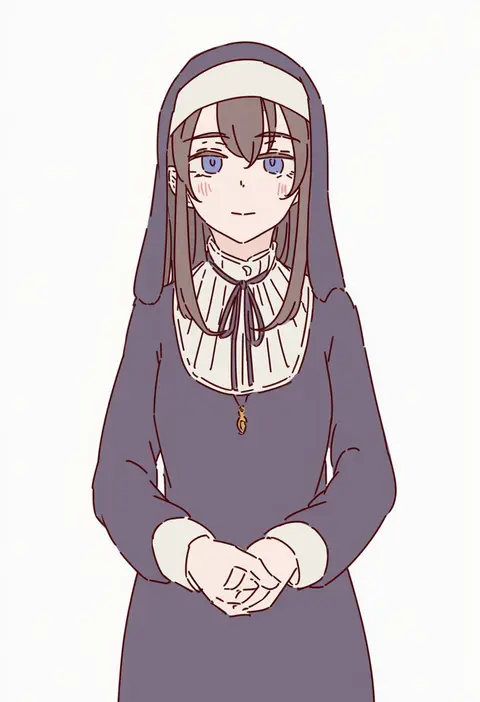
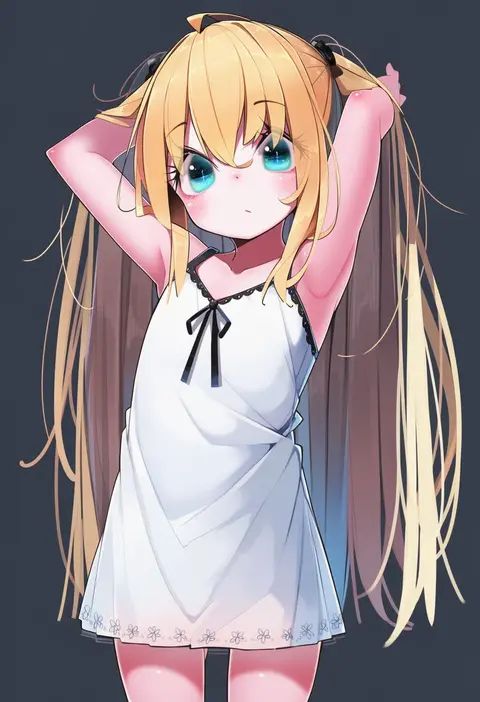
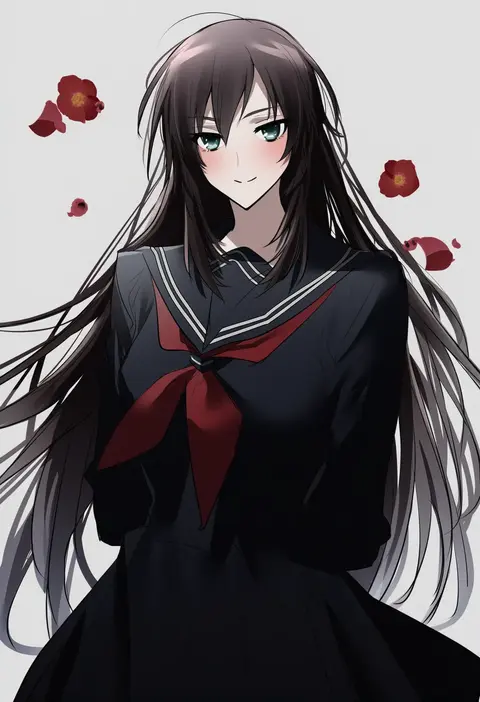
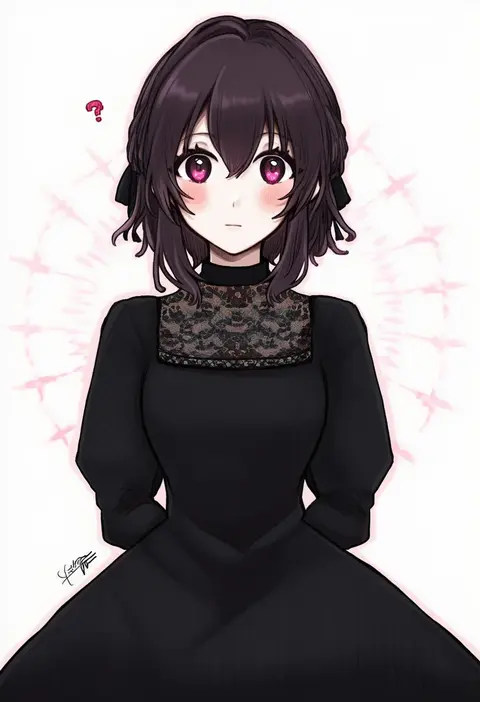
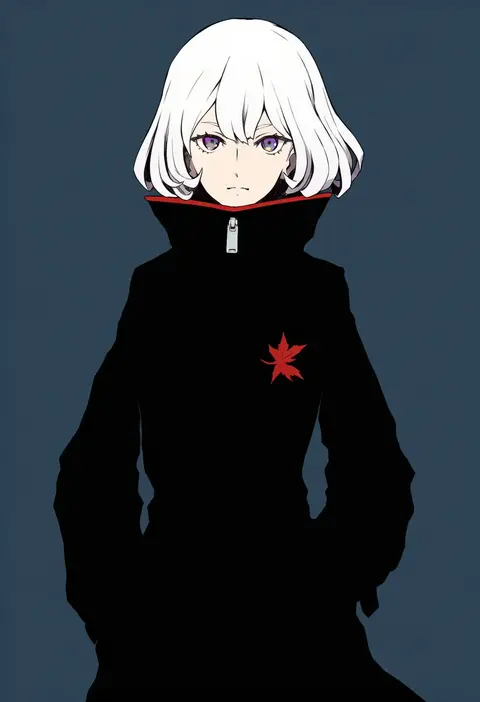
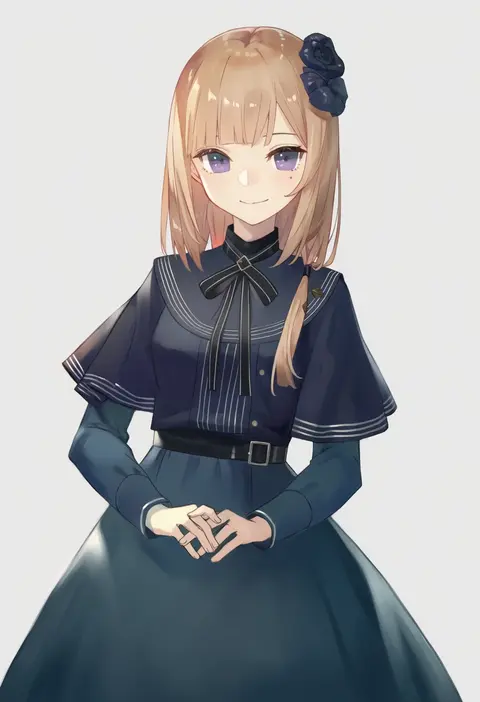
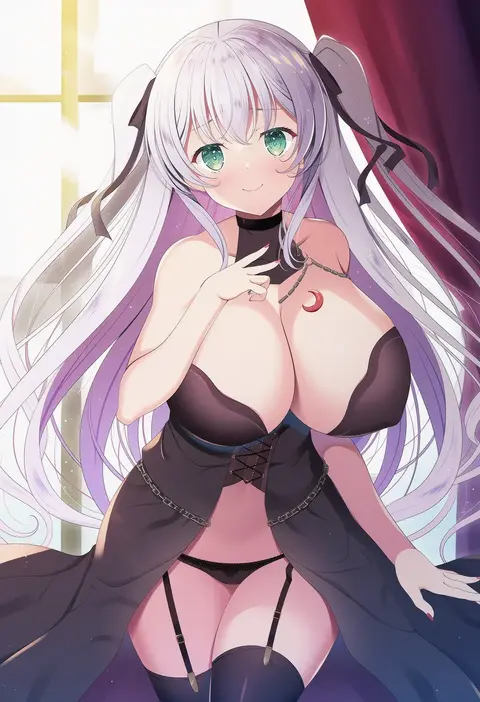
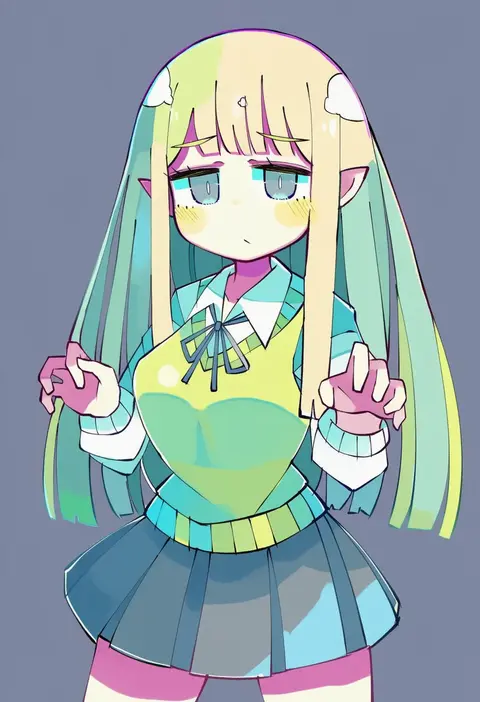
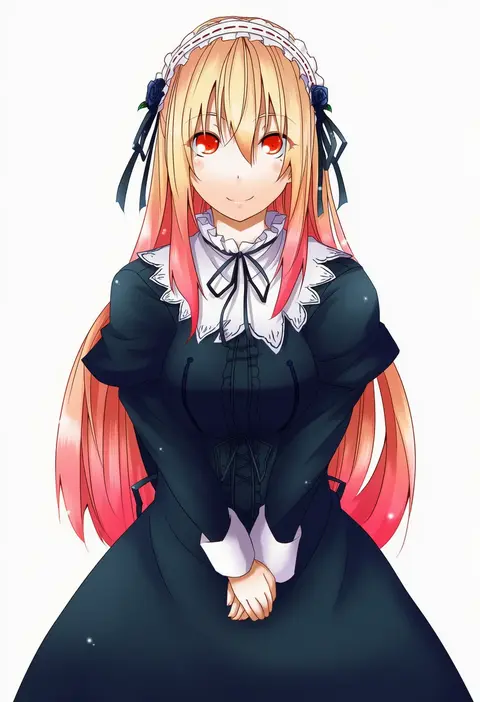
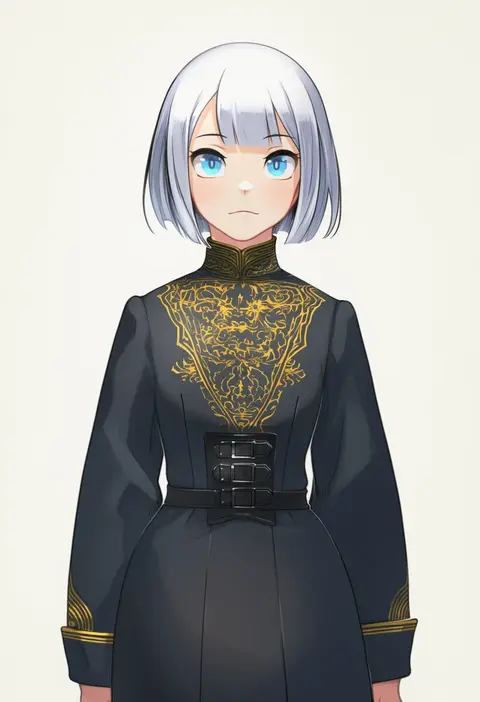
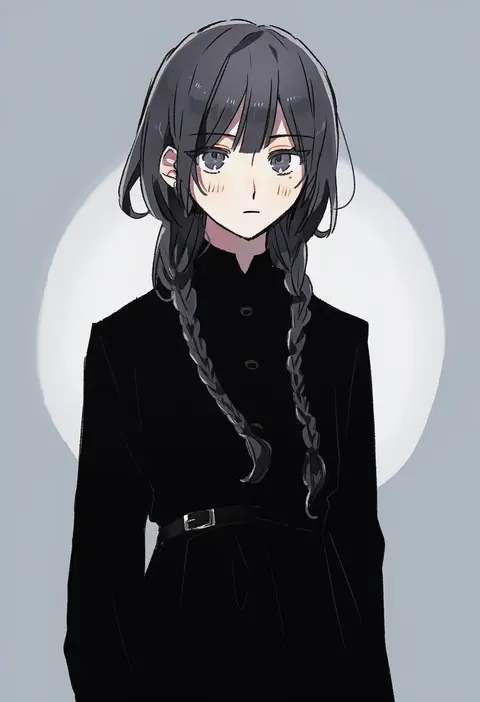
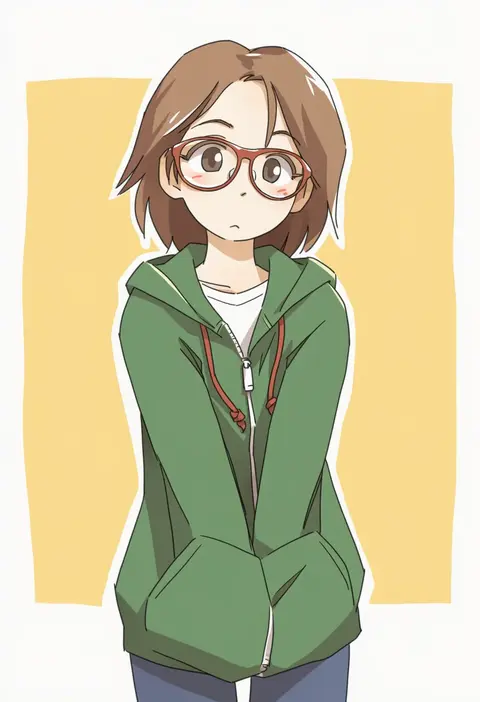
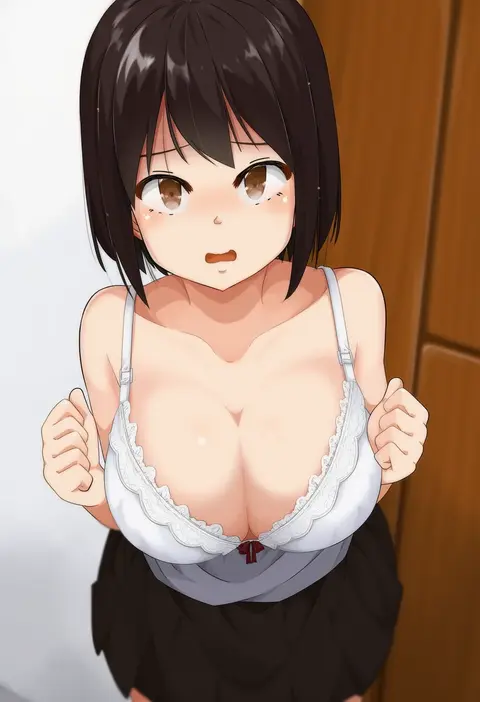
Artist tags tell NovelAI Diffusion to draw in a specific artist's style: line weight, paint texture, face shapes and palette all shift at once. Character and outfit tags decide what is drawn; artist tags decide how. 16,352 tags are listed for V4.5.
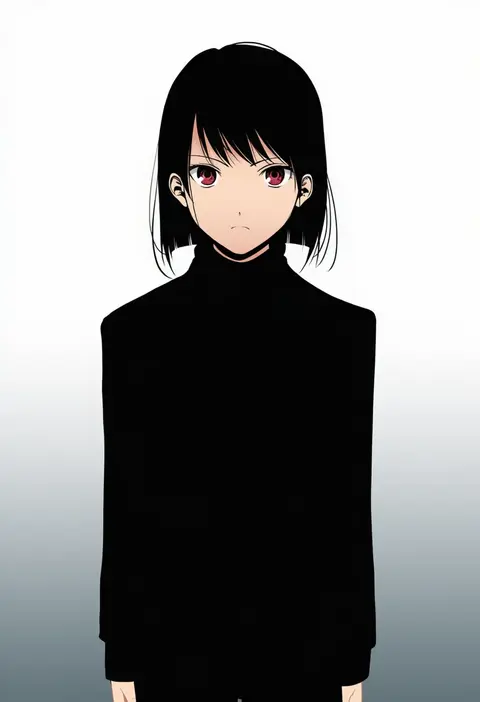
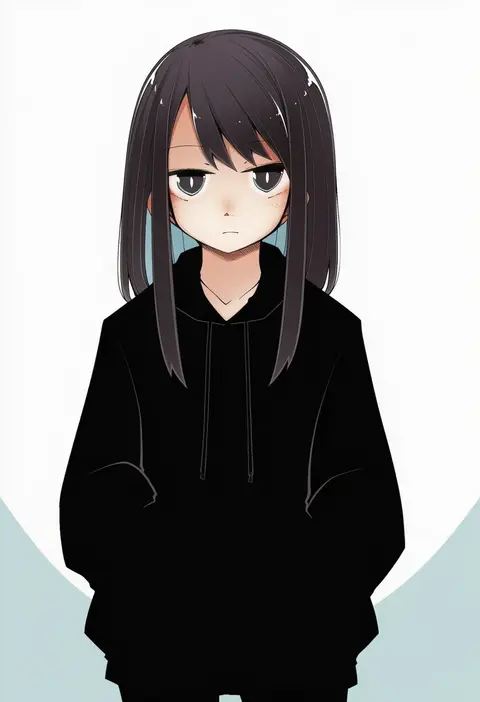
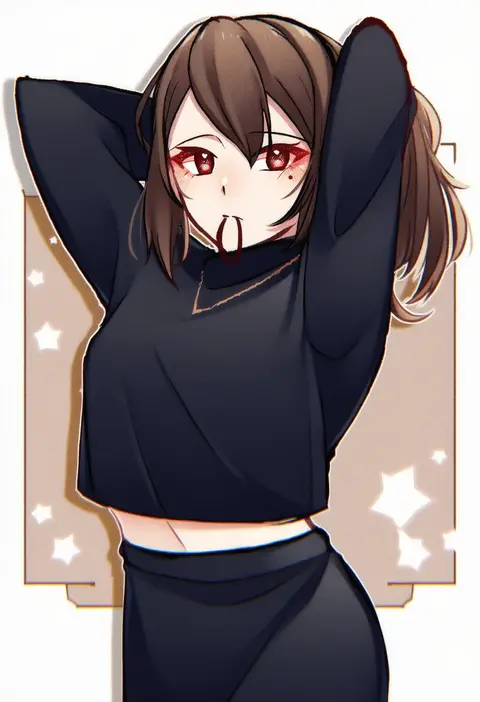
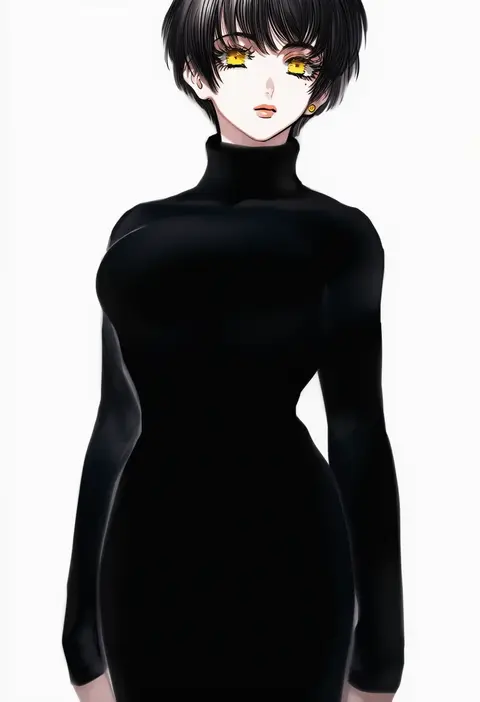
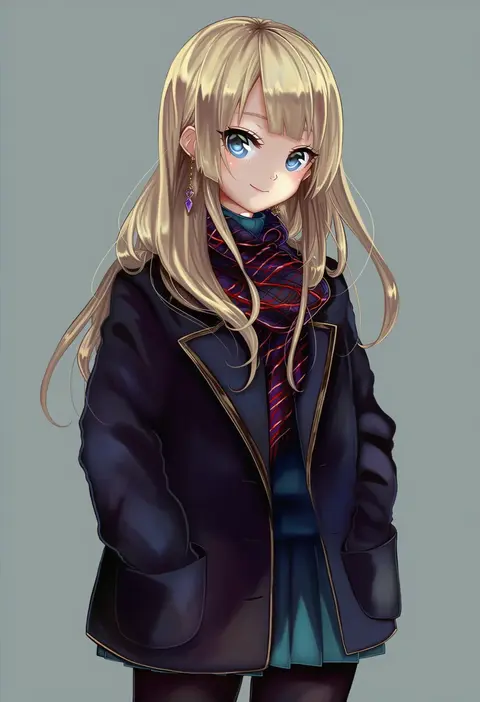
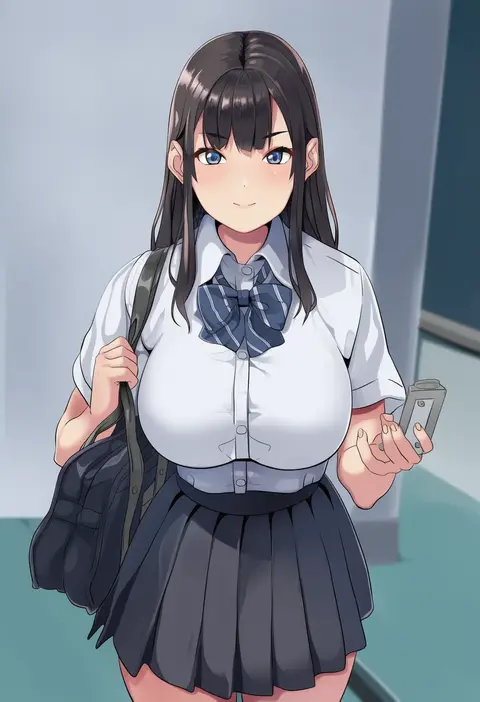
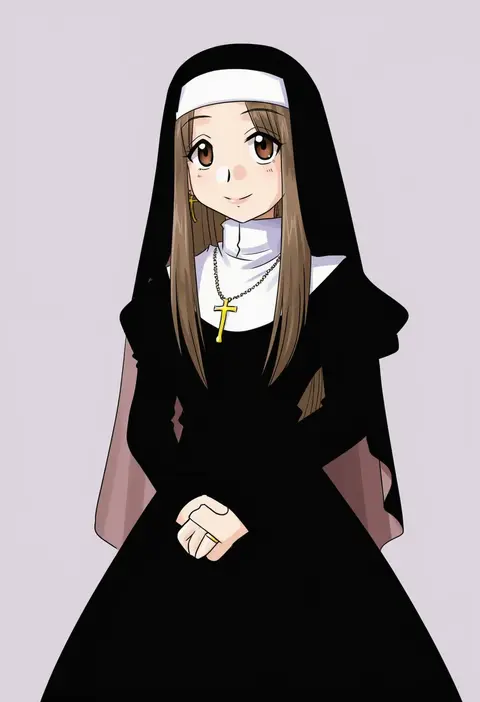
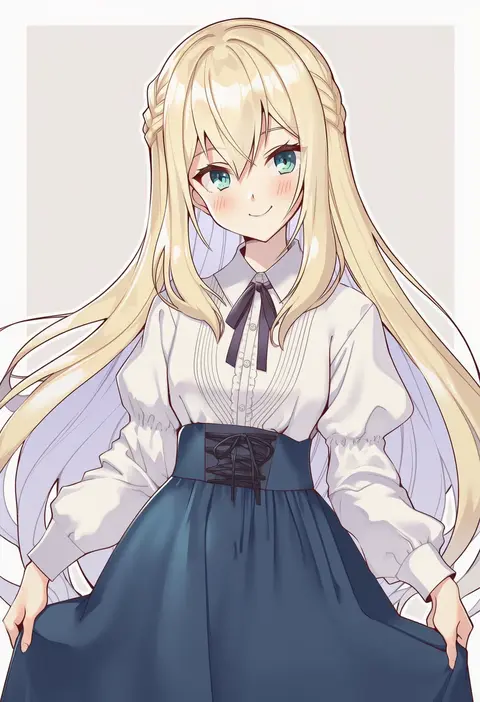
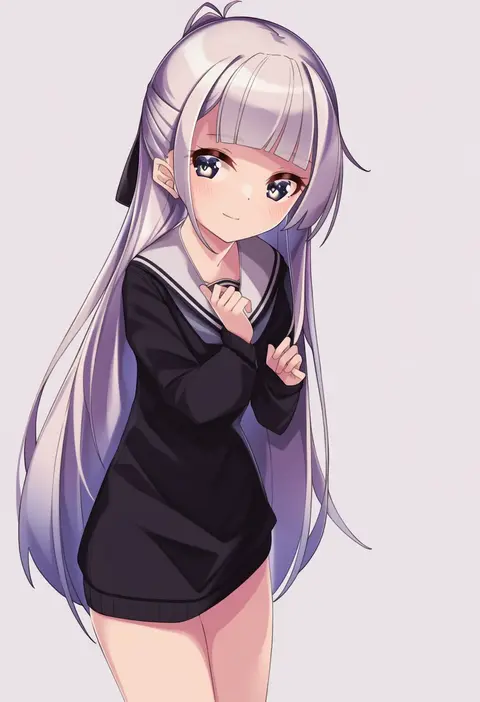
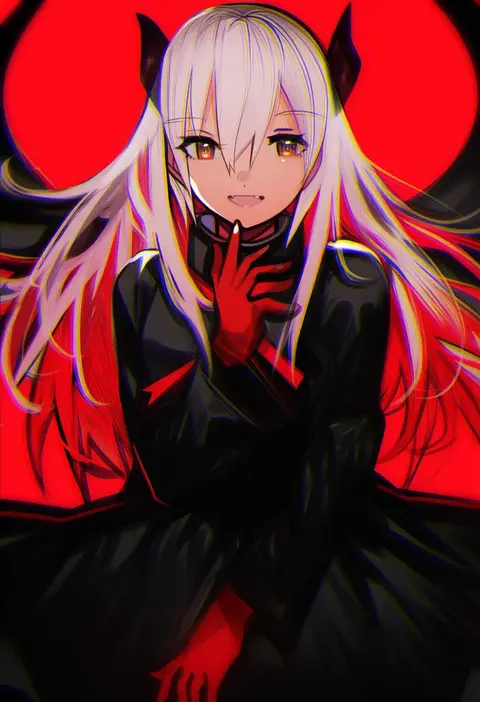
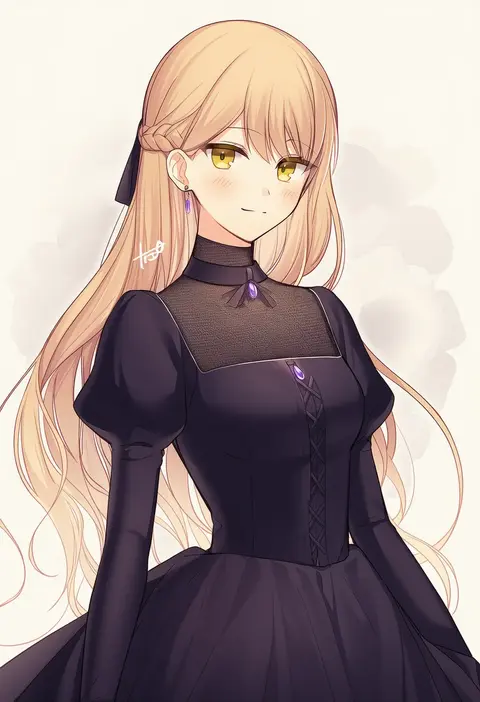
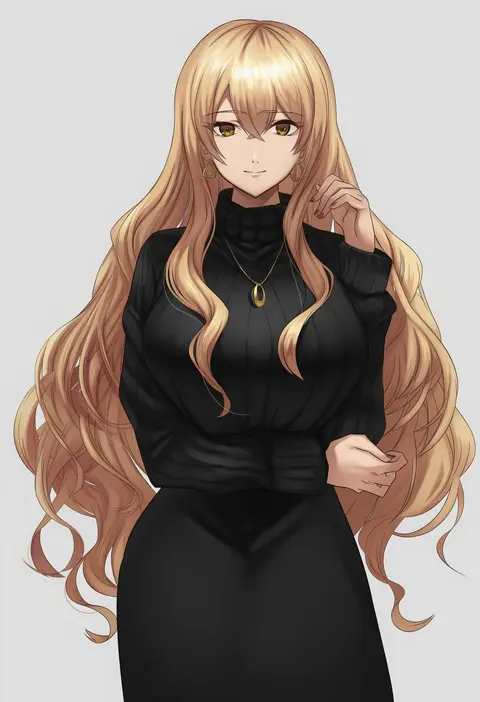
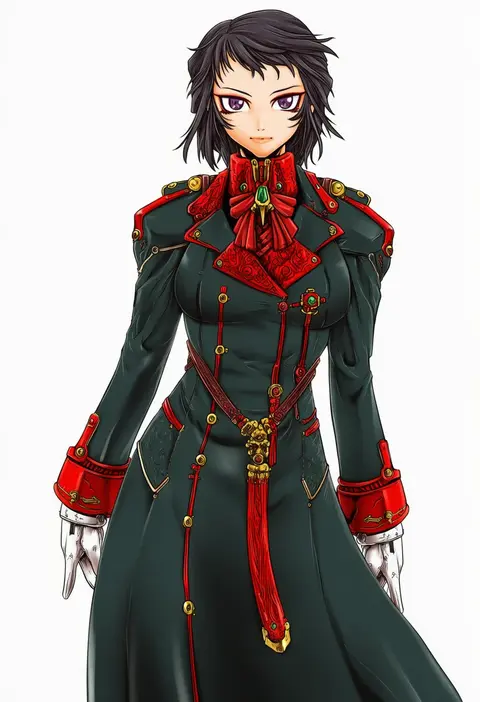
Every tag listed here is verified to react in NovelAI. All images use the same prompt, seed and settings with only the artist tag swapped, so the difference between two images is the style that tag brings in.

How to use them

Put the artist tag near the front of the prompt, e.g. "<artist>, 1girl, solo, best quality, masterpiece, cowboy shot". Two or three artist tags blend styles; lower the weight with "0.8::<artist>::" when the style overpowers the character.

SCORE sorts by Danbooru's top score, POSTS by post count, FAVS by hearts on this site. Open a card to see V5 and V4.5 side by side on the same seed.

V5 vs V4.5

V5 usually lands closer to the artist's real style, and tags that did nothing on V4.5 often react on V5. V4.5 still fits older and doujin-heavy artists better. Try V5 first, fall back to V4.5.

FAQ

Where does the artist tag go?
Near the front of the prompt. Use "0.8::tag::" to adjust its weight.

Can I stack artist tags?
Yes, styles blend. Past two or three the result stops looking like anyone.

Are these the artists' own works?
No. Every image is a NovelAI sample generated from the tag.