V4.5Artists
sort: FAVS▾
▾
>
$

Popular NovelAI artist tags — V4.5

artist --count 16,352[202/273]
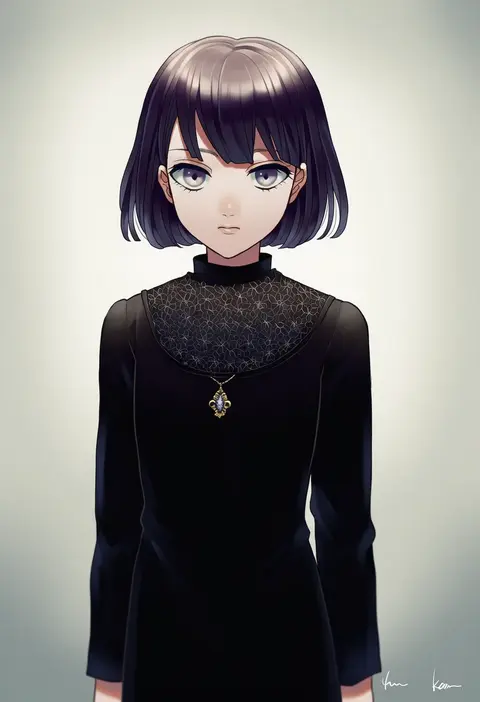
akke
ARTIST0x2F1C
0
logiclr
ARTIST0x2F1D
0
tirofinire
ARTIST0x2F1E
0
inyuppo
ARTIST0x2F1F
0
ryusei (ryusei b)
ARTIST0x2F20
0
reiei 8
ARTIST0x2F21
0
kabutoyama
ARTIST0x2F22
0
katou teppei
ARTIST0x2F23
0
xuu shi times
ARTIST0x2F24
0
kuroino (kuroyashiro)
ARTIST0x2F25
0
mani oniniku
ARTIST0x2F26
0
misuko (sbelolt)
ARTIST0x2F27
0
borderline7839
ARTIST0x2F28
0
pnpk 1013
ARTIST0x2F29
0
daenarys
ARTIST0x2F2A
0
moegi0926
ARTIST0x2F2B
0
ratise
ARTIST0x2F2C
0
shake sawa
ARTIST0x2F2D
0
sugisaki yuu
ARTIST0x2F2E
0
kooei
ARTIST0x2F2F
0
dani-ikapi
ARTIST0x2F30
0
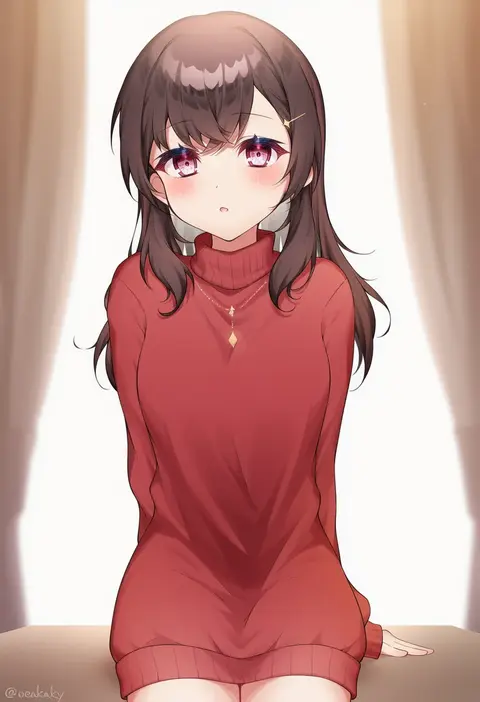
zky (oekaky)
ARTIST0x2F31
0
kobayashi gen
ARTIST0x2F32
0
sekitaku
ARTIST0x2F33
0
isshoku (shiki)
ARTIST0x2F34
0
muonrei00
ARTIST0x2F35
0
usazaki shiro
ARTIST0x2F36
0
hizaka
ARTIST0x2F37
0
gaoo (frpjx283)
ARTIST0x2F38
0
annin musou
ARTIST0x2F39
0
at classics
ARTIST0x2F3A
0
sapphire (nine)
ARTIST0x2F3B
0
naoki (2rzmcaizerails6)
ARTIST0x2F3C
0
hachiko (hati12)
ARTIST0x2F3D
0
hitec
ARTIST0x2F3E
0
tabigarasu
ARTIST0x2F3F
0
dakemakura-koubou
ARTIST0x2F40
0
547th sy
ARTIST0x2F41
0
yu 65026
ARTIST0x2F42
0
mitsuyo (mituyo324)
ARTIST0x2F43
0
toy-black
ARTIST0x2F44
0
sogabe toshinori
ARTIST0x2F45
0
suzushiro (suzushiro333)
ARTIST0x2F46
0
karunabaru
ARTIST0x2F47
0
kurochiroko
ARTIST0x2F48
0
takeya yuuki
ARTIST0x2F49
0
beitemian
ARTIST0x2F4A
0
moto murabito
ARTIST0x2F4B
0
humuyun
ARTIST0x2F4C
0
laco soregashi
ARTIST0x2F4D
0
kanijiru
ARTIST0x2F4E
0
tsukuno tsuki
ARTIST0x2F4F
0
salt (salty)
ARTIST0x2F50
0
fruit punch
ARTIST0x2F51
0
cervus
ARTIST0x2F52
0
toraneko
ARTIST0x2F53
0
araki (qbthgry)
ARTIST0x2F54
0
30-06
ARTIST0x2F55
0
ginji (sakaki summer)
ARTIST0x2F56
0
buresu
ARTIST0x2F57
0

What these tags change

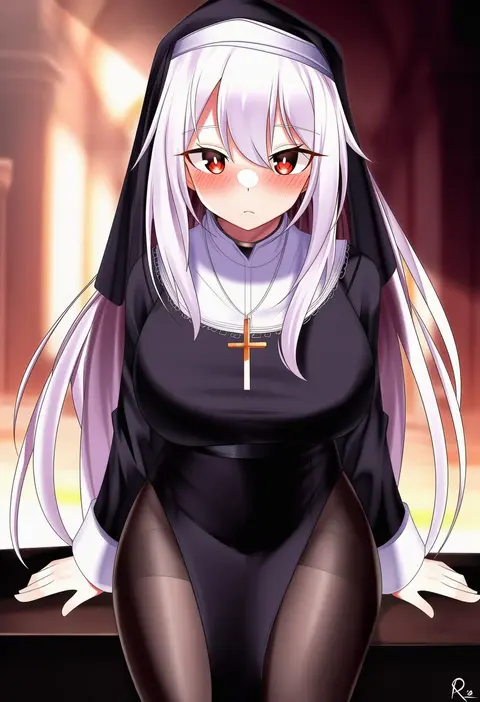
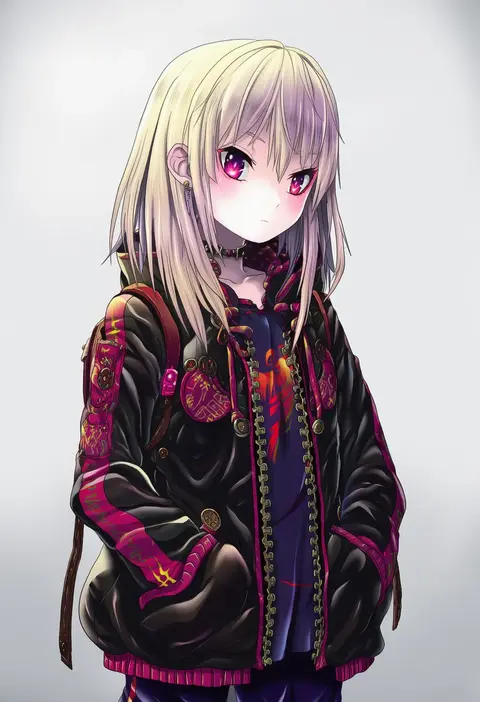
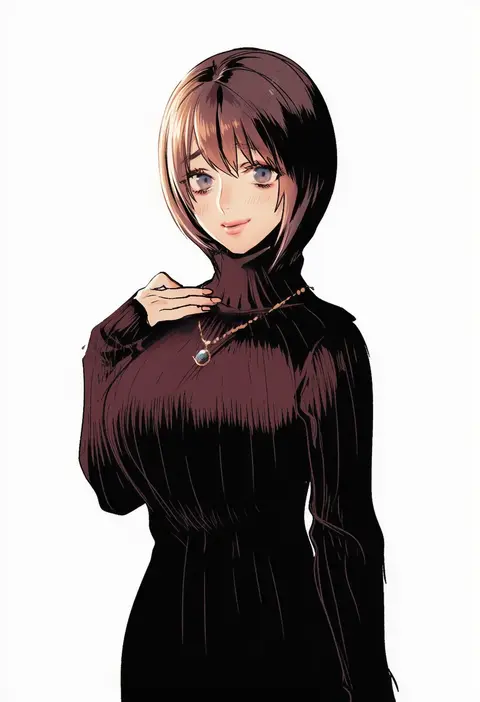
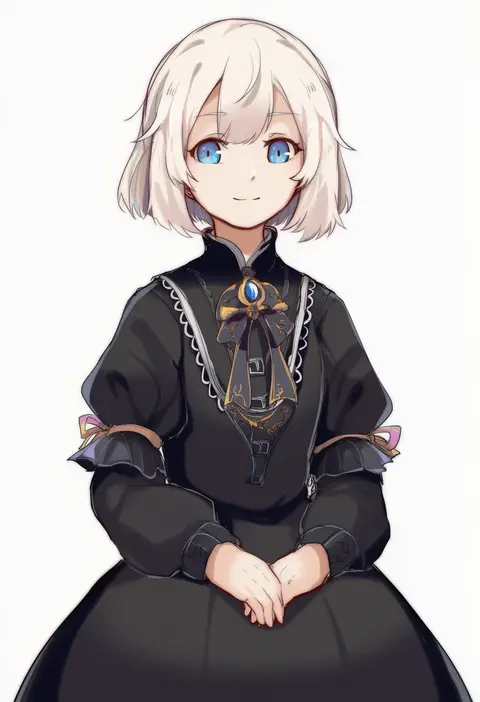
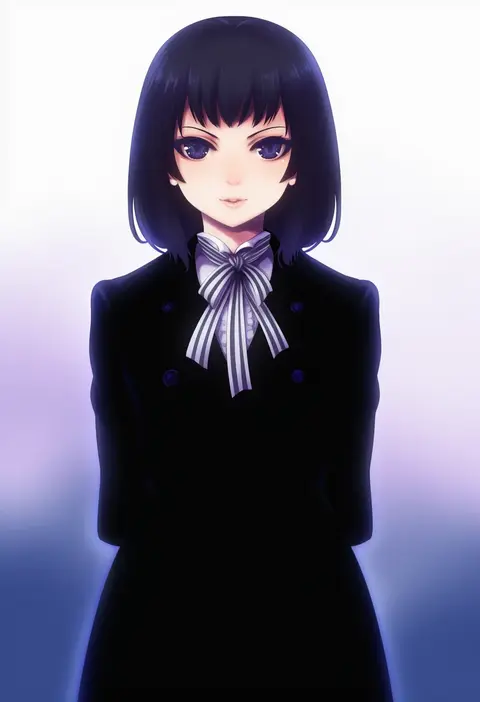
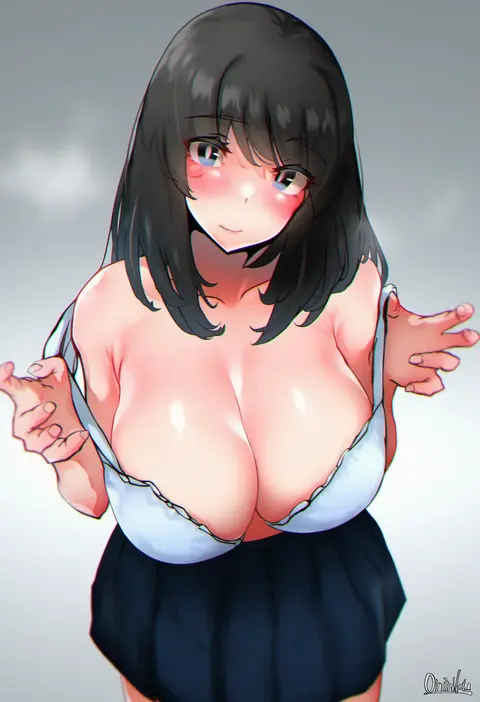
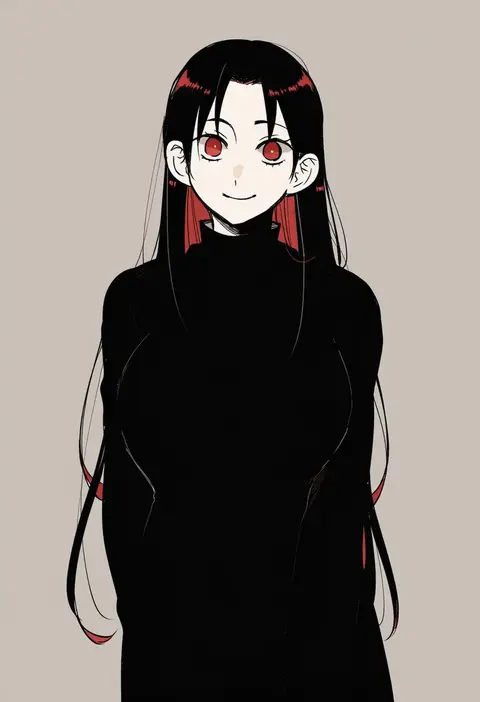
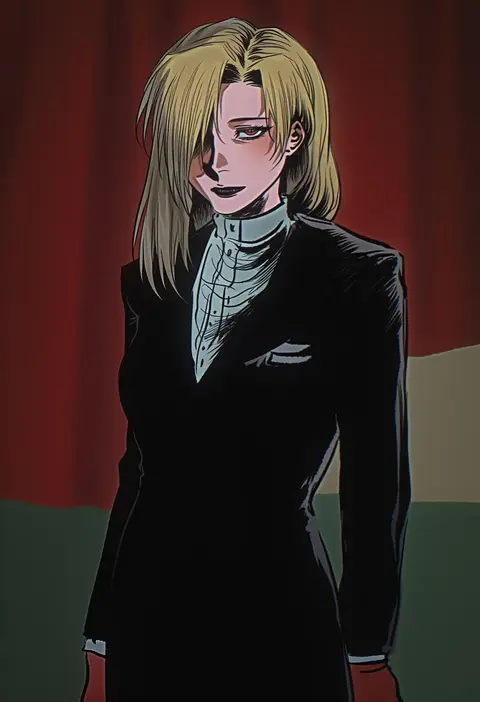
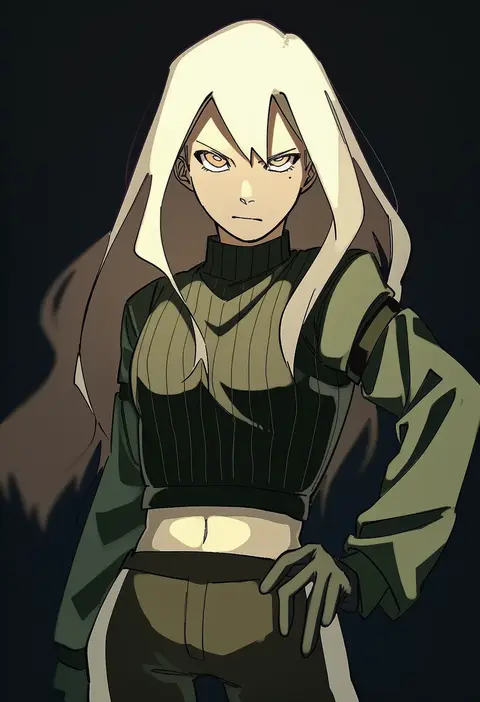
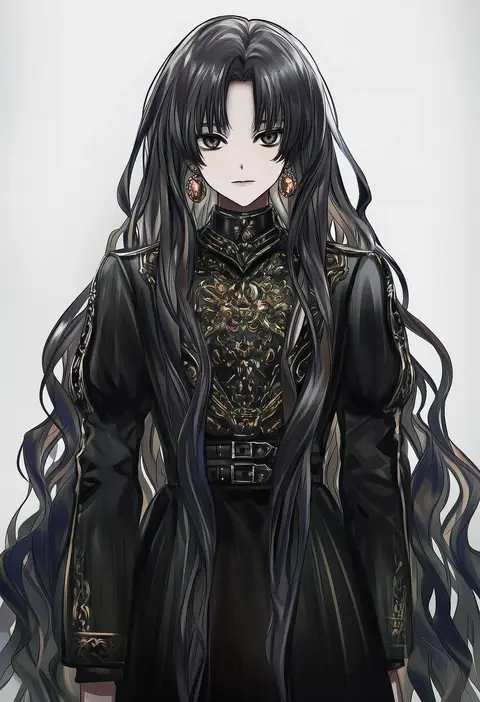
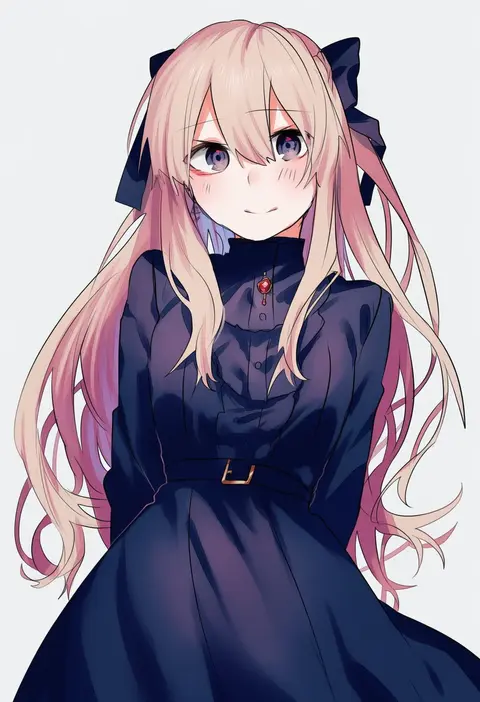
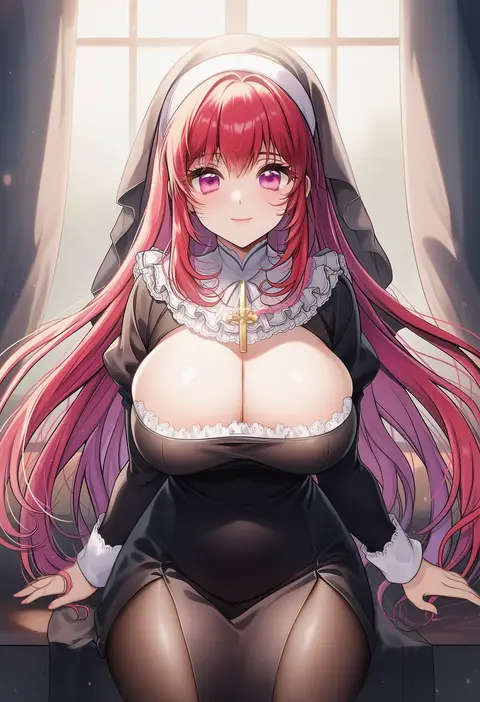
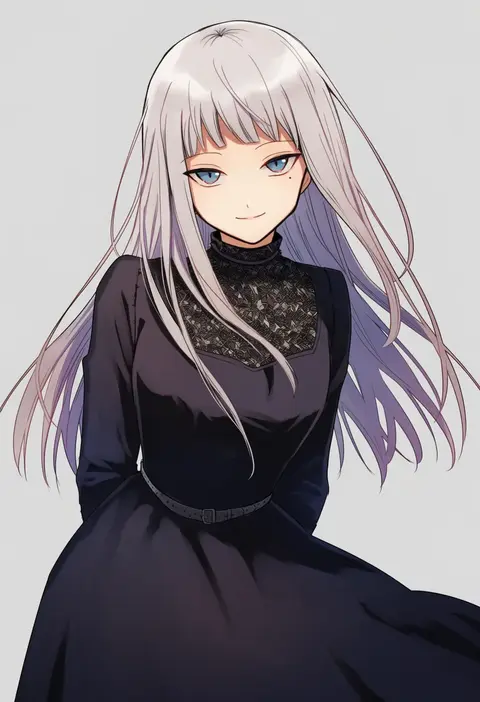
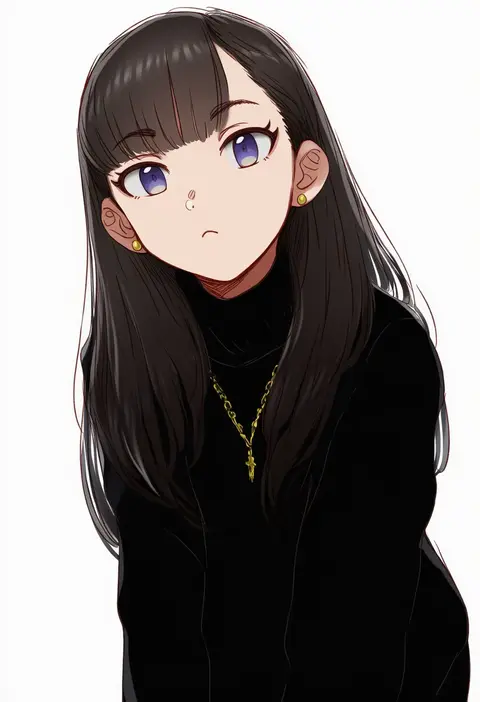
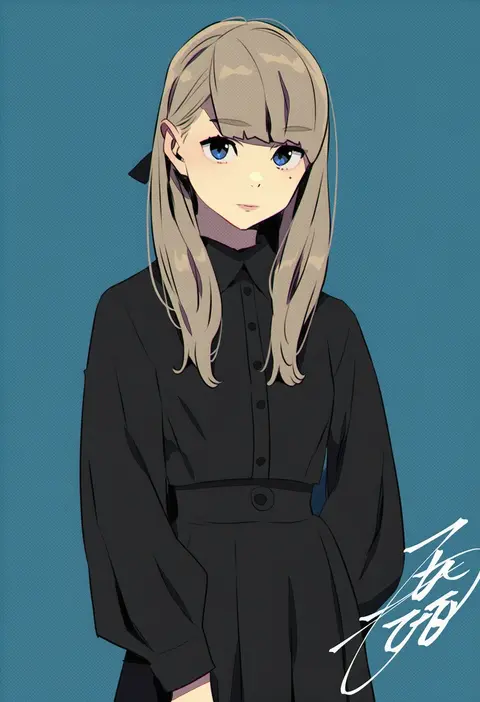
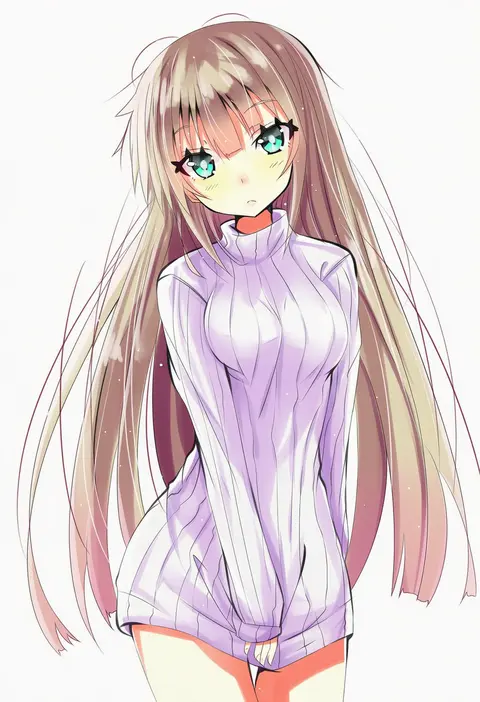
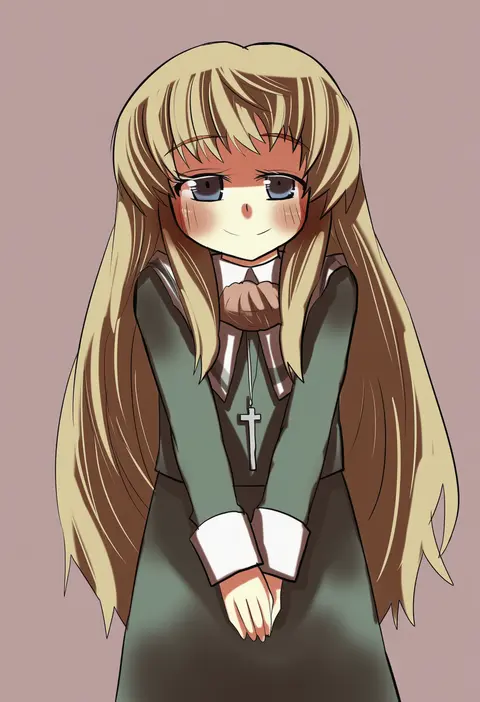
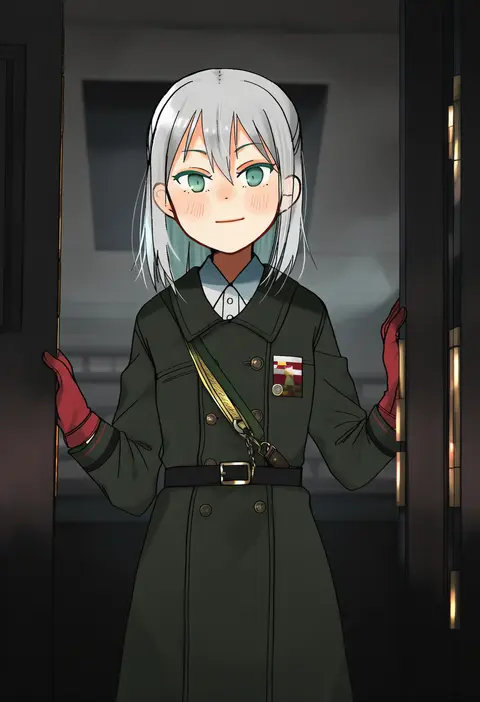
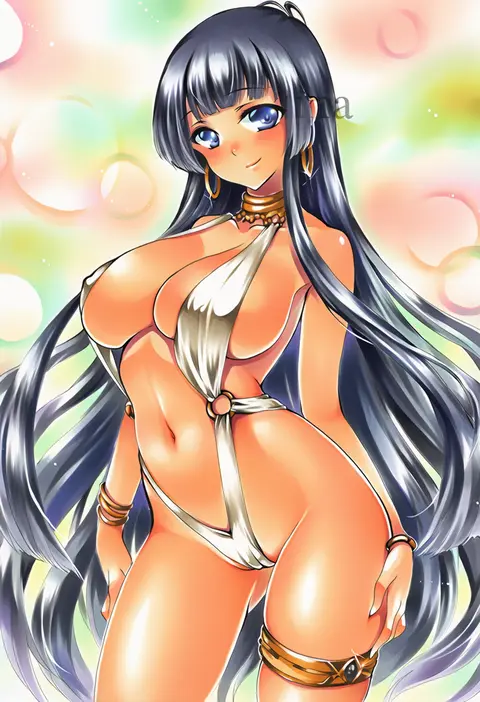
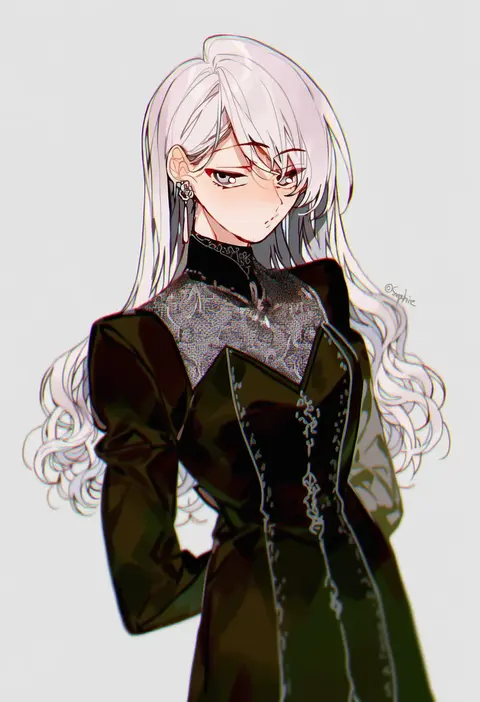
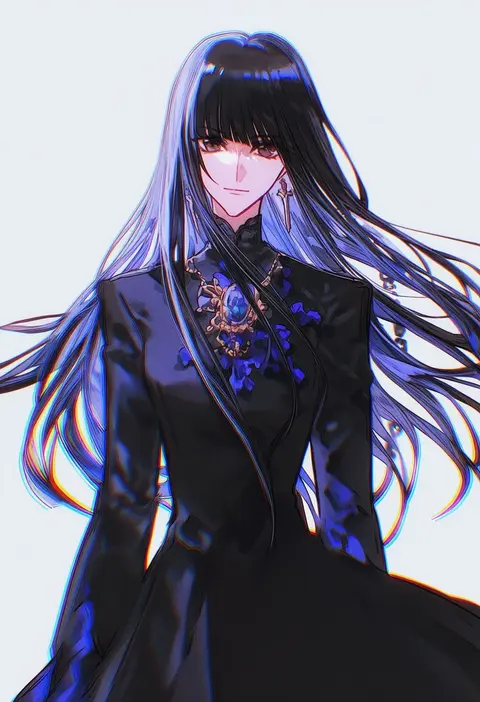
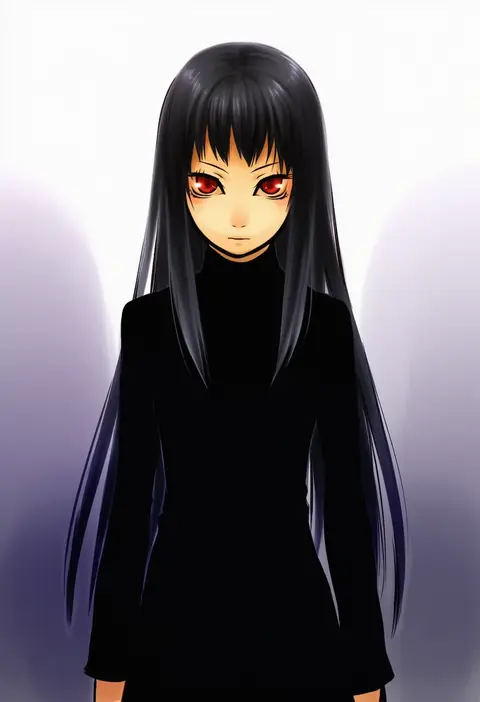
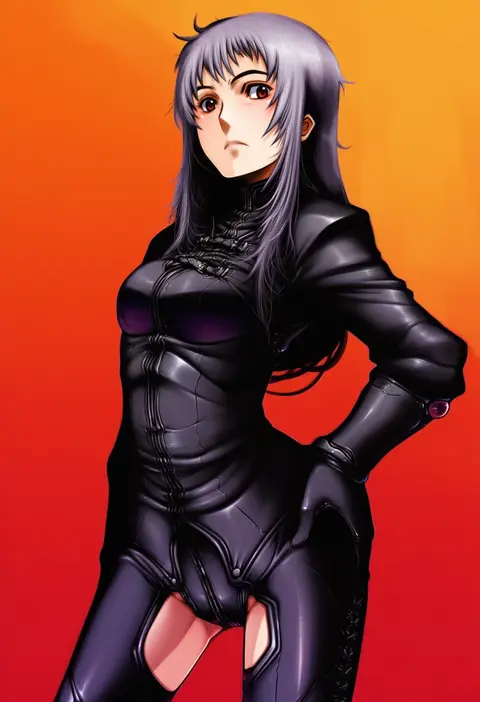
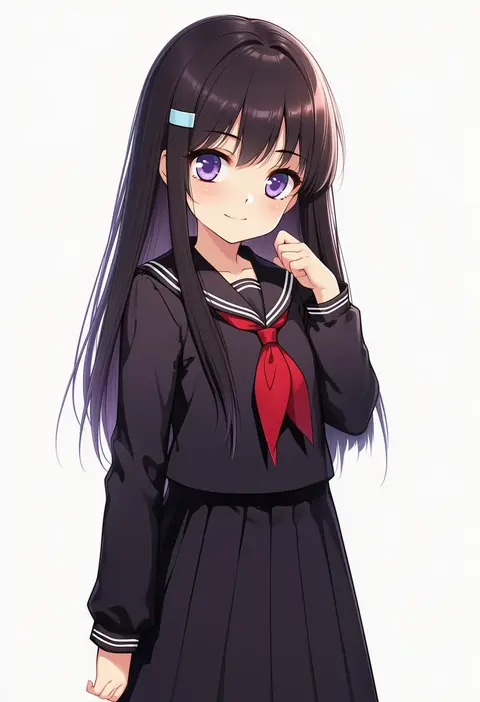
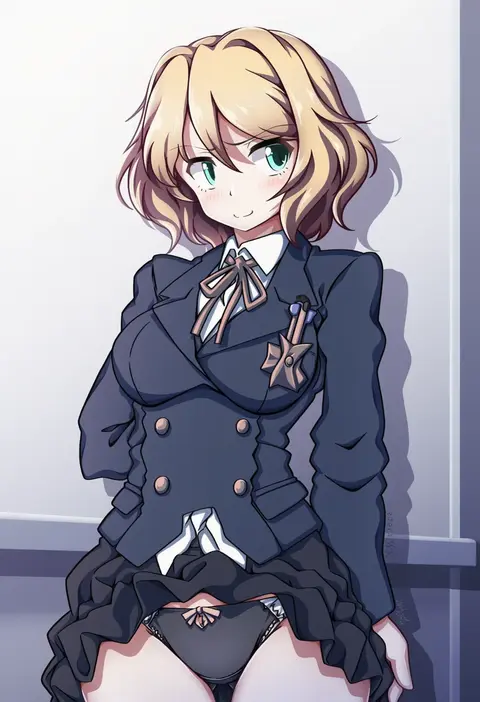
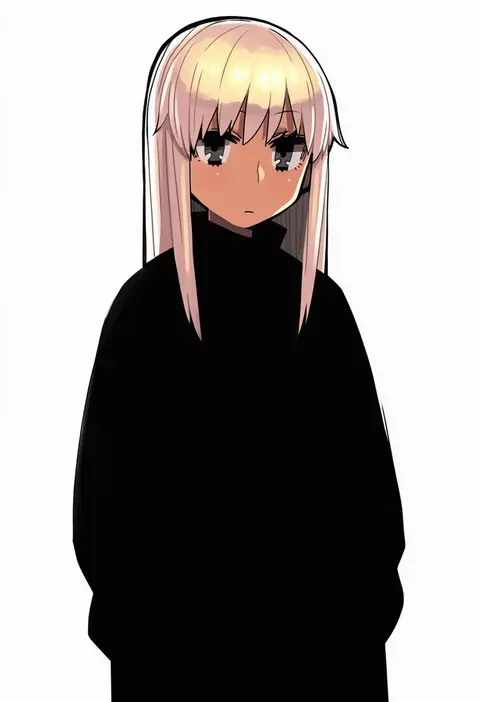
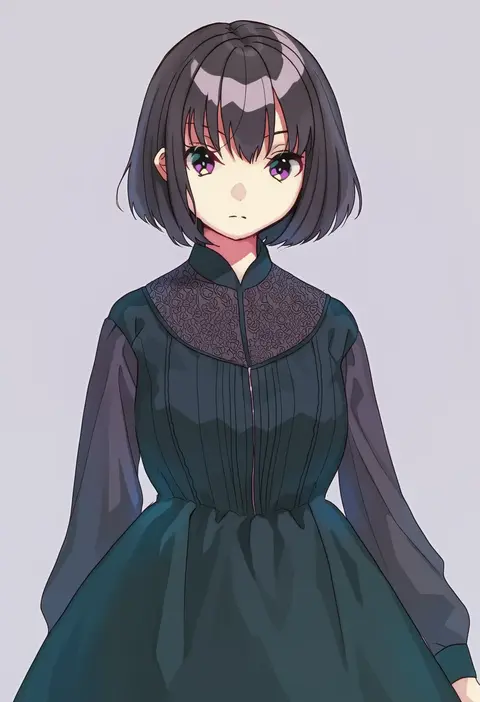
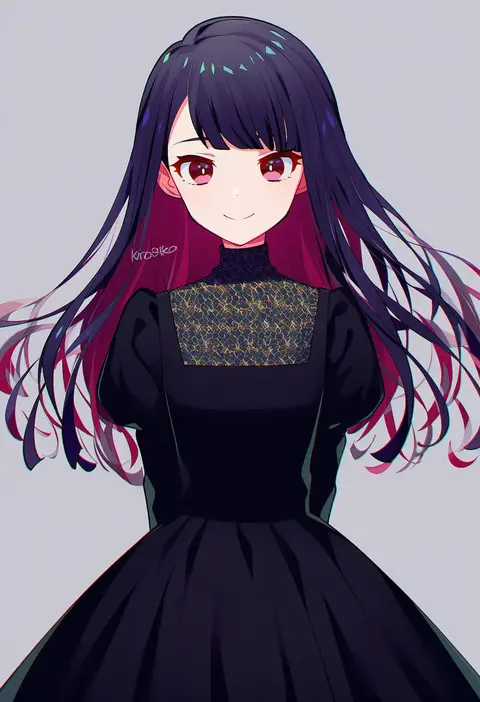
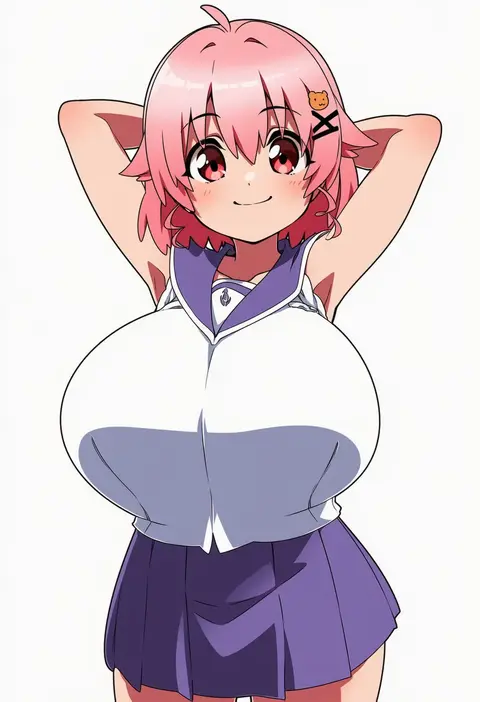
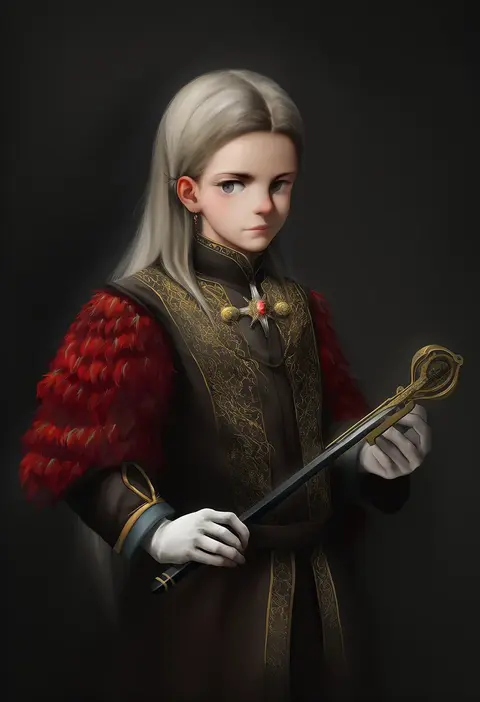
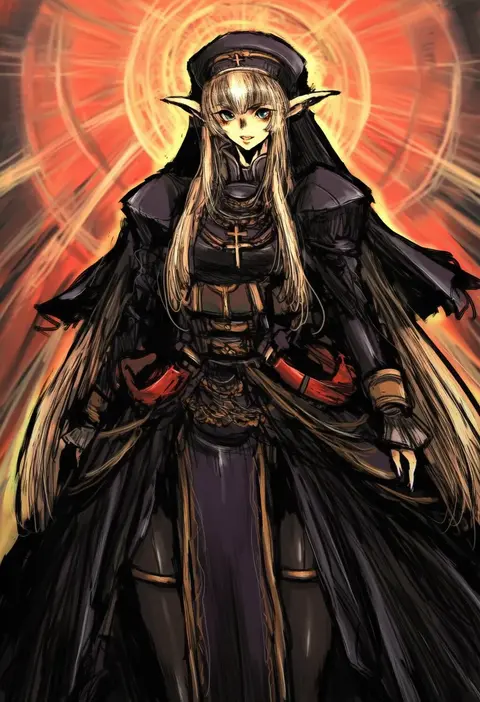
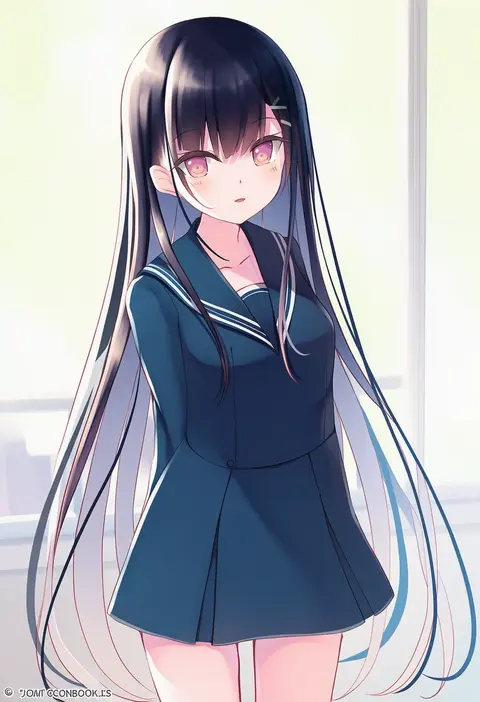
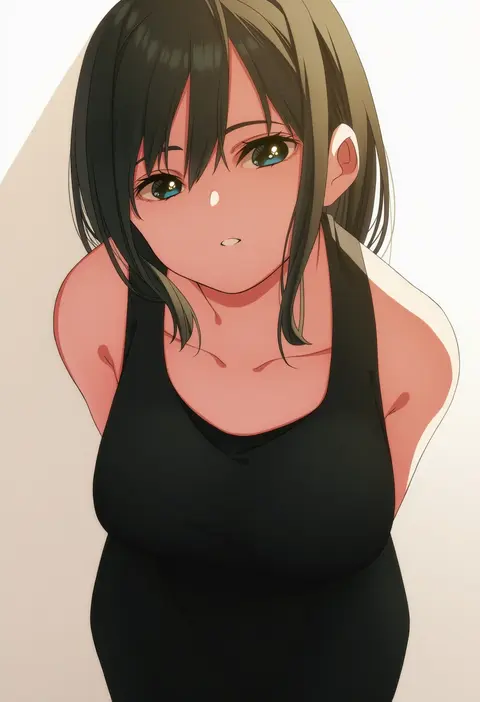
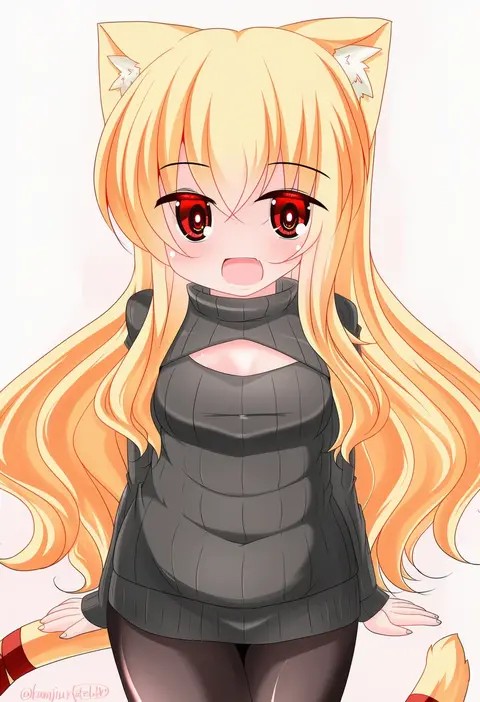
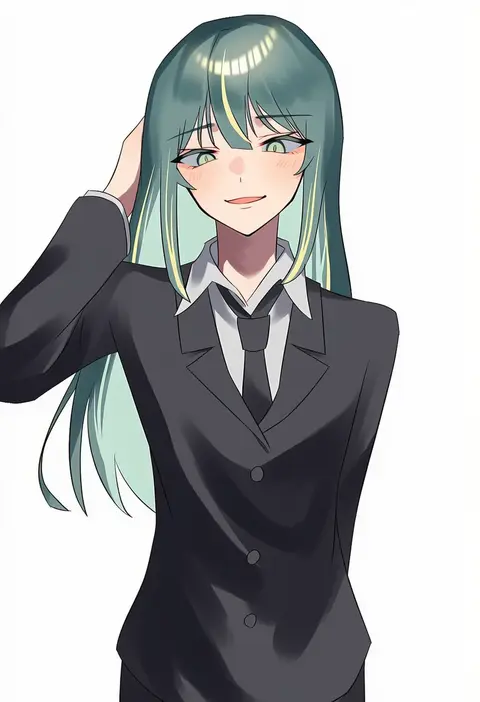
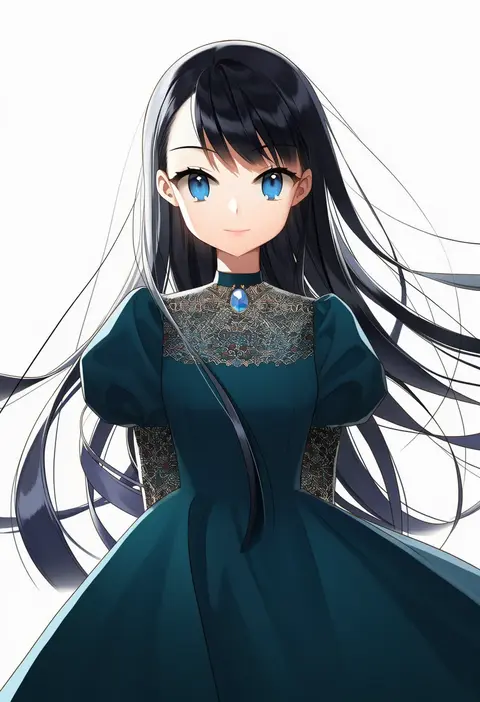
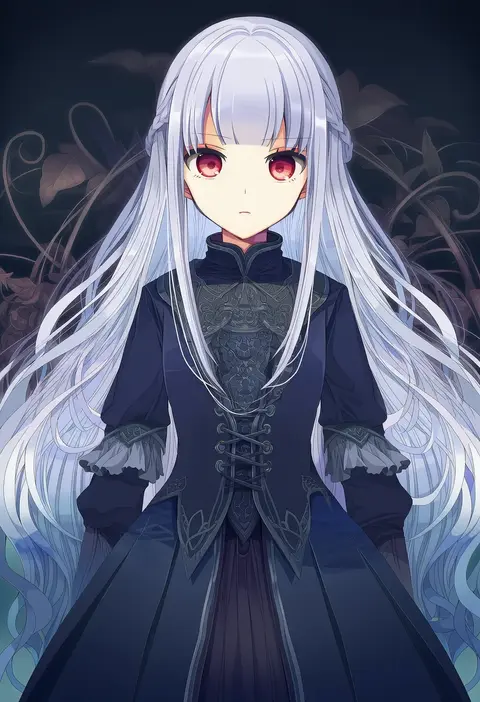
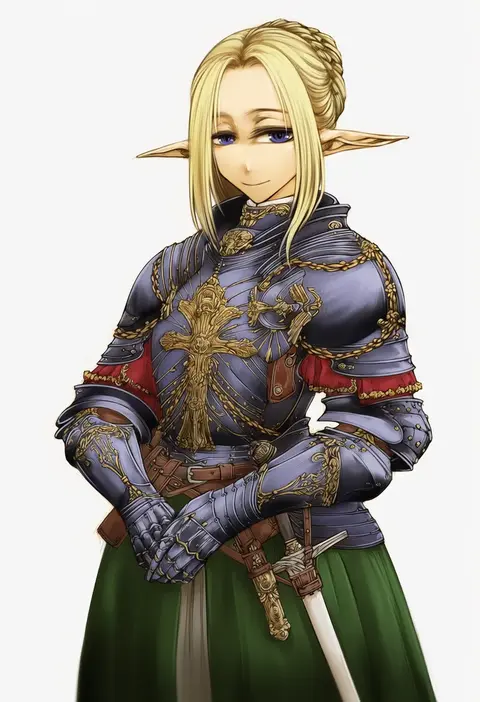
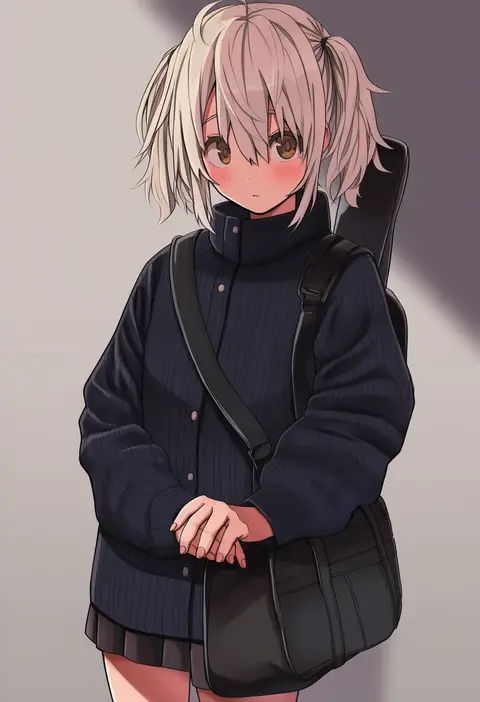
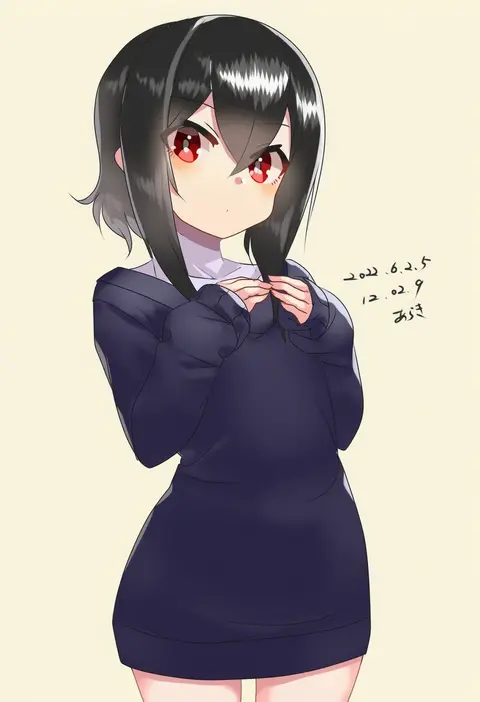
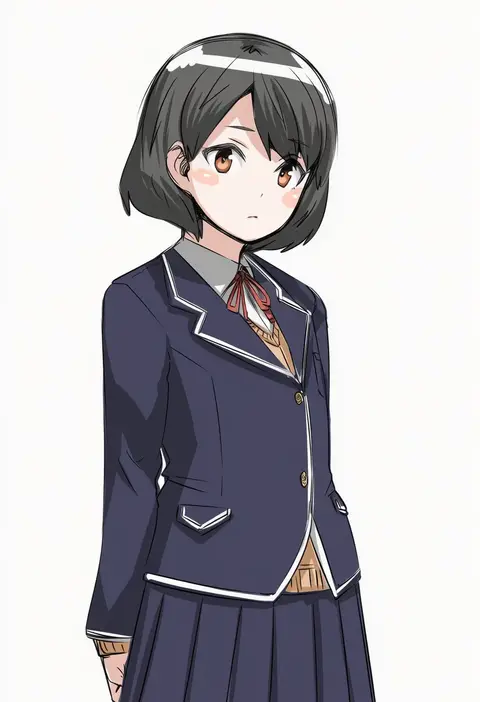
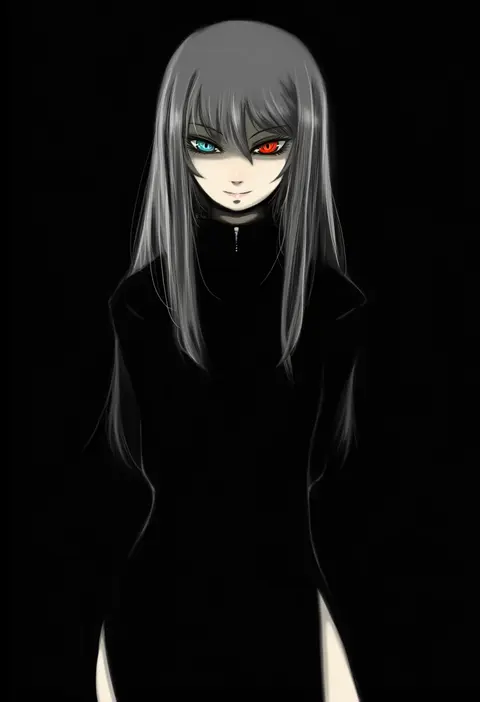
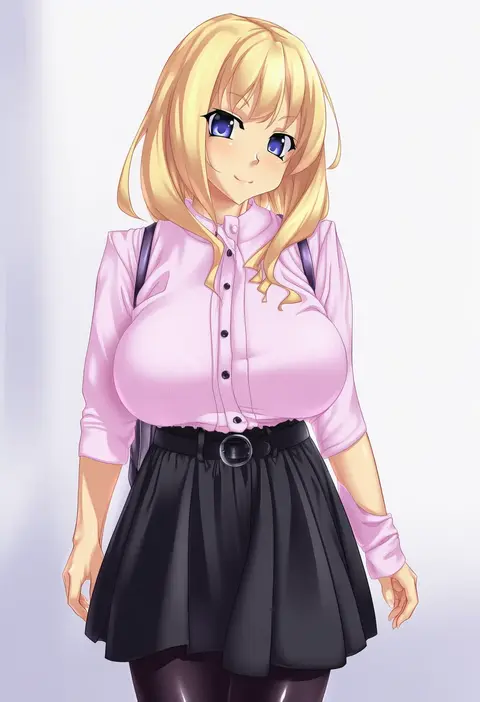
Artist tags tell NovelAI Diffusion to draw in a specific artist's style: line weight, paint texture, face shapes and palette all shift at once. Character and outfit tags decide what is drawn; artist tags decide how. 16,352 tags are listed for V4.5.
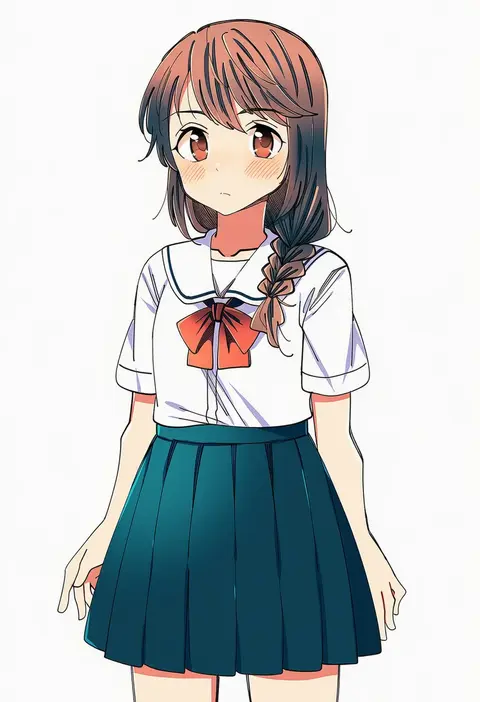
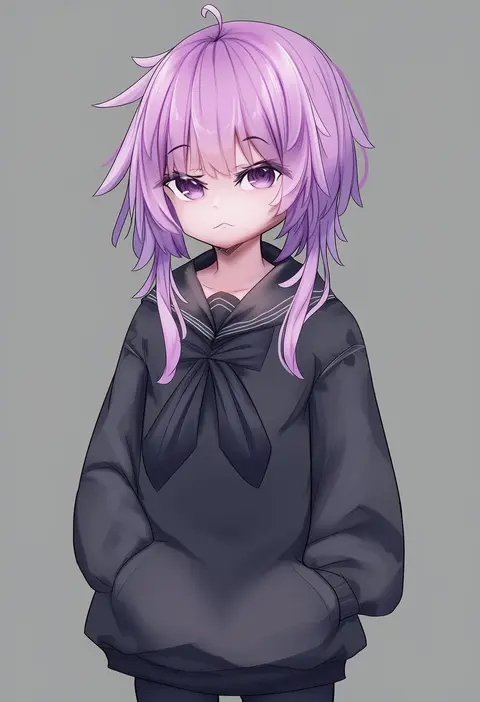
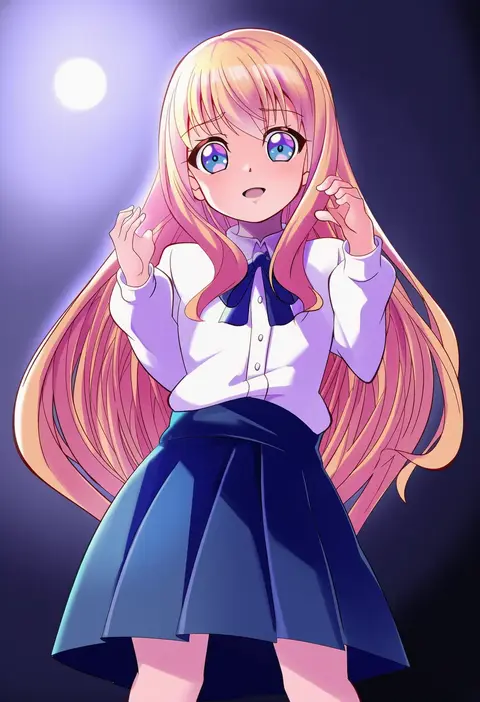
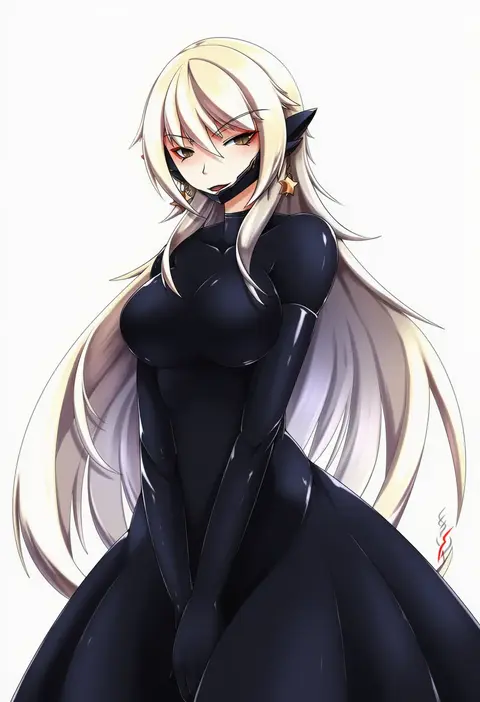
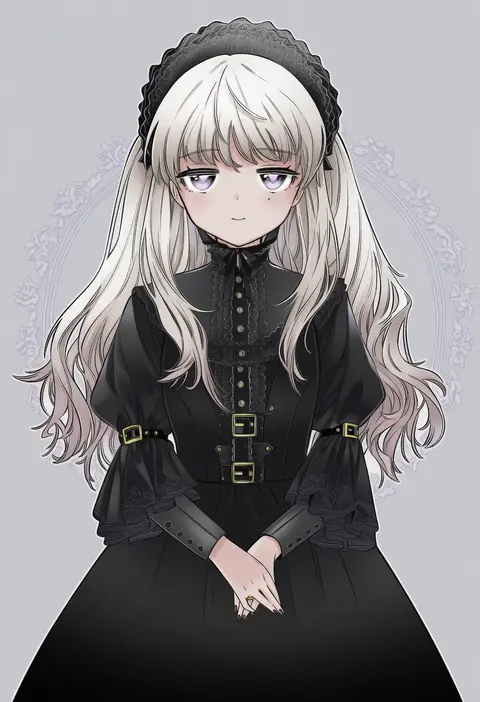
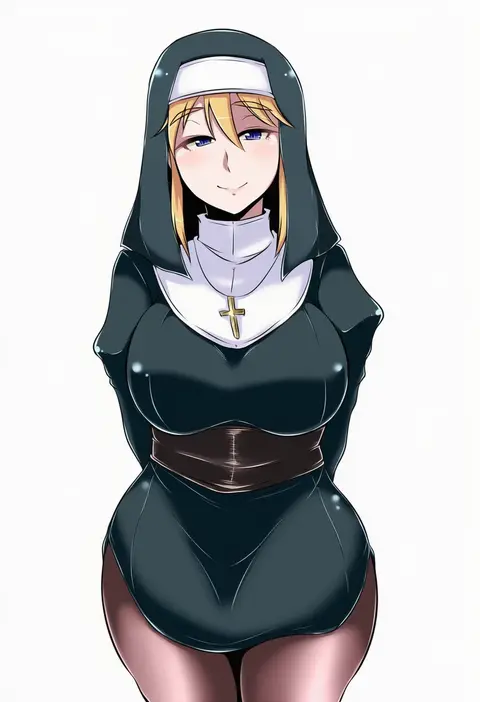
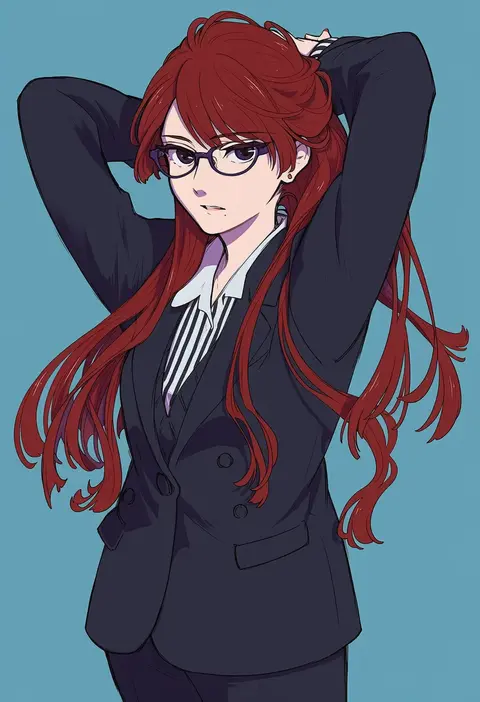
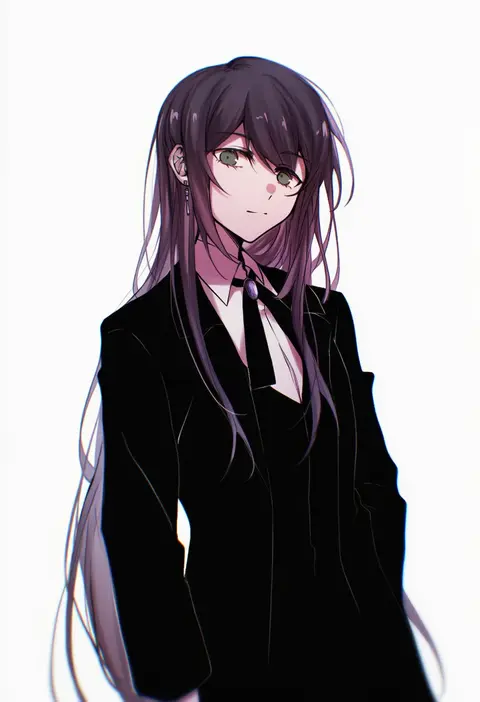
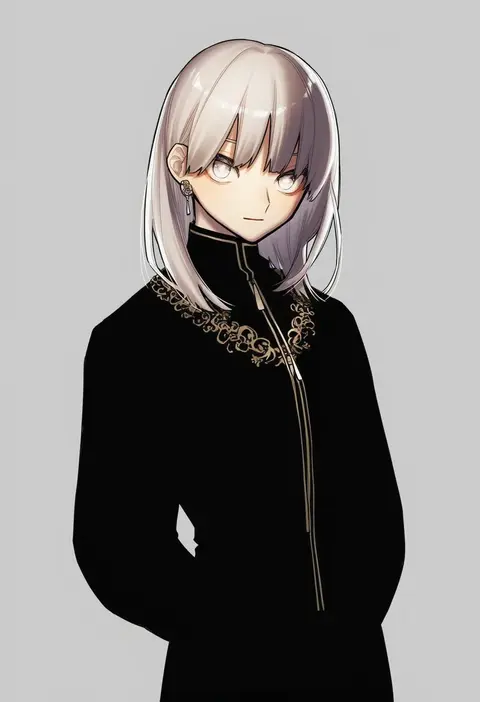
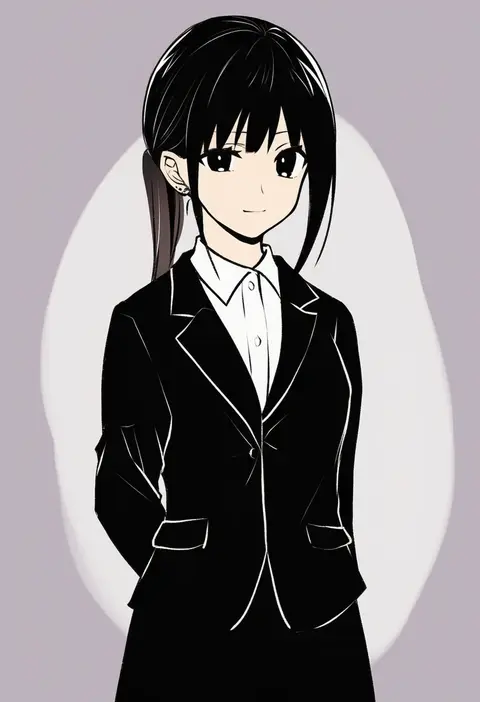
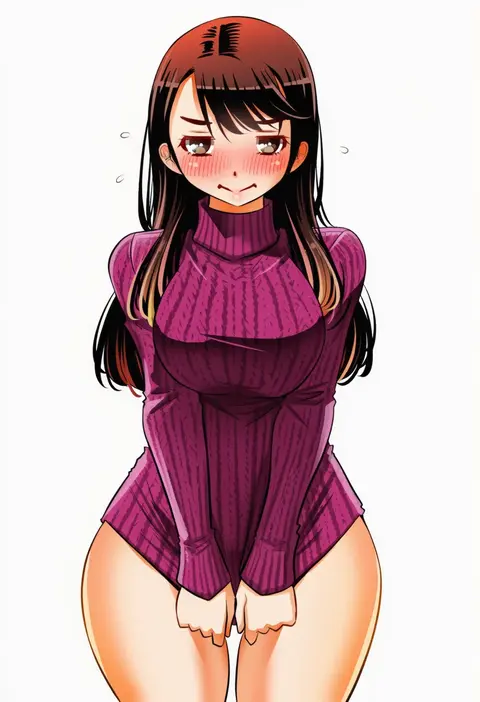
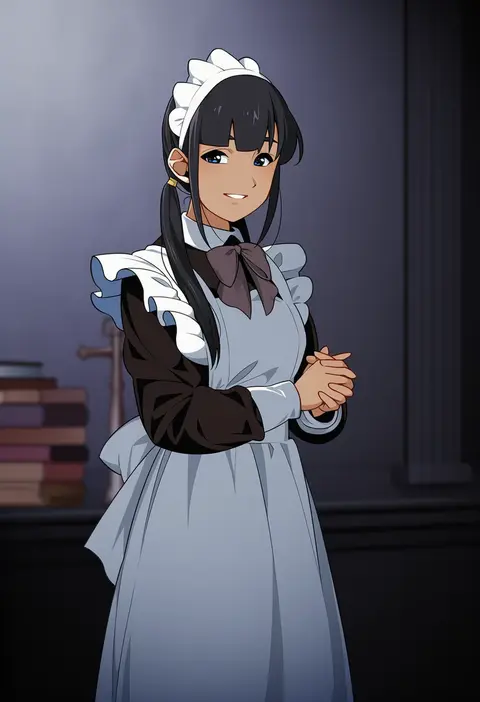
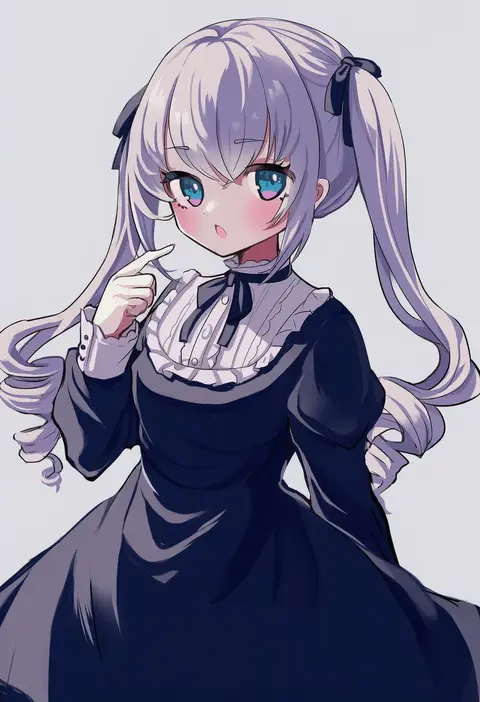
Every tag listed here is verified to react in NovelAI. All images use the same prompt, seed and settings with only the artist tag swapped, so the difference between two images is the style that tag brings in.

How to use them

Put the artist tag near the front of the prompt, e.g. "<artist>, 1girl, solo, best quality, masterpiece, cowboy shot". Two or three artist tags blend styles; lower the weight with "0.8::<artist>::" when the style overpowers the character.

SCORE sorts by Danbooru's top score, POSTS by post count, FAVS by hearts on this site. Open a card to see V5 and V4.5 side by side on the same seed.

V5 vs V4.5

V5 usually lands closer to the artist's real style, and tags that did nothing on V4.5 often react on V5. V4.5 still fits older and doujin-heavy artists better. Try V5 first, fall back to V4.5.

FAQ

Where does the artist tag go?
Near the front of the prompt. Use "0.8::tag::" to adjust its weight.

Can I stack artist tags?
Yes, styles blend. Past two or three the result stops looking like anyone.

Are these the artists' own works?
No. Every image is a NovelAI sample generated from the tag.