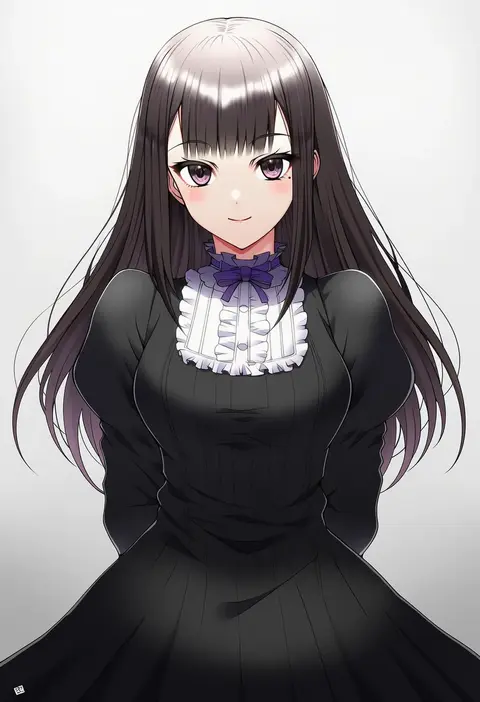
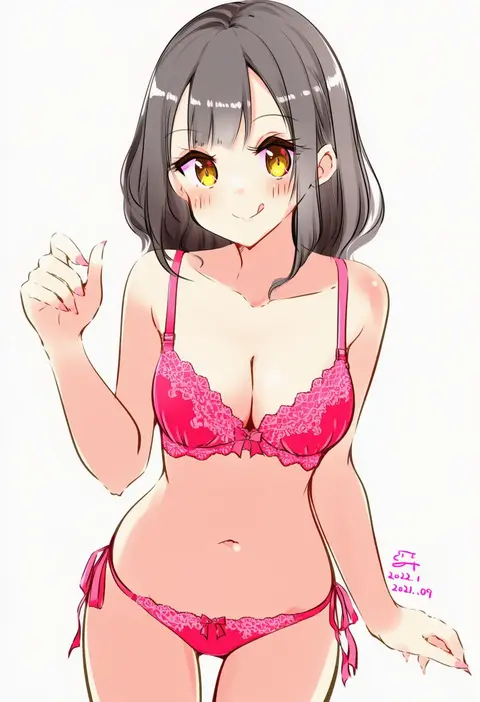
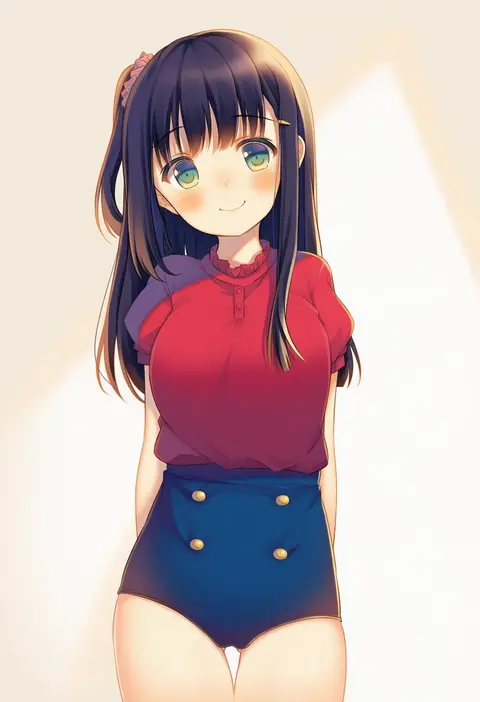
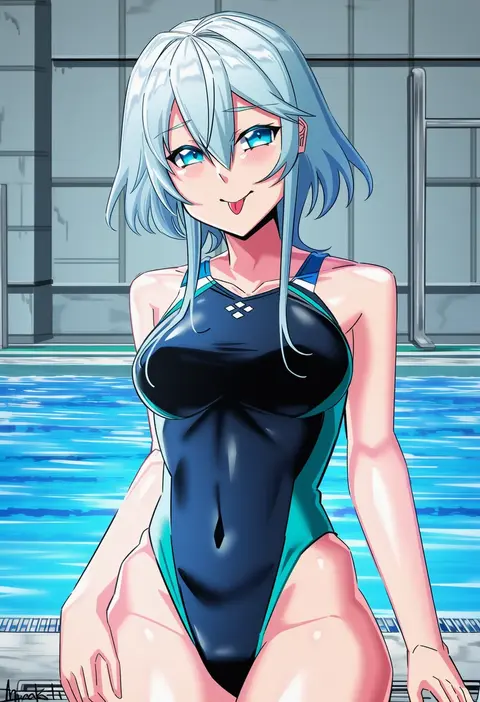
V4.5Artists
sort: FAVS▾
▾
>
$

Popular NovelAI artist tags — V4.5

artist --count 16,352[203/273]
didloaded
ARTIST0x2F58
0
emia wang
ARTIST0x2F59
0
kaida michi
ARTIST0x2F5A
0
ogura eisuke
ARTIST0x2F5B
0
yukari (yukari21653710)
ARTIST0x2F5C
0
kokotetsu
ARTIST0x2F5D
0
zaofeng
ARTIST0x2F5E
0
mashimaro tabetai
ARTIST0x2F5F
0
rise (rise19851203)
ARTIST0x2F60
0
ookami maito
ARTIST0x2F61
0
minidraco
ARTIST0x2F62
0
yamcha (cocololi)
ARTIST0x2F63
0
amasaki yusuke
ARTIST0x2F64
0
yuki (yukin0128)
ARTIST0x2F65
0
teikoku jokyoku
ARTIST0x2F66
0
ashiyu (ashu-ashu)
ARTIST0x2F67
0
mitsurugi tsurugi
ARTIST0x2F68
0
maho (yakimorokoshi)
ARTIST0x2F69
0
haura akitoshi
ARTIST0x2F6A
0
42u16
ARTIST0x2F6B
0
ryuunosuke (luckyneco)
ARTIST0x2F6C
0
natsuki (gedo)
ARTIST0x2F6D
0
poko (mammypoko)
ARTIST0x2F6E
0
kobayashi chizuru
ARTIST0x2F6F
0
sengoku chidori
ARTIST0x2F70
0
muku (apupop)
ARTIST0x2F71
0
la-na
ARTIST0x2F72
0
kajatony
ARTIST0x2F73
0
kamui natsuki
ARTIST0x2F74
0
elsevilla
ARTIST0x2F75
0
agamemega
ARTIST0x2F76
0
mishiro shinza
ARTIST0x2F77
0
renka (cloudsaikou)
ARTIST0x2F78
0
kashiwada kiiho
ARTIST0x2F79
0
morizo cs
ARTIST0x2F7A
0
yuurururun
ARTIST0x2F7B
0
fujimi nanna
ARTIST0x2F7C
0
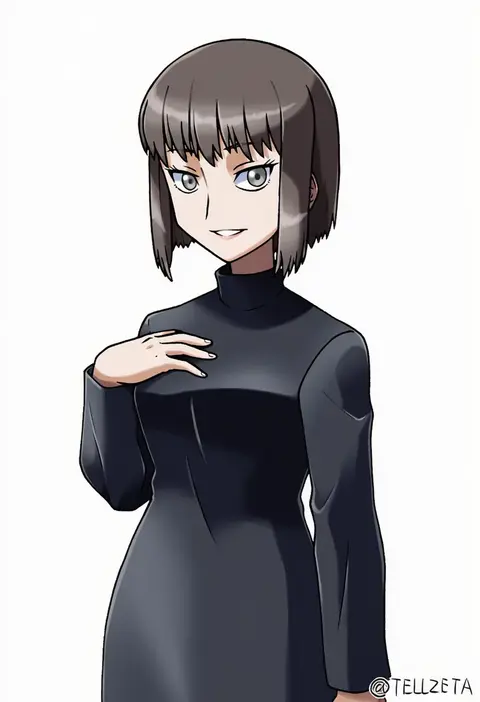
tellzeta
ARTIST0x2F7D
0
dhfz181
ARTIST0x2F7E
0
hikimaru
ARTIST0x2F7F
0
lanthan
ARTIST0x2F80
0
tb (spr1110)
ARTIST0x2F81
0
achilles (yosshyachillesd)
ARTIST0x2F82
0
oka (umanihiki)
ARTIST0x2F83
0
chuuta (+14)
ARTIST0x2F84
0
nyansky
ARTIST0x2F85
0
sakura shiori
ARTIST0x2F86
0
amagai yukino
ARTIST0x2F87
0
haconeri
ARTIST0x2F88
0
prophosphere
ARTIST0x2F89
0
ochano
ARTIST0x2F8A
0
tom q (tomtoq)
ARTIST0x2F8B
0
gensou aporo
ARTIST0x2F8C
0
toda kazuki
ARTIST0x2F8D
0
mizumoto tadashi
ARTIST0x2F8E
0
pote (ptkan)
ARTIST0x2F8F
0
dairi
ARTIST0x2F90
0
hayashiya zankurou
ARTIST0x2F91
0
poronegi
ARTIST0x2F92
0
suyasuyabi
ARTIST0x2F93
0

What these tags change

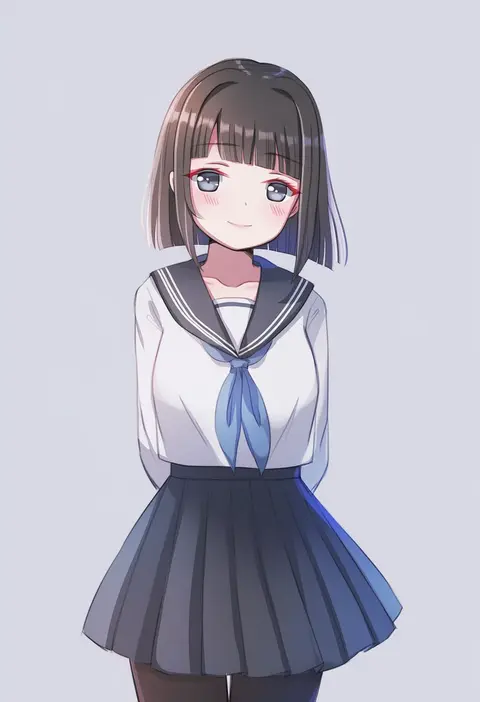
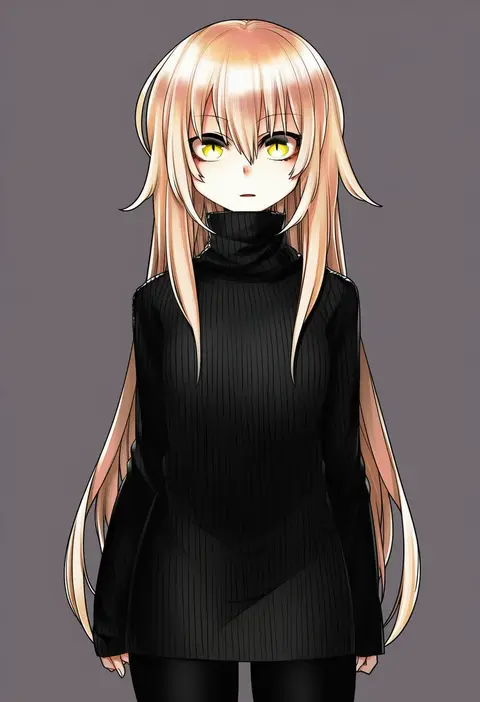
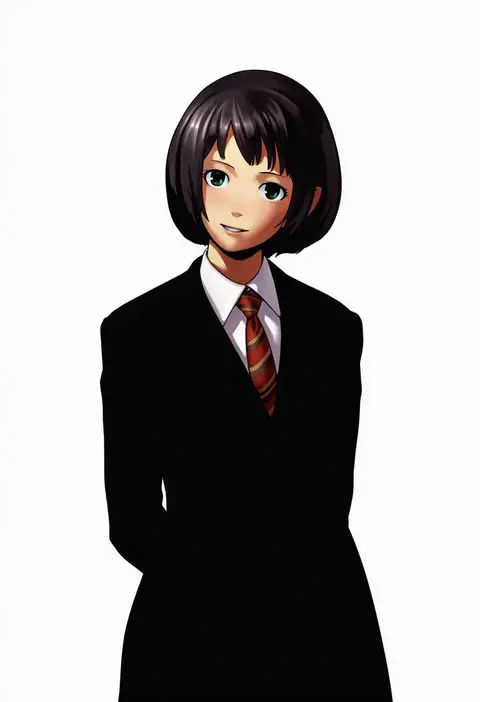
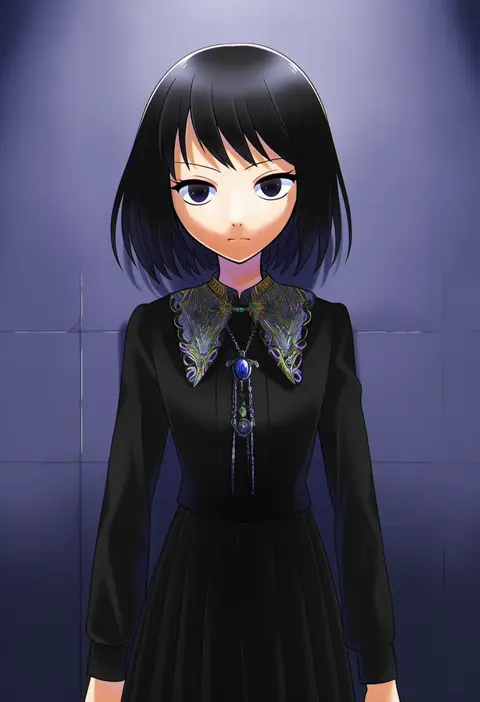
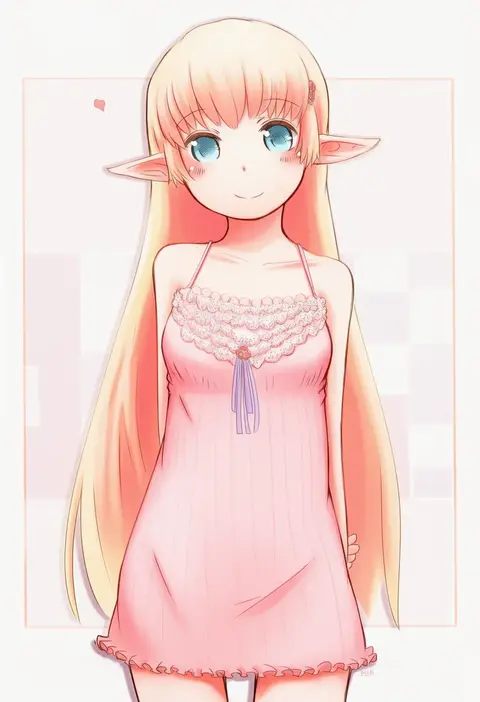
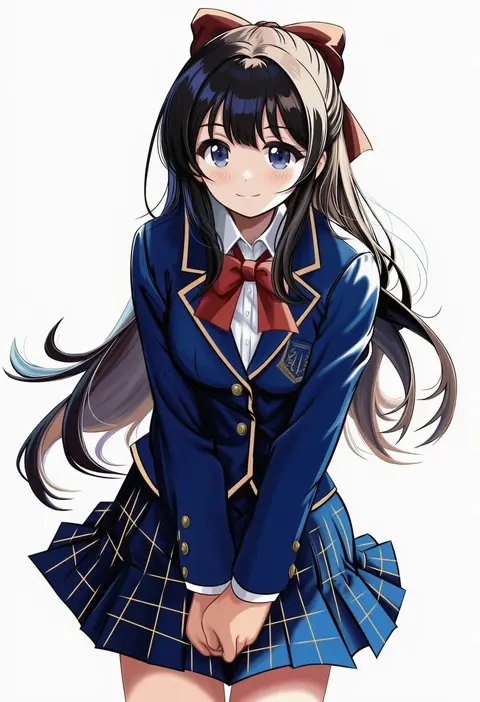
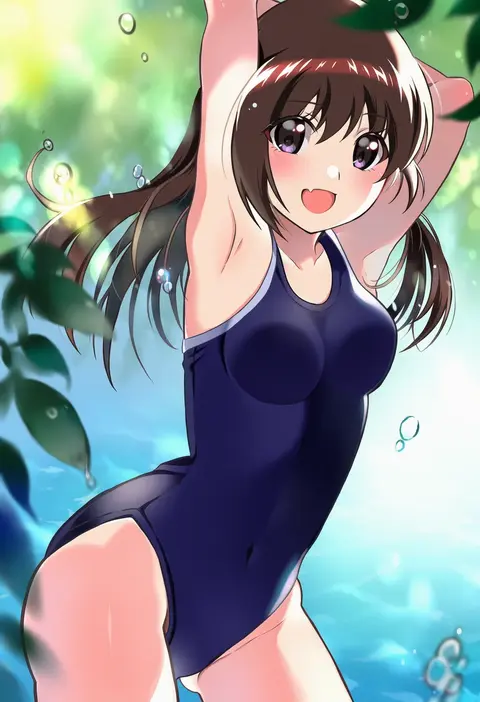
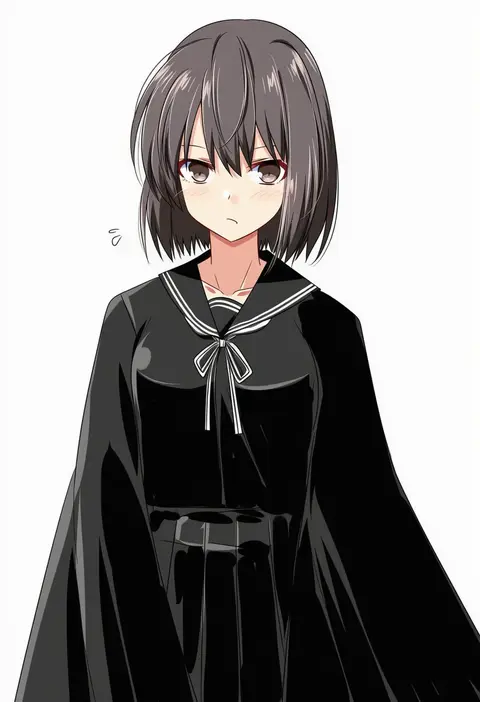
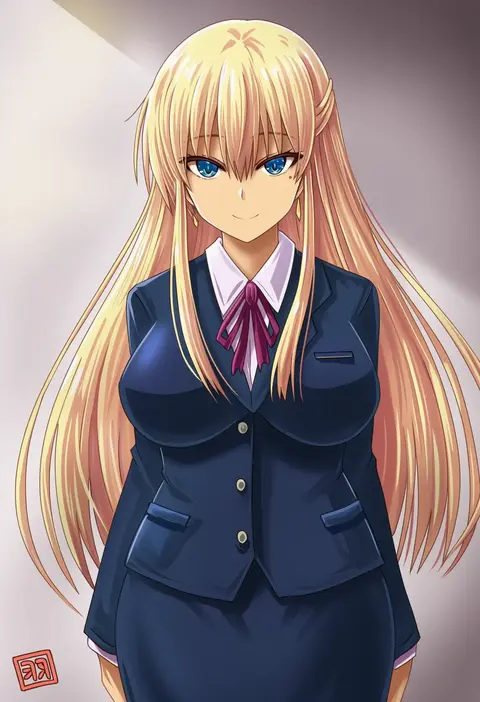
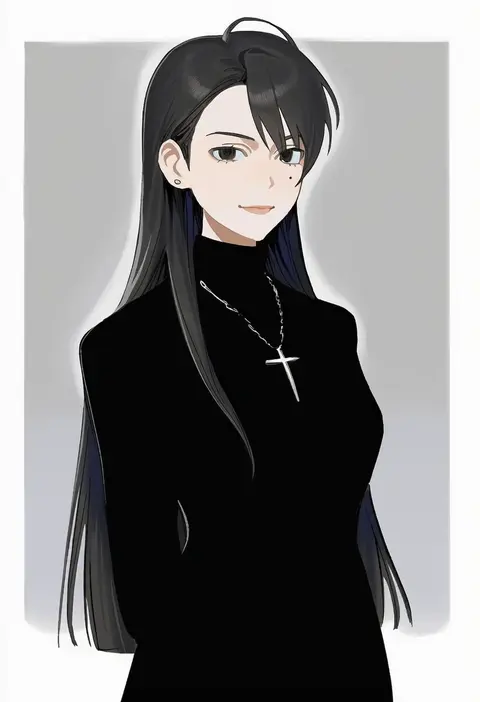
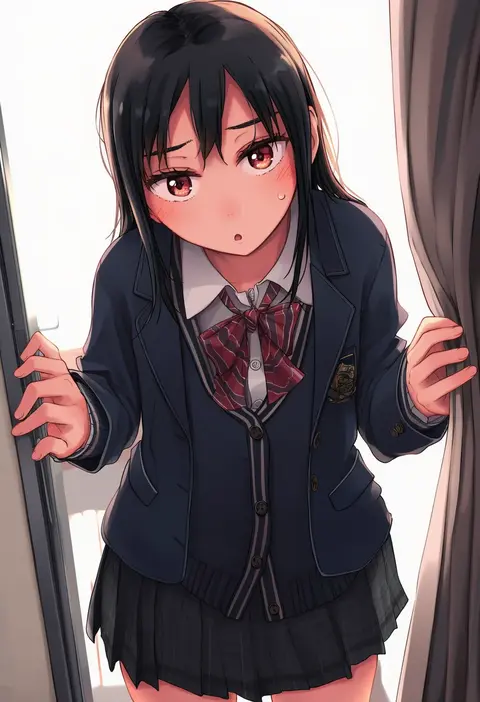
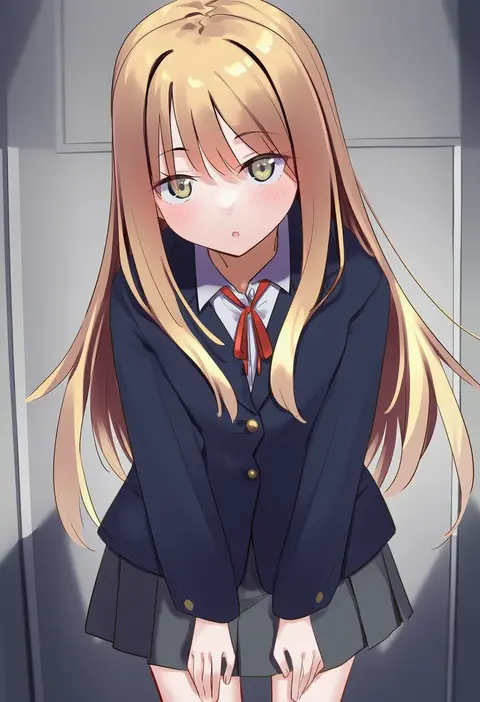
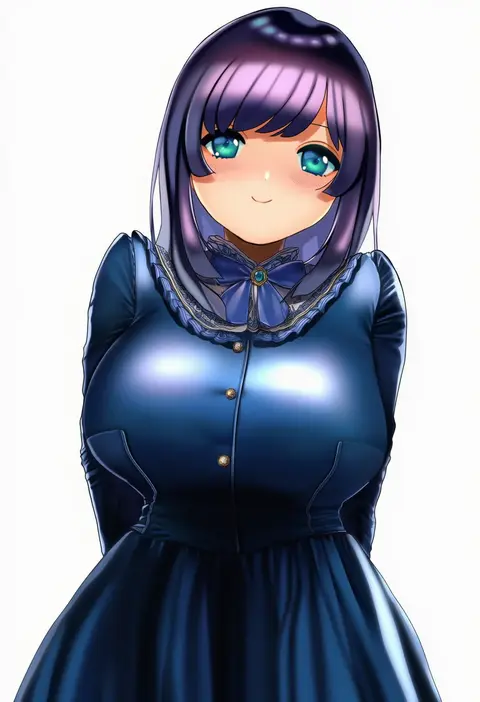
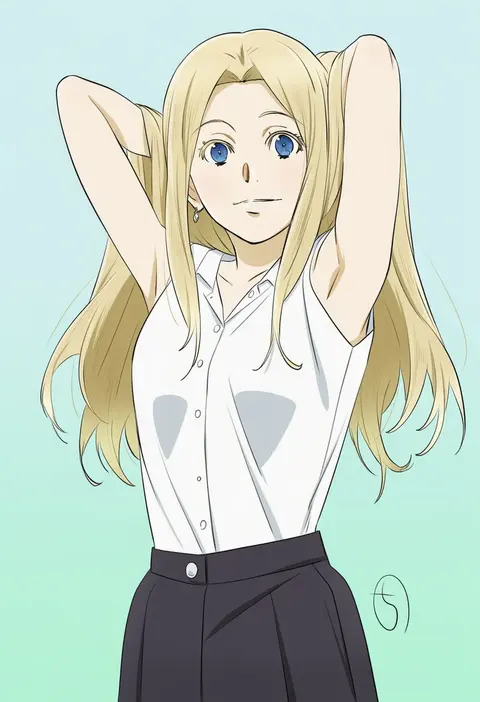
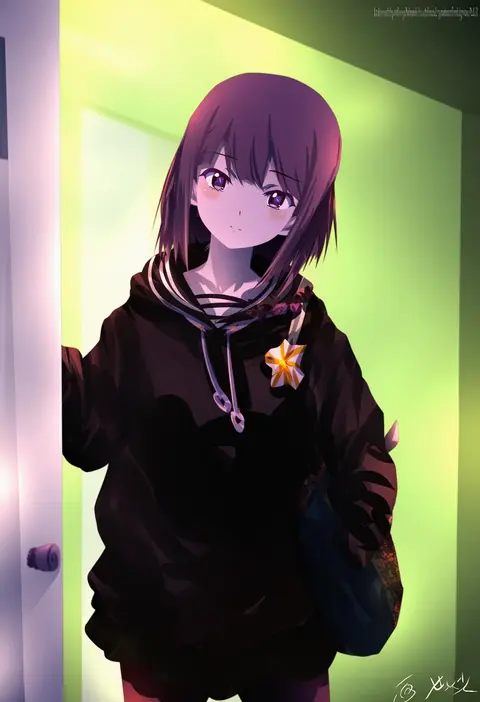
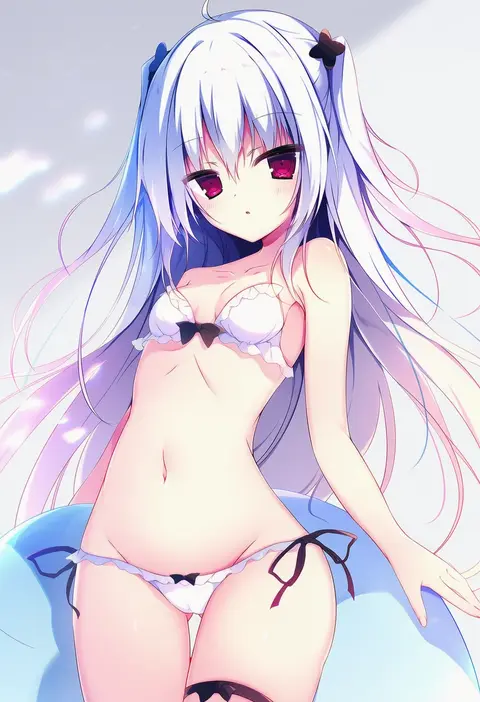
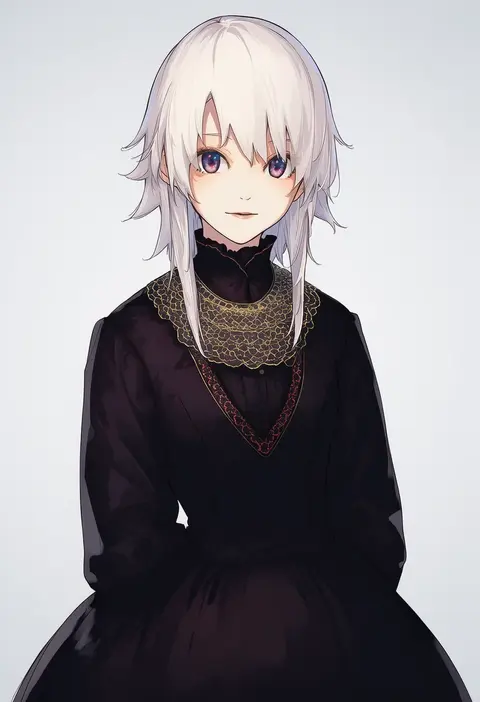
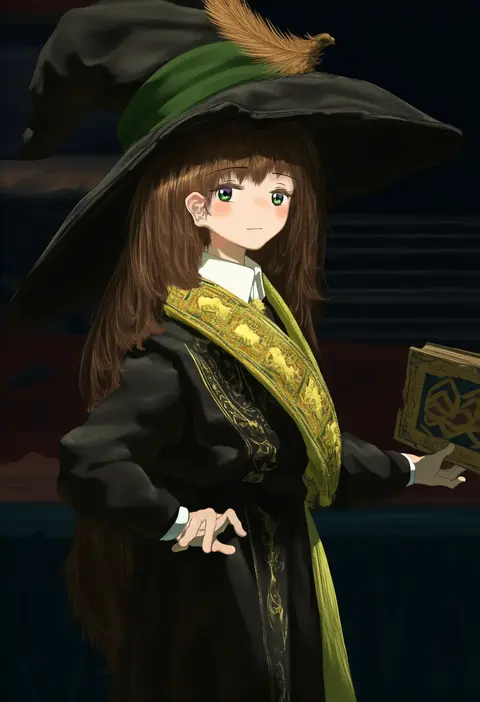
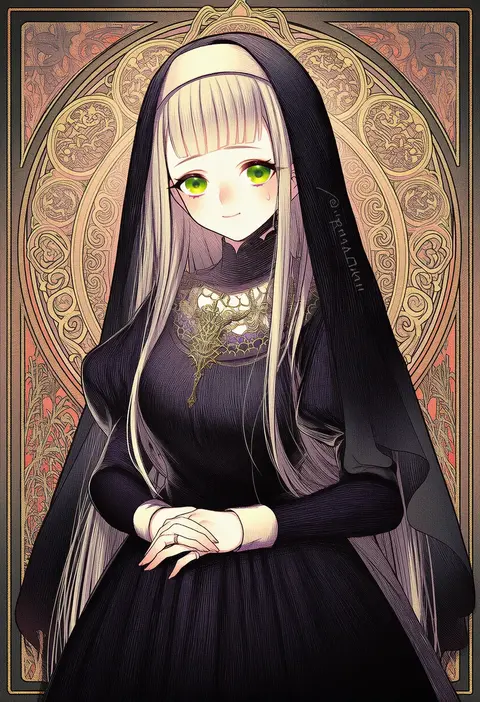
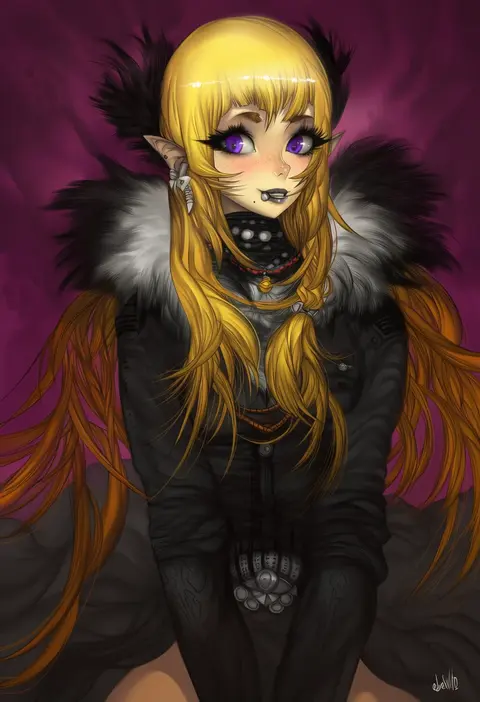
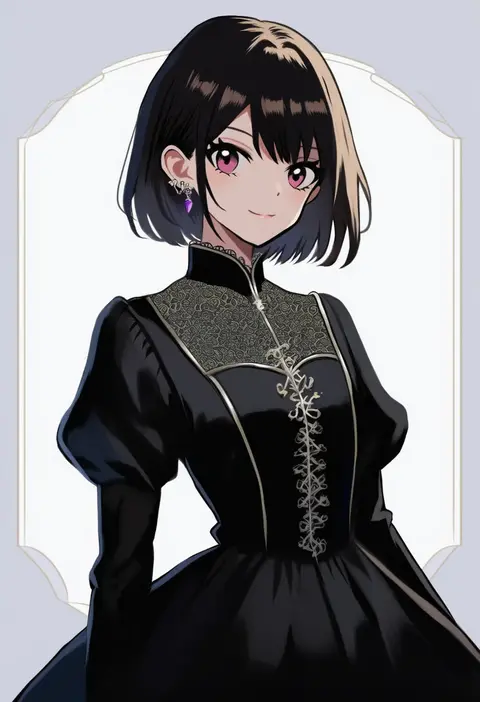
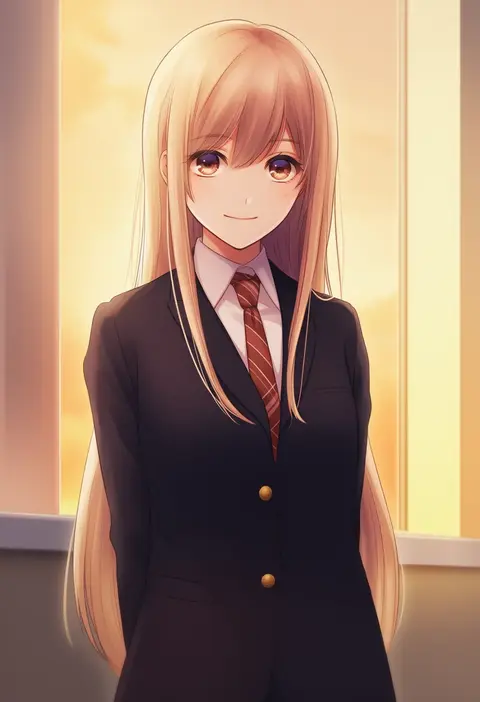
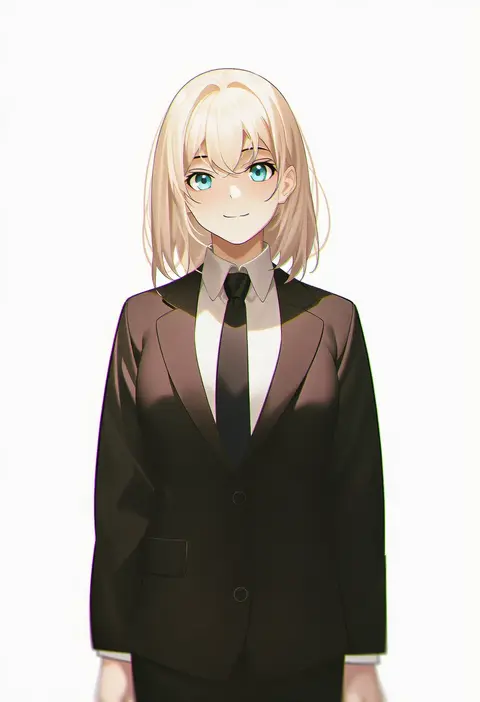
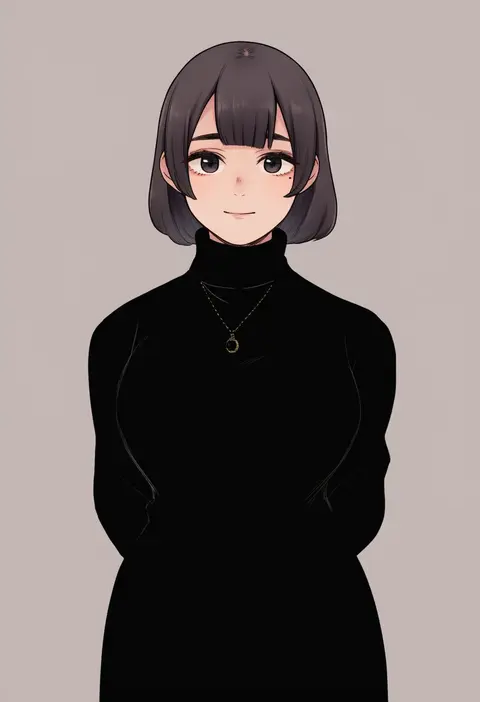
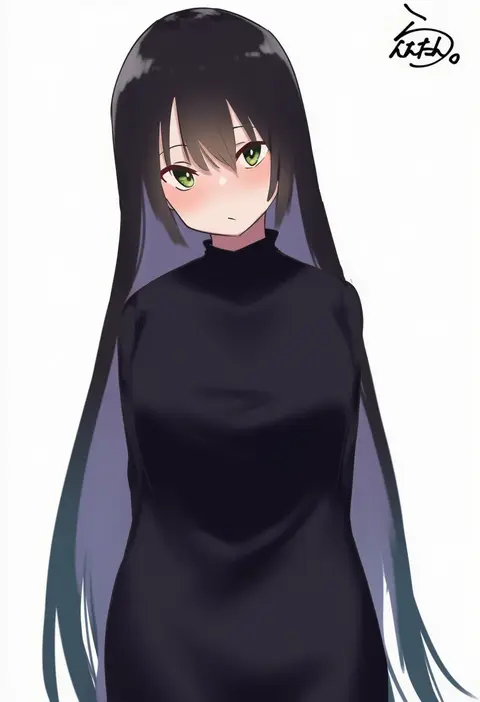
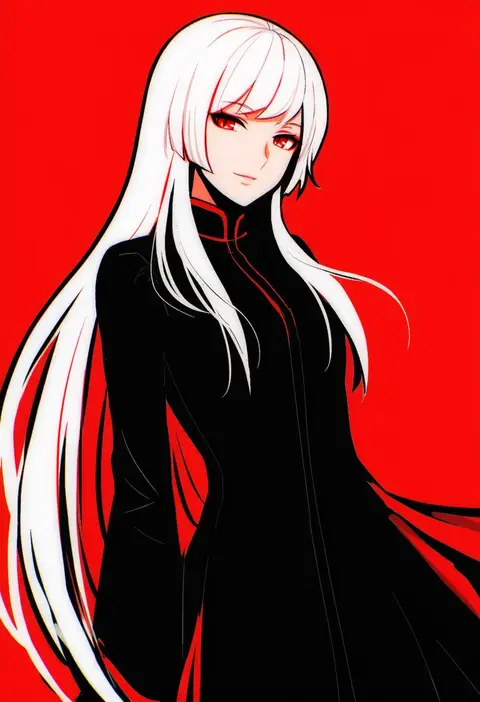
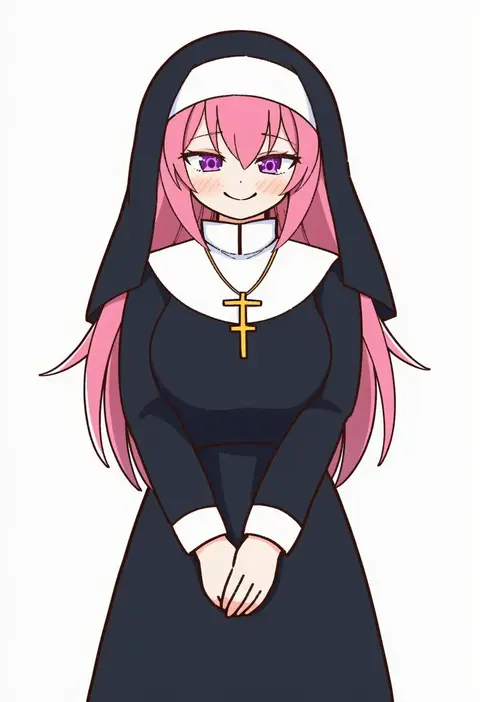
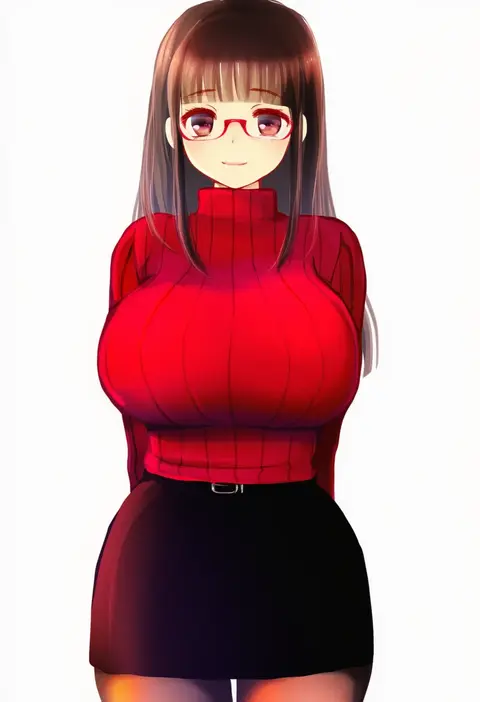
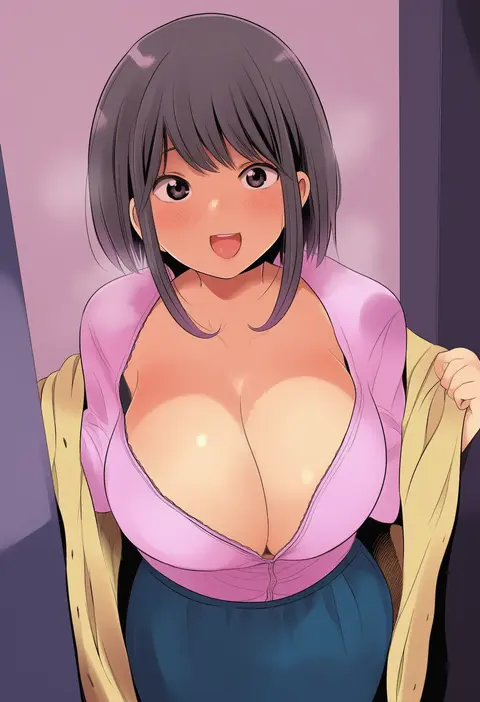
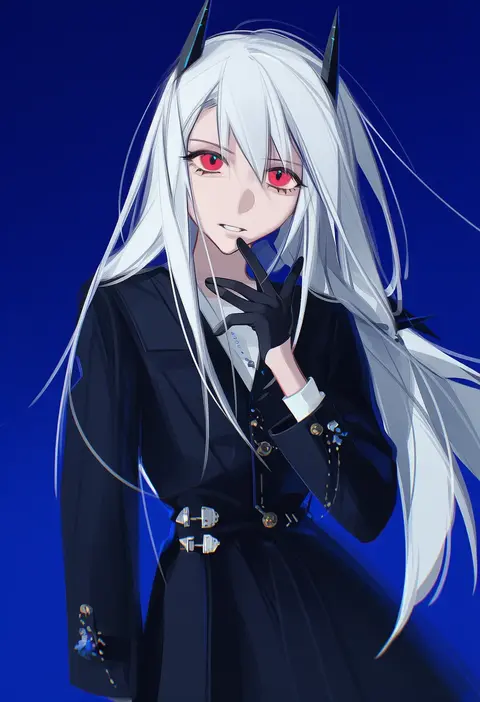
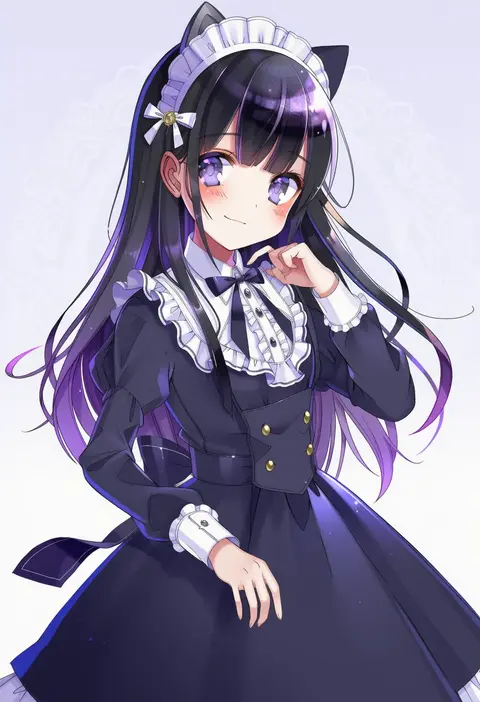
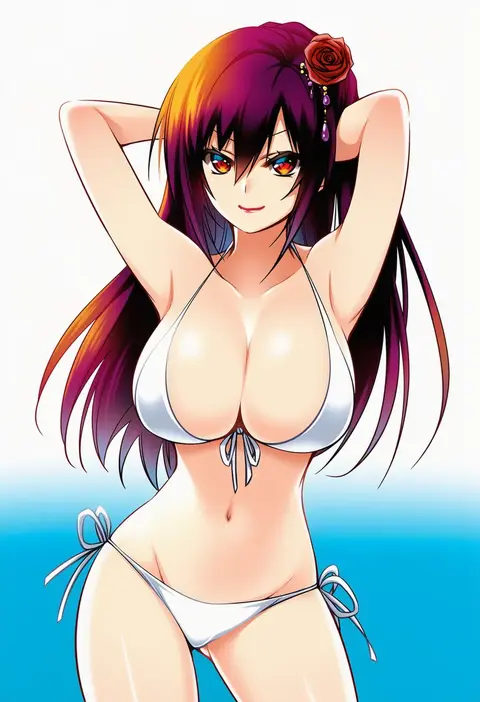
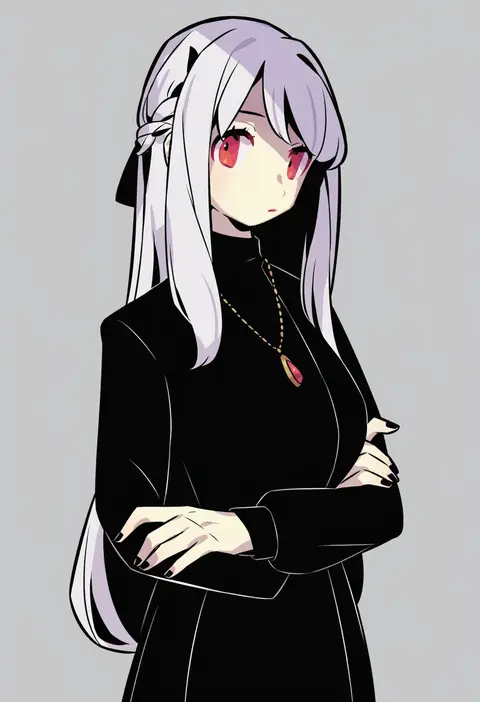
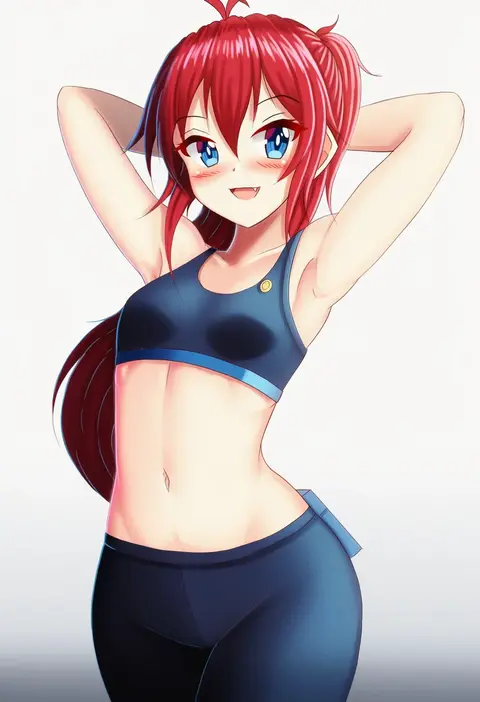
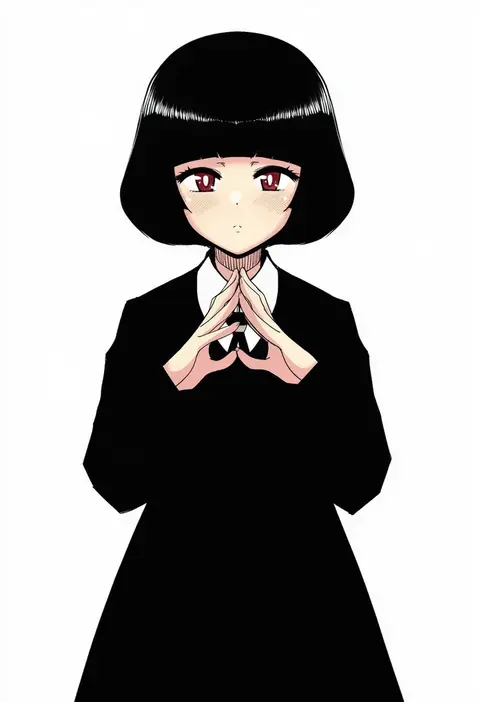
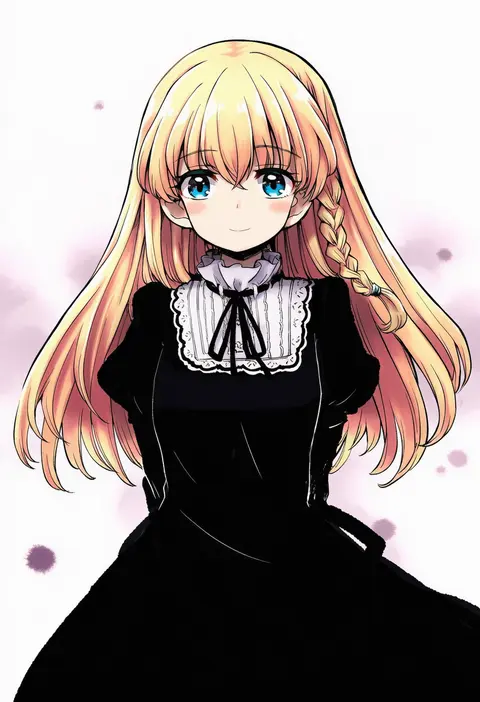
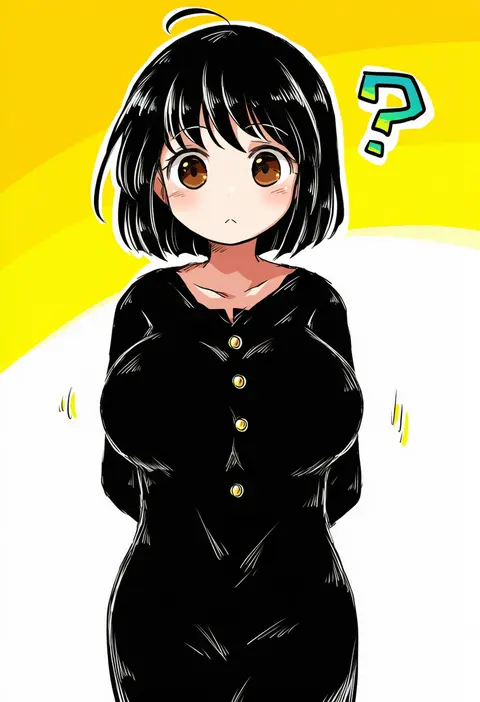
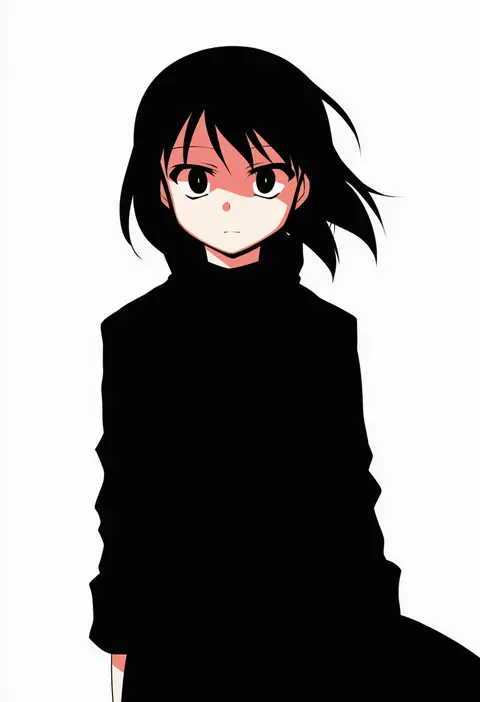
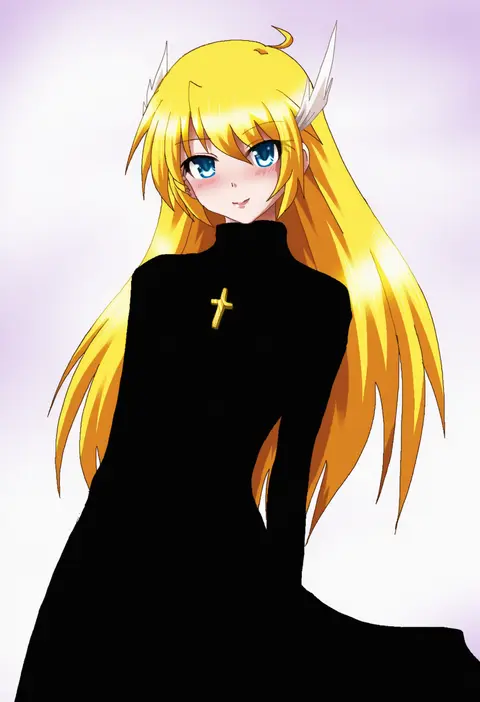
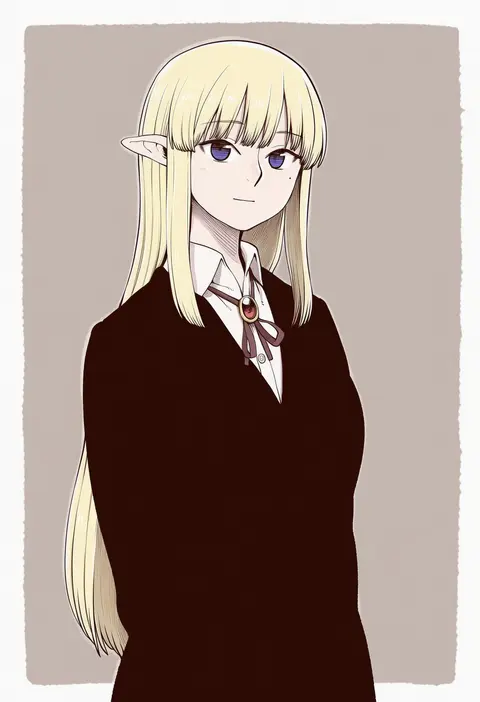
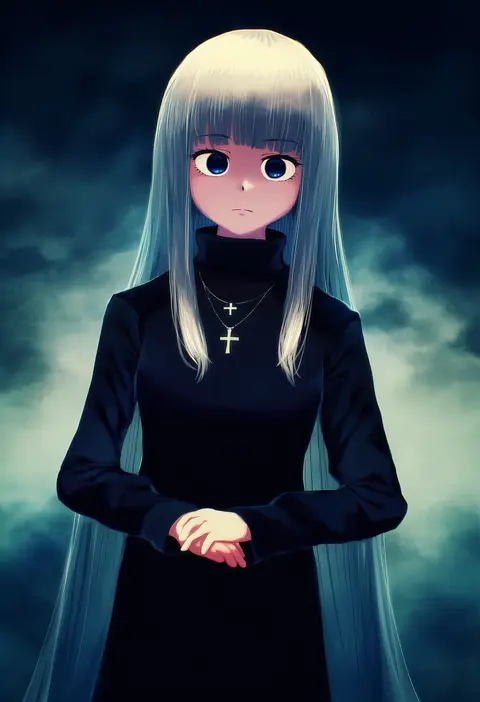
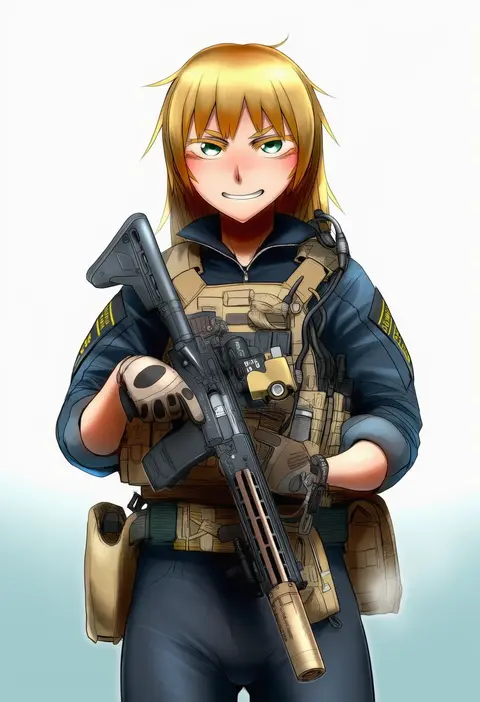
Artist tags tell NovelAI Diffusion to draw in a specific artist's style: line weight, paint texture, face shapes and palette all shift at once. Character and outfit tags decide what is drawn; artist tags decide how. 16,352 tags are listed for V4.5.
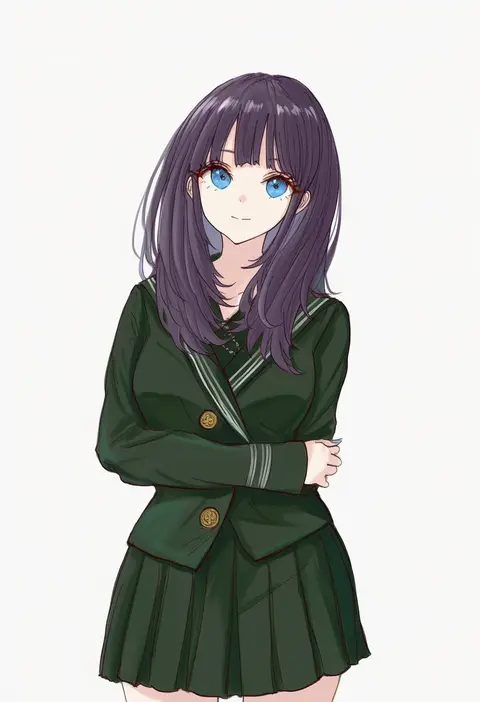
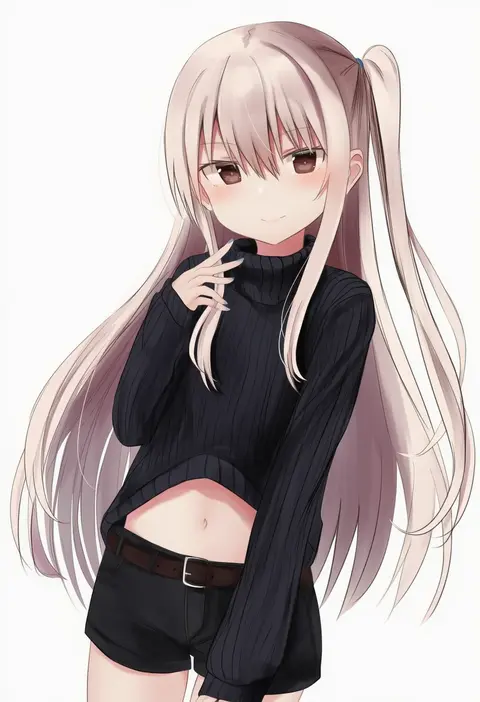
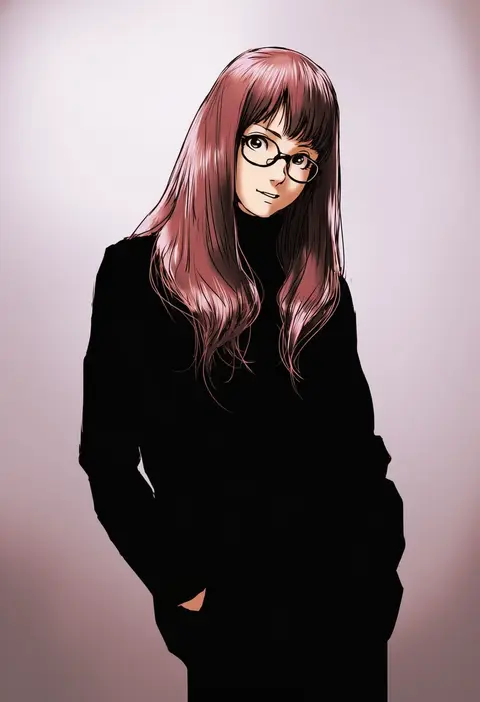
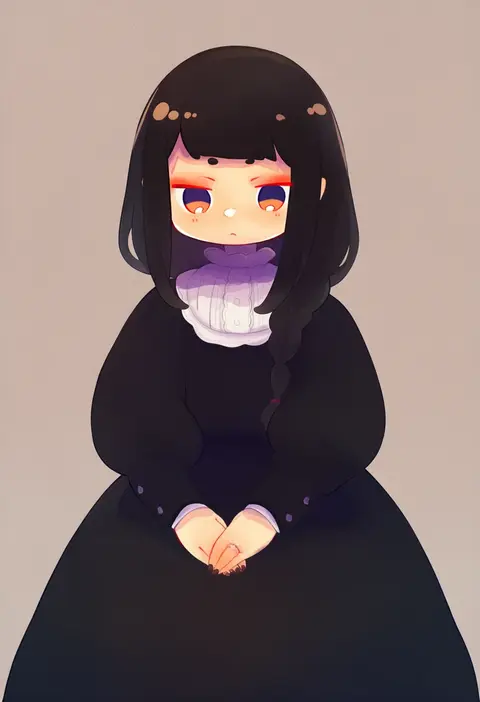
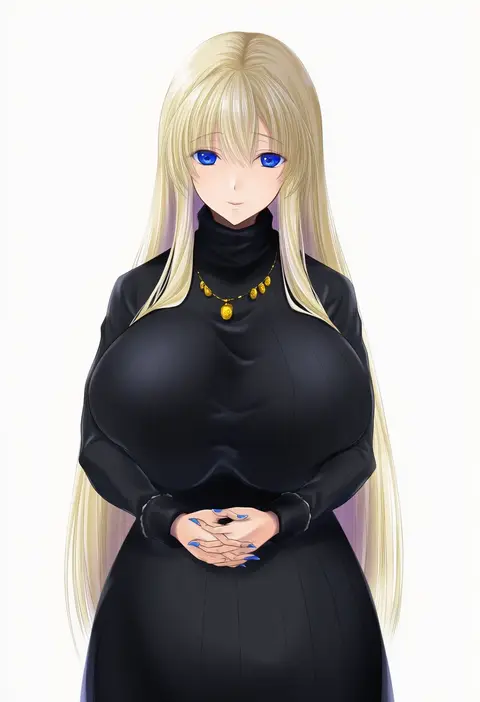
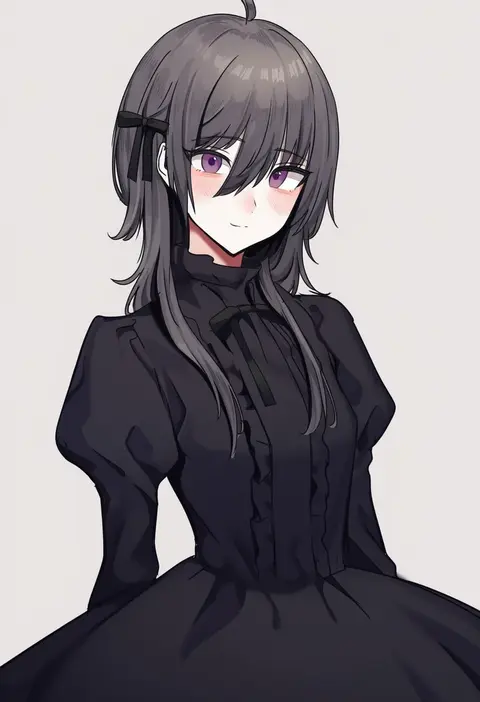
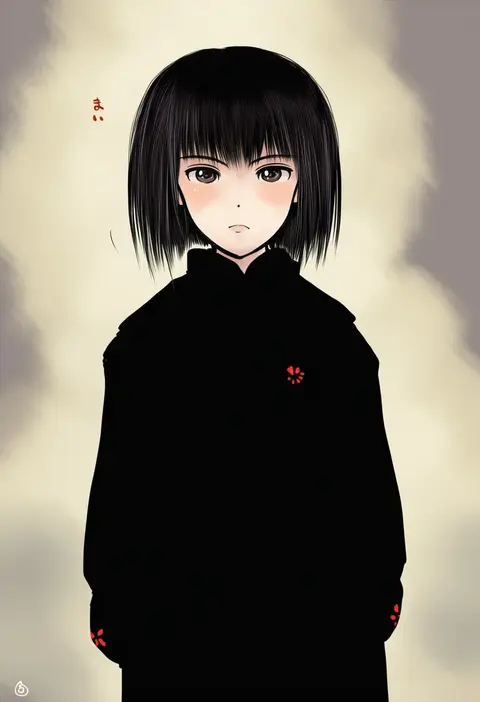
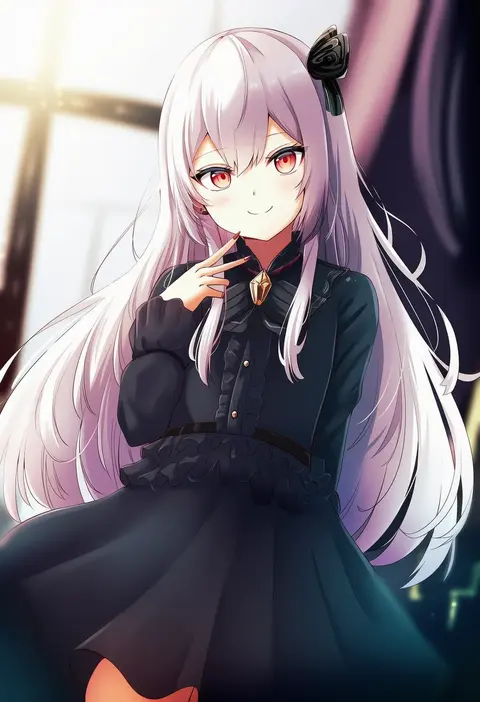
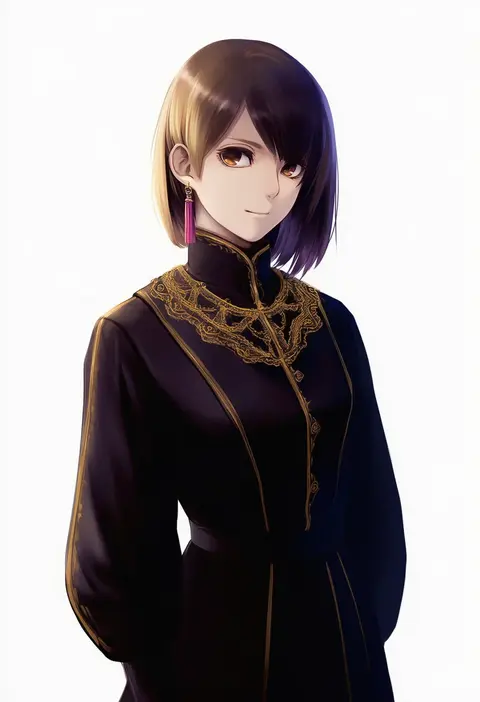
Every tag listed here is verified to react in NovelAI. All images use the same prompt, seed and settings with only the artist tag swapped, so the difference between two images is the style that tag brings in.

How to use them

Put the artist tag near the front of the prompt, e.g. "<artist>, 1girl, solo, best quality, masterpiece, cowboy shot". Two or three artist tags blend styles; lower the weight with "0.8::<artist>::" when the style overpowers the character.

SCORE sorts by Danbooru's top score, POSTS by post count, FAVS by hearts on this site. Open a card to see V5 and V4.5 side by side on the same seed.

V5 vs V4.5

V5 usually lands closer to the artist's real style, and tags that did nothing on V4.5 often react on V5. V4.5 still fits older and doujin-heavy artists better. Try V5 first, fall back to V4.5.

FAQ

Where does the artist tag go?
Near the front of the prompt. Use "0.8::tag::" to adjust its weight.

Can I stack artist tags?
Yes, styles blend. Past two or three the result stops looking like anyone.

Are these the artists' own works?
No. Every image is a NovelAI sample generated from the tag.