V4.5Artists
sort: FAVS▾
▾
>
$

Popular NovelAI artist tags — V4.5

artist --count 16,352[206/273]
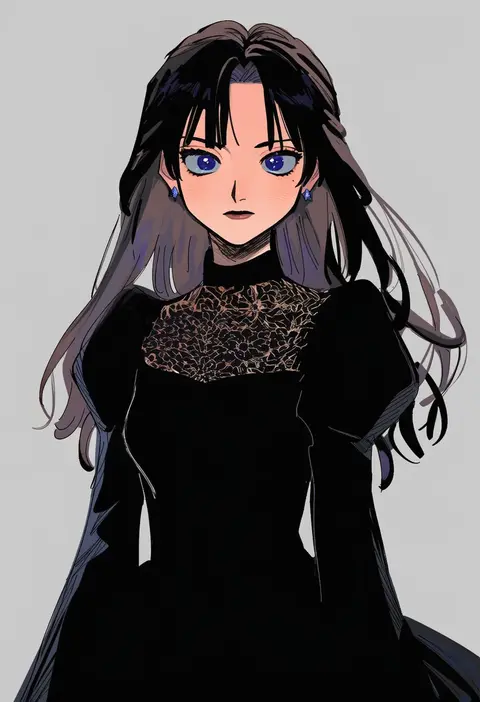
miyage no nukegara
ARTIST0x300C
0
hanako151
ARTIST0x300D
0
shimoda masaya
ARTIST0x300E
0
hirase yuu
ARTIST0x300F
0
muhi11234
ARTIST0x3010
0
murata (acid-head)
ARTIST0x3011
0
kageharu
ARTIST0x3012
0
kuma (kumahoihoi)
ARTIST0x3013
0
vrkdh
ARTIST0x3014
0
hasegawa shin'ya
ARTIST0x3015
0
o-nashi neko
ARTIST0x3016
0
namanie
ARTIST0x3017
0
wnb mark
ARTIST0x3018
0
cocoon (loveririn)
ARTIST0x3019
0
numenoko
ARTIST0x301A
0
mocha (snowflake)
ARTIST0x301B
0
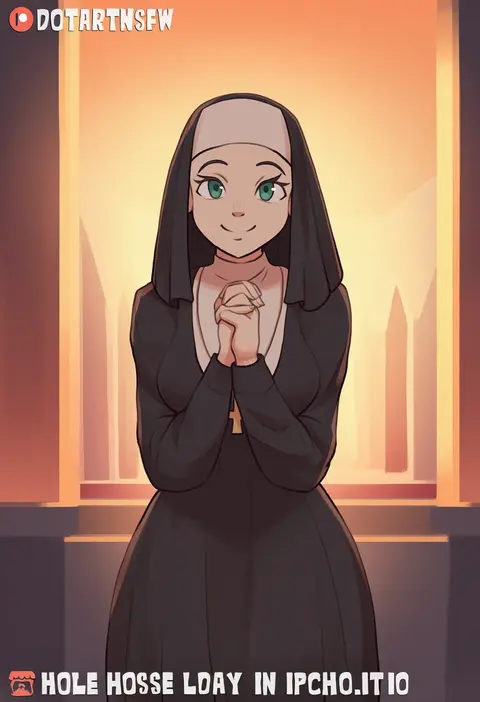
dotartnsfw
ARTIST0x301C
0
sou (pale 1080)
ARTIST0x301D
0
ezu (e104mjd)
ARTIST0x301E
0
sishenfan
ARTIST0x301F
0
kasanui
ARTIST0x3020
0
a maru
ARTIST0x3021
0
nobamo pieruda
ARTIST0x3022
0
ancolatte (onikuanco)
ARTIST0x3023
0
velia
ARTIST0x3024
0
misaka (missa)
ARTIST0x3025
0
denki
ARTIST0x3026
0
kousei horiguchi
ARTIST0x3027
0
shiguri
ARTIST0x3028
0
awatake takahiro
ARTIST0x3029
0
moyachii
ARTIST0x302A
0
anniechromes
ARTIST0x302B
0
hashi84e
ARTIST0x302C
0
dangan neko
ARTIST0x302D
0
mizore arius
ARTIST0x302E
0
petoka
ARTIST0x302F
0
gm (ggommu)
ARTIST0x3030
0
suzuki kanta
ARTIST0x3031
0
engiyoshi
ARTIST0x3032
0
sakurazawa izumi
ARTIST0x3033
0
yoshizaki mine
ARTIST0x3034
0
madcore
ARTIST0x3035
0
yuki arare
ARTIST0x3036
0
shiraha maru
ARTIST0x3037
0
yachima tana
ARTIST0x3038
0
kujira naoto
ARTIST0x3039
0
tkgsize
ARTIST0x303A
0
blueberry (5959)
ARTIST0x303B
0
shirahane nao
ARTIST0x303C
0
hiyama yuu (wee259hiyama)
ARTIST0x303D
0
yutamaro
ARTIST0x303E
0
hoshino souichirou
ARTIST0x303F
0
kitazinger
ARTIST0x3040
0
makino (ukiuo)
ARTIST0x3041
0
lucie
ARTIST0x3042
0
gilse
ARTIST0x3043
0
primsla
ARTIST0x3044
0
fuepo
ARTIST0x3045
0
mozukun43
ARTIST0x3046
0
suda (yuunagi enikki)
ARTIST0x3047
0

What these tags change

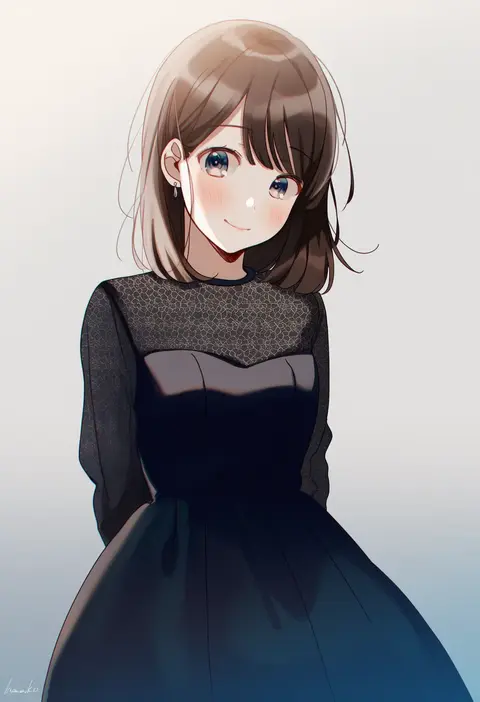
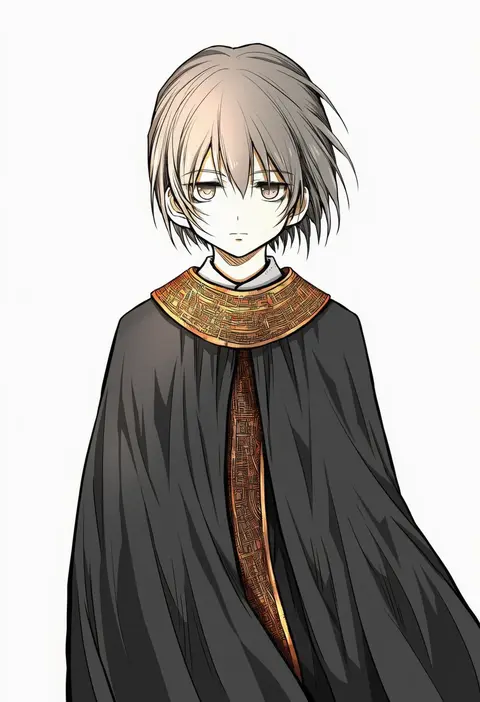
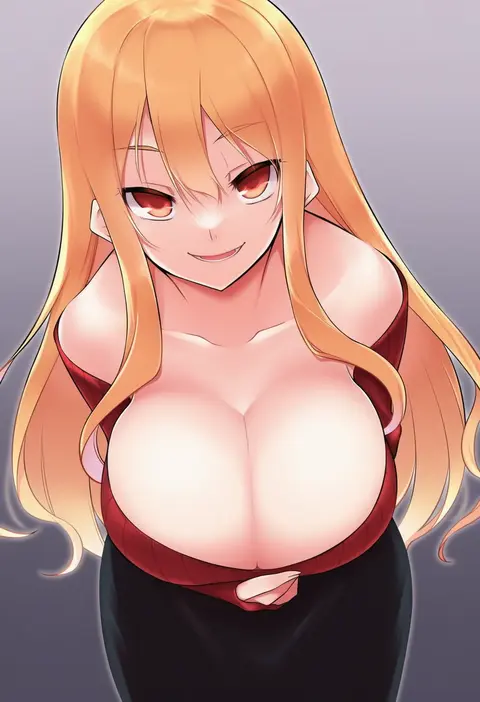
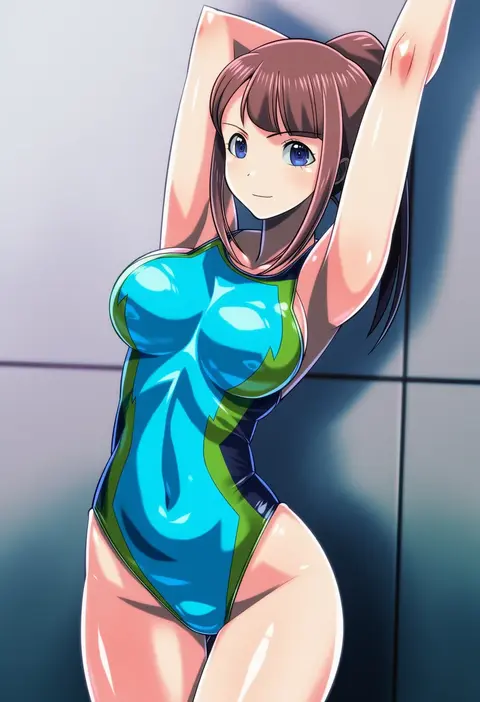
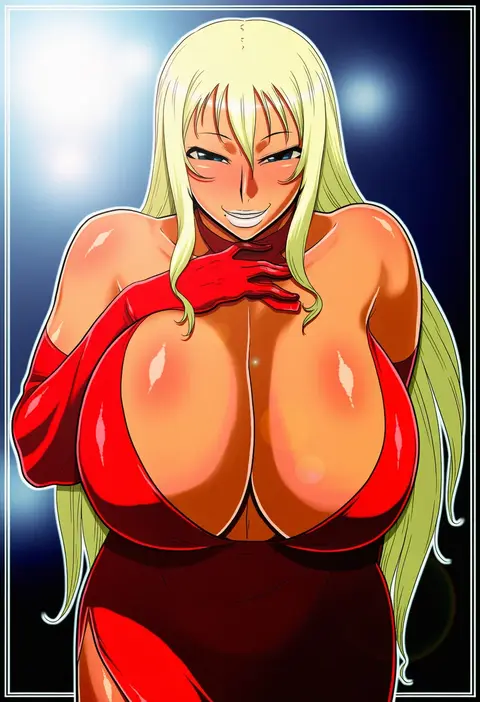
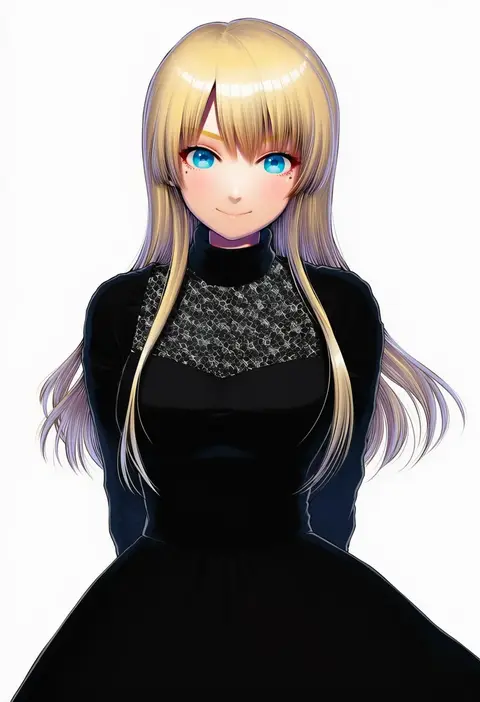
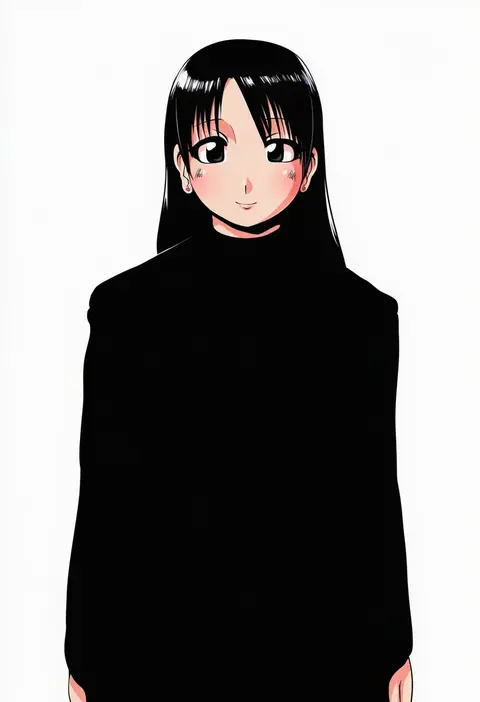
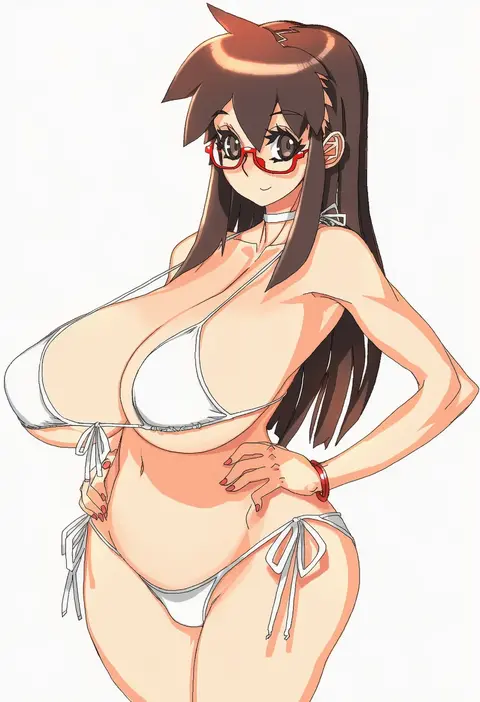
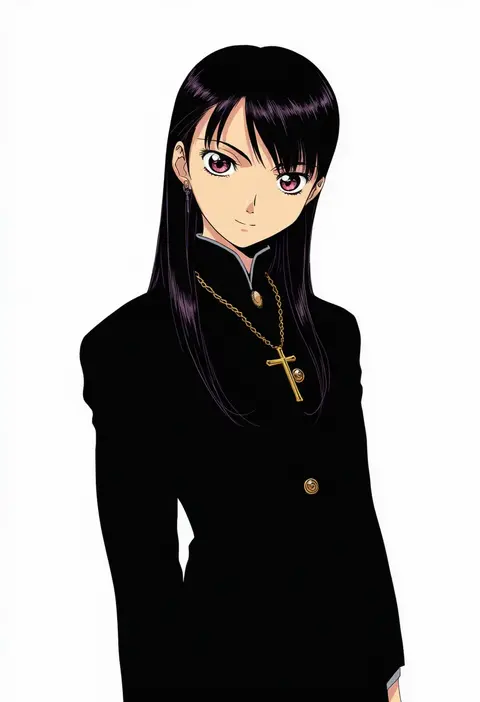
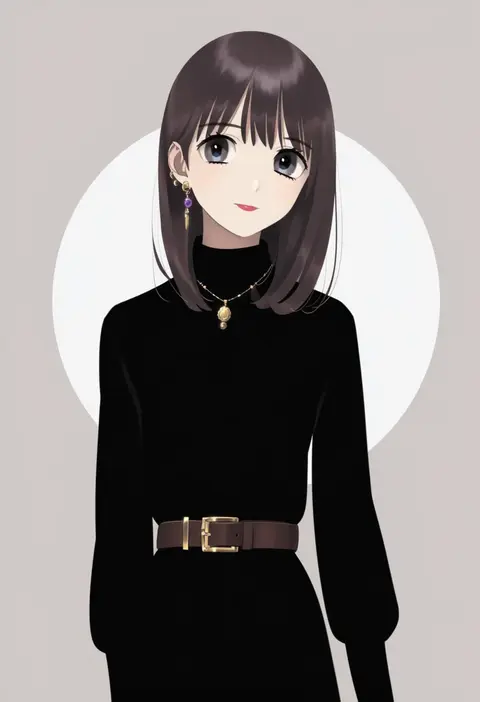
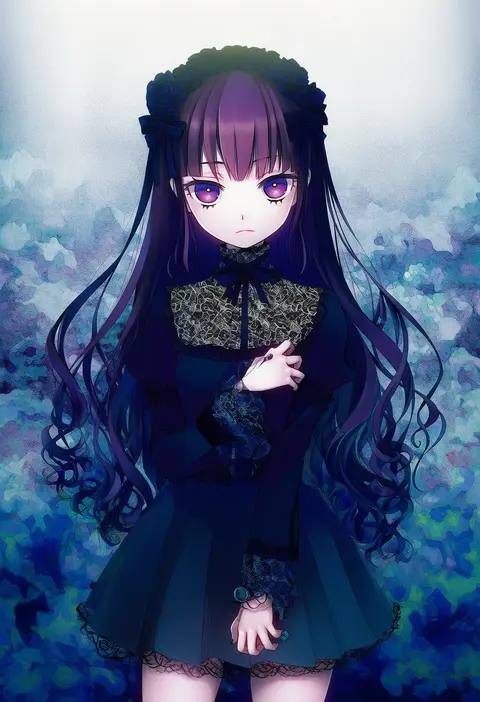
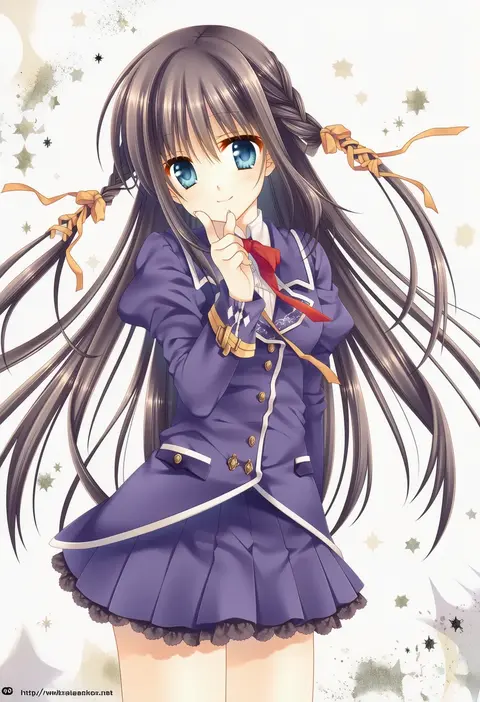
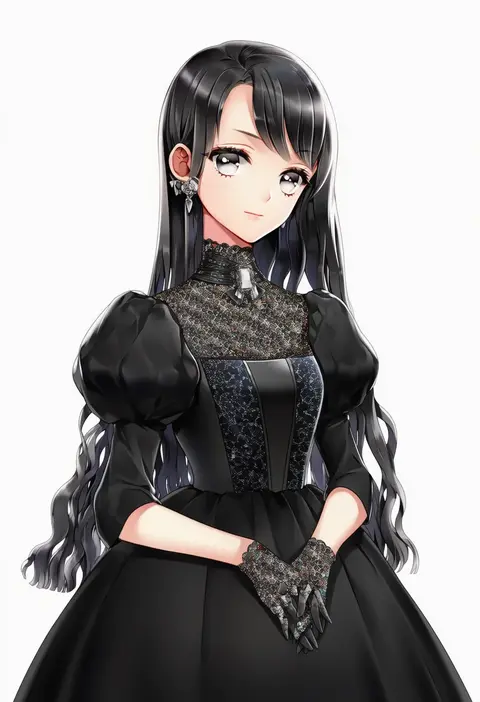
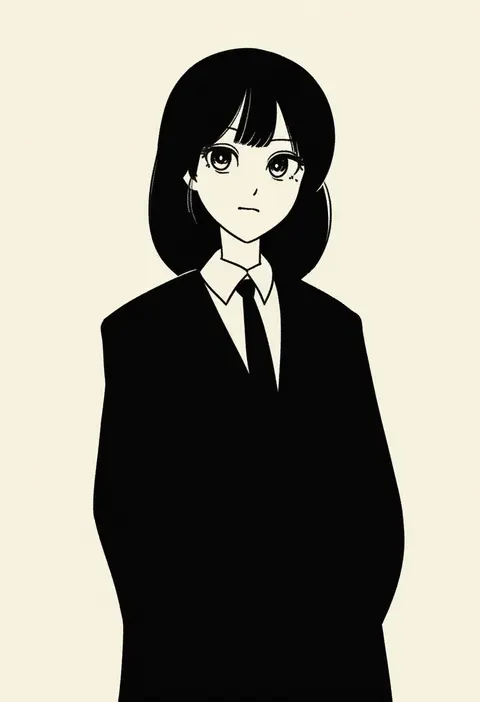
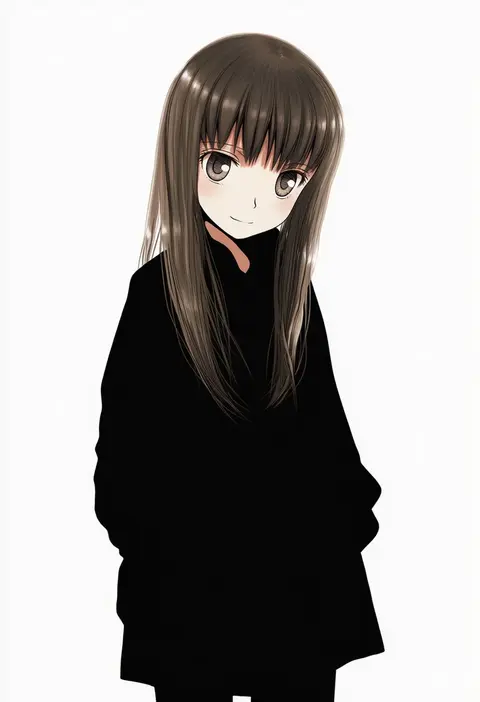
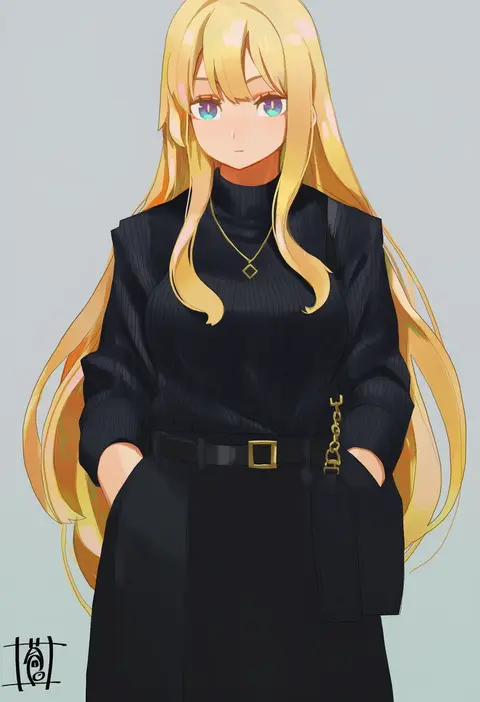
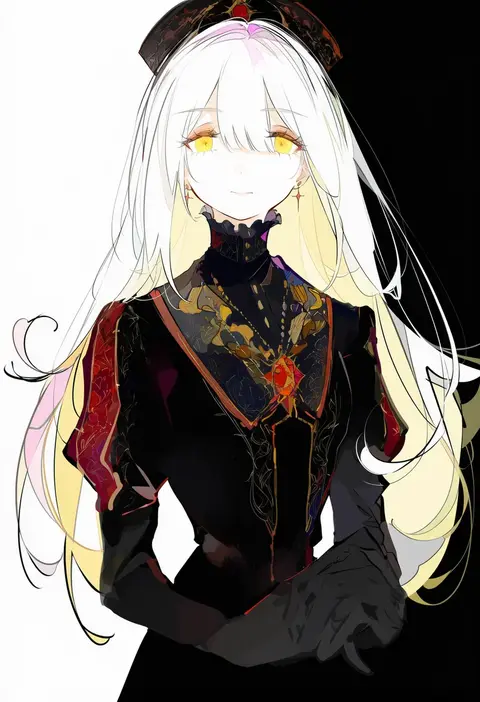
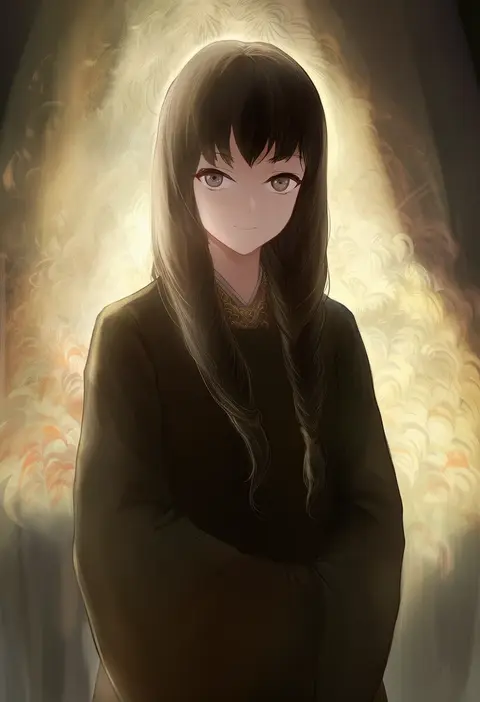
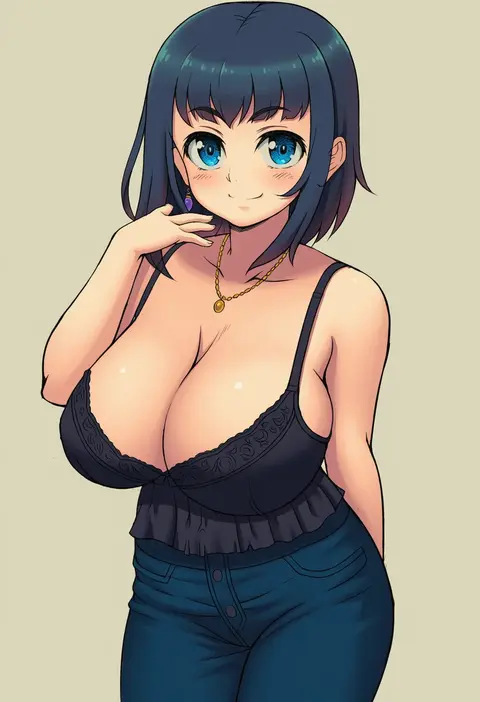
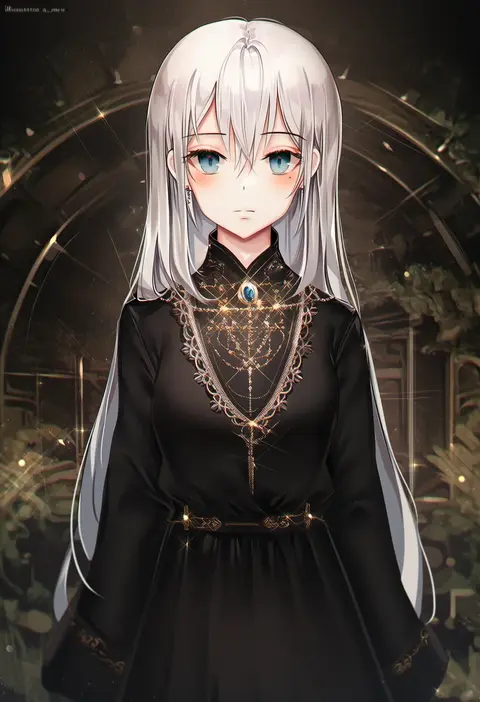
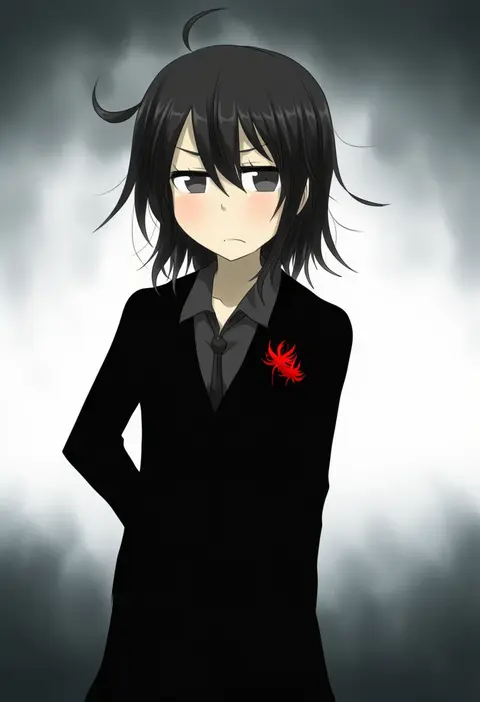
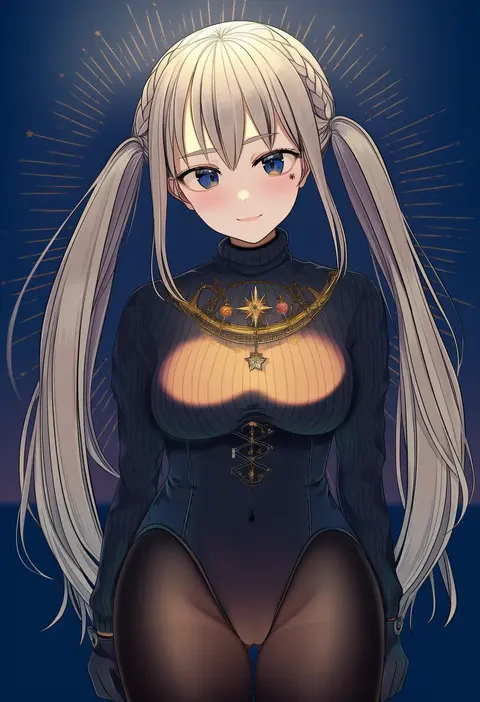
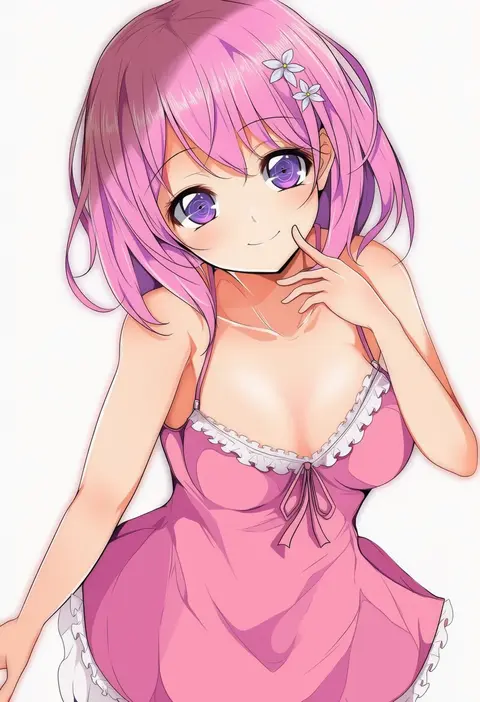
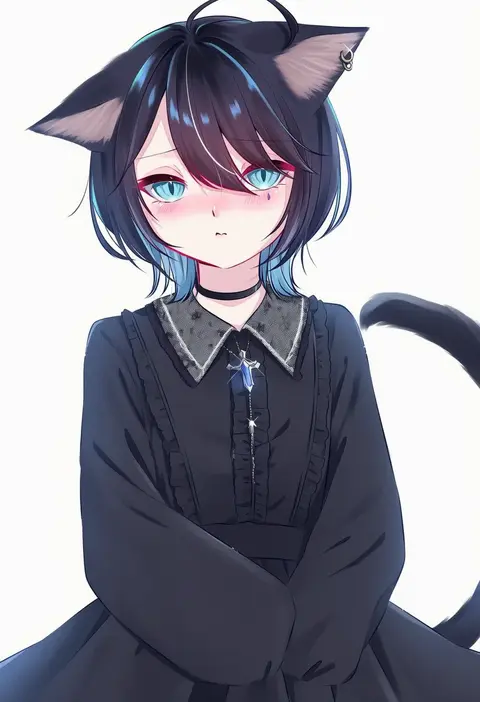
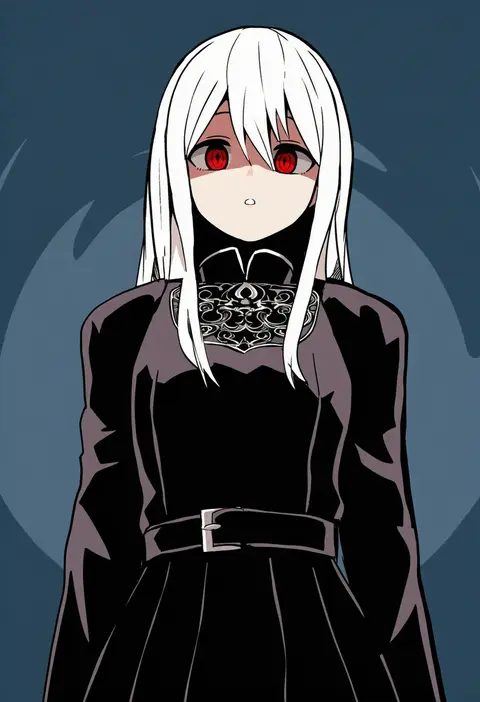
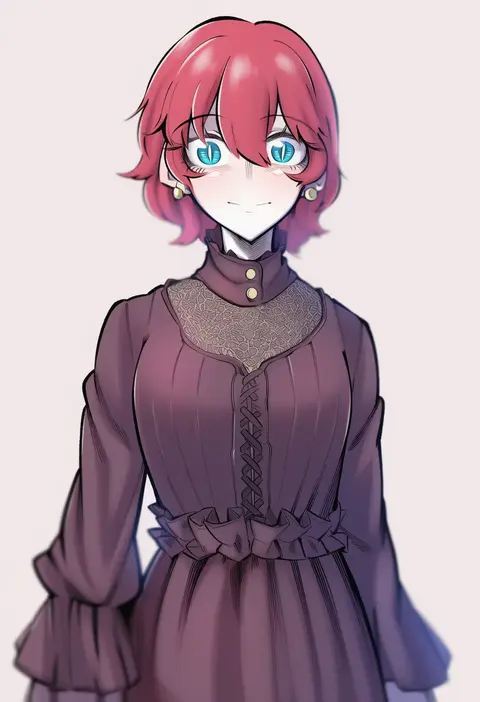
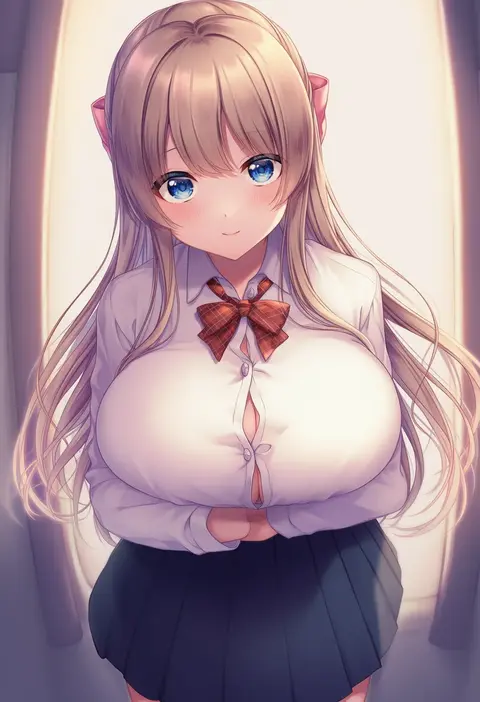
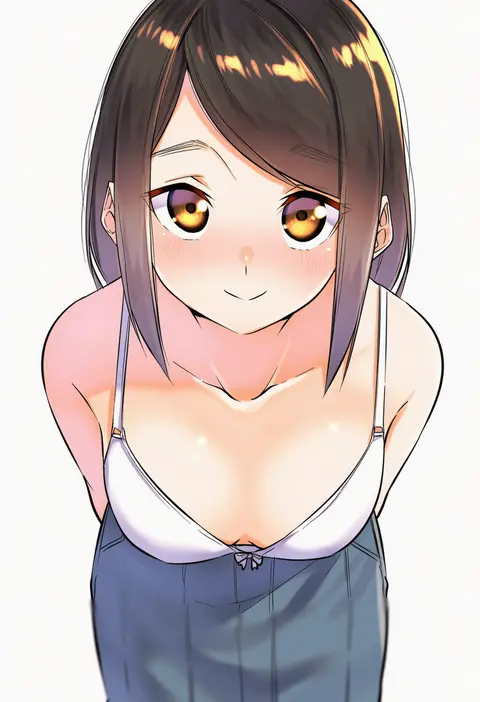
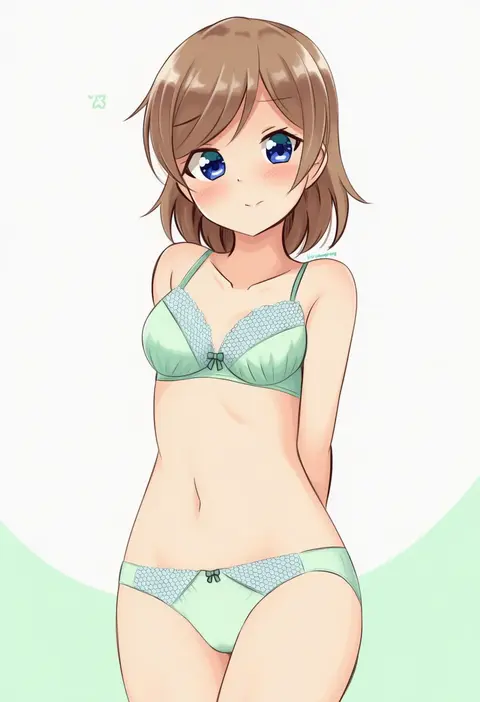
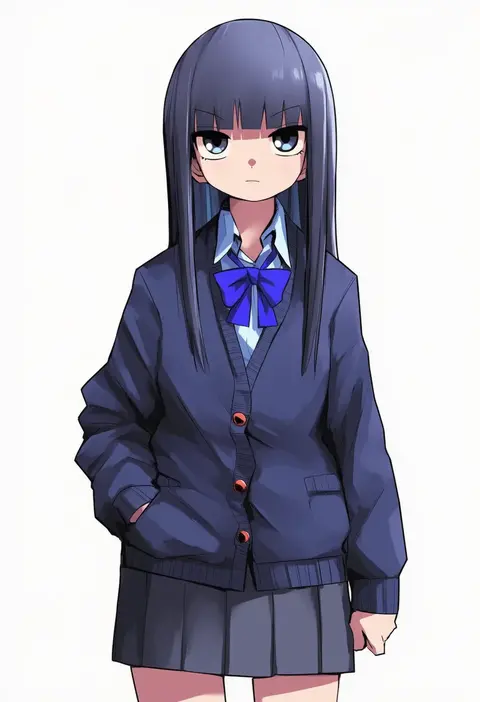
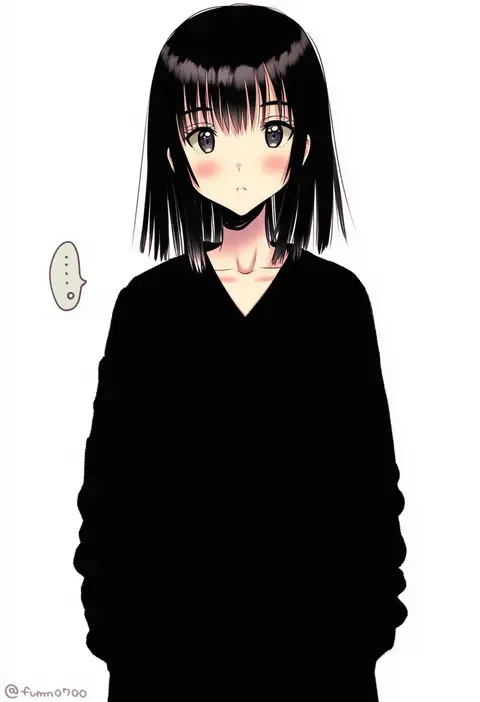
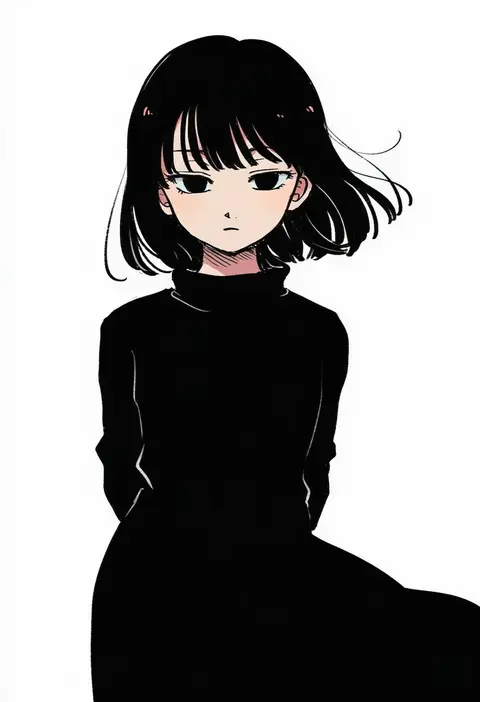
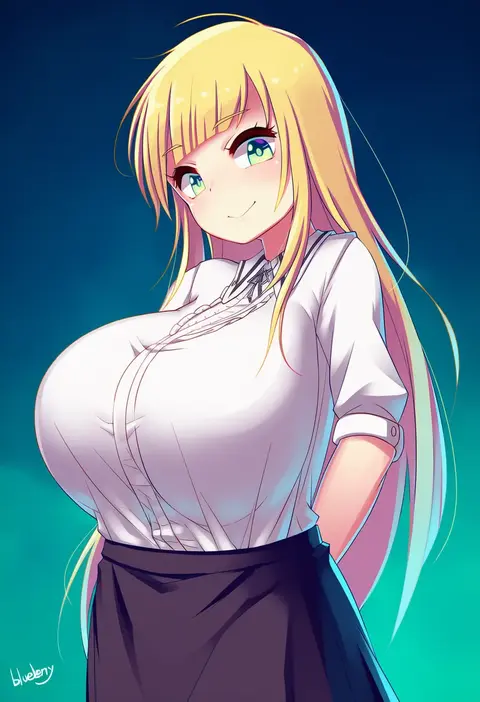
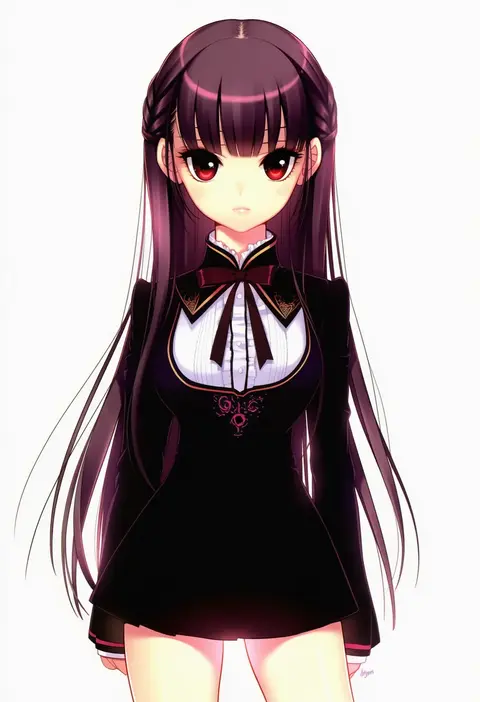
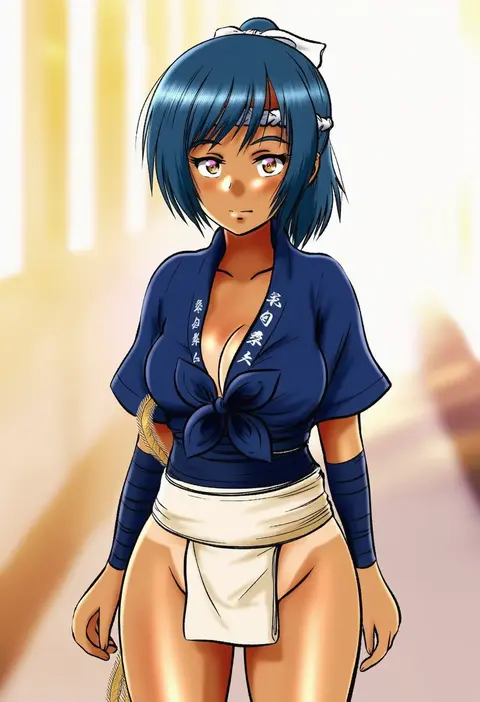
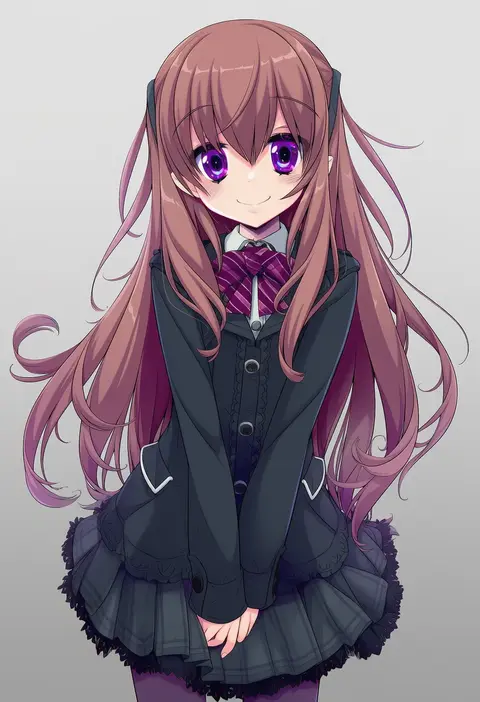
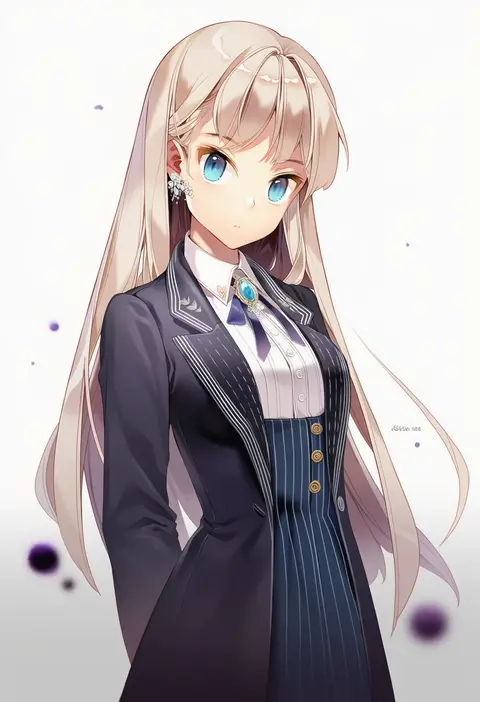
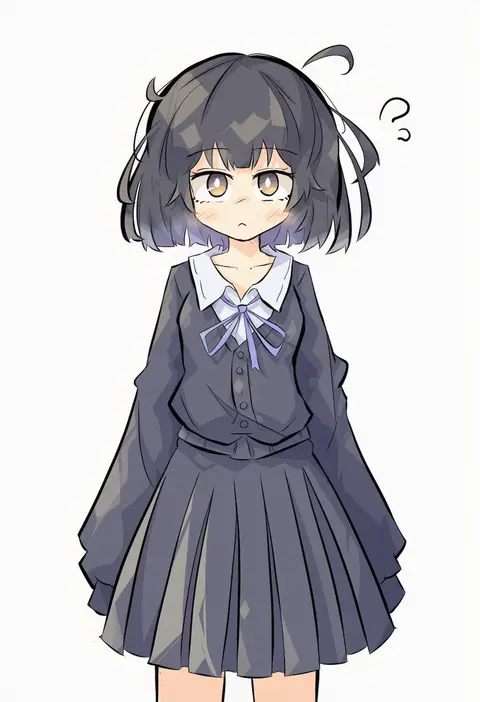
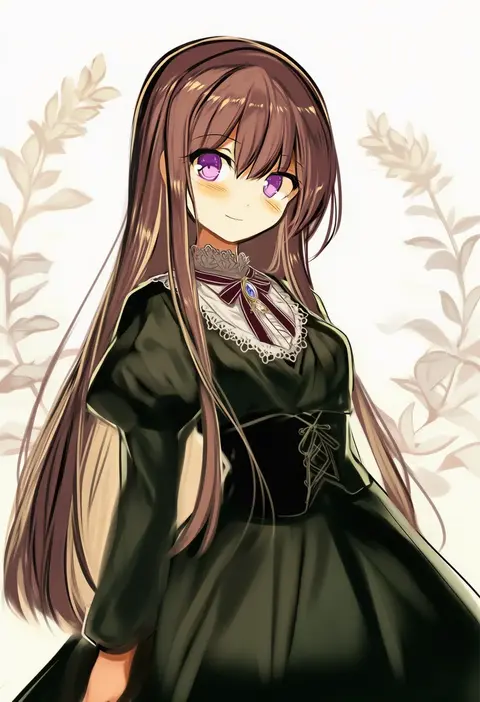
Artist tags tell NovelAI Diffusion to draw in a specific artist's style: line weight, paint texture, face shapes and palette all shift at once. Character and outfit tags decide what is drawn; artist tags decide how. 16,352 tags are listed for V4.5.
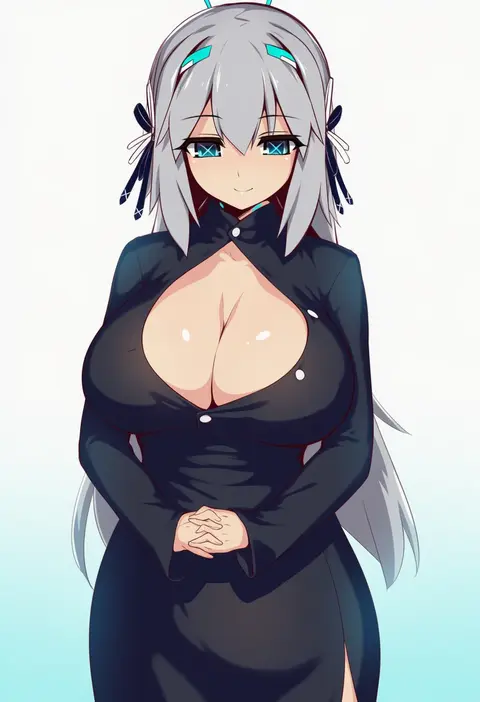
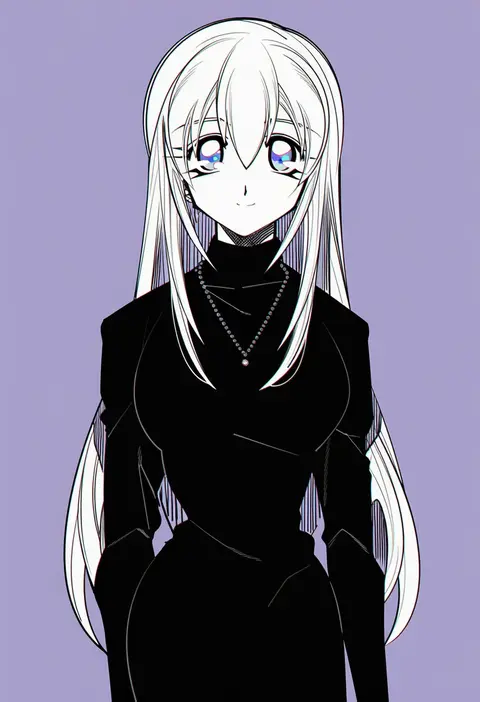
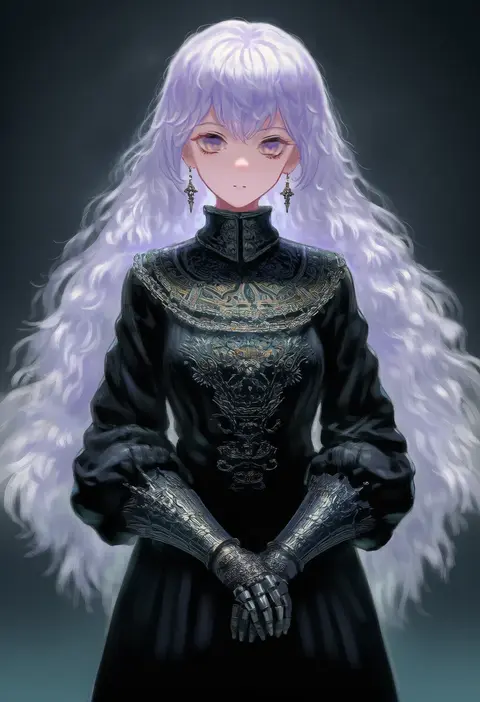
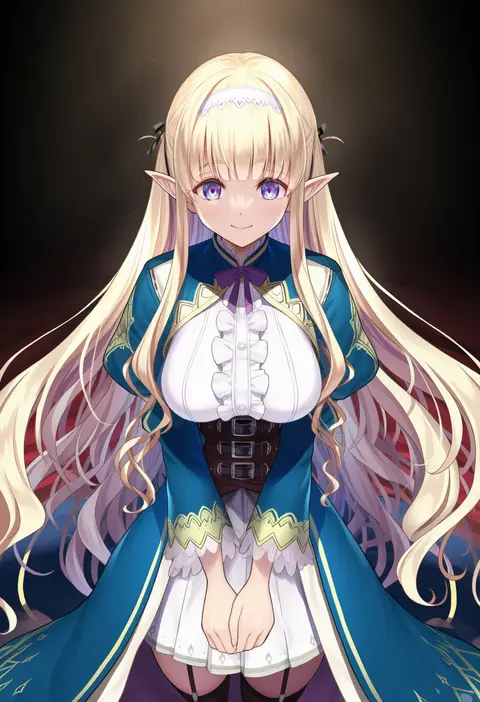
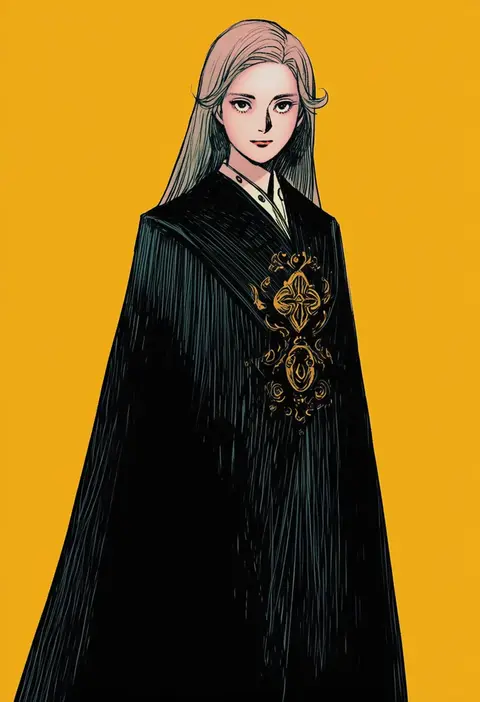
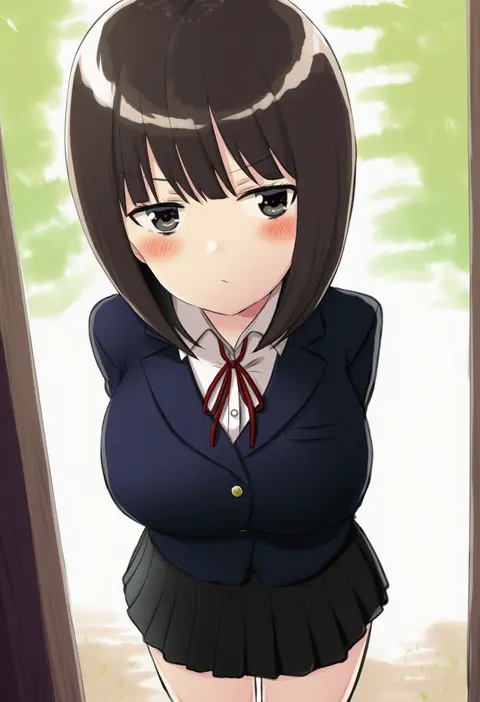
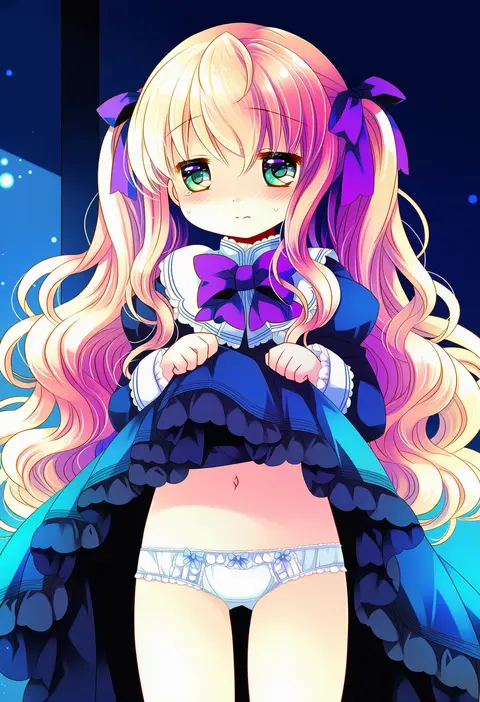
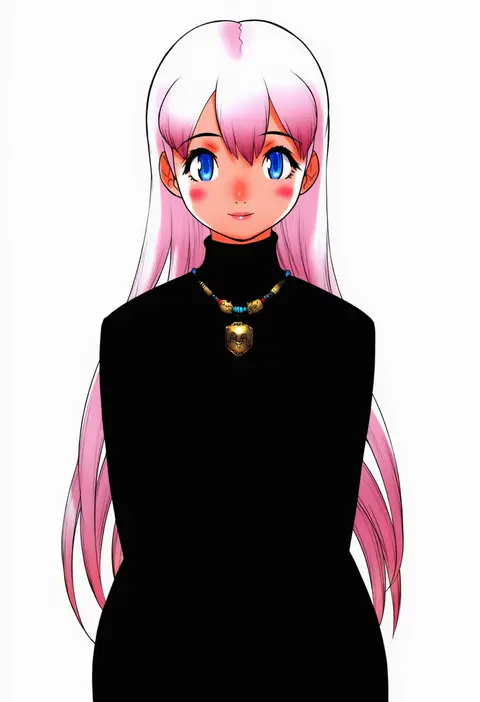
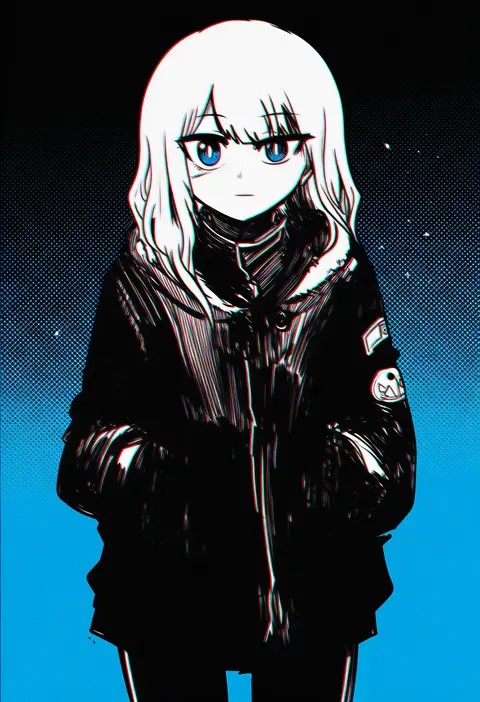
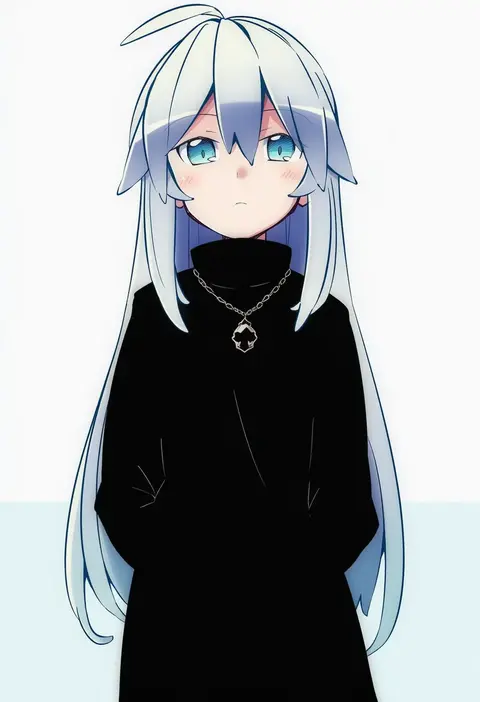
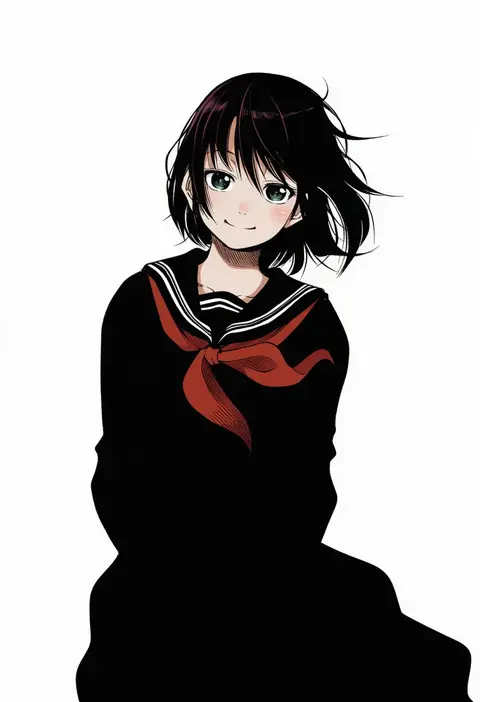
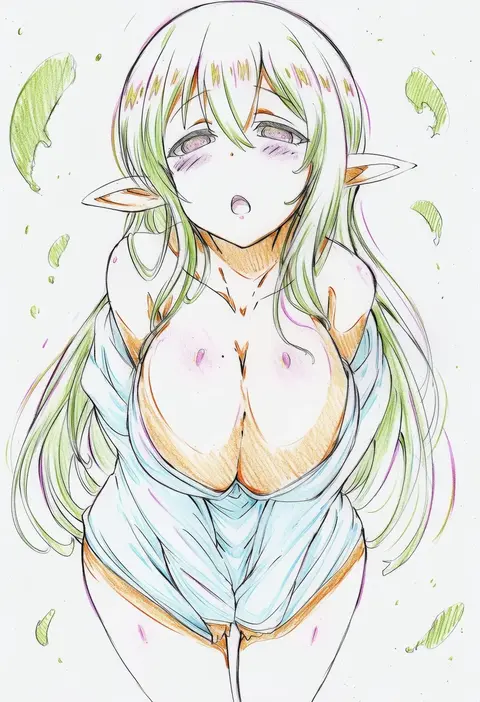
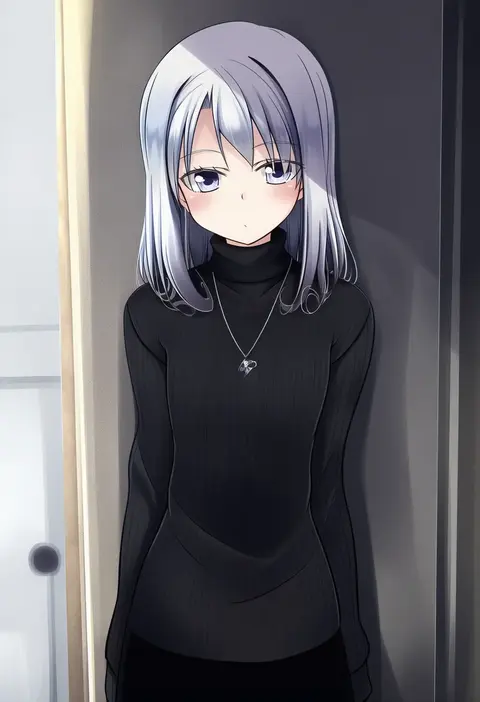
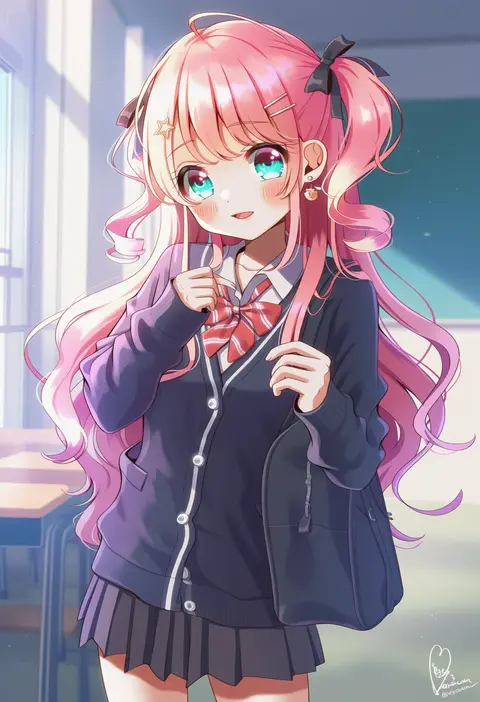
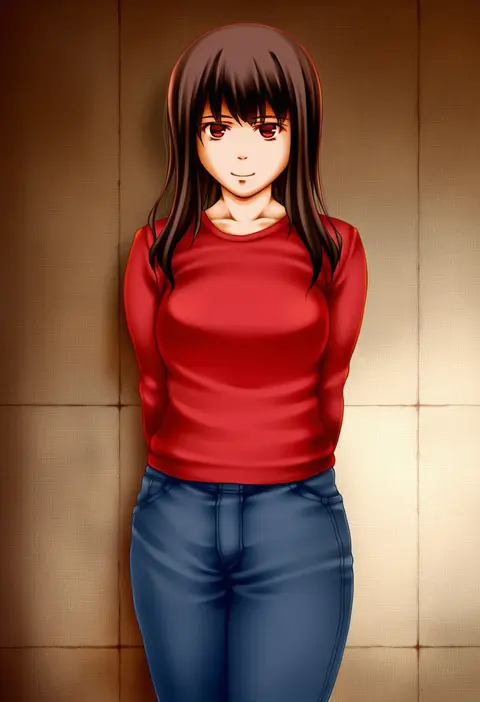
Every tag listed here is verified to react in NovelAI. All images use the same prompt, seed and settings with only the artist tag swapped, so the difference between two images is the style that tag brings in.

How to use them

Put the artist tag near the front of the prompt, e.g. "<artist>, 1girl, solo, best quality, masterpiece, cowboy shot". Two or three artist tags blend styles; lower the weight with "0.8::<artist>::" when the style overpowers the character.

SCORE sorts by Danbooru's top score, POSTS by post count, FAVS by hearts on this site. Open a card to see V5 and V4.5 side by side on the same seed.

V5 vs V4.5

V5 usually lands closer to the artist's real style, and tags that did nothing on V4.5 often react on V5. V4.5 still fits older and doujin-heavy artists better. Try V5 first, fall back to V4.5.

FAQ

Where does the artist tag go?
Near the front of the prompt. Use "0.8::tag::" to adjust its weight.

Can I stack artist tags?
Yes, styles blend. Past two or three the result stops looking like anyone.

Are these the artists' own works?
No. Every image is a NovelAI sample generated from the tag.