V4.5Artists
sort: FAVS▾
▾
>
$

Popular NovelAI artist tags — V4.5

artist --count 16,352[209/273]
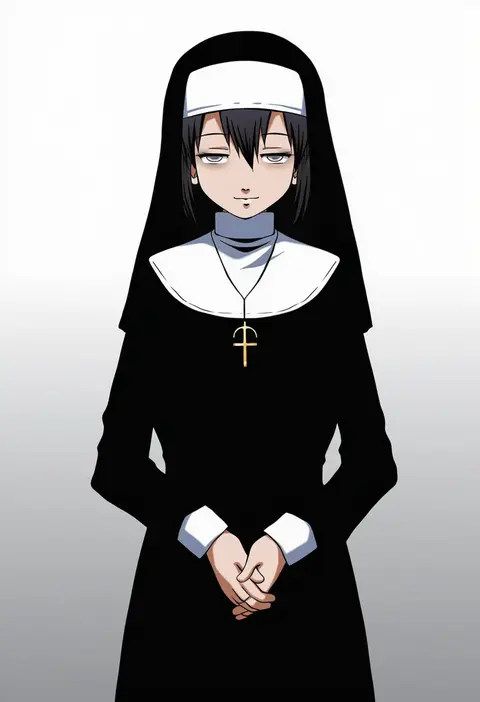
hiro yoshinaka
ARTIST0x30C0
0
mao (6r)
ARTIST0x30C1
0
mu tu bu
ARTIST0x30C2
0
kaneko naoya
ARTIST0x30C3
0
tyuga
ARTIST0x30C4
0
shira yu ki
ARTIST0x30C5
0
yutukicom
ARTIST0x30C6
0
sonomi
ARTIST0x30C7
0
clynxen
ARTIST0x30C8
0
umetsu yasuomi
ARTIST0x30C9
0
mkm (mkm storage)
ARTIST0x30CA
0
asakura noi
ARTIST0x30CB
0
takada akemi
ARTIST0x30CC
0
wanko sora
ARTIST0x30CD
0
kan liu (666k)
ARTIST0x30CE
0
fujiwara minaho
ARTIST0x30CF
0
xianyu314
ARTIST0x30D0
0
aislan
ARTIST0x30D1
0
mumyou ishi
ARTIST0x30D2
0
nig 18
ARTIST0x30D3
0
sylphine
ARTIST0x30D4
0
kino (curry pan)
ARTIST0x30D5
0
sora (silent square)
ARTIST0x30D6
0
nengoro
ARTIST0x30D7
0
yumi (careca398)
ARTIST0x30D8
0
hobak
ARTIST0x30D9
0
megane chuu
ARTIST0x30DA
0
takeda yuuko
ARTIST0x30DB
0
uehara suiyo
ARTIST0x30DC
0
uyalago
ARTIST0x30DD
0
imu sanjo
ARTIST0x30DE
0
rokugou daisuke
ARTIST0x30DF
0
onija tarou
ARTIST0x30E0
0
senomoto hisashi
ARTIST0x30E1
0
yukiwo
ARTIST0x30E2
0
sekira ame
ARTIST0x30E3
0
nagi ryou
ARTIST0x30E4
0
li sakura
ARTIST0x30E5
0
isedaichi ken
ARTIST0x30E6
0
mito (go!go!king!)
ARTIST0x30E7
0
nunucco
ARTIST0x30E8
0
yepnean
ARTIST0x30E9
0
saitou (lynx-shrike)
ARTIST0x30EA
0
yuuta (monochrome)
ARTIST0x30EB
0
indosou
ARTIST0x30EC
0
rosette (roze-ko)
ARTIST0x30ED
0
kiraki
ARTIST0x30EE
0
amemiya ruki
ARTIST0x30EF
0
nhadraw
ARTIST0x30F0
0
sakaki maki
ARTIST0x30F1
0
suka
ARTIST0x30F2
0
sharumon
ARTIST0x30F3
0
toastytoast
ARTIST0x30F4
0
ginnkei
ARTIST0x30F5
0
taguchi kenji (omaep)
ARTIST0x30F6
0
endori
ARTIST0x30F7
0
kumamoto (bbtonhk2)
ARTIST0x30F8
0
sa-dui
ARTIST0x30F9
0
fermium.ice
ARTIST0x30FA
0
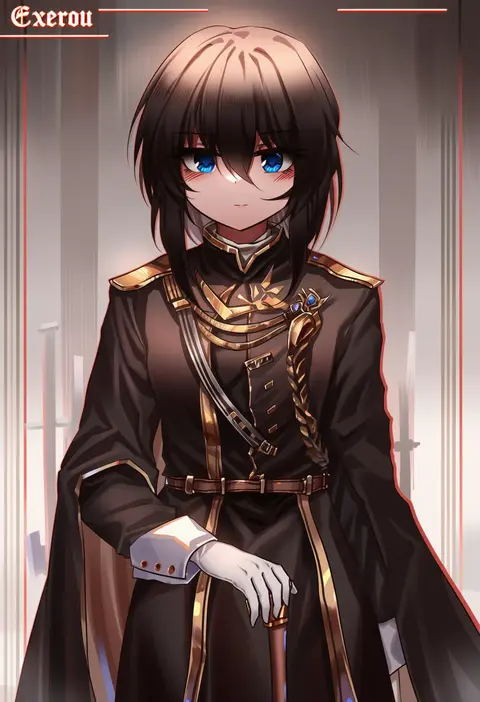
top-exerou
ARTIST0x30FB
0

What these tags change

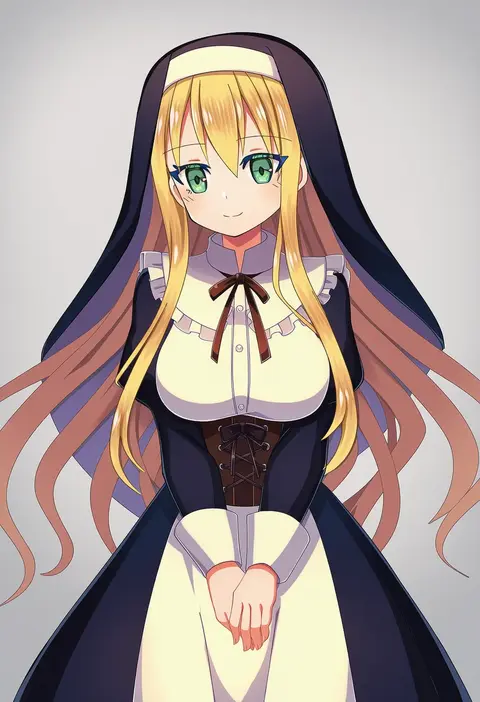
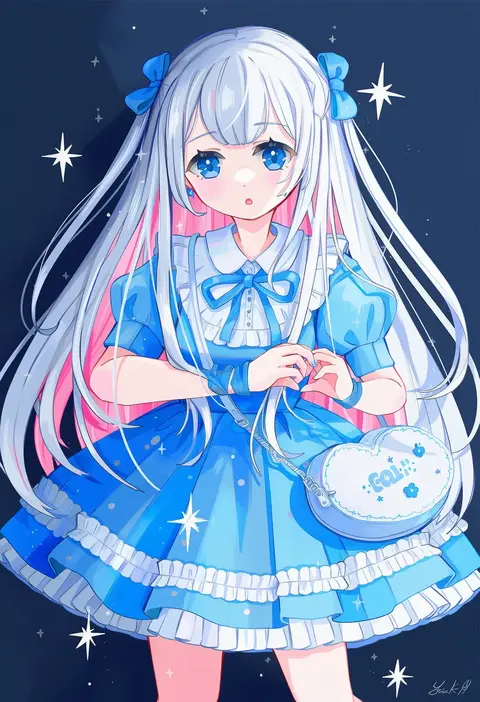
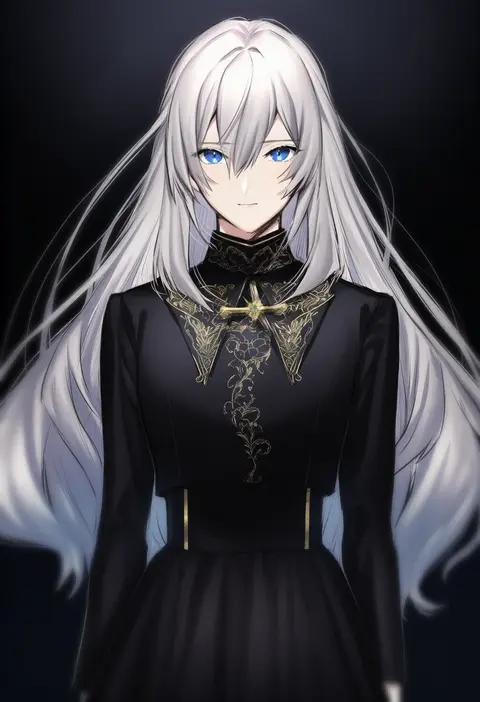
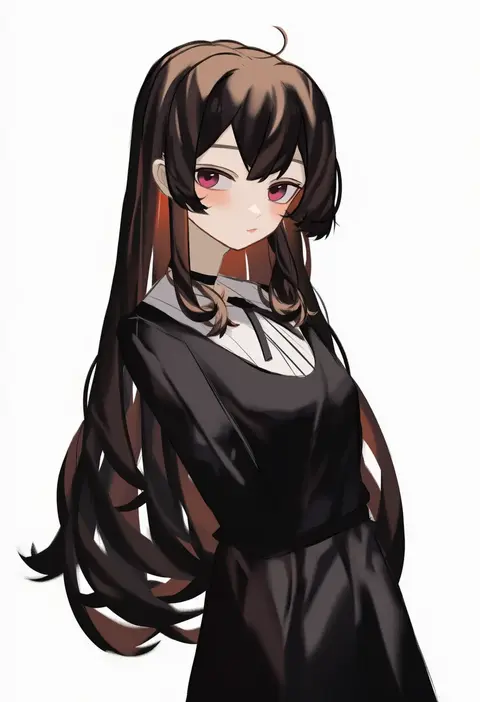
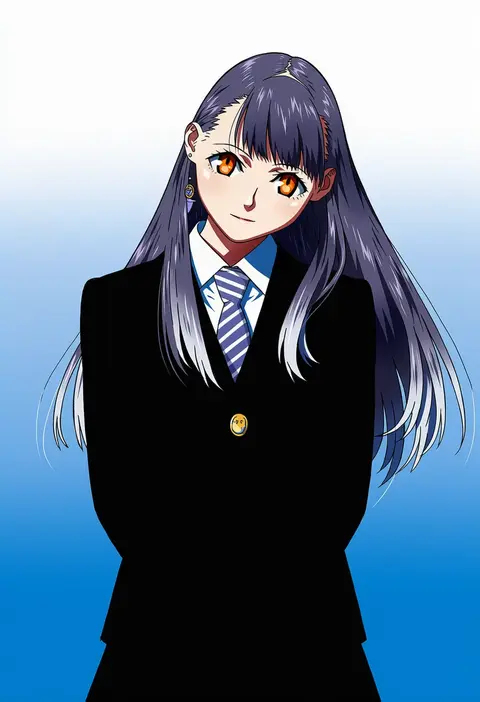
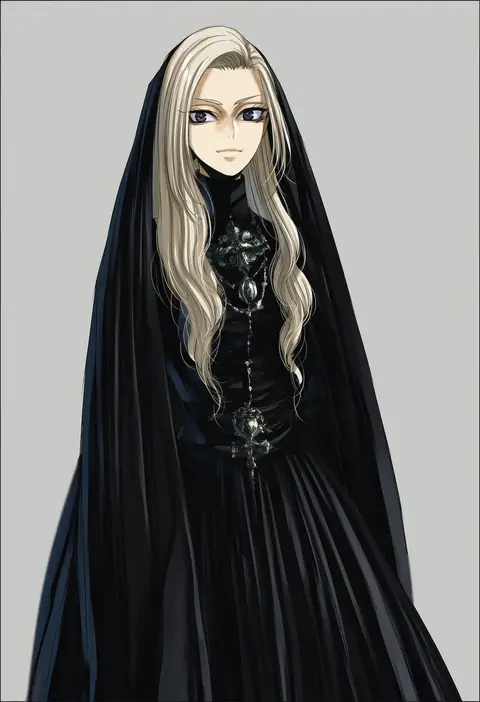
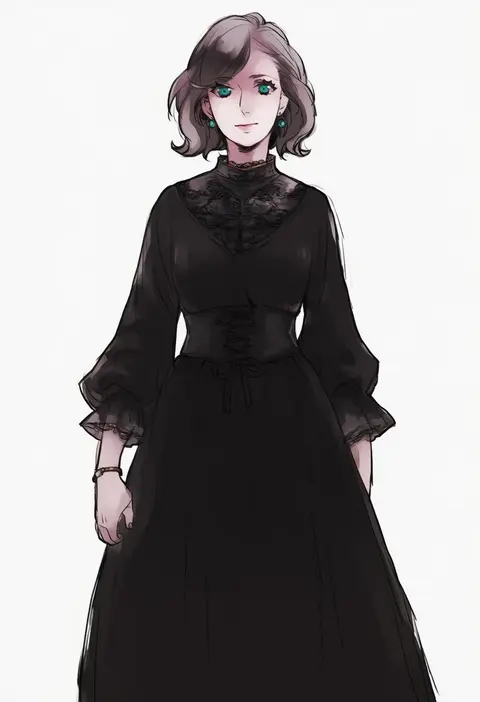
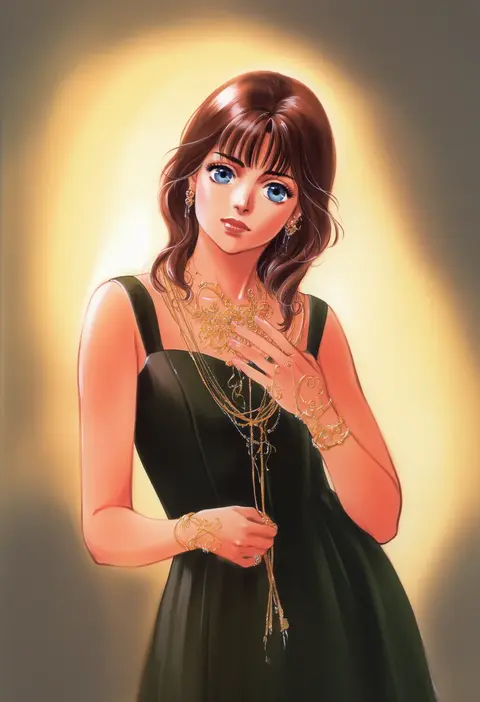
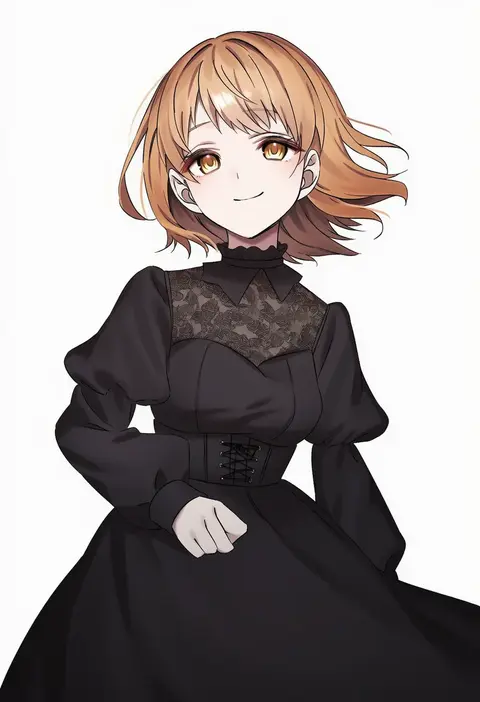
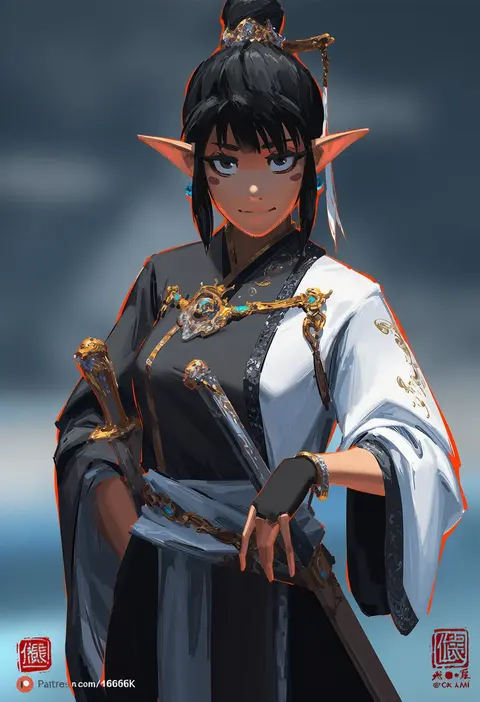
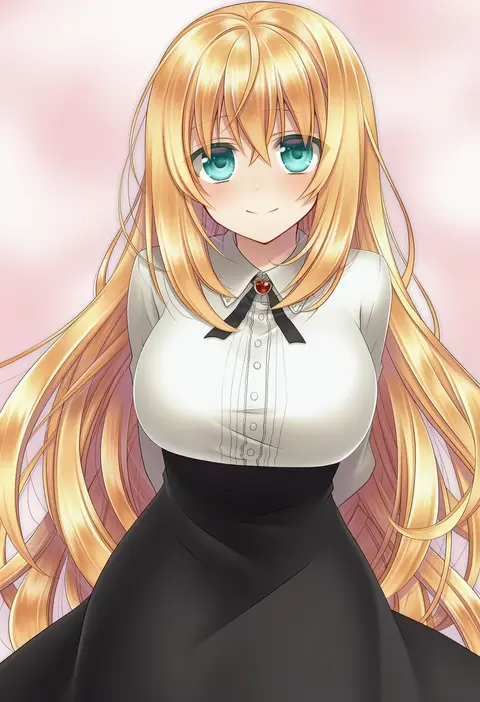
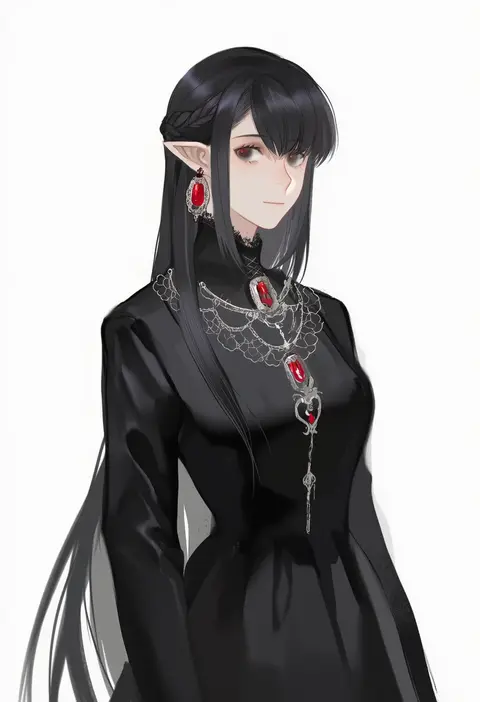
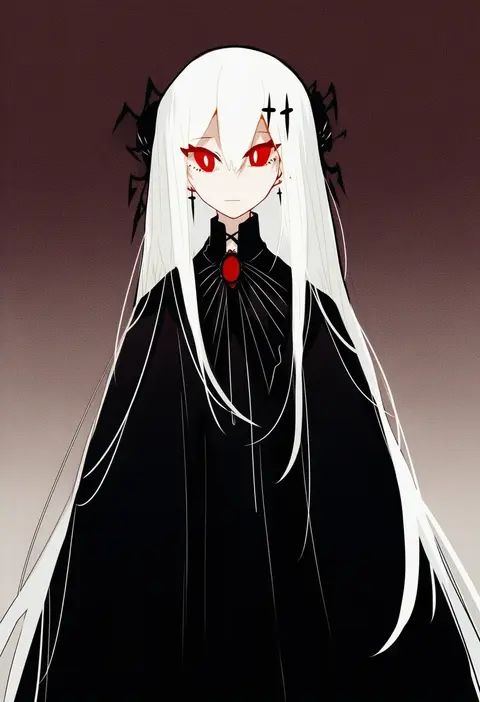
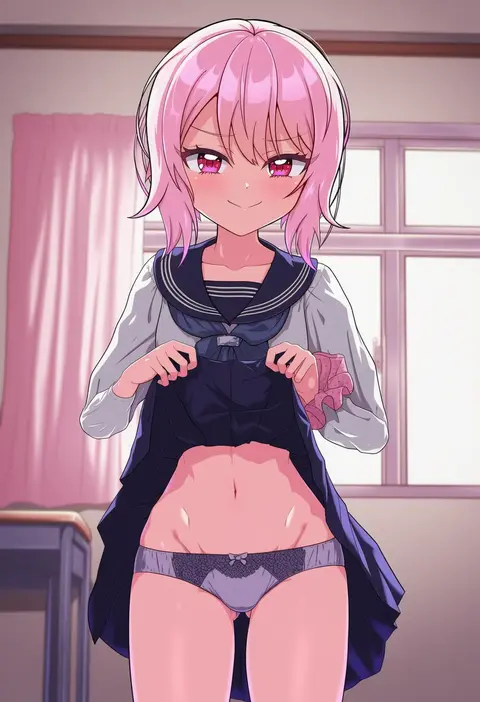
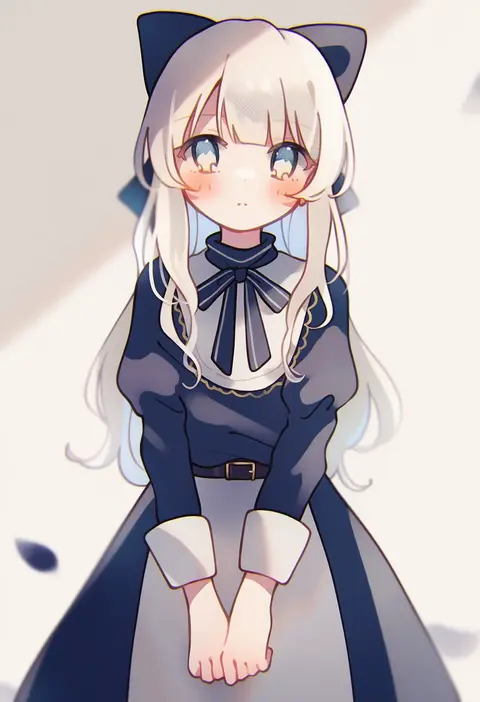
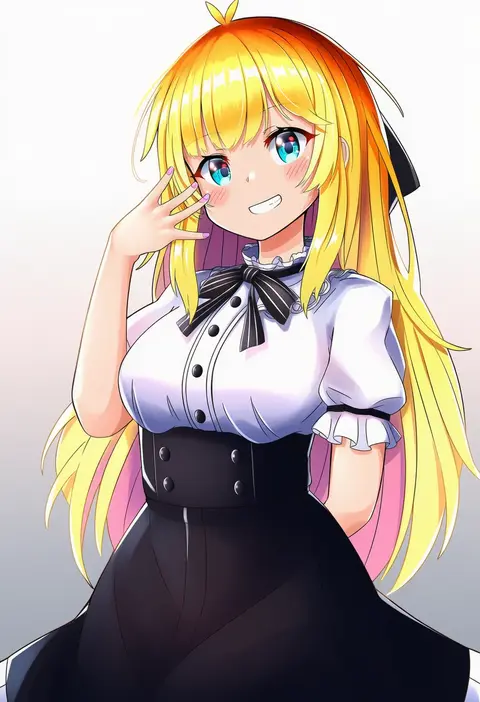
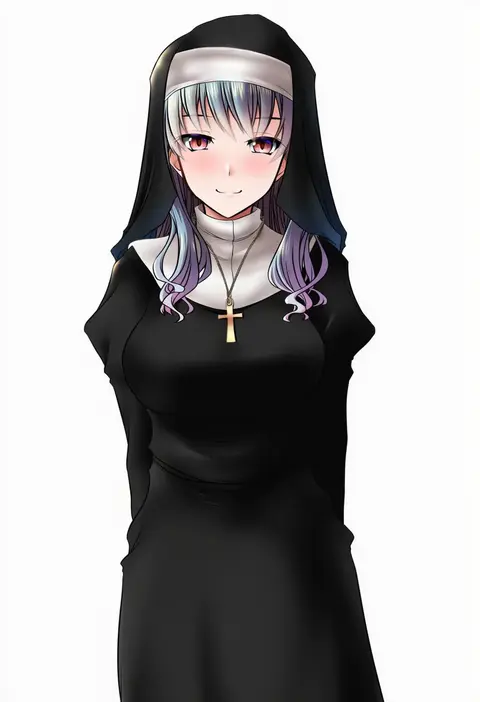
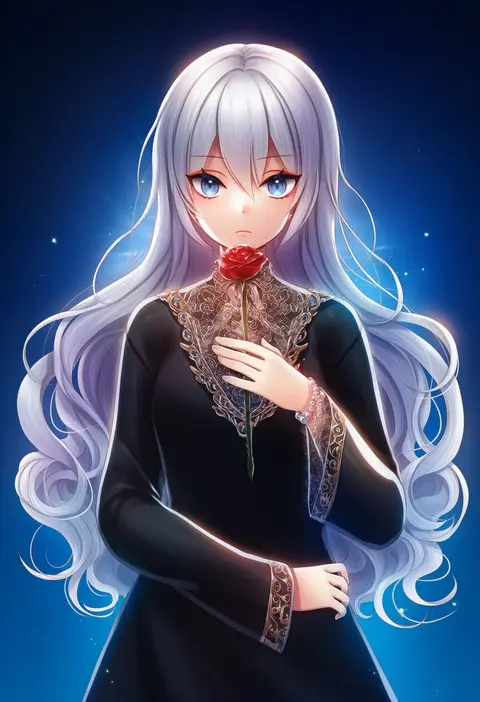
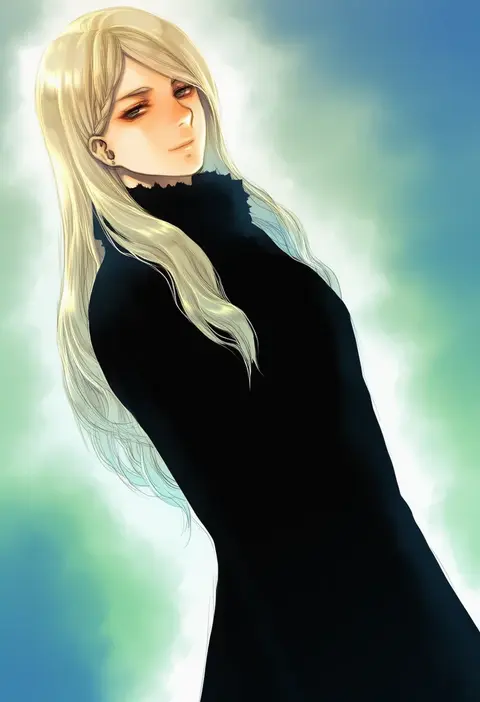
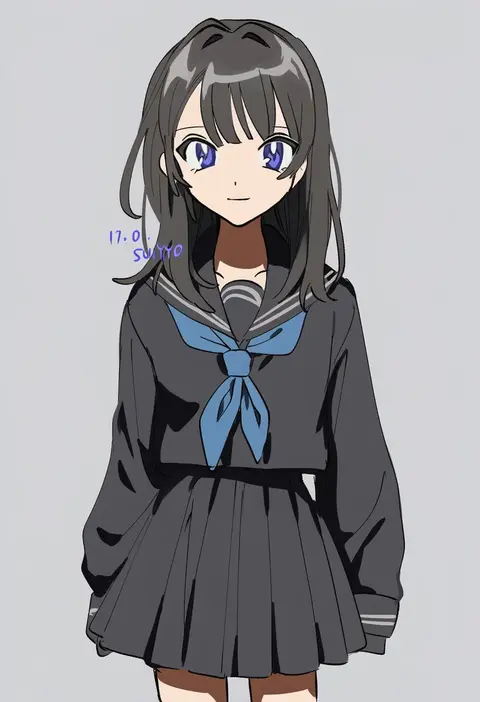
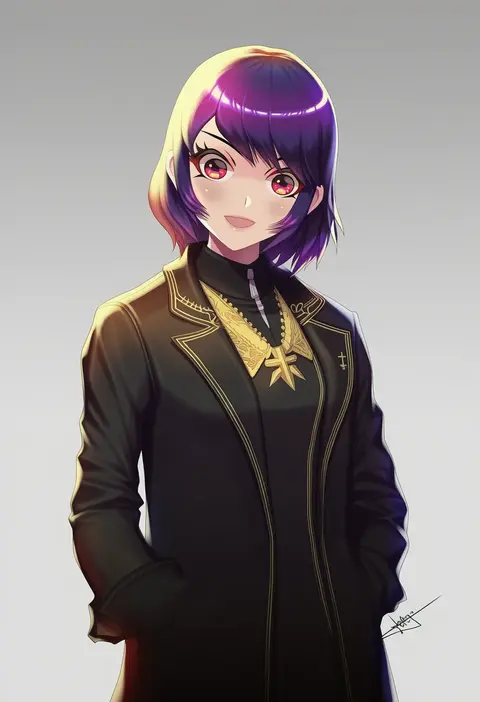
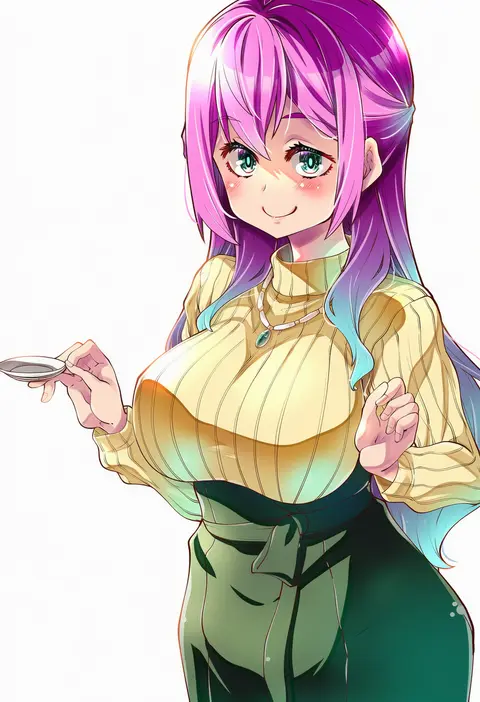
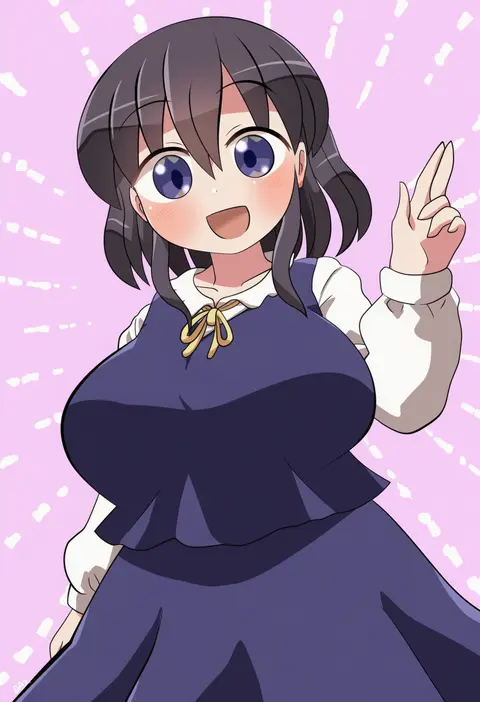
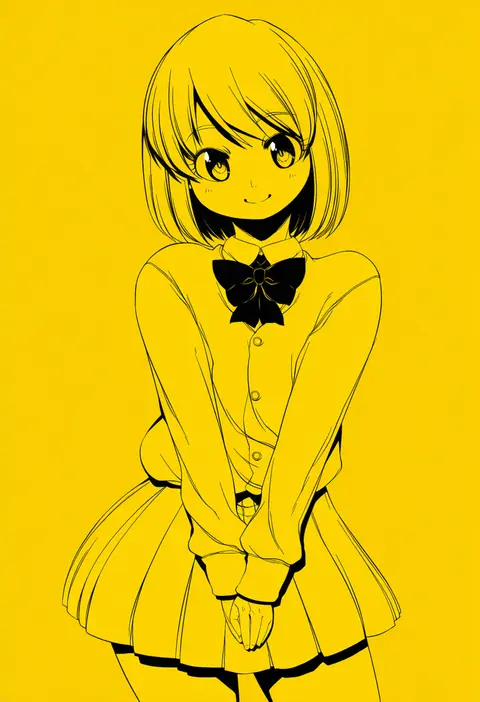
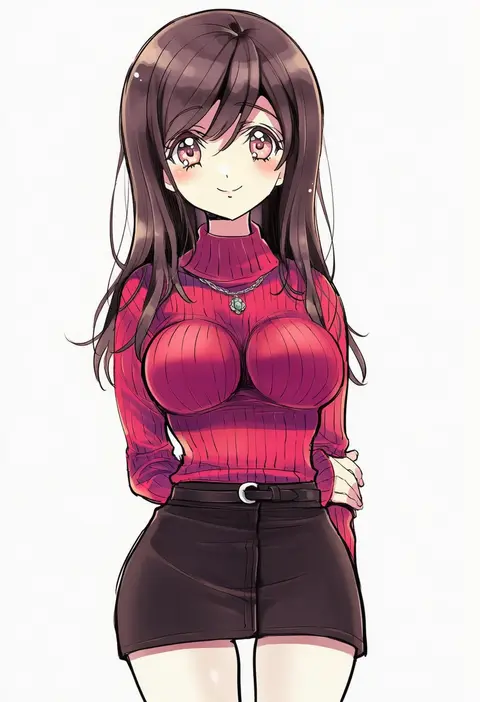
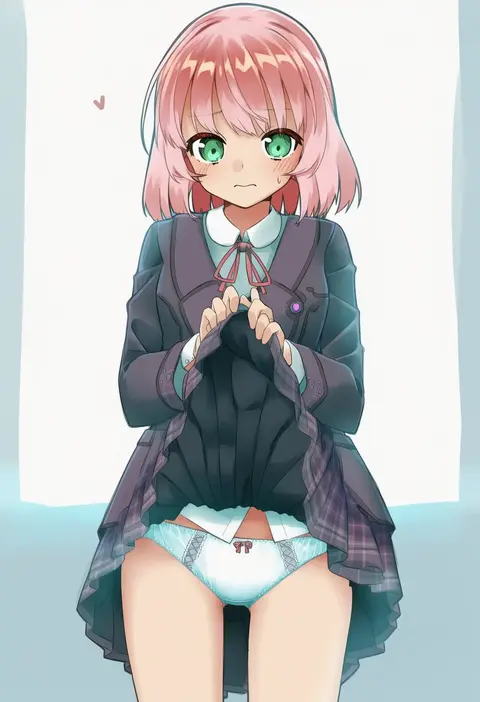
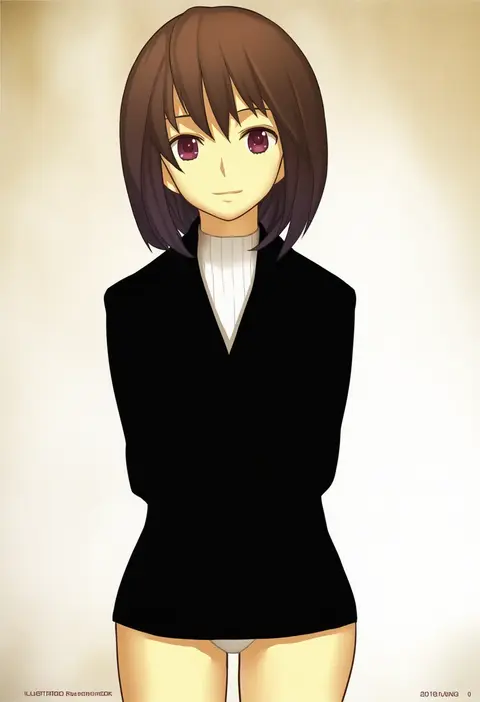
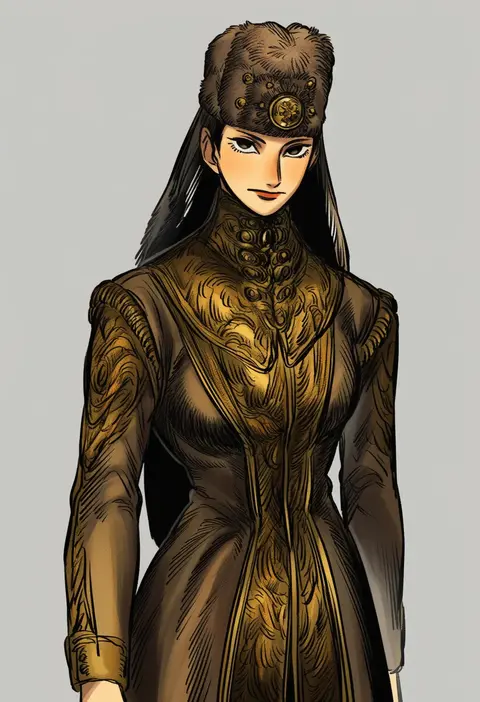
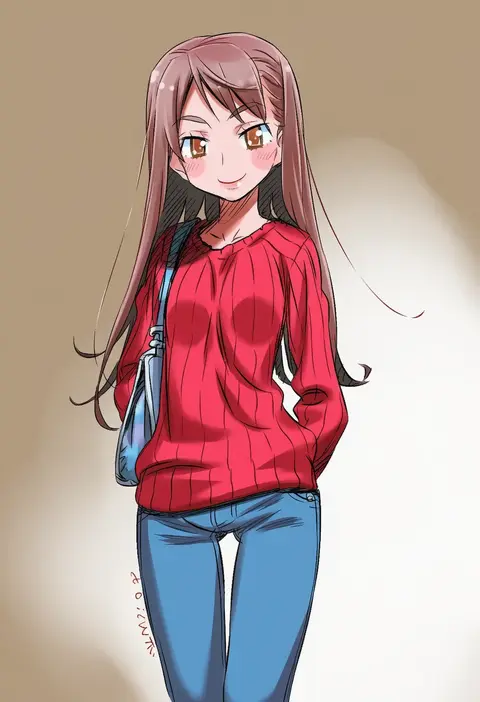
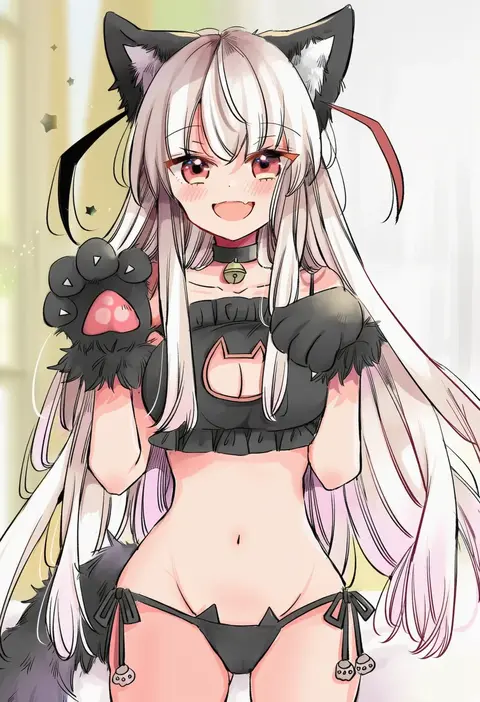
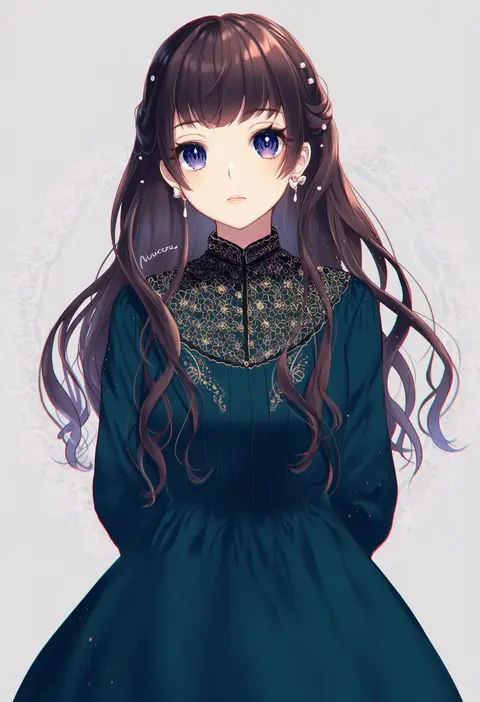
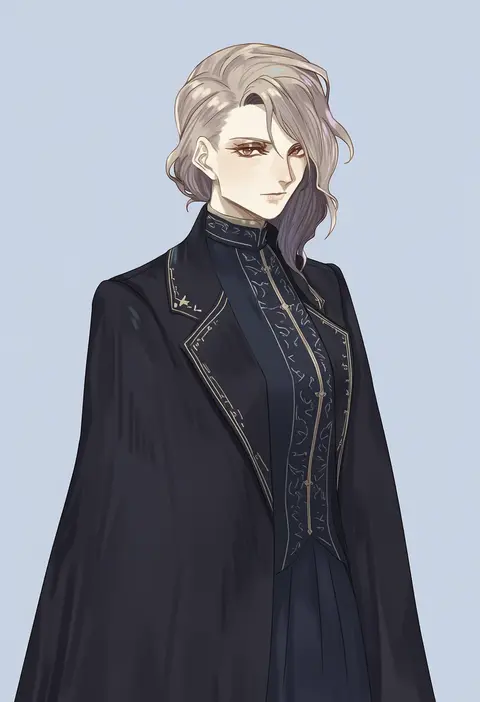
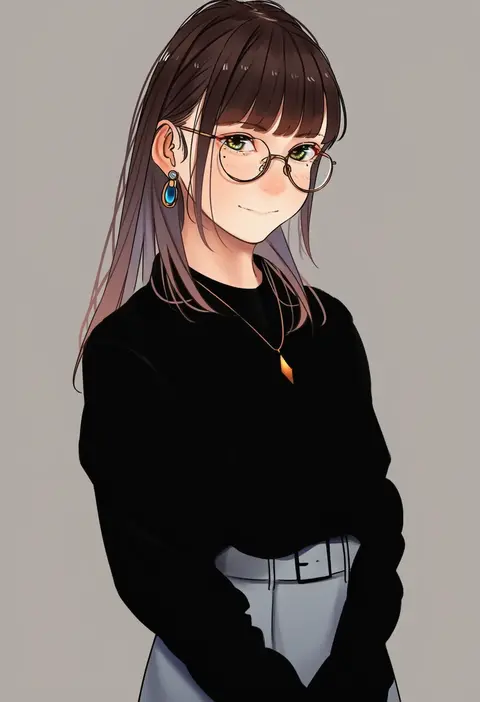
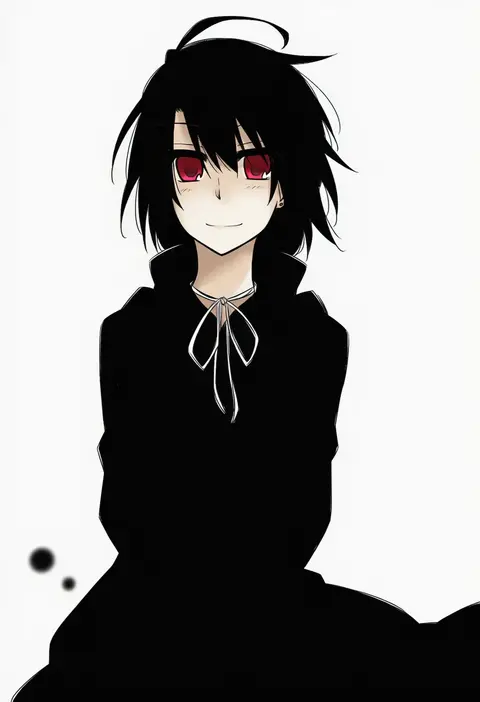
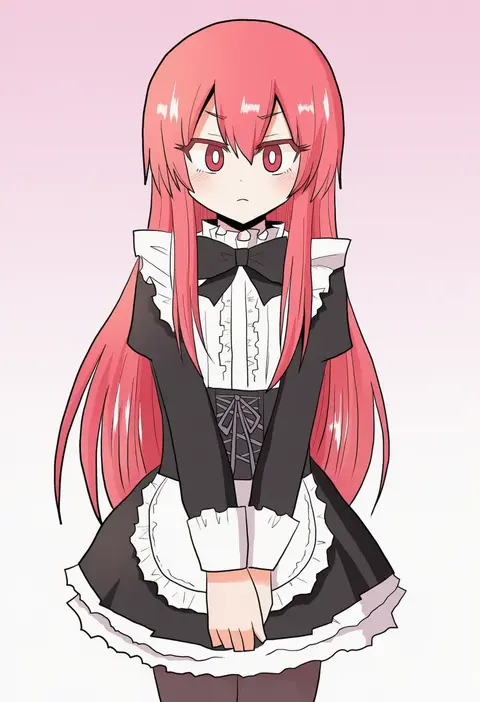
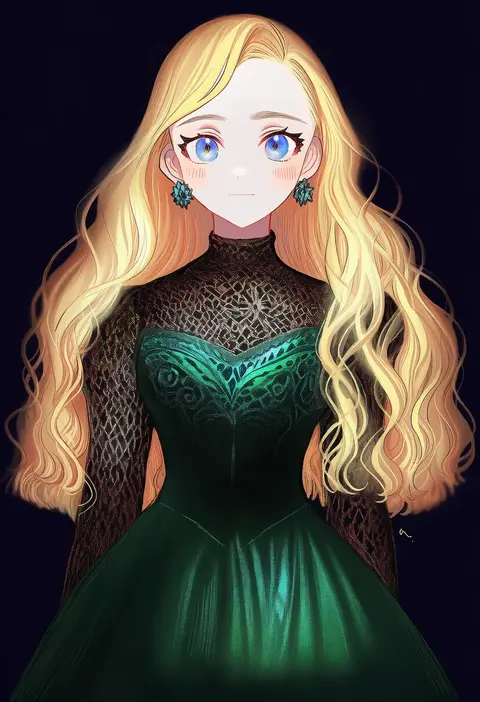
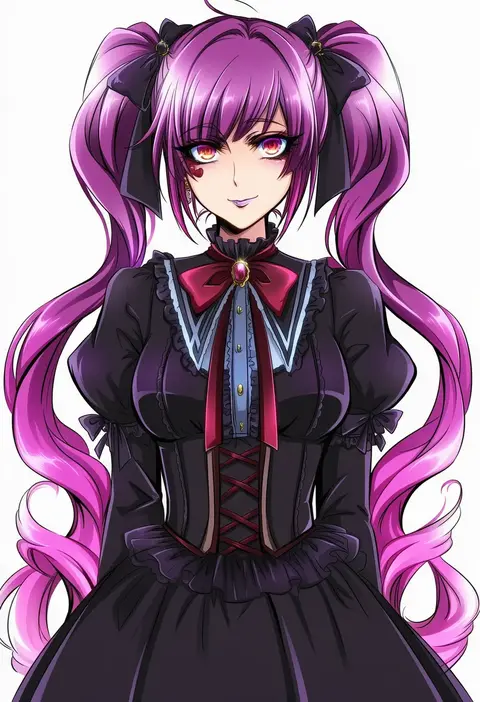
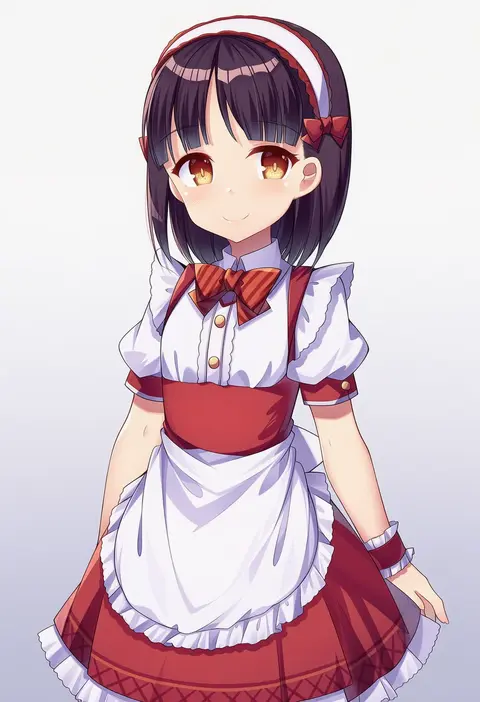
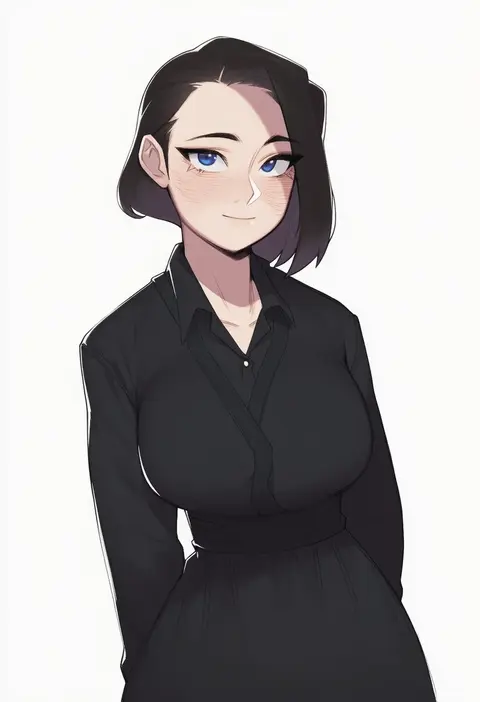
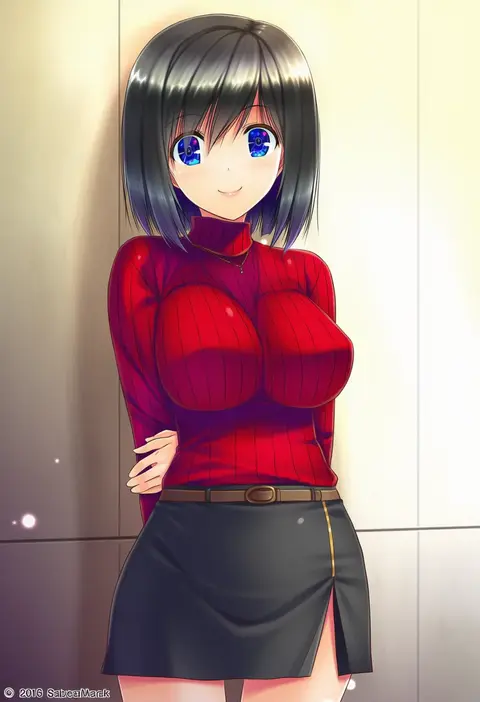
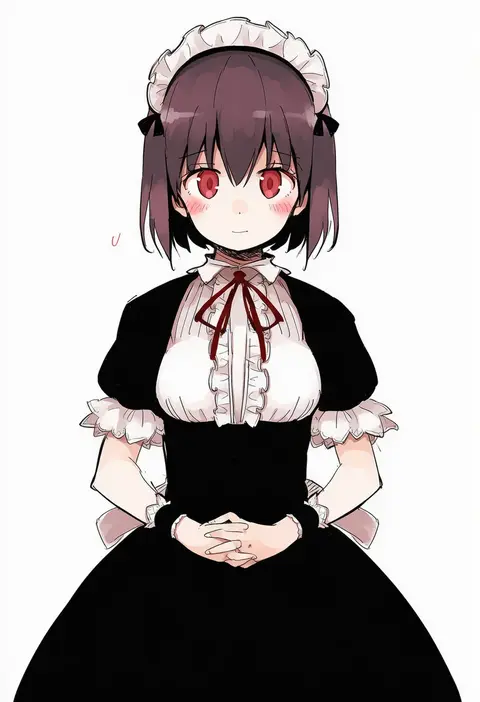
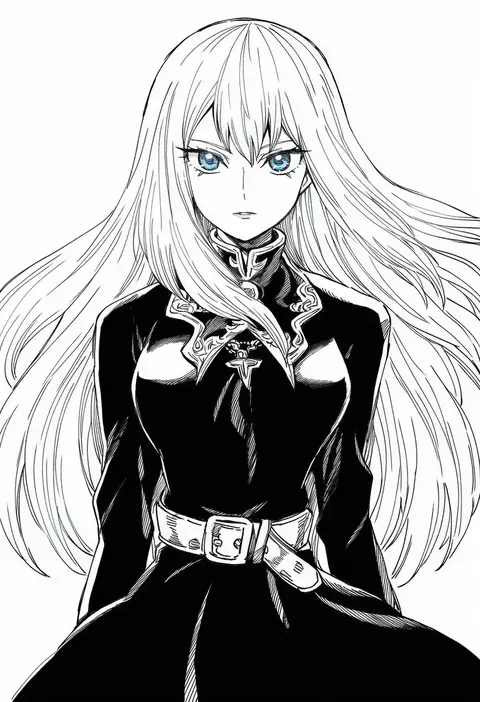
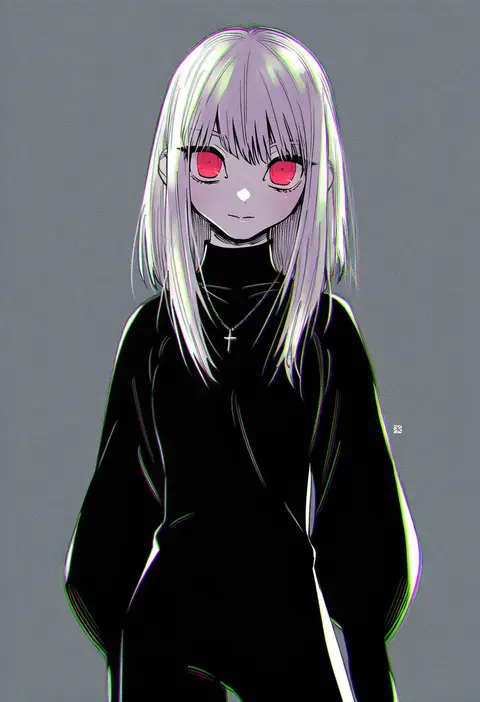
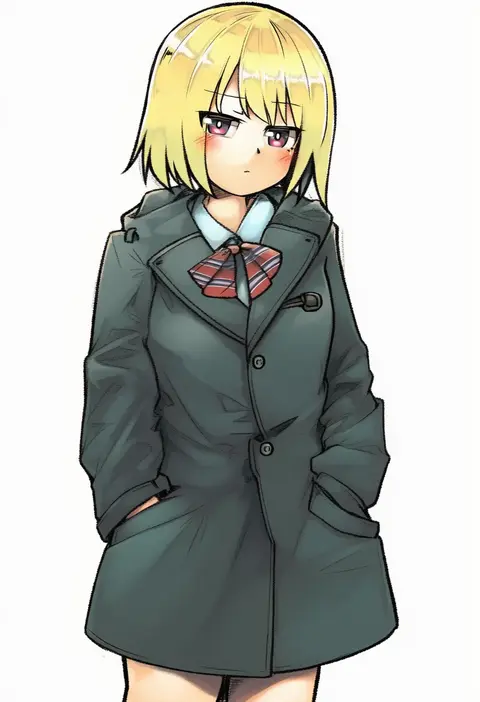
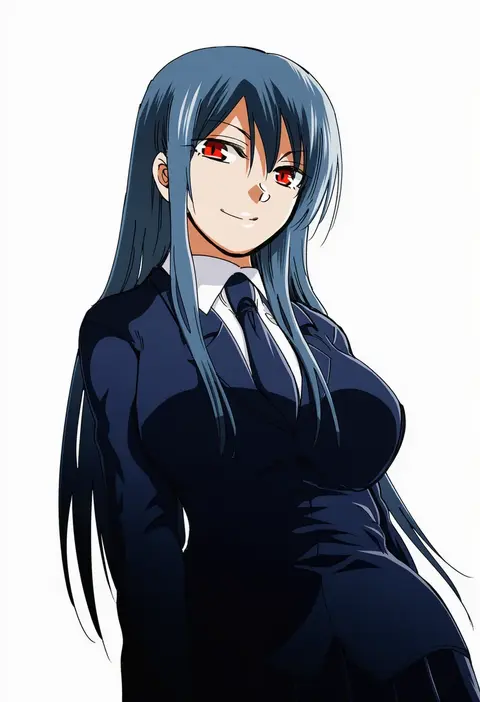
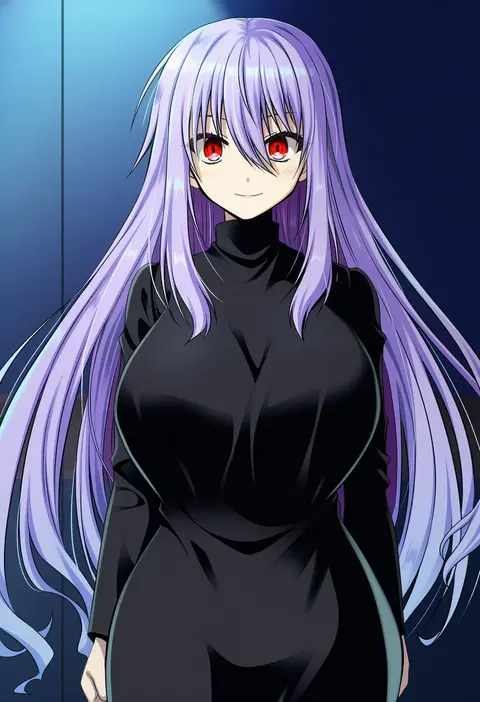
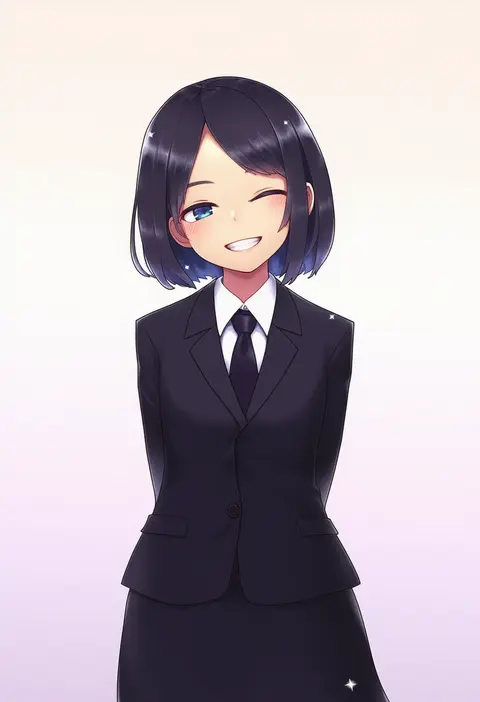
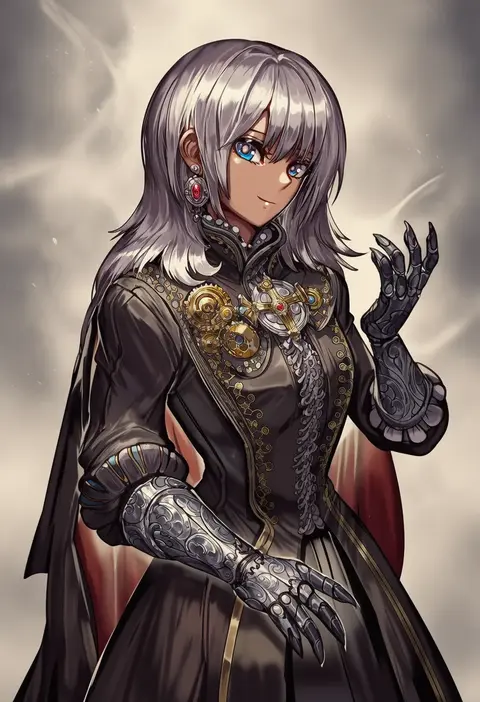
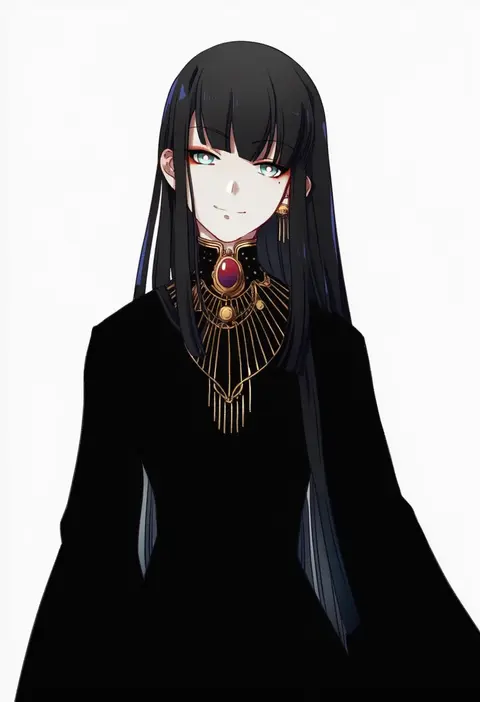
Artist tags tell NovelAI Diffusion to draw in a specific artist's style: line weight, paint texture, face shapes and palette all shift at once. Character and outfit tags decide what is drawn; artist tags decide how. 16,352 tags are listed for V4.5.
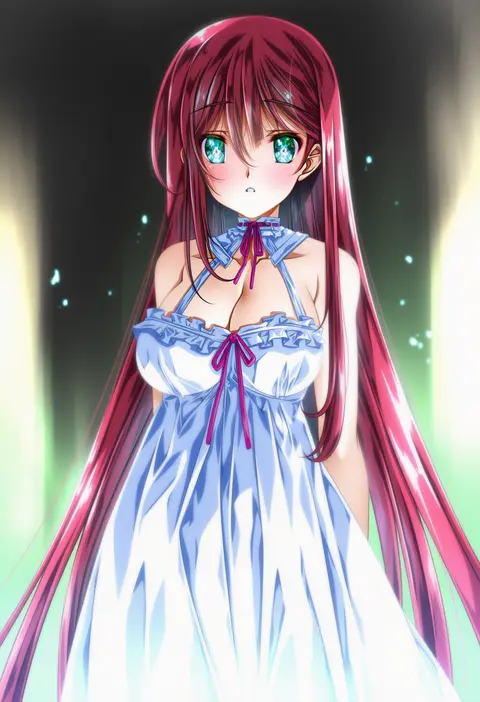
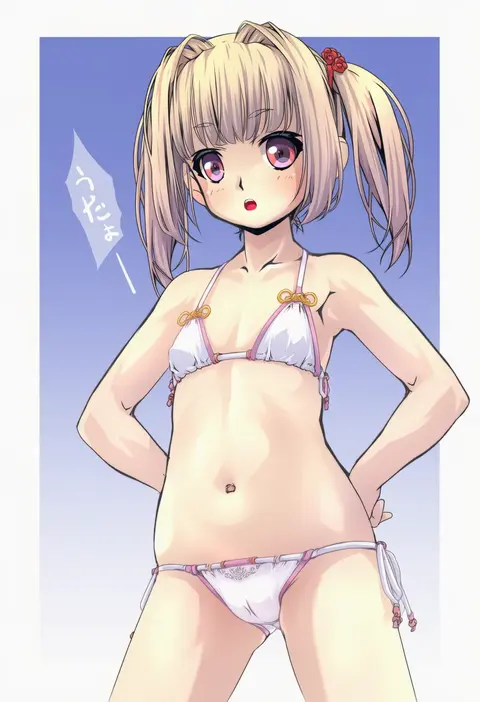
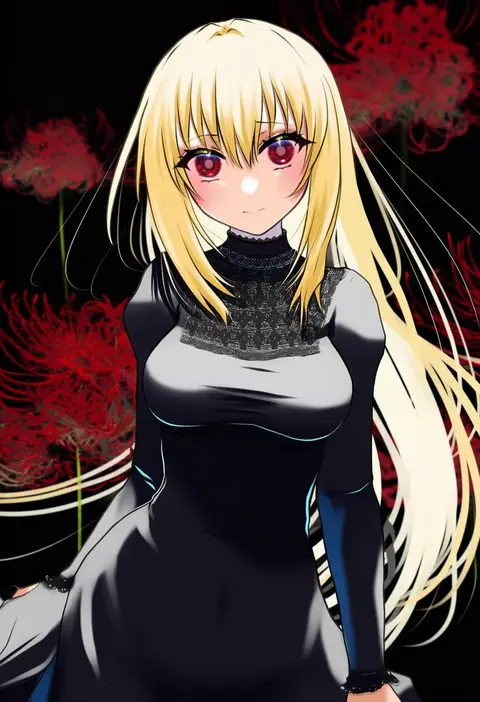
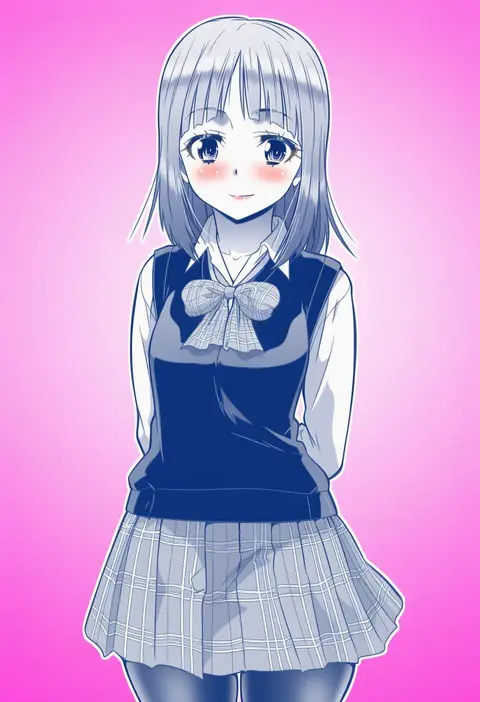
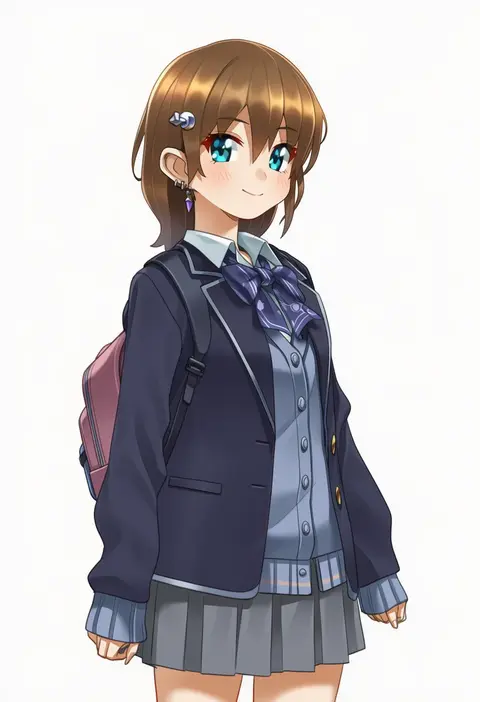
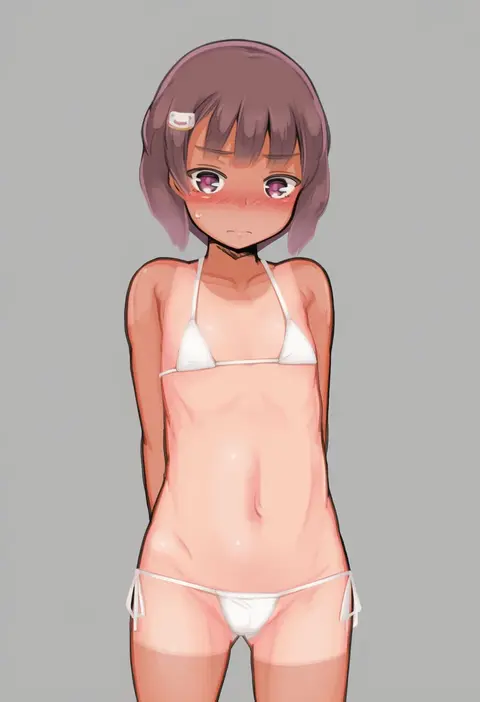
Every tag listed here is verified to react in NovelAI. All images use the same prompt, seed and settings with only the artist tag swapped, so the difference between two images is the style that tag brings in.

How to use them

Put the artist tag near the front of the prompt, e.g. "<artist>, 1girl, solo, best quality, masterpiece, cowboy shot". Two or three artist tags blend styles; lower the weight with "0.8::<artist>::" when the style overpowers the character.

SCORE sorts by Danbooru's top score, POSTS by post count, FAVS by hearts on this site. Open a card to see V5 and V4.5 side by side on the same seed.

V5 vs V4.5

V5 usually lands closer to the artist's real style, and tags that did nothing on V4.5 often react on V5. V4.5 still fits older and doujin-heavy artists better. Try V5 first, fall back to V4.5.

FAQ

Where does the artist tag go?
Near the front of the prompt. Use "0.8::tag::" to adjust its weight.

Can I stack artist tags?
Yes, styles blend. Past two or three the result stops looking like anyone.

Are these the artists' own works?
No. Every image is a NovelAI sample generated from the tag.