V4.5Artists
sort: FAVS▾
▾
>
$

Popular NovelAI artist tags — V4.5

artist --count 16,352[211/273]
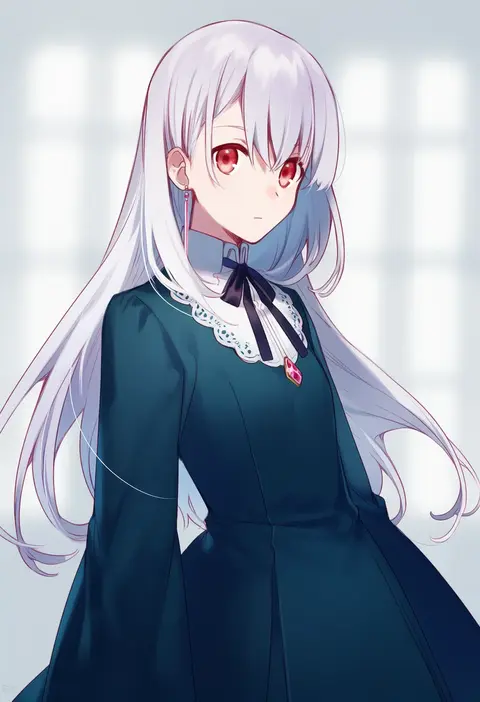
asahikawa hiyori
ARTIST0x3138
0
yuya090602
ARTIST0x3139
0
nicutoka
ARTIST0x313A
0
rokuichi
ARTIST0x313B
0
kusagami style
ARTIST0x313C
0
yan pai
ARTIST0x313D
0
ao+beni
ARTIST0x313E
0
beize (garbage)
ARTIST0x313F
0
fuwamoko momen toufu
ARTIST0x3140
0
saeki touma
ARTIST0x3141
0
rariemonn
ARTIST0x3142
0
mi (pic52pic)
ARTIST0x3143
0
kuromame (8gou)
ARTIST0x3144
0
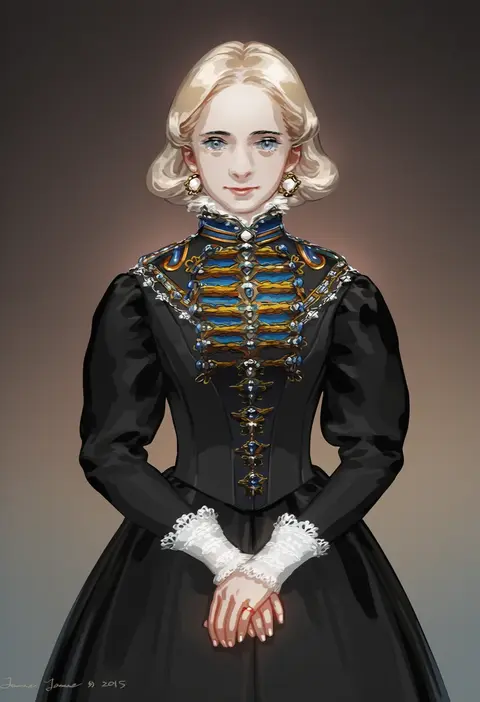
jane mere
ARTIST0x3145
0
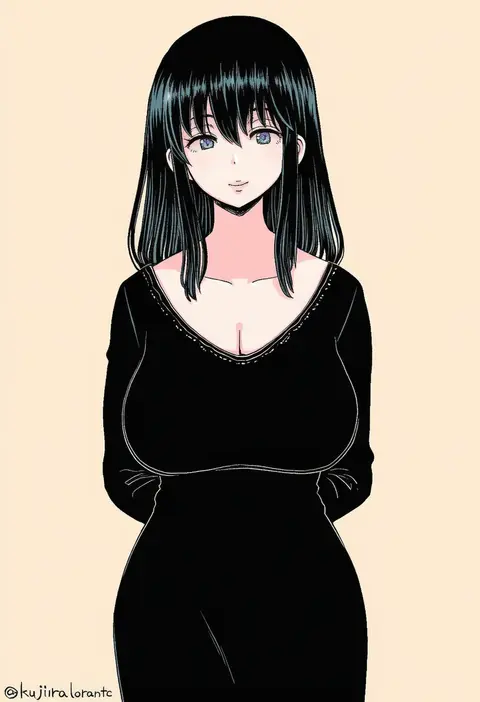
kujira lorant
ARTIST0x3146
0
riko-m
ARTIST0x3147
0
nanaheibei 3
ARTIST0x3148
0
jiz (pffbq)
ARTIST0x3149
0
misakura nankotsu
ARTIST0x314A
0
yohane shimizu
ARTIST0x314B
0
toba hiyoko
ARTIST0x314C
0
guard vent jun
ARTIST0x314D
0
macaronk
ARTIST0x314E
0
kai yuuki
ARTIST0x314F
0
satsuki (miicat)
ARTIST0x3150
0
toranosuke
ARTIST0x3151
0
caleb thomas
ARTIST0x3152
0
mano aaa
ARTIST0x3153
0
kornod
ARTIST0x3154
0
shiao
ARTIST0x3155
0
mokkouyou bond
ARTIST0x3156
0
takuan (taku1219oekaki)
ARTIST0x3157
0
akiha (attract)
ARTIST0x3158
0
yooki (winter cakes)
ARTIST0x3159
0
zoirun
ARTIST0x315A
0
satsuki mayuri
ARTIST0x315B
0
hinasumire
ARTIST0x315C
0
40 (0f0urw)
ARTIST0x315D
0
itou (mogura)
ARTIST0x315E
0
richard (richaball)
ARTIST0x315F
0
xian qishui
ARTIST0x3160
0
aoi thomas
ARTIST0x3161
0
kosobin
ARTIST0x3162
0
mearian
ARTIST0x3163
0
itou ikuko
ARTIST0x3164
0
nikka (cryptomeria)
ARTIST0x3165
0
edoya pochi
ARTIST0x3166
0
getsumen suibaku ver. a(c)
ARTIST0x3167
0
izumi (nagashi)
ARTIST0x3168
0
saya (sayaya)
ARTIST0x3169
0
shinano yura
ARTIST0x316A
0
tarayama
ARTIST0x316B
0
nagidango
ARTIST0x316C
0
ge dazuo
ARTIST0x316D
0
jong tu
ARTIST0x316E
0
klegsart
ARTIST0x316F
0
eyokiki
ARTIST0x3170
0
nip to chip
ARTIST0x3171
0
toi (number8)
ARTIST0x3172
0
tuze111
ARTIST0x3173
0

What these tags change

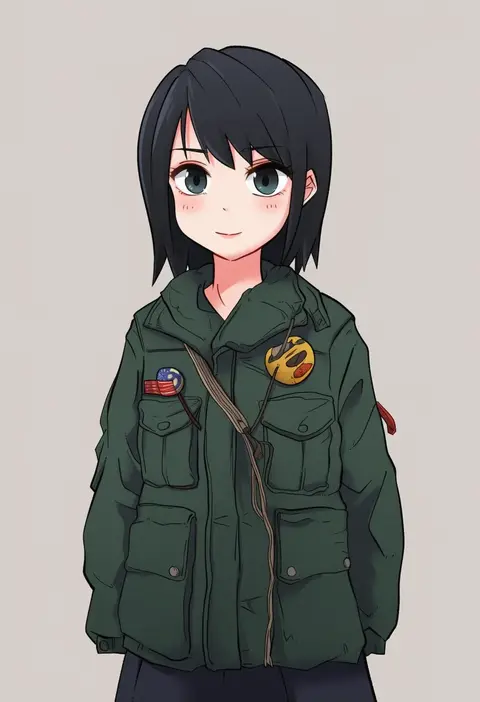
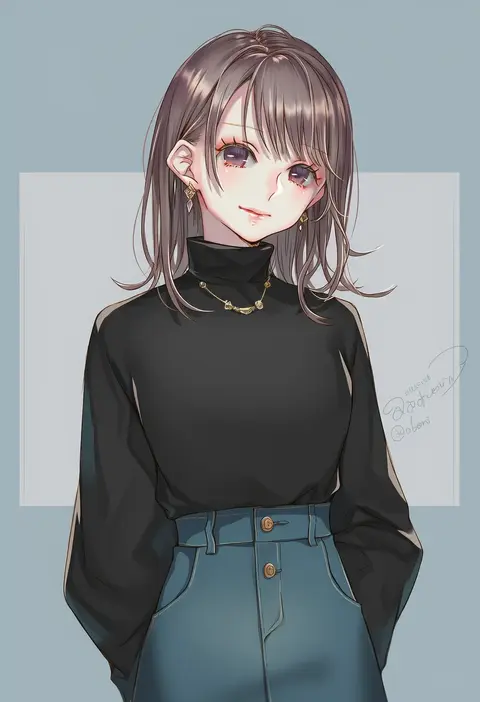
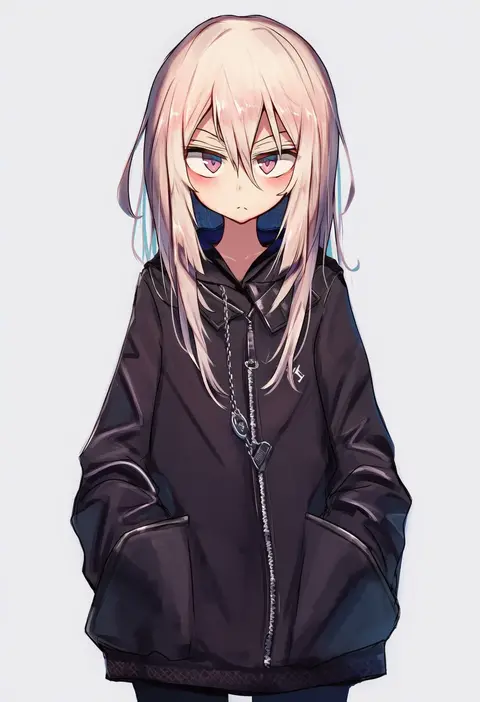
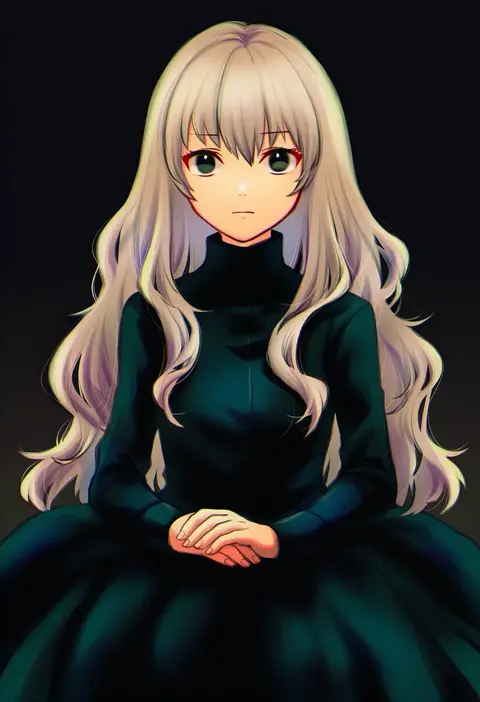
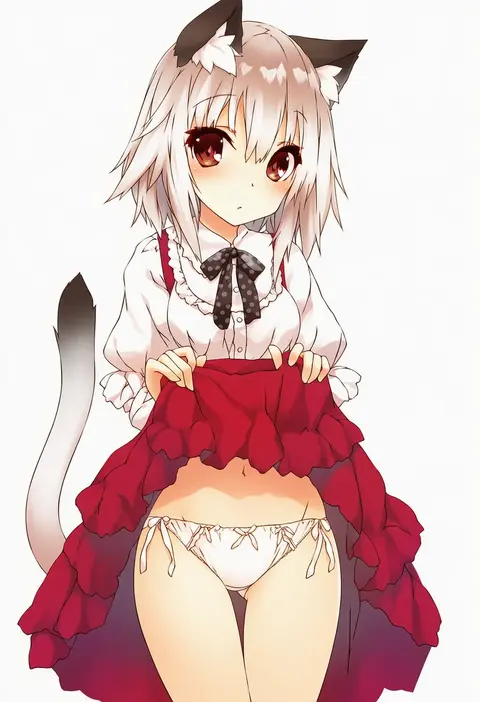
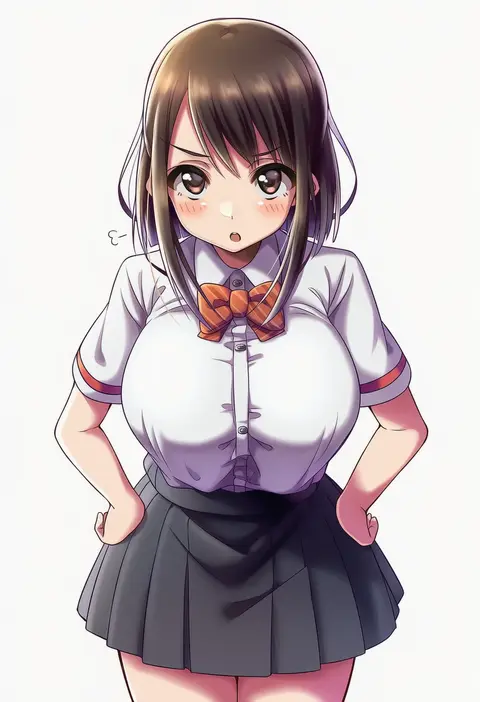
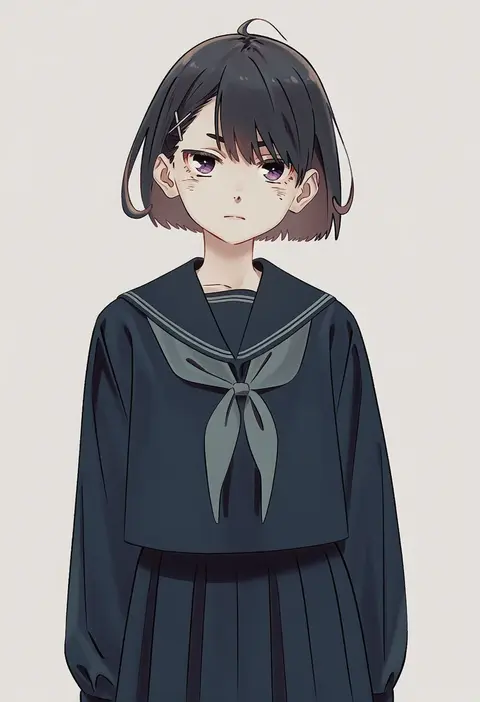
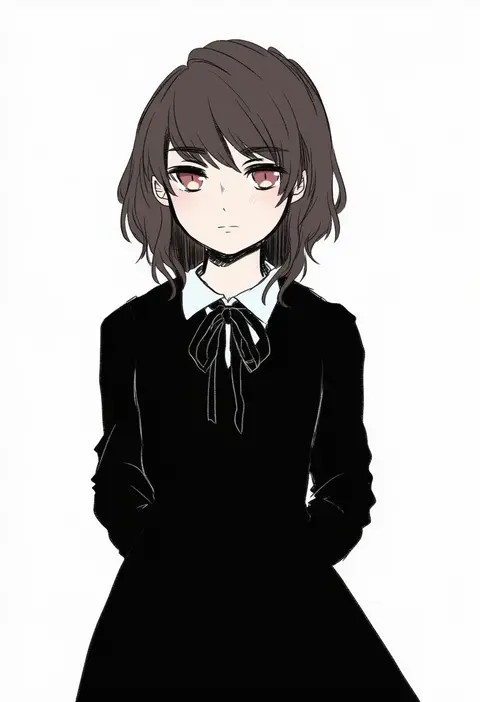
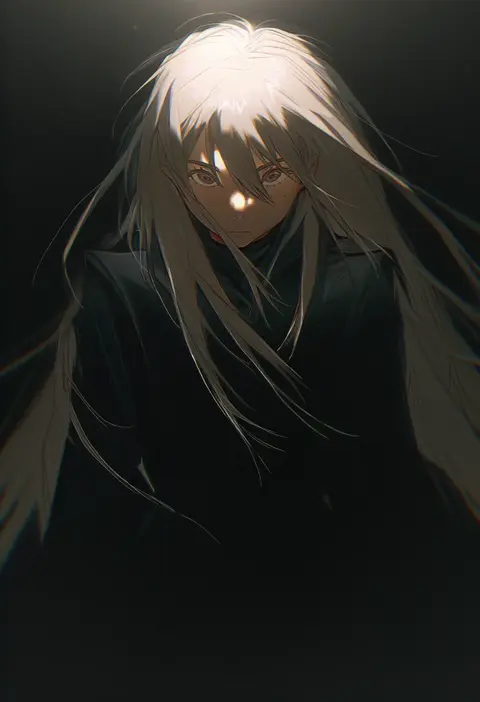
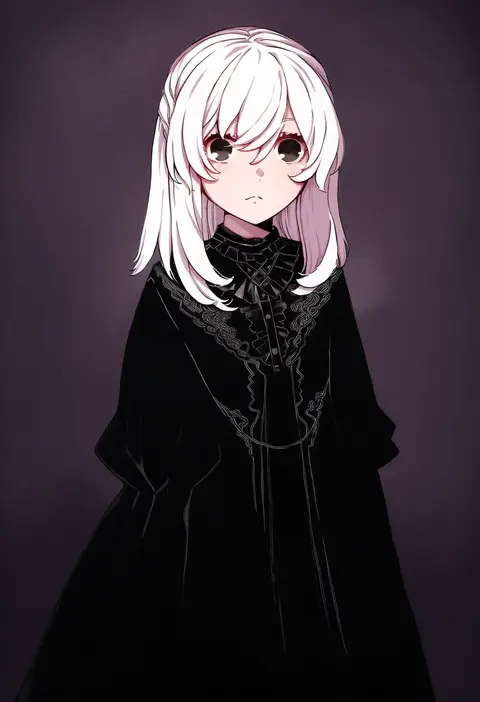
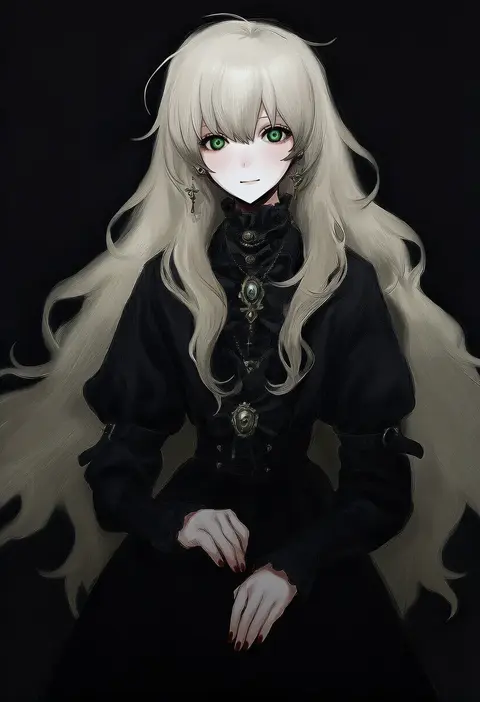
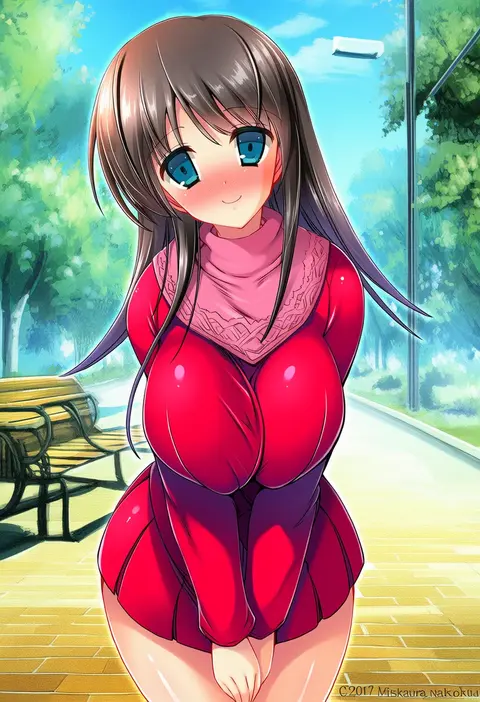
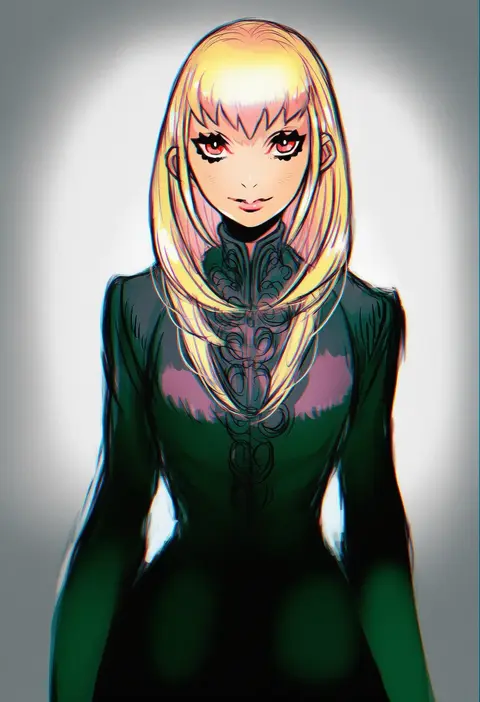
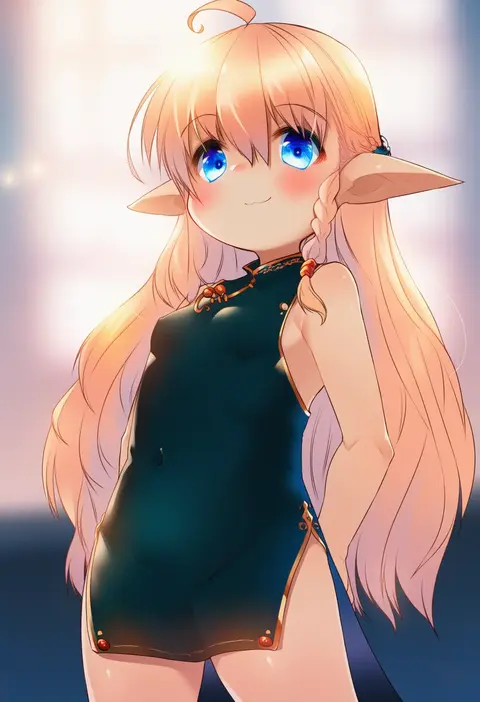
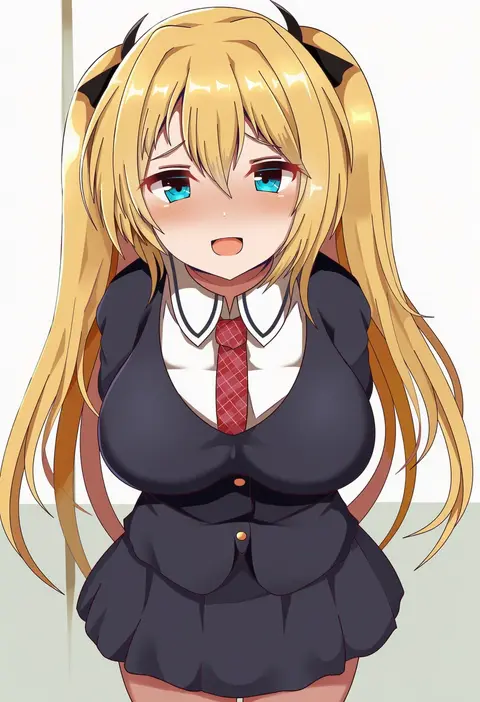
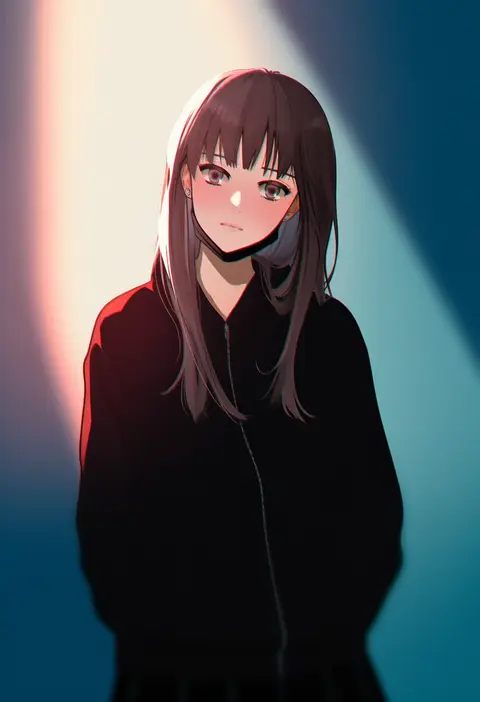
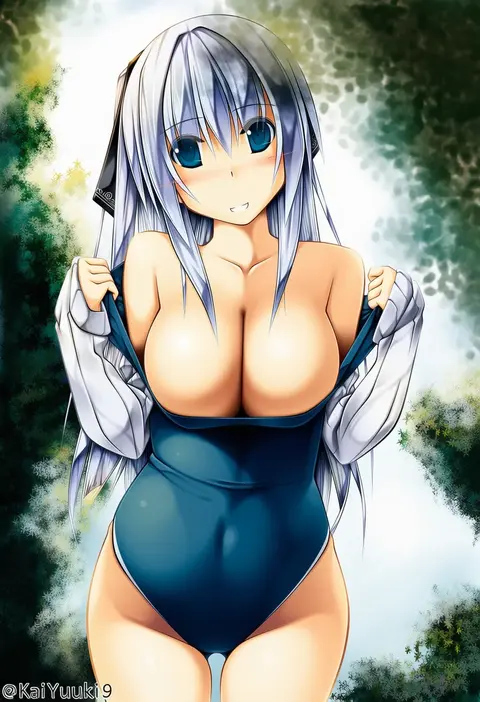
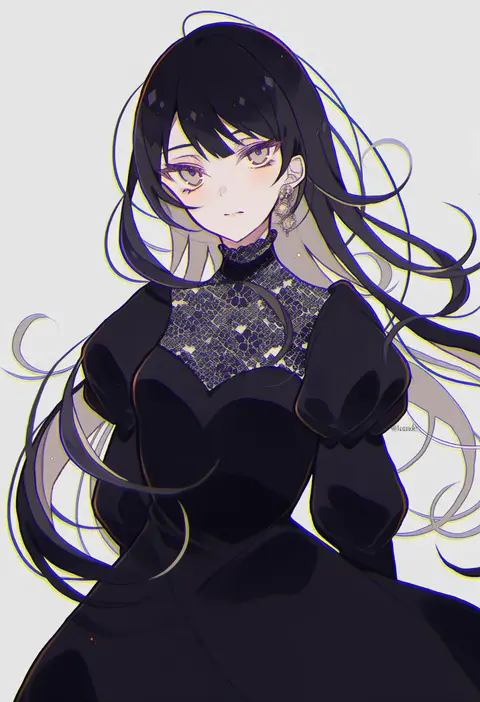
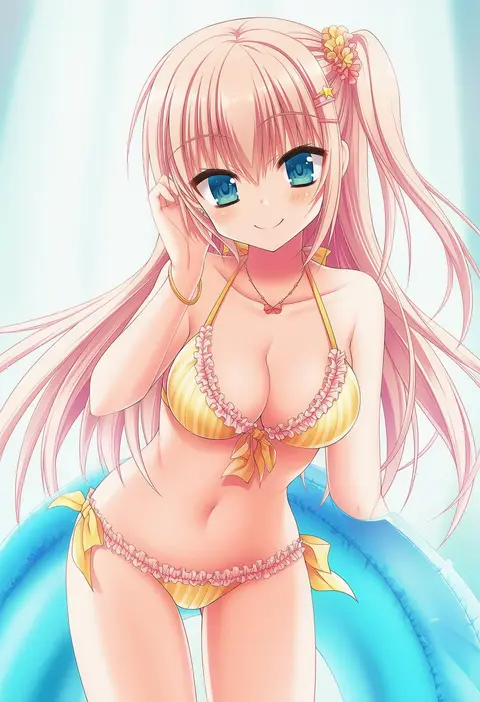
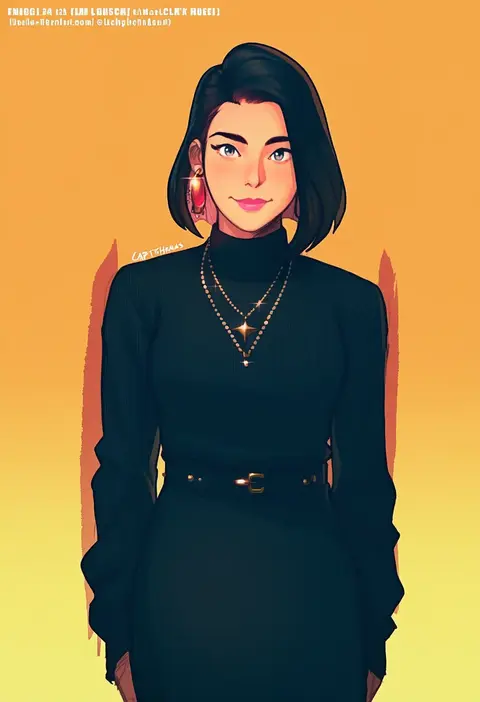
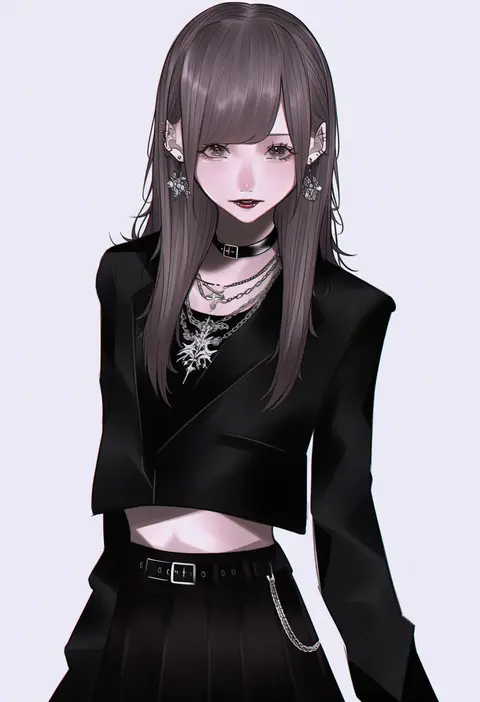
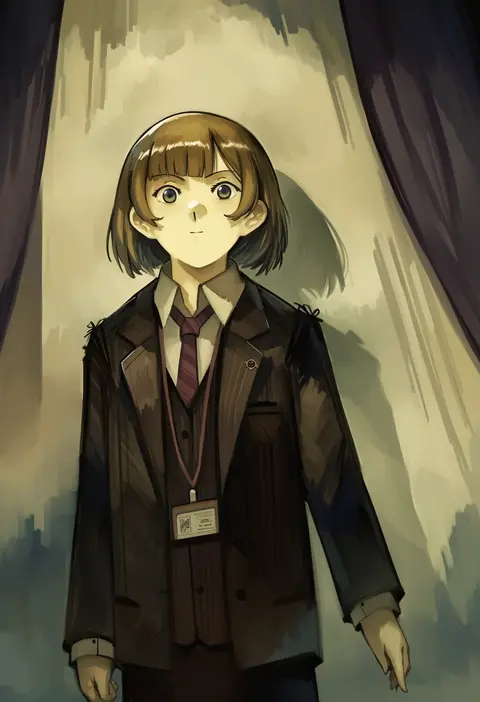
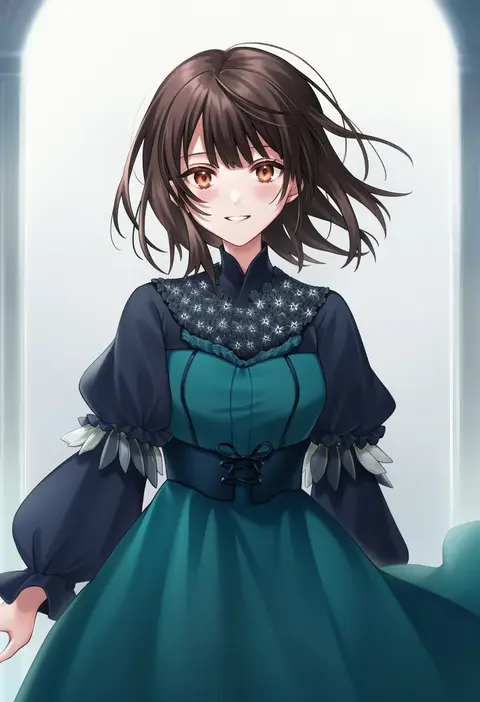
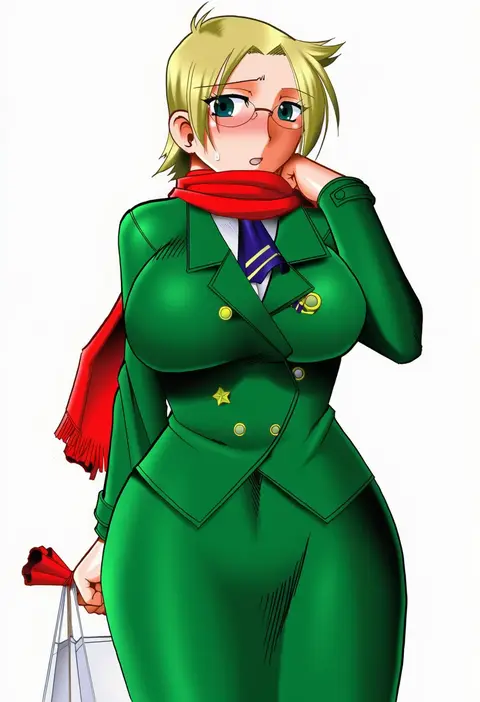
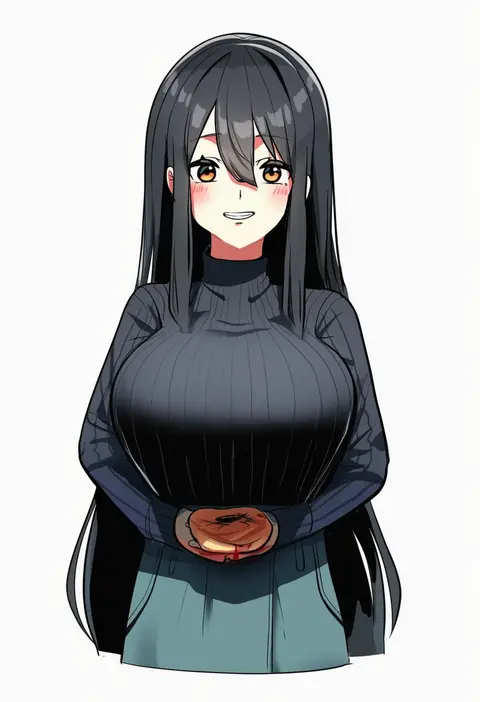
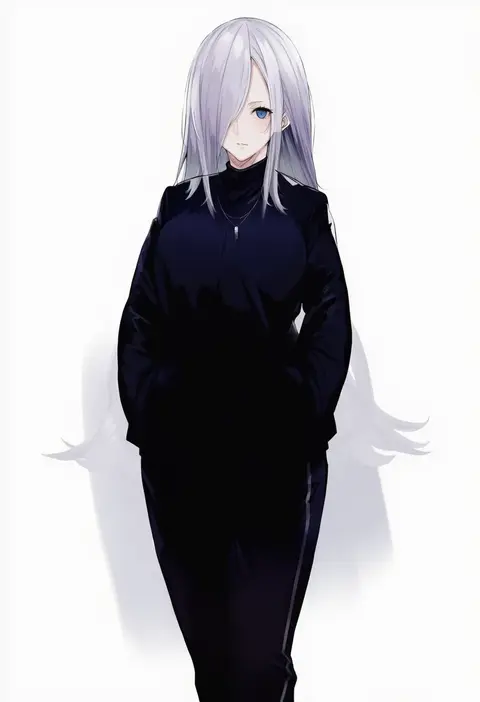
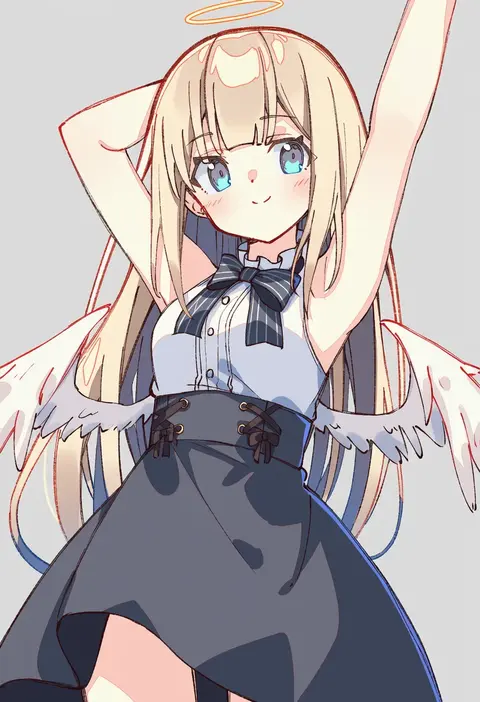
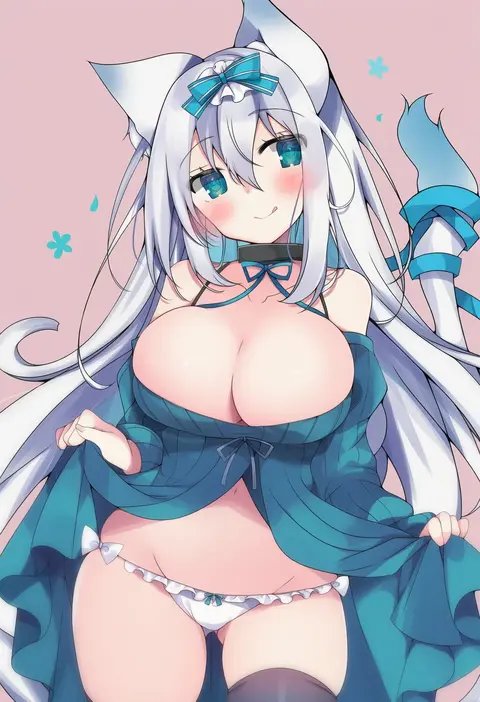
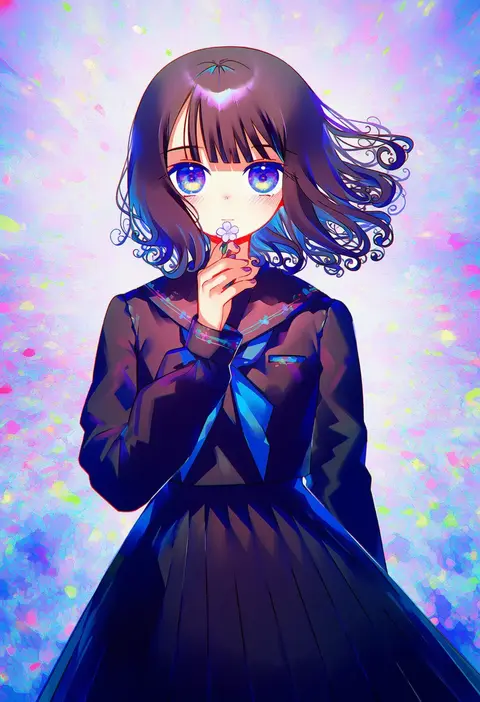
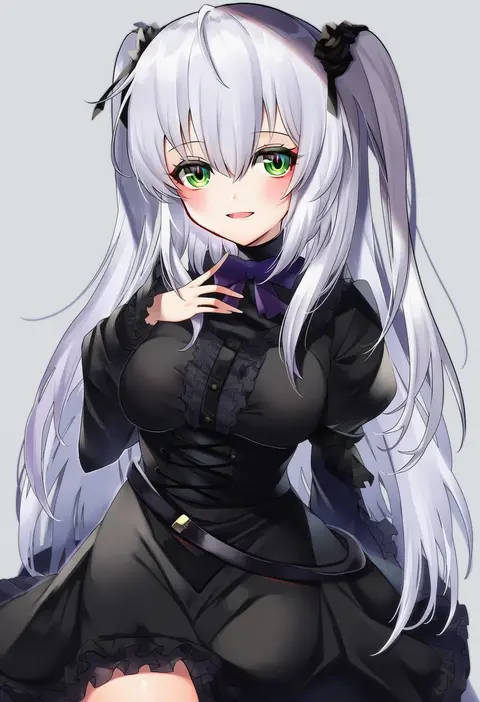
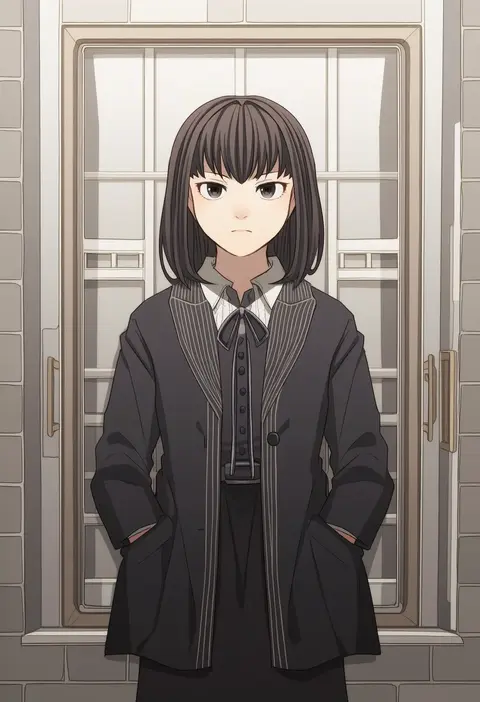
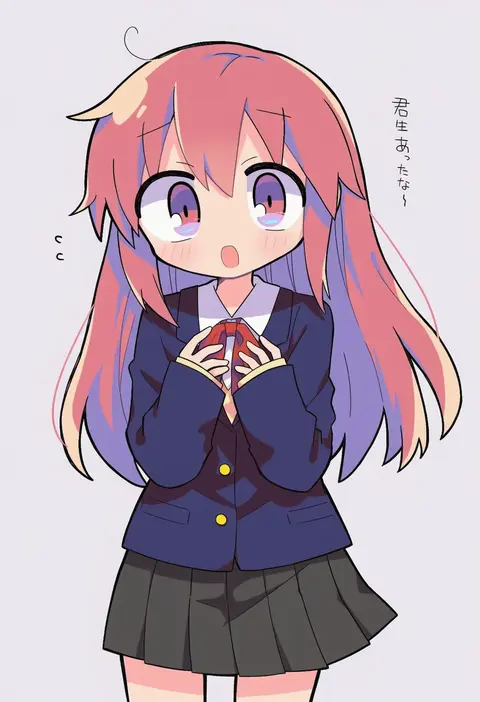
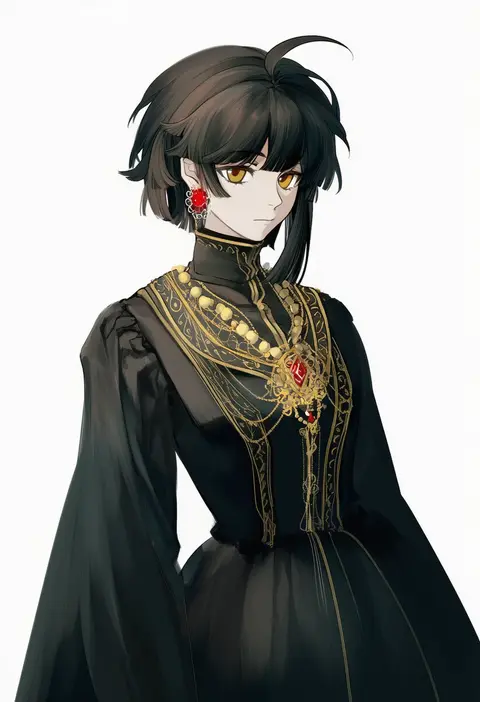
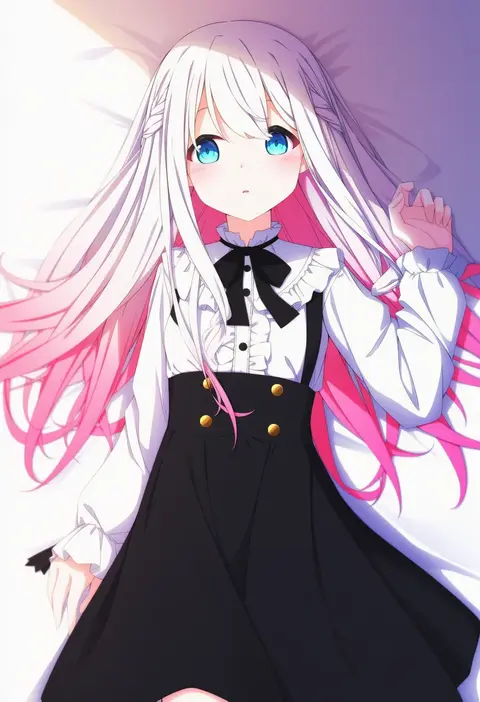
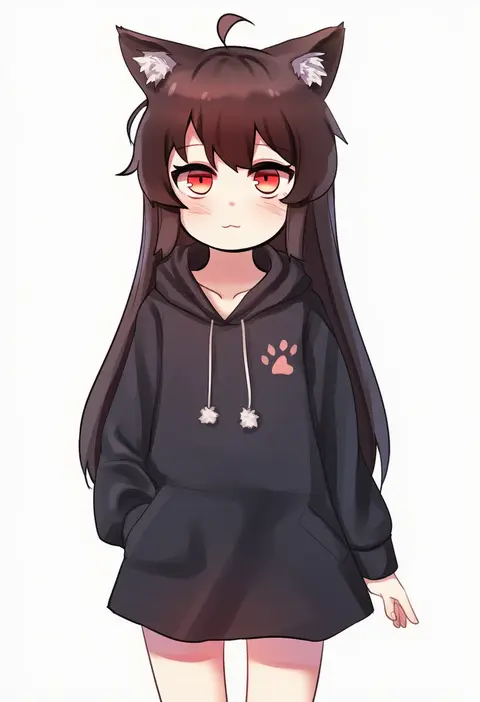
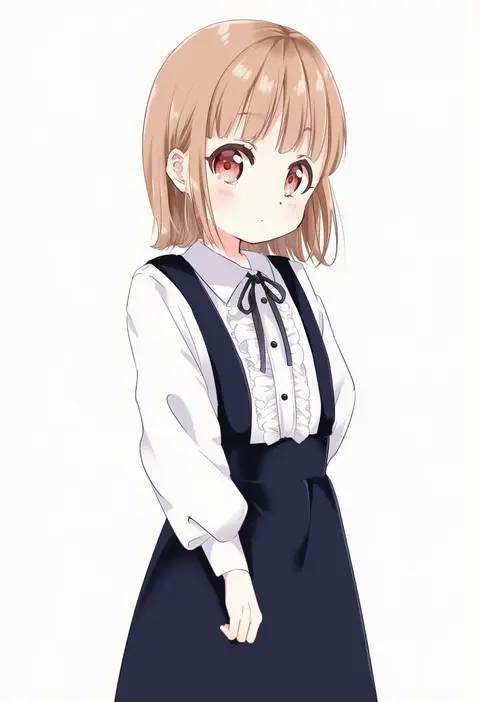
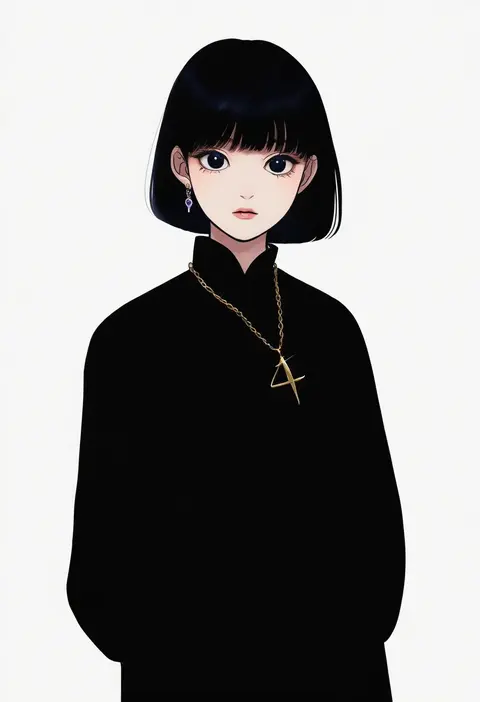
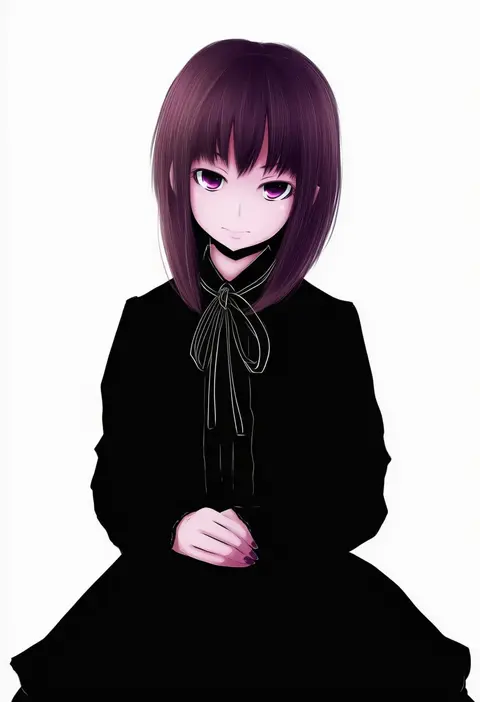
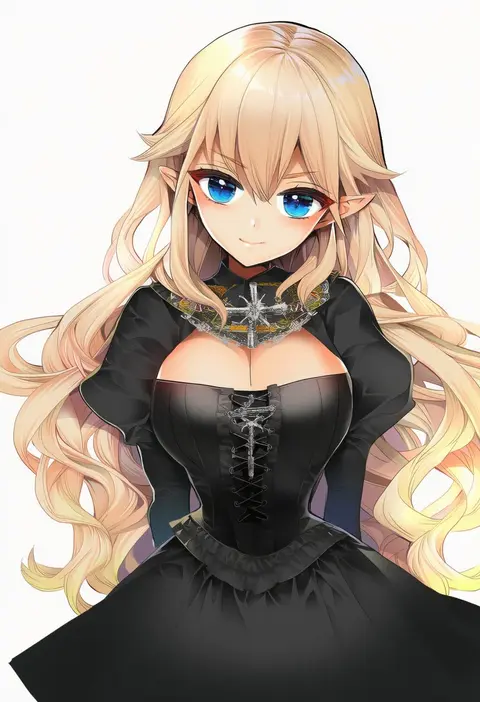
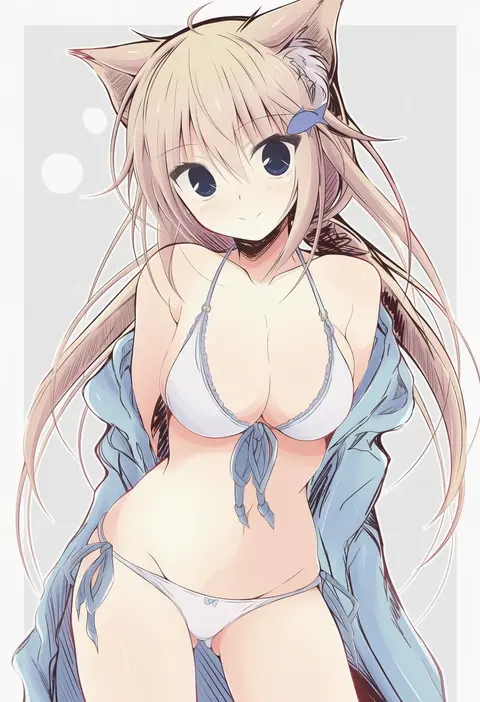
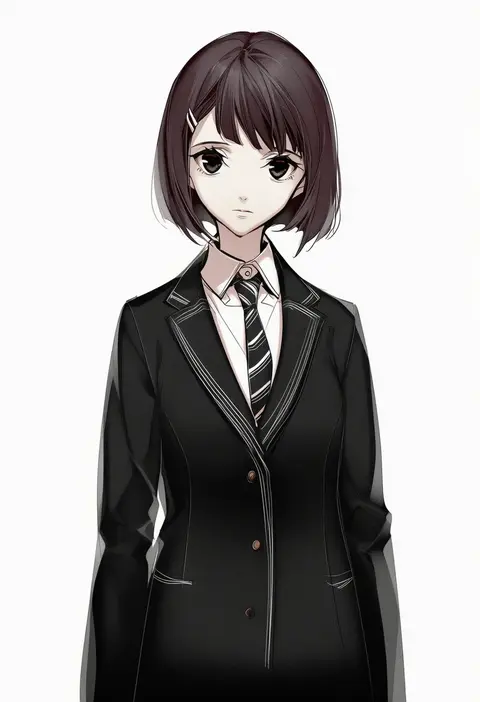
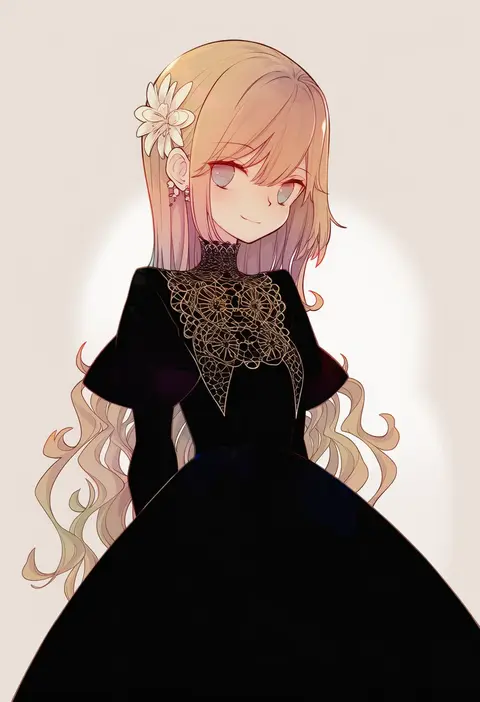
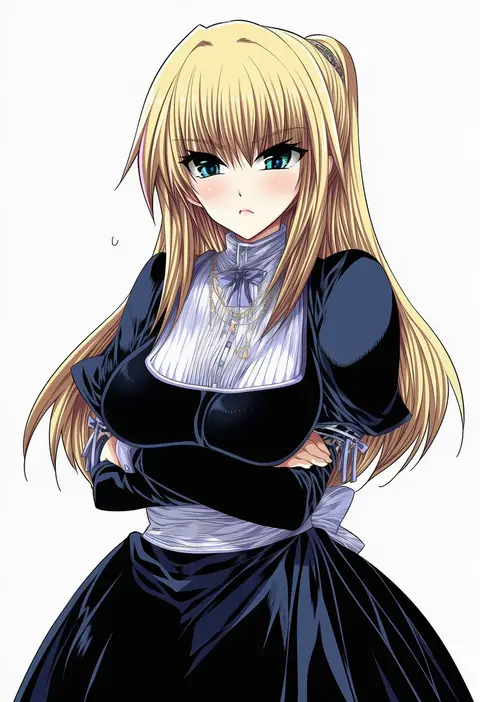
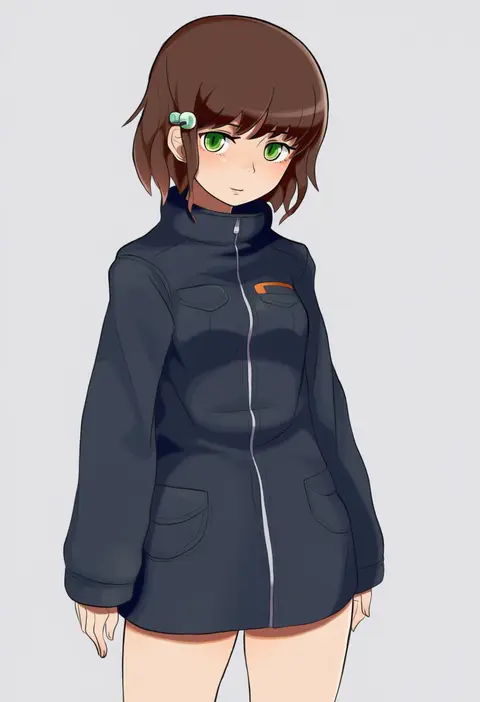
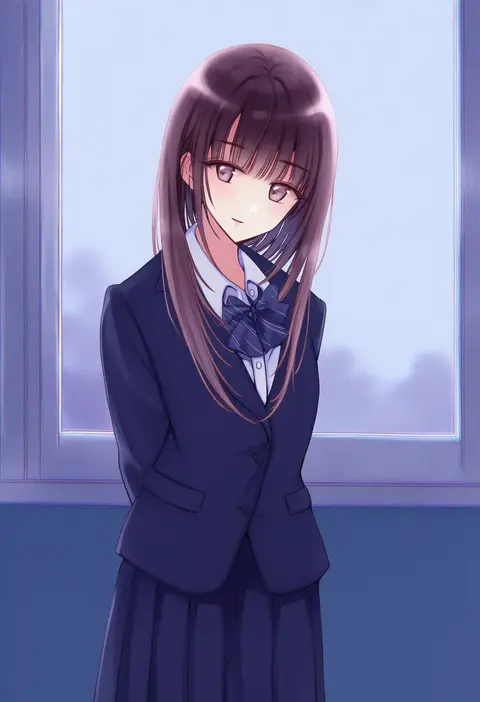
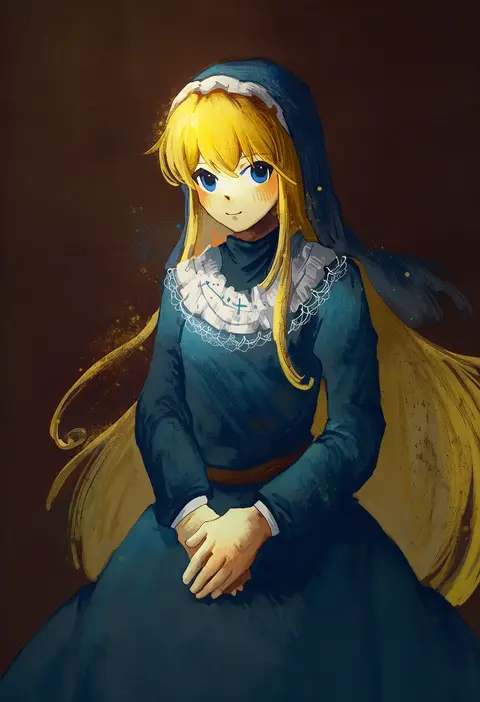
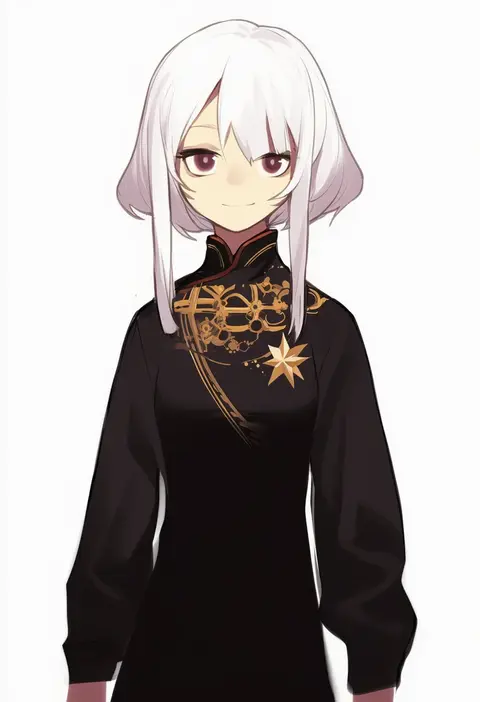
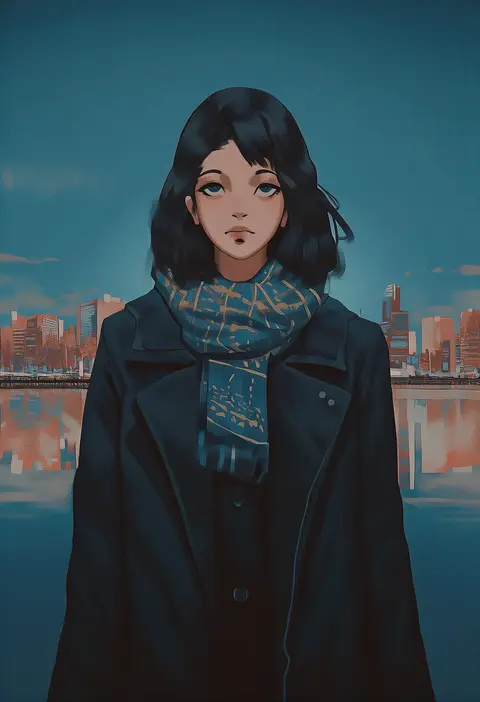
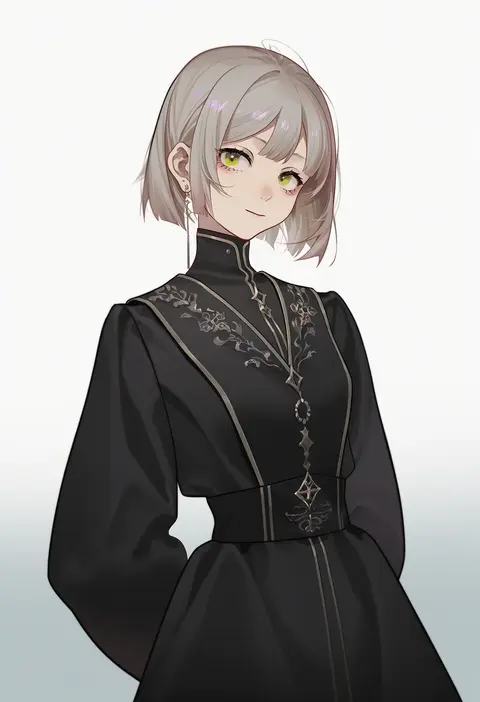
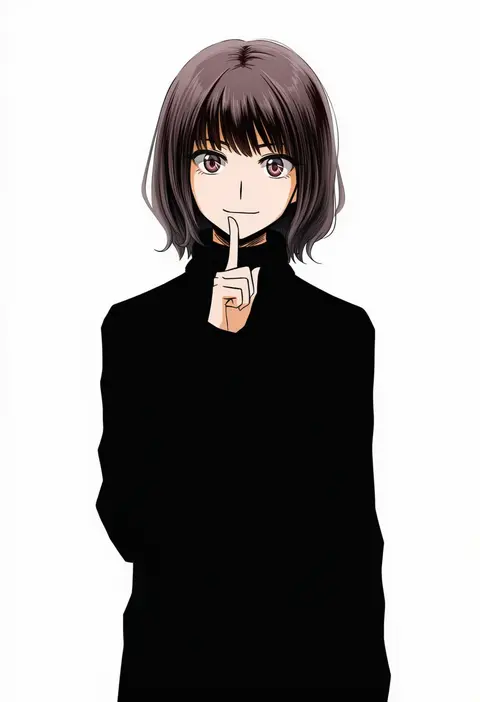
Artist tags tell NovelAI Diffusion to draw in a specific artist's style: line weight, paint texture, face shapes and palette all shift at once. Character and outfit tags decide what is drawn; artist tags decide how. 16,352 tags are listed for V4.5.
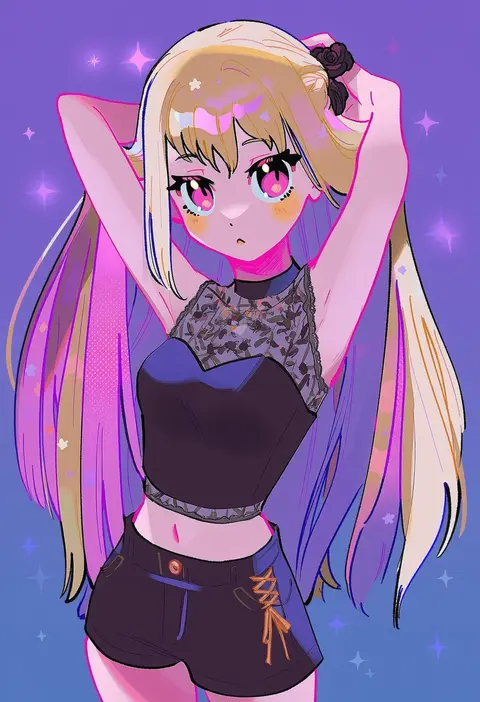
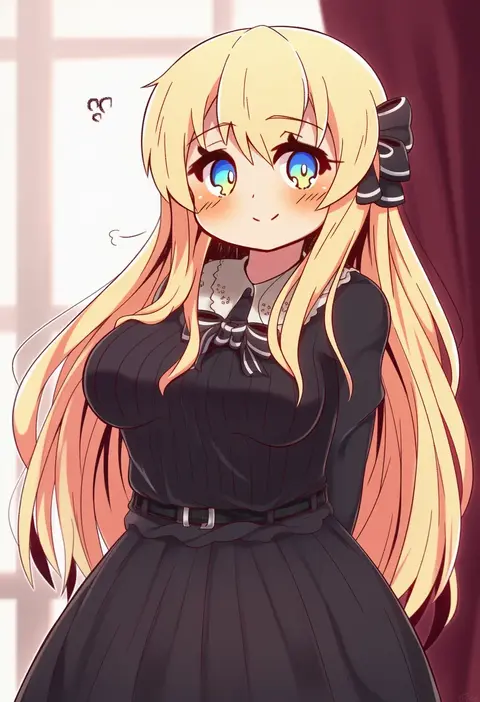
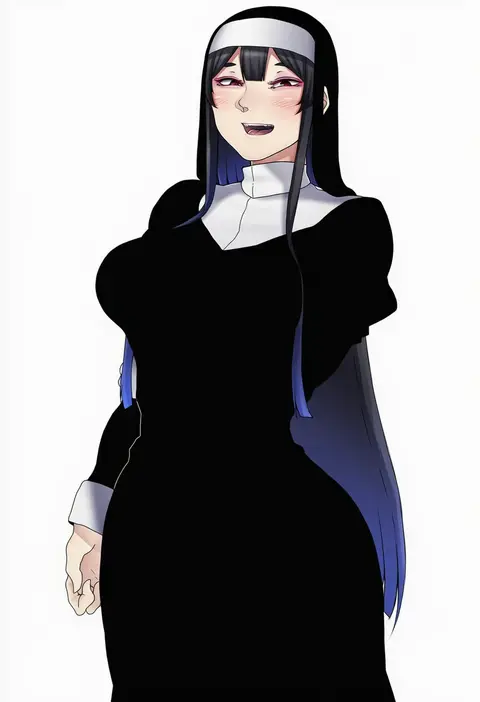
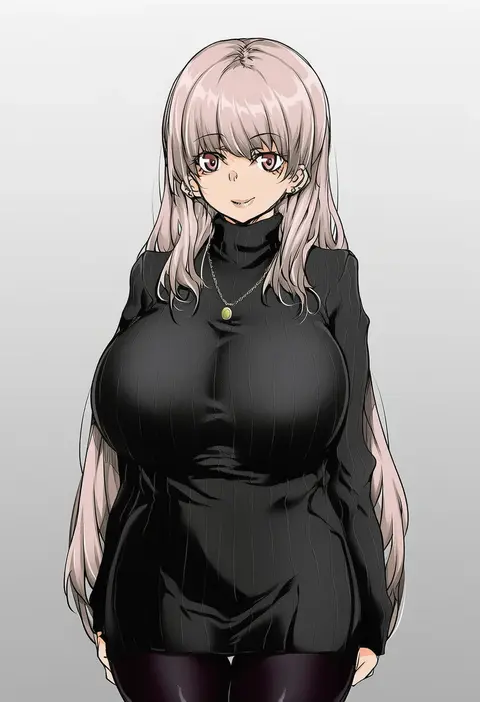
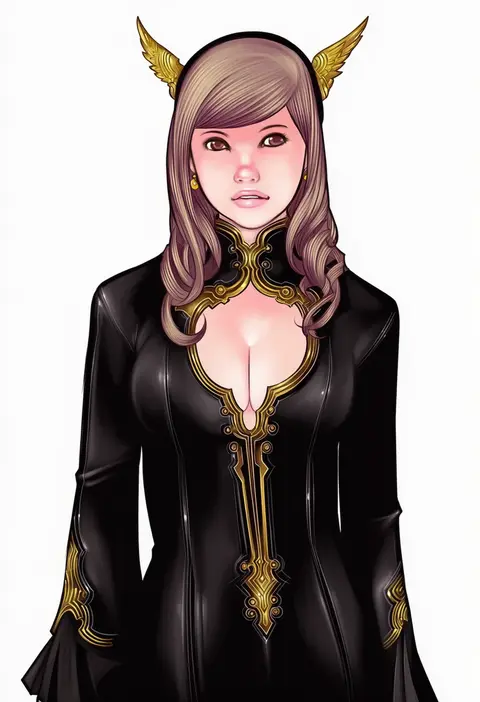
Every tag listed here is verified to react in NovelAI. All images use the same prompt, seed and settings with only the artist tag swapped, so the difference between two images is the style that tag brings in.

How to use them

Put the artist tag near the front of the prompt, e.g. "<artist>, 1girl, solo, best quality, masterpiece, cowboy shot". Two or three artist tags blend styles; lower the weight with "0.8::<artist>::" when the style overpowers the character.

SCORE sorts by Danbooru's top score, POSTS by post count, FAVS by hearts on this site. Open a card to see V5 and V4.5 side by side on the same seed.

V5 vs V4.5

V5 usually lands closer to the artist's real style, and tags that did nothing on V4.5 often react on V5. V4.5 still fits older and doujin-heavy artists better. Try V5 first, fall back to V4.5.

FAQ

Where does the artist tag go?
Near the front of the prompt. Use "0.8::tag::" to adjust its weight.

Can I stack artist tags?
Yes, styles blend. Past two or three the result stops looking like anyone.

Are these the artists' own works?
No. Every image is a NovelAI sample generated from the tag.