V4.5Artists
sort: FAVS▾
▾
>
$

Popular NovelAI artist tags — V4.5

artist --count 16,352[205/273]
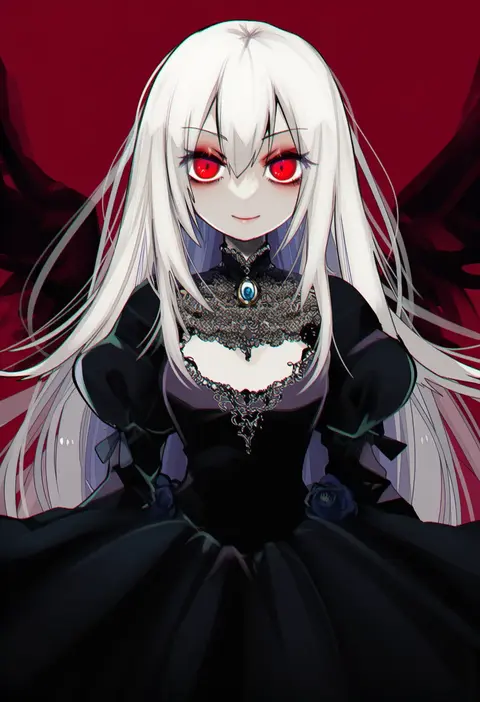
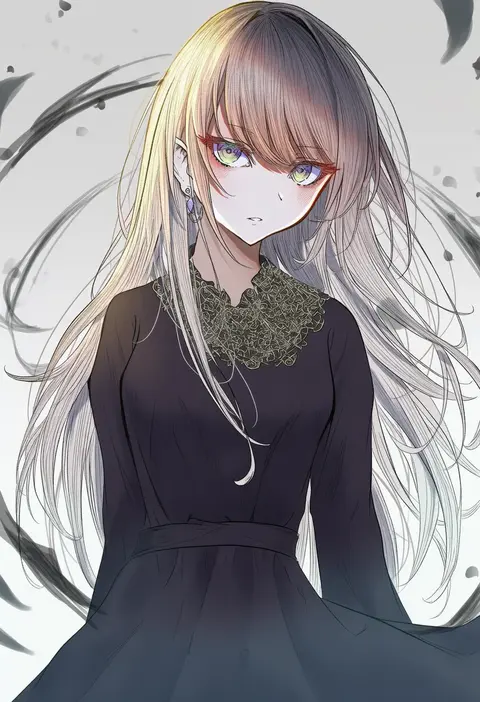
fua yuu
ARTIST0x2FD0
0
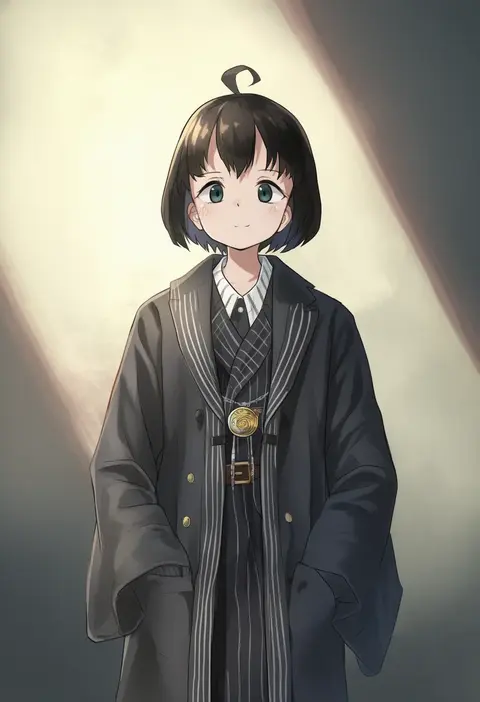
hegata (hegatia lapis)
ARTIST0x2FD1
0
ari hinoko
ARTIST0x2FD2
0
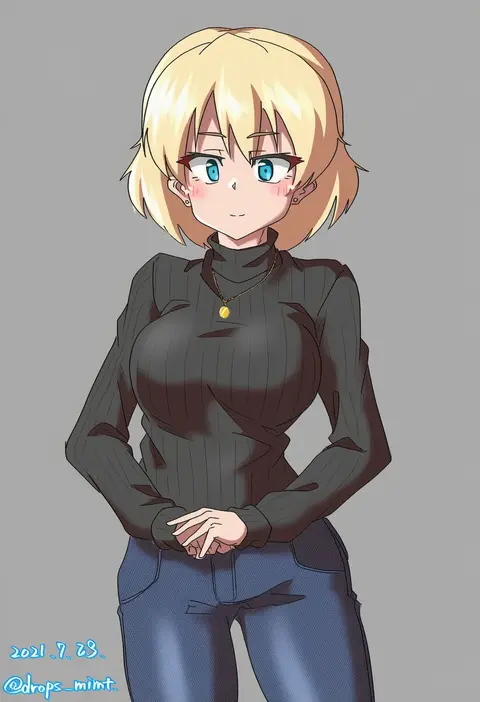
drops mint
ARTIST0x2FD3
0
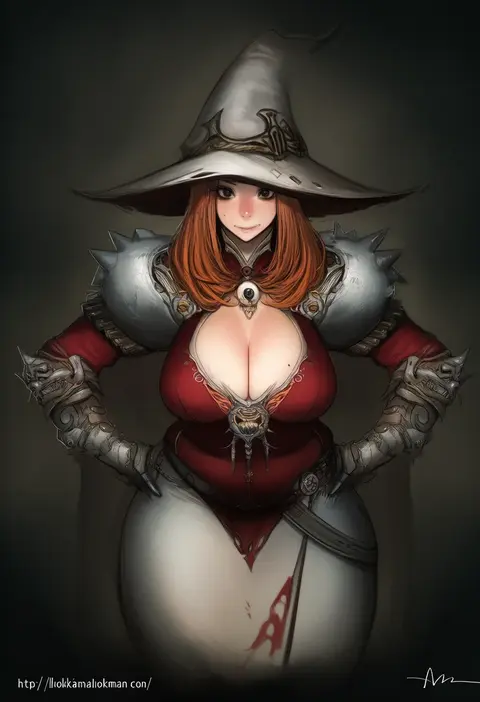
lokman lam
ARTIST0x2FD4
0
nomayo
ARTIST0x2FD5
0
xibu cai
ARTIST0x2FD6
0
fori
ARTIST0x2FD7
0
horoyuki (gumizoku)
ARTIST0x2FD8
0
kyouno aki
ARTIST0x2FD9
0
amakusa setoka
ARTIST0x2FDA
0
lim jaejin
ARTIST0x2FDB
0
fhang
ARTIST0x2FDC
0
fura
ARTIST0x2FDD
0
heichi
ARTIST0x2FDE
0
oskar vega
ARTIST0x2FDF
0
hamilundenongdizhe
ARTIST0x2FE0
0
mameyanagi
ARTIST0x2FE1
0
risyo
ARTIST0x2FE2
0
makuwauri
ARTIST0x2FE3
0
diesel-turbo
ARTIST0x2FE4
0
haniwa (leaf garden)
ARTIST0x2FE5
0
karamoneeze
ARTIST0x2FE6
0
amano chiharu
ARTIST0x2FE7
0
kinfuji
ARTIST0x2FE8
0
wangchuan de quanyan
ARTIST0x2FE9
0
noeyebrow (mauve)
ARTIST0x2FEA
0
jiino
ARTIST0x2FEB
0
beritabo
ARTIST0x2FEC
0
r-king
ARTIST0x2FED
0
noi mine
ARTIST0x2FEE
0
shigunyan
ARTIST0x2FEF
0
fujiyama ichiha
ARTIST0x2FF0
0
hi (ibisf5umauma)
ARTIST0x2FF1
0
jenevan
ARTIST0x2FF2
0
kim yura (goddess mechanic)
ARTIST0x2FF3
0
ibara riato
ARTIST0x2FF4
0
mizuamememe
ARTIST0x2FF5
0
emerane
ARTIST0x2FF6
0
mikan (5555)
ARTIST0x2FF7
0
keishin
ARTIST0x2FF8
0
eiku
ARTIST0x2FF9
0
gedou (ge ge gedou)
ARTIST0x2FFA
0
kayama kenji
ARTIST0x2FFB
0
kotobukkii (yt lvlv)
ARTIST0x2FFC
0
kukimaru
ARTIST0x2FFD
0
ebira
ARTIST0x2FFE
0
takano itsuki
ARTIST0x2FFF
0
shiba yuuji
ARTIST0x3000
0
kaginoni
ARTIST0x3001
0
taniguchi jun'ichirou
ARTIST0x3002
0
tenkuu sphere
ARTIST0x3003
0
ekm
ARTIST0x3004
0
sakurabe notos
ARTIST0x3005
0
momoko (palemon)
ARTIST0x3006
0
hoyon
ARTIST0x3007
0
tsukasa (tukasa br)
ARTIST0x3008
0
azure meraki
ARTIST0x3009
0
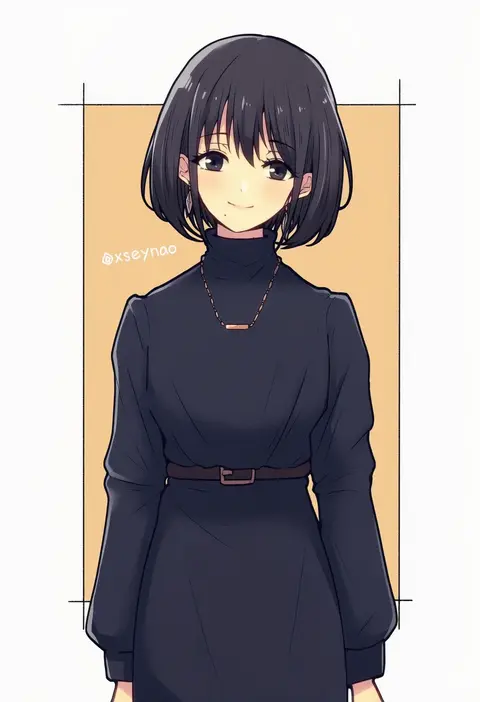
mochimochi (xseynao)
ARTIST0x300A
0
shizuki michiru
ARTIST0x300B
0

What these tags change

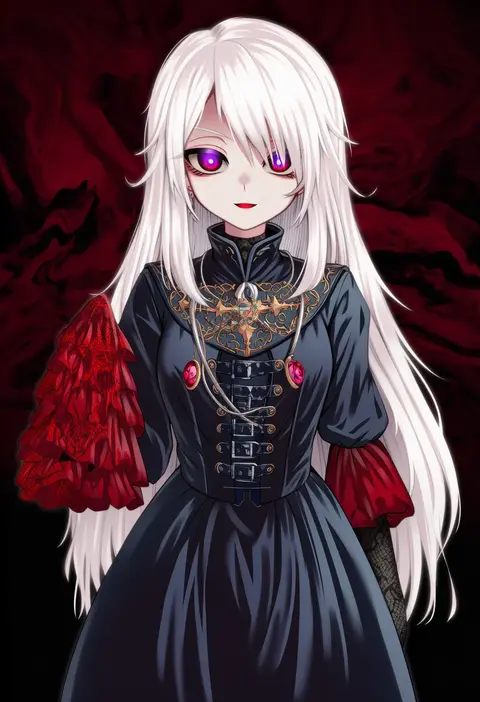
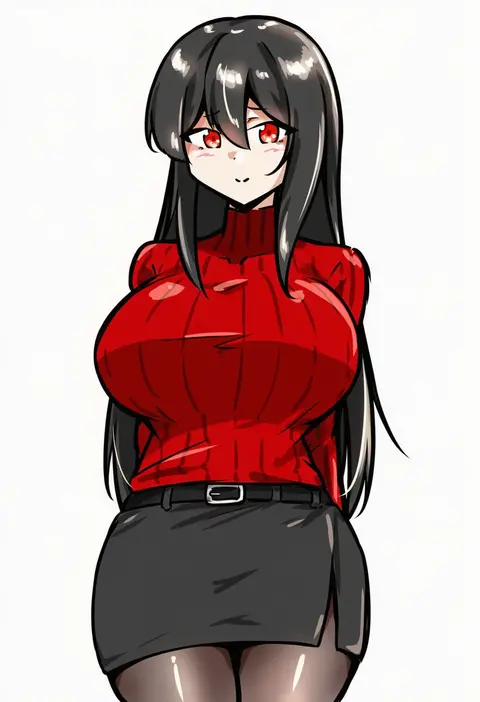
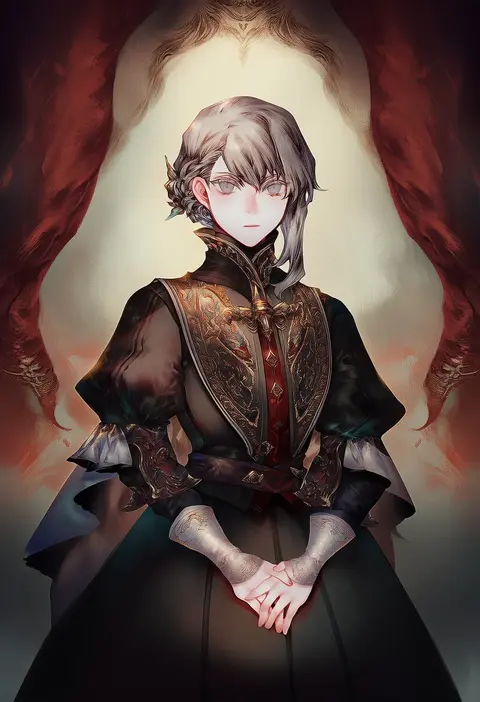
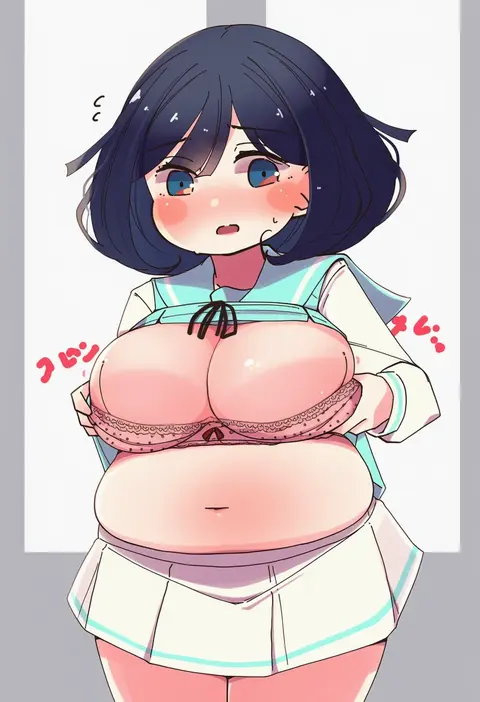
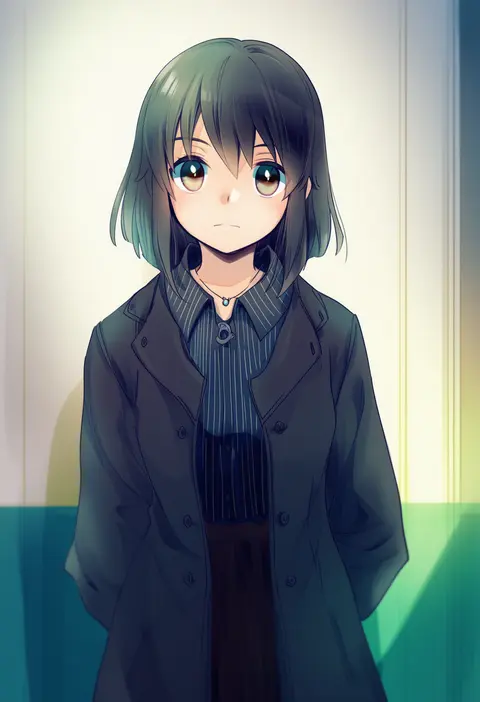
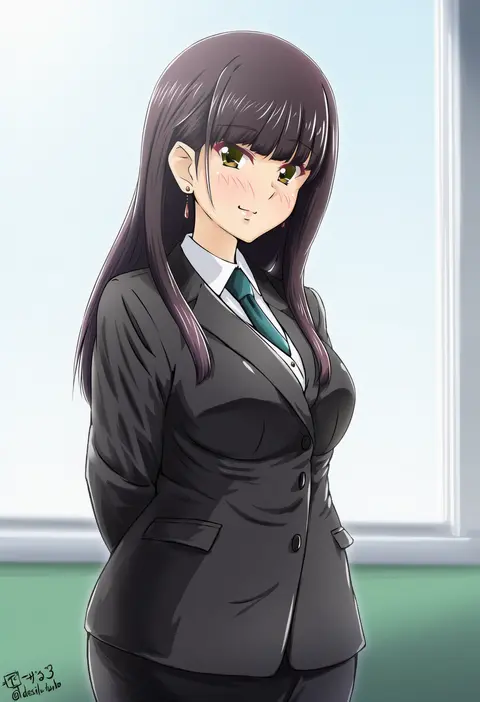
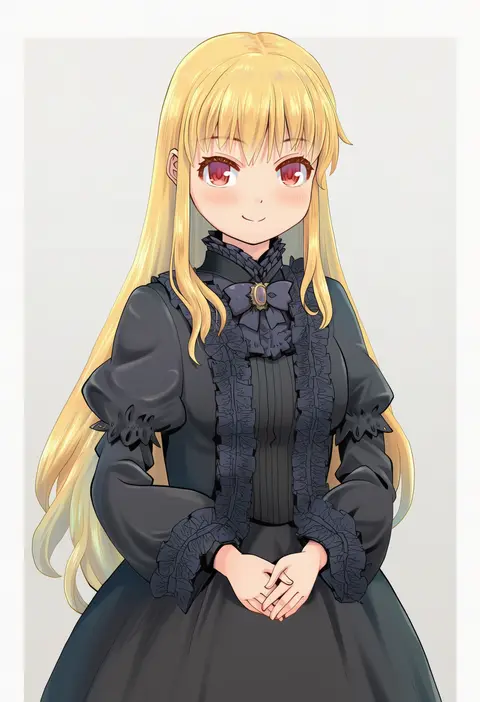
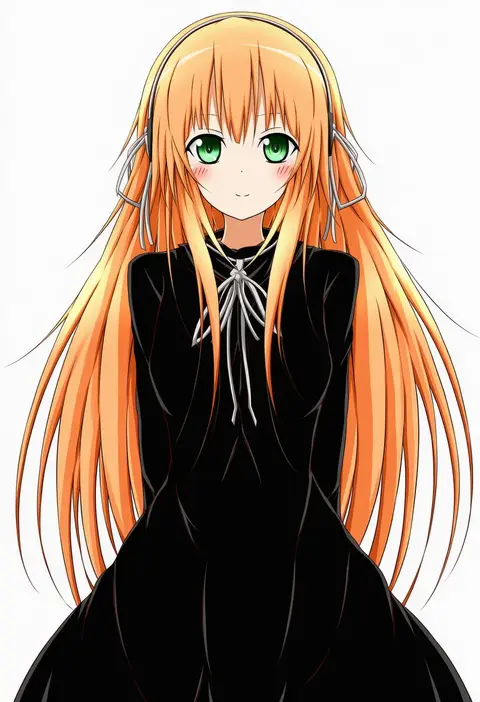
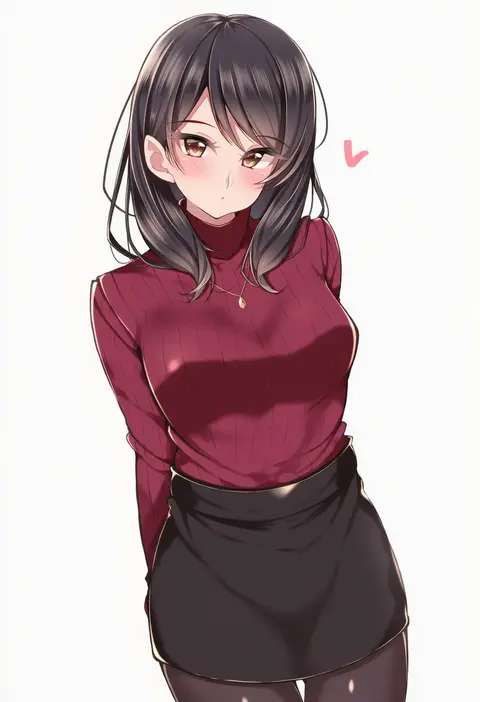
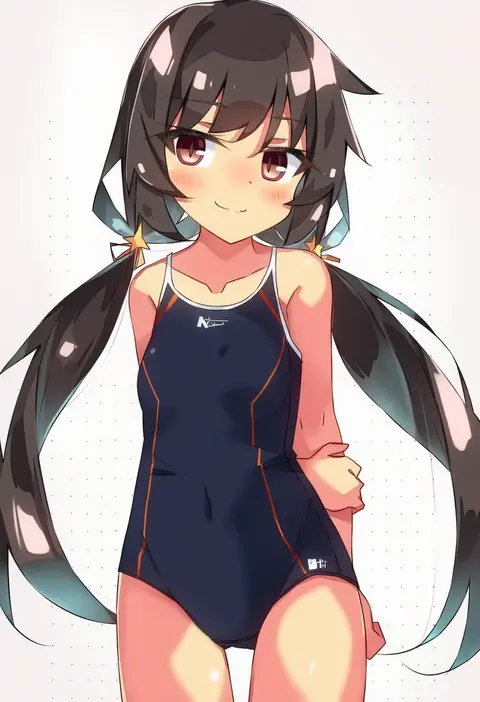
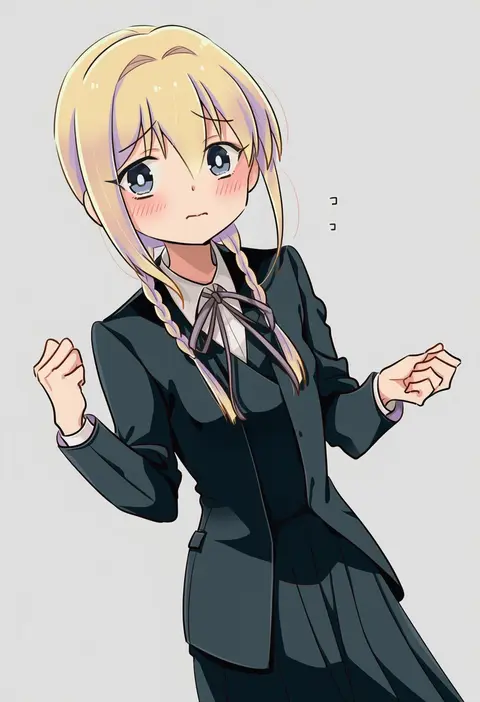
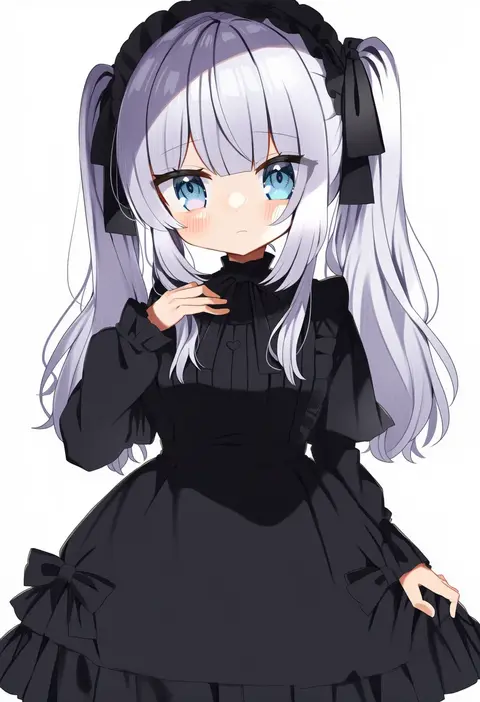
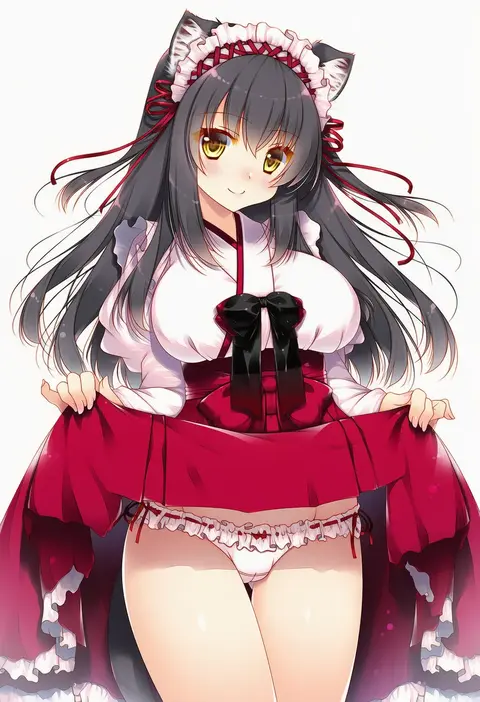
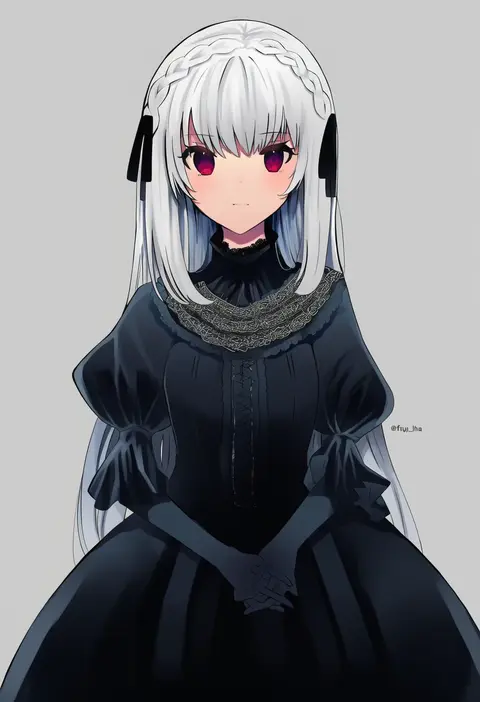
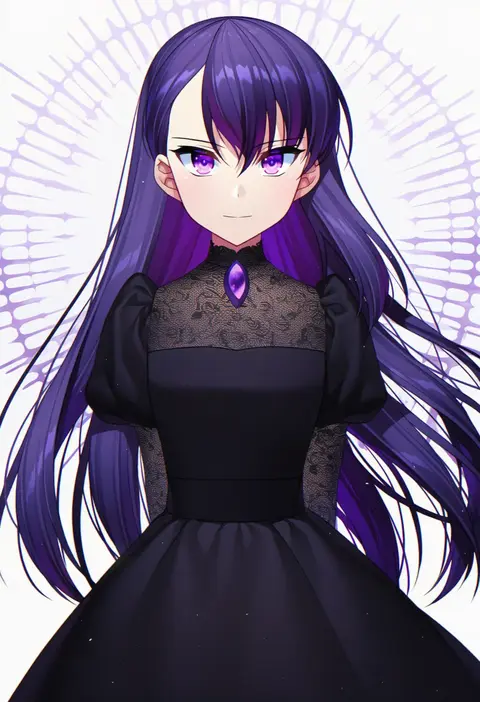
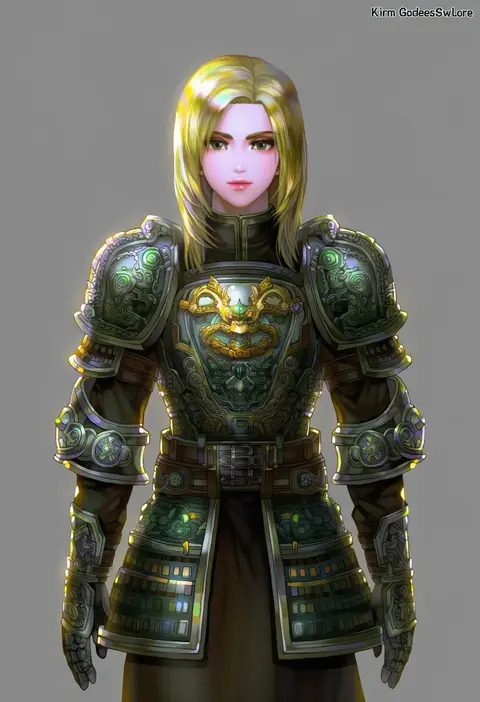
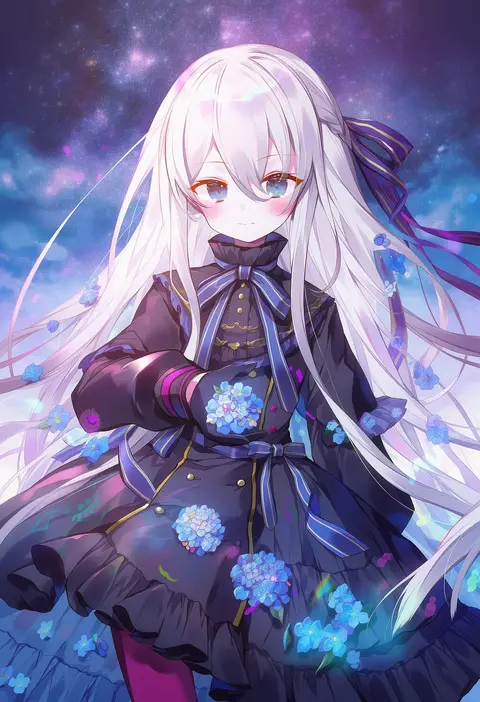
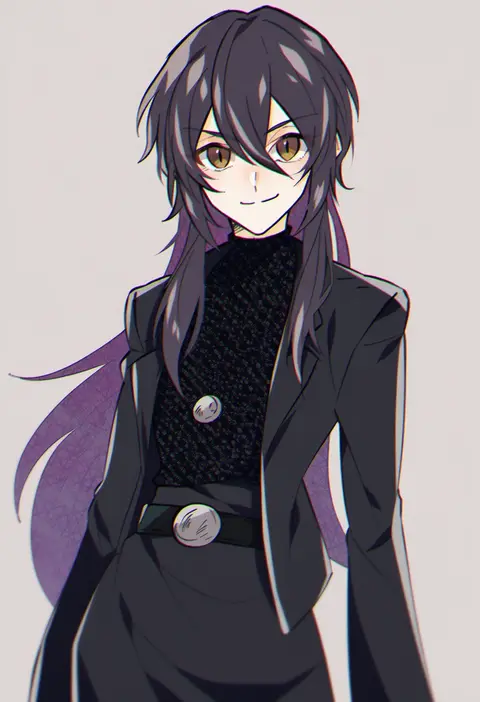
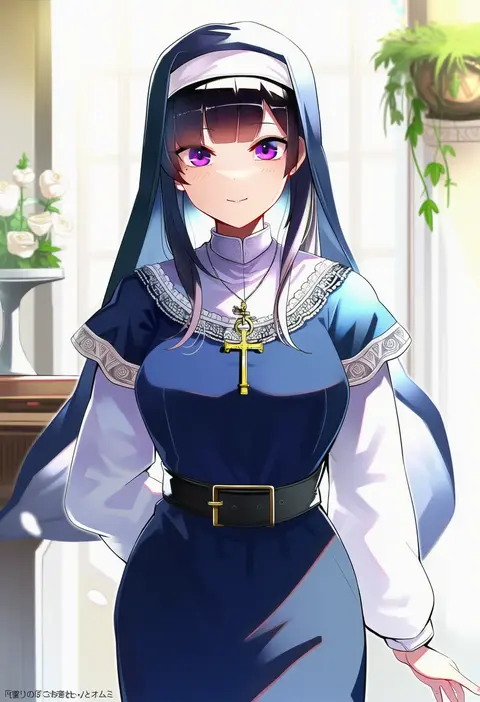
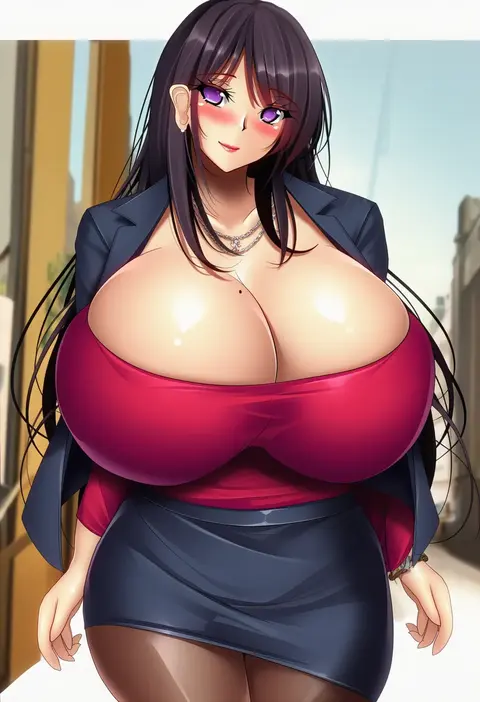
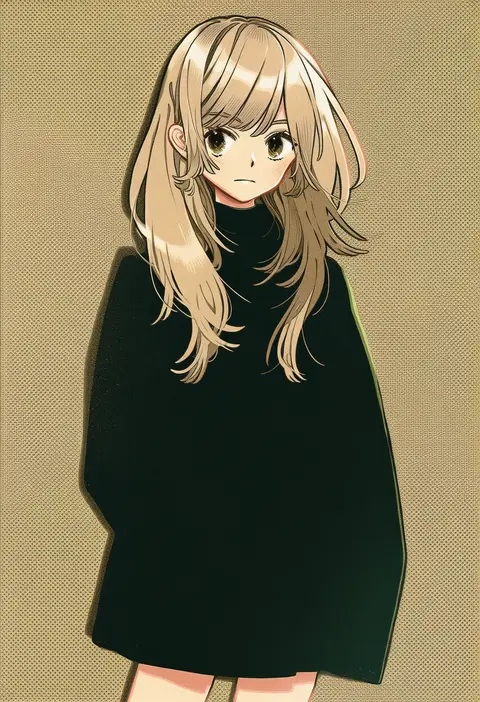
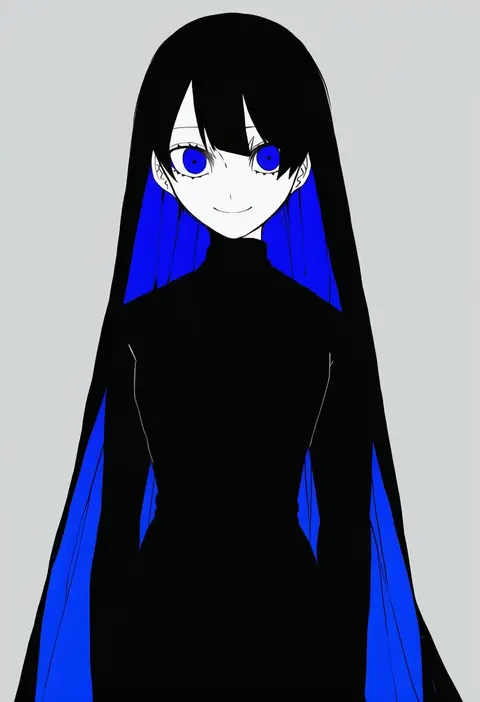
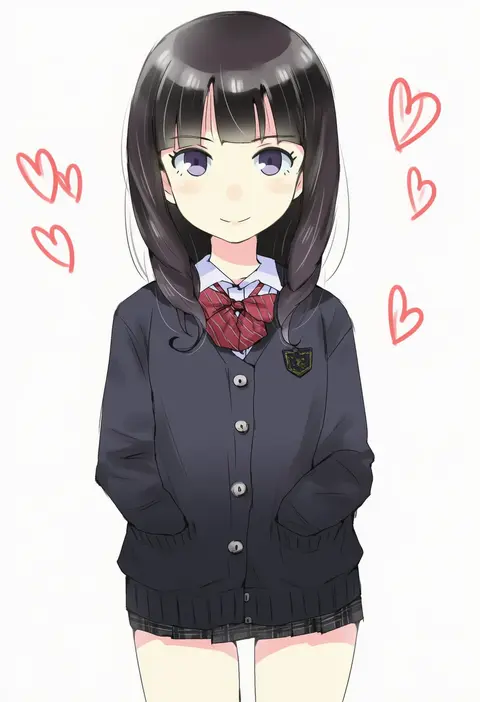
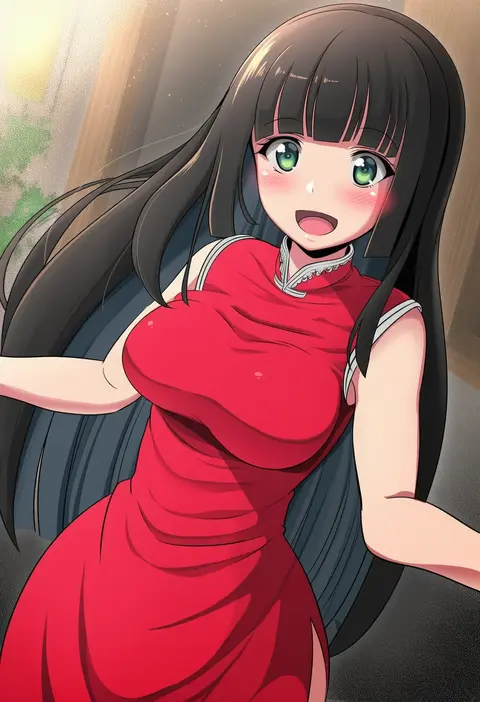
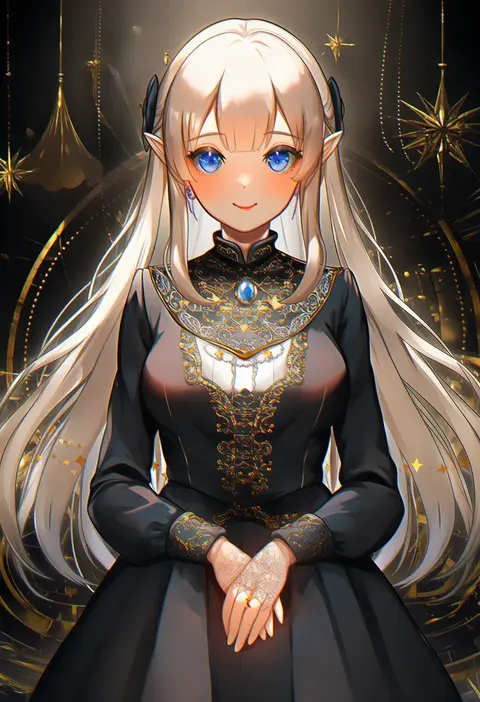
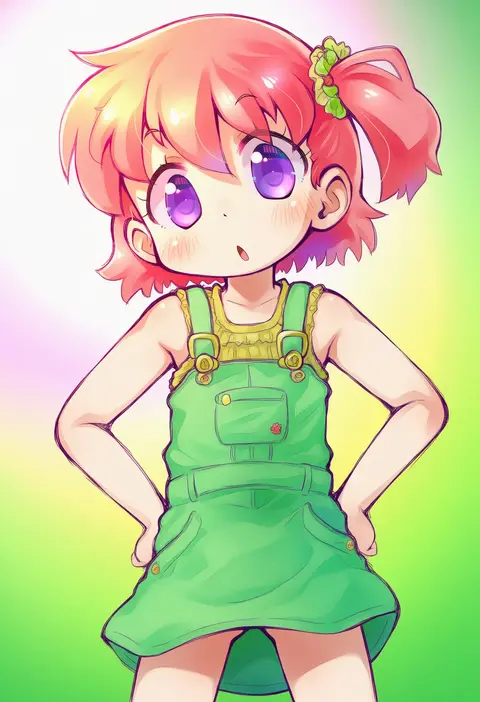
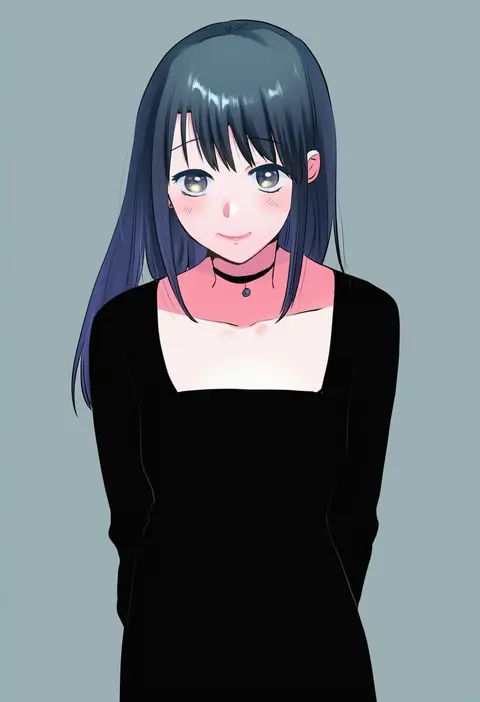
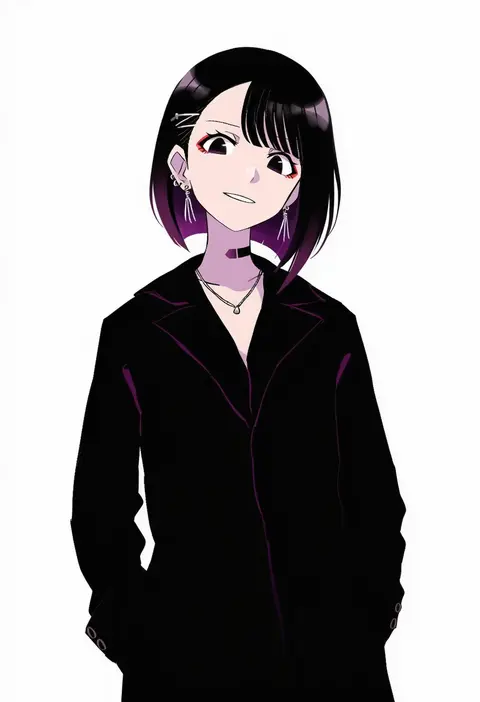
Artist tags tell NovelAI Diffusion to draw in a specific artist's style: line weight, paint texture, face shapes and palette all shift at once. Character and outfit tags decide what is drawn; artist tags decide how. 16,352 tags are listed for V4.5.
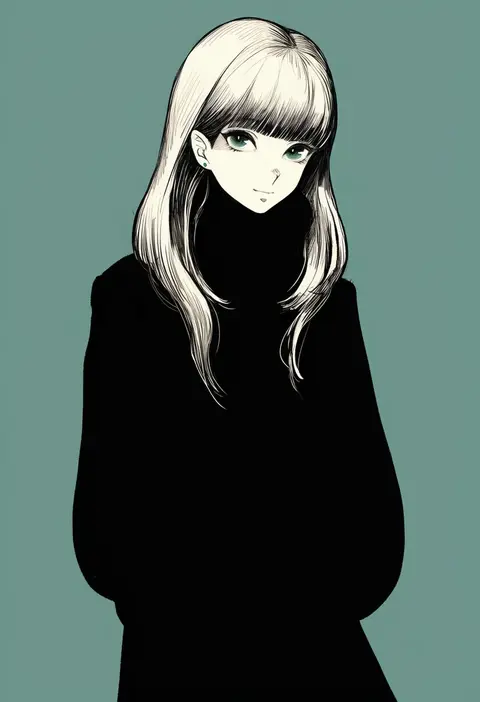
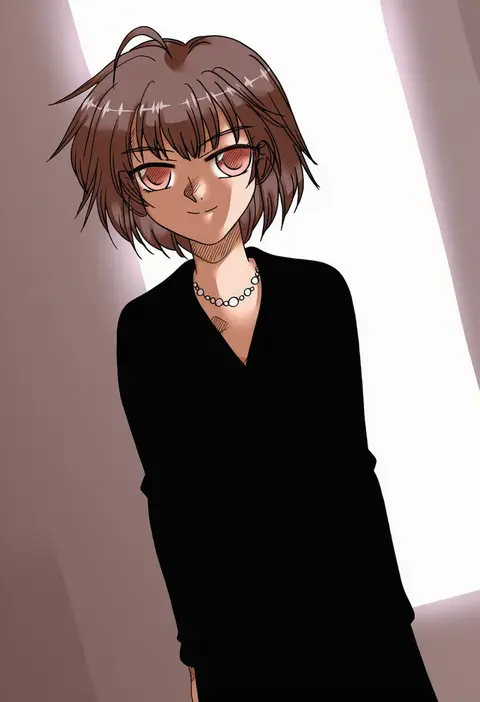
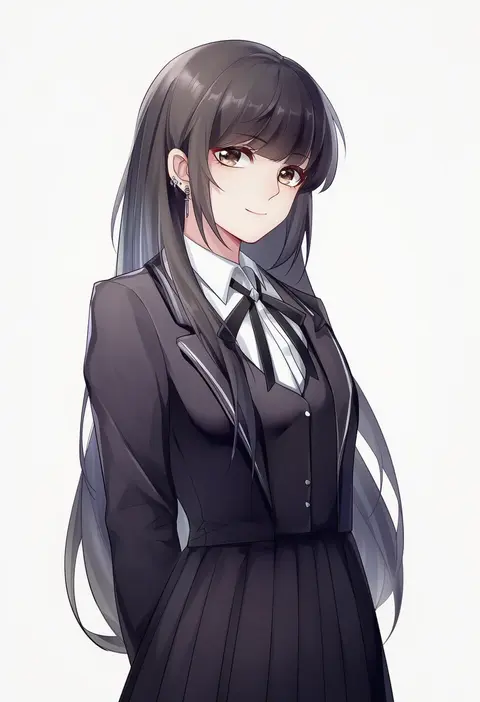
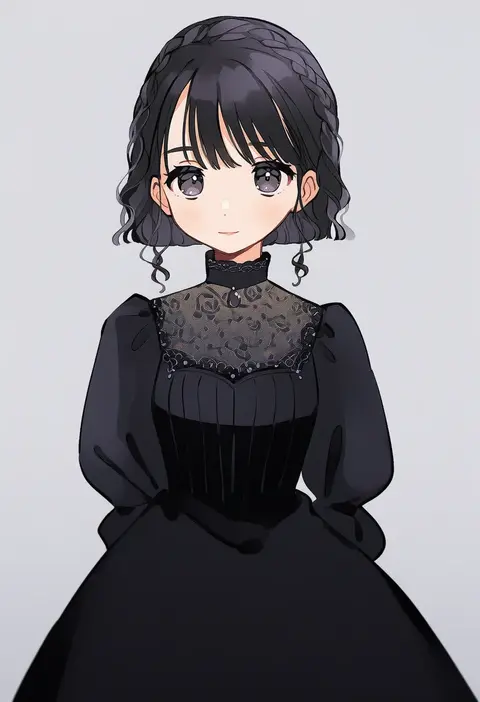
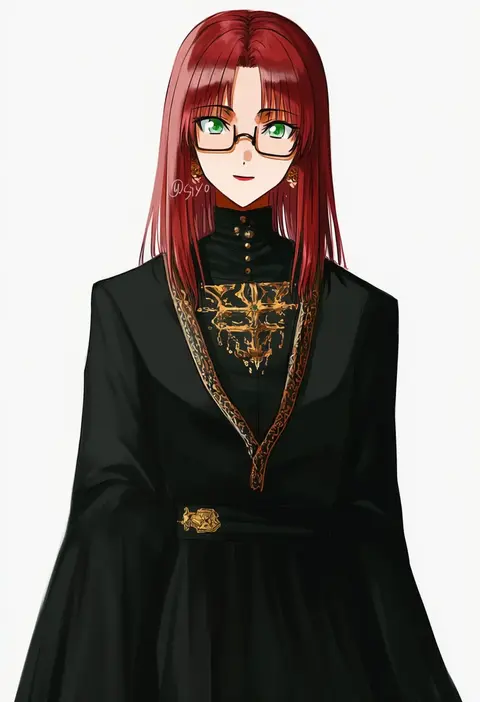
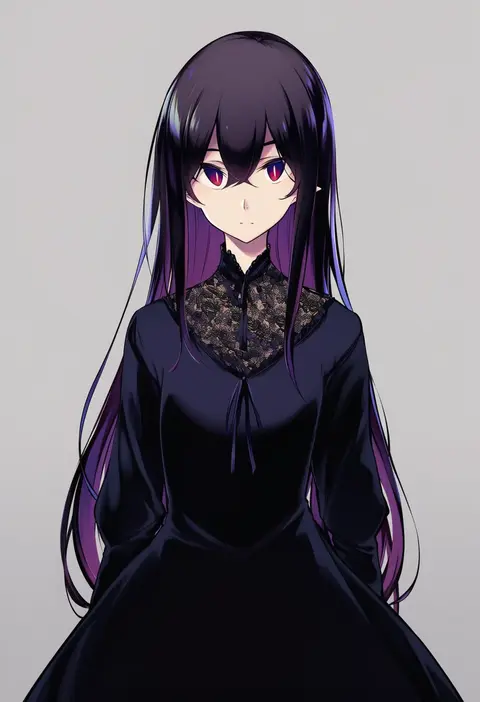
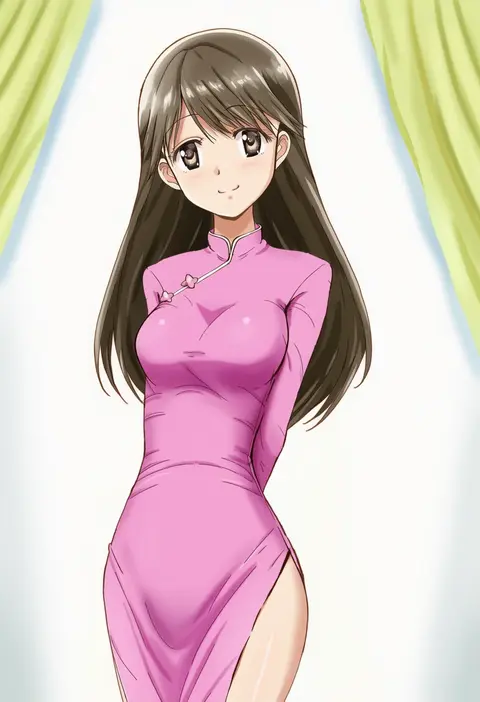
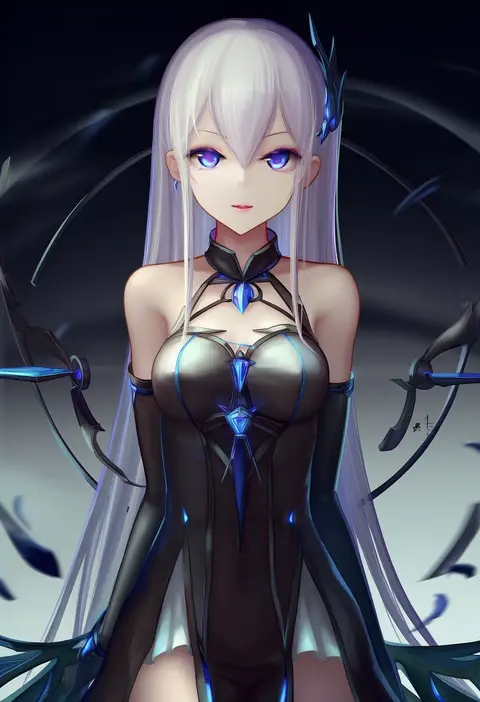
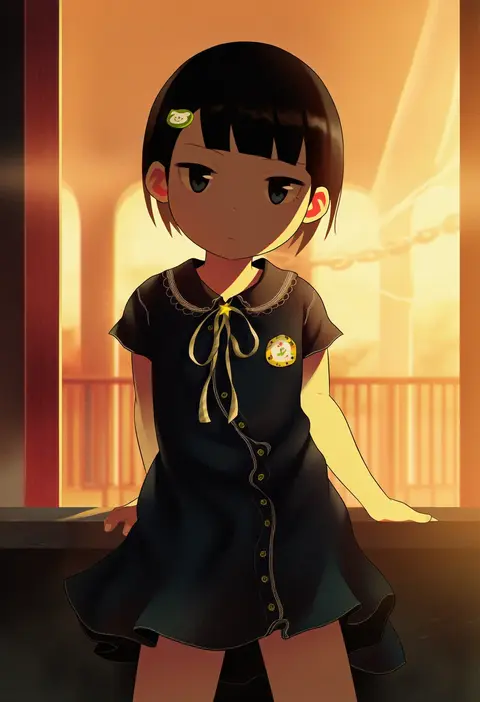
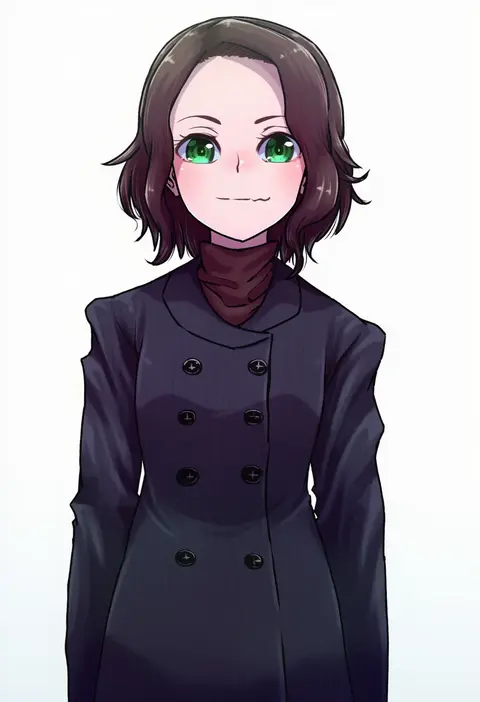
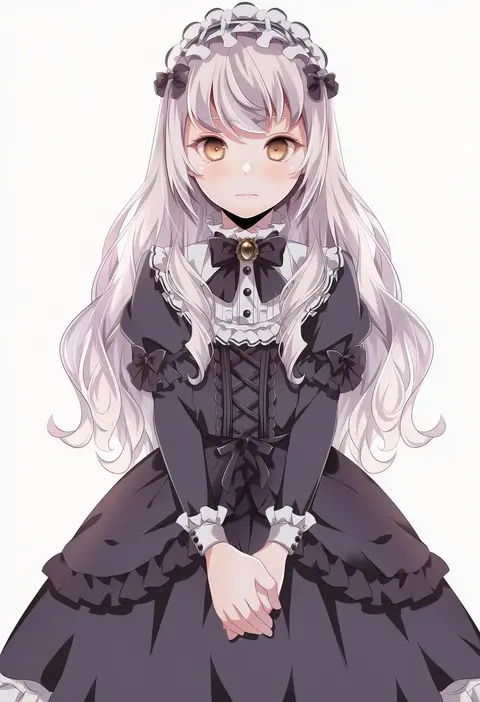
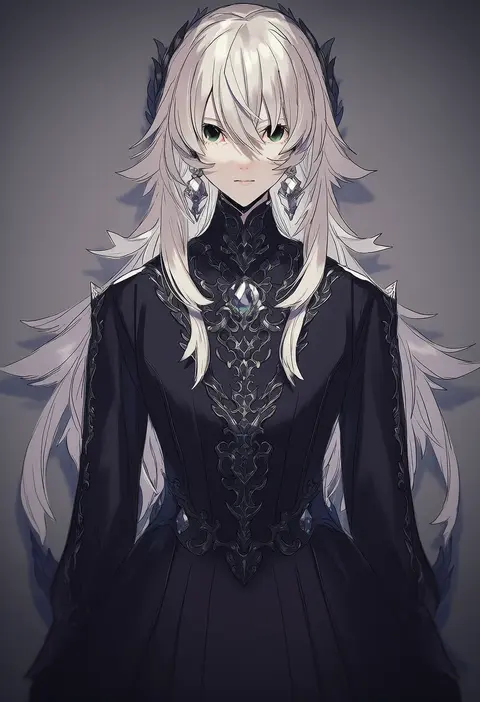
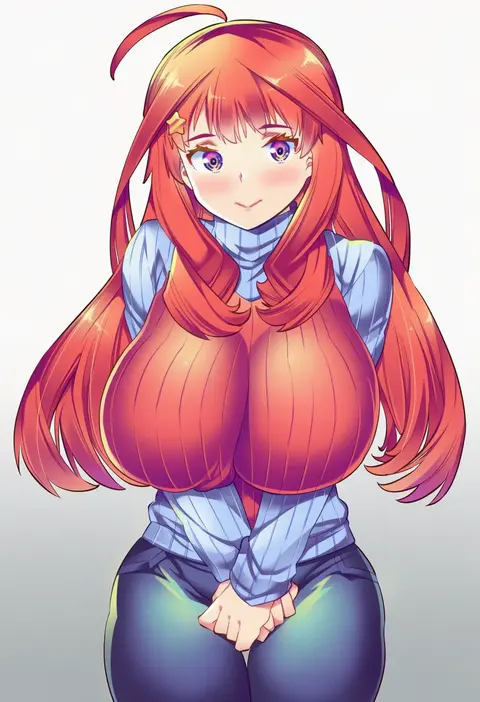
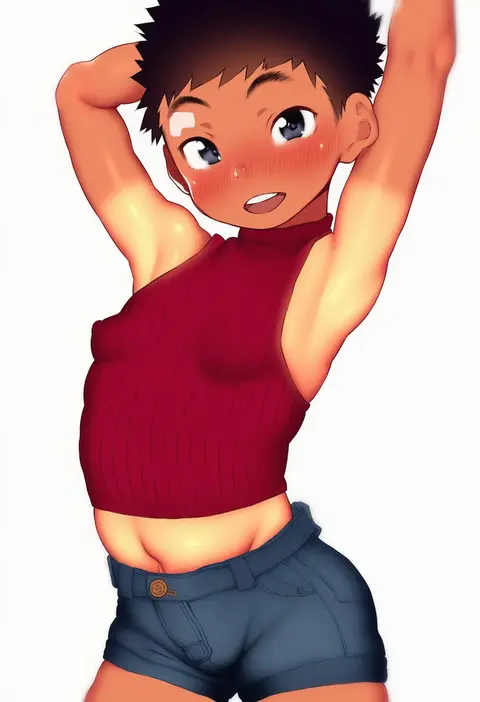
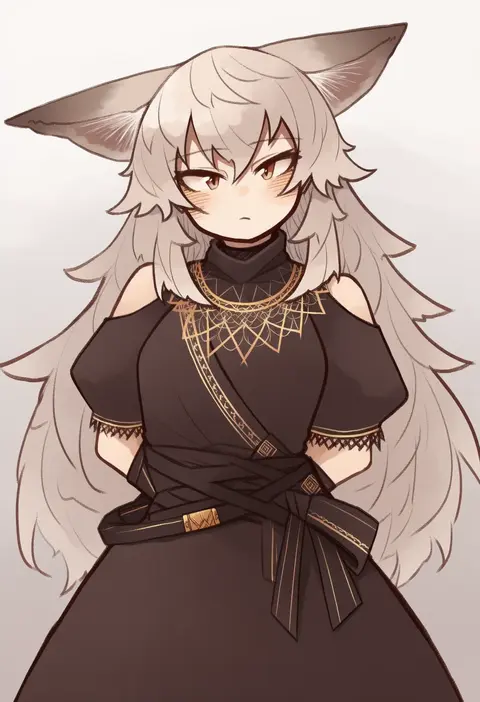
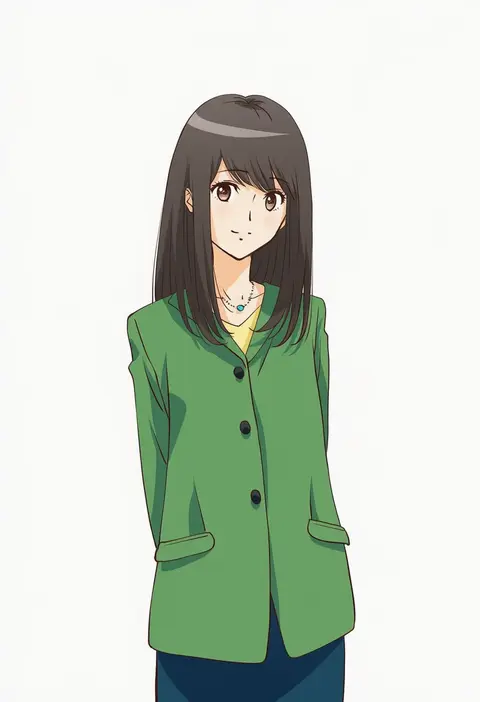
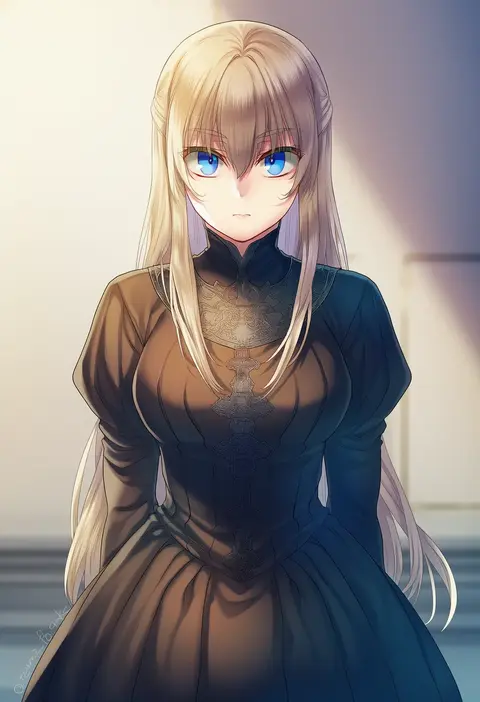
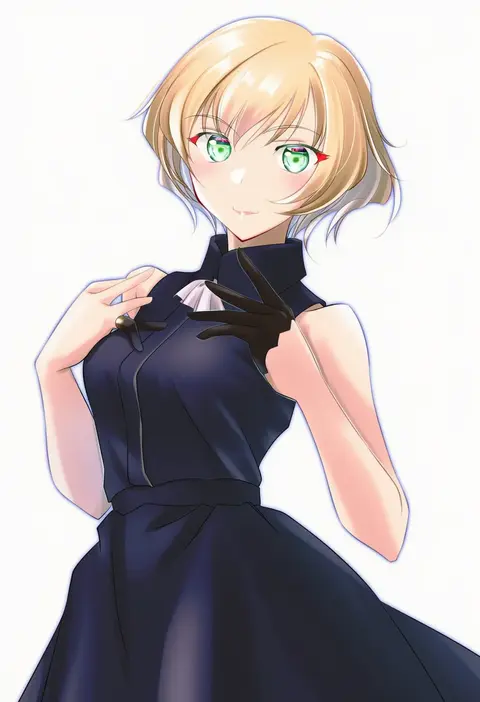
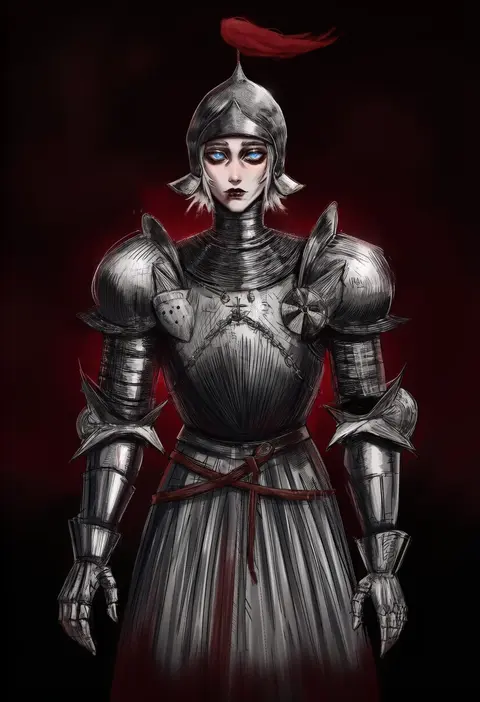
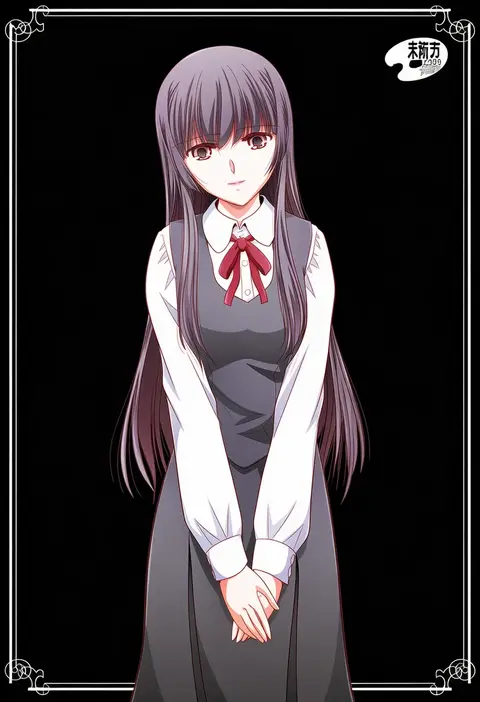
Every tag listed here is verified to react in NovelAI. All images use the same prompt, seed and settings with only the artist tag swapped, so the difference between two images is the style that tag brings in.

How to use them

Put the artist tag near the front of the prompt, e.g. "<artist>, 1girl, solo, best quality, masterpiece, cowboy shot". Two or three artist tags blend styles; lower the weight with "0.8::<artist>::" when the style overpowers the character.

SCORE sorts by Danbooru's top score, POSTS by post count, FAVS by hearts on this site. Open a card to see V5 and V4.5 side by side on the same seed.

V5 vs V4.5

V5 usually lands closer to the artist's real style, and tags that did nothing on V4.5 often react on V5. V4.5 still fits older and doujin-heavy artists better. Try V5 first, fall back to V4.5.

FAQ

Where does the artist tag go?
Near the front of the prompt. Use "0.8::tag::" to adjust its weight.

Can I stack artist tags?
Yes, styles blend. Past two or three the result stops looking like anyone.

Are these the artists' own works?
No. Every image is a NovelAI sample generated from the tag.