V4.5Artists
sort: FAVS▾
▾
>
$

Popular NovelAI artist tags — V4.5

artist --count 16,352[196/273]
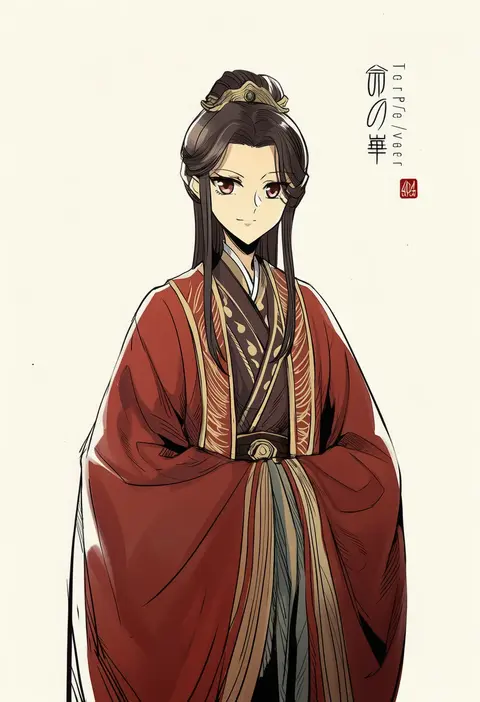
zerocastle
ARTIST0x2DB4
0
jacknavy
ARTIST0x2DB5
0
pillow (nutsfool)
ARTIST0x2DB6
0
arykei
ARTIST0x2DB7
0
azmodan
ARTIST0x2DB8
0
sudou noboru
ARTIST0x2DB9
0
big o pants
ARTIST0x2DBA
0
kurobikari
ARTIST0x2DBB
0
border0715
ARTIST0x2DBC
0
tazuma (u283)
ARTIST0x2DBD
0
irodori warabi
ARTIST0x2DBE
0
setona (daice)
ARTIST0x2DBF
0
hyurisaki
ARTIST0x2DC0
0
inaba shiki
ARTIST0x2DC1
0
you (noanoamoemoe)
ARTIST0x2DC2
0
ayato
ARTIST0x2DC3
0
kalmahul
ARTIST0x2DC4
0
fyuo
ARTIST0x2DC5
0
umino mokuzu (shizumisou)
ARTIST0x2DC6
0
kozou (soumuden)
ARTIST0x2DC7
0
nightcat
ARTIST0x2DC8
0
rikumaru
ARTIST0x2DC9
0
tenrai
ARTIST0x2DCA
0
torako (toramaru)
ARTIST0x2DCB
0
tamamon
ARTIST0x2DCC
0
tanasuke
ARTIST0x2DCD
0
maxa'
ARTIST0x2DCE
0
inishie
ARTIST0x2DCF
0
miso katsu
ARTIST0x2DD0
0
ors anime renders
ARTIST0x2DD1
0
tocky
ARTIST0x2DD2
0
umihio
ARTIST0x2DD3
0
jacy
ARTIST0x2DD4
0
kasashi (kasasi008)
ARTIST0x2DD5
0
villyane
ARTIST0x2DD6
0
kavka
ARTIST0x2DD7
0
murasaki iro
ARTIST0x2DD8
0
sapphire (sapphire25252)
ARTIST0x2DD9
0
wakaba sprout
ARTIST0x2DDA
0
u2 (5798239)
ARTIST0x2DDB
0
ran (bukeranwu)
ARTIST0x2DDC
0
non (wednesday-classic)
ARTIST0x2DDD
0
yui (niikyouzou)
ARTIST0x2DDE
0
cinkai
ARTIST0x2DDF
0
mutsuki riichi
ARTIST0x2DE0
0
psyche3313
ARTIST0x2DE1
0
asimo953
ARTIST0x2DE2
0
tatsumi (psmhbpiuczn)
ARTIST0x2DE3
0
etou (cherry7)
ARTIST0x2DE4
0
amimi
ARTIST0x2DE5
0
hisakata souji
ARTIST0x2DE6
0
nanonin
ARTIST0x2DE7
0
tsukimi (xiaohuasan)
ARTIST0x2DE8
0
suikaels
ARTIST0x2DE9
0
eva 16-gouki
ARTIST0x2DEA
0
kaburagi yuki
ARTIST0x2DEB
0
watashiya kaworu
ARTIST0x2DEC
0
zygocactus
ARTIST0x2DED
0
nendo23
ARTIST0x2DEE
0
ssn (sasa8u9r)
ARTIST0x2DEF
0

What these tags change

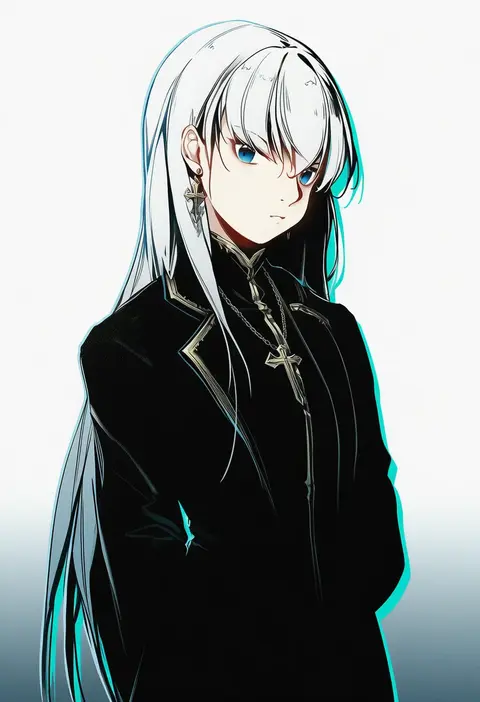
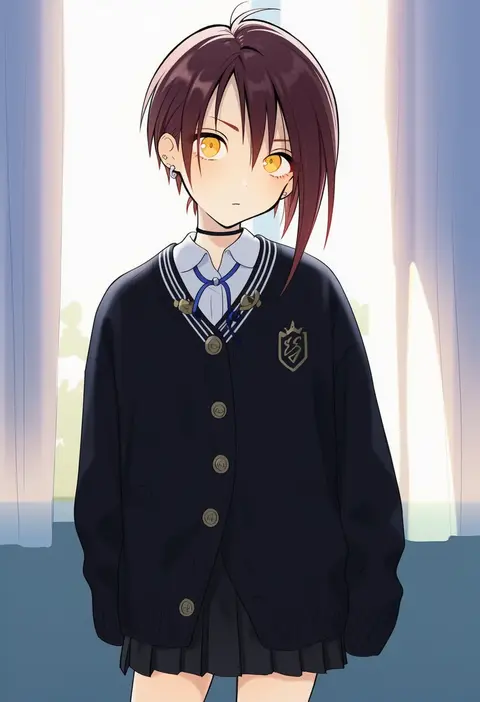
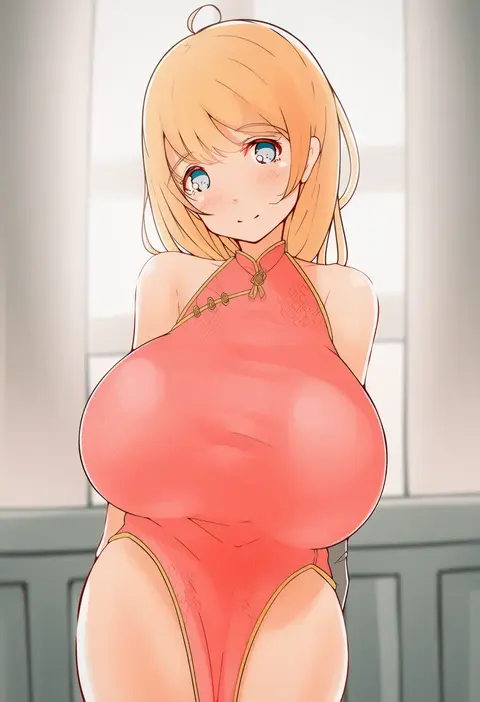
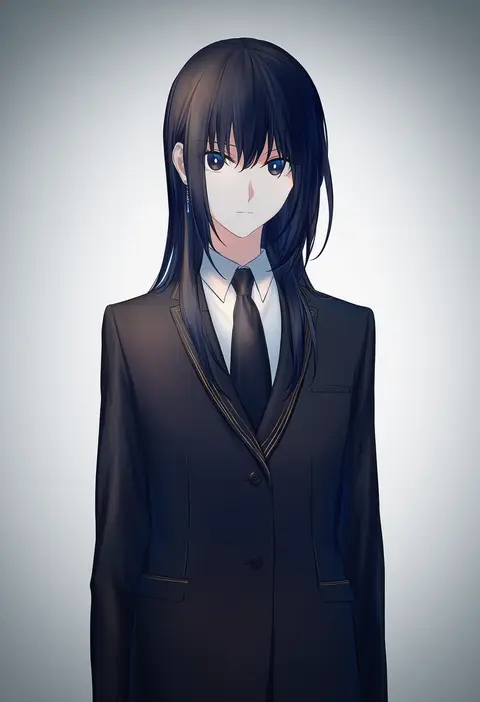
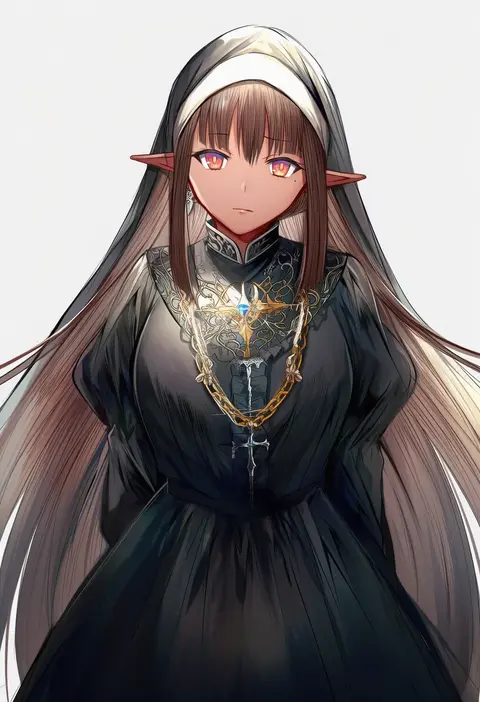
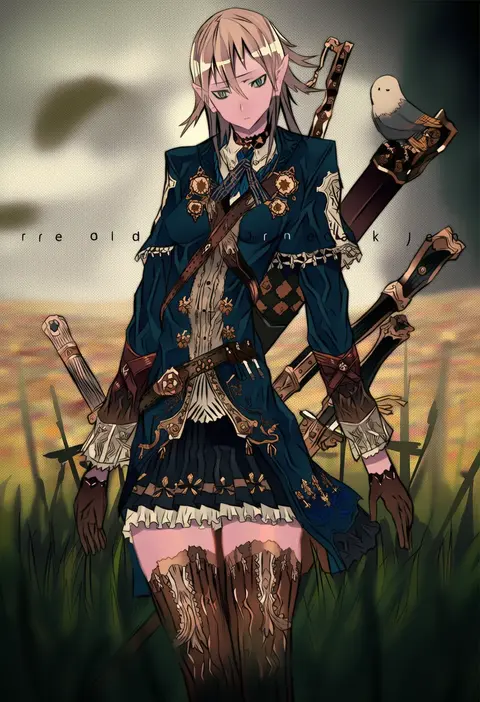
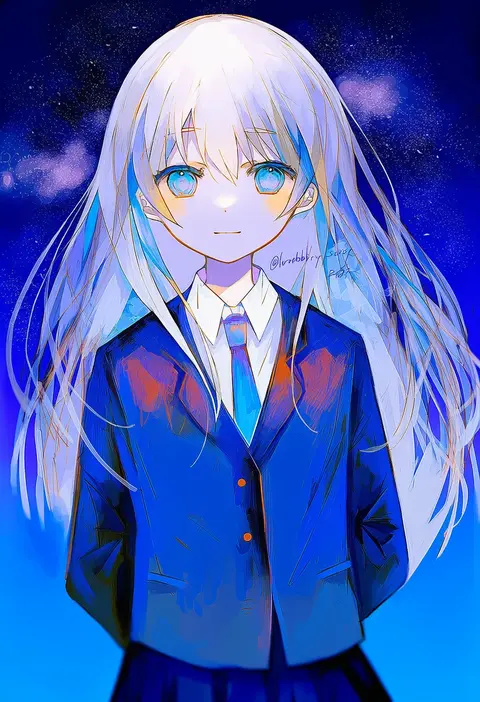
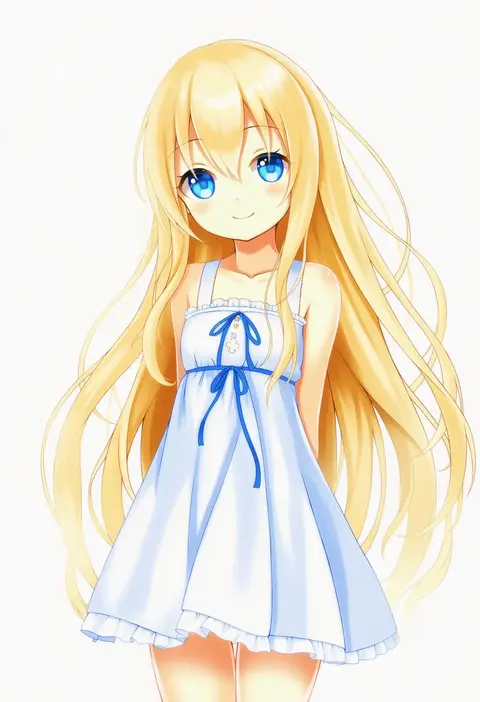
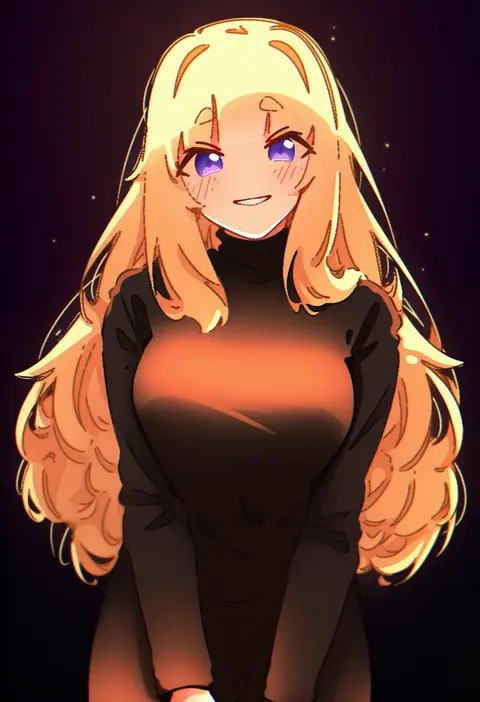
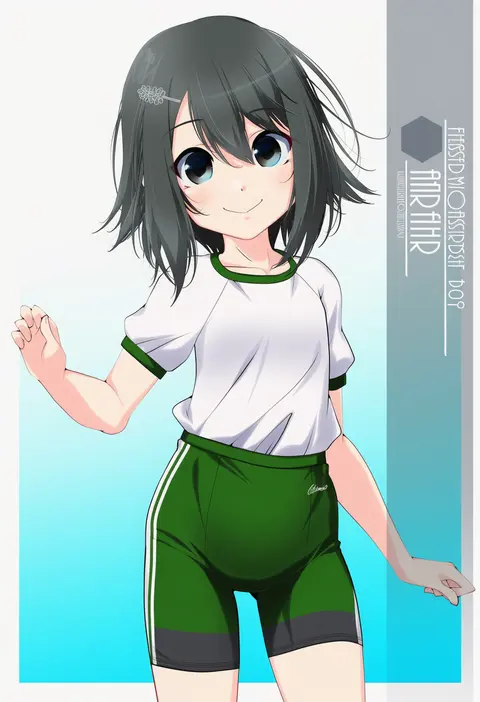
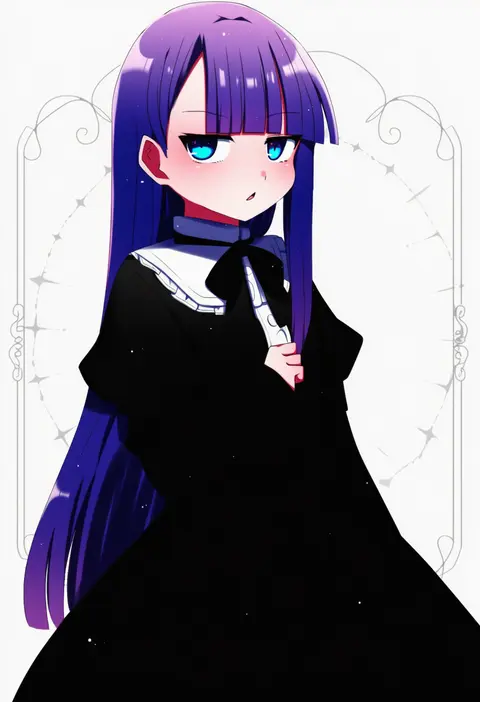
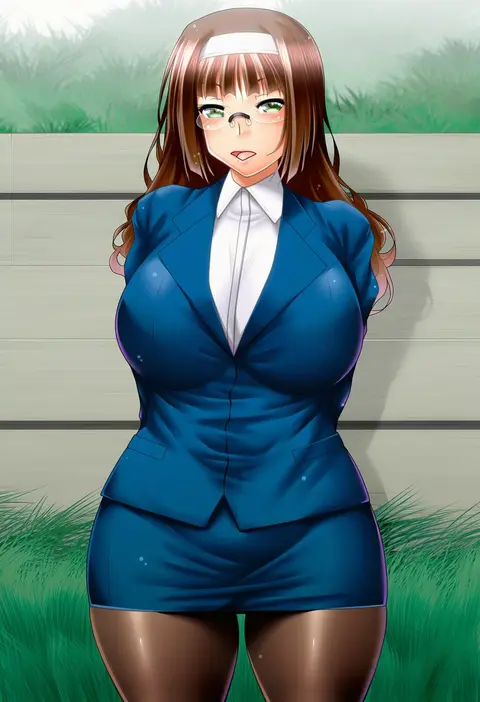
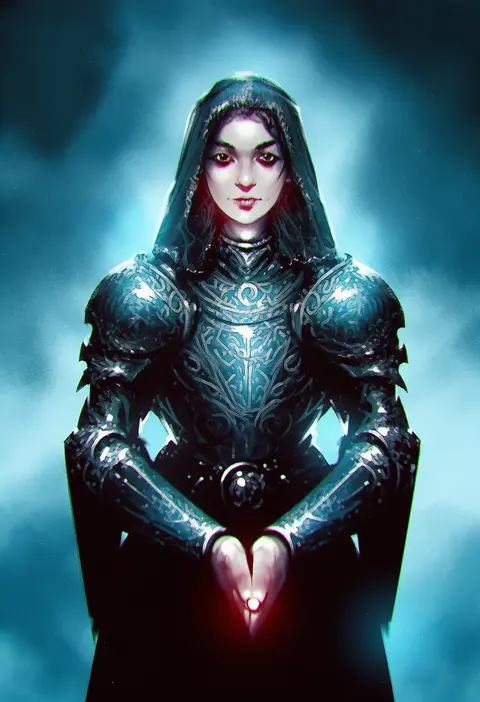
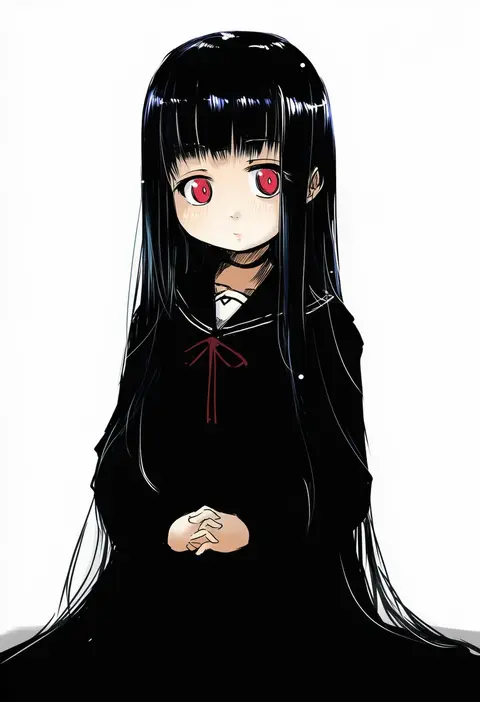
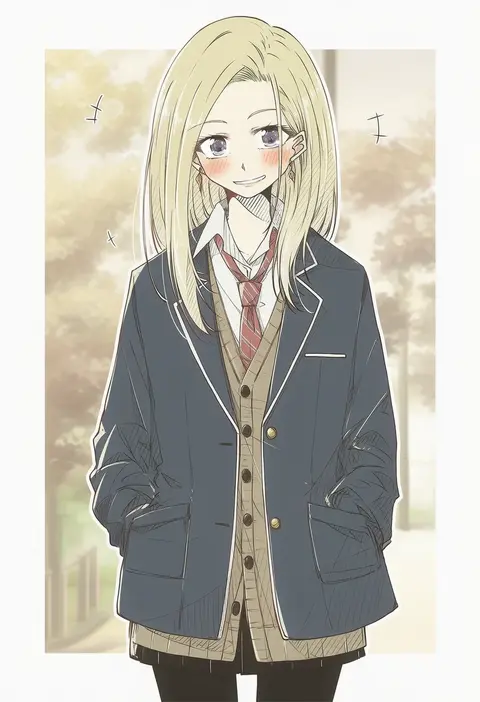
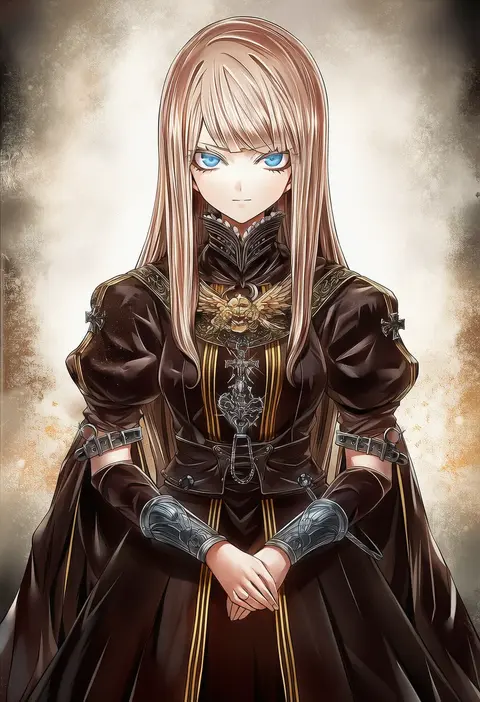
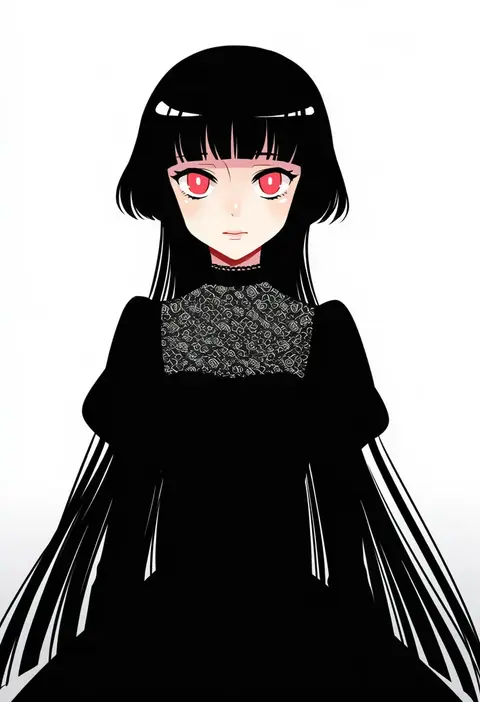
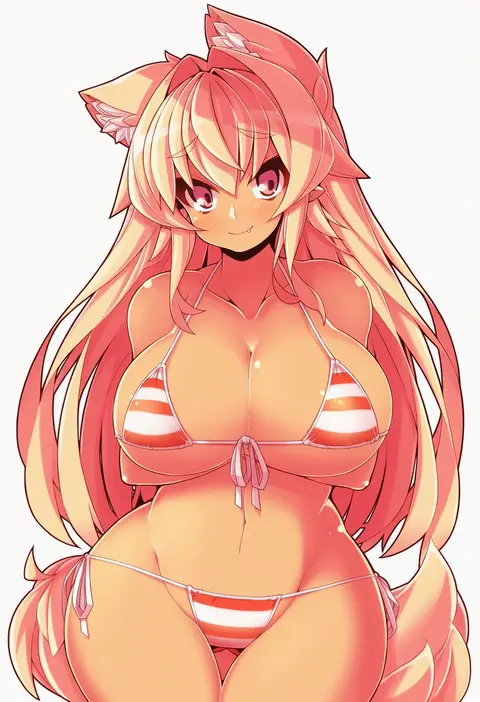
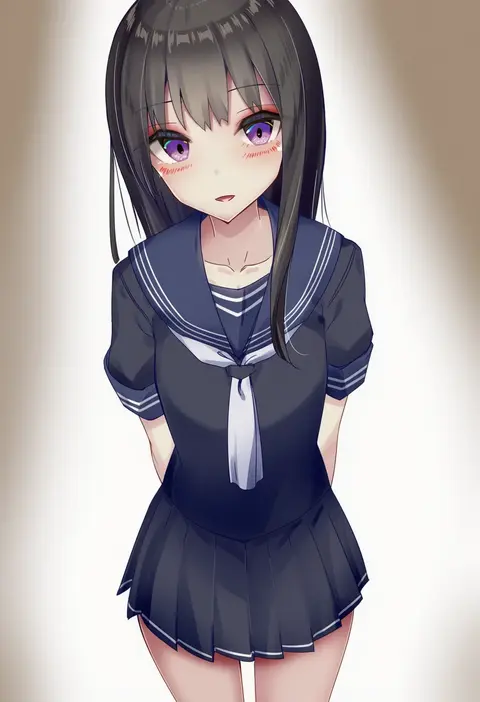
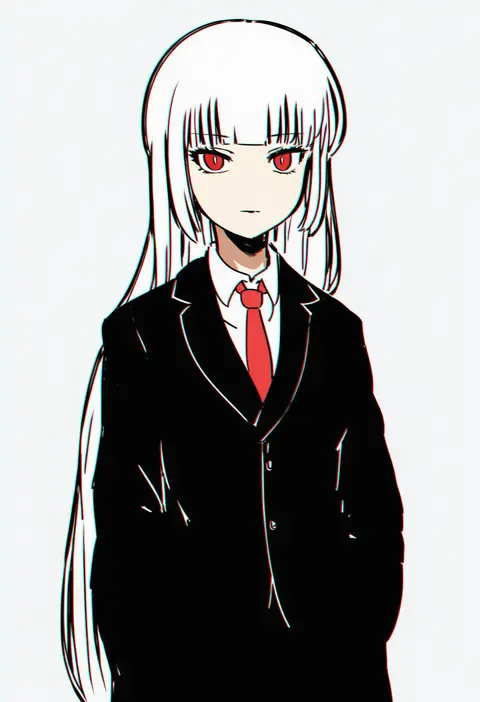
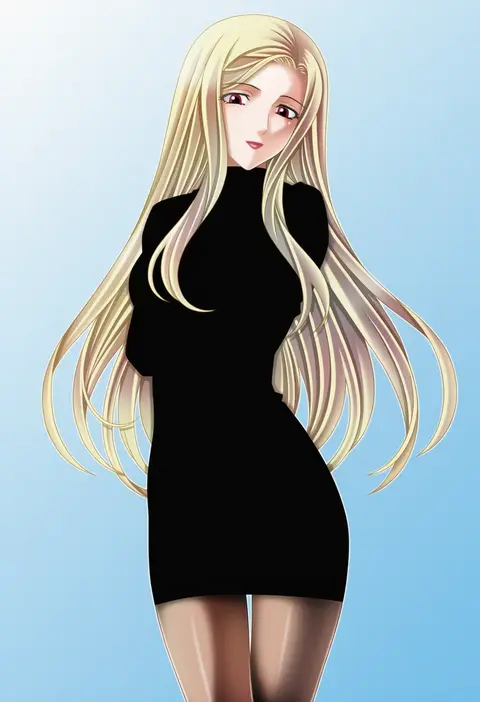
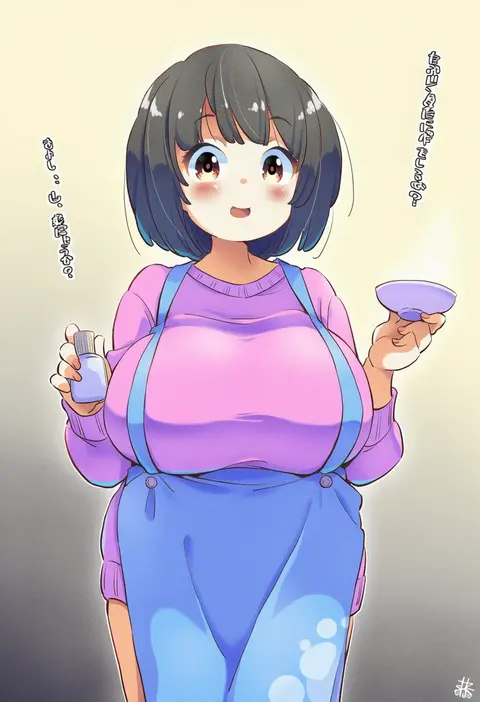
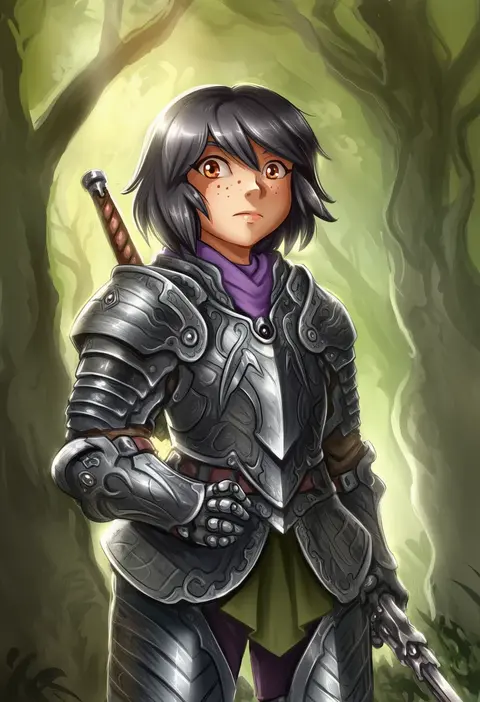
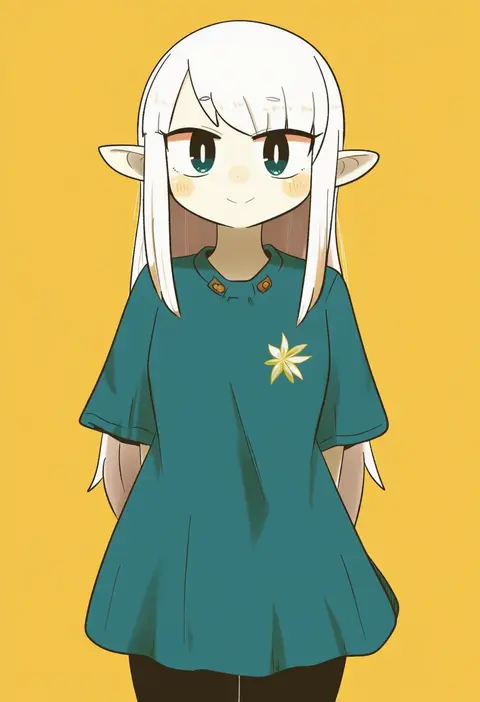
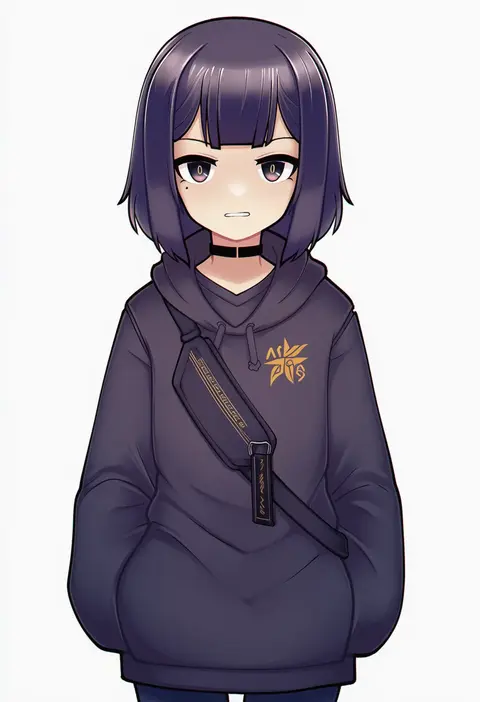
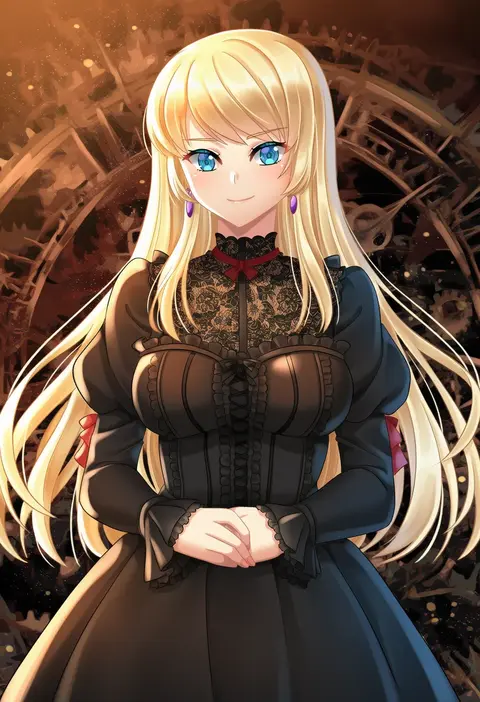
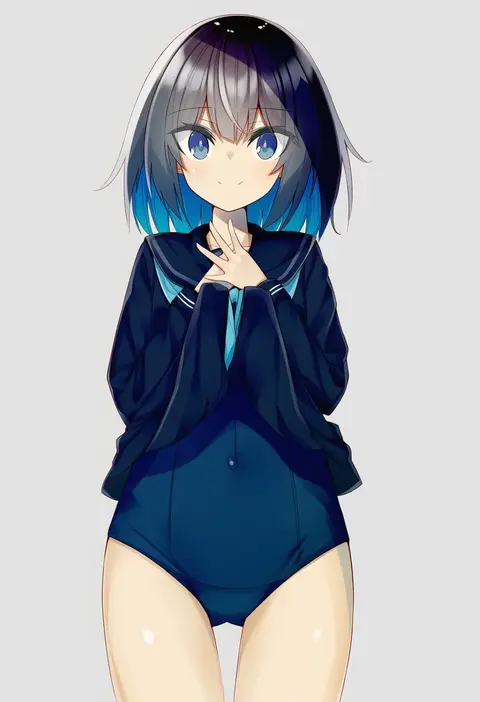
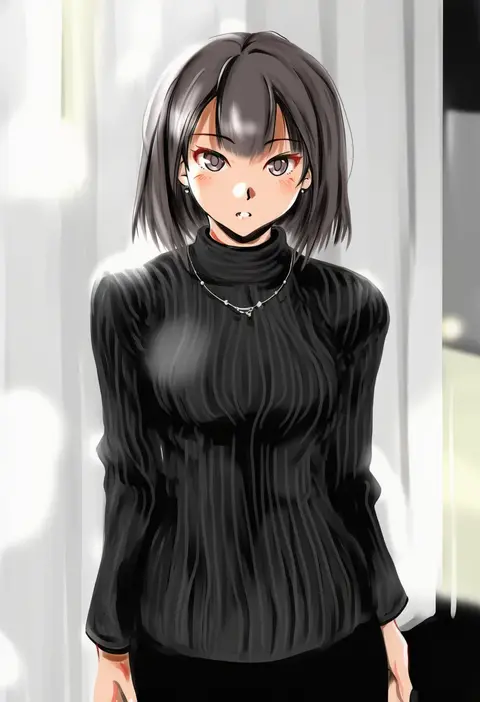
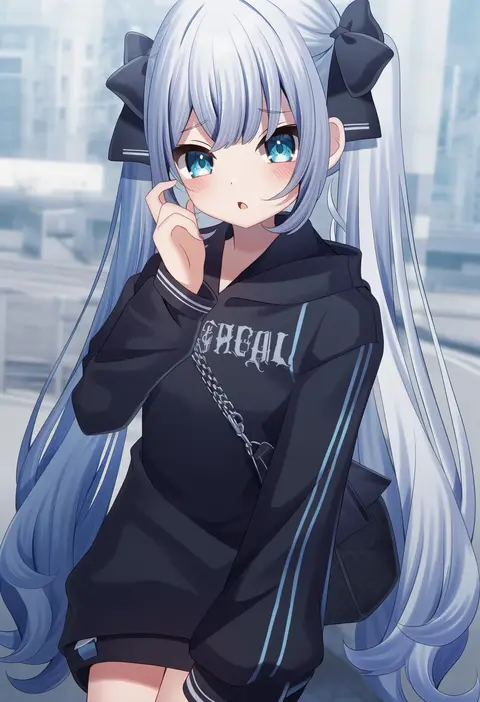
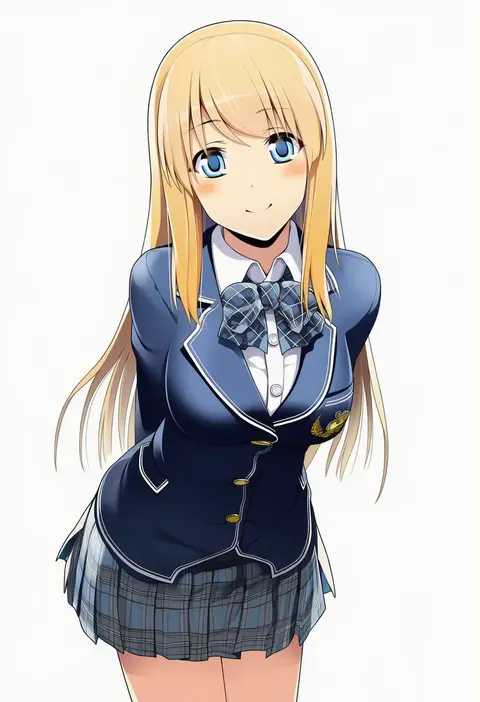
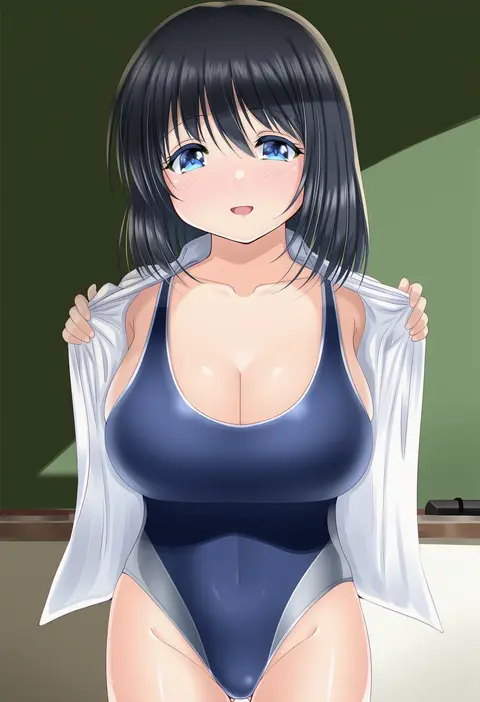
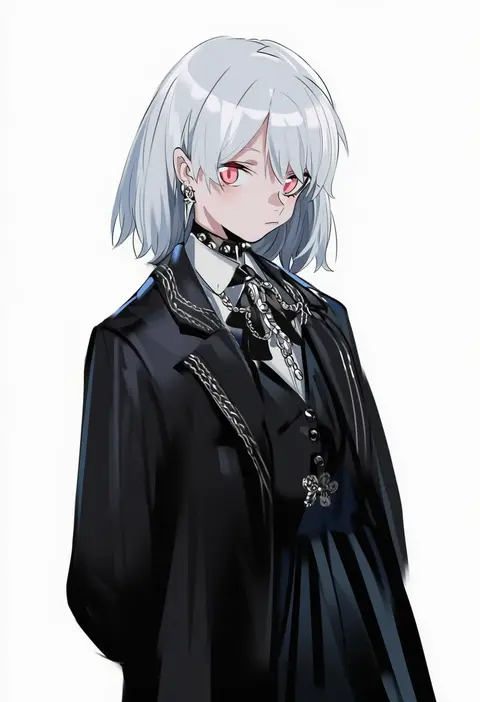
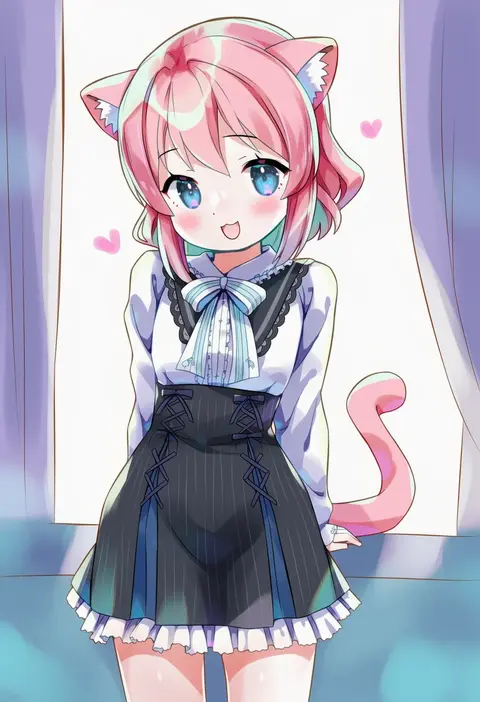
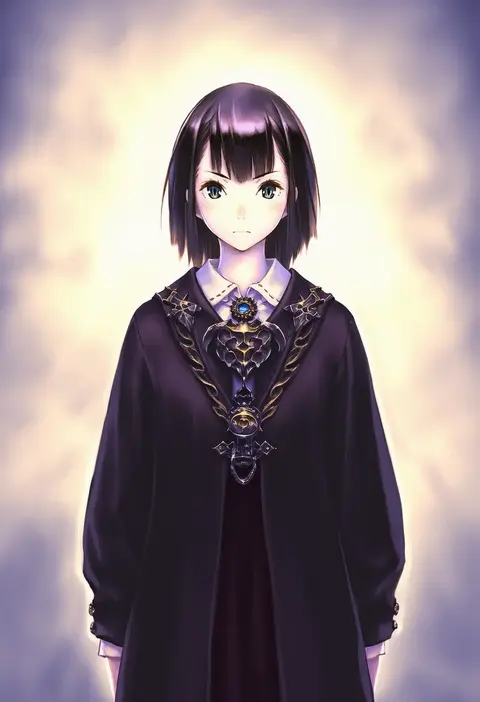
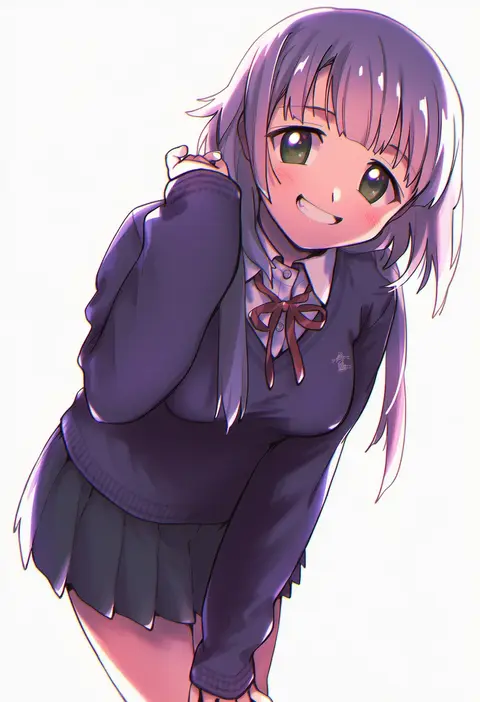
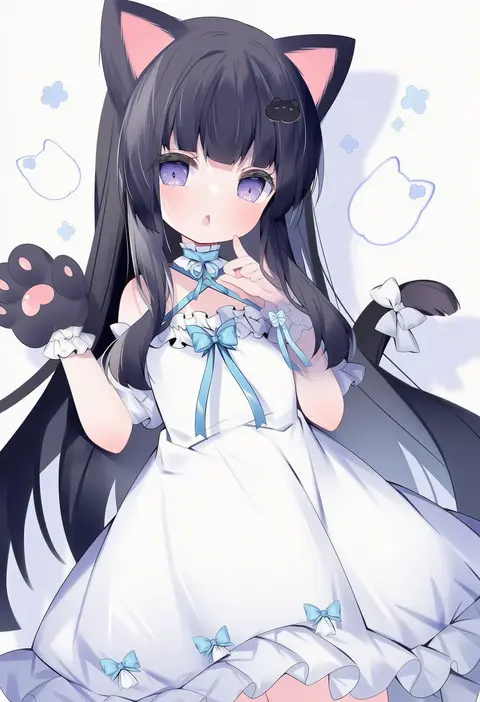
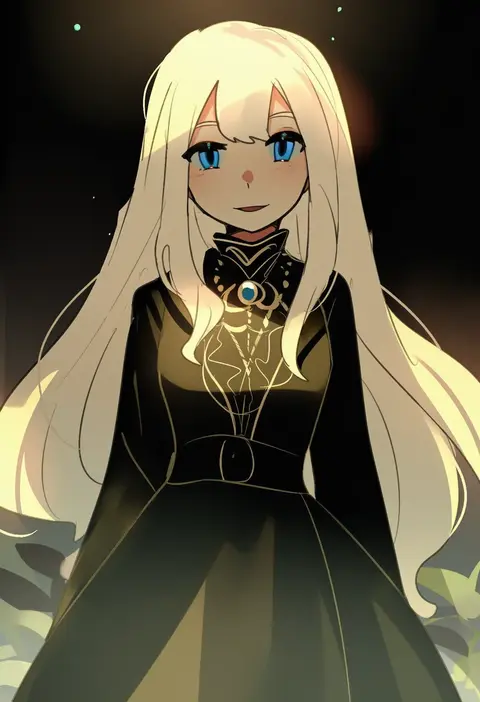
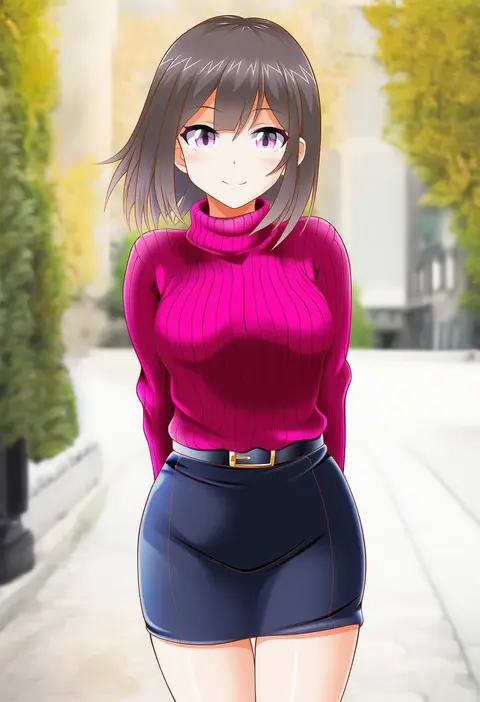
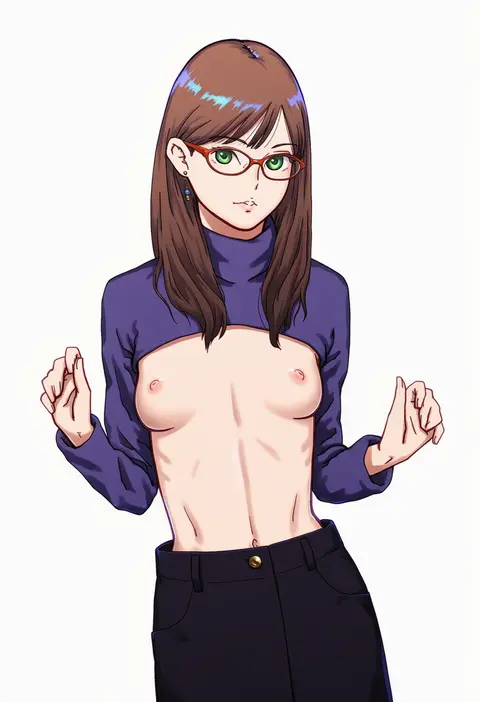
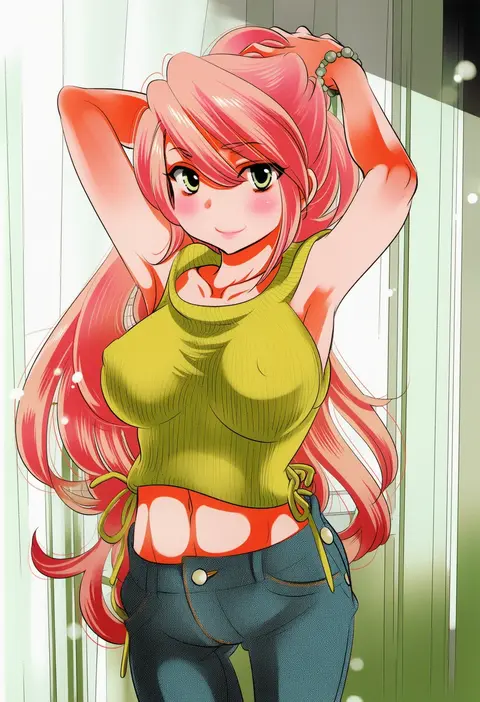
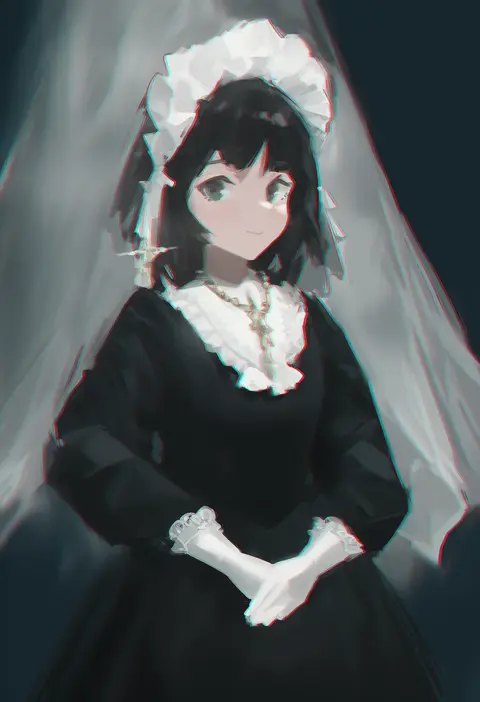
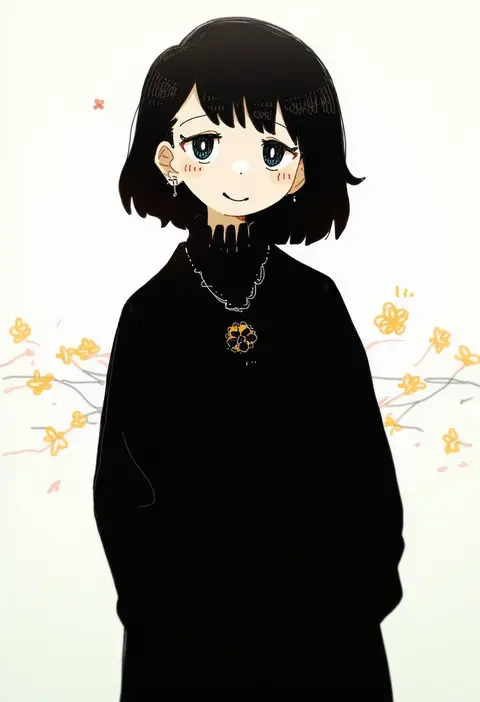
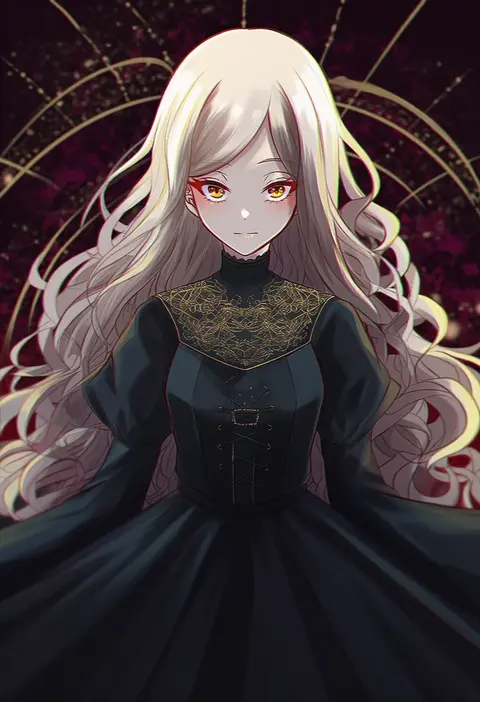
Artist tags tell NovelAI Diffusion to draw in a specific artist's style: line weight, paint texture, face shapes and palette all shift at once. Character and outfit tags decide what is drawn; artist tags decide how. 16,352 tags are listed for V4.5.
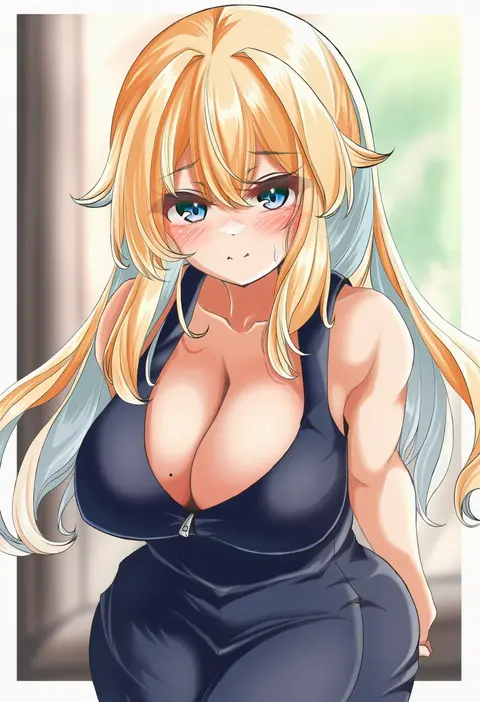
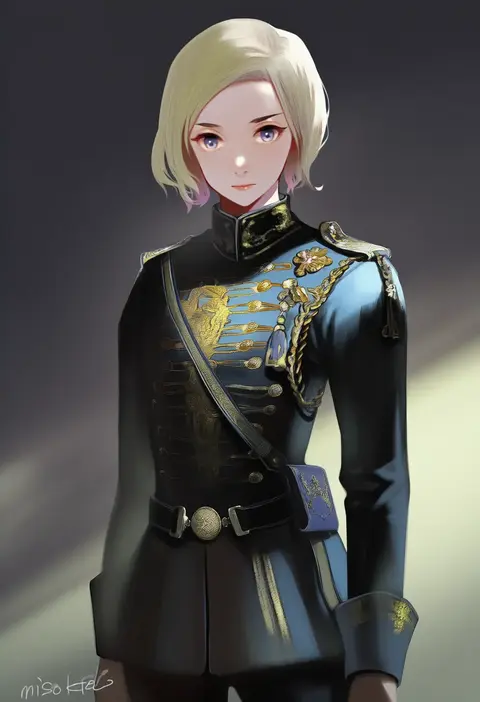
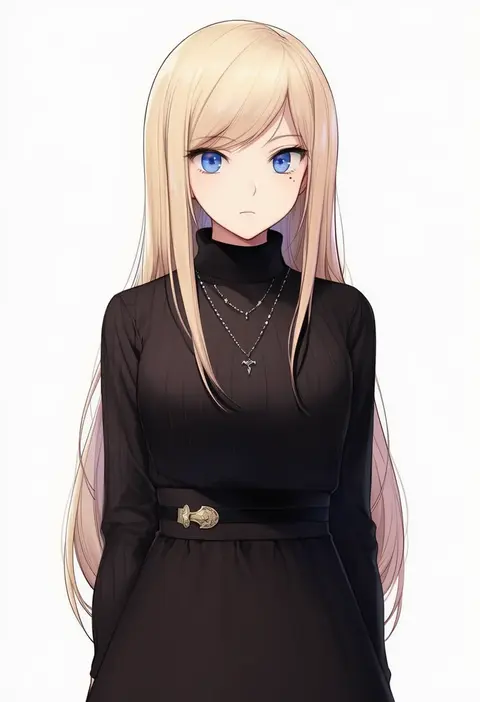
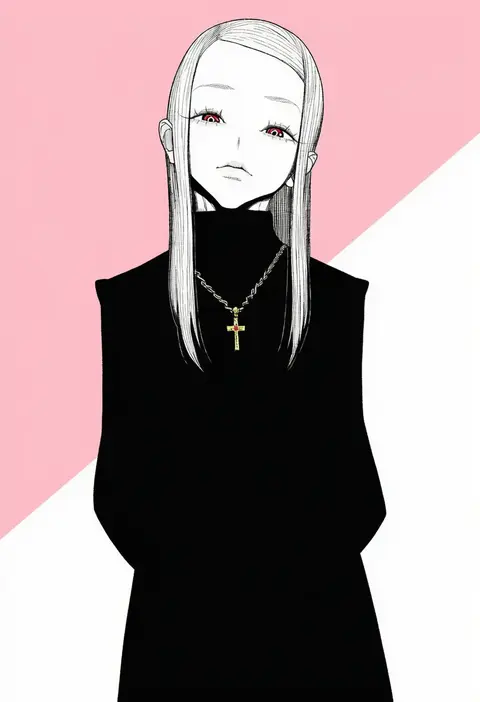
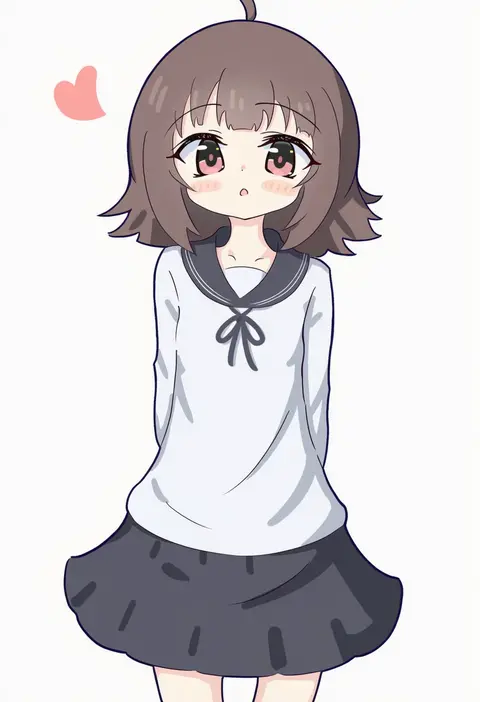
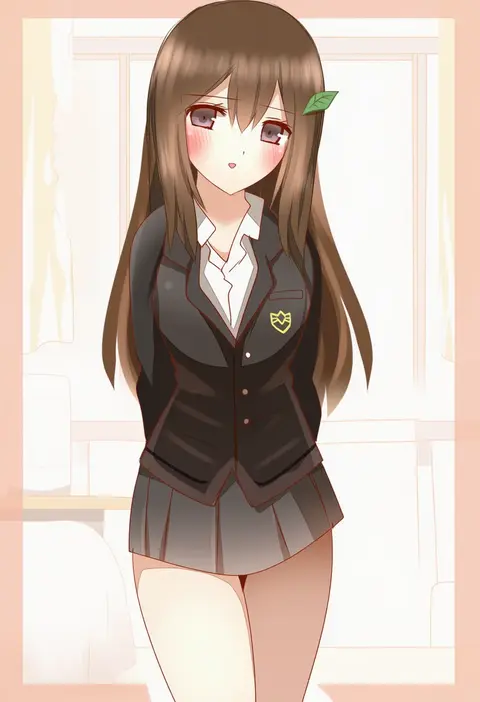
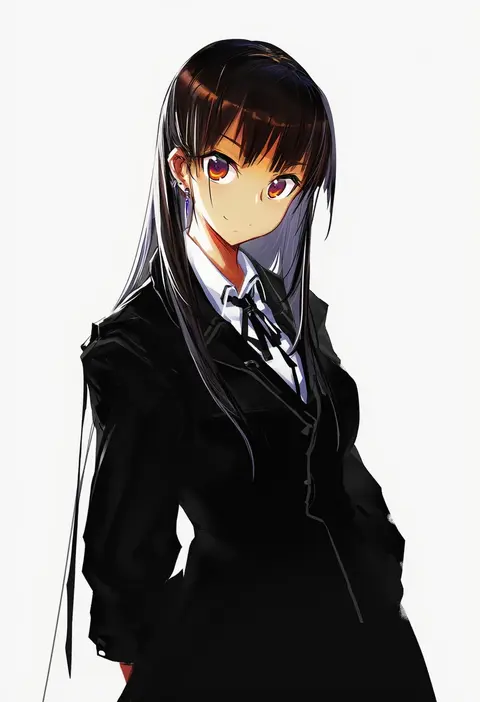
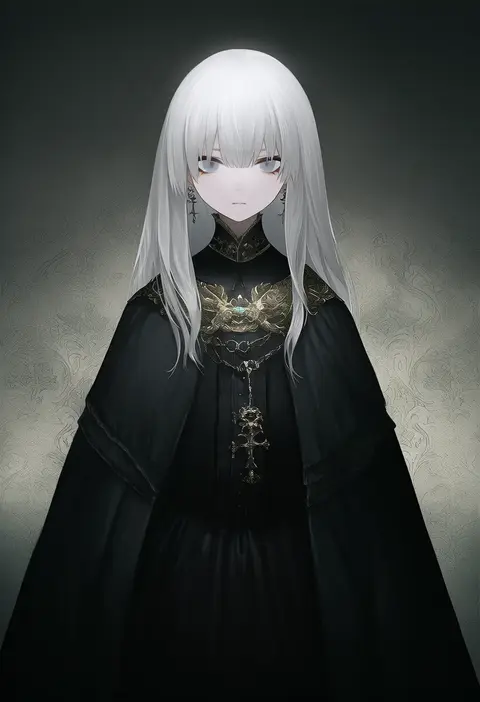
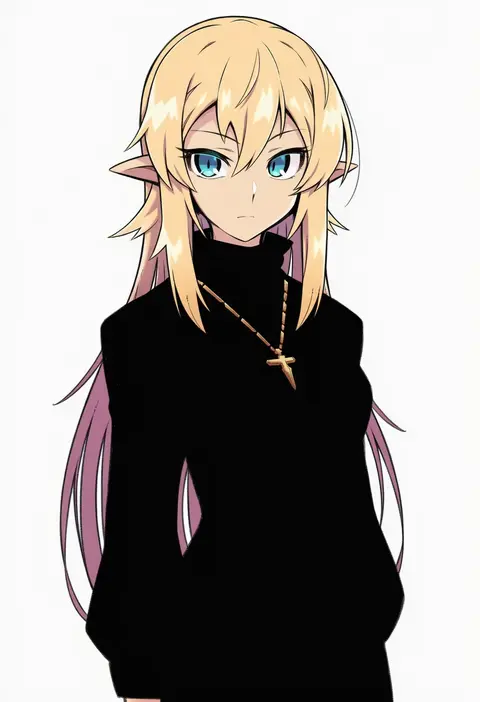
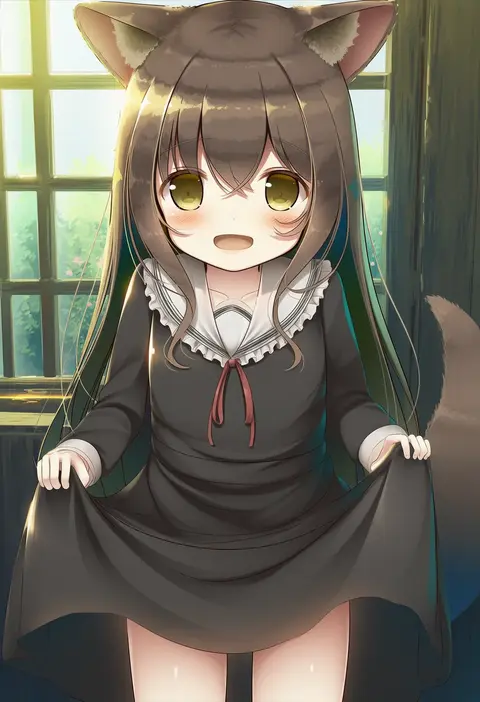
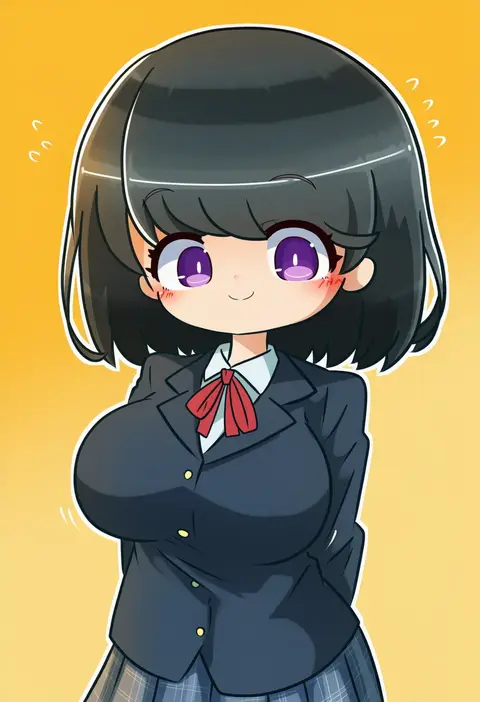
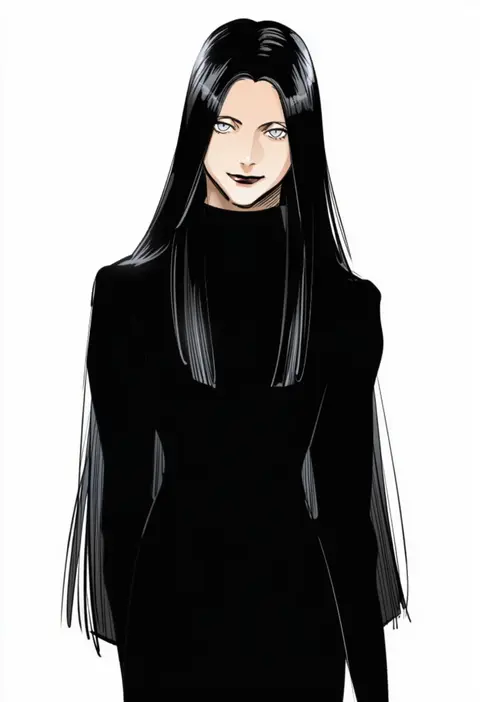
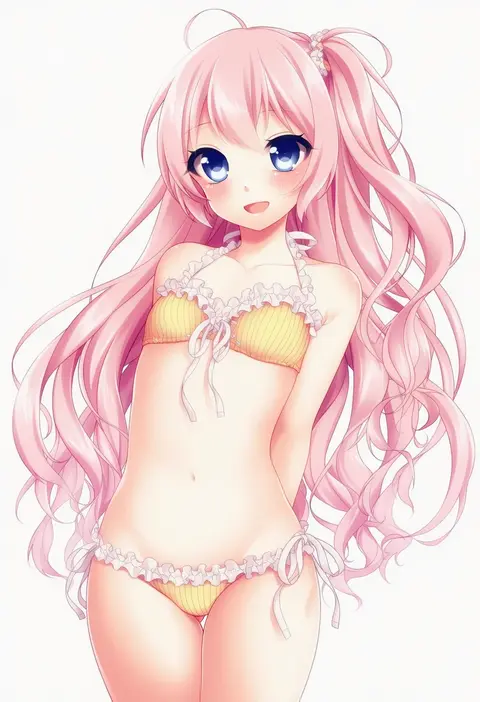
Every tag listed here is verified to react in NovelAI. All images use the same prompt, seed and settings with only the artist tag swapped, so the difference between two images is the style that tag brings in.

How to use them

Put the artist tag near the front of the prompt, e.g. "<artist>, 1girl, solo, best quality, masterpiece, cowboy shot". Two or three artist tags blend styles; lower the weight with "0.8::<artist>::" when the style overpowers the character.

SCORE sorts by Danbooru's top score, POSTS by post count, FAVS by hearts on this site. Open a card to see V5 and V4.5 side by side on the same seed.

V5 vs V4.5

V5 usually lands closer to the artist's real style, and tags that did nothing on V4.5 often react on V5. V4.5 still fits older and doujin-heavy artists better. Try V5 first, fall back to V4.5.

FAQ

Where does the artist tag go?
Near the front of the prompt. Use "0.8::tag::" to adjust its weight.

Can I stack artist tags?
Yes, styles blend. Past two or three the result stops looking like anyone.

Are these the artists' own works?
No. Every image is a NovelAI sample generated from the tag.