V4.5Artists
sort: FAVS▾
▾
>
$

Popular NovelAI artist tags — V4.5

artist --count 16,352[2/273]
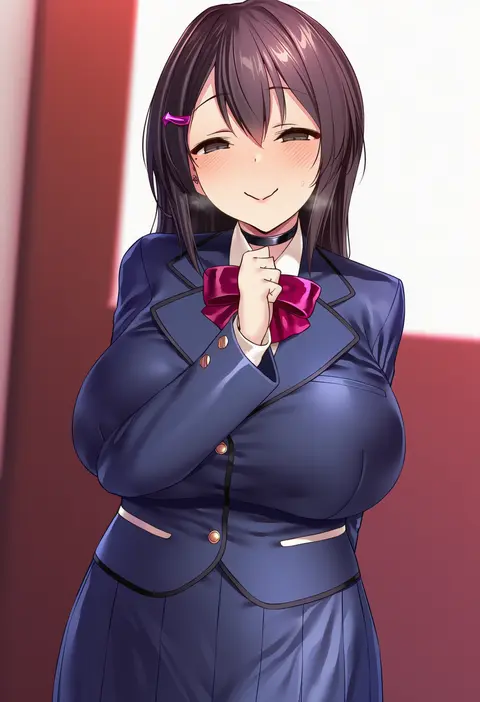
satou kuuki
ARTIST0x003C
12
kanikama
ARTIST0x003D
12
mika pikazo
ARTIST0x003E
12
mochizuki kei
ARTIST0x003F
12
omone hokoma agm
ARTIST0x0040
11
houkisei
ARTIST0x0041
11
club3
ARTIST0x0042
11
qiandaiyiyu
ARTIST0x0043
11
nt00
ARTIST0x0044
11
misekai 555
ARTIST0x0045
11
akizero1510
ARTIST0x0046
11
dikko
ARTIST0x0047
11
hara (harayutaka)
ARTIST0x0048
11
ulrich (tagaragakuin)
ARTIST0x0049
11
yabuki kentarou
ARTIST0x004A
11
null (nyanpyoun)
ARTIST0x004B
11
lack
ARTIST0x004C
11
koku
ARTIST0x004D
11
starshadowmagician
ARTIST0x004E
11
ningen mame
ARTIST0x004F
11
burusuta
ARTIST0x0050
11
niichi (komorebi-palette)
ARTIST0x0051
11
ke-ta
ARTIST0x0052
10
kakure eria
ARTIST0x0053
10
drawfag
ARTIST0x0054
10
akita hika
ARTIST0x0055
10
ratatatat74
ARTIST0x0056
10
mataro (matarou)
ARTIST0x0057
10
tomose shunsaku
ARTIST0x0058
10
yonchan
ARTIST0x0059
10
kanzarin
ARTIST0x005A
10
gaou (umaiyo puyoman)
ARTIST0x005B
10
happoubi jin
ARTIST0x005C
10
kugelschreiber
ARTIST0x005D
10
eufoniuz
ARTIST0x005E
10
konoshige (ryuun)
ARTIST0x005F
10
kobinbin
ARTIST0x0060
10
momo no sukebe
ARTIST0x0061
10
kedama milk
ARTIST0x0062
10
ama mitsuki
ARTIST0x0063
10
annlu vazzel
ARTIST0x0064
10
takeuchi takashi
ARTIST0x0065
10
wada arco
ARTIST0x0066
10
kousaki rui
ARTIST0x0067
10
rei (sanbonzakura)
ARTIST0x0068
10
poprication
ARTIST0x0069
10
whispering for nothing
ARTIST0x006A
9
da mao banlangen
ARTIST0x006B
9
dishwasher1910
ARTIST0x006C
9
ramanda
ARTIST0x006D
9
suujiniku
ARTIST0x006E
9
kinoshita kou
ARTIST0x006F
9
satou daiji
ARTIST0x0070
9
channel (caststation)
ARTIST0x0071
9
kaetzchen
ARTIST0x0072
9
tatami to hinoki
ARTIST0x0073
9
mimoza (96mimo414)
ARTIST0x0074
9
mimonel
ARTIST0x0075
9
hood (james x)
ARTIST0x0076
9
fymrie
ARTIST0x0077
9

What these tags change

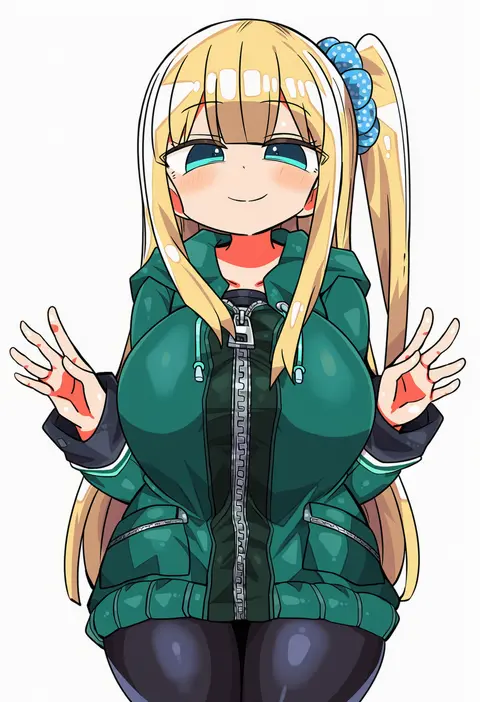
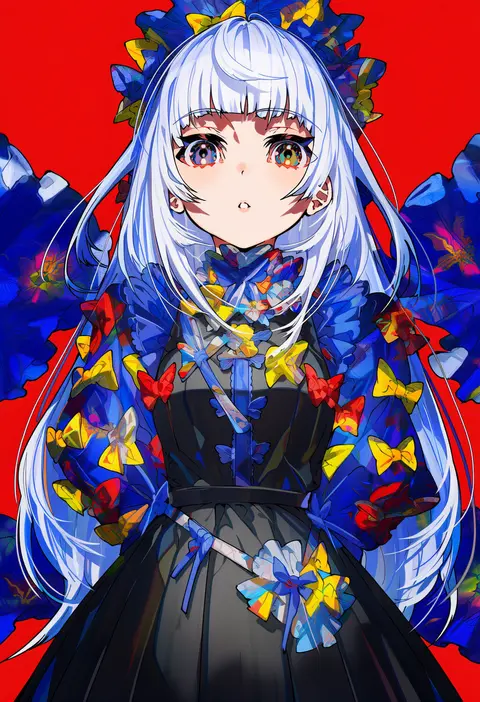
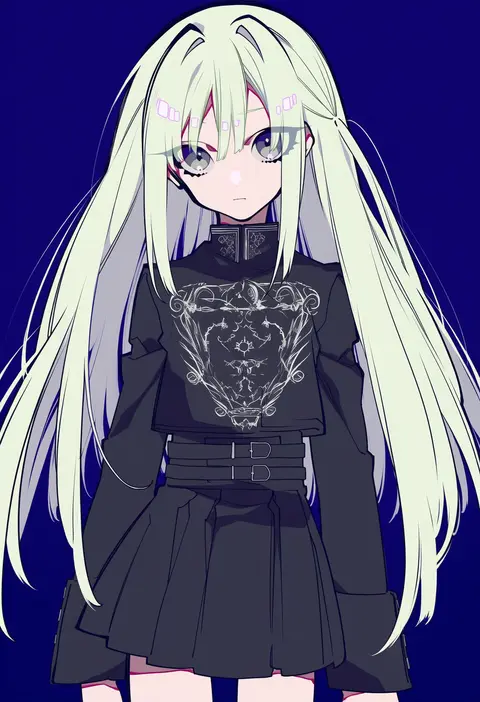
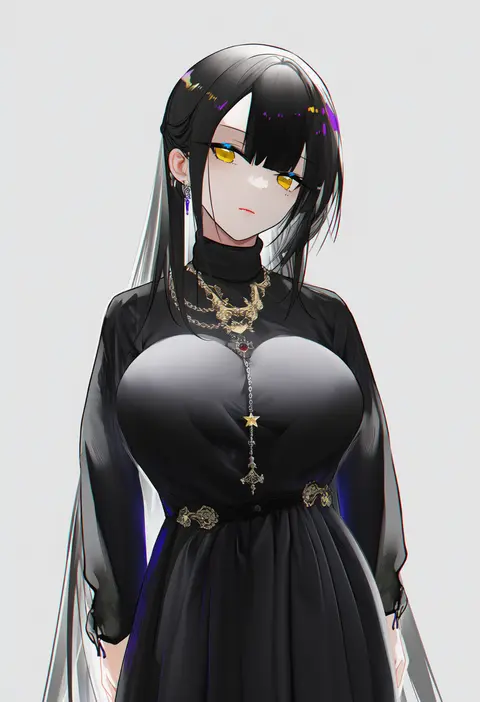
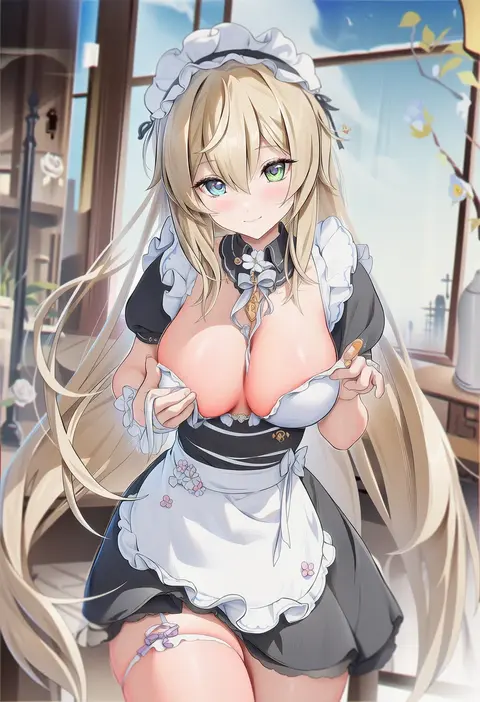
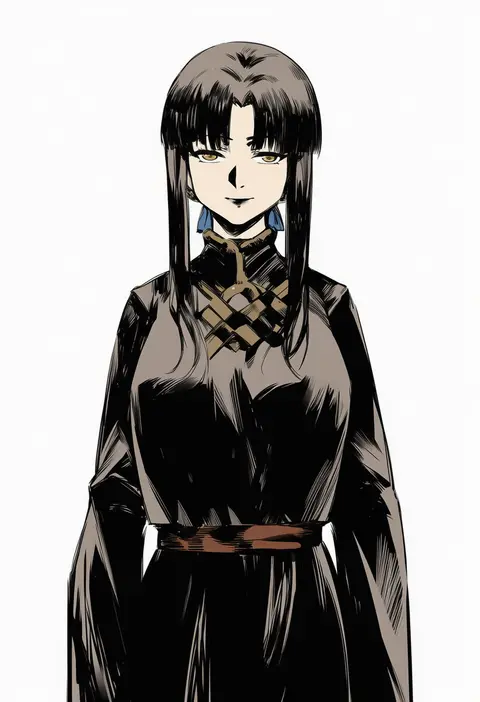
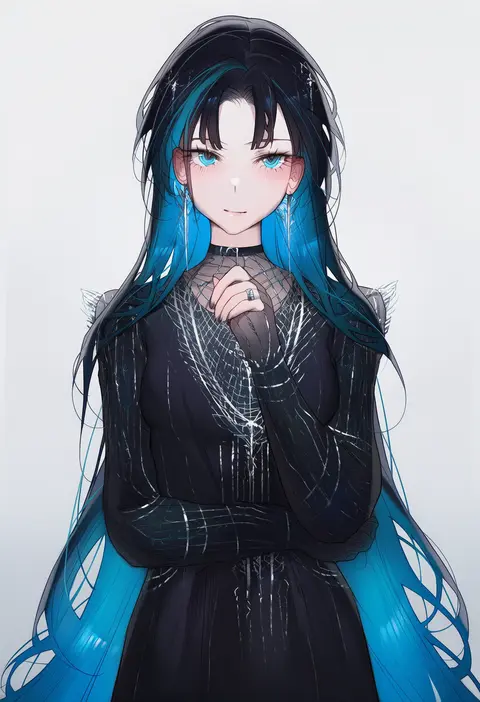
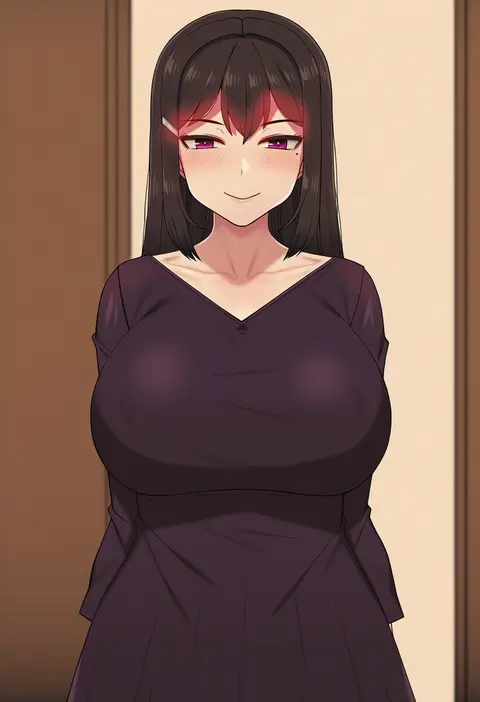
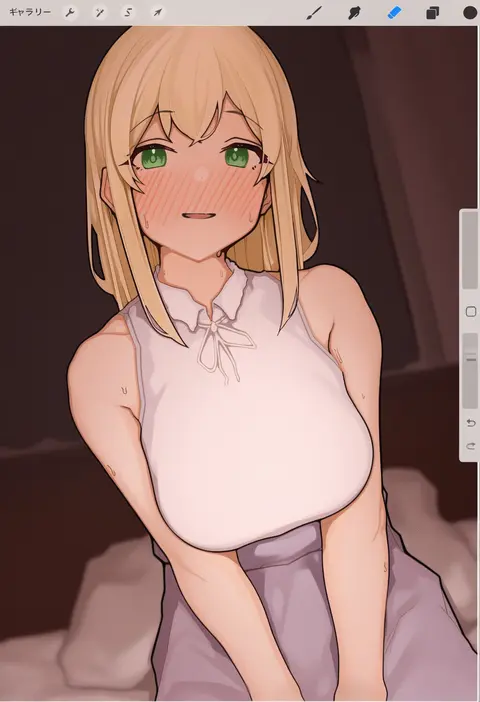
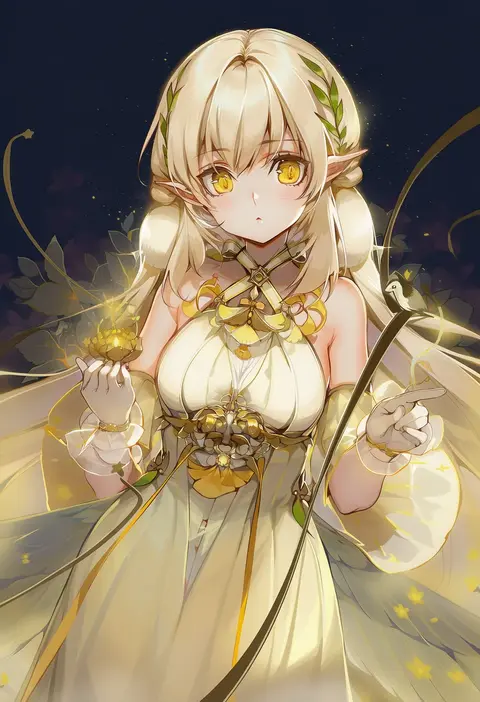
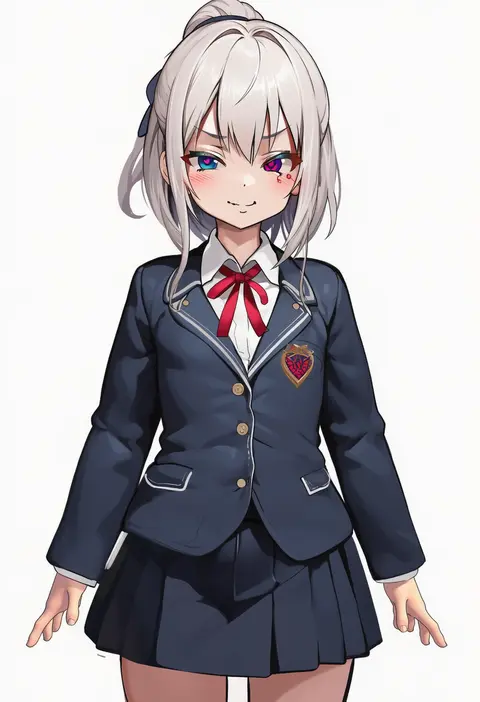
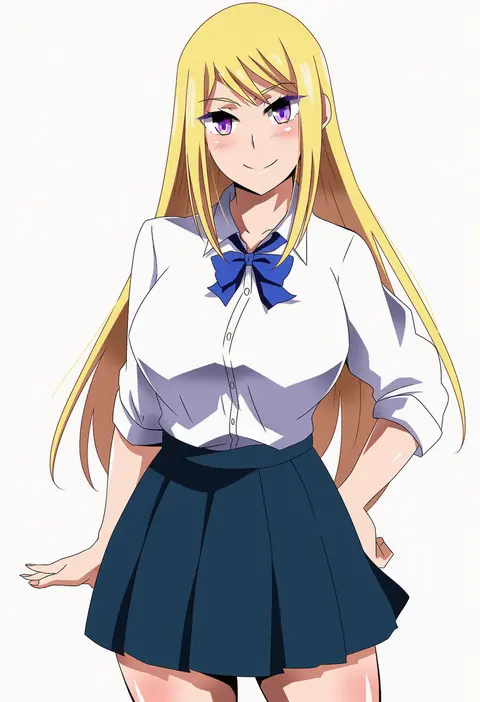
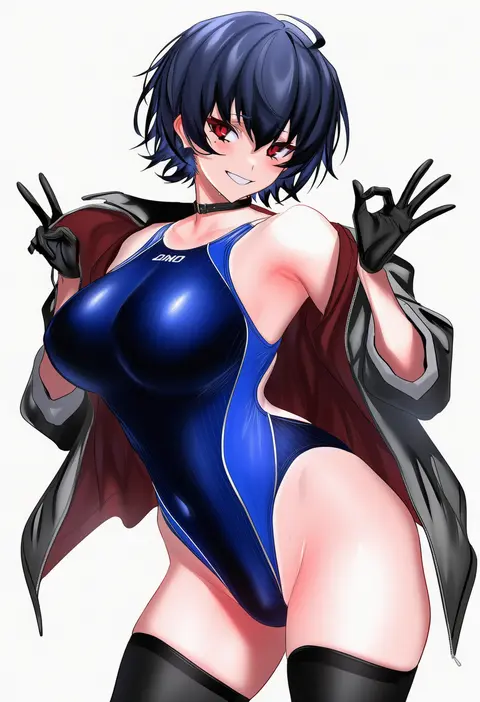
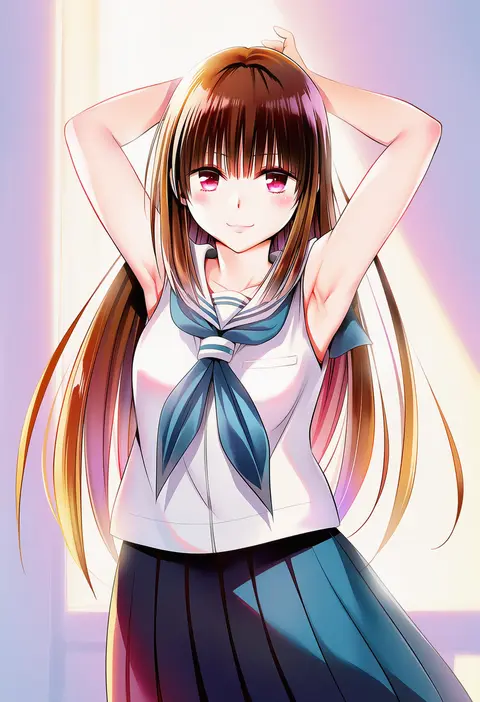
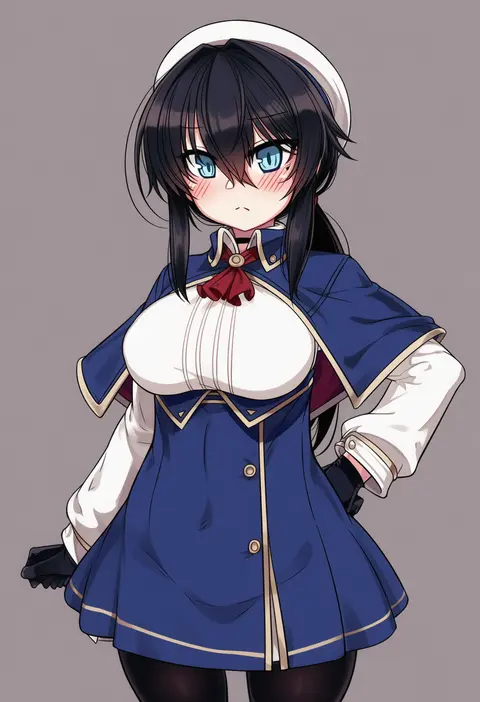
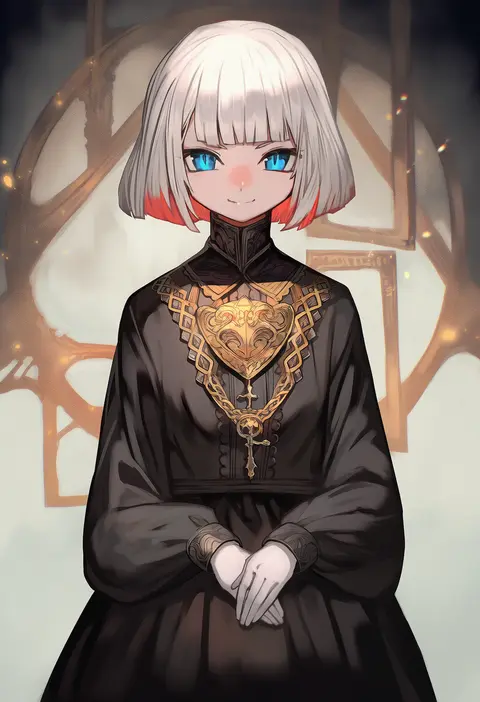
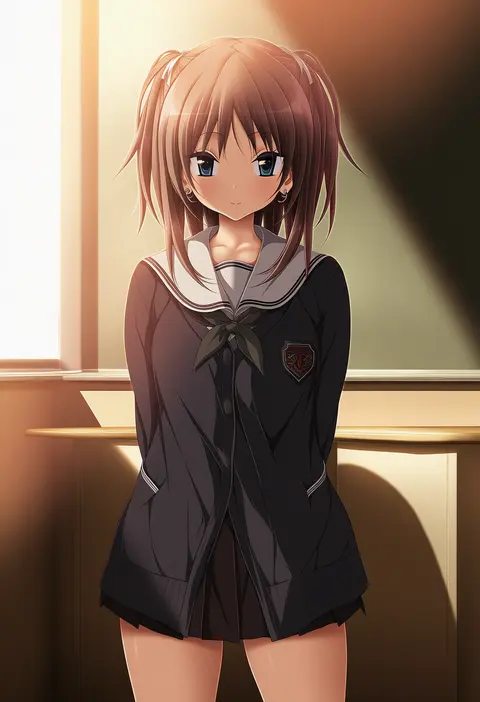
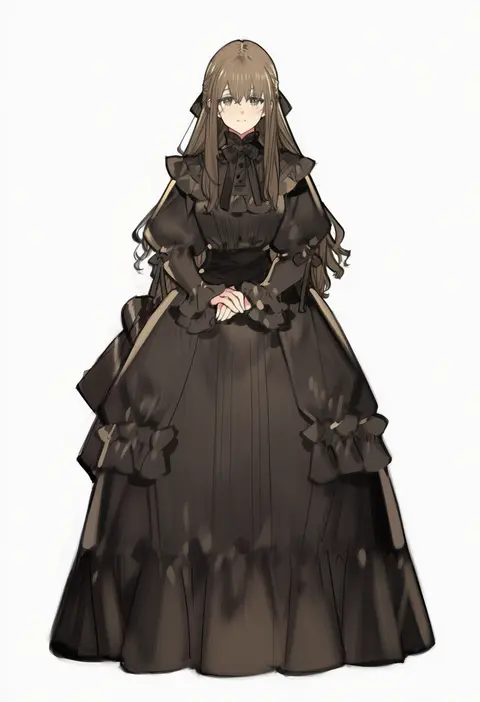
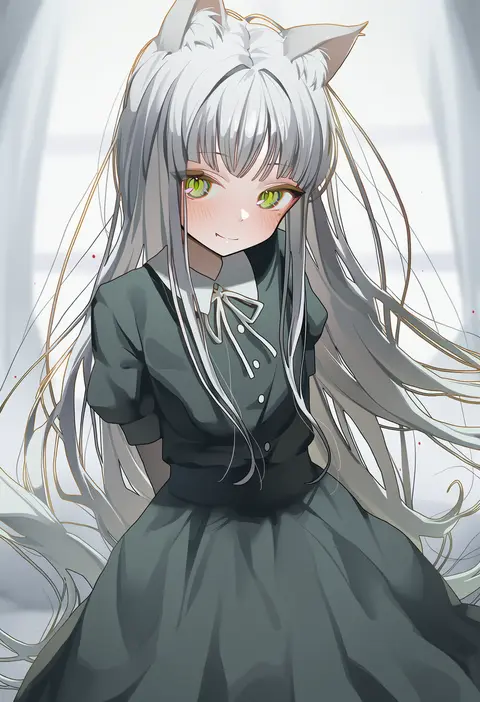
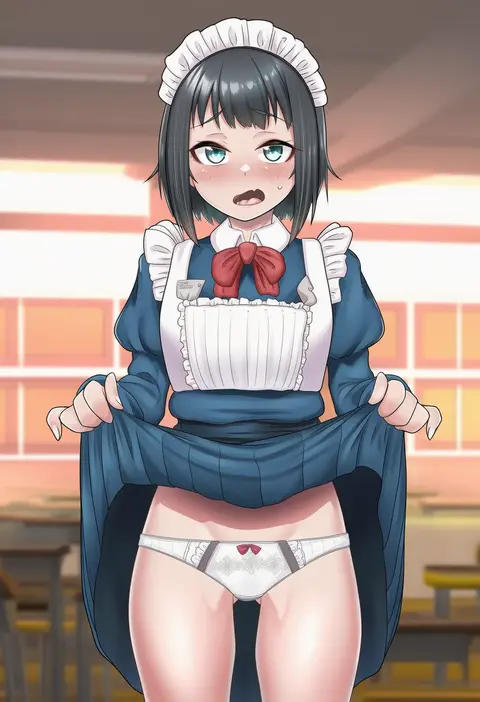
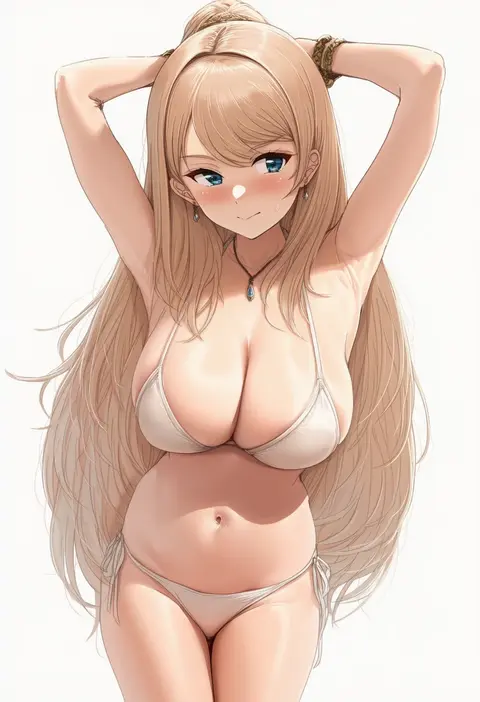
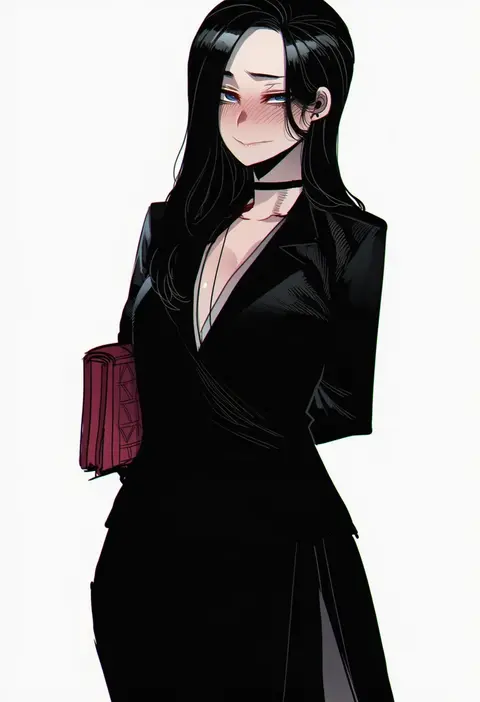
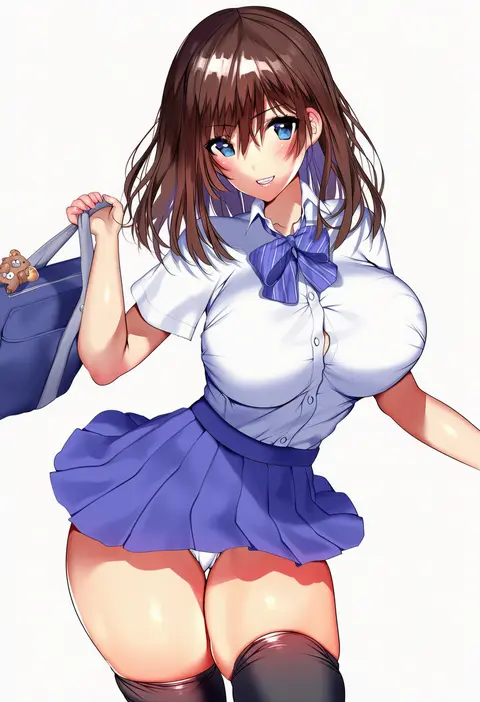
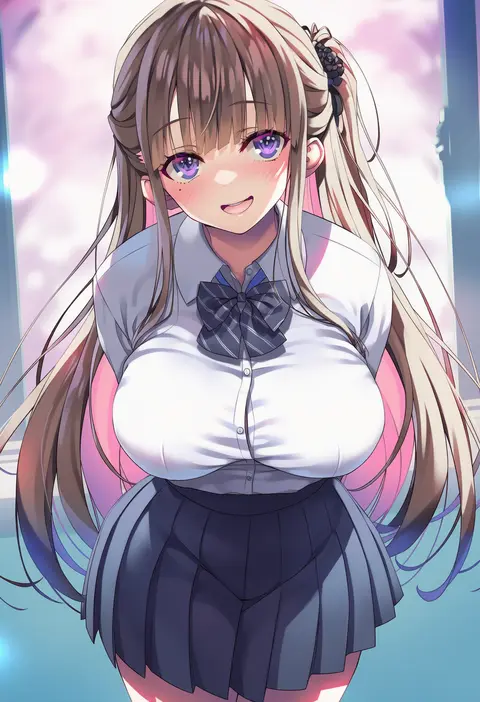
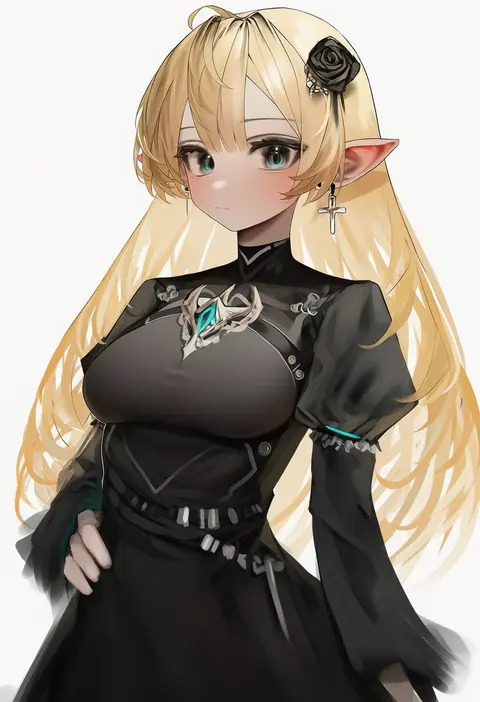
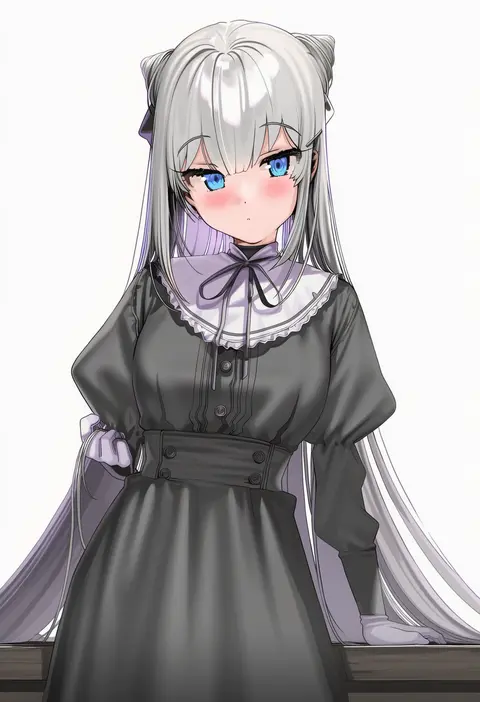
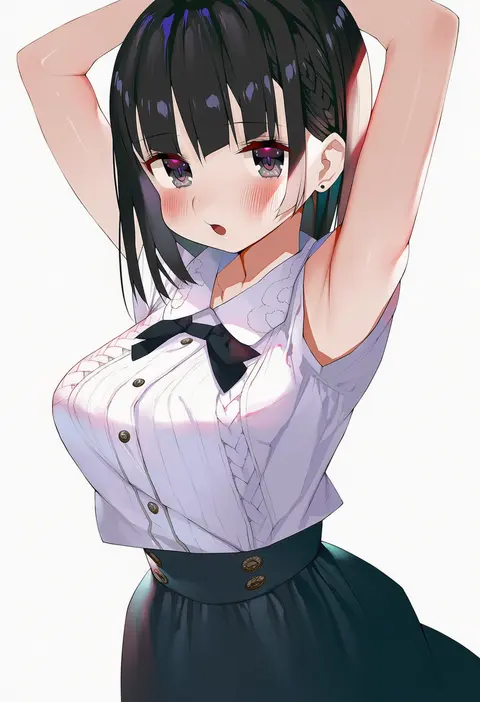
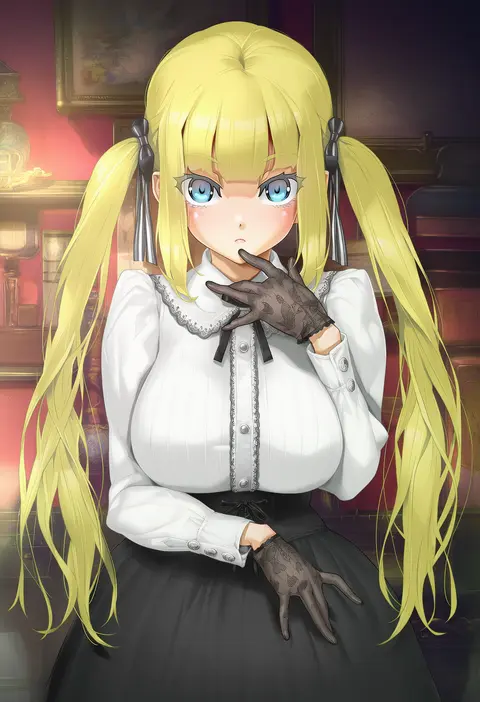
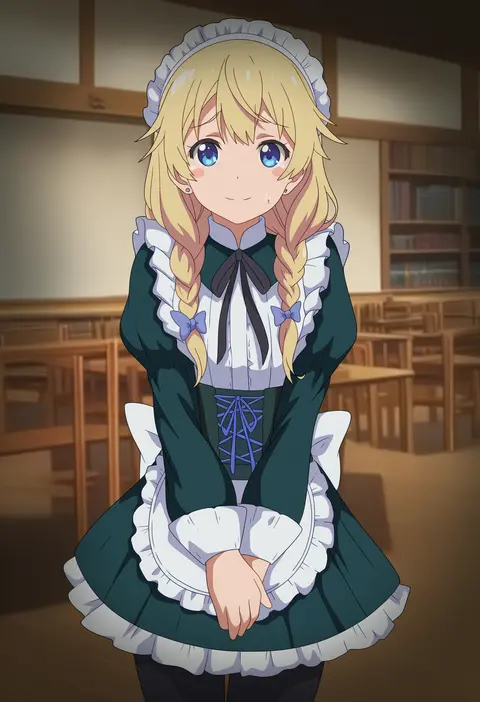
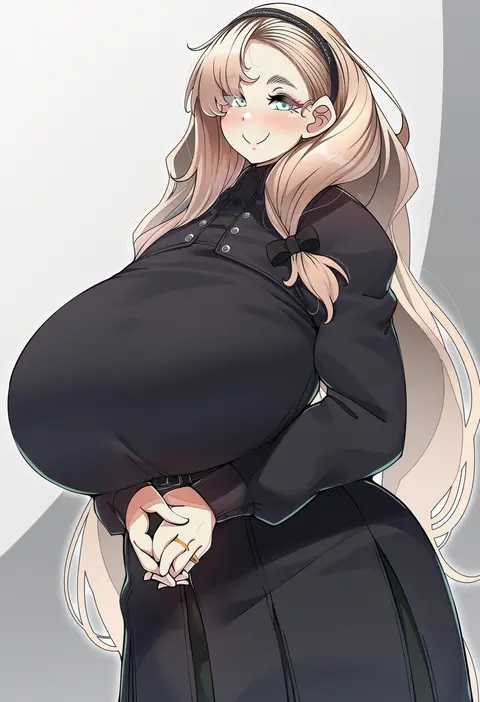
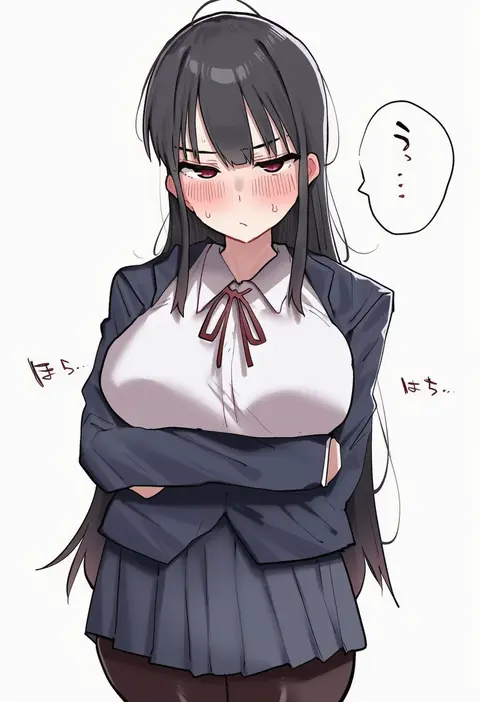
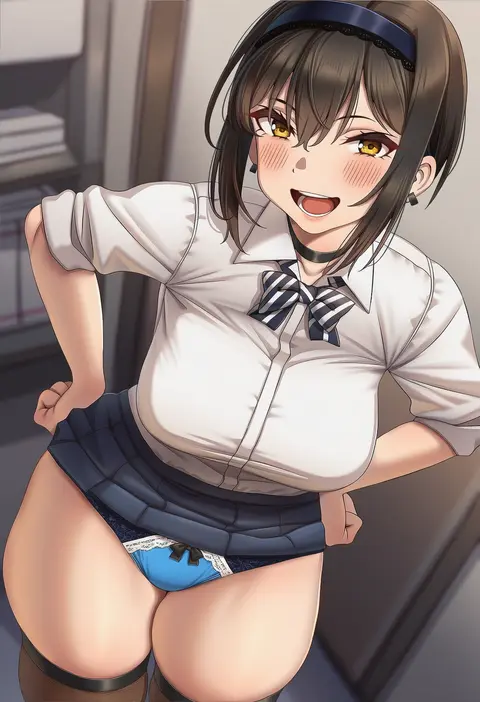
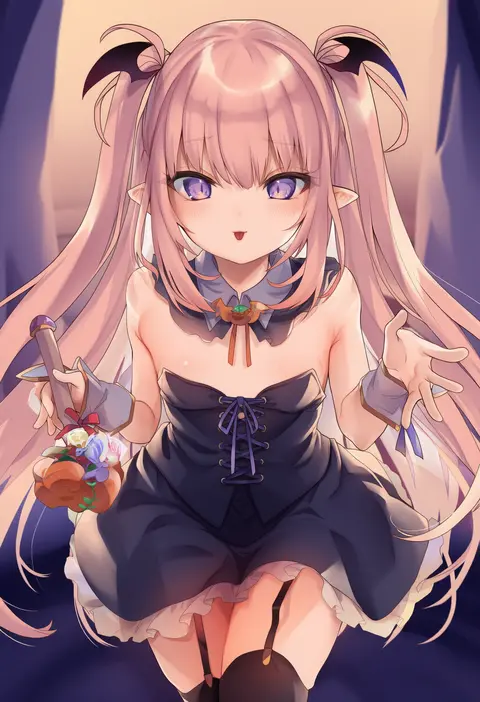
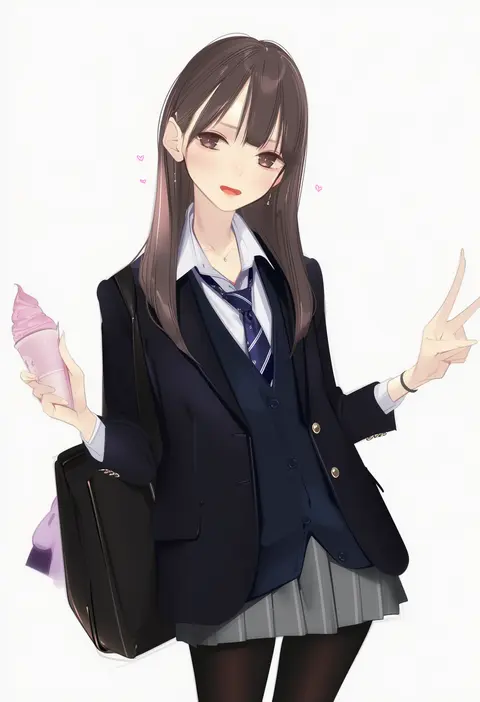
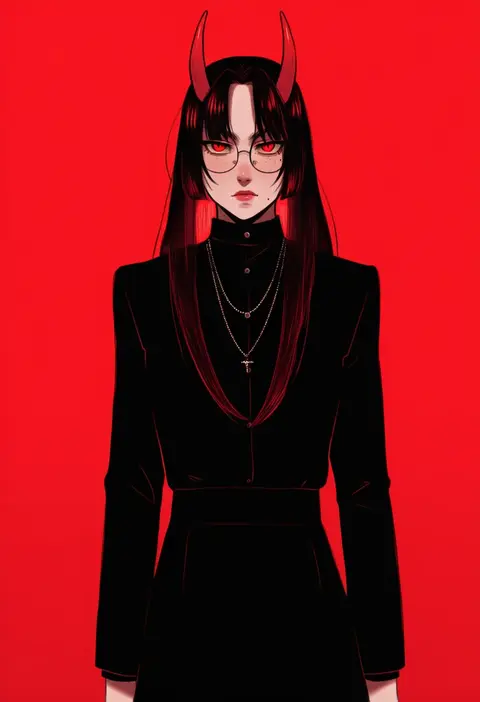
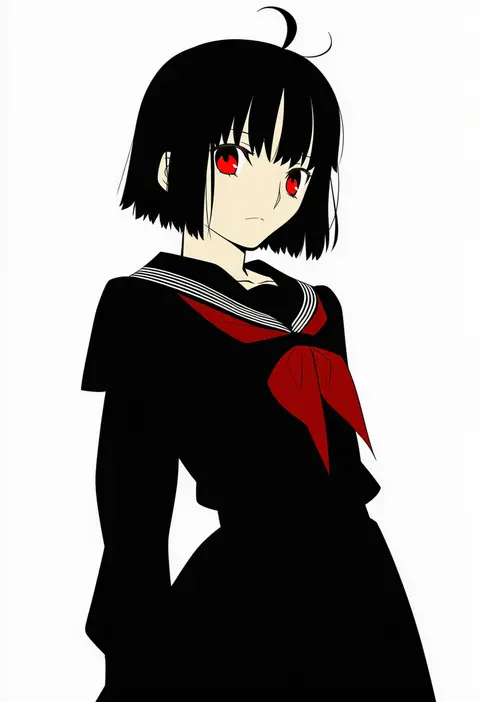
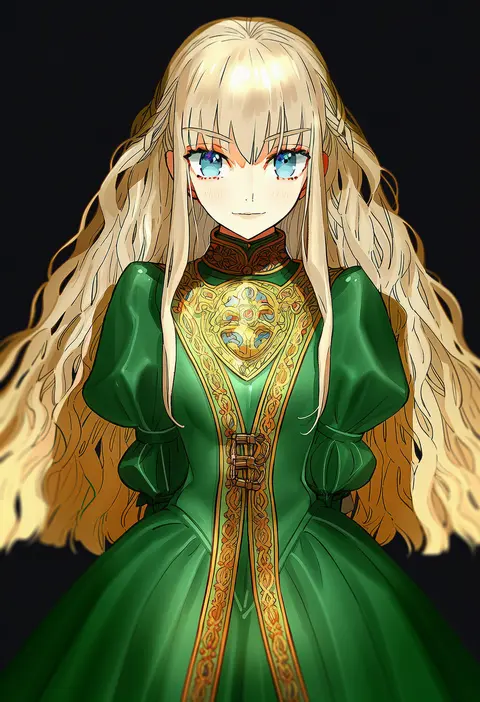
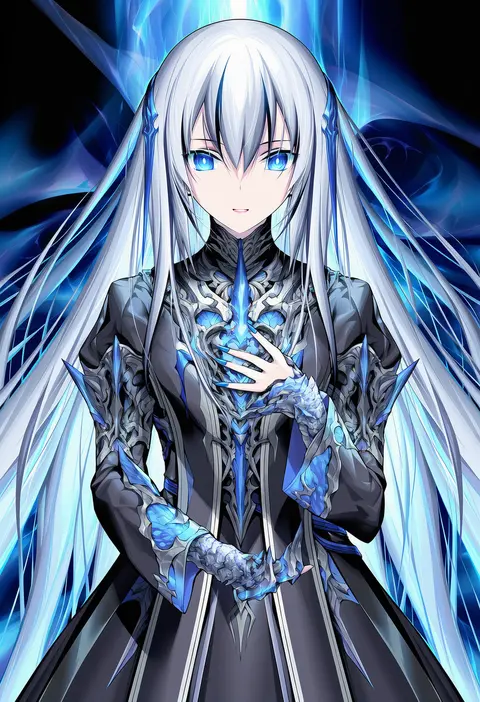
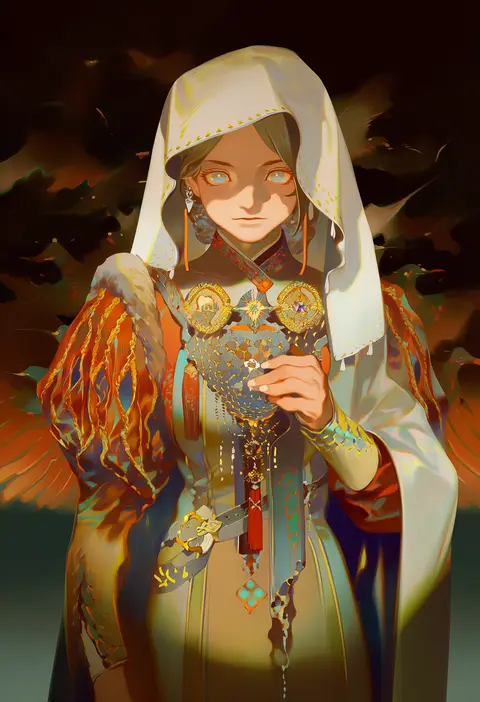
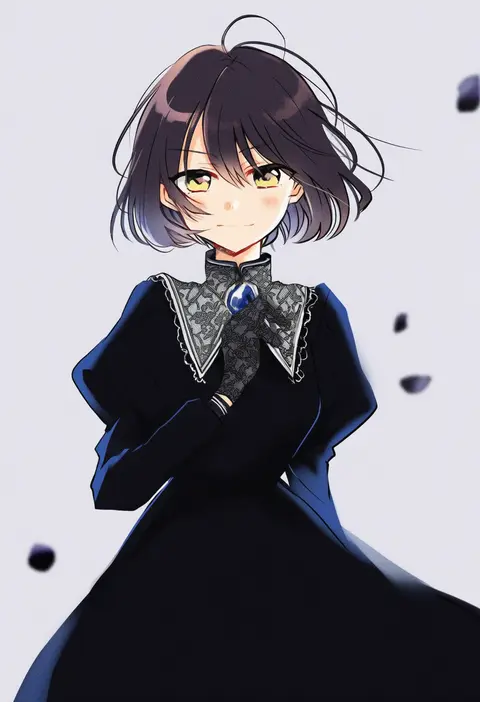
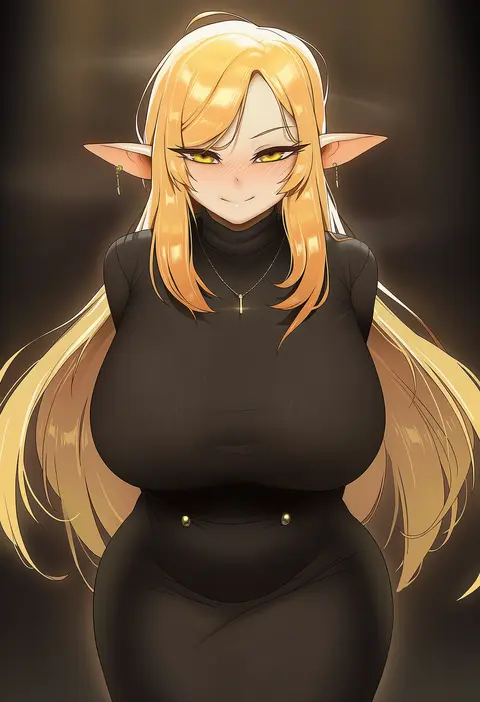
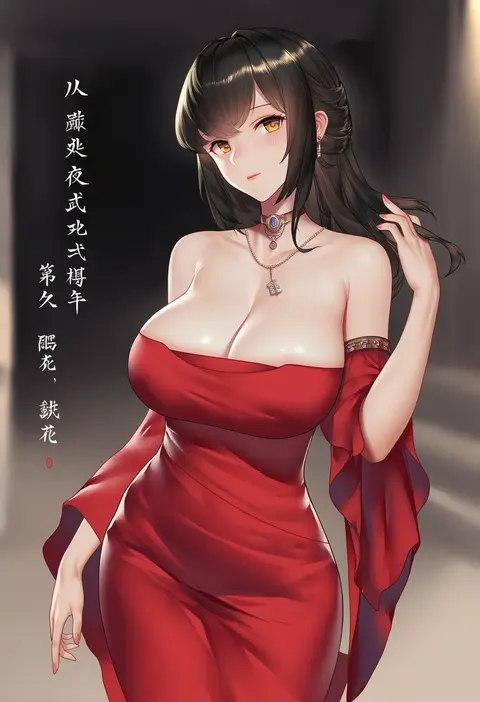
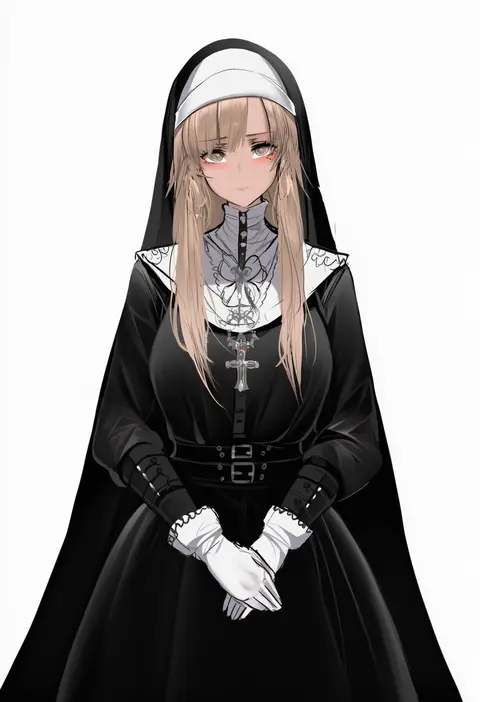
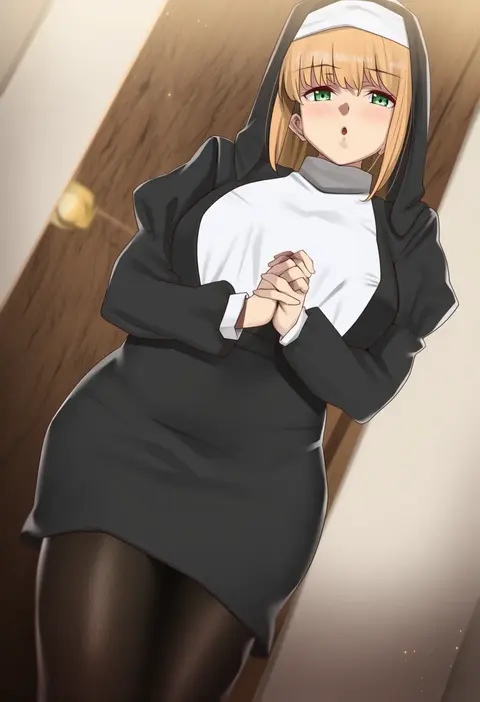
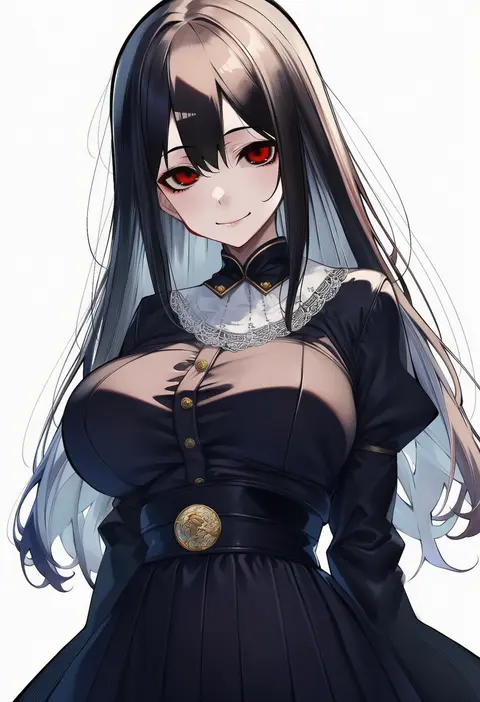
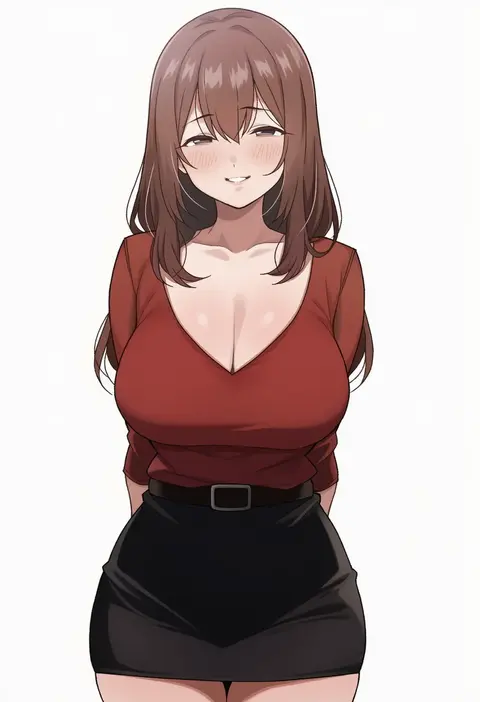
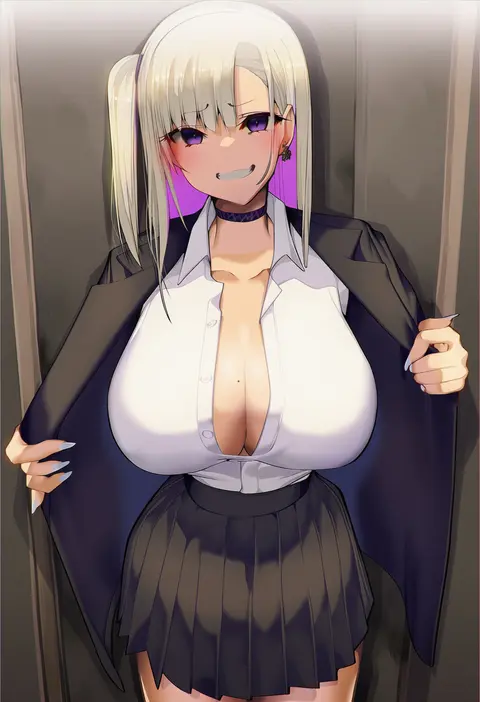
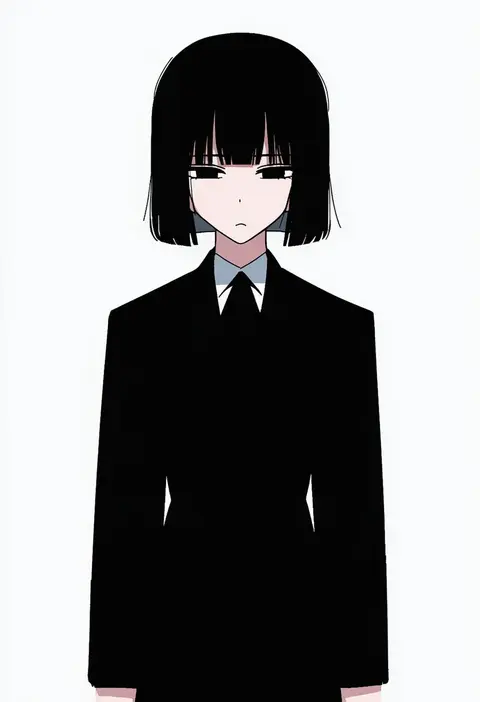
Artist tags tell NovelAI Diffusion to draw in a specific artist's style: line weight, paint texture, face shapes and palette all shift at once. Character and outfit tags decide what is drawn; artist tags decide how. 16,352 tags are listed for V4.5.
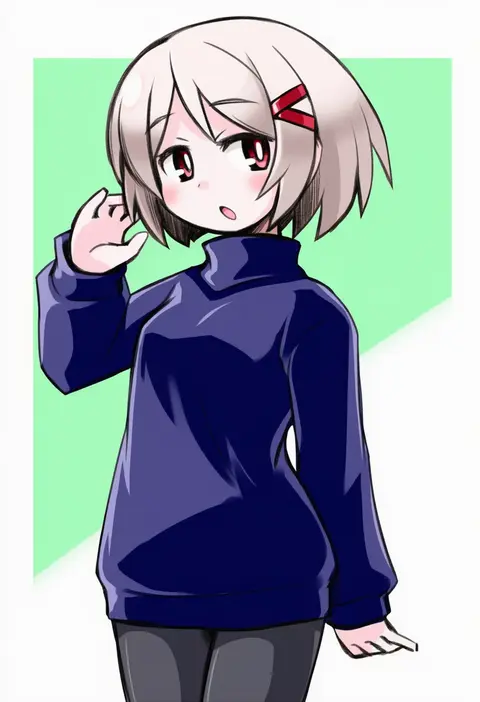
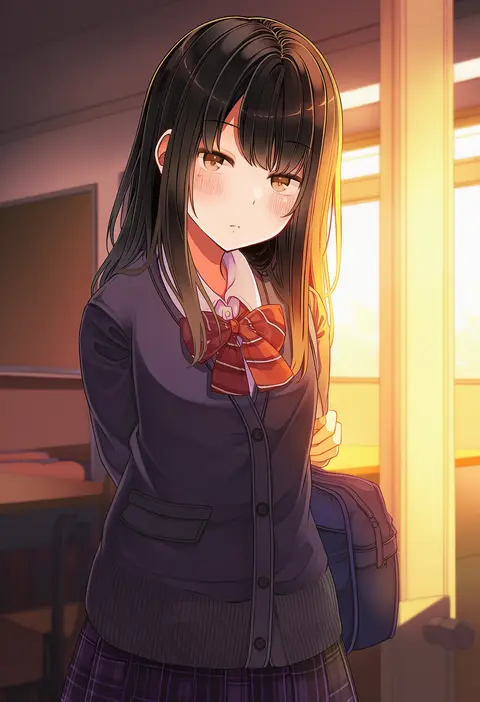
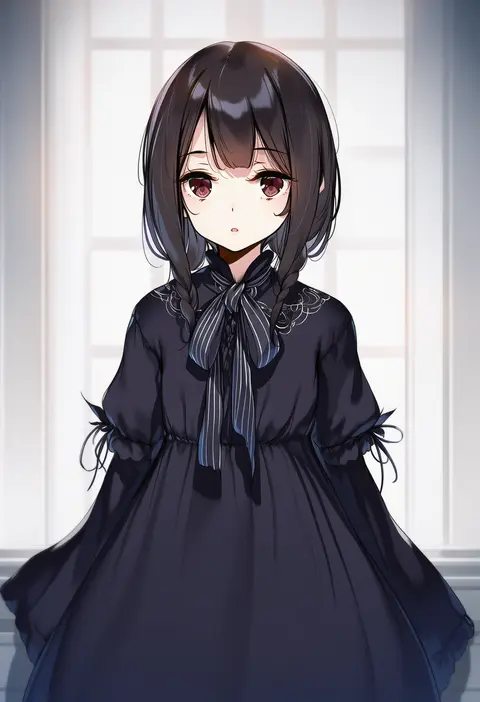
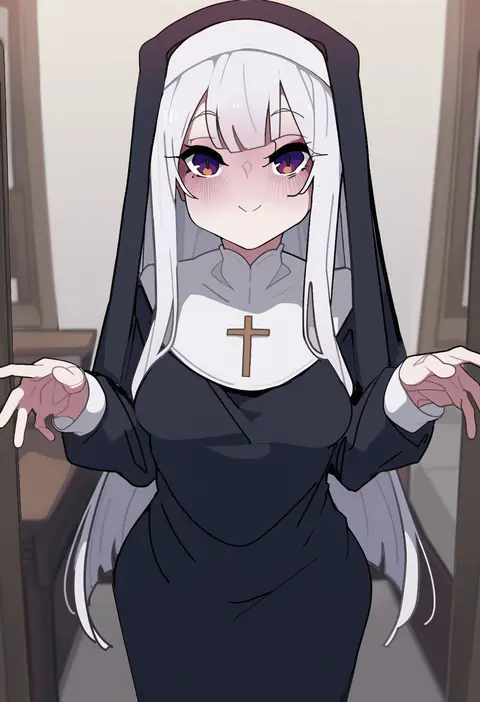
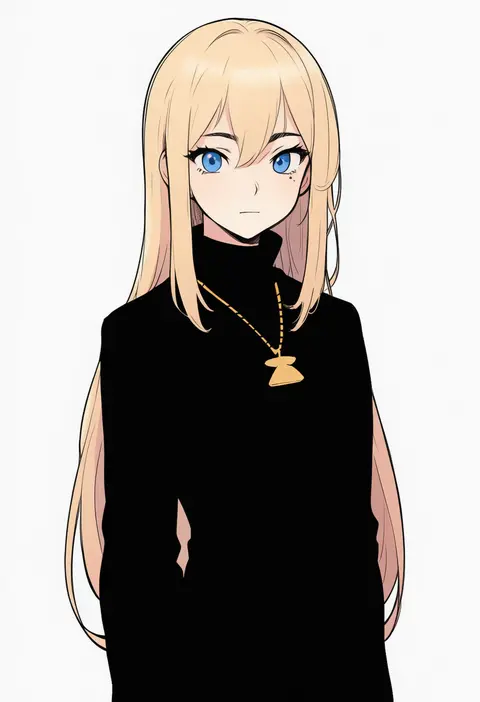
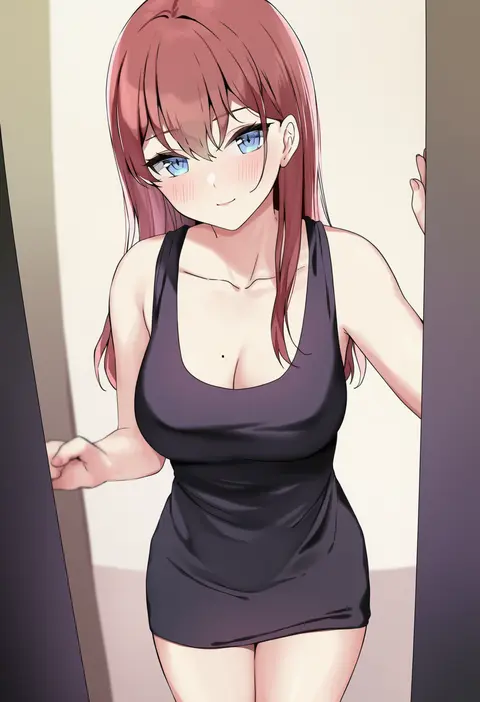
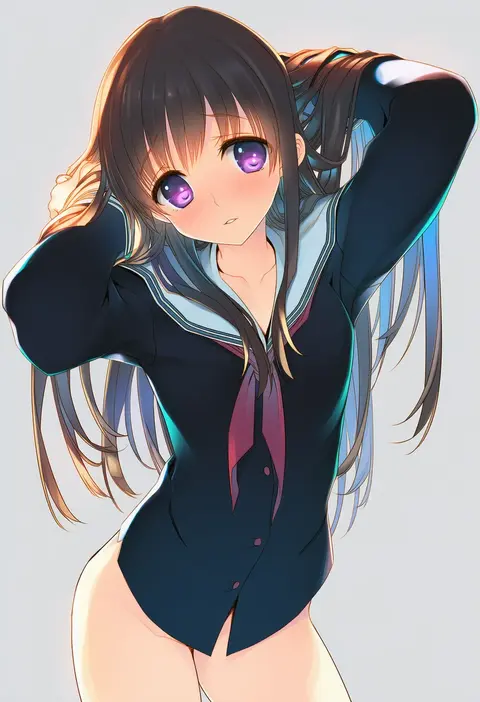
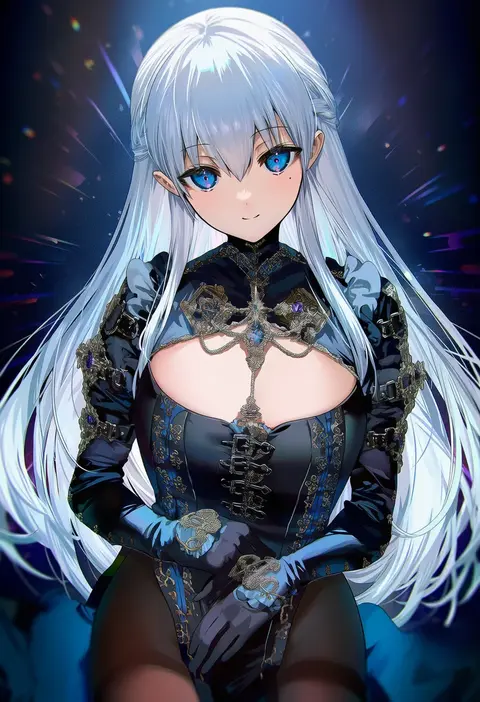
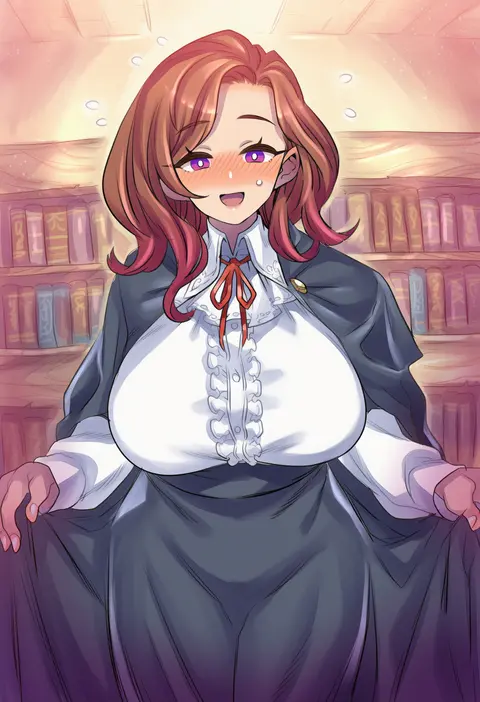
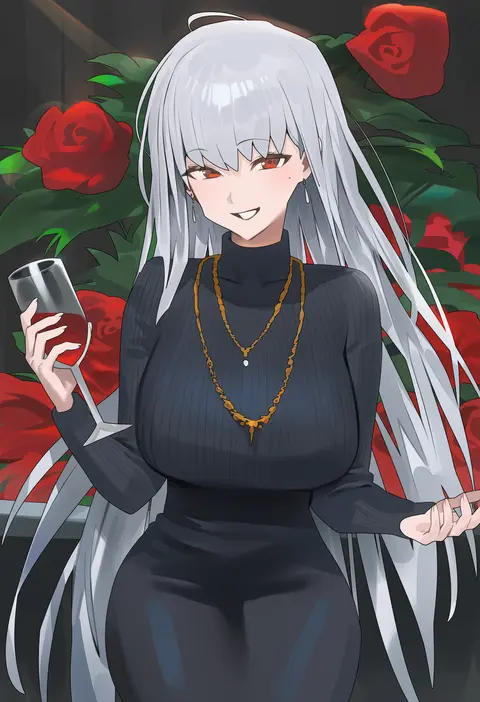
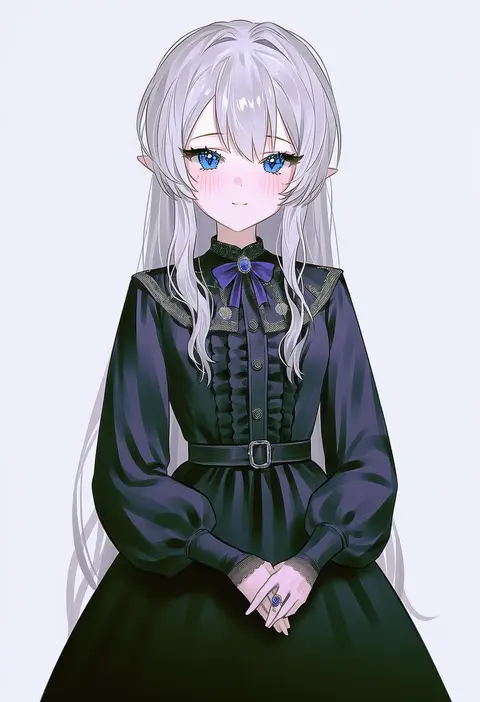
Every tag listed here is verified to react in NovelAI. All images use the same prompt, seed and settings with only the artist tag swapped, so the difference between two images is the style that tag brings in.

How to use them

Put the artist tag near the front of the prompt, e.g. "<artist>, 1girl, solo, best quality, masterpiece, cowboy shot". Two or three artist tags blend styles; lower the weight with "0.8::<artist>::" when the style overpowers the character.

SCORE sorts by Danbooru's top score, POSTS by post count, FAVS by hearts on this site. Open a card to see V5 and V4.5 side by side on the same seed.

V5 vs V4.5

V5 usually lands closer to the artist's real style, and tags that did nothing on V4.5 often react on V5. V4.5 still fits older and doujin-heavy artists better. Try V5 first, fall back to V4.5.

FAQ

Where does the artist tag go?
Near the front of the prompt. Use "0.8::tag::" to adjust its weight.

Can I stack artist tags?
Yes, styles blend. Past two or three the result stops looking like anyone.

Are these the artists' own works?
No. Every image is a NovelAI sample generated from the tag.