V4.5Artists
sort: FAVS▾
▾
>
$

Popular NovelAI artist tags — V4.5

artist --count 16,352[5/273]
massakasama
ARTIST0x00F0
6
rella
ARTIST0x00F1
6
luicent
ARTIST0x00F2
6
lam (ramdayo)
ARTIST0x00F3
6
beni shake
ARTIST0x00F4
6
ito noizi
ARTIST0x00F5
6
funamusea (artist)
ARTIST0x00F6
6
mochizuki shiina
ARTIST0x00F7
6
op na yarou
ARTIST0x00F8
6
koi (koisan)
ARTIST0x00F9
6
lemon89h
ARTIST0x00FA
6
na bia
ARTIST0x00FB
6
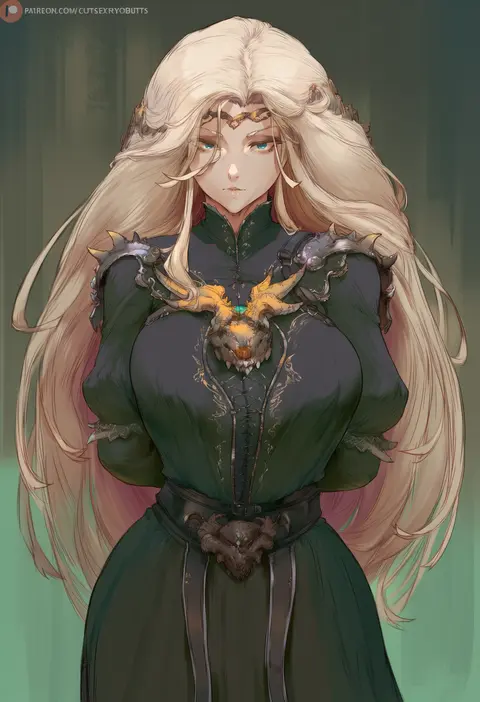
cutesexyrobutts
ARTIST0x00FC
5
kumasteam
ARTIST0x00FD
5
kairunoburogu
ARTIST0x00FE
5
elocca
ARTIST0x00FF
5
jp06
ARTIST0x0100
5
komeshiro kasu
ARTIST0x0101
5
redi (rasec asdjh)
ARTIST0x0102
5
aelion draws
ARTIST0x0103
5
beijuu
ARTIST0x0104
5
narodenden
ARTIST0x0105
5
gdhs
ARTIST0x0106
5
mamaloni
ARTIST0x0107
5
sage joh
ARTIST0x0108
5
poriuretan
ARTIST0x0109
5
kotoribako
ARTIST0x010A
5
narusan beam2
ARTIST0x010B
5
sak (lemondisk)
ARTIST0x010C
5
kilabo
ARTIST0x010D
5
yuiga naoha
ARTIST0x010E
5
shiseki hirame
ARTIST0x010F
5
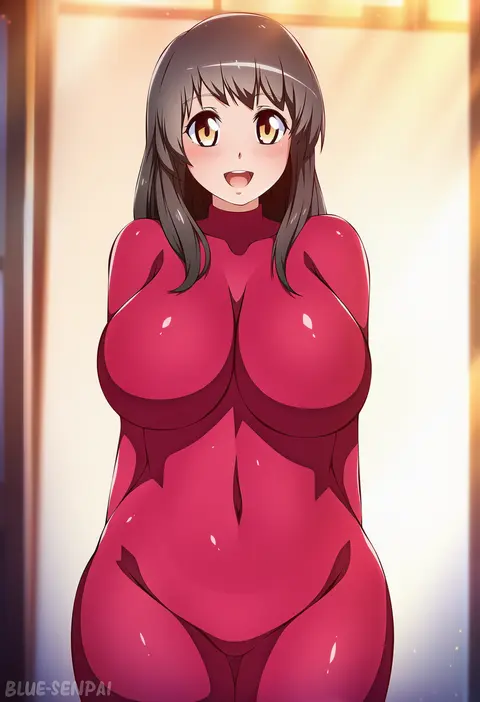
blue-senpai
ARTIST0x0110
5
yuzutei
ARTIST0x0111
5
hizuki higure
ARTIST0x0112
5
eruu (eruuman)
ARTIST0x0113
5
cyclone (reizei)
ARTIST0x0114
5
nekojira
ARTIST0x0115
5
aoi nagisa (metalder)
ARTIST0x0116
5
takunomi
ARTIST0x0117
5
redjet
ARTIST0x0118
5
magako
ARTIST0x0119
5
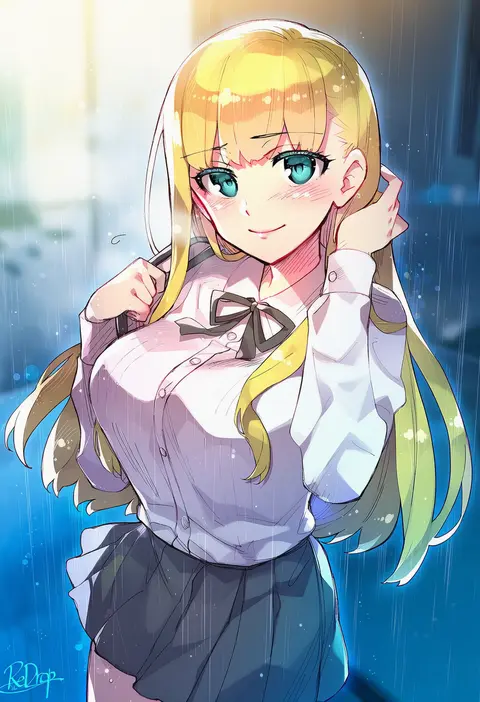
redrop
ARTIST0x011A
5
kawai ritsu (rits meg)
ARTIST0x011B
5
hyde (tabakko)
ARTIST0x011C
5
hiten (hitenkei)
ARTIST0x011D
5
tony taka
ARTIST0x011E
5
hanauna
ARTIST0x011F
5
hanasaka houcha
ARTIST0x0120
5
pija (pianiishimo)
ARTIST0x0121
5
uccow
ARTIST0x0122
5
ayuma sayu
ARTIST0x0123
5
hiro (dismaless)
ARTIST0x0124
5
rindou (radical dream)
ARTIST0x0125
5
hungry clicker
ARTIST0x0126
5
haimura kiyotaka
ARTIST0x0127
5
kuroboshi kouhaku
ARTIST0x0128
5
cocoballking
ARTIST0x0129
5
haruyama kazunori
ARTIST0x012A
5
sachito
ARTIST0x012B
5

What these tags change

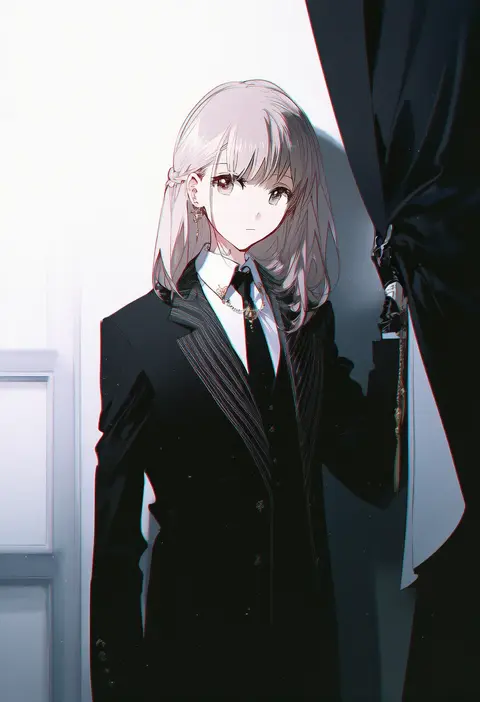
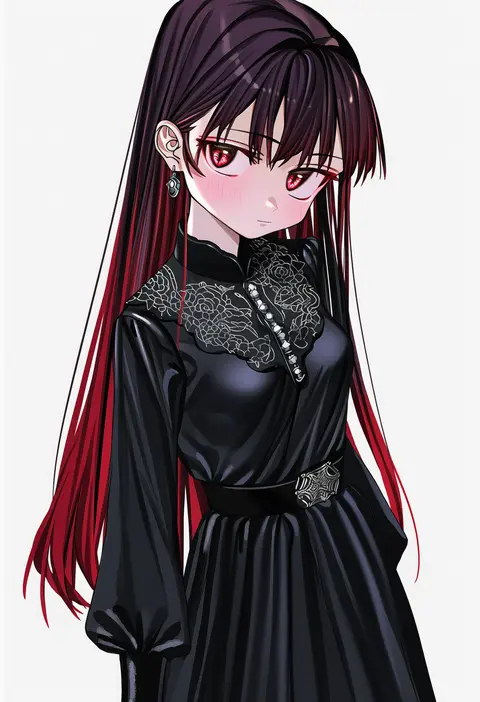
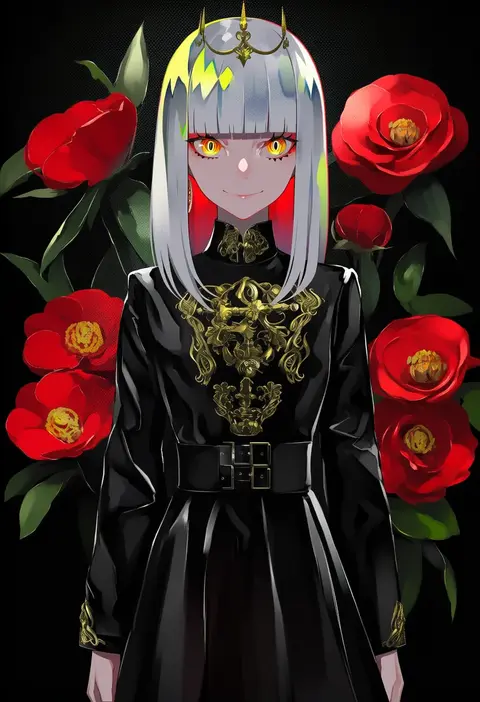
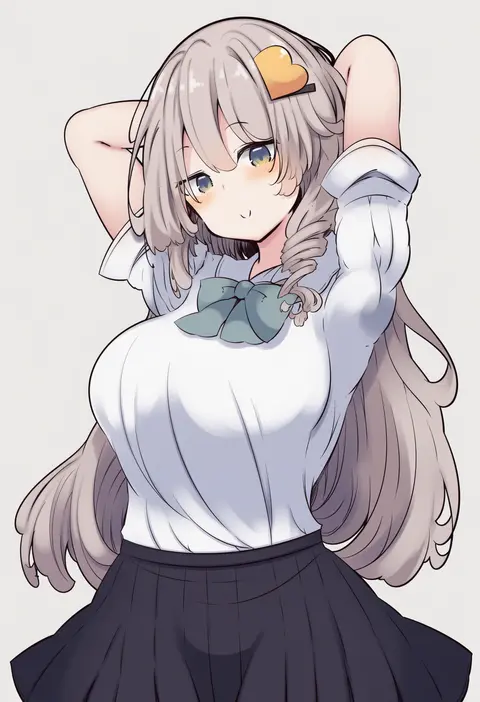
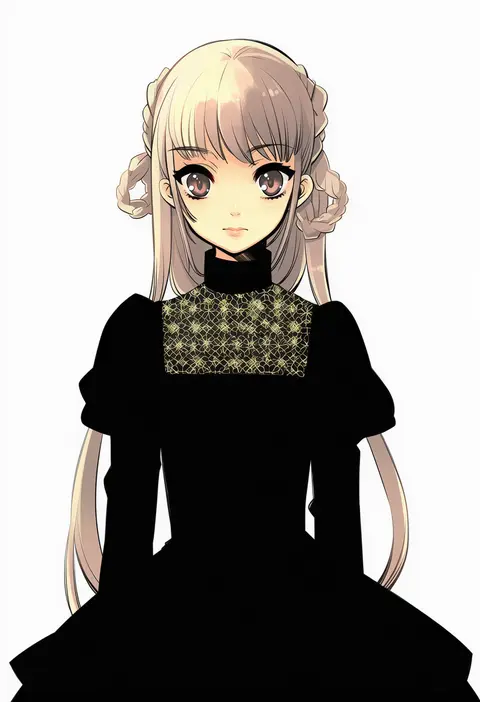
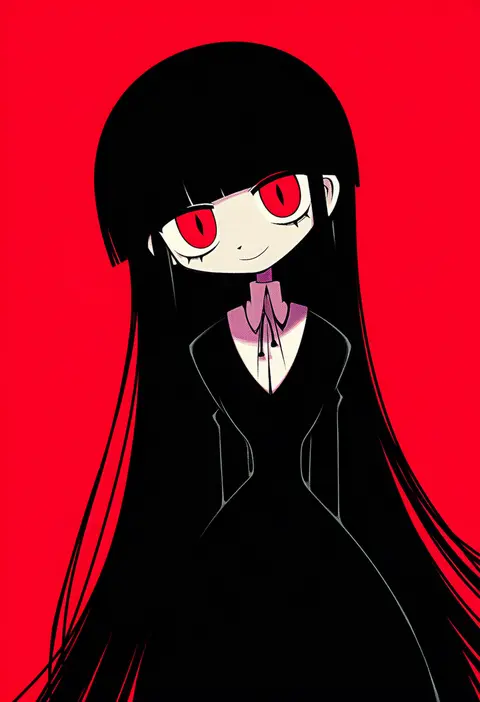
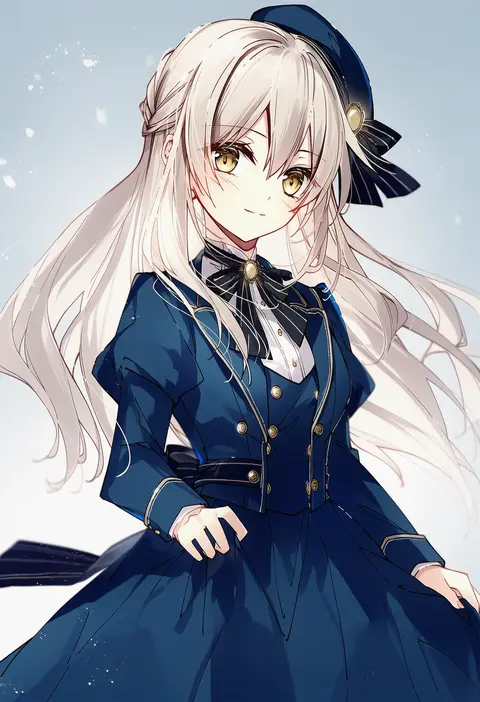
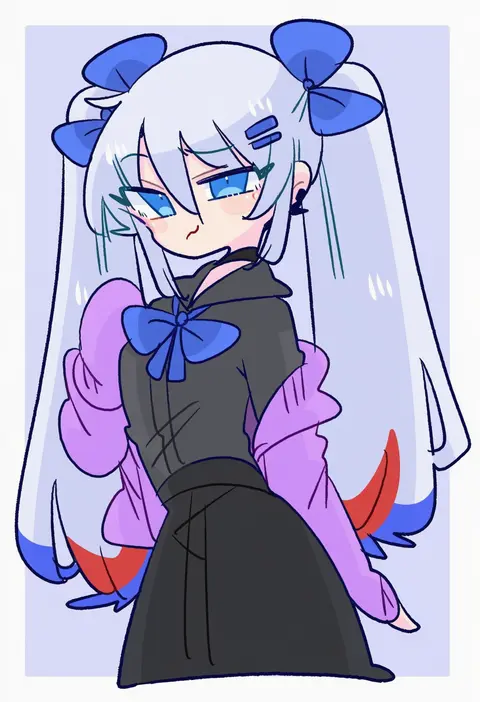
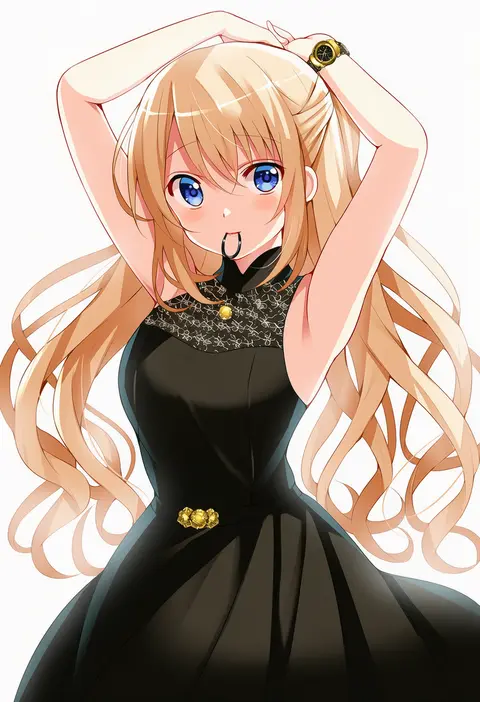
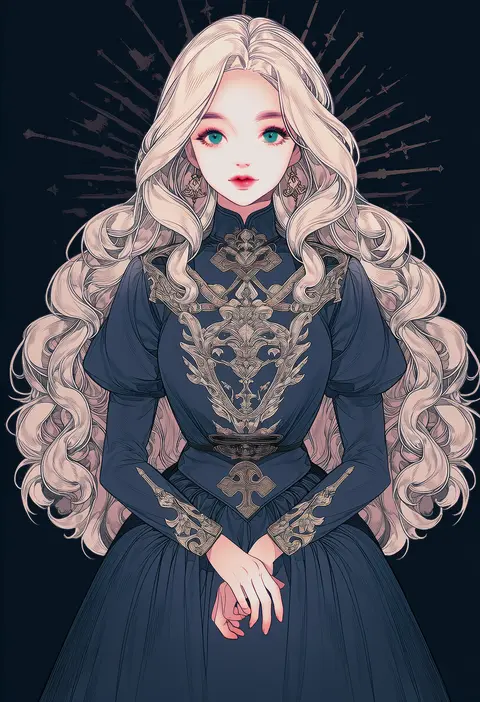
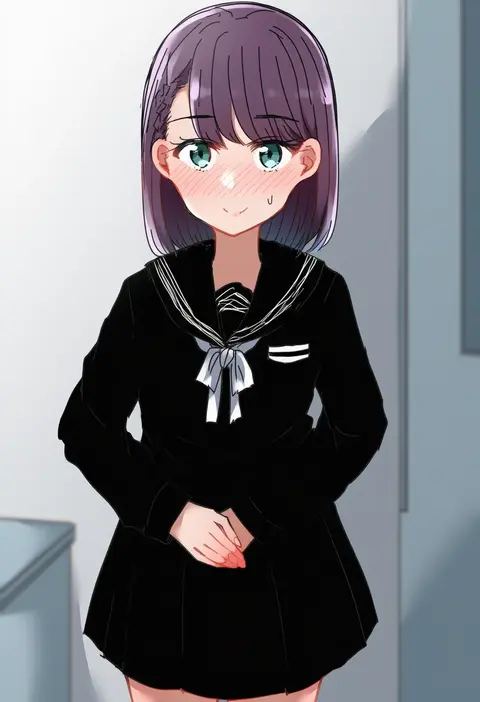
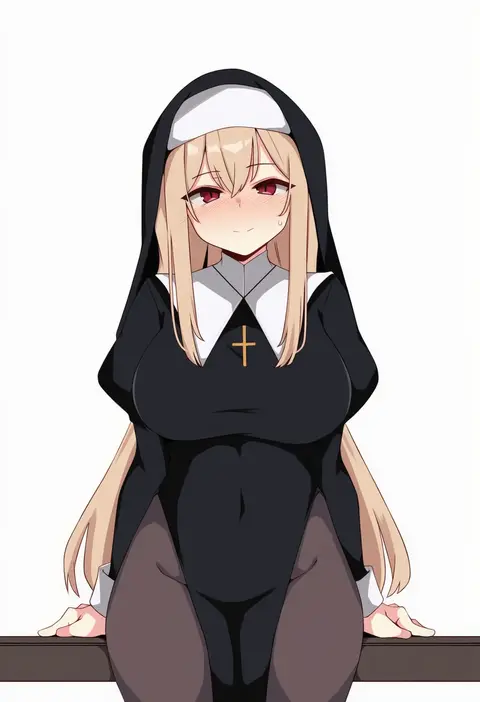
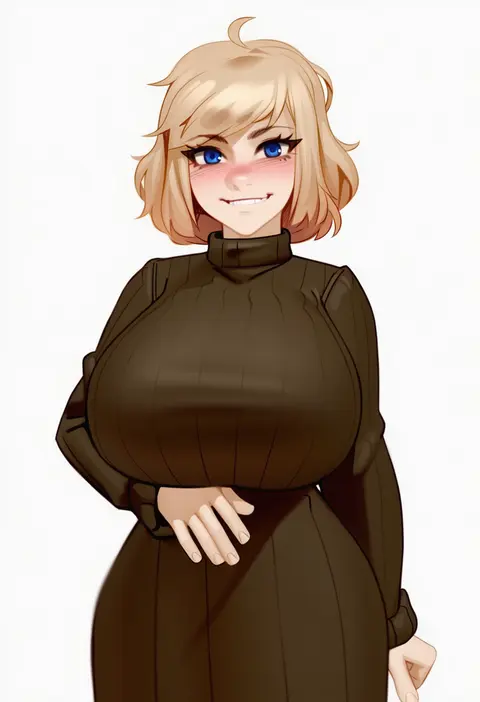
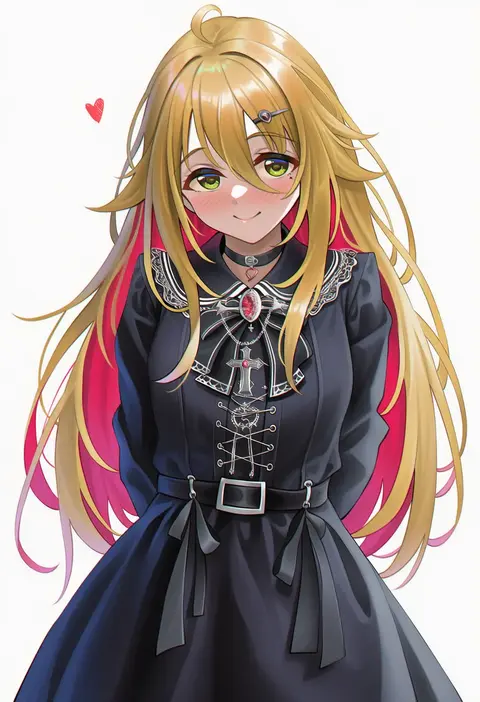
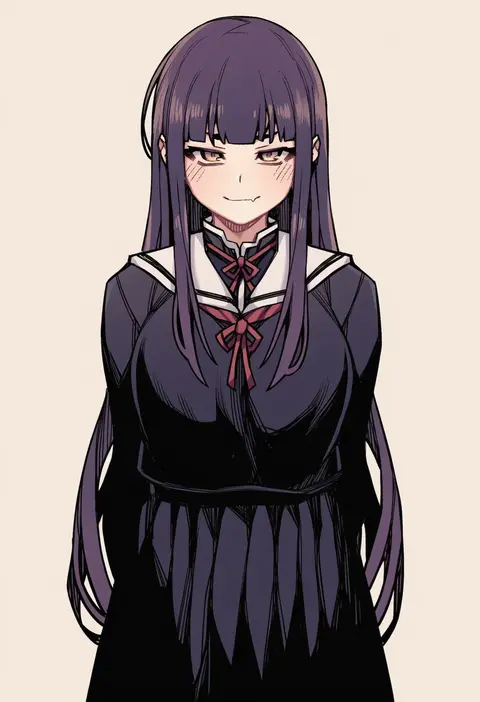
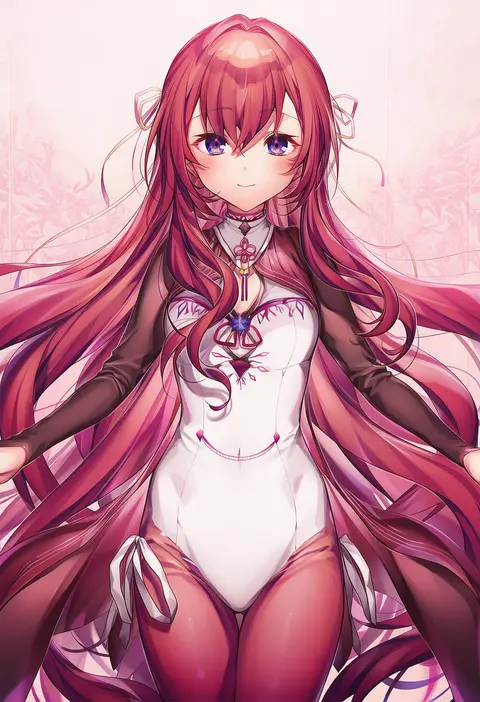
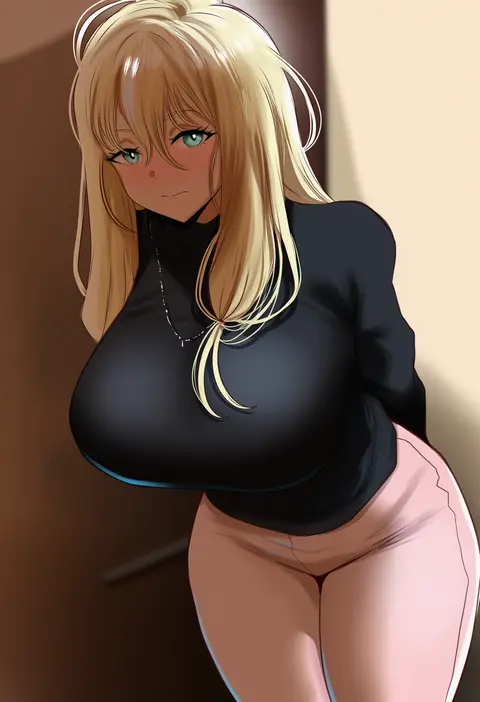
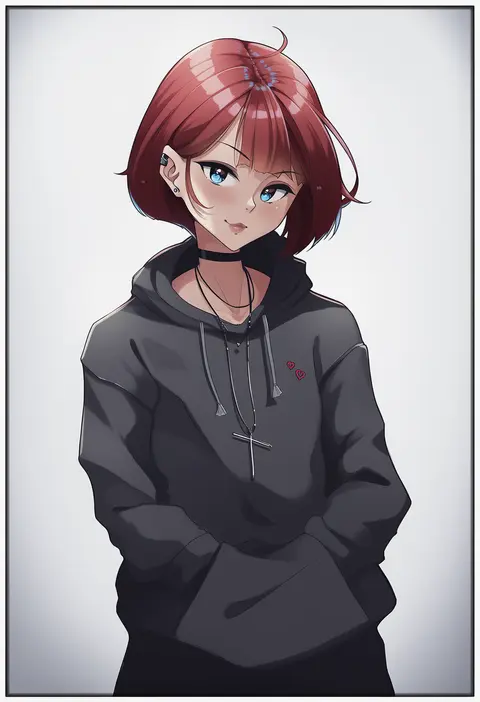
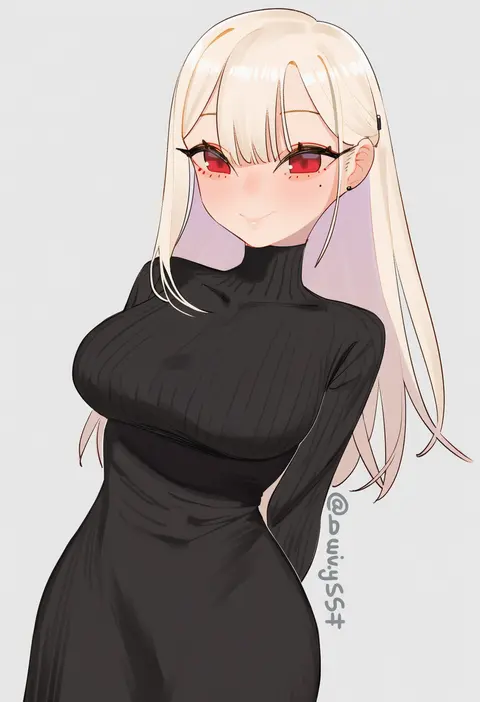
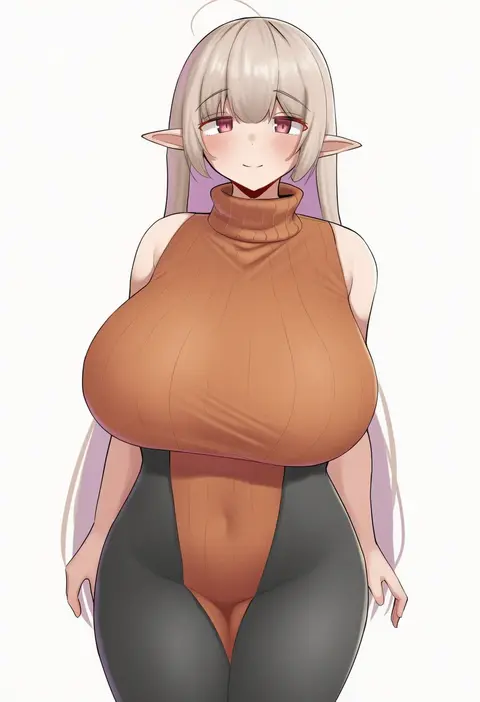
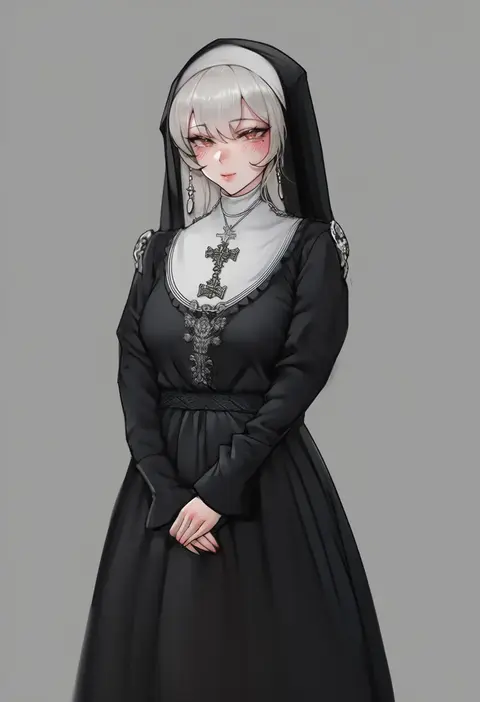
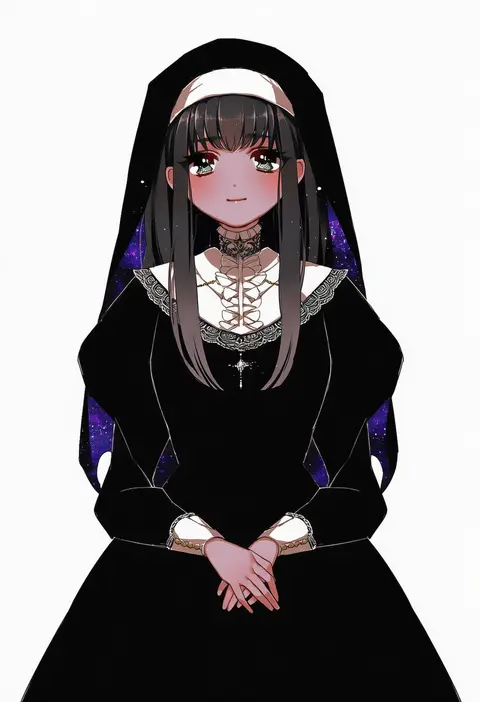
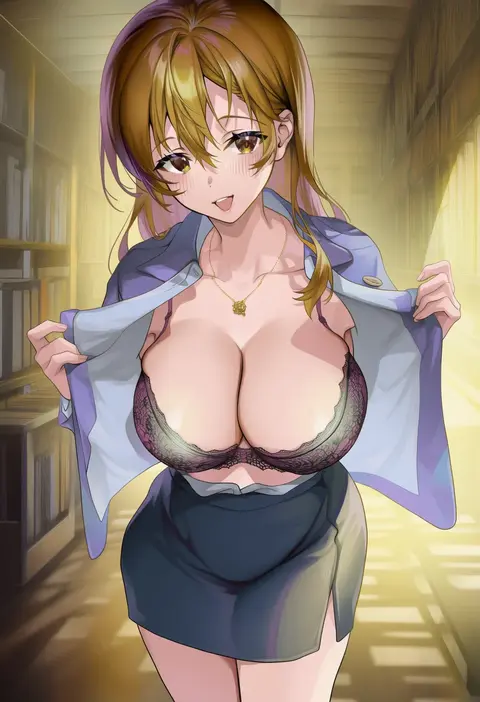
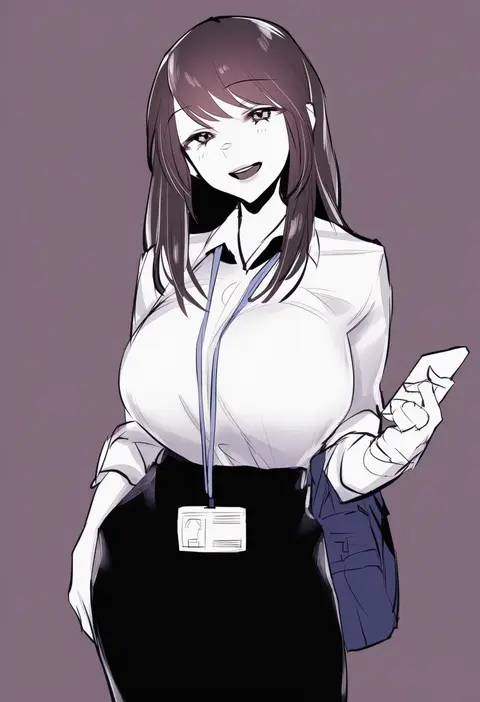
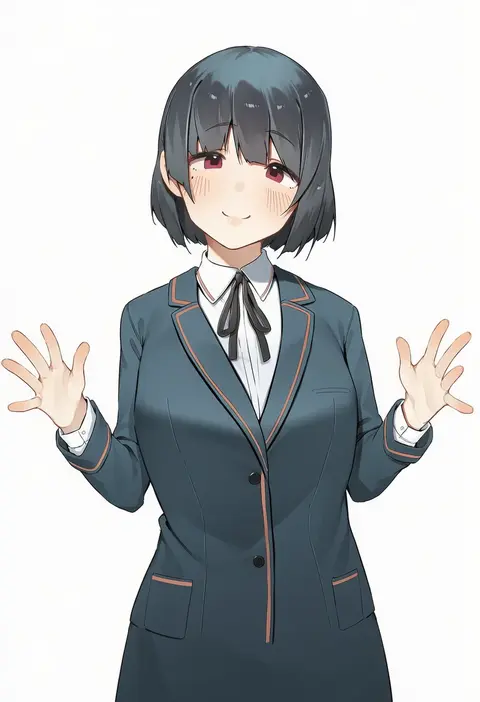
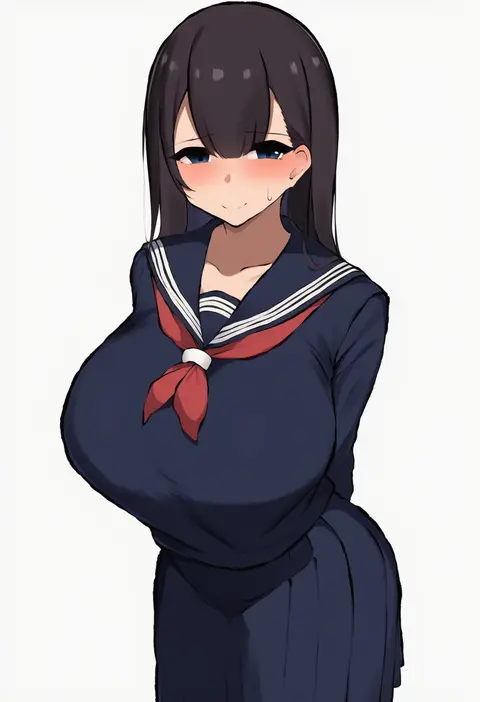
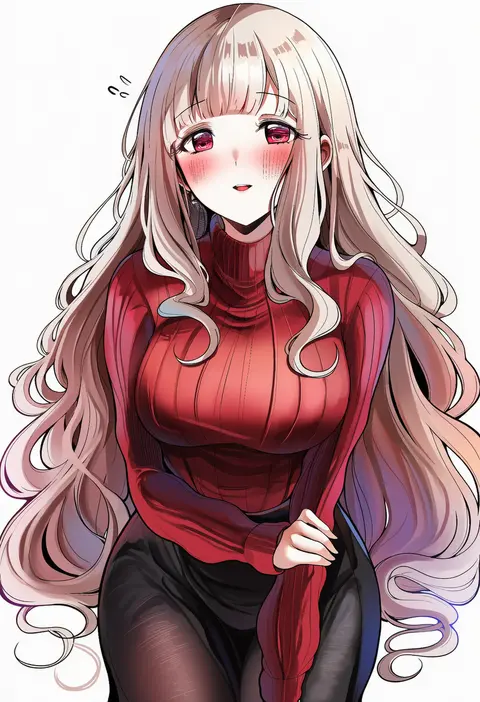
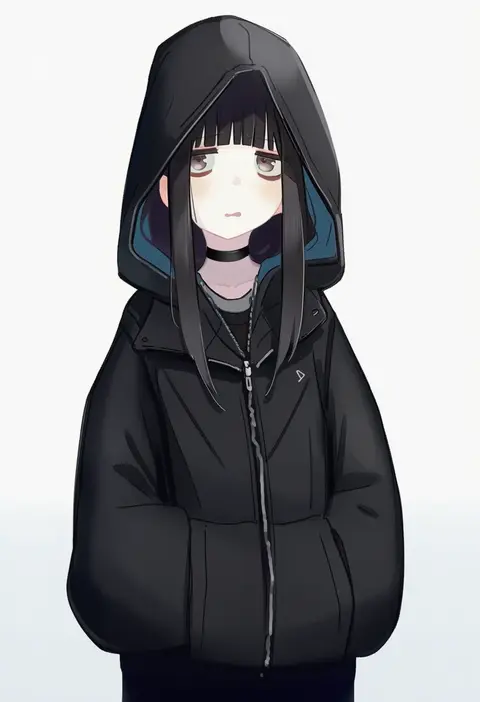
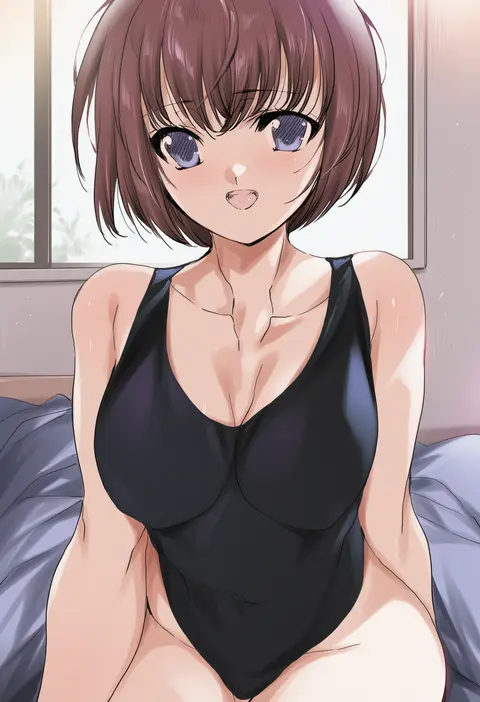
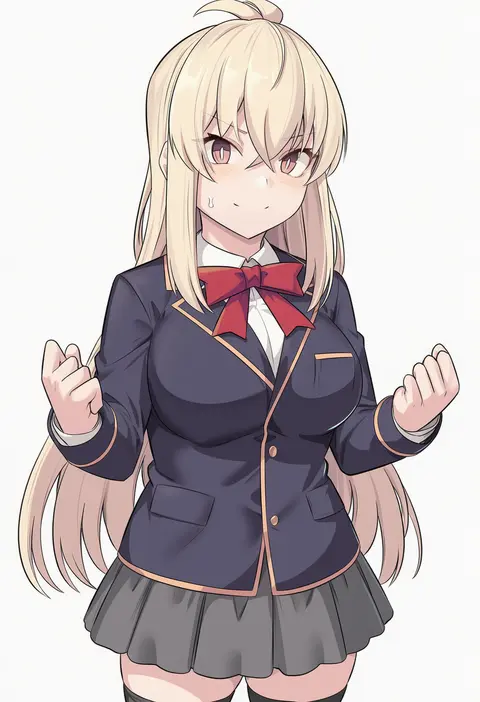
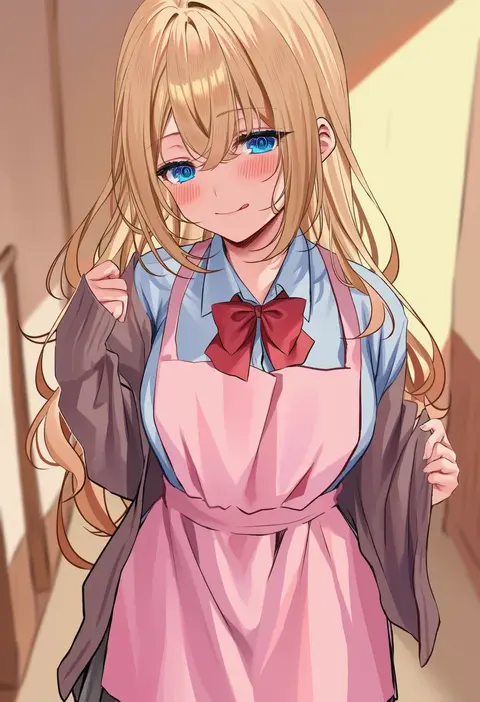
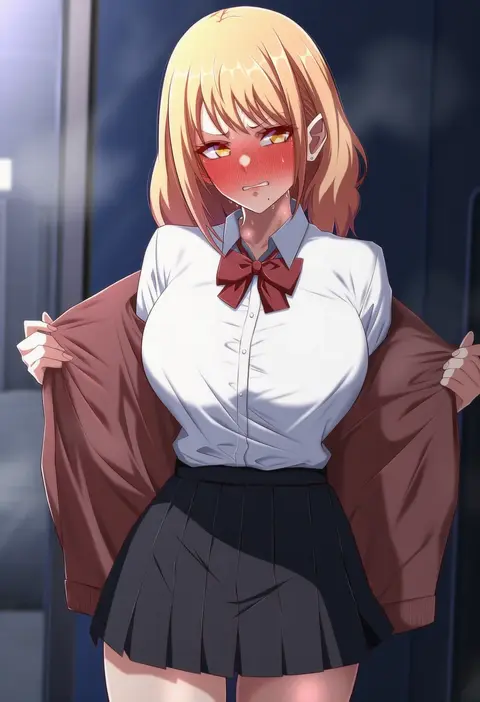
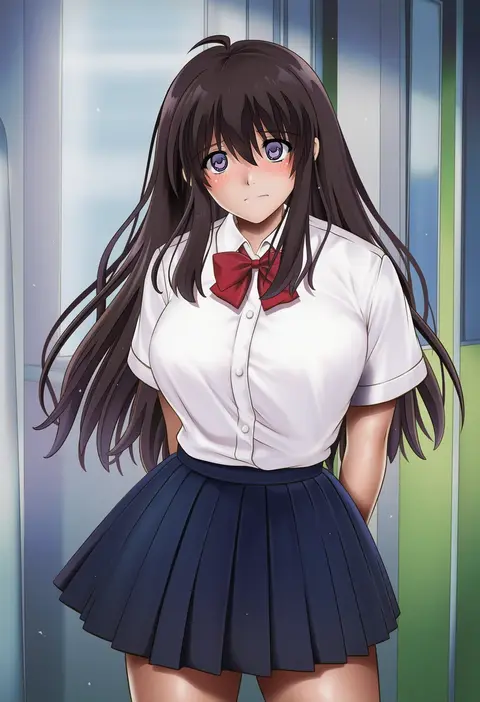
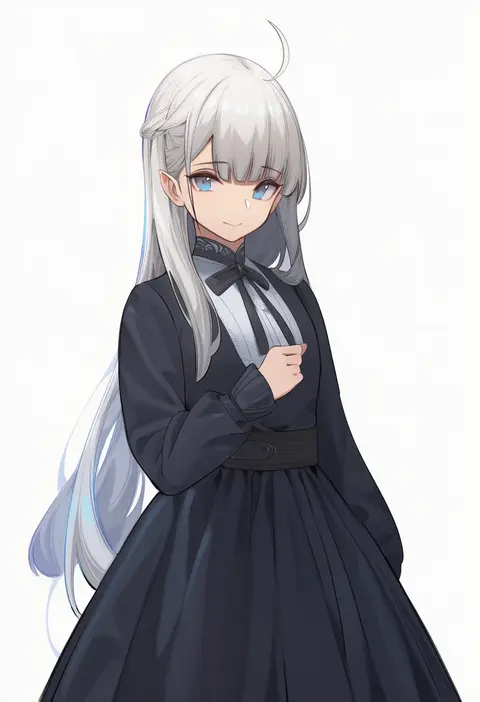
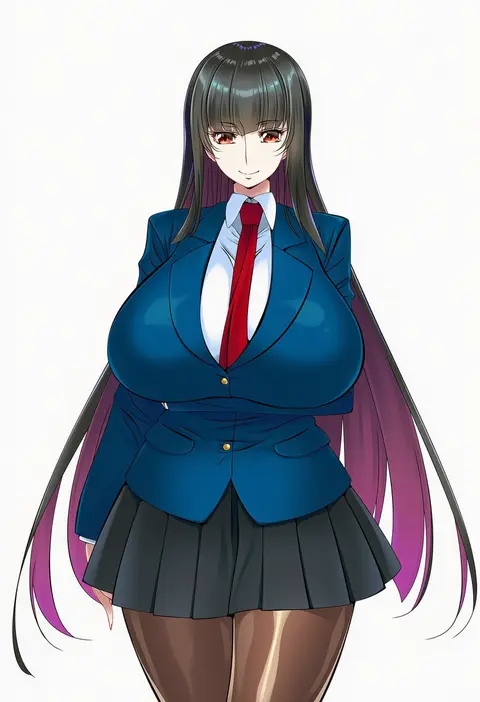
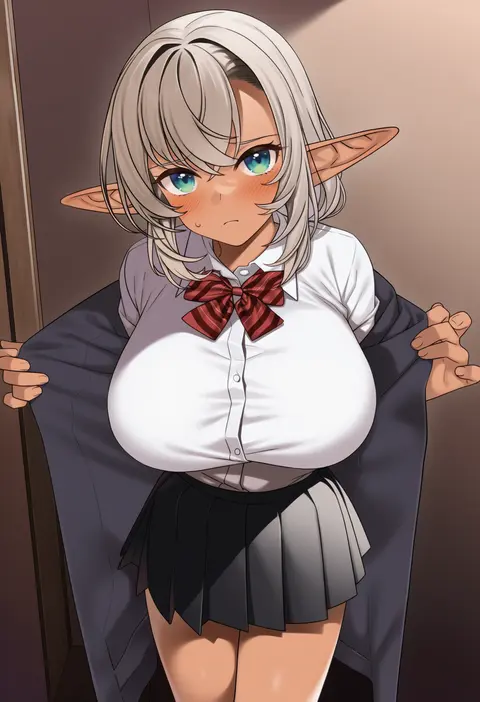
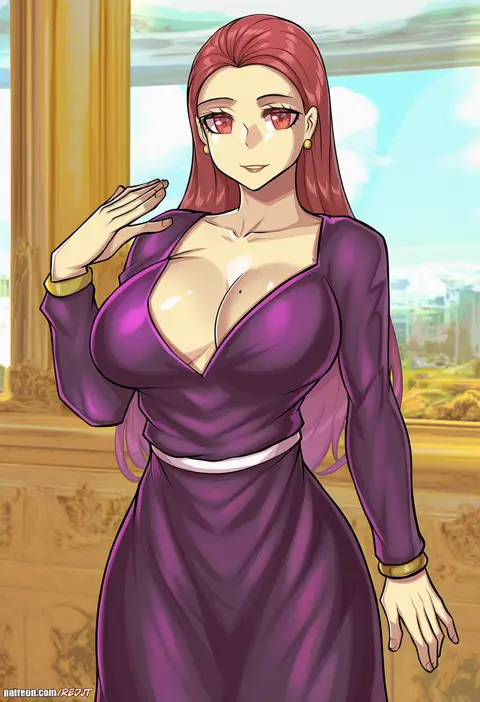
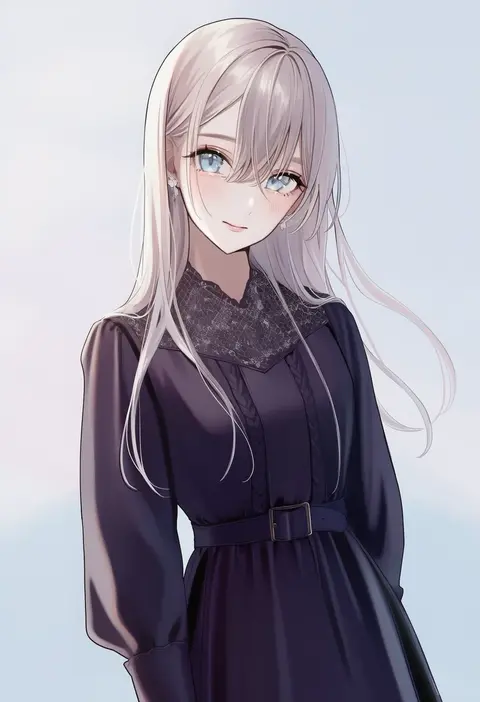
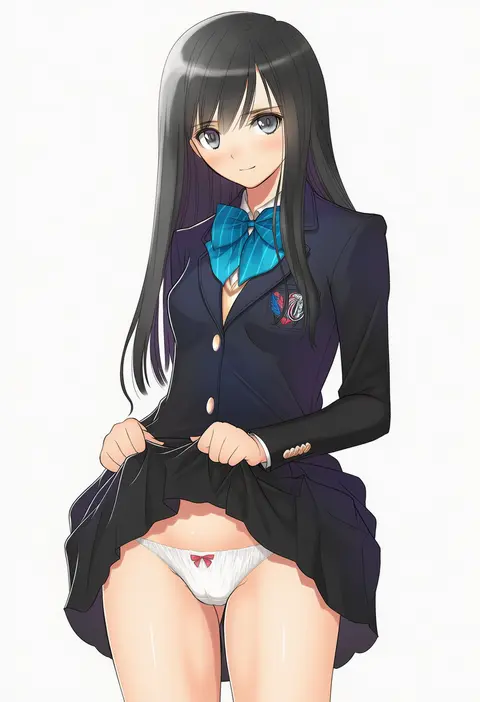
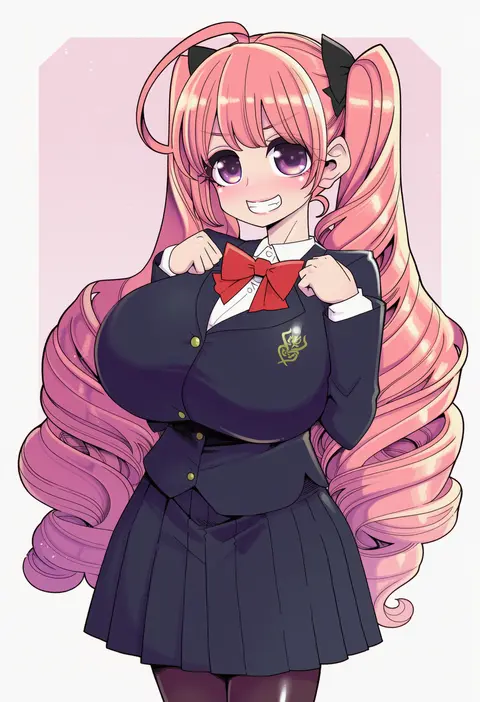
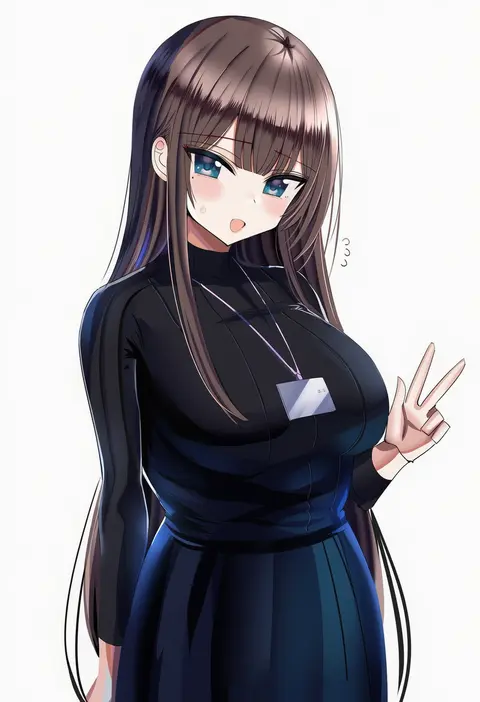
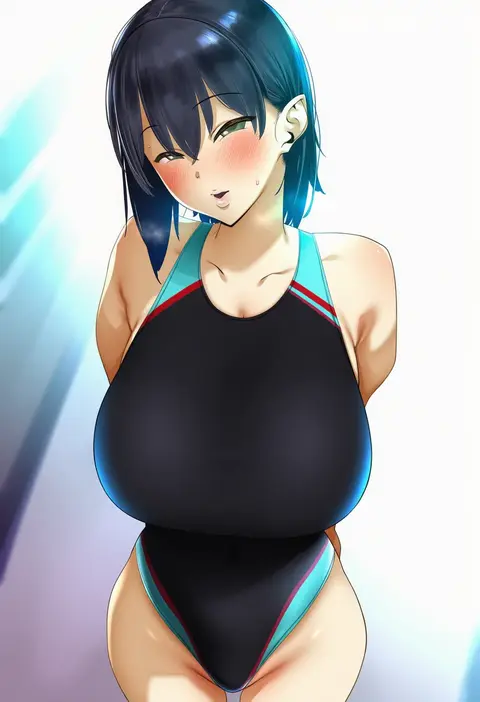
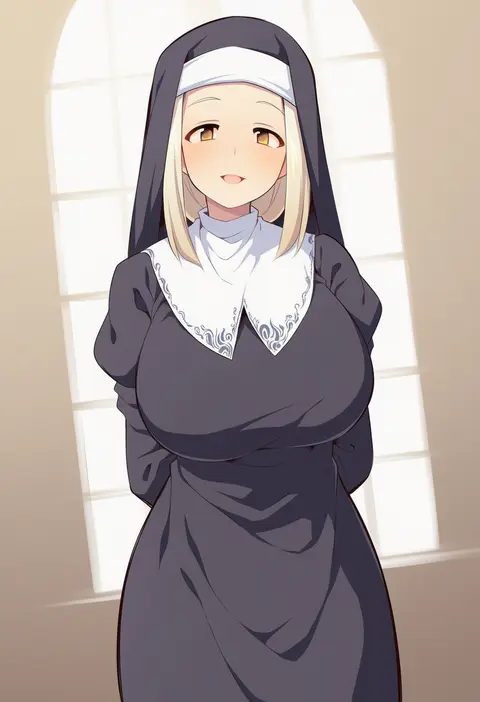
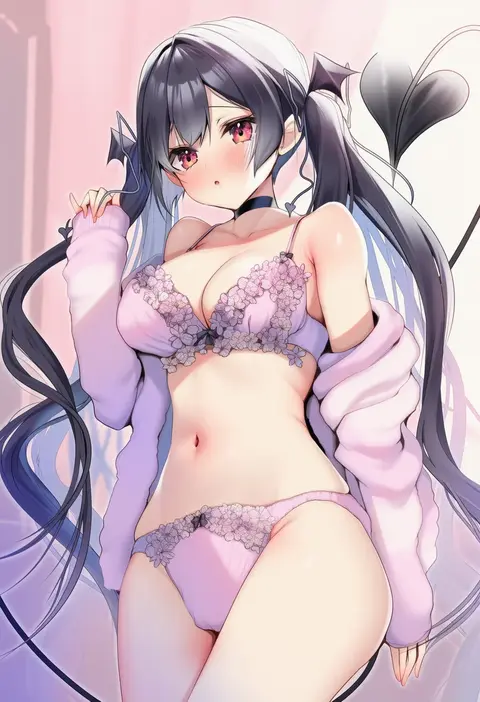
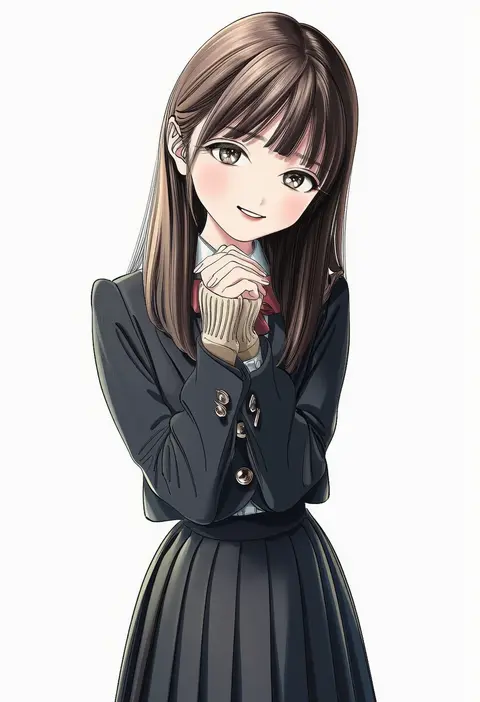
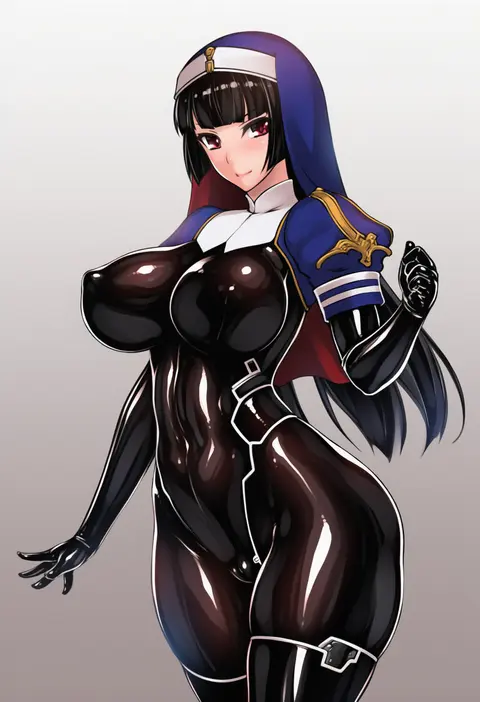
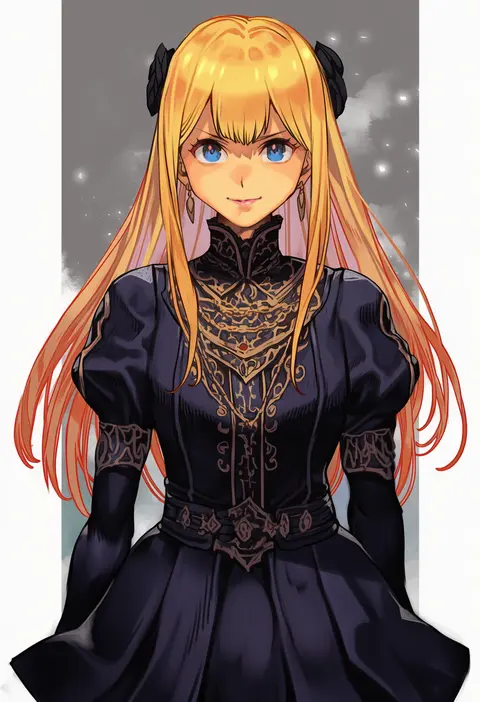
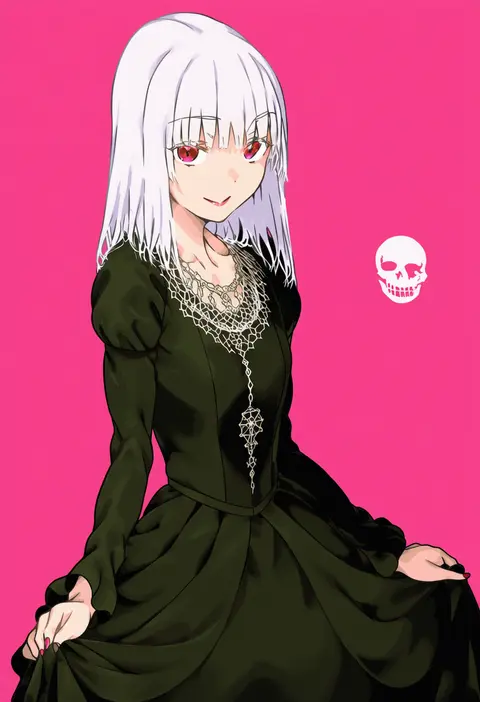
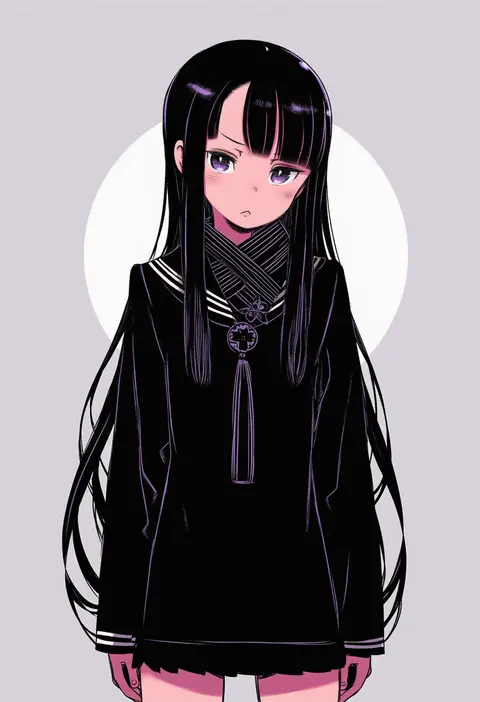
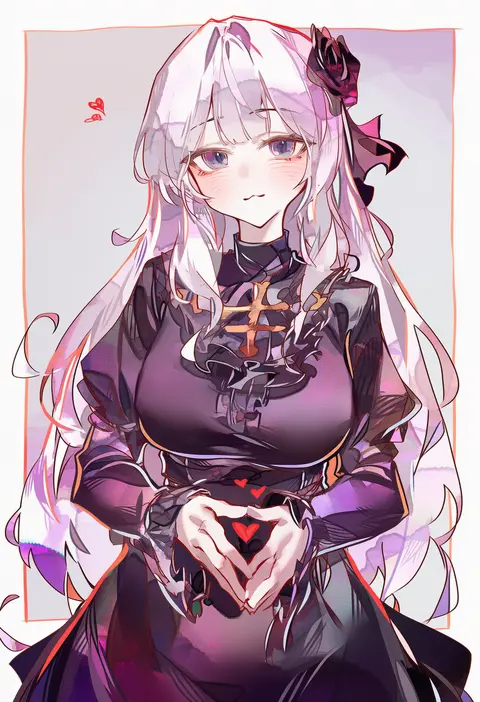
Artist tags tell NovelAI Diffusion to draw in a specific artist's style: line weight, paint texture, face shapes and palette all shift at once. Character and outfit tags decide what is drawn; artist tags decide how. 16,352 tags are listed for V4.5.
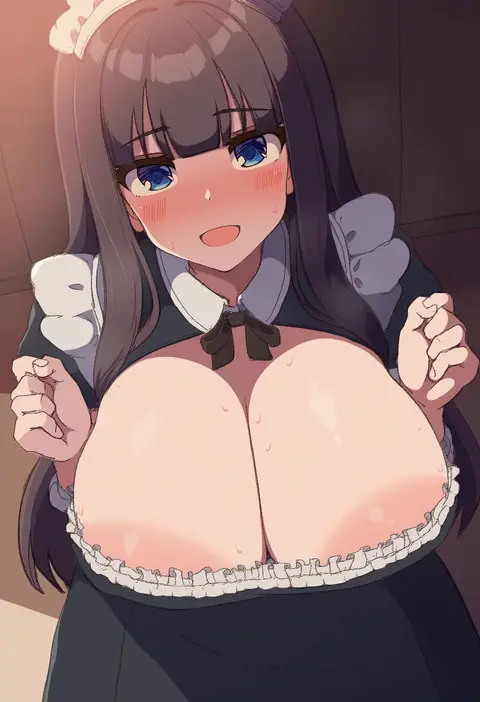
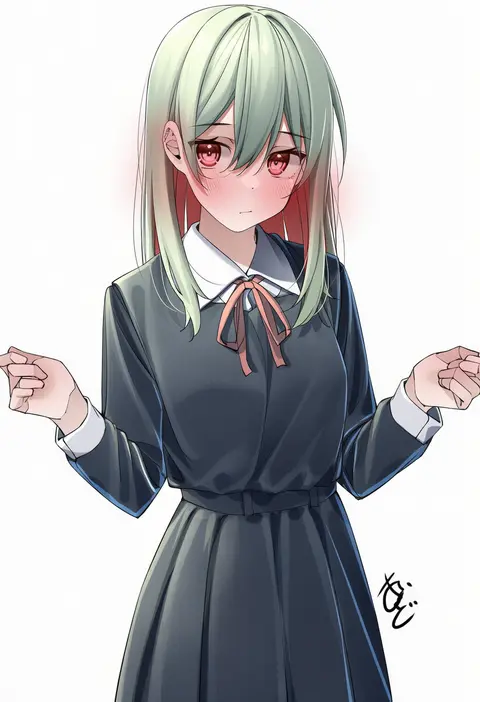
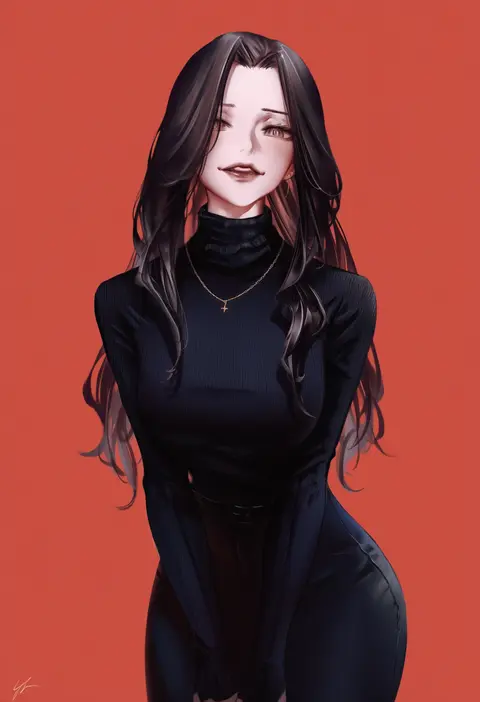
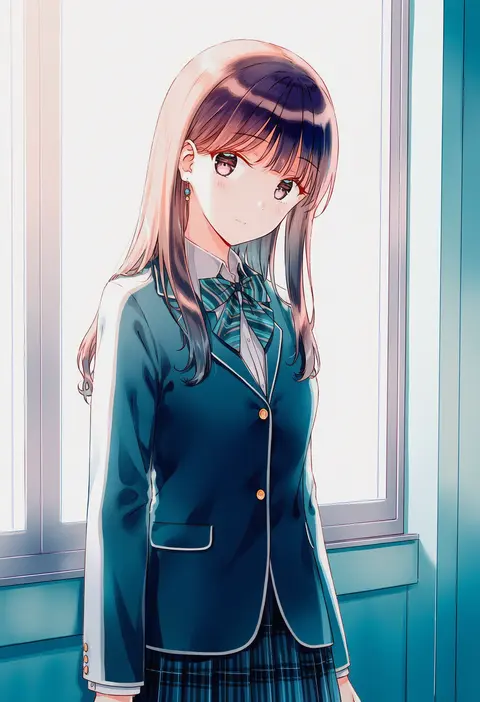
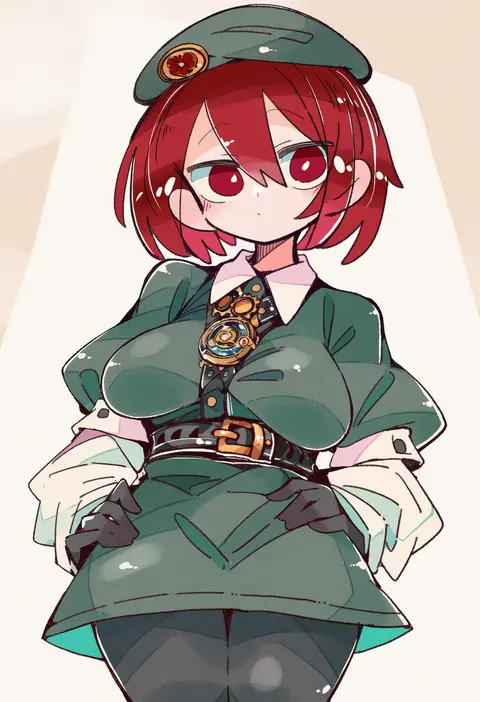
Every tag listed here is verified to react in NovelAI. All images use the same prompt, seed and settings with only the artist tag swapped, so the difference between two images is the style that tag brings in.

How to use them

Put the artist tag near the front of the prompt, e.g. "<artist>, 1girl, solo, best quality, masterpiece, cowboy shot". Two or three artist tags blend styles; lower the weight with "0.8::<artist>::" when the style overpowers the character.

SCORE sorts by Danbooru's top score, POSTS by post count, FAVS by hearts on this site. Open a card to see V5 and V4.5 side by side on the same seed.

V5 vs V4.5

V5 usually lands closer to the artist's real style, and tags that did nothing on V4.5 often react on V5. V4.5 still fits older and doujin-heavy artists better. Try V5 first, fall back to V4.5.

FAQ

Where does the artist tag go?
Near the front of the prompt. Use "0.8::tag::" to adjust its weight.

Can I stack artist tags?
Yes, styles blend. Past two or three the result stops looking like anyone.

Are these the artists' own works?
No. Every image is a NovelAI sample generated from the tag.