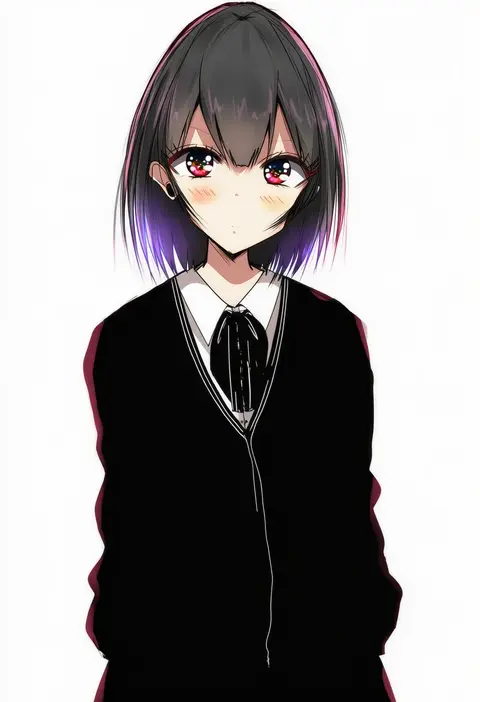
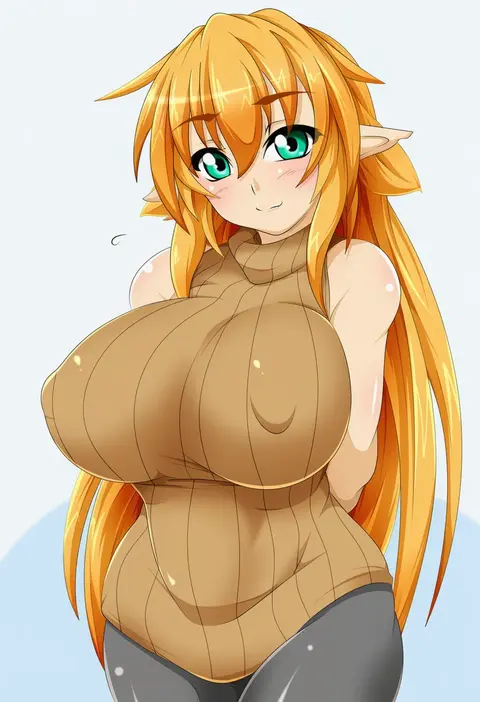
V4.5Artists
sort: FAVS▾
▾
>
$

Popular NovelAI artist tags — V4.5

artist --count 16,352[215/273]
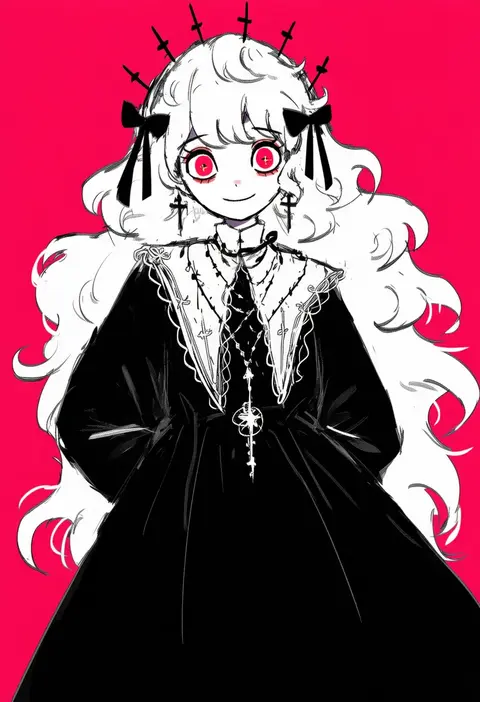
cake mogo
ARTIST0x3228
0
kashmir 0808
ARTIST0x3229
0
tp (kido 94)
ARTIST0x322A
0
marin (myuy 3)
ARTIST0x322B
0
tadano kazuko
ARTIST0x322C
0
deino (deino3330)
ARTIST0x322D
0
kiiro kimi
ARTIST0x322E
0
shiraishi (siraisi00)
ARTIST0x322F
0
regition
ARTIST0x3230
0
siwasunohige
ARTIST0x3231
0
kiichi
ARTIST0x3232
0
shiratakiseaice
ARTIST0x3233
0
tuzaixia
ARTIST0x3234
0
benizika
ARTIST0x3235
0
hiro1984
ARTIST0x3236
0
miyamaru
ARTIST0x3237
0
ryu shou
ARTIST0x3238
0
kurotsuki (luowei99)
ARTIST0x3239
0
monja (monja0521)
ARTIST0x323A
0
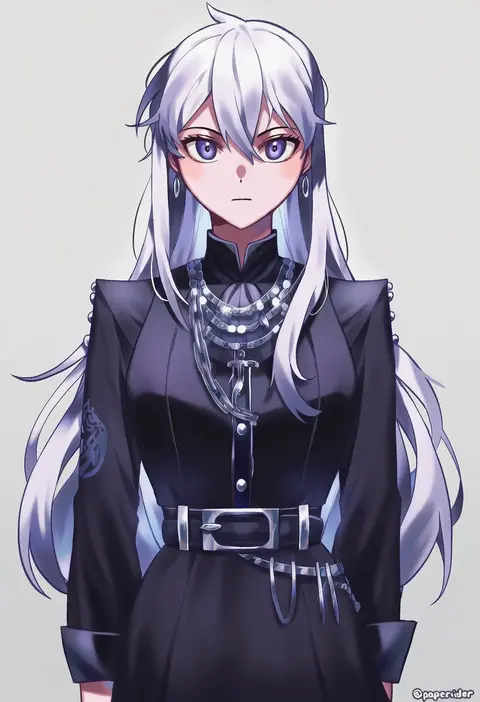
papercider
ARTIST0x323B
0
chanil (muexlku)
ARTIST0x323C
0
bococho
ARTIST0x323D
0
emurin
ARTIST0x323E
0
rento (rukeai)
ARTIST0x323F
0
iroiro yaru hito
ARTIST0x3240
0
kanna (plum)
ARTIST0x3241
0
arim0k0
ARTIST0x3242
0
kisaragi yuu (fallen sky)
ARTIST0x3243
0
pudding (skymint 028)
ARTIST0x3244
0
forest (4423)
ARTIST0x3245
0
ashiroku (miracle hinacle)
ARTIST0x3246
0
pu-en
ARTIST0x3247
0
sakuyu
ARTIST0x3248
0
hinoue itaru
ARTIST0x3249
0
asatsuki (fgfff)
ARTIST0x324A
0
sogawa
ARTIST0x324B
0
satomi yoshitaka
ARTIST0x324C
0
43 pon
ARTIST0x324D
0
pon yui
ARTIST0x324E
0
ohara hiroki
ARTIST0x324F
0
catbell
ARTIST0x3250
0
neopure
ARTIST0x3251
0
kurobeko (kur0bek0)
ARTIST0x3252
0
shina shina
ARTIST0x3253
0
g-room honten
ARTIST0x3254
0
hikaru (ofuton at5)
ARTIST0x3255
0
tsunamayo
ARTIST0x3256
0
takaku toshihiko
ARTIST0x3257
0
x&x&x
ARTIST0x3258
0
angon623
ARTIST0x3259
0
shinonome sakura
ARTIST0x325A
0
hara yui
ARTIST0x325B
0
katai (nekoneko0720)
ARTIST0x325C
0
kirigaya yuuji
ARTIST0x325D
0
kaminokefusa
ARTIST0x325E
0
su xiao jei
ARTIST0x325F
0
sima naoteng
ARTIST0x3260
0
force (4sk force)
ARTIST0x3261
0
haru (nature life)
ARTIST0x3262
0
kokujuuji
ARTIST0x3263
0

What these tags change

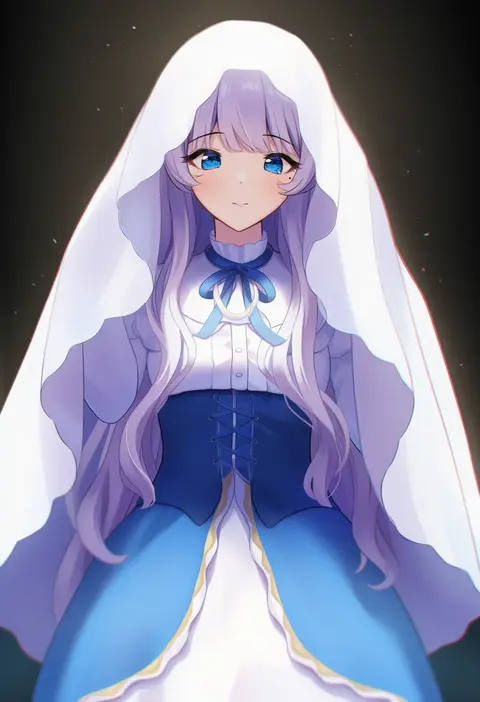
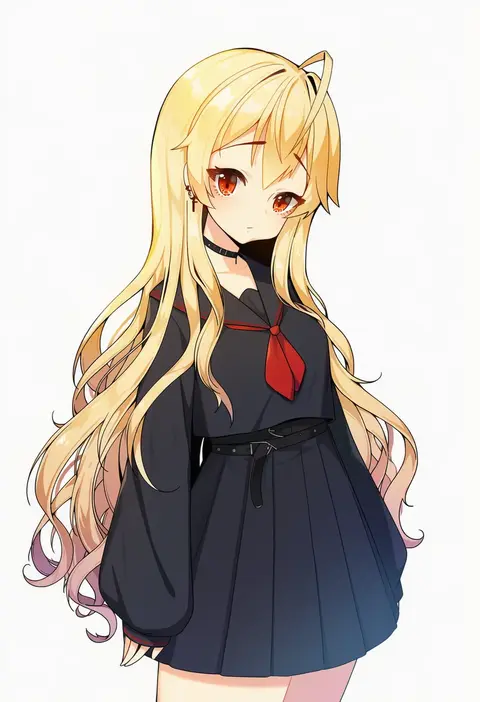
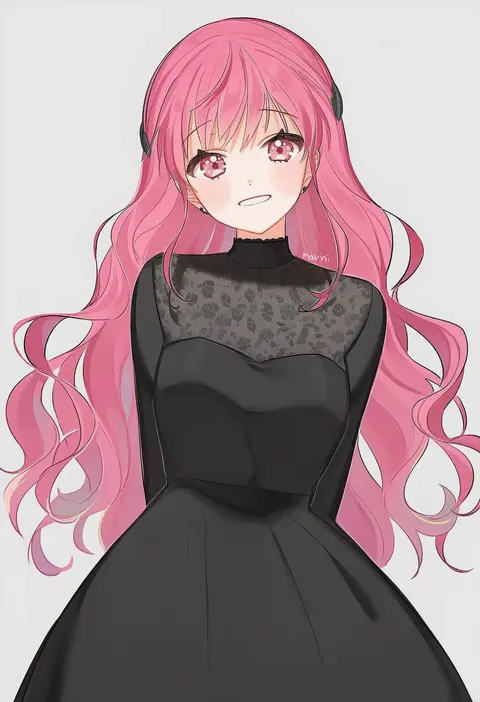
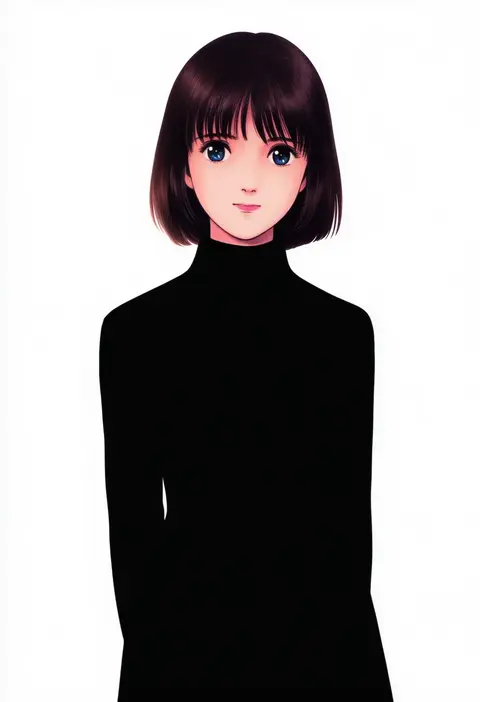
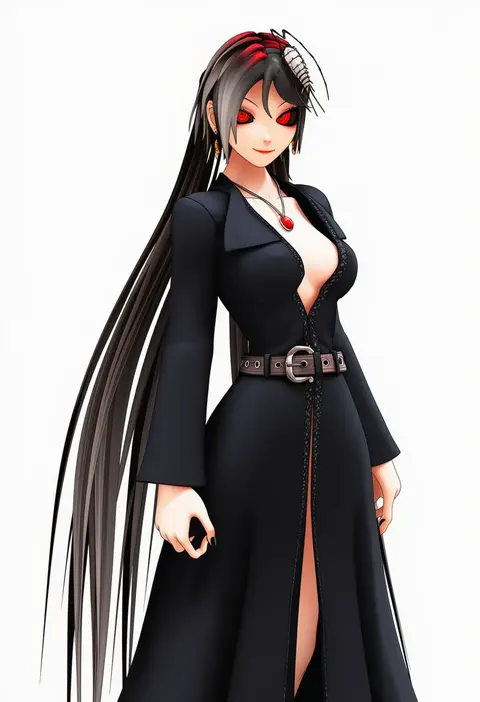
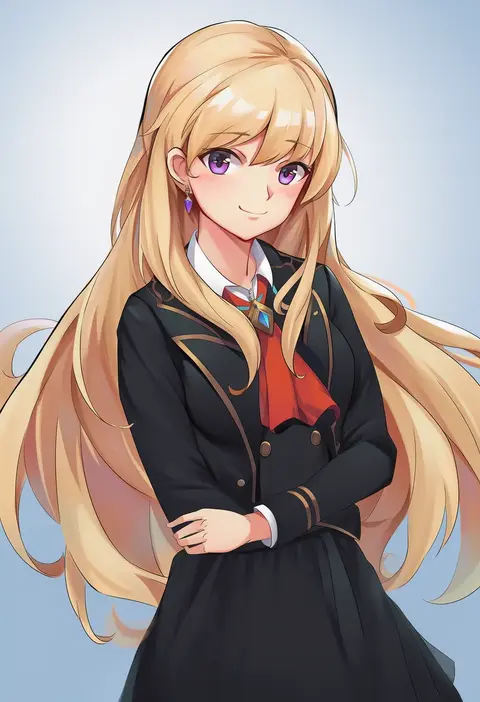
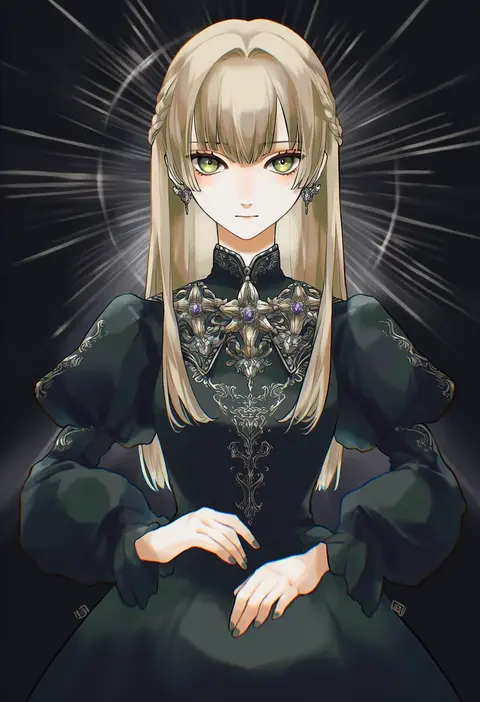
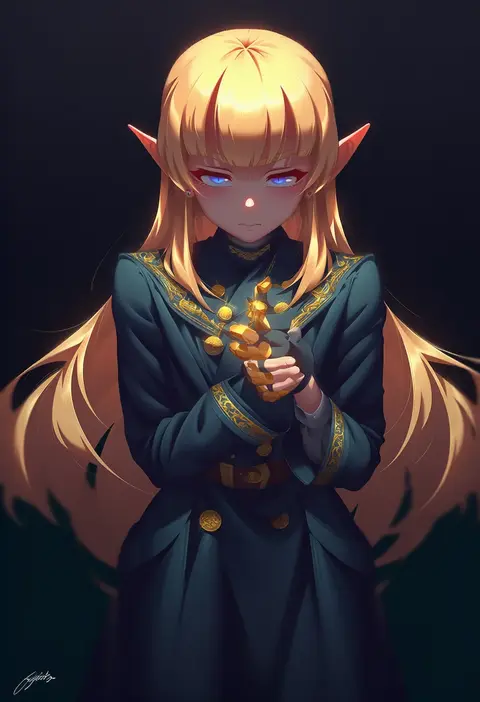
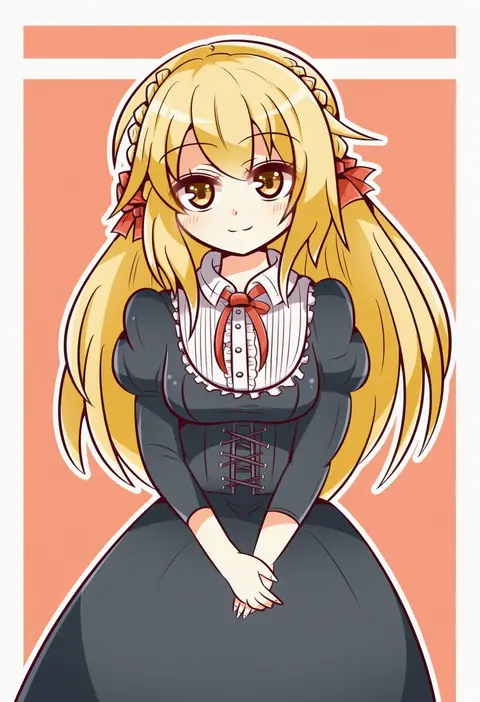
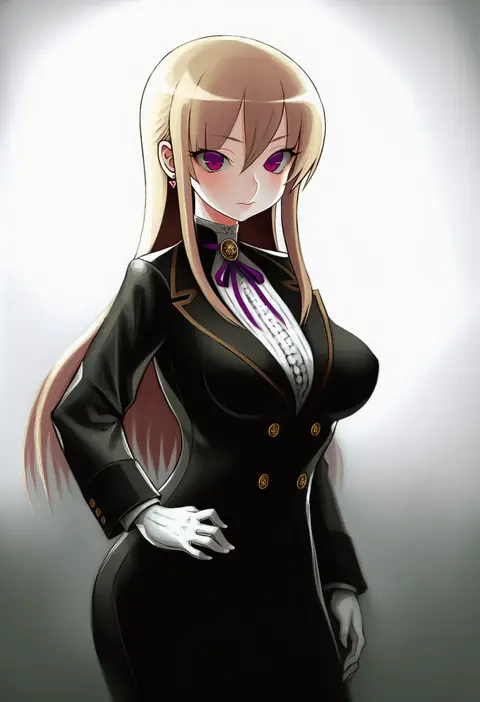
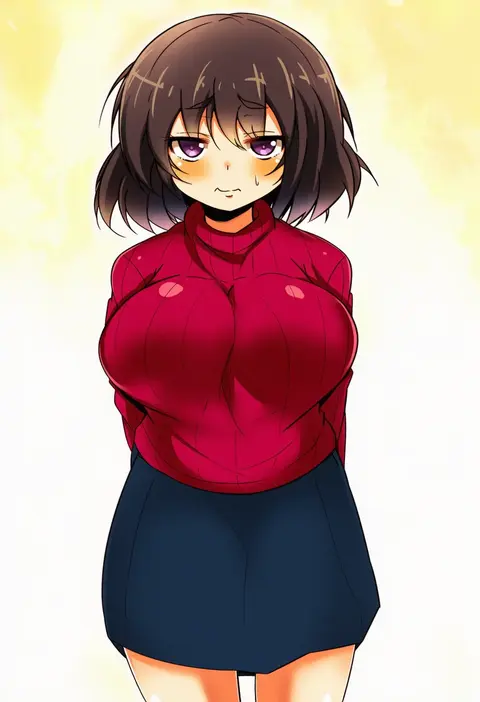
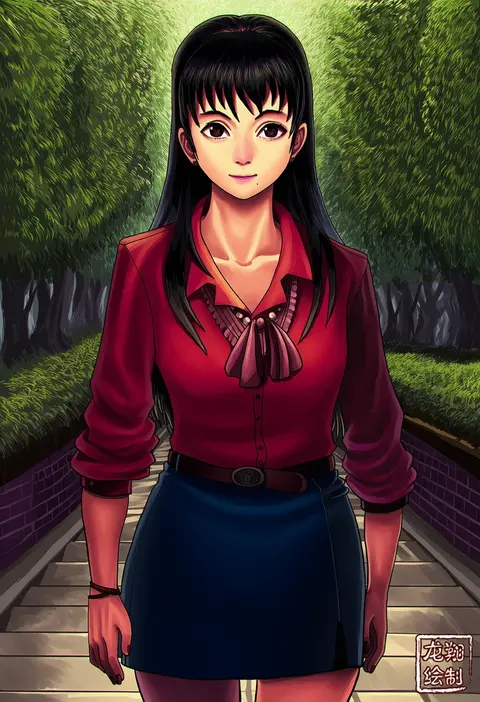
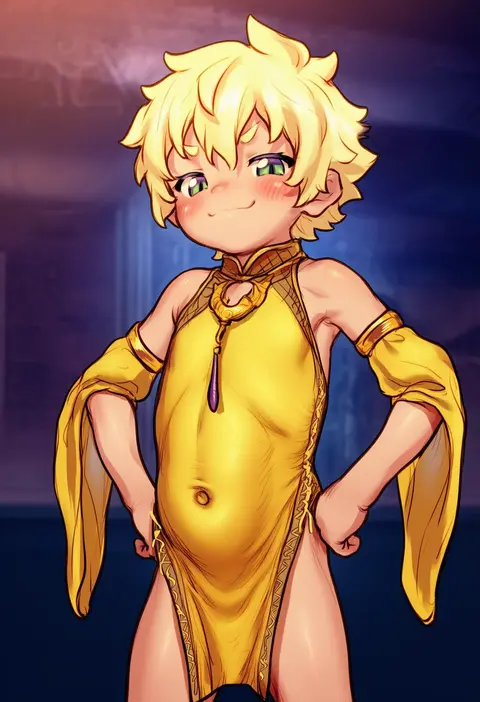
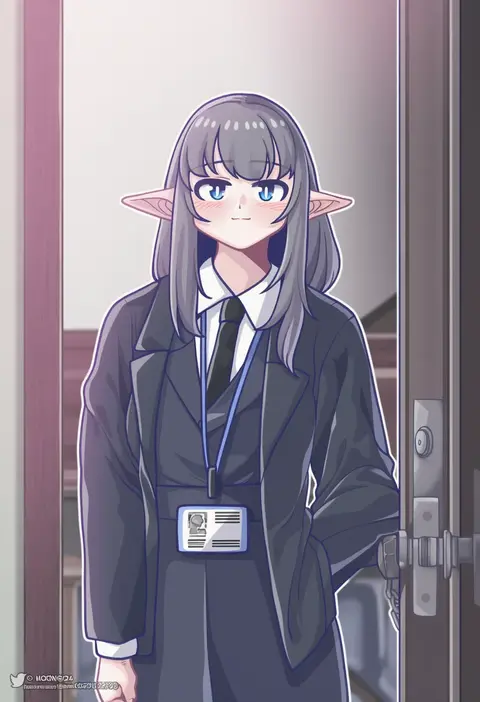
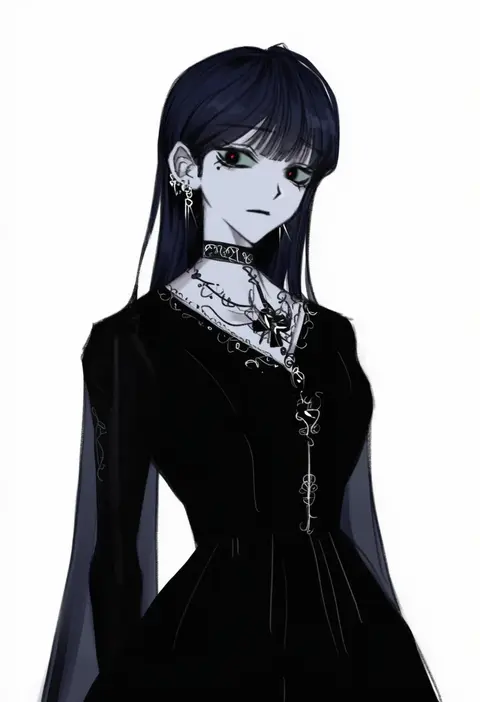
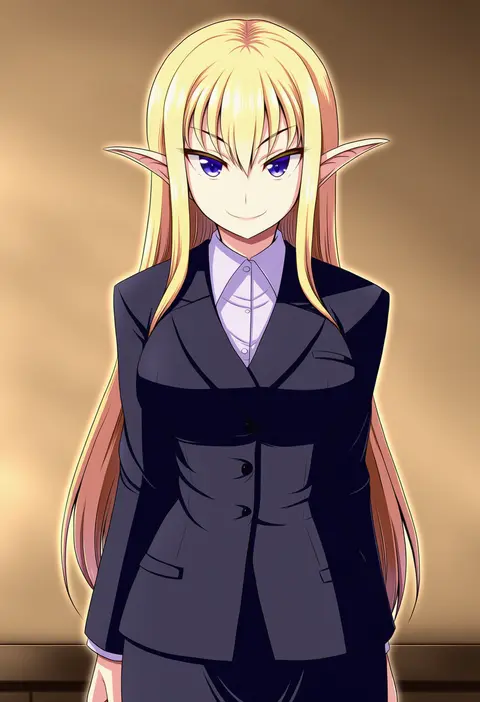
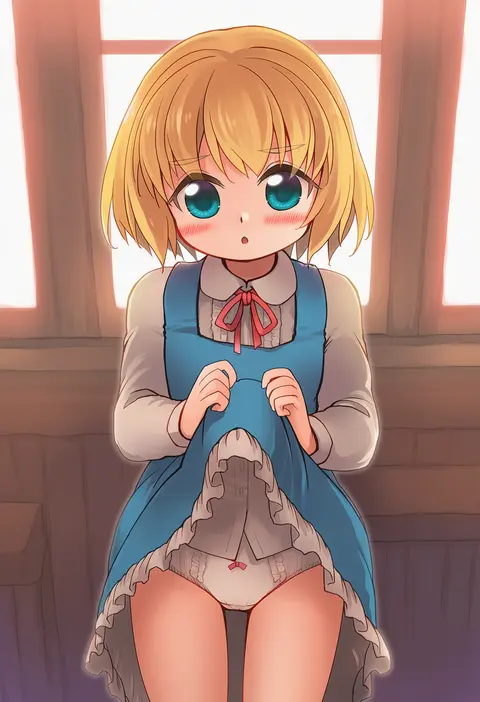
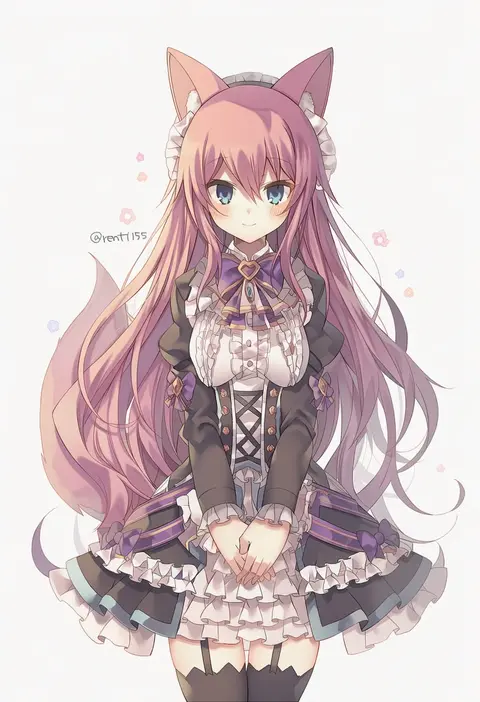
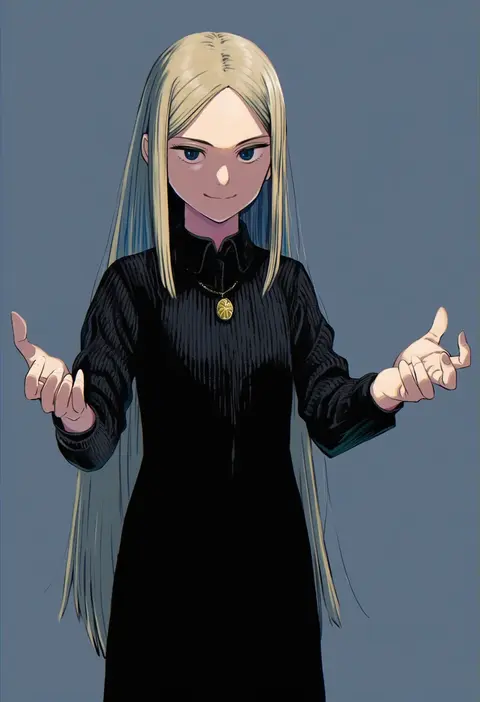
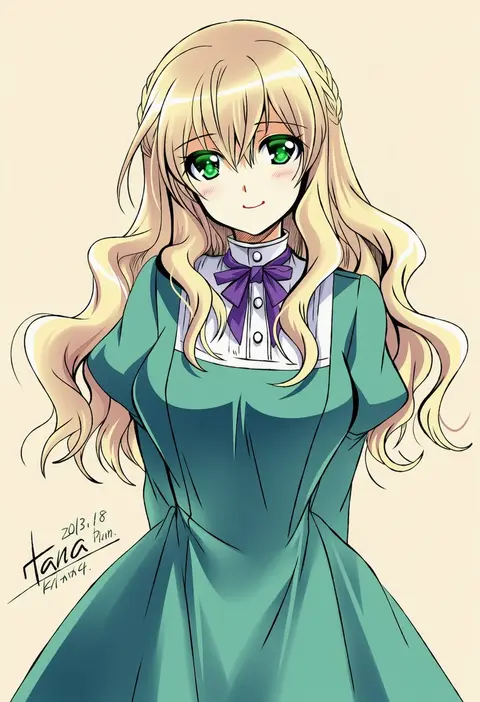
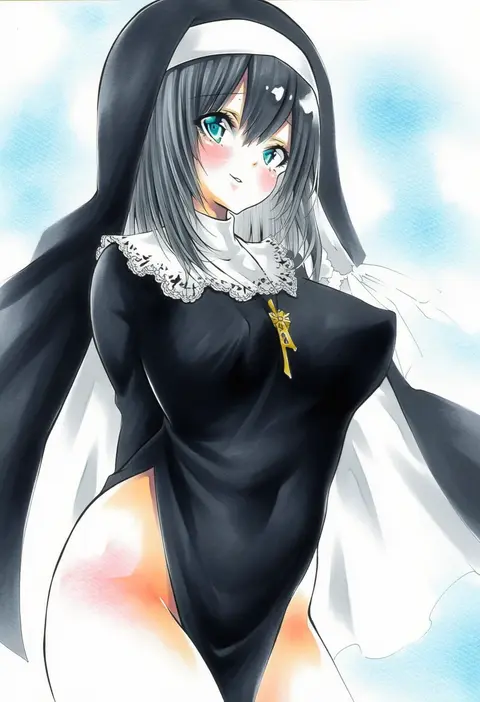
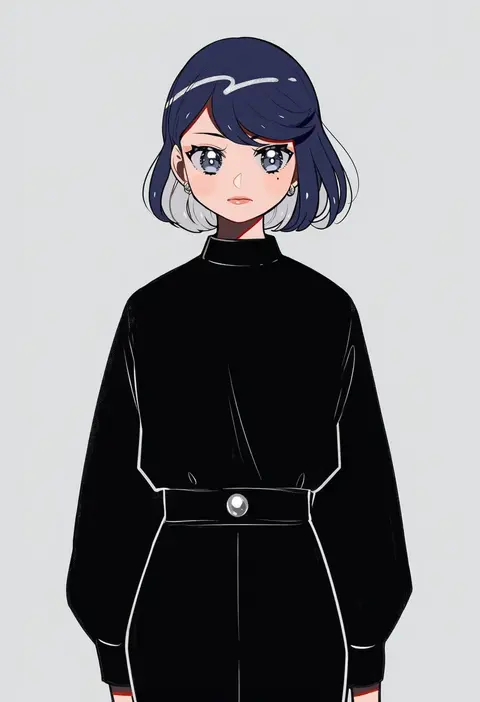
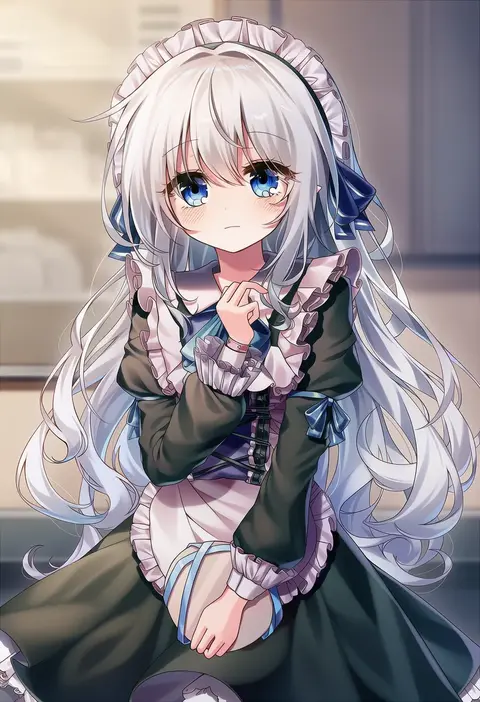
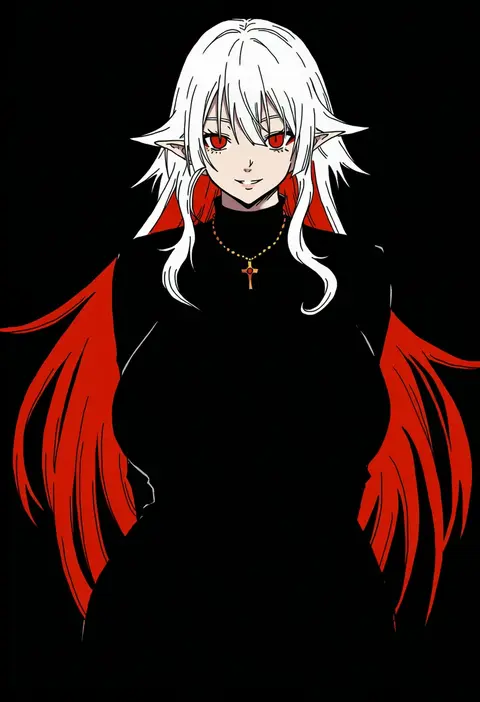
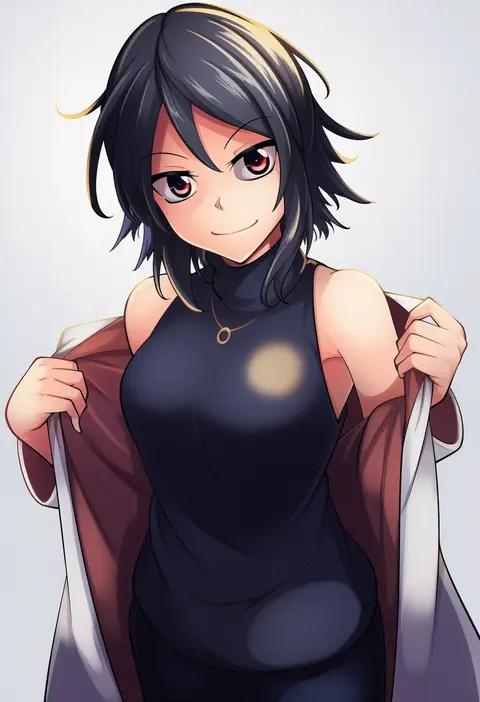
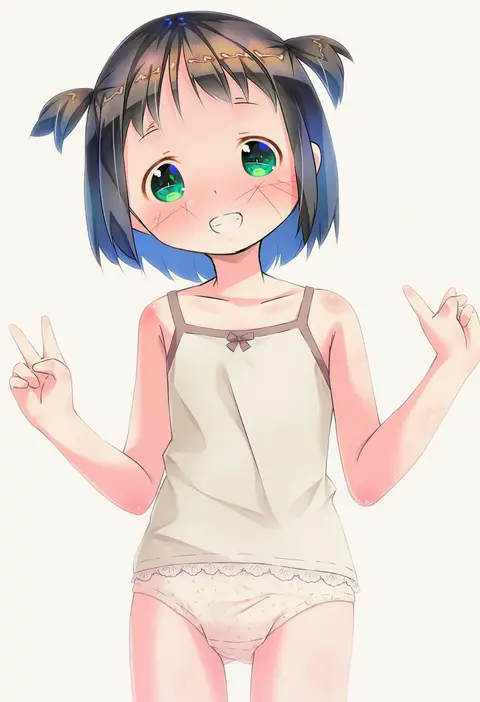
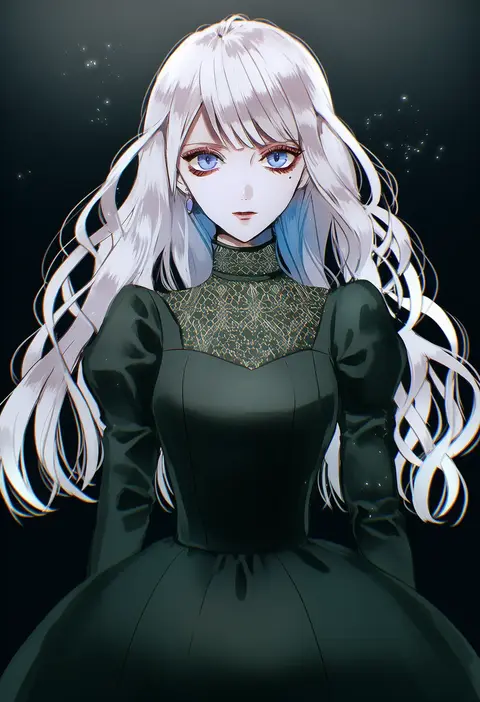
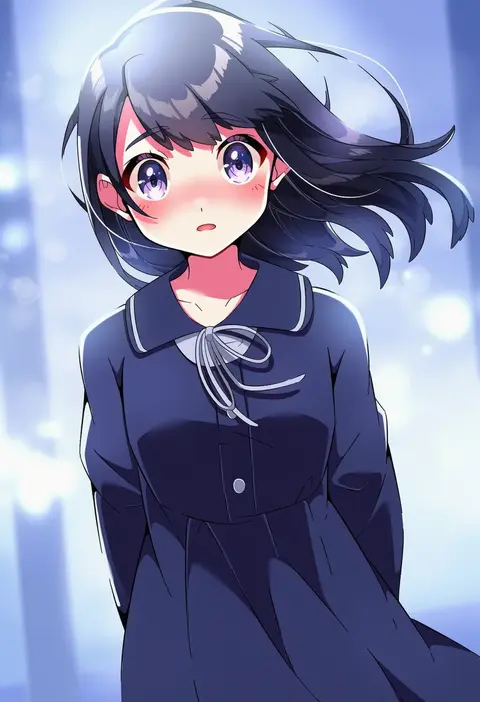
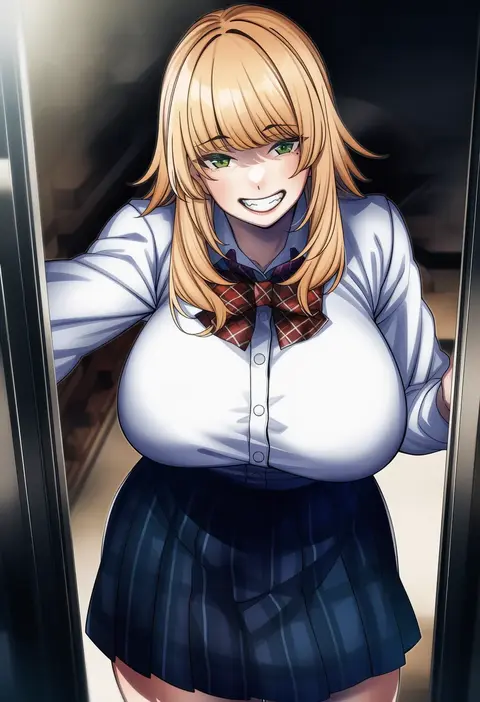
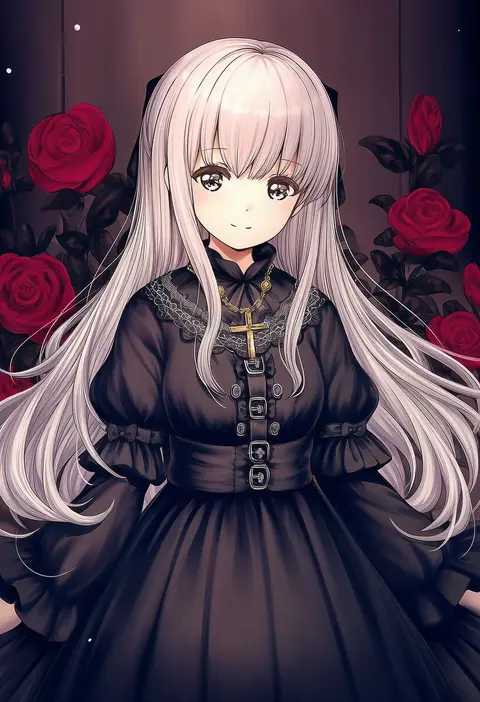
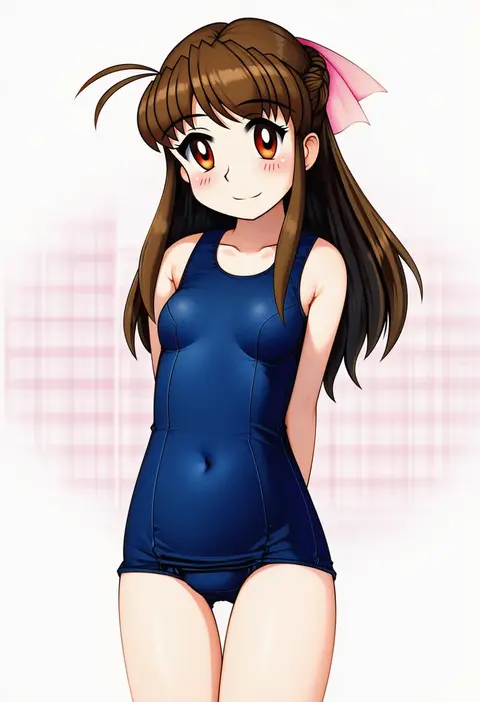
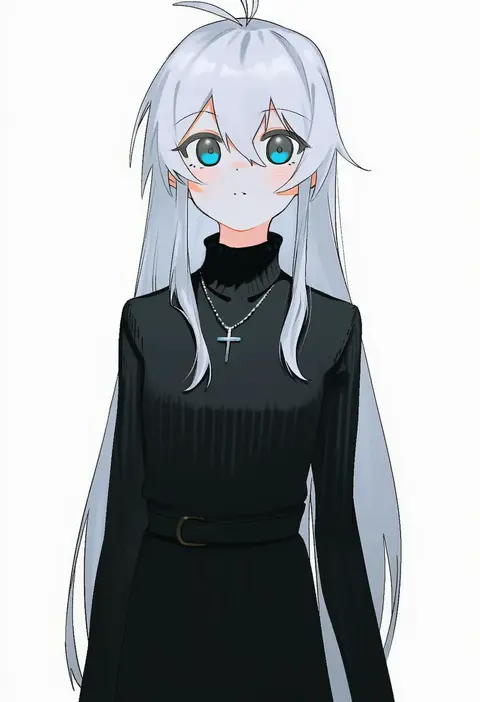
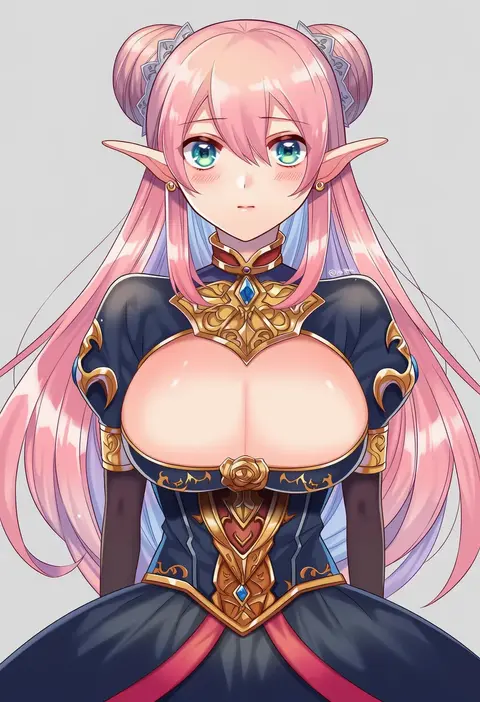
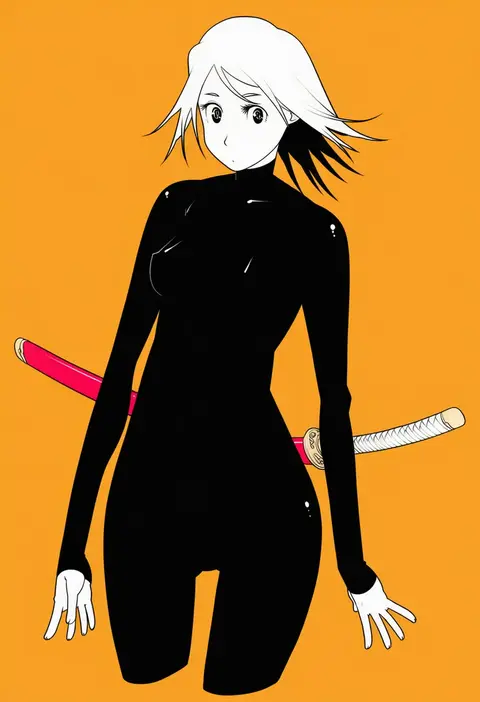
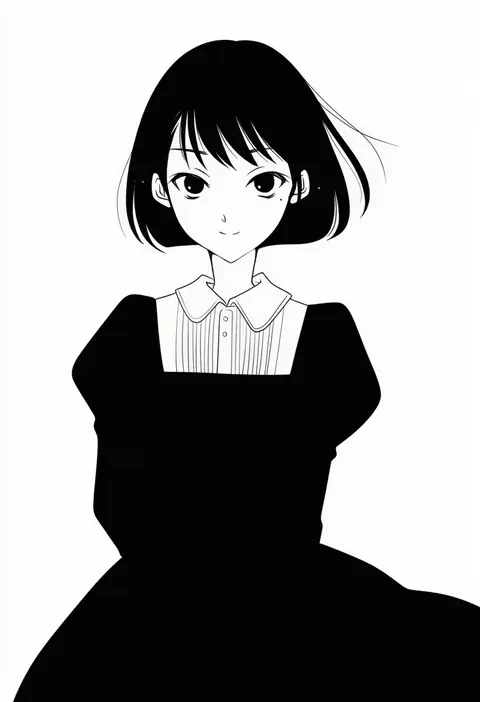
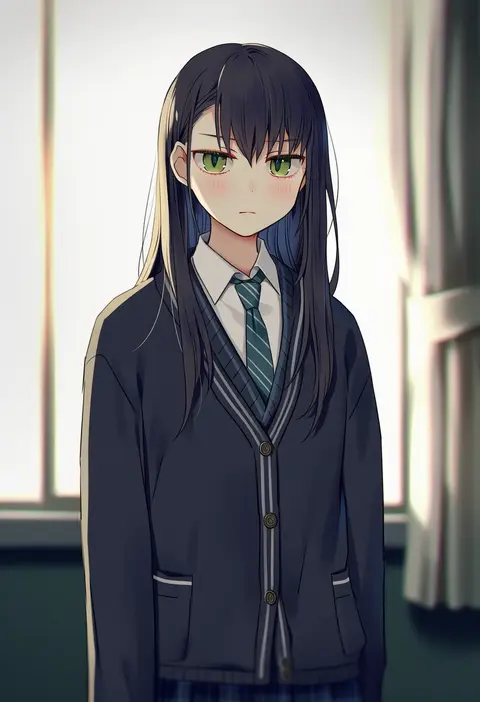
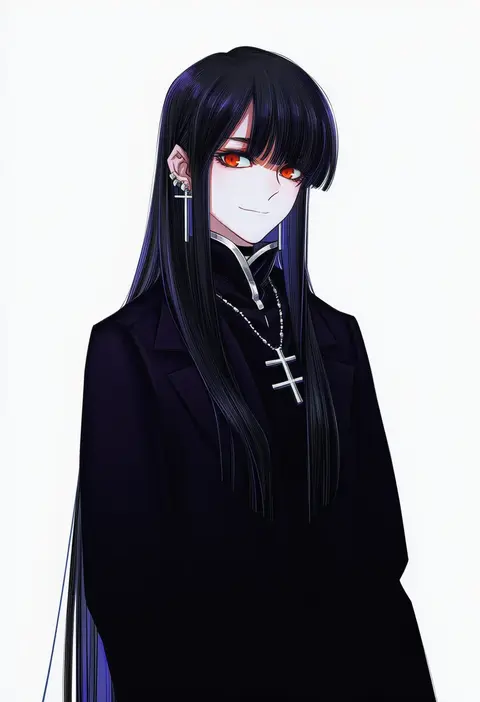
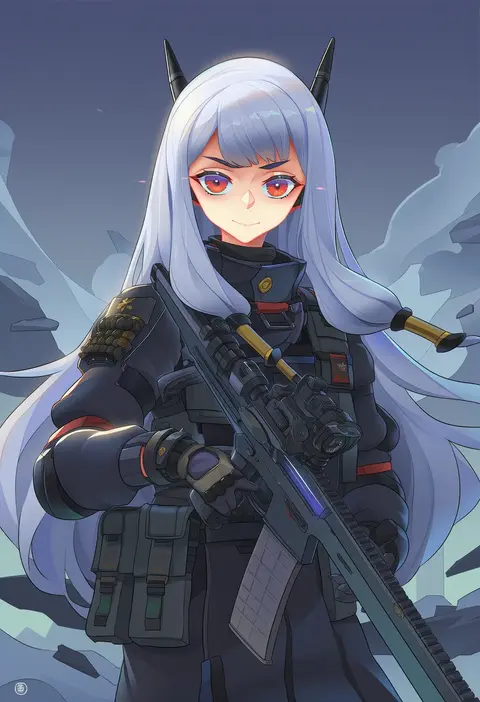
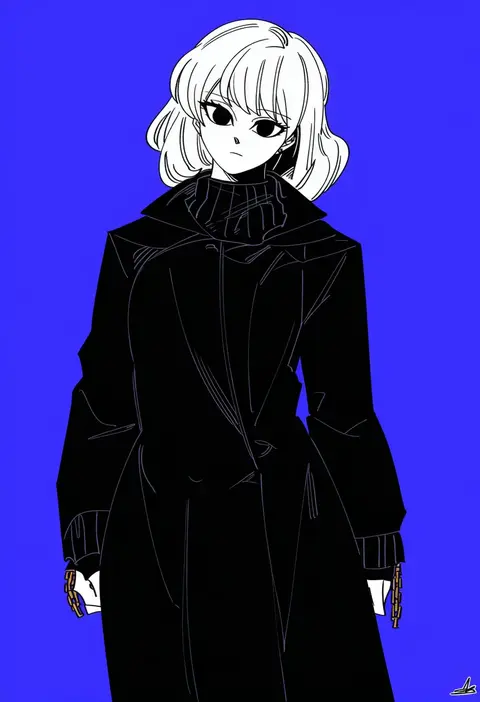
Artist tags tell NovelAI Diffusion to draw in a specific artist's style: line weight, paint texture, face shapes and palette all shift at once. Character and outfit tags decide what is drawn; artist tags decide how. 16,352 tags are listed for V4.5.
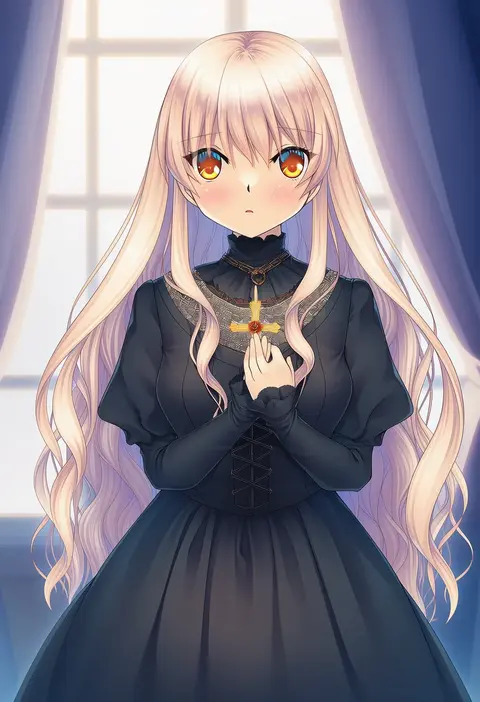
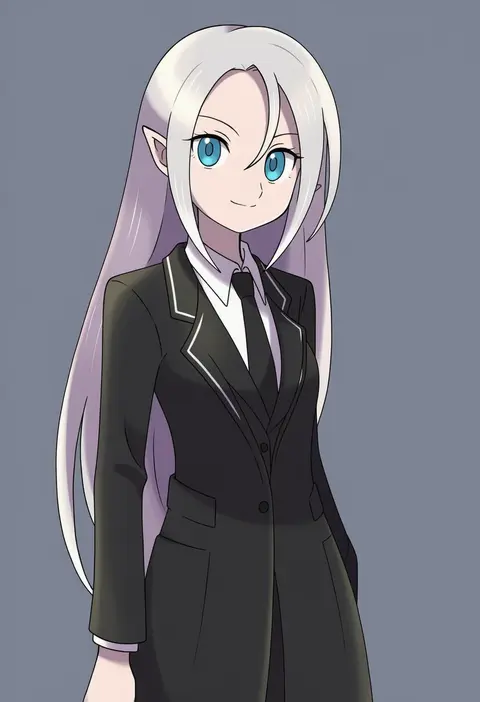
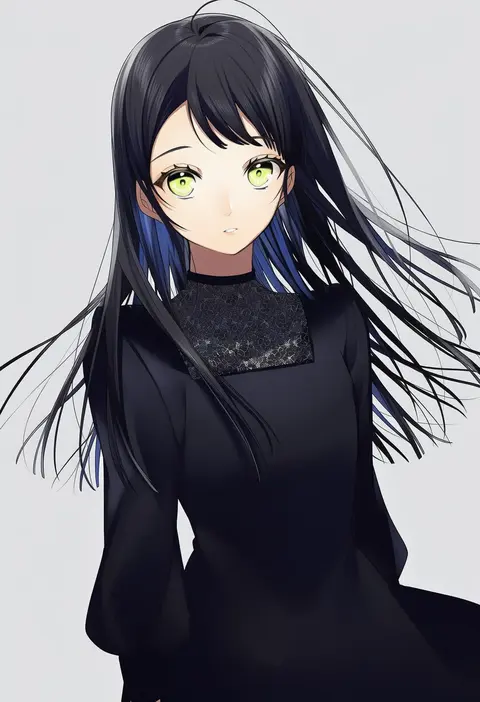
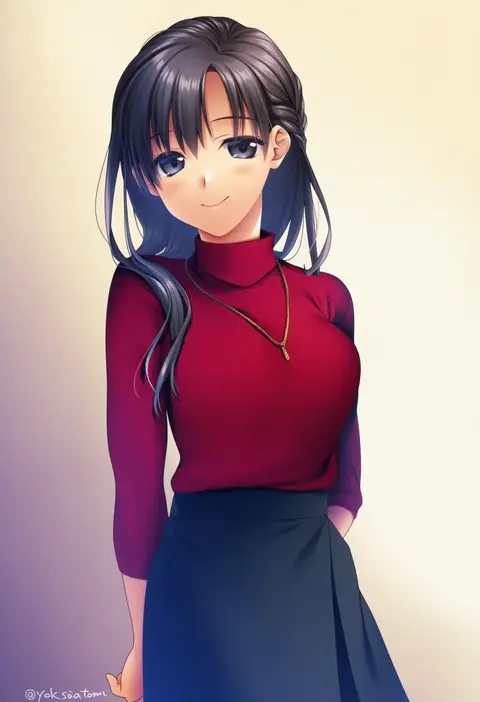
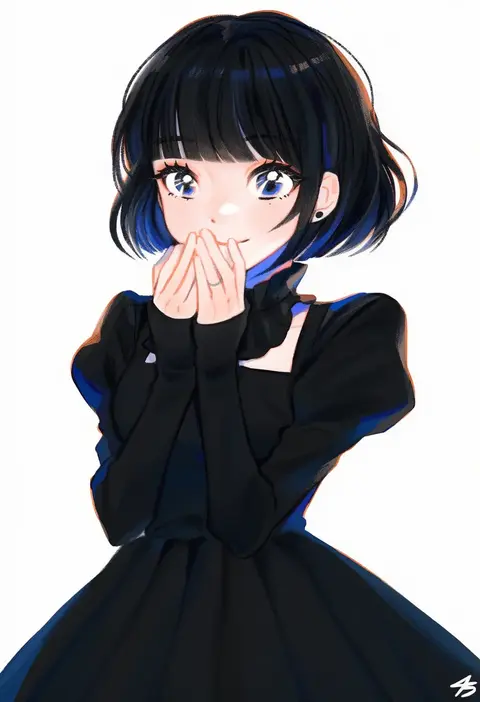
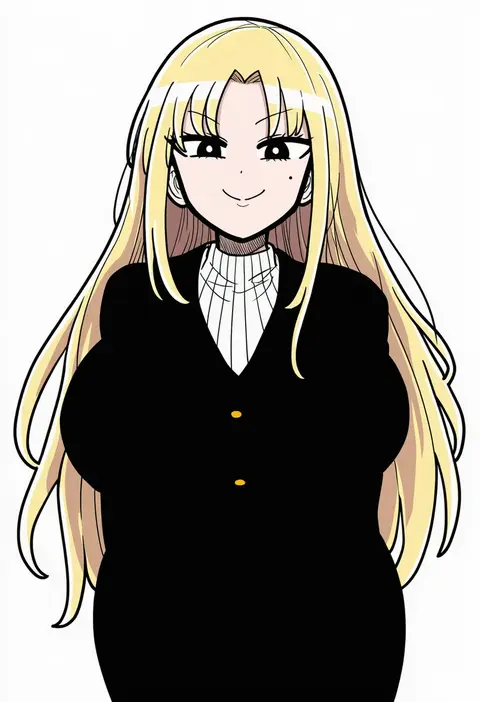
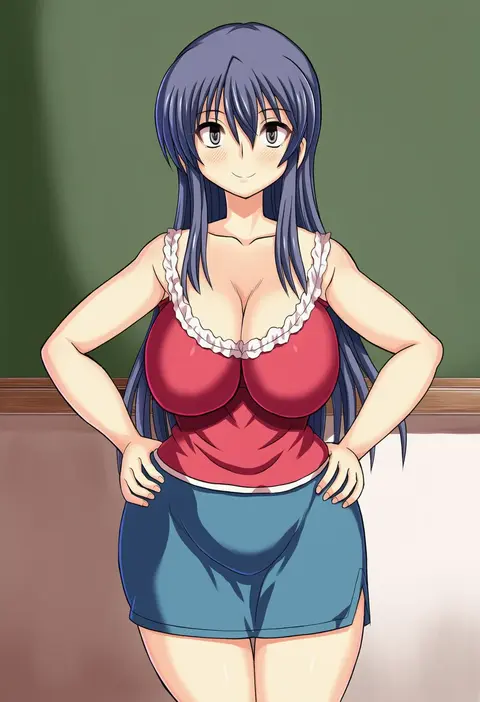
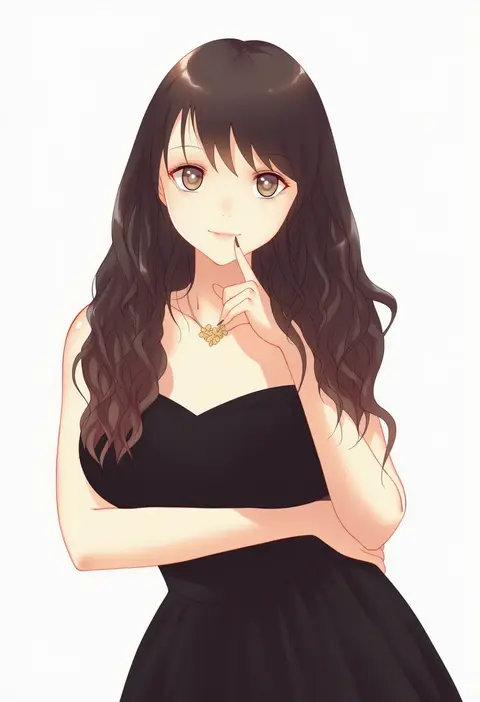
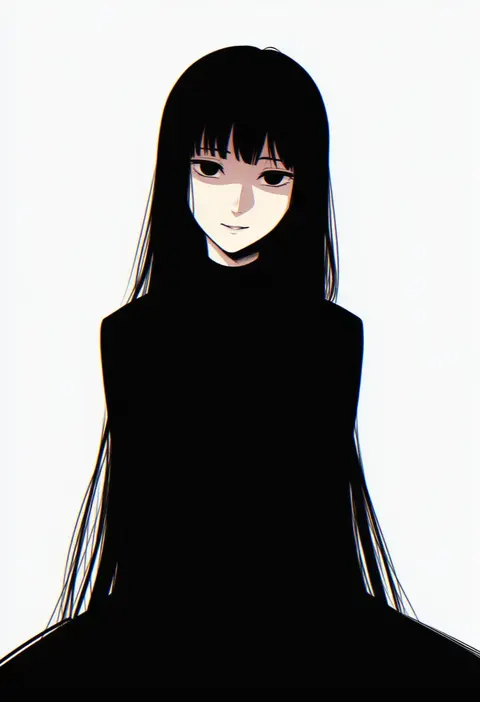
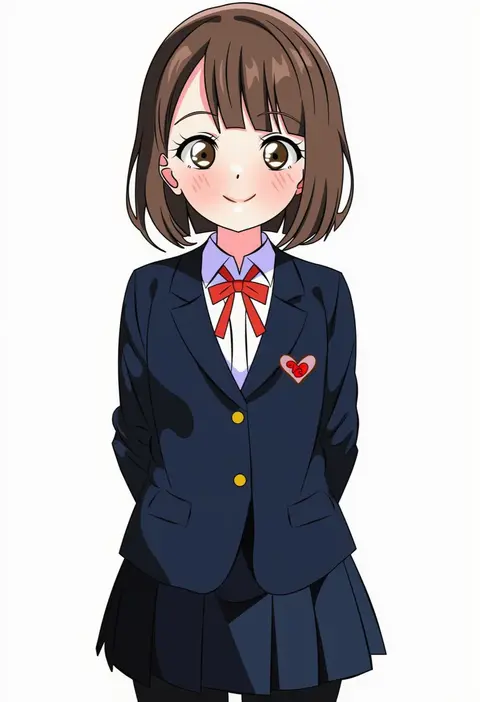
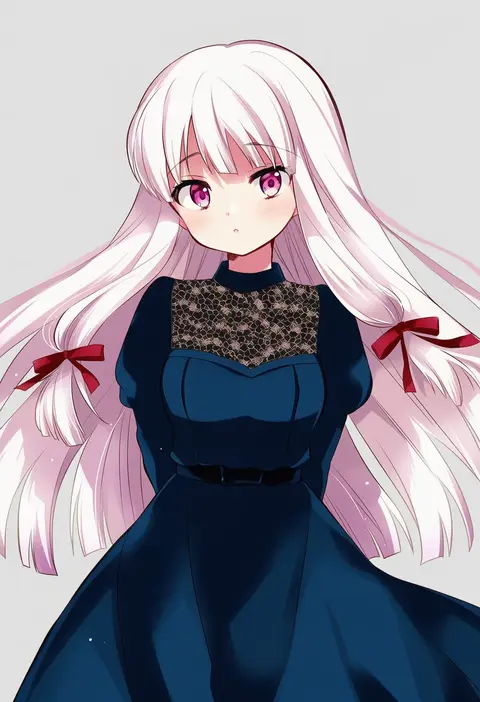
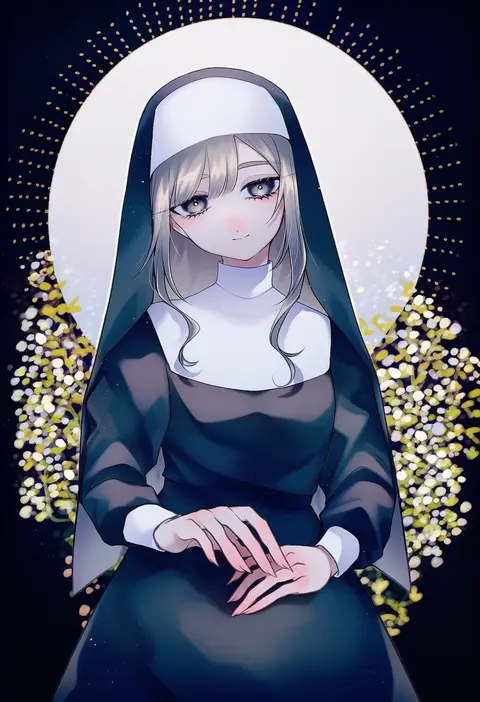
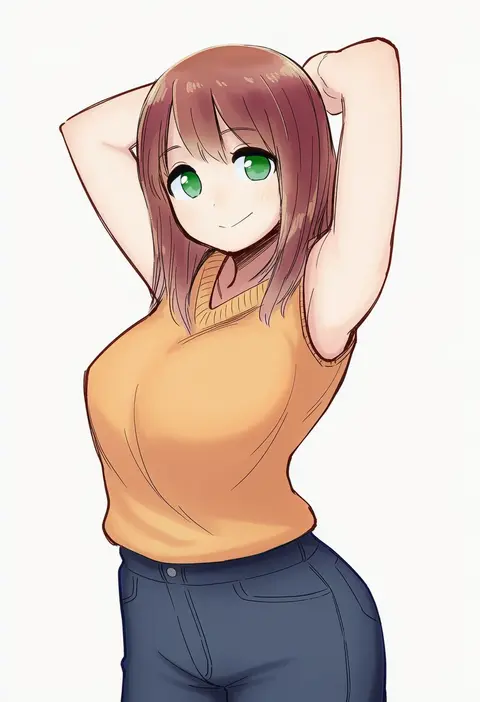
Every tag listed here is verified to react in NovelAI. All images use the same prompt, seed and settings with only the artist tag swapped, so the difference between two images is the style that tag brings in.

How to use them

Put the artist tag near the front of the prompt, e.g. "<artist>, 1girl, solo, best quality, masterpiece, cowboy shot". Two or three artist tags blend styles; lower the weight with "0.8::<artist>::" when the style overpowers the character.

SCORE sorts by Danbooru's top score, POSTS by post count, FAVS by hearts on this site. Open a card to see V5 and V4.5 side by side on the same seed.

V5 vs V4.5

V5 usually lands closer to the artist's real style, and tags that did nothing on V4.5 often react on V5. V4.5 still fits older and doujin-heavy artists better. Try V5 first, fall back to V4.5.

FAQ

Where does the artist tag go?
Near the front of the prompt. Use "0.8::tag::" to adjust its weight.

Can I stack artist tags?
Yes, styles blend. Past two or three the result stops looking like anyone.

Are these the artists' own works?
No. Every image is a NovelAI sample generated from the tag.