V4.5Artists
sort: FAVS▾
▾
>
$

Popular NovelAI artist tags — V4.5

artist --count 16,352[216/273]
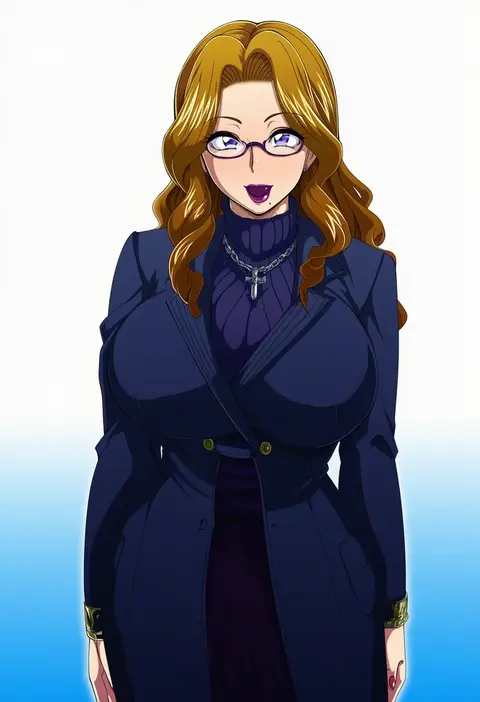
raburebo
ARTIST0x3264
0
pf
ARTIST0x3265
0
kouka (mrakano5456)
ARTIST0x3266
0
hatozuki tsumiki
ARTIST0x3267
0
iseki (kuroshura no tabiji)
ARTIST0x3268
0
suzuri (tennenseki)
ARTIST0x3269
0
jnt
ARTIST0x326A
0
kantori
ARTIST0x326B
0
wounds404
ARTIST0x326C
0
morisshii (morishiey)
ARTIST0x326D
0
mosuko
ARTIST0x326E
0
kerorokjy
ARTIST0x326F
0
yuzuki kihiro
ARTIST0x3270
0
kazeharu
ARTIST0x3271
0
matsu kitsune
ARTIST0x3272
0
mizumizu (phoenix)
ARTIST0x3273
0
naoki eguchi
ARTIST0x3274
0
katsukare
ARTIST0x3275
0
sameya
ARTIST0x3276
0
aruva
ARTIST0x3277
0
sibata maru
ARTIST0x3278
0
myong8 0
ARTIST0x3279
0
favilia
ARTIST0x327A
0
orimiya mai
ARTIST0x327B
0
kazenemuri
ARTIST0x327C
0
rias-coast
ARTIST0x327D
0
itogari
ARTIST0x327E
0
bekkourico
ARTIST0x327F
0
hirai chika
ARTIST0x3280
0
ootani mikoto
ARTIST0x3281
0
sawamura hikaru
ARTIST0x3282
0
kiragera
ARTIST0x3283
0
umi suzume
ARTIST0x3284
0
zhixie jiaobu
ARTIST0x3285
0
asdf1211950
ARTIST0x3286
0
mouyi
ARTIST0x3287
0
leftporygon
ARTIST0x3288
0
oshake
ARTIST0x3289
0
manodemarina
ARTIST0x328A
0
banboro (technobot)
ARTIST0x328B
0
akamtvahosi
ARTIST0x328C
0
punto
ARTIST0x328D
0
attyon
ARTIST0x328E
0
sawarabi (sawarabi725)
ARTIST0x328F
0
luke (kyeftss)
ARTIST0x3290
0
kozy
ARTIST0x3291
0
yasukuni kazumasa
ARTIST0x3292
0
hiruma andon
ARTIST0x3293
0
nablange
ARTIST0x3294
0
xx tk9
ARTIST0x3295
0
yoshikita popuri
ARTIST0x3296
0
kamu kotan
ARTIST0x3297
0
fuyubone
ARTIST0x3298
0
i.u.y
ARTIST0x3299
0
shikushiku (amamori weekly)
ARTIST0x329A
0
masakichi (crossroad)
ARTIST0x329B
0
judo fuu
ARTIST0x329C
0
glitchedpuppet
ARTIST0x329D
0
ayasugi tsubaki
ARTIST0x329E
0
panties (pantsu-pirate)
ARTIST0x329F
0

What these tags change

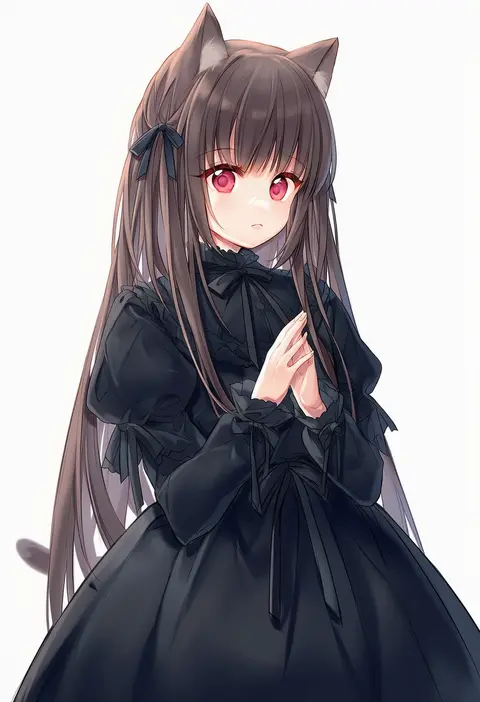
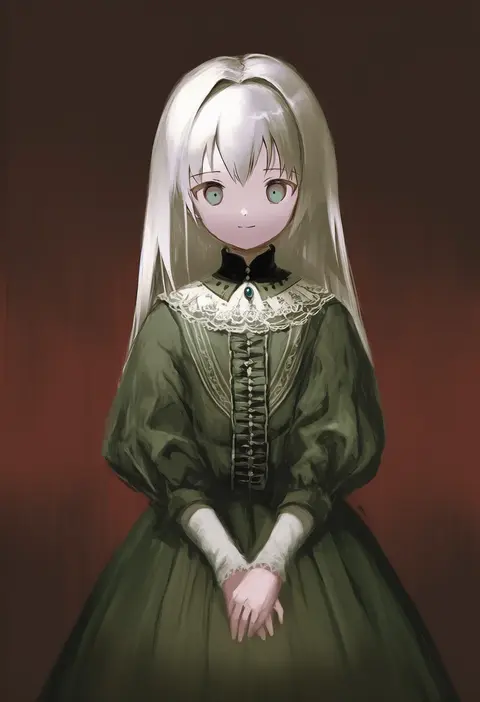
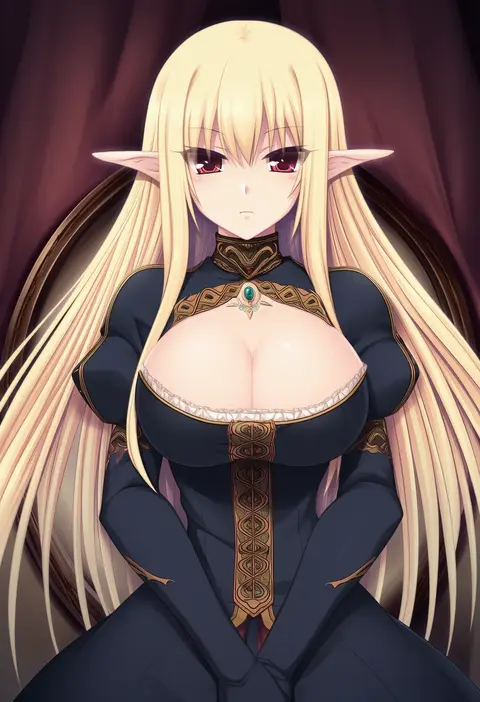
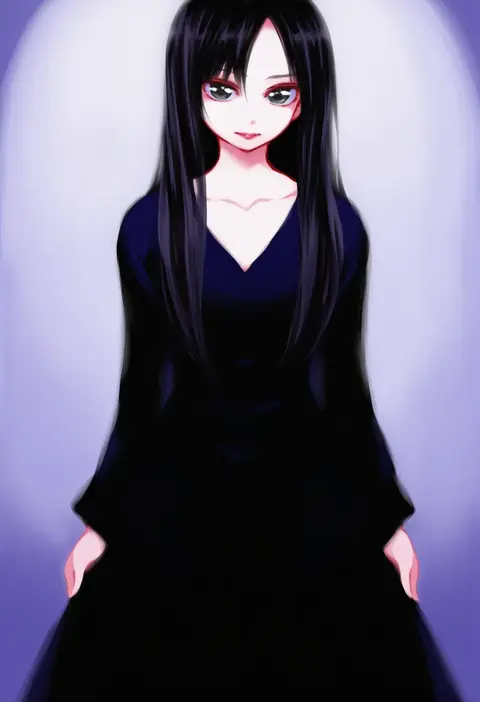
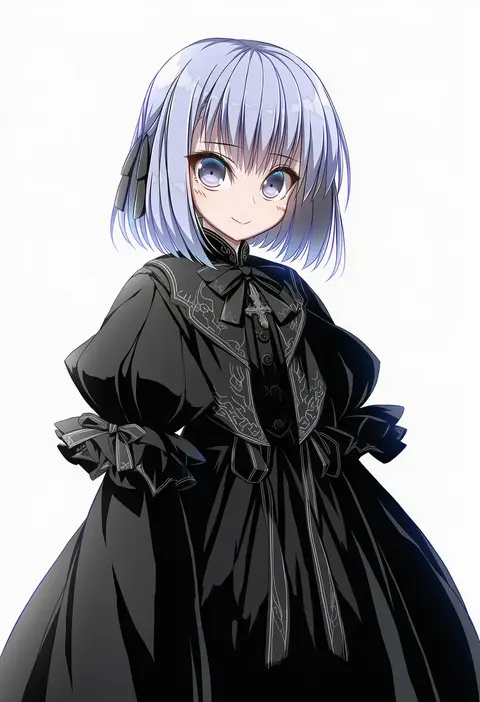
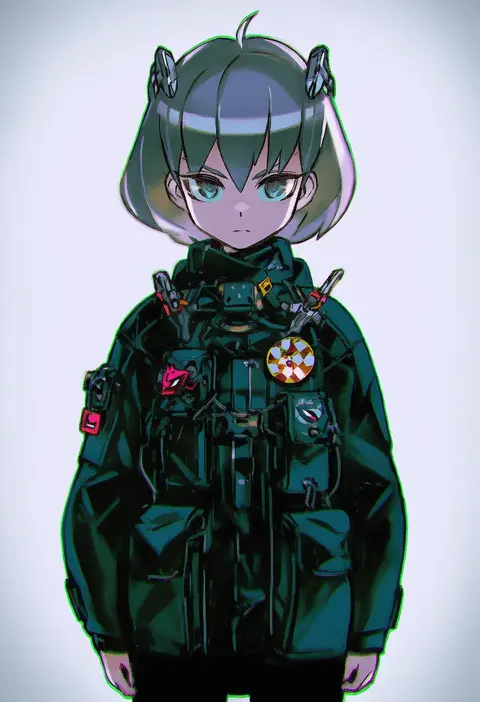
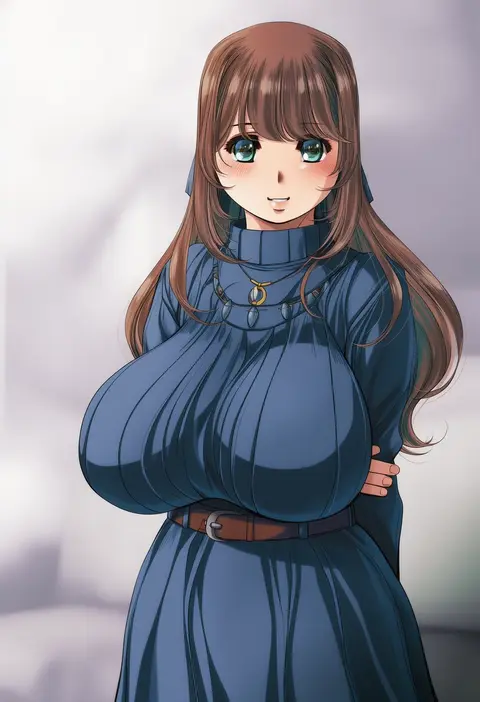
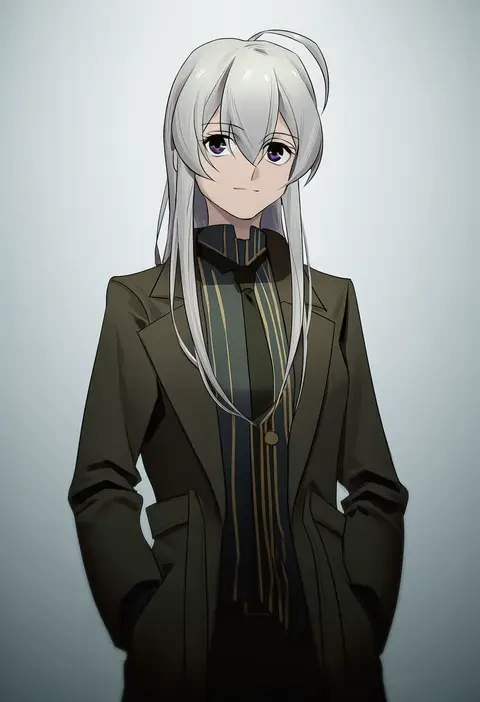
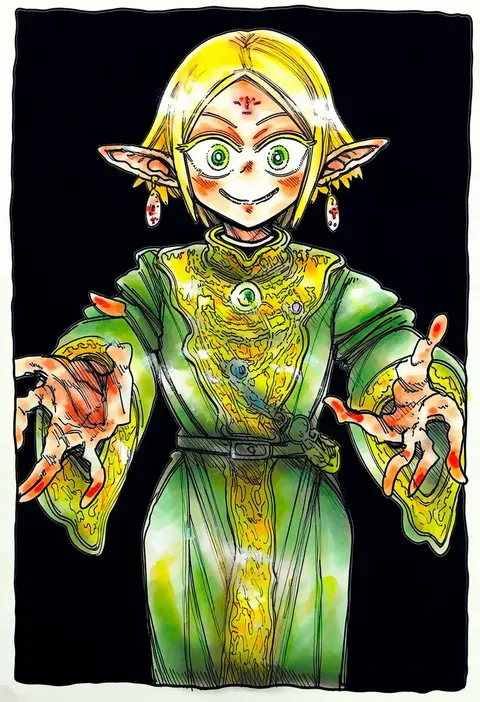
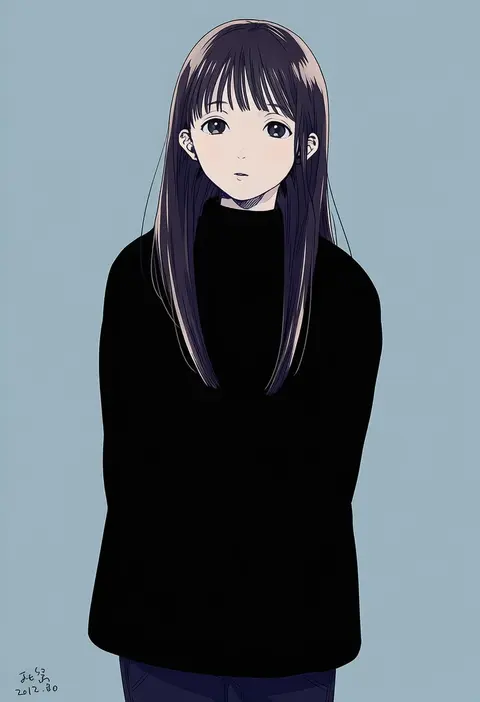
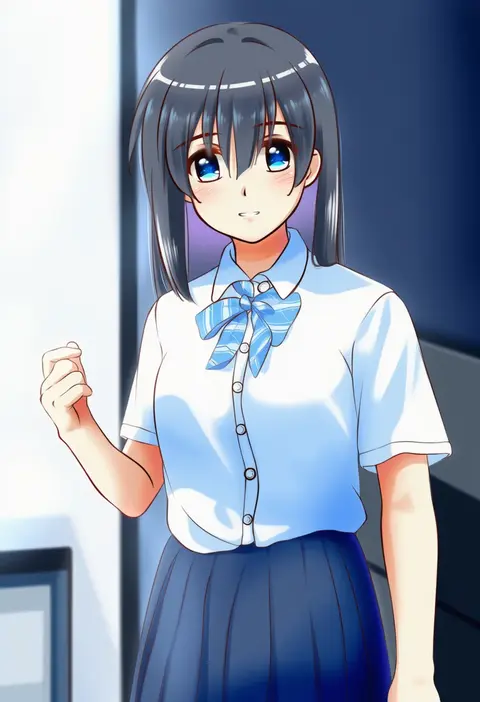
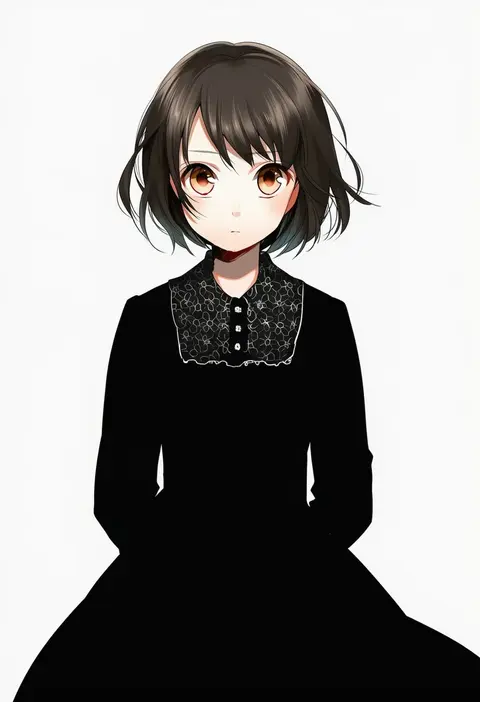
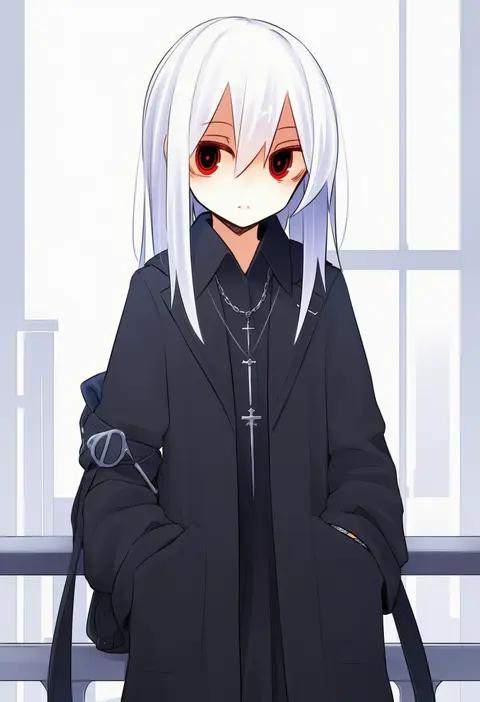
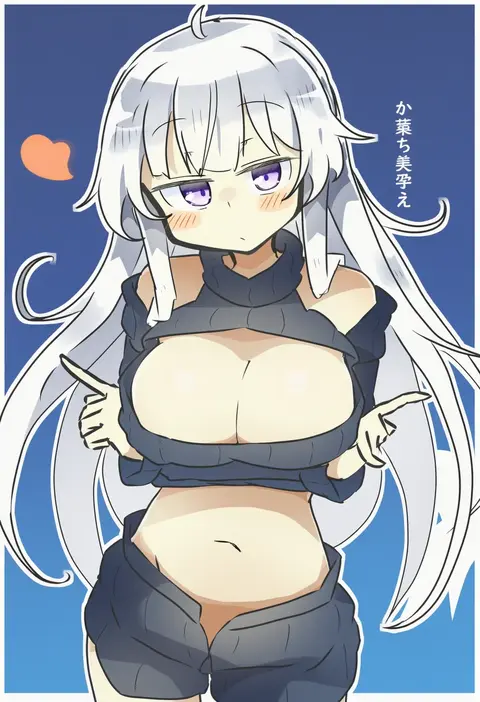
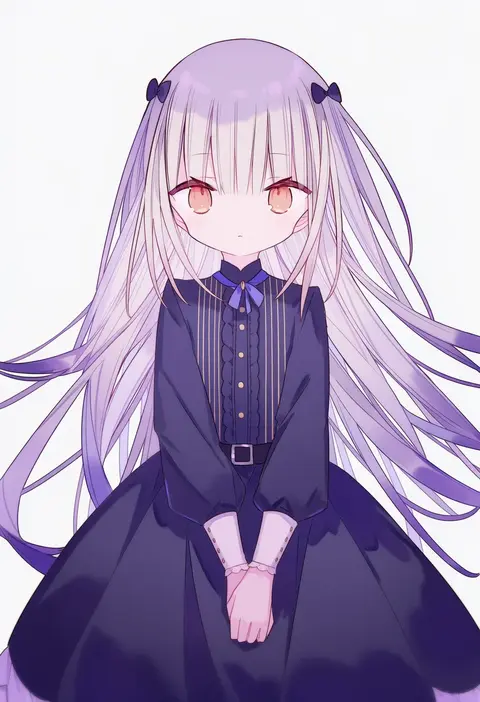
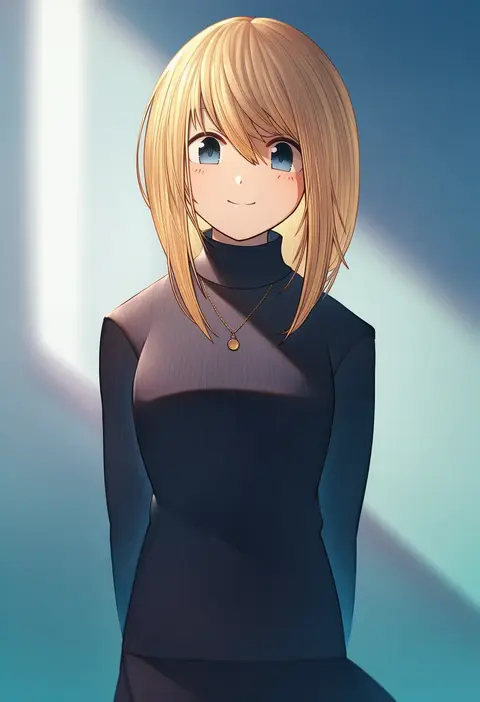
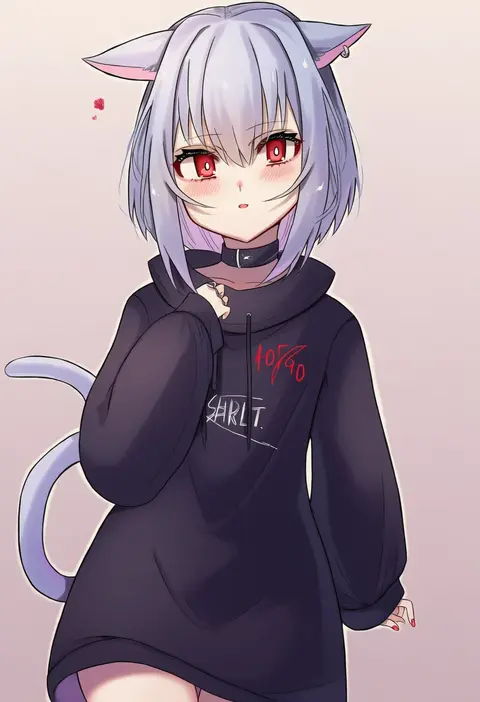
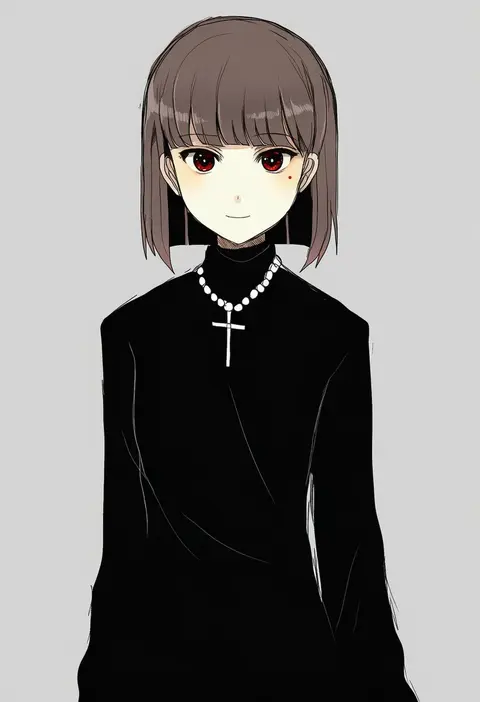
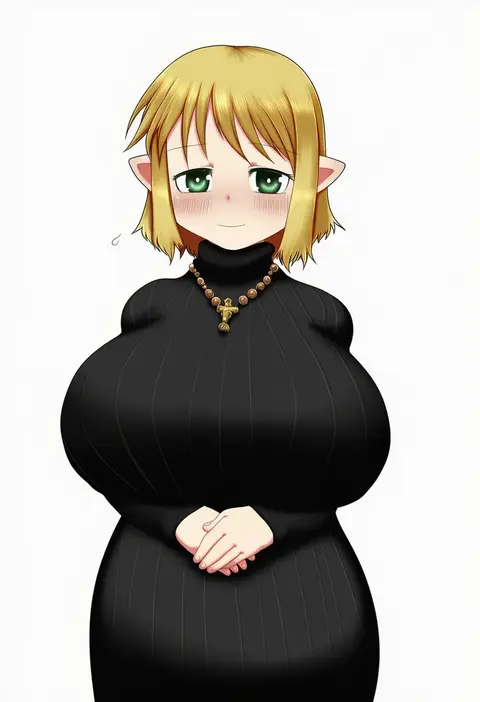
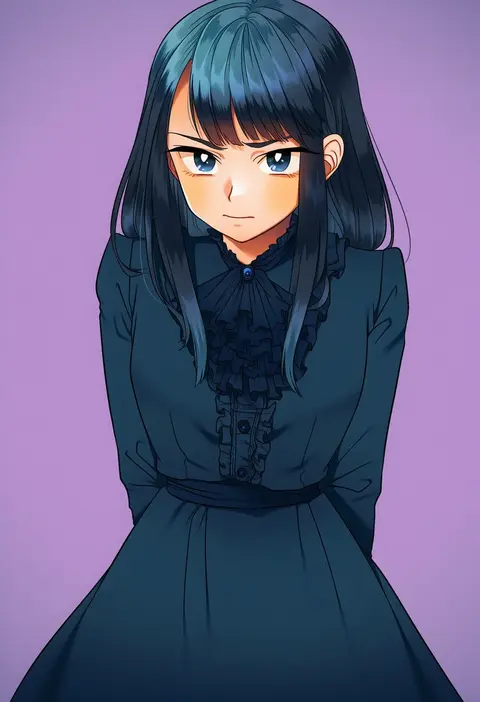
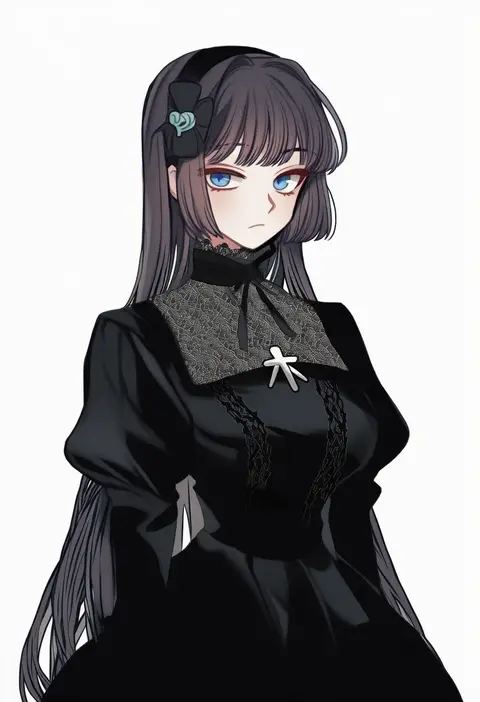
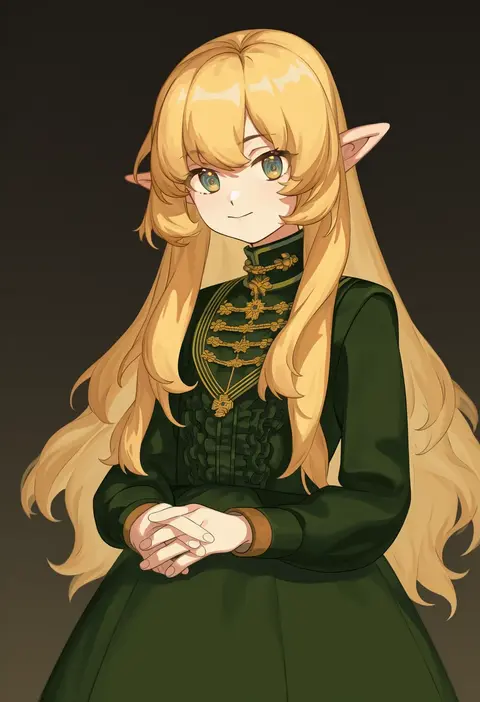
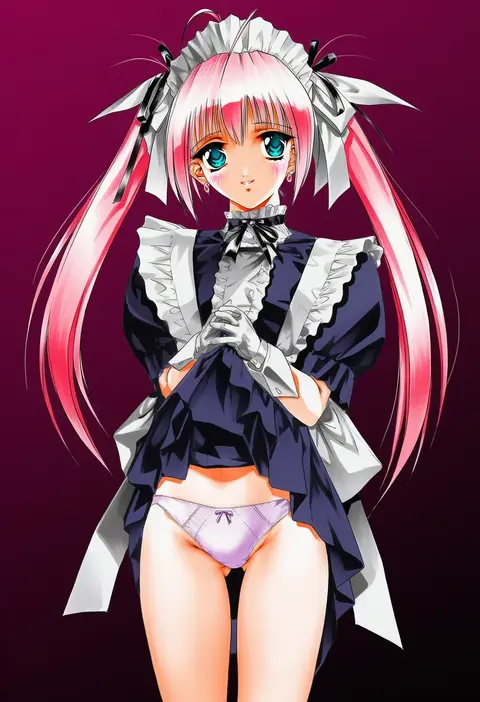
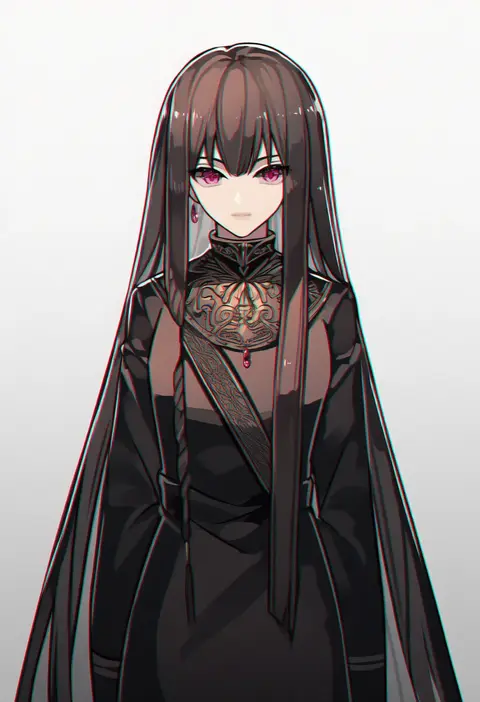
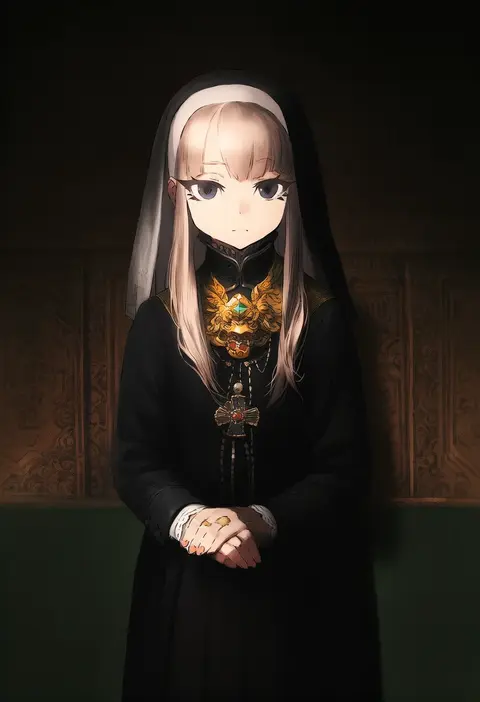
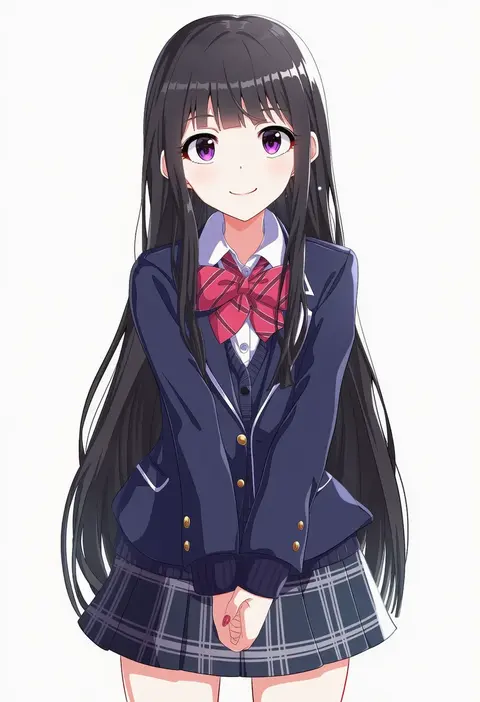
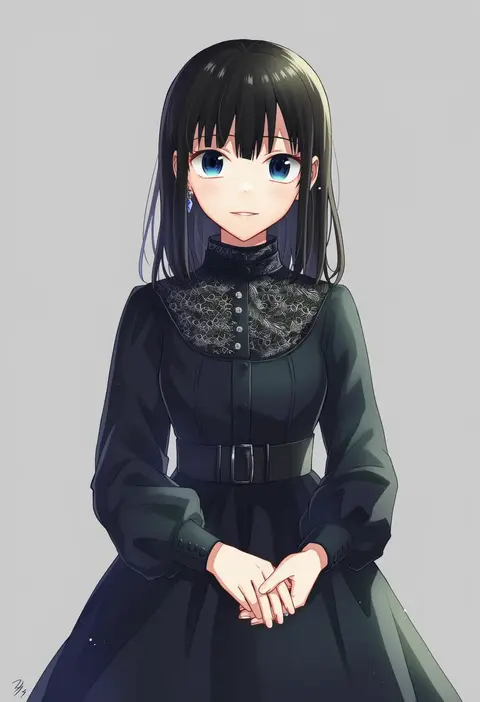
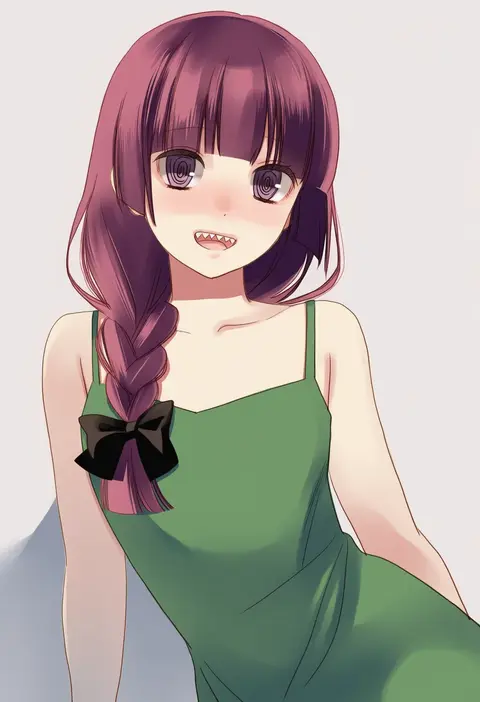
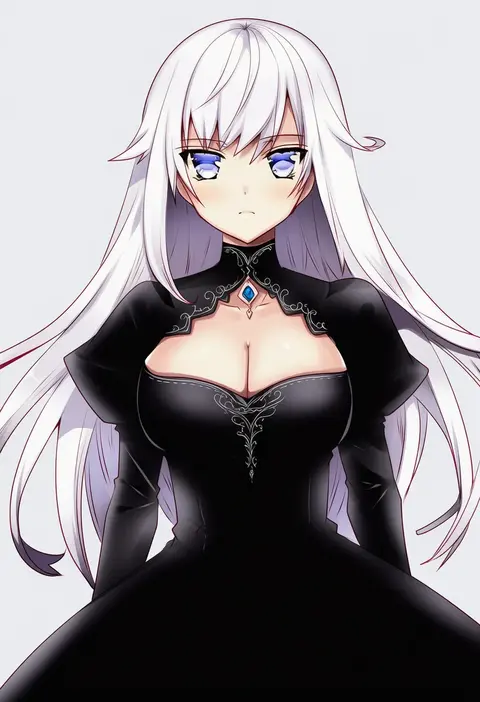
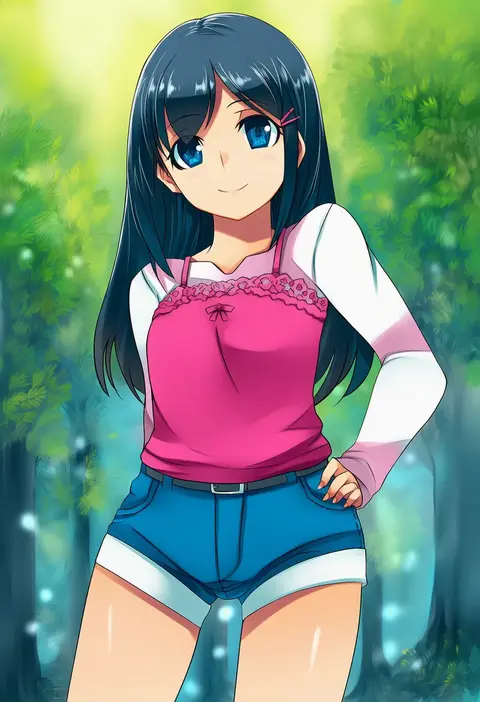
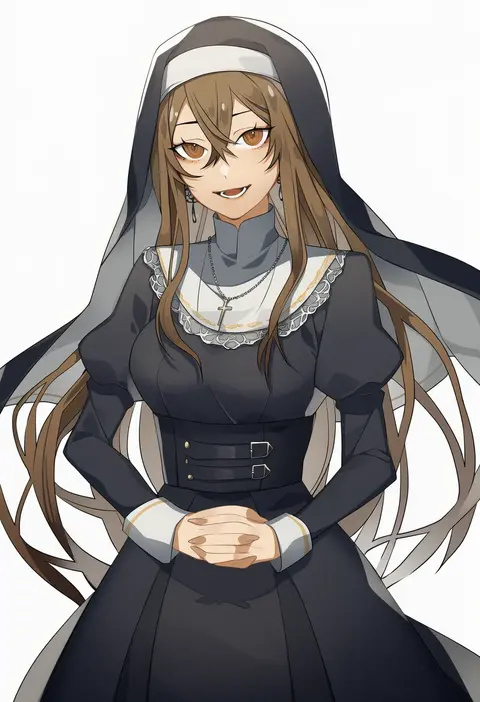
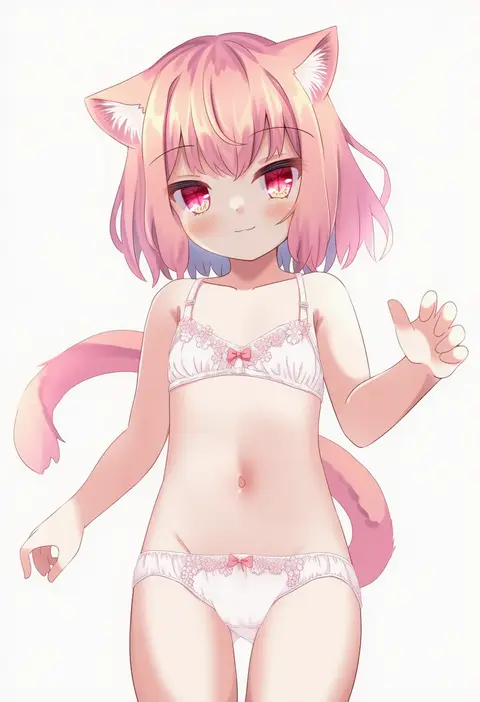
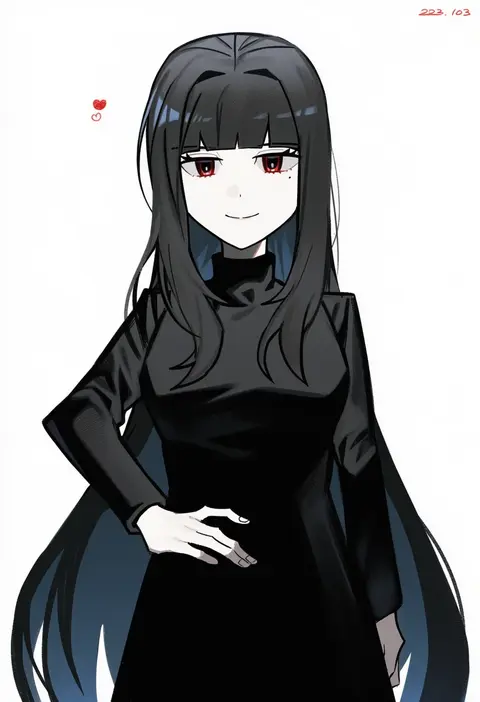
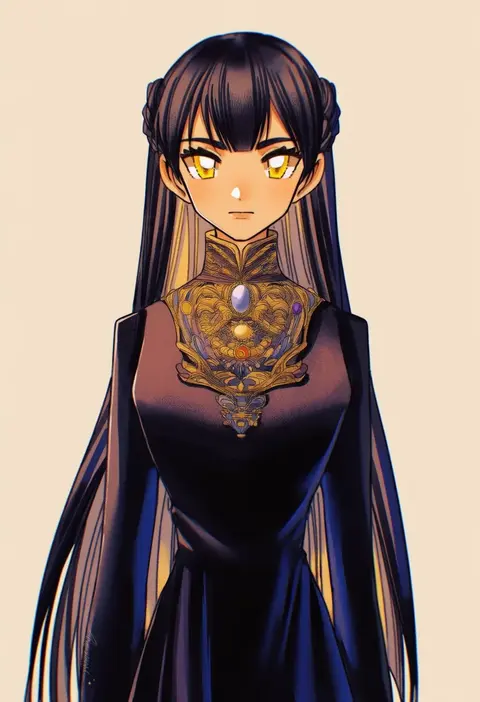
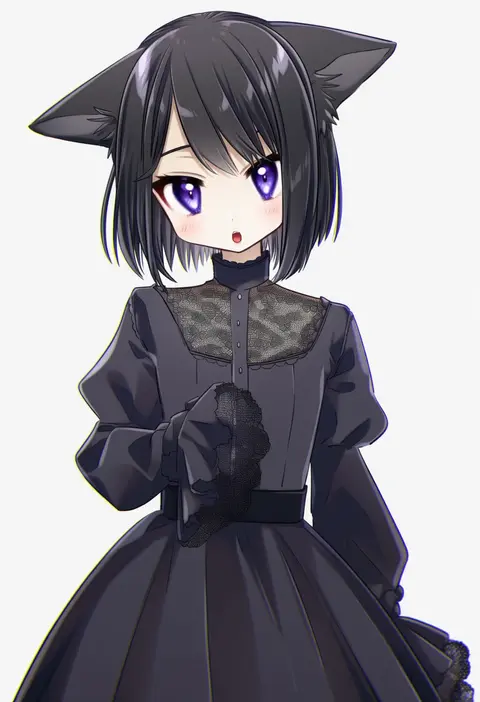
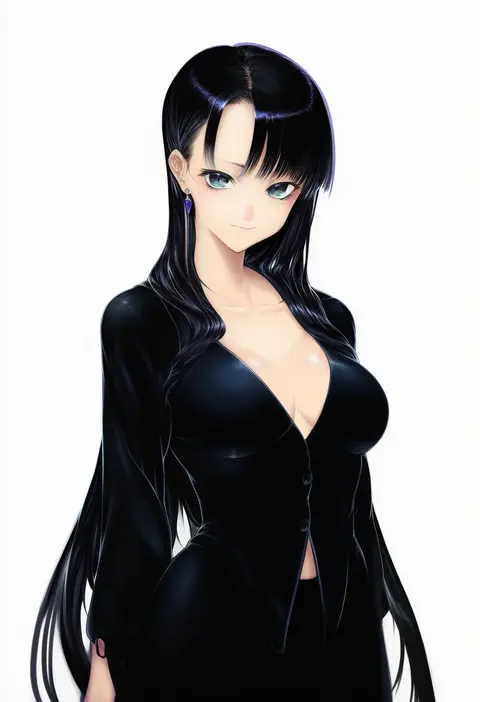
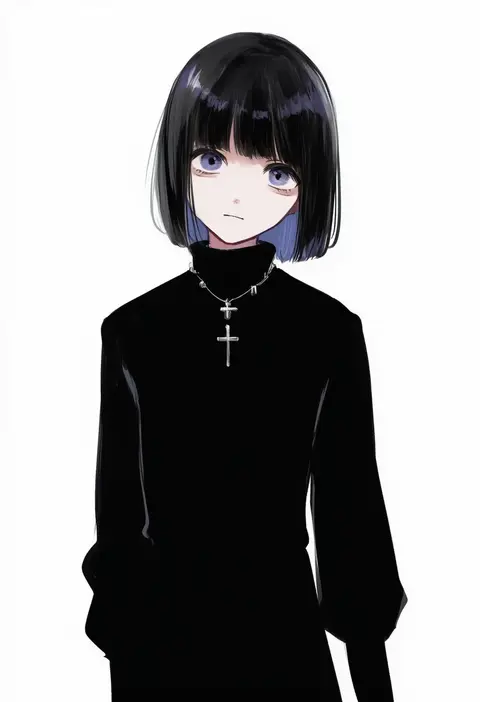
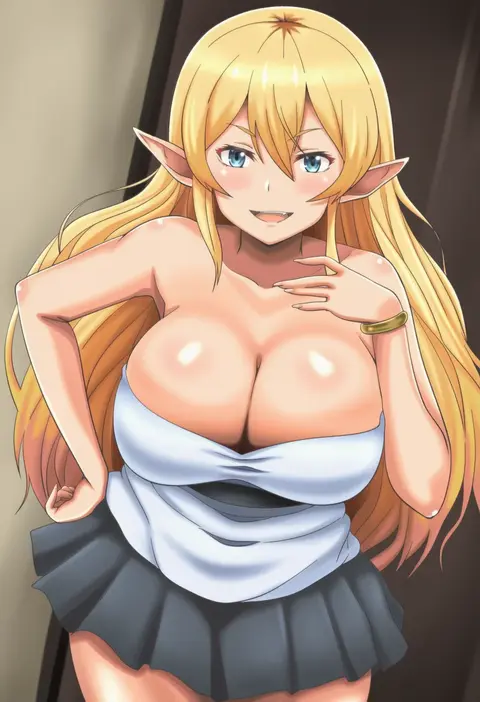
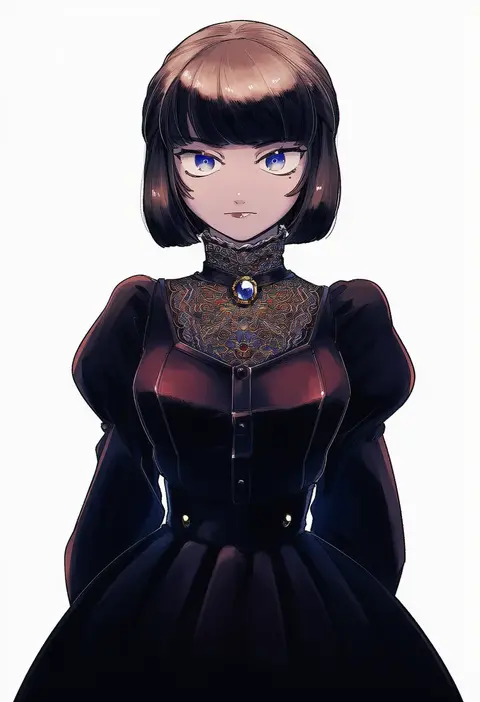
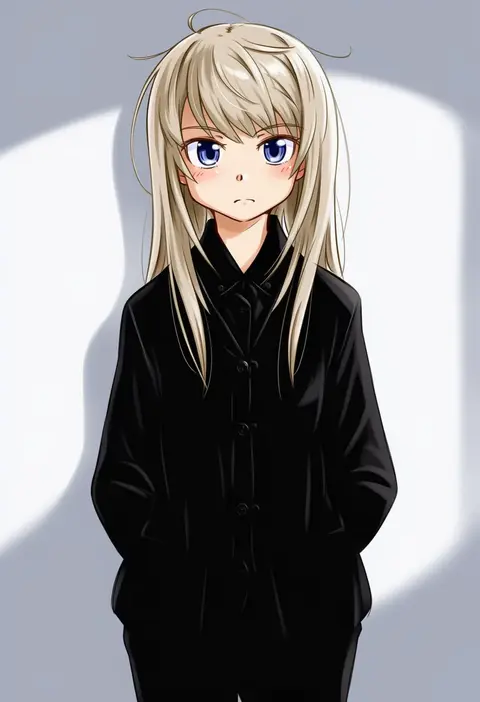
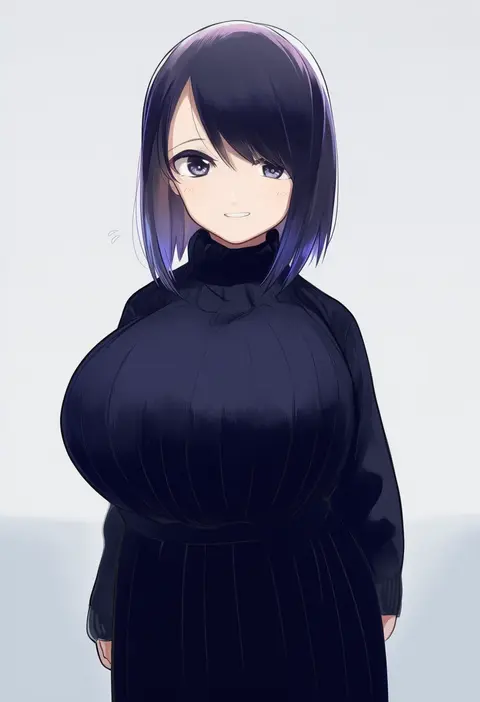
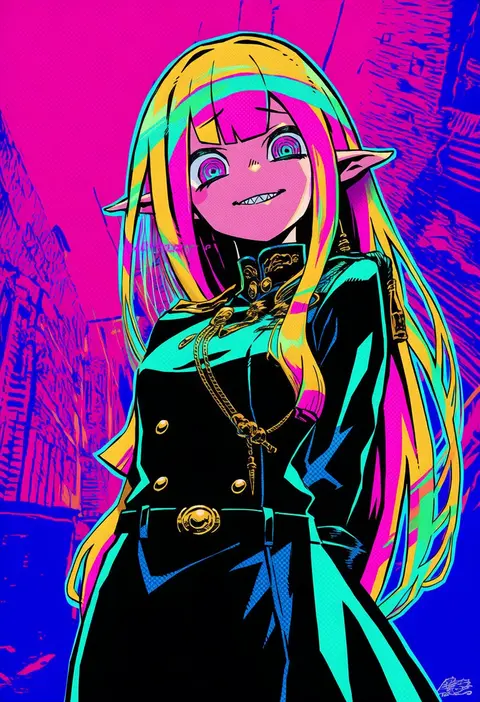
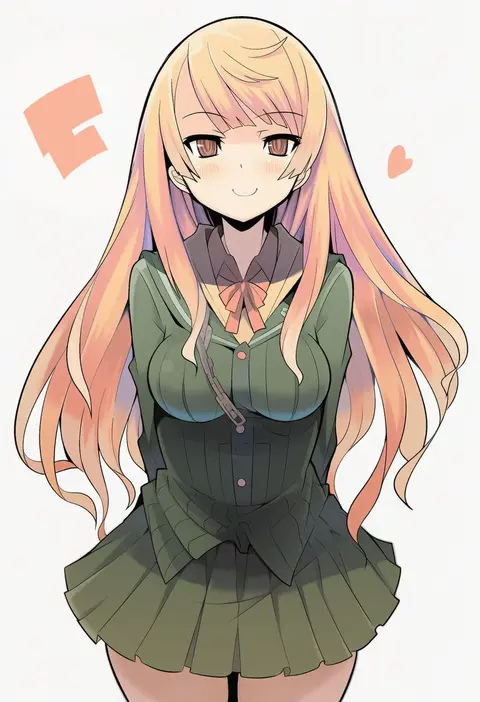
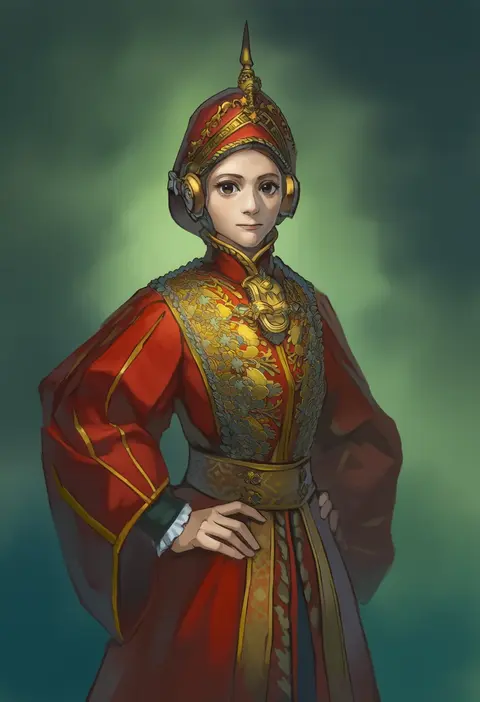
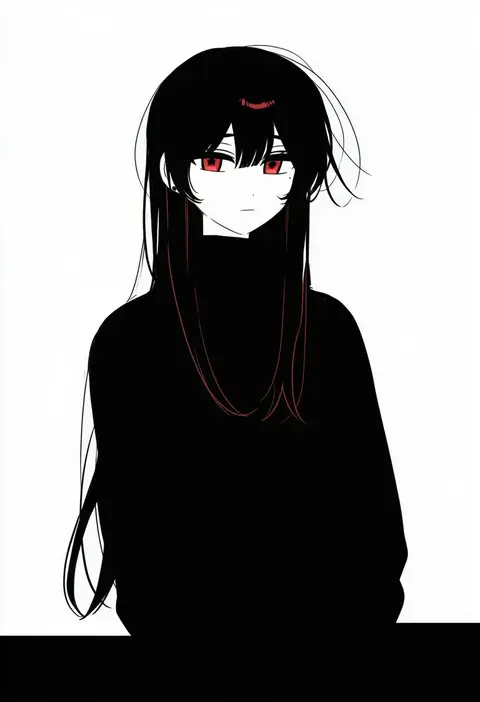
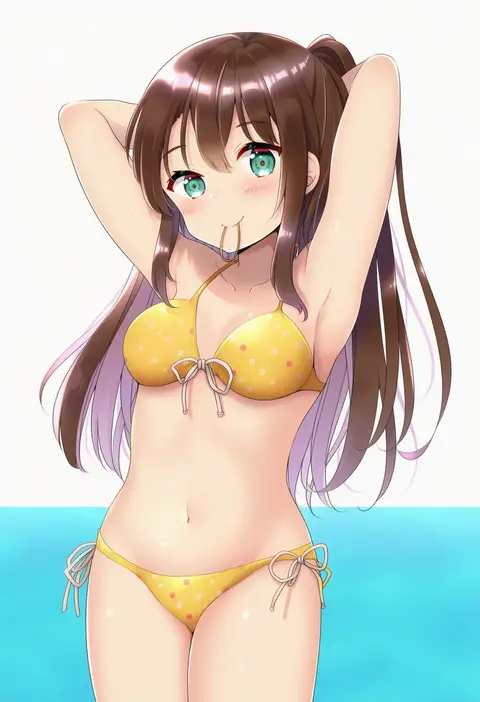
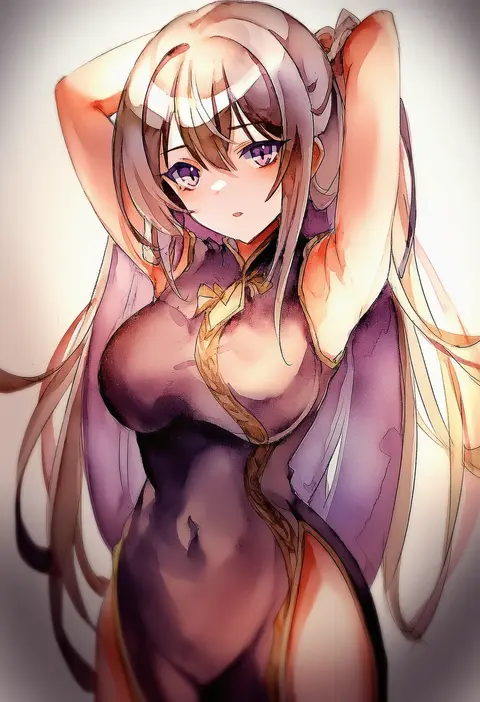
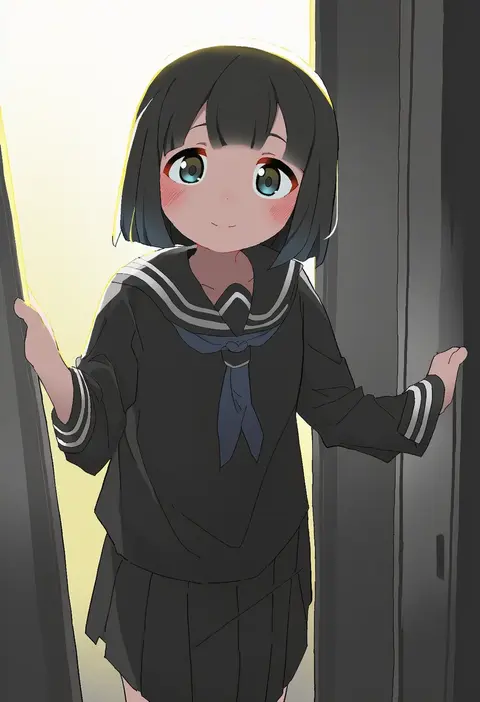
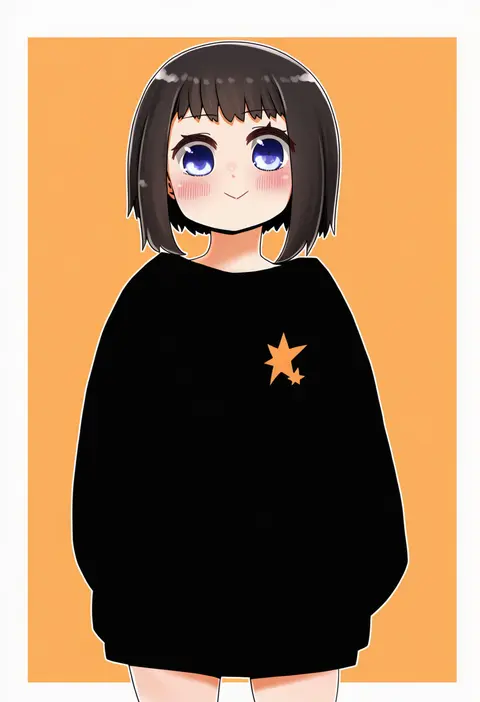
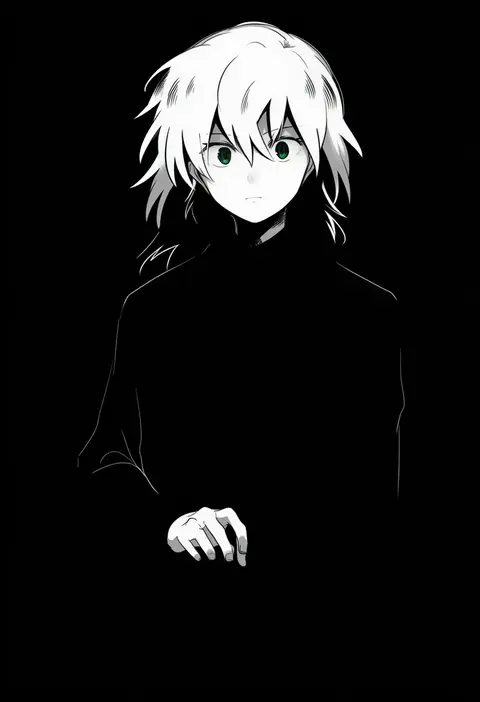
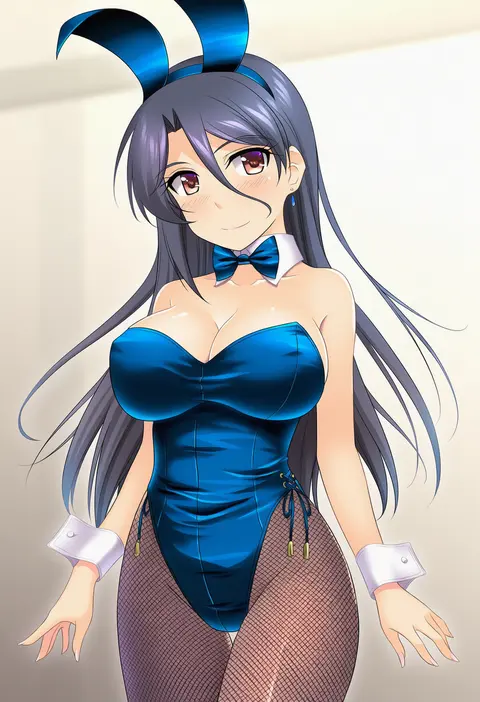
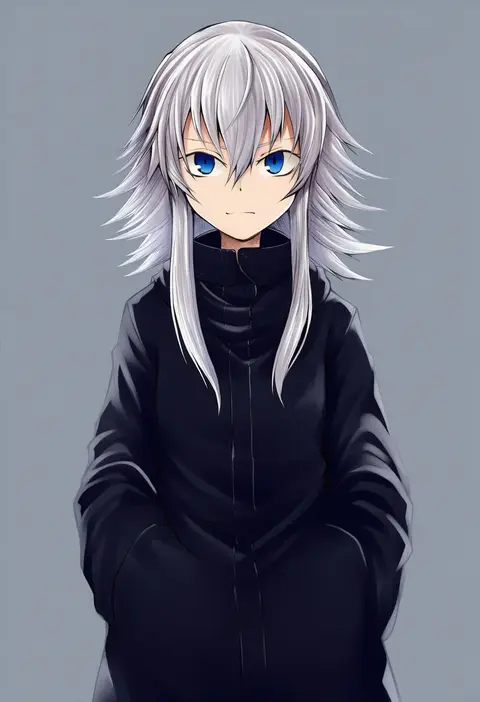
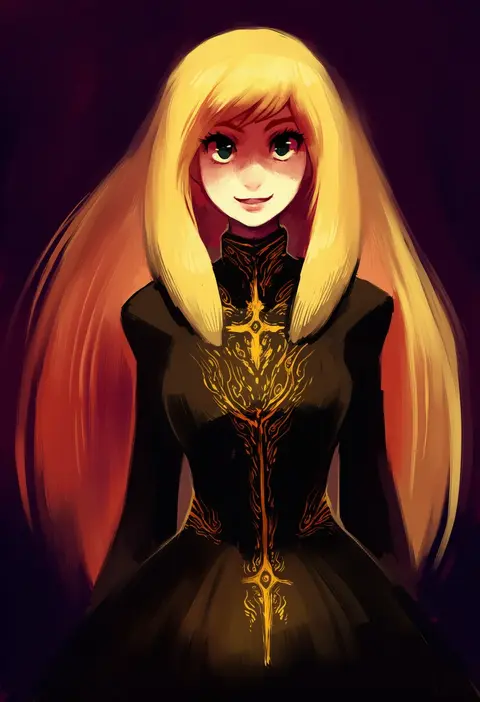
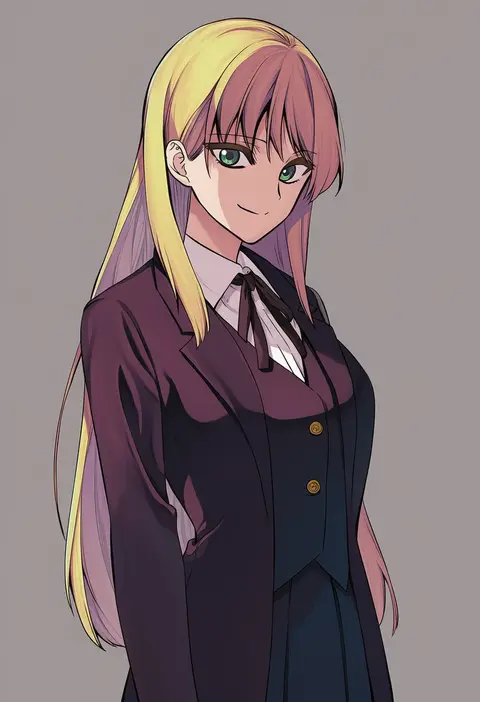
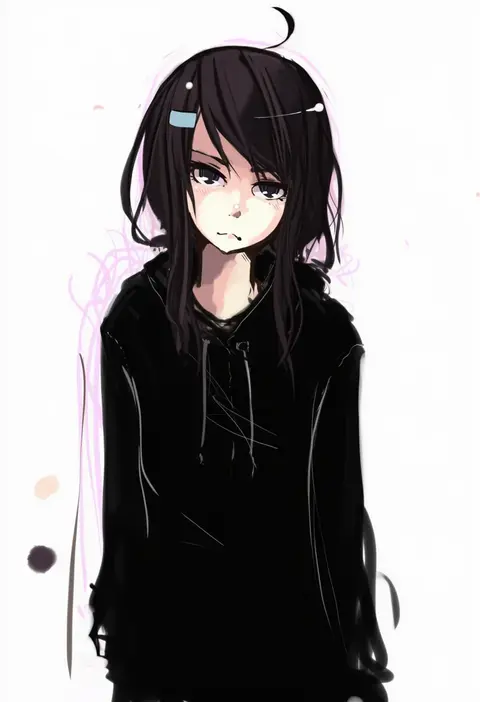
Artist tags tell NovelAI Diffusion to draw in a specific artist's style: line weight, paint texture, face shapes and palette all shift at once. Character and outfit tags decide what is drawn; artist tags decide how. 16,352 tags are listed for V4.5.
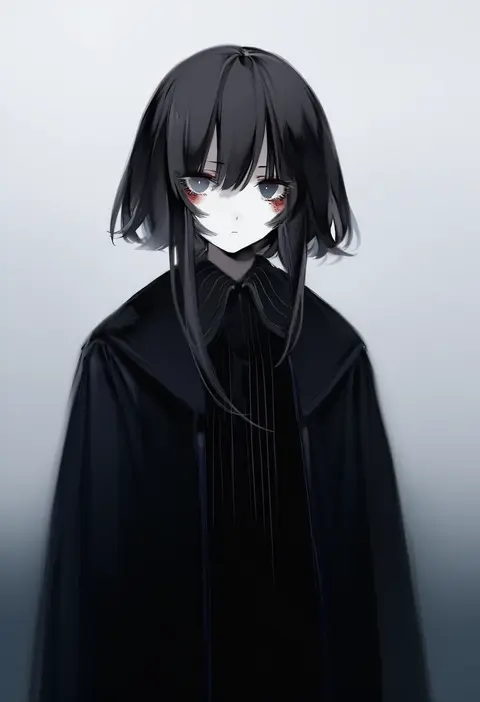
Every tag listed here is verified to react in NovelAI. All images use the same prompt, seed and settings with only the artist tag swapped, so the difference between two images is the style that tag brings in.

How to use them

Put the artist tag near the front of the prompt, e.g. "<artist>, 1girl, solo, best quality, masterpiece, cowboy shot". Two or three artist tags blend styles; lower the weight with "0.8::<artist>::" when the style overpowers the character.

SCORE sorts by Danbooru's top score, POSTS by post count, FAVS by hearts on this site. Open a card to see V5 and V4.5 side by side on the same seed.

V5 vs V4.5

V5 usually lands closer to the artist's real style, and tags that did nothing on V4.5 often react on V5. V4.5 still fits older and doujin-heavy artists better. Try V5 first, fall back to V4.5.

FAQ

Where does the artist tag go?
Near the front of the prompt. Use "0.8::tag::" to adjust its weight.

Can I stack artist tags?
Yes, styles blend. Past two or three the result stops looking like anyone.

Are these the artists' own works?
No. Every image is a NovelAI sample generated from the tag.