V4.5Artists
sort: FAVS▾
▾
>
$

Popular NovelAI artist tags — V4.5

artist --count 16,352[220/273]
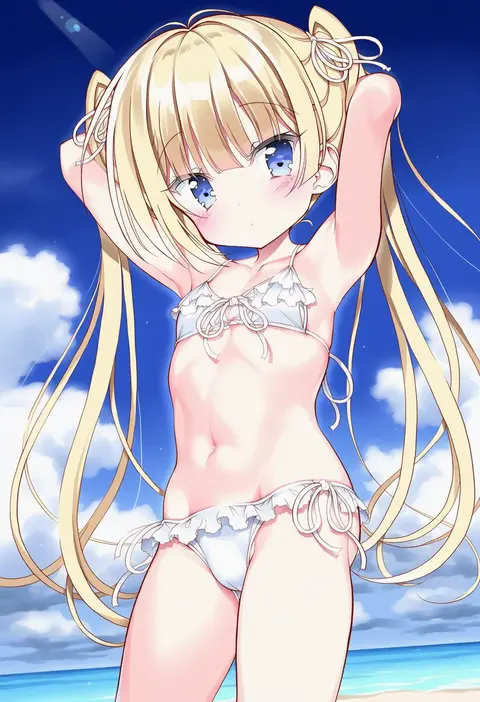
takahashi tetsuya
ARTIST0x3354
0
ech
ARTIST0x3355
0
rindou (p41neko)
ARTIST0x3356
0
kem kem
ARTIST0x3357
0
hanokage
ARTIST0x3358
0
suenari (peace)
ARTIST0x3359
0
alchera
ARTIST0x335A
0
shio (futatsumami)
ARTIST0x335B
0
rangycrow
ARTIST0x335C
0
kapuru 0410
ARTIST0x335D
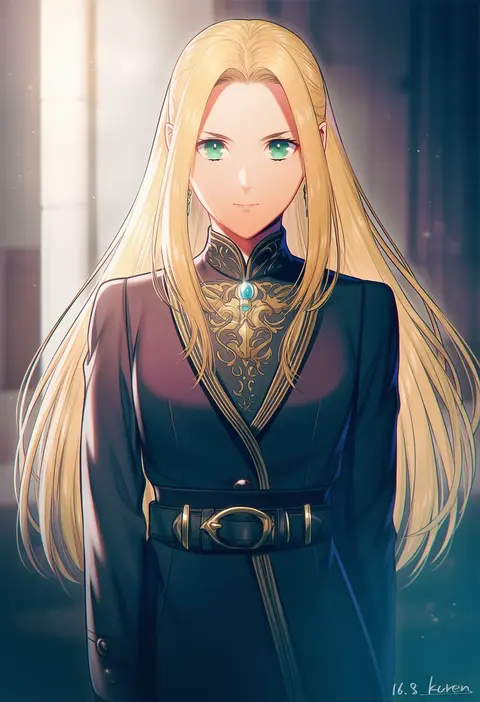
0
kuren
ARTIST0x335E
0
nu (plastic eraser)
ARTIST0x335F
0
changye
ARTIST0x3360
0
sumiya nadateru
ARTIST0x3361
0
juna
ARTIST0x3362
0
suicchonsuisui
ARTIST0x3363
0
logi bunbukucha
ARTIST0x3364
0
yukizuki chikuba
ARTIST0x3365
0
batacchi (mashimashi butter)
ARTIST0x3366
0
g-tetsu
ARTIST0x3367
0
earasensha
ARTIST0x3368
0
haganemaru kennosuke
ARTIST0x3369
0
haru (haruxxe)
ARTIST0x336A
0
tilm
ARTIST0x336B
0
hyakucha
ARTIST0x336C
0
tougetsu gou
ARTIST0x336D
0
minimaru
ARTIST0x336E
0
ayame hashinimasen
ARTIST0x336F
0
hakua ugetsu
ARTIST0x3370
0
buchikaki
ARTIST0x3371
0
thxzmgn
ARTIST0x3372
0
magenta (atyana)
ARTIST0x3373
0
dfd
ARTIST0x3374
0
itoko (ldoll itk)
ARTIST0x3375
0
kyano (kyanora3141)
ARTIST0x3376
0
keepout
ARTIST0x3377
0
hitsuji bako
ARTIST0x3378
0
ryouzou
ARTIST0x3379
0
sen (sen0910)
ARTIST0x337A
0
uraichishi
ARTIST0x337B
0
banghwadongjopidi
ARTIST0x337C
0
onion (lemlaml)
ARTIST0x337D
0
lkari shi
ARTIST0x337E
0
pasoputi
ARTIST0x337F
0
fateline alpha
ARTIST0x3380
0
hime (himetya105)
ARTIST0x3381
0
ruru (gi xxy)
ARTIST0x3382
0
urute
ARTIST0x3383
0
liang cun rakuna
ARTIST0x3384
0
sin (sin52y)
ARTIST0x3385
0
ydpfa
ARTIST0x3386
0
osamu yagi
ARTIST0x3387
0
senshiya
ARTIST0x3388
0
aayh
ARTIST0x3389
0
pegashi
ARTIST0x338A
0
ajino (sakanahen)
ARTIST0x338B
0
baretto (firearms 1)
ARTIST0x338C
0
inuga anahoru
ARTIST0x338D
0
elulit2
ARTIST0x338E
0
monizumi ishikawa
ARTIST0x338F
0

What these tags change

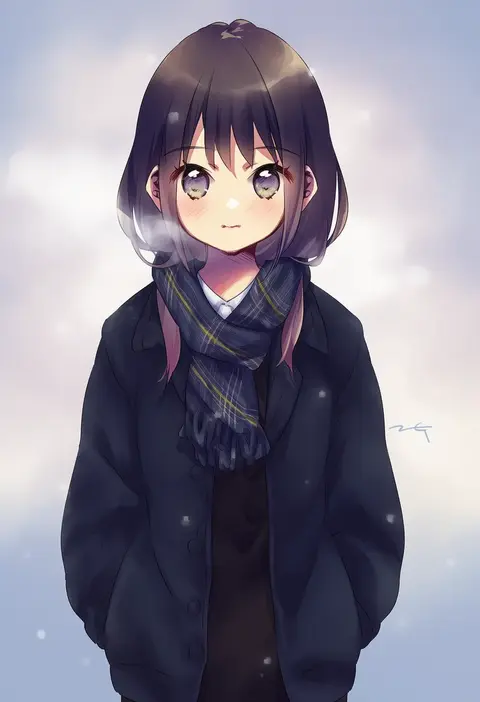
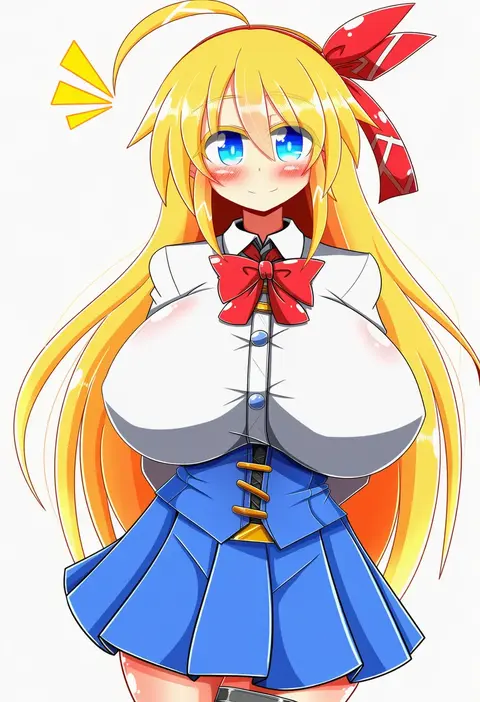
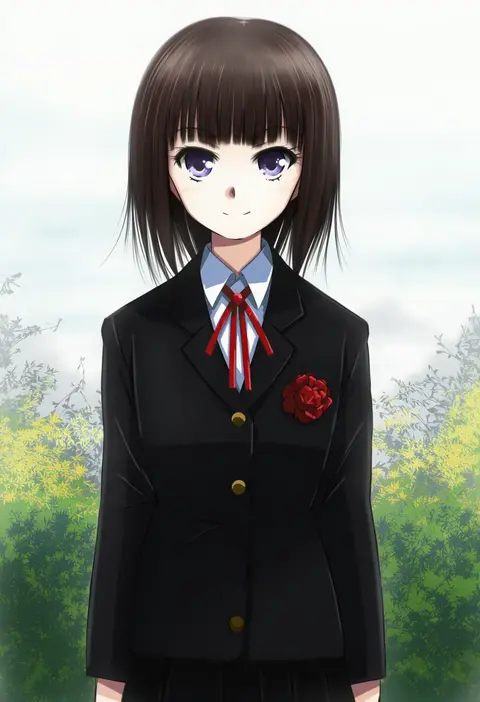
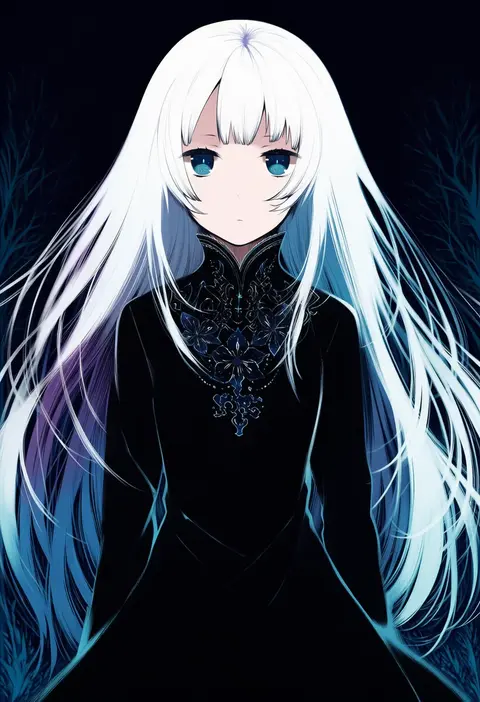
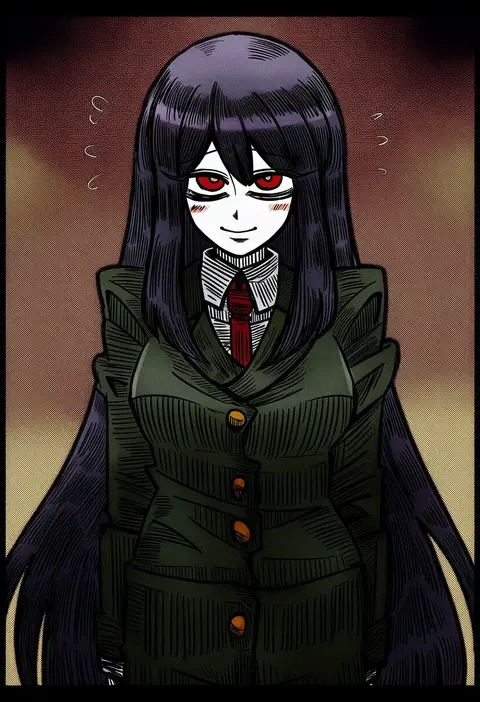
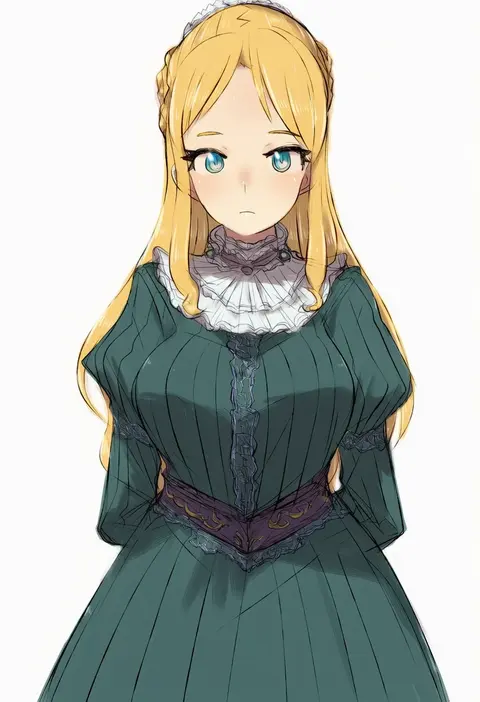
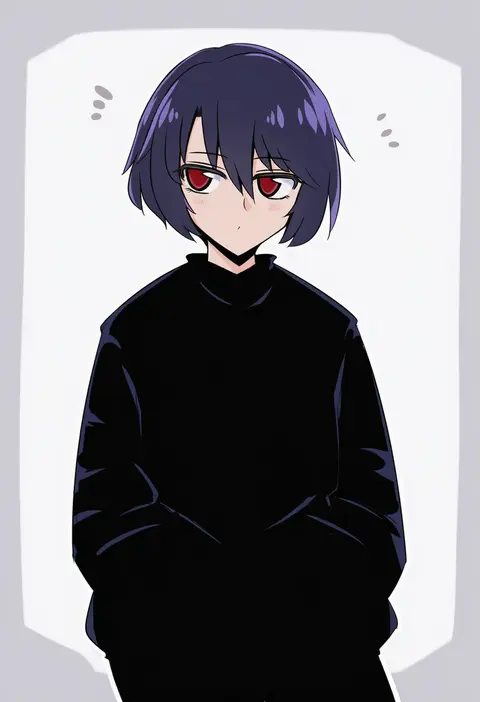
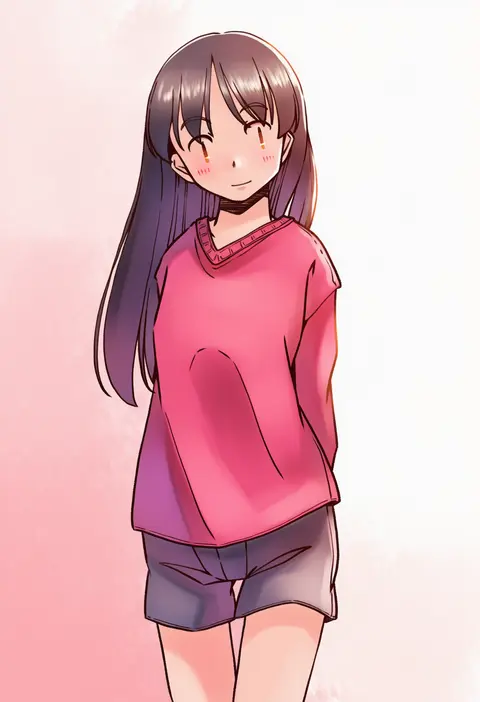
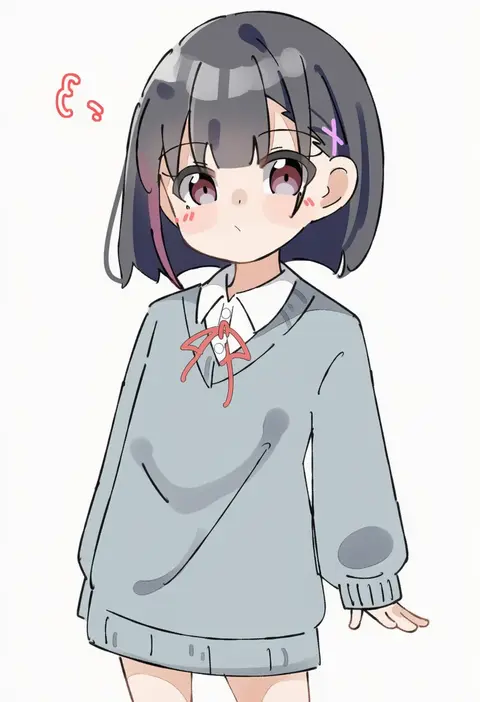
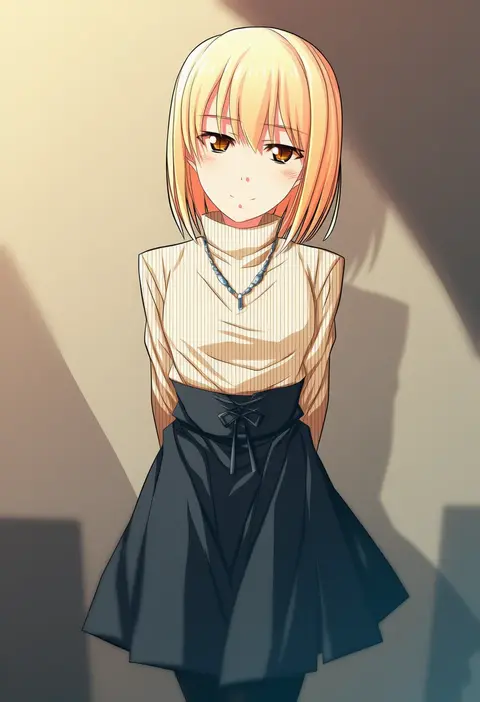
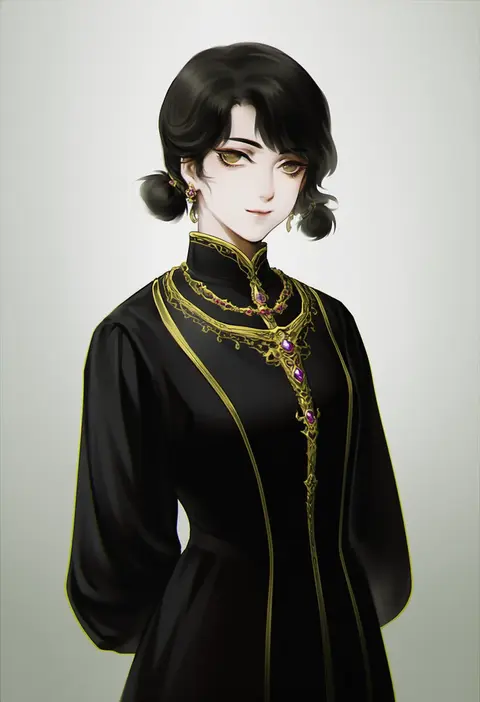
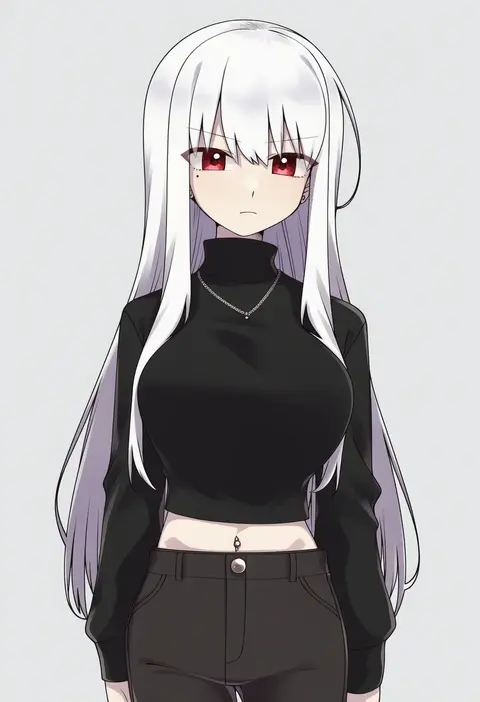
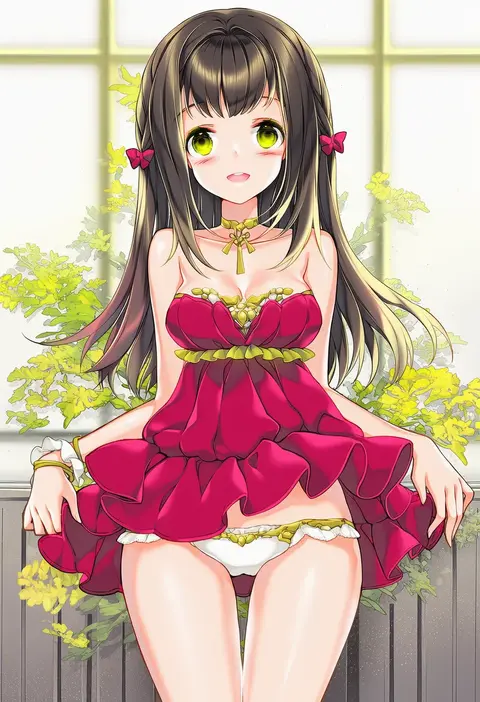
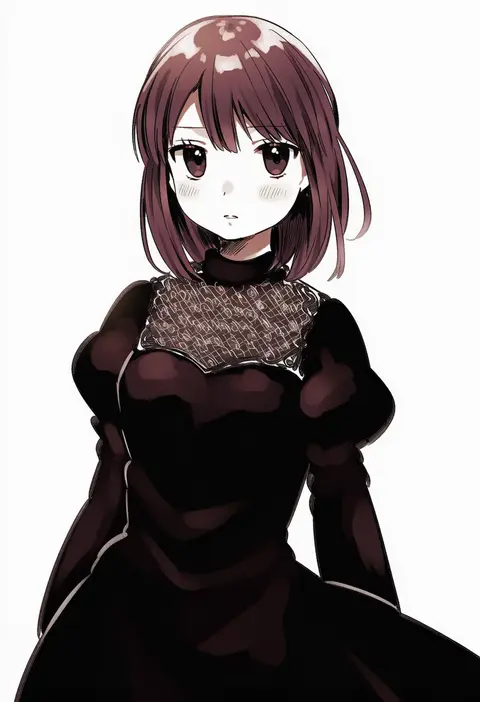
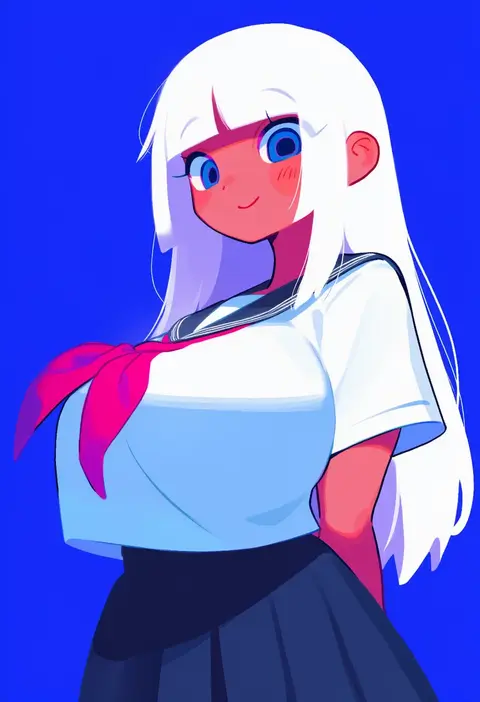
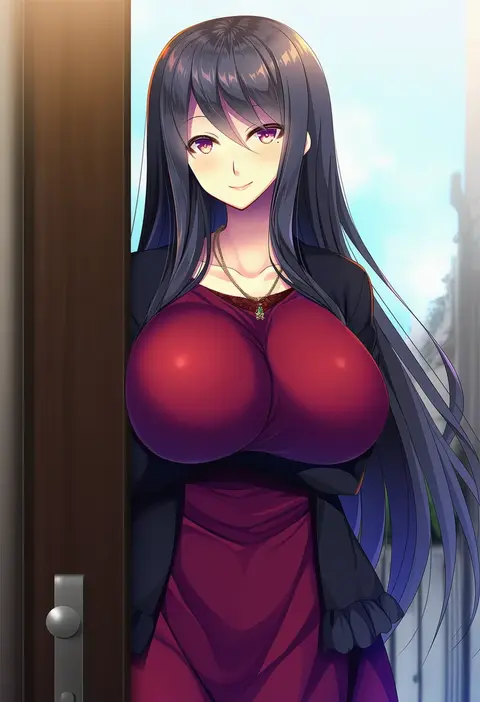
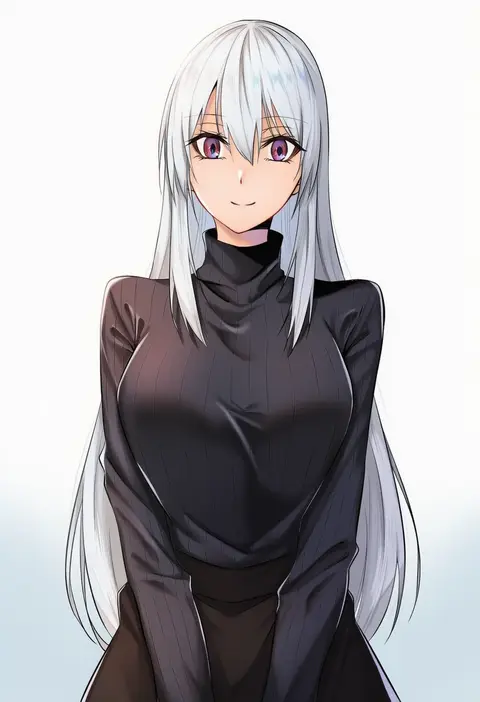
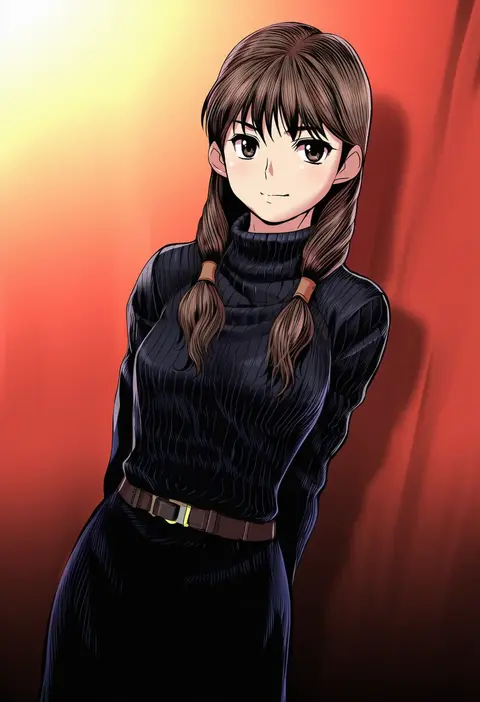
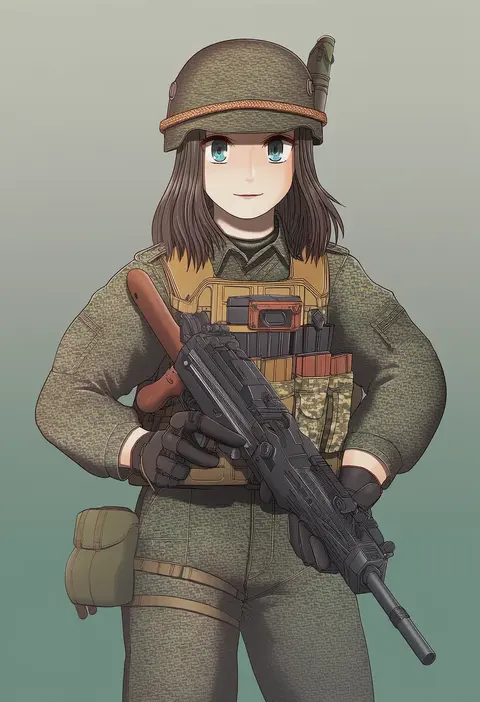
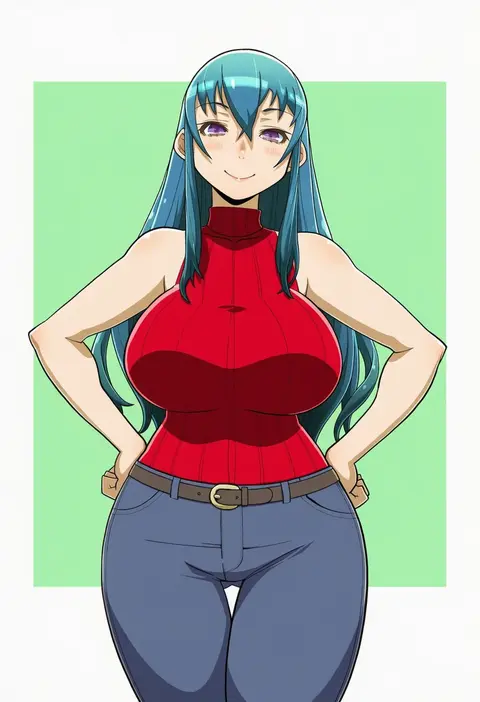
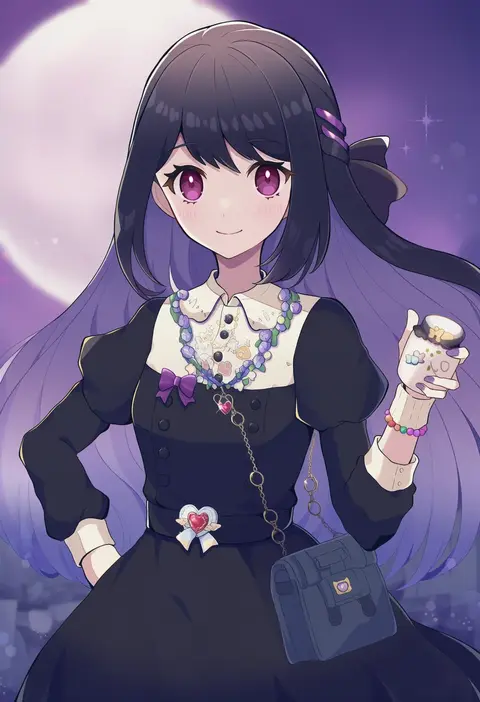
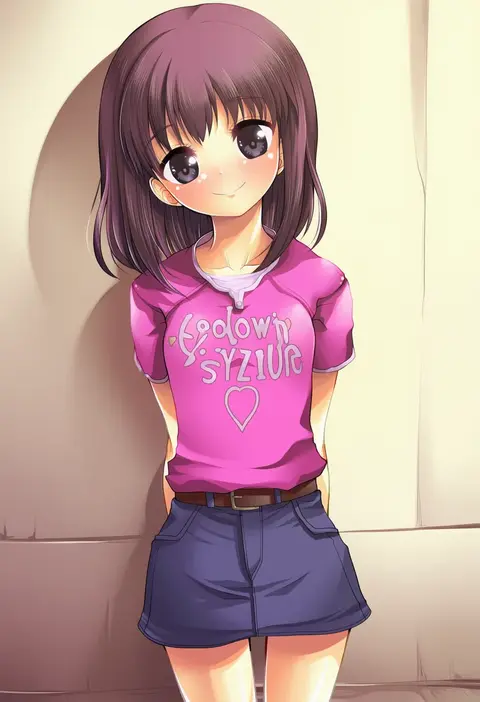
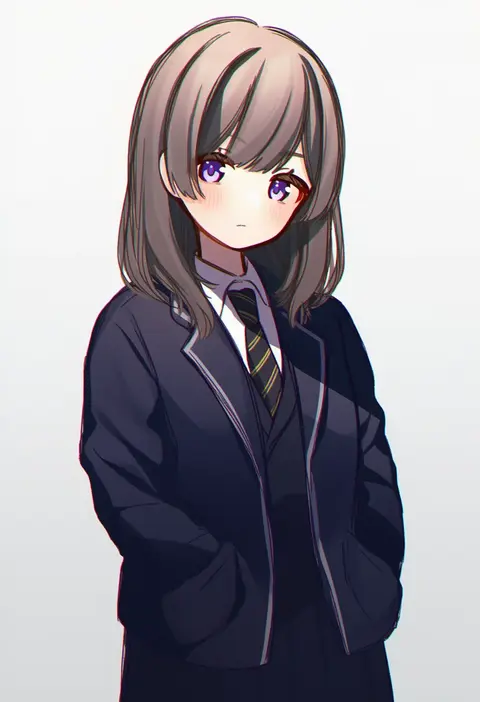
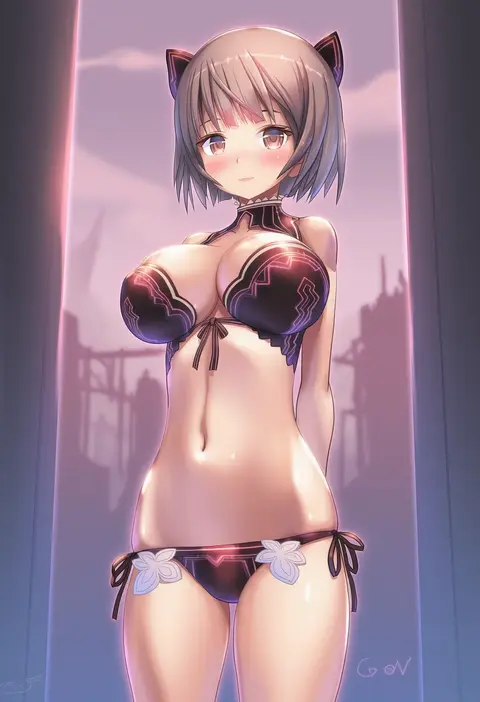
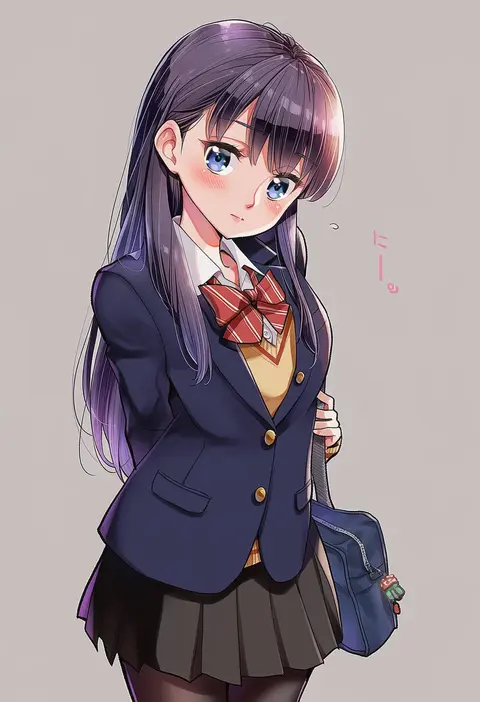
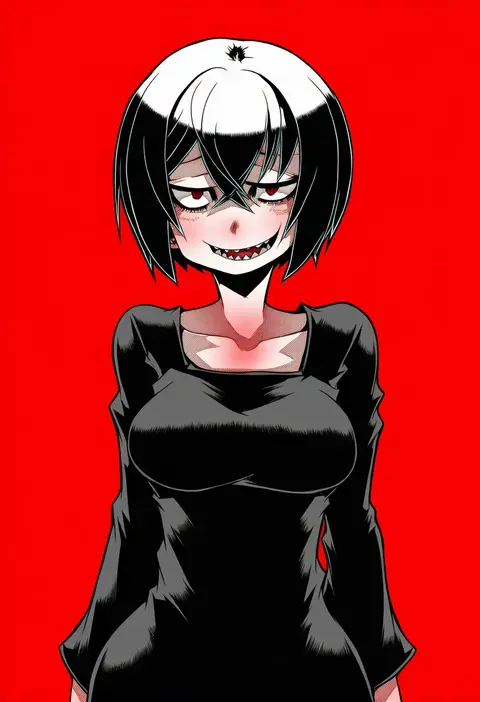
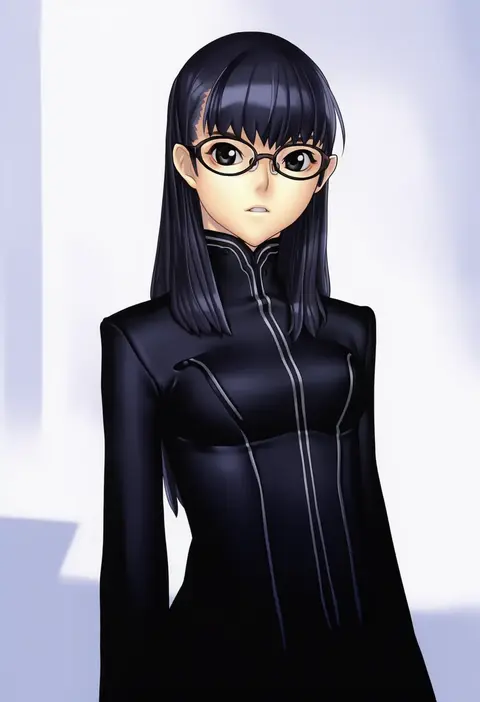
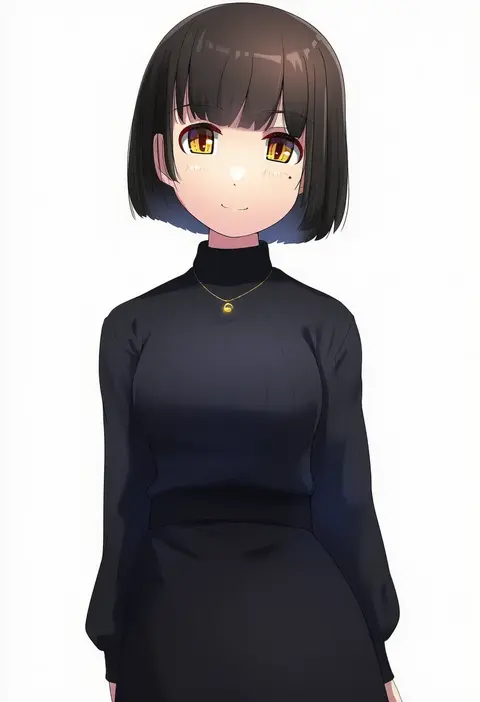
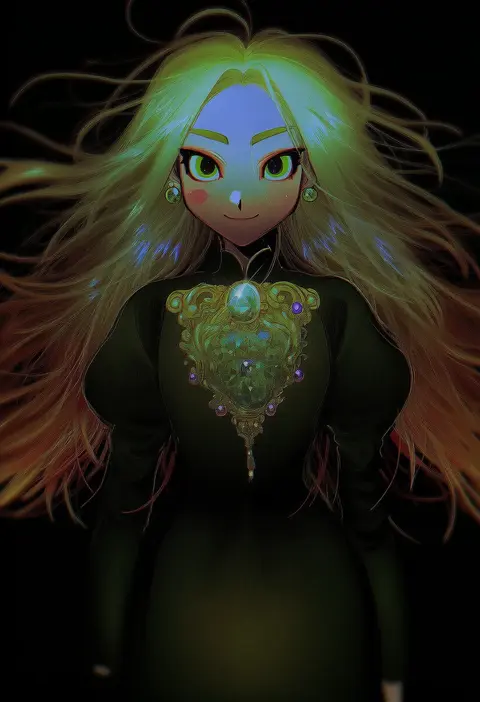
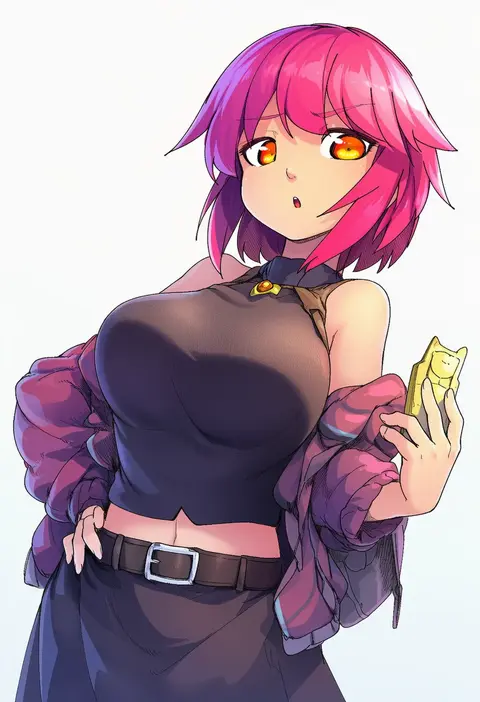
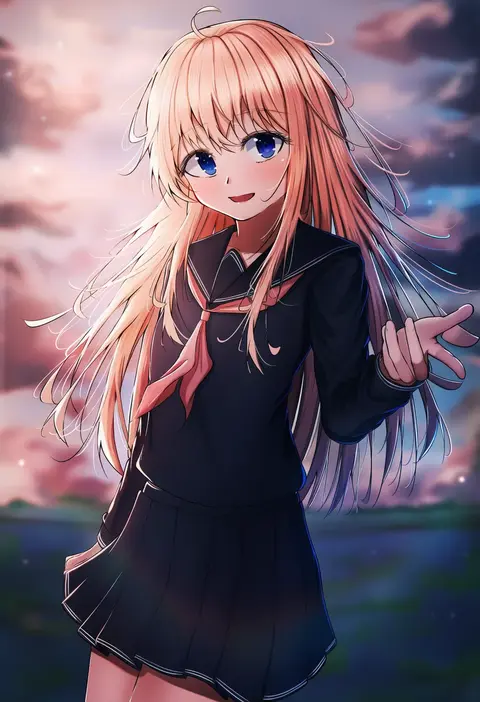
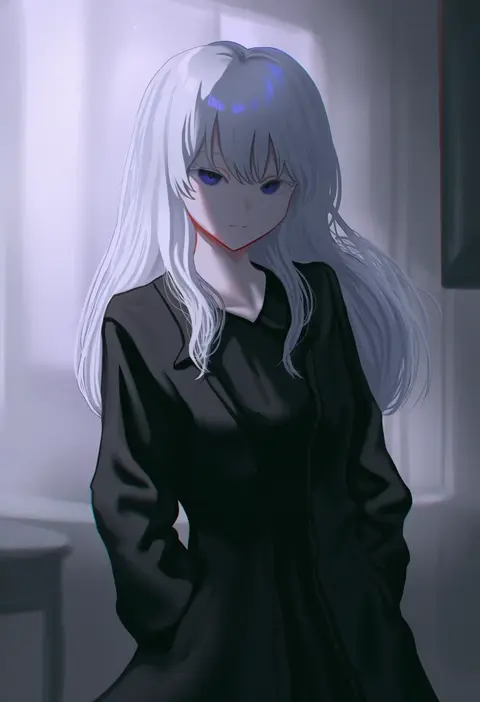
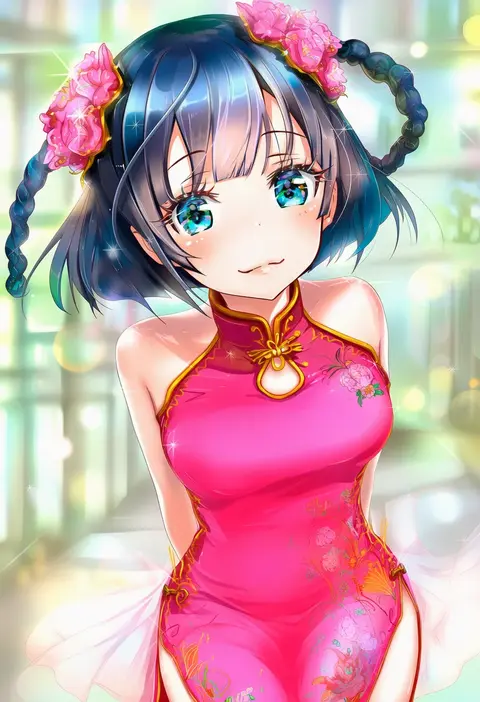
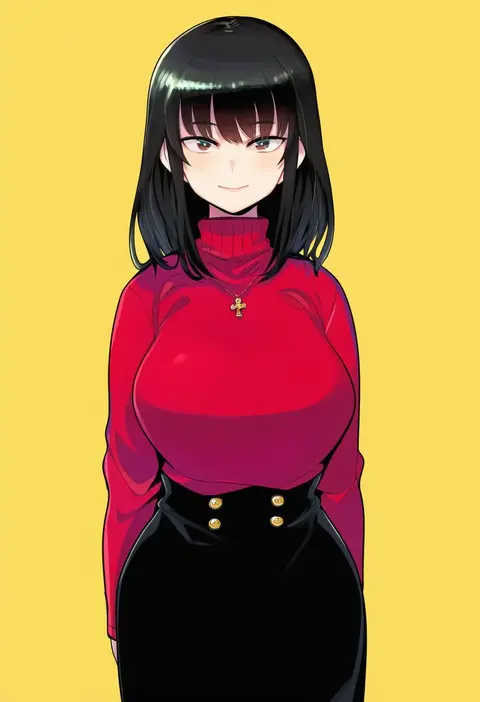
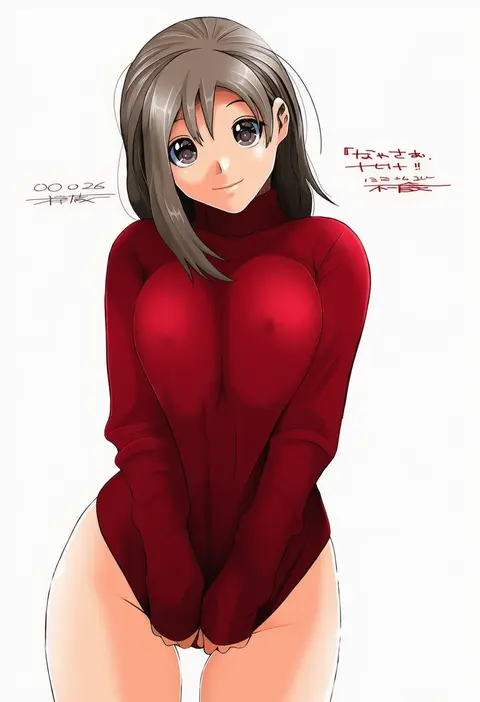
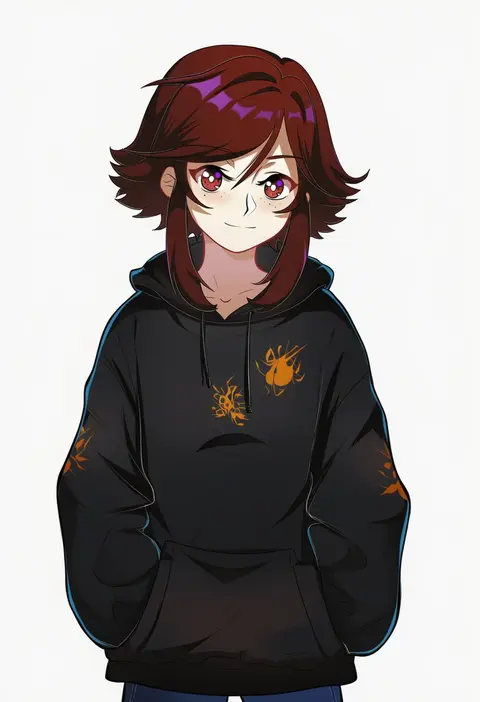
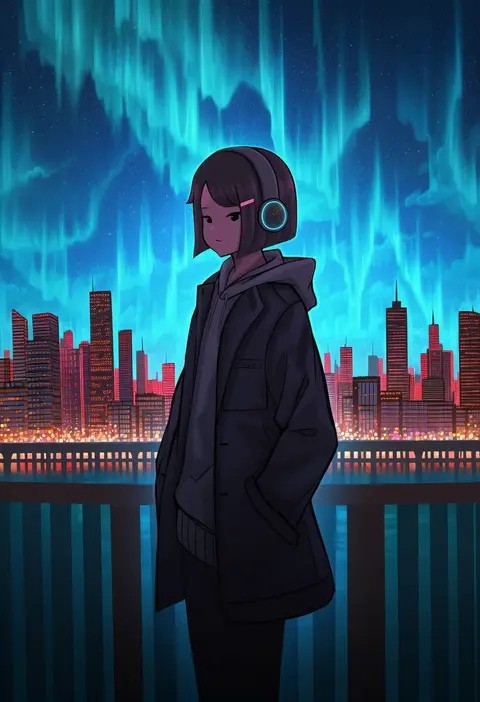
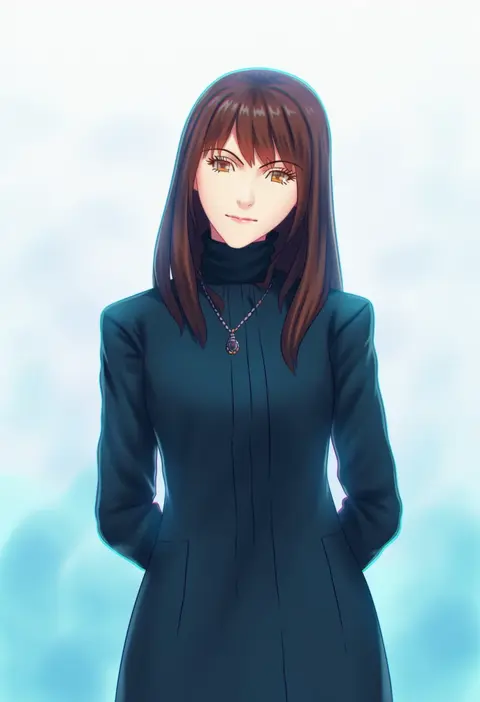
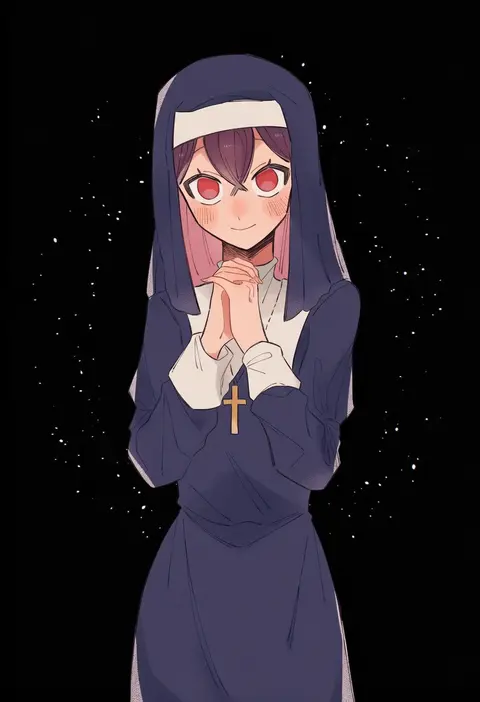
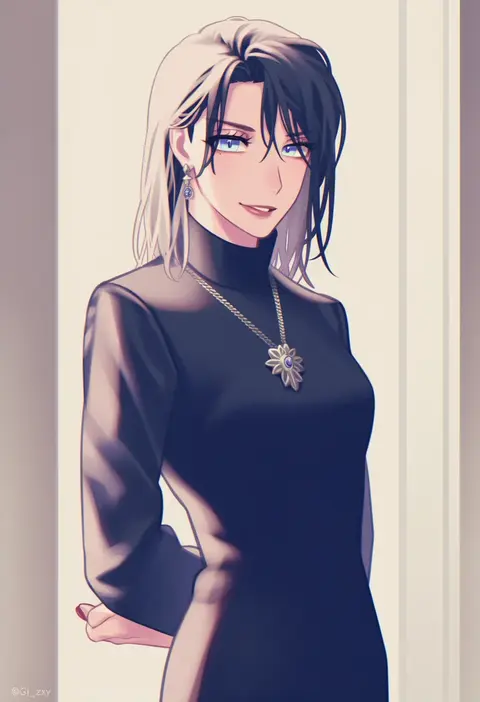
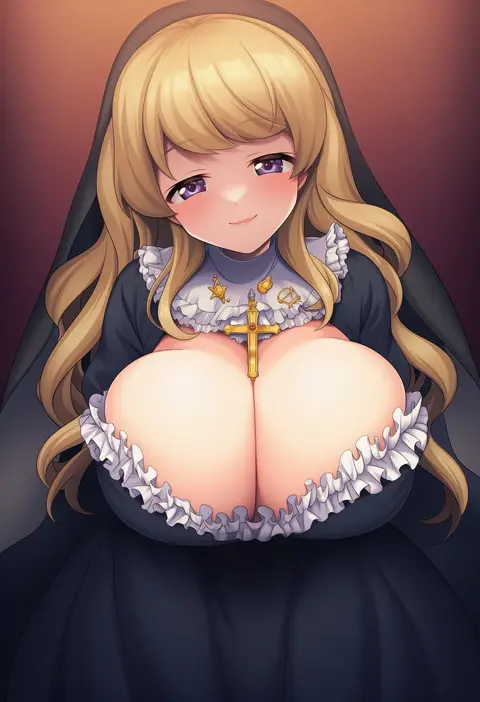
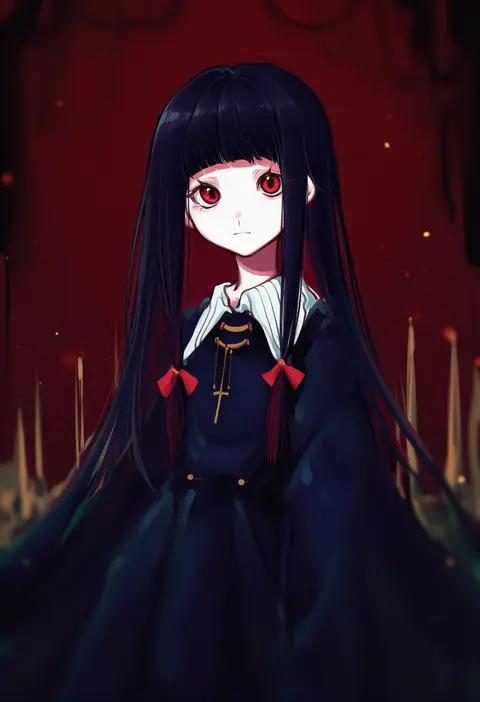
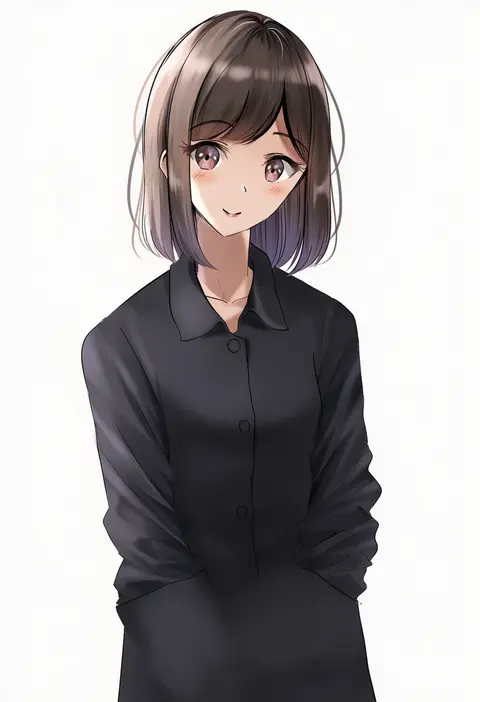
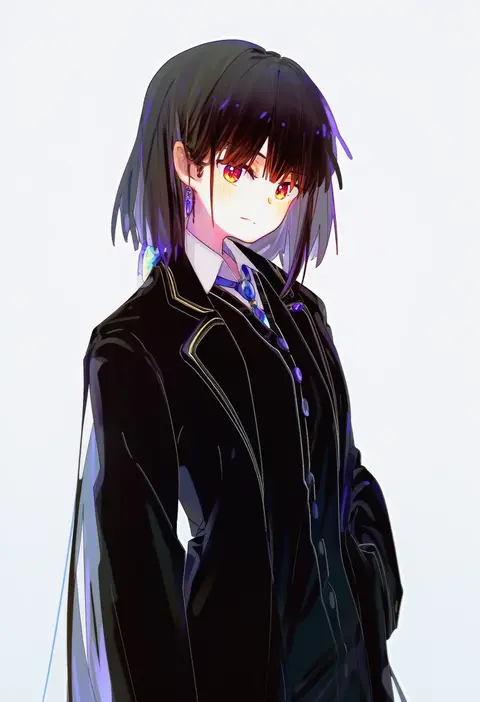
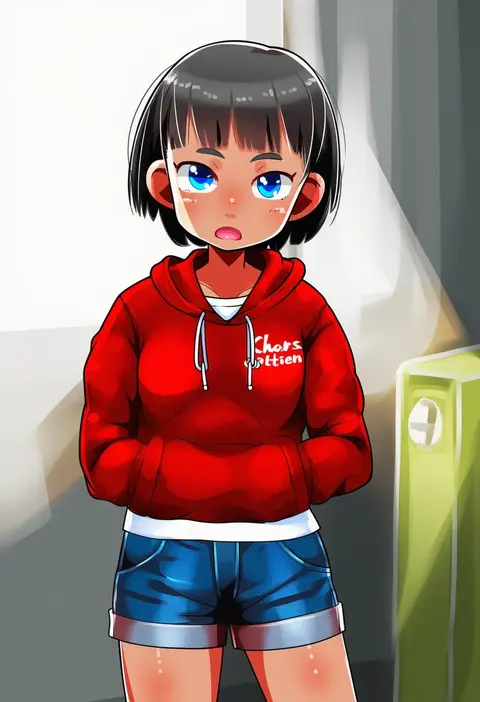
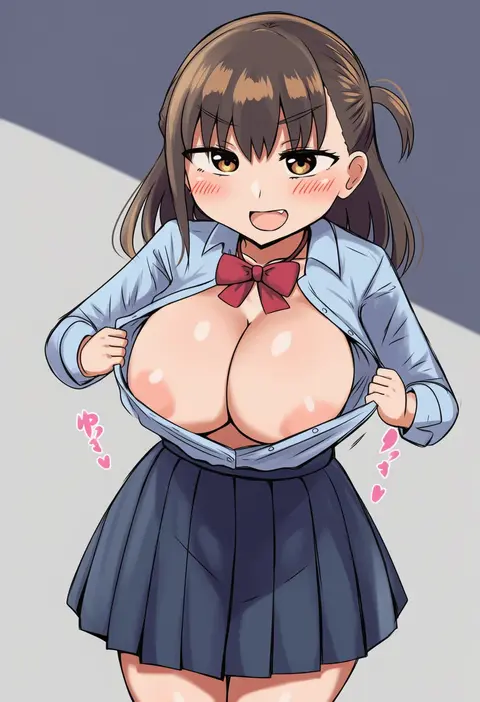
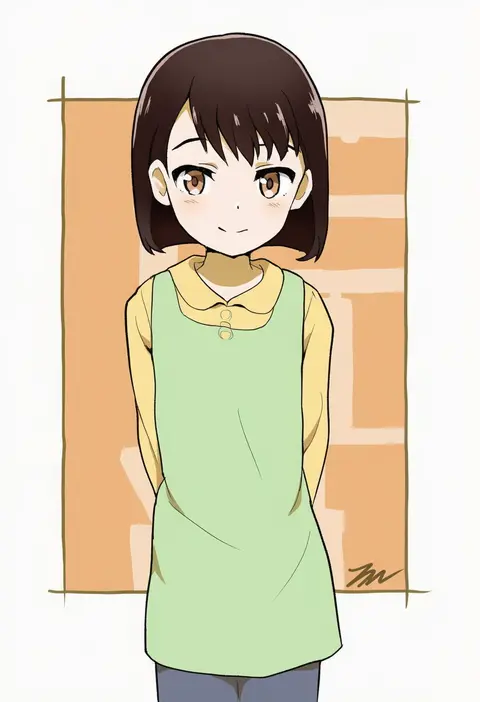
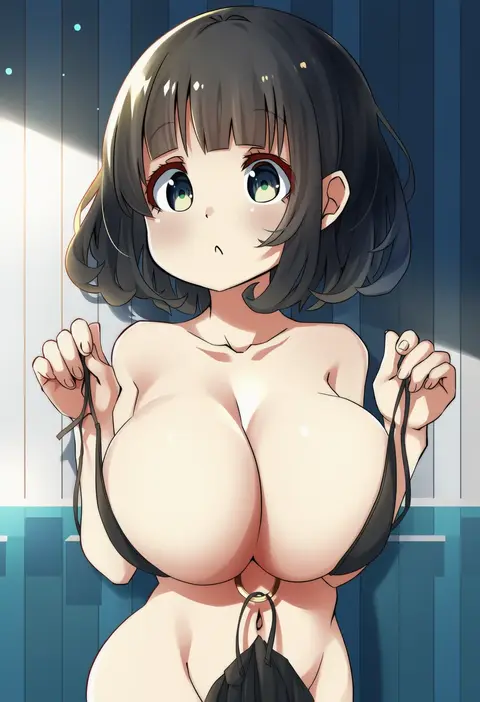
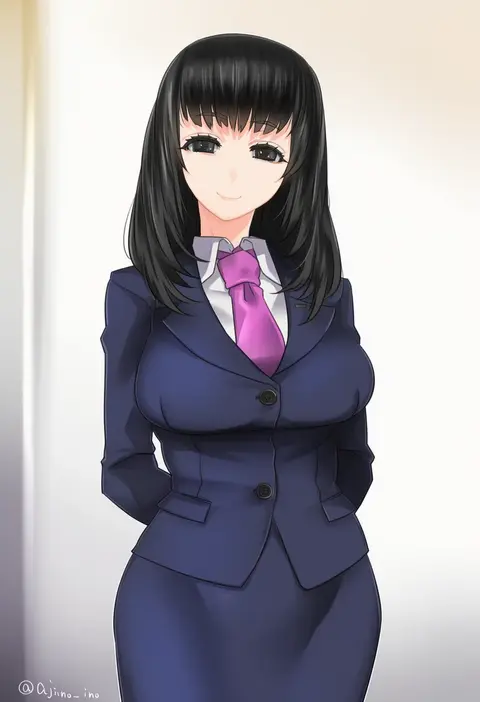
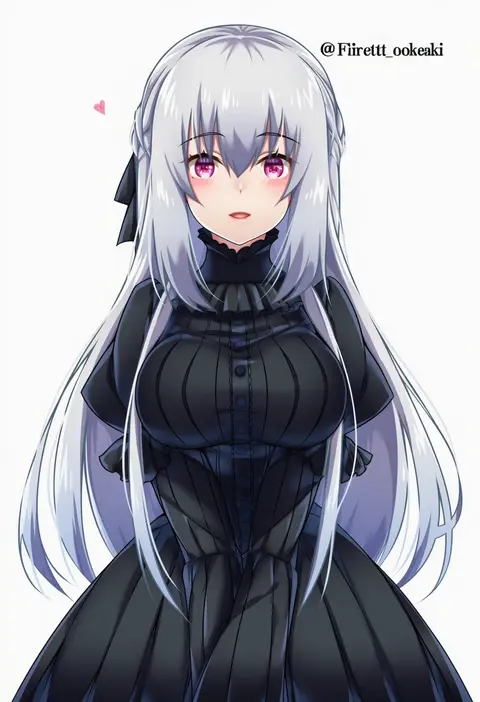
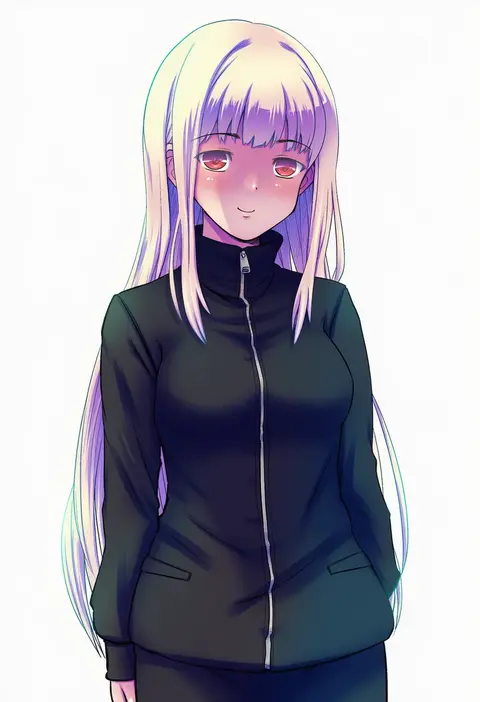
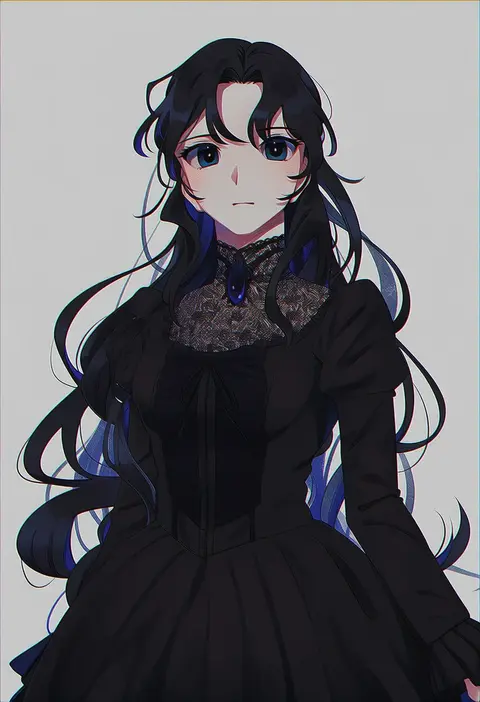
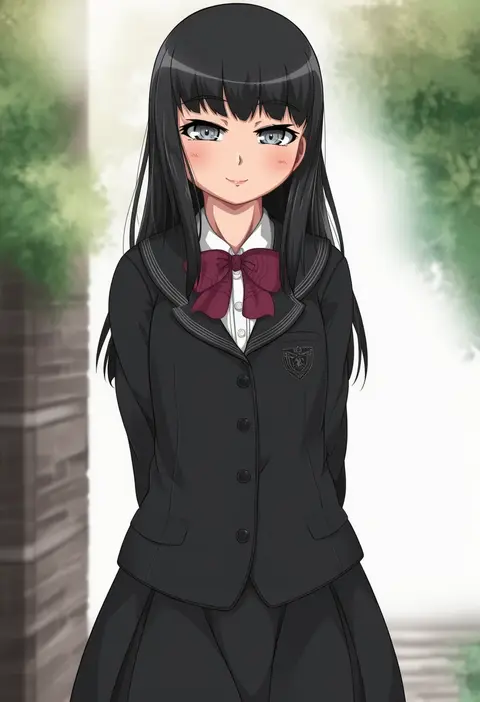
Artist tags tell NovelAI Diffusion to draw in a specific artist's style: line weight, paint texture, face shapes and palette all shift at once. Character and outfit tags decide what is drawn; artist tags decide how. 16,352 tags are listed for V4.5.
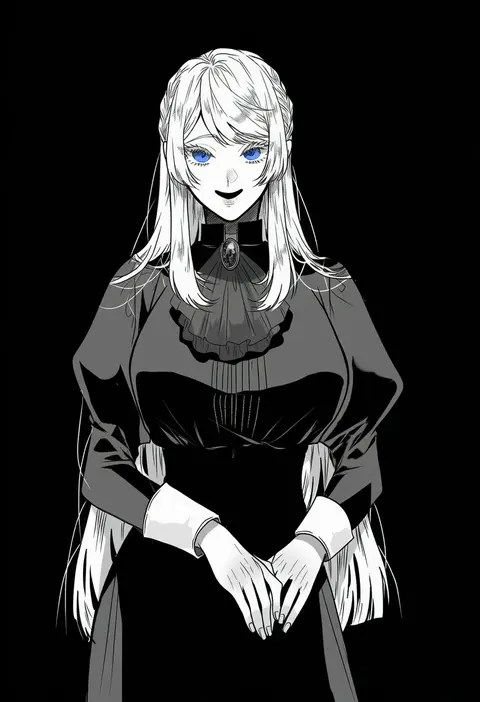
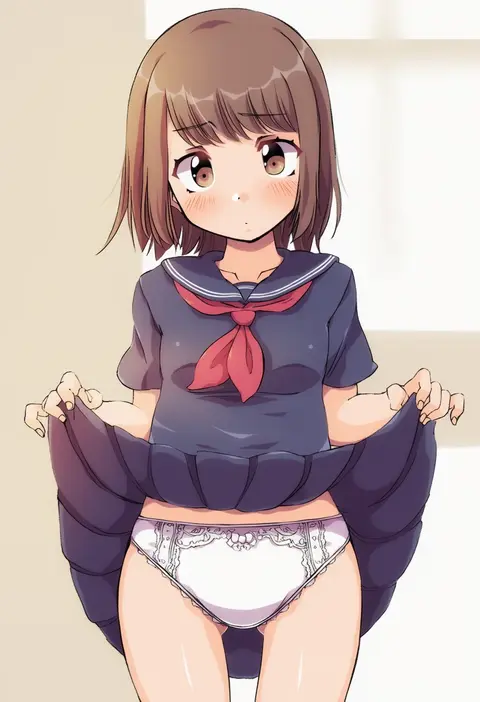
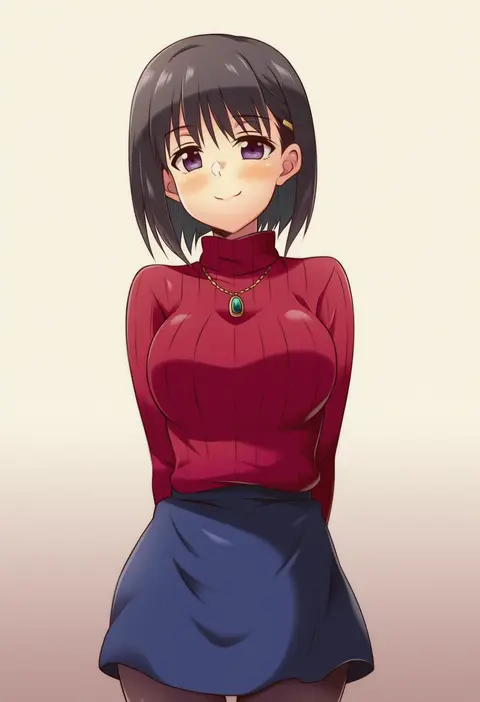
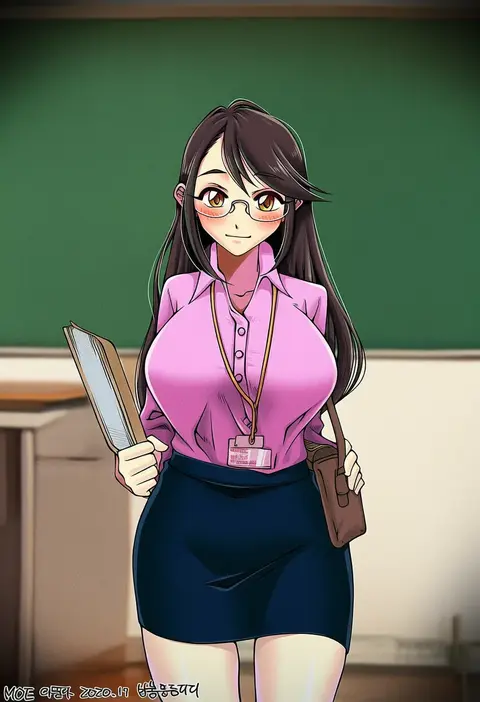
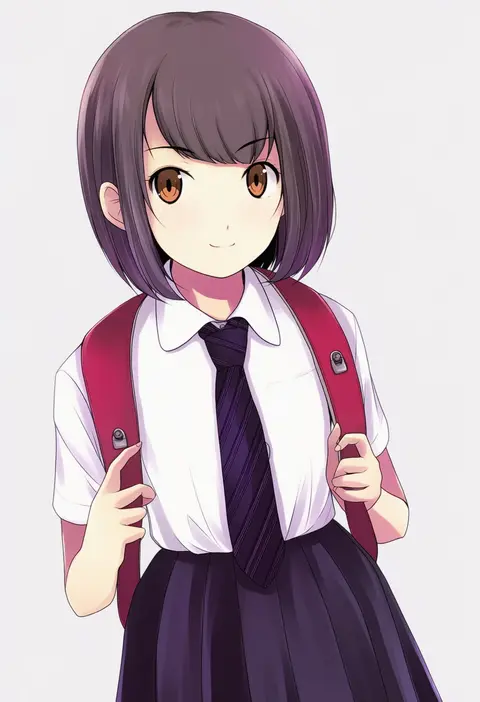
Every tag listed here is verified to react in NovelAI. All images use the same prompt, seed and settings with only the artist tag swapped, so the difference between two images is the style that tag brings in.

How to use them

Put the artist tag near the front of the prompt, e.g. "<artist>, 1girl, solo, best quality, masterpiece, cowboy shot". Two or three artist tags blend styles; lower the weight with "0.8::<artist>::" when the style overpowers the character.

SCORE sorts by Danbooru's top score, POSTS by post count, FAVS by hearts on this site. Open a card to see V5 and V4.5 side by side on the same seed.

V5 vs V4.5

V5 usually lands closer to the artist's real style, and tags that did nothing on V4.5 often react on V5. V4.5 still fits older and doujin-heavy artists better. Try V5 first, fall back to V4.5.

FAQ

Where does the artist tag go?
Near the front of the prompt. Use "0.8::tag::" to adjust its weight.

Can I stack artist tags?
Yes, styles blend. Past two or three the result stops looking like anyone.

Are these the artists' own works?
No. Every image is a NovelAI sample generated from the tag.